Tag Archives: ipads

Augmented Reality Fun! Too Cool!

IMG_2265

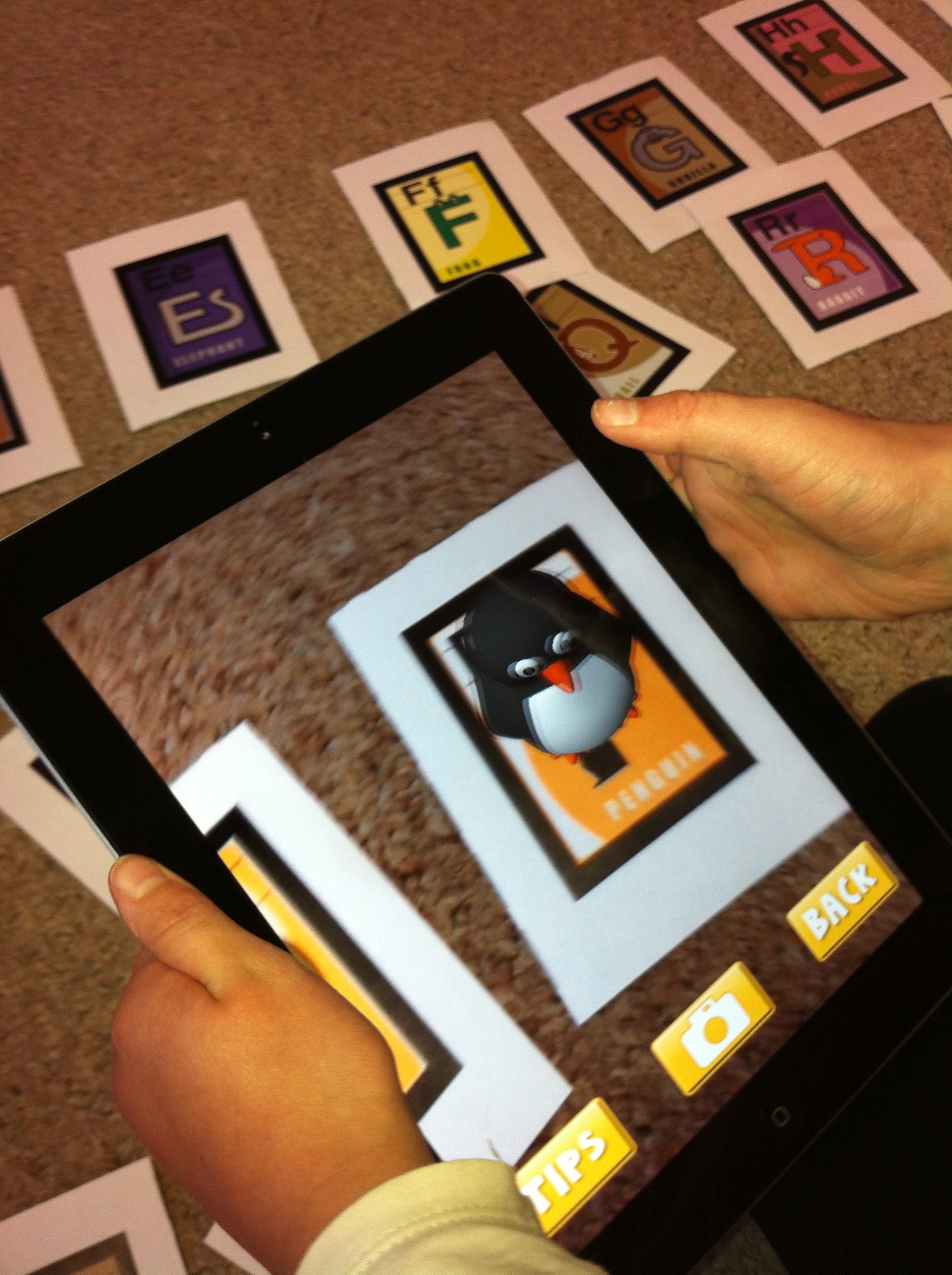
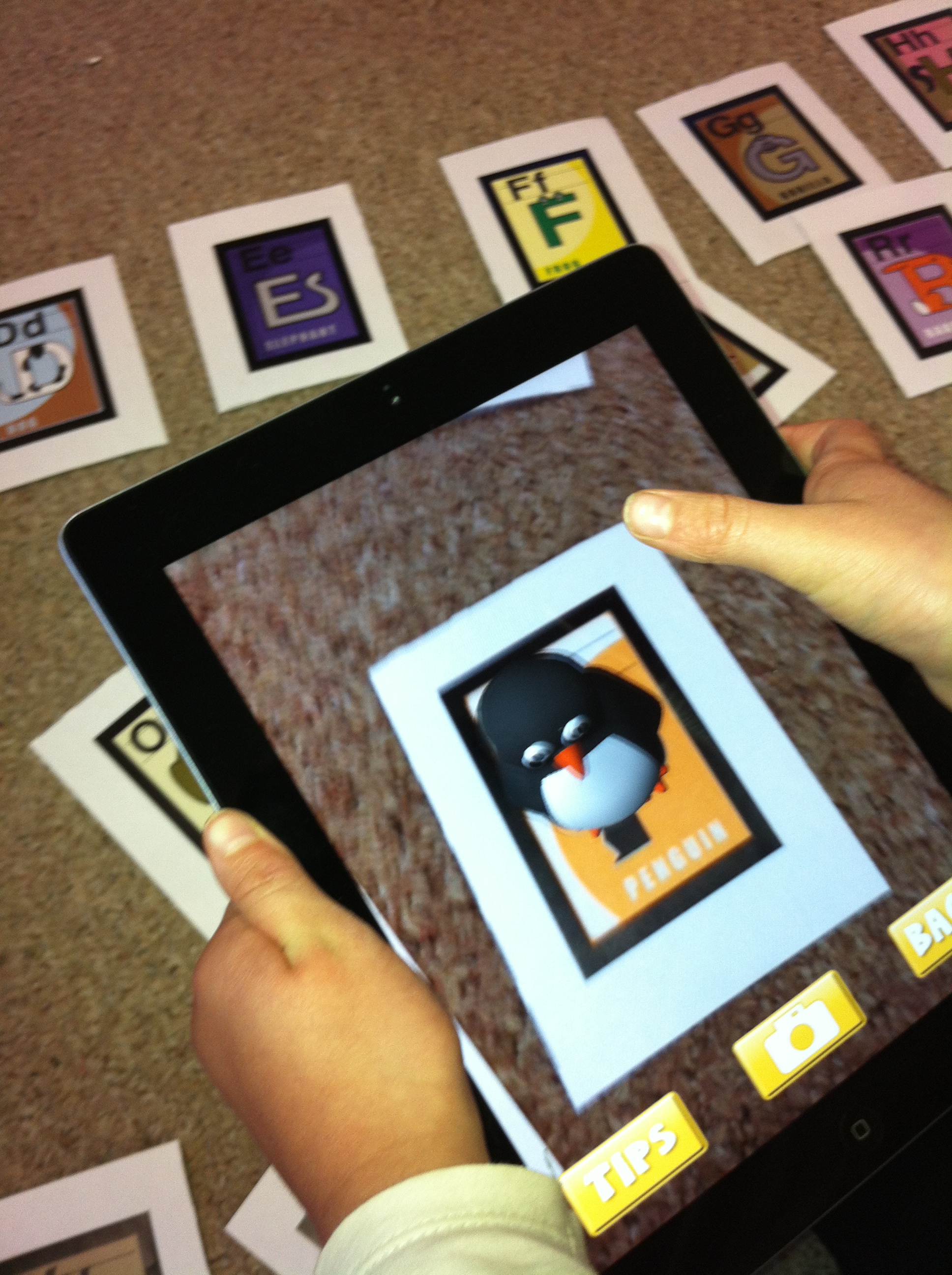
Today we experimented with an amazing new app on the iPads.  The app is called AR Flash Cards.  AR is short for Augmented Reality.  It is a fantastic app!  I printed off the Alphabet cards on my color printer at home.  Then I cut them apart.  I had already downloaded the app.  You basically open the app, place the ipad over the card and wait a little bit.  Magic happens!!
IMG_2264

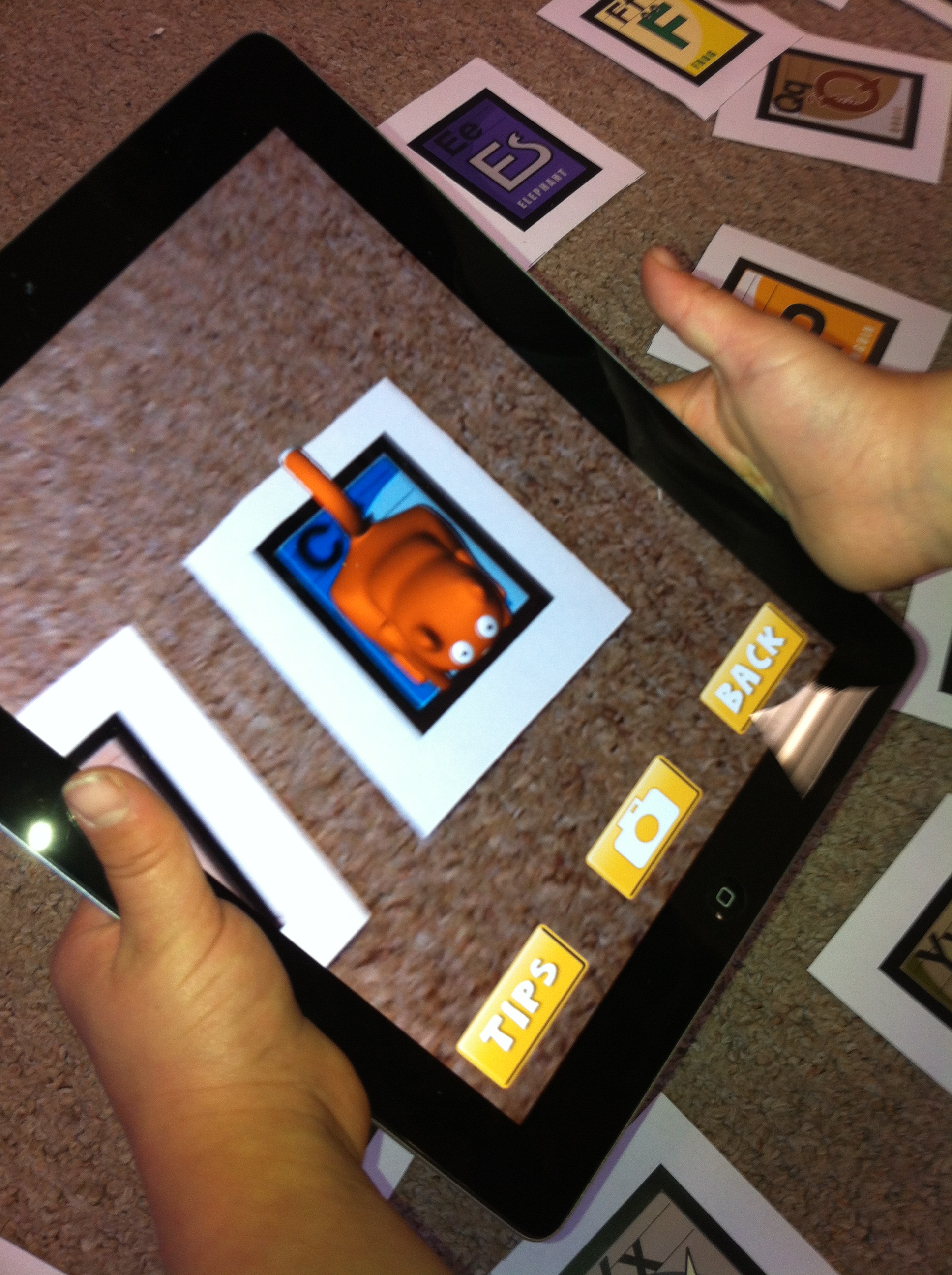
A three dimensional animation of the animal on the alphabet card appears on the screen.  When you touch the screen the audio component can be heard.  It tells the child the name of the letter and the animal!

I was able to let all the children see the magic at the same time using the projector and the special adapter cord I have for the iPad.  Later, the children used the iPads independently to try it out by themselves.

I wish I could have taped the looks on their faces when the first animation appeared!
IMG_2263

The alphabet cards are really neat and I know we will get a lot of use out of them!  They were free!  Very easy way to get students interested in alphabet skills!  We will be having lots of fun with alphabetizing, letter sounds, spelling practice, and so on with this app!

There are more cards coming soon but they have a cost attached.  The dinosaur ones could be really cool!

We also worked with another augmented reality app I have discovered.  It is called CoLAR Mix.

I was a bit sneaky!  I had the children color a special coloring page that I had downloaded for them.  I told them if they did a really good job we would do something really cool with it!

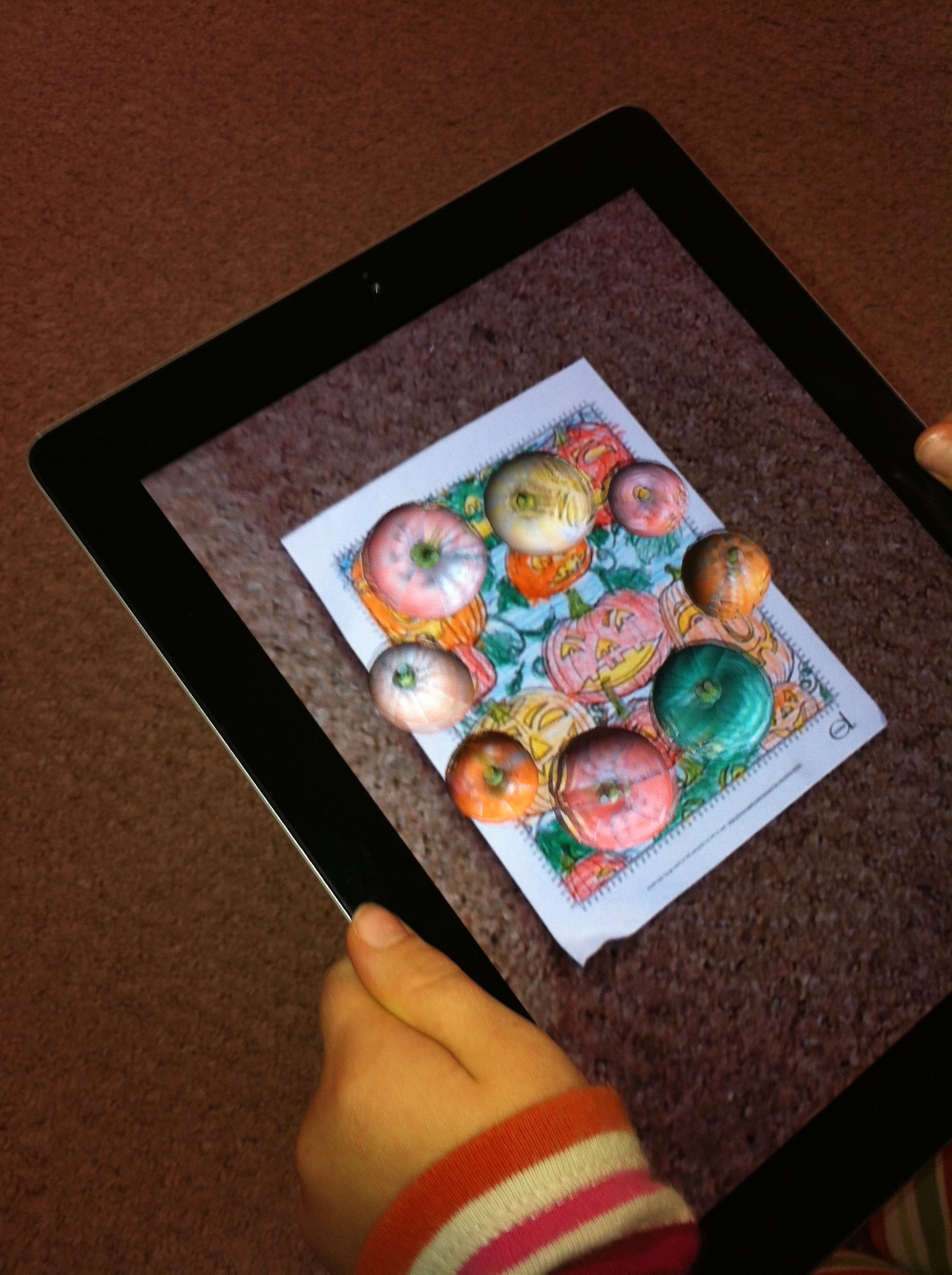
After they finished coloring, I loaded this app and just held the iPad over their coloring.
IMG_2258

The pumpkins on their coloring pages come to life and start dancing around the page.  They roll around and pop up on top of each other!  Very cool!  Of course, everyone wants to have a turn!

So far, I have only been able to download the free pages.
IMG_2257

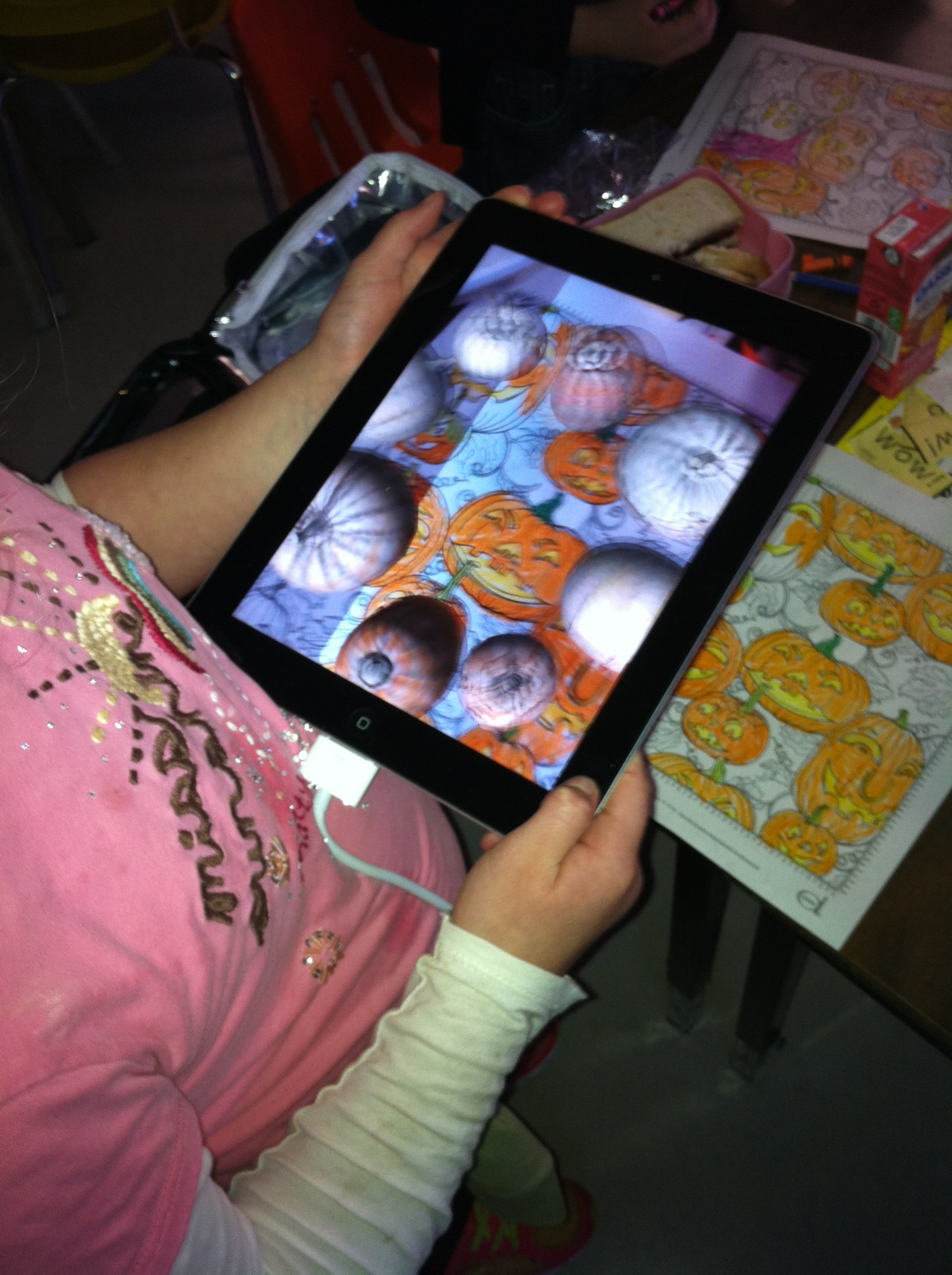
You can see the original coloring page on this screen. The animations are really fun!

We are definitely having Too Much Fun!
Leave a comment

Filed under Augmented Reality

Scarecrow Day Fun!
 

IMG_2236Friday was Scarecrow Day!  I loved all the costumes!  Thank you so much for participating!  We had some amazing scarecrows!  I took pictures of the whole class and individual pictures of everyone!  Good memories!

We tried to figure out how many scarecrows we had in the classroom.  I like scarecrows and I have quite a collection!  We actually didn’t finish counting them all as we got distracted when we realized that we had even more scarecrows because we were all dressed up as scarecrows.  I hope to do the search for my scarecrows next week instead!

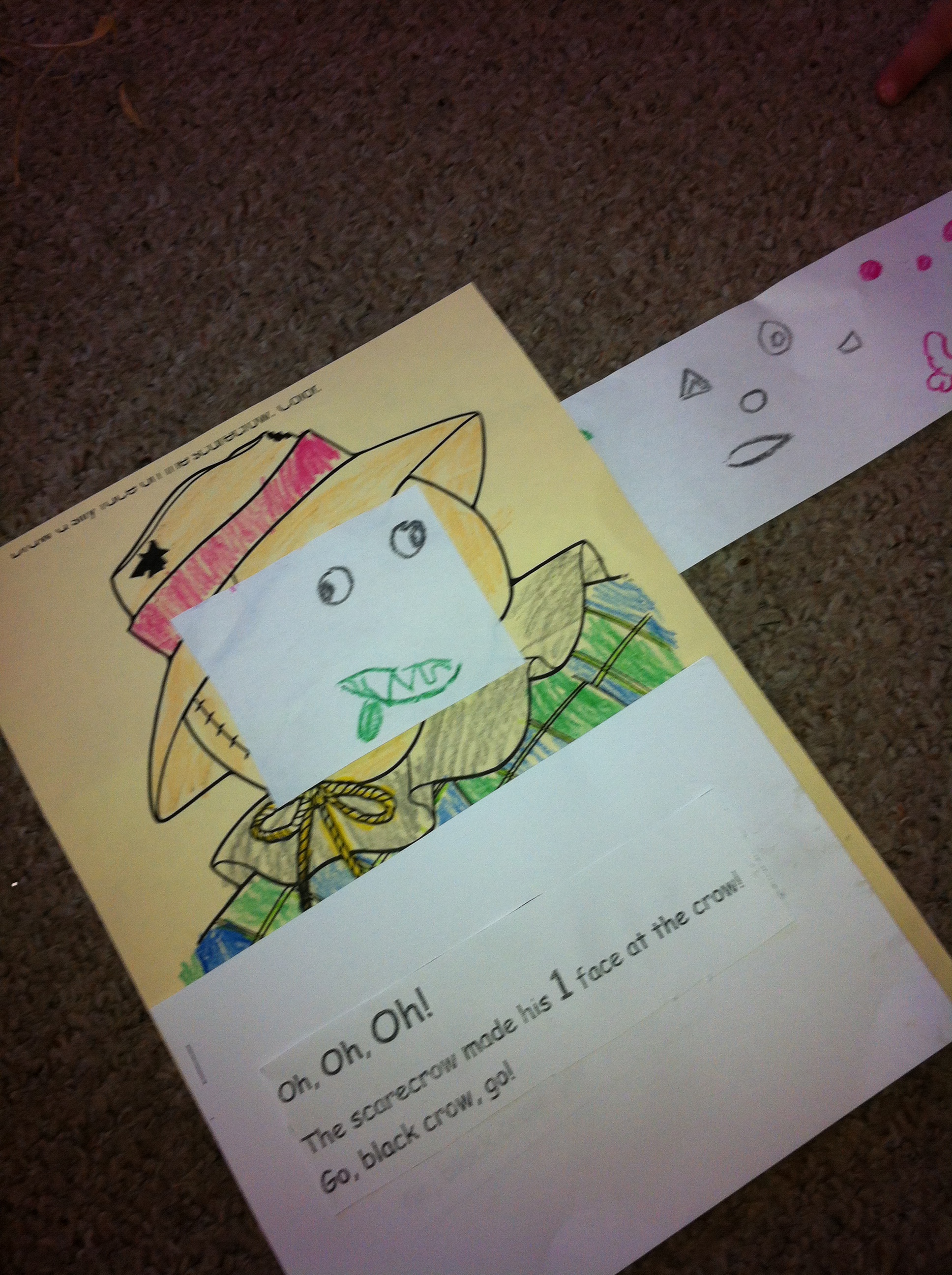
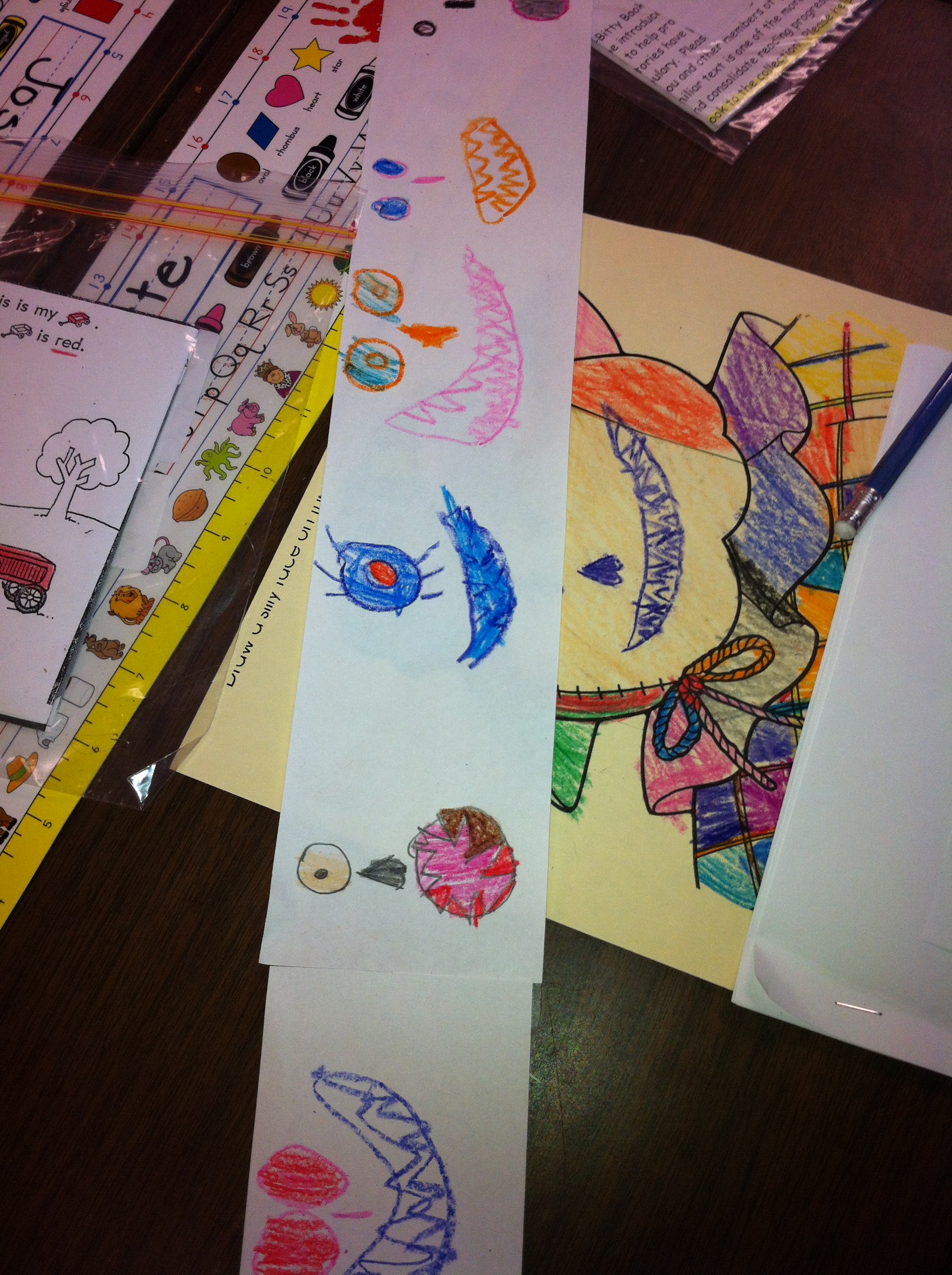
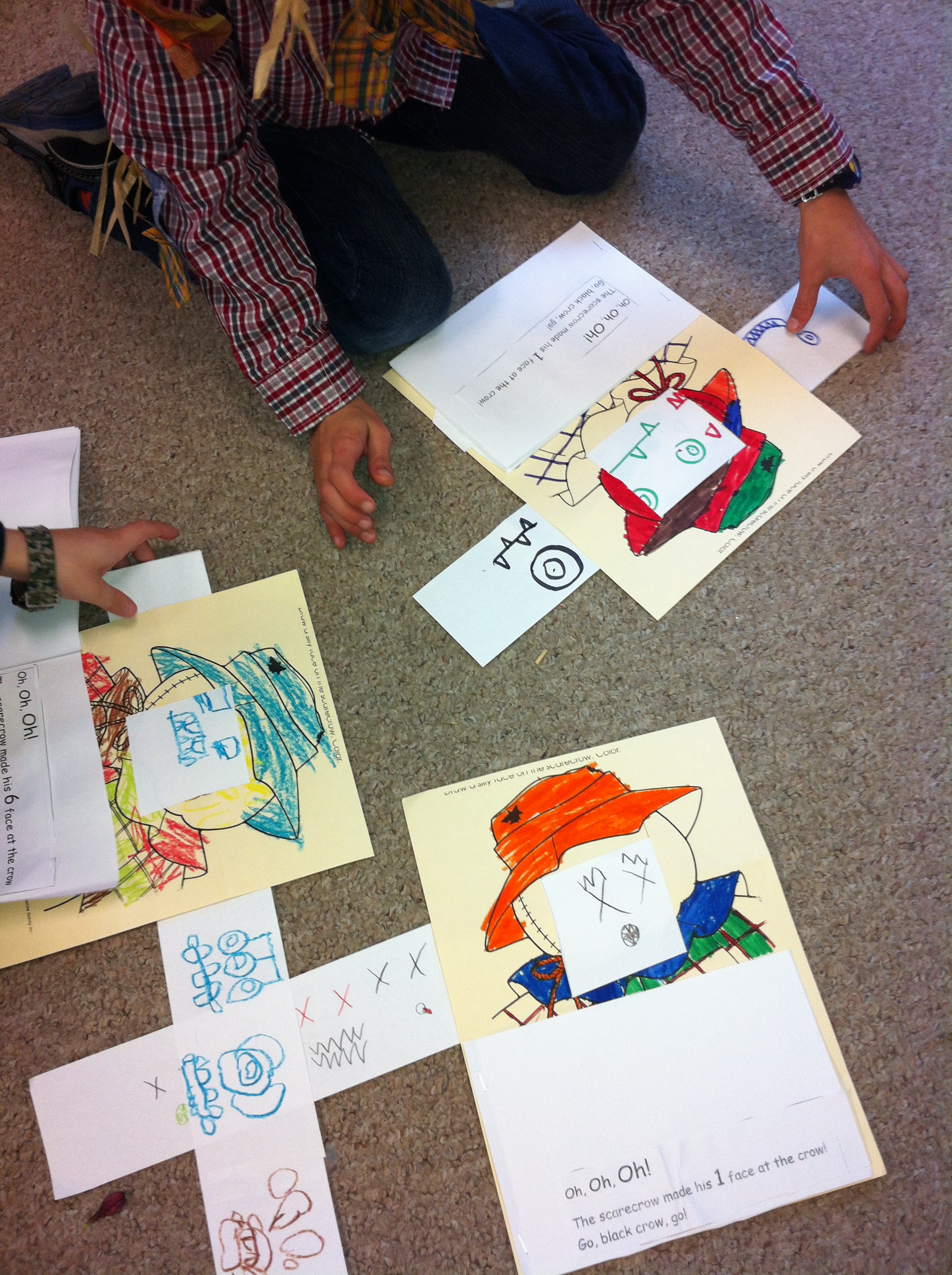
We read one of my favourite stories by Margaret Wise Brown called The Scarecrow Boy.  In the story the little boy scarecrow wants to be a real scarecrow like his Dad.  One day he decides to run away and try to scare the crows in the cornfield all by himself.  He makes six different faces at the crow to try to scare it away!  As we read the story the children showed me their six scariest faces too!  Pretty scary!

Then they made their own scarecrow faces to go with the story.  Take a look!

IMG_2237


IMG_2239


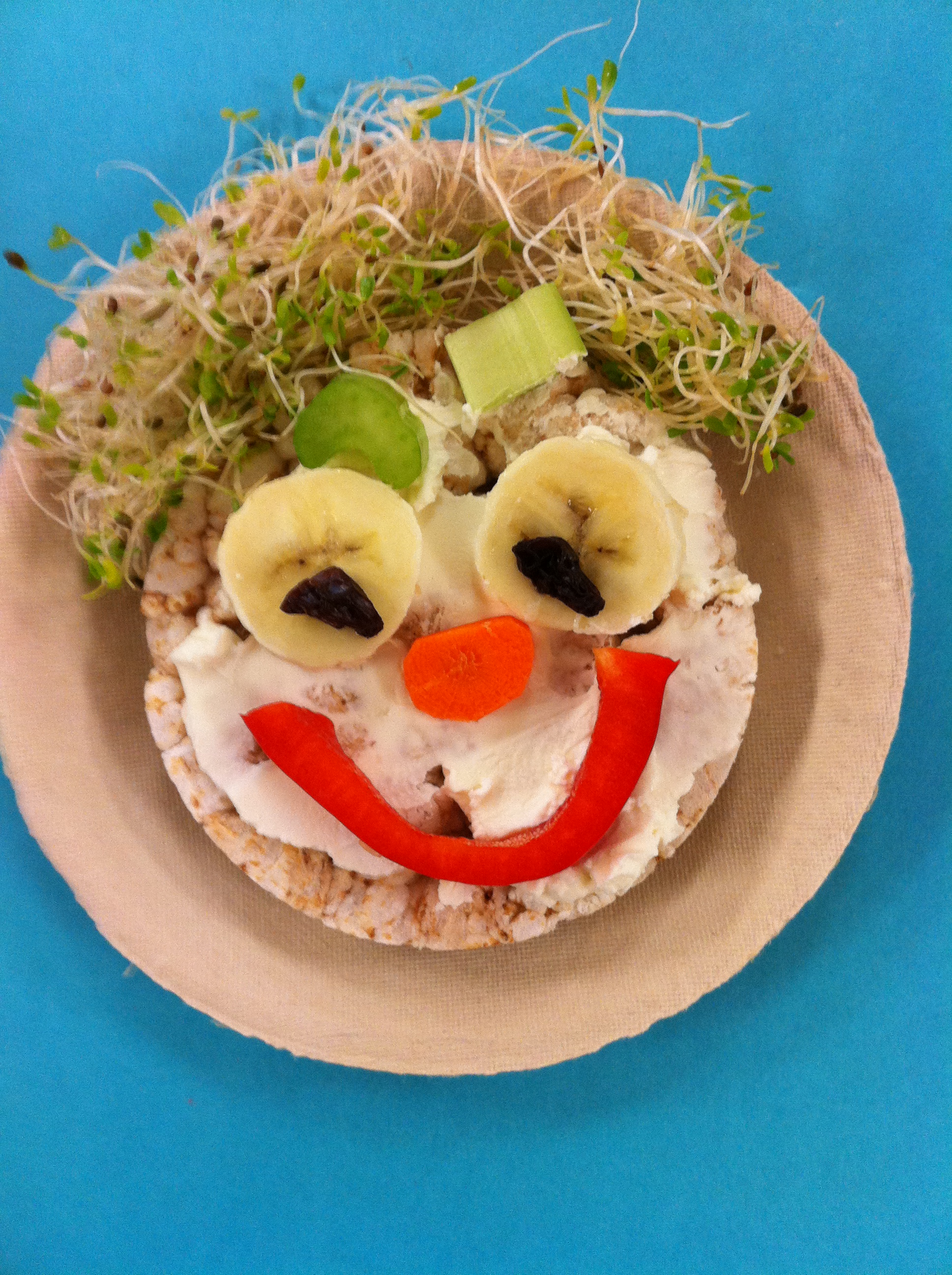
We also make these delicious scarecrow faces.  Most of the students liked all or at least part of the dish!  Delicious!

IMG_0564


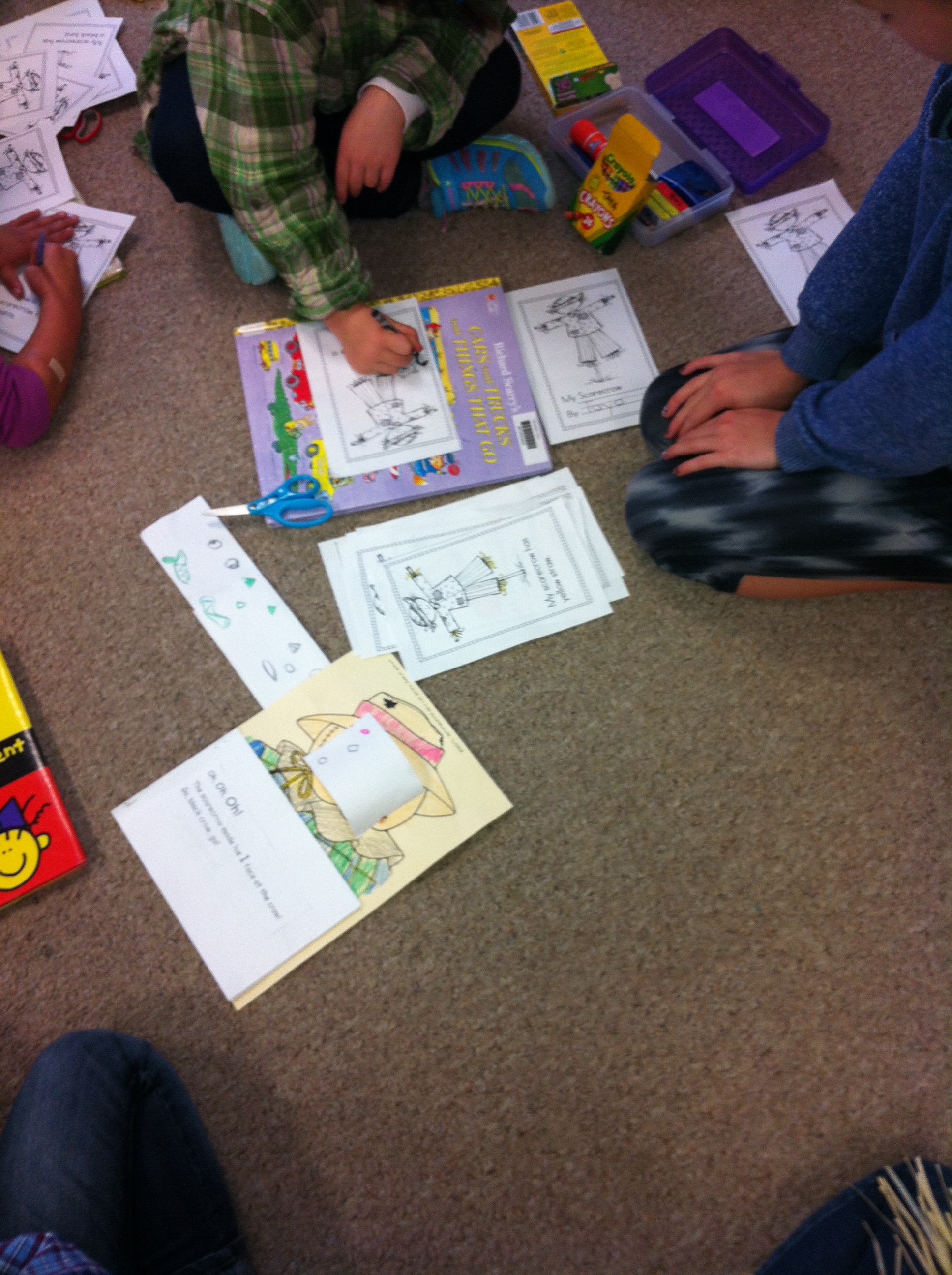
We also made scarecrow books with our buddies.  They helped us cut and color them and put them together.  The big buddies helped the little buddies practice reading them, too!

IMG_2242


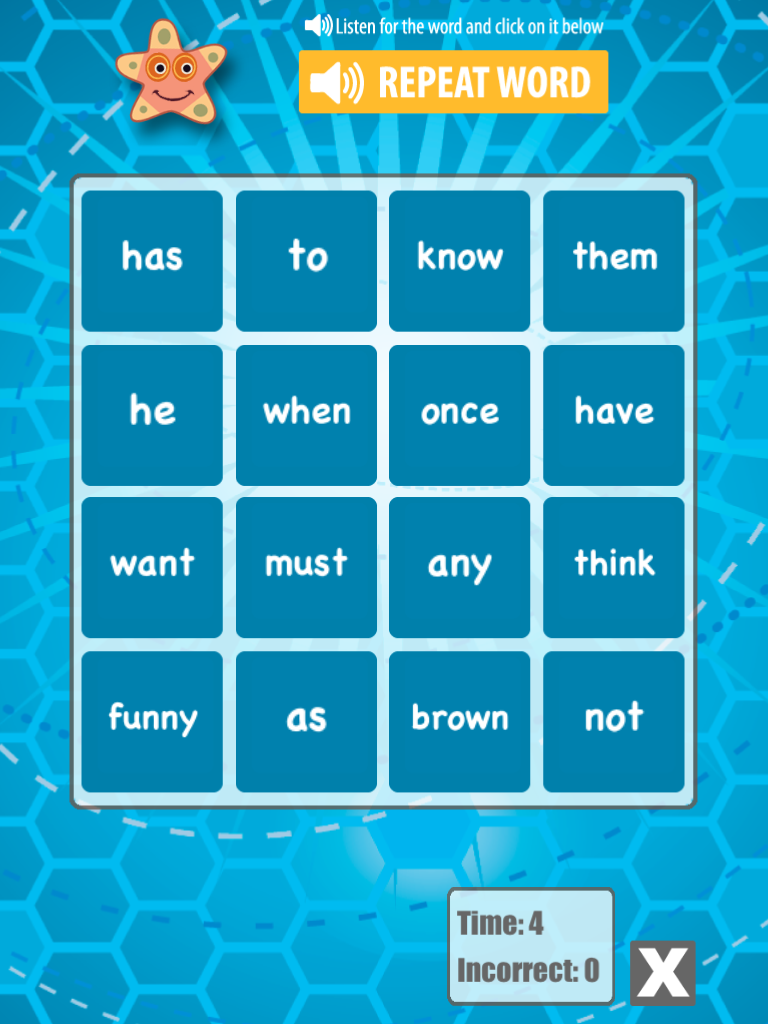
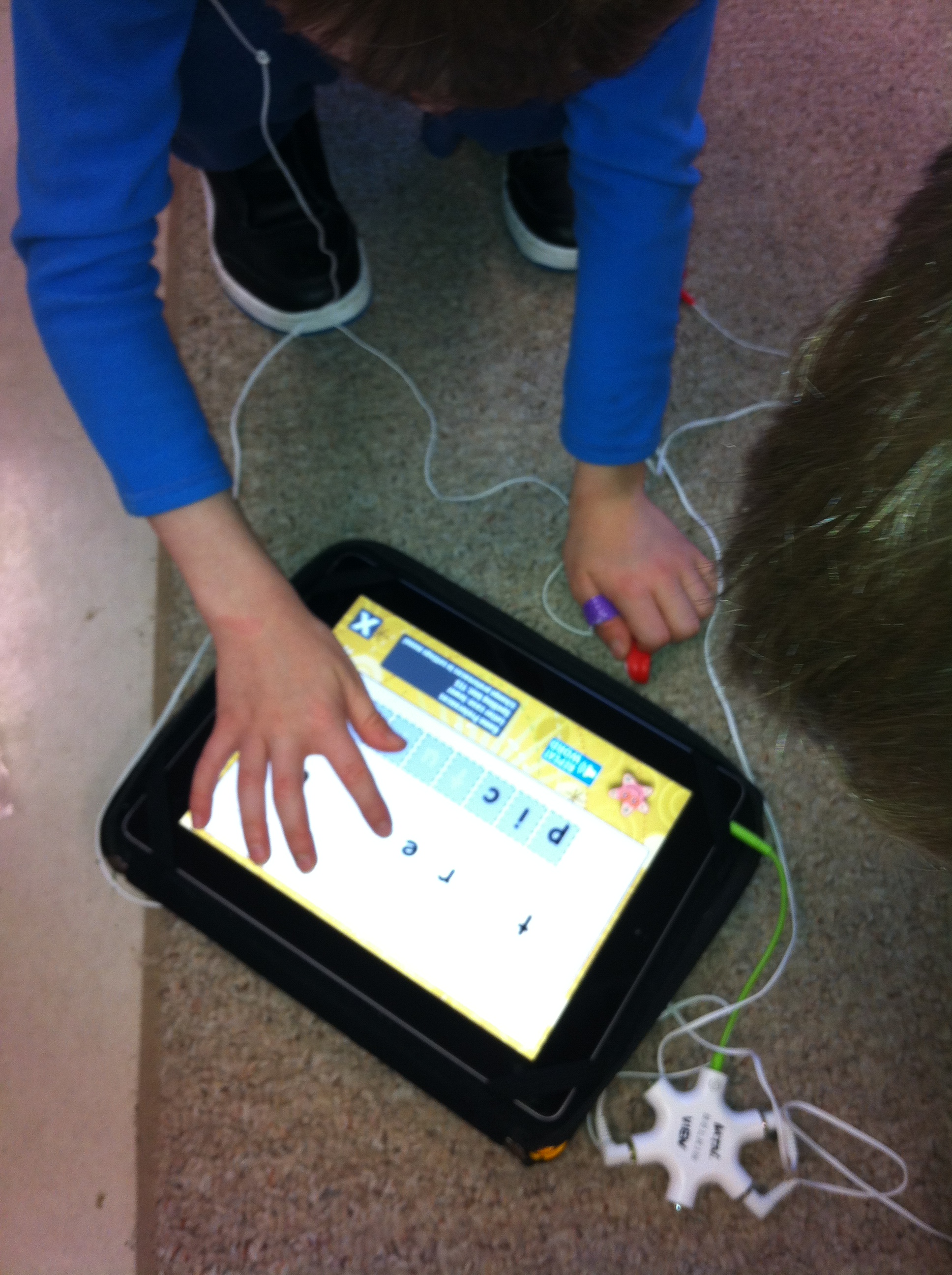
I introduced an new app on the iPads to the children that focuses on learning the beginning sight words we are currently learning.  It is called Word Bingo.

word bingo

You can find it on the ABC Ya! website as well.  I like the version for the iPad!

IMG_0014

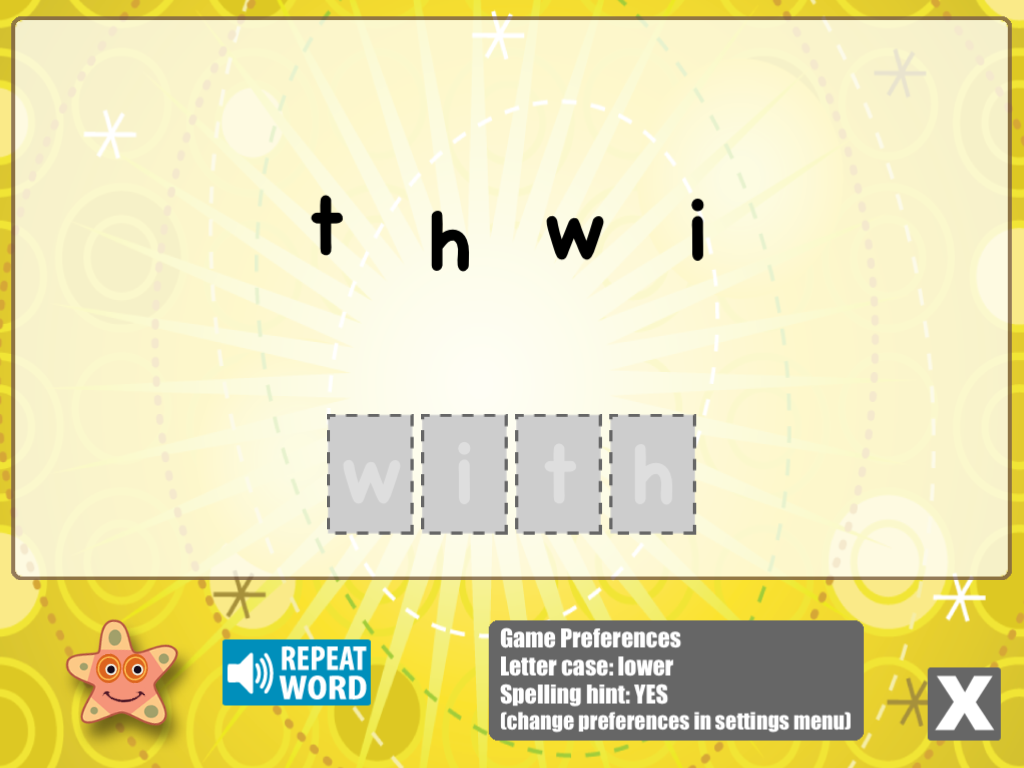
We are currently working on the PrePrimer Dolch word list.  It has some additional games and a spelling practice component as well.

IMG_0013

Take a look!  You can also find this game on our classroom WIKI page at the top of the screen.  Just follow the links!

IMG_2234

Leave a comment

Filed under iPads, Scarecrows

Letter and Science Fun!
IMG_0053

Today I introduced one of my favourite iPad apps to the class.  It is called Letter School!  It is an awesome app that presents learning how to make the letters of the alphabet in a very engaging way.  We are really lucky because I can present the apps on the iPad and all the children can see and hear it on the big screen with the use of the projector.  I have a special cord that lets me connect to the projector.

IMG_0047

It is a great way to introduce the app to everyone at the same time.  I had a student use the app and all the children could see and hear it.  The student makes the letter using the arrow cues and these amazing animations appear to make the letters.  It is awesome to hear all the giggles as they learn their letters!  Too much fun!
IMG_0046

The children worked in small groups sharing the iPad and taking turns making the letters.  I have a special headphone adapter for the iPad that lets several children use it at once!  They were very co-operative and took turns really well!

IMG_2147

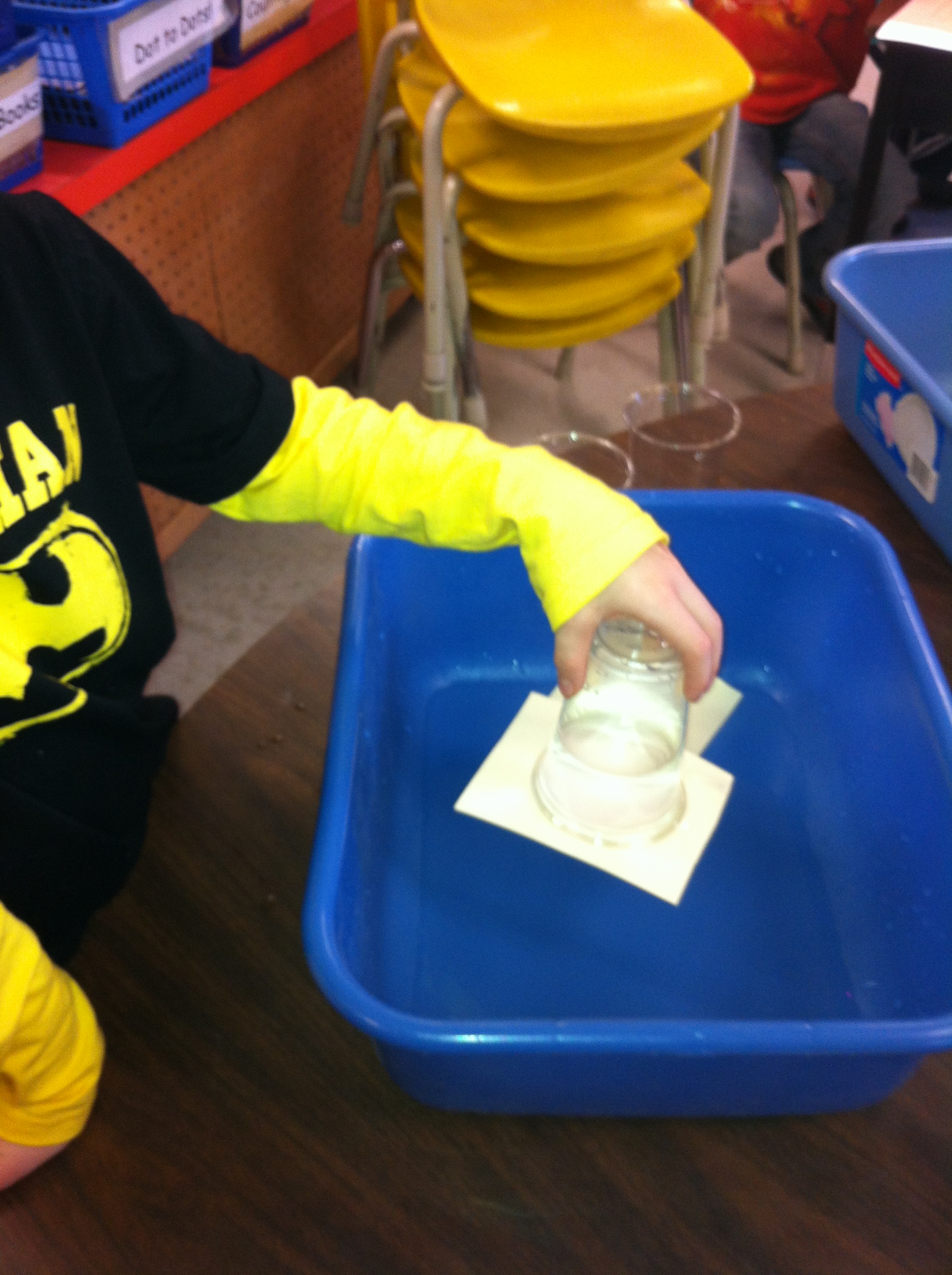
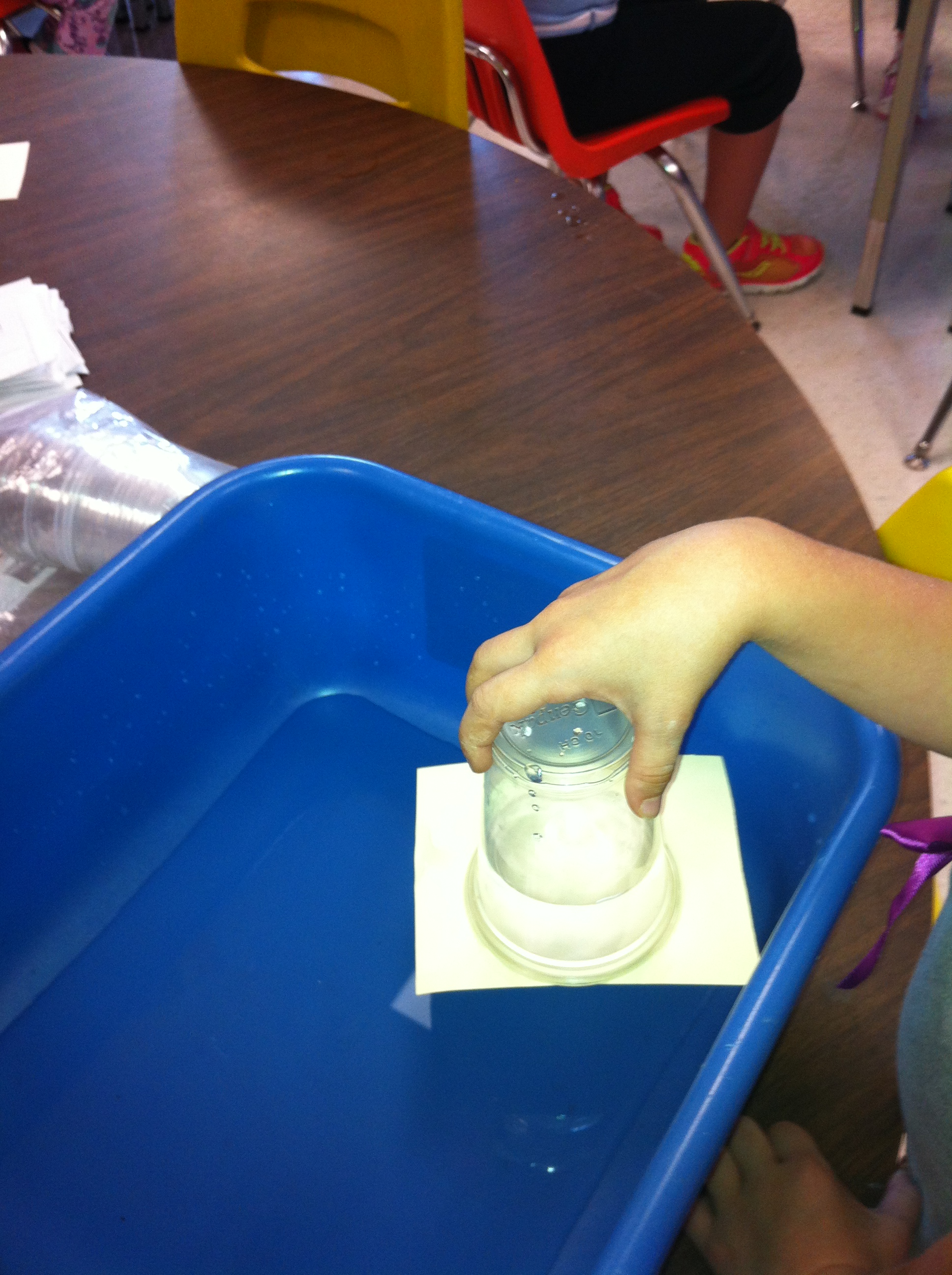
We did another science experiment today!  I love watching their faces the first time I demonstrate it.  Each child got to try the experiment on their own.  All you need is a cup, some water, a piece of cardboard, and a place like the kitchen sink to work at!

IMG_2149

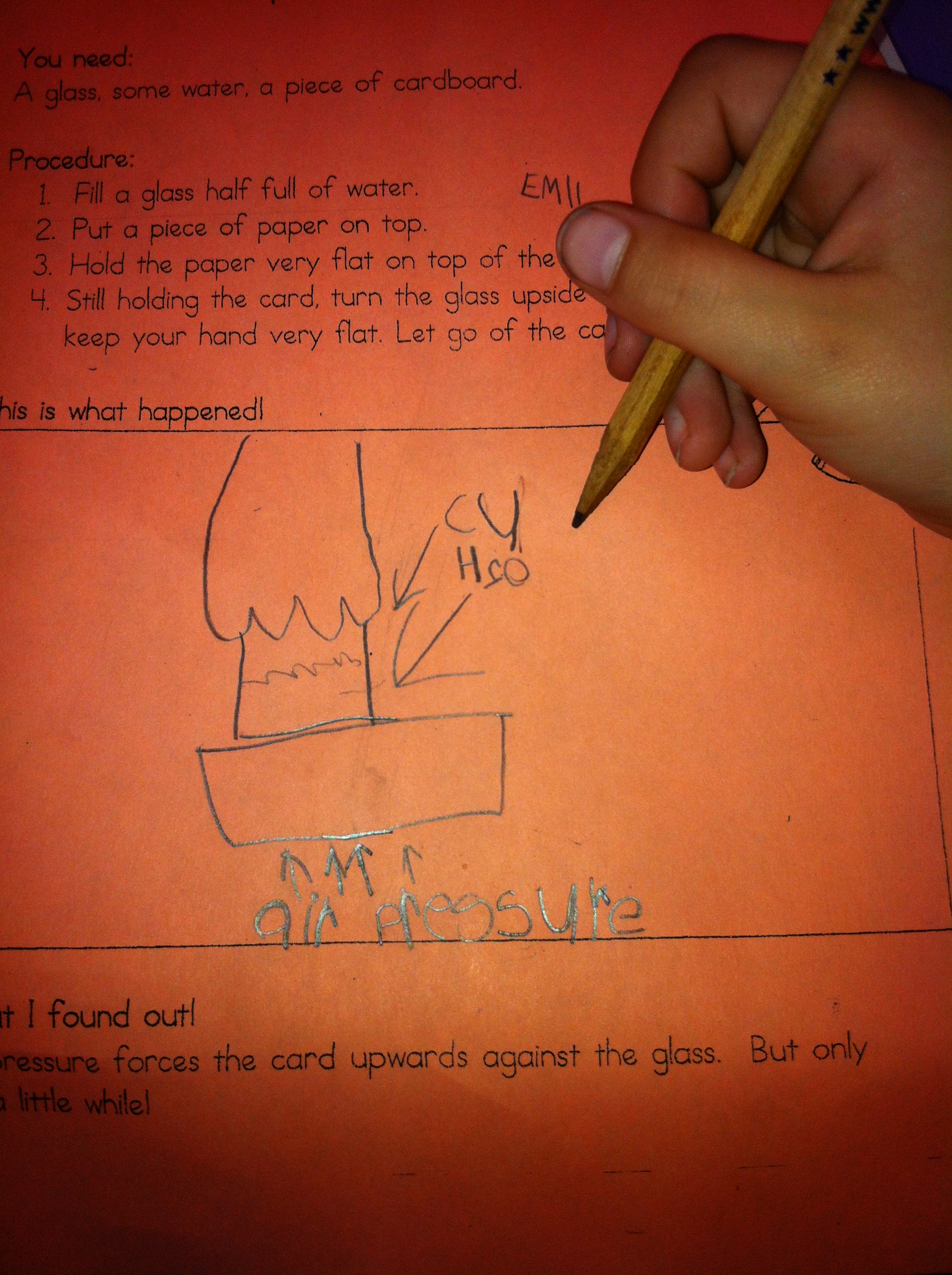
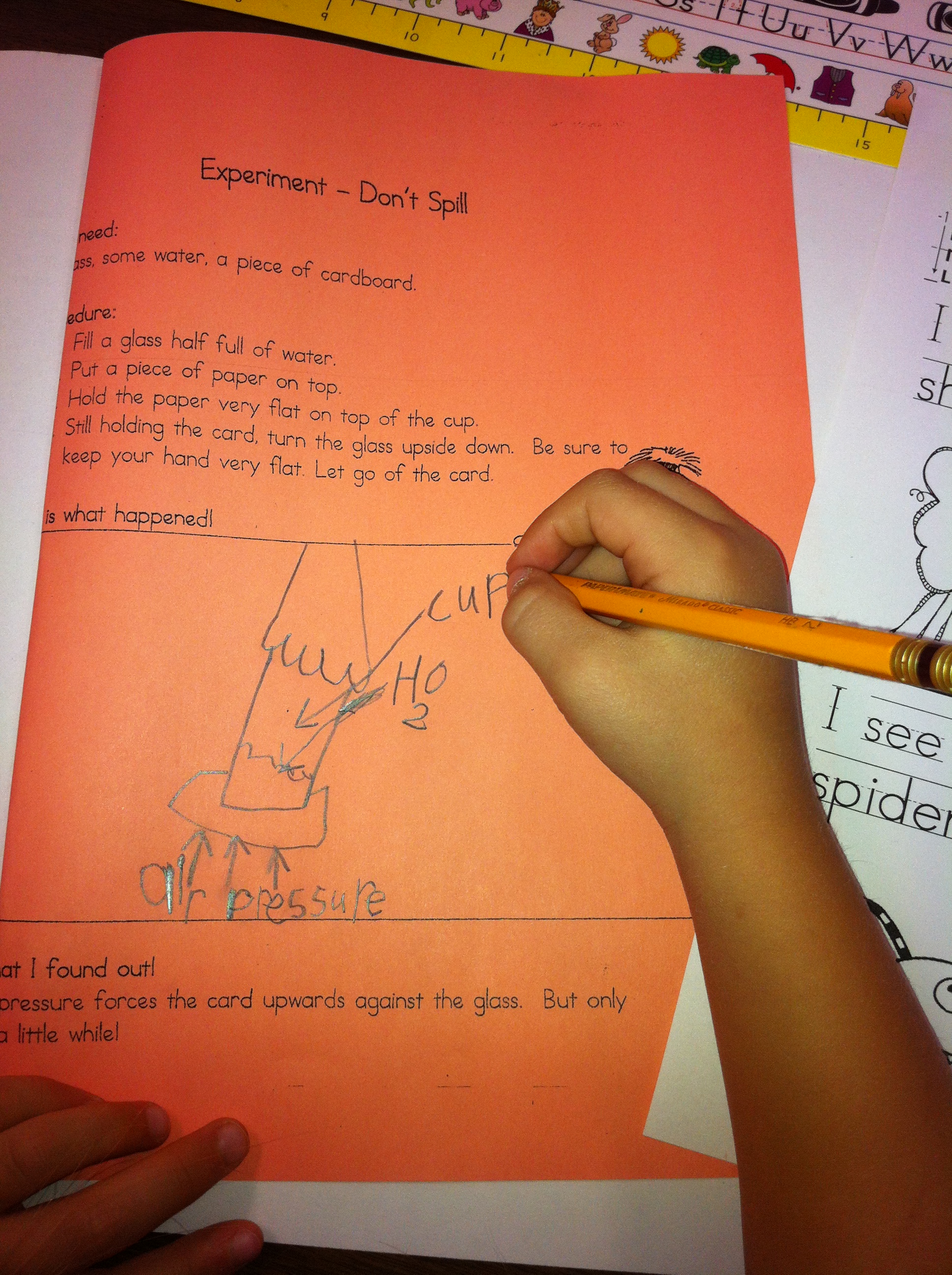
We talked about why the water stayed in the cup!  One student’s water stayed in their cup for over half an hour!  Eventually, the cardboard gets saturated with water and the seal releases.  The children illustrated the experiment and labelled their drawing.

IMG_2150

They did a great job!

IMG_2151

It is always fun to see their faces when the water stays in the cup!  Science is magic!

Leave a comment

Filed under iPads, Letter School, Science Experiments

Fun with Bugs!

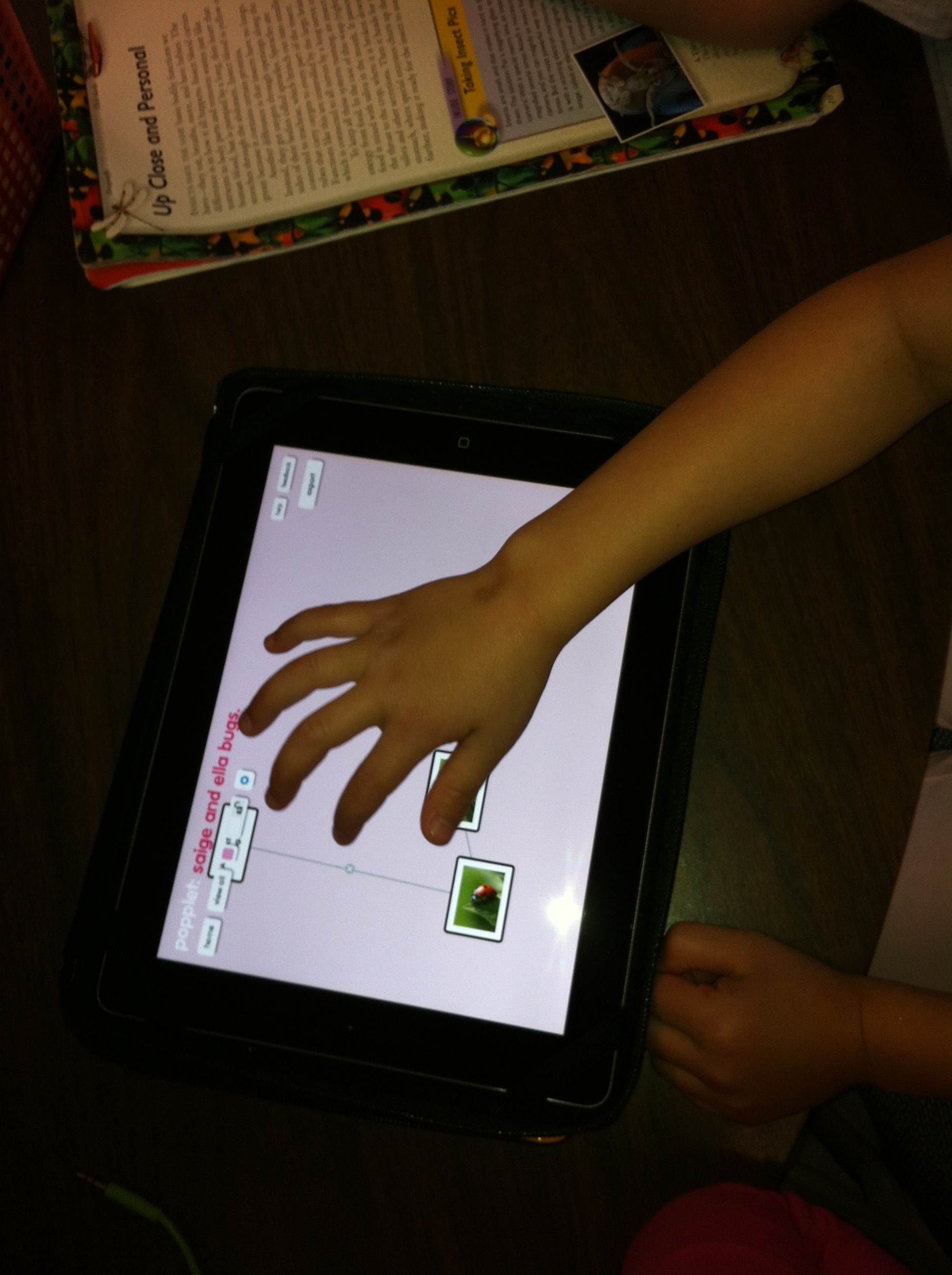
saige and ella popplet

We have just started our unit of study about insects!  And of course, I went looking for cool apps about insects.  I was not disappointed!

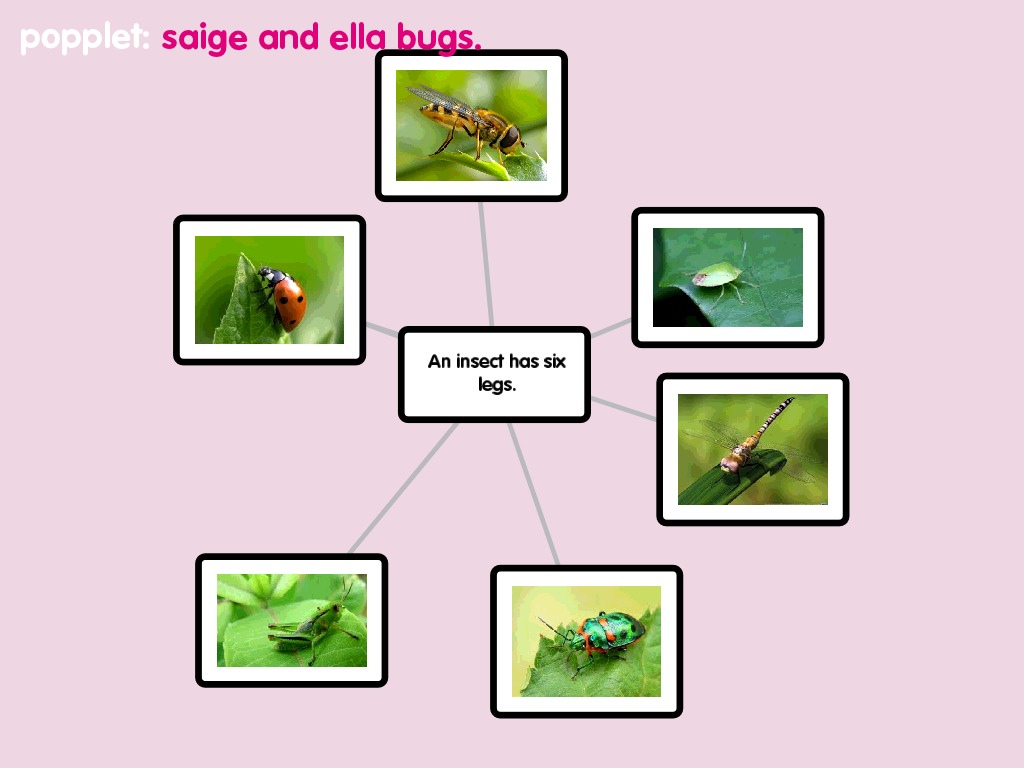
I also found some great apps for organizing facts and ideas!  One of them is called Popplet!  It lets the children create a web of related ideas.

I went online and pre-loaded some images of insects for them to choose from and saved them to the camera roll.

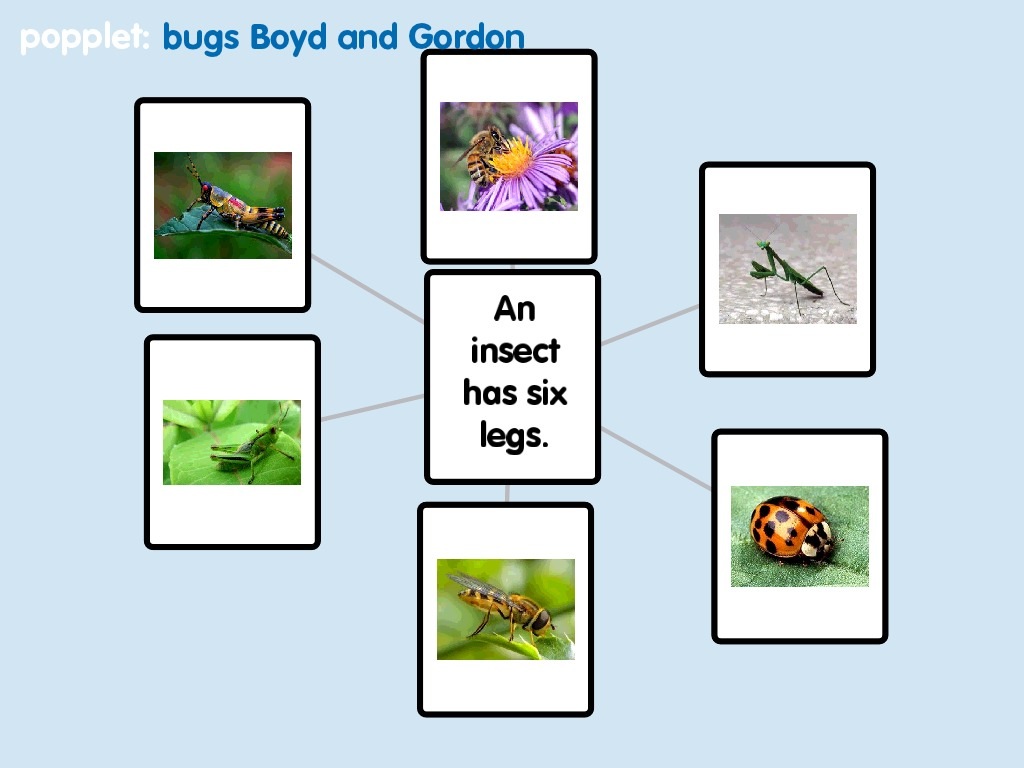
boyd bug

To create the web they started with one popplet and added an appropriate text to define their web.  Then they had to add six popplets with an insect in each.  They had to create the popplet and then choose to add a picture, find the picture in the camera roll and add it to the popplet.  I did a quick 10 minute demo and then had some children work with a partner to create the first ones!

As usual, they were fearless! I think they look great!  Lots of learning! Thanks to Matt B Gomez for the great idea!

IMG_1944

I also found a great app  called The Lady Bug by Scholastic.  They loved it!

circle ladybug

This is a great interactive nonfiction book app.  Very colourful and interactive.  

ladybug leaf

They especially liked listening to the ladybugs sleeping inside the tree!  We think it sounded like snoring!

Leave a comment

Filed under insects, iPads, Popplet

Something to Tweet About!

twitter

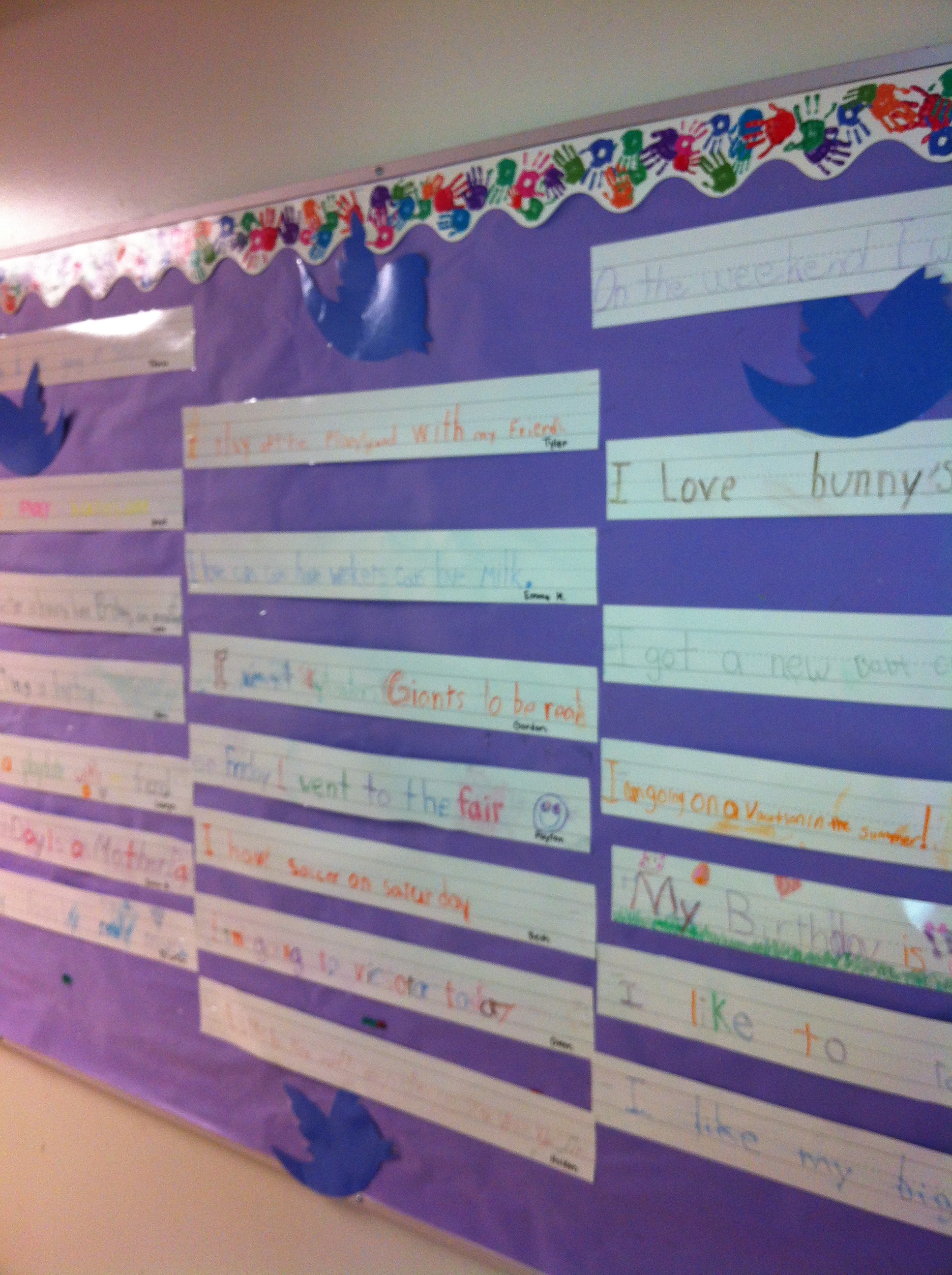
A week ago we made a twitter board with our buddy class!  They had created a twitter bulletin board with “tweets” about something they wanted to share!  Really interesting to read and find out about what’s important to them right now!  So they showed us how to do it!

IMG_1839

The children are writing on their own personal strip each week and sharing something important to them!  An upscale “show and tell”!  The bulletin board “twitter board” lets each child share their important moments.

IMG_1838

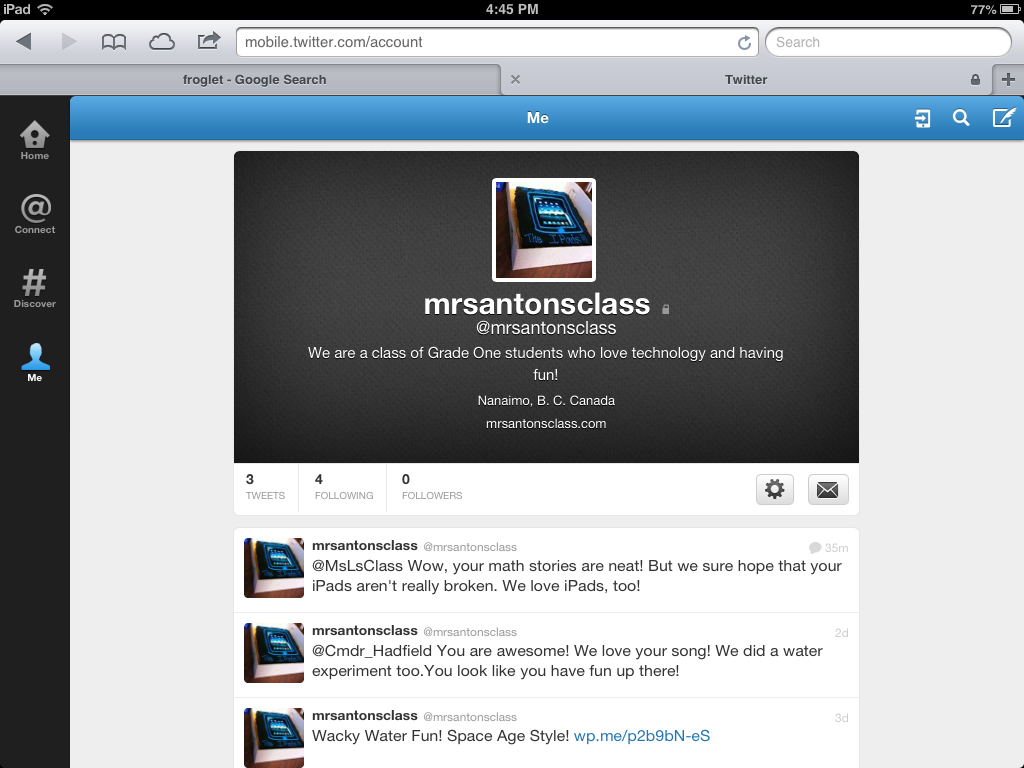
I have been researching class twitter boards and decided to take the plunge this week!  We now have our own Twitter account.  It is a protected account.  That means that to post to the account I must approve the comment.  That protects us from posts that are not appropriate.  The blog posts are also posted on the Twitter account!

IMG_1845

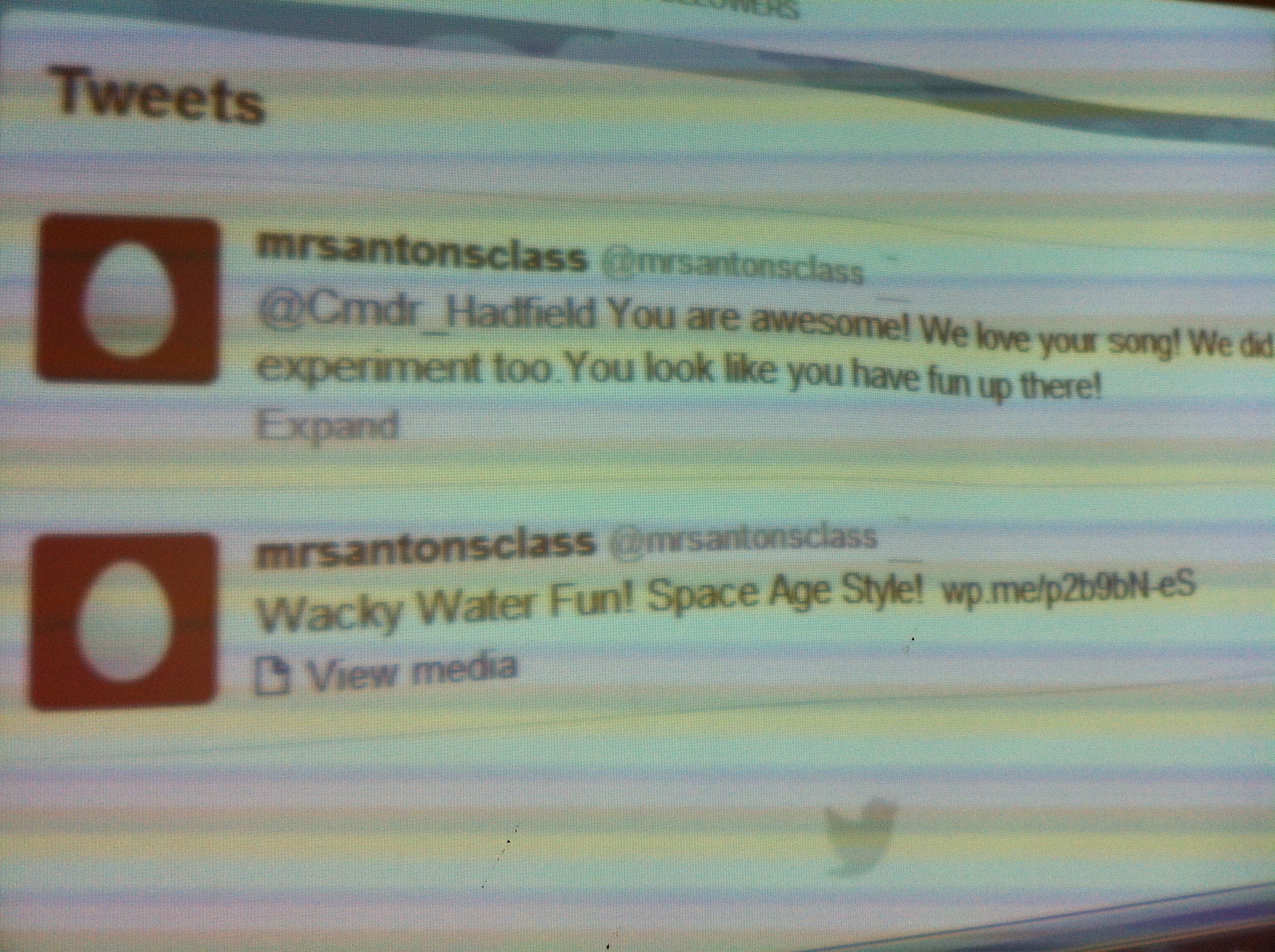
We tweeted to Chris Hadfield to let him know that we enjoyed his videos about life on the space station.  We also tweeted to another class that has a Twitter account.  There are some really neat uses of Twitter that we will be exploring in the future.

ella frog

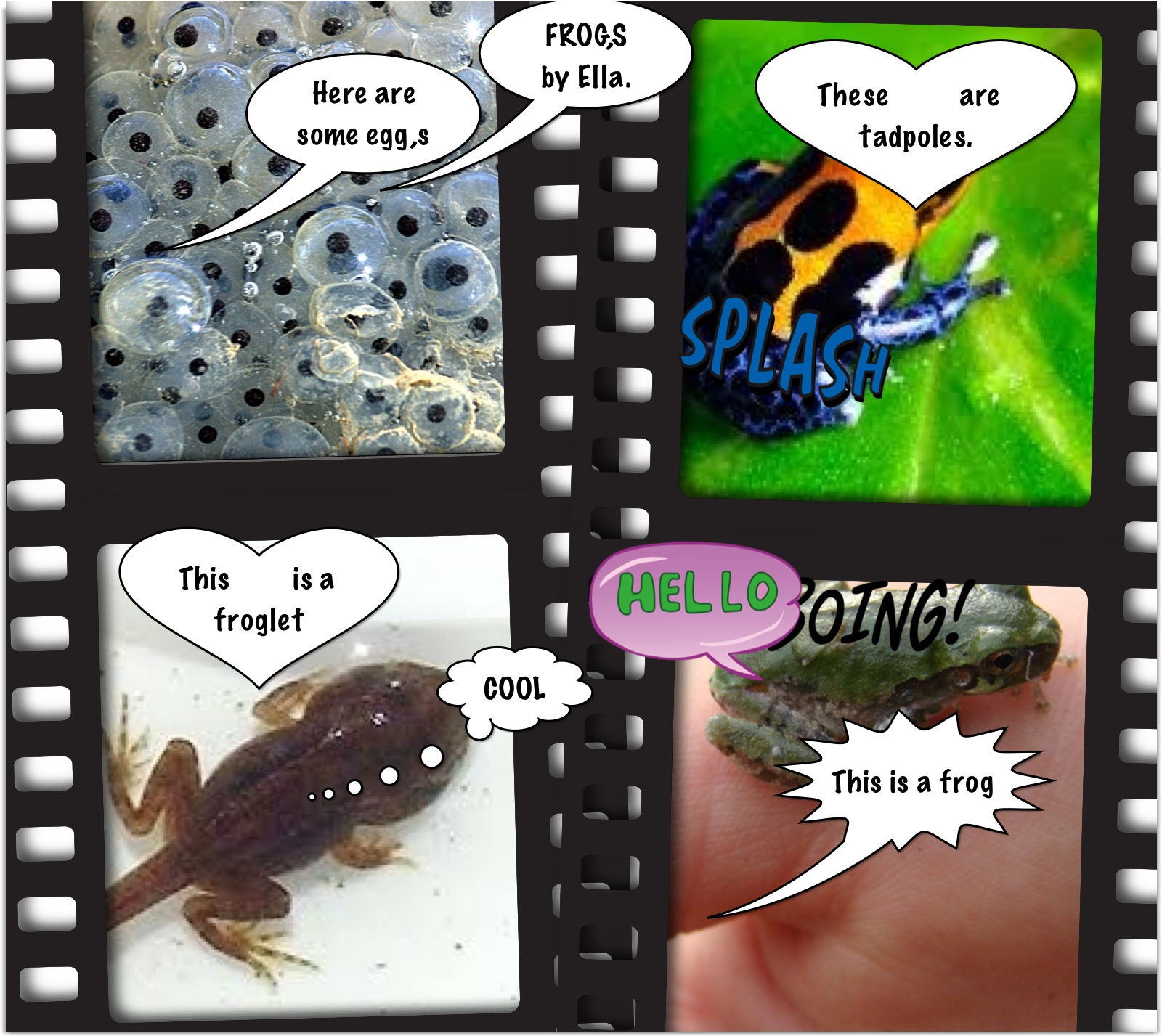
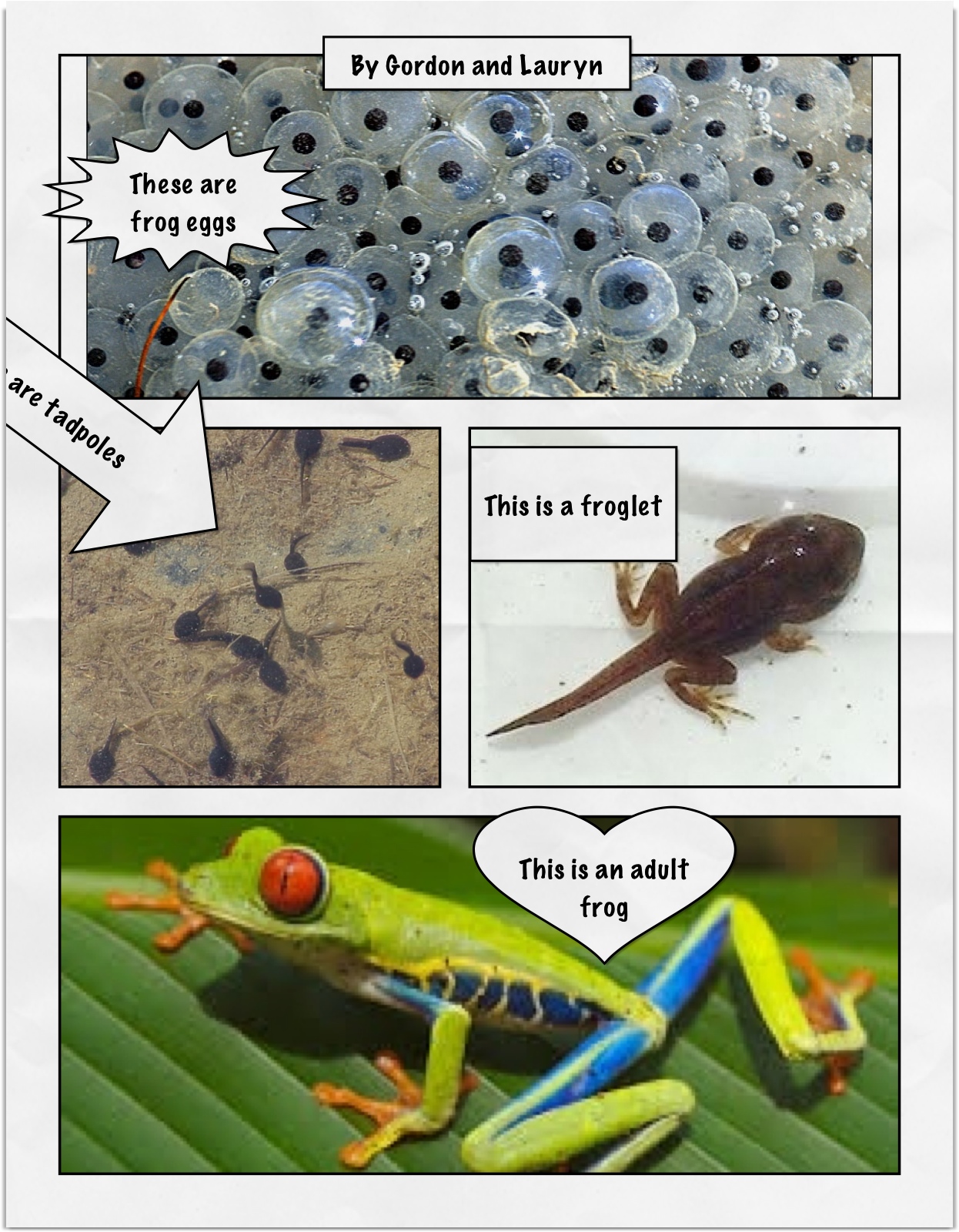
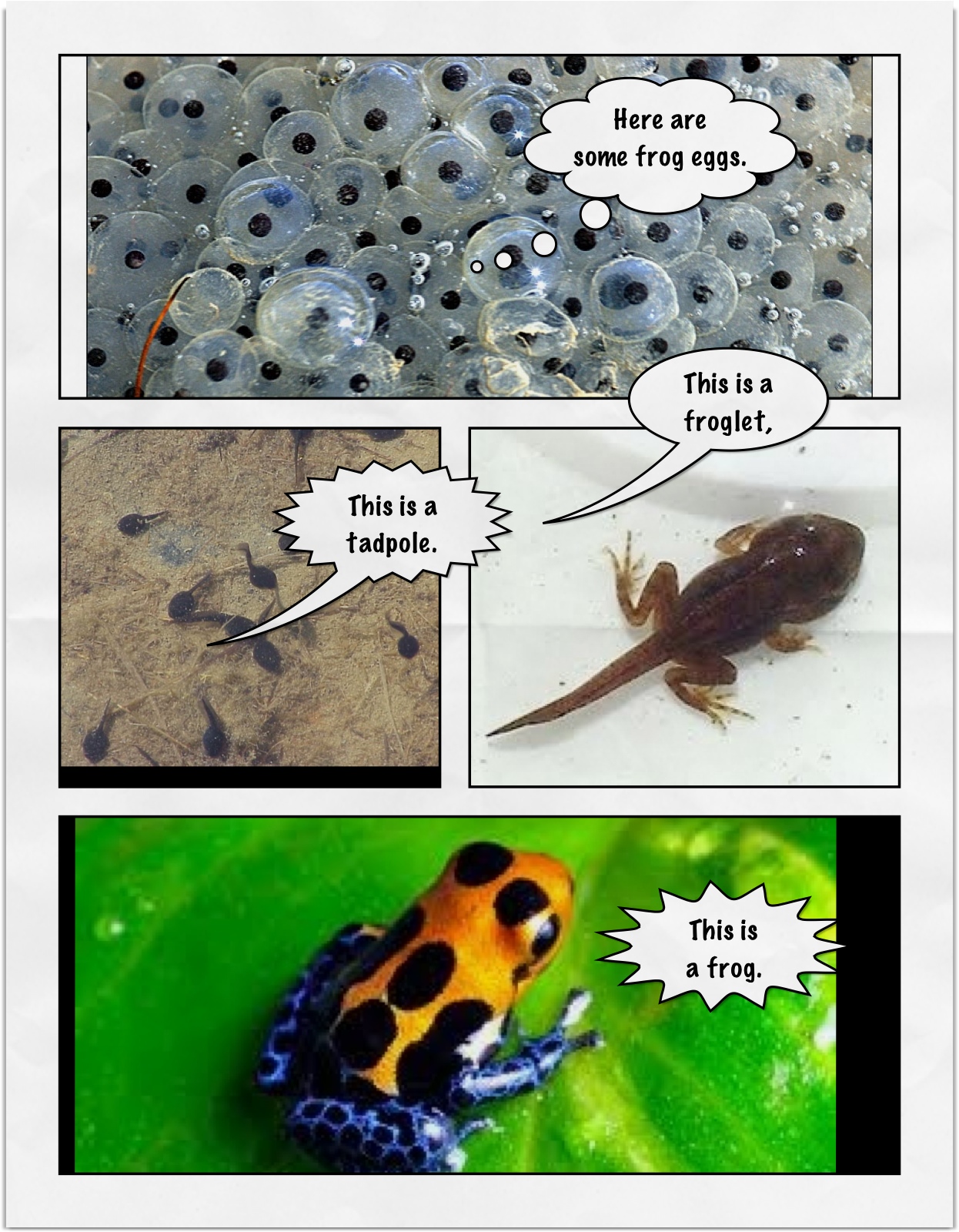
The children are continuing to create their  frog life cycle pages on the iPad using the images that I have downloaded for them and Strip Designer.  When they are complete I will figure out some way to share them with you!  Here is another sample that is complete!  Love the Hello and Boing!

IMG_1851

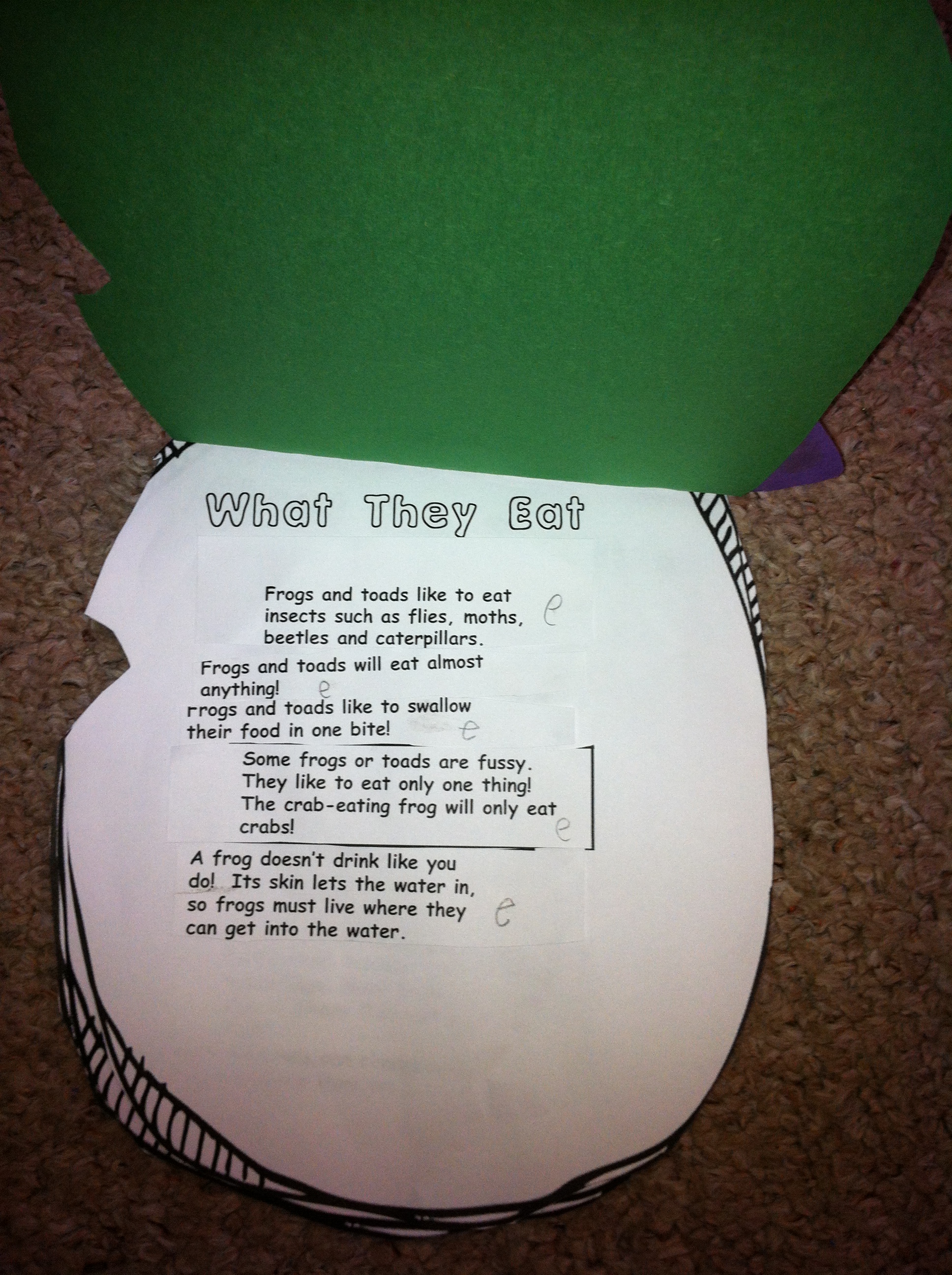
We did a research project on frogs this week!  The children had to sort facts about frogs into four different categories.  We read them and decided which category fit the best.  I was so proud of their reading.  Some of the words were hard!

IMG_1852

They did a great job!  We are collating all our frog stuff into a frog folder!

IMG_1856

Leave a comment

Filed under Buddies, Comic Strip Designer, Frogs, iPads, Twitter

Frog Fun!
Gordon_and_lauryn_frog

We have been working on life cycles over the last little while.  Right now we are learning about frogs!  Today, we started making a digital image of the frog’s life cycle using the iPads.  I googled frog images and then saved them on the iPad.  Of course, the iPad makes it super easy to download images!  I had read about it and tried it today and it is so neat!  Thank you to MattBGomez.com for the tutorial.  He had done it with his kindergarten students using the butterfly cycle and the Story Buddy 2 app.  You just pick the image you want, tap on the image, and then hold you finger on it and a popup will appear inviting you to save the image.  It saves to the camera roll.  Once it is on the camera roll we can do lots of things with it! The possibilities are endless!  I showed the children the images I had been able to capture and then we imported them into Strip Designer to make a pictorial image of the frog’s life cycle.  Then we added the words!  One demonstration and then off they went in pairs!
frog_mrs_anton (1)

We have also been able to watch some really neat videos created by the National Geographic about frogs.  This one is about the Strawberry Poison Dart frog!

The children have also been exploring the Storybook Maker app and it is amazing what they have produced.  I am trying to figure out away to upload a book to the blog so that you can see!

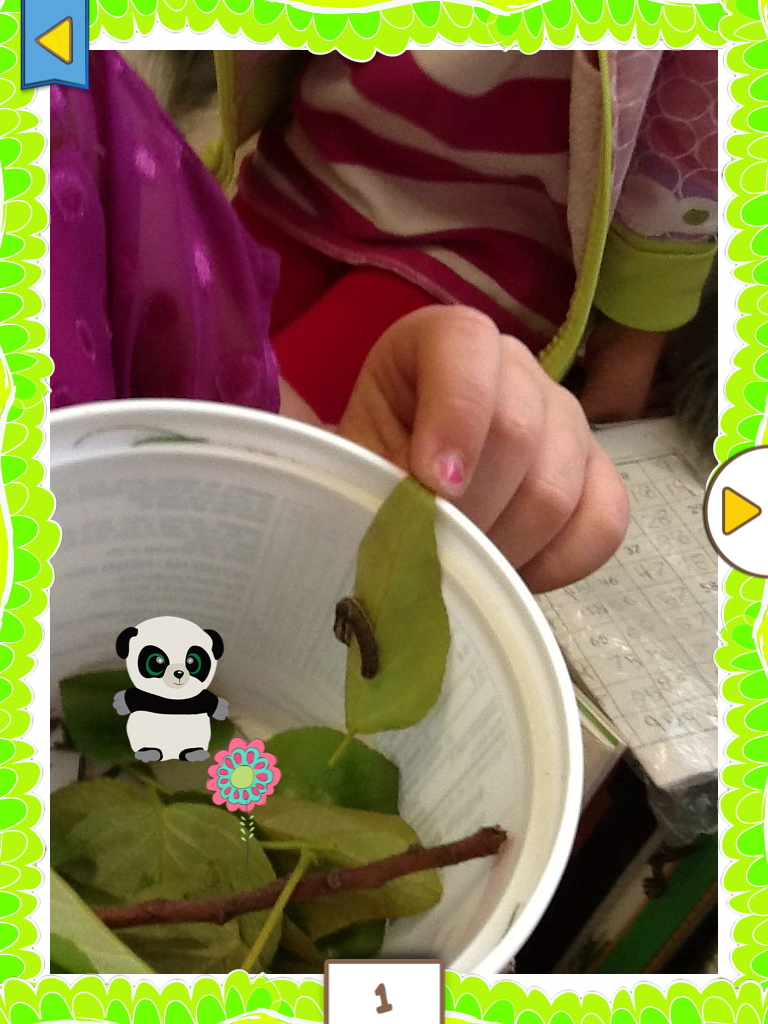
They love using the camera on the iPad to take pictures.  Even the caterpillar that was brought for Show and Tell starred in a book!

caterpillar

Leave a comment

Filed under Frogs, iPads

Tell Me a Story!

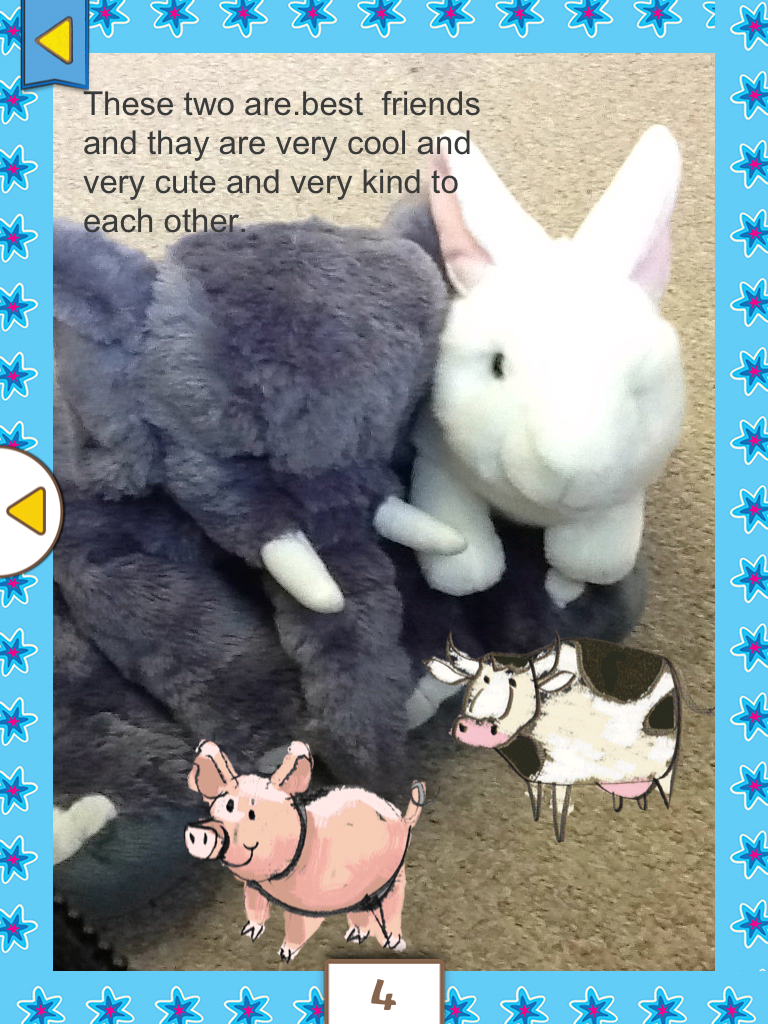
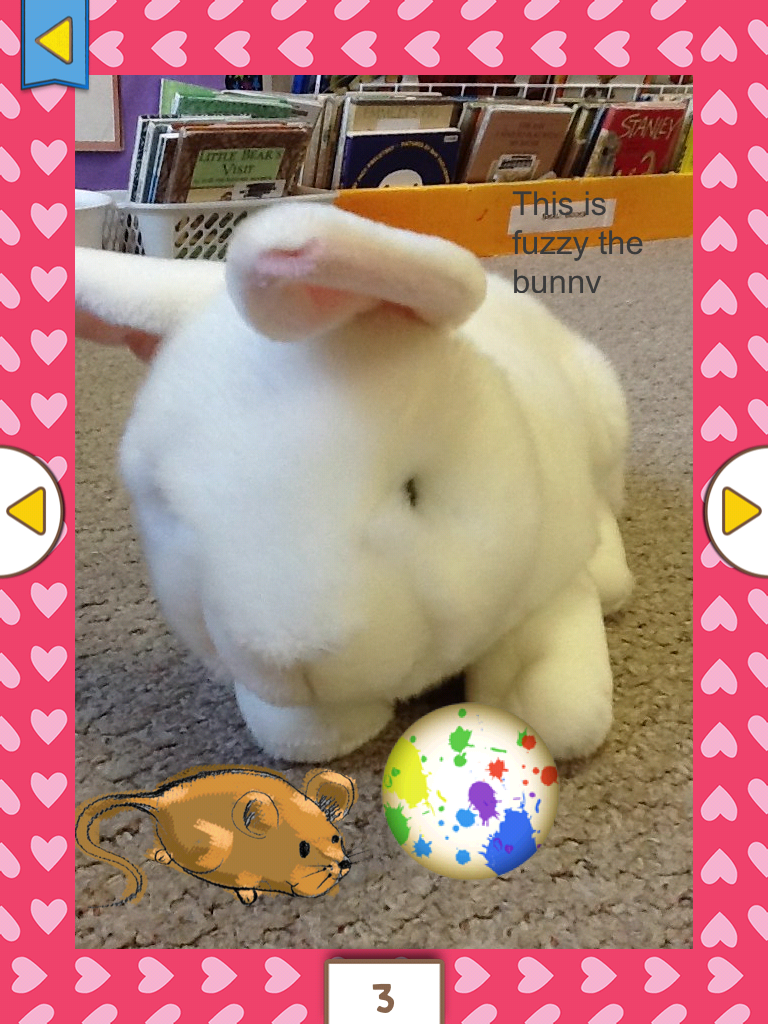
book bunnyI found another story writing app that I really like!  It is called Storybook Maker.  I played with it a bit on the weekend and then passed it on to my students to explore.  As usual, they were fearless!

storybook maker elephant

Right away, they figured out how to take pictures and import them into their stories. (I hadn’t even done that yet!)  Then. they added pictures to the story.  Then came the text and the recording of the text.  All this on their own! I think that they have become so comfortable with the process with the other apps they have used that it has become intuitive for them!

Then, I showed them about the borders.  Today I pointed out that they could add what they call “physics”.

bunny storybook maker

This allows them to add an object to their book that they can manipulate around on the page.  You can move the ball around on the page with your finger. 

storybook maker cover

I still haven’t shown them how they can add music to the page….  I bet I won’t have to!

The books can be exported as PDFs.  So I will be emailing them along as we finish them!

Hopefully, you have had a look at Spelling City and found this week’s spelling words.  The children really seemed to enjoy the games when I introduced them in the lab.  Hopefully the extra practise will help them master the words.   Watch for next week’s  list on Monday!


Leave a comment

Filed under iPads

Raindrops and Letter School!

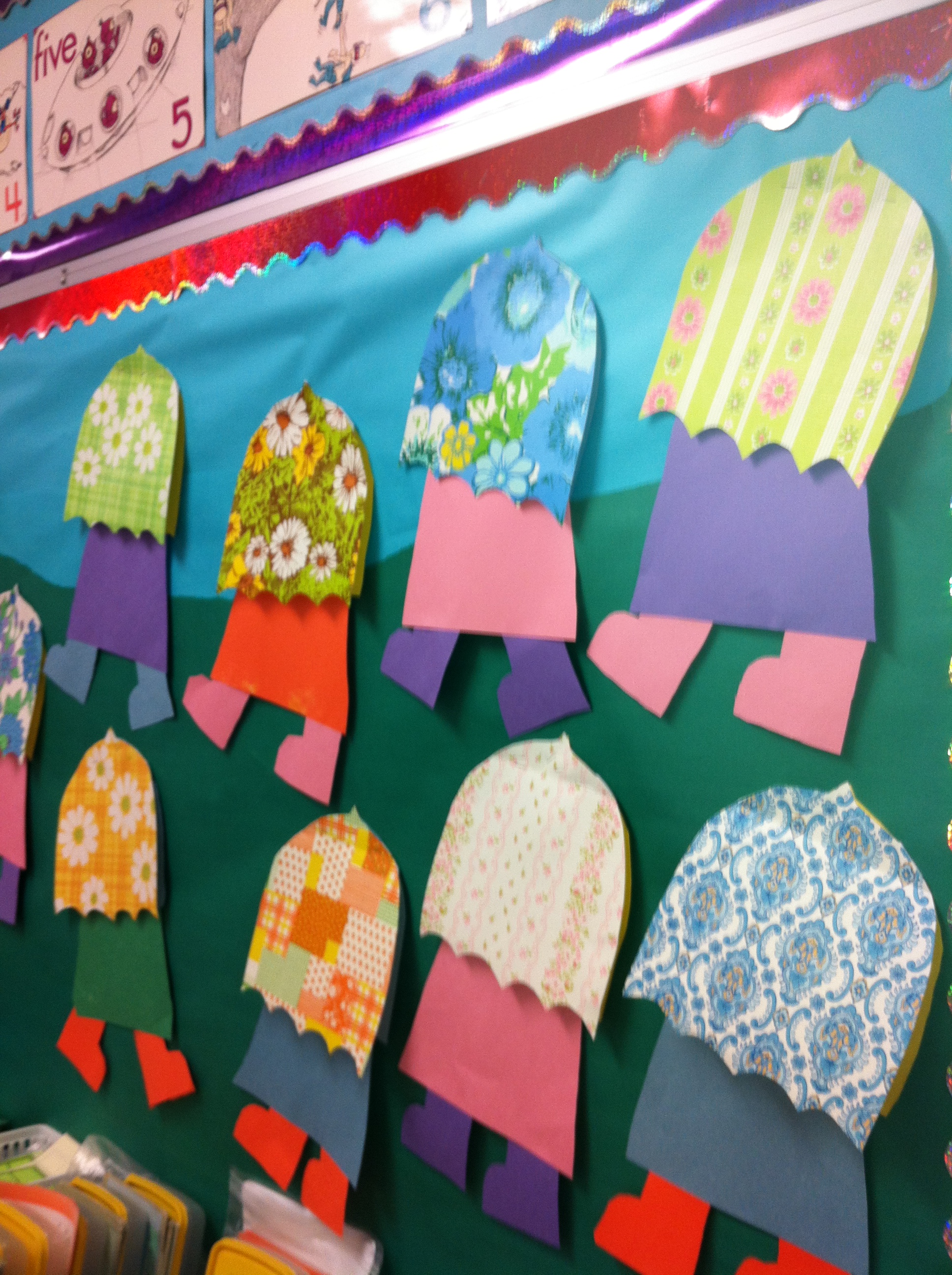
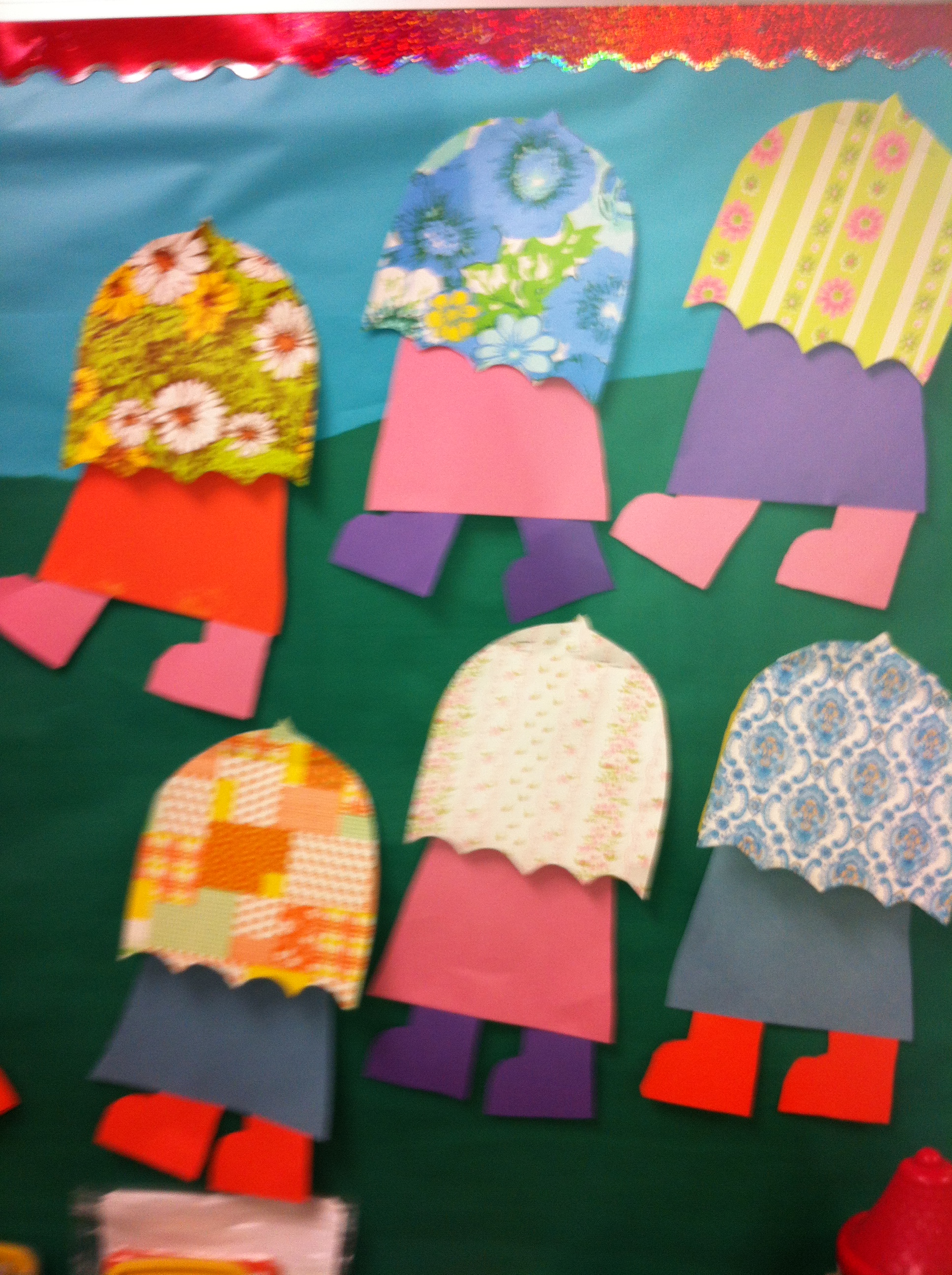
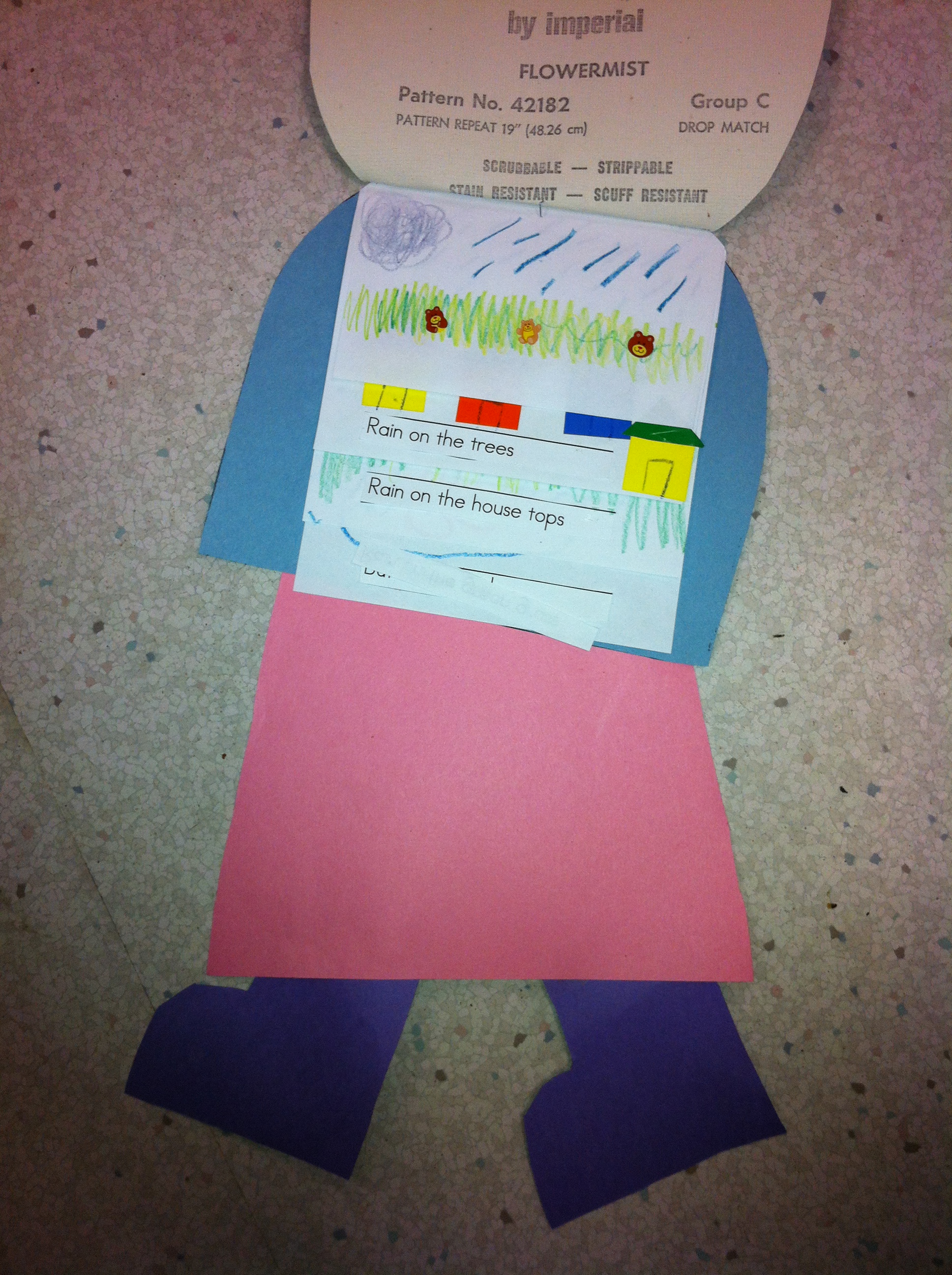
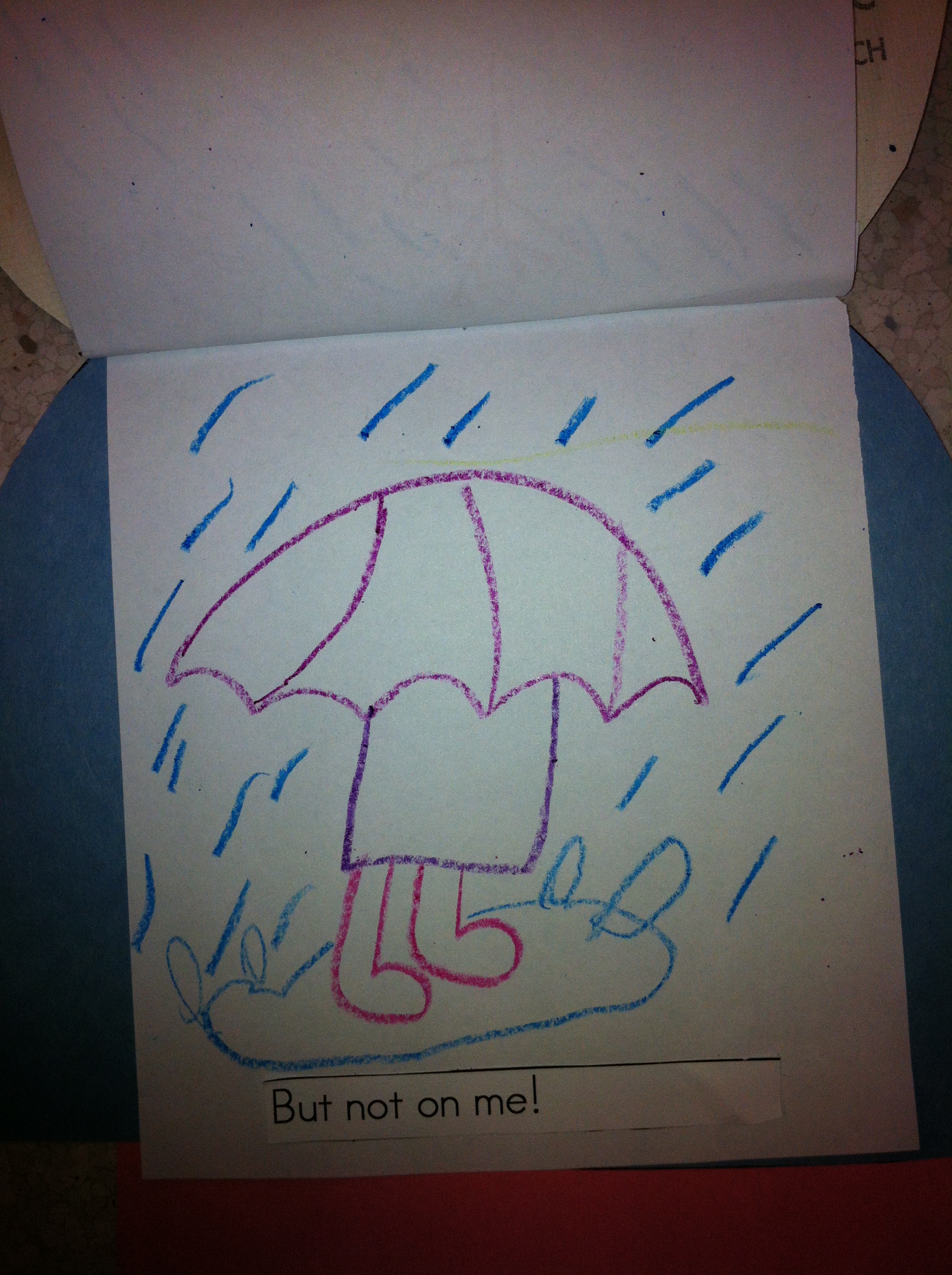
IMG_1722We had fun last week creating these little people carrying umbrellas that are much too big for them!  The children created little flip books based on the poem “Rain on the Green Grass” !

IMG_1730

They did a great job illustrating them, don’t you think!

IMG_1739

Isn’t it amazing that old wallpaper books have the exact patterns that we sometimes find on umbrellas!

IMG_1724

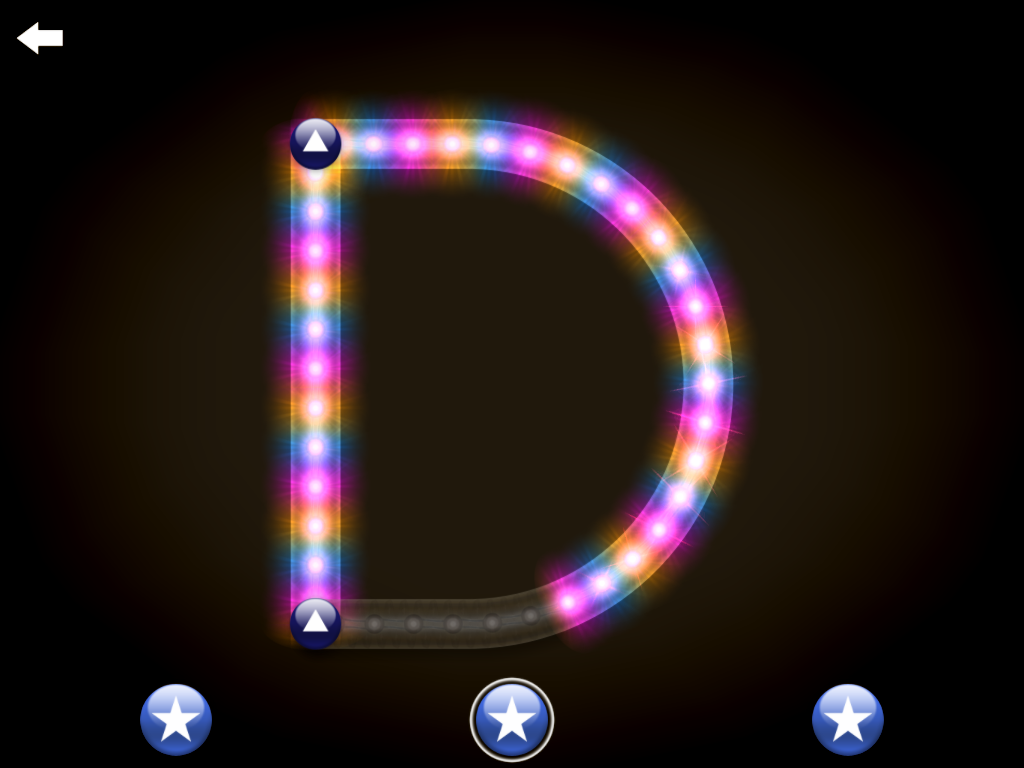
I love to surf the app store looking for new apps.  This is my latest find!  It is called Letter School.

IMG_0053

It is a great app about learning how to form letters and numerals correctly.  And the best part is that it is fun!

IMG_0043

I showed it to the students today and I wish you could have heard all the giggles!  It teaches how to form both upper and lower case letters in the conventional format.  They had a great time working with it.  We continue to share the iPad using the Belkin headphone and some excellent sharing skills.  Everyone enjoyed taking their turn!  I am hoping that some students will pick up the correct formation of some of the letters they are still struggling to learn to do in the conventional format!  

IMG_0046

 If you move your finger in the wrong direction it won’t move and just makes a funny little noise that indicates that you need to try a different way.  The animations for the letters are amazing!  

If you have someone in your house who is just learning the names of the letters and how to make them you definitely want to check out this app!

IMG_0047

Even students in Grade One AND THEIR TEACHER love this app!

Leave a comment

Filed under iPads, Letter School

An App for Peter Rabbit!

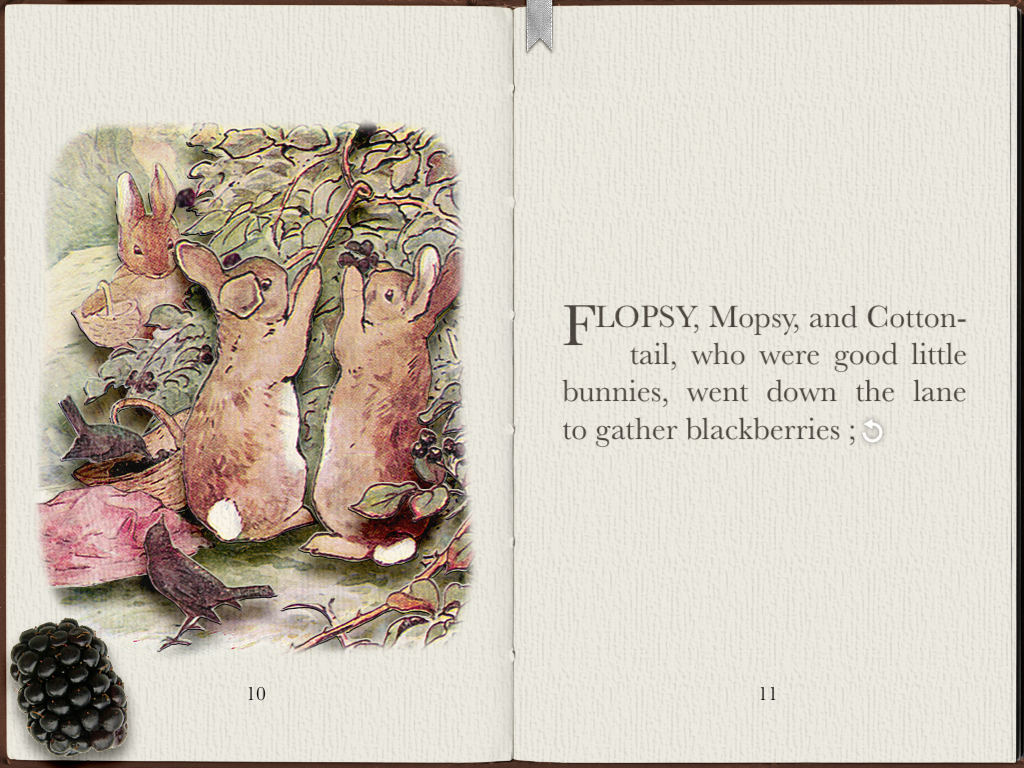
IMG_0221It’s Peter Rabbit time again!  This year we are once again doing a mini author study on Beatrix Potter stories.   I absolutely love her stories and I think that I have all of them.  I have a hard time figuring out which one is my favourite!  Can you guess?  I have two!  Last year I found out the Peter Rabbit has lots of apps on the iPad.  Last week, just before Easter,  we read Peter Rabbit.  We also watched a video I have that is really well done using the pictures in the books on Peter Rabbit and Benjamin Bunny.  I wish that I had bought all the other videos in the series as they are really well done.  But now I have the apps on my iPad!

IMG_0045

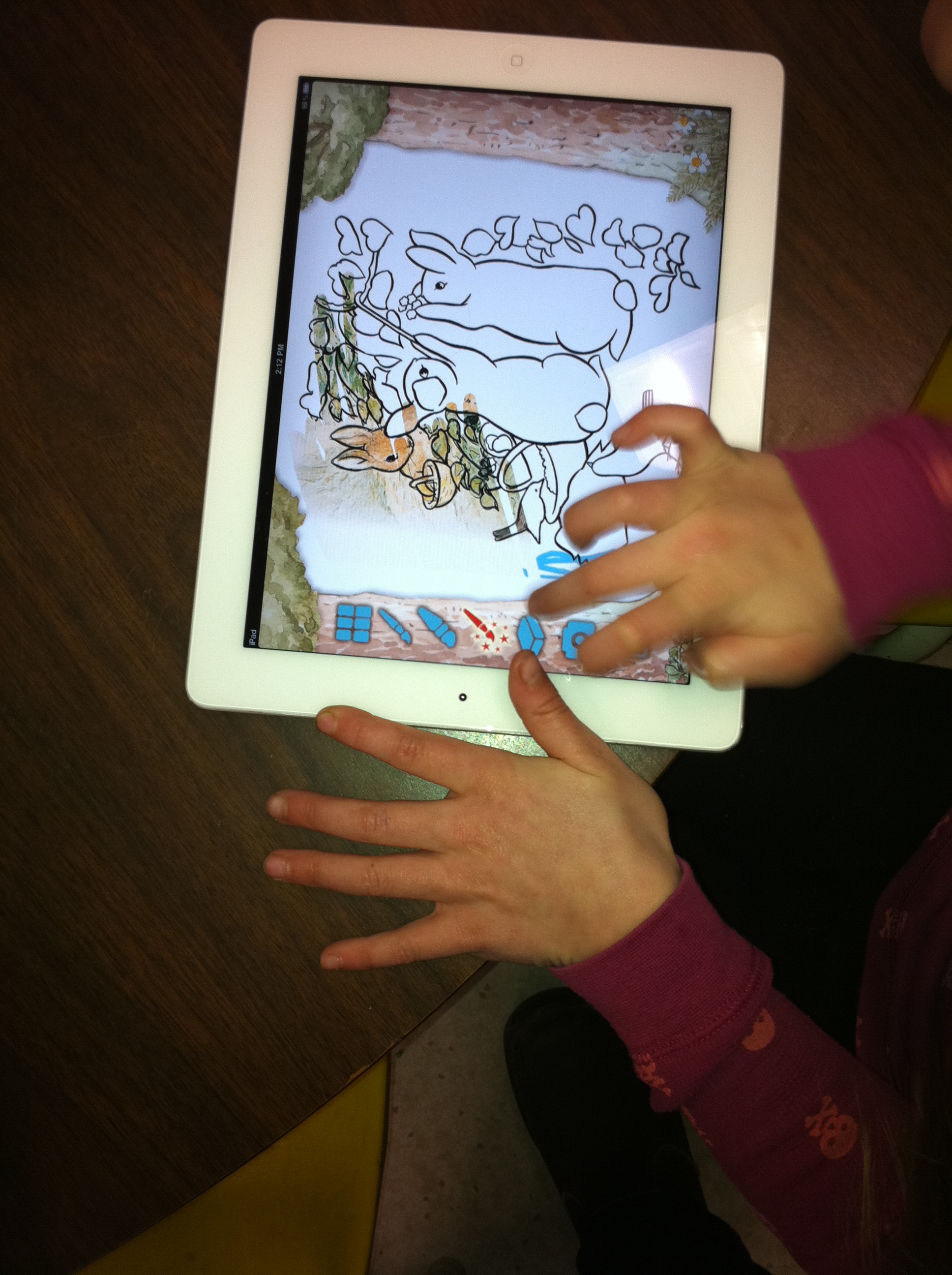
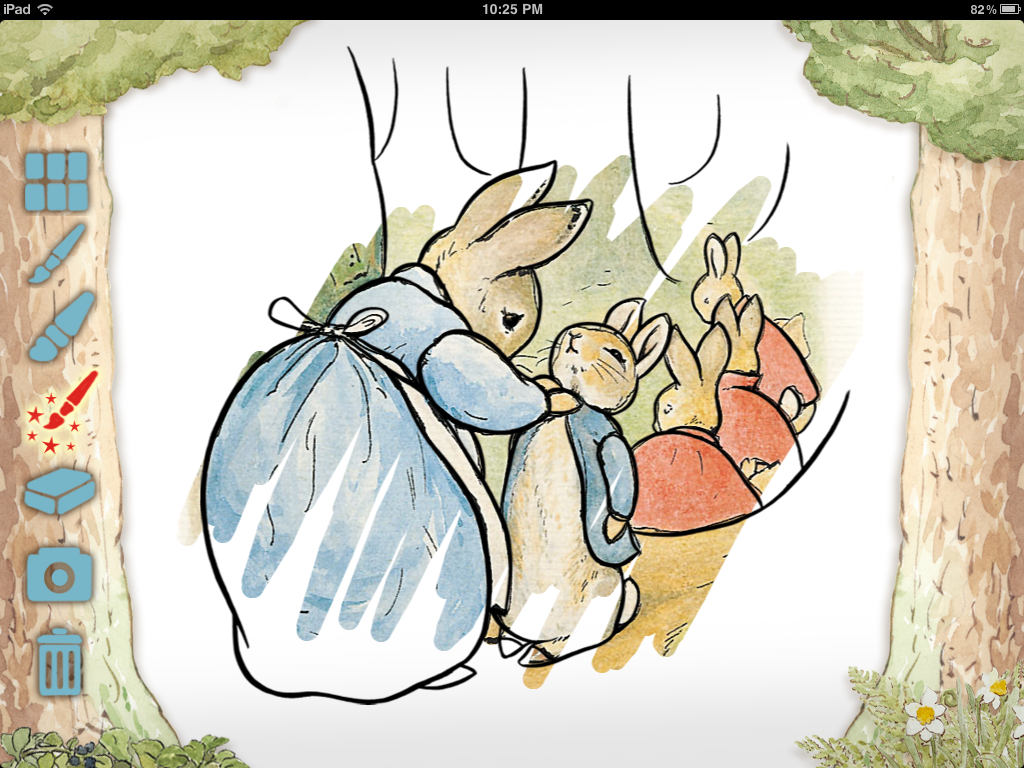
The ones I have are really good and the children are really enjoying them.  This is the Peter Rabbit app from the Official Peter Rabbit site. It has some really neat features.

IMG_0046

I have several Belkin headphone connectors so up to five children at a time can listen and use the apps at a time.  They are VERY cooperative!

IMG_1698

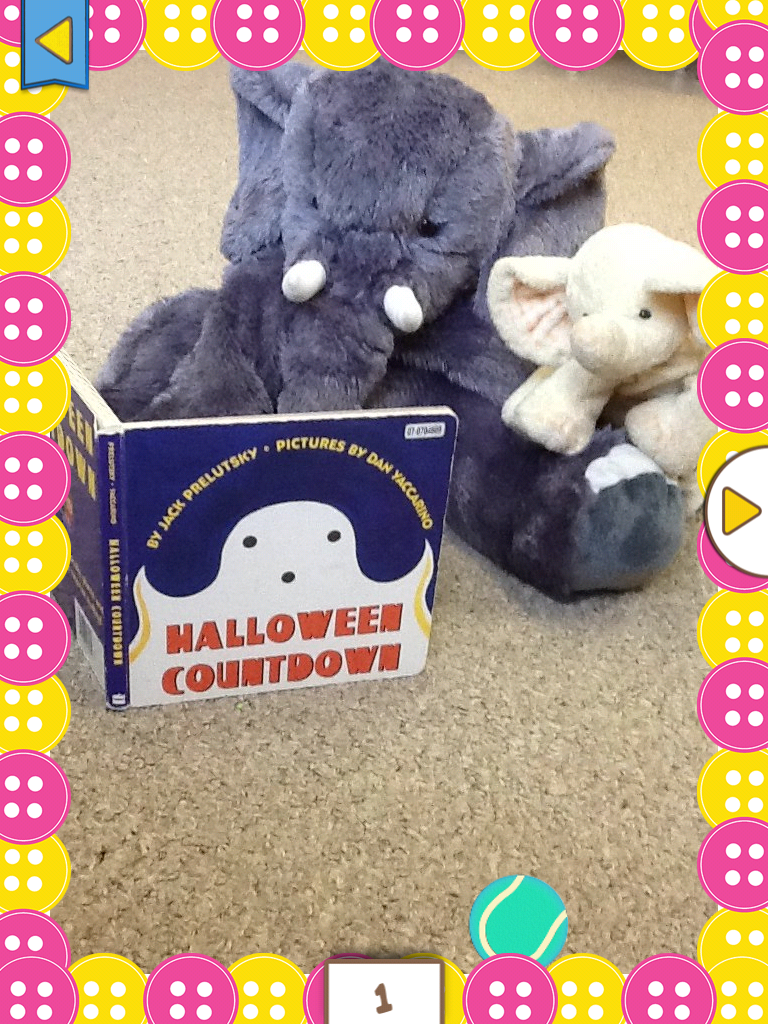
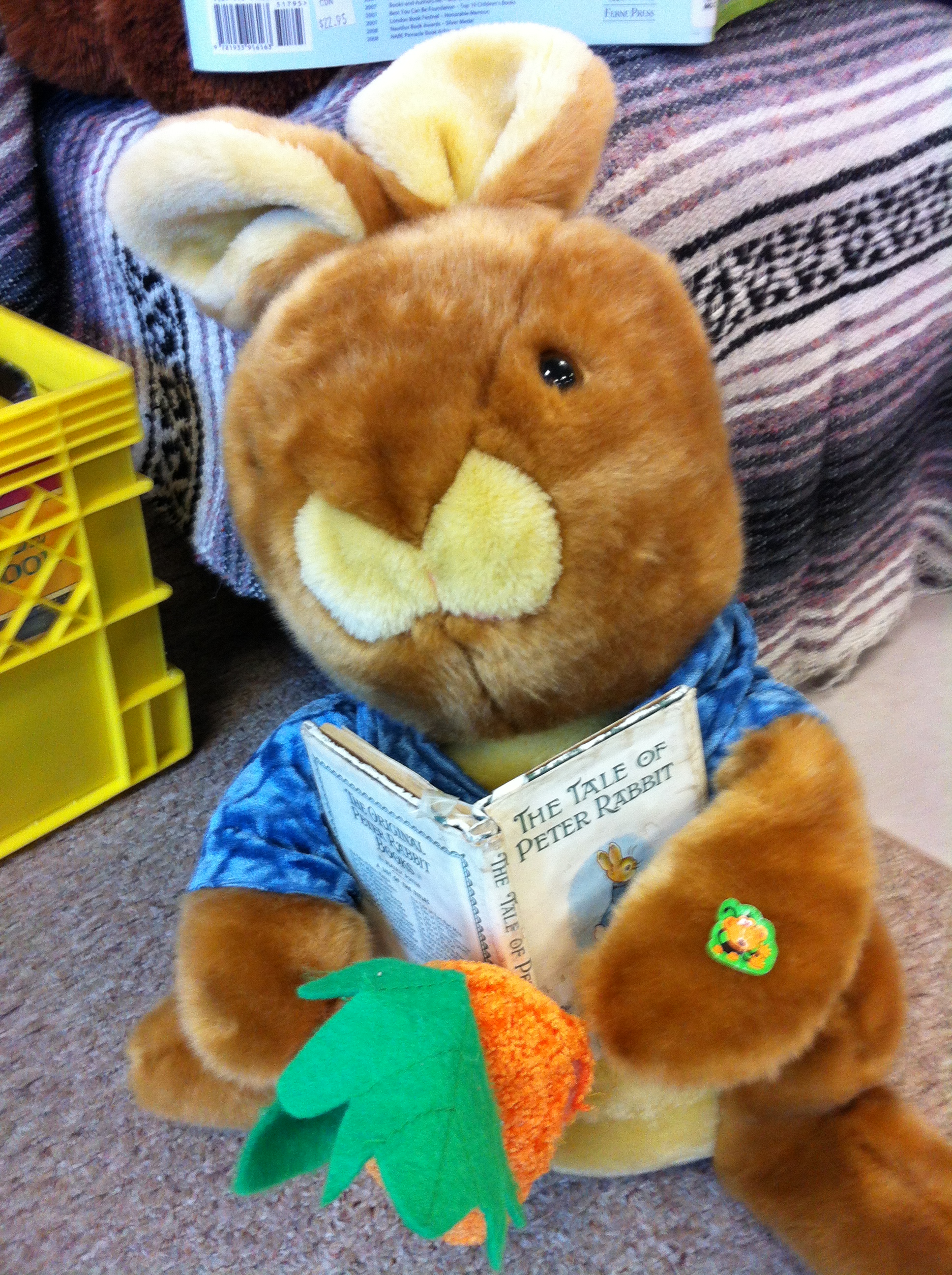
Even the stuffies enjoy reading the stories!

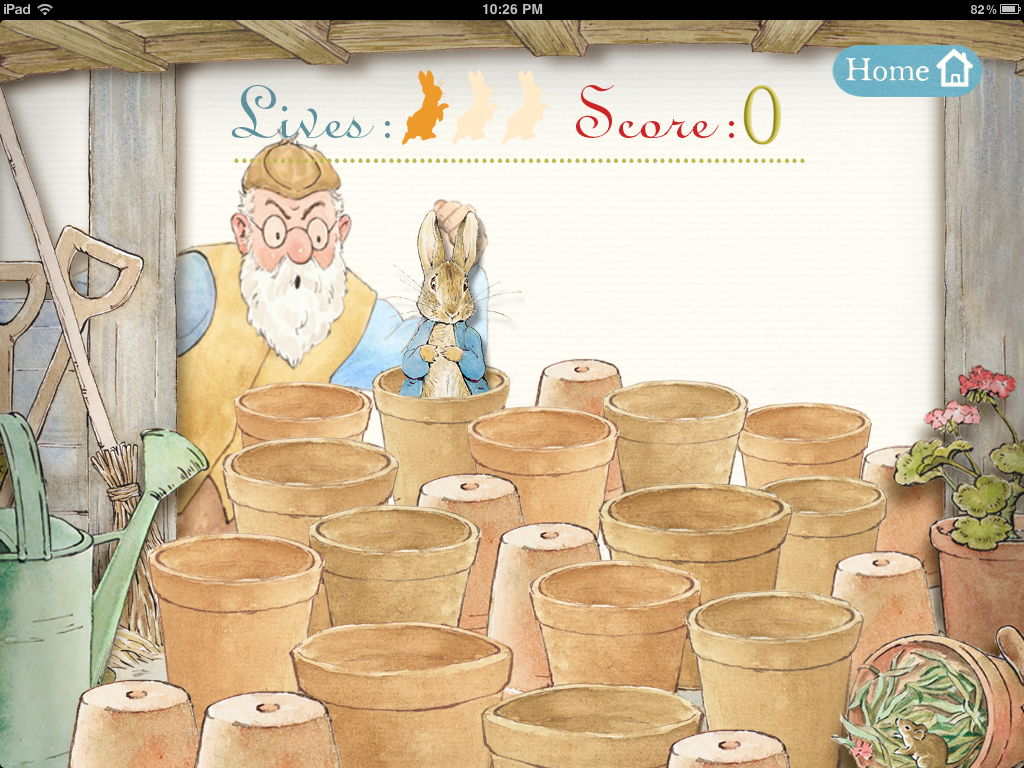
The other app I have is called PopOutPeter! It allows you to either read the story yourself or have it read to you.  It has neat little pop-ups on each page that the children enjoyed.

IMG_0044

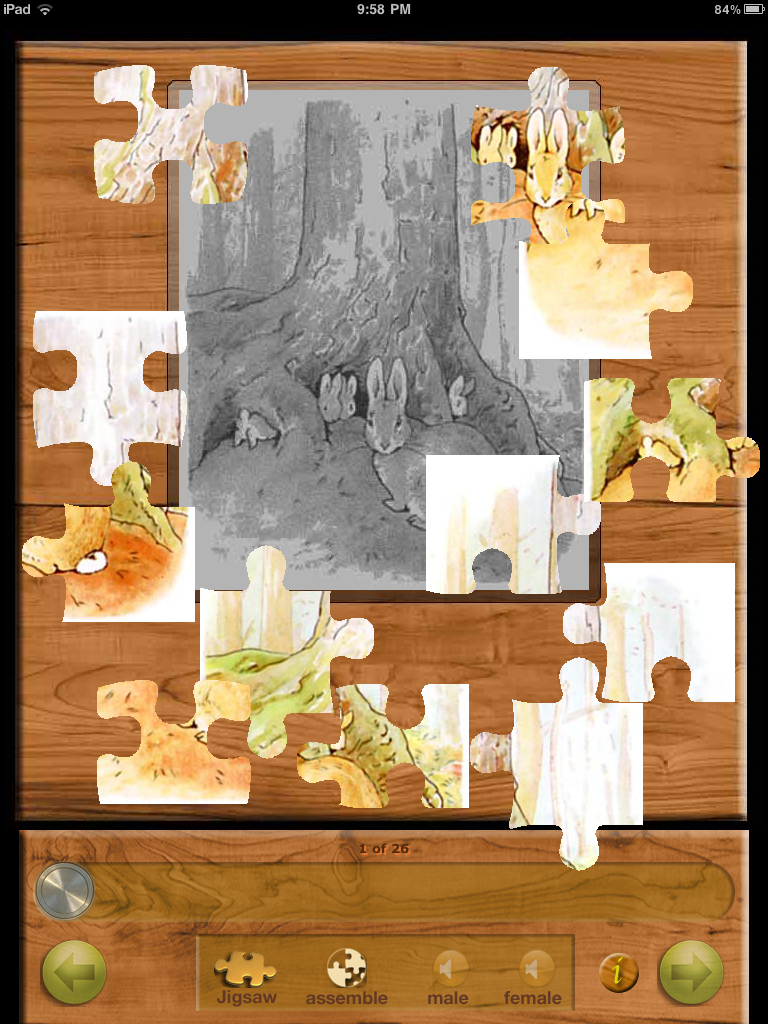
There is also another Peter Rabbit app created by iActivecom that also reads the story.  It has a neat addition in that each page can be made into a jigsaw puzzle.  I love puzzles, so this one is a favourite for me!  All of these apps are under five dollars.  I can’t pick! I love them all! IMG_0040

Yesterday, we read the Squirrel Nutkin story and Mrs. Tiggy Winkle.  We still haven’t read one of my favourites yet! One is Peter Rabbit…. can you guess the other one?

Leave a comment

Filed under iPads, Peter Rabbit, Rabbits and Bunnies

Making Books! iPad Style!

our_math_book

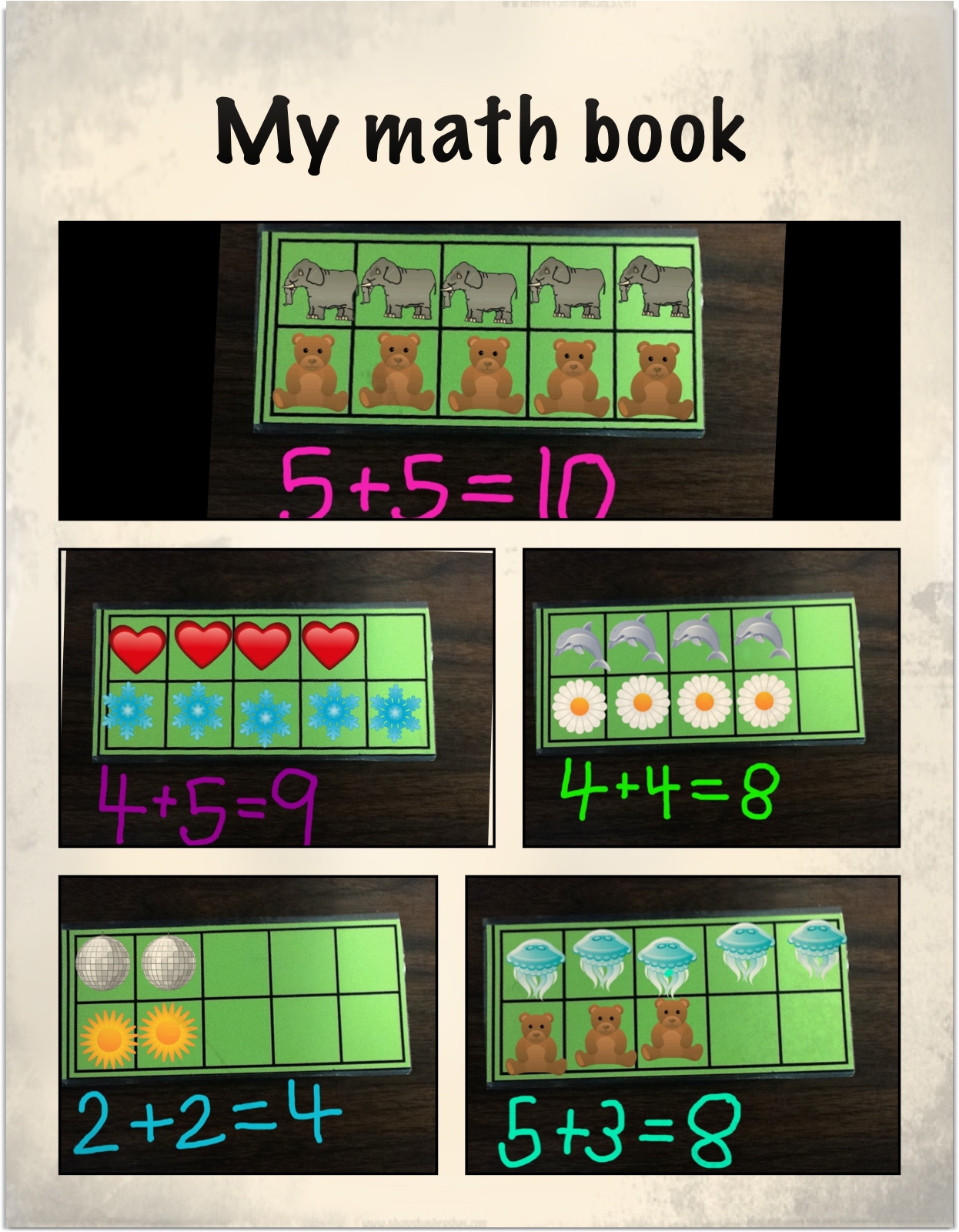
One of the final projects we worked on with the iPads was a math book.  The children used a combination of apps to create their math books.  They really loved this project and worked on it for a long time very happily!  I found the beginning of the idea on a neat website called Journey with an iPad by Kate Lechleiter.  She had a post about using Doodle Buddy and ten frames to represent numbers.  She took a picture of the ten frame and used it as a background on Doodle Buddy.  Then the children used the stamps to represent numbers.

lars nick math

I thought that I would like to see the children take this idea and create addition stories with it.  I took a picture of a ten frame on each iPad so that it was in the camera roll.  The children then used that picture as their background and used the stamp feature in Doodle Buddy to create their own addition stories.  Then they recorded the addition stories underneath them.

Then we took our stories and imported them into Strip Designer to create our math books.  They turned out great!  The children had such a good time creating them that they wanted to make even bigger stories.  So I took pictures of two ten frames together so that the students who wanted a bigger challenge could create even bigger stories.  

The children made up to four or five pages of addition stories in Strip Designer.  I discovered that I could save the work as a PDF file and save it in iBooks.  Then I was able to email it to myself and then forward on a copy of the book to their homes!  I also printed off a hard copy of the book.  It is in black and white.  I like the digital version better!

c alphabet

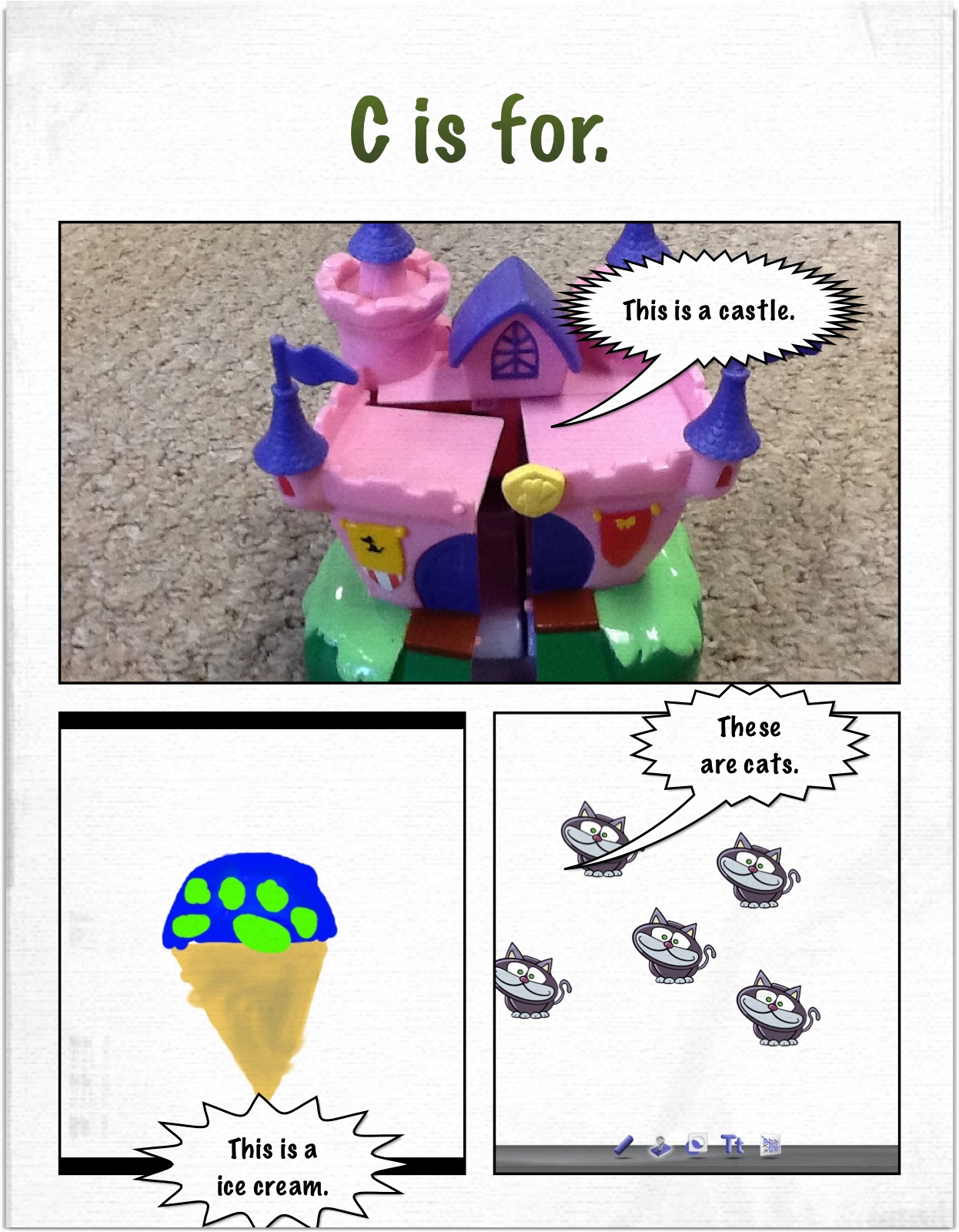
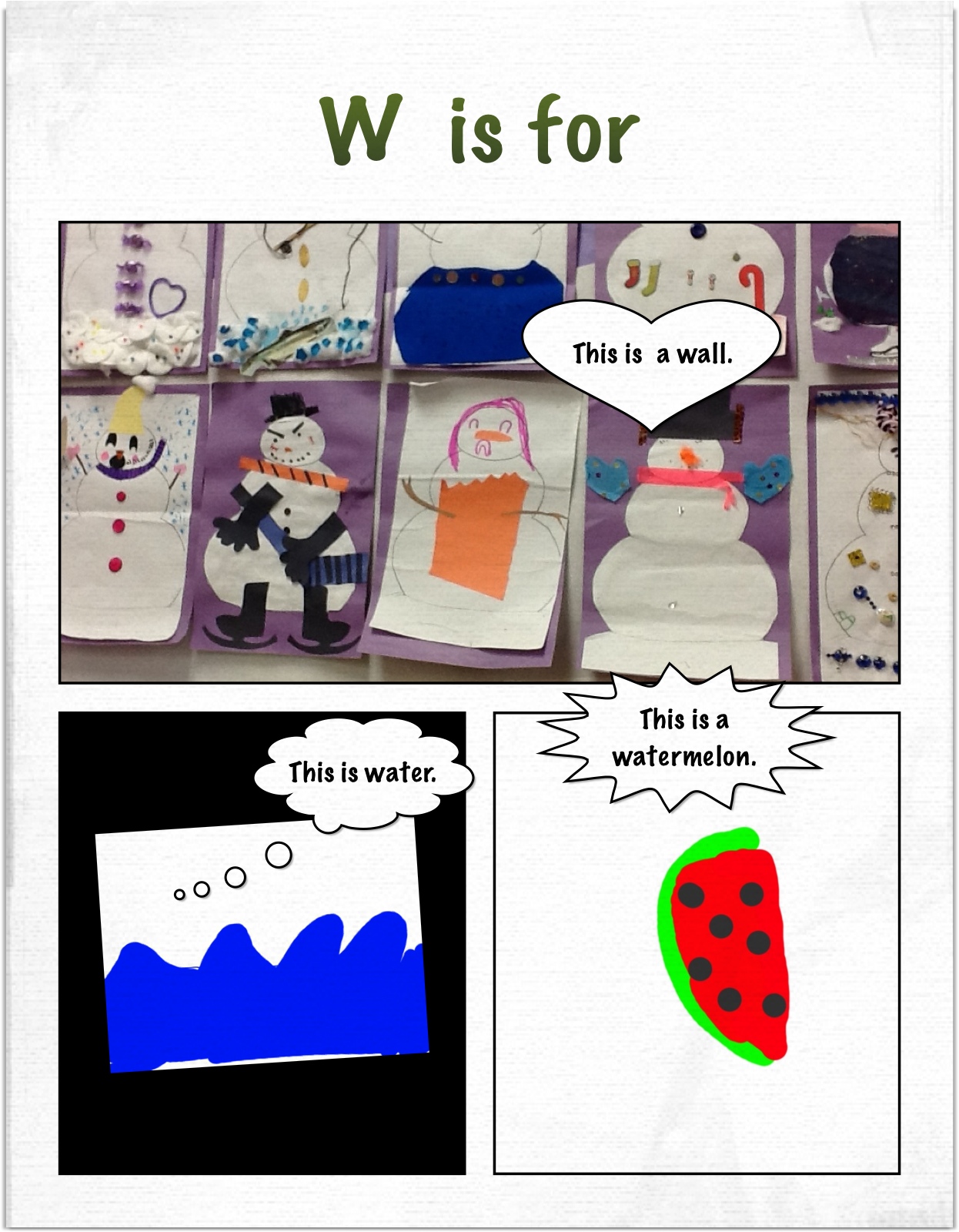
The last day with the iPads we decided to create an alphabet book with the iPads.  We used a combination of photographs of things in the classroom. pictures of the children, and drawings done in Doodle Buddy.  We took these images from the camera roll and imported them into Strip Designer to create our pages.

w alphabet

We have the whole alphabet done!  They turned out great!  I am hoping to collate them into a Photostory which I will upload to a cloud so everyone can download a copy!

Yesterday, the iPads were picked up.  We decided to use them until they came to pick them up! I let the children choose to work with any app that they wanted to for the last time.   We had some student teachers visiting and it was fun to see the children sharing their favourite apps with these teachers.  I know the teachers were impressed with how comfortable they were navigating around the various apps creating their last projects.

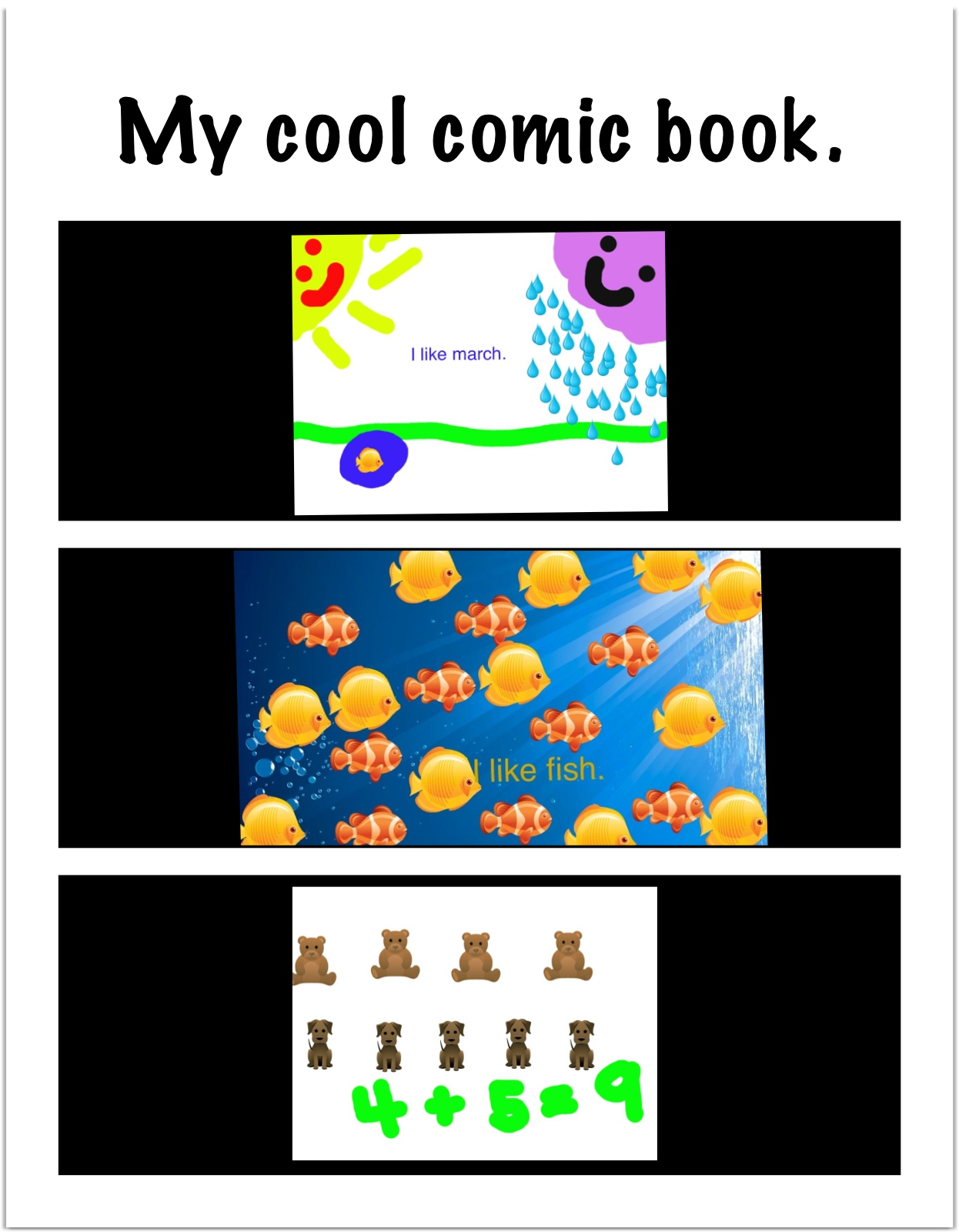
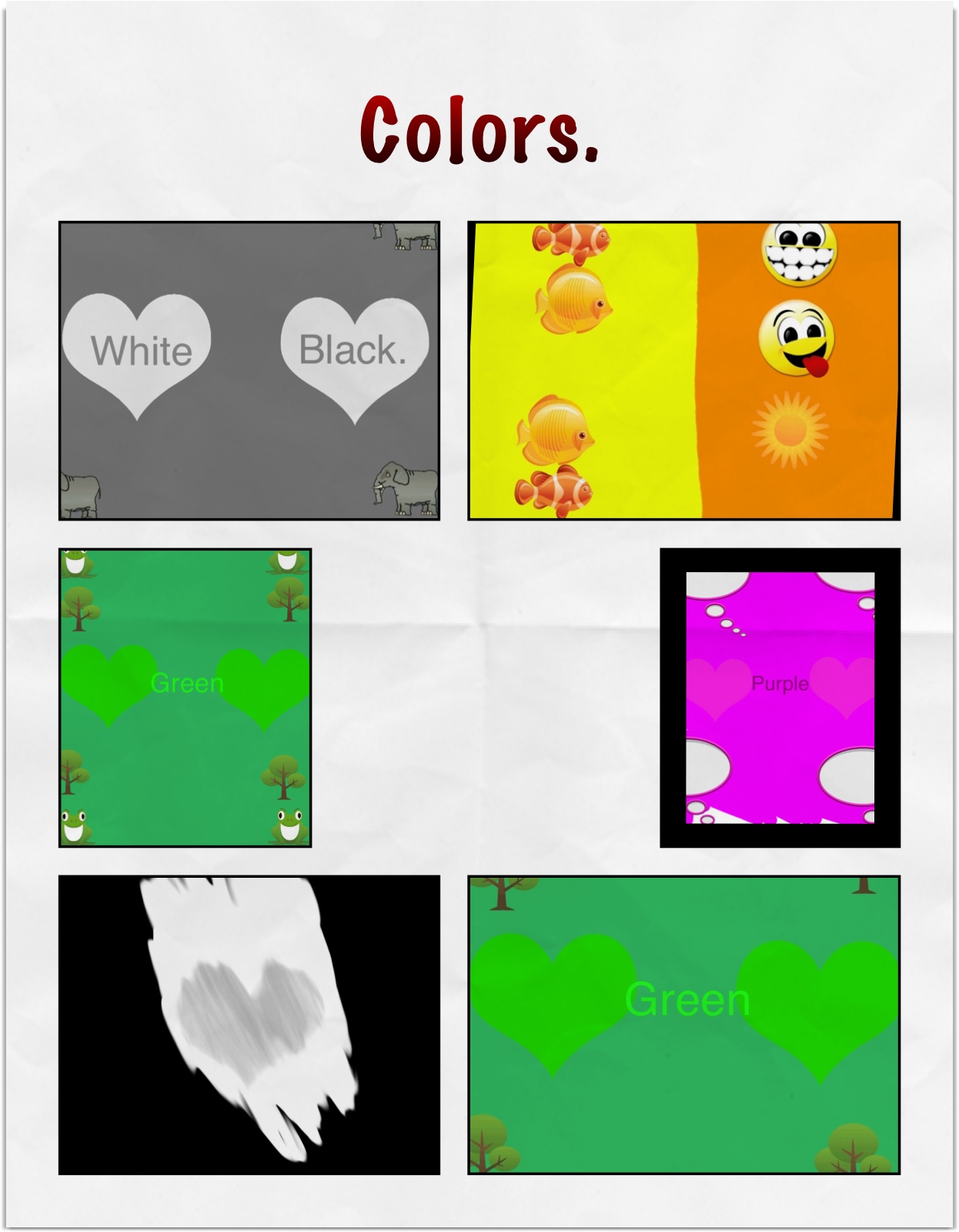
beth fish comic

payton last

We really loved our iPad project!

mr mugs ipad 2

Leave a comment

Filed under Doodle Buddy, iPads, Math, Photostory