Category Archives: iPads

Space Fun plus AR Math Fun!

ryleigh space

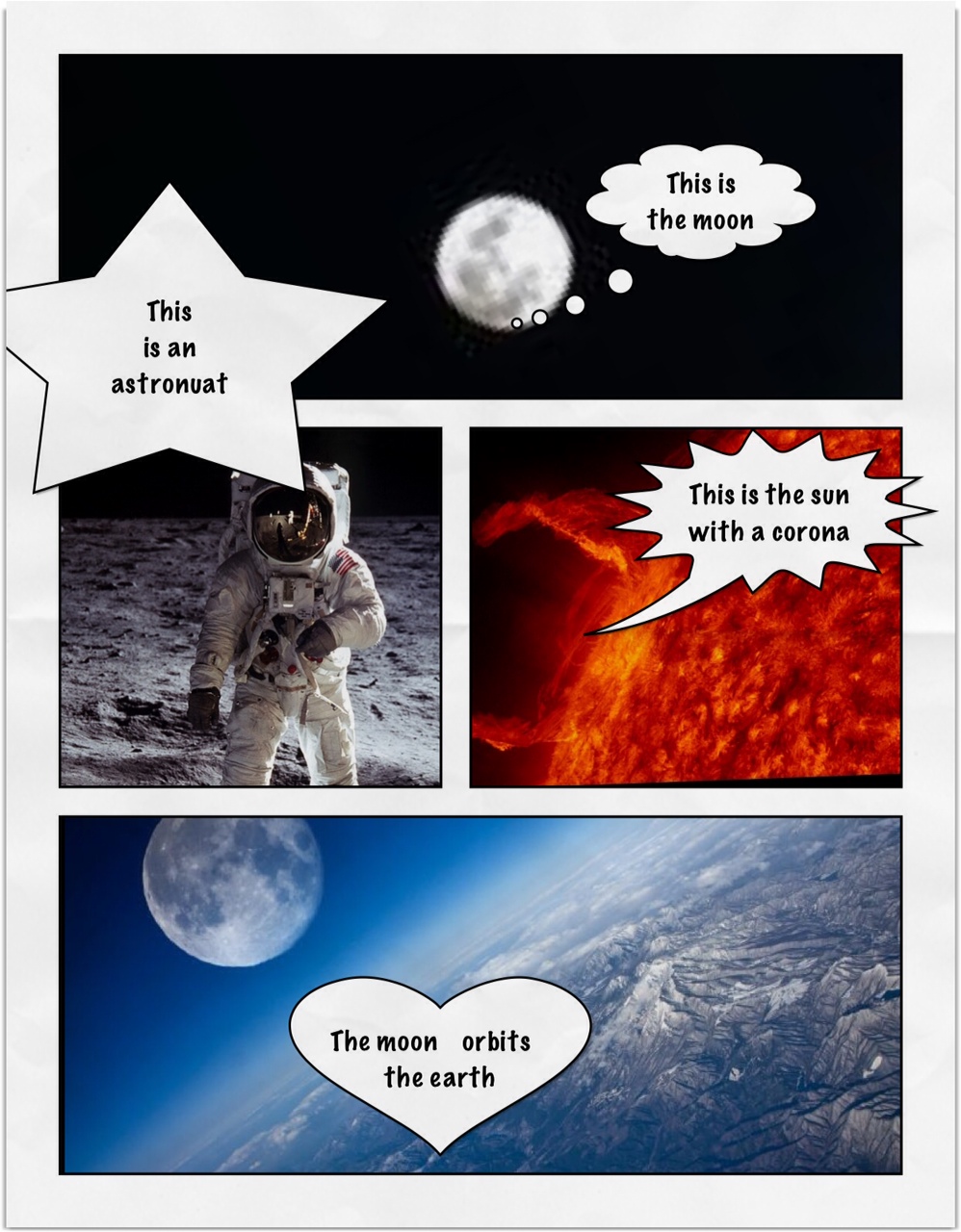
We have been working on a space theme this month.  The children have been using  the iPads to create these awesome pages about space.

We have been learning about the moon and the sun.  We watched a few cool videos on Brain Pop Jr. about the phases of the moon.
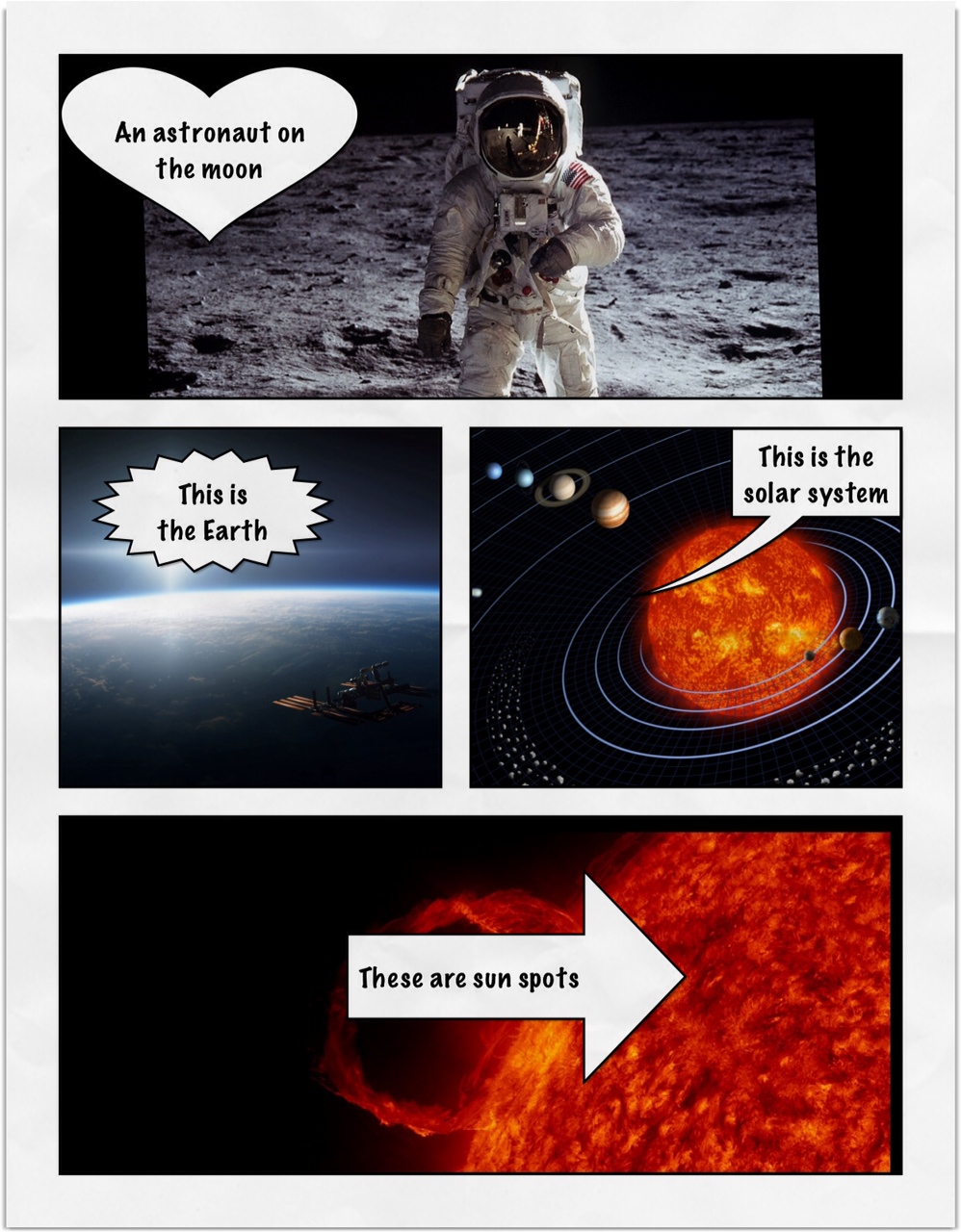
hayden marley space

I downloaded some neat space images from the internet onto the camera roll of the iPads.  Then I showed the children how to import the pictures from the camera roll into an app called Strip Designer.  It is one of my favorite apps.
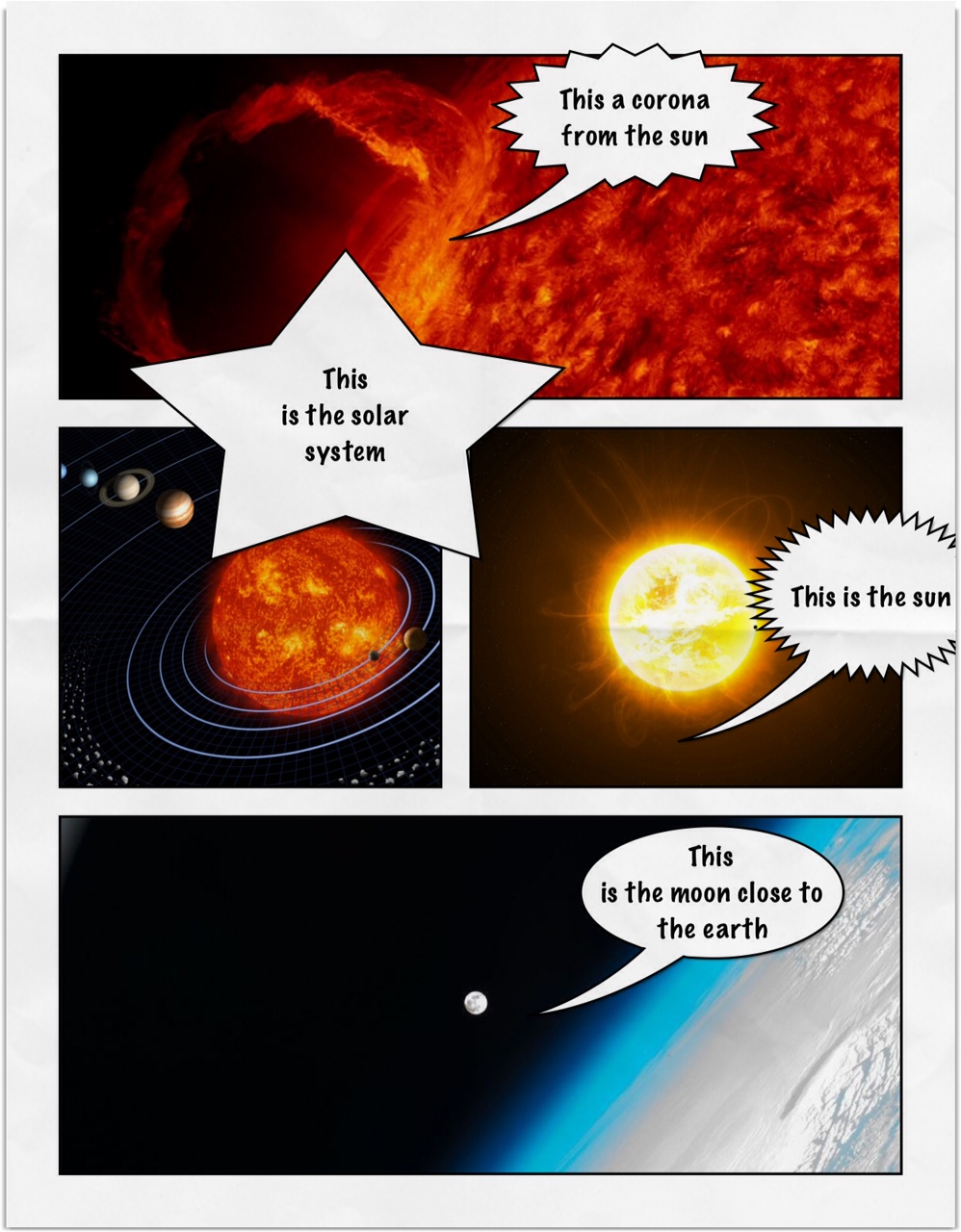
austin garrett space

After that short demonstration I handed the iPads over to the children.
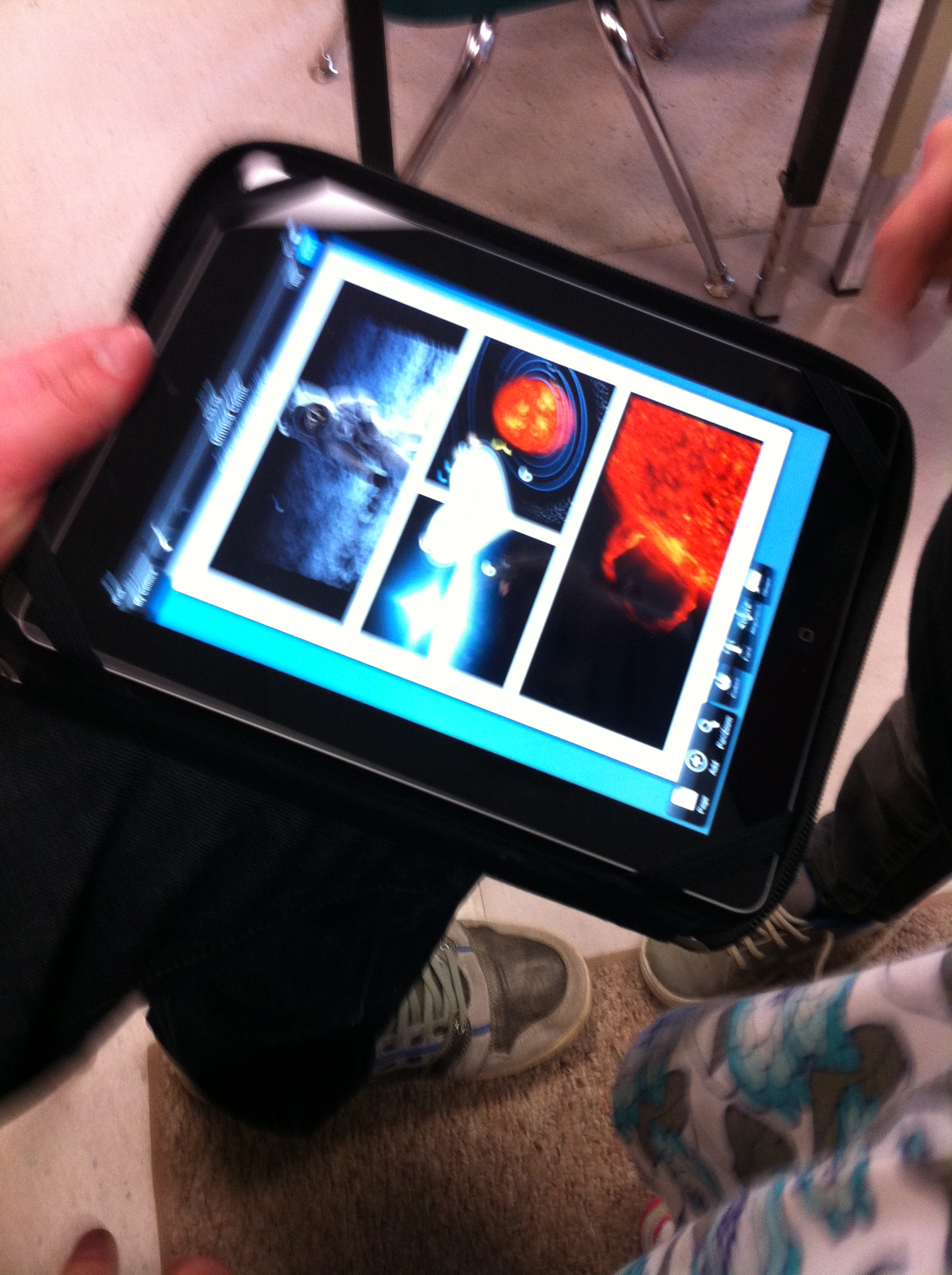
IMG_2835

They worked as partners and chose the pictures they wanted and placed them in the cells on the page. Then, with a little help, they added a text box describing the image.
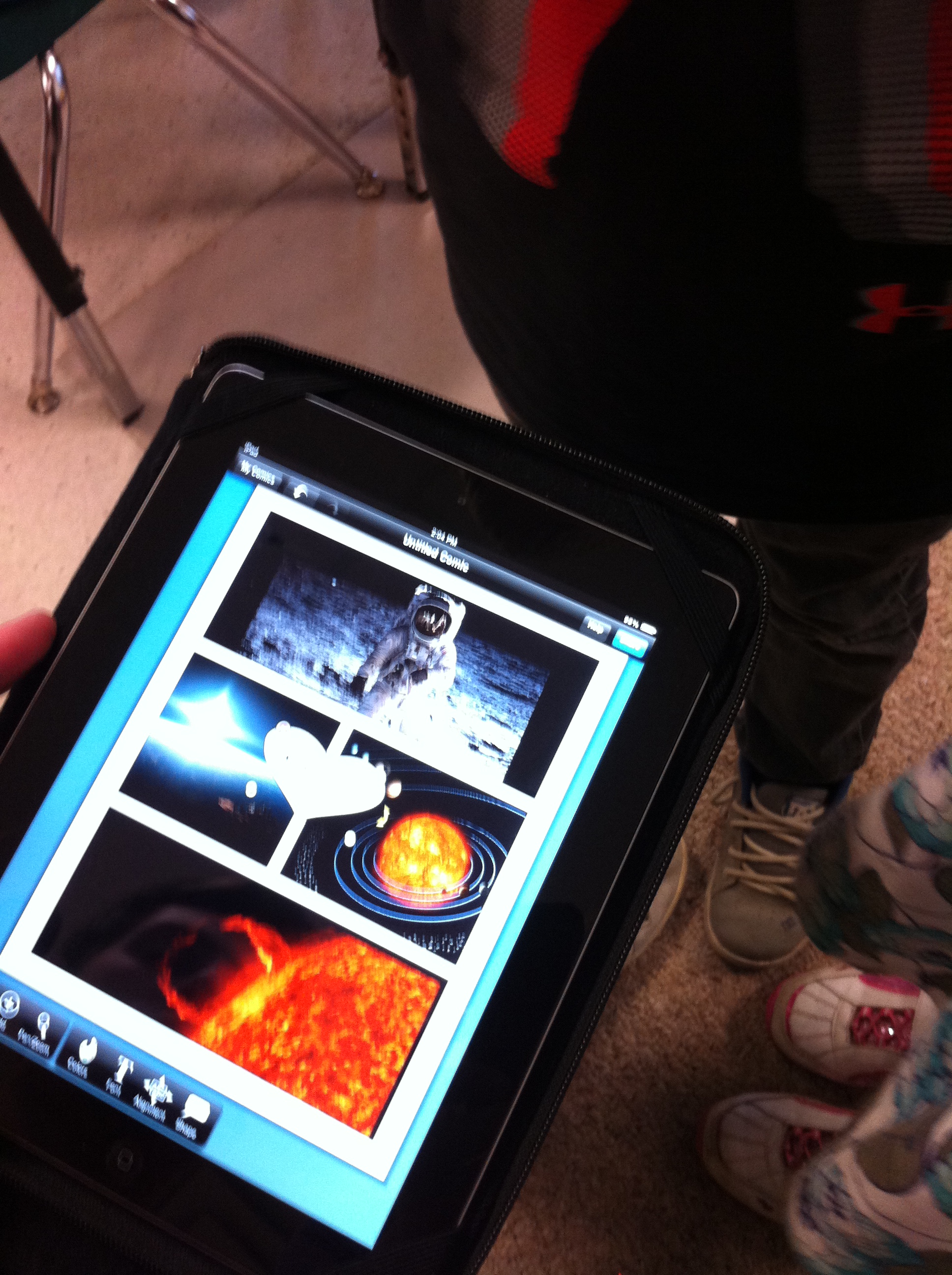
IMG_2836

The children are fearless.  They pop in and out of the camera roll, sizing and re-sizing their pictures to fit the spaces and then deciding on the various options for captions and the accompanying text with ease.

I think the product looks amazing!  Grade One students can do a lot, can’t they?

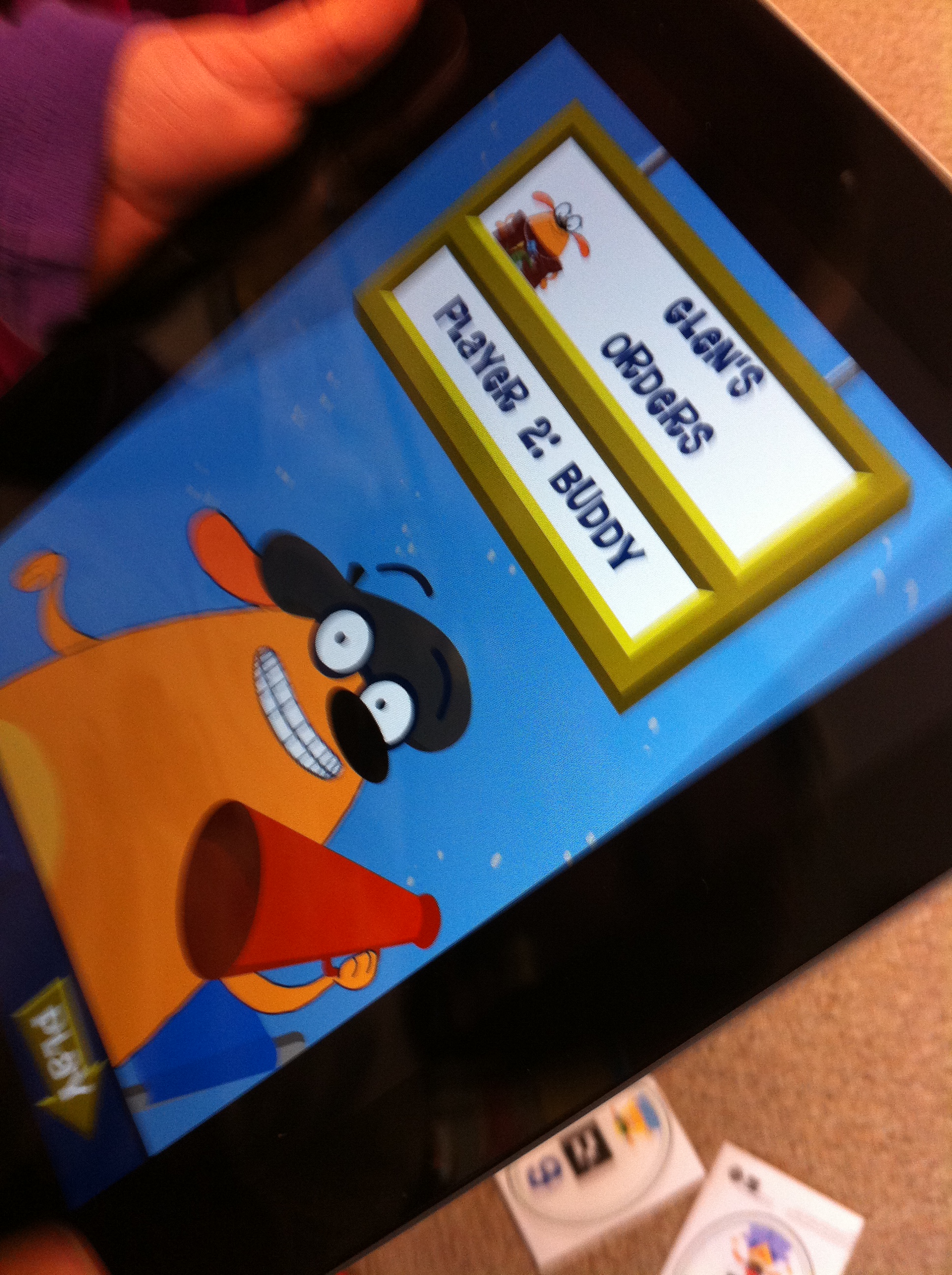
We also found an really neat math app called Fetch! Lunch Rush.
IMG_2828

It uses augmented reality in a really neat way to help the students practice their adding skills.
IMG_2834

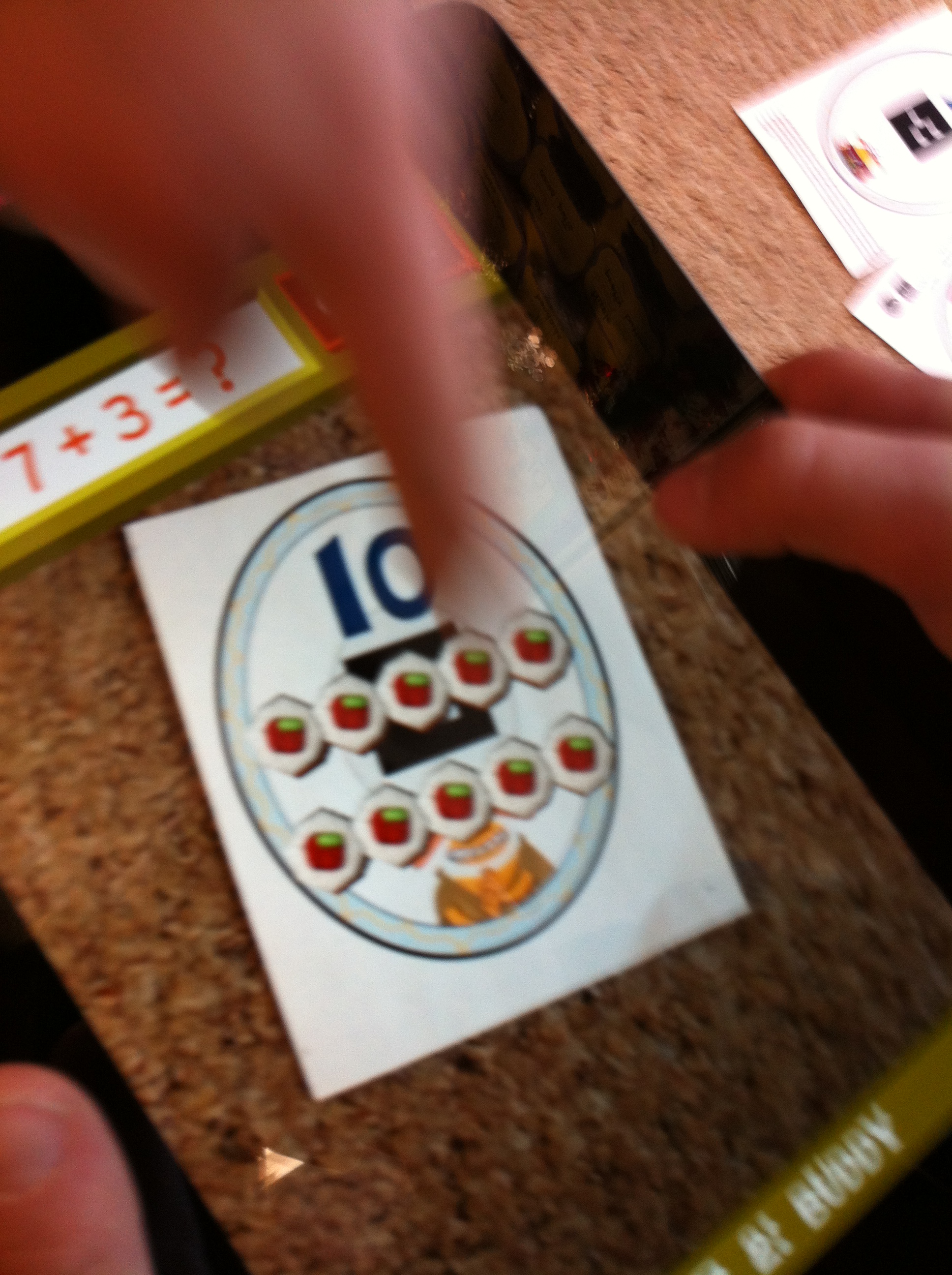
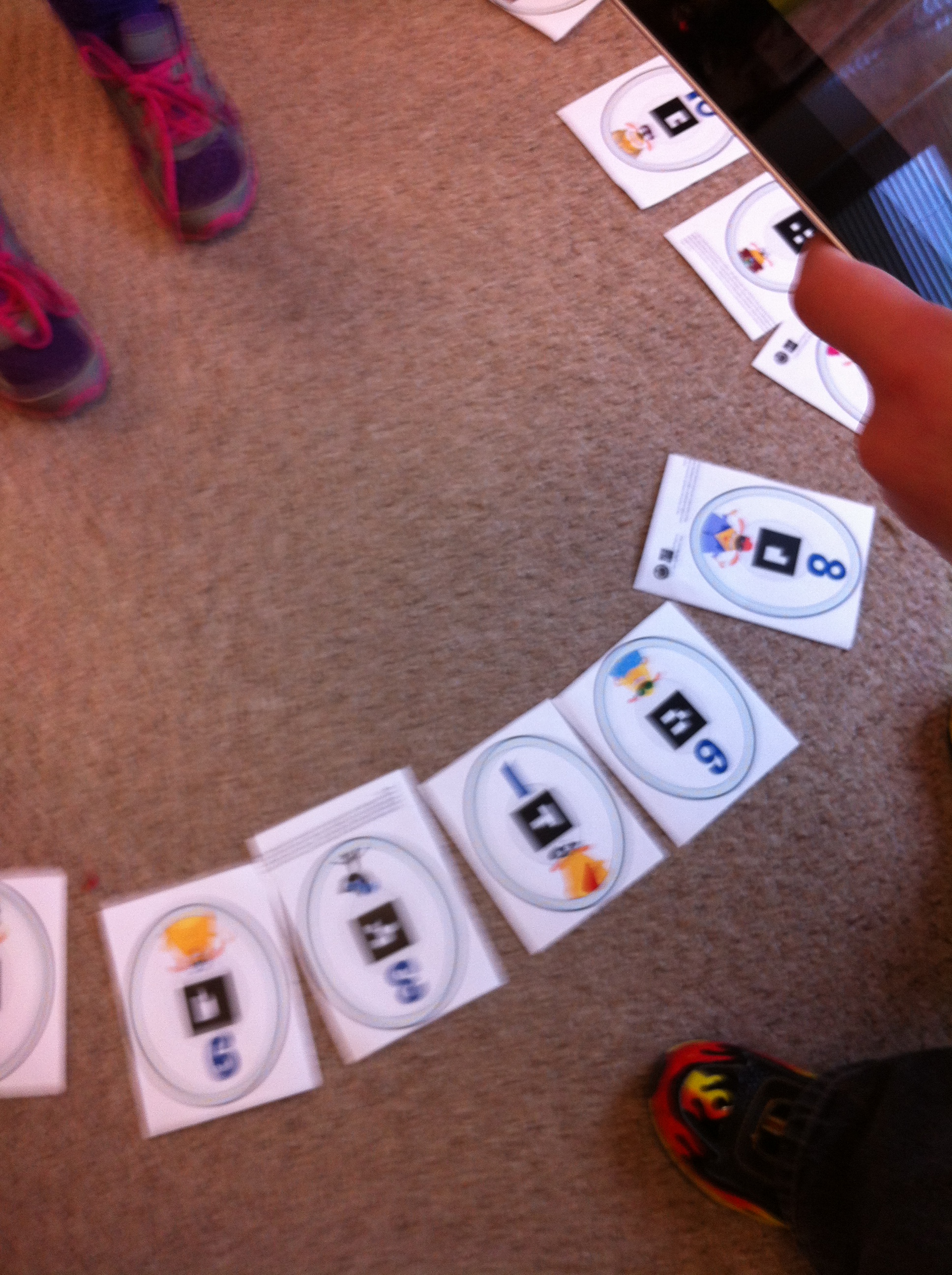
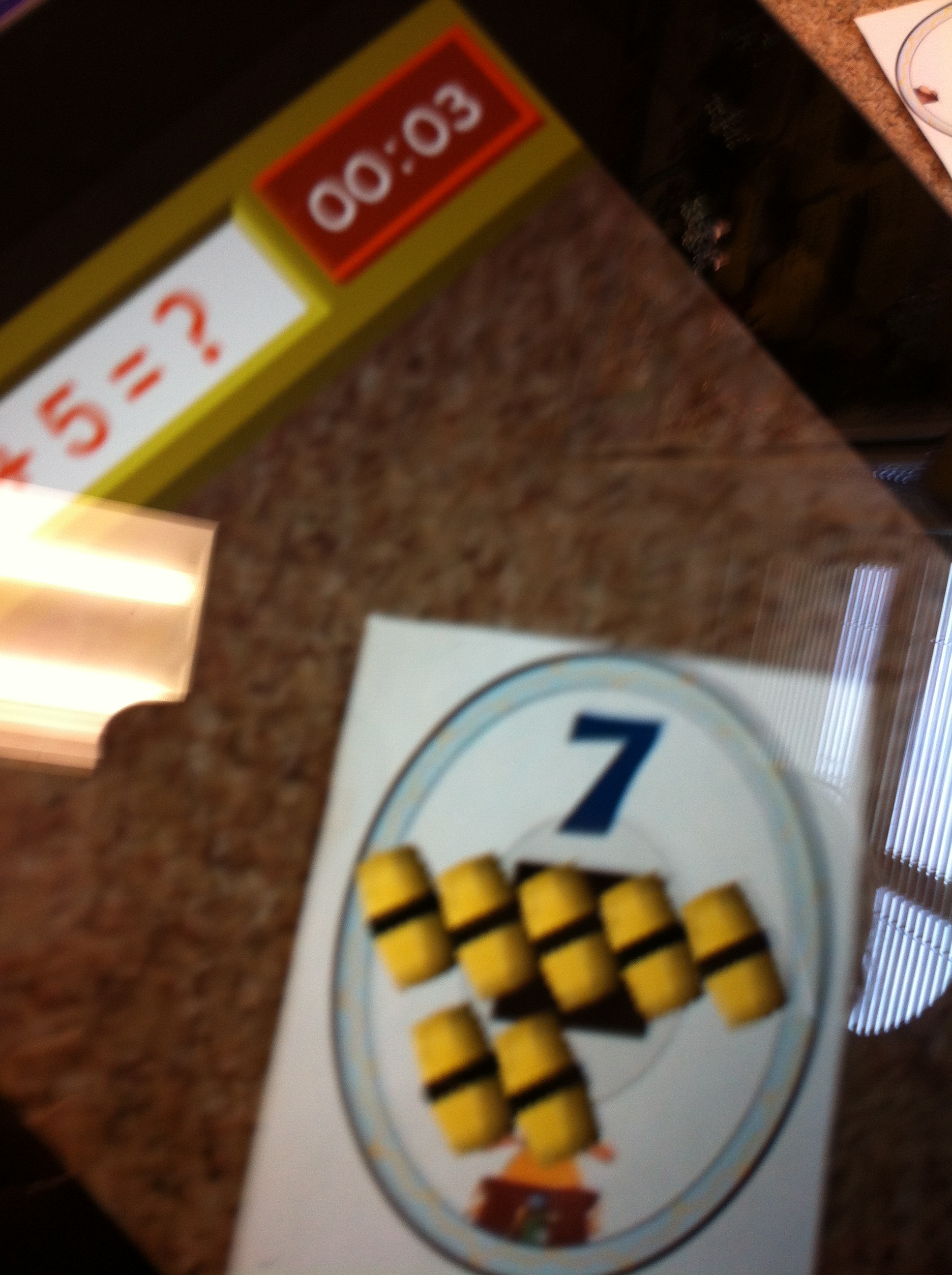
You need to download some pages with the number trigger images and cut them out first.  The students have to help find the correct amount of sushi to complete the addition sentence.
IMG_2833

The funny little dog talks them through the process.  Several children can play at the same time.  They choose the player they would like to be and then take turns solving the problems.  When they aim the iPad at the correct answer the sushi rolls appear in 3 D!  It keeps score and there is a bit of a time element!  Very popular!
IMG_2838

Don’t you want to play too?


Leave a comment

Filed under Augmented Reality, Comic Strip Designer, iPads, Math, Space

Super Fun! Winning a Contest!

IMG_0281

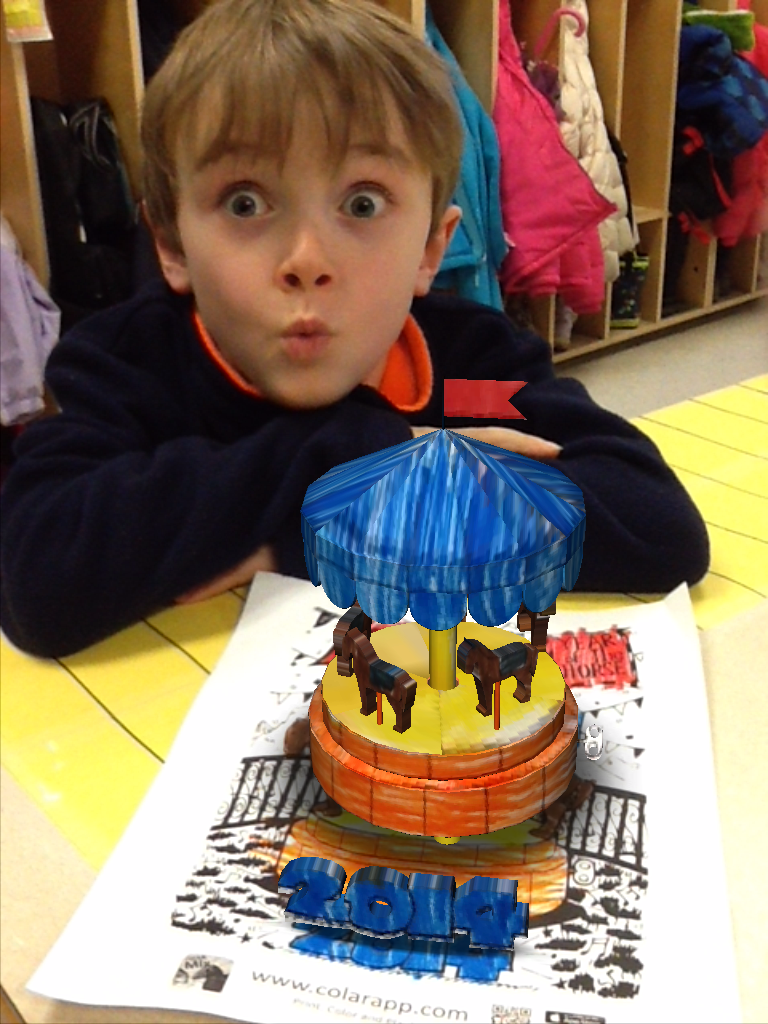
We’ve had some really big news!  Thought this picture captures that feeling nicely!

It was created using the CoLAR app.  It is the one celebrating the Year of the Horse!

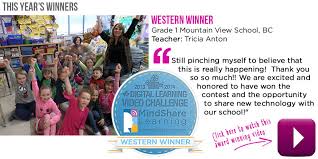
A while ago I mentioned that we had received our very first Skype call to our classroom!  That call was from a man named Robert Martellacci from Mind Share Learning.  He was calling to let us know that we were the Western winners in a contest we had entered!   A while back I created a short video about how we use technology in grade one and entered the 6th Annual  Mind Sharing Learning Video Challenge contest.   I thought it would give me a chance to learn how to use some different apps and be a great learning opportunity to help me become more proficient using the various apps.  I never dreamed that we would actually win!

learning

mind share learning win

Needless to say we are very excited!

We won $15,000 worth of new technology for our school to use!   Still pinching myself everyday!  The video we entered showcases the work we have done in grade one using technology.

Mr. Brick posted the link to our video on the school newsletter several times!  I think he is almost as excited as we are!  If you missed it, this is our video!

[youtube http://youtu.be/s3JCTjCN-sw?rel=0&showinfo=0]

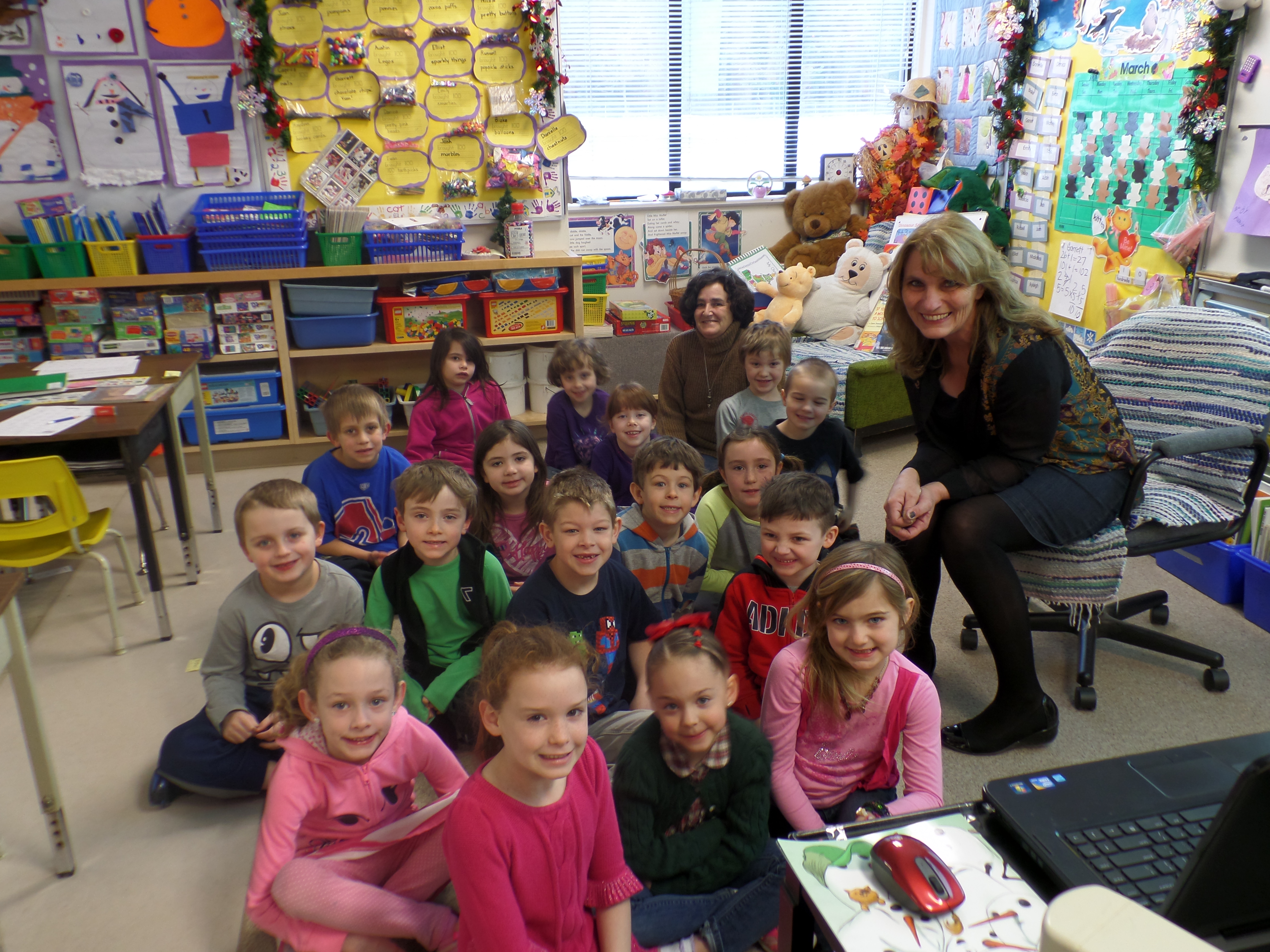
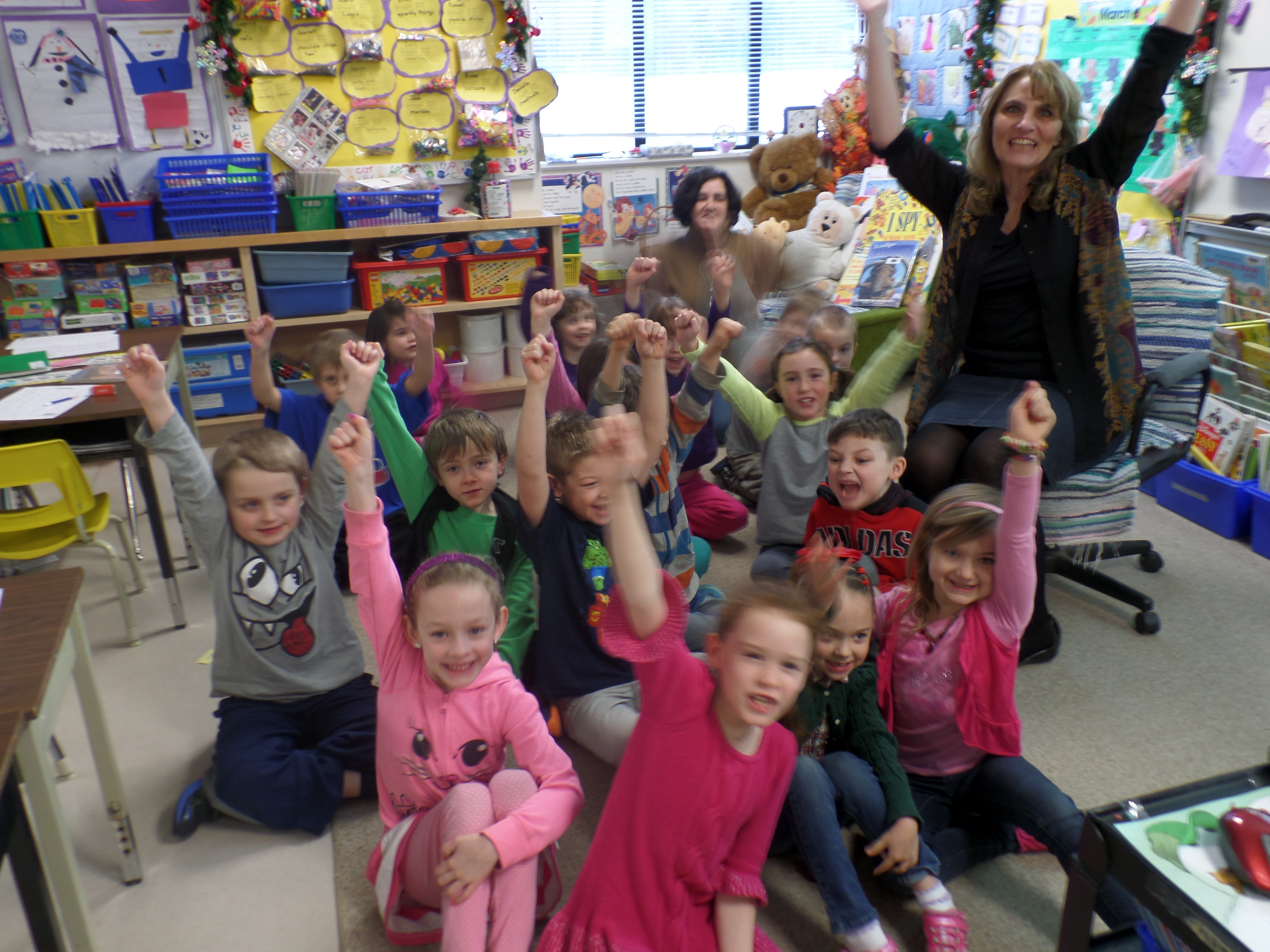
Mr. Brick took our picture just after the call to send to Mr. Martellacci  for the press release.

SAMSUNG CAMERA PICTURES

SAMSUNG CAMERA PICTURES

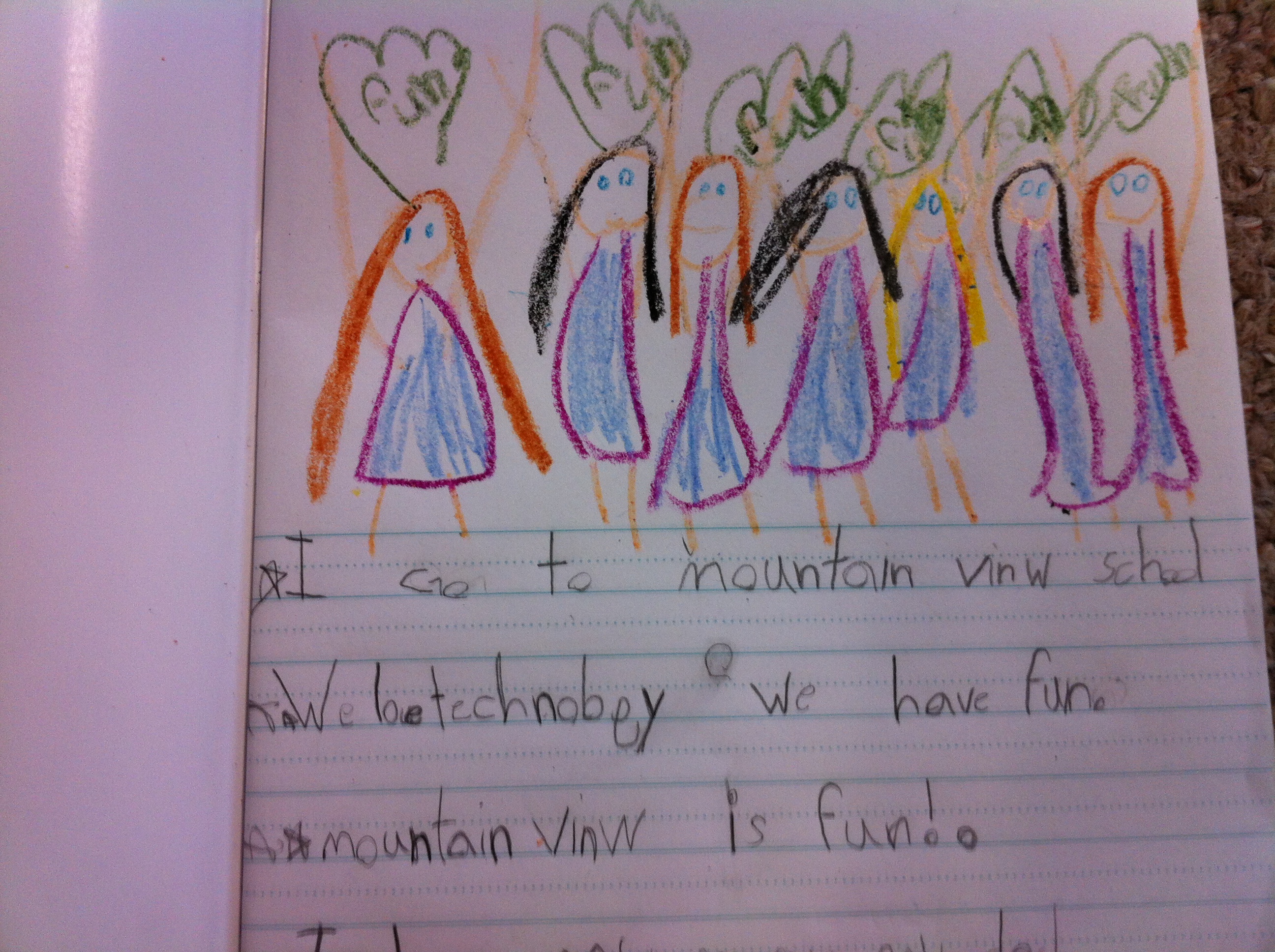
This is the picture that Emily drew in her journal later that morning!  IMG_2788

Too cute!

Leave a comment

Filed under iPads, Mind Share Learning Video Challenge, Skype

The Day the Dinosaurs Came to School!

IMG_2758

We have had way too much fun with our dinosaur pictures!

I thought I would show you what else we did with the pictures!

brick dinosaur

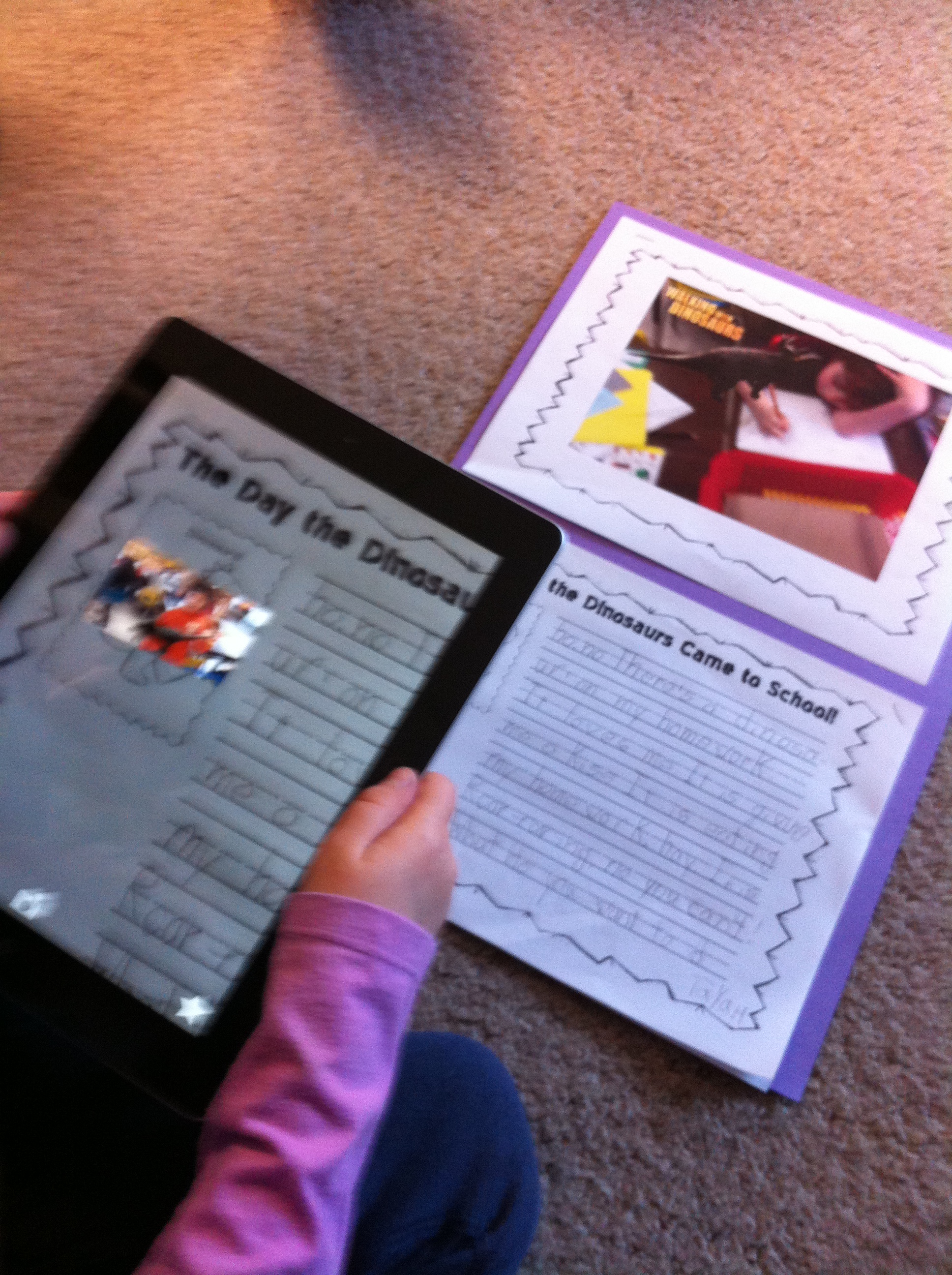
I printed off the pictures of each child with their dinosaur on my color printer at home.  Then I made up a writing sheet with the title The Day the Dinosaurs Came to School!

We looked at all the pictures together and brainstormed about the pictures and possible things that could happen if a dinosaur came to school! And we had the pictures as proof!   What fun!  Then the children started writing their stories!  We have some amazing stories!

IMG_2747

I also placed the trigger for the aura we made on Aurasma on the writing page as well as a special bonus! The aura is linked to the iMovie trailer we made with the pictures.

IMG_0436

I sent the aura link home to everyone in an email already but now the picture trigger is embedded in the creative writing that the children did as well!  You need the picture to trigger the Aura!

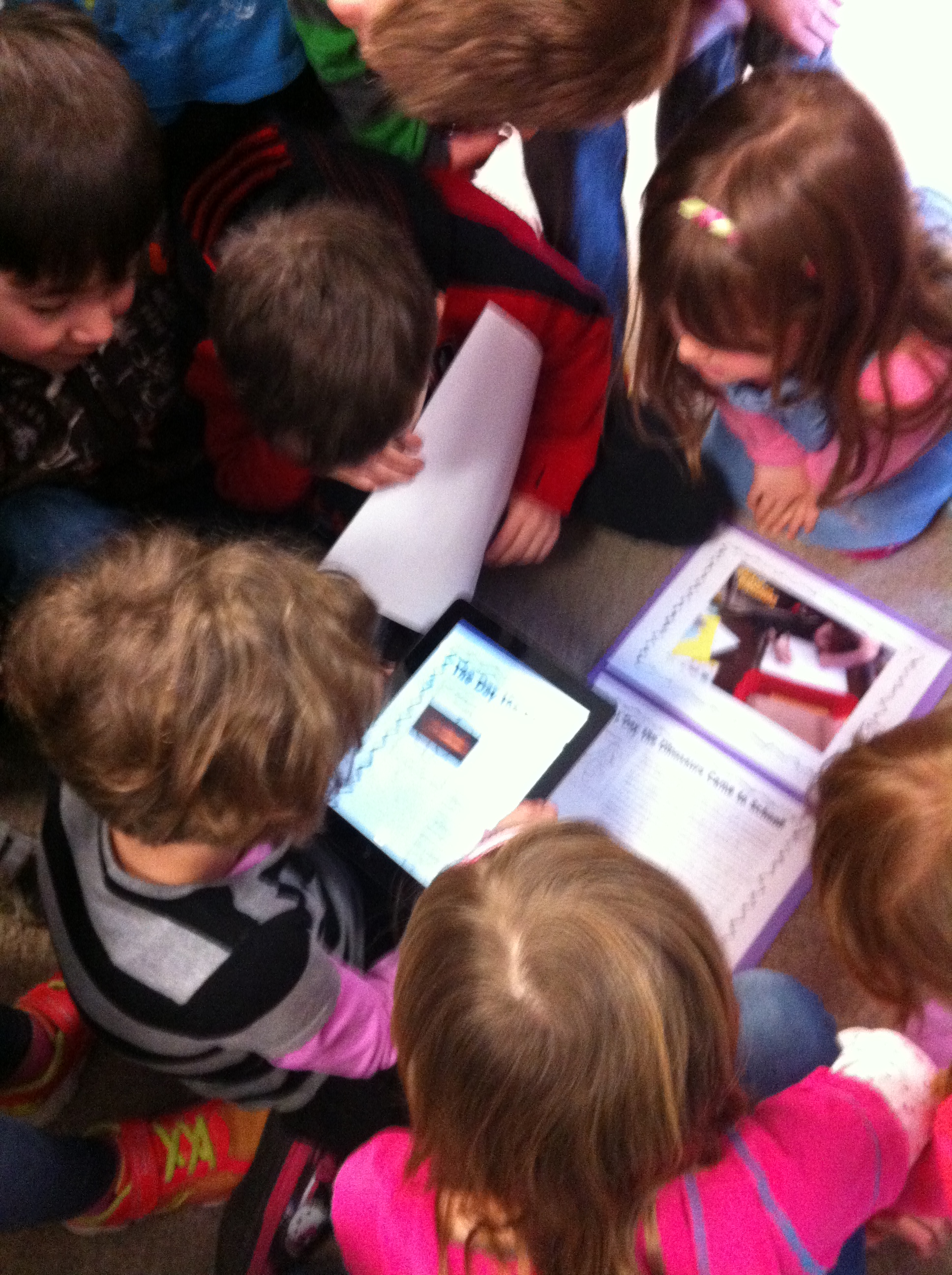
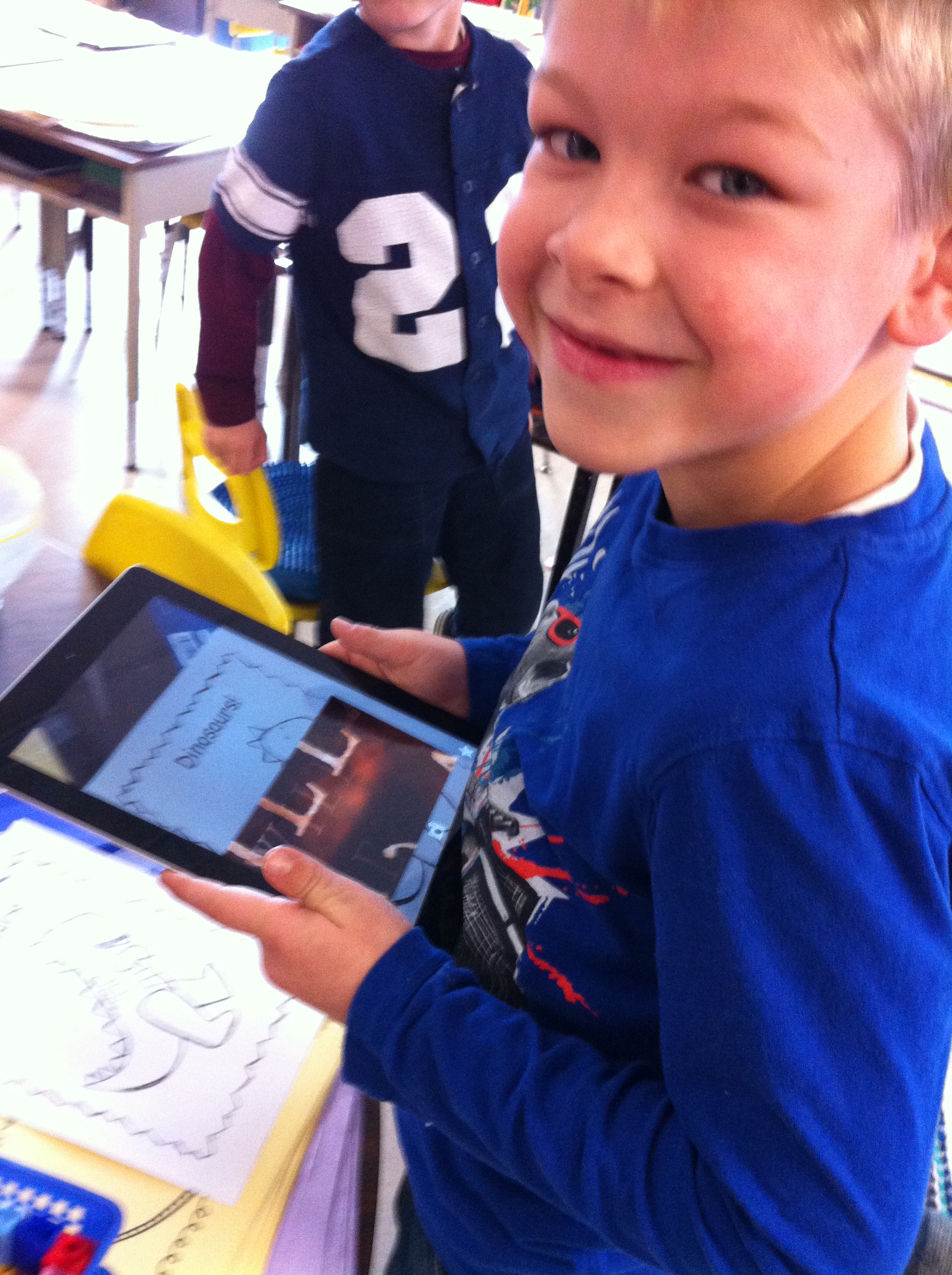
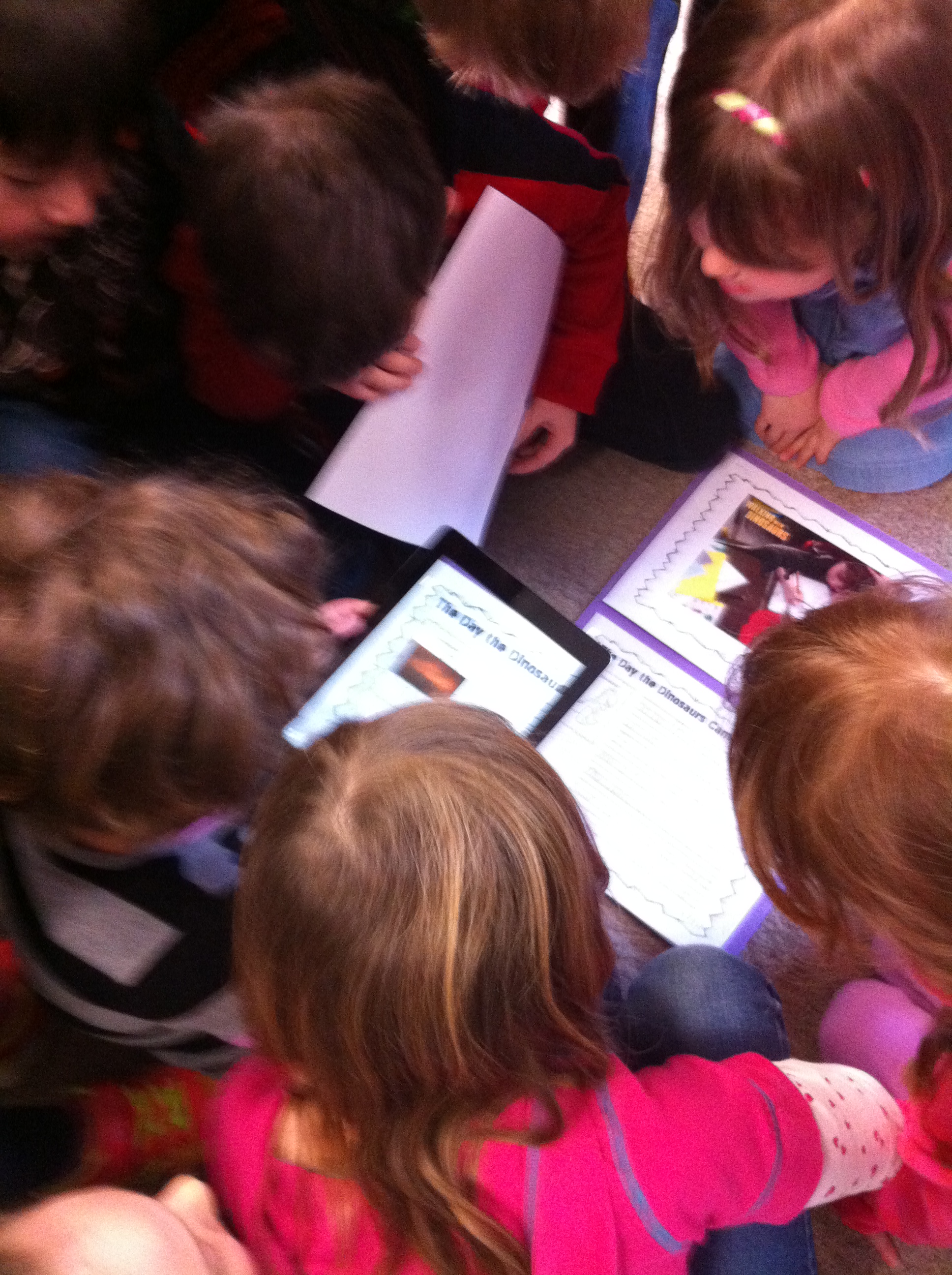
After the children finished working on their stories, we used the iPads to trigger the auras.

IMG_2753

They all came running to see the first one!

IMG_2761

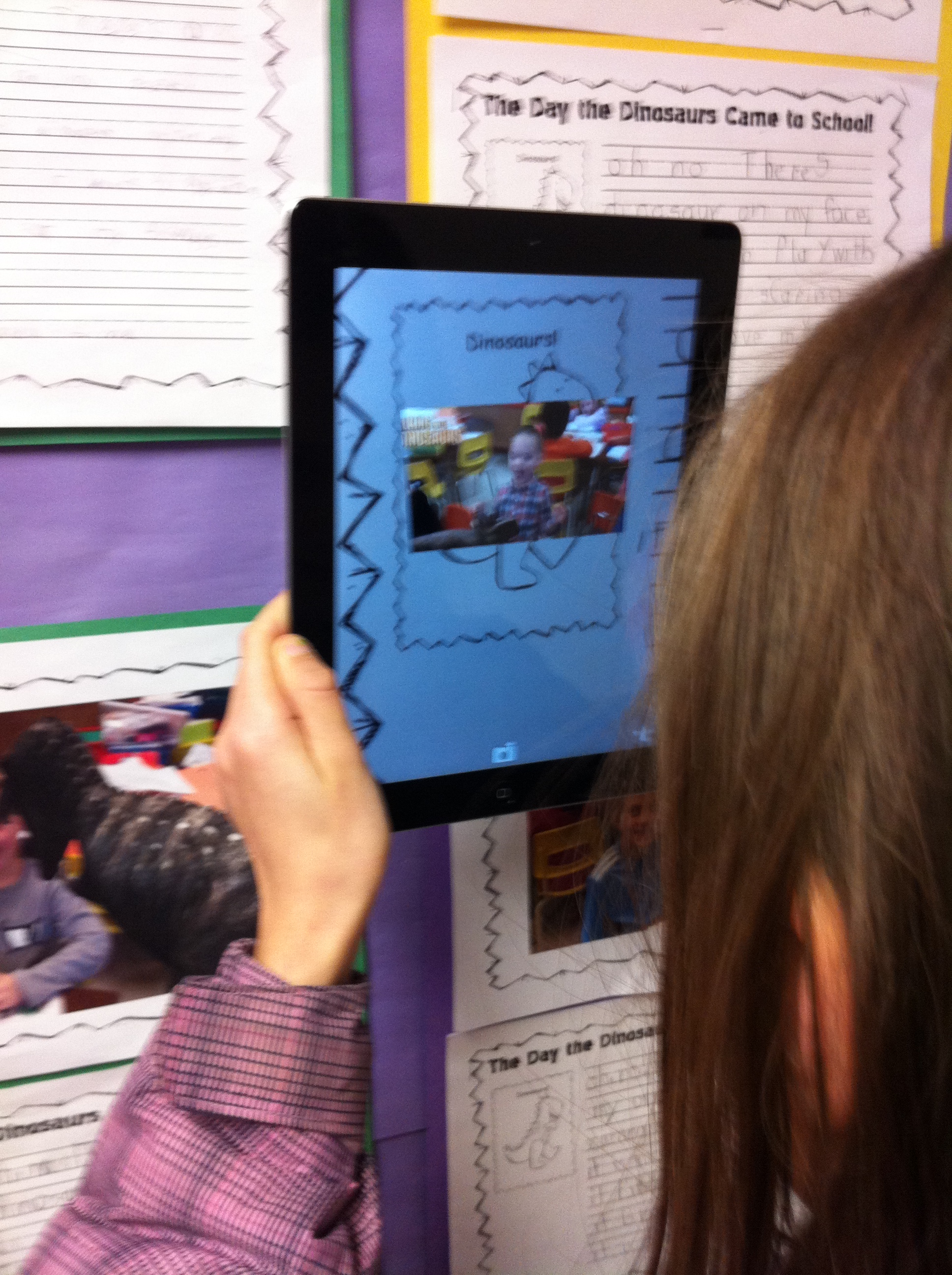
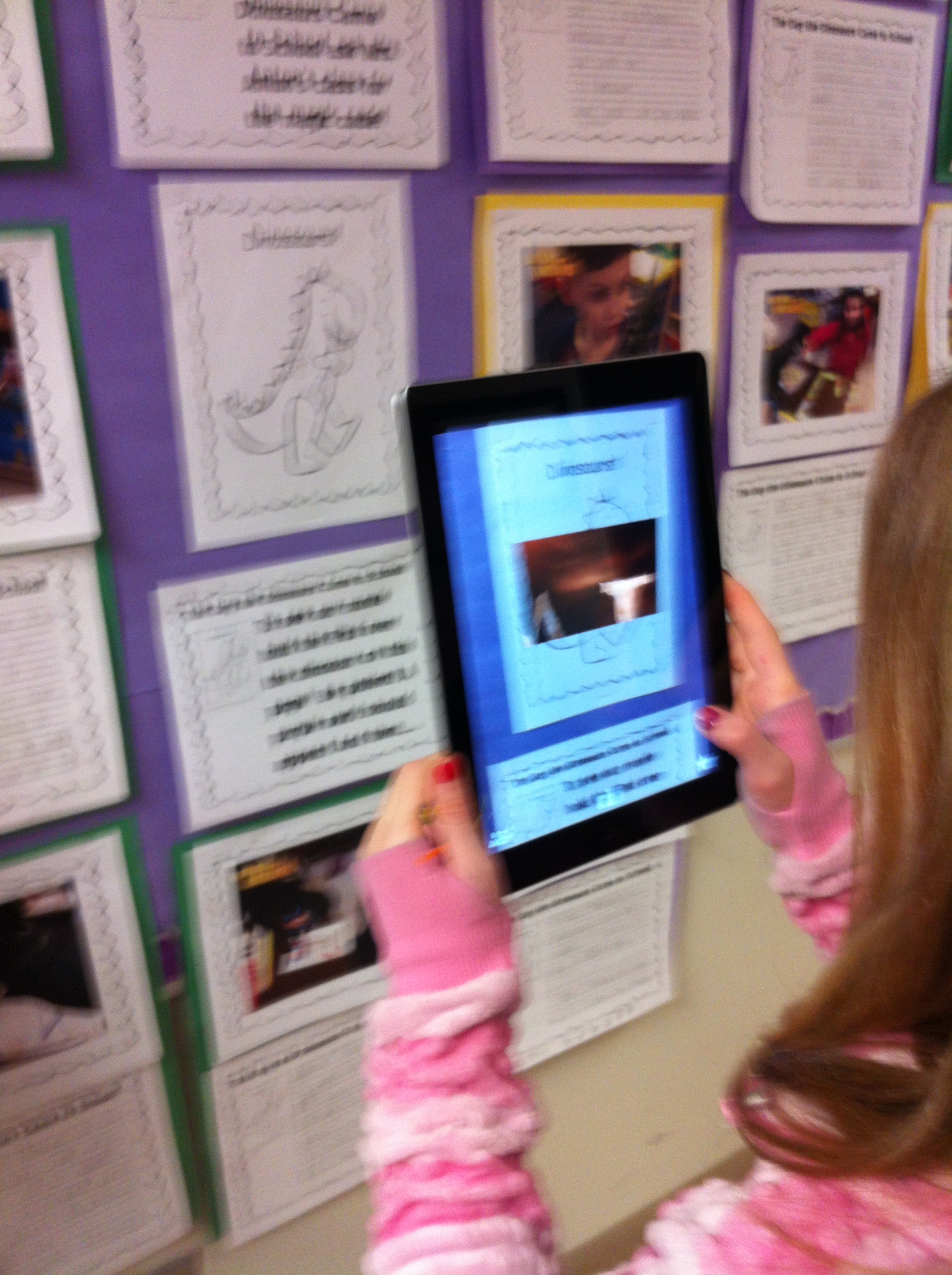
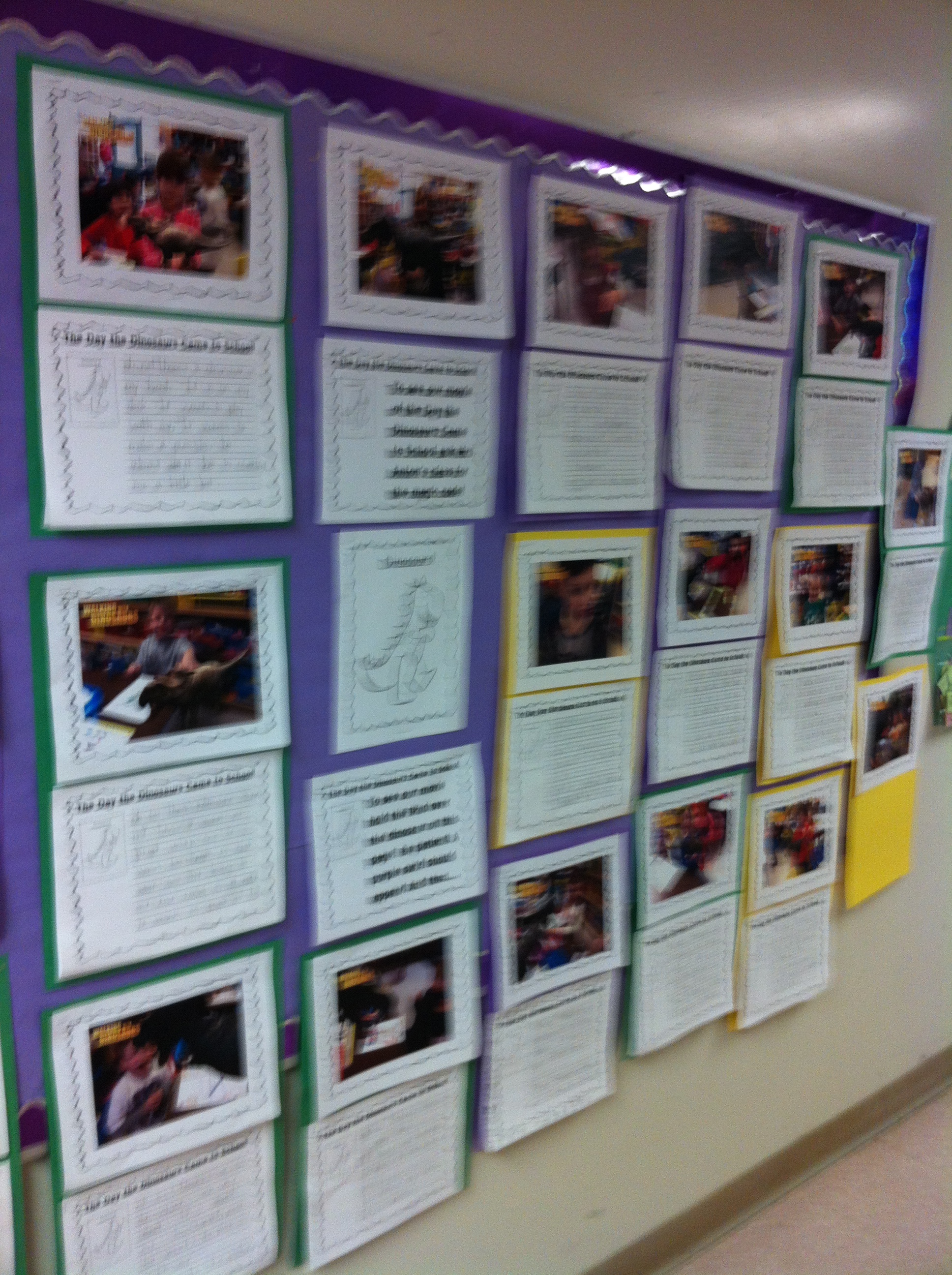
I have put the finished products out in the hallway for everyone to see.  The pictures alone are really cool and getting a lot of attention!  (So glad I found this app!) The stories are amazing and fun to read.

IMG_2763

IMG_2765

Adding the aura with the iMovie trailer we made with the dinosaur pictures adds a fun extra!  Sometimes, we have people who stop to look at the pictures and read the stories.  Then if I can, I have them use my iPad and have them try our “secret code” trigger  picture as well.  They are always surprised to see a picture start an iMovie trailer!

 Way too much fun!  

IMG_2774

Still working on another project with the dinosaur pictures on the iPads….

Takes a bit longer and still trying to figure out the best way to share them…..

Stay tuned!

Leave a comment

Filed under Aurasma, Dinosaurs, iMovies, iPads, Walking with Dinosaurs

Space Fun! AR Style!

space 3

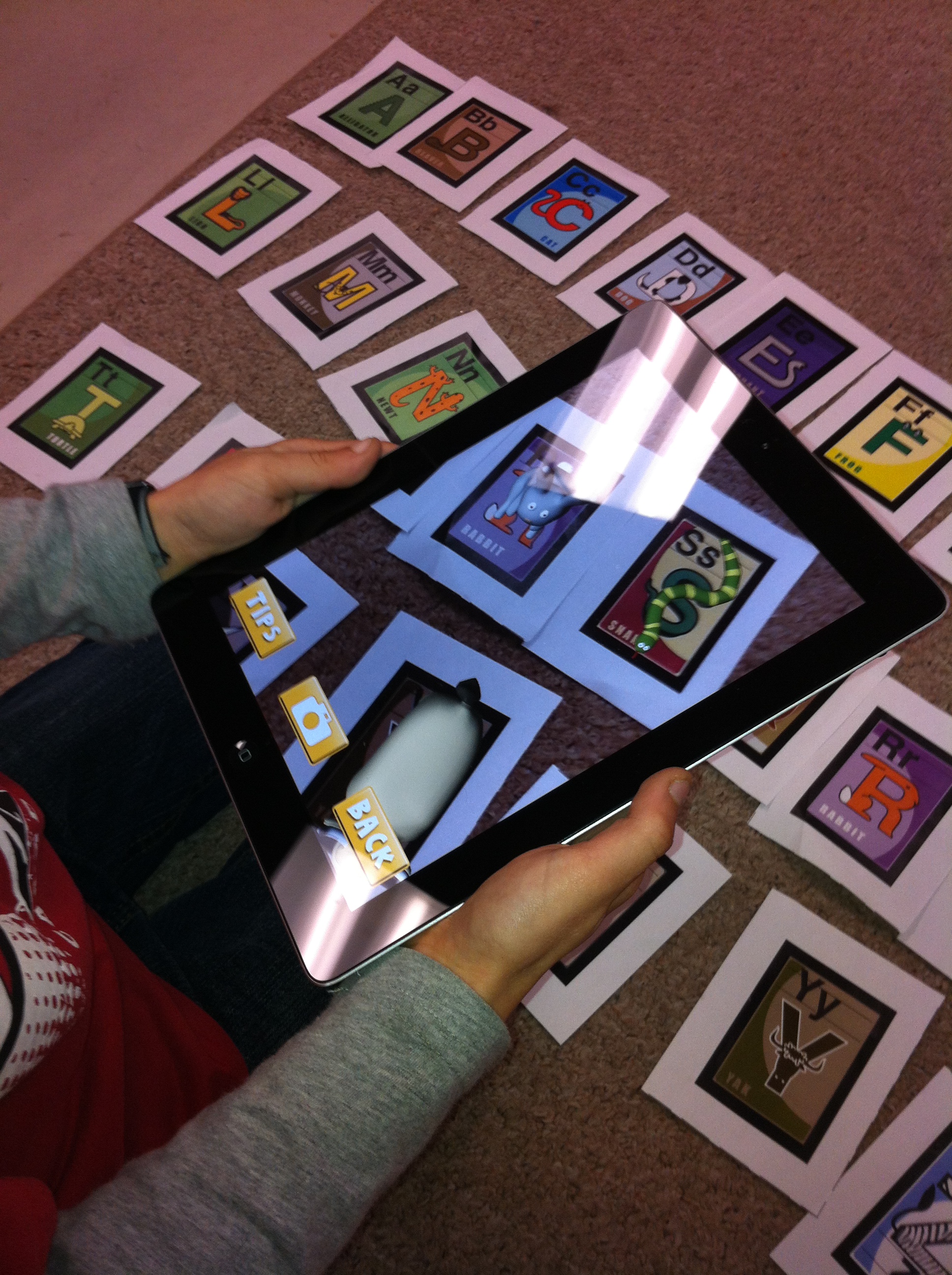
We had some fun with this new app this week!  It is called AR Flashcards Space.  These cards are from the same company that made the Alphabet AR Flashcards.  They are very cool!  You need to print off the cards in color and then hold the device over the picture and the augmented reality image appears!

space 1

We have started a new theme about Space.  So these cards are a fun place to start!

We  also watched some of the videos Chris Hadfield made while he was at the Space Station!  They are awesome!  Ever wonder how astronauts sleep in space?  Take a look!
My favorite is this one because I love chocolate cake!

We have been working with the Doodle Buddy app to work on some math concepts and story writing activities.

IMG_2770

100 col 3

The children have been creating 100 stamp collections using the stamps.  They had to choose 10 different stamps and create 10 sets of 10!

100 col 1We also used the app to create one of the pages for our snowman books.

snowman plate 1

I finally broke down and bought the extra pages for the CoLAR app.  Very glad I did!

IMG_2783

This little guy is really cute!  The children have to color him front and back and add his face details!  It is amazing to see him pop up looking just like the drawing the children have just done!

IMG_2785We had a lot going on this week!  We also had our first Skype call to the classroom!  Will tell you more about that soon!  Lots of fun!

1 Comment

Filed under 100 Day, AR Flashcards Space, Augmented Reality, Chris Hadfield, Doodle Buddy, iPads, Snowman Project, Space

100!! Too Much Fun!

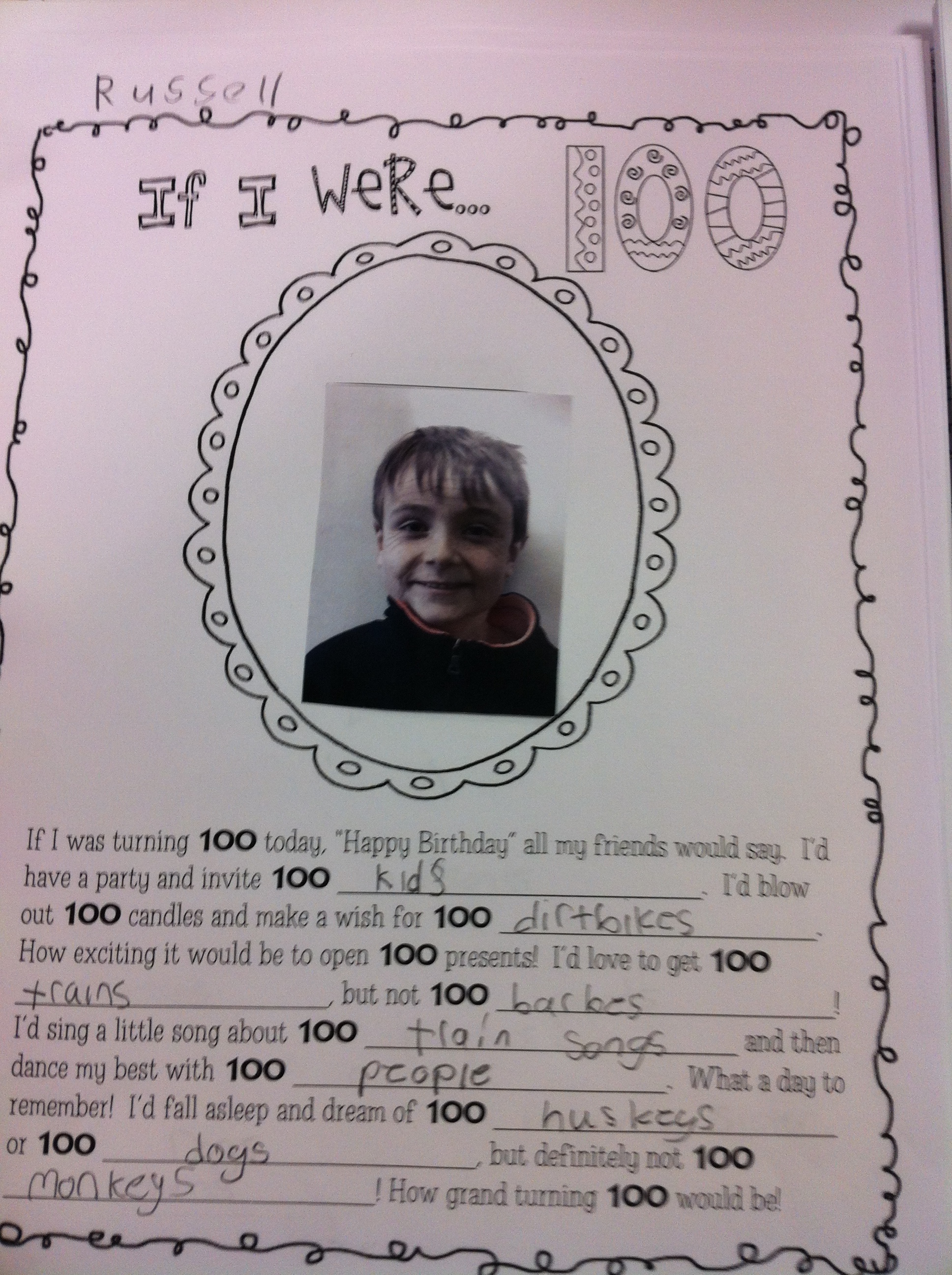
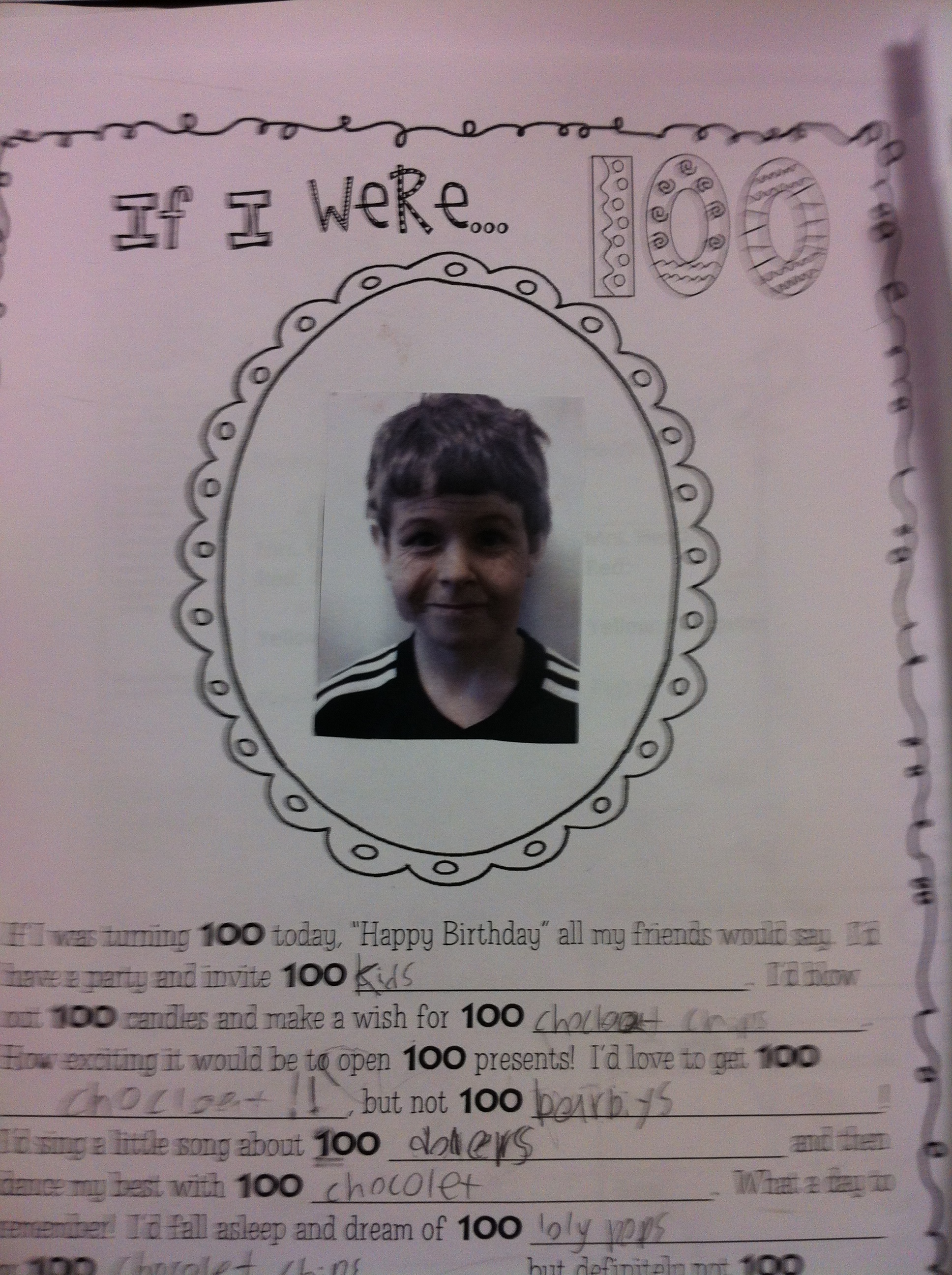
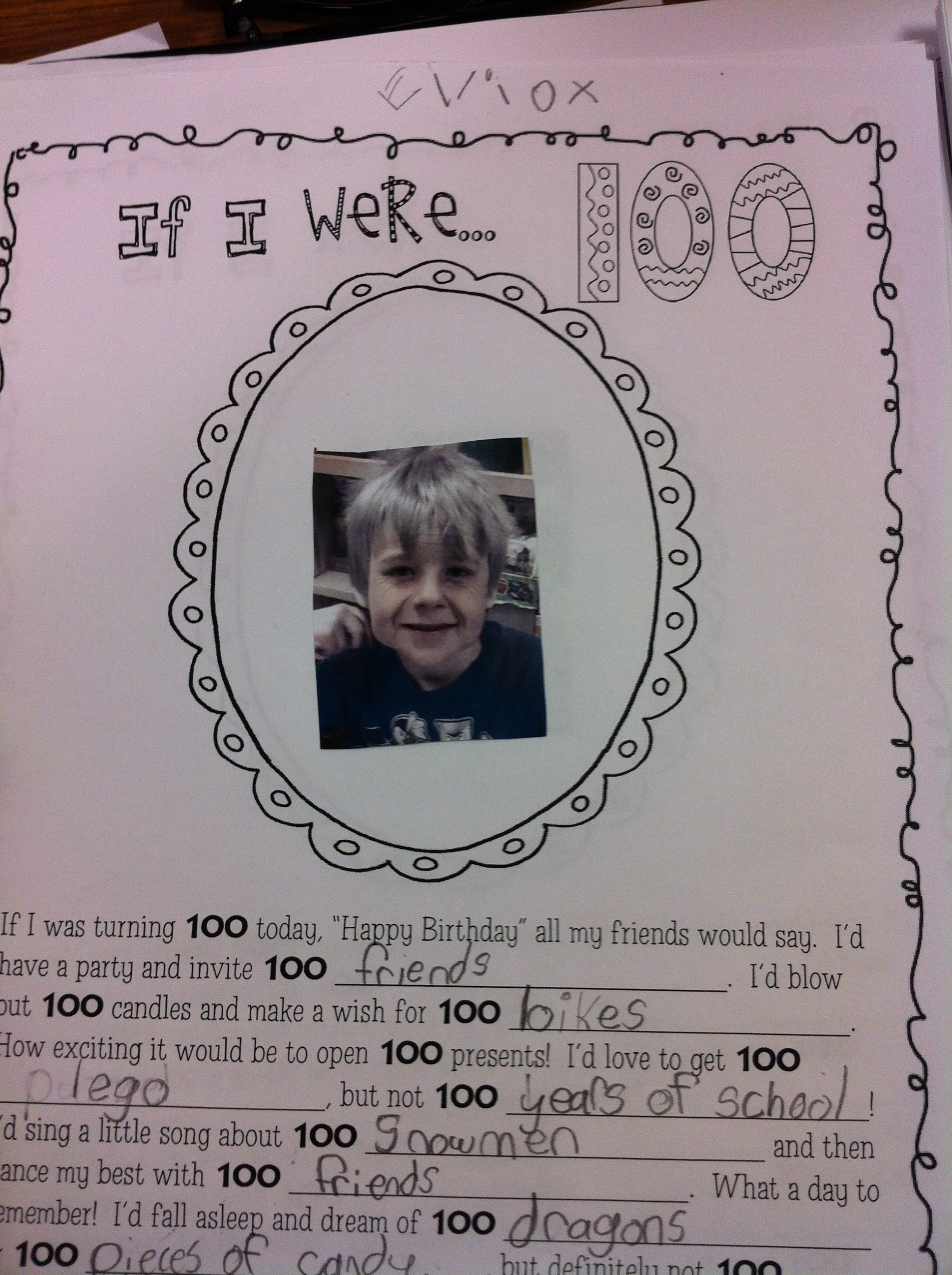
IMG_2705On Friday, we celebrated 100 days of school!  We did a lot of different things!  For fun, I downloaded an app called Aging Booth that ages your picture.  We had a lot of fun taking pictures and then aging the picture 100 years!  I managed to print them off and the children worked with their buddies on Friday to complete an “If I were 100” page.  They are great!

IMG_2710

IMG_2703

We had a lot of giggles seeing how we would look in 100 years!  My picture was very scary!

IMG_2700

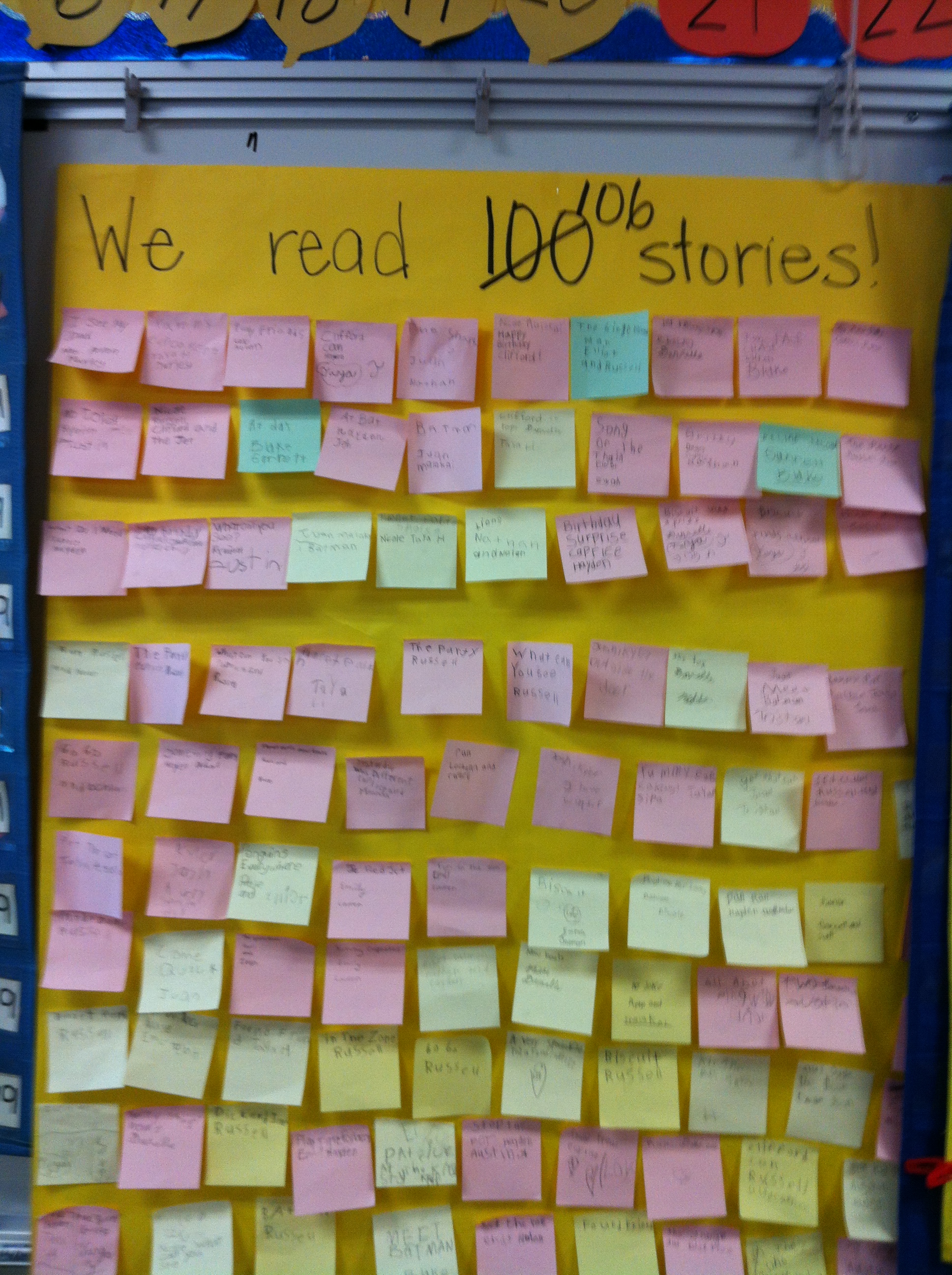
Working together we read 106 stories!  The children worked as partners to read stories to each other and then recorded the title of the story and their names on a post-it.  Lots of reading!

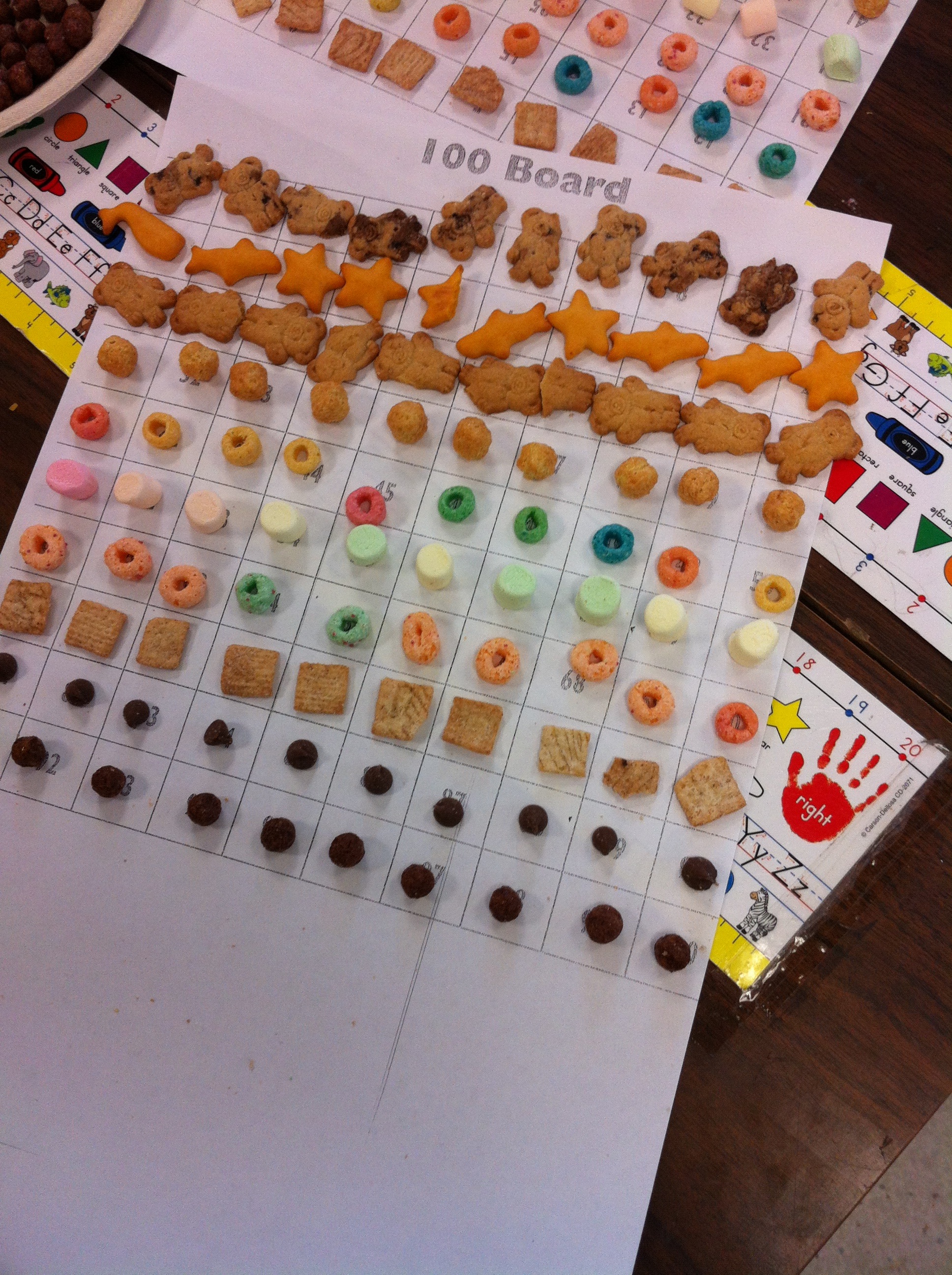
We made fruit loop necklaces by counting 10 Fruitloops into 10 plates and then threading them on a string!  We also made a trail mix with 100 things.  We checked our counting!

IMG_2699

Both snacks made it home, I hope!

We had two lovely 100 day cakes!  Thank you so much to the two moms who volunteered to make them!  The cakes were both gobbled up.  We shared the cakes with our Big Buddy class as well.  I posted pictures of the cakes on our class Twitter page!

We have also been having fun in science.

IMG_2692

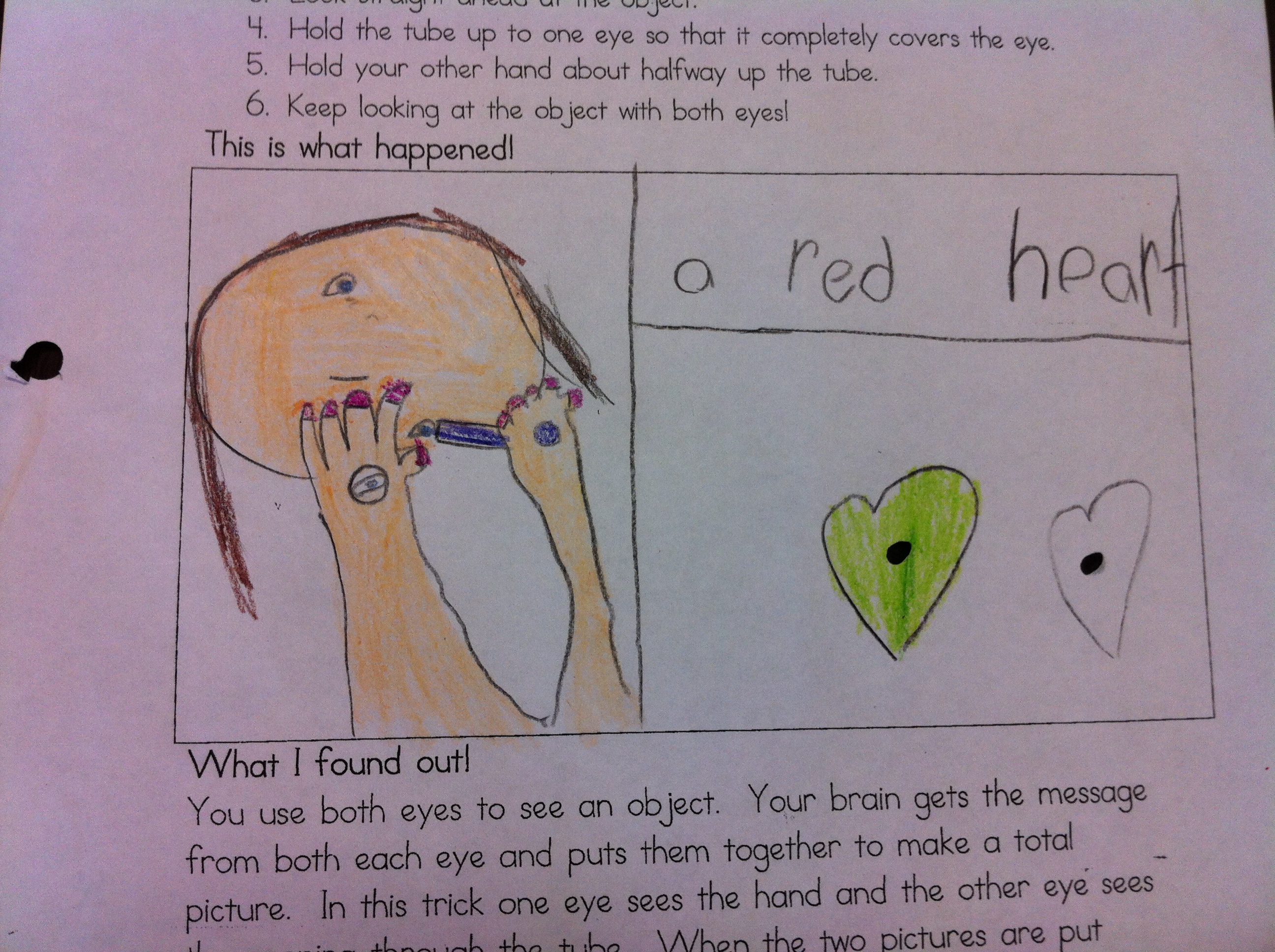
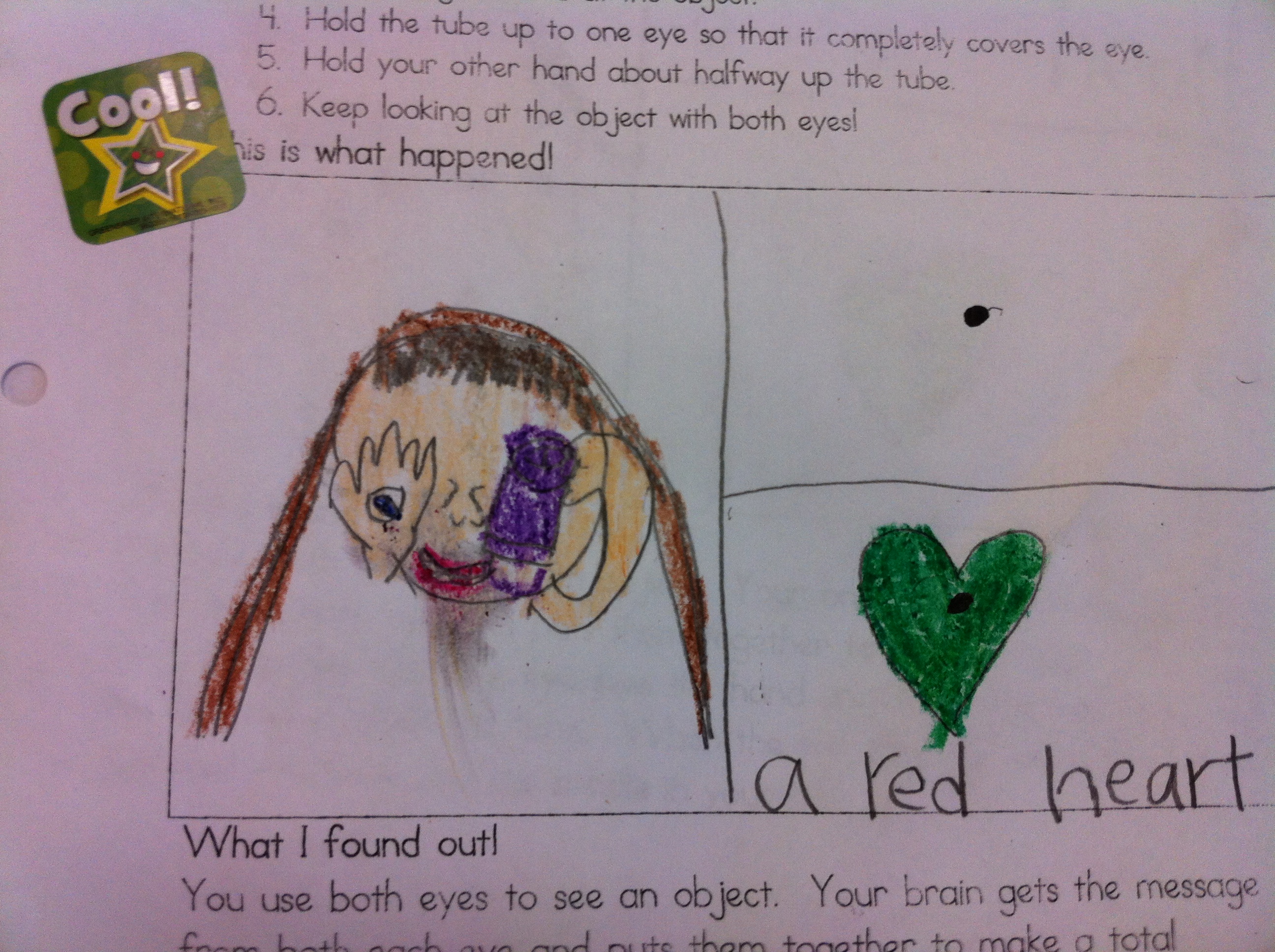
We did an experiment we call Hole in the Hand.   The brain is tricked into thinking that you have a hole in your hand.  We also had fun with playing tricks on the eyes with the Eric Carle book,  Hello Red Fox.  In the book, a little frog invites different animals to his birthday party.  When he invites each animal the mother fox questions his perception of the color of the animal.  He tells his Mom that she has not looked at his friend hard enough.  The children look at the picture of the green fox with a small black dot in the center of the image and then after counting to 10 move their eyes to the  next page and a red fox appears on the blank page!  You can check out Eric Carle’s website to have him explain  the exact way it works.

IMG_2694

Hopefully, the children shared this experiment with you at home!

This post is mostly about 100 day but it is also the 100th  post of this blog!   Very special for me!  I have learned a lot about technology and hopefully you have enjoyed seeing little snapshots of what happens in your child’s life at school.

When I started this blog, with the coaxing of my friend, Shelley, I had no idea how much I would learn and how much fun it would be!  The purpose of the blog was to share our journey using the iPads during our initial project.  It has evolved along the way and become a way to share what the children are doing and the different new things we are learning –  including technology.  The children often ask me to put their work up on the blog and it is lots of fun to see their faces in the morning when they see their hard work is there for everyone to see!

I have learned about a lot of new things along the way!  Way too much fun!

Leave a comment

Filed under 100 Day, iPads

Too Much Fun with Dinosaurs!

josh dino

Dinosaurs have been crawling all around our classroom!

IMG_2401

Can you see the dinosaur crawling on her pants?  That’s the first time I have ever heard “Mrs. Anton! There’s a dinosaur crawling up my leg!”

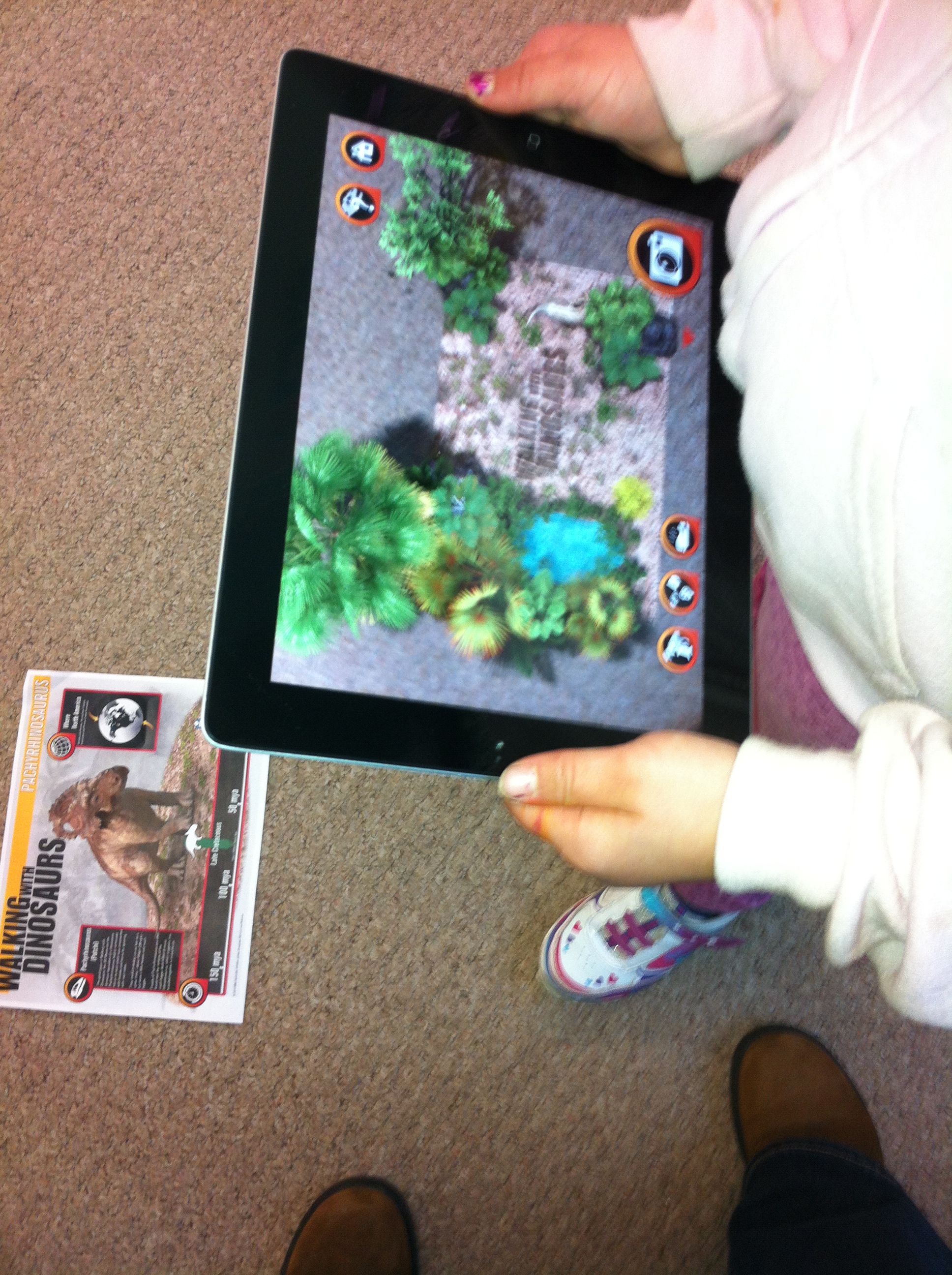
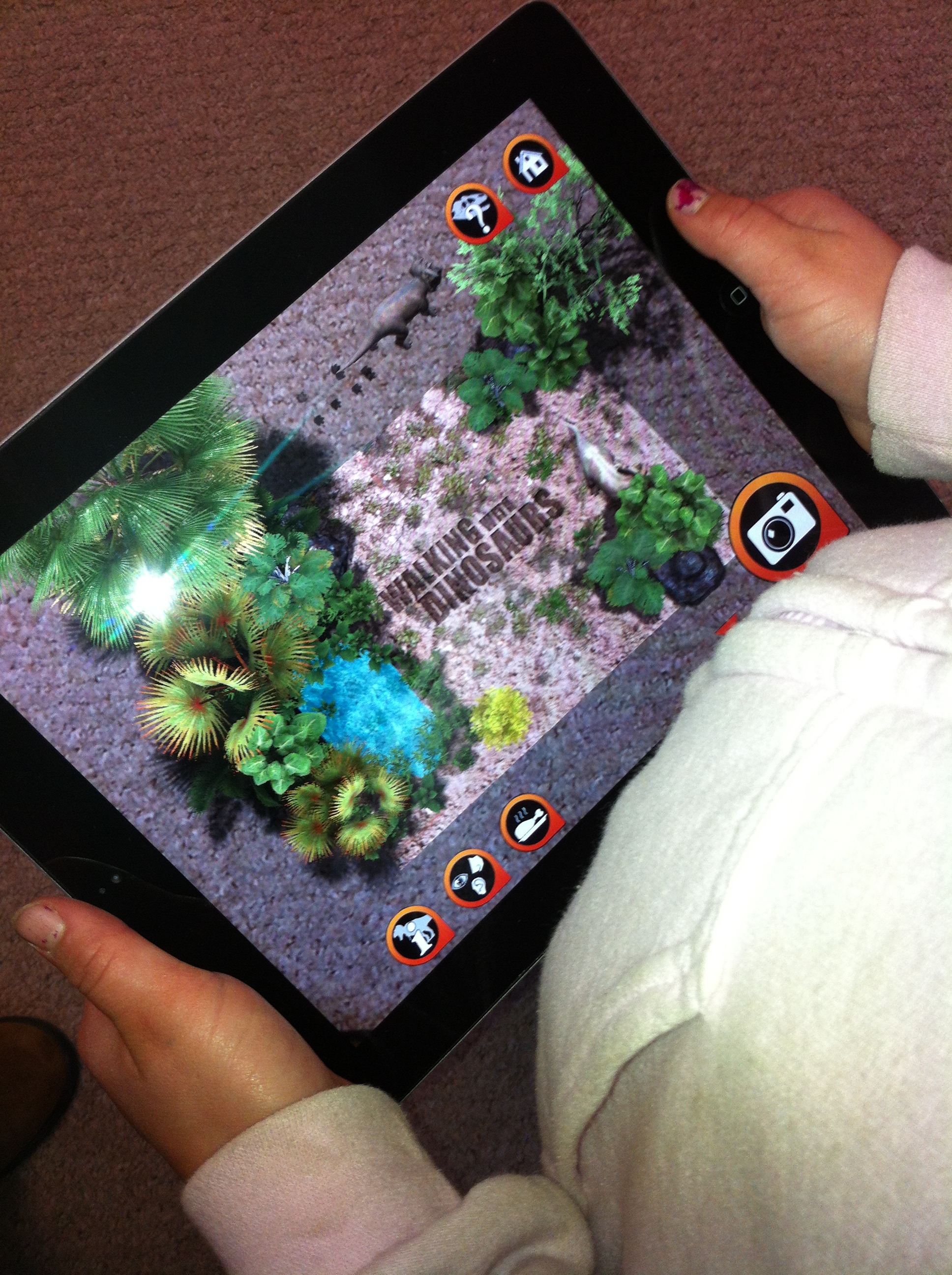
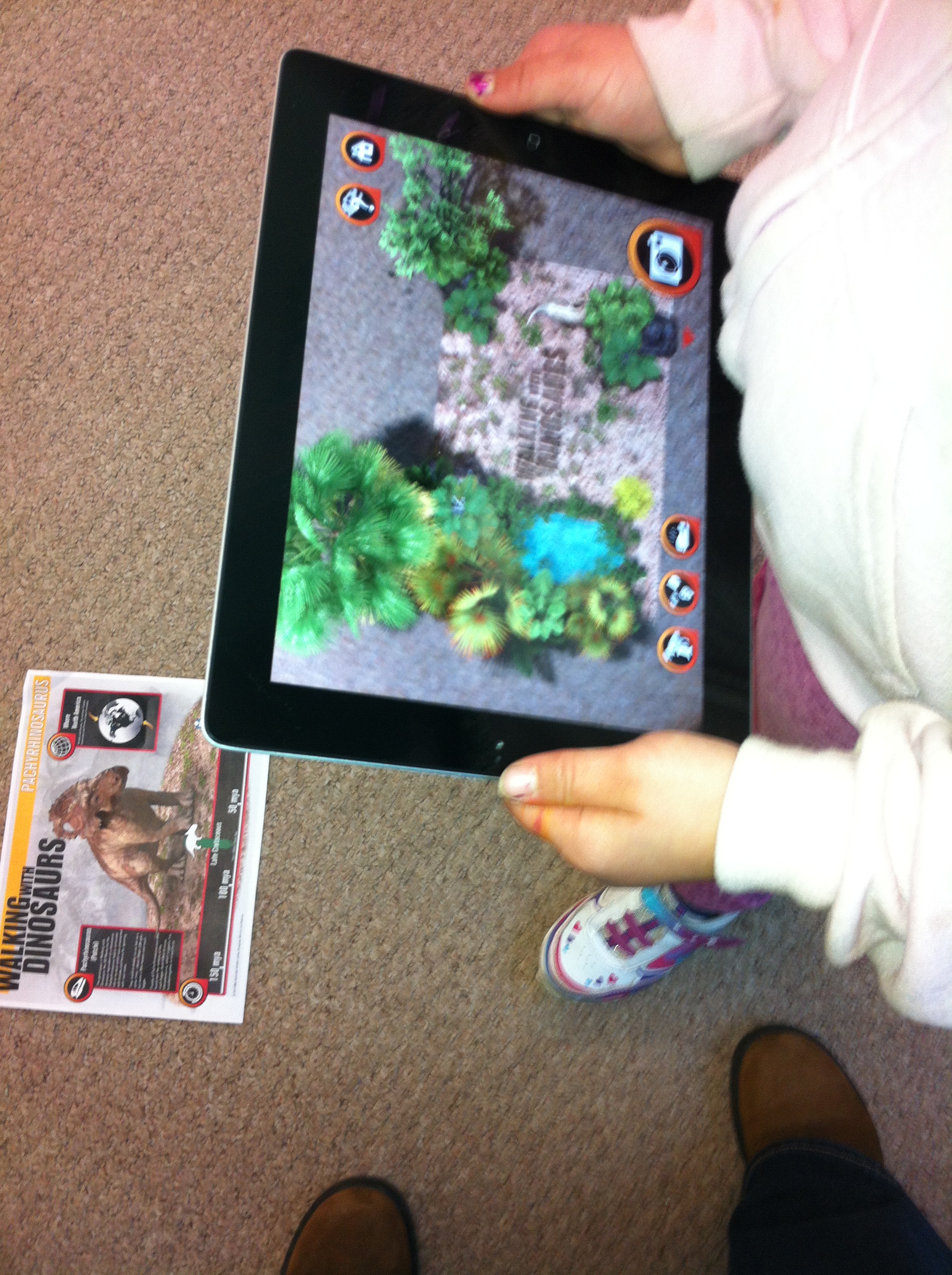
We have been working with the Adventure mode on the Walking with the Dinosaurs app.  You download a printable target and print it off in colour.  Then you point the iPad at the screen and suddenly there are dinosaurs crawling all around!

IMG_2398

IMG_2397

You can feed them and they come running!  I wish I could record the student’s faces!  Too much fun for me!

IMG_2398

We are going to write about the dinosaur pictures we took last week.

marley dino

I am hoping to get the stories posted to their personal blogs!

elliot dino

Watch for them!

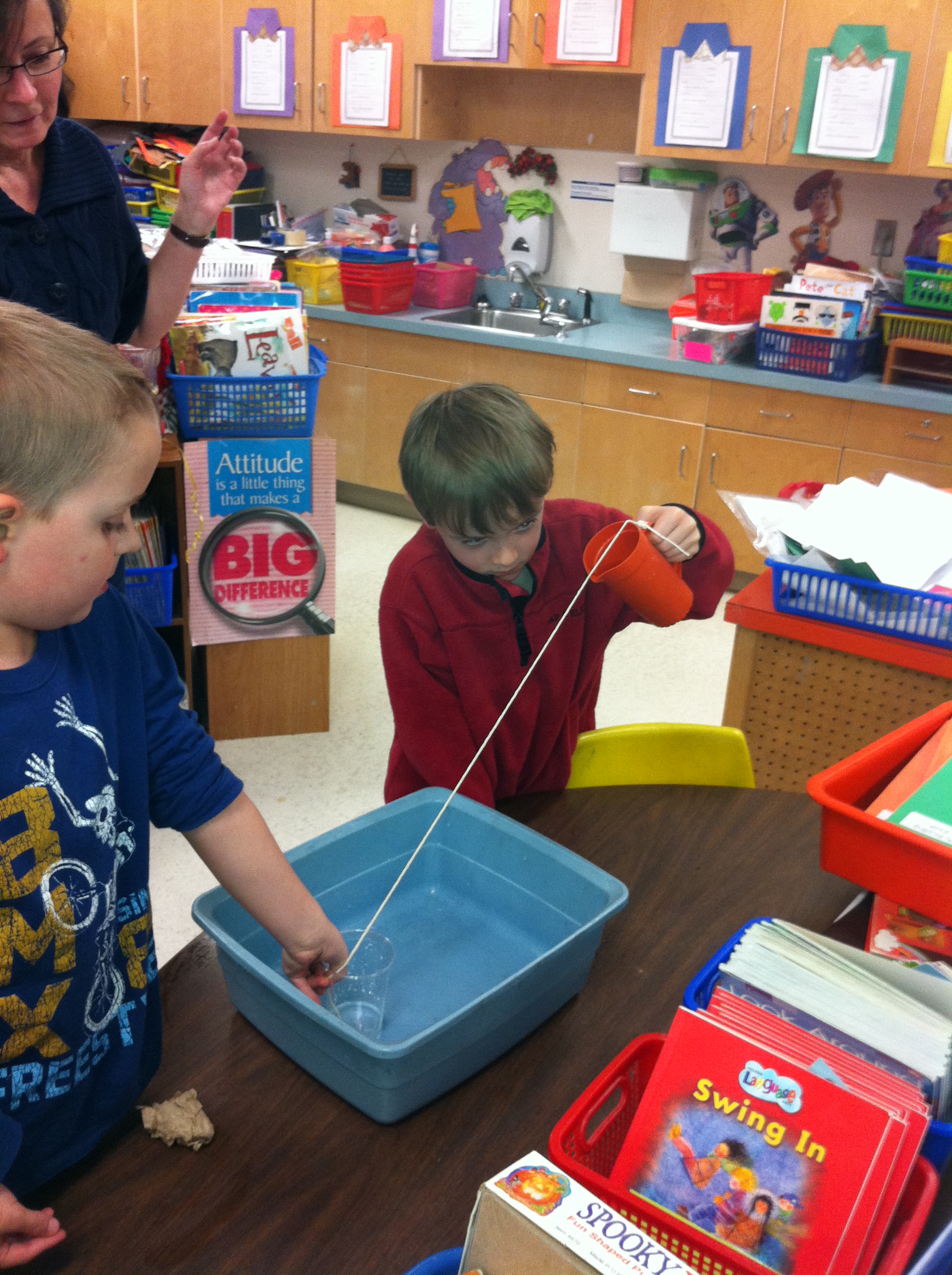
Today we did another science experiment too!  Science is magic!

IMG_2391

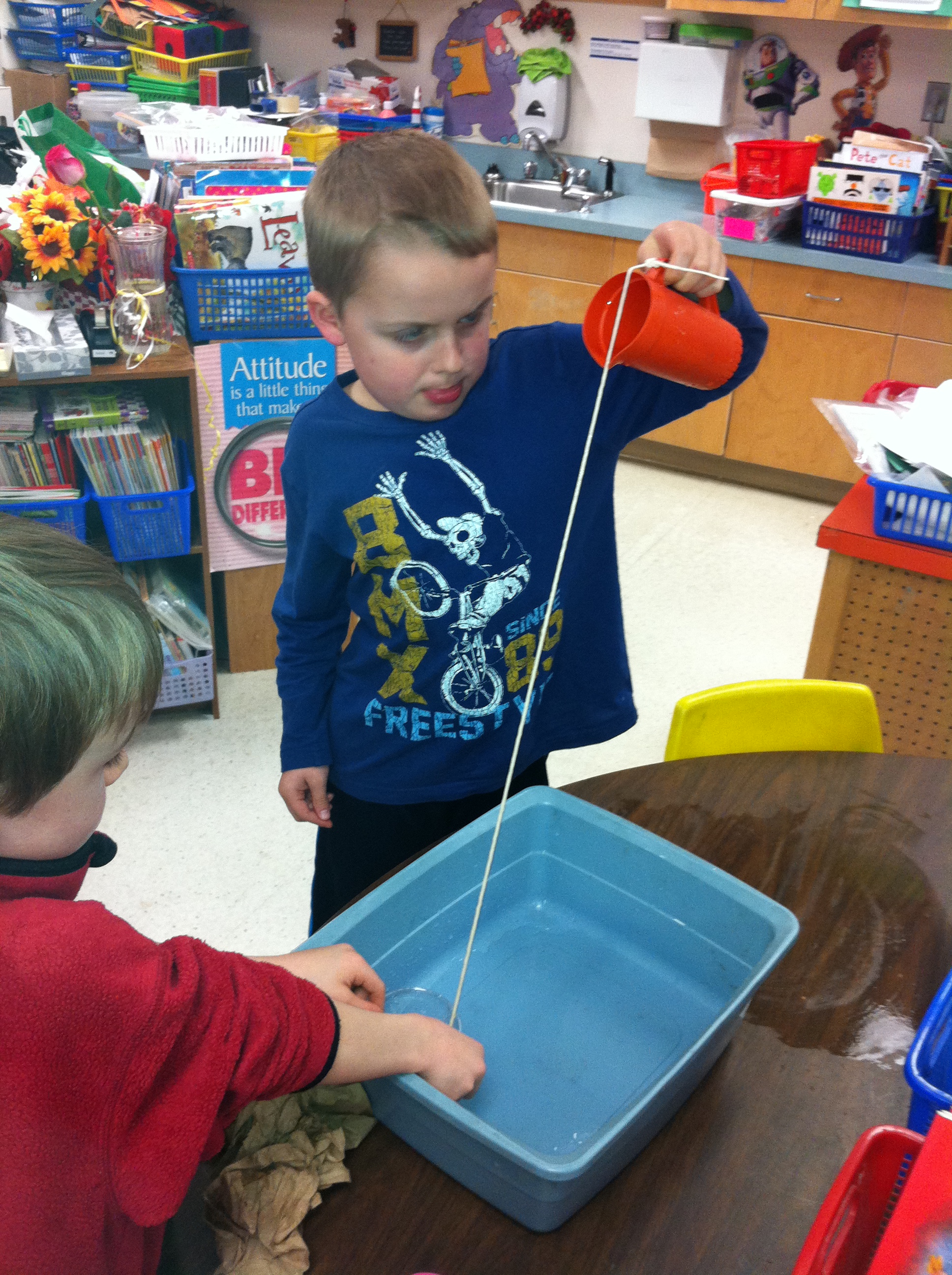
You pour water out of the pitcher and it “sticks” on the string to the cup!  Everyone got a turn to pour the water and catch the water!  That’s why everyone got a piece of string in their planner.  You get to try it too!

I used a little pitcher that I had from a child’s set of dishes.  You could use a creamer… Make sure you do this over a sink or have lots of paper towels handy!

IMG_2394

Don’t get too wet!

Leave a comment

Filed under Augmented Reality, Dinosaurs, iPads, Science Experiments, Walking with Dinosaurs

Big Dinosaur AR Fun!

ryleigh dino

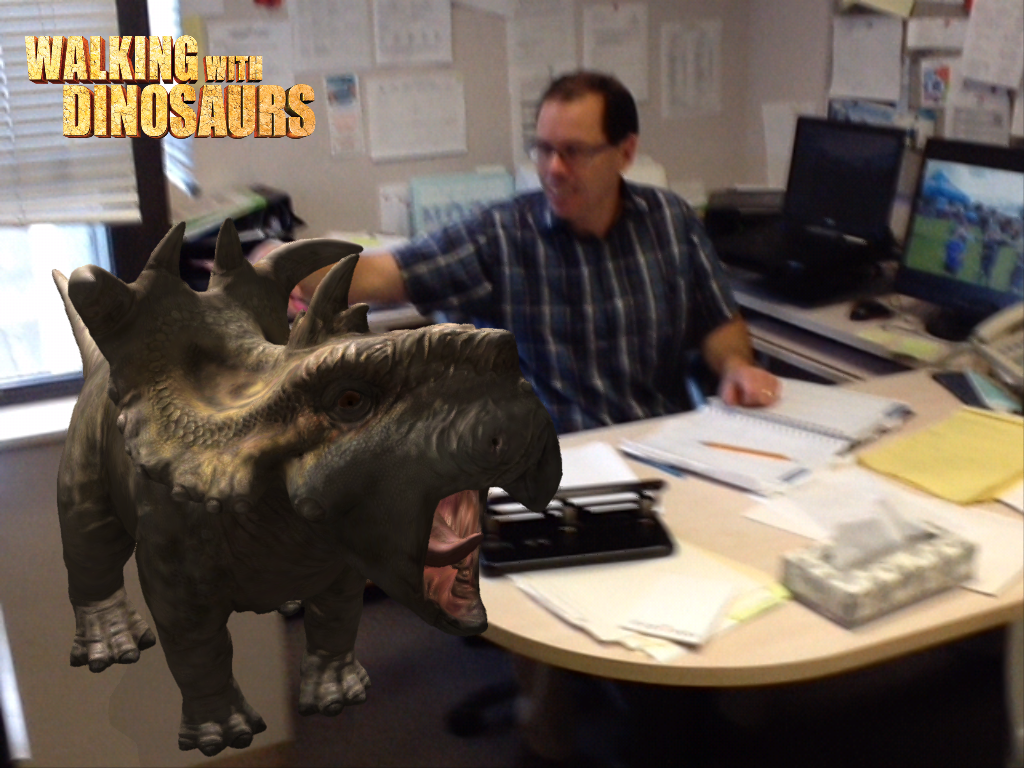
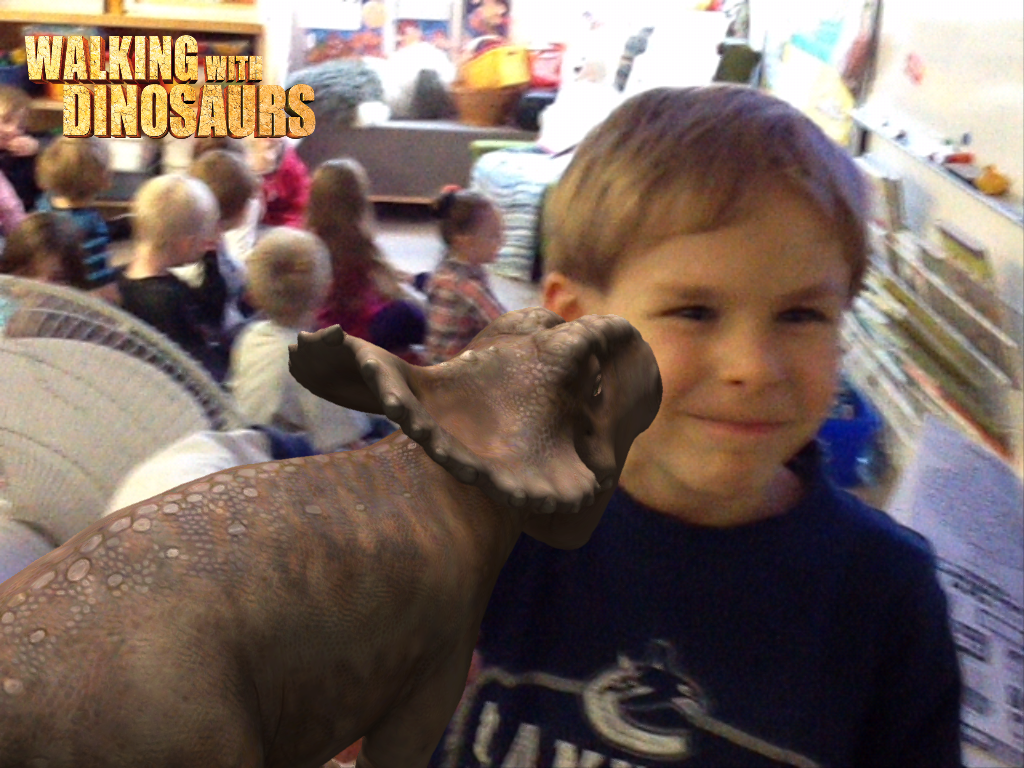
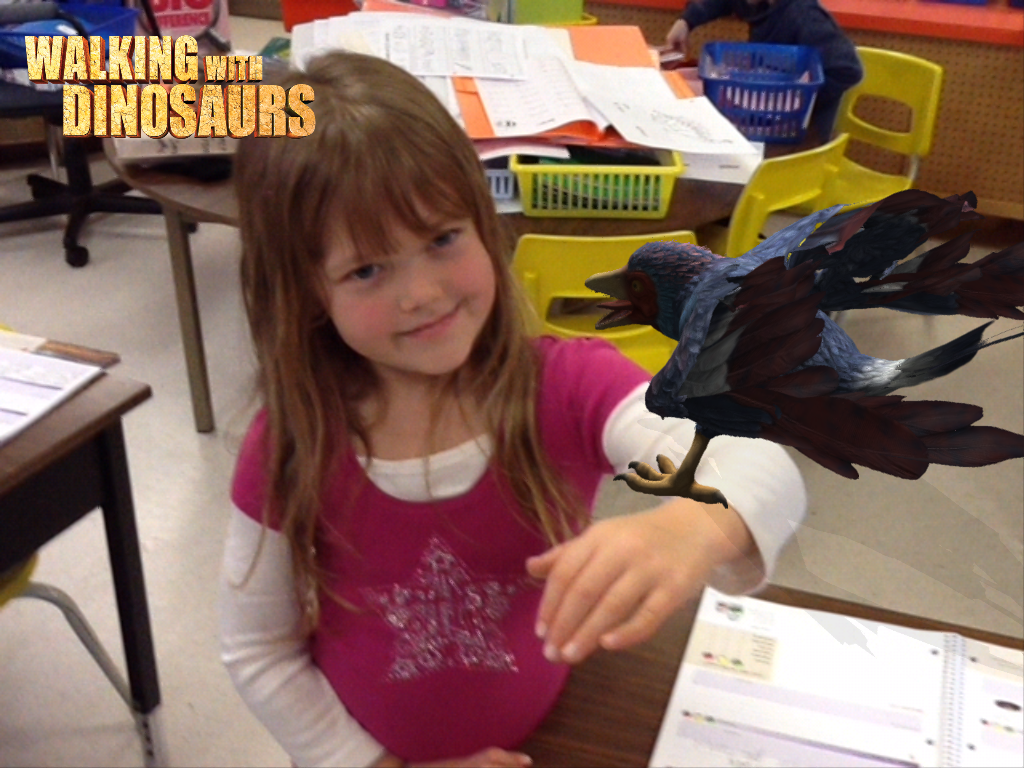
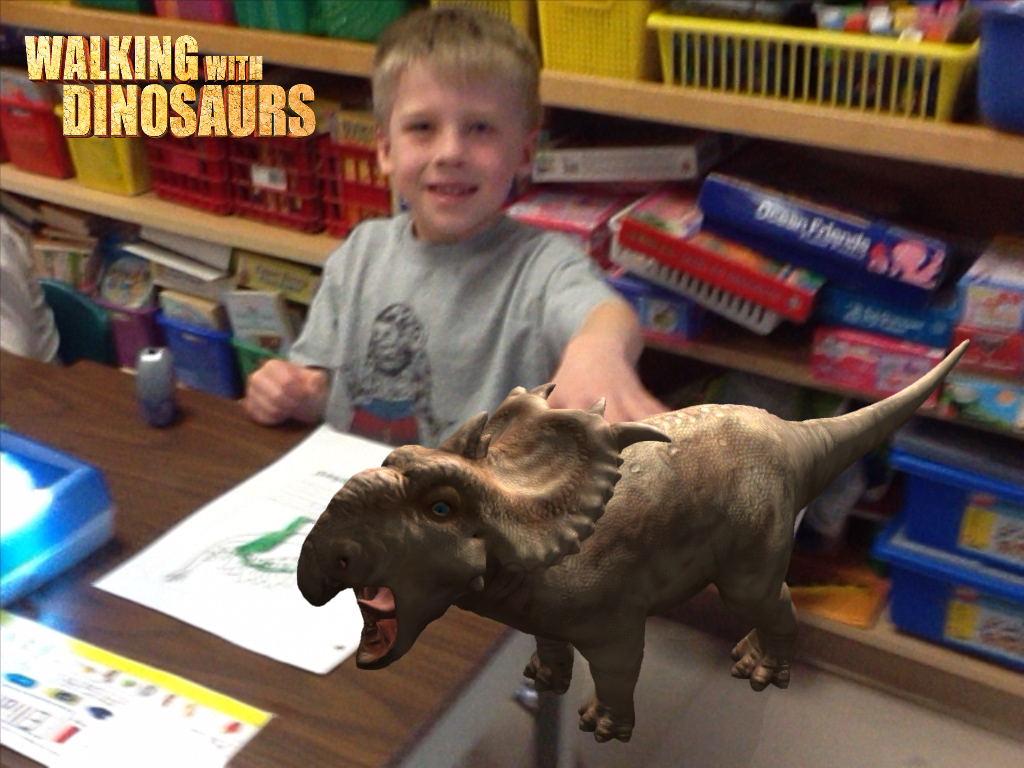
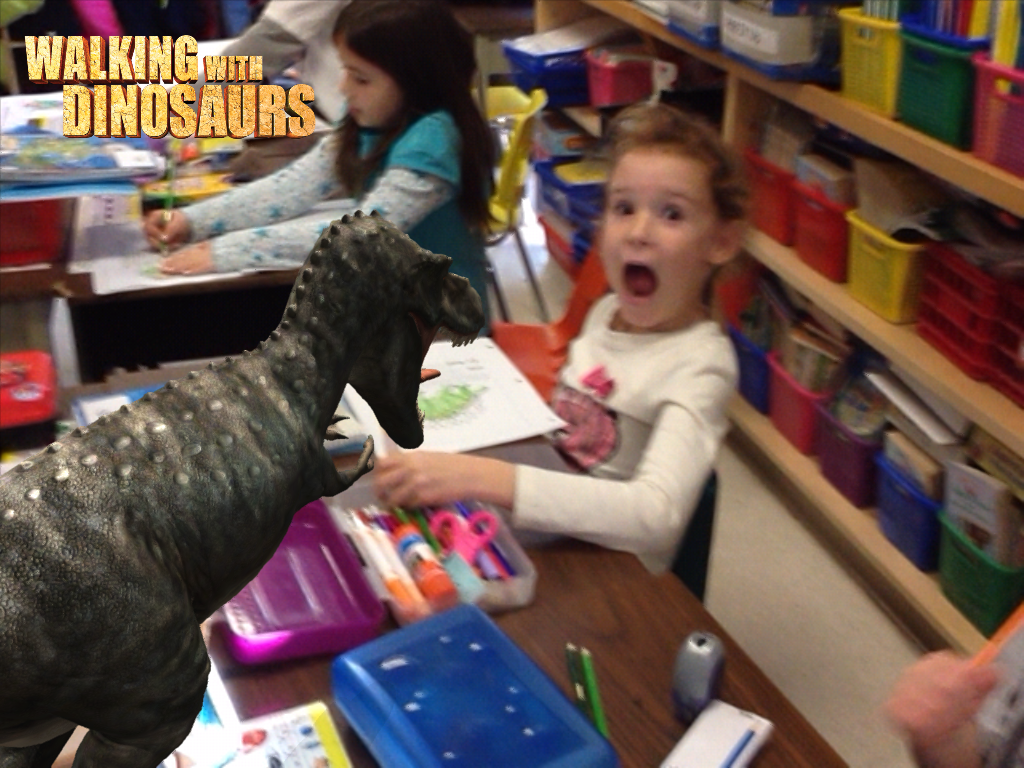
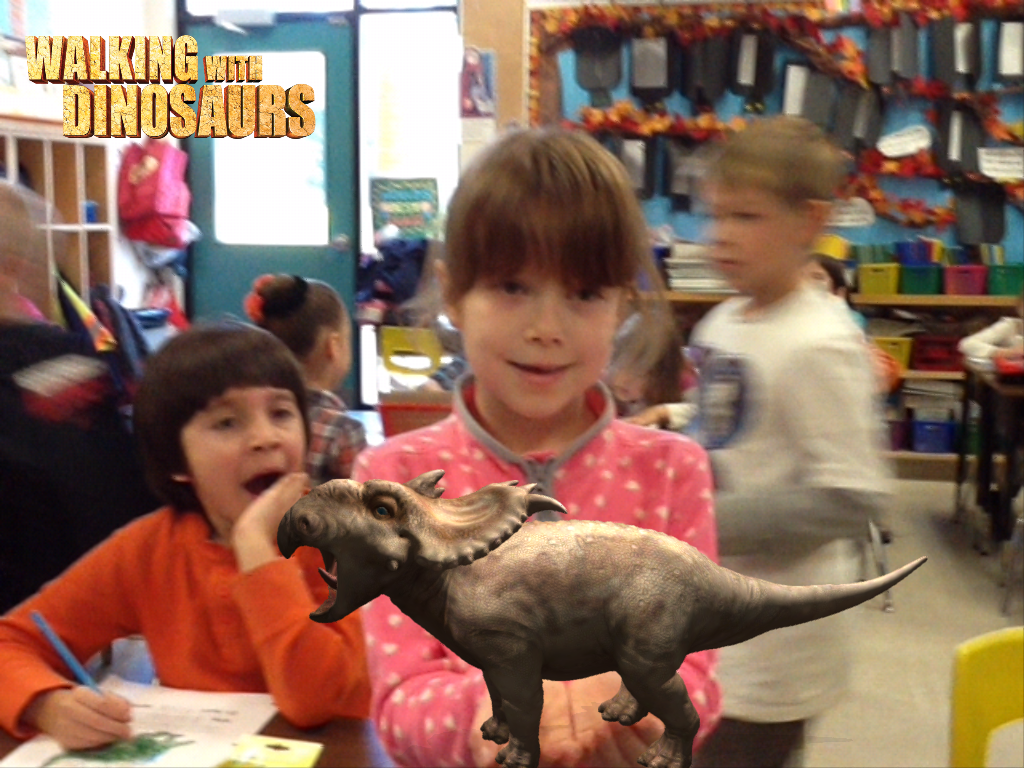
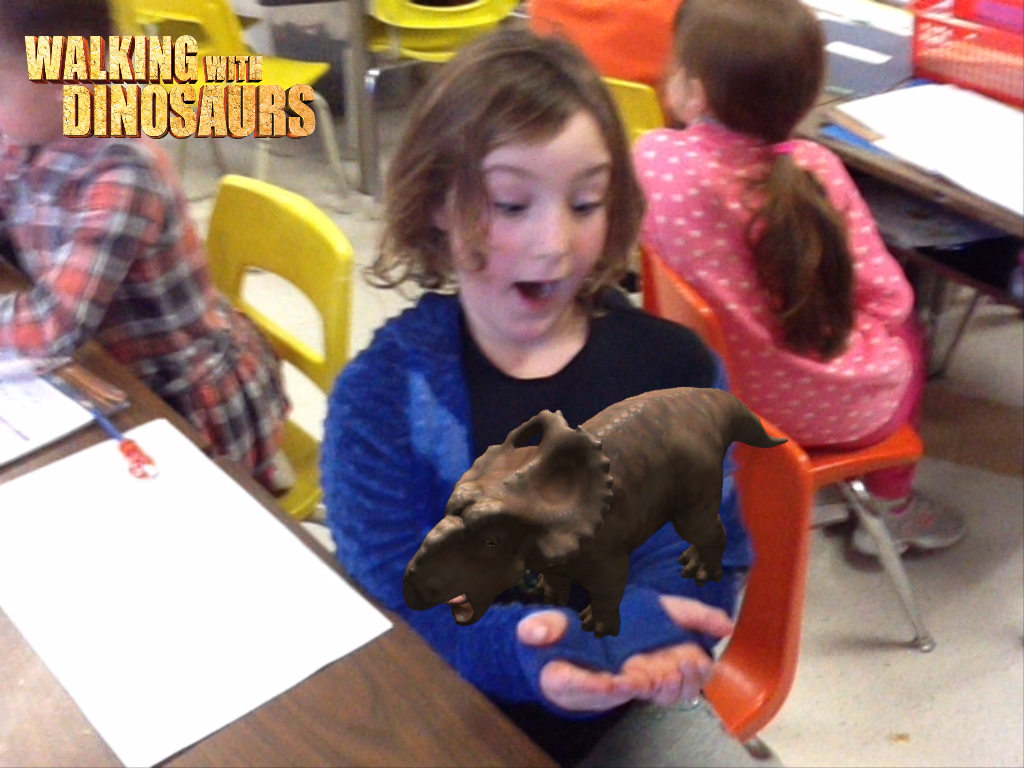
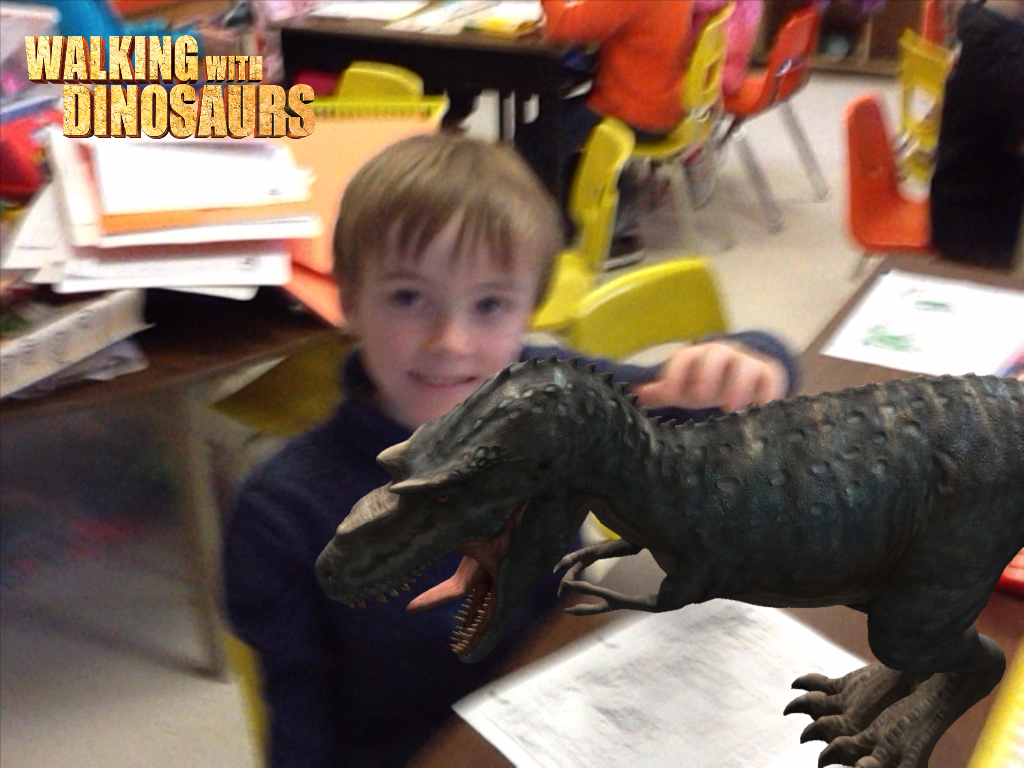
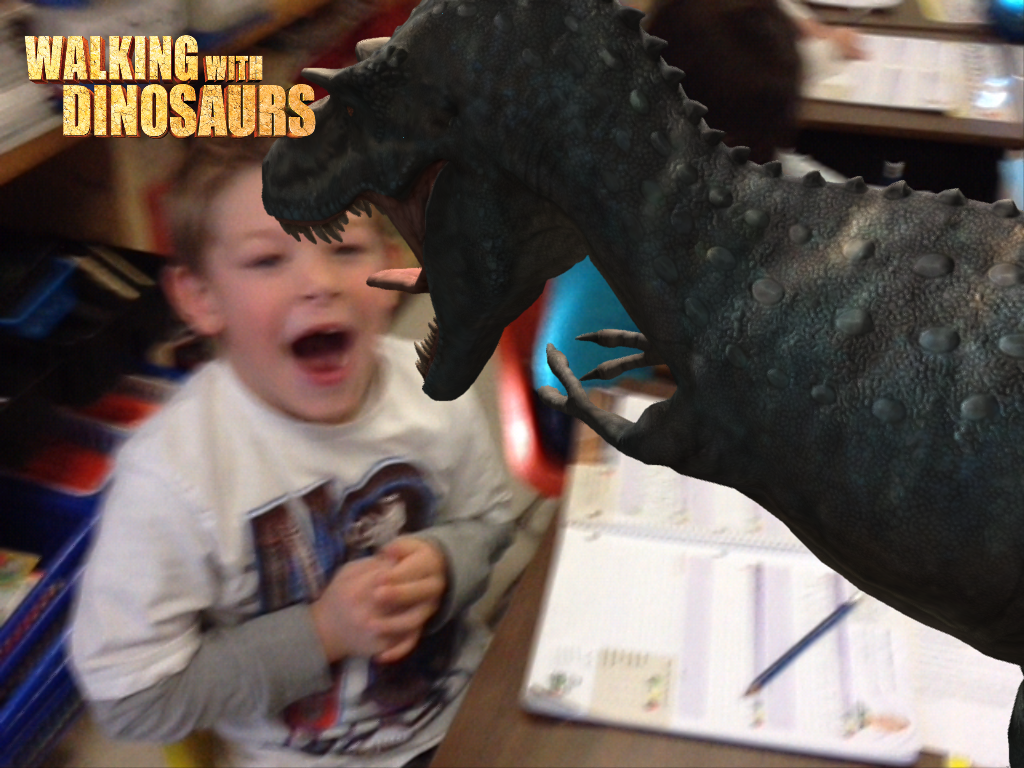
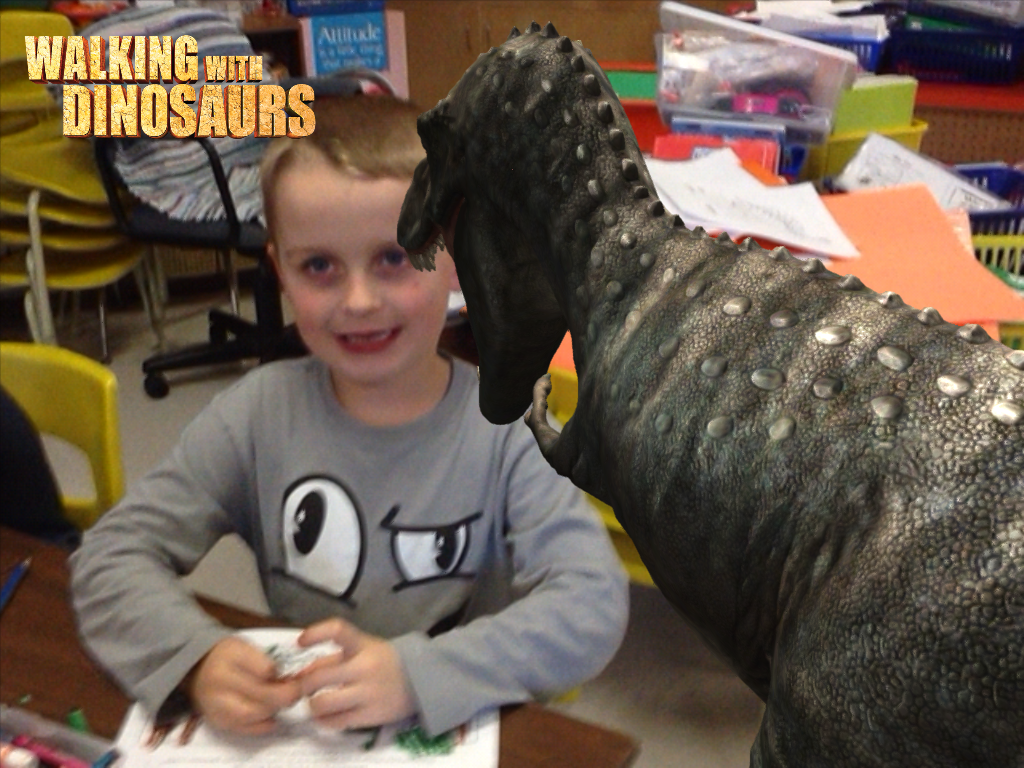
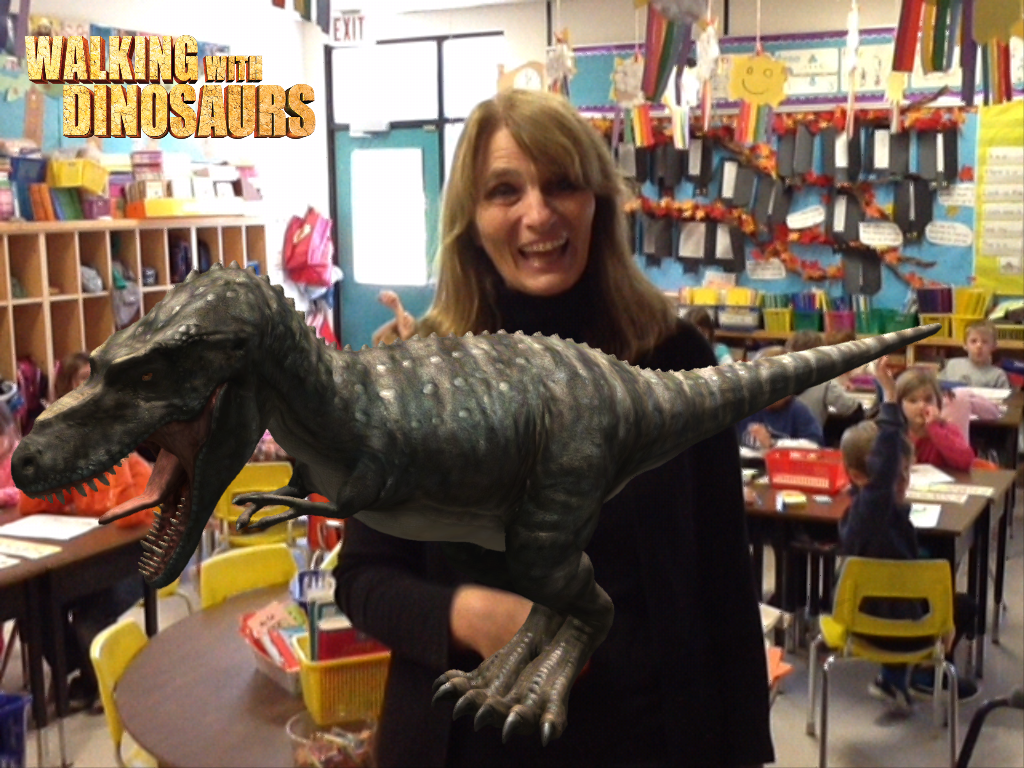
We had some fun today with a new iPad app I found called Walking with Dinosaurs!  It is another Augmented Reality app that is amazing!  We played with the Photo Booth aspect today.  The app allows you to pick from a variety of dinosaurs, orient them on a screen and then take pictures with the dinosaur!  We had some fun by posing and acting out a variety of situations.

nic dino

We held them in our hands!

danielle dino

And we gave them a pet!

russell dino

We even pretended we were a little bit scared!

nathan dino

garrett dino

And super brave!

We are planning to write stories to go with our pictures!  

anton dino

We took pictures of everyone with the dinosaurs.  Watch for them over the next few days!  It looks like our class has been invaded by prehistoric dinosaurs!

You can also choose the Adventure Mode. It uses augmented reality and suddenly you have dinosaurs walking around.  You can even feed them and they come running over to eat! Very cool!  So far, I have only downloaded the free app but I think this one deserves an upgrade!

Leave a comment

Filed under Dinosaurs, iPads, Walking with Dinosaurs

Dinosaurs AR Style!

IMG_2355

This week we have started a new theme about dinosaurs!  Today, we had fun with some more Augmented Reality cards for some of the more popular dinosaurs.

IMG_2352

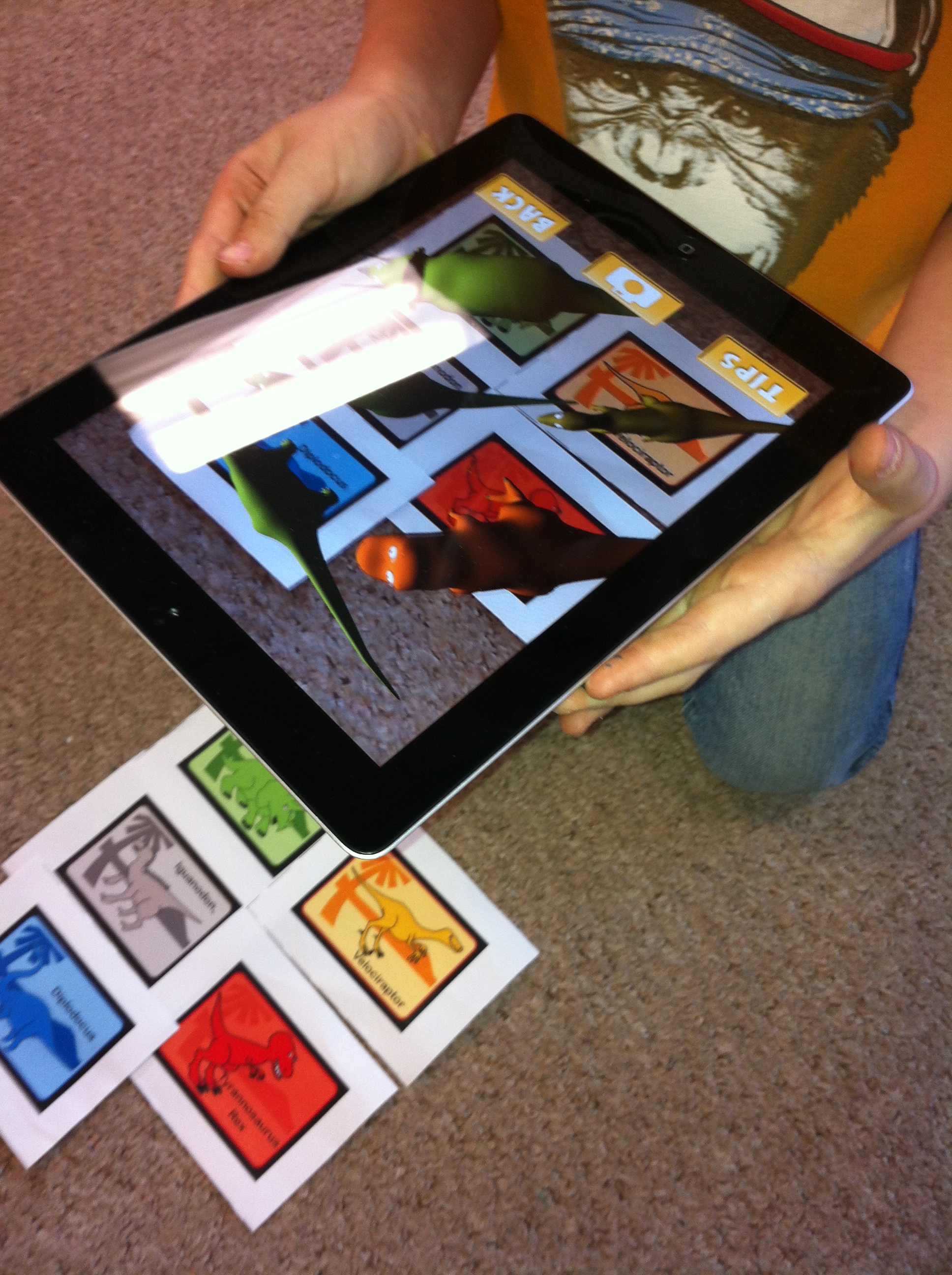
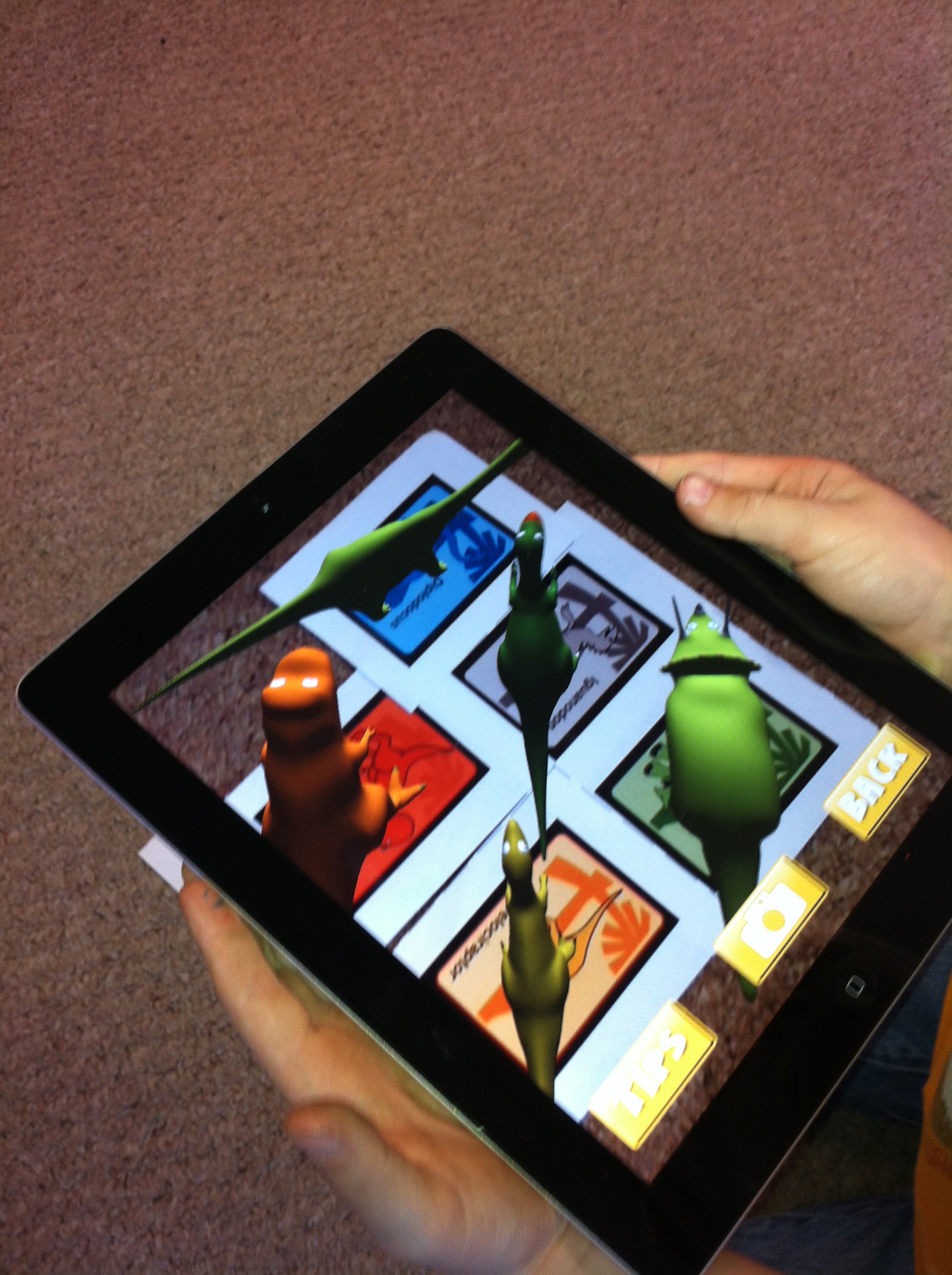
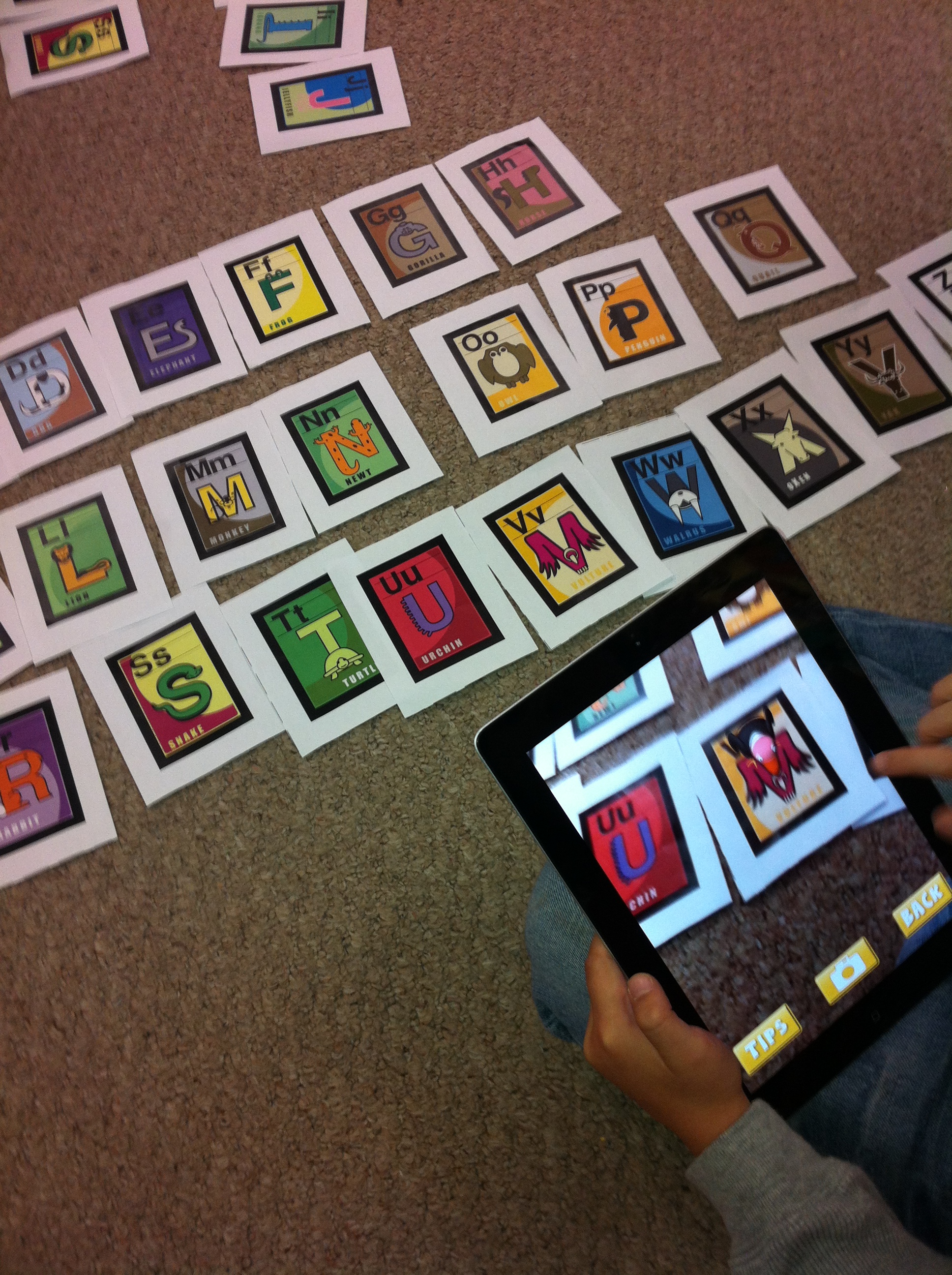
Mr. Brick even got to try it out.  These cards came as part of the package I downloaded from the AR Flashcards app. You print off the cards with a color printer.  These particular cards came with the AR flashcards for the alphabet that we blogged about a few weeks ago!  Once you have the cards all you have to do is activate the app and then hold the iPad over the picture.  Magic happens!  A 3 D image of the dinosaur appears!

IMG_2356

If you tap the screen, a child’s voice says the name of the dinosaur.  I thought you had to hold it over only one card at at time but the children discovered that they could get all the dinosaurs at once by putting the cards closer together!

IMG_2357It is really cool!

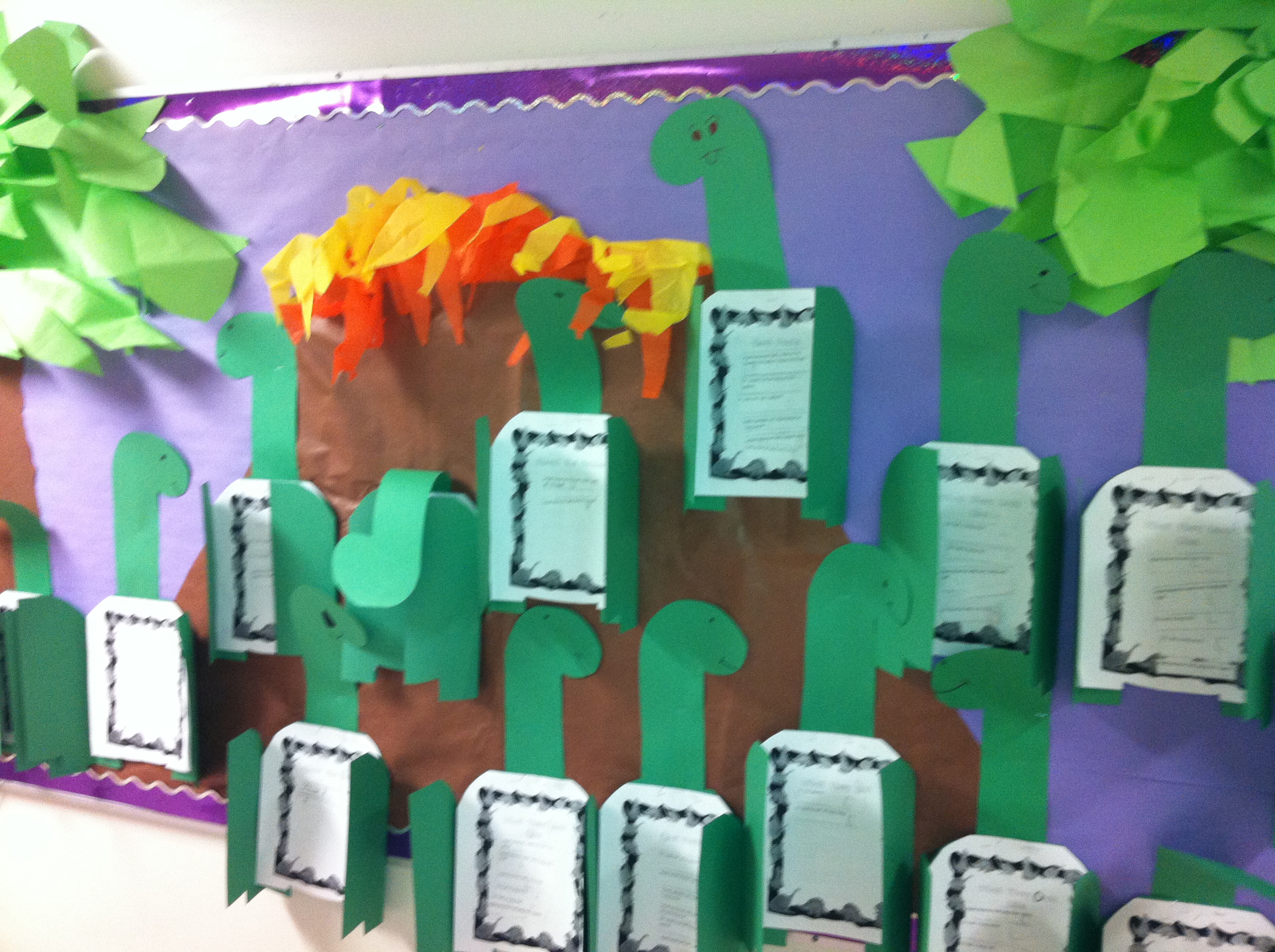
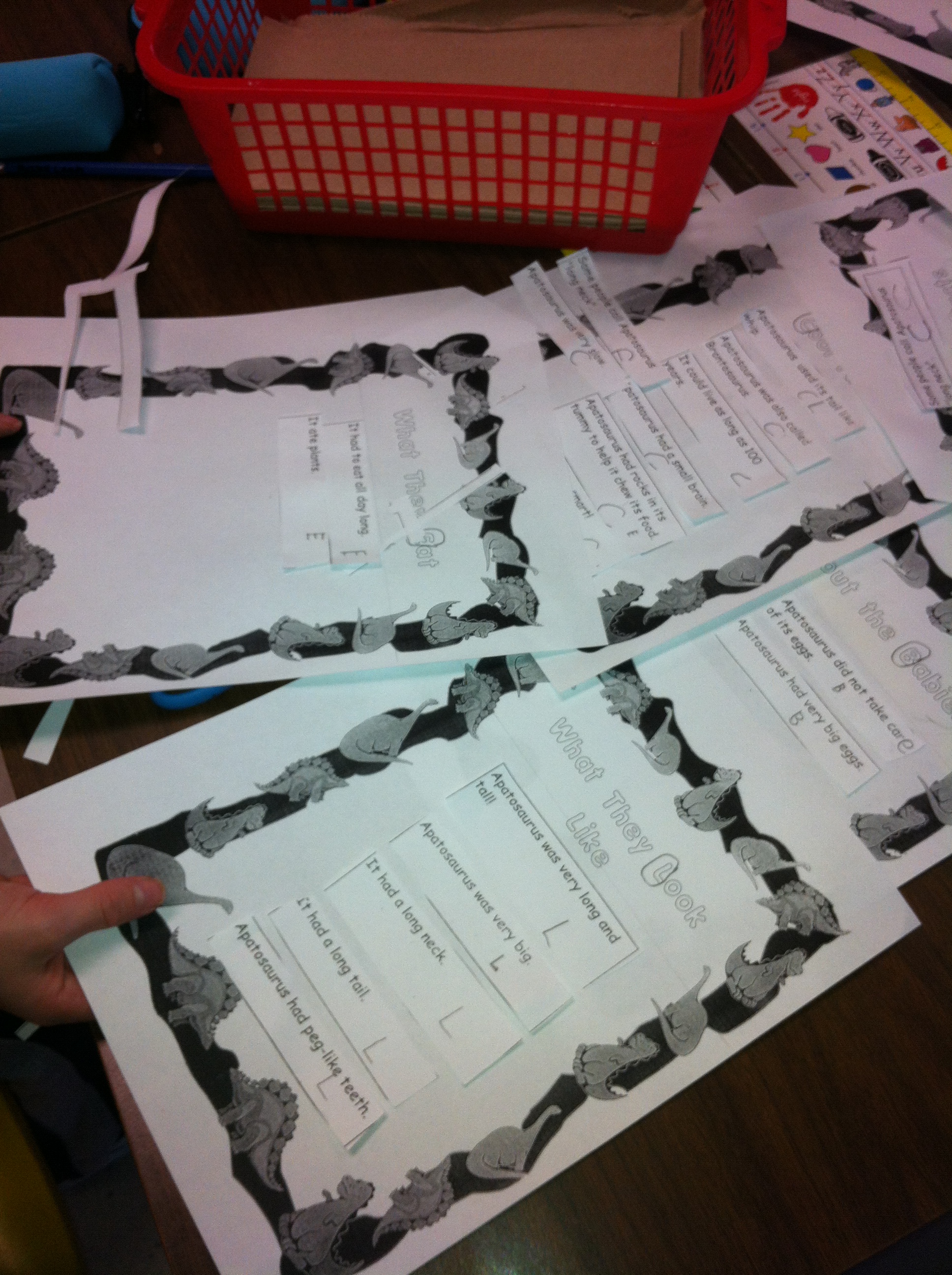
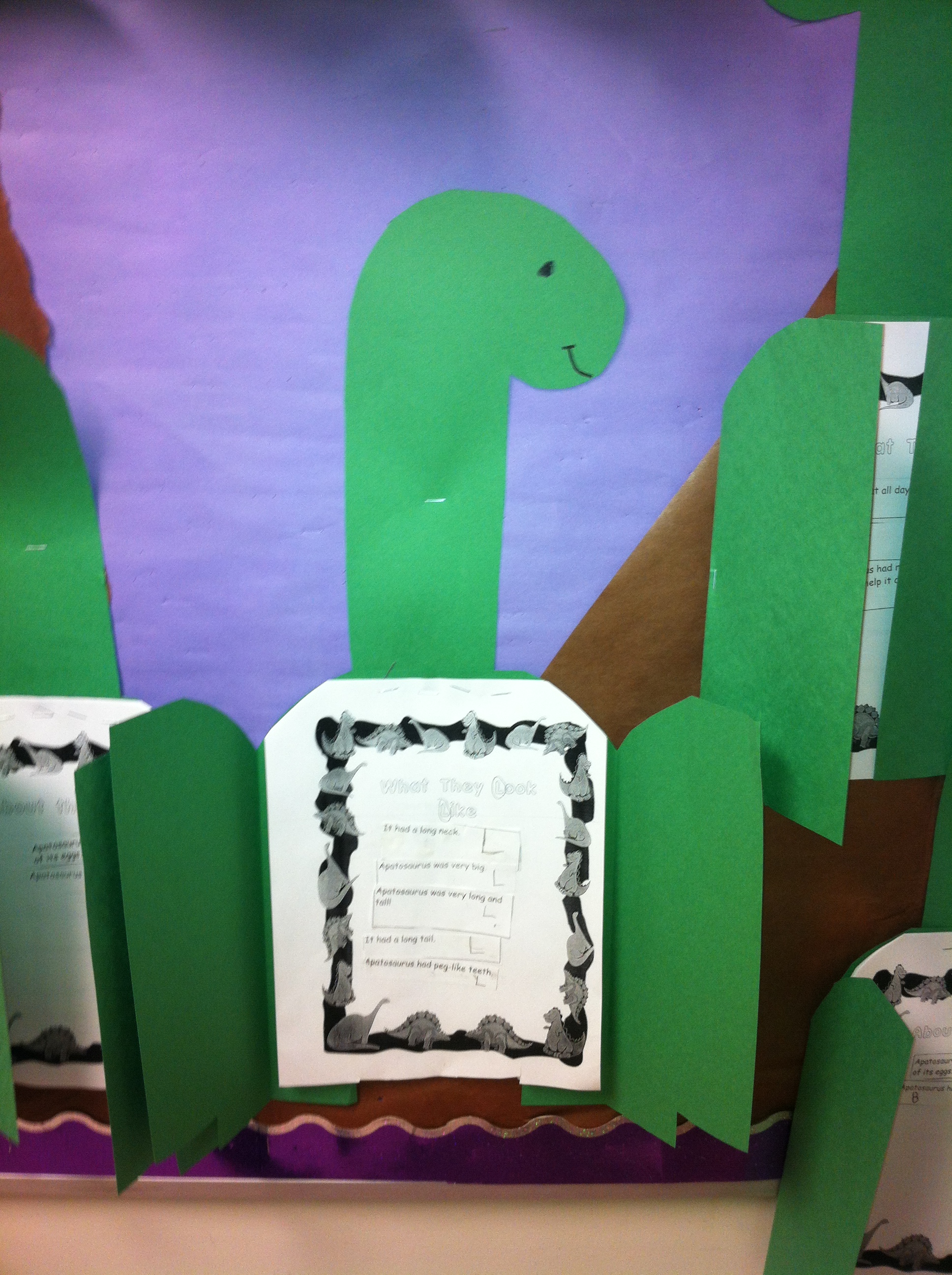
We also did our first research report.  I compiled a small set of dinosaur facts about apatosaurus.  We read the facts together and then we sorted the facts into four different categories.  Our categories were What They Look Like, What They Eat, About the Babies, and Cool Facts.  There were a lot of cool facts!

IMG_2360

You can find them in the hallway!  Take a look!

IMG_2350

IMG_2361


2 Comments

Filed under Augmented Reality, Dinosaurs, iPads

Adding up the Fun!

IMG_2347

We have had lots of fun learning last week!

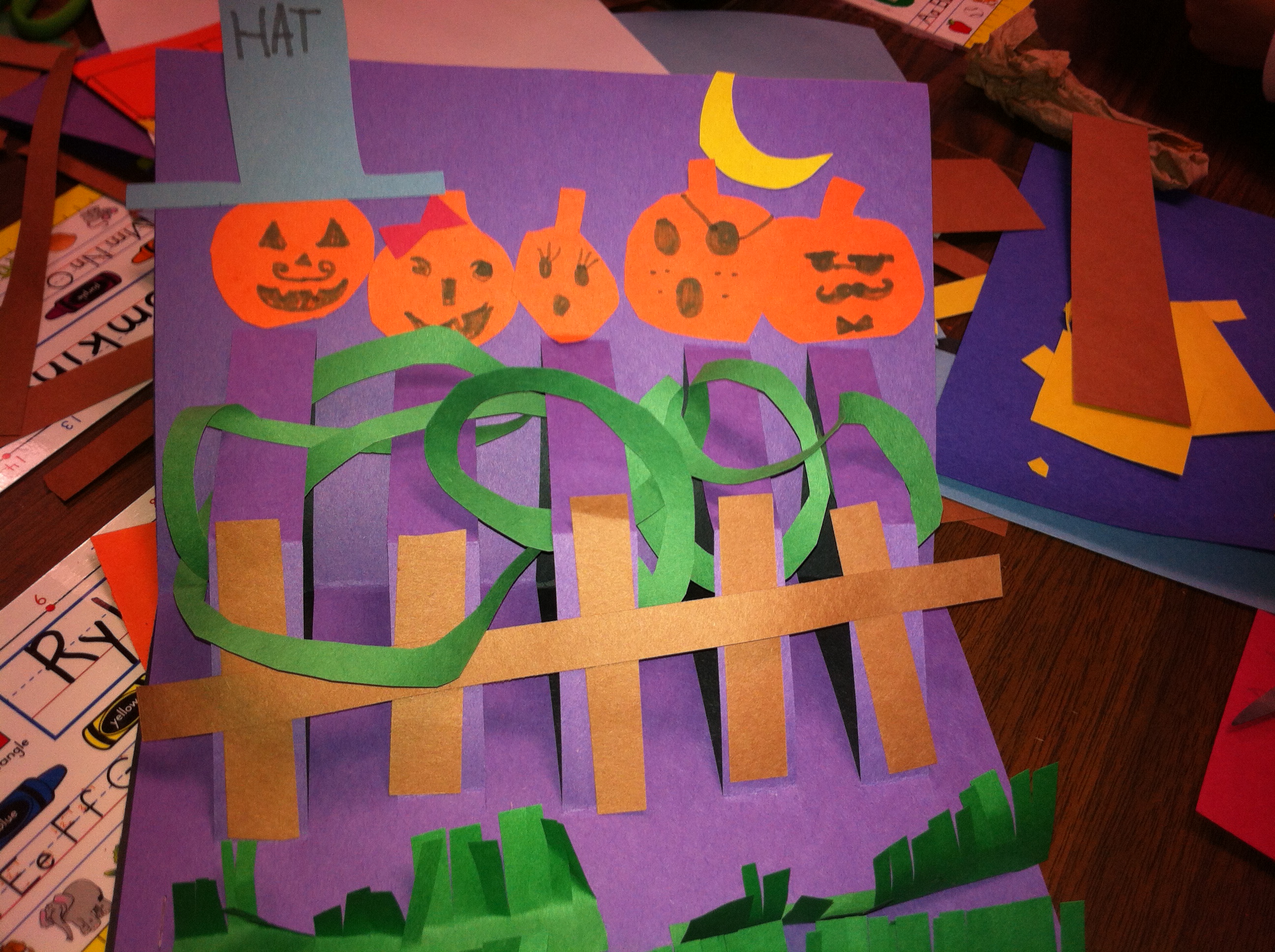
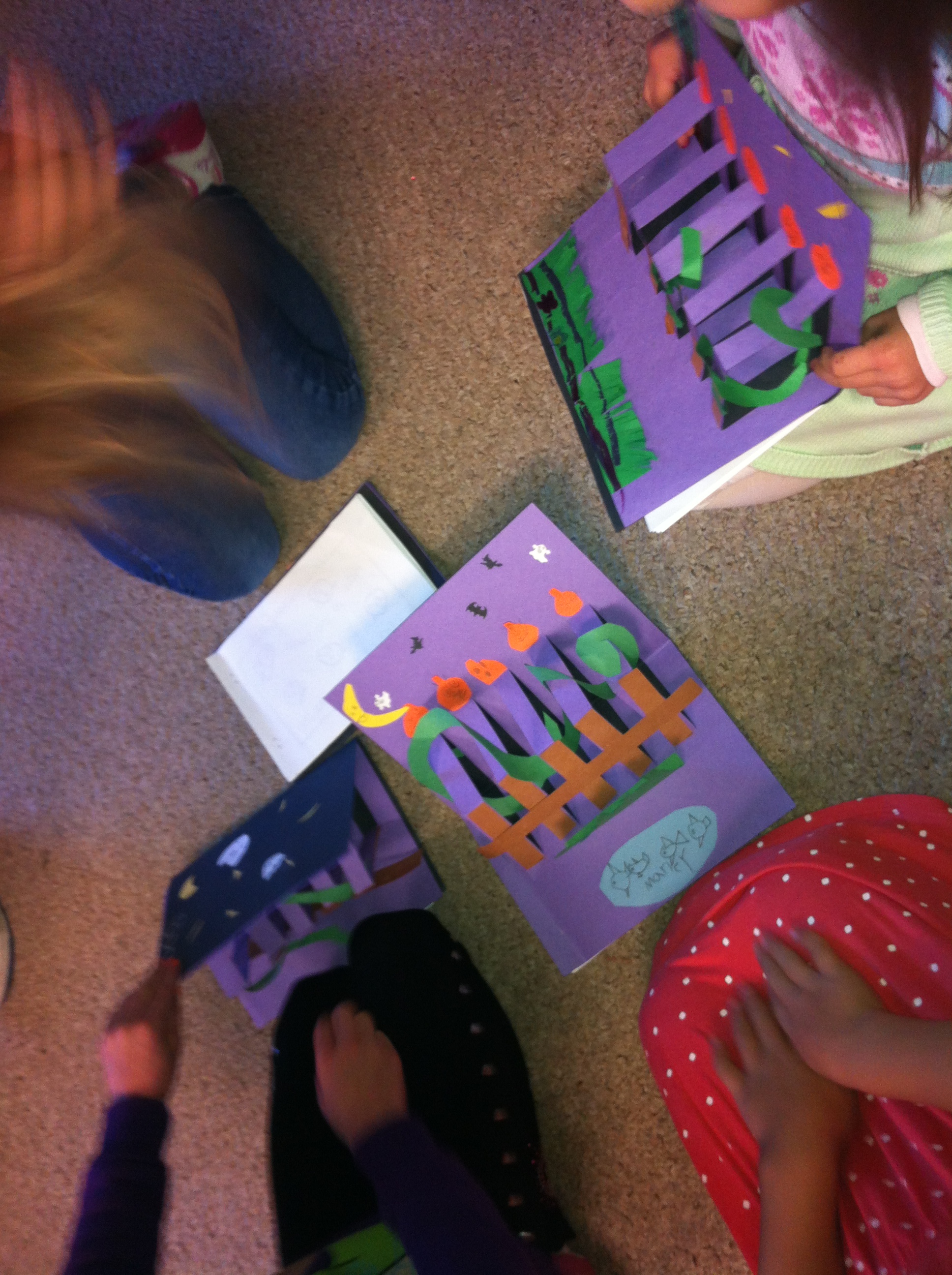
We started off with our buddies working on our Five Little Pumpkin books!

IMG_2295

Our buddies helped us make the fancy pop up covers!  Then they helped us read the book!

IMG_2297

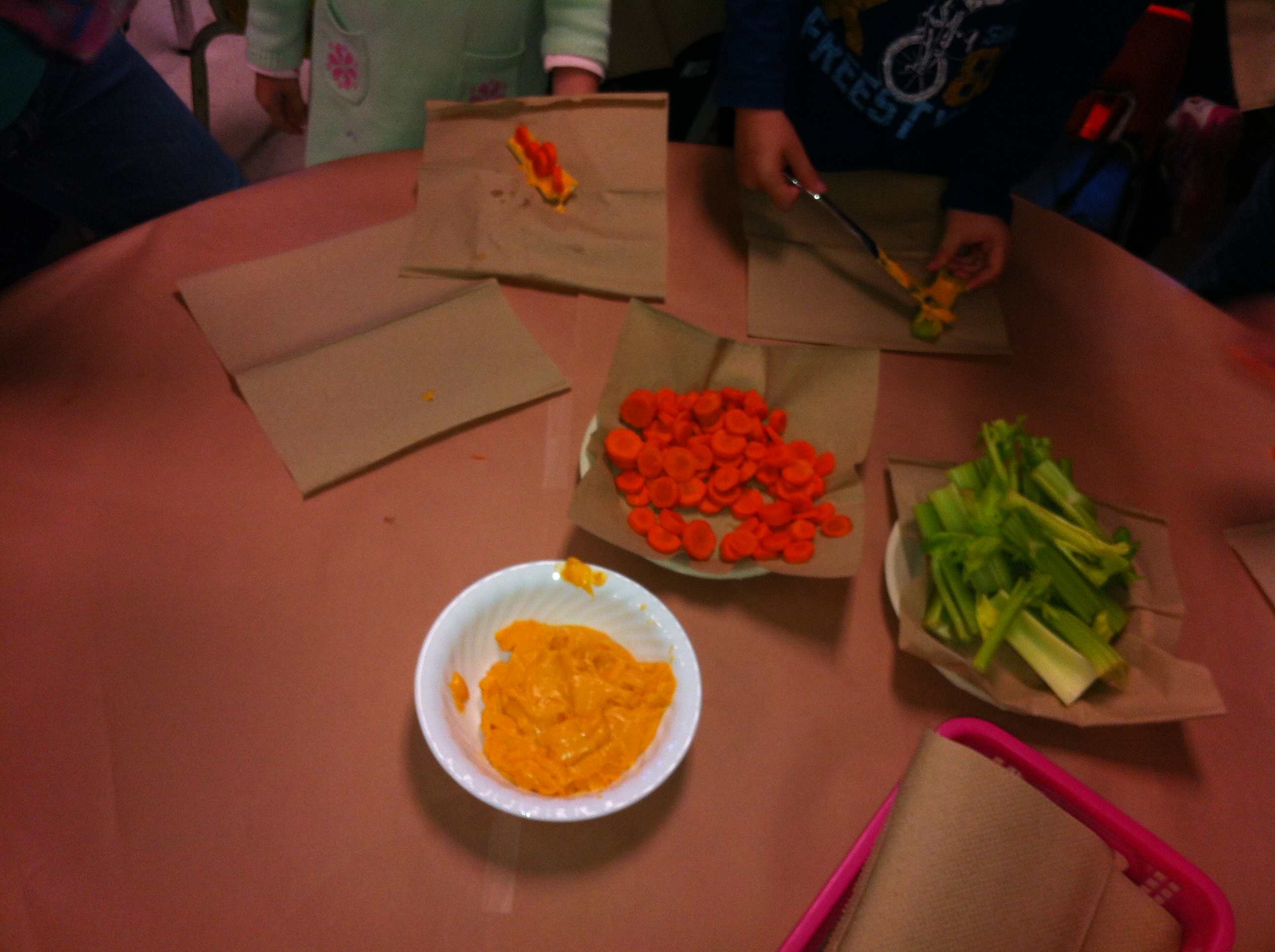
We also made a Five Little Pumpkins snack with them!  That’s the same as ants on a log but we used carrot rounds to pretend they were pumpkins instead!

IMG_2284

We had an absolutely great day on our field trip to Brannen Lake for our hayride.  We couldn’t have asked for better weather.  Thank you to everyone who was able to help us!

More about that trip later this week!  Watch for it!  

We had a great day on Halloween!  We had fun making a variety of crafts in the morning!

IMG_2333

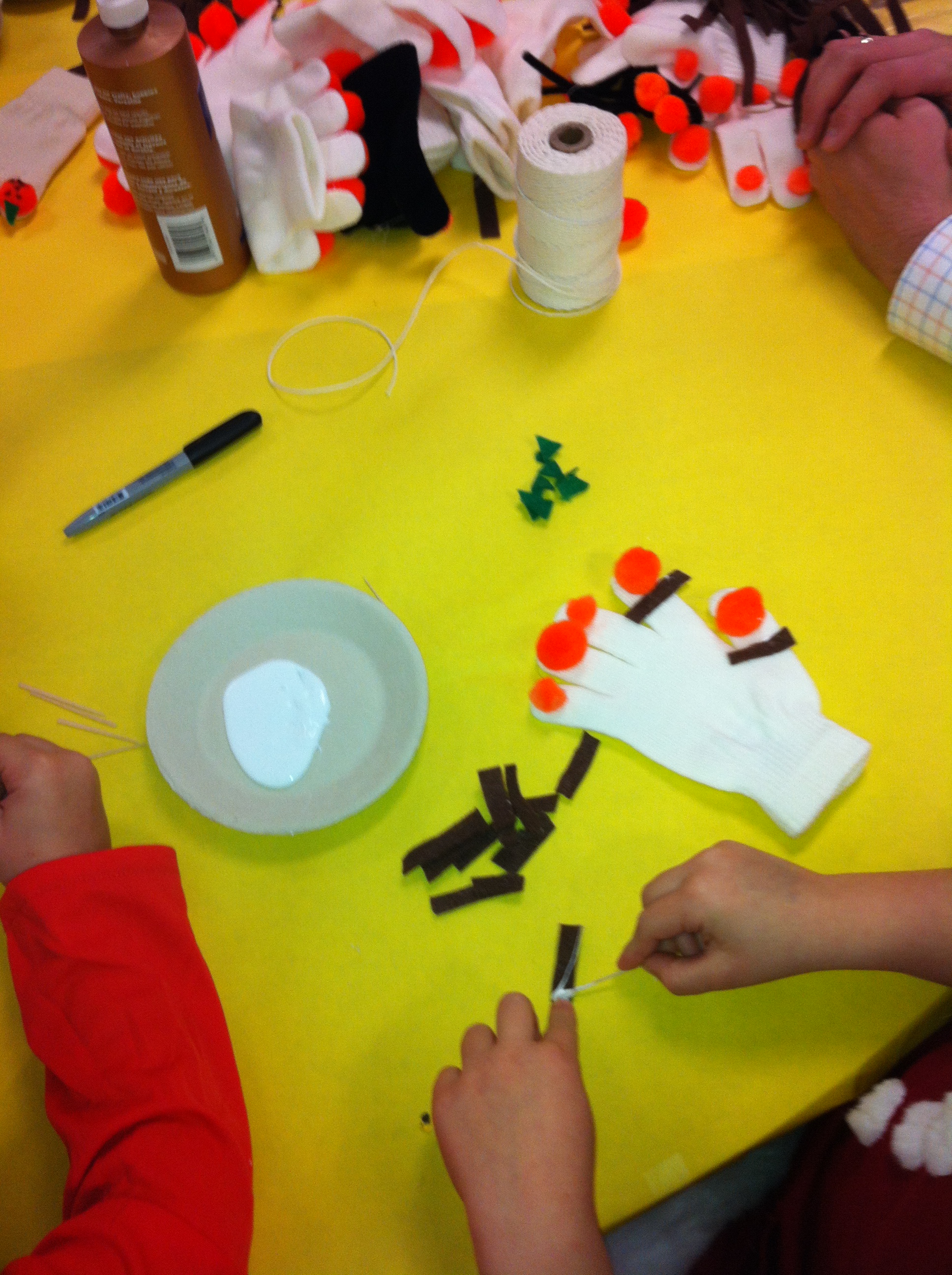
We made five little pumpkin puppets!

IMG_2332


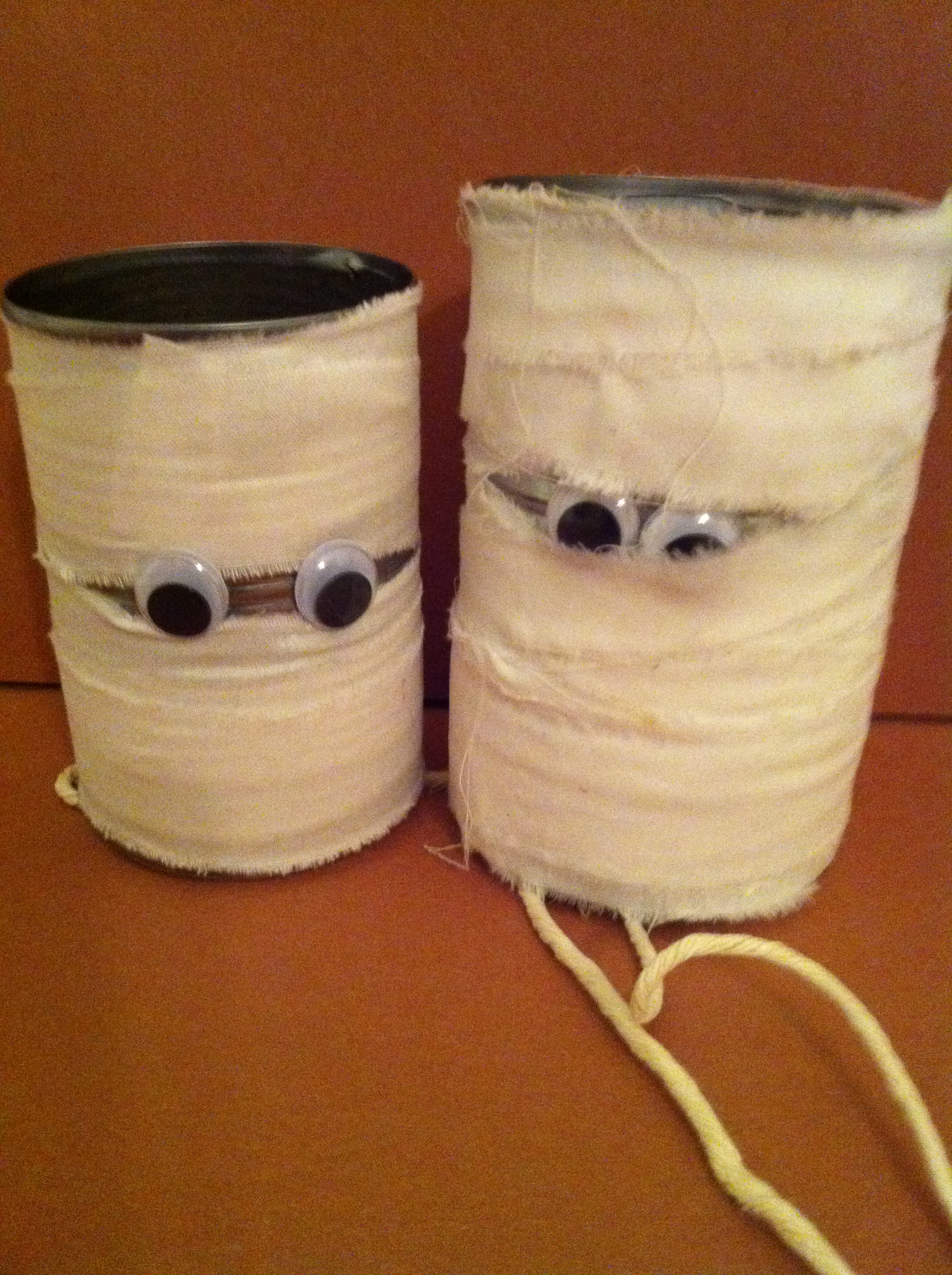
We made some mummy cans.  We learned how to make them do a special trick to make them sound like Dracula.  I hope everyone remembered their promise!  They promised to stop making their cans make the funny noise when they Moms told them too!  Hope you are all still talking to me!

IMG_0630


We had a wonderful afternoon on Thursday doing centers with the other Grade One and Kindergarten students.  Thank you to everyone that came to help!

We had a great time looking at all the doors in the annual Halloween Door decorating contest!  This is our door!

IMG_2335


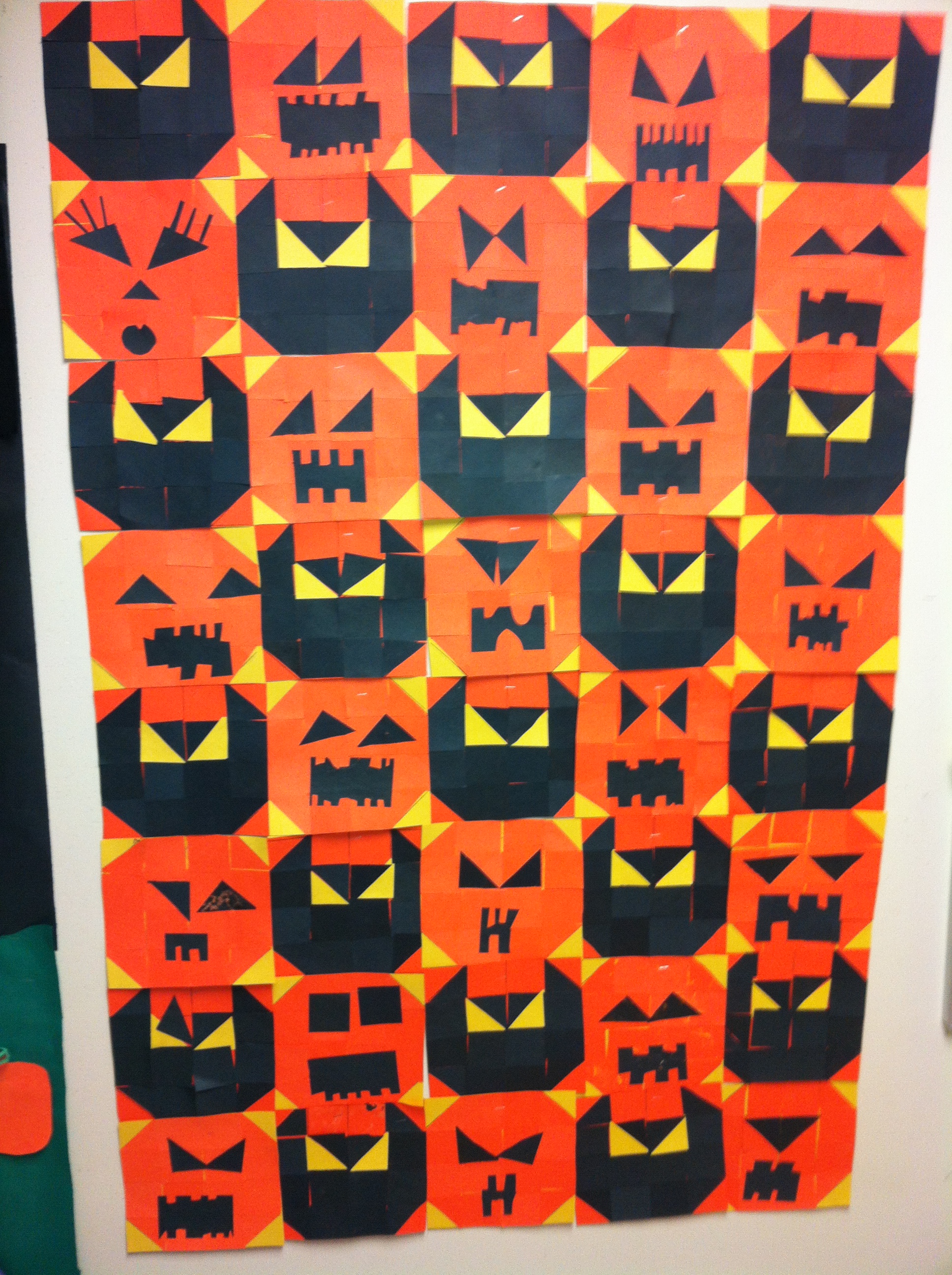
We also make this funky Halloween quilt using squares and triangles!

IMG_2336

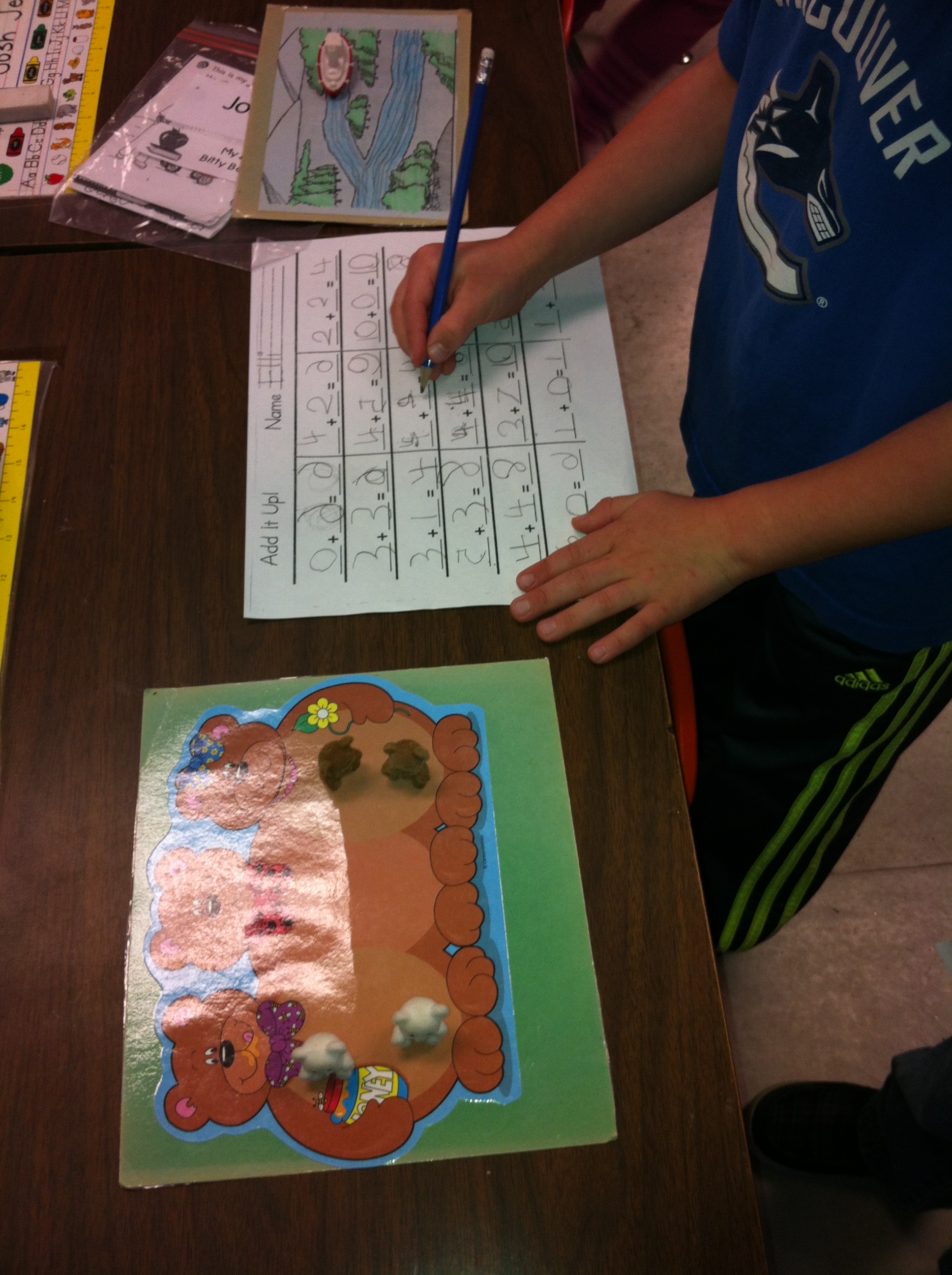
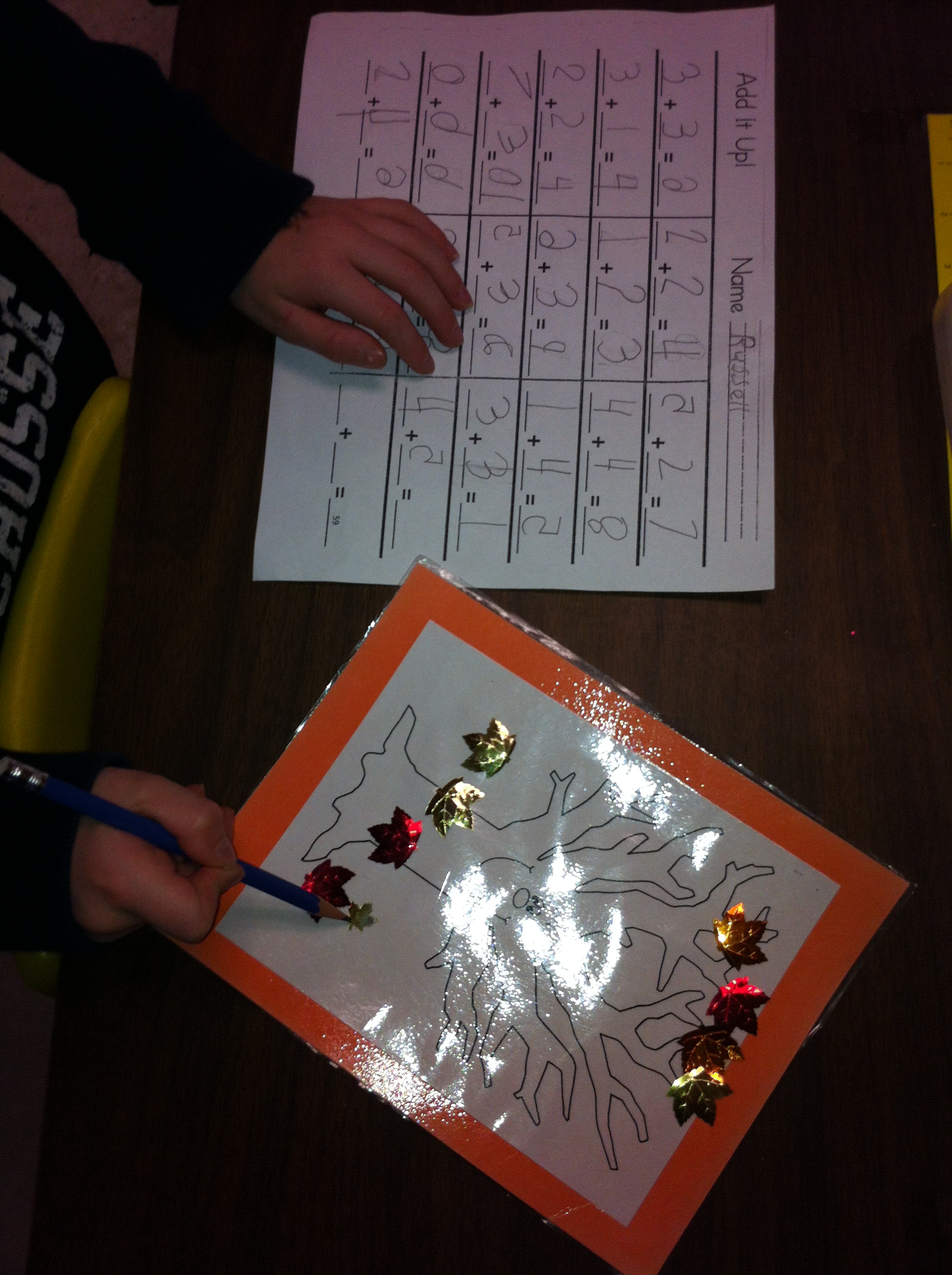
We ended up our week working on addition stories.

IMG_2343

IMG_2346


And we worked some more with the Augmented Reality apps!

IMG_2341


IMG_2340


It all added up to a lot of learning fun!

Leave a comment

Filed under Augmented Reality, Buddies, Halloween, iPads

Scarecrow Day Fun!


IMG_2236Friday was Scarecrow Day!  I loved all the costumes!  Thank you so much for participating!  We had some amazing scarecrows!  I took pictures of the whole class and individual pictures of everyone!  Good memories!

We tried to figure out how many scarecrows we had in the classroom.  I like scarecrows and I have quite a collection!  We actually didn’t finish counting them all as we got distracted when we realized that we had even more scarecrows because we were all dressed up as scarecrows.  I hope to do the search for my scarecrows next week instead!

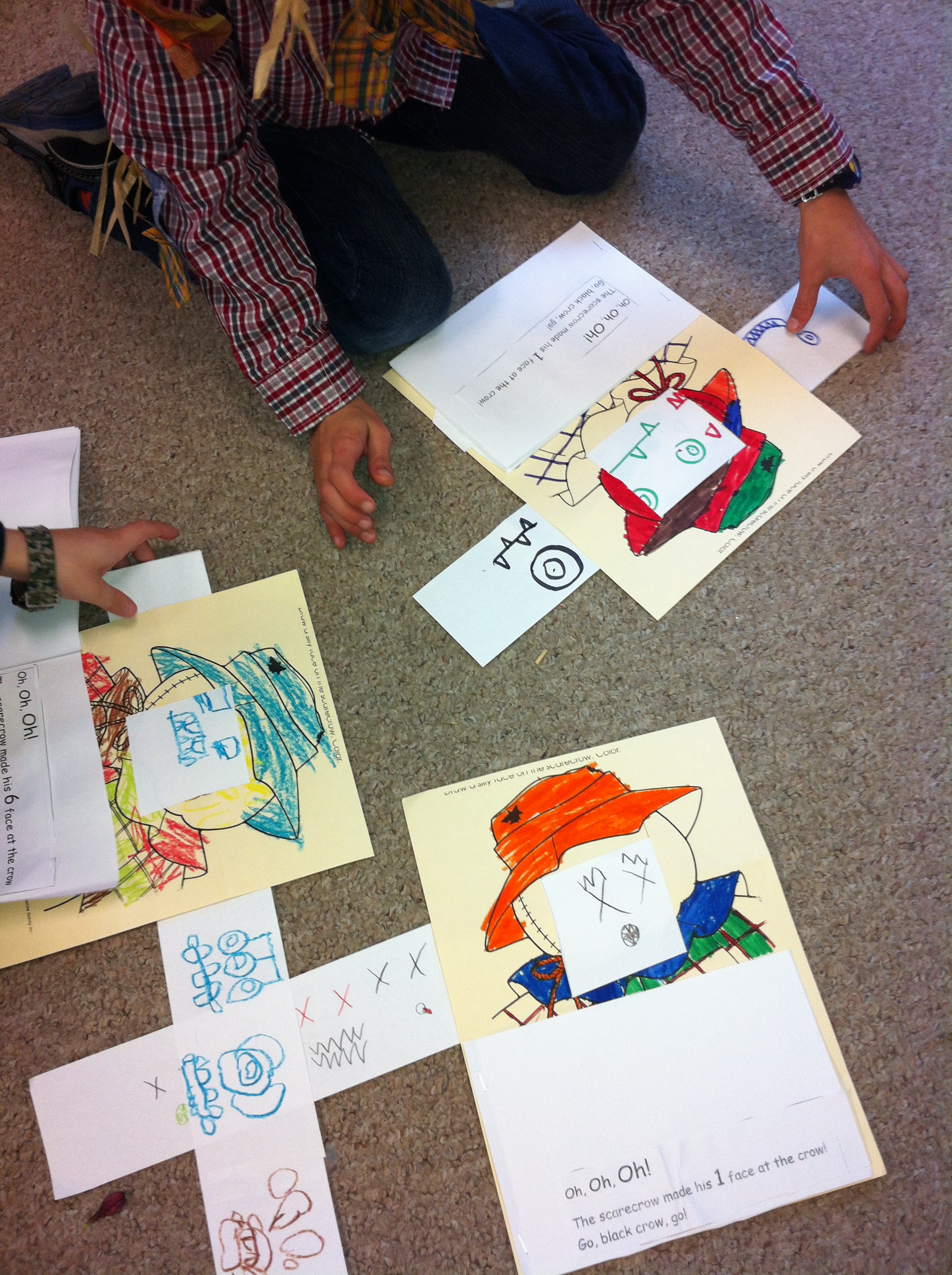
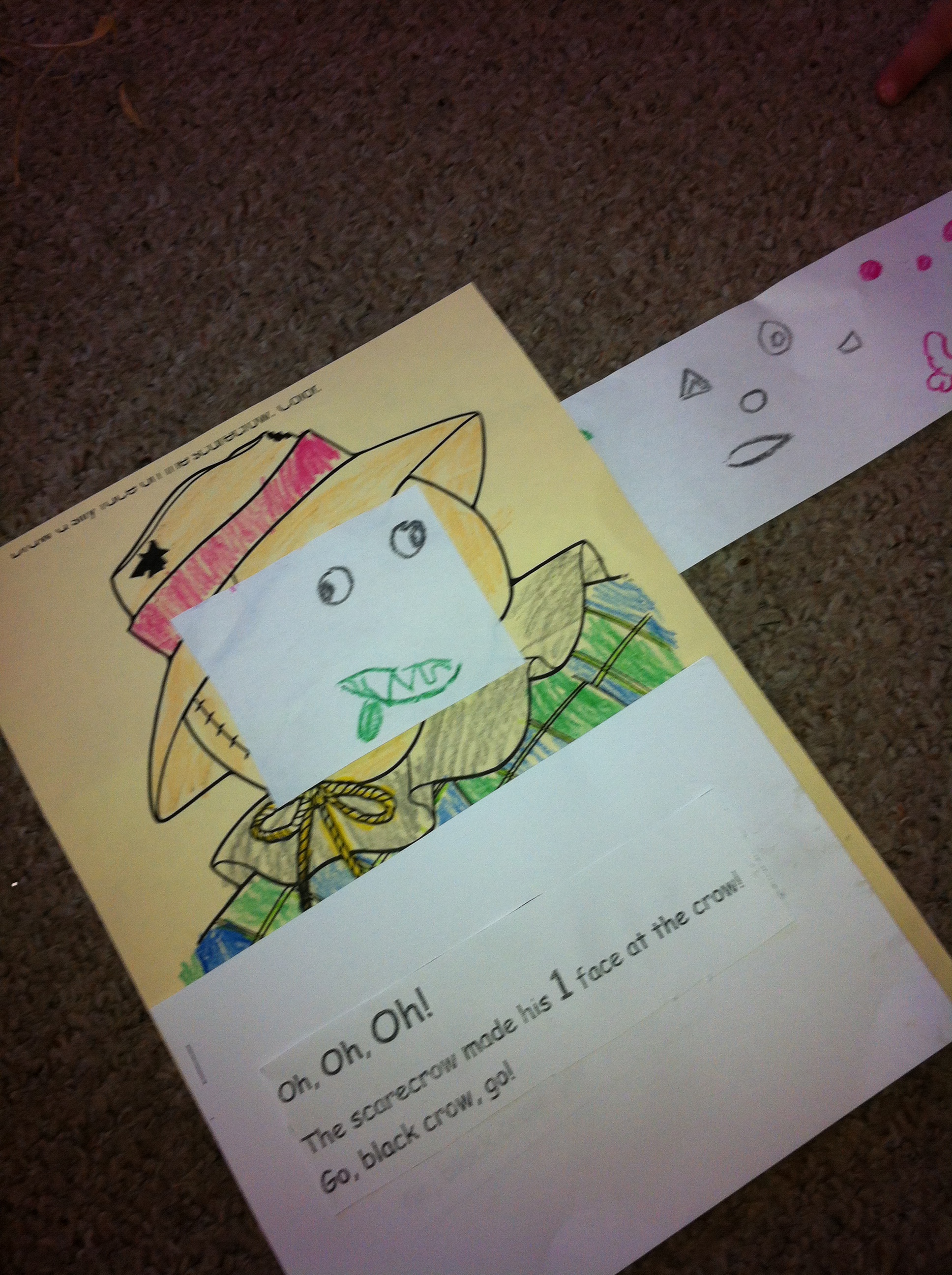
We read one of my favourite stories by Margaret Wise Brown called The Scarecrow Boy.  In the story the little boy scarecrow wants to be a real scarecrow like his Dad.  One day he decides to run away and try to scare the crows in the cornfield all by himself.  He makes six different faces at the crow to try to scare it away!  As we read the story the children showed me their six scariest faces too!  Pretty scary!

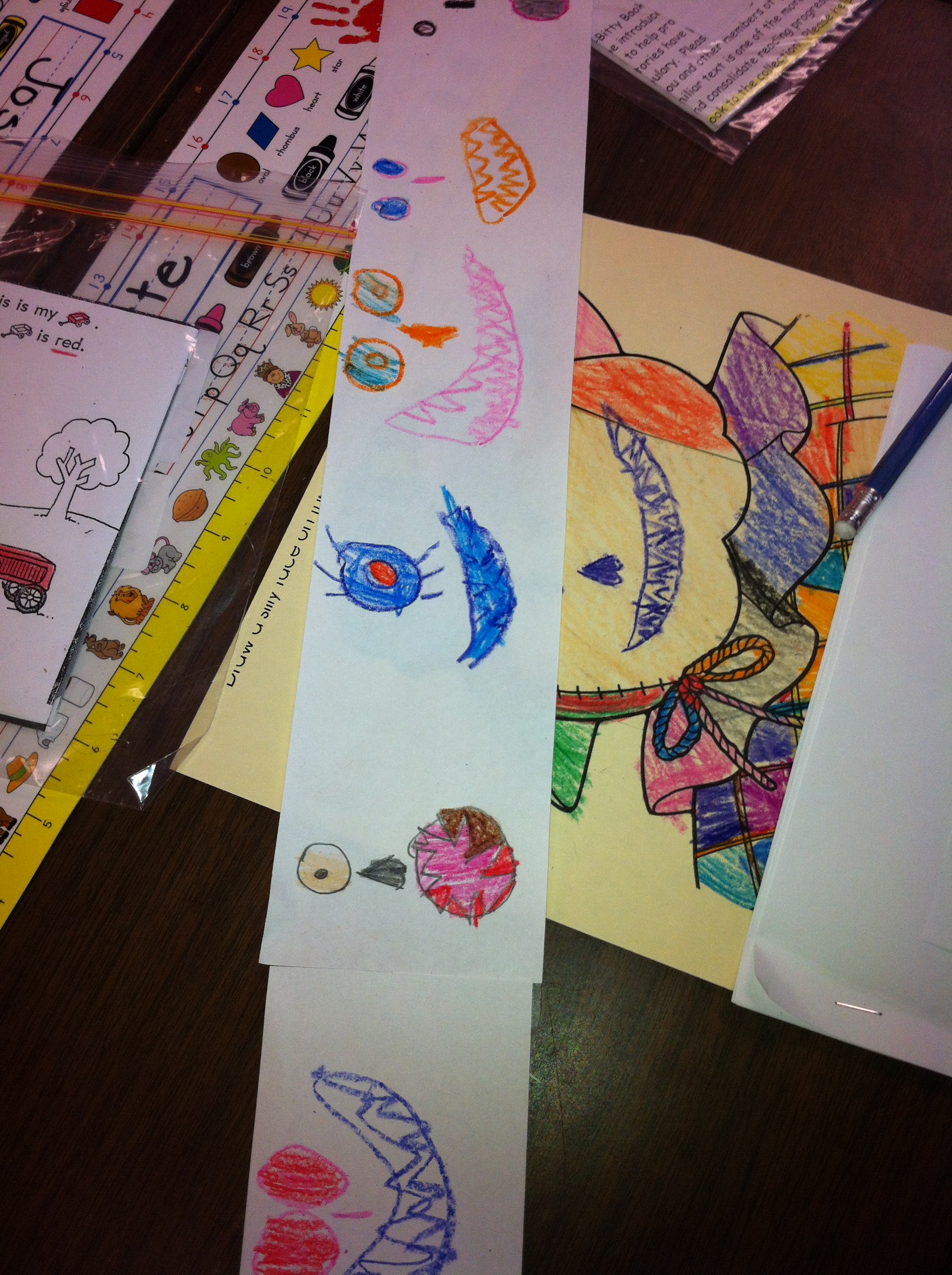
Then they made their own scarecrow faces to go with the story.  Take a look!

IMG_2237


IMG_2239


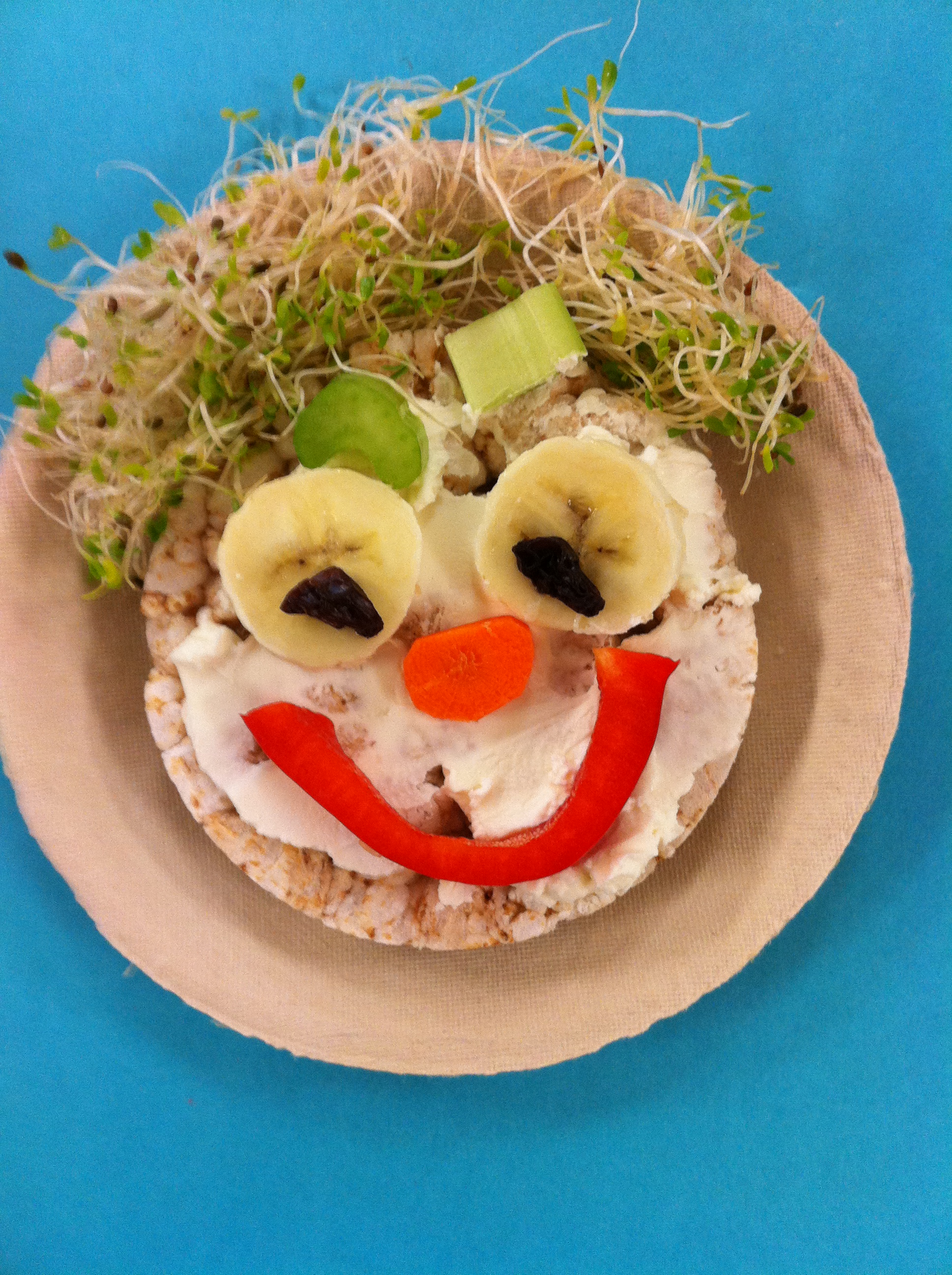
We also make these delicious scarecrow faces.  Most of the students liked all or at least part of the dish!  Delicious!

IMG_0564


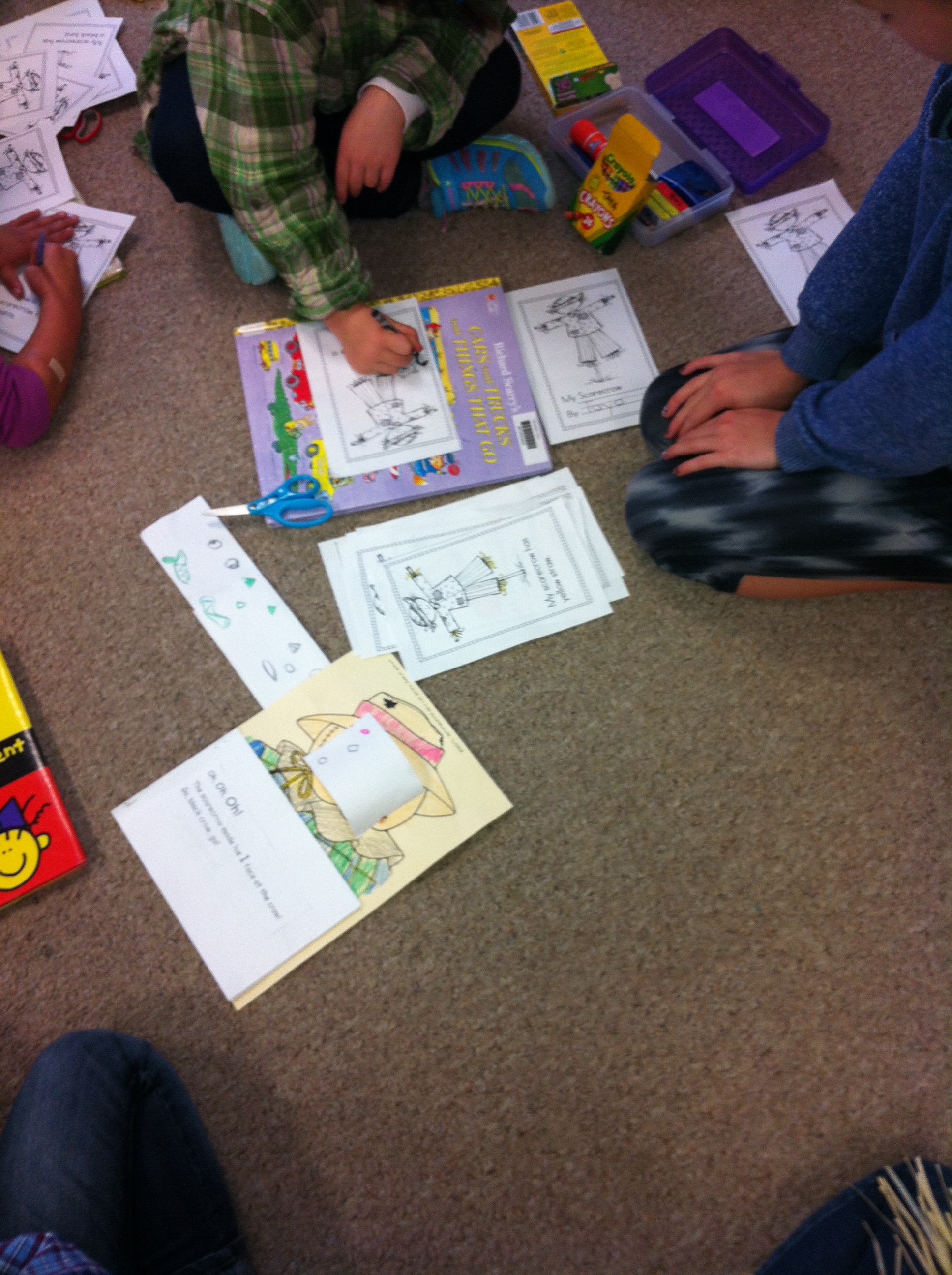
We also made scarecrow books with our buddies.  They helped us cut and color them and put them together.  The big buddies helped the little buddies practice reading them, too!

IMG_2242


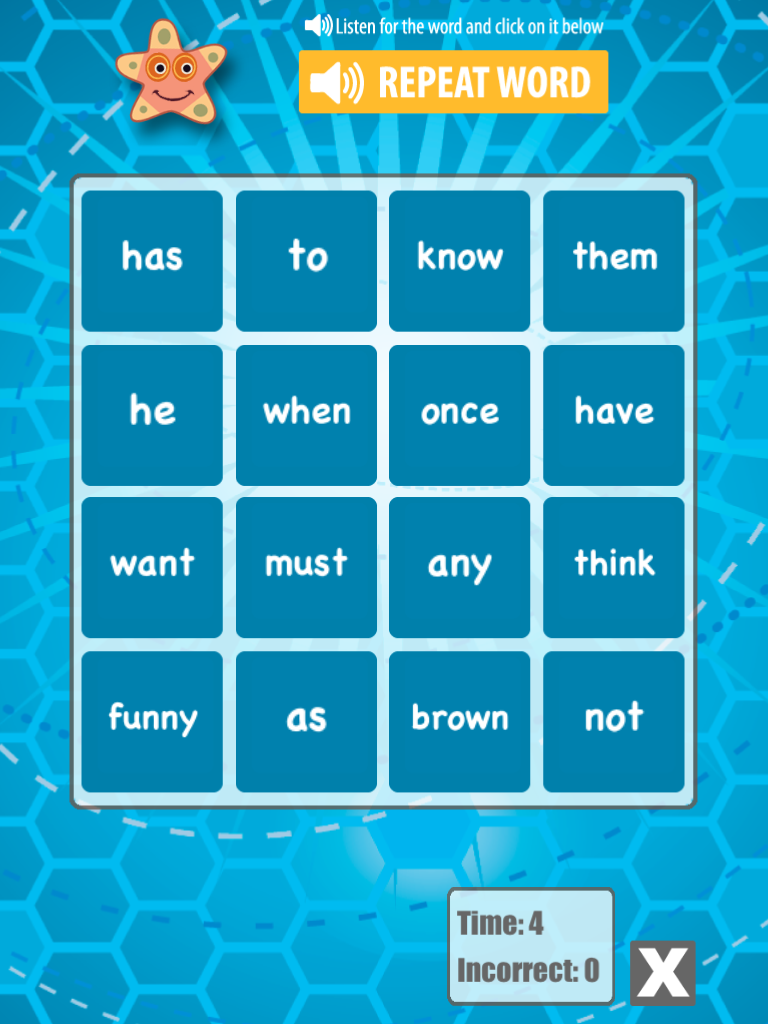
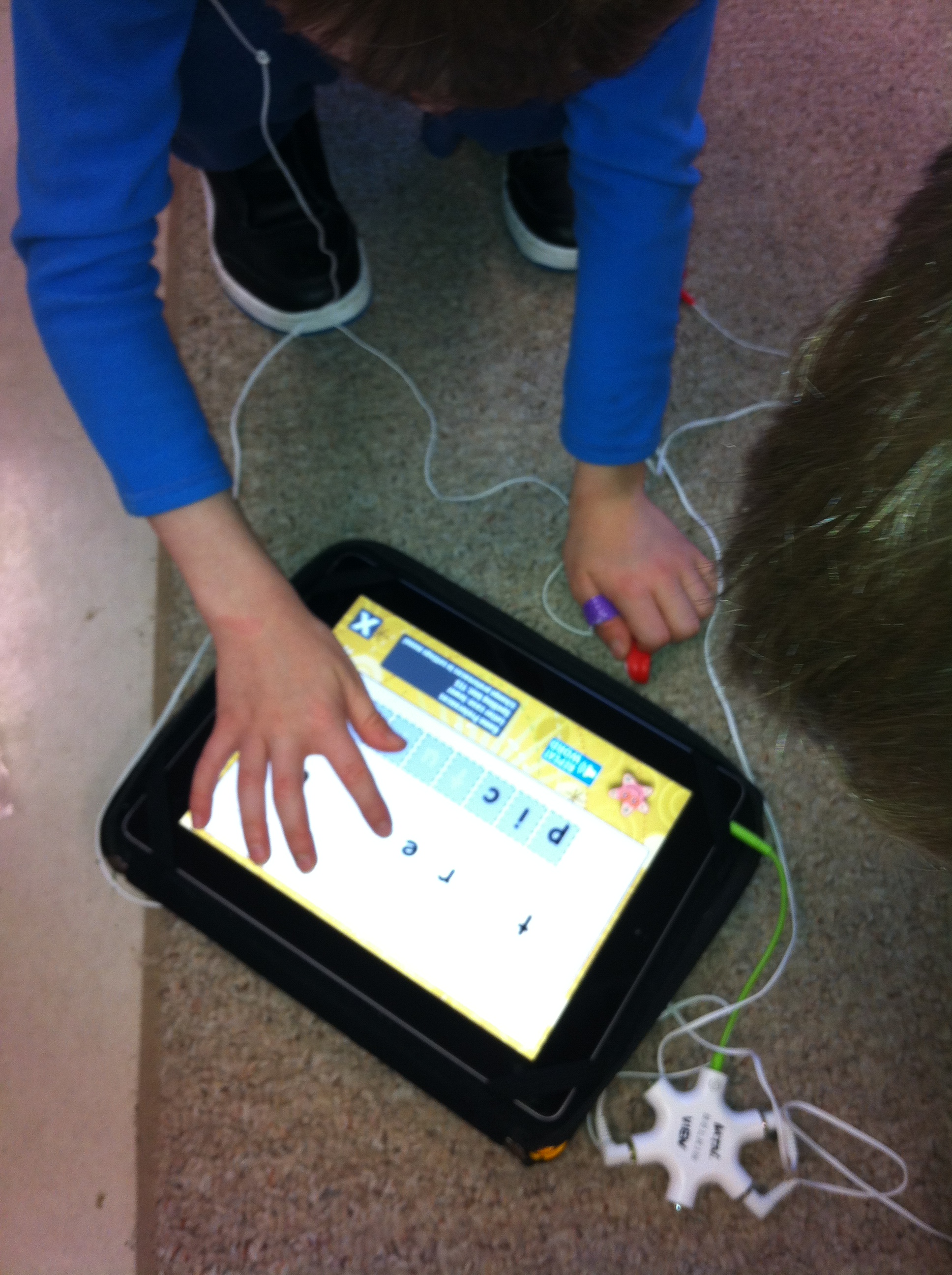
I introduced an new app on the iPads to the children that focuses on learning the beginning sight words we are currently learning.  It is called Word Bingo.

word bingo

You can find it on the ABC Ya! website as well.  I like the version for the iPad!

IMG_0014

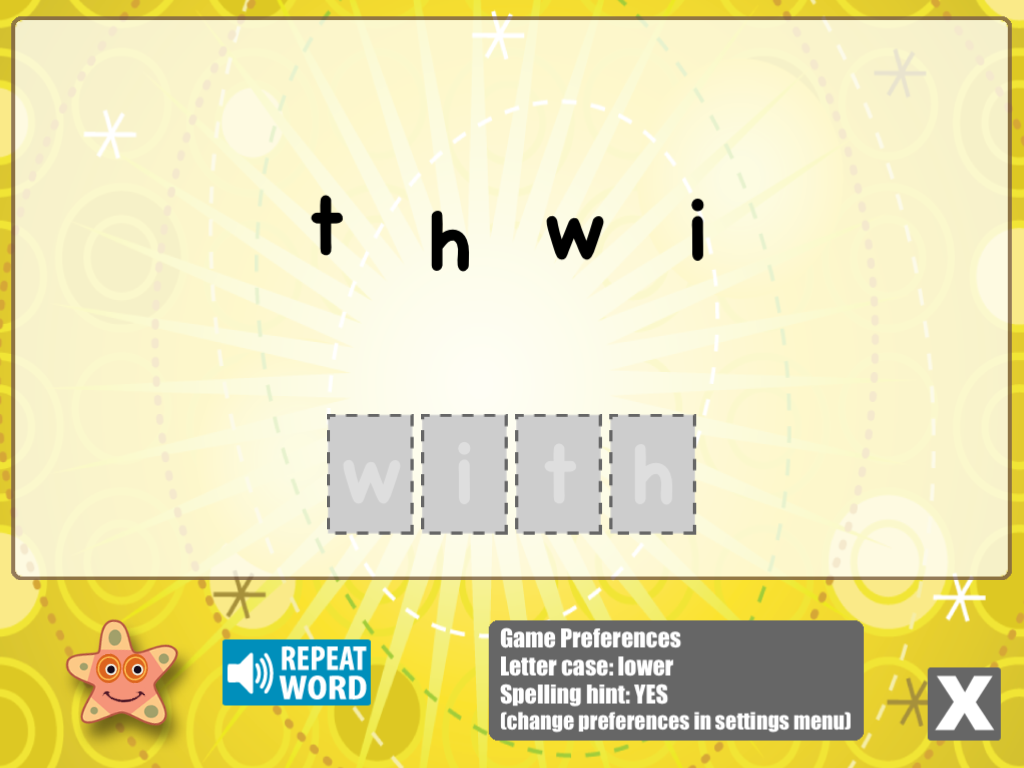
We are currently working on the PrePrimer Dolch word list.  It has some additional games and a spelling practice component as well.

IMG_0013

Take a look!  You can also find this game on our classroom WIKI page at the top of the screen.  Just follow the links!

IMG_2234

Leave a comment

Filed under iPads, Scarecrows