Author Bios

Yesterday, Mr. Ball and I introduced the iPads to our staff on our professional development day.  We worked through a variety of apps and learned a lot of new things.  Over the next few weeks, the iPads will be visiting other classrooms so that the other students in the school can get a taste of this wonderful technology!  

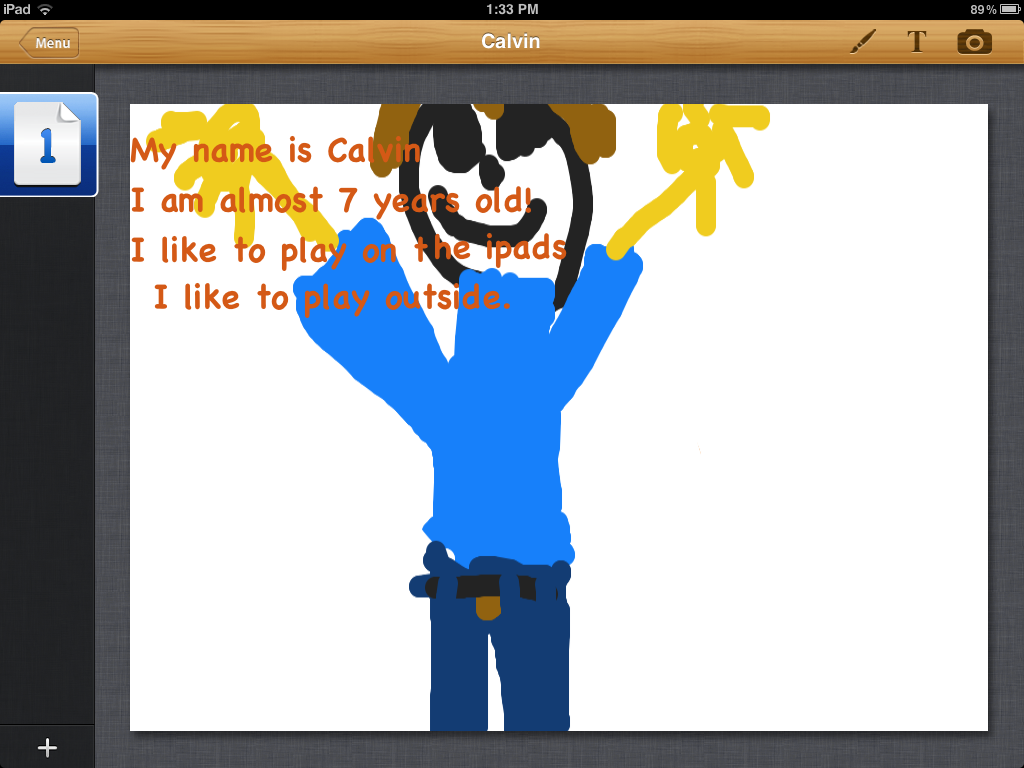
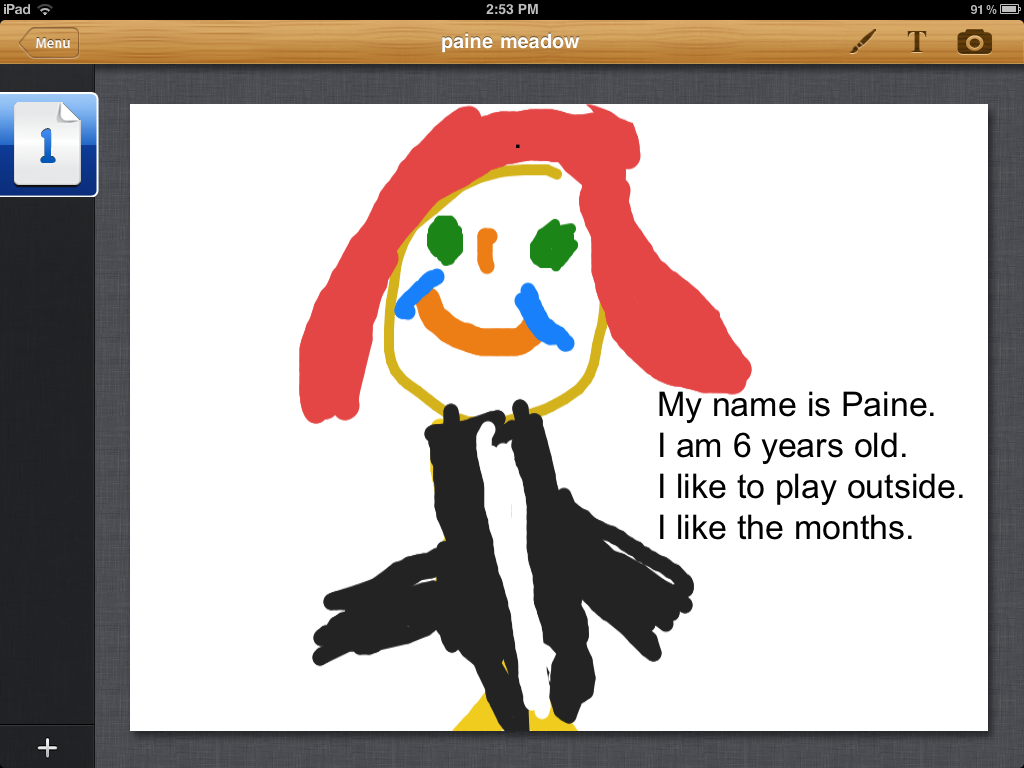
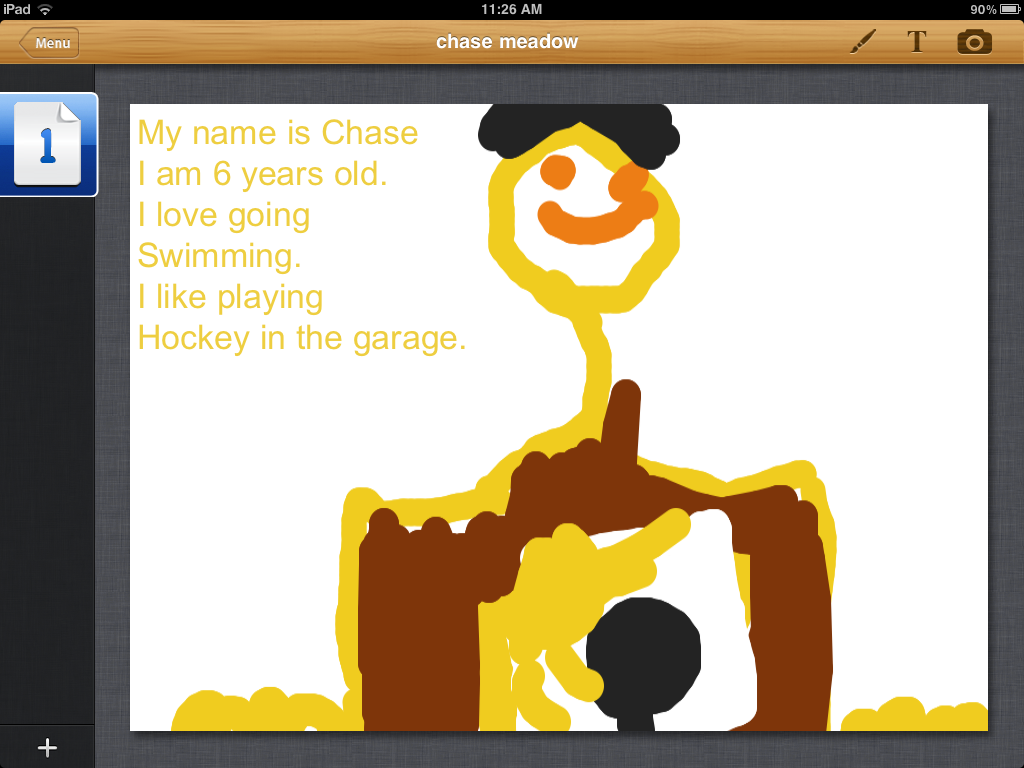
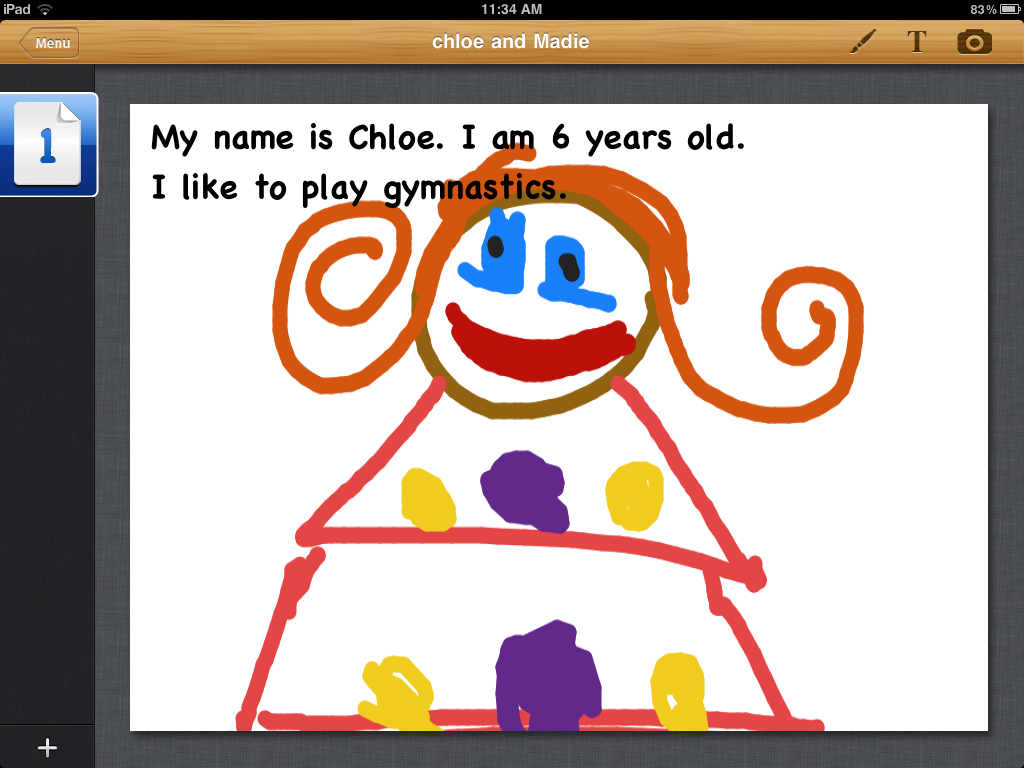
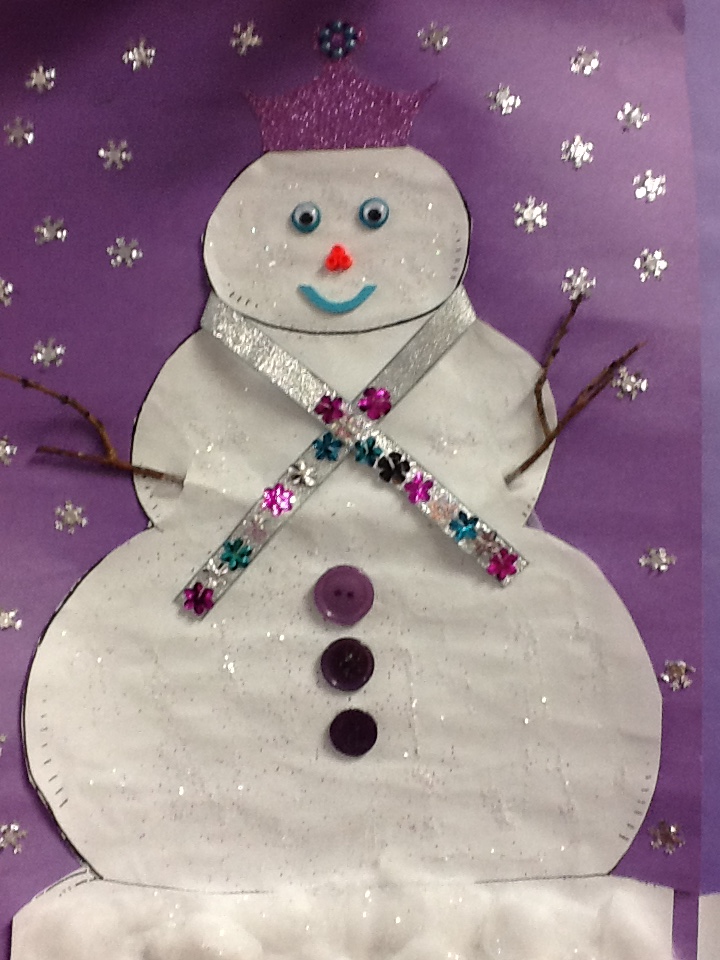
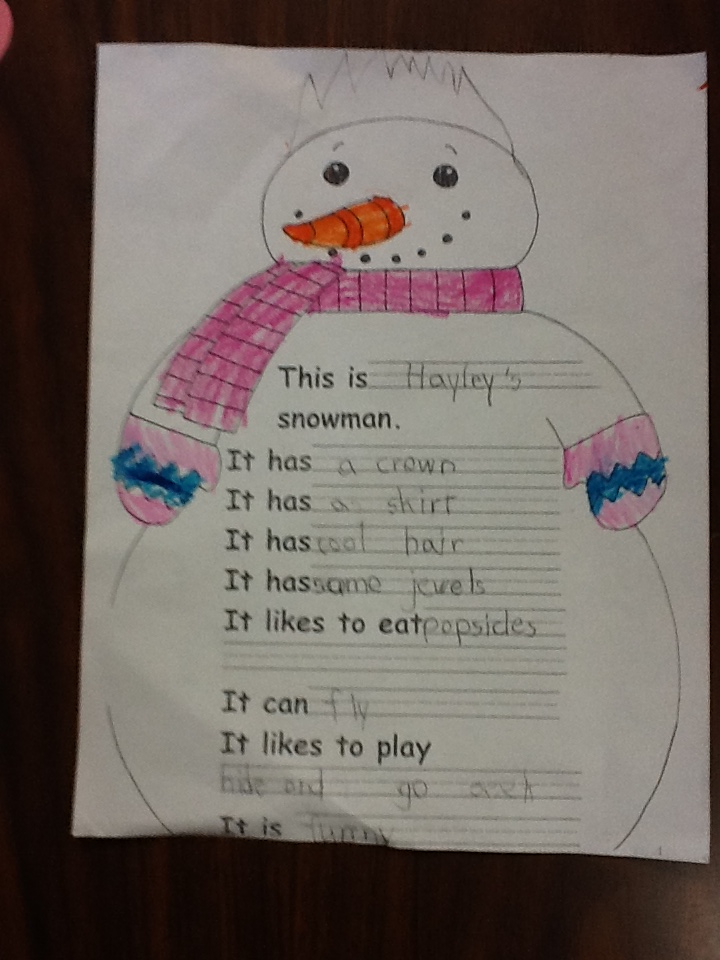
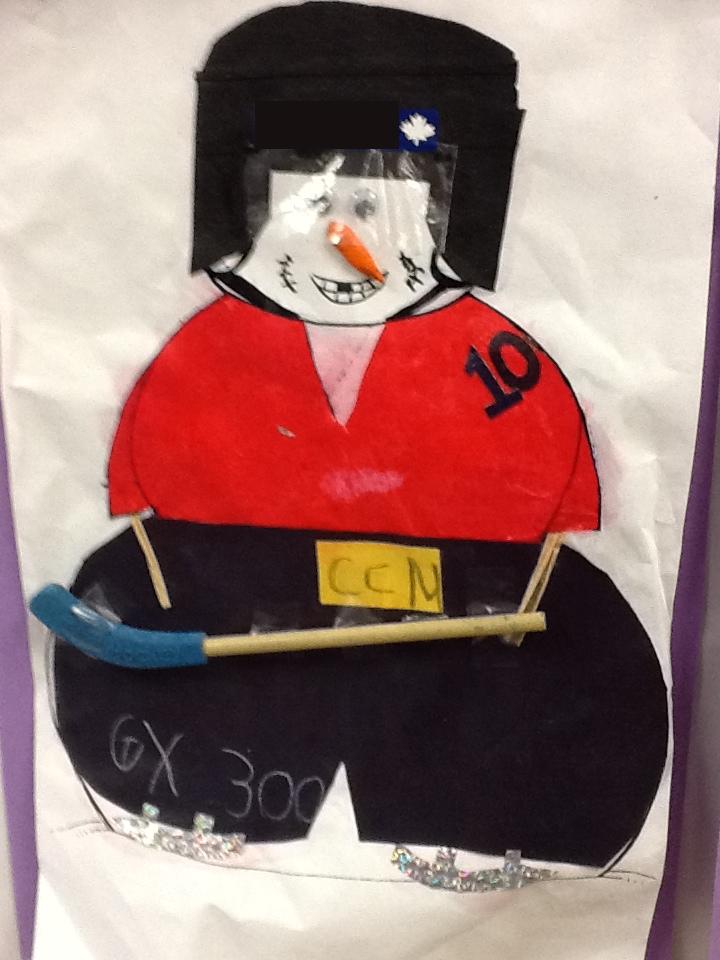
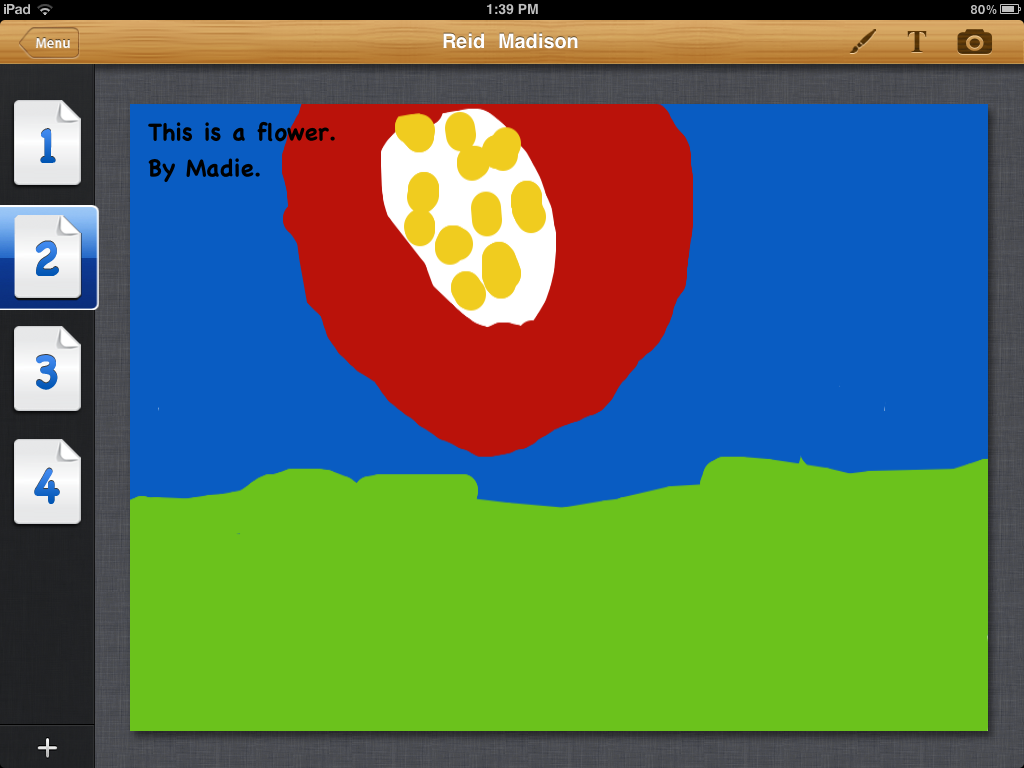
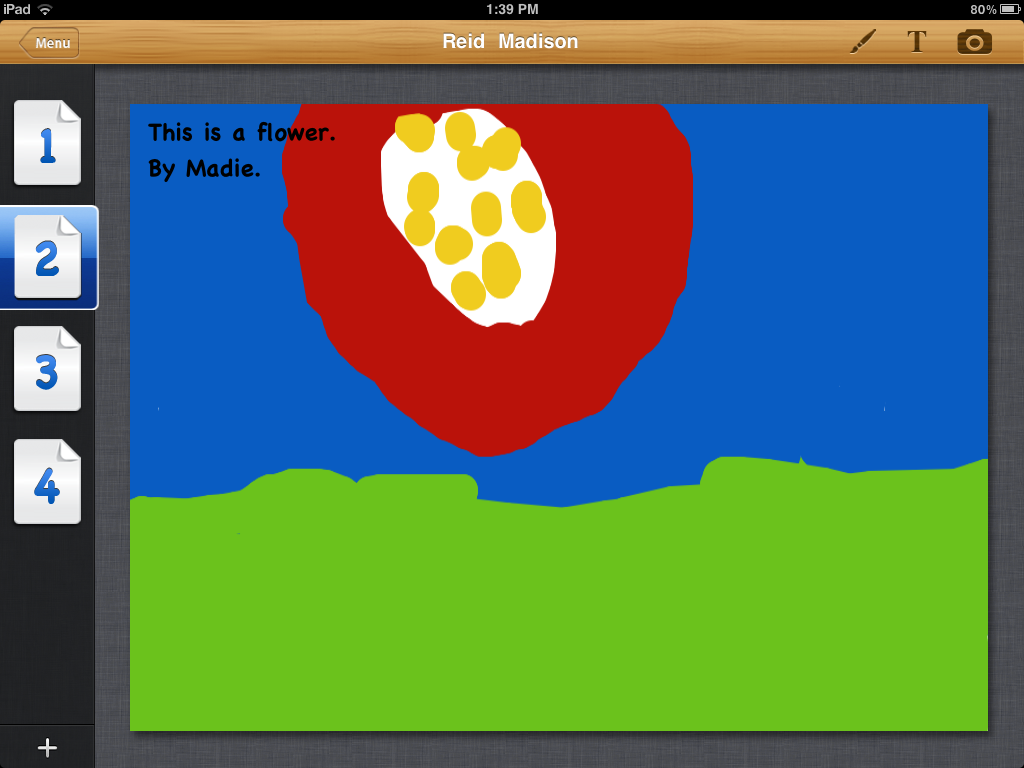
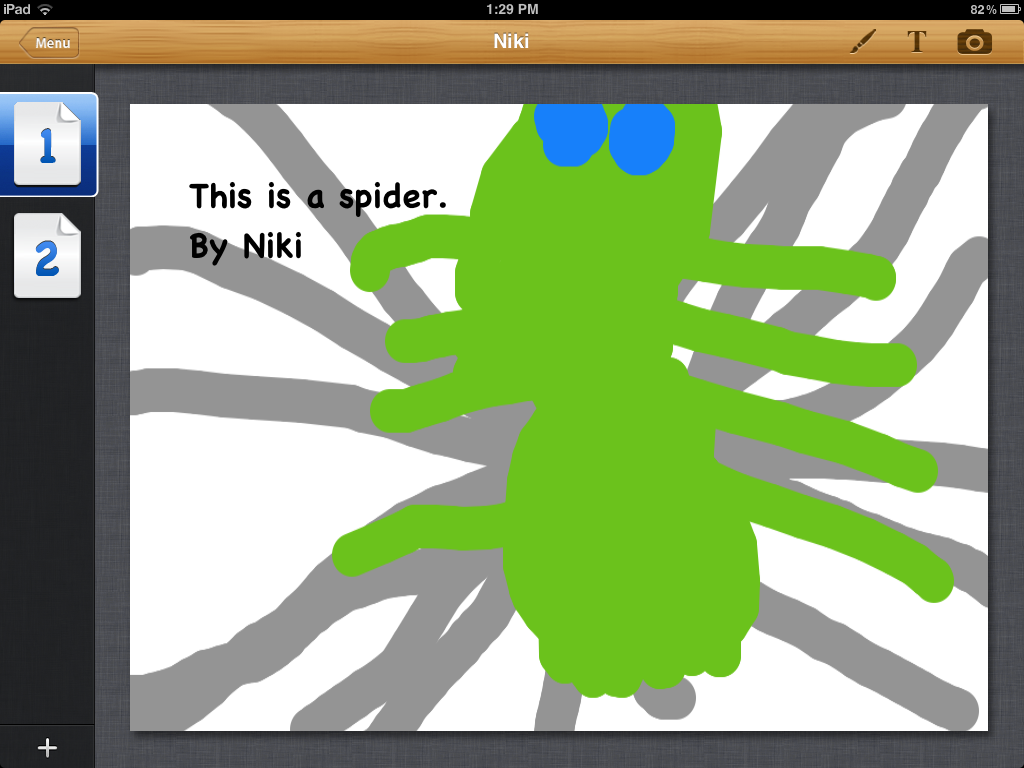
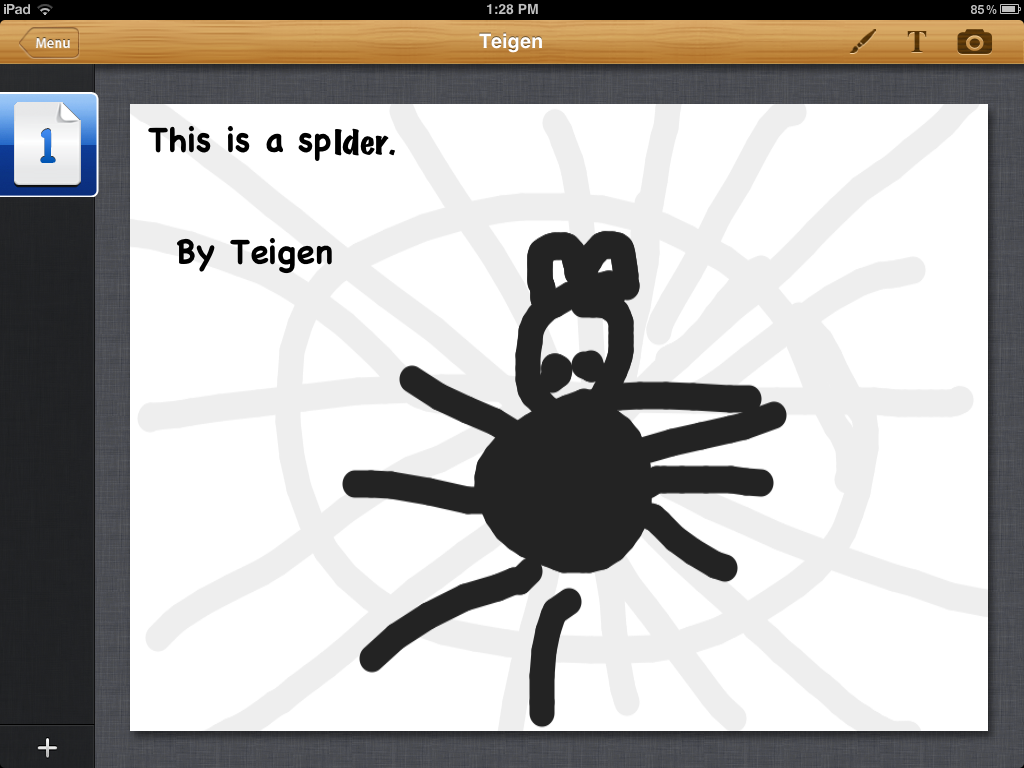
Today we worked on our snowman project again.  We worked with Story Buddy to create the author’s bio page.  We have been working hard in several different apps to create a compilation of pages.  Then the pages will be imported into the Pictello app to create their very own story about their snowmen.  So we made the author’s biography page to put at the back of their book today.  The children drew a picture of themselves and then added a short bio of themselves using a text box on the page.  Adding text in this app can be a little tricky as it is not easy to go back and try to correct misspellings and so on.  We took a photoshot of their work which puts their picture on the camera roll of the iPad.  Items on the camera roll can be imported into other projects.  Over the next few days we will begin to work in small groups to put the books together.  We are looking forward to sharing them with you. 


I think they are pretty good for students who are six years old and almost seven! Look closely at Calvin’s bio.  He told me he was really close to being seven and I could tell that putting six on his story wasn’t going to cut it.  So we figured out how to tell that in his story!

Leave a comment

Filed under Uncategorized

Wow! Snowman Labeling Project!

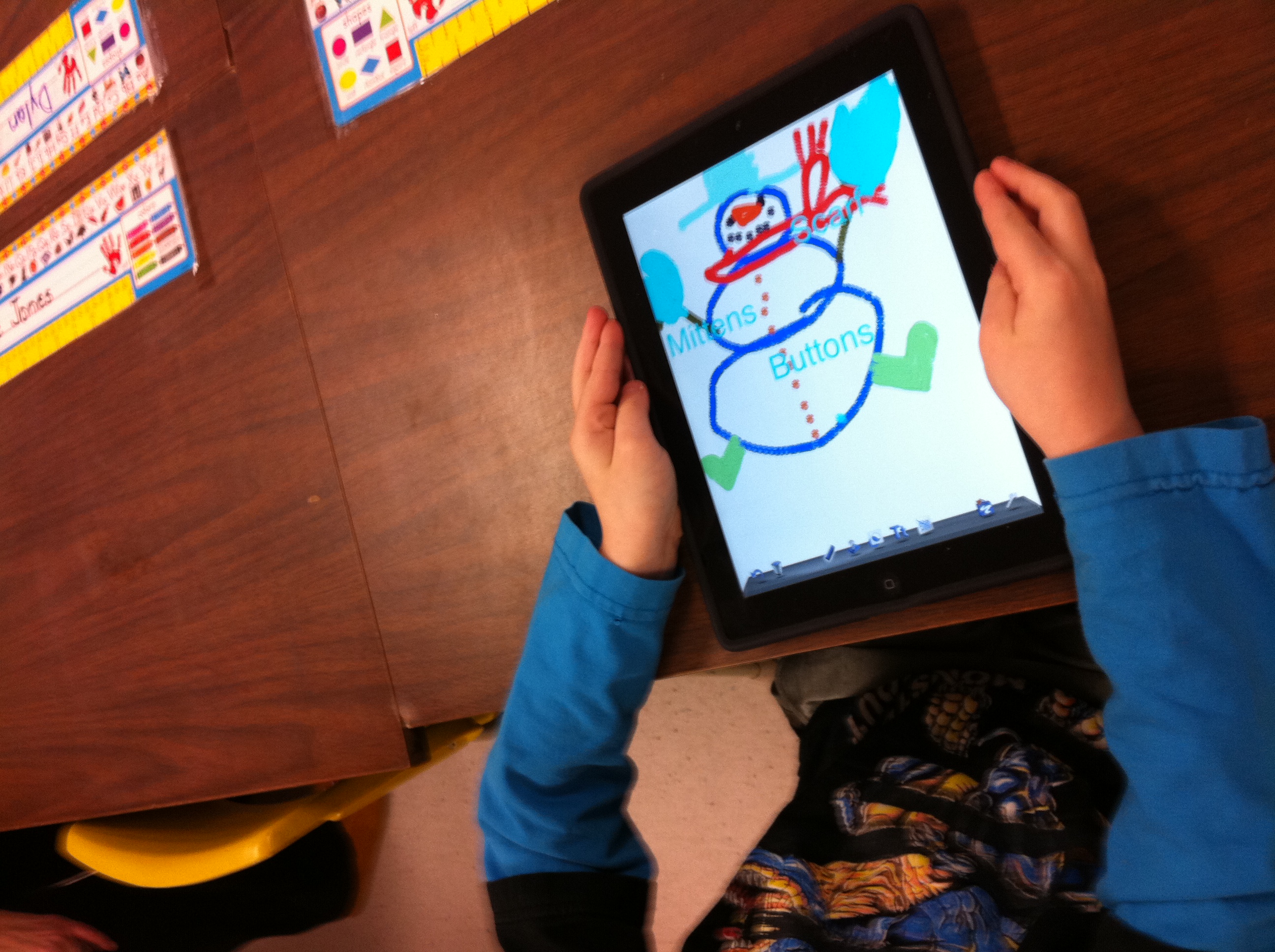
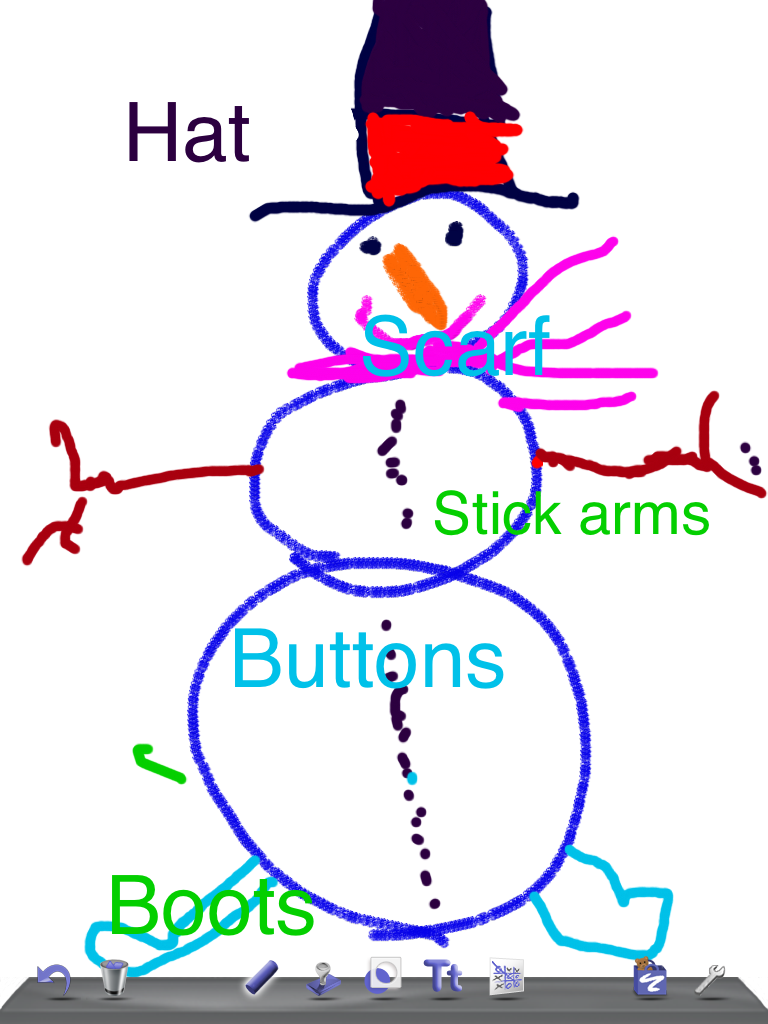
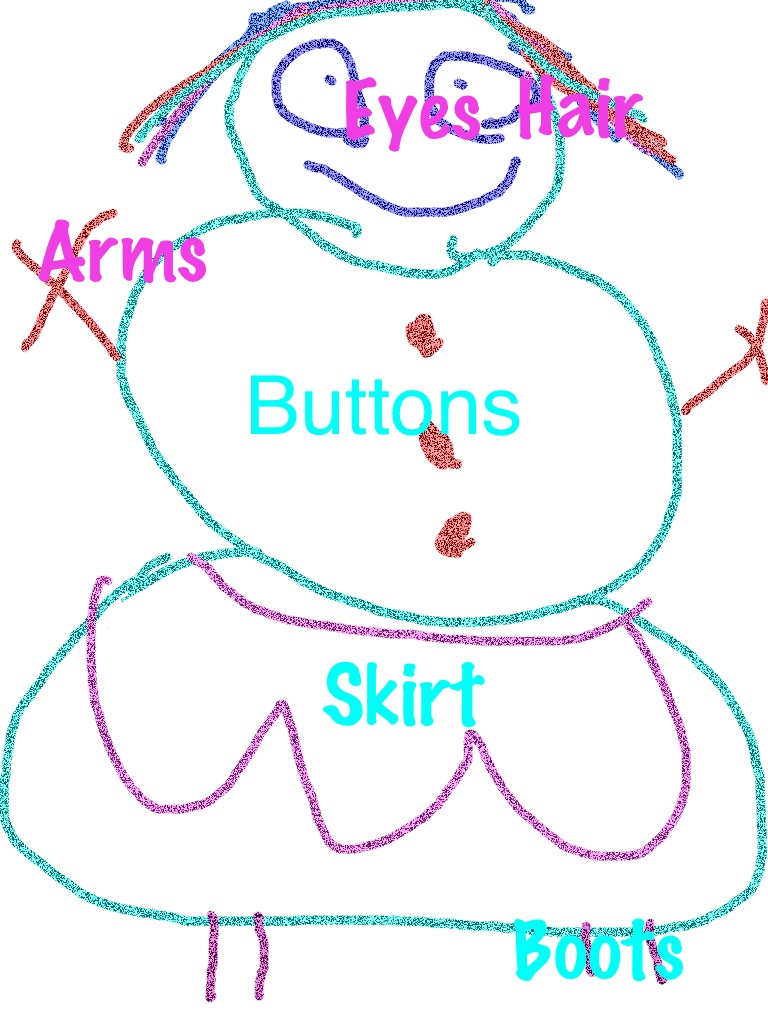
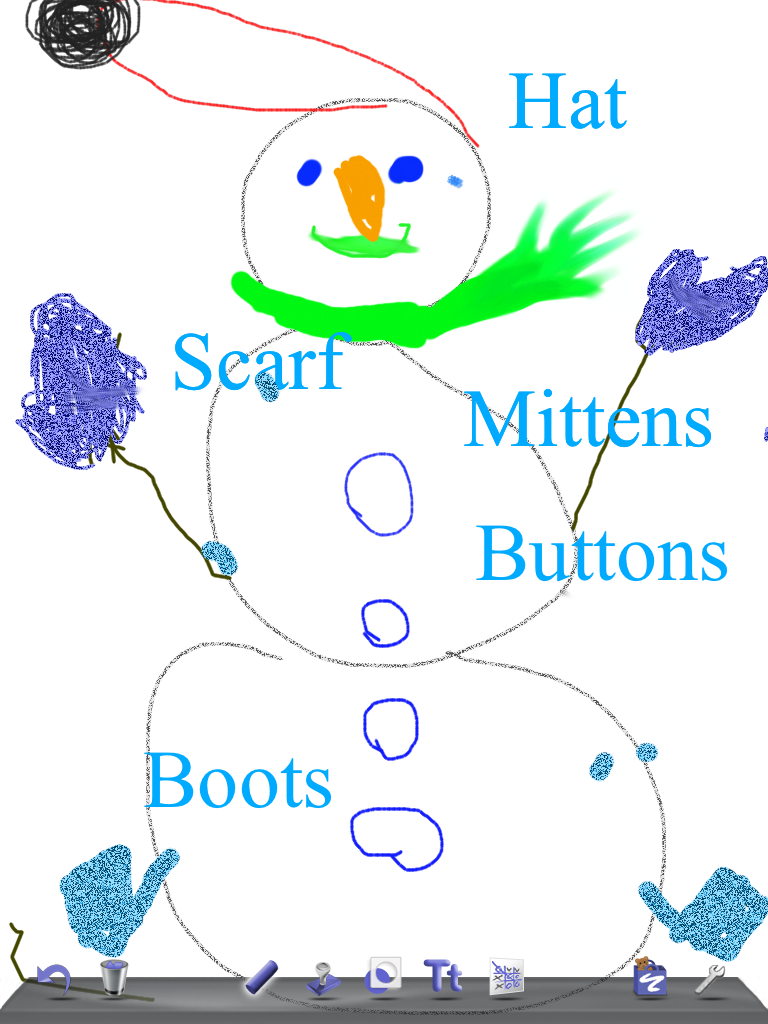
Today we worked with Doodle Buddy again.  I have to admit I was a bit nervous about this project!  I introduced text boxes to them and I thought it would be a big deal and I was even crazy to attempt it…. Wrong!!  The object of the lesson was to draw a snowman for our snowman book project and label all the parts.  This meant that the children had to open text boxes, move the text box to a spot adjacent to the part of the snowman, and then add the text.  That meant that the children had to open, move, and complete at least six text boxes!  Not a little job!  We brainstormed the parts we felt had to be labeled and I put these words on the whiteboard.  Of course, once they got started they added more detail and needed more words!  We had a big conversation about being patient about waiting for help if they got stuck because there was only one teacher and one aide and so on…. Then I let them loose.  Well of course my jaw dropped down to the floor because they took it all in stride and were moving text boxes and adding text almost immediately.  Within the first little while, I had some student assistants who quite happily went to the aid of their friends and the job was completed!  And the results were even better than I hoped for!  Take a look! 


Leave a comment

Filed under Uncategorized

Little Fingers?

Today we worked with a few new apps. Both apps work with word recognition skills.  However, when I first tried to demonstrate the apps I was unsuccessful.  Try as I might I could not get the app to move to the next screen.  So I instructed the children to start working with another app that we had had previous success with while I tried to figure it out.  As the children were working, I asked a small group to see if they could open the app I had been trying to demonstrate.  And guess what!  It opened beautifully!  Then one of the students made this comment which definitely tickled my funny bone! She said:  “Mrs. Anton, maybe you just need little fingers.”  And she was right!  So I asked the student to try to open the app on the iPad I had been using and you guessed it…. No problem! 

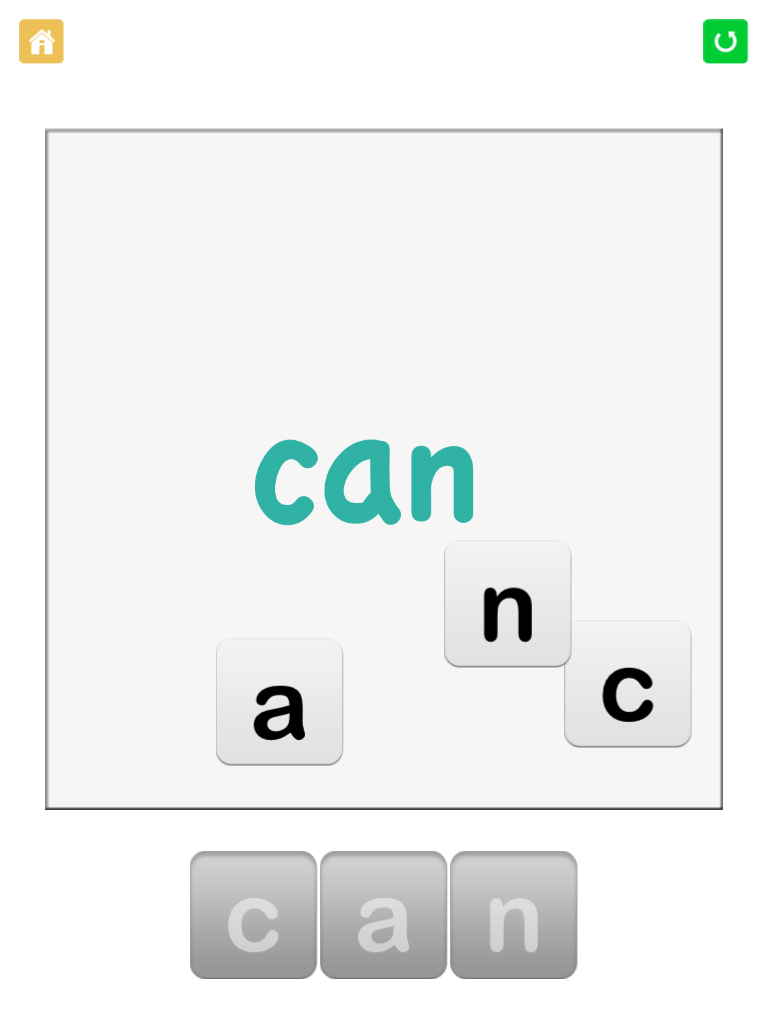
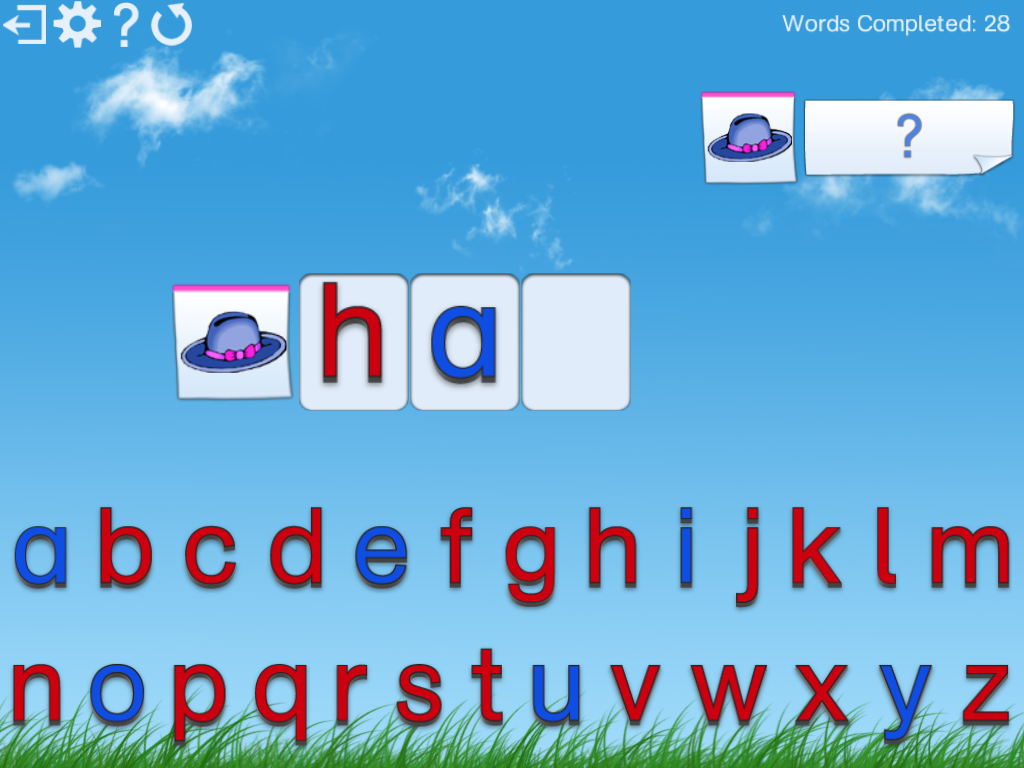
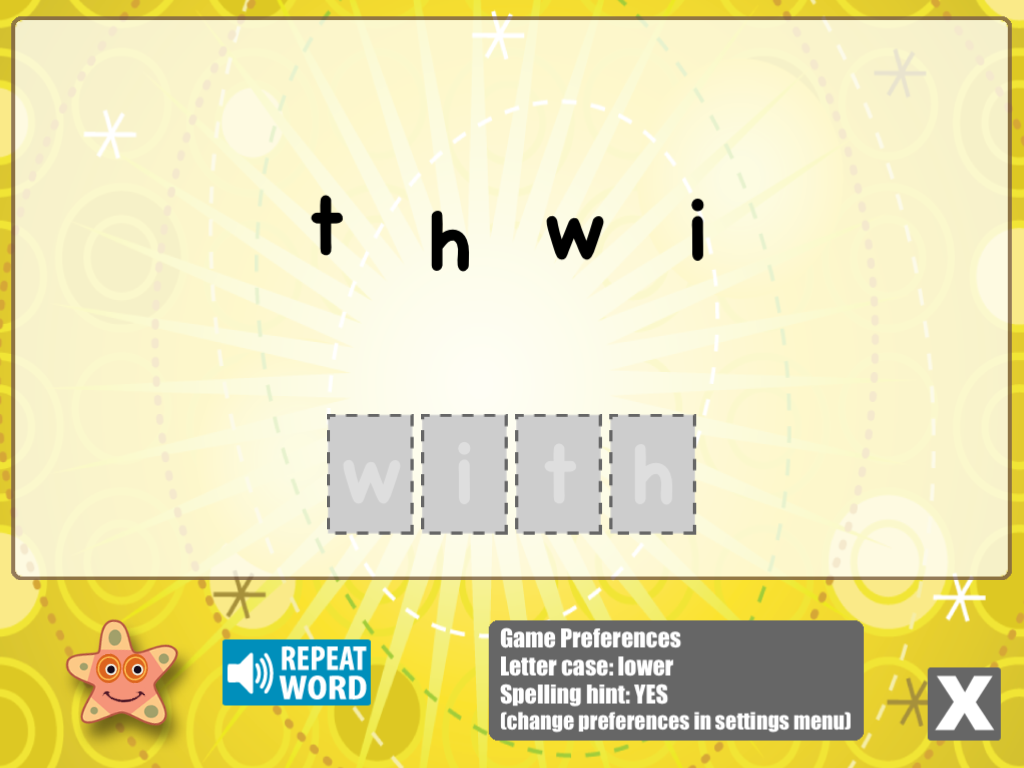
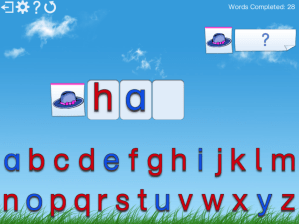
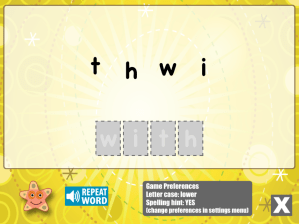
One of the apps that Mrs. Anton’s big fingers could not open was Spelling Magic ABC!  The children had no difficulty though and jumped right in!   It has a variety of levels to choose from.  This is the first level. 


The other app we used is called Little Speller Sight Words which gives extra practise with common sight words.  

So little fingers can do amazing things!

Leave a comment

Filed under Uncategorized

More Work on Pictello

Today we continued to work on our Snowman stories using the app Pictello.  The children finished up their story frames about their snowmen and I used the camera in the iPad assigned to them to take a picture of their work.  Then we will take the picture of their snowman, a picture of their work, and a recording of them reading their work to make their storybook.  It is a bit labour intensive but the final product is well worth the effort.  I am hoping to have some big buddies help us collate the pictures and recordings.   The snowman project produced such wonderful snowman it is really nice to incorporate them into another setting and celebrate them! 


We also spent some time working with the Math Bingo app.  The children worked on the addition and subtraction segments.  Lots of really good practise with their basic facts while having a lot of fun too!

2 Comments

Filed under Pictello

Making A Story using Pictello

Today we started working on a really cool project that I am really excited about!    We are using an app called Pictello.  It is an app that allows you to put pictures with a story and then record your narration yourself.  We started with taking pictures using the iPads of the wonderful snowmen that each of the children made as a family project.  Then each child completed a story about their snowmen.  Then the next step was to have them read and record their story on the iPad.  After a few hiccups we got a three page story that is really special!  We managed to complete one of them today! When you open the book on the iPad, you press the play button and get to listen to the writer narrate their own story!  Too cool!  So we will work hard the next few days to complete the stories!  Hopefully, we can arrange for you to see and hear them in the next few weeks.


Leave a comment

Filed under Uncategorized

Printing Practise!

Today we worked with the Printing App.  This is a cool app that shows the children how to print the letters in the conventional format.  It does not accept efforts that do not follow the correct direction or orientation.  Once the children have learned to print a letter a certain way it is very difficult to try to get them to change to the conventional format.  It is especially difficult to make sure they are practising the new way consistently and correctly.  This is where this app is lovely.  It only accepts the correct formation each time!  

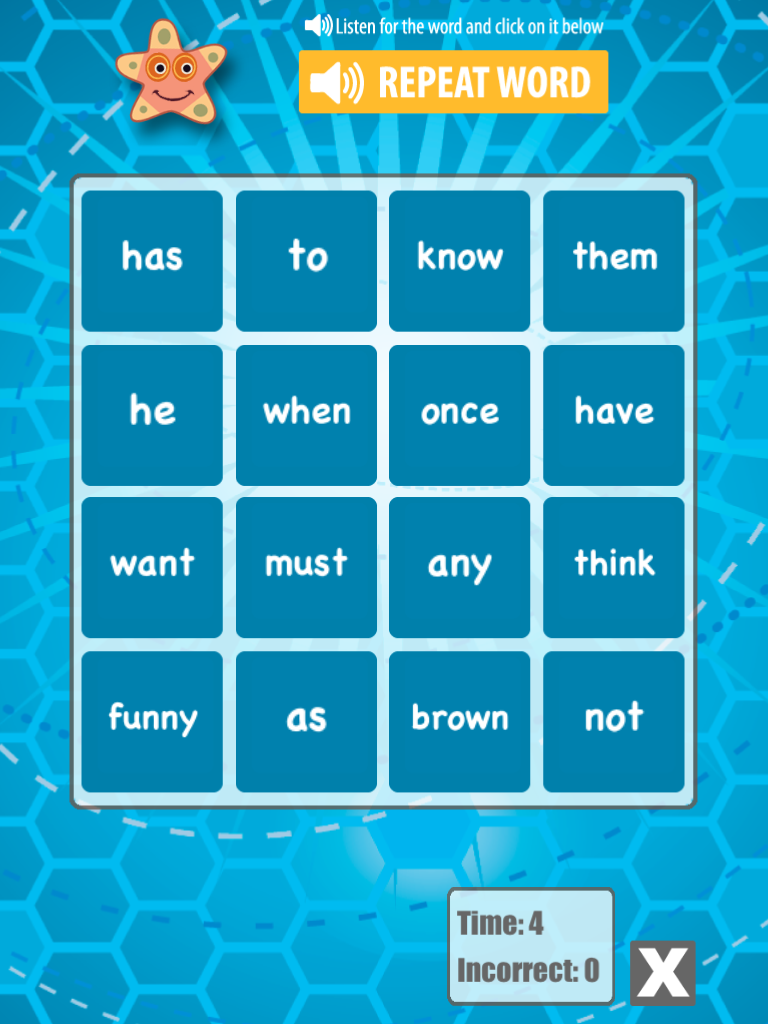
This morning we tried something new!  After the children had finished their independent work, I passed them an iPad and let them practise their Dolch word lists with Word Bingo.  It was amazing how quickly their independent work was completed.  They just gobbled up the extra practise using the iPads.  I bet they didn’t even know they were still working!!  It also allowed me to individualize their practise as I was able to direct them to the appropriate list that they needed to work with. 

In the afternoon, we were Big Buddies to the other kindergarten class.  The children did a really good job introducing Doodle Buddy and Montesorri ABC to their kindergarten little buddies.  Both groups appeared to be totally absorbed!   

We ended the day with some more Cat in the Hat! 

The days are just flying by! 

Leave a comment

Filed under Uncategorized

Big Little Buddies!

Today our class took the iPads to one of the Kindergarten classes and became Big Buddies instead of Little Buddies!  The Grade Ones really enjoyed being the Big Buddies sharing their knowledge about the iPads with the kindergarten class.  I was really proud of how well they did showing the kindergarten students how to navigate Doodle Buddy and Montesorri ABC.  They did a really good job of showing their “little buddies” how to use the app and then remembering to let them try it instead of taking over!  We had two classes totally immersed trying out the apps.  We will visit the other Kindergarten class next week! 

The Grade seven class used the iPads for the rest of the morning.  Mr. Ball has been working with his class on research skills and the iPads are an ideal tool for this endeavor.  I can’t help thinking that if the Grade Ones can find so many ways to incorporate the iPads into our learning imagine what the older grades could accomplish!  We hope to get together and do a project together with our two classes if we can. 

In the afternoon we used the iPads again and shared them with our Big Buddy class.  Once again my “little buddies” became the teachers and showed their Big buddies in Grade Four a variety of apps.  The Montesorri ABC app has multiple levels of difficulty and I was able to show some of  the big buddies the more difficult words to figure out.   They also seemed to enjoy working with Doodle Buddy.   

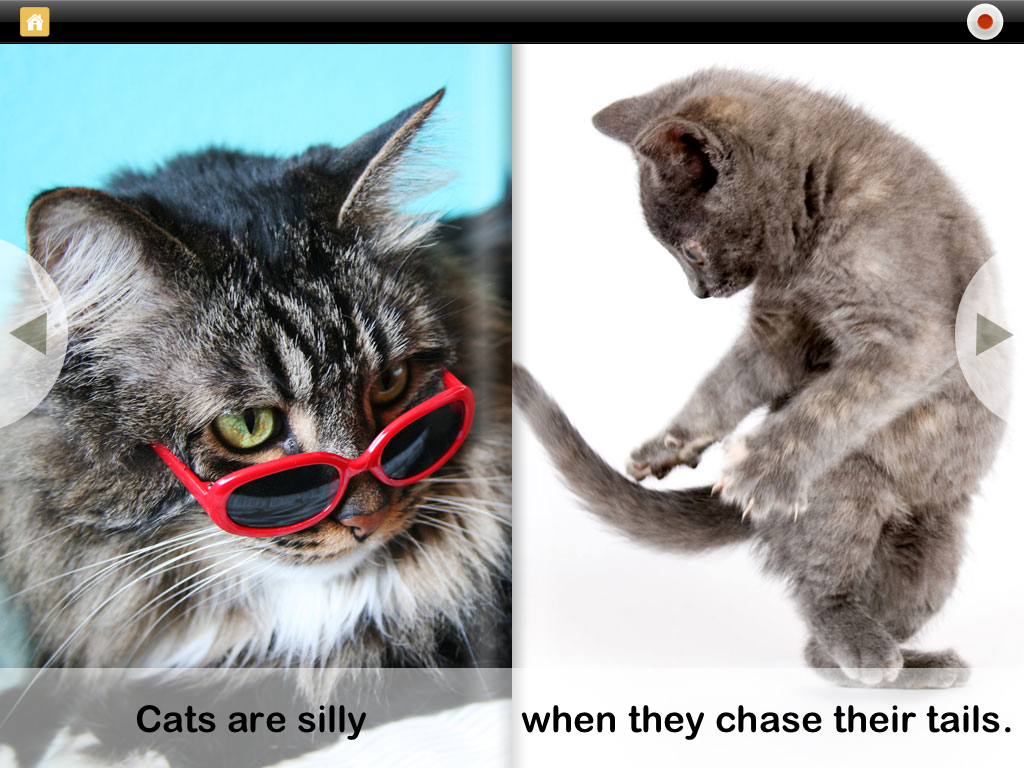
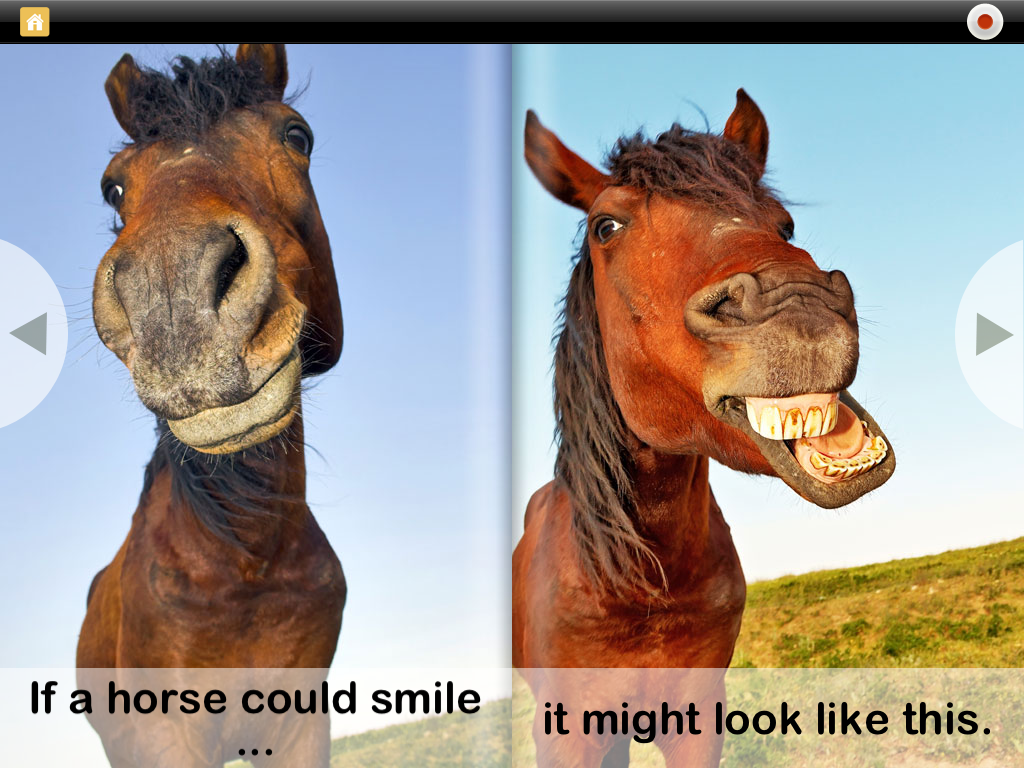
I have included two pages from the I Like Books app that we have been using this week for reading time.  These two pages caused lots of giggles!


We have had an awesome week! 


Leave a comment

Filed under Uncategorized

Two more days of Fun and Learning!

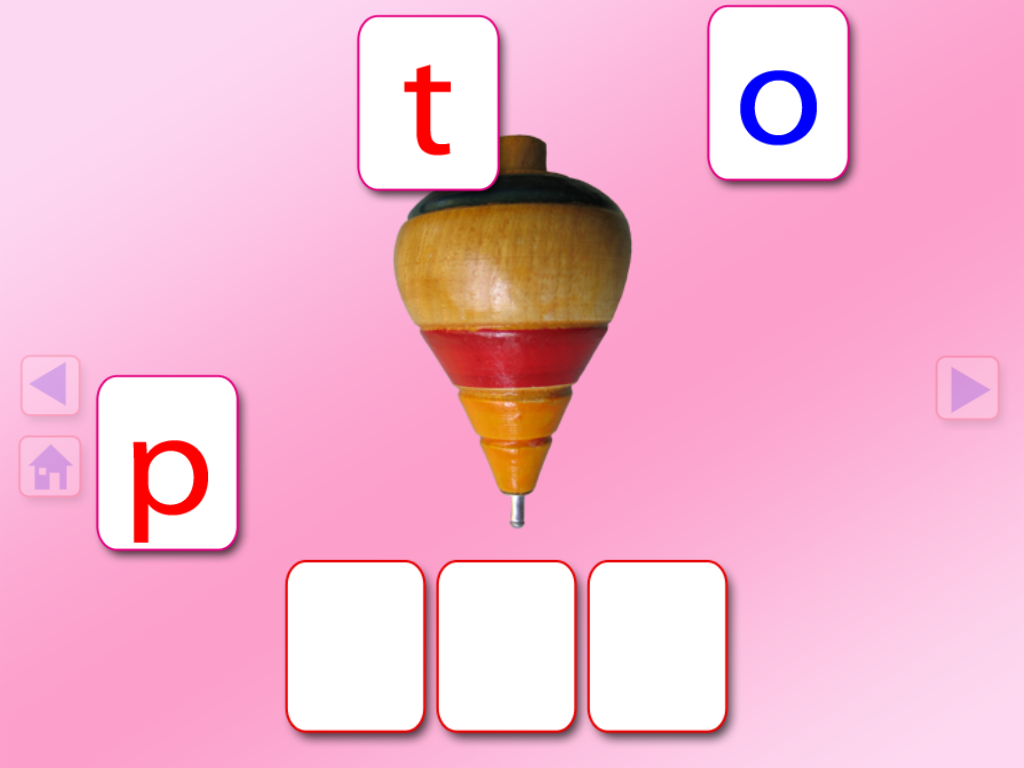
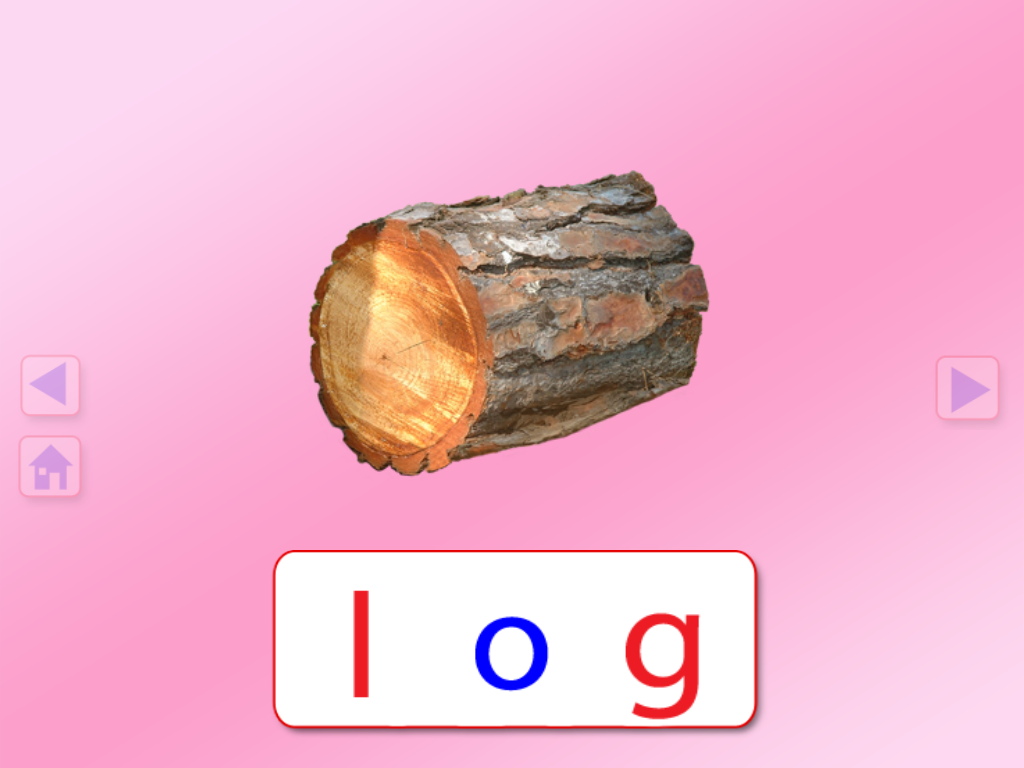
Yesterday we had a lot of fun once again with our iPads.  We started using a new app that was a huge hit.  It is called Montesorri ABC.  It is a neat little app that lets the children practise their spelling skills.  It is cool because it asks the children to spell a simple 3 letter word by dragging the letters to the word frame from an alphabet at the bottom of the screen.  As they touch the letter it gives the letter sound.  Then after they add all the letters it says the sounds again and lets the children hear the blend.  As a reward after each word, the app gives them a variety of different objects that act like confetti that they get to swirl around.  Really cool effects that the children loved!  Really fun to listen to the ooohs and ahhhs and observe how totally absorbed they were in their task! 

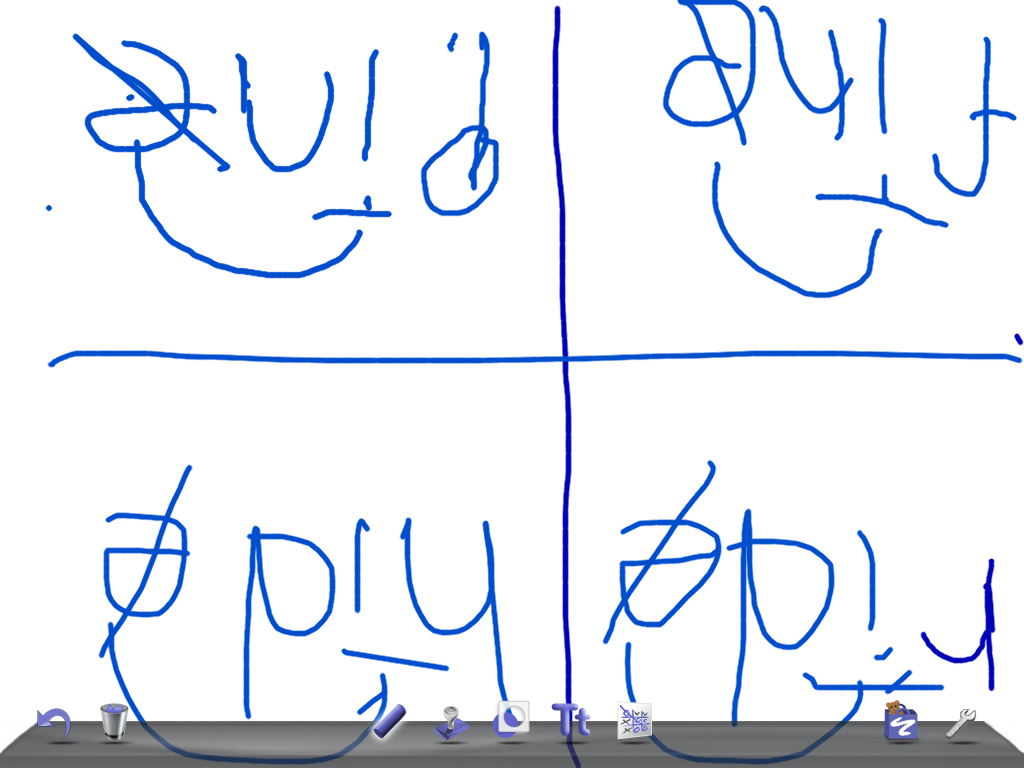
Then we did some more spelling dictation using the Doodle Buddy app.  I showed them where to get a glitter pen to use and they loved doing their spelling with that!  Lots of practise of long and short vowel patterns and no paper used up! 

In the afternoon, we tried using the iTalk app.  This app is really easy to use.  We did a quick demo and then partnered up to record our reading.  We chose a story in the reader we were working on to read and record.  One child read while the other child held the iPad up so the the mike was able to pick up their voices.  Then they listened to their own reading.  Then they switched turns!  They really got into it.  We will definitely try that again! 

Today we started off the day with the Montesorri ABC app again by request!!  The children really got into it again and I was able to move children who needed a bit more of a challenge to the next level of play.  Some children got over 50 words done in a very short amount of time including the reward confetti fun!  We also spent a little time on the Sight Word Bingo app.  This app also allows them to practise spelling the words for a variety of reward bingo bugs to play with and fun games that also expect the children to identify the words. 
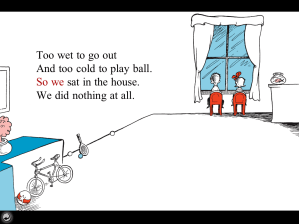
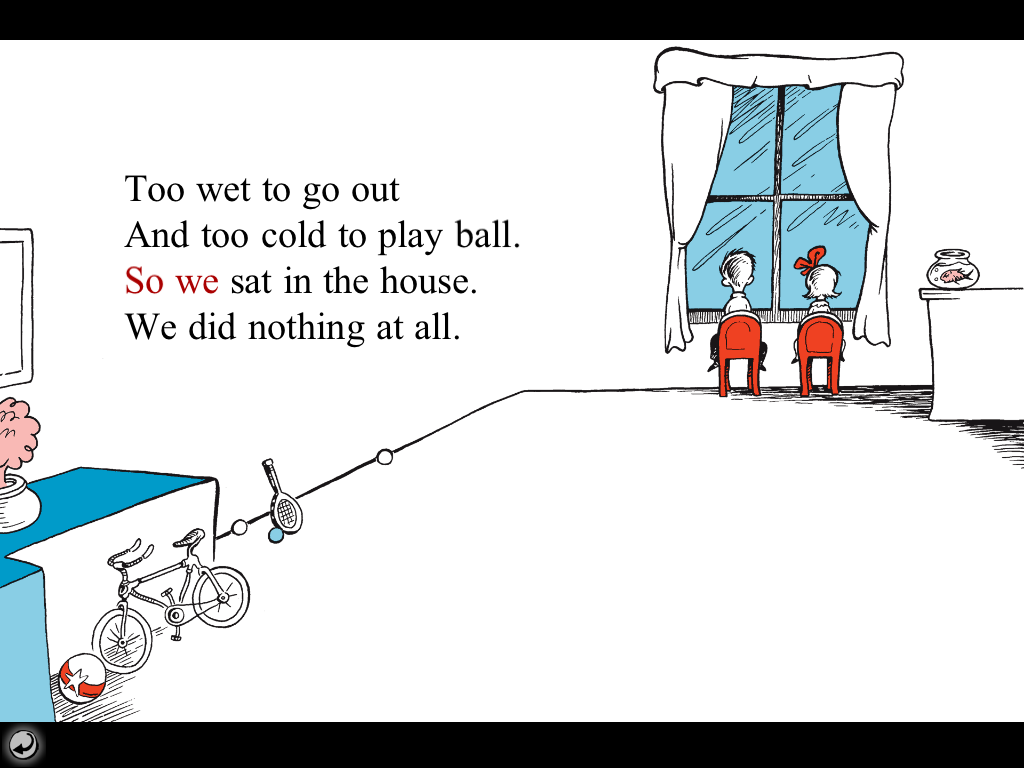
Then we introduced the Cat in the Hat app.  This is an app that tells the Cat in the Hat story.  You have the option of having it read to you  or you can read it by yourself.  Each page had hot buttons on the screen that the children can touch to find out the word that goes with the object or has something happen!  I had the children go through the story once with the read to me option.  Then I asked them to try to read the story by themselves.  The really cool thing about this option is that if the children come to a word they don’t know or remember all they have to do is touch the screen on that word and the word is read to them.   All the children were sitting or laying down on the carpet totally absorbed in the story and getting help with the words they needed.  Totally cool!
Two little things happened today that I thought were really cool too.  The first one happened when one of my little girls came up and gave me a big hug.  She commented that she wanted to hug me for “the iPads! I love them!”    I want to hug the people at the district for giving us the opportunity to work with these cool tools! 

The other thing happened when we had an inside day today for long recess.  I put out the scrap bucket for the students to create with.  One little boy took the scraps and made an iPad complete with a cover to flap it closed!  He took great delight in showing how he could flap it closed!  They have definitely made an impression in our class! 

I will really really really miss them when they have to go….

1 Comment

Filed under Uncategorized

Journals with iPads

Today we continued to explore and learn using the iPads in our classroom. 


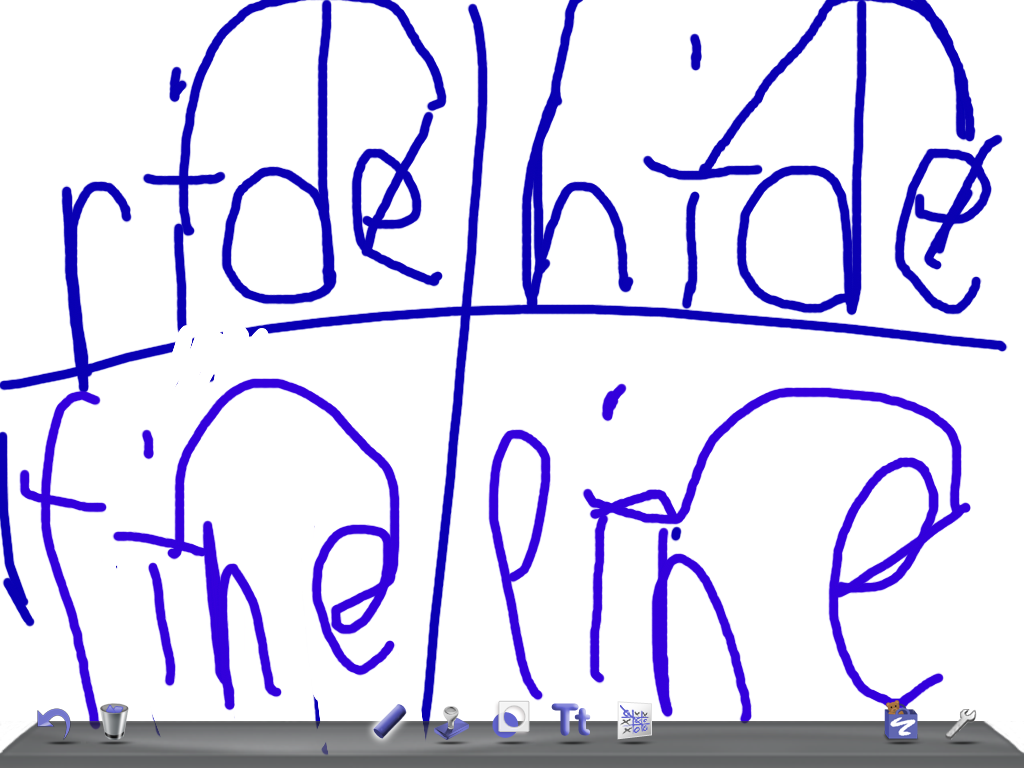
We used the iPads as a workspace to work on spelling simple long vowel words.  We have been working on the long vowel rule “When two vowels go walking the first one does the talking and he says his alphabet name.”  They all jumped in and enjoyed using the ipads this way.  We saved a lot of paper too!


We are trying to become more familiar with Story Buddy.  In particular, we are trying to use the text element to write our own stories.  In the morning the children drew snowmen and then on a different page or on the same page tried to write a story about their snowmen.  Learning how to write using a keyboard is one thing.  Learning how to correct your work  is another.  It is a little tricky to manage the “select” and “cut” options as well as using capitals and periods.  I wish that there were at least 4 Mrs. Antons to help!  We managed though! Miss W. helped too!

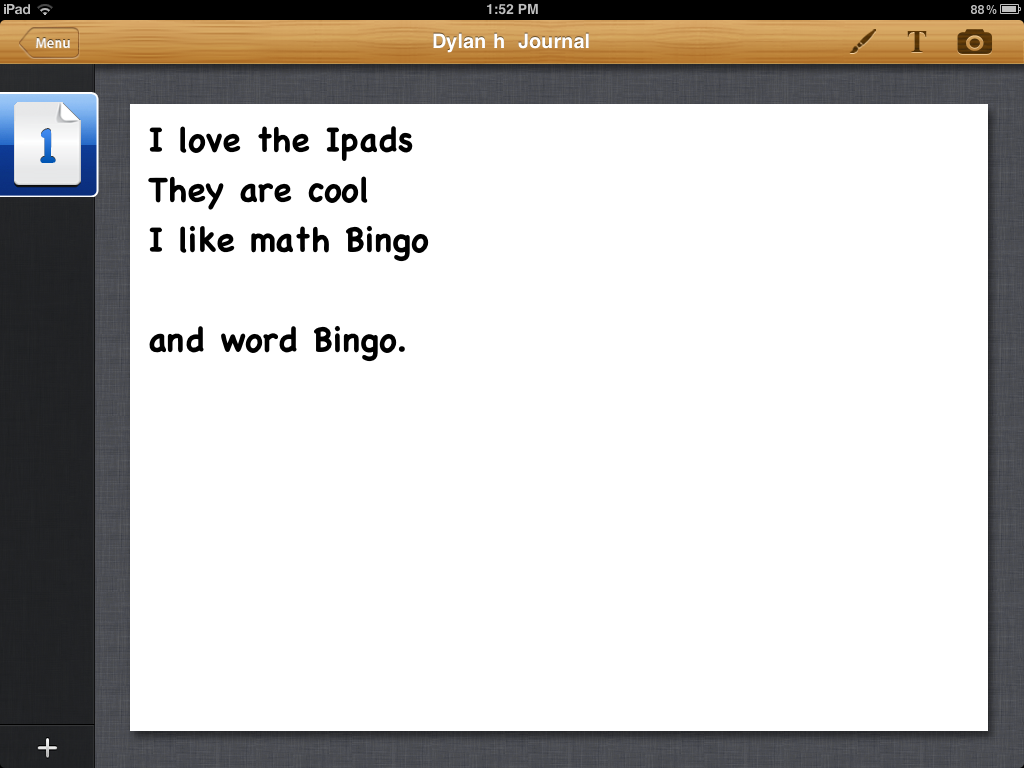
In the afternoon, we tried to write a journal entry about the iPads using Story Buddy.  Part of the process is finding the app, opening it,  learning how to create a new book, name it, create some pages, and choosing the correct tool, font, and so on.  That’s a lot for little ones to grasp even before they start their work.  But they constantly amaze me by jumping right in and getting it done!  I was very happy  to see them trying to write their own sentences in addition to the frame sentences I provided for them.   The really cool change they made was changing the “I like the iPads” frame to an “I love the iPads” frame! 

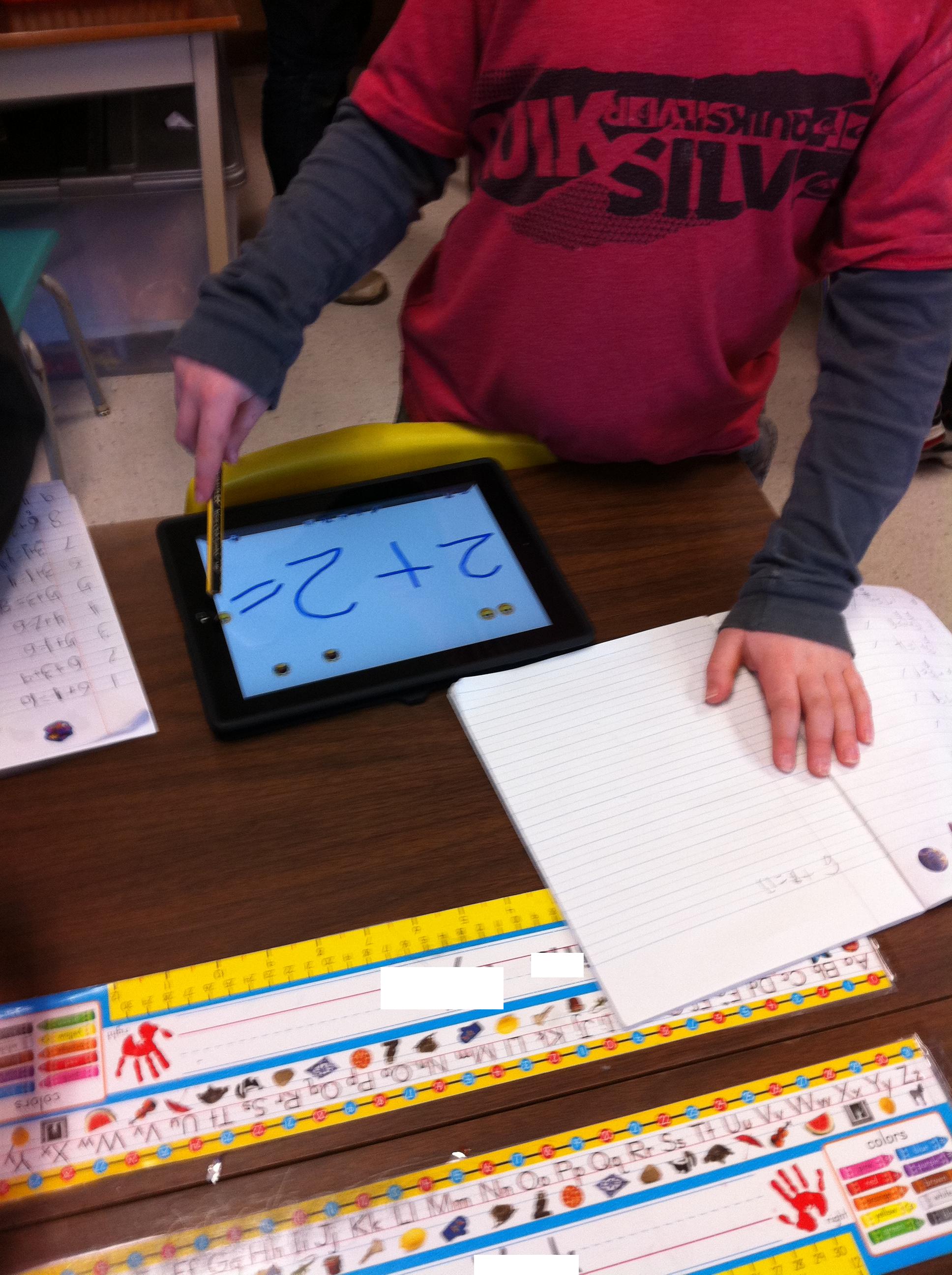
We also did some math using the iPads and the app Doodle Buddy!  They had to create a math story using the stamps and then go around and record all their friends stories in their math scribblers.  The stamps in Doodle Buddy have a sound attached to them when you use them.  It is fun to listen to all the giggles from the children as they make their stories.  

We also used the iPads for Silent Reading time!  They were able to use the I Like Books app once again to find a story that they wanted to listen to or try to read by themselves. 

The day just flew by!

Leave a comment

Filed under Story Buddy

Reading and Writing on our iPads

On Friday we continued our exploration of the iPads.  We started with a chance to practise our Dolch words using the Sight Word Bingo app again.  I have to admit that it was really fun to see a student pump the air with happiness when he got a Bingo!  It is a really neat app because I can encourage the children to practise the Dolch word list tailored to their current individual needs! 

Later on in the day we worked with an app called I Like Books.  It has a lot of books on a variety of topics.  After introducing the app I let the children choose and explore to find the story they wanted to read.  They can choose to read the story themselves, have it read to them as they “turn the pages ” or let the app read and turn the pages for them.  Once again, nice to see students choosing books that appealed to their particular interest.  

To complete our exploration for the day, we worked with Story Buddy again. On the second visit, it became clear that the children were getting quite comfortable with this app.  The children drew pictures and then using the text function they were able to add a comment to their picture using a sentence frame copied from the board.  I love that the children are producing such vivid illustrations with lots of detail and it is fun to hear them talk about adding “text”.  


1 Comment

Filed under Story Buddy