Reading, Writing, and Arithmetic Ipad Style!

IMG_1224

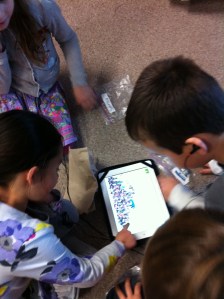
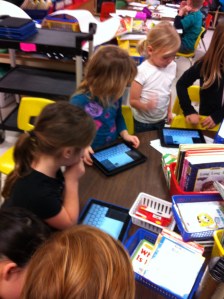
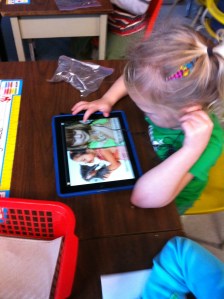
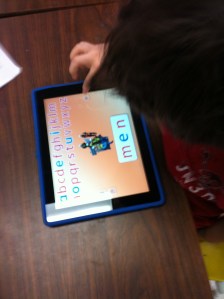
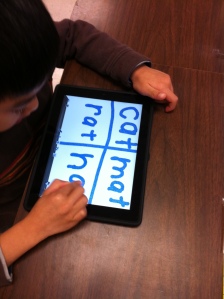
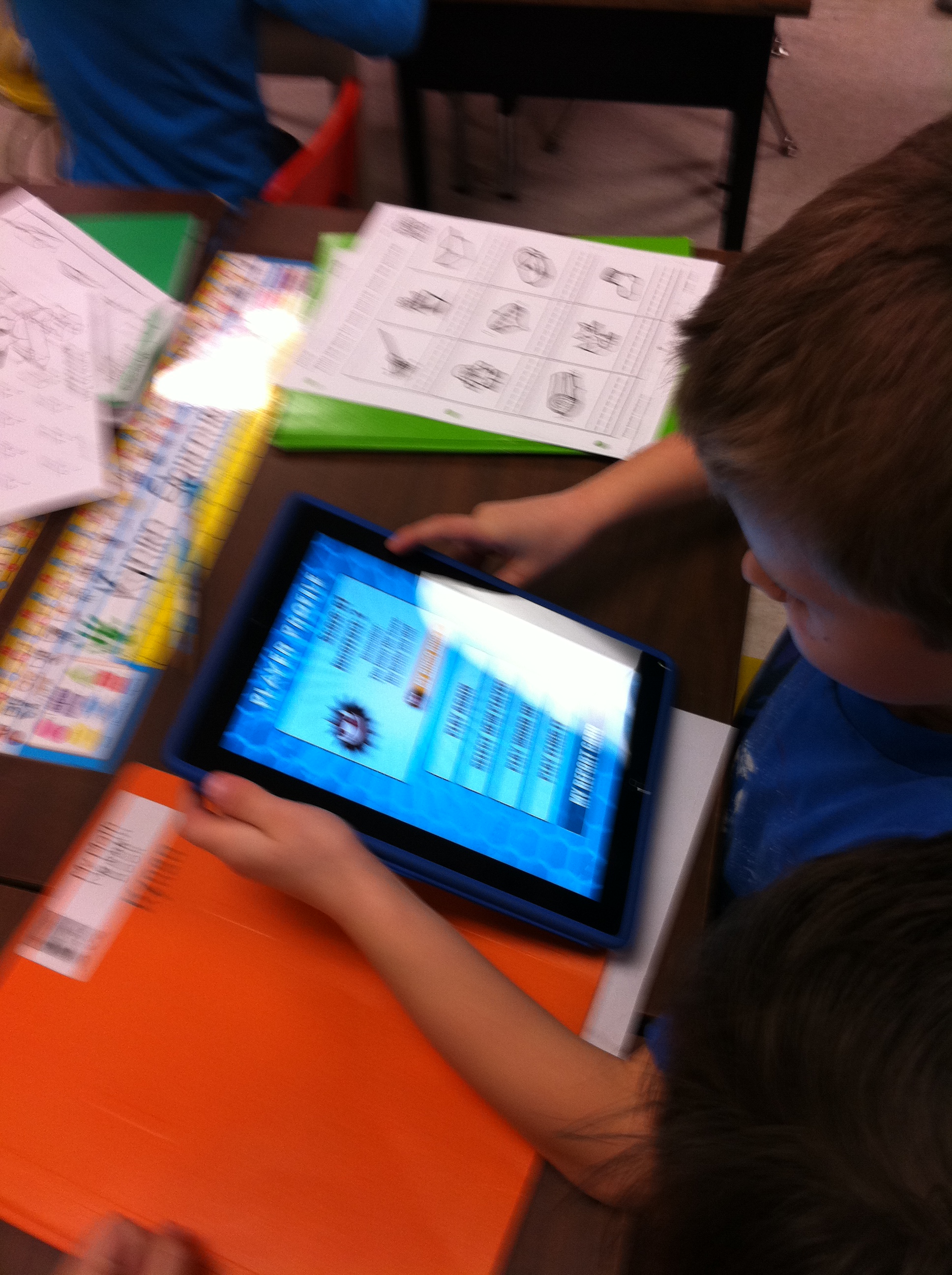
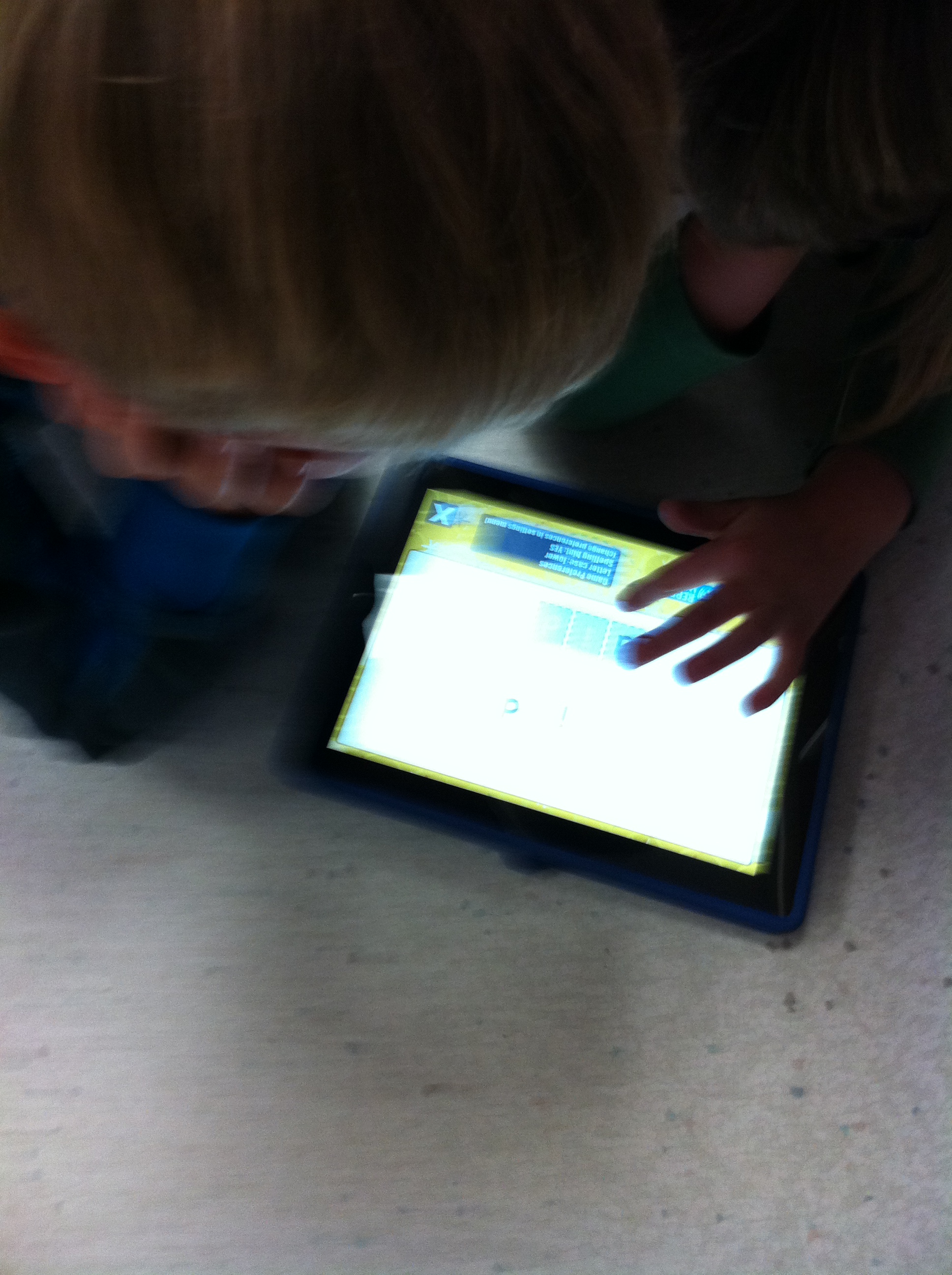
Today we tried out a few new apps on the iPads.  One of the goals we have this term is to master the Primer Dolch Word lists.  There is a cool app called Sight Word Bingo that lets the children practise the words in a fun way.  They also get a chance to practise spelling these words too so that they “stick”.  The children worked in partners and practised the words for a little while.  No trouble staying focussed and they appeared to be having fun practising!  Better than flash cards!  You can also find this program at the ABC Yah site.  There is a link to ABCYah on the WIKI page.  Check it out!  If you have an iPad you might want to download the app!  It has all the levels we need to focus on this year.  Not too expensive either…
IMG_1226

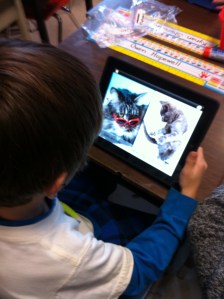
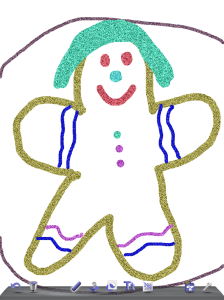
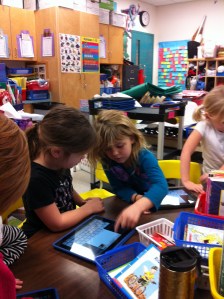
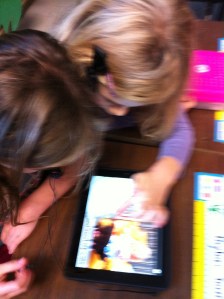
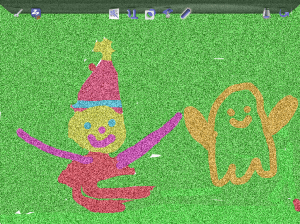
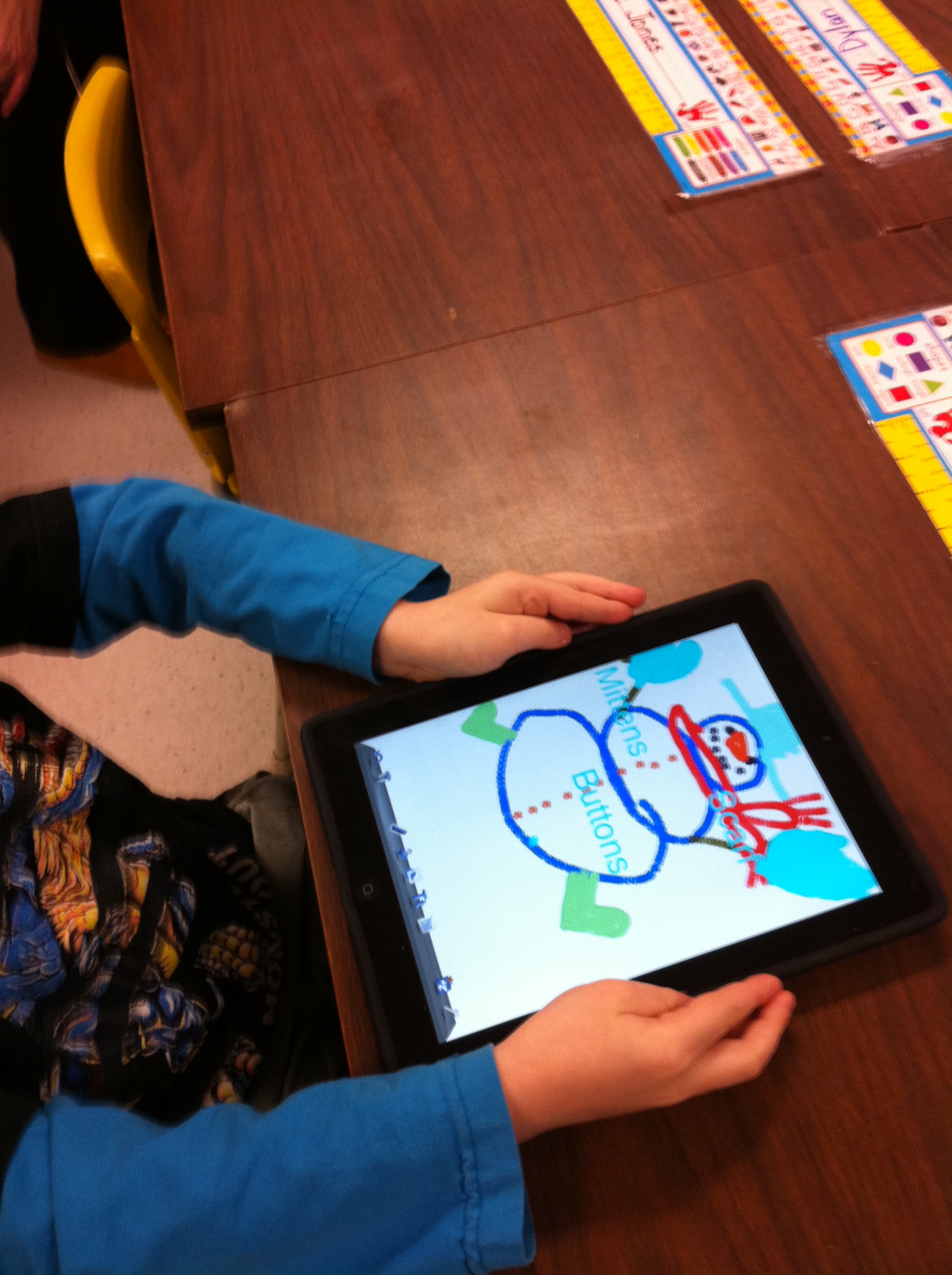
Then we did some work with a neat program called DoodleCast.  I love this app.  It provides a picture prompt for the children to get started drawing.  Then it records all their drawing AND  it records them talking about their drawing.  Then they can play it back and listen to themselves.  The look on their faces was priceless!  I really like how it helps the students build their oral language especially when describing their work.  They realized that they had to organize their thoughts and explain themselves when they listened to their efforts!  Then they tried again.  Each effort improved and it was fun to listen to their efforts.  Mr.  Brick came by and listened to a few too!  The work is saved to the camera roll on the iPad and can be sent as an email too!  The intermediate equivalent of this app is a program called Explain Everything.  If you have ever taken a look at the Khan Academy they use a similar idea!  We are using the junior version!
IMG_1233

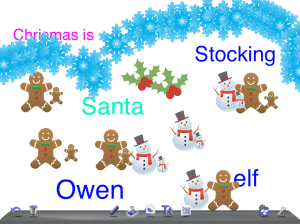
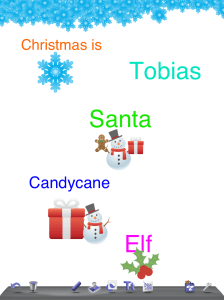
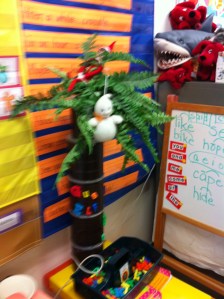
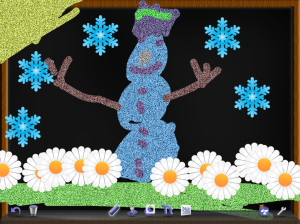
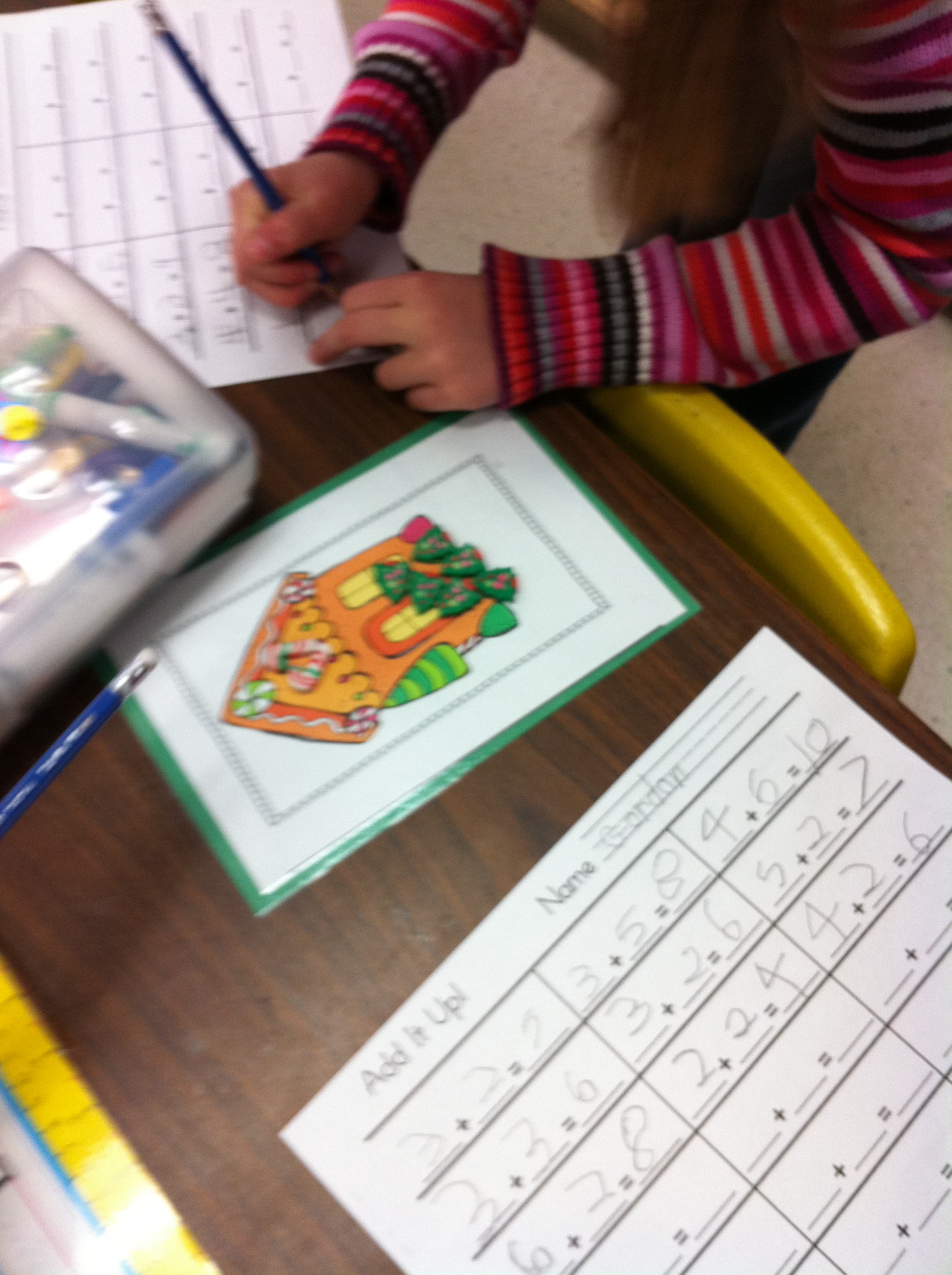
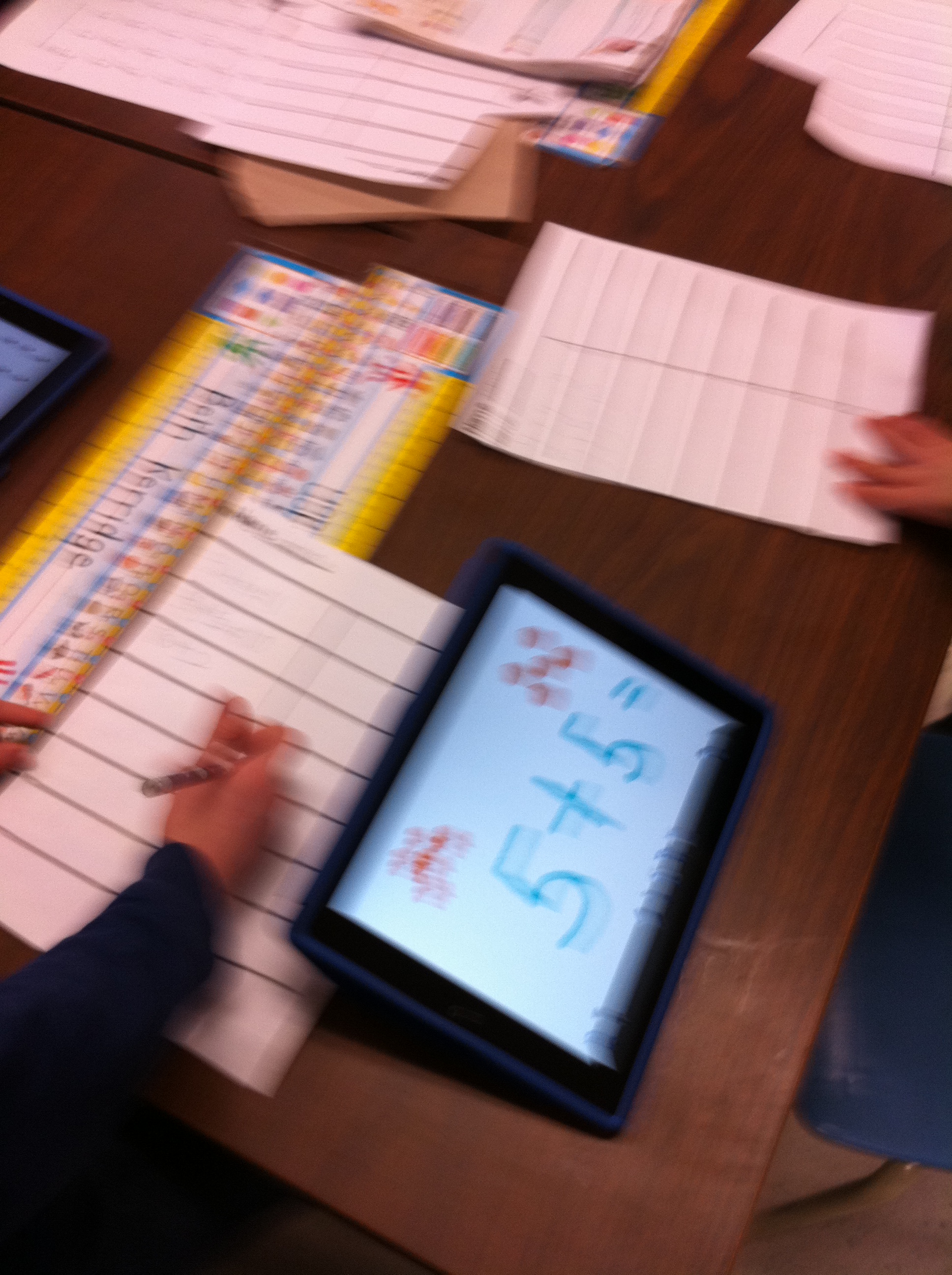
In the afternoon the children created their own math practise with Doodle Buddy.  Using the stamps they created a addition story and recorded the equation.  They copied down their story and then went on to copy down all their friend’s stories.  Lots of counting practise and adding practise mixed up together with fun!
 

Leave a comment

Filed under Doodle Buddy, iPads

Christmas Lights!

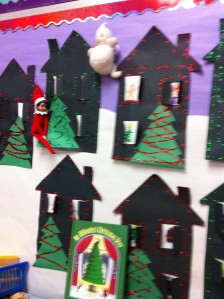
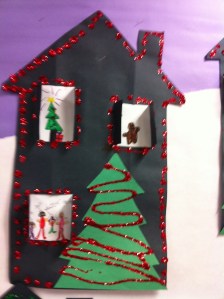
IMG_1202We had a great time in December!  The children really enjoyed making the Christmas Houses!  I wish you could have heard the oohs and aahh when the glitter falls of the houses and sticks to the “glue” lights!  Lots of fun!

IMG_1198

We will be using these houses as covers for our Christmas Senses booklets.  I think they will make a great keepsake!  We have been recording how Christmas affects our senses.  Lots of great language and images!

IMG_1203

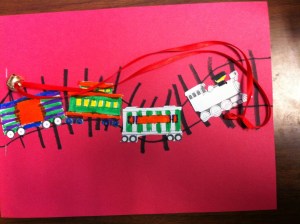
We also had a great time on our Polar Express Day! We read the book by Chris Van Alsburg and watched the movie while we completed some related work!  We had hot chocolate with lots of marshmallows, cookies, and oranges.  Yummy!  We got to wear our pajamas too.  The weather was just like at the North Pole too!   Do you see the silver bell?

IMG_1195

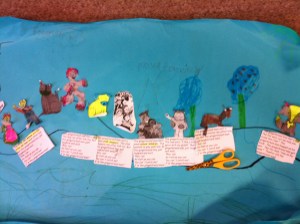
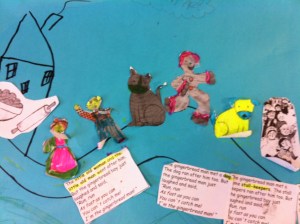
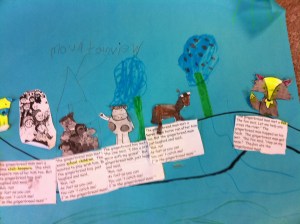
The last day before Christmas we made a Gingerbread man and put him in the oven with a lot of little gingerbread men.  He led us on a merry chase around the school! He left a clue to his route in each classroom that we visited!  We eventually caught up with him and ate him up!  We will be working on other gingerbread stories after the break!  We made a story map of the one we read!  Check it out!

IMG_1207

Here’s a closer view!  Love all that detail!

IMG_1208

IMG_1209

Notice the name of the school!  We thought it should be Mountain View!  Hope you had a wonderful Christmas!

Leave a comment

Filed under Christmas

Busy, Busy Christmas Time!

IMG_1139

The weeks have been flying by!  Why does December go so fast when you are an adult and so slow when you are a kid?

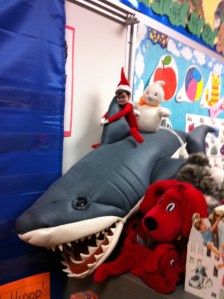
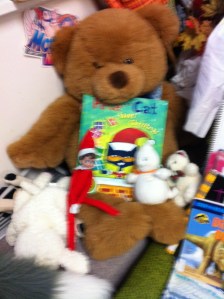
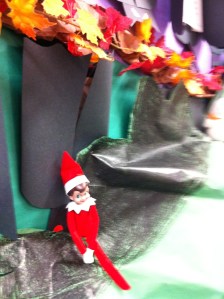
The elf and Gus have been surprising us each day in a different spot!  Here are just a few of their antics!  They have been leaving us books to read and puzzles to do!

IMG_1138

We have been working on the iPads and we have used them quite a bit for silent reading time.  By adding the headphones to the iPads the children can listen to the stories without distraction.    I bought a neat accessory that lets me have several children at a time listen to one iPad using their headphones!

IMG_1135

IMG_1137

We have been doing lots of things with the iPads and with Christmas.   We have been drawing gingerbread men and making patterns.  We hope to incorporate these into a little book!

owen christmas

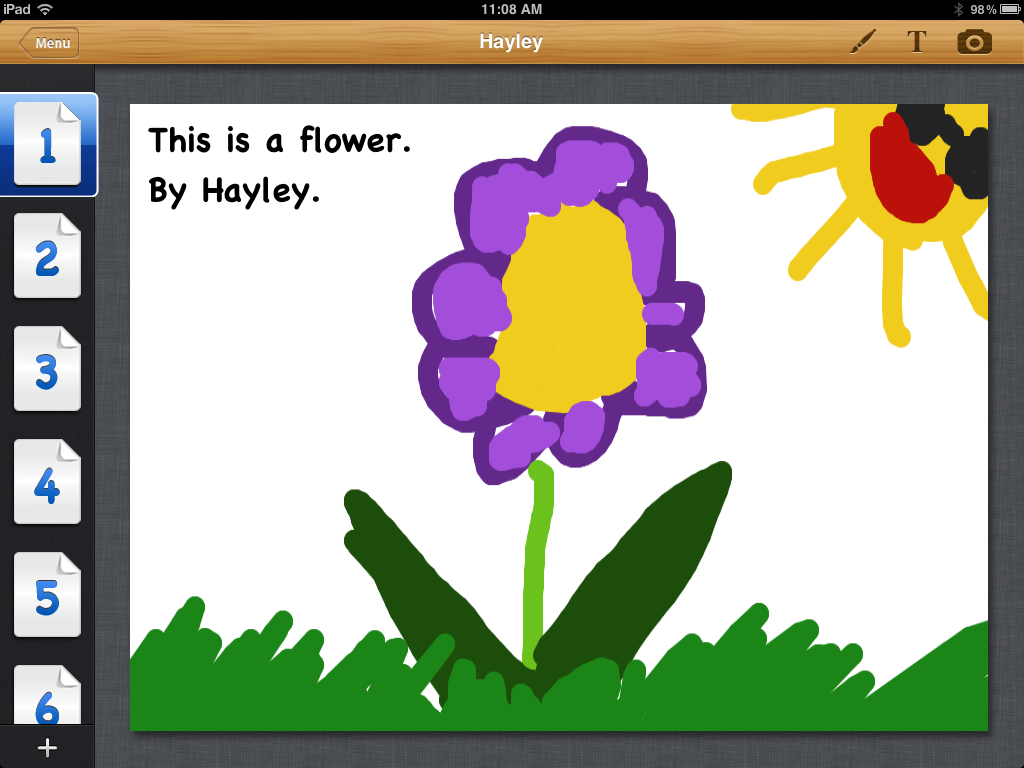
We made Christmas poems using Doodle Buddy.  The children had to create text boxes and add them to the screen and then add the pictures.  Doesn’t sound like much but when you are six it is a big deal!

photo

They also had to change colors and use different sizes of stamps.  Lots of fun!

lauryn gin

Really looking forward to all the neat things we can try!

Leave a comment

Filed under Christmas, Doodle Buddy, Elf on the Shelf, Halloween

Blogging on KidBlog

IMG_1108

Today we used the iPads to post on our student blogs!  We managed to put the app for KidBlog on all the iPads.  It is a great app!  We walked through the steps to take a picture and then blog about it.   The only real glitch we had is that some of the children inadvertently did their entries on someone else’s name.  I think that we need to do a repeat of the lesson on how to sign out when you are done and make sure you are signed on as yourself.  I will have to try to find the time to have the children who blogged on someone else’s blog to redo their entry!

IMG_1107

But all in all I think we did GREAT!  It is not a small task for primary students to navigate around the page and add images and so on.  The children copied the title and the first sentence from the board and then were encouraged to write their own sentence.  We had some interesting invented spellings but I think everyone can understand what they were trying to write!  It is a lot of work for those little fingers to type those sentences.  Everyone was really focussed and wanted to get the job done!  We had a couple of the students who figured it out really quickly and were able to help everyone else!  We couldn’t have done it without them!

IMG_1115


I hope you take a minute to have a look!  Gus and Sparkles even wrote their name on the Chicka Chicka Boom Boom tree!

Leave a comment

Filed under Blogging, Elf on the Shelf

Elf Antics!


IMG_1099

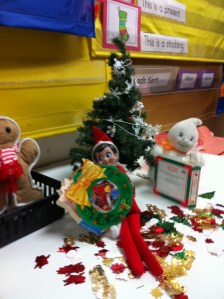
The Elf and Gus have been having a good time in our classroom.  They decorated a little tree and decided to read Christmas stories on Wednesday night.  They left some Christmas confetti to play with too.  We are trying to record what they are up to each day in our little booklets about their adventures.

IMG_1103

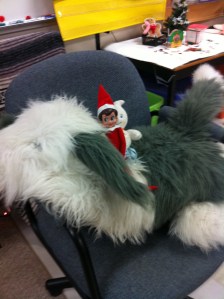
On Thursday night they went for a ride on Mr. Mugs!

We had a great time making gingerbread houses with our Big Buddies on Friday!  We hope to blog about it in our student blogs this week!  We have downloaded Kid Blog onto the iPads and are learning how to use it.  It is a free app!

Leave a comment

Filed under Blogging, Buddies, Christmas, Elf on the Shelf, Student Blogs

Sinterclaas and the Elf!

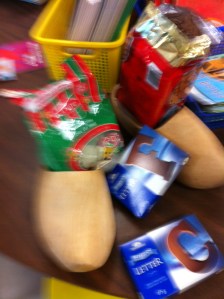
IMG_1094Today Sinterclaas left a treat for our class.  I am a first generation Canadian as my parents emigrated to Canada in 1952.  We brought some   customs that we still celebrate today!   One of my favourites is Dutch Christmas.  So, today I brought my wooden shoes to school.  The children learned to count to 10 in Dutch and say Merry Christmas. Sinterclaas must have noticed because when we put my wooden shoes outside our classroom door, Sinterclaas came!  He brought little treats for the children along with special gingerbread cookies called speculaas, some gumdrops, and chocolate letters.  Lots of fun.

IMG_1092

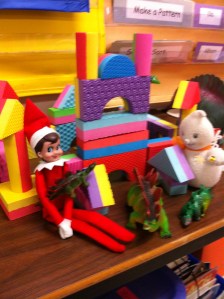
The Elf  and Gus built a castle out of the blocks last night and played with some of our dinosaurs!  Take a look!  The children brainstormed some names for the elf and the elf is going to let us know what her name will be in the morning!

IMG_1095

We decided to take our silent reading up a notch and used the iPads and our headphones and listened to the stories on the I Like Books app again today.  It is hard to tell which story is their favourite!  I like this program because as it reads the story the words are also highlighted.

IMG_1096

They look focussed, don’t they!

Leave a comment

Filed under Christmas, Elf on the Shelf, iPads

Elf on the Shelf and Gus!

IMG_1088Today when we came to school we had a new visitor!  We have a little ghost named Gus who likes to write to us each day and play tricks on Mrs. Anton.  He always seems to know where the stapler is even if Mrs. Anton doesn’t!  Today he had a visitor to help him!

IMG_1089

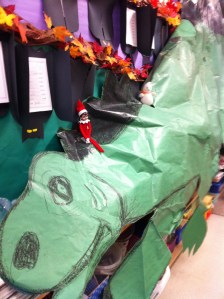
An elf on the shelf arrived from the North Pole and together they wrote the morning message backwards, went for a ride on our big life size stegosaurus, and left us a puzzle to play with today!

beth

elf

So, of course, we had to write about it and draw pictures!  We used Doodle Buddy again for the pictures.   We are making a little journal chronicling The Adventures of the Elf and Gus.  I don’t have pictures of it yet but the children did some great work there too.

We also did some more spelling with word families and some Christmas words on the iPads again this morning.  So easy to find the common endings and underline them or look for a little word within a big one!

IMG_1085

We also tried out some of the spelling apps.   I will post the names of the Spelling apps tomorrow!  In the excitement, I forgot to write it down…

Now, I wonder what we will find Gus and the elf up to tomorrow!

Leave a comment

Filed under Dinosaurs, Doodle Buddy, Elf on the Shelf, iPads

The iPads are Here Again!

IMG_1069Today was awesome!  The iPads for the iPad project arrived today!  I definitely did a happy dance!  I unpacked them from the cart and we got started right away!  I wanted to have the children get oriented with the iPads and we had a talk about how we need to take good care of them.  Then we got started!

emma m pic

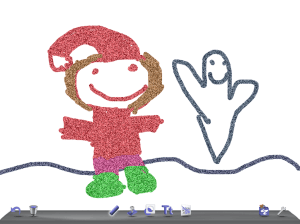
The first program I showed them was a favourite of mine from last year’s project called Doodle Buddy!  Doodle Buddy is an awesome tool for drawing and writing.  I use it for almost anything.  This morning and this afternoon we used it to draw, do some spelling, and make some patterns in math!

First we learned how to use the tools in this program to draw.  Here are some samples of their work!  Love that glitter pen!

pic2

We also did some spelling and simple word families using Doodle Buddy.  Basically we used the ipads as our own personal whiteboards!  Works just great!

IMG_1072

Later in the afternoon, we used Doodle Buddy to make simple patterns using the stamps.  We just used the Christmas ones.  After the children had started their patterns, we got up, went to a friend’s iPad and continued their pattern.  Lots of fun and learning too!

IMG_1081

photo (1)

We also worked with an old favourite from last year called I Like Books.  It has a lot of different stories that the children can either listen to, read with, or read by themselves.  I had the children use their headphones from the computer lab to listen to the stories.  Why didn’t I think of that last year!  It worked great.

IMG_1077

This last weekend, I picked up a really cool headphone accessory!  It allows five headphones to plug into one iPad!  Really worth it!

IMG_1079

See, wasn’t it an awesome day!

Leave a comment

Filed under Christmas, Doodle Buddy, iPads

Math Fun!

I couldn’t wait!  I am worse than the kids!  I like Christmas.  So I got out some of the Christmas stuff.  We only have 15 teaching days in December so I needed to get a head start!  We did some math with the new Christmas counting materials and workspaces.   Too much fun!  The children had to copy  down and solve all their friend’s addition stories.
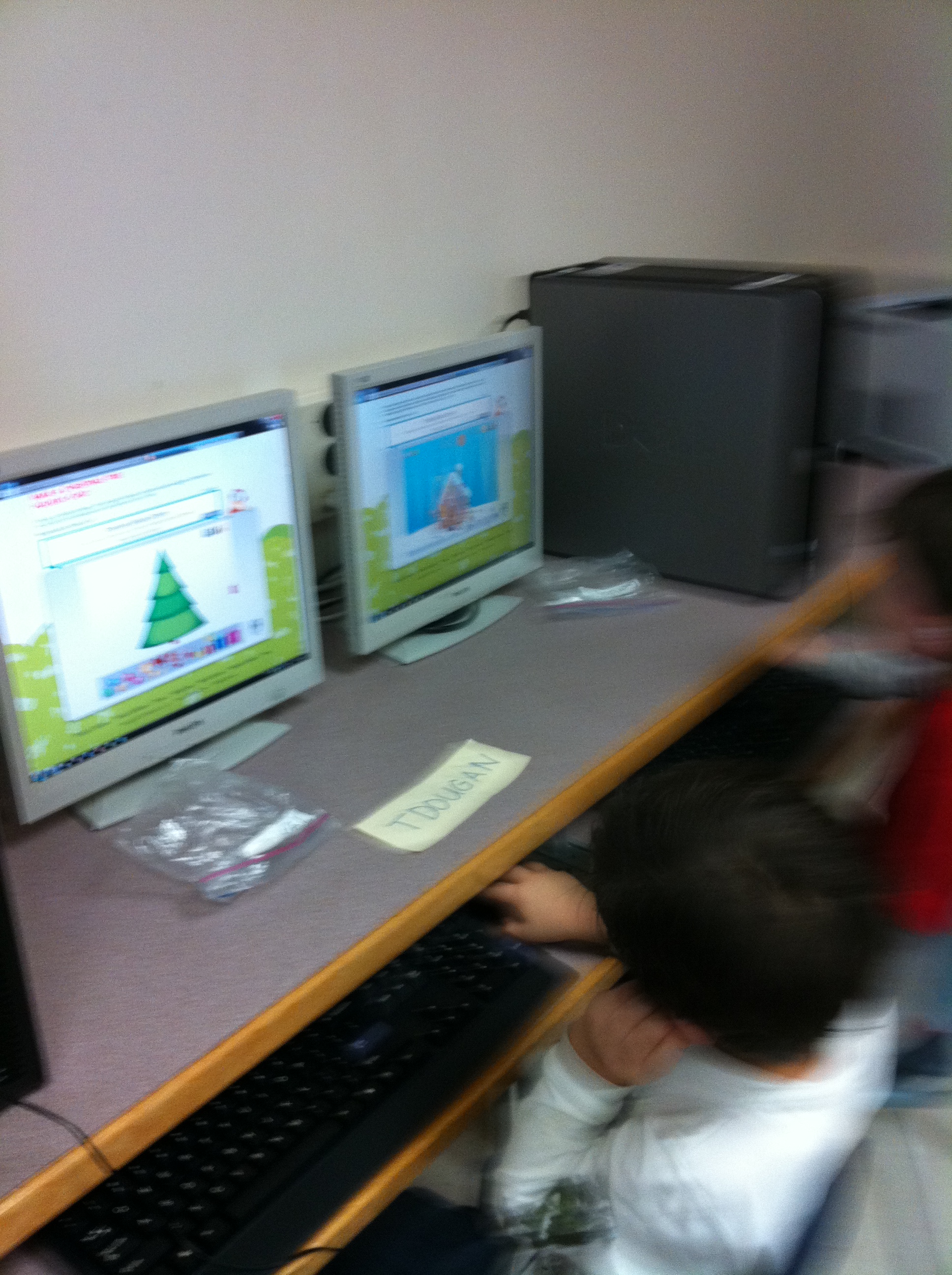
We also had our first visit to our new computer lab.  It is AWESOME!


And we started learning some new Christmas vocabulary!  The children did a great job on their booklets and read them to the student teachers who came to visit, observe, and help today!

Hopefully, they will read them to you, too!

Leave a comment

Filed under Christmas

The iPads are Coming Back!

Last year this blog started because of a project we called the iPad project.  We put in a proposal and we were one of the lucky schools that were able to have 15 iPads for about six weeks.  To chronicle our progress this blog was created.  You can take a look at our journey if you look at the older posts.  We had an amazing time and learned a lot.  We created books with the children, and used the iPads in a variety of ways.  I hated to see them go….

So, I applied to have them back!  Mrs. Marshall and I wrote a new proposal and we found out this week that it was accepted and we are getting the iPads back!  I don’t think that either Mrs. Marshall or myself have touched the ground since we found out on Thursday!

One of ways we will to use the iPads is writing our student blogs.  We plan to write and write and write!  Hopefully you have had a chance to view your child’s blog.  The student blogs are only accessible with a password and are closely monitored by Mrs. Marshall and myself.   If your child has forgotten the password just let me know and I will send it to you!

I forgot to mention that we get to have the iPads for an extended period of time.  Three months!!

So, this blog will continue to report on our journey with the iPads, Version 2!

Did I mention that they are coming in December!

Talk about a great Christmas present!


Leave a comment

Filed under iPads, Student Blogs