Category Archives: Augmented Reality

Augmented Reality Snowmen!


IMG_1533

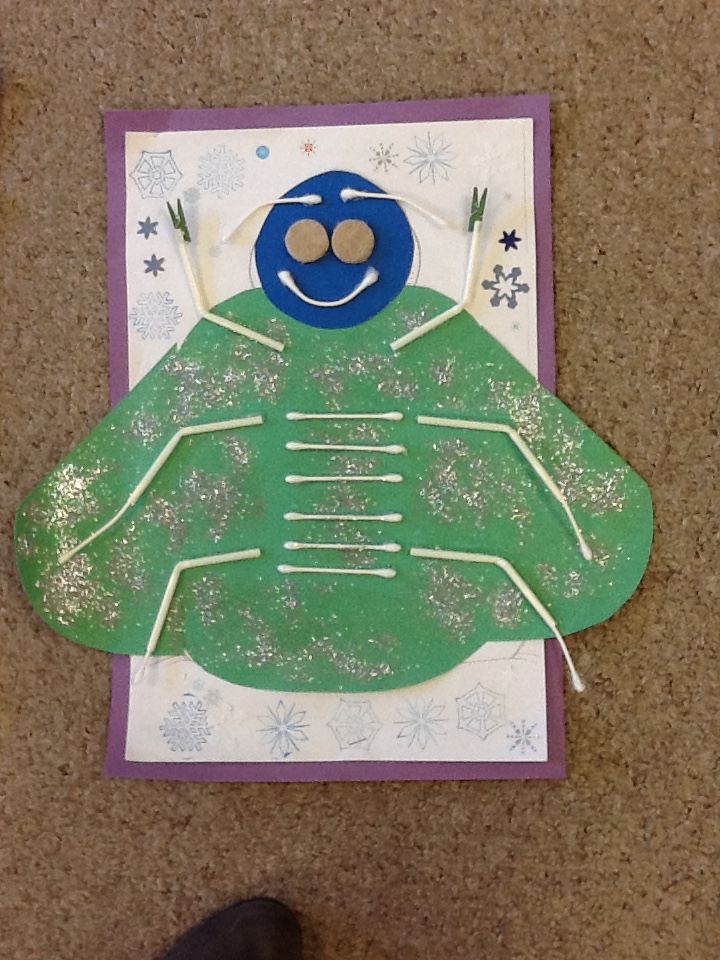
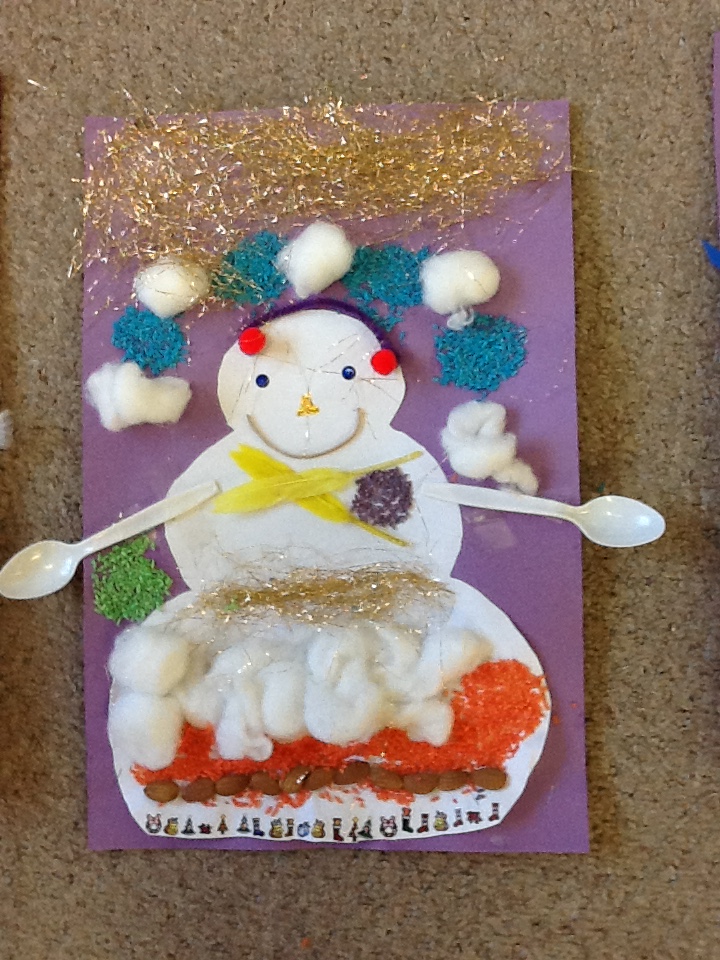
We have been having a lot of fun with the app Chatterpix!  I took a picture of each of the snowmen and had the children bring their snowmen to life using the Chatterpix app.  They had to add a mouth to their snowman and then talk for thirty seconds as if their snowman was talking. Some children chose to speak as their snowmen and others choose to speak in a conversation with their snowman.  Some students preferred to talk about making their snowman with their family.  Then I took the Aurasma app to link the Chatterpix video to their picture.  Aurasma is an augmented reality app that lets you augment the viewing experience by adding another layer of participation to the object.  In this case it is the picture of the snowman.  To see the Chatterpix video you simply hold the iPad over the picture.  The picture is now the trigger image within the Aurasma app that triggers the link to the Chatterpix video.   This is called an aura.  I have created auras for each of the snowman pictures linking the pictures and the Chatterpix video.
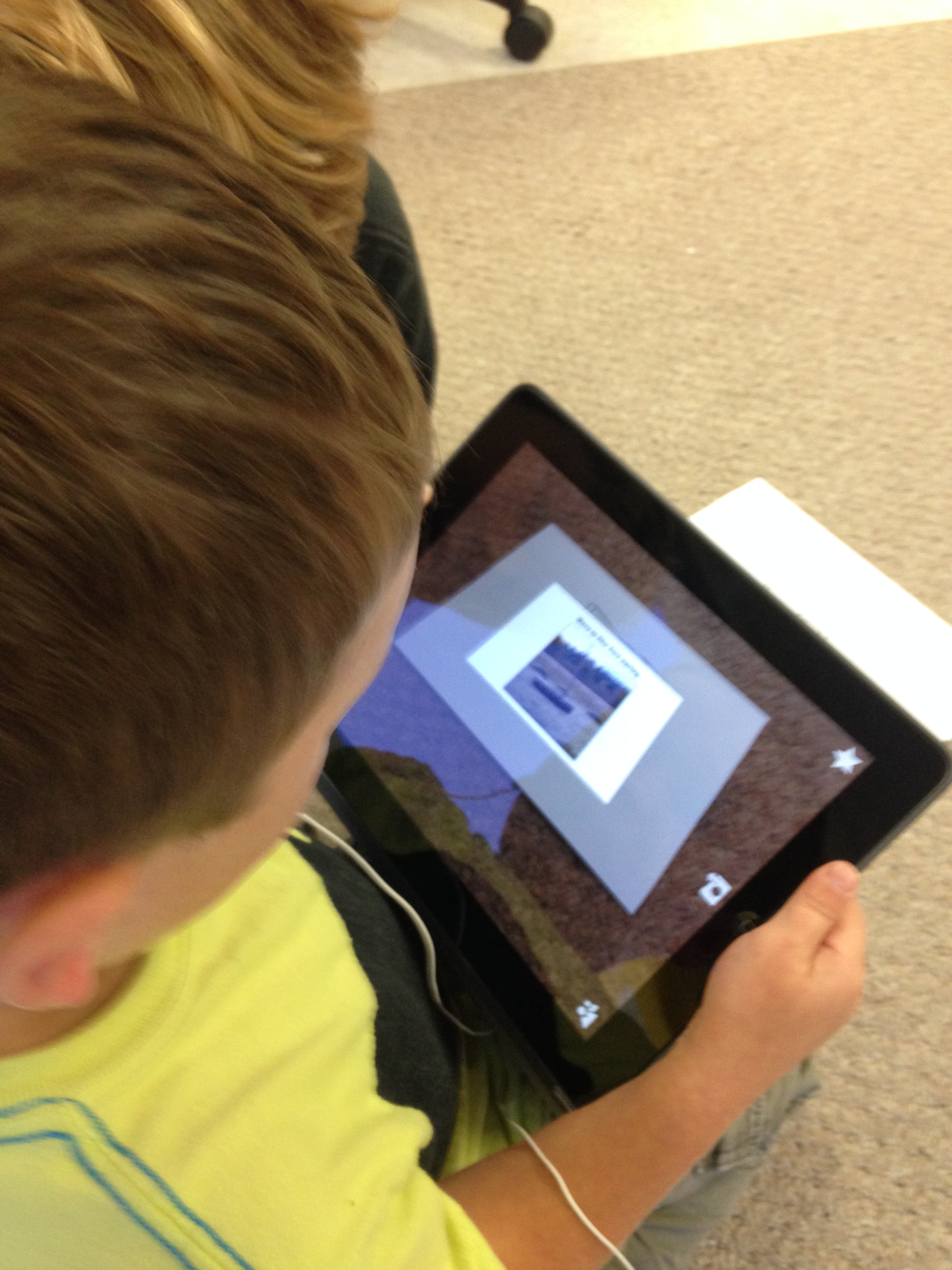
IMG_1523To see the auras you will need to download the Aurasma app.  It is free! You do not have to join or sign in to see the auras.   Click on the little triangle shape at the bottom of the screen.  Choose the search option.  Search for mrsantonsclass.  You will be directed to all the auras that I have posted to that channel.  Choose the channel option at the top of the screen. Click on the link for mrsantonsclass and you will be given an option to follow, like, or share the auras.  You can choose to follow our channel by clicking on the  follow option. Now all the auras posted to that channel will become available on the device you are using.     Then you choose the option at the bottom of the screen that looks like a window.  Hold the ipad over one of the pictures on this screen and a swirling image that lets you know the aura is activating.
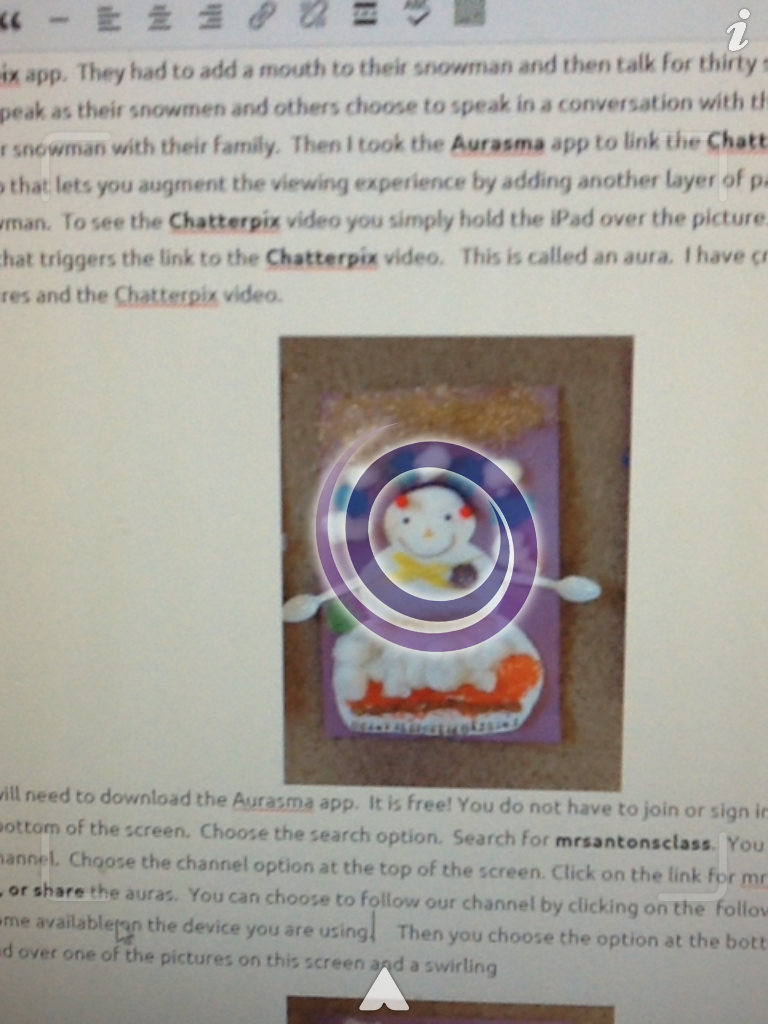
photo 1

You will then see the video staring up!
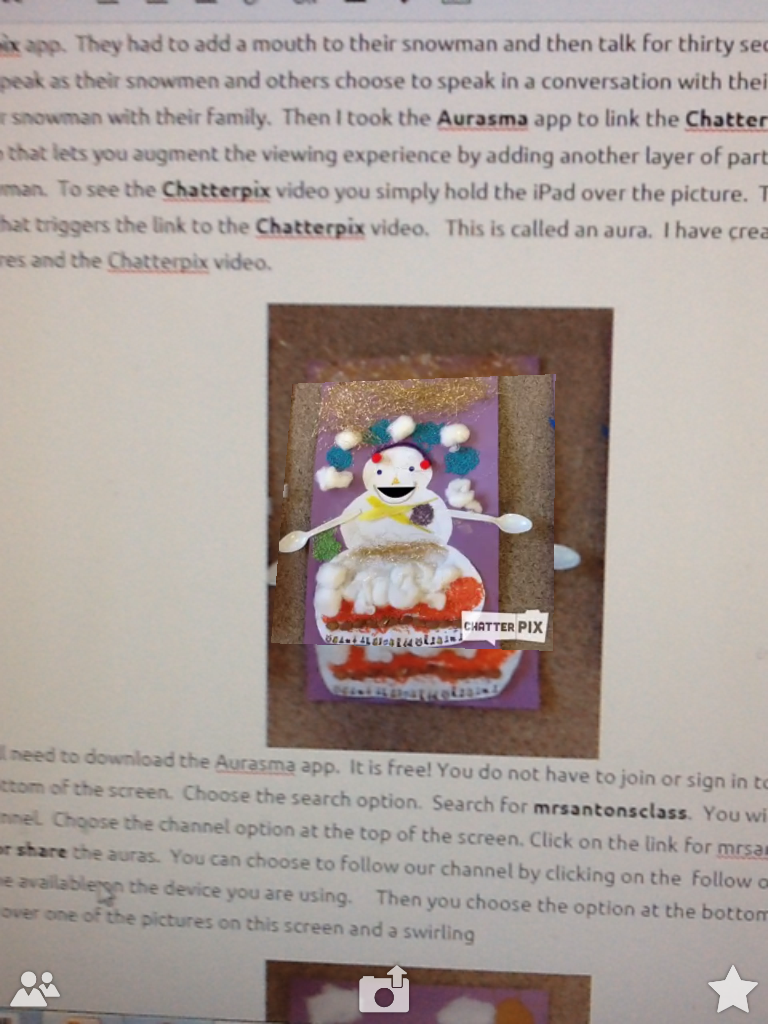
photo 2

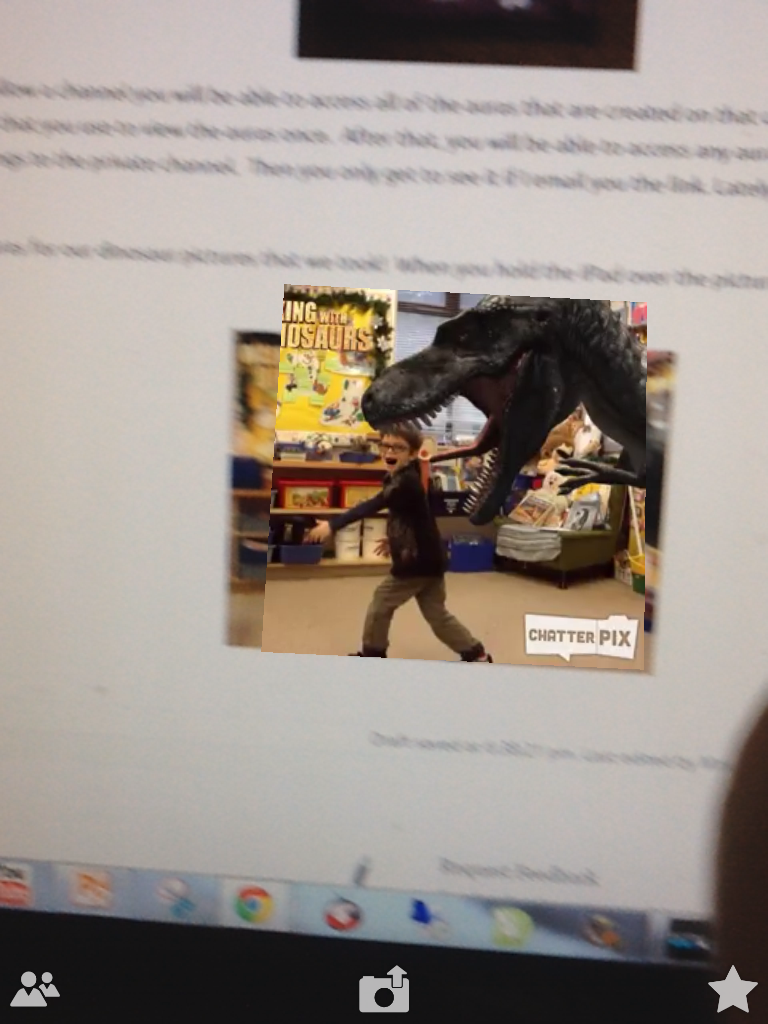
As you can see I was able to access the aura on my computer screen while writing this post!
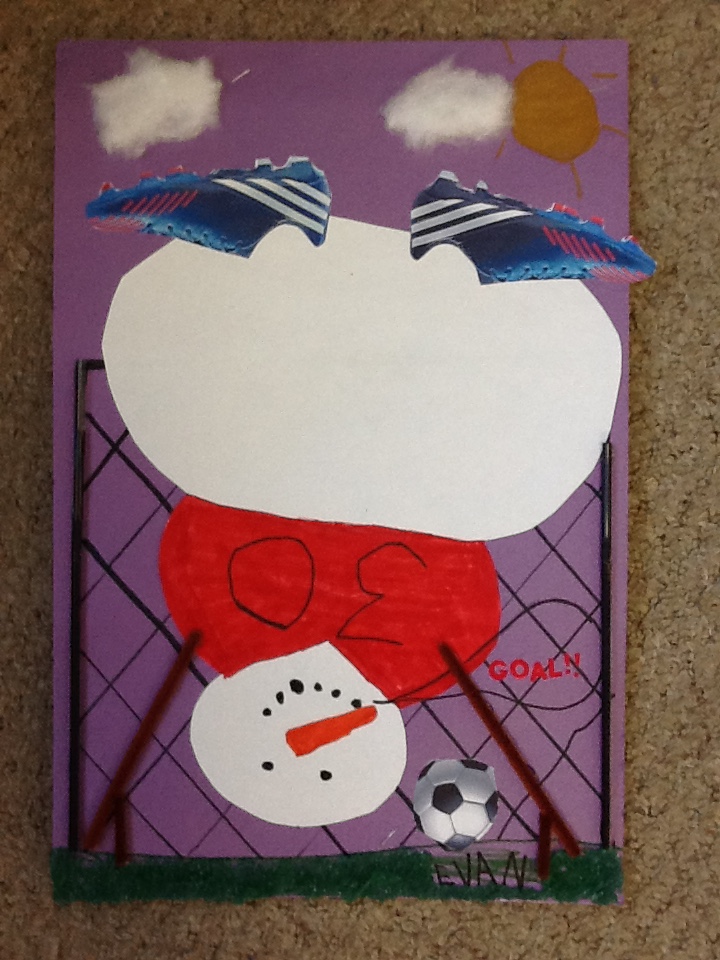
IMG_1521


Once you set up to follow a channel you will be able to access all of the auras that are created on that channel on that device.  You will need to set up each device that you use to view the auras the first time.  After that, you will be able to access any auras posted to the public channel when you use that device.  Sometimes I post things to the private channel.  Then you only get to see it if I email you the link. Lately, I have been posting everything to the public channel.  Their projects are just so much fun to share!
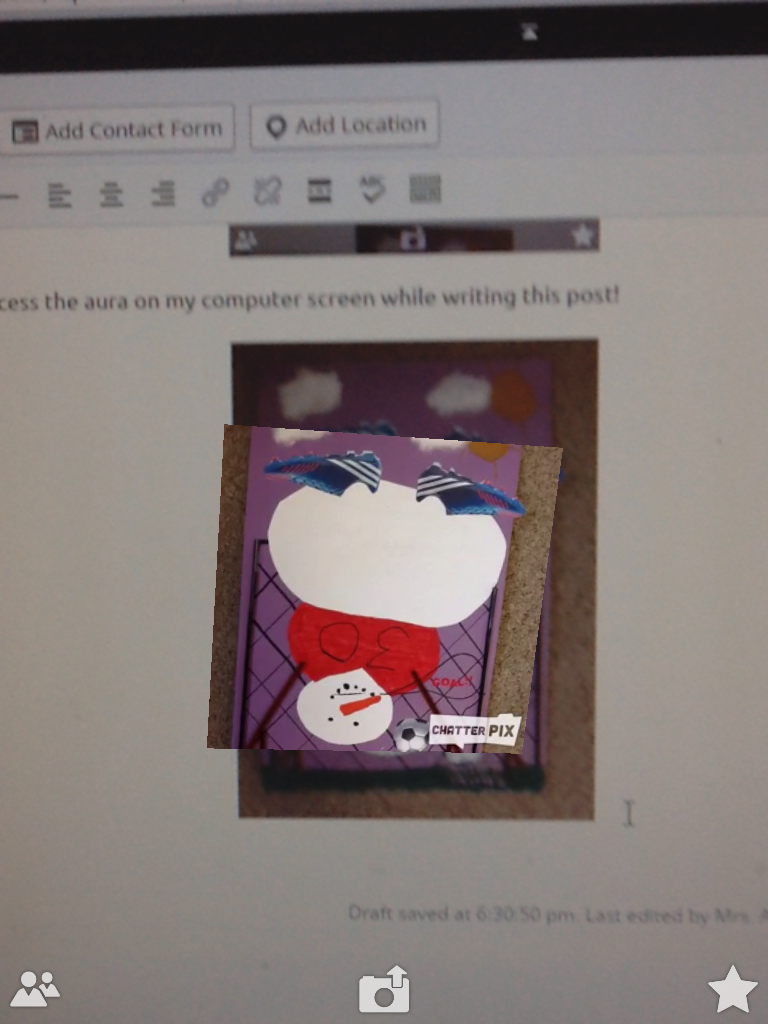
photo (1)


I have also created a special page for all of our snowmen iPad project movies!  They are all together in one space!  Just click on the link at the top of the page to see the wonderful work the children did using the snowman pictures and the Explain Everything app!  Enjoy!

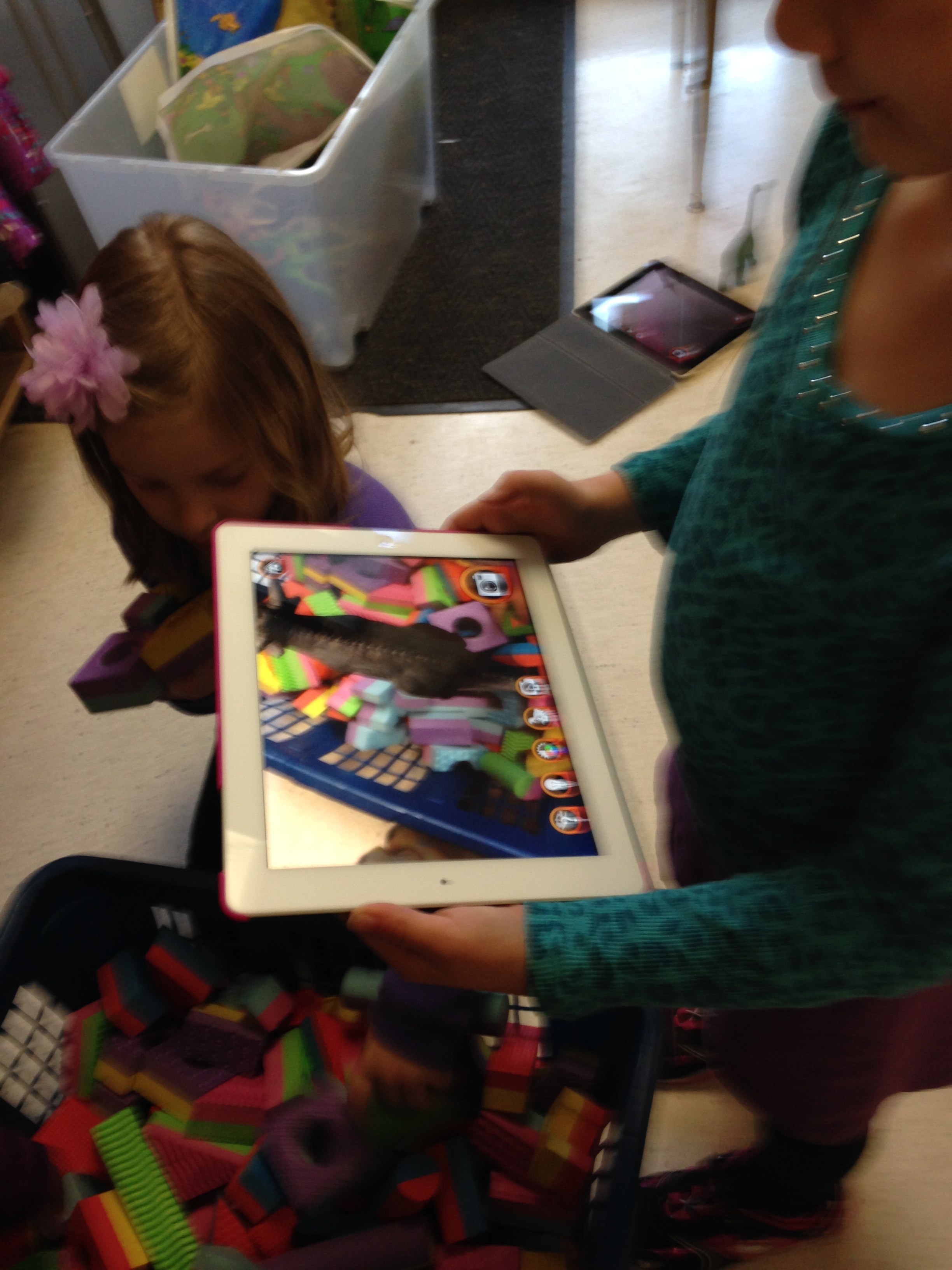
I have also created auras for our dinosaur pictures that we took!  When you hold the iPad over the picture you can see the dinosaur Chatterpix  videos we created.
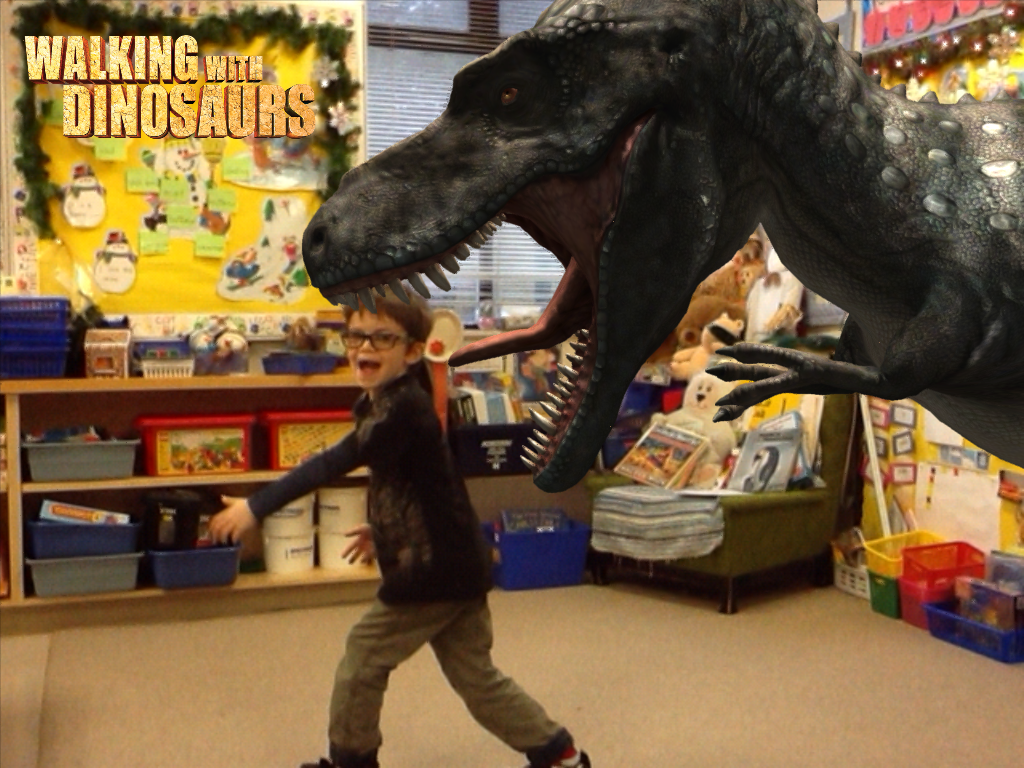
IMG_1306


photo

I will need to upload all the pictures to a page for you to view them.
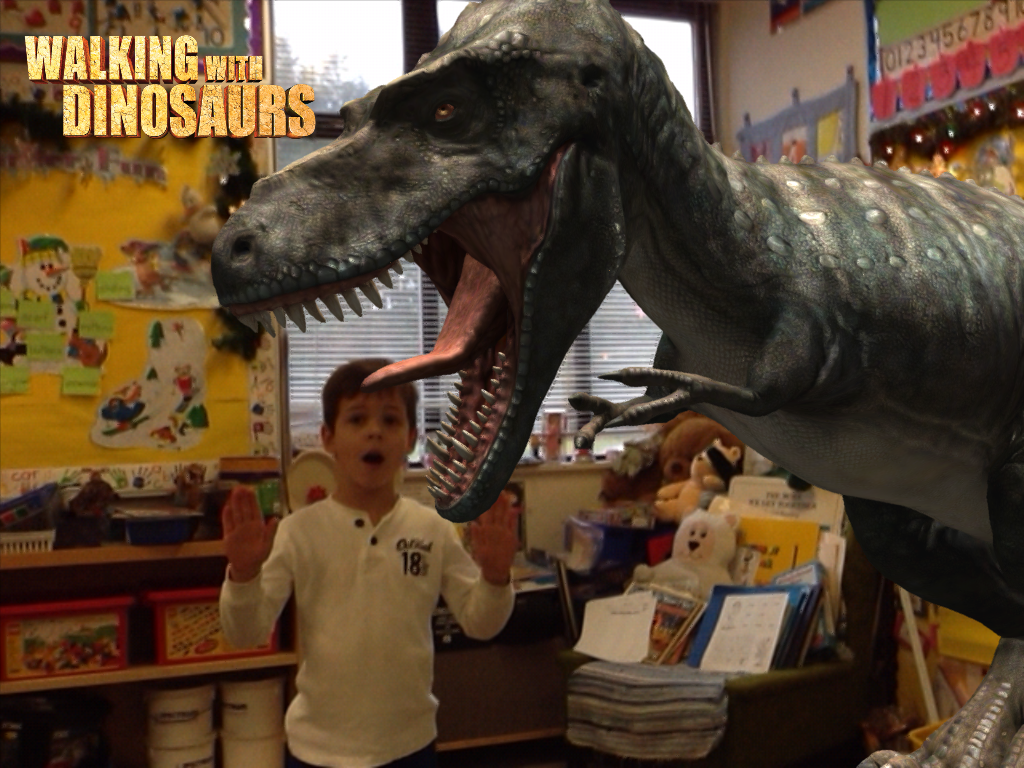
IMG_1294

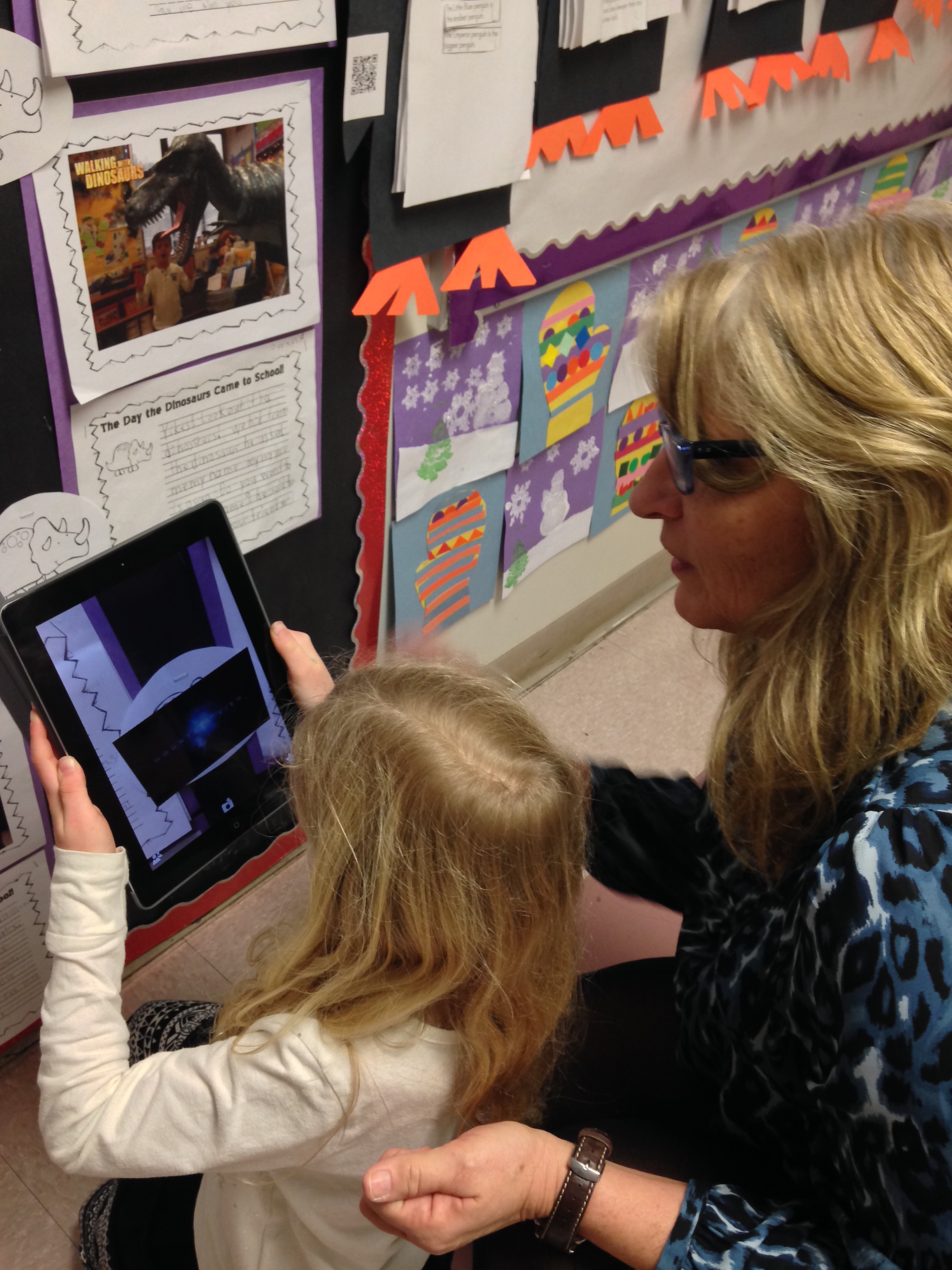
You can also access this aura from the creative writing exercise that we completed about the dinosaurs invading our classroom!
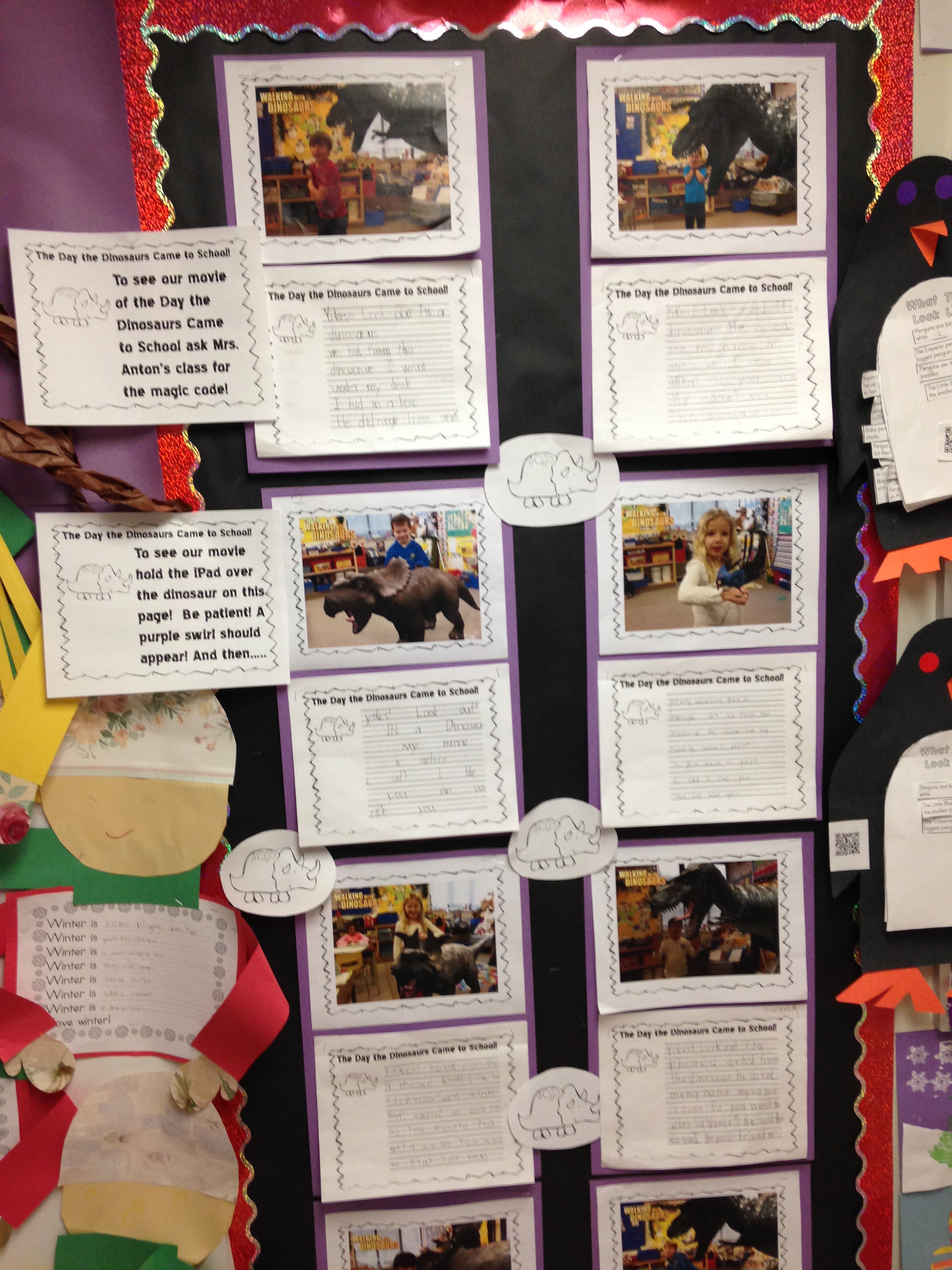
IMG_4650

I have created a page for the dinosaur pictures and the snowman pictures.  You should be able to see the pages at the top of this blog!  Just click on the page link at the top of this blog.
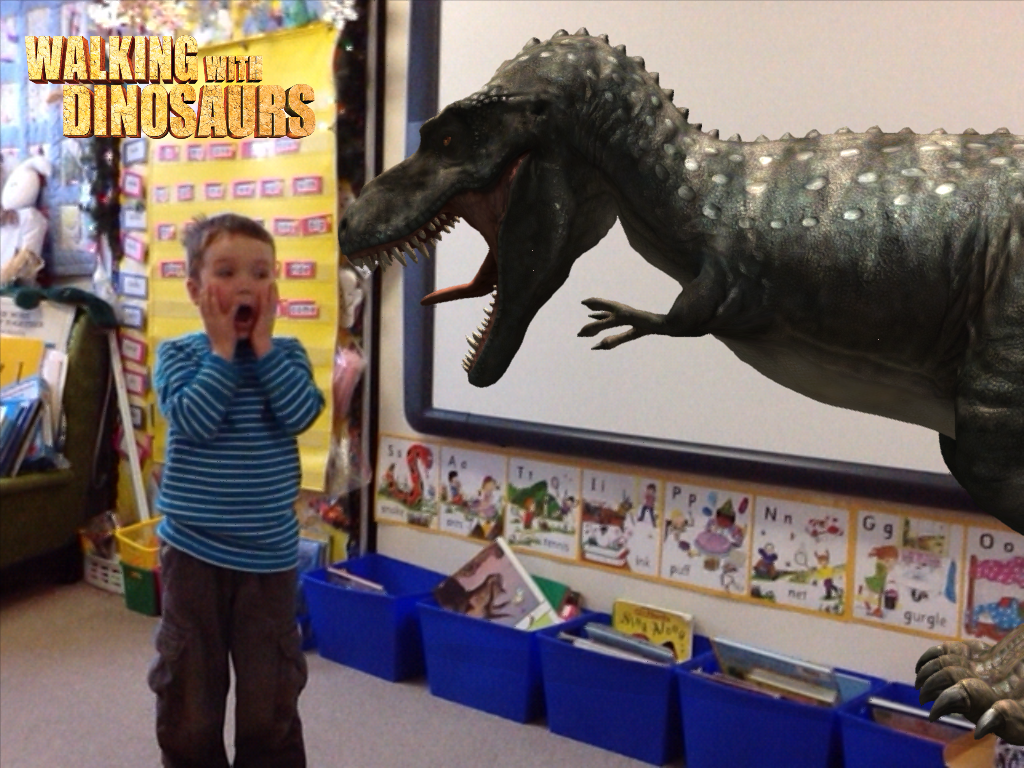
IMG_1289When you visit the page you will be able to activate the aura right away using your device and the picture on the computer screen.

IMG_1304

Or you can wait for the pictures to come home in the scrapbook!  I’m too impatient for that!


Leave a comment

Filed under Augmented Reality, Aurasma, Chatterpix, Dinosaurs, Snowman iPad Project Movies!, Snowman Project, Walking with Dinosaurs, Youtube

More Fun with Augmented Reality Dinosaur Movies!

Here are a few more of our dinosaur books!  I am very impressed with these books as the children used a few different apps to create them.  They were actually “app-smashing”!  When you use a variety of different apps to create your projects and put them together to create something entirely new it is called app smashing!

They took the pictures they created using the Walking with Dinosaurs app and imported them into the My Story app.   This is a multi-step process!  First, they have to take the picture in Walking with Dinosaurs which involved choosing their dinosaur, resizing it to fit the picture, choosing what they wanted their dinosaur to do and then taking the picture!

Then they had to save it to the camera roll, open My Story, choose to import a picture, find their picture in the camera roll, import it into the page, re-size the picture to fit the page, and then add the text to match the picture.   Then they repeated the steps for four more pages!

Then they added text and recorded their voices reading their stories!

Very proud of my Grade Ones!

After they were finished I saved their story as a movie and uploaded it to Youtube.

Then I loaded the URRL code into this blog post and voila!  Augmented reality dinosaur stories!  Enjoy!

More stories coming your way soon!


Leave a comment

Filed under Augmented Reality, Dinosaurs, iPads, My Story, Walking with Dinosaurs, Youtube

AR Dinosaur Movie Fun!

We have been having a great time with the Walking with Dinosaurs app and the My Story app this week!  Today we put all of our work together to create these awesome books!  The children had to take pictures of their favourite dinosaurs within the Walking with Dinosaurs app first.  This is the first time that the children had the opportunity to take pictures by themselves using the iPads this year in class.  They also had to postion their chosen augmented image of the dinosaur in the picture before they could take the picture.

photo

The children had to make at least four pictures to make their books first.

photo (1)

They had to figure out what they wanted to have their dinosaur doing in their story and then take a picture of the dinosaur doing it!
Then they opened up the My Story app and imported their pictures from the camera roll to each page of their book.  As usual, they were absolutely fearless!  They didn’t even bat an eye and just jumped right in and created these amazing books!
When they imported their pictures they had to position the picture on the page.  Then they added text to their page.  After they completed their pages, the students went to our “recording studio” to record their stories.  ( We found them a little quiet spot for them to record their stories.)  After a few of them had recorded their stories they became the experts that helped their classmates complete their recordings!  I had a lot of eager helpers!

The My Story app is a great little app that just got even better.  With the last update I made I discovered that it now has several new ways to share the stories you can create.  The best option for our class is the option to share the book as a movie.  We were able to share each book as a movie, open it in iMovie and save it to the camera roll.  Then you can take the movie and upload it to Youtube.  We think we have uploaded the first book made using pictures created with Walking with Dinosaurs app!  The children had a great time creating these books and were awesome about helping each other figure things out!

I have a lot of eager students who are very keen to have their books uploaded to Youtube for the world to see!  I managed to get these ones up today!  Please watch for the others coming soon!

IMG_0076

Leave a comment

Filed under Augmented Reality, iPads, My Story, Walking with Dinosaurs, Youtube

AR Dinosaur Fun!

IMG_1306

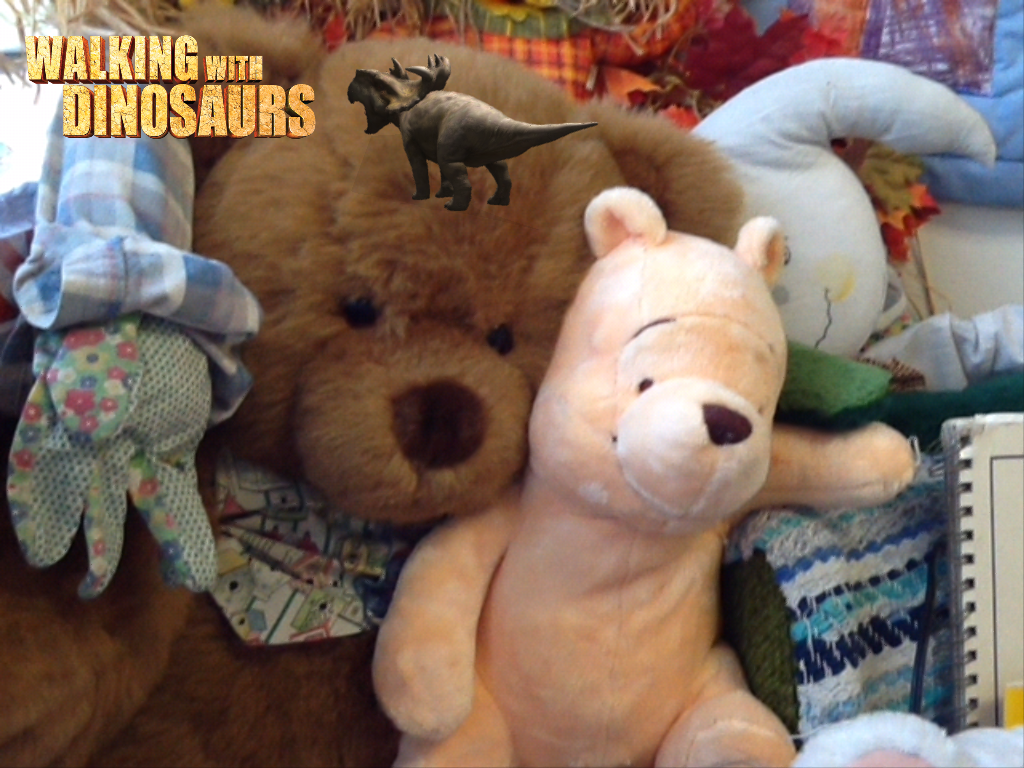
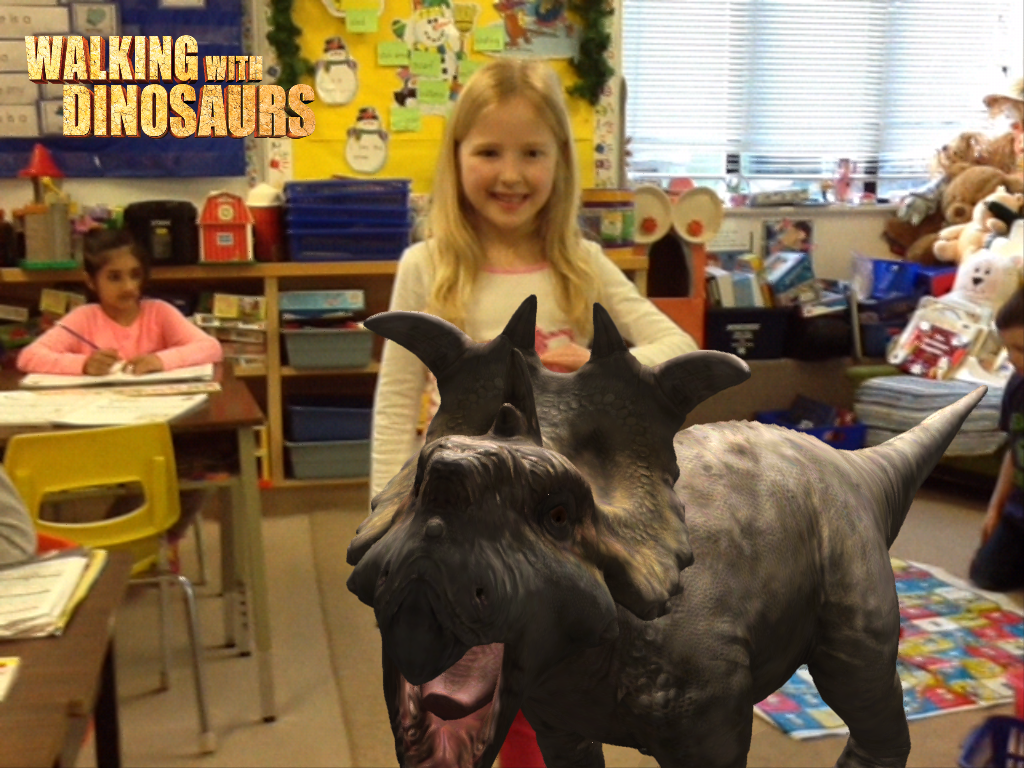
We have been having a lot of fun with the Walking with Dinosaurs app.  This is a really cool augmented reality app that lets us pose with an augmented image of a variety of dinosaurs.  We use the photo booth section of the app to create these life like images!  The children choose the dinosaur they wish to pose with and what they want to act out.  Then I take a picture of them with the dinosaur superimposed on the picture. It looks real, doesn’t it!

IMG_1321

We used these pictures to create a movie trailer about “The Day the Dinosaurs came to School” using the iMovie app.  The children had a really good time helping me with the captions for the movie trailer.  It was a great taking off point for a creative writing exercise about what happened with “their dinosaur”!  They did a great job!

IMG_4650

Then  I used the Aurasma app to attach the iMovie trailer to their story.  I put the trigger image for the movie on their writing paper.

IMG_4452

The Aurasma app allows me to attach a video to a trigger image.  The trigger image I choose is the little triceratops on the picture.  When they hover the iPad over the image it triggers the iMovie trailer to open and play!  Please come in and ask to view it with one of our iPads.

IMG_4502

I will also be sending the trigger picture home in the next few days as well as the directions to view the image at home.  You will need to download the Aurasma app on your device.  This app is free at this time.    To view the trailer you need the link and the trigger image as I have not placed it on our public channel.  We used this app earlier this year for our At My School book we created on the iPad.

We have been having a great time with a new app called Chatterpix.  I used this app to create this little video!  You can add your voice and animate the picture to appear as if the picture is talking with this app.  Lots and lots of giggles with this one.

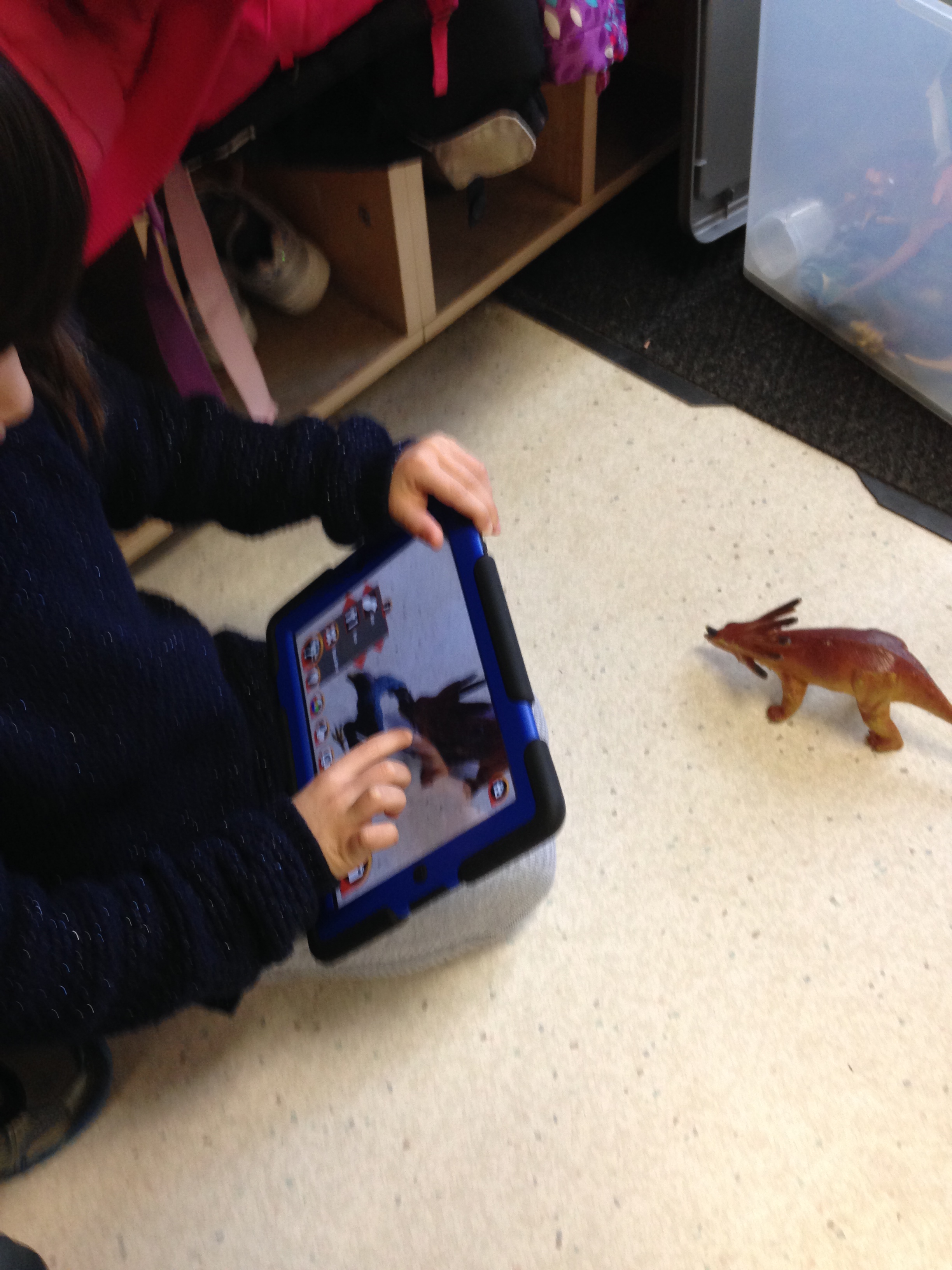
We have been slowly having the children take turns animating their dinosaur pictures using this app.  The children have to decide who will do the talking in their video.  Then they mark the mouth on their picture and start recording!  It is not easy to think of what your character will say for thirty seconds!   I have been attaching the videos to each  of their dinosaur pictures using the Aurasma app.  The Dinosaur stories will have two trigger images.  The dinosaur for the dinosaur movie and the picture of them and their dinosaur for their Chatterpix video.  Definitely a fun app with lots of possibilities!

IMG_1294


Leave a comment

Filed under Augmented Reality, Aurasma, Chatterpix, Dinosaurs, iMovies, iPads, Walking with Dinosaurs

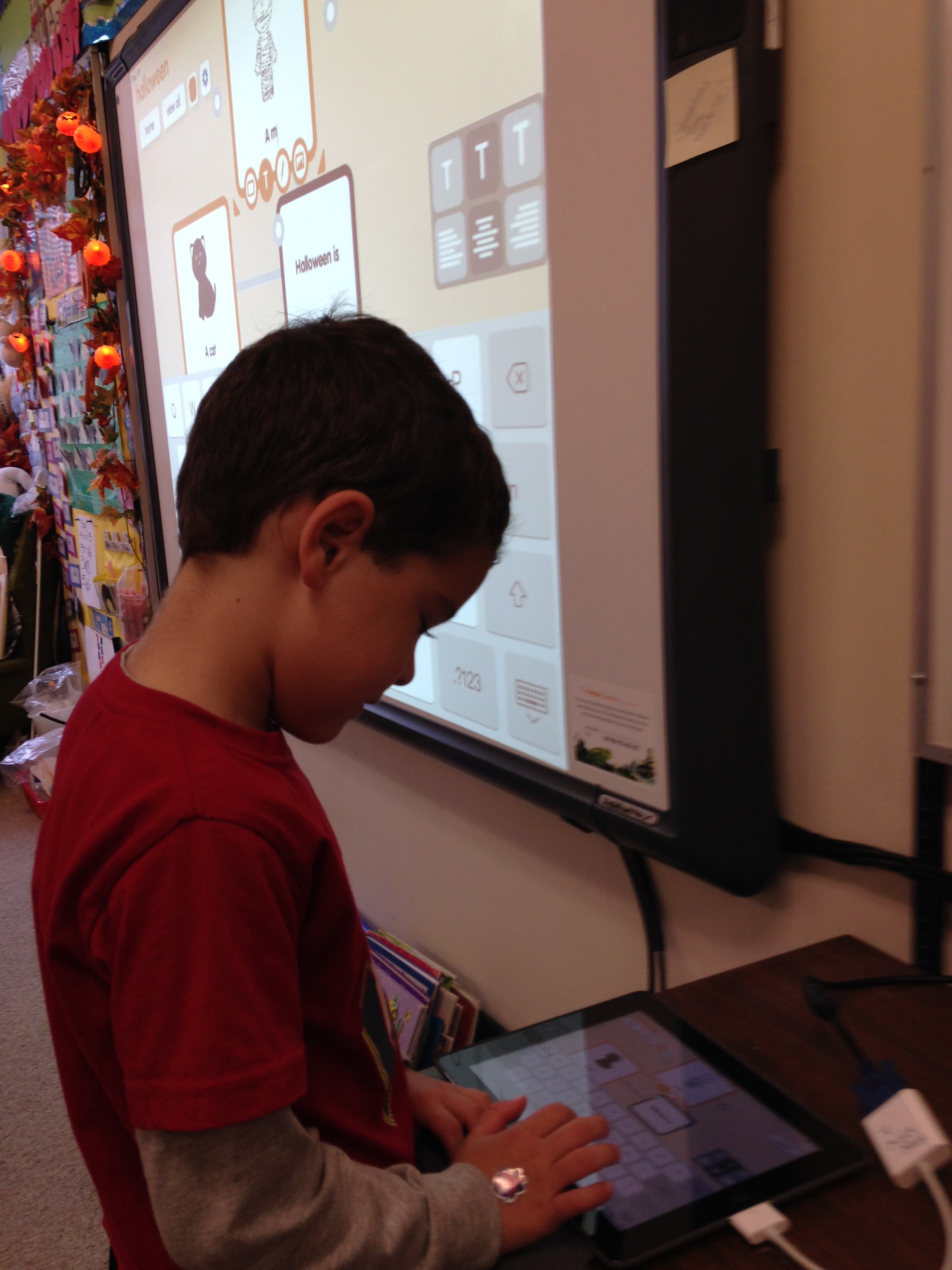
Halloween Popplet Fun! CoLAR Pumpkin Fun Too!

IMG_1122


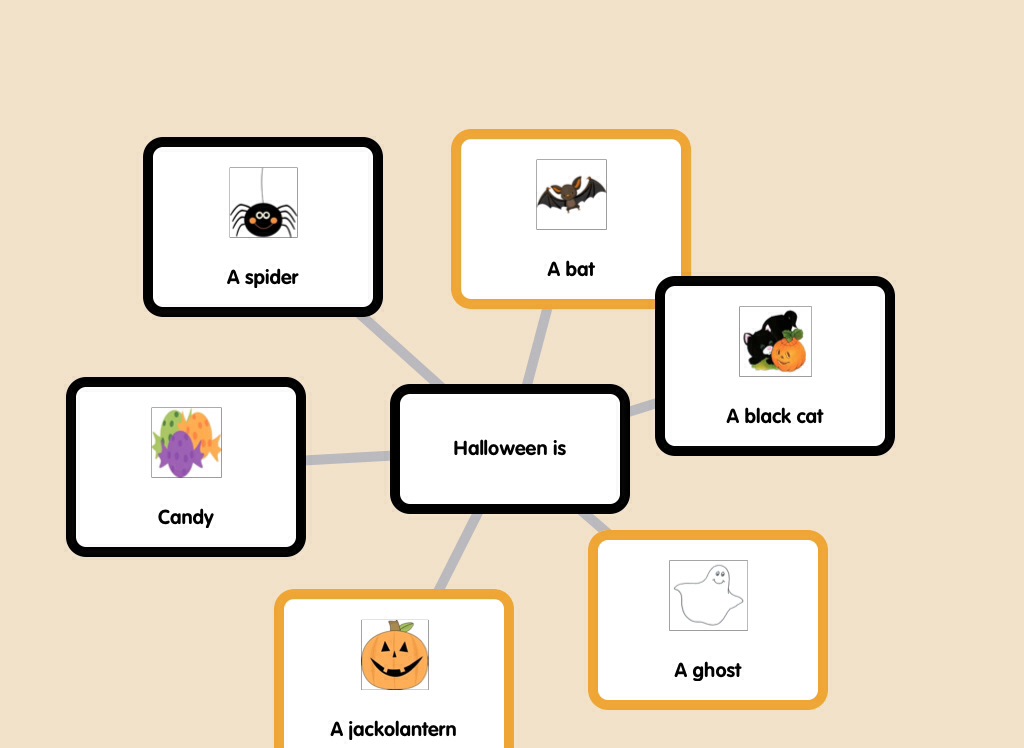
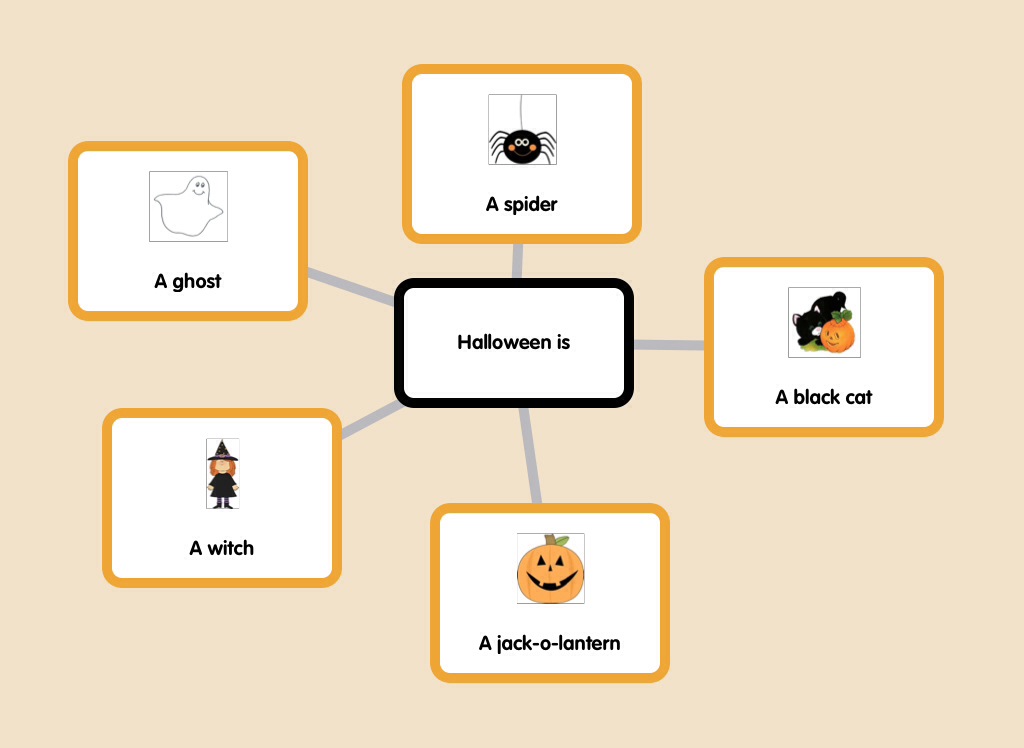
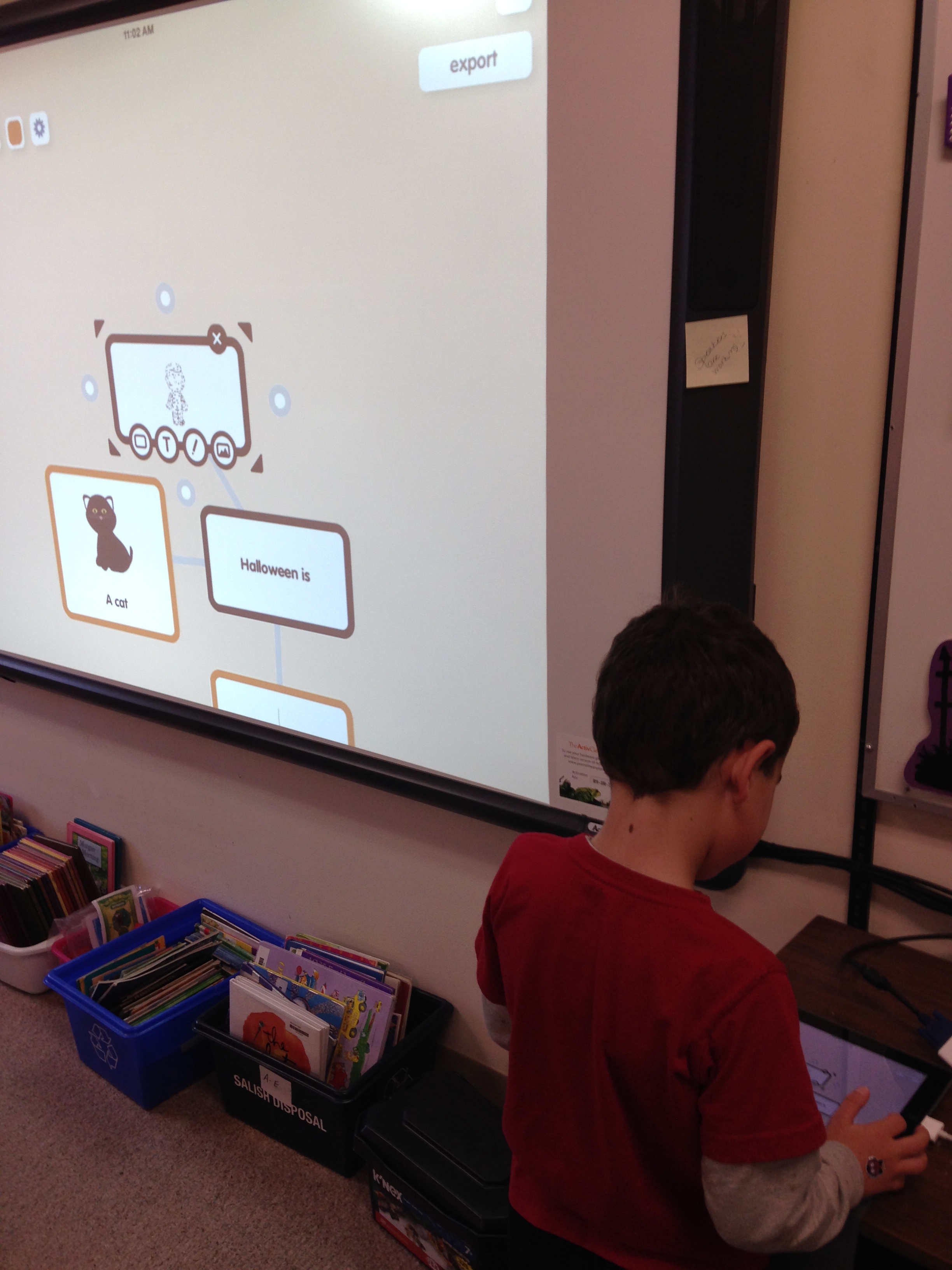
We have been having some Halloween fun using a new app for us called Popplet!.  The children have been working in partners to create an idea web about Halloween.

IMG_1126

I created a folder of Halloween clipart for the students to choose from on my iPad.  Then they created their Popplet by importing the images from the camera roll into their popplets and adding text to the pooplet using the words on the word walls and pocket charts in the classroom.

IMG_3807


IMG_3809


The children are making them in partners and we will post more of their efforts as soon as they are ready!  I love how fearless they are when it comes to technology!

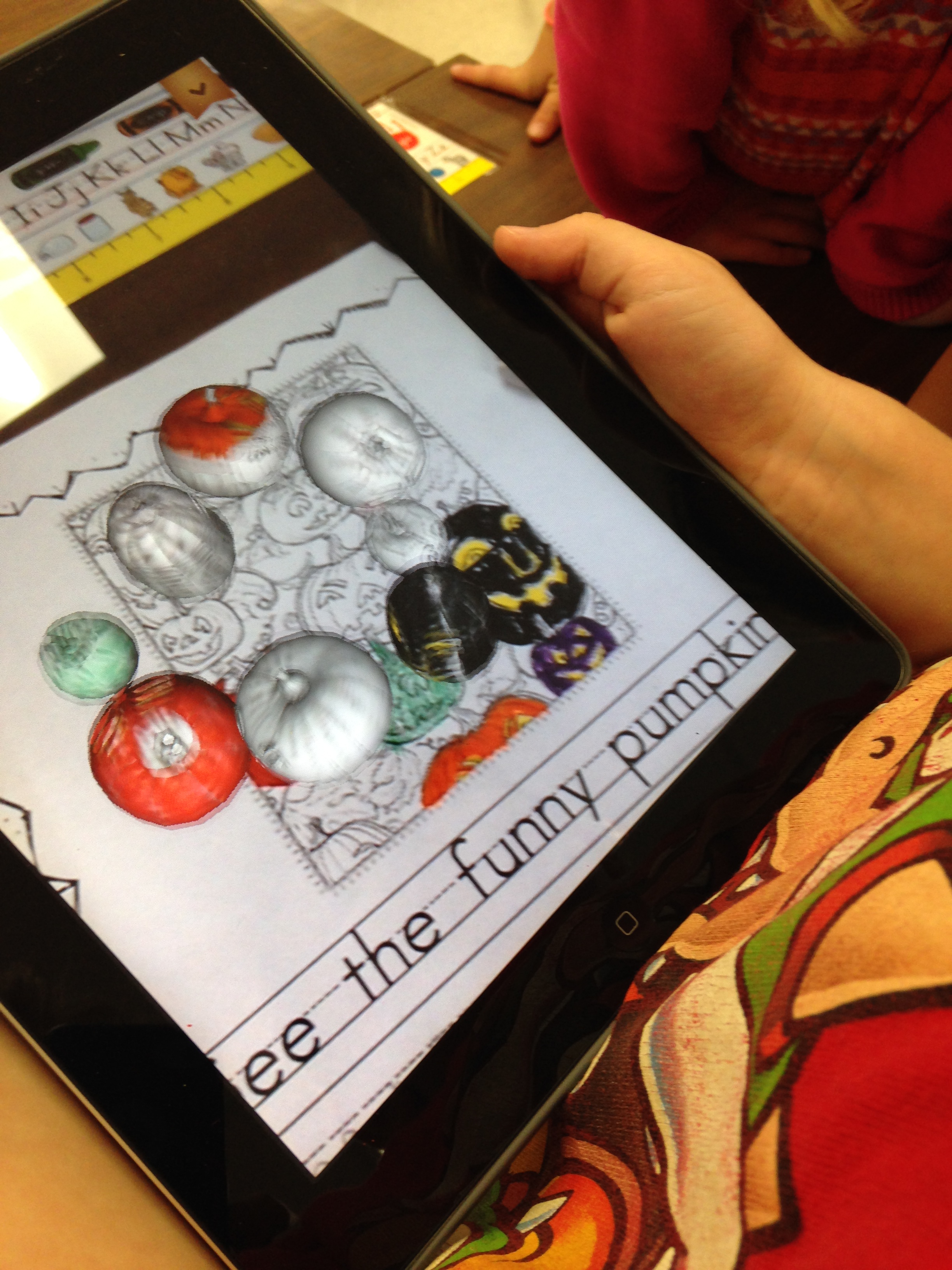
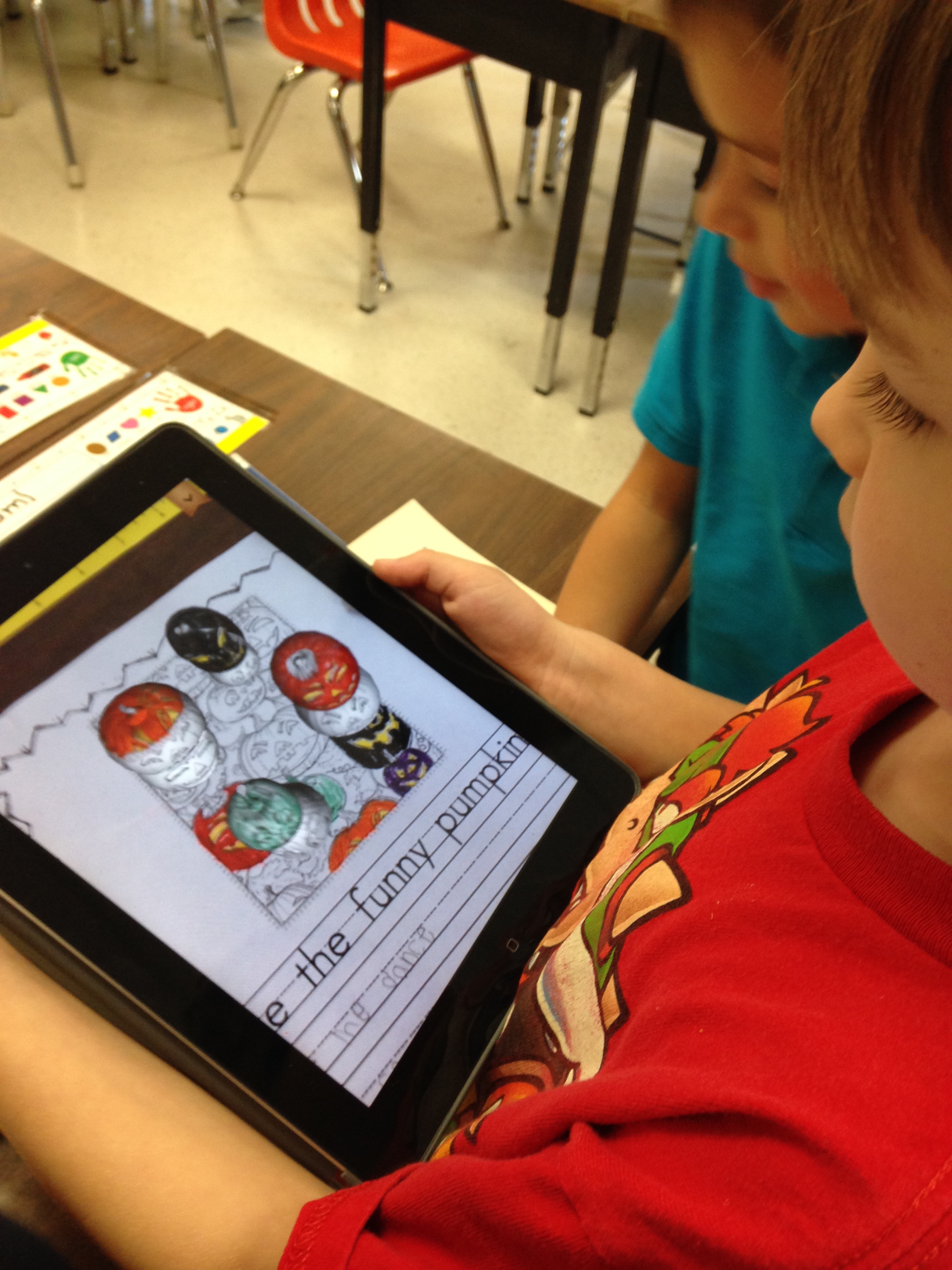
We have also been having more fun with the CoLAR app and the pumpkin trigger picture.

IMG_3825


I incorporated the image into a writing exercise.  We brainstormed some ideas about the dancing pumpkins and the children chose their favorites to add to the story prompt.

IMG_3827

After the students wrote down their ideas and colored the pictures we used the iPads to activiate the trigger picture.  Lots of giggles and fun!

1 Comment

Filed under Augmented Reality, coLAR, Halloween, iPads, Popplet

AR Colors and Shapes Fun!


IMG_1024

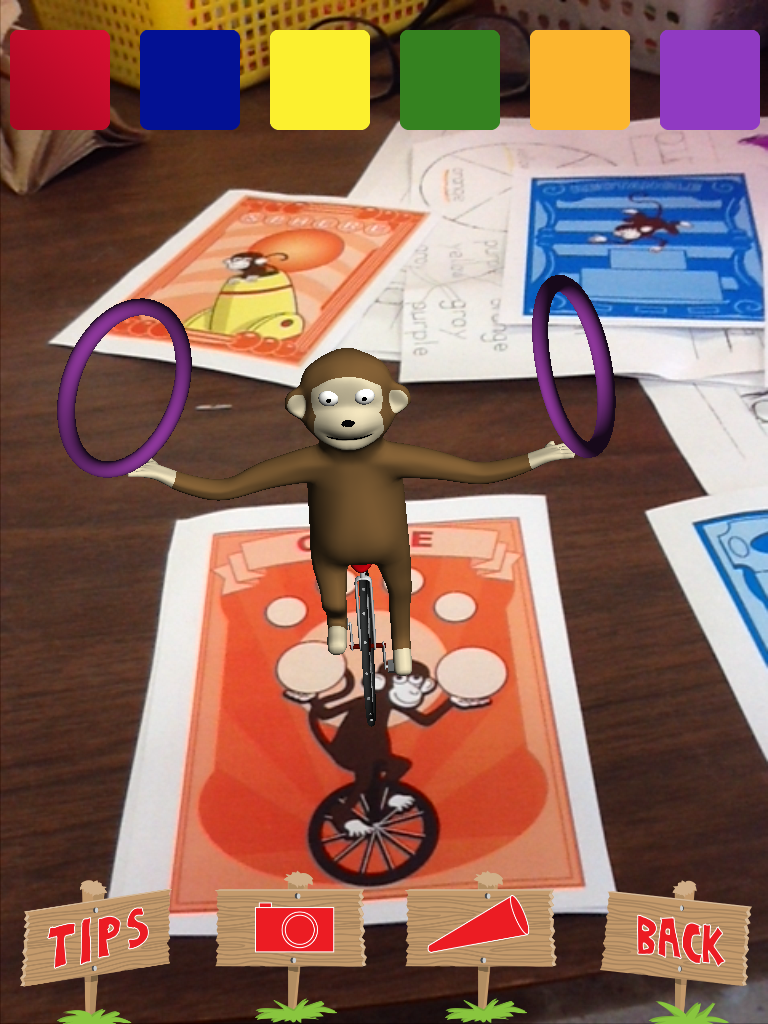
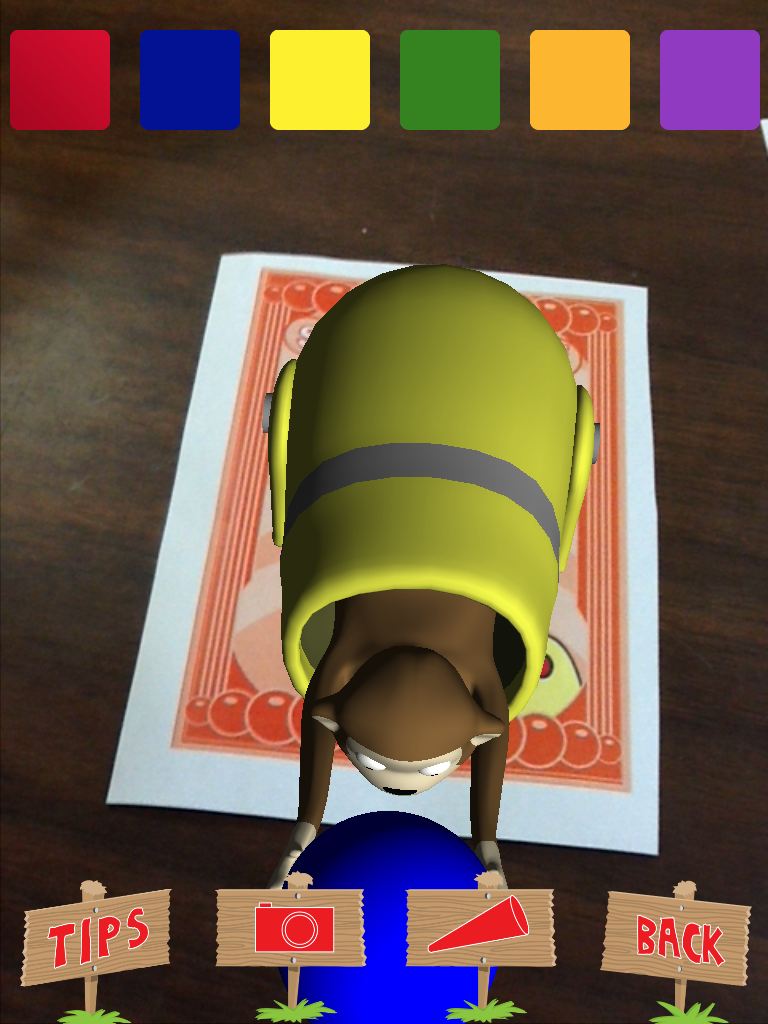
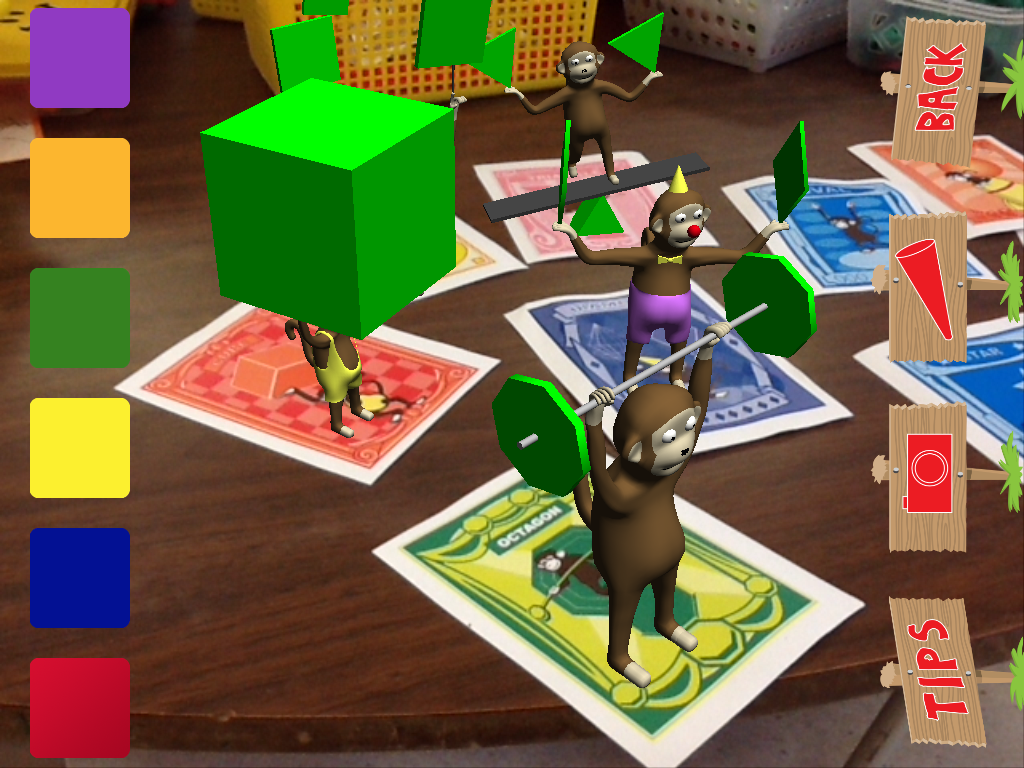
We have been working with some Augmented Reality apps in the classroom over the last few weeks.  The newest one is AR Flashcards Shapes and Colors.

IMG_1036

This is a really neat app that introduces colors and shapes in a fun way.  The children hold the iPad over the trigger images and these lovely augmented images appear.  You can change the color of the shape by tapping the color icons at the top of the screen.  Lots of fun practice learning about colors and shapes.

IMG_1030


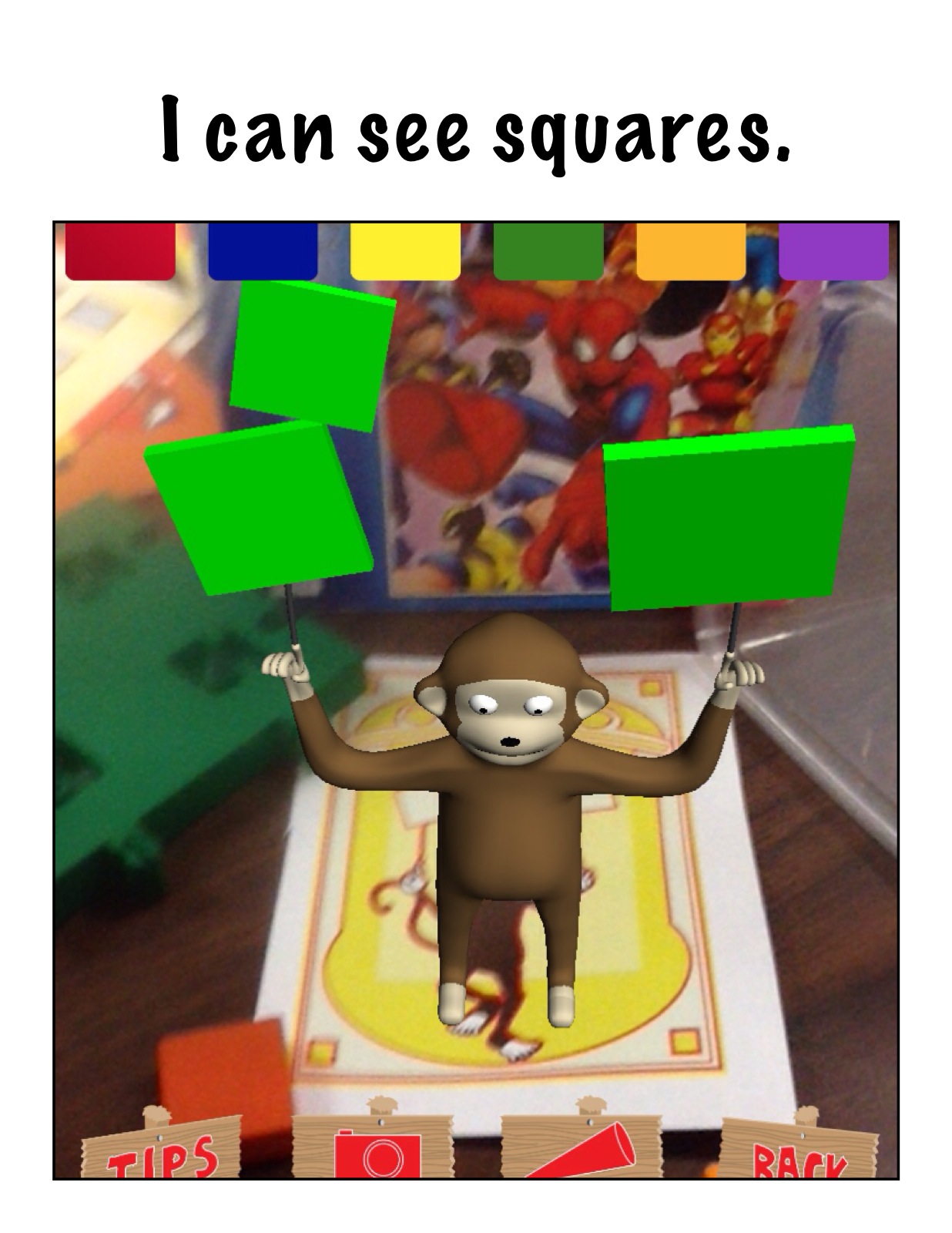
There is a story in one of our beginning readers that talks about shapes.  We decided to make our own book using these augmented images as a starting point!

IMG_1064

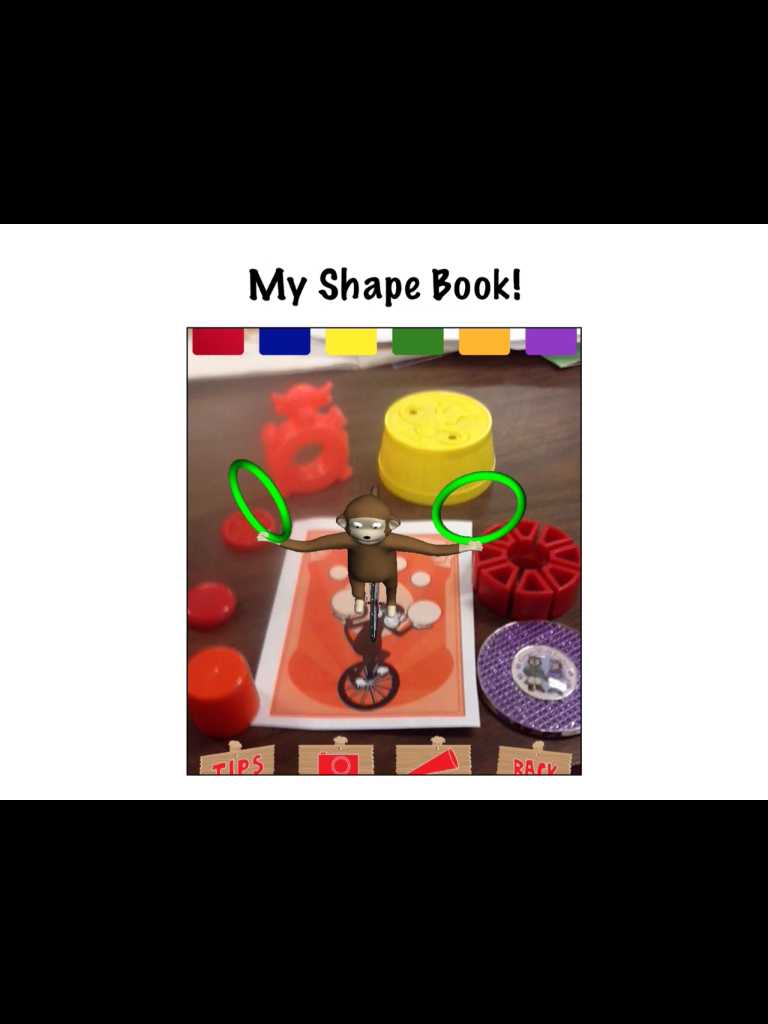
The students searched our classroom for the different shapes and then we arranged our collections around the trigger image picture.  Then we took a picture of the shapes within the app with the trigger image engaged.  Next, we opened up the Strip Designer app, imported the picture and added a sentence about the shape to the page.

IMG_1079


Then we opened up the Explain Everything app and imported our pages to make a book.  The students volunteered to narrate the pages.  We saved our book to the camera roll and uploaded our book to YouTube.   This is the result!

This was a fun project!  They had a great time searching for the shapes we needed and arranging them around the trigger image!  Great practice and fun, too!


Leave a comment

Filed under AR Shapes and Colors, Augmented Reality, Colors and Shapes, Comic Strip Designer, Explain Everything, iPads, Youtube

Fun with Augmented Reality!

IMG_2340

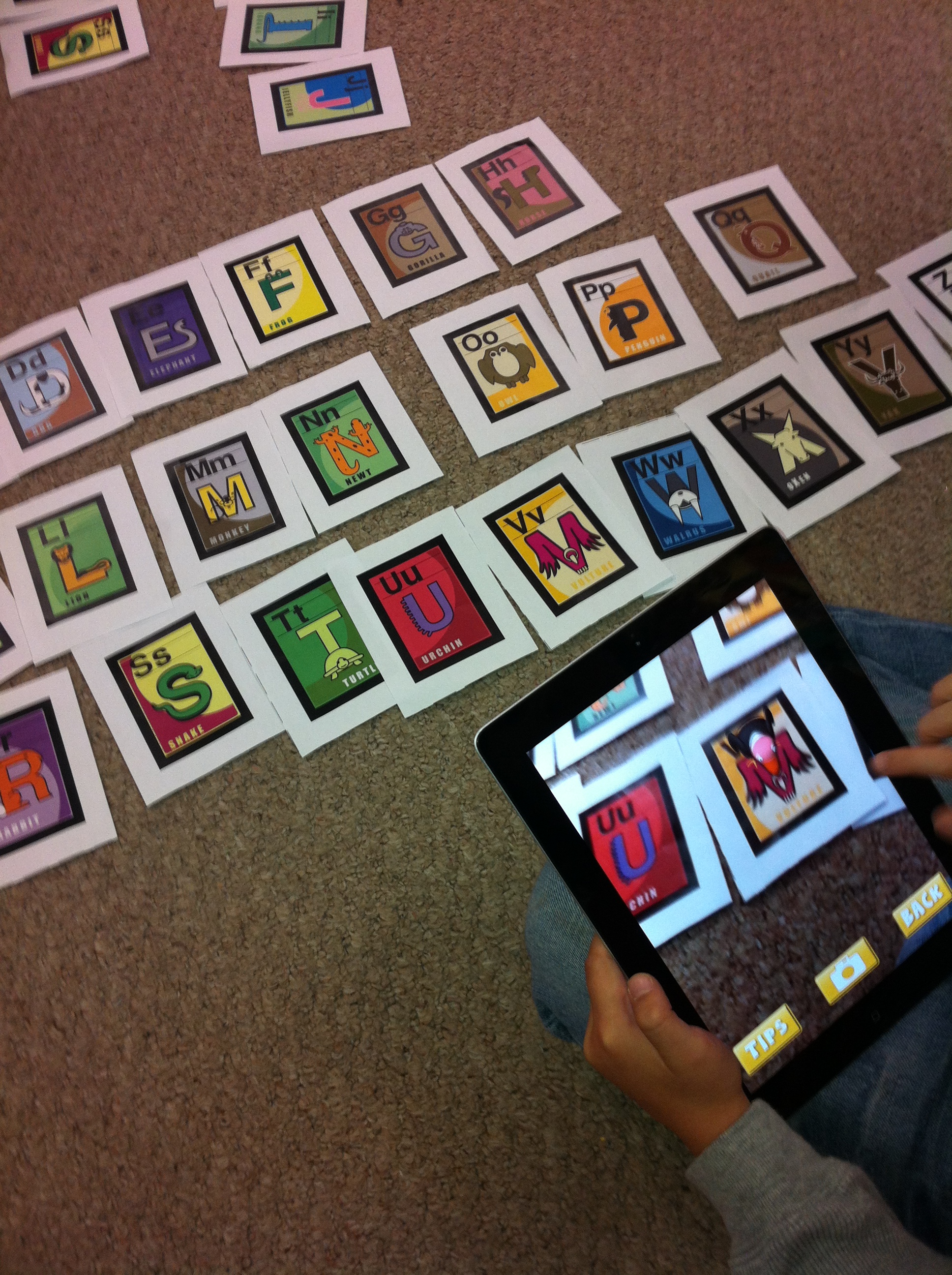
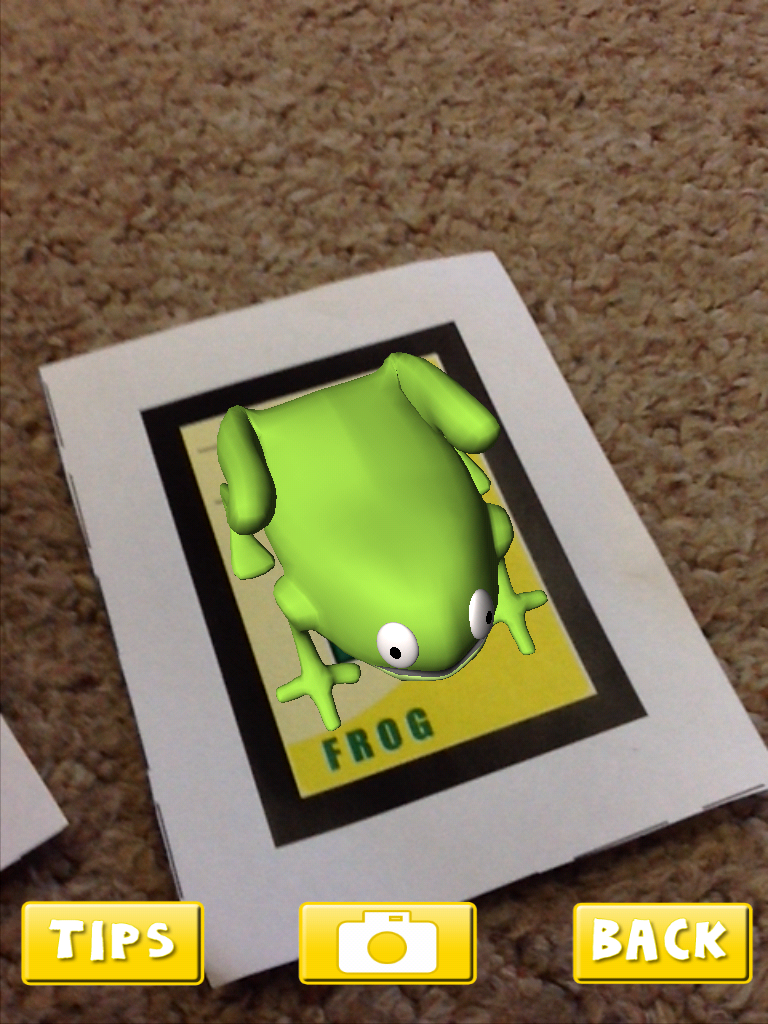
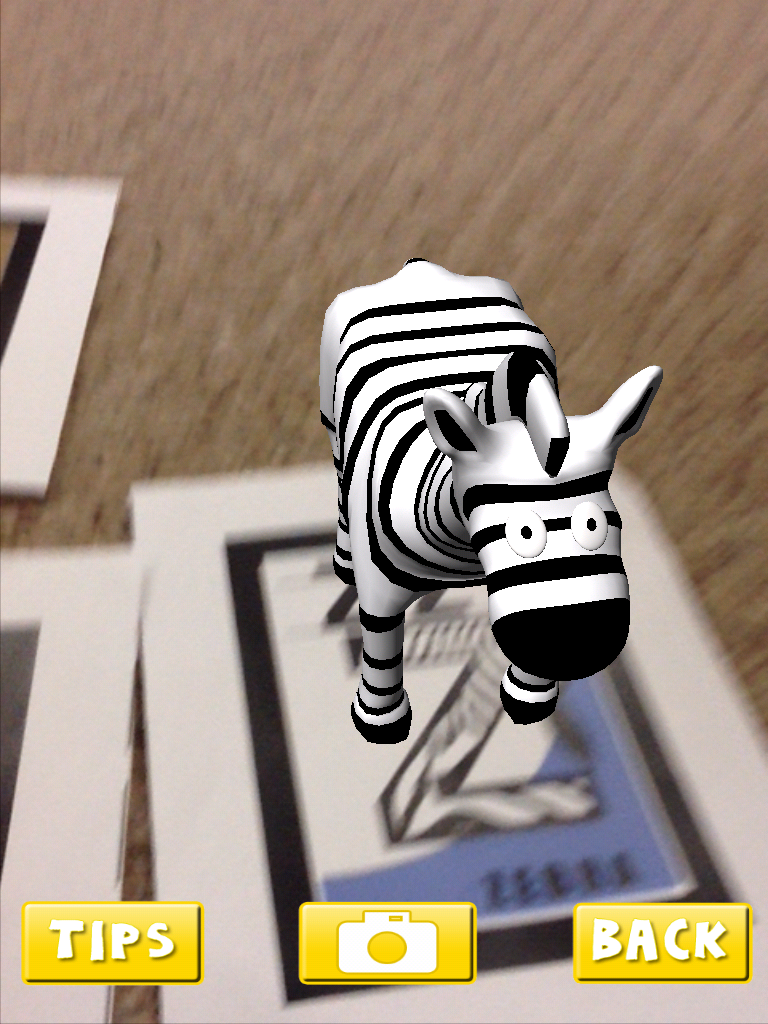
Over the past few weeks, the children have been experimenting with a variety of augmented reality apps.  The first one I introduced is a favourite of mine called AR Alphabet Flashcards.  I love this app.   When the students hover the iPads over the trigger images, an augmented image of an animal appears as if by magic!  The app is still free.  You need to print off the trigger images on a color printer.  You can find these images at the AR Flashcards website.

IMG_0635


The children like to see if they can pick up the animals by putting their hand underneath the image.  If you tap on the screen you can hear a child say the name of the letter and the animal.  Too cute.  We will be using these images later this year to create an augmented reality alphabet book.  You can see the one we created last year here.

IMG_0637


This app also includes some dinosaur images!

IMG_2357


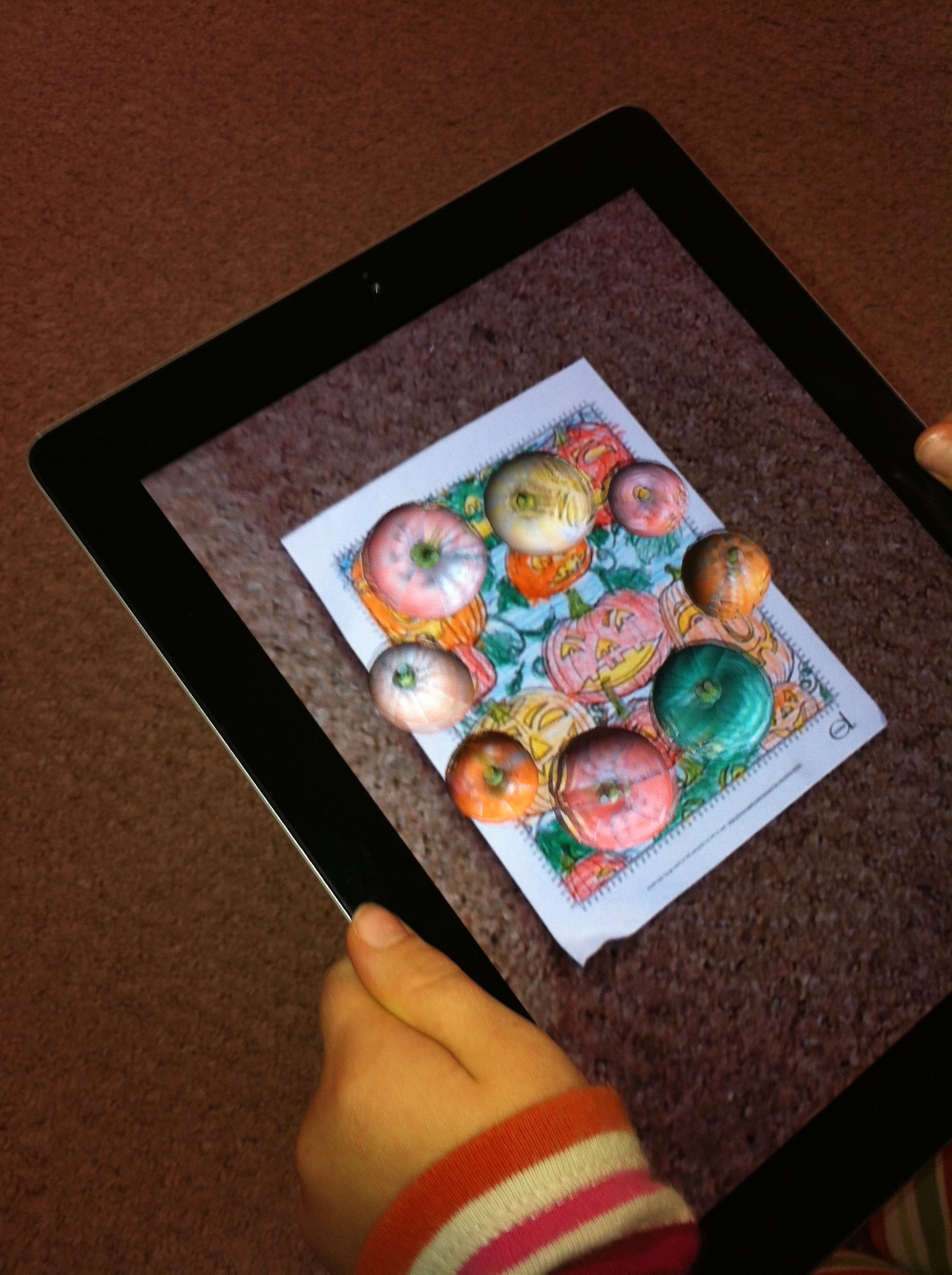
We have also been doing a little with the CoLAR app.  This is an awesome little app.  I gave the students a special coloring sheet about pumpkins that has an augmented image embedded in the page.  When they hold the iPad over the image within the app the trigger engages and the pumpkins begin to dance around!  It also picks up the exact colors that the student used to color their page.  Lots of fun.

IMG_2258


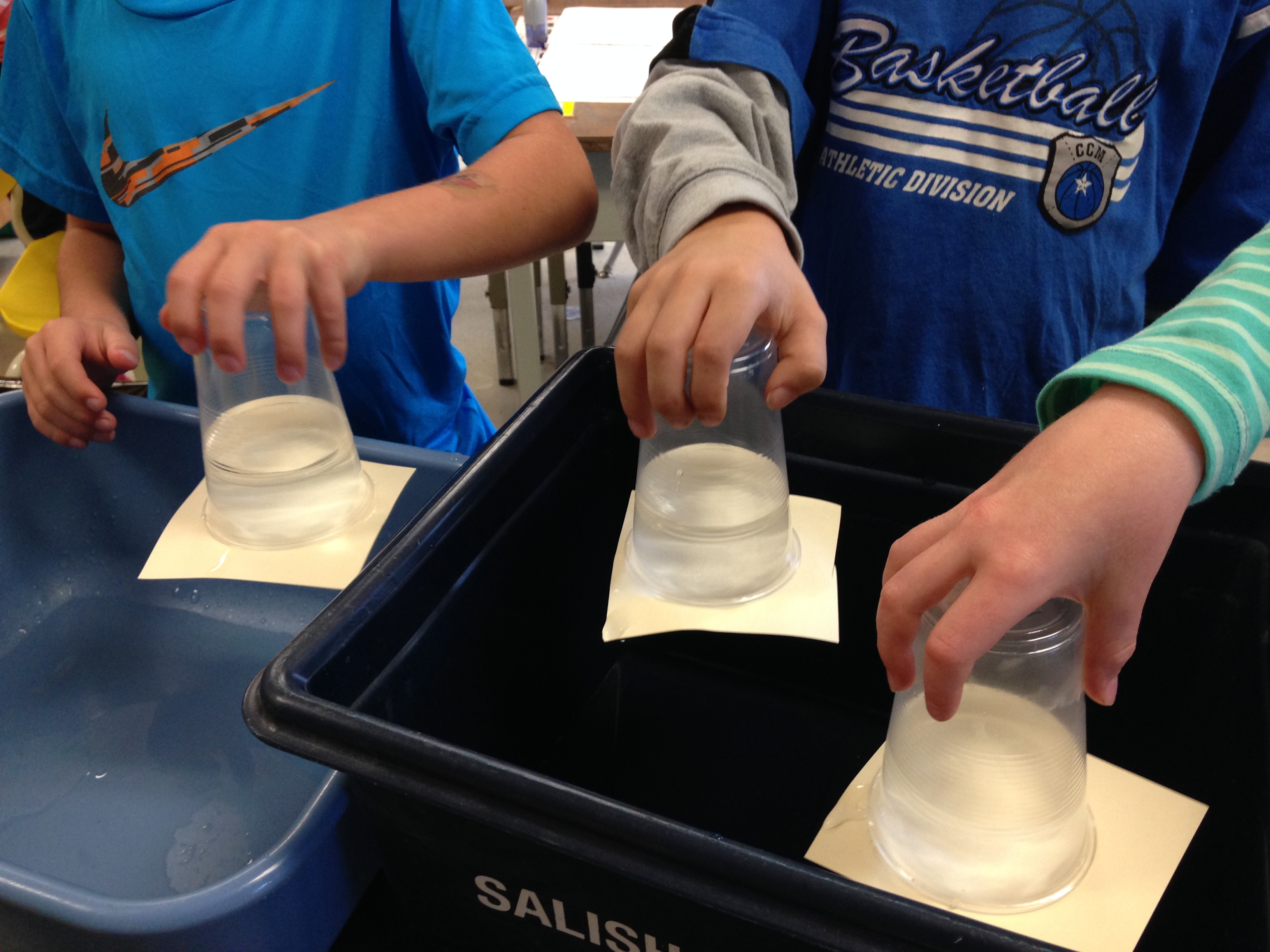
We have also started our science experiments.  I hope the children remembered their promise to do this one over the sink!

IMG_3760

A couple of the students had to hold onto their cups for a long time before the force of gravity exerted itself!  Lots of fun!  Wet, too!


1 Comment

Filed under AR Flashcards Alphabet, Augmented Reality, coLAR, iPads, Science Experiments

Another Year of Fun with Technology!

IMG_1021

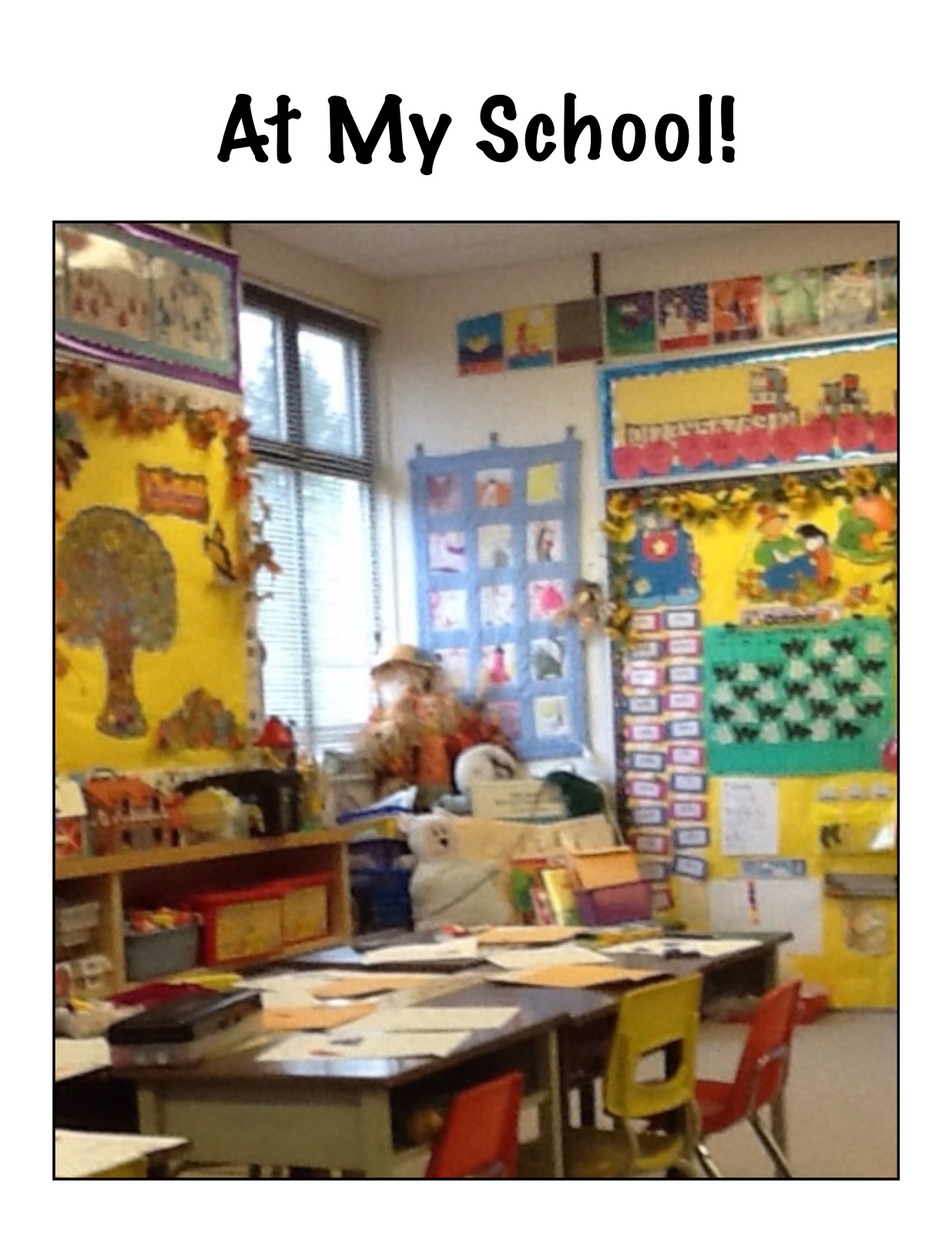
We have been having a lot of fun during the first few weeks of this school year!  We have had a lot of fun creating a book using the iPad based on a story we have been working on in one of our readers.

IMG_1006

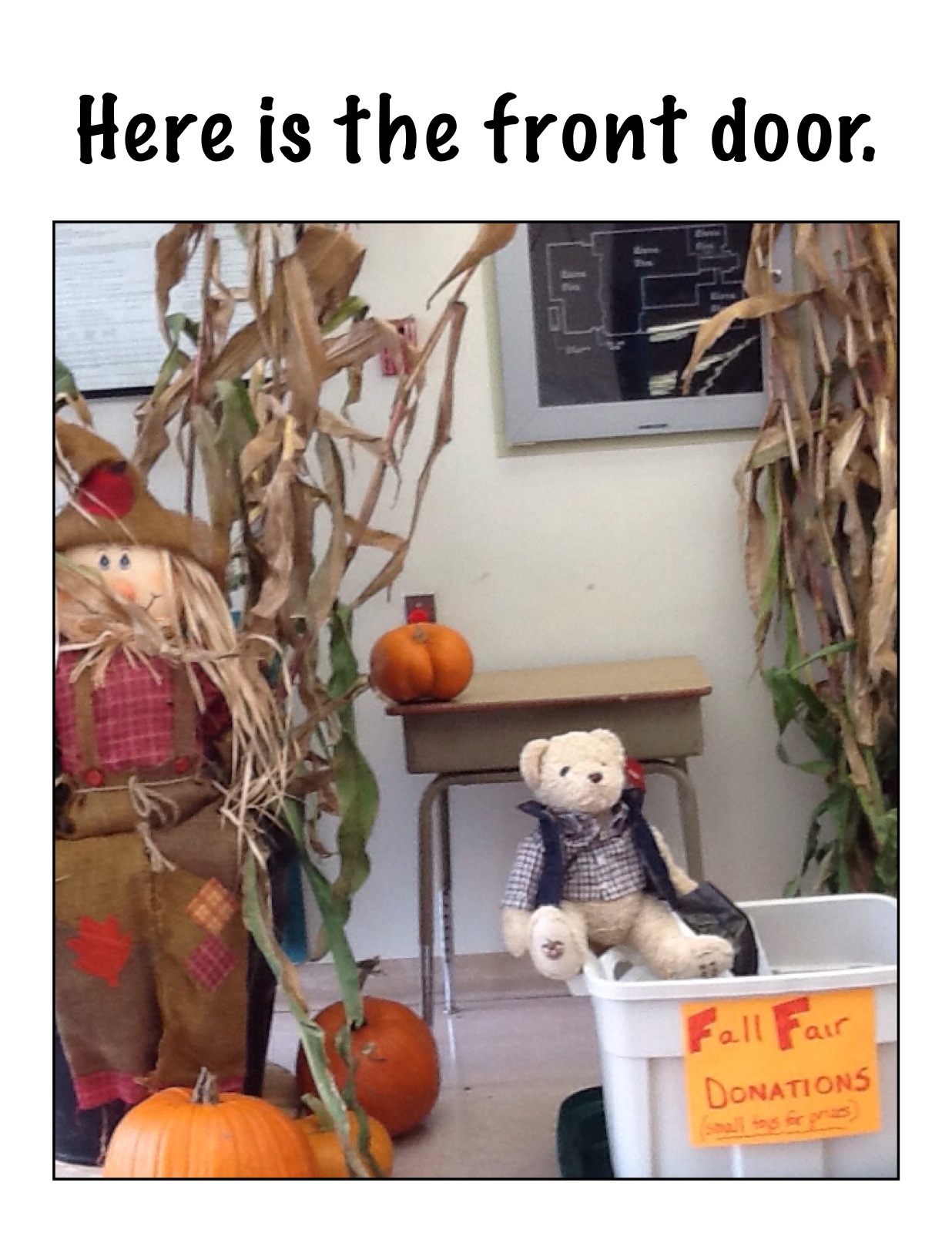
The story focuses on introducing the school in the story.  We decided to create our own book about our own school using the iPads.

We had a great time travelling all around the school taking pictures of the important sites in the school according to the children!  Then we imported the pictures into an app called Strip Designer and added the text.  Then we imported these pages into another app called Explain Everything to create our book.  Then we recorded our voices reading the text.  We saved our book to the camera roll and exported it to Youtube.  We hope you enjoy our efforts!

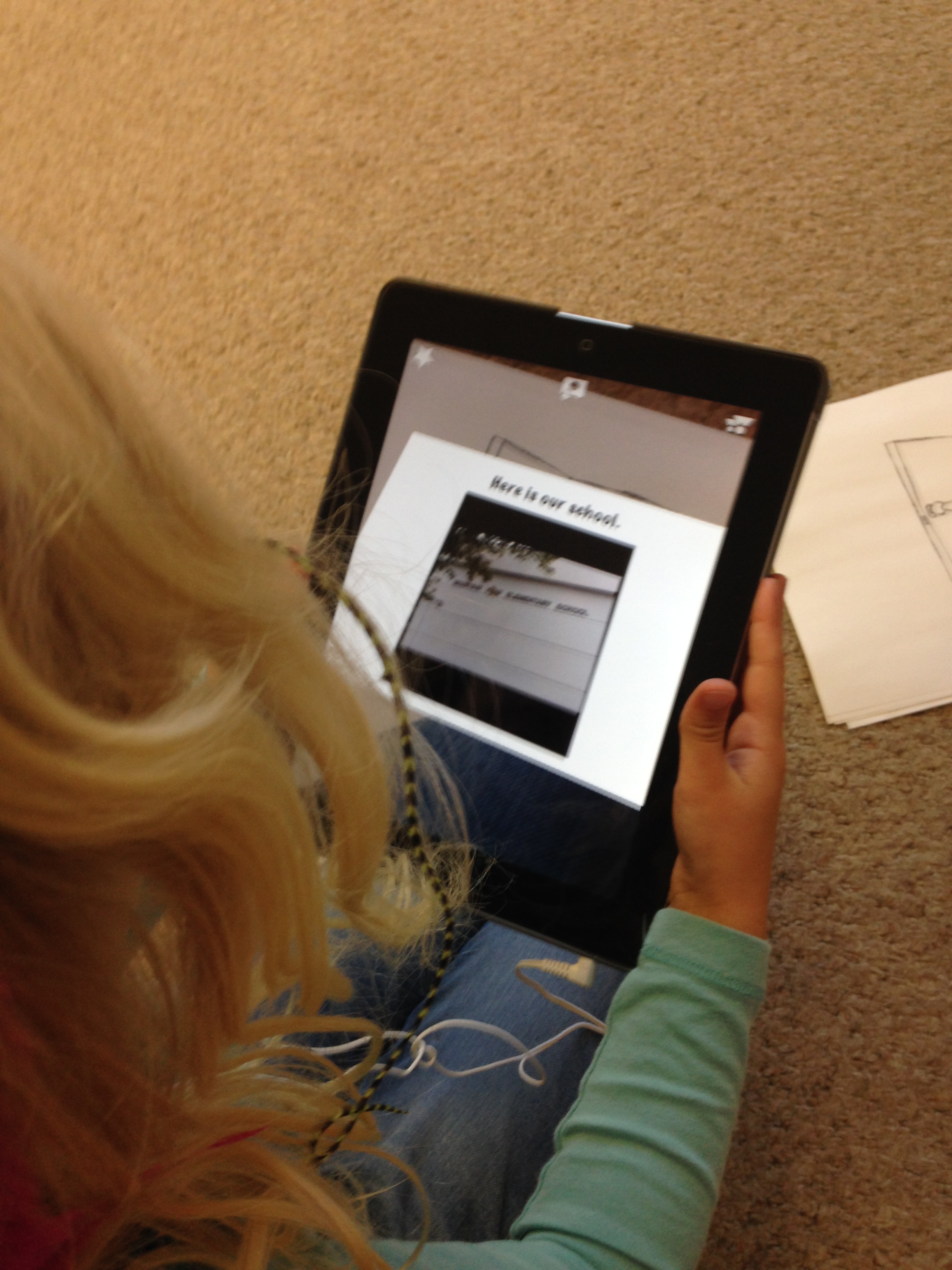
I have also been experimenting with Aurasma again this year.  This app allows us to attach files to a trigger image such as a picture.  When you view the picture within the Aurasma app it triggers the attached file to display.  You need to follow our class on the Aurasma app to see the Aura.

To see our auras, please follow the following steps.

1.Download the app Aurasma on your device.  It works on iPads, and iPhones.  I believe there is also an android version.   The app is free.   It will ask you if you want to register.  You do not need to register to see the auras.

2. Search for our channel and follow it.  Our site is

mrsantonsclass or mrsantonsgradeone

You can do this by choosing the magnifying glass icon at the bottom of the screen.  Type in either site name.  Our channel should come up!  (I have tried it on every device in my house and had my family try it so it should work!)   Then choose the Follow button. The text will change to Following.

at my school aura 1

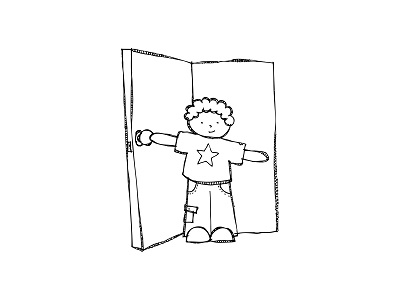
(image from KPM Doodles)

You should then see a little snapshot of the picture above.

3. You can then trigger the aura by choosing the option at the bottom of your screen that has the four corners (the one in the middle).

Aim your device at the trigger image above on this screen on your computer and you will see the aura activate with a purple swirl.  The attached file should then display.   The attached file is the book that we created above.  It is pretty cool!  Now you have two ways of viewing the same book!.

IMG_3782

We tried it out this morning in our classroom with my iPad and the pictures!  Lots of fun!

IMG_3778

As we create other auras this year we will share them to this channel.

You can share the aura by choosing the share button.  You can share it via email or twitter.

I have also shared the book on our Twitter site.  Our twitter address is @mrsantonsclass.

I  have added the twitter feed to the blog on the right hand side!  You can see some of our tweets.

IMG_3783

Today we tweeted about the Global Read Aloud 2014.   We have joined with a large group of teachers worldwide who are completing an author study of the Peter Reynolds stories.  This week’s book is I’m Here.  We watched the trailer about the book.  Then we posted about it using the Global Read Aloud hashtag. You can see our tweet in the twitter feed on the side of the blog.  We are hoping to connect with other classrooms in the world and find out what they think about the books too!

IMG_3788

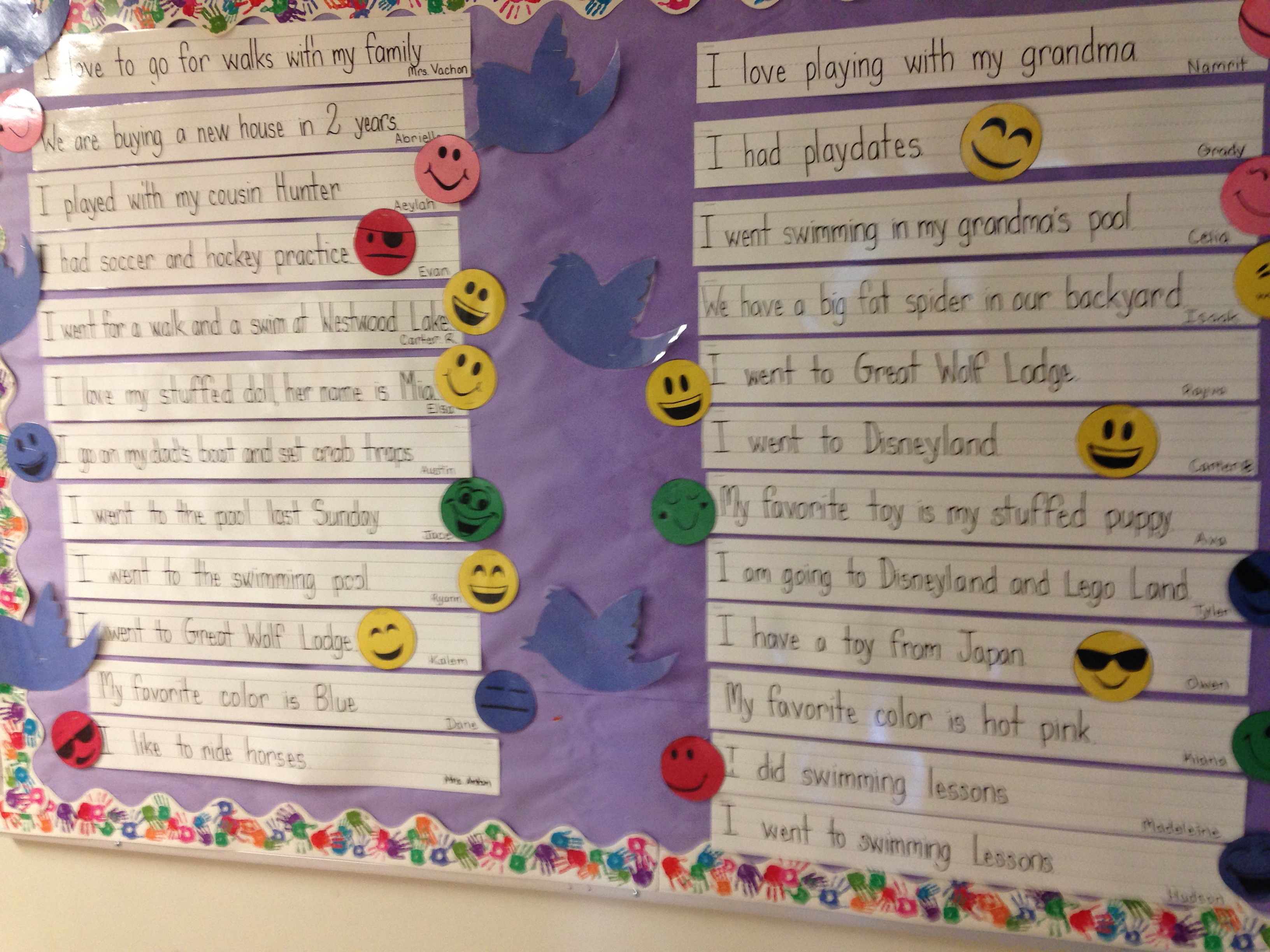
Isaak’s Mom has voluteered to help us with our Twitter page.  We have started sharing our news on the twitter board and will soon be posting our tweets on our Twitter page on the computer!


IMG_3789

Having lots of fun with technology!  Definitely something to tweet about!

Leave a comment

Filed under Augmented Reality, Aurasma, Comic Strip Designer, Explain Everything, iPads, Twitter, Youtube

Fun at ISTE!

IMG_3455


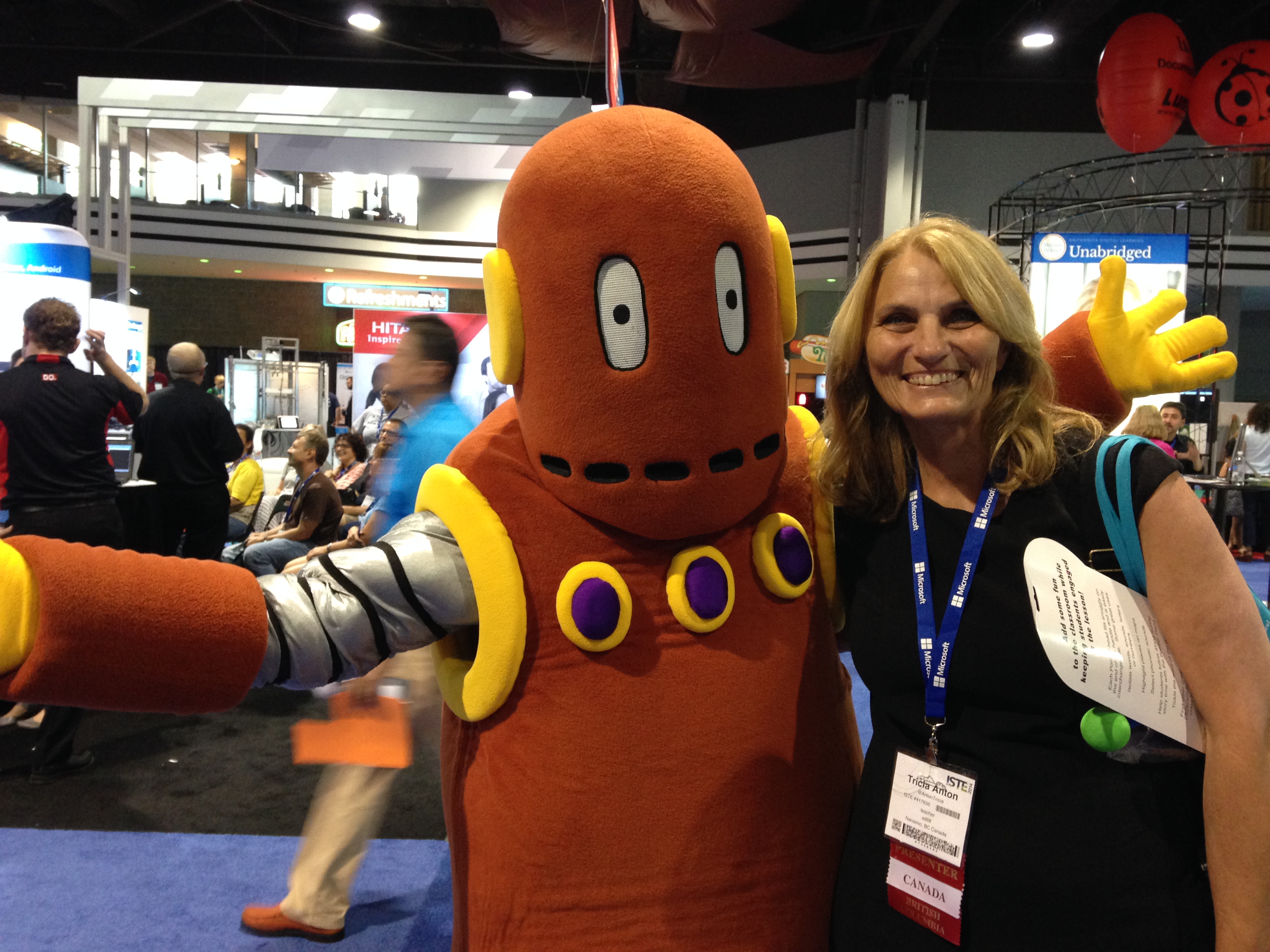
This is a picture of me with Mobey from the BrainPop booth at the ISTE conference!  I had a great time at the ISTE conference in Atlanta, Georgia during the summer!  This conference is a huge conference for teachers using technology.  This year there were over 18,000 participants!  The conference registration was one of the prizes included in the Mindshare Learning Digital Learning Challenge contest that we won this year!  It was an amazing conference and I tried to take in as much as I could!  I am hoping to add some of the concepts I was introduced to in our classroom this year!

IMG_3562

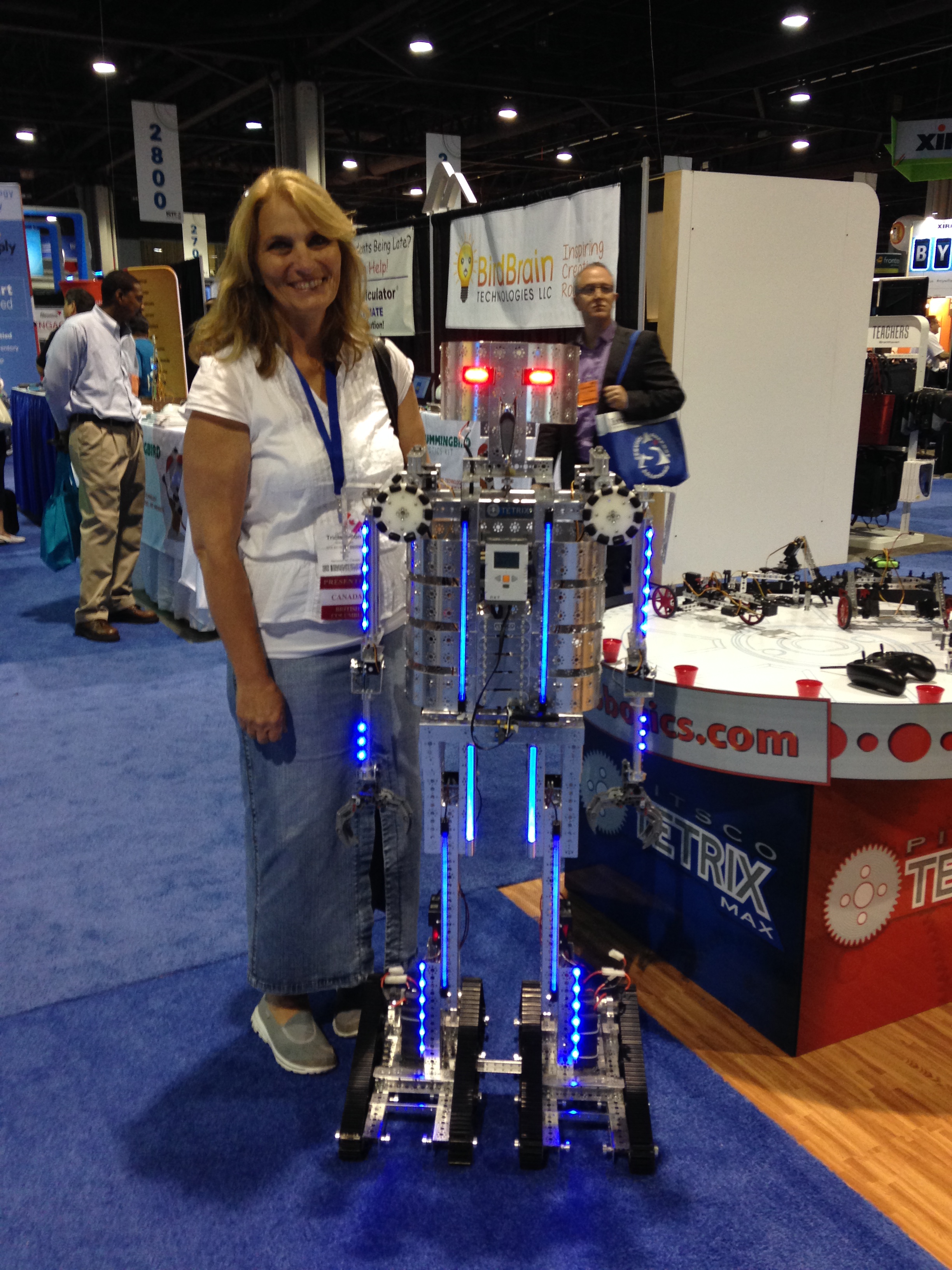
 I got to see some of the latest technology!

This guy was really cool!

IMG_3428
IMG_3429


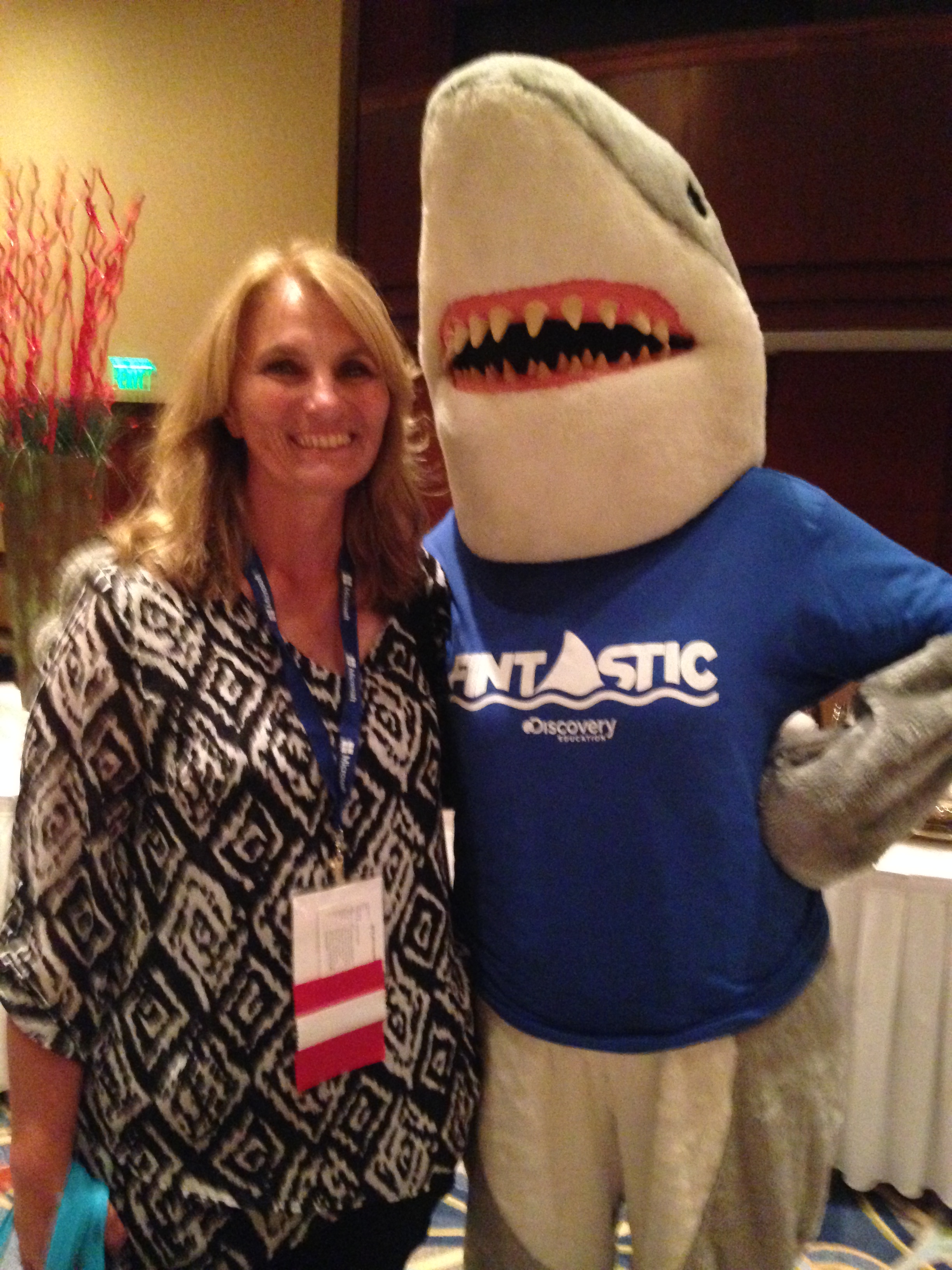
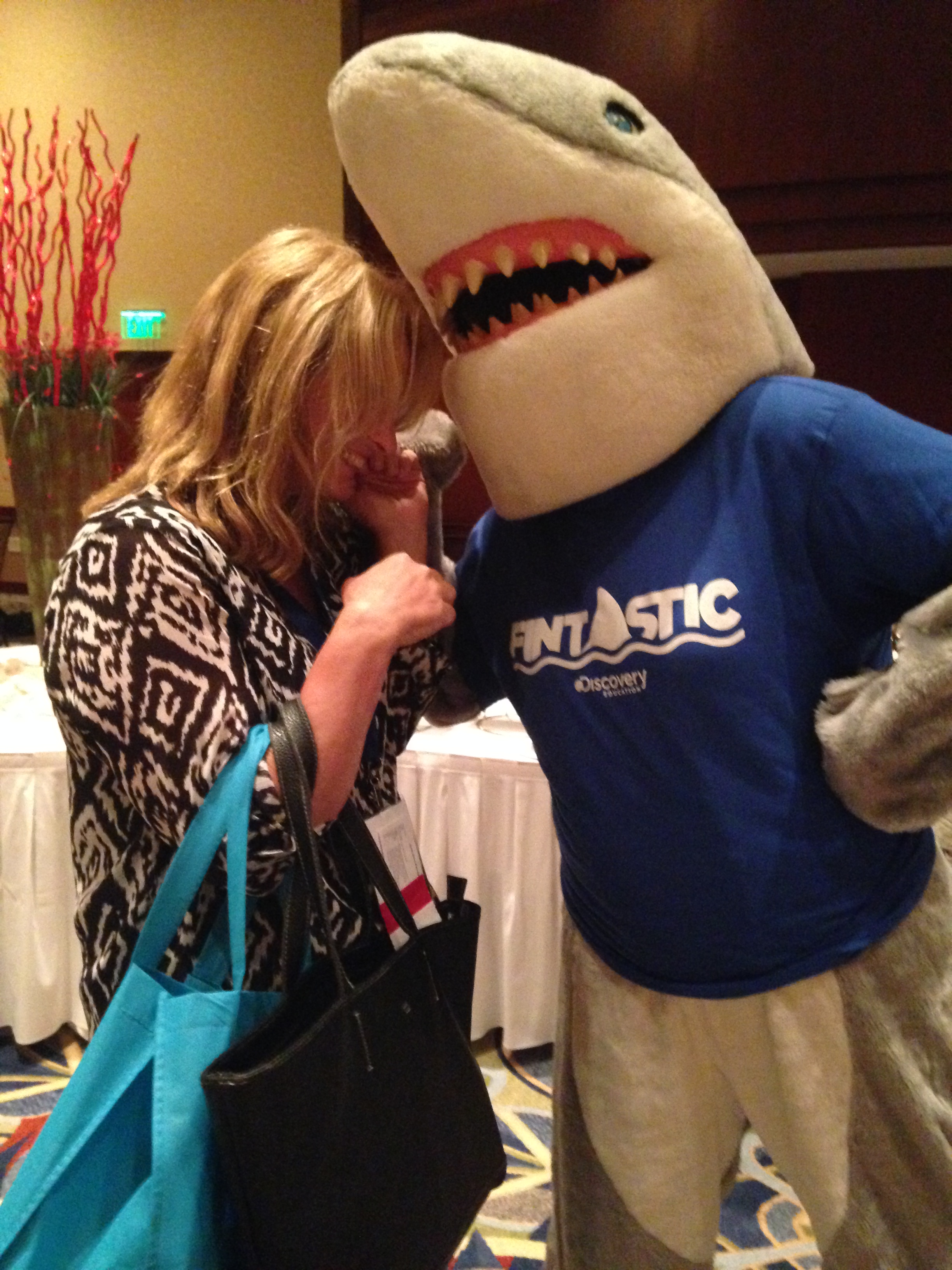
This is Fintastic from Discovery Education trying to take a bite!

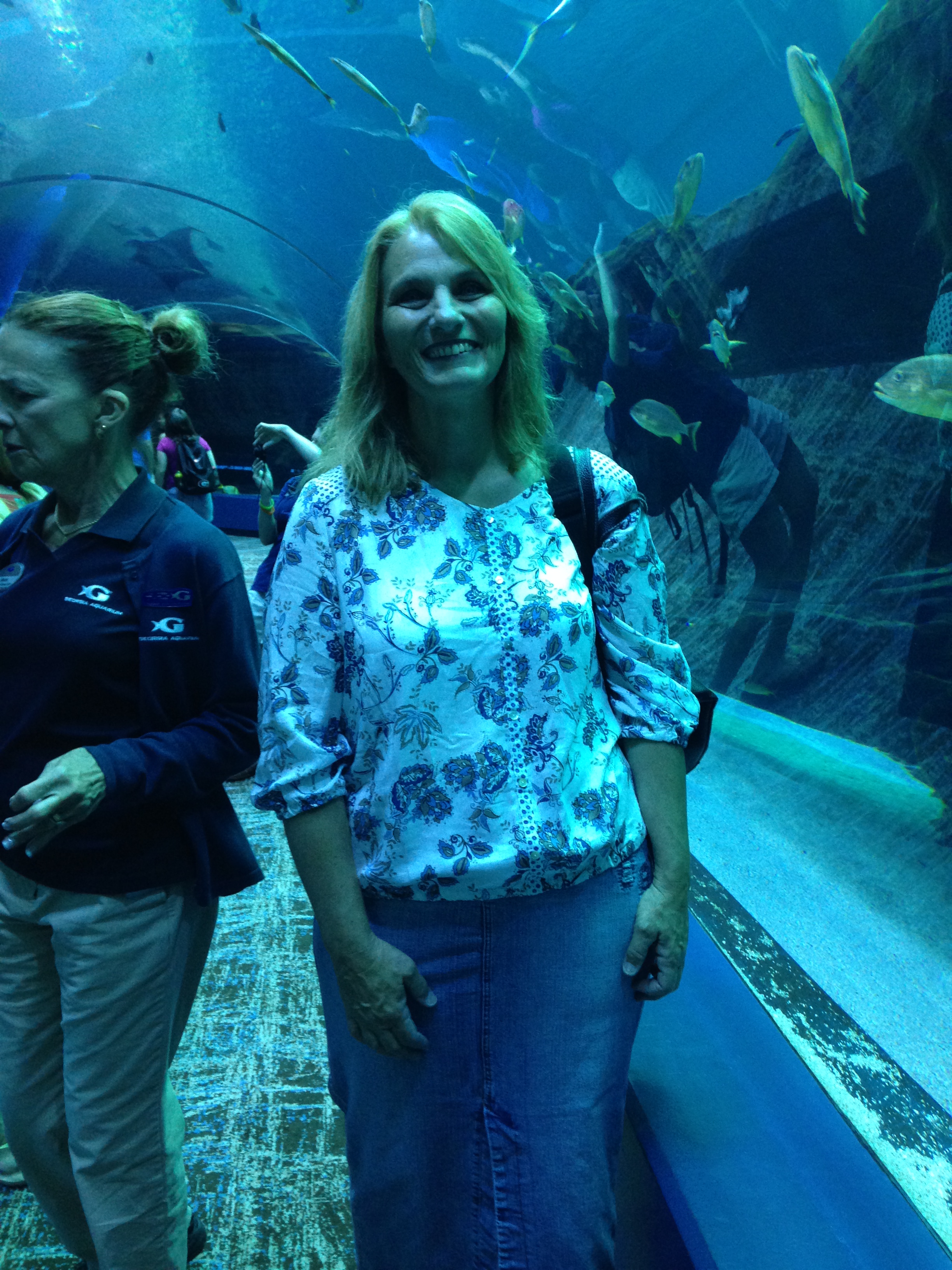
I managed to visit the aquarium in Atlanta during some break time and met some amazing animals!

IMG_3470

IMG_3480

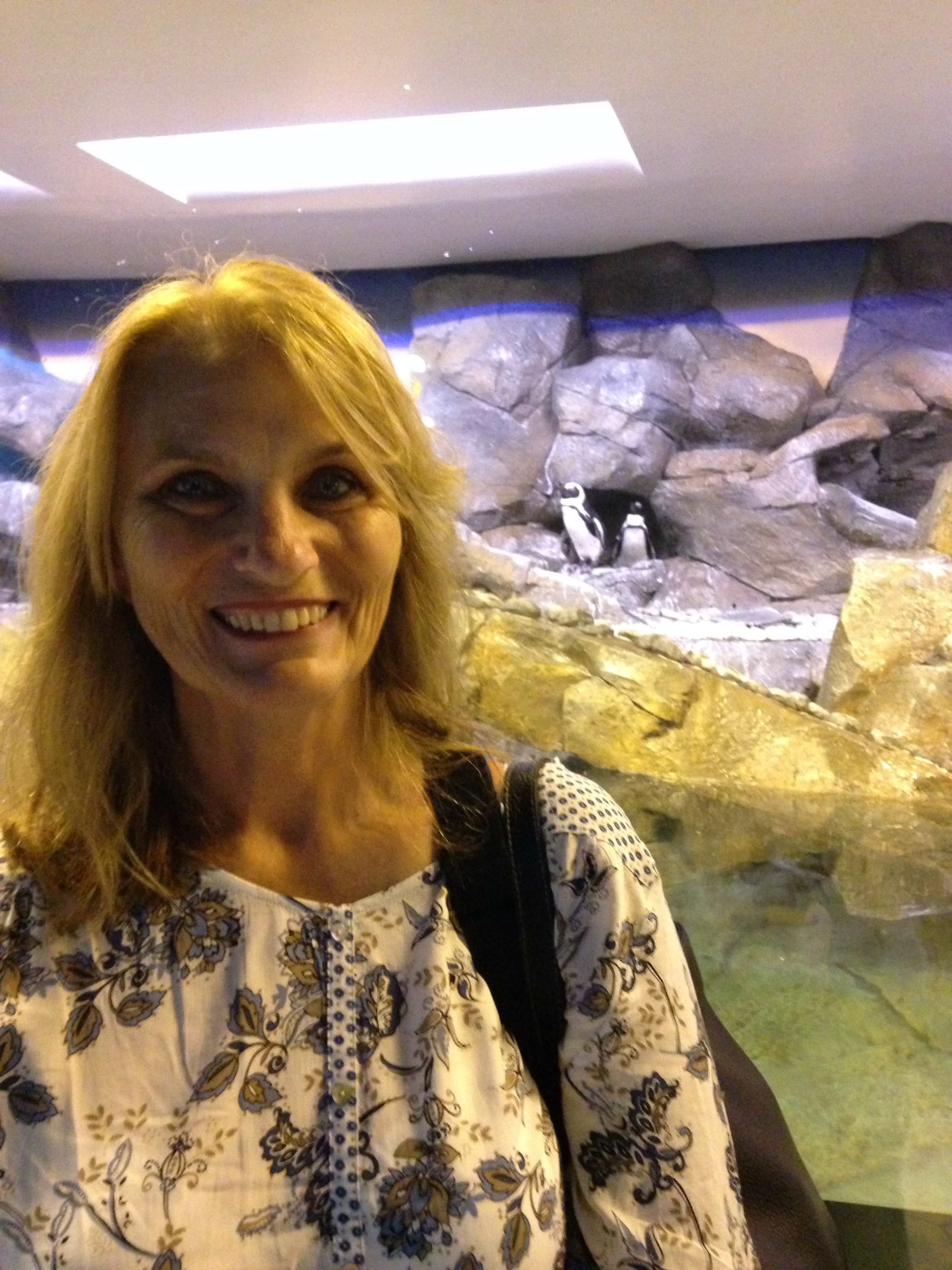
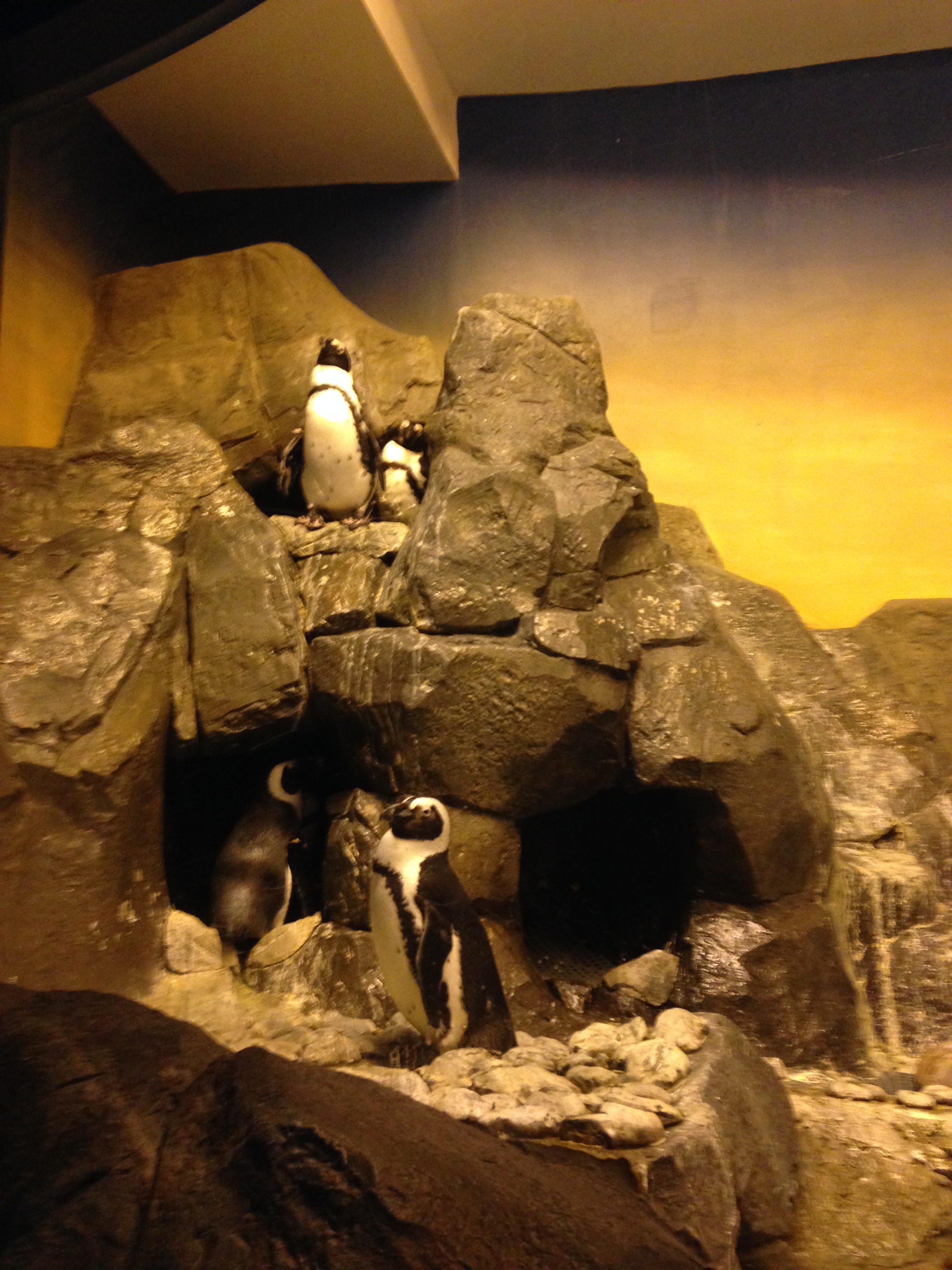
Can you see the cute little penguins in the background? I think these are the penguins we watched on the webcam in our classroom!

IMG_3482


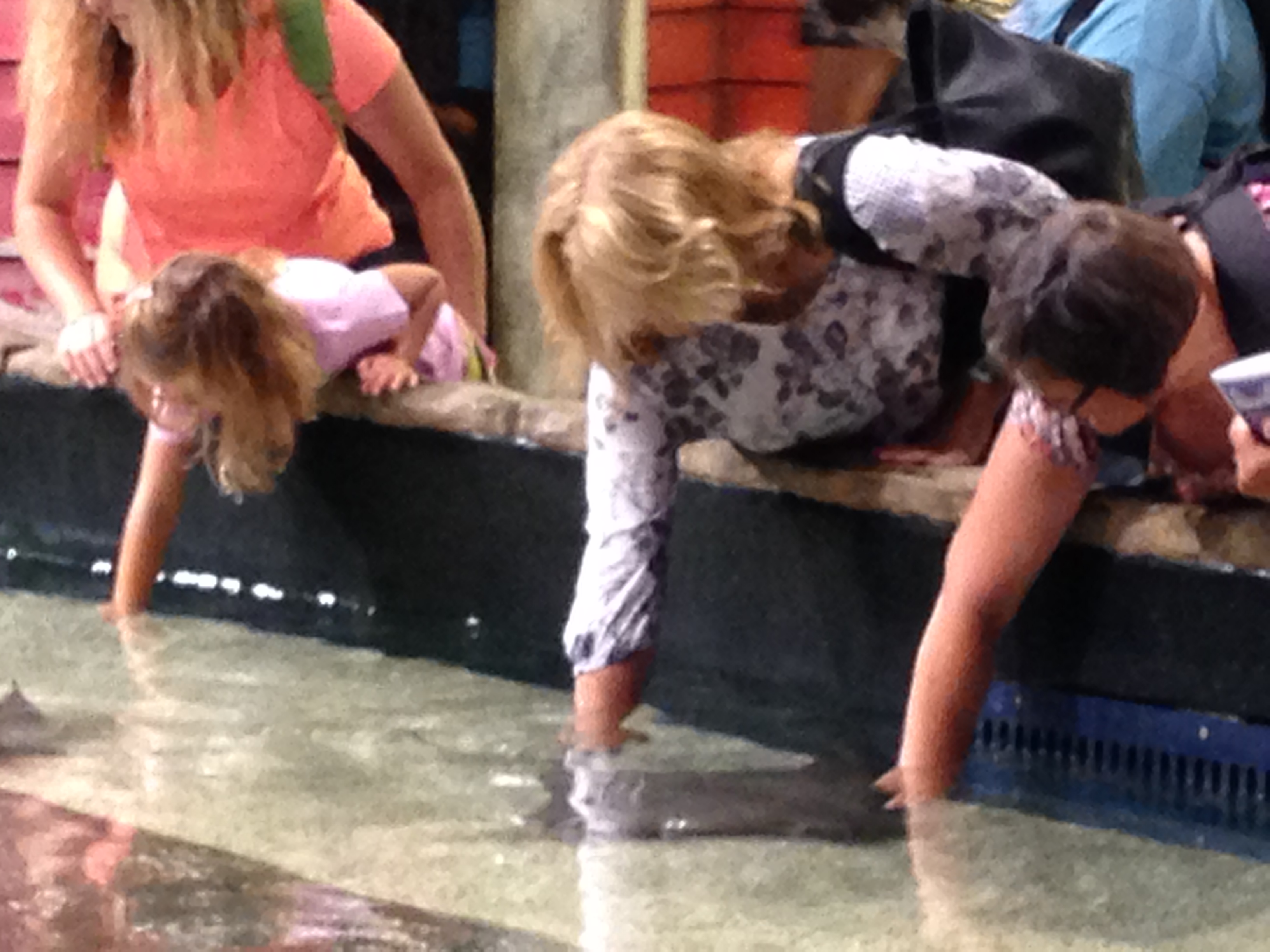
I even got a chance to pet a stingray!

IMG_3490


IMG_3486

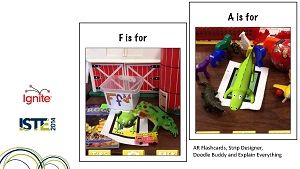
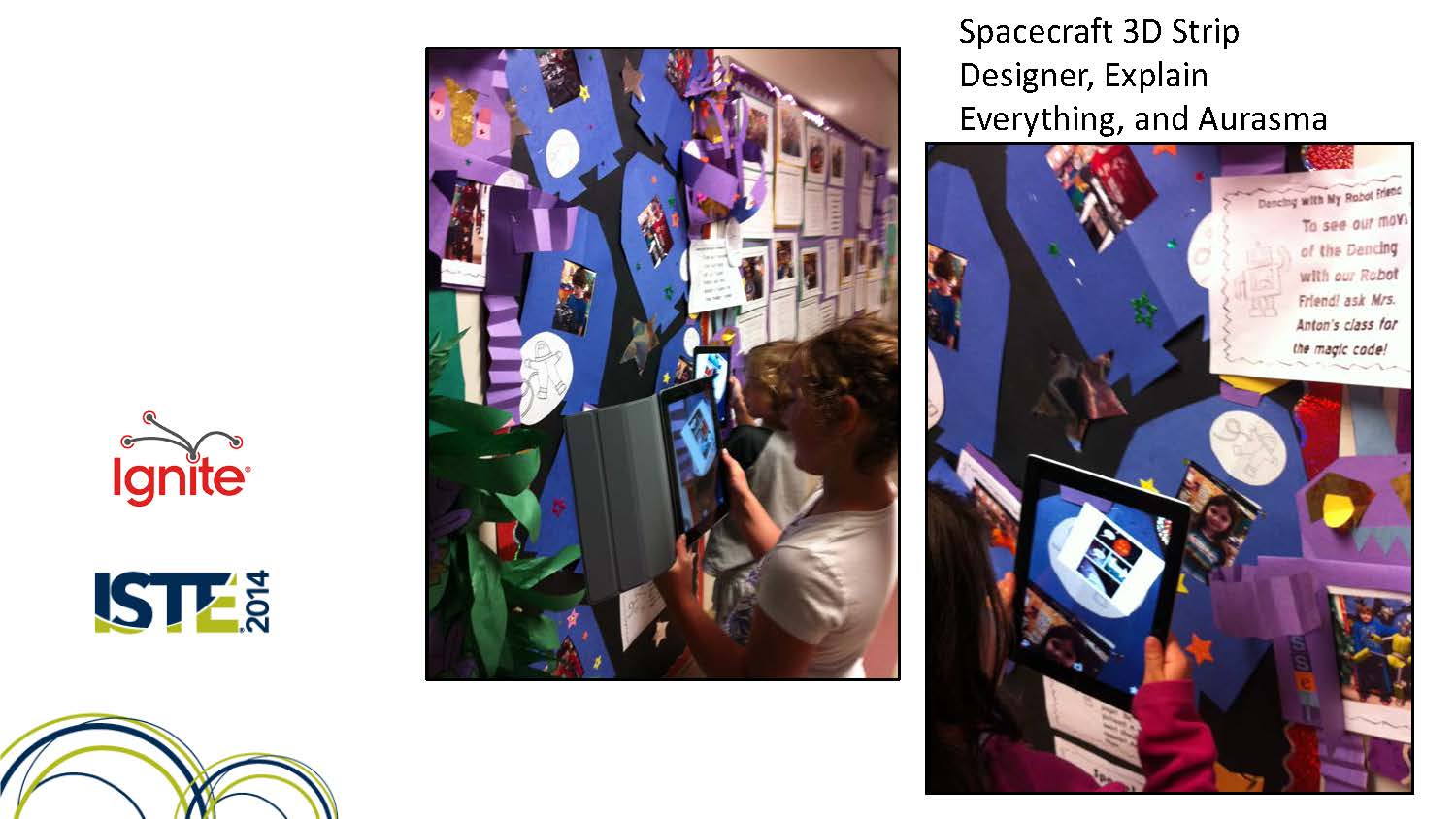
I got a chance to share all of the great work that our classroom has been doing with augmented reality and creative writing at the conference!

iste ignite tricia anton 13


I presented a short talk about the stories we have been writing using the augmented reality apps using pictures of the work we had done!

iste ignite tricia anton 12

Everyone seemed to really enjoy what they saw!

IMG_3543

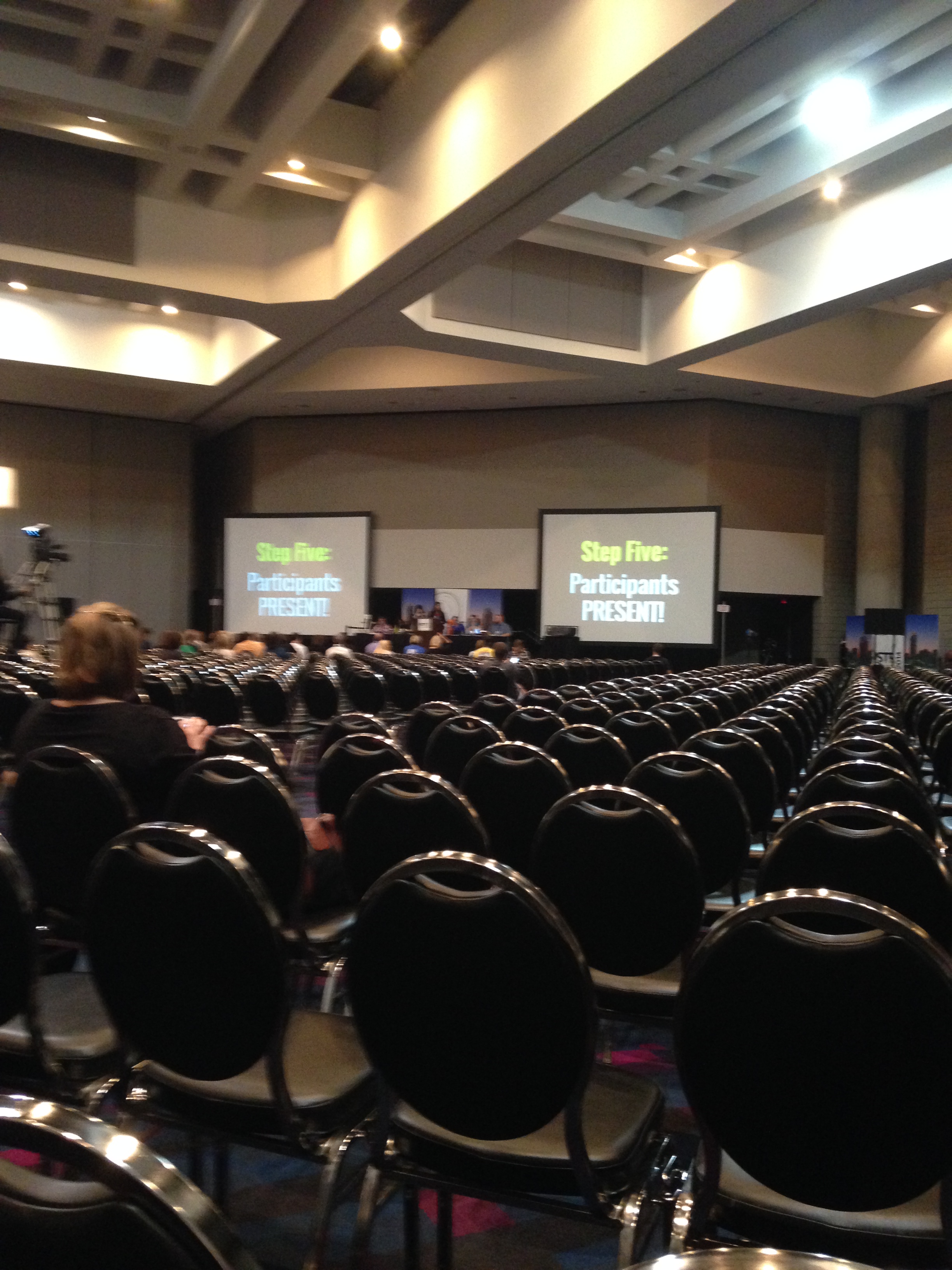
This is a view of part of the room where I shared our project just before the people came!

 It was the first time I had ever spoken to such a large group.

Pretty scary, but fun too!

IMG_3520

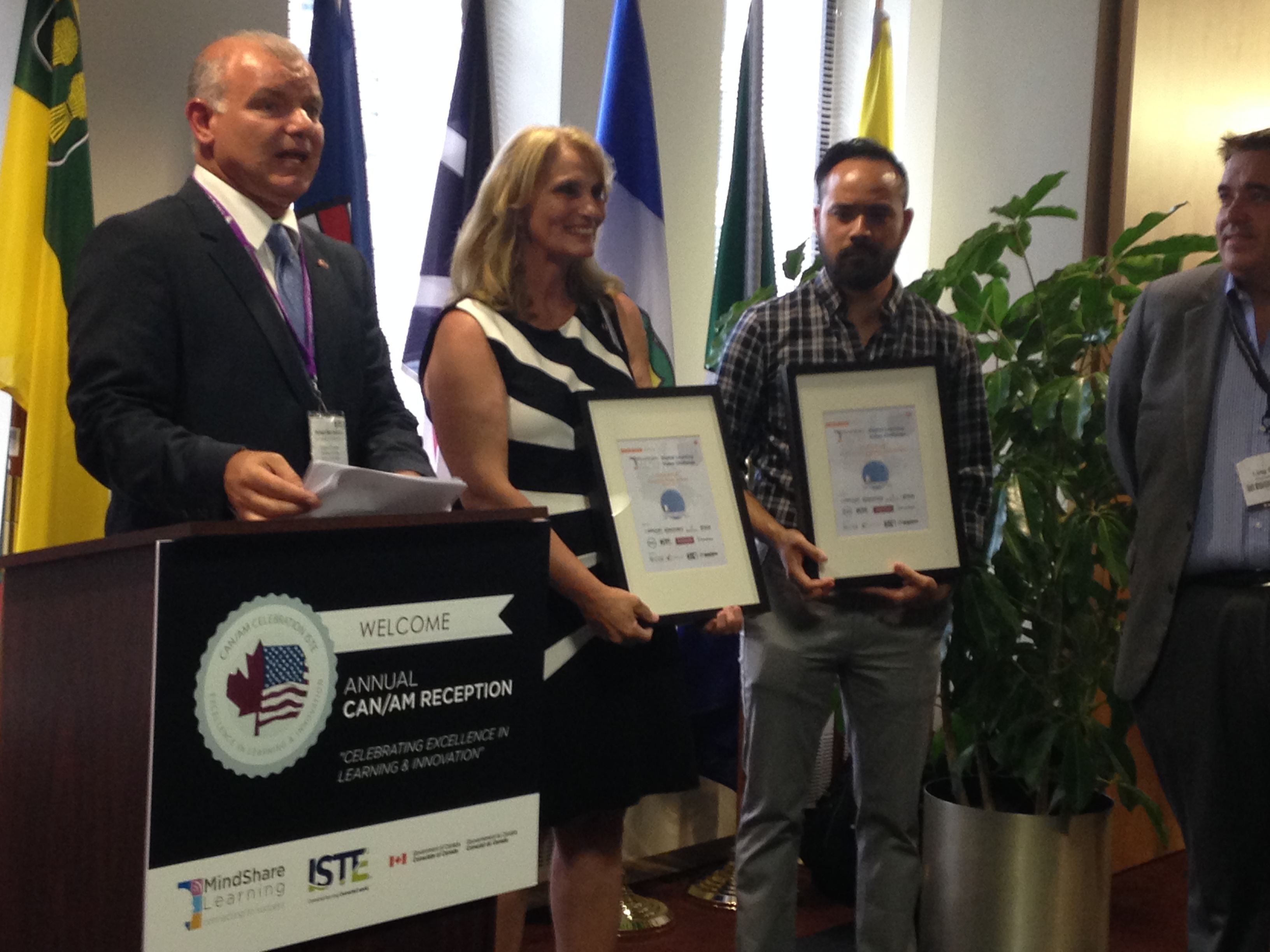
There was a reception at the Canadian embassy in Atlanta.  This is where we received our awards!  That was definitely too much fun!

Everyone was so nice!

IMG_3559

Wouldn’t you like to play with this guy?  Too much fun!!

Leave a comment

Filed under Augmented Reality, iPads, ISTE 2014 conference, Mind Share Learning Video Challenge, Prizes

Augmented Reality Alphabet Book Fun!

[youtube https://www.youtube.com/watch?v=1qcfNaZtz-8&feature=youtu.be?rel=0&showinfo=0]


This is our Augmented Reality Alphabet Book!  We think it is very cool!  We have been working with the AR Flashcards app a lot this year!  This book is a compilation of a lot of work!

IMG_3083

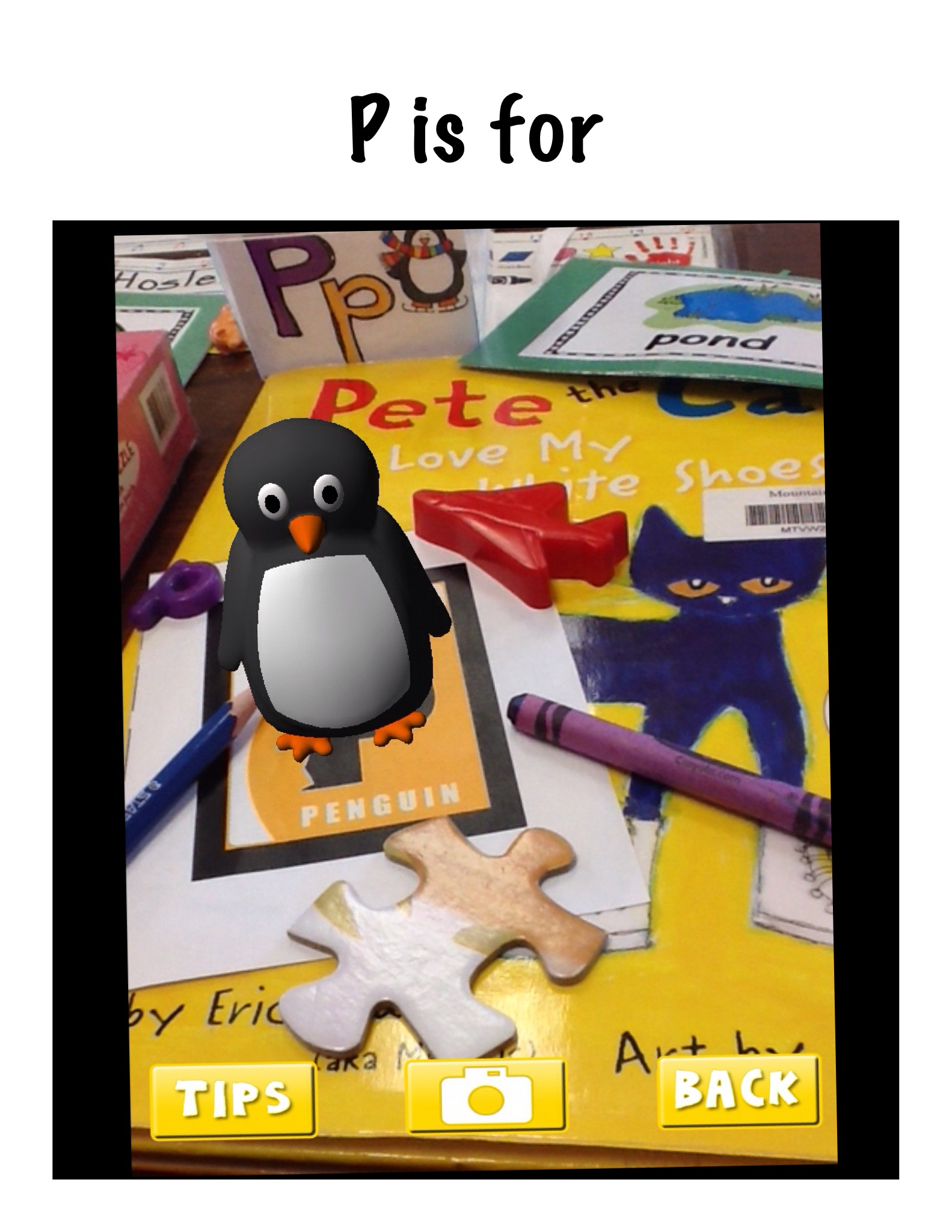
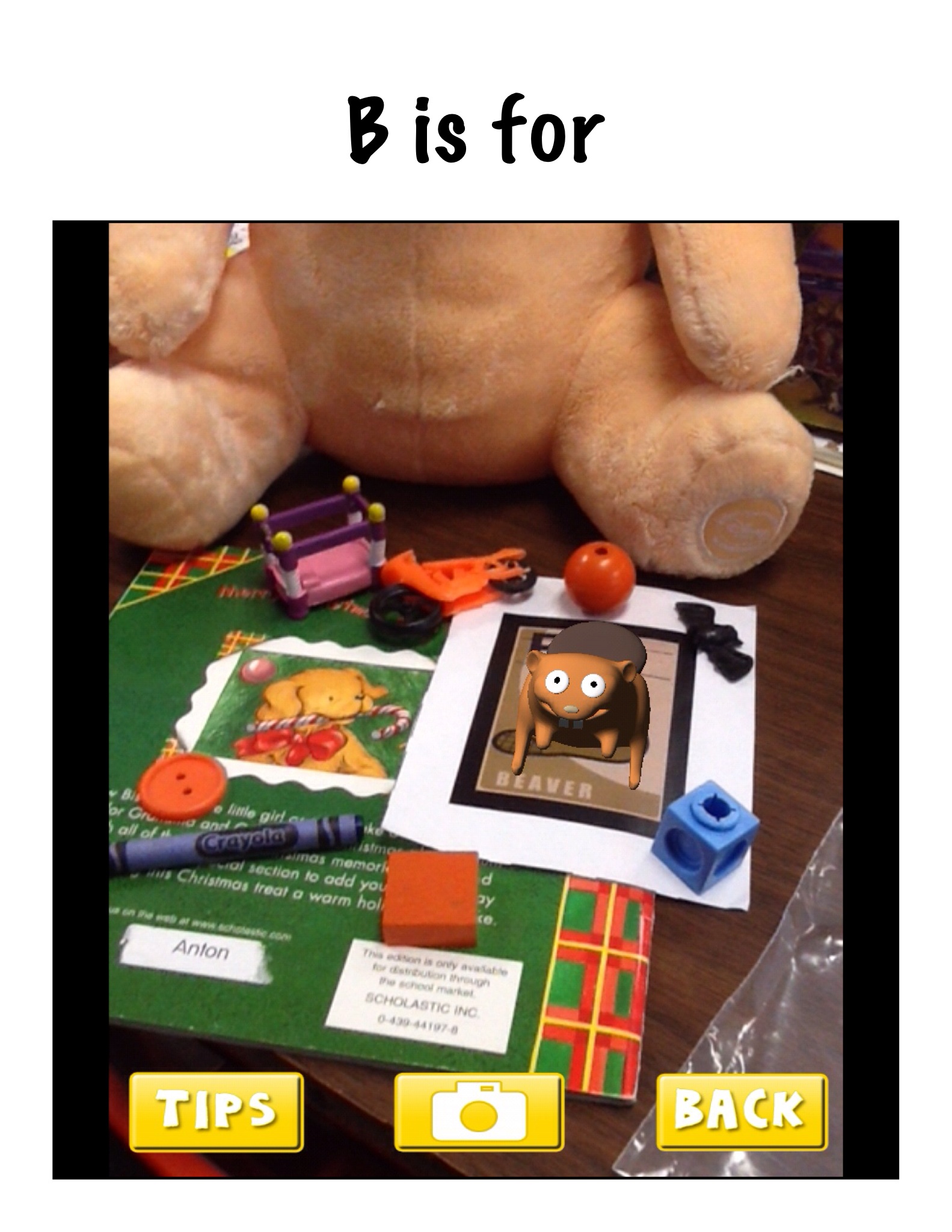
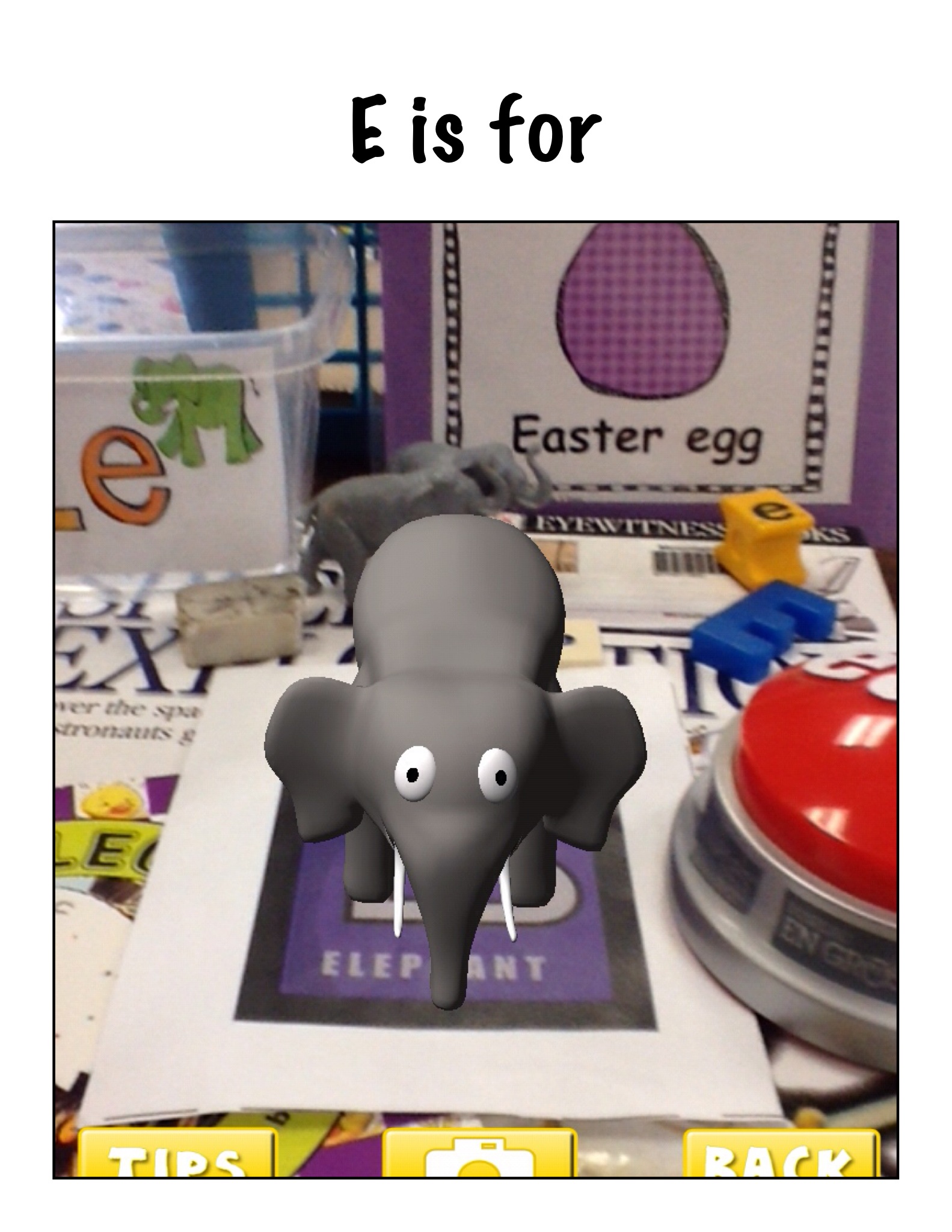
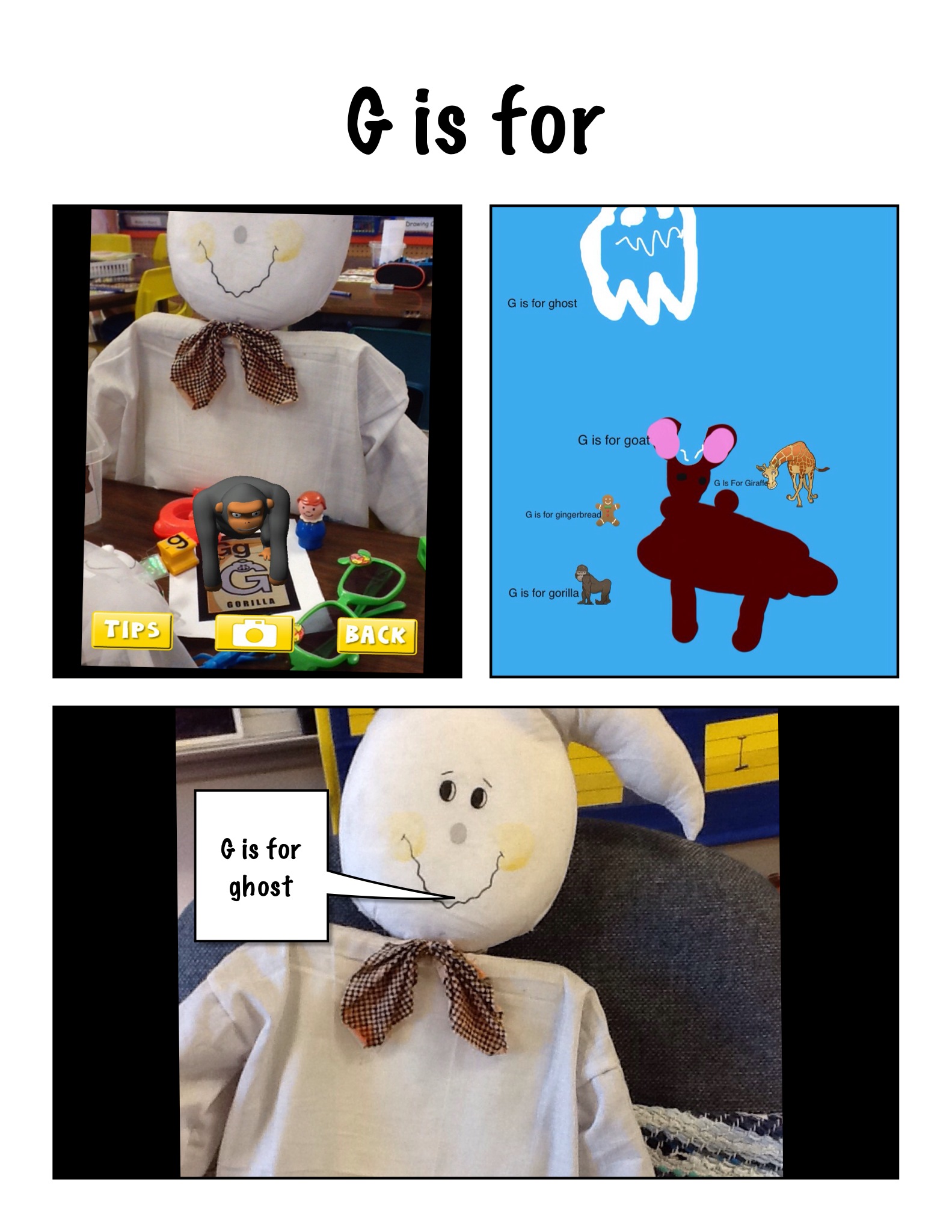
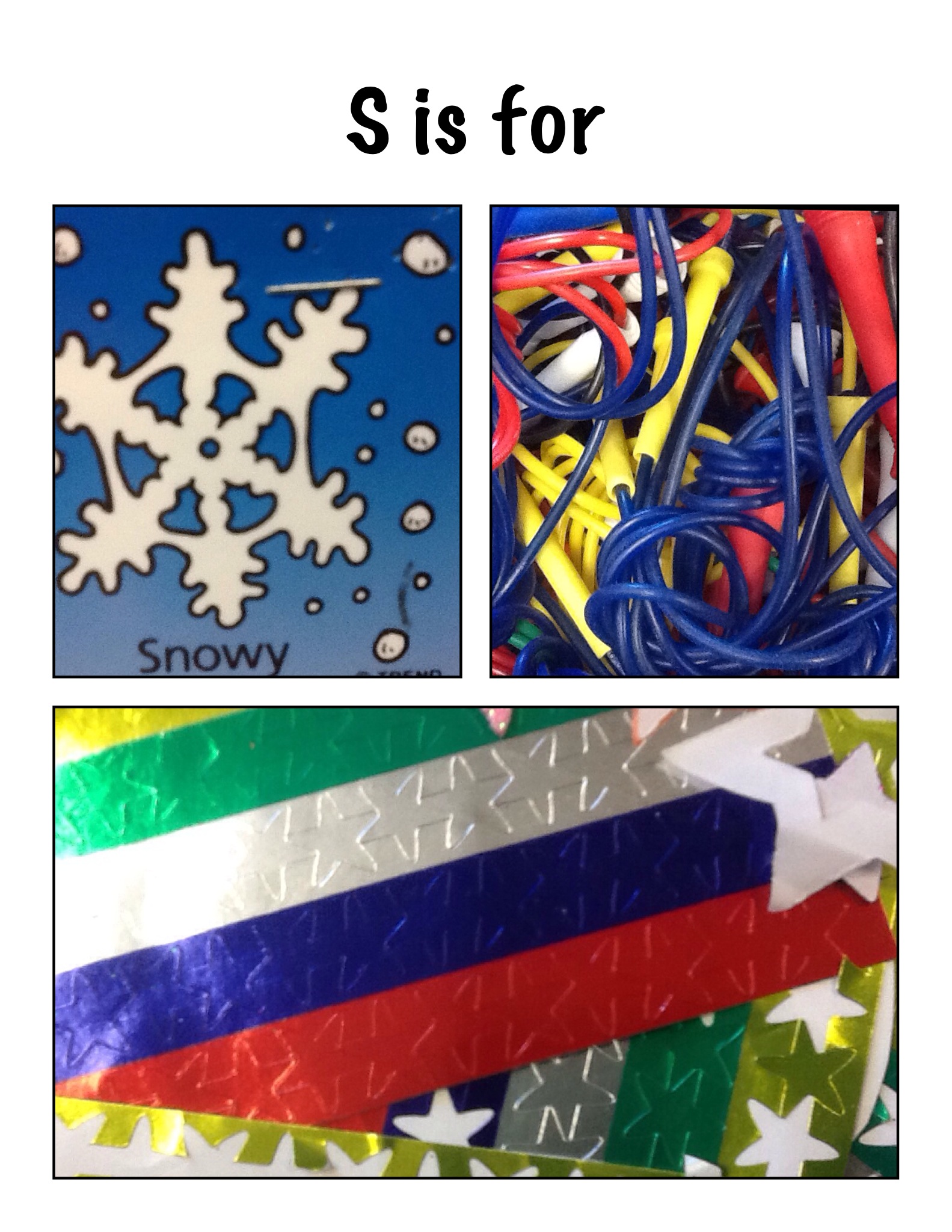
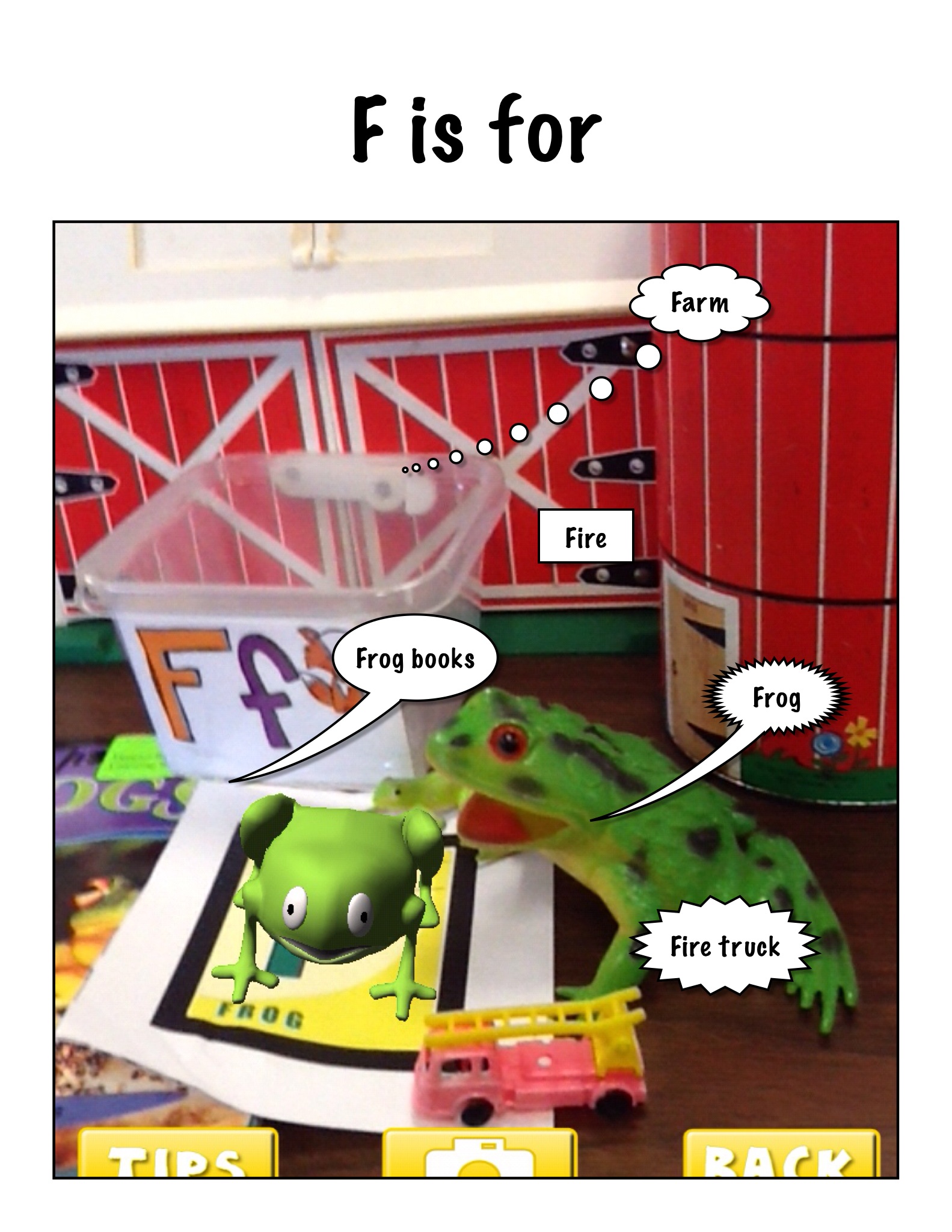
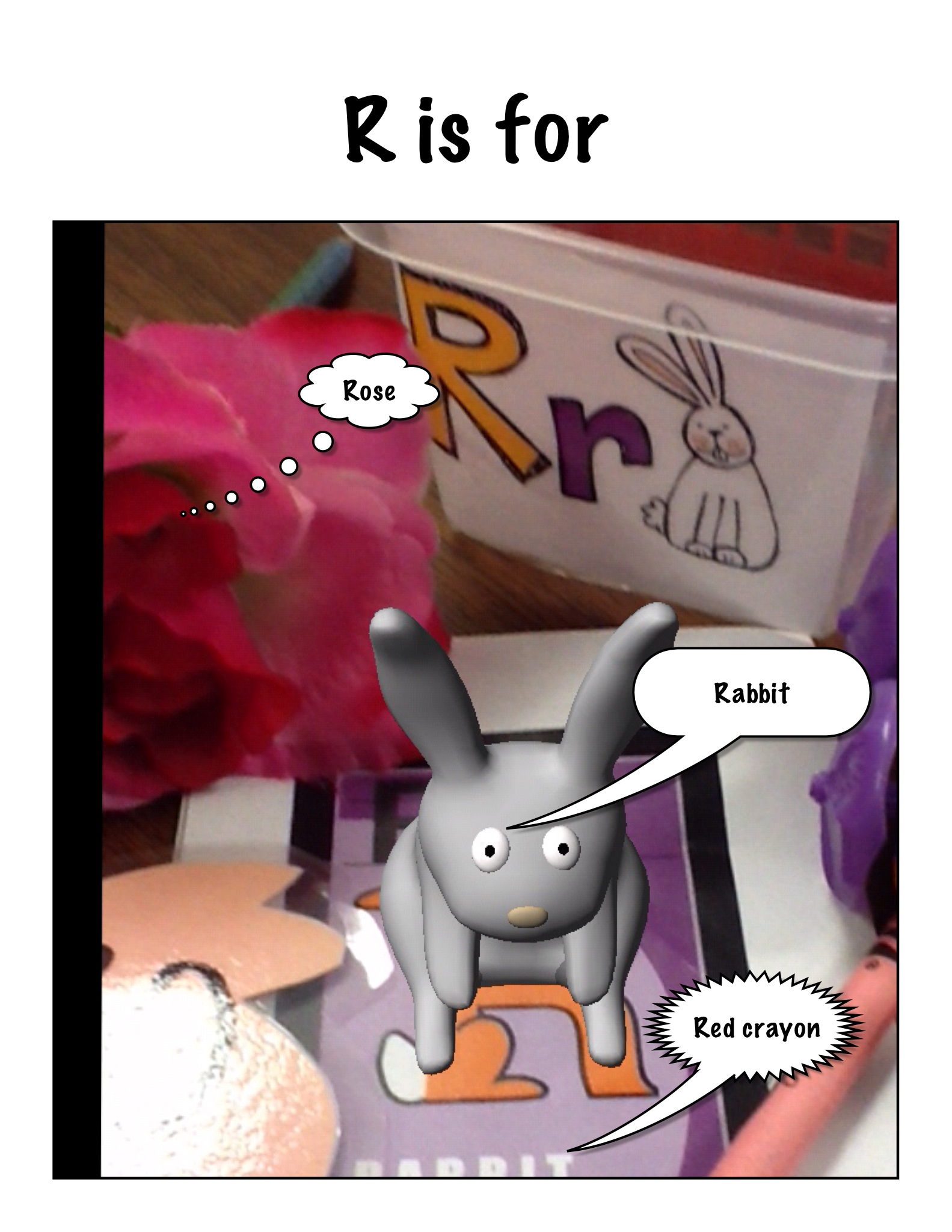
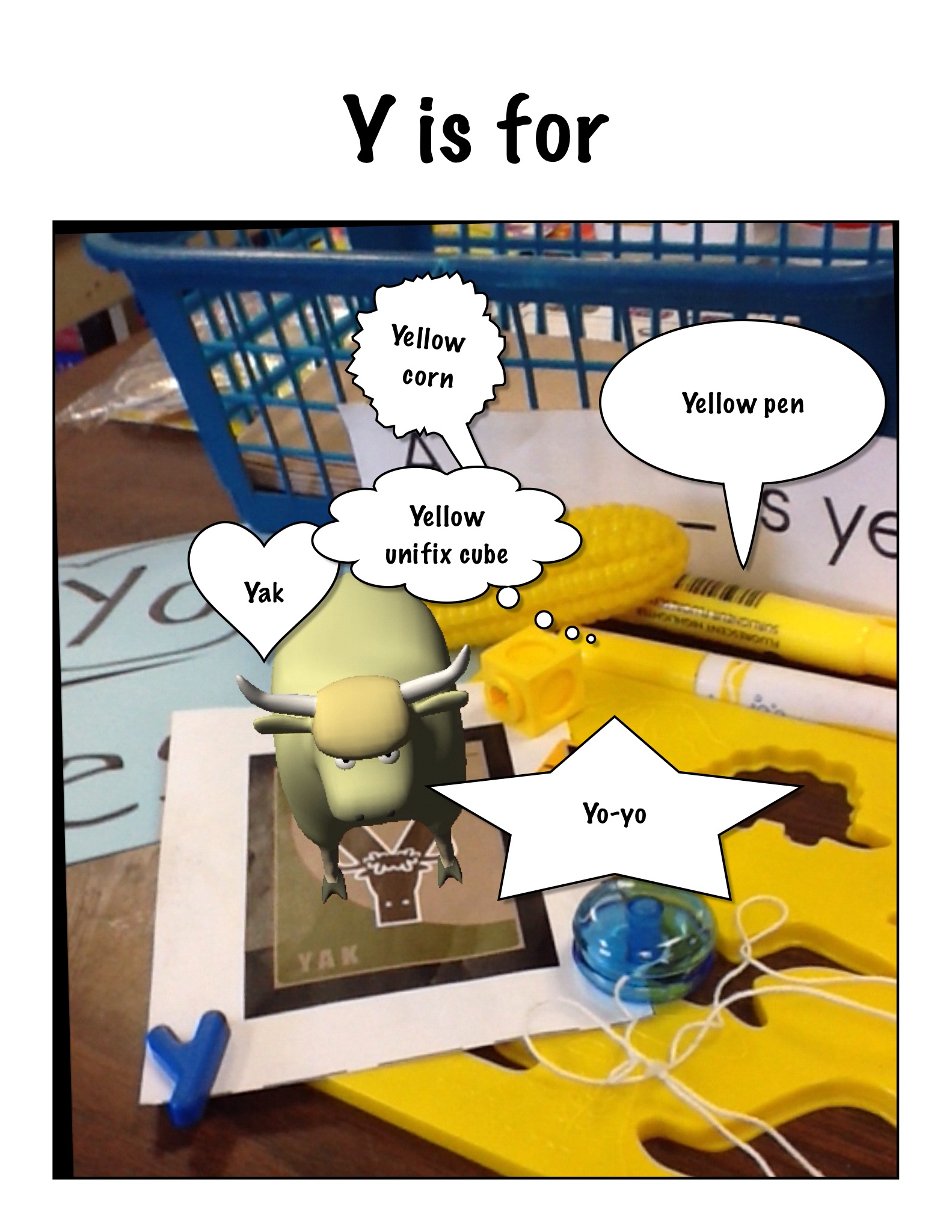
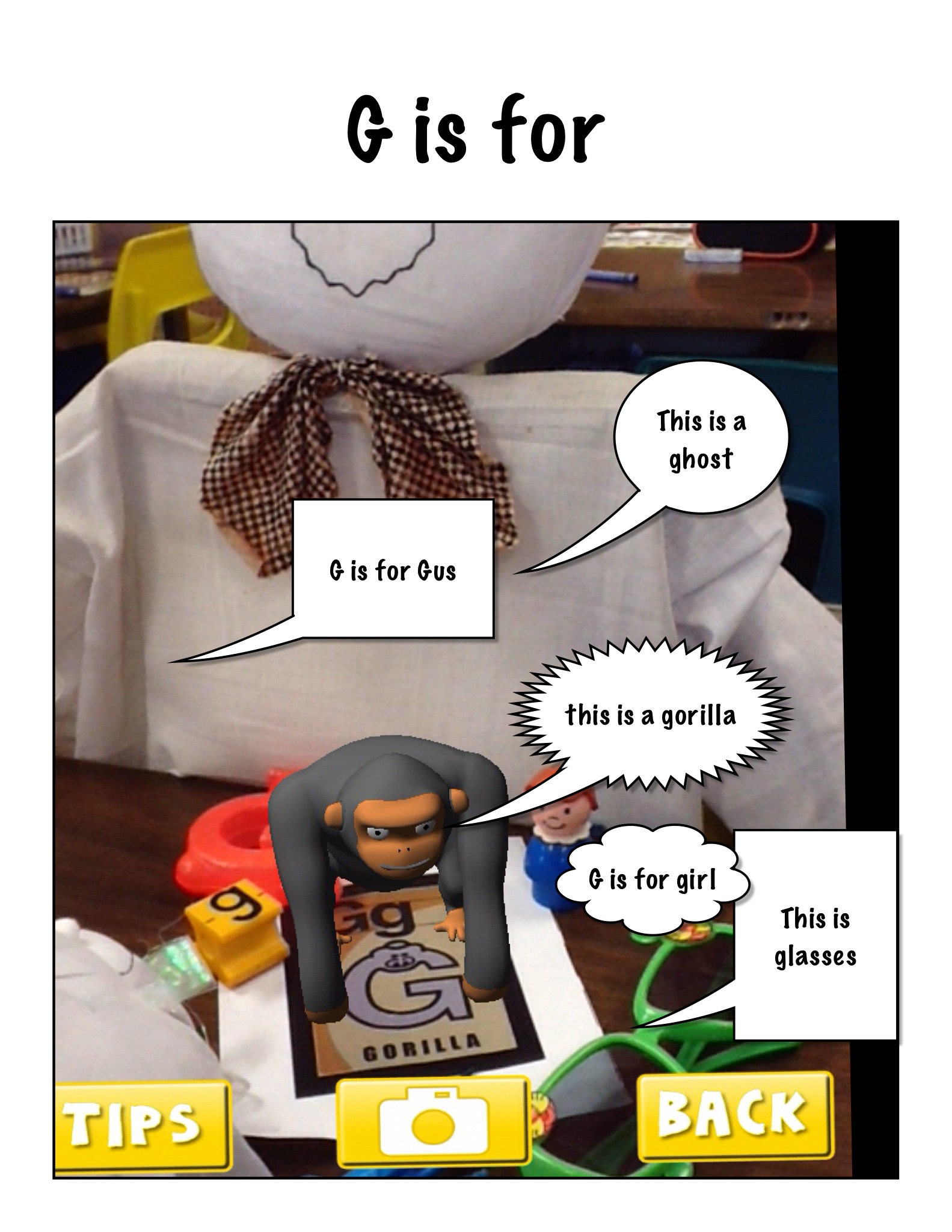
The children each choose a letter of the alphabet and then scoured the room looking for items that begin with their letter’s sound.

P is for


b3 is for


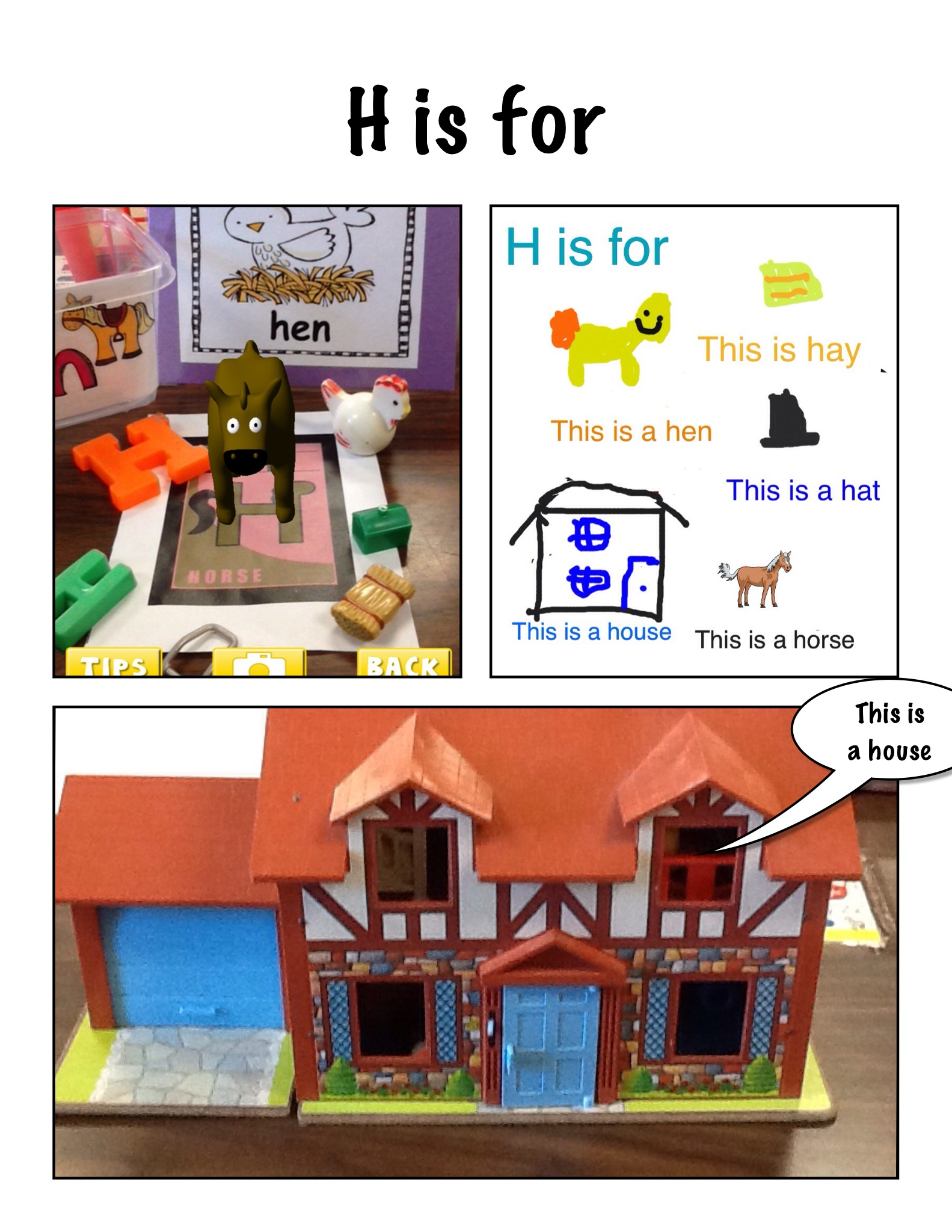
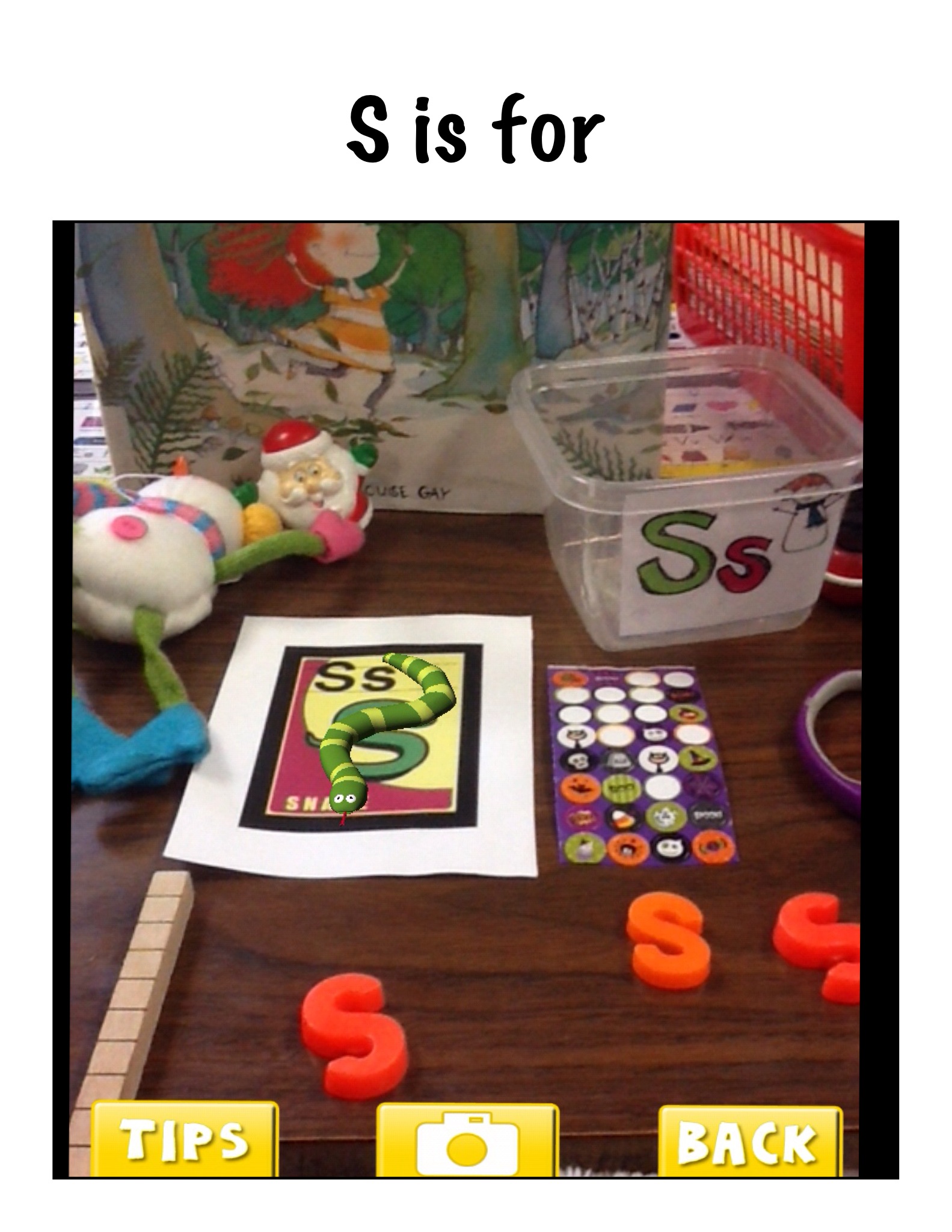
Once they had a good collection of items we arranged them around the trigger picture for that letter in the AR Flashcards app!  Then we opened up the app and took the picture of their collections when the trigger was activated!   Very cool!

alphabet 8

Then we used the Strip Designer app to import the pictures to create a page for each alphabet letter.  We wanted to make an alphabet book to share with the kindergarten class!

H is for

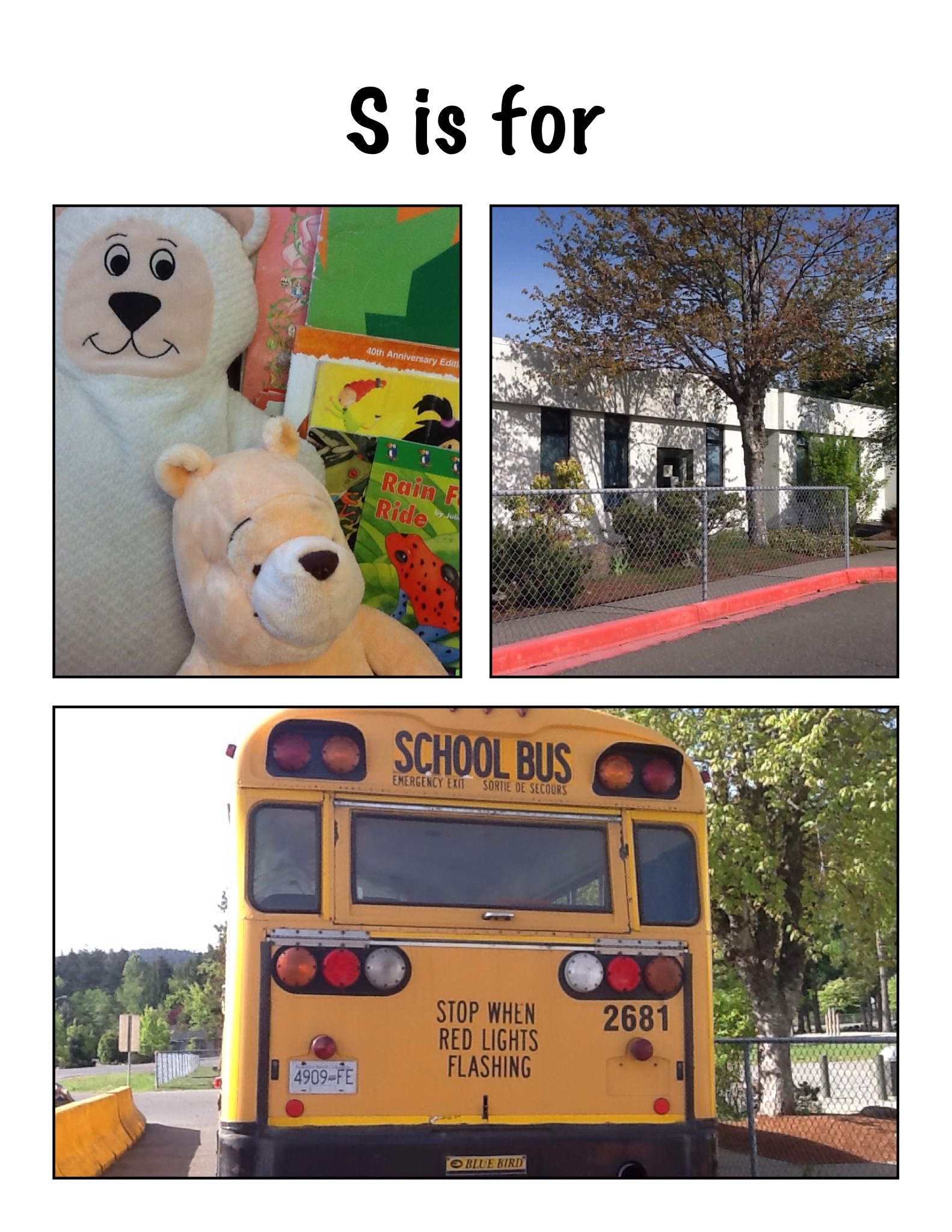
We made a variety of pages using these pictures.  We made pages with the trigger picture and other pictures using Doodle Buddy as well as taking pictures of items in the classroom or the school!  Once the students got started they wanted to make more than one!

s5

s3

G is for

s4

Then we decided that we needed the label the objects in our pictures.  We used the text function in Strip Designer to add the captions to our pictures.

f

r

Then we took all the pages and imported them into another app called Explain Everything!

y

After we had the book put together with all the pages we had to record our voices on each page.  Each student recorded their page!

g

Once the book was complete we saved it to the camera roll!

Then we watched and listened to our book!  Too cool!

I uploaded the book to my channel on Youtube so we can share it with everyone!  We think we might have made the very first Augmented Reality alphabet book!

Way too much fun!


Leave a comment

Filed under AR Flashcards Alphabet, Augmented Reality, Comic Strip Designer, Doodle Buddy, Explain Everything, Youtube