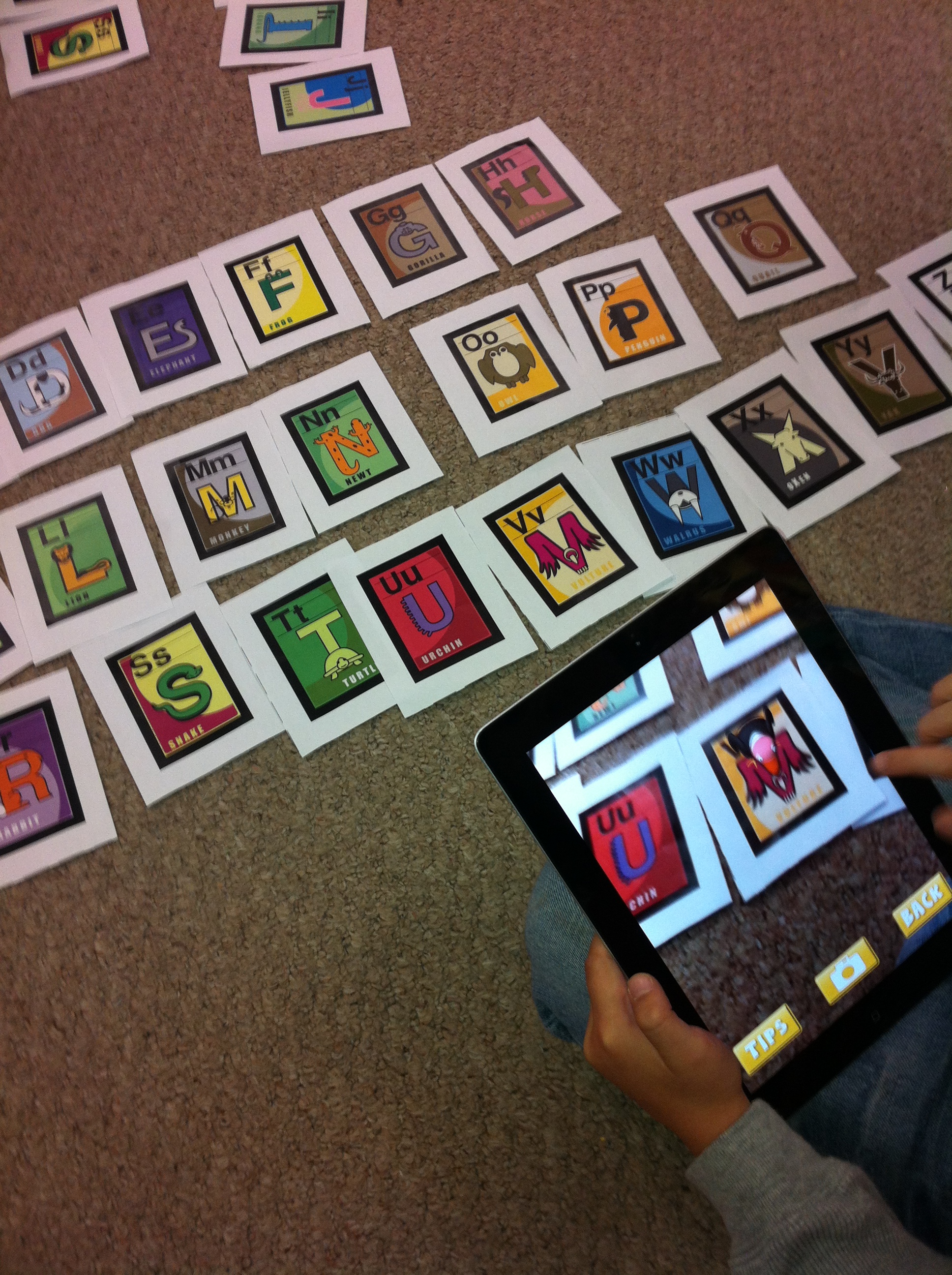
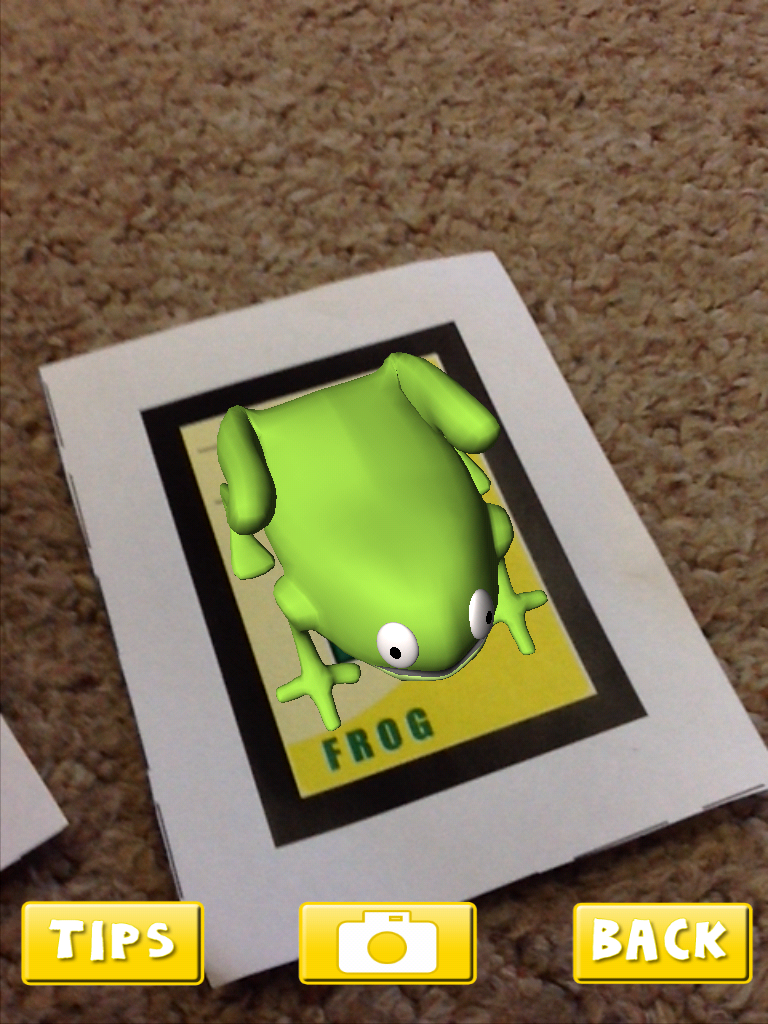
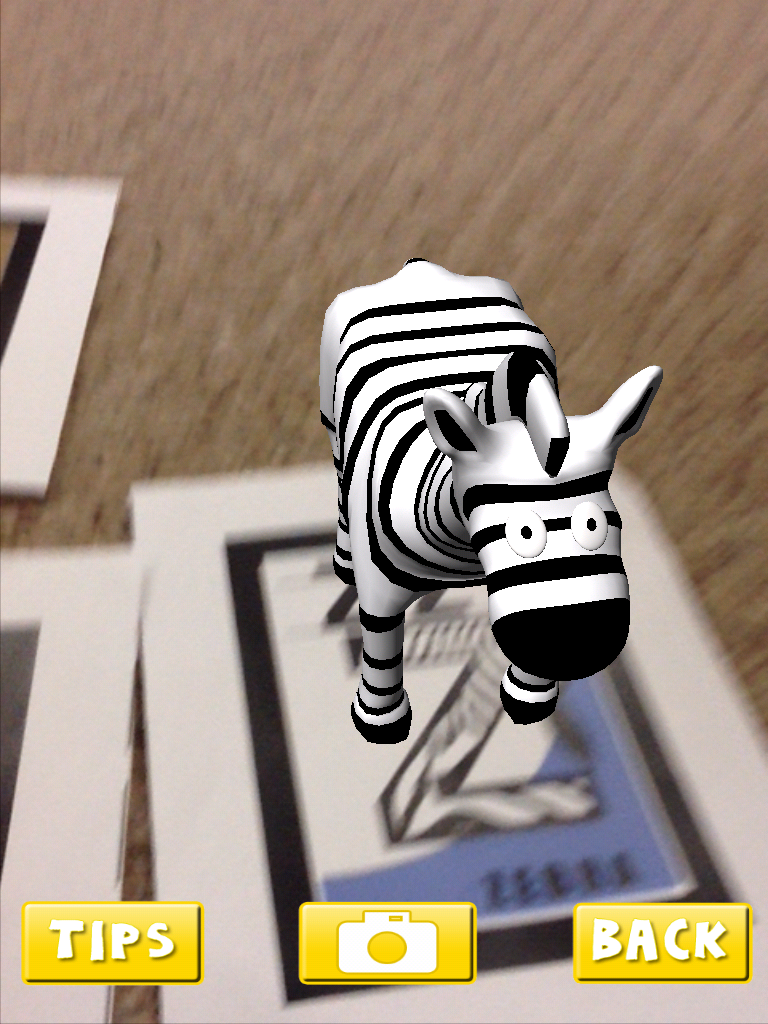
Over the past few weeks, the children have been experimenting with a variety of augmented reality apps. The first one I introduced is a favourite of mine called AR Alphabet Flashcards. I love this app. When the students hover the iPads over the trigger images, an augmented image of an animal appears as if by magic! The app is still free. You need to print off the trigger images on a color printer. You can find these images at the AR Flashcards website.
The children like to see if they can pick up the animals by putting their hand underneath the image. If you tap on the screen you can hear a child say the name of the letter and the animal. Too cute. We will be using these images later this year to create an augmented reality alphabet book. You can see the one we created last year here.
This app also includes some dinosaur images!
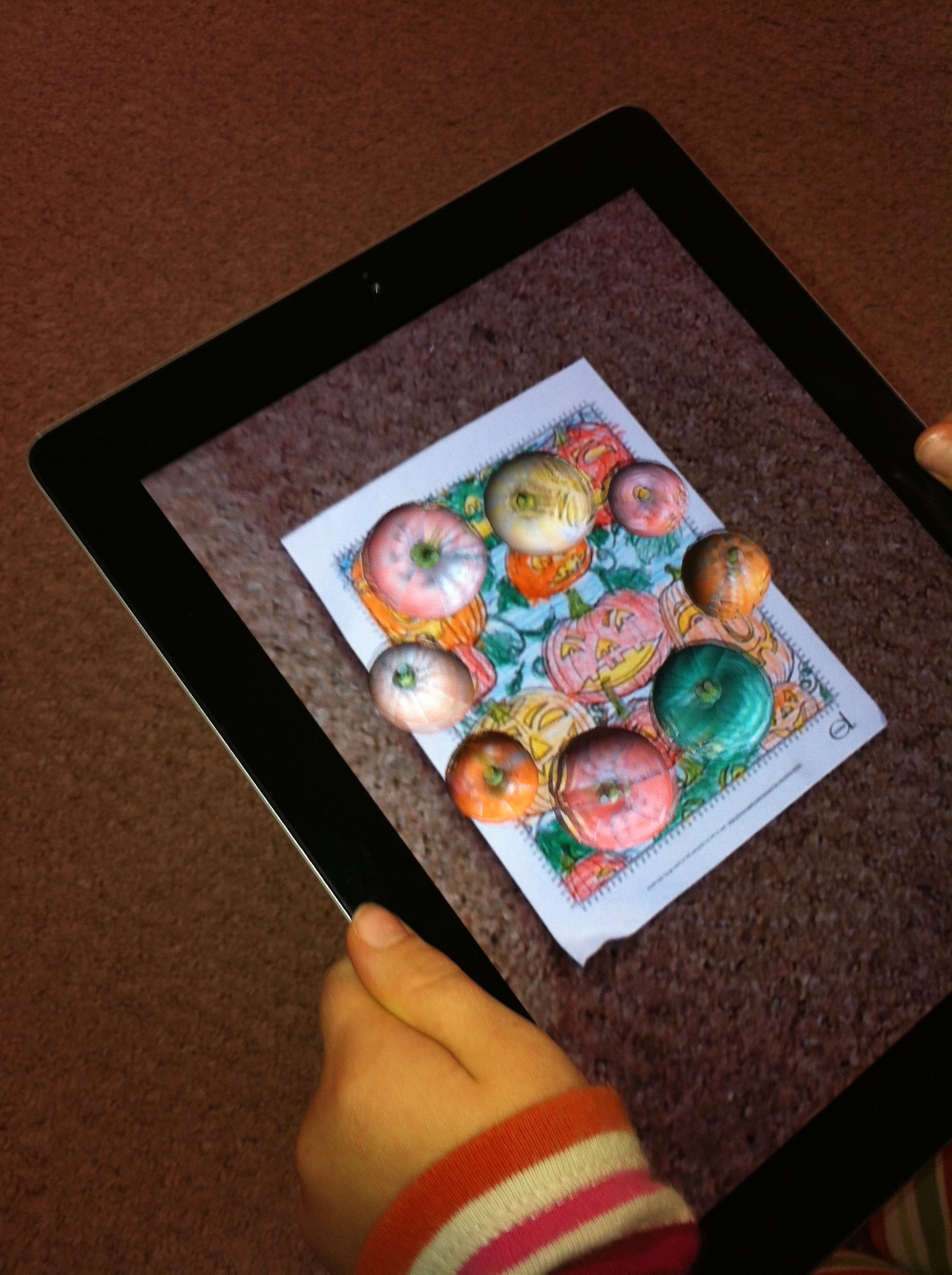
We have also been doing a little with the CoLAR app. This is an awesome little app. I gave the students a special coloring sheet about pumpkins that has an augmented image embedded in the page. When they hold the iPad over the image within the app the trigger engages and the pumpkins begin to dance around! It also picks up the exact colors that the student used to color their page. Lots of fun.
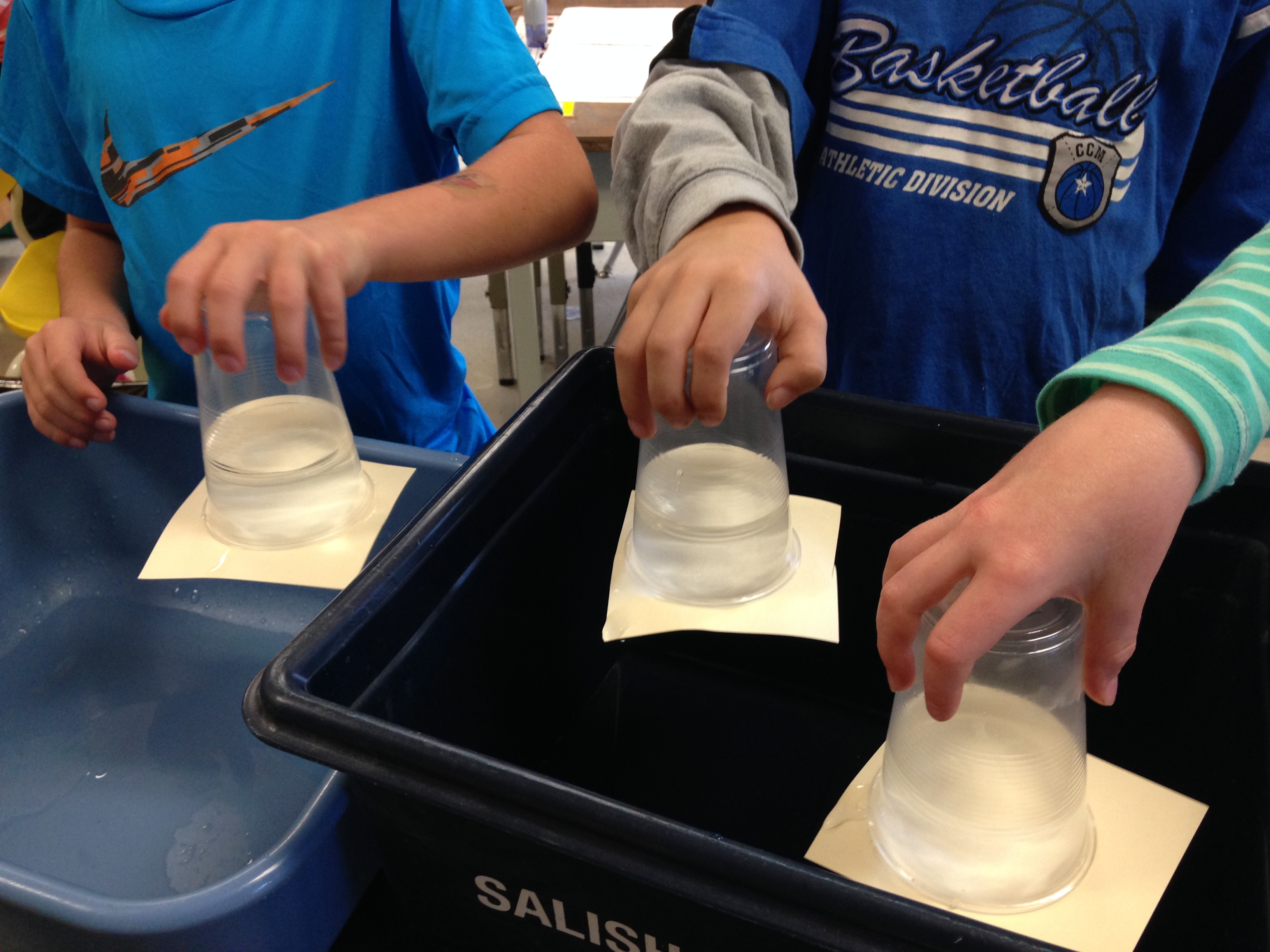
We have also started our science experiments. I hope the children remembered their promise to do this one over the sink!
A couple of the students had to hold onto their cups for a long time before the force of gravity exerted itself! Lots of fun! Wet, too!
We have been having a lot of fun during the first few weeks of this school year! We have had a lot of fun creating a book using the iPad based on a story we have been working on in one of our readers.
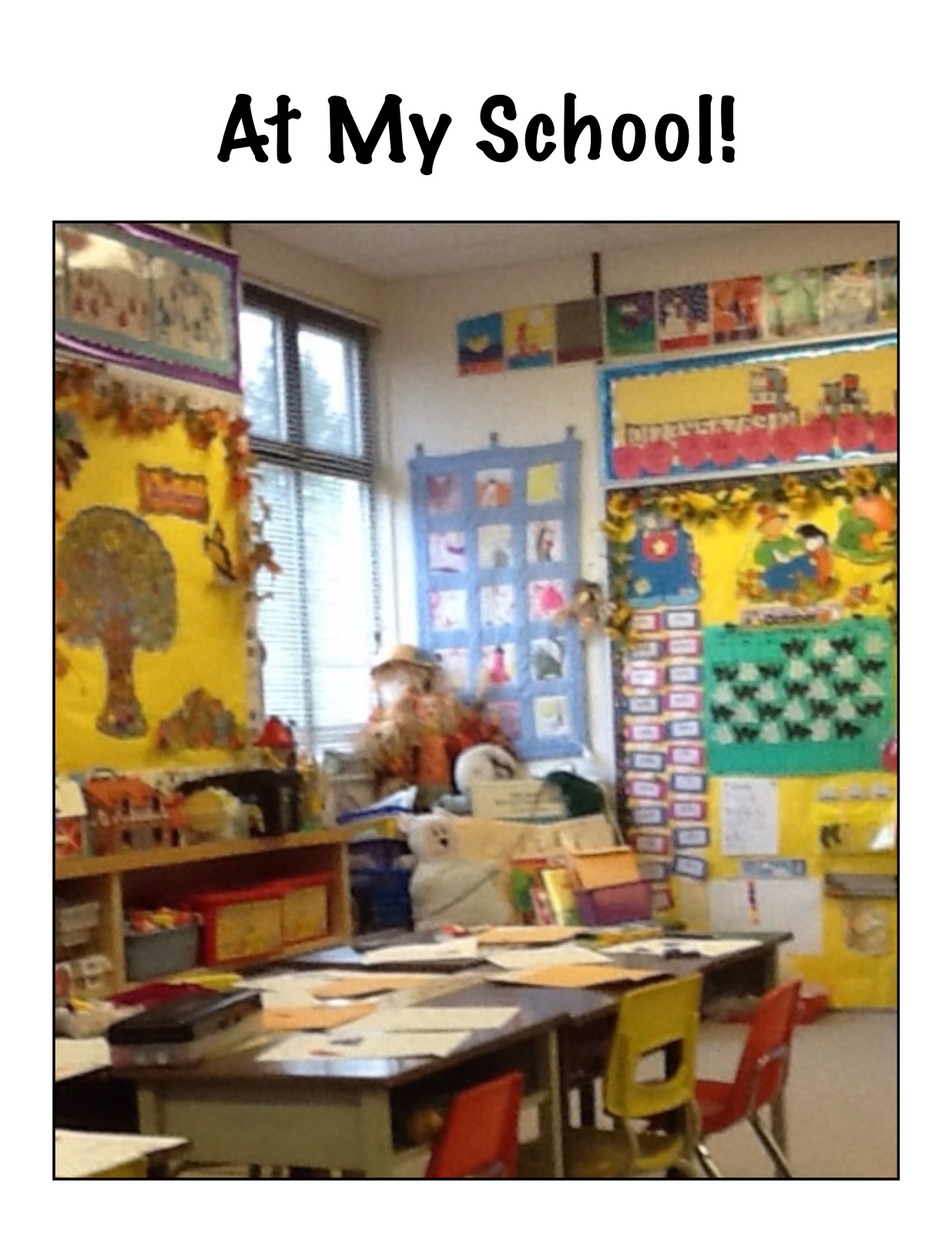
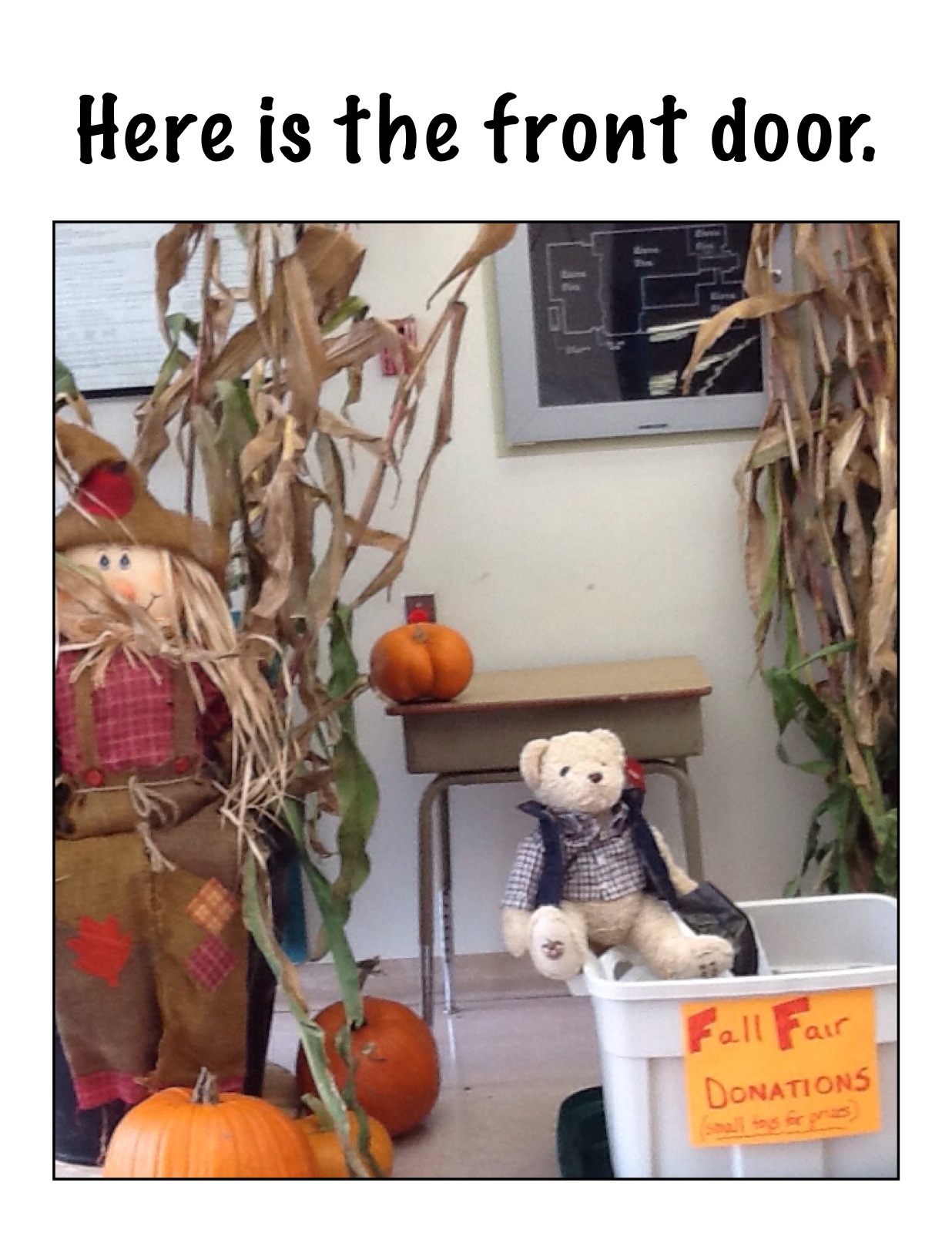
The story focuses on introducing the school in the story. We decided to create our own book about our own school using the iPads.
We had a great time travelling all around the school taking pictures of the important sites in the school according to the children! Then we imported the pictures into an app called Strip Designer and added the text. Then we imported these pages into another app called Explain Everything to create our book. Then we recorded our voices reading the text. We saved our book to the camera roll and exported it to Youtube. We hope you enjoy our efforts!
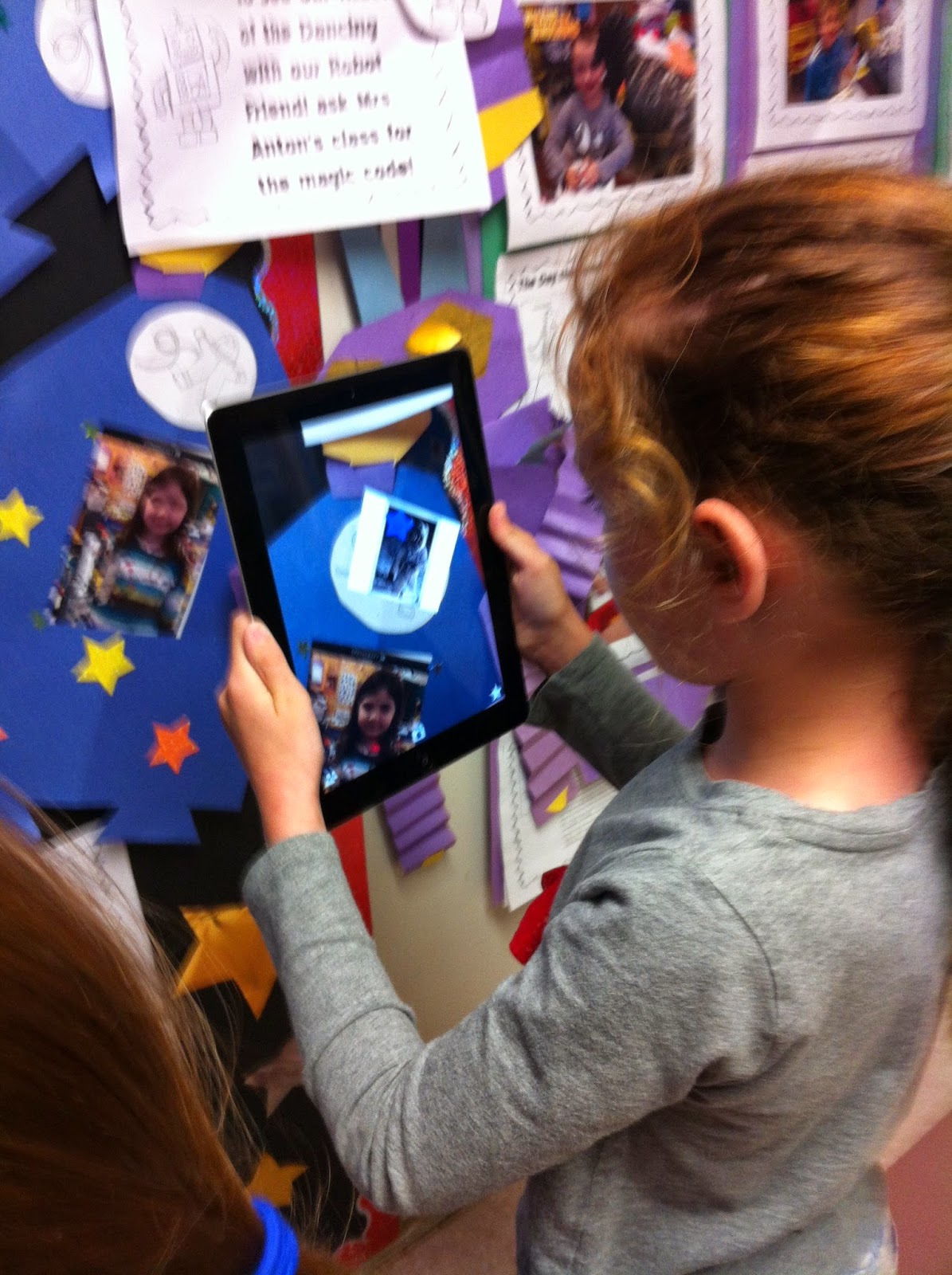
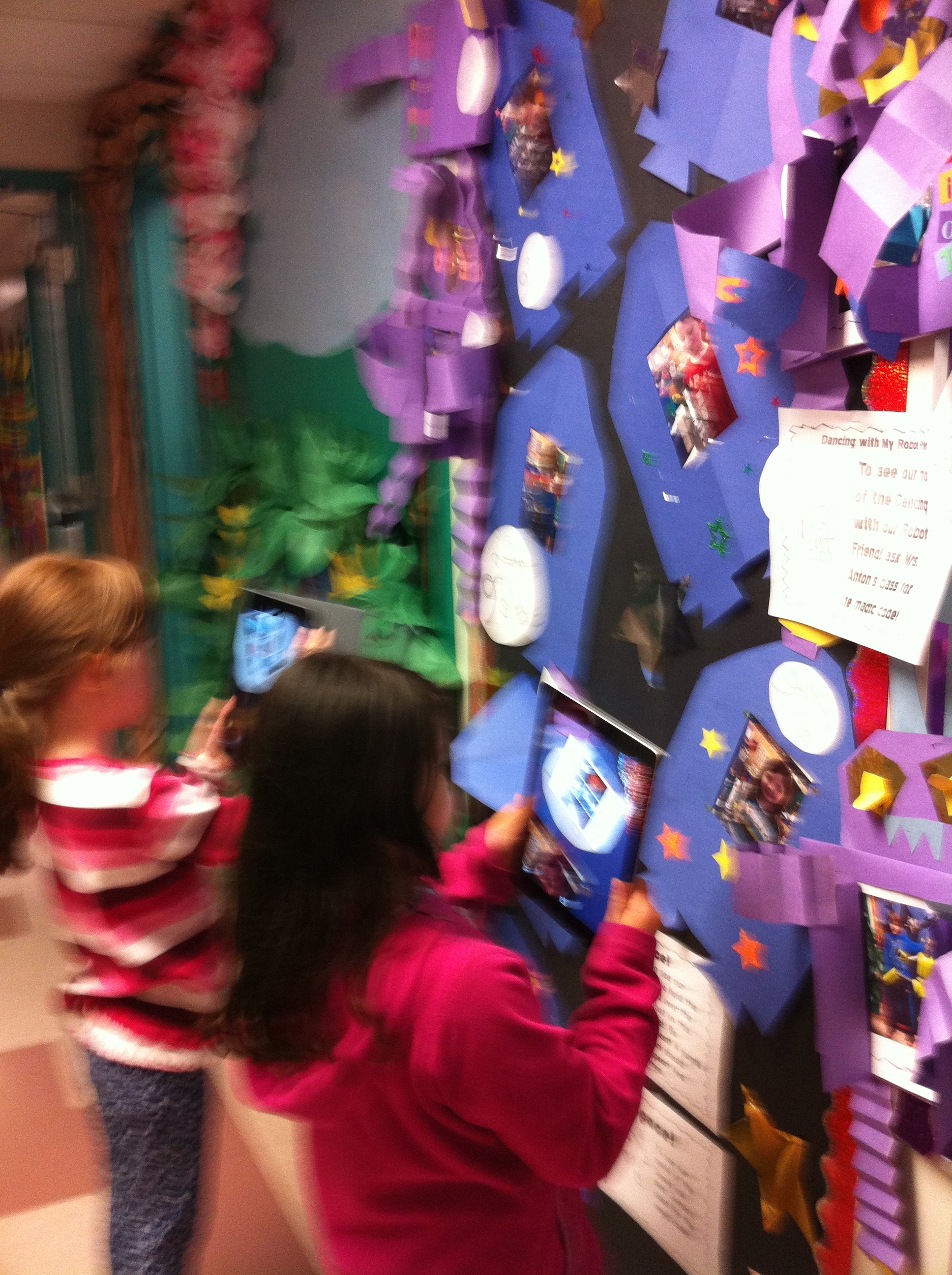
I have also been experimenting with Aurasma again this year. This app allows us to attach files to a trigger image such as a picture. When you view the picture within the Aurasma app it triggers the attached file to display. You need to follow our class on the Aurasma app to see the Aura.
To see our auras, please follow the following steps.
1.Download the app Aurasma on your device. It works on iPads, and iPhones. I believe there is also an android version. The app is free. It will ask you if you want to register. You do not need to register to see the auras.
2. Search for our channel and follow it. Our site is
mrsantonsclass or mrsantonsgradeone
You can do this by choosing the magnifying glass icon at the bottom of the screen. Type in either site name. Our channel should come up! (I have tried it on every device in my house and had my family try it so it should work!) Then choose the Follow button. The text will change to Following.
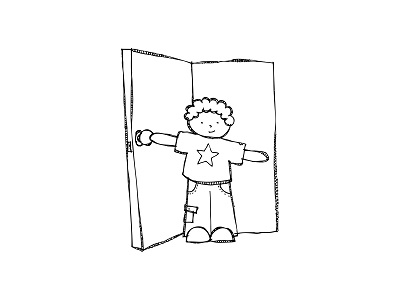
(image from KPM Doodles)
You should then see a little snapshot of the picture above.
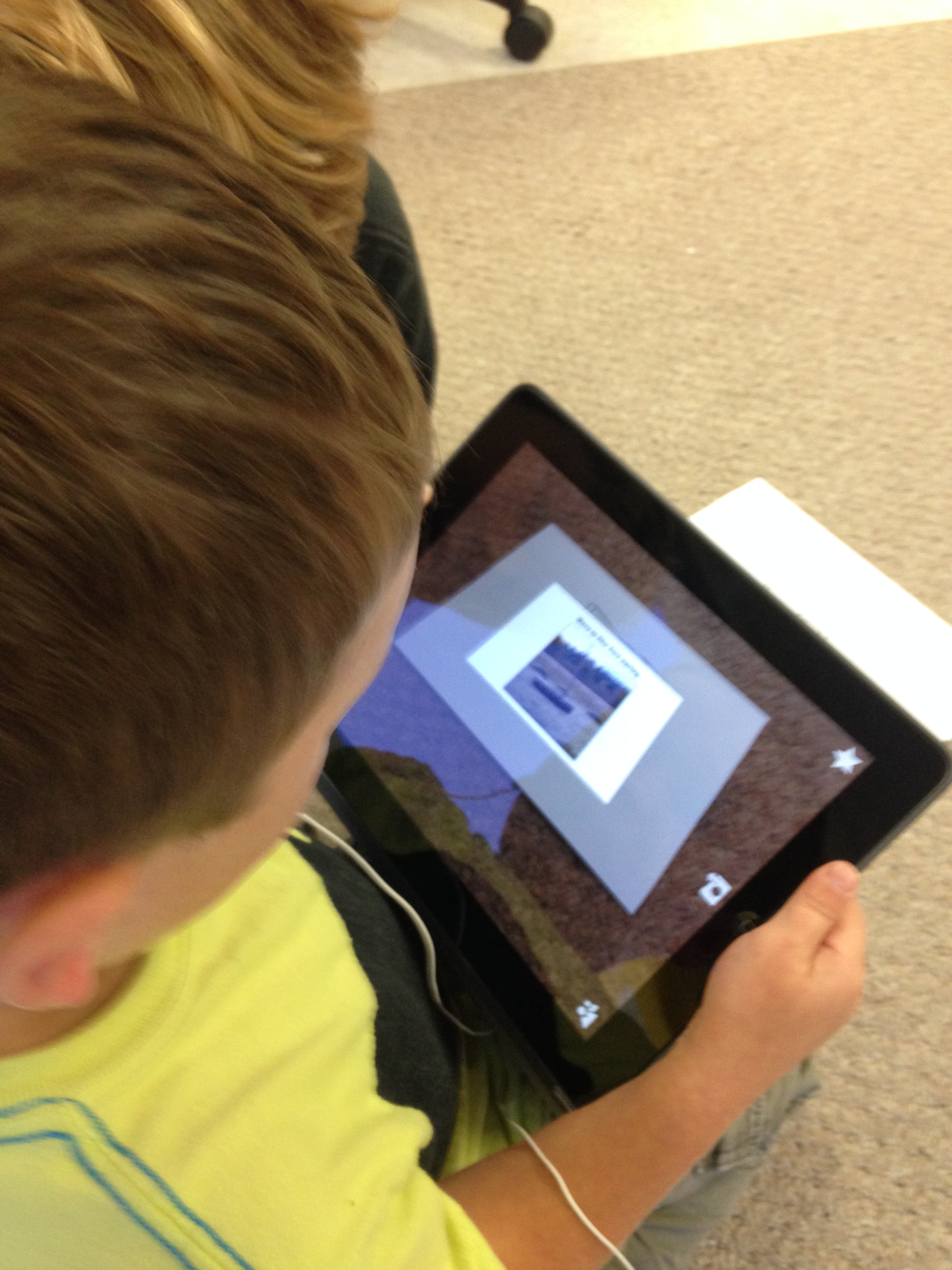
3. You can then trigger the aura by choosing the option at the bottom of your screen that has the four corners (the one in the middle).
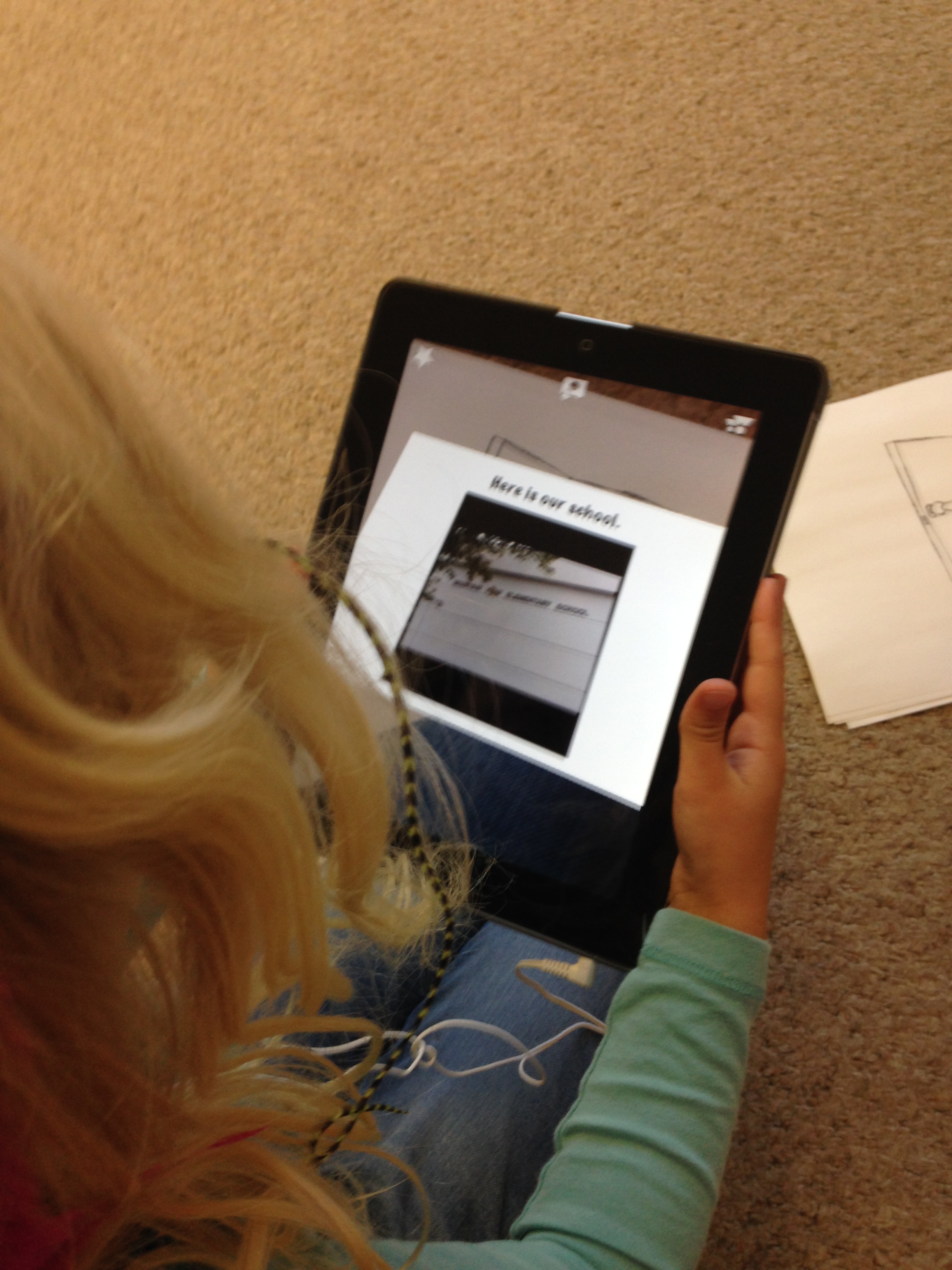
Aim your device at the trigger image above on this screen on your computer and you will see the aura activate with a purple swirl. The attached file should then display. The attached file is the book that we created above. It is pretty cool! Now you have two ways of viewing the same book!.
We tried it out this morning in our classroom with my iPad and the pictures! Lots of fun!
As we create other auras this year we will share them to this channel.
You can share the aura by choosing the share button. You can share it via email or twitter.
I have also shared the book on our Twitter site. Our twitter address is @mrsantonsclass.
I have added the twitter feed to the blog on the right hand side! You can see some of our tweets.
Today we tweeted about the Global Read Aloud 2014. We have joined with a large group of teachers worldwide who are completing an author study of the Peter Reynolds stories. This week’s book is I’m Here. We watched the trailer about the book. Then we posted about it using the Global Read Aloud hashtag. You can see our tweet in the twitter feed on the side of the blog. We are hoping to connect with other classrooms in the world and find out what they think about the books too!
Isaak’s Mom has voluteered to help us with our Twitter page. We have started sharing our news on the twitter board and will soon be posting our tweets on our Twitter page on the computer!
Having lots of fun with technology! Definitely something to tweet about!
We took all the pages we had created about Space using the Strip Designer app and put them together to create a book using the Explain Everything app!
Then the students recorded the captions on each page and we saved the project to the camera roll. I uploaded the video to Youtube so we can share it with everyone.
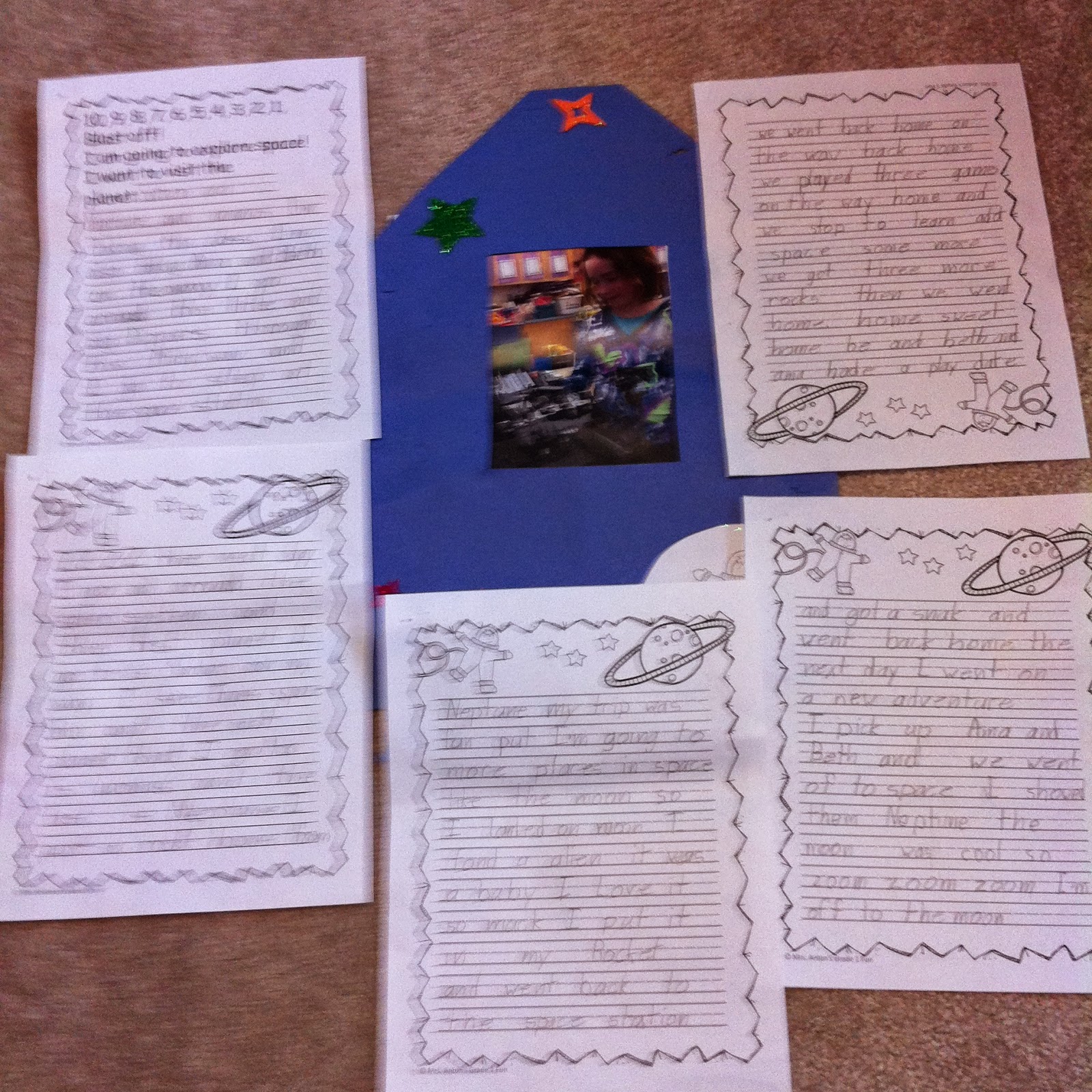
We wrote stories about a space trip using the pictures we created using the Spacecraft 3D app. Each child choose the spacecraft that they wanted to have their picture taken with and then posed with their choice.
I took their picture within the app with the trigger activated and we used this picture as the spark to trigger some creative writing!
I also attached the space video using Aurasma to the creative writing project!
They wrote and they wrote and they wrote!
The trigger for the movie is on the cover of their project. I will send home the aura I created in Aurasma via email.
They love viewing their work augmented reality style!
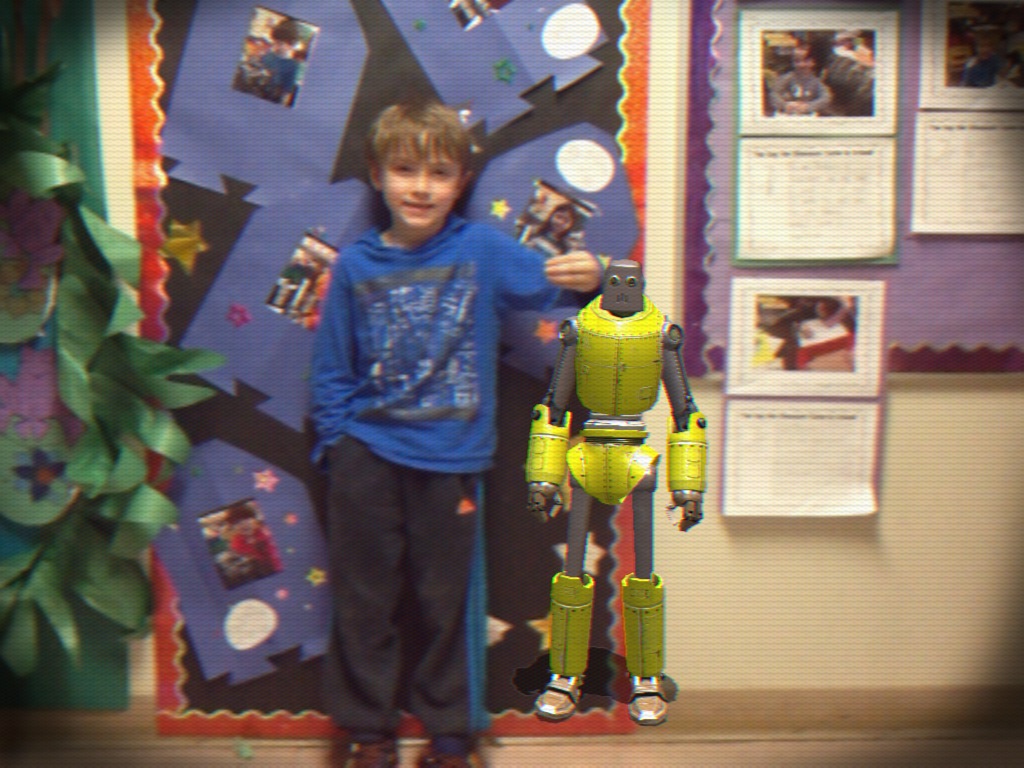
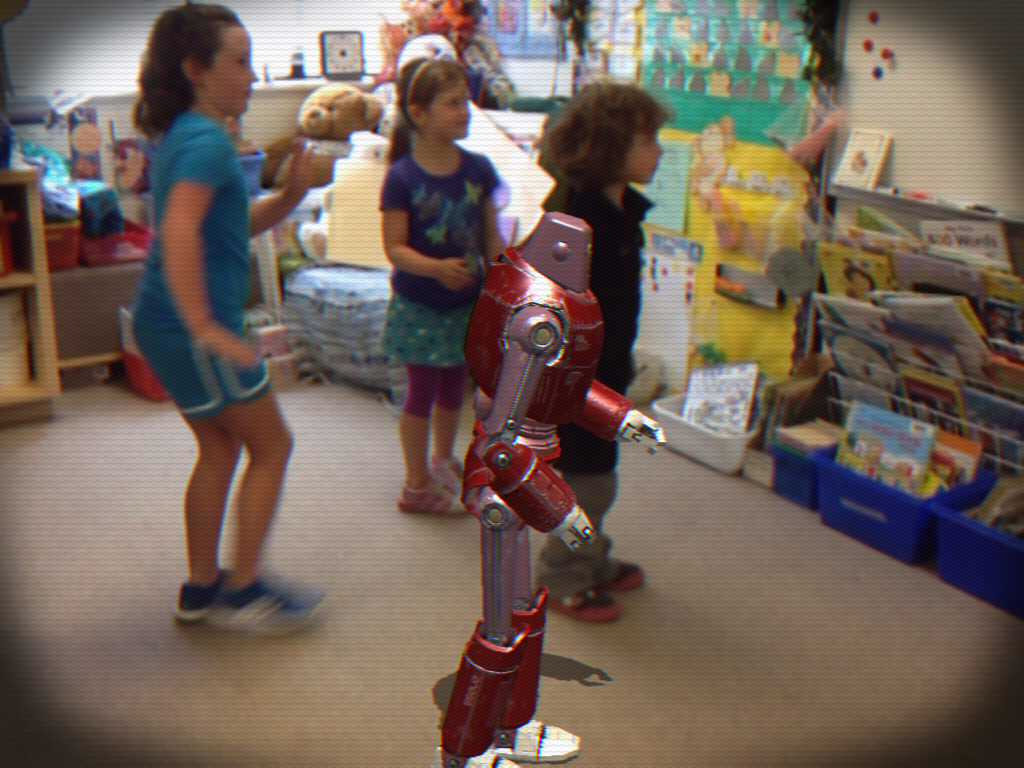
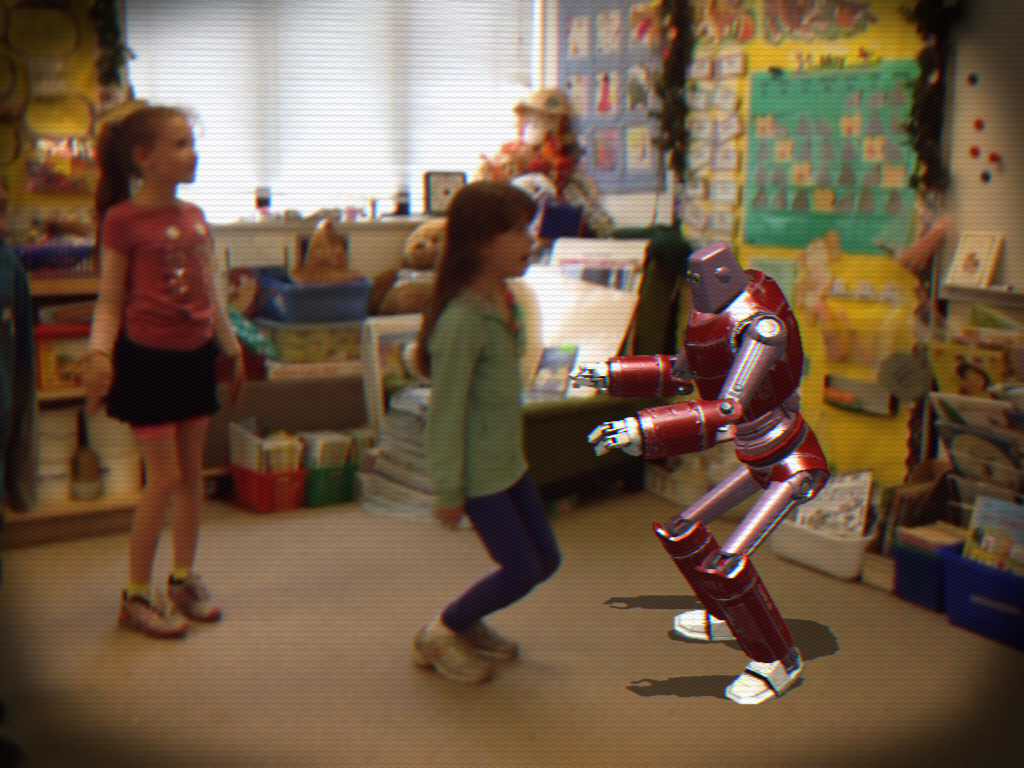
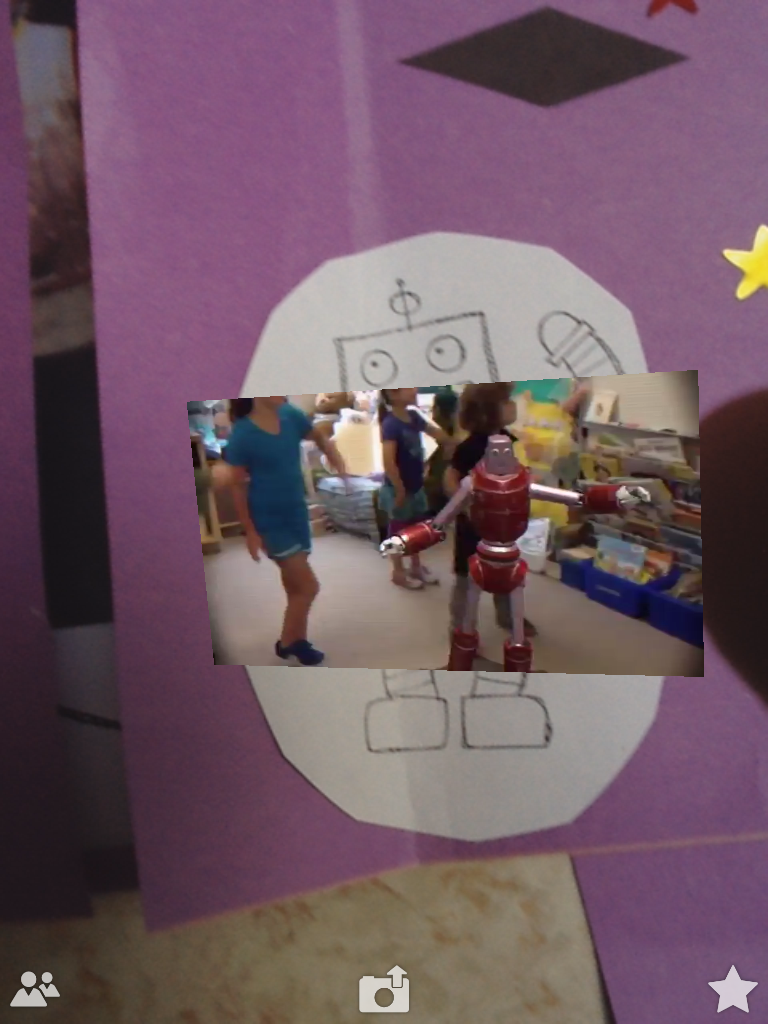
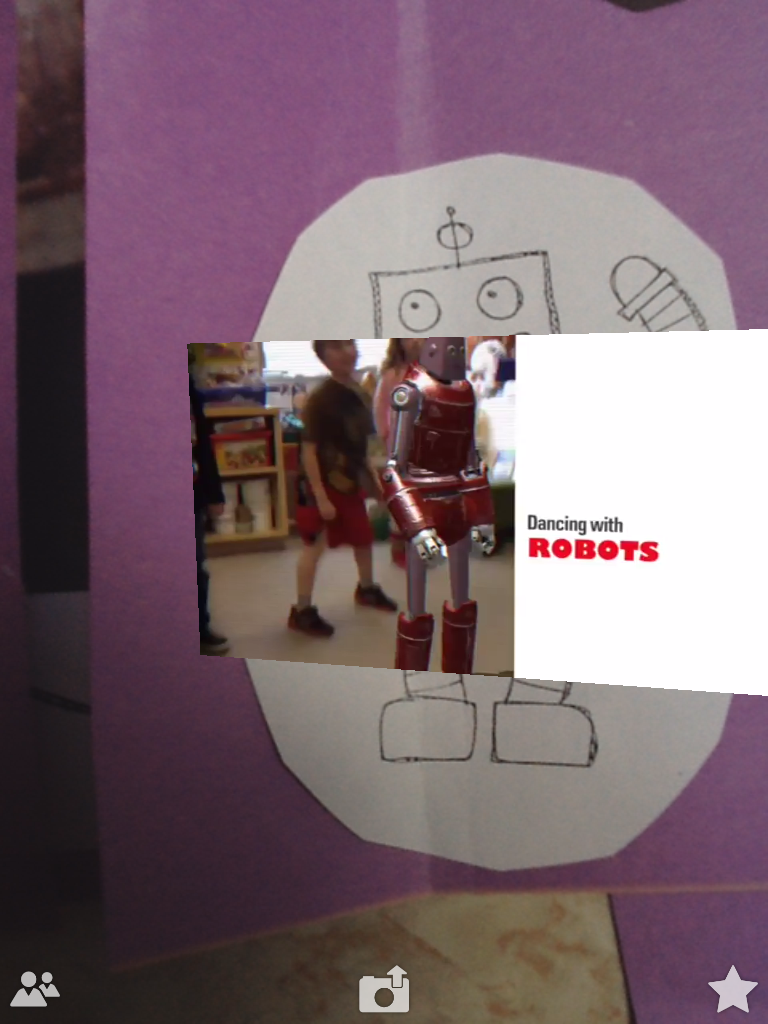
We had a great time this week with a new app called Pop Lock Bot. It is an augmented reality app that lets the students dance with a robot!
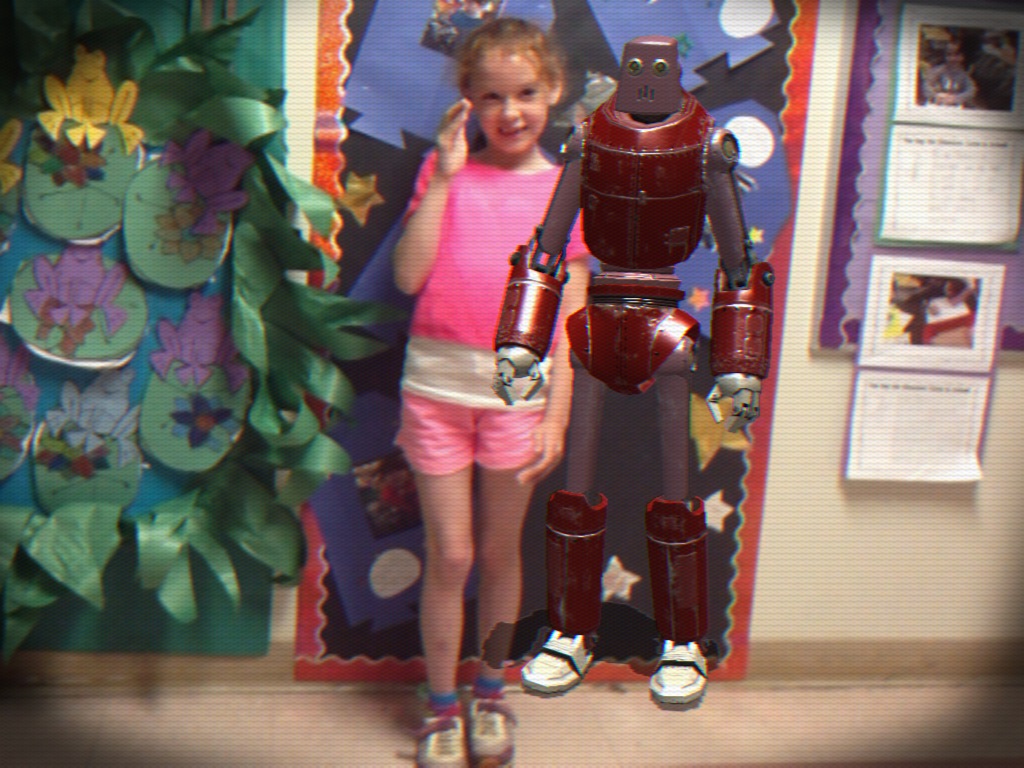
We took pictures of each student posing with their new robot pal!
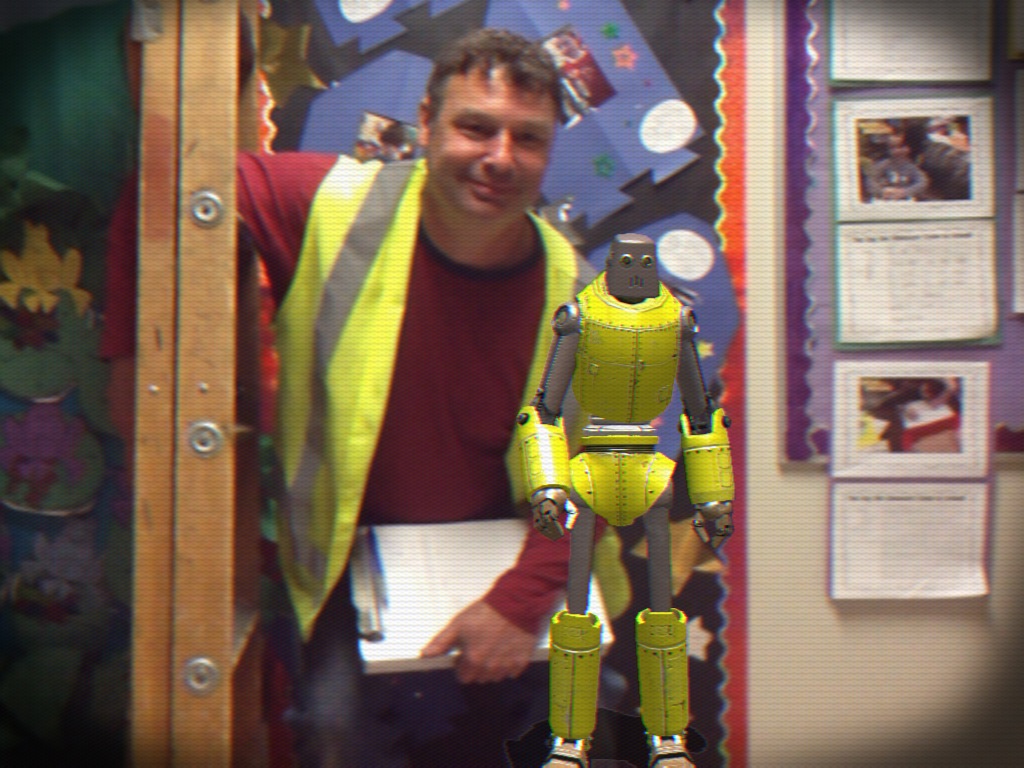
Even the school staff wanted to get in on the act!
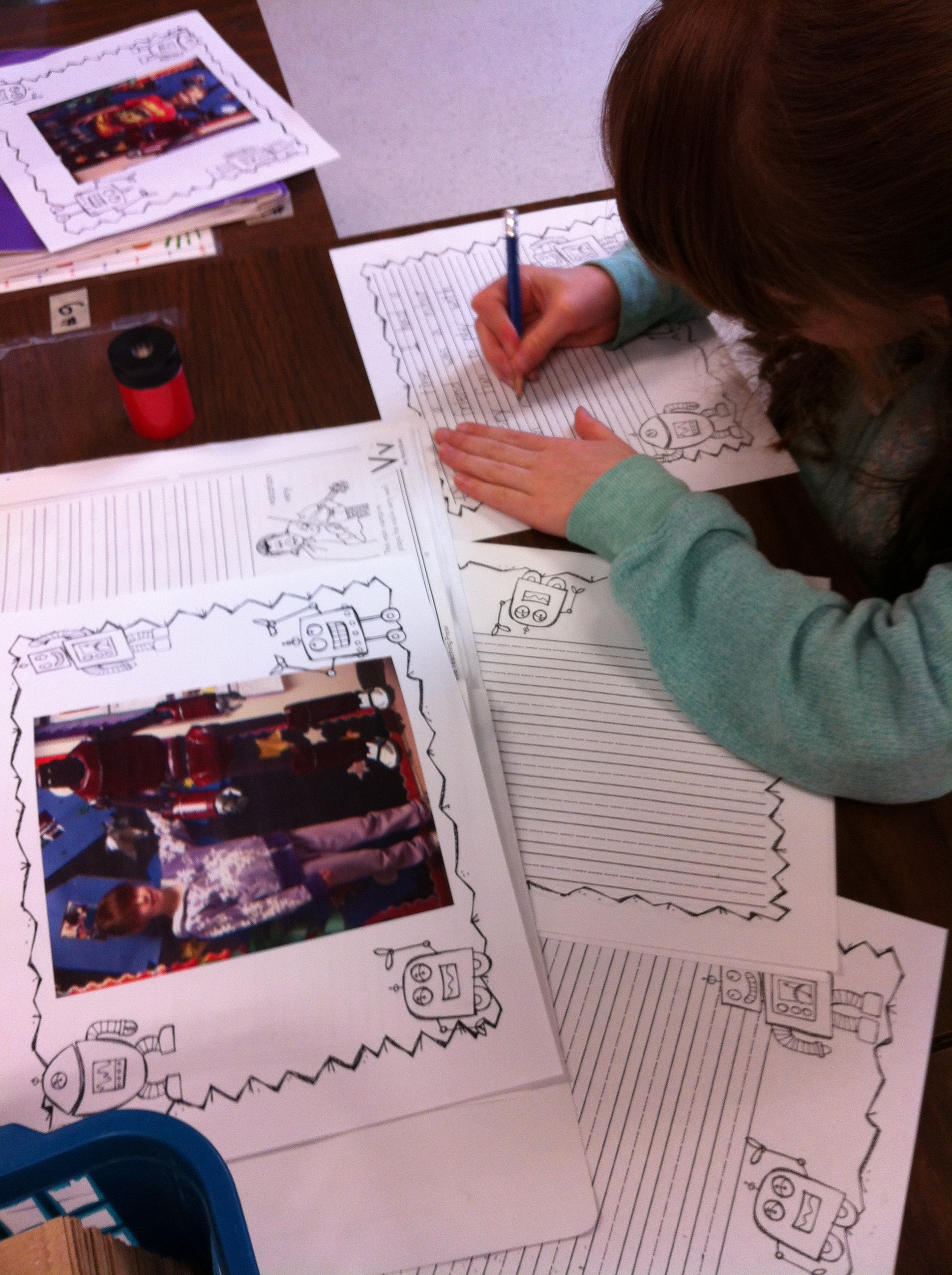
Then we wrote stories about our robot pal! We wrote and we wrote and we wrote!
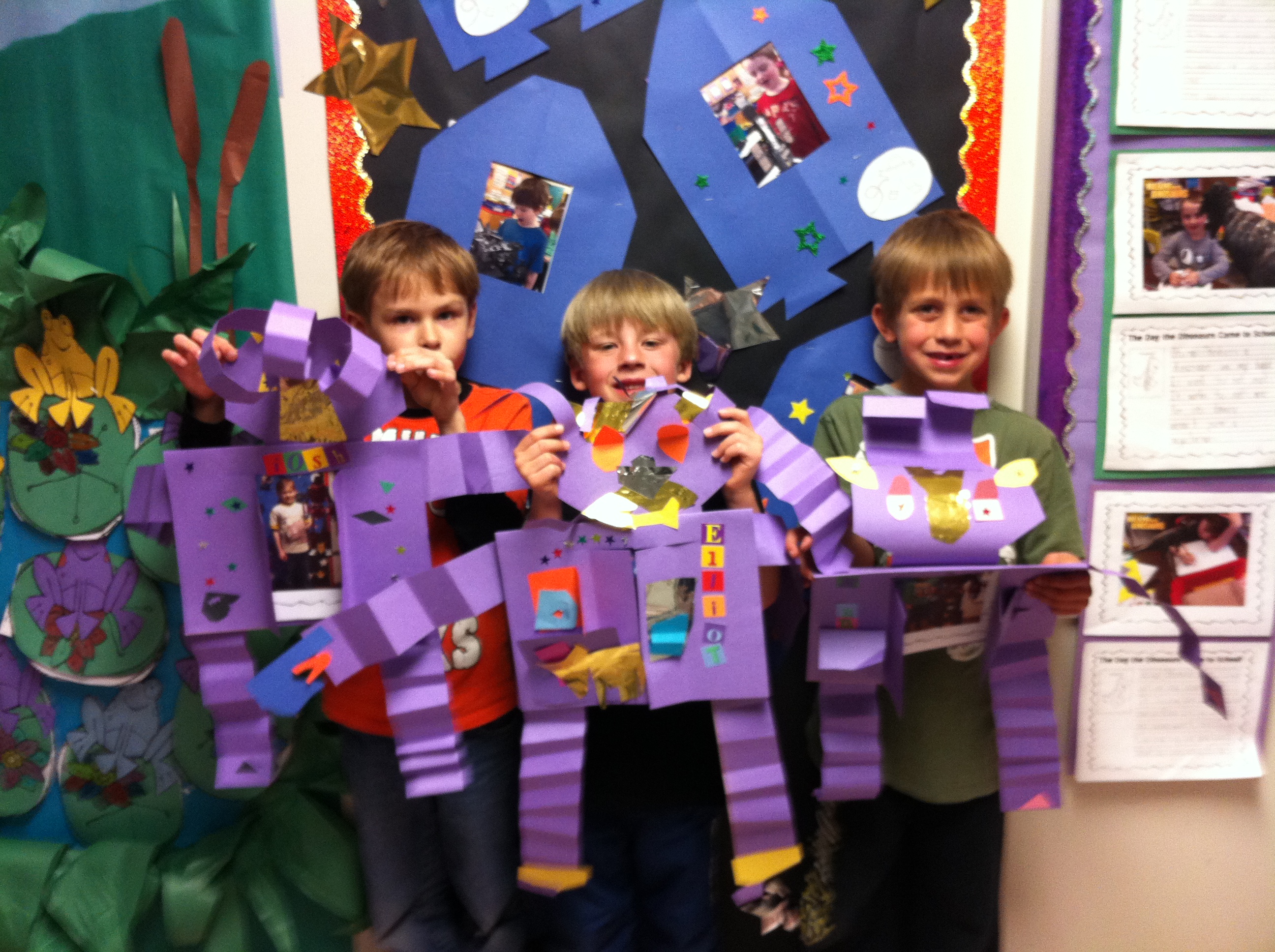
Then we made special robots to display our robots!
We also made an iMovie trailer using the robot pictures and the video we made of everyone dancing with the robots! We attached the trigger picture to the movie trailer with the Aurasma app. There is a trigger picture on each robot thanks to some help from one of my volunteer moms! I will be sending you the aura via email. The trigger picture is on the robot but I will be sending a separate trigger picture home tomorrow for those who can’t wait for the robots to come home! (like me!)
Here are a few more snowmen movies! Hope you enjoy them! All the snowmen movies can be found on the special page devoted to them! You can find the page at the top of this blog! There are still a few more to post and a couple that need a little tweaking! Watch for them!
I have created a new page on the blog to showcase our Snowman project! At the top of this blog you should find a new page called Snowman iPad Project Movies! This is where I hope to post all the movies we have created of our wonderful snowmen. I will try to get them all posted soon! Enjoy!
The snowmen project is one of my favorite projects. Thank you for making such wonderful snowmen as a starting point for our project!
This year we have turned our iPad project into movies of each book which we have uploaded to our Youtube channel. We hope you enjoy them!
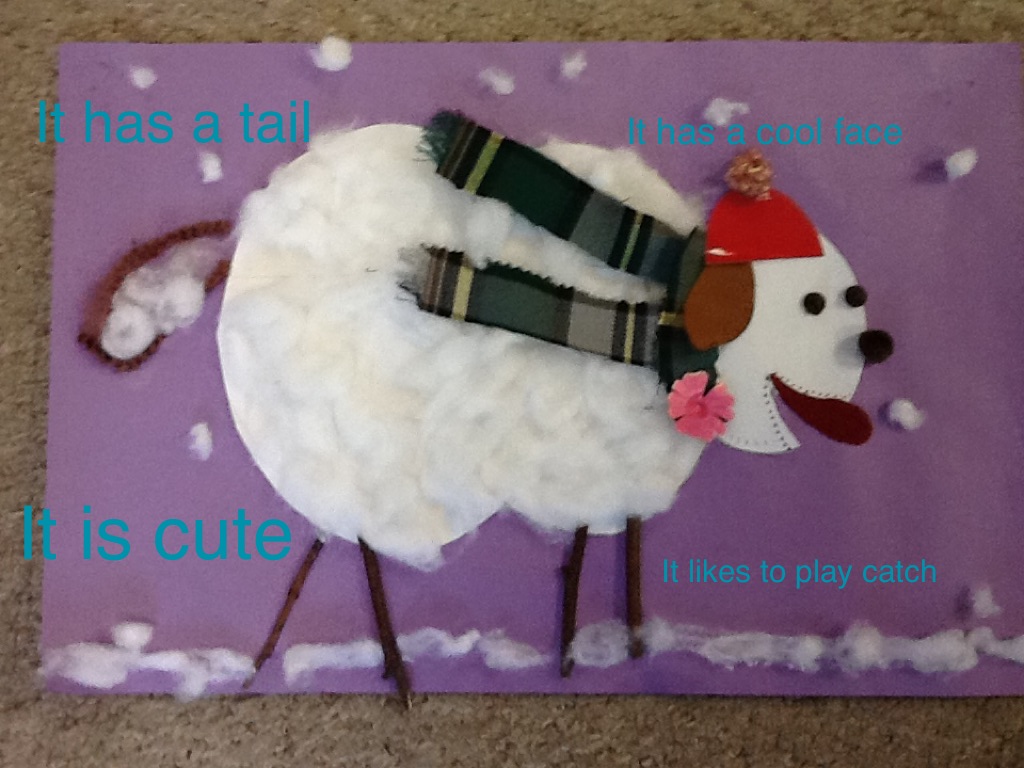
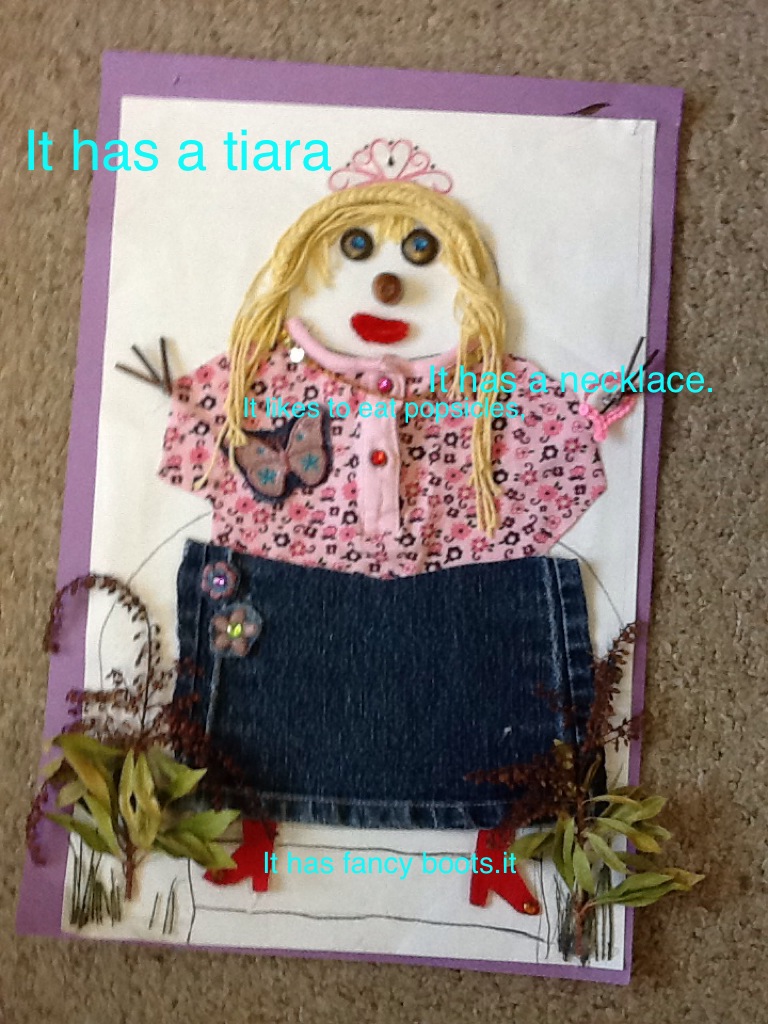
The children used a variety of apps to create their project based on the wonderful snowmen they created with their families at home! We used a combination of Doodle Buddy, using the camera on the iPad, and Explain Everything to create our projects!
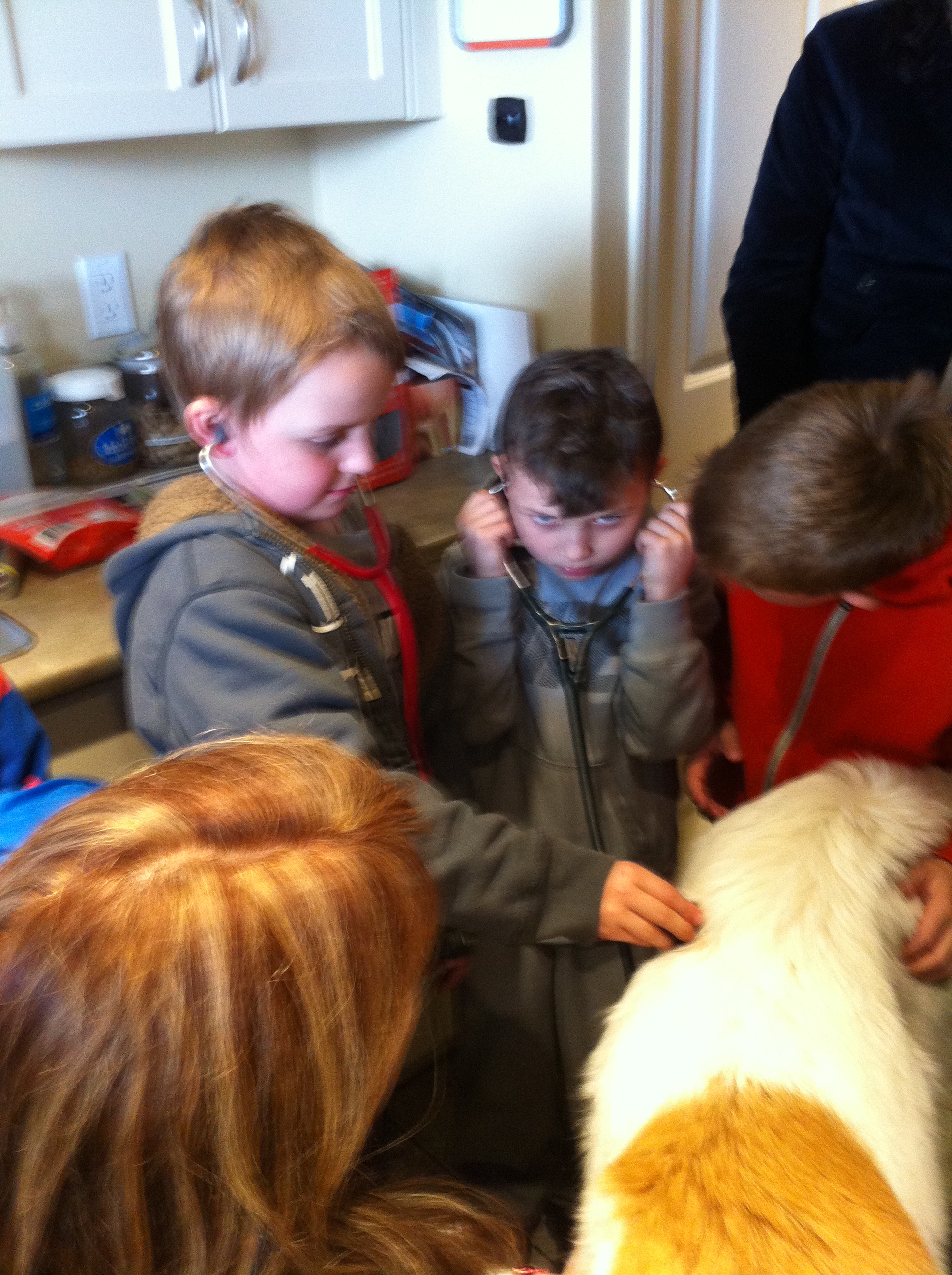
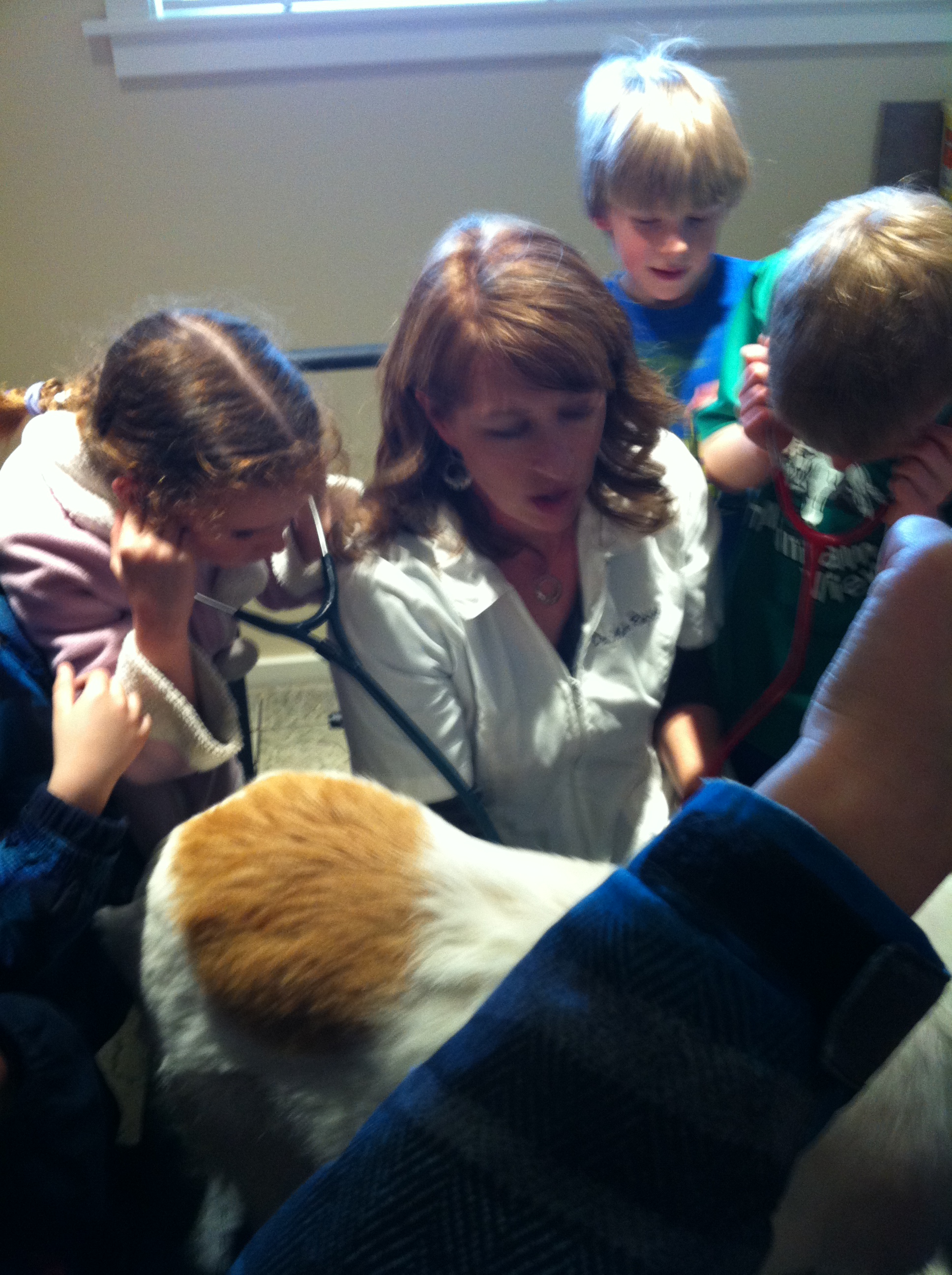
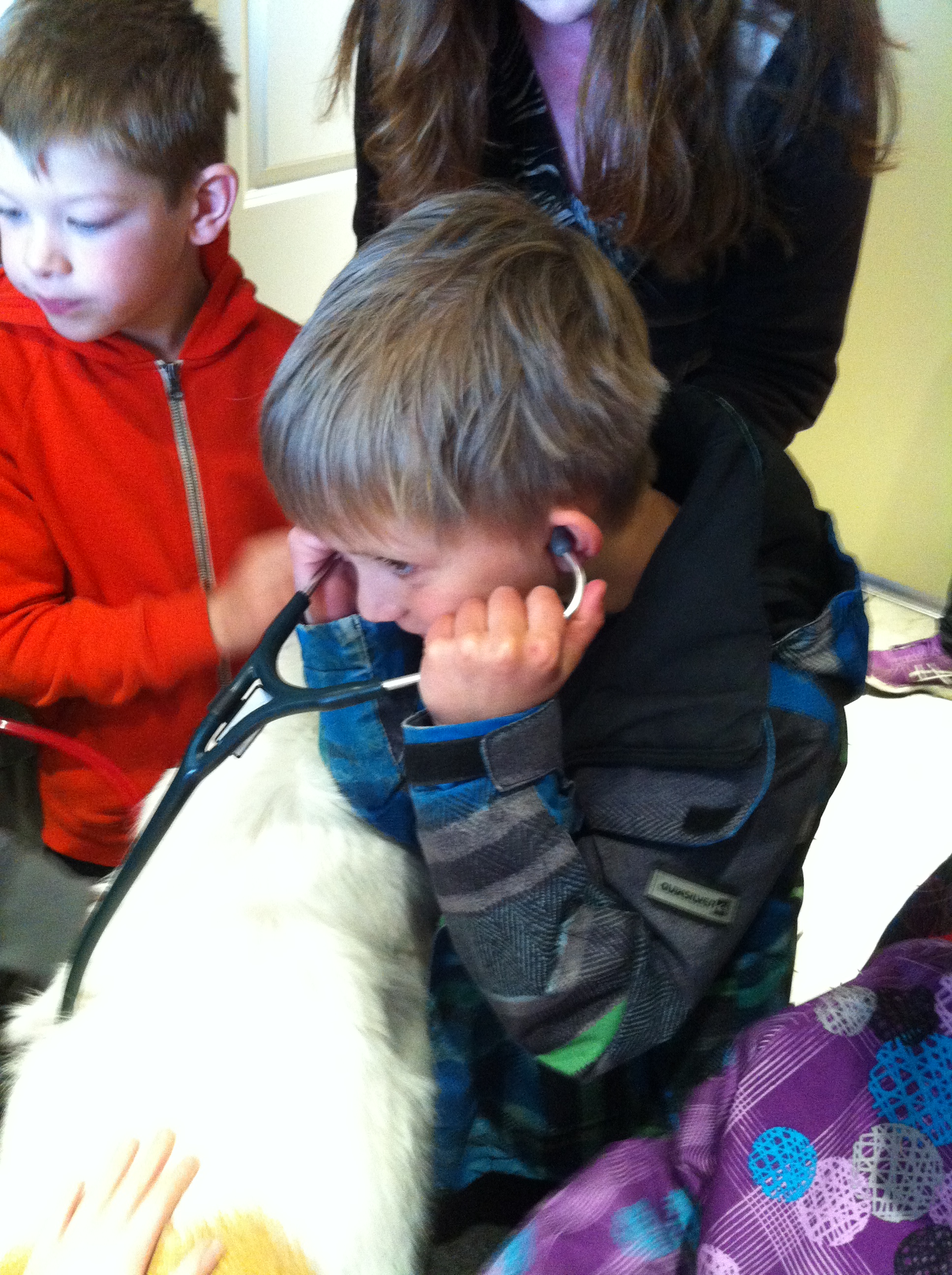
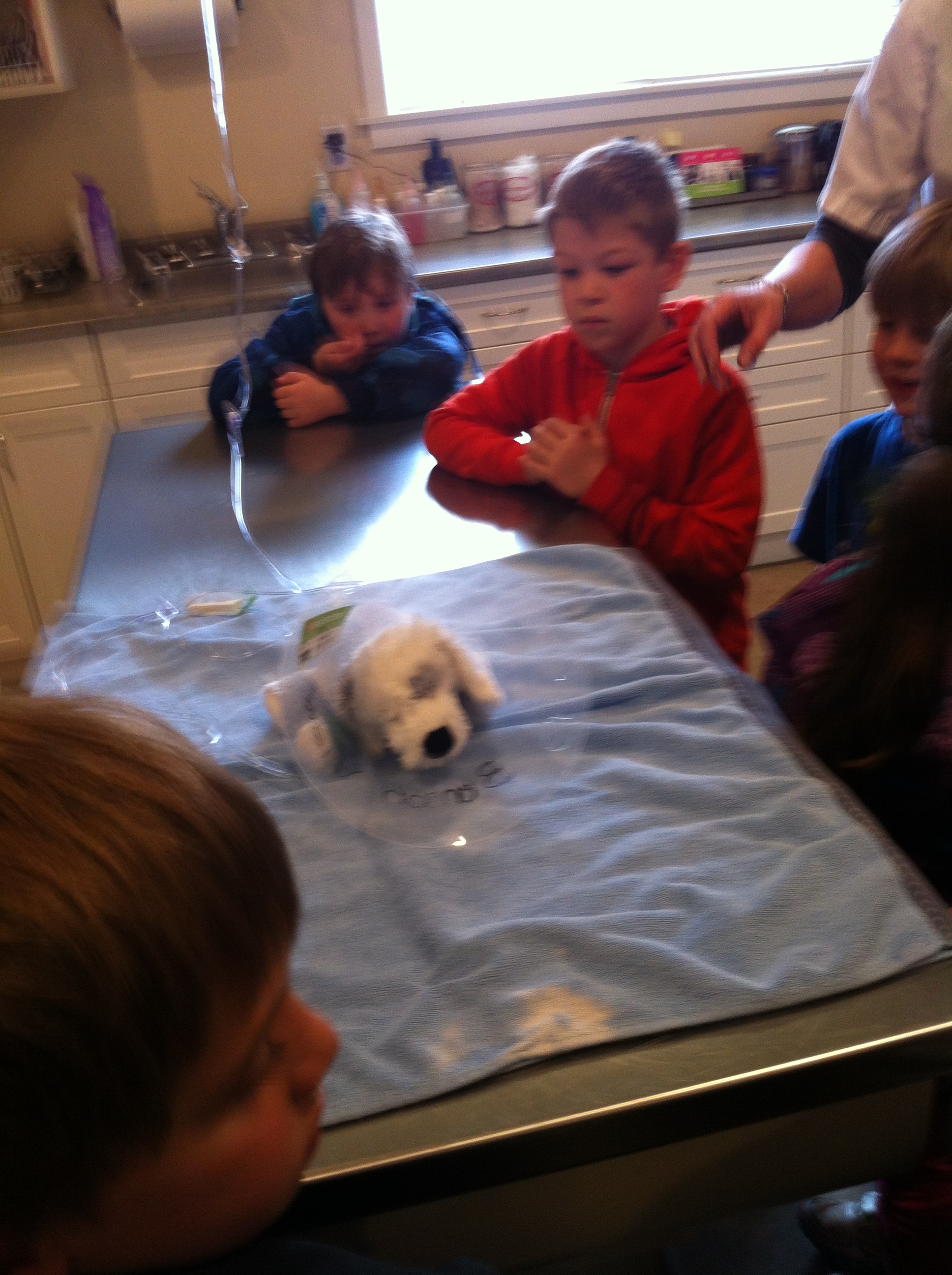
Last week we had a wonderful field trip to the vet clinic! We got a tour of the vet clinic and even got to listen to this dog’s heart beat!
This lovely dog let everyone listen to her heartbeat.
Sometimes two students at a time! So gentle!
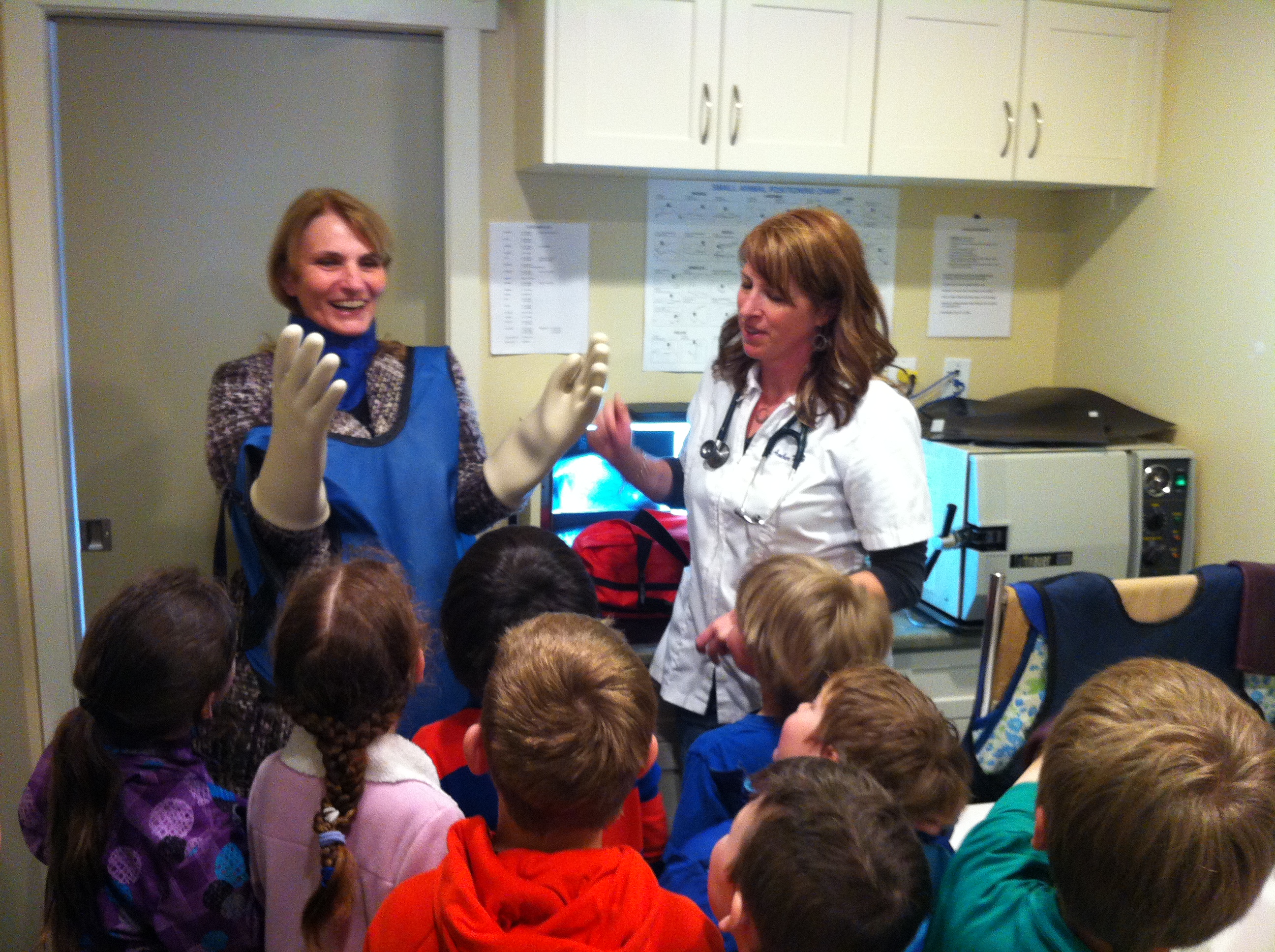
This is the outfit you need to put on before you can take an x-ray of your pet! It was surprisingly heavy!
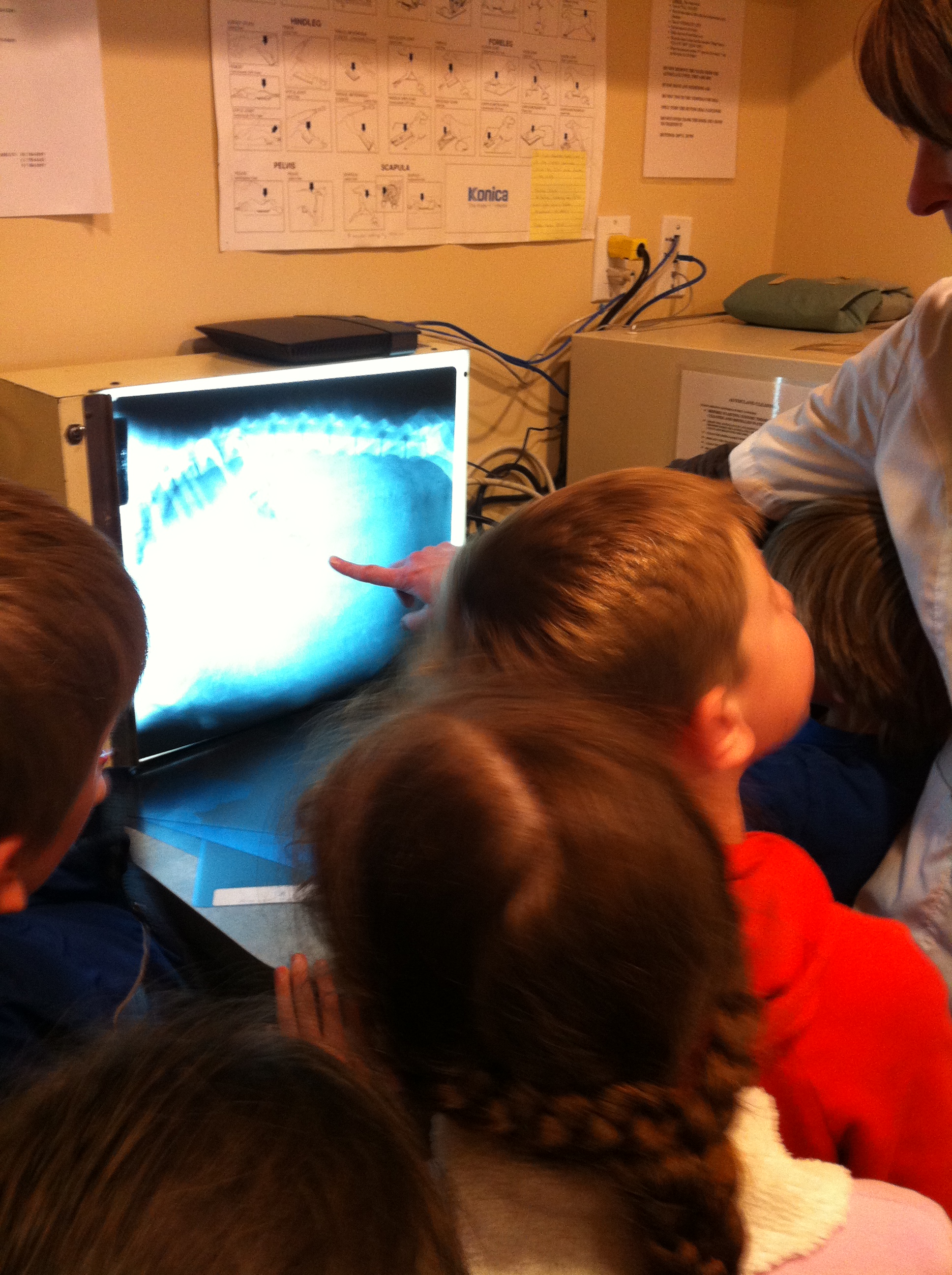
Looking at the x-rays of the animals was really interesting.
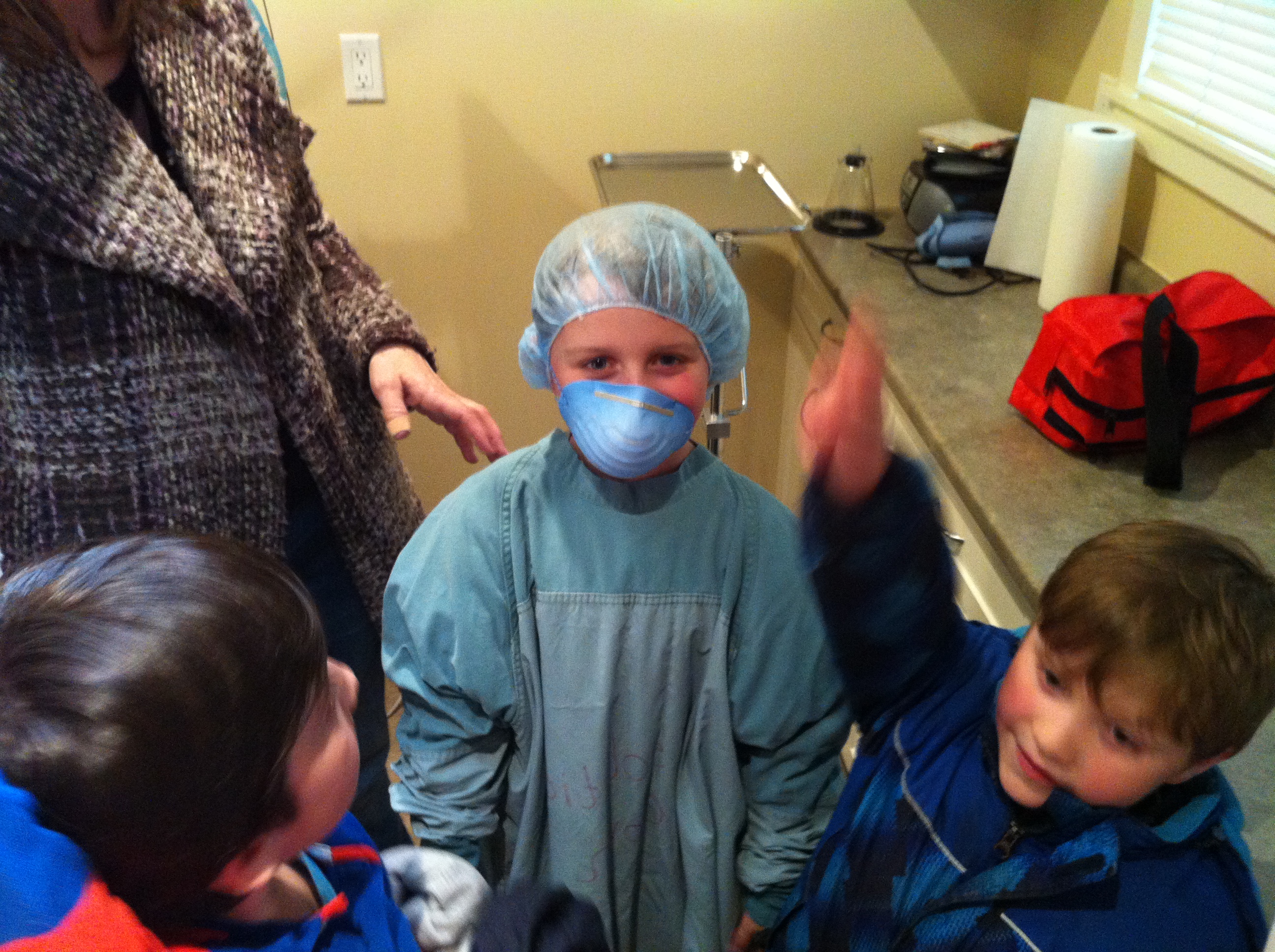
We even had one student get suited up for surgery! Can you guess who?
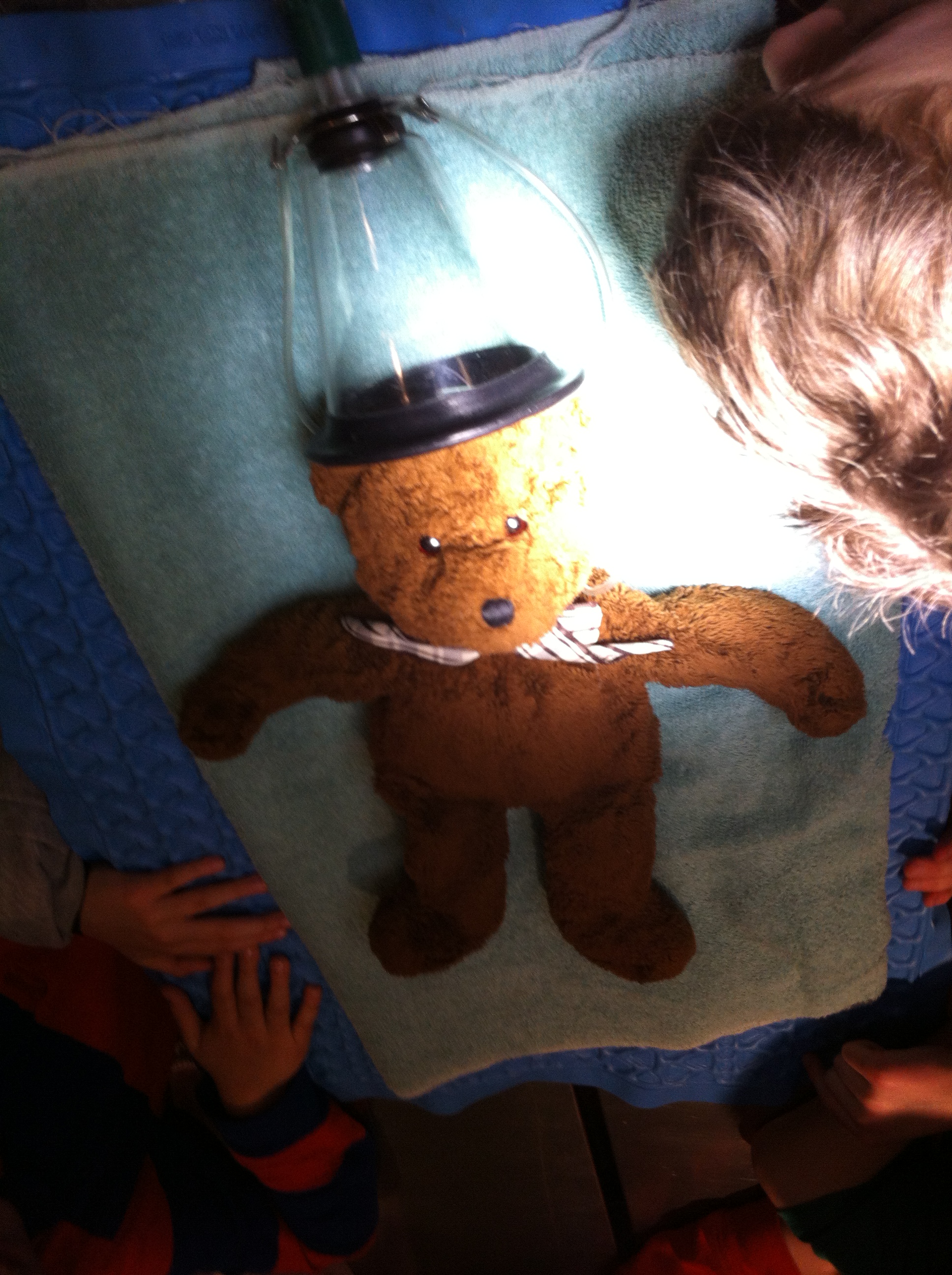
This teddy bear is laying on a special pad that keeps it warm during surgery!
When I asked the children to tell me their favorite part of the trip most of them said, “All of it!”
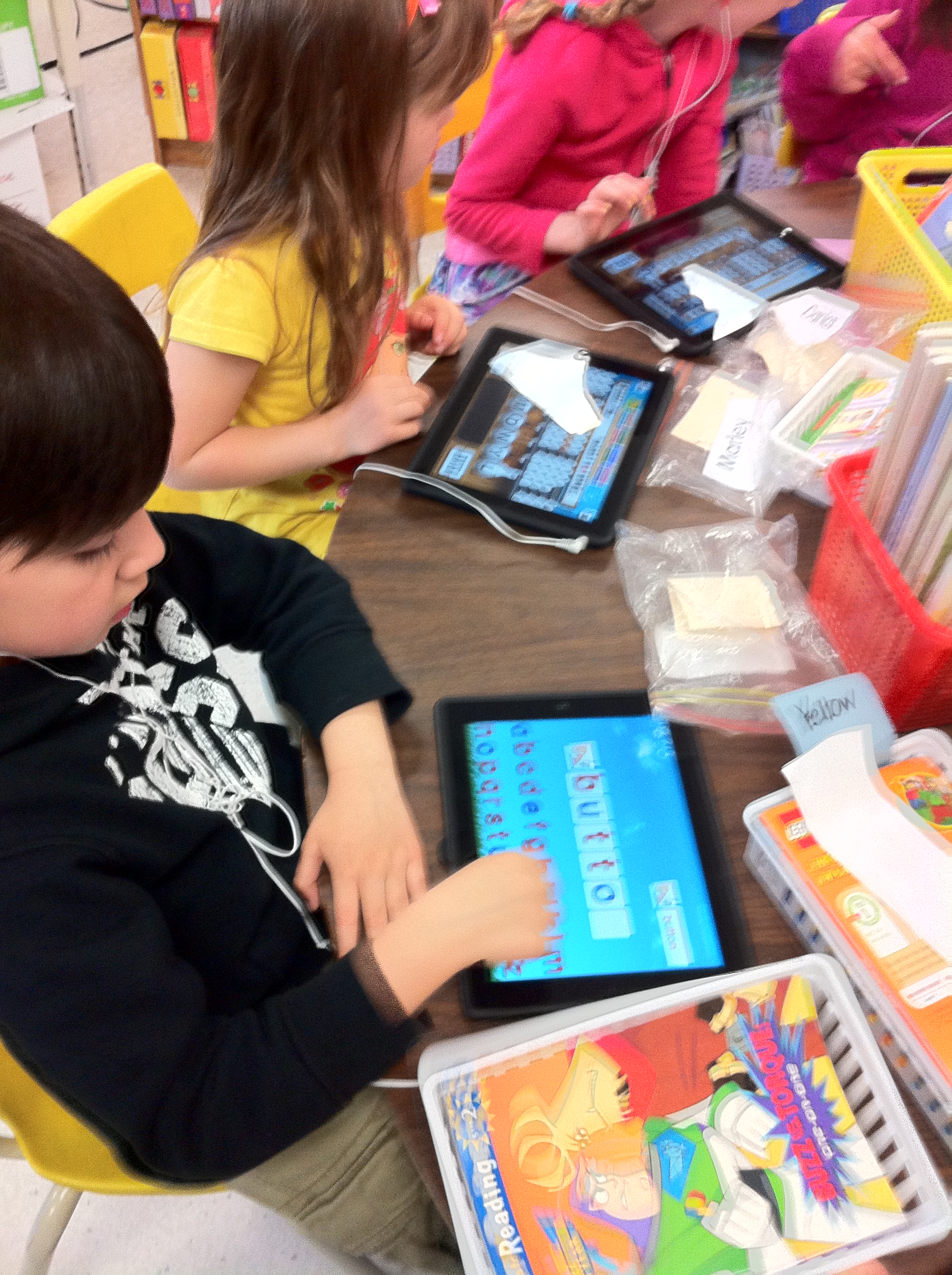
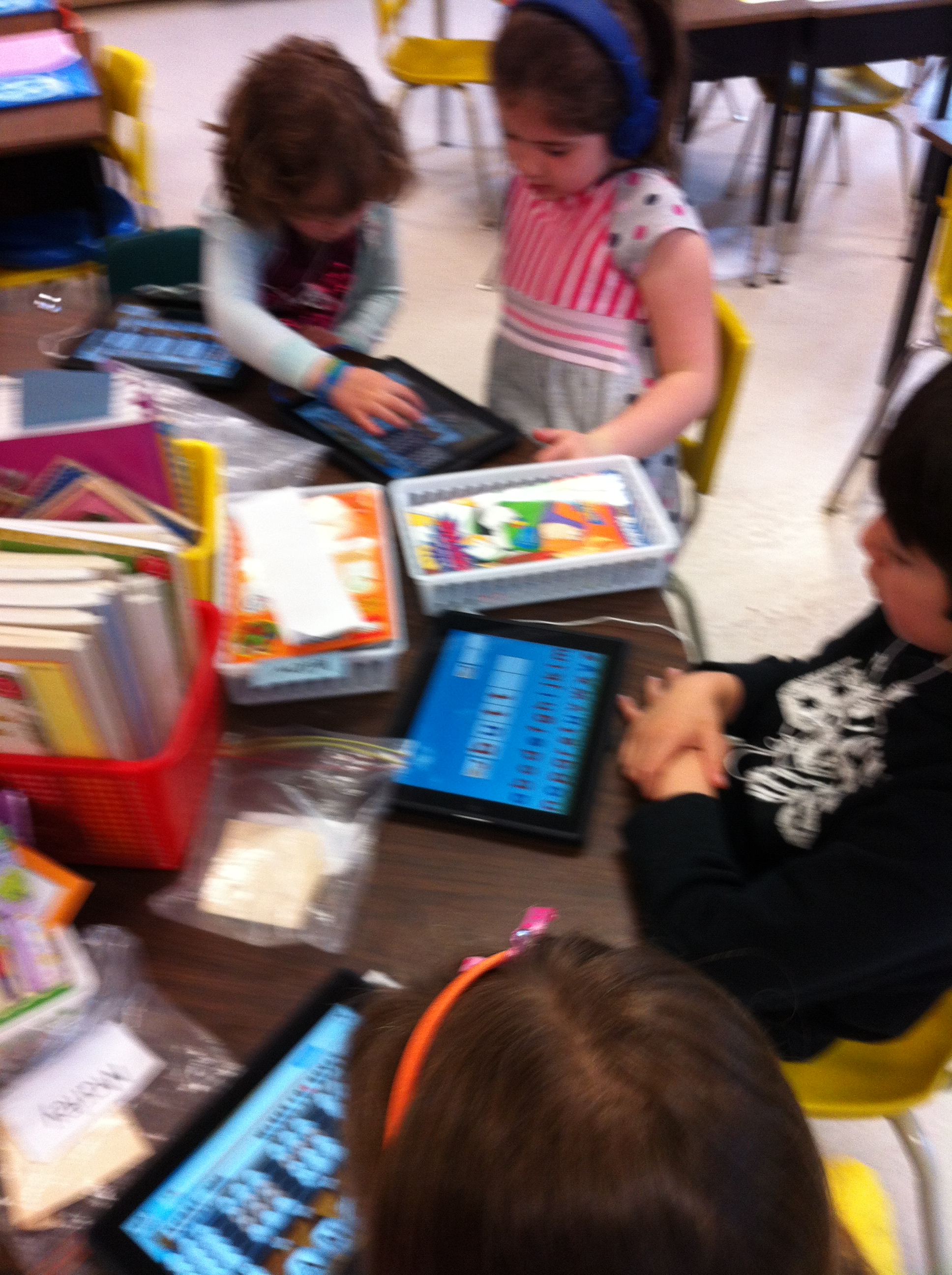
Last week the district set of iPads was delivered to our school and we have been having a great time creating books and pictures with them. We have also been practicing a variety of math and reading skills with some really neat apps.
Montesorri Words is a great app that works on spelling words. It begins with simple three and four letter words and progresses to more difficult words and crossword activities. After each correct answer the student is rewarded with an interesting animation. They love it!
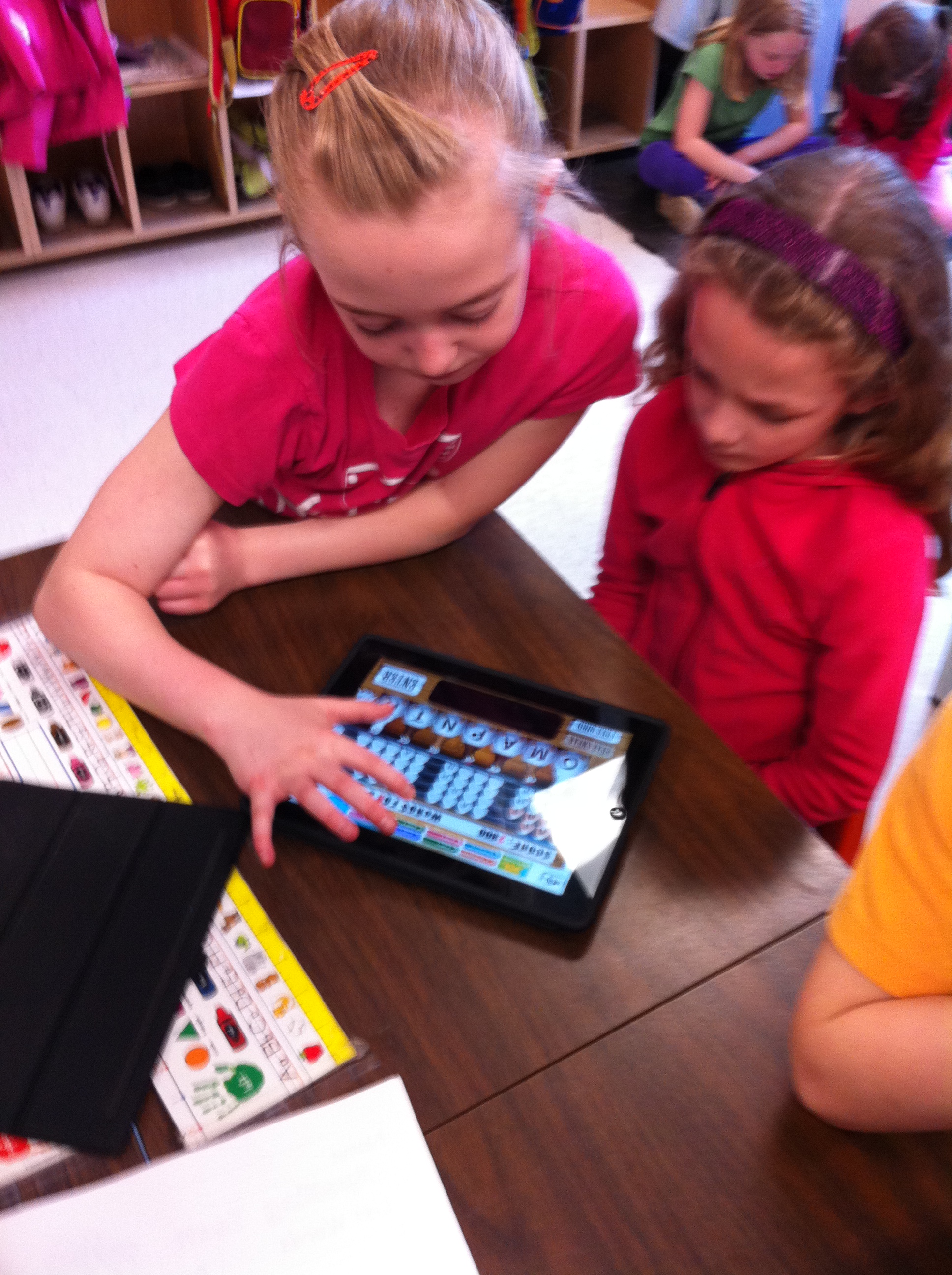
We have also played Chicktionary. The students are given 8 letters and encouraged to see how many words they can create using the letters. You gain points for each word you find! We played this game with our Big Buddies on Friday! I think one group got 7200 points!
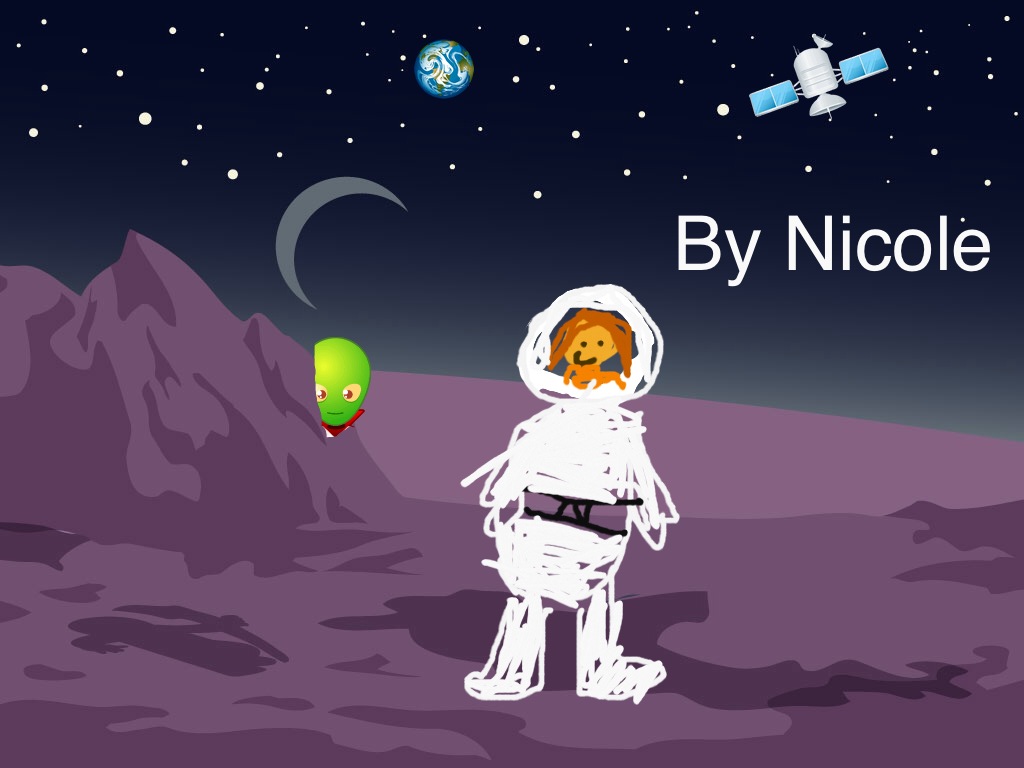
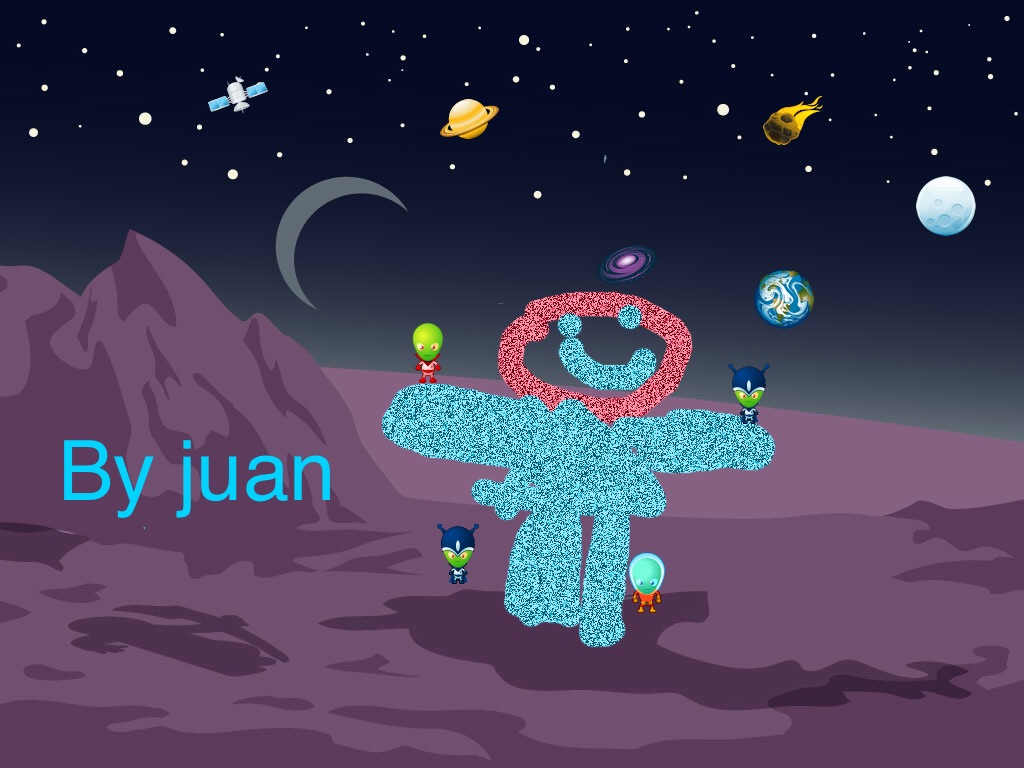
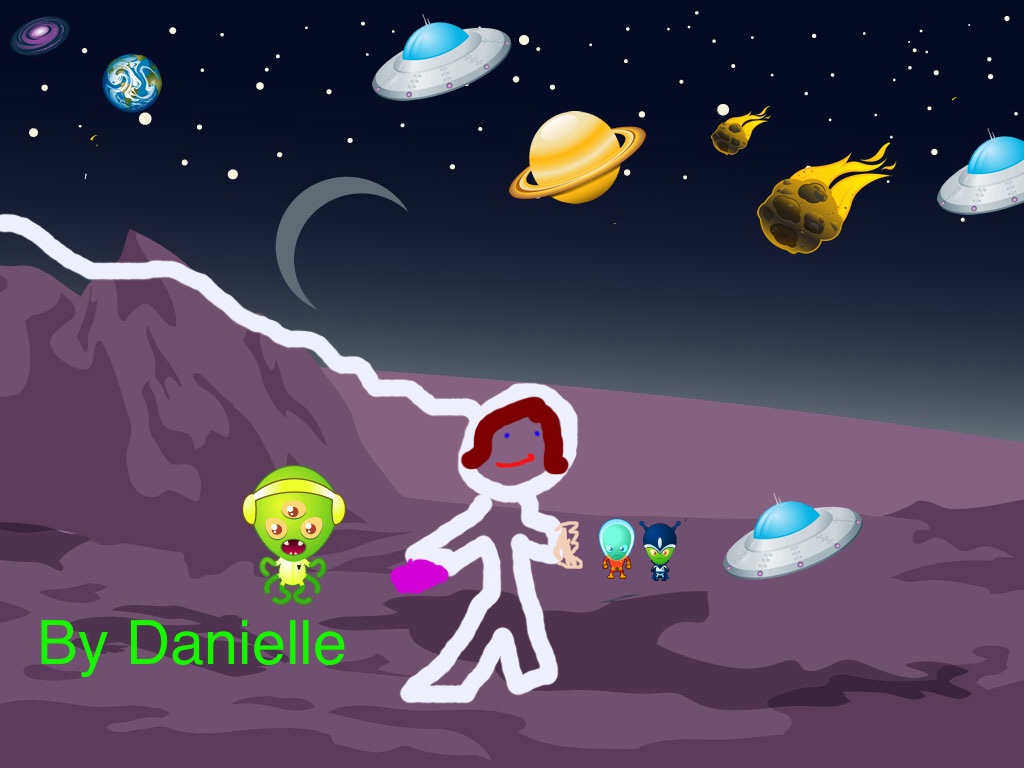
We also had some fun creating space pictures using Doodle Buddy!
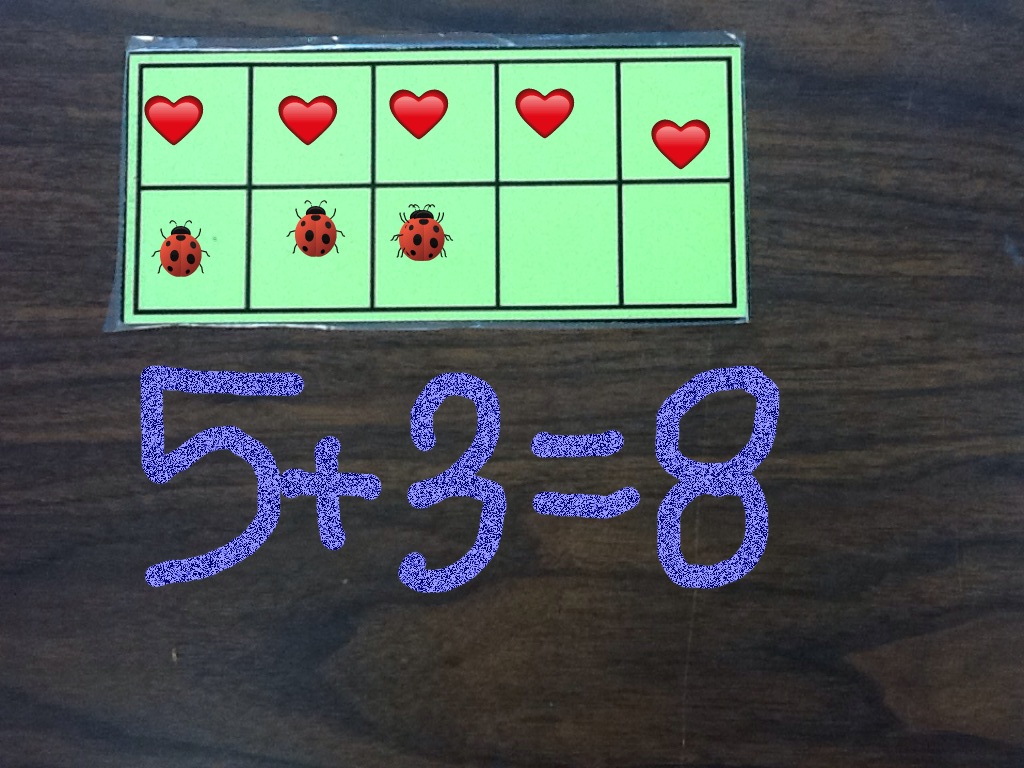
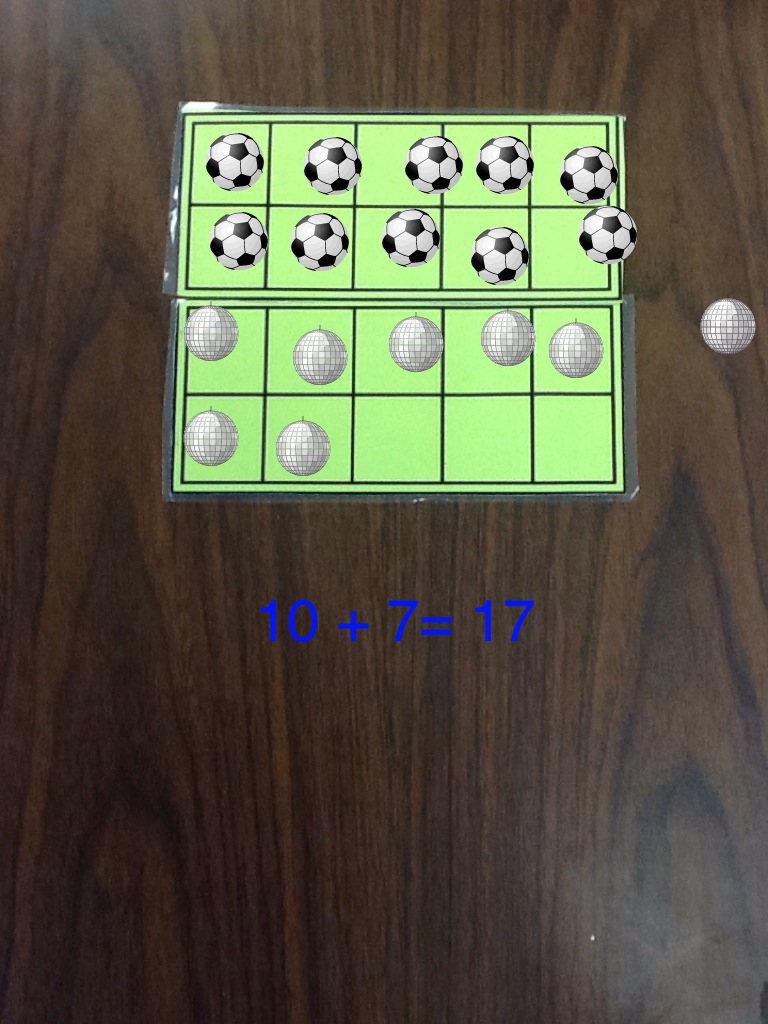
Doodle Buddy is an awesome little app and we have also been using it and Strip Designer to make math stories! More on that next post! Here is a sneak peak!
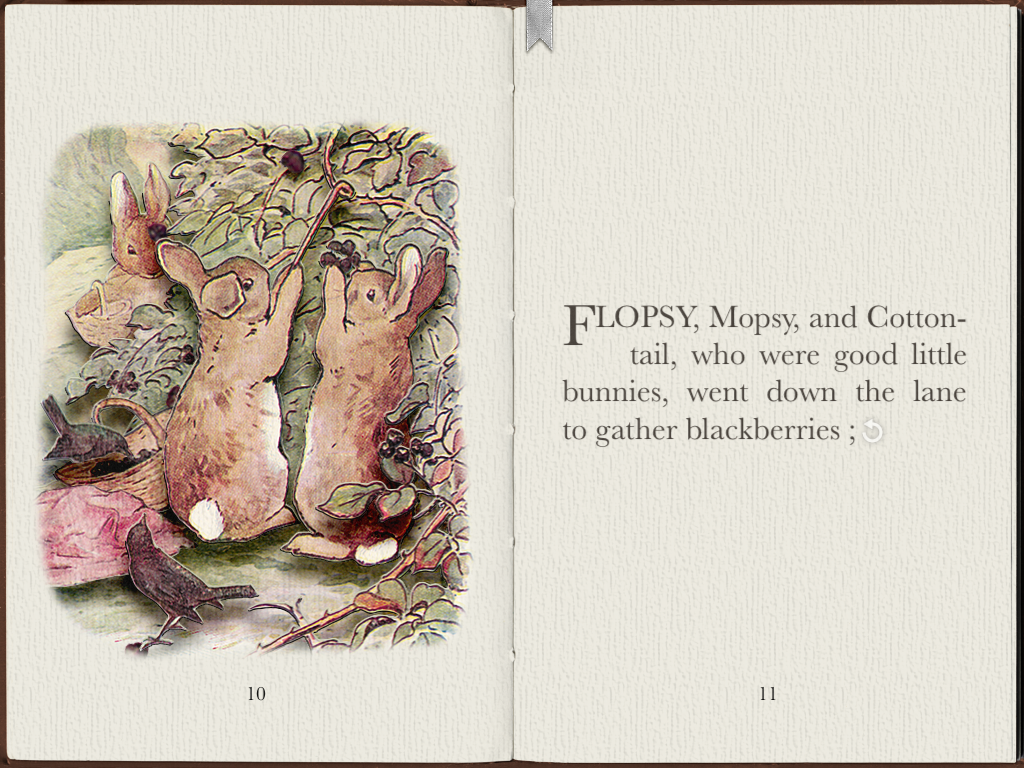
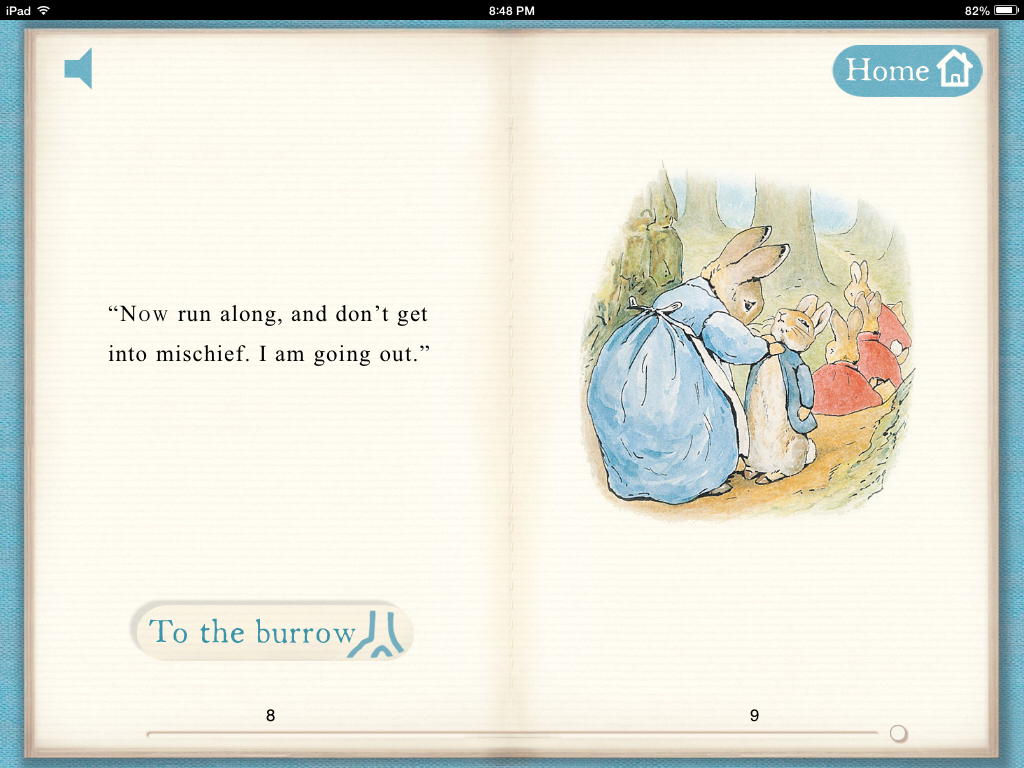
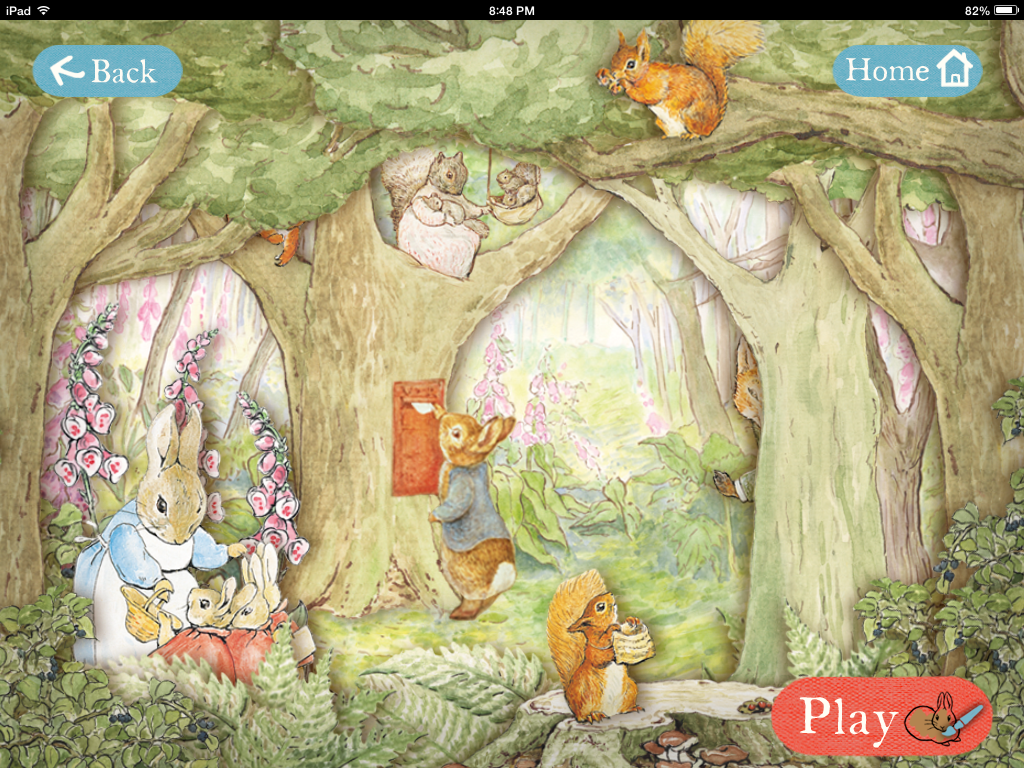
A couple of years ago I discovered that even Peter Rabbit has an app! I downloaded the app from the official Peter Rabbit site and shared it with my students last year. This year it was as big a hit as it was in the last two years.
The coloring pages are fun because you can use a magic paintbrush and it paints it in “Beatrix Potter” colors!
You can have the story read to you or you can choose to read it yourself. There are a variety of games and activities that the children can do and all have the lovely Beatrix Potter colors and illustrations!
I also showed them the app called PopOut Peter. It has a jigsaw puzzle feature that I really enjoy. I think both of the apps might become favourites!
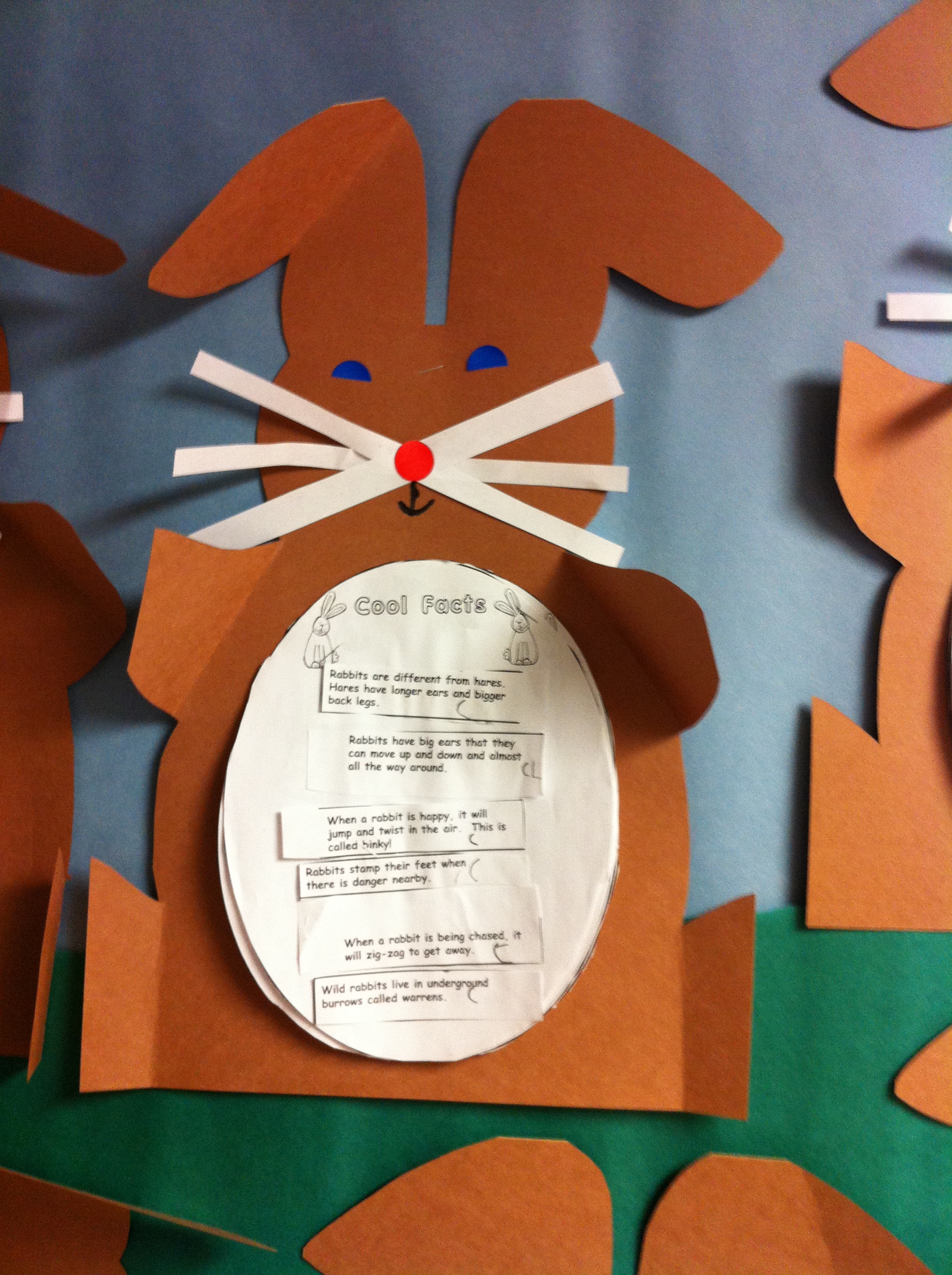
We have been doing a lot of different things with rabbits.
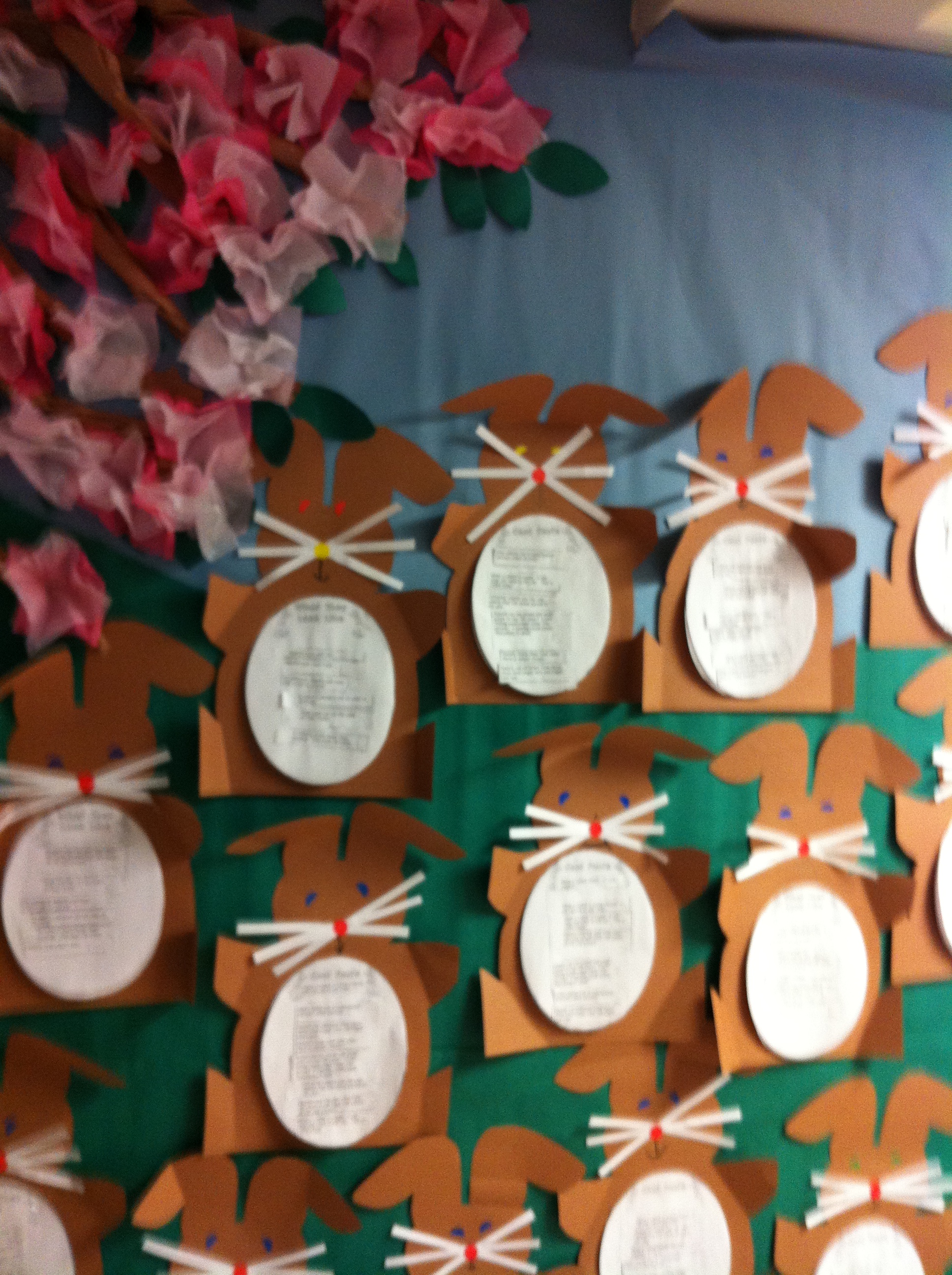
We did a mini research report about rabbits where the children had to read a variety of facts about rabbits and sort and categorize them into different categories! We turned it all into a rabbit shaped report!
Today, we read one of my favourite stories by Margaret Wise Brown called Home for a Bunny! Then the children retold the story using a story map. They sequenced the story parts and had a great time illustrating their story!
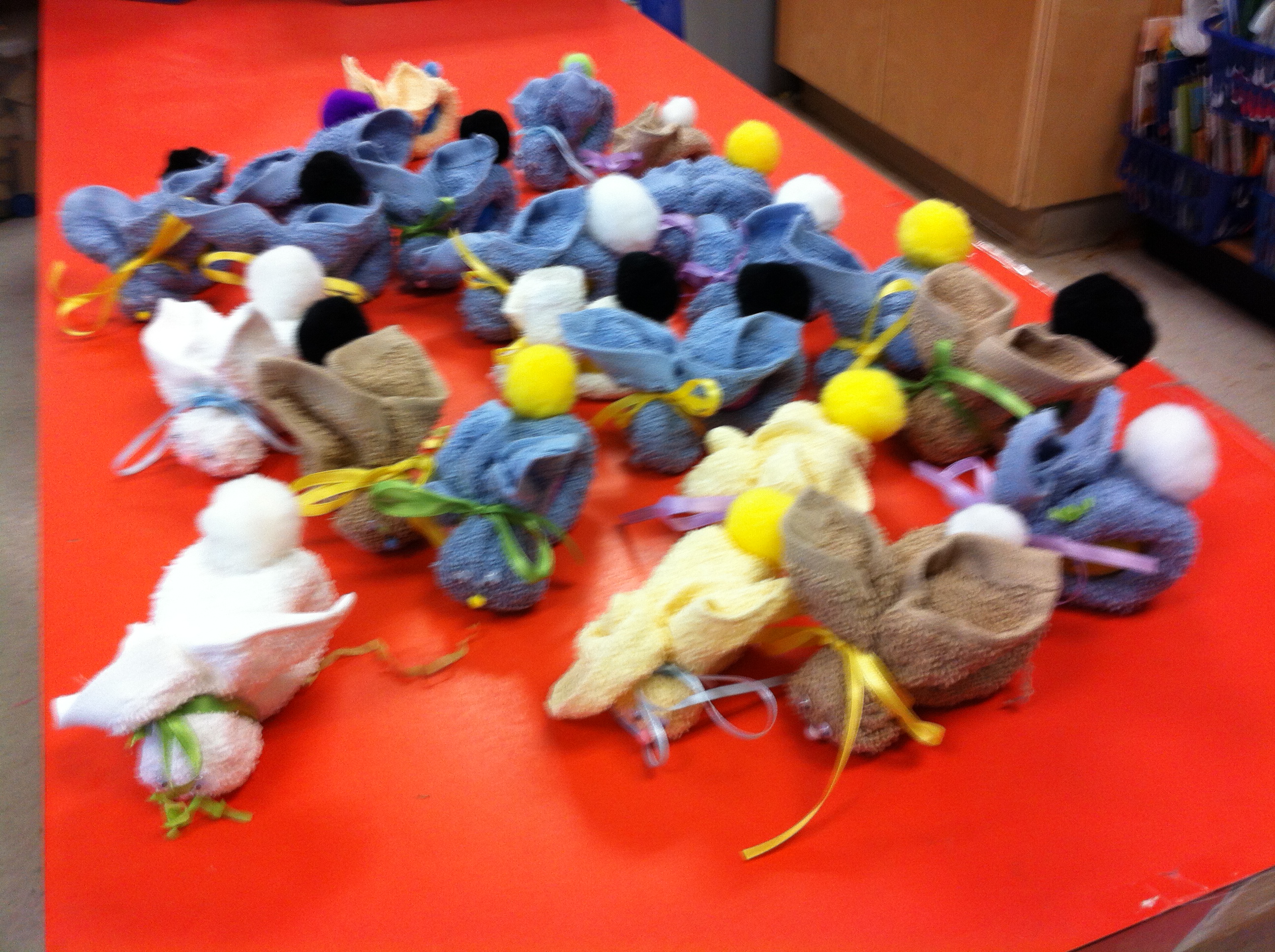
We also made some BooBoo bunnies! They will be coming home tomorrow as we didn’t quite get everyone’s bunny finished. So the bunnies are having a sleepover at school! Hope they don’t get up to too much mischief!
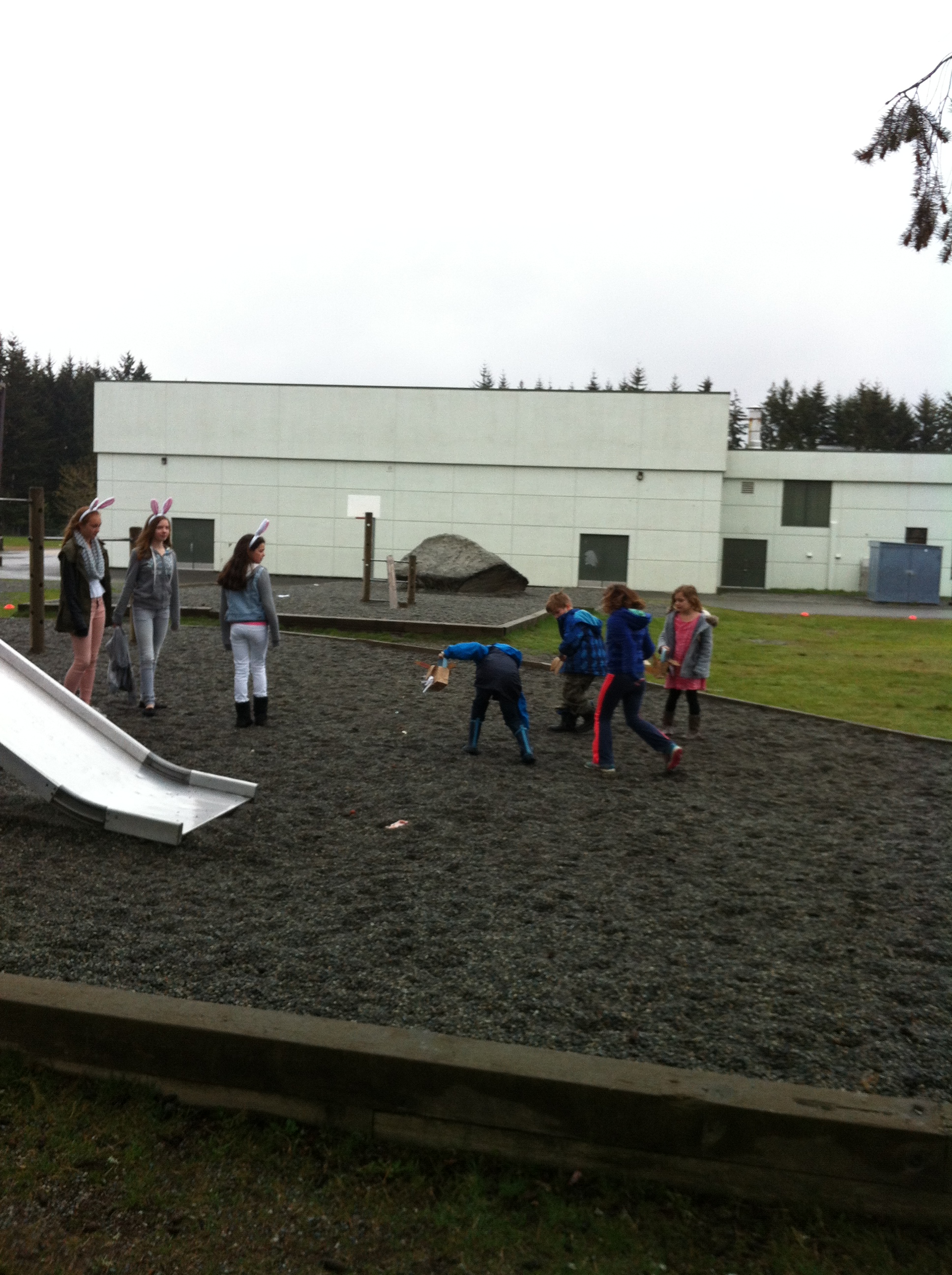
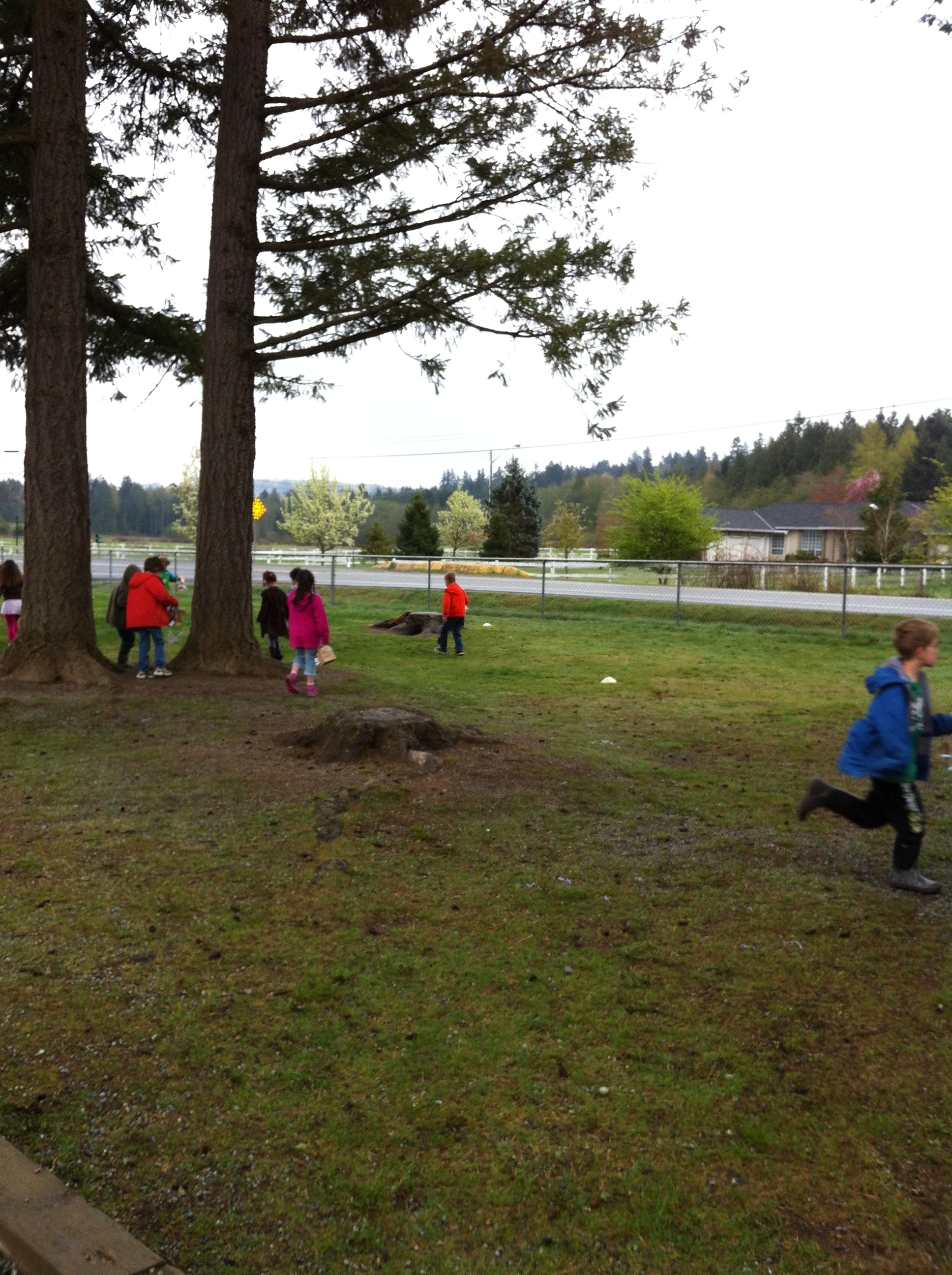
We also participated in the annual Easter Egg hunt and had to race the crows to find all the eggs.
We watched one crow pick up an egg and fly away with it right in front of us! What would the Easter bunny think?
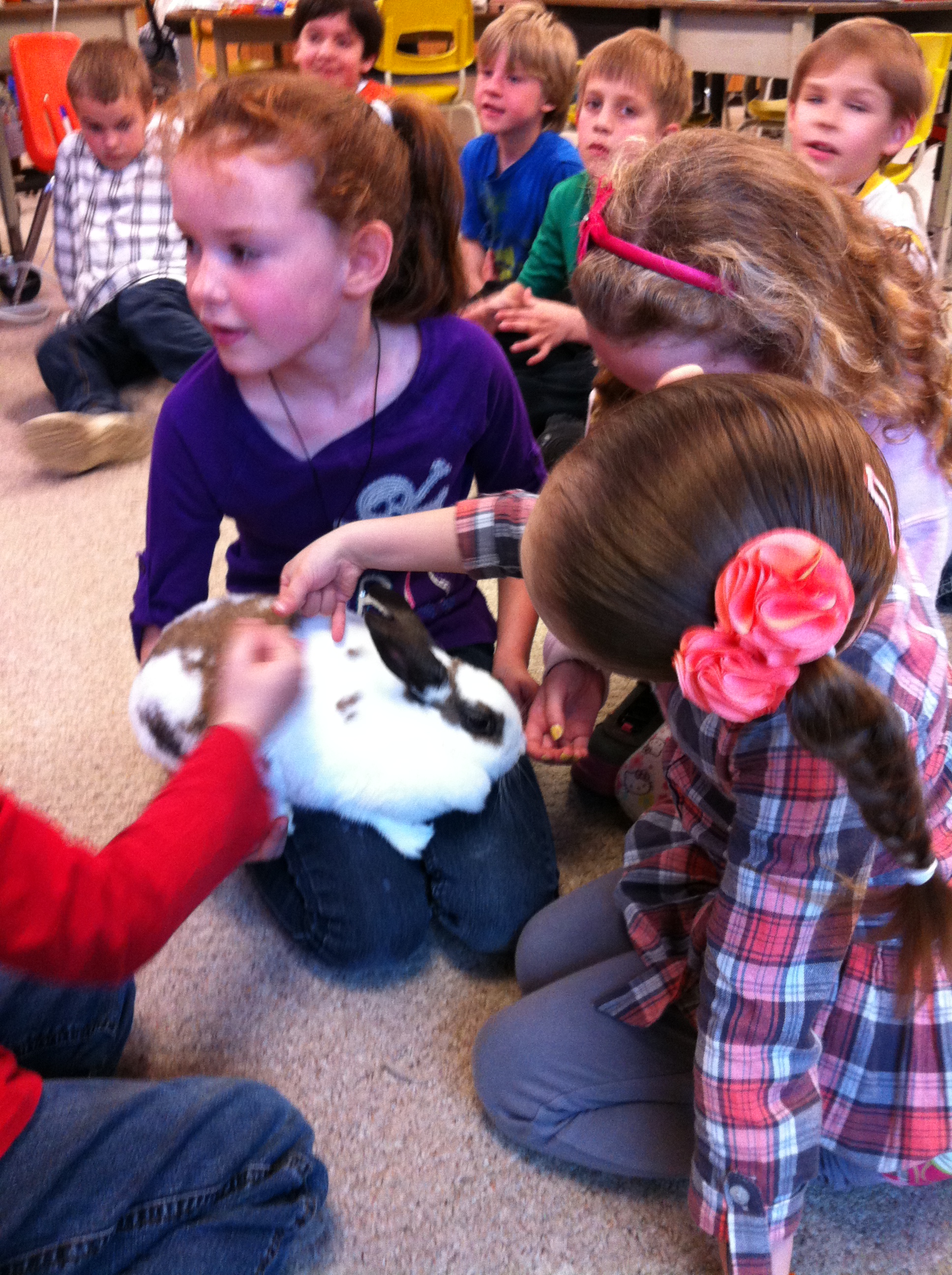
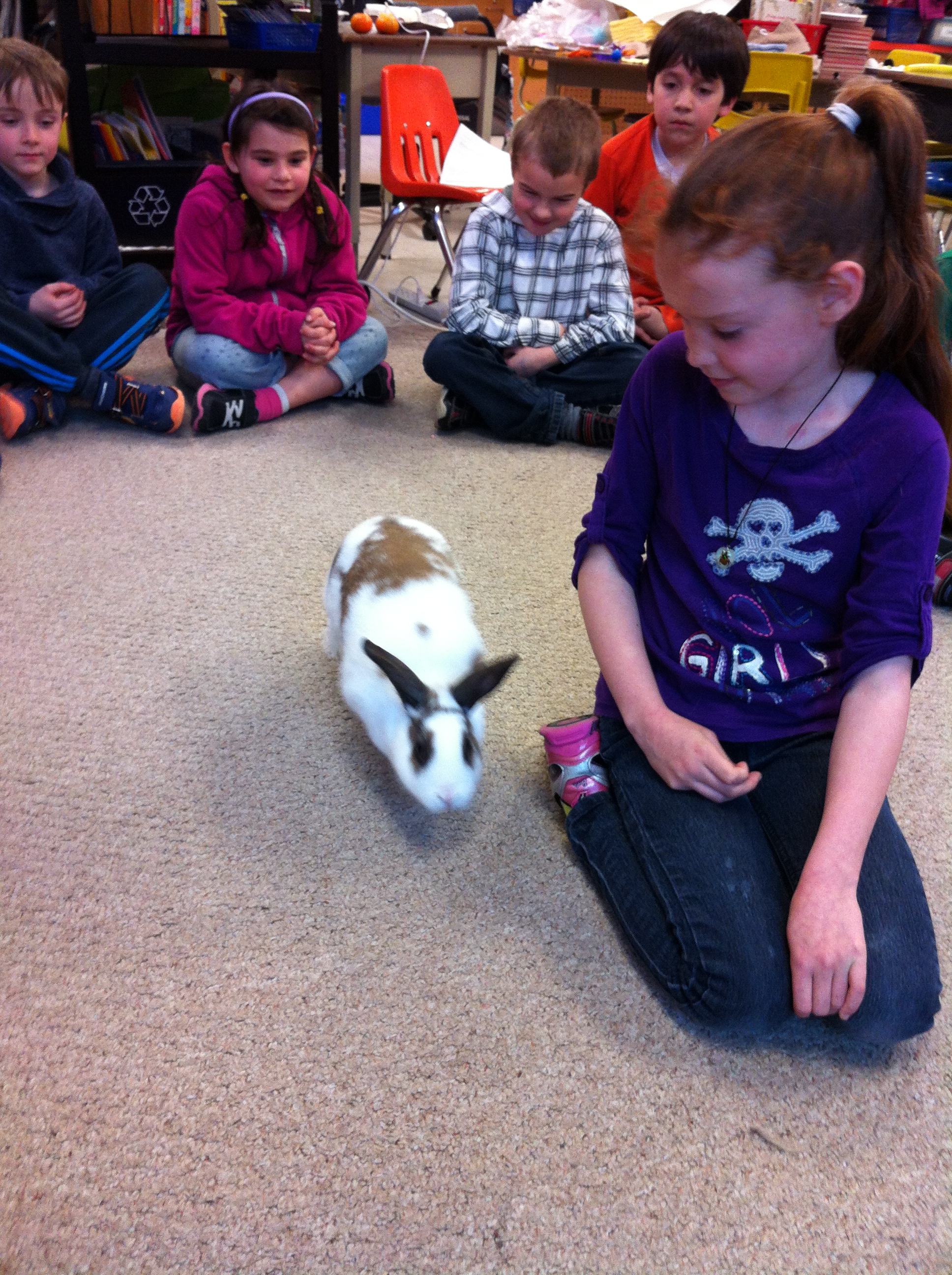
We also had a real bunny called Honey Bunny come visit! What a great bunny! So gentle!
Honey Bunny hopped around the carpet visiting the children and was willing to be petted by everyone! Definitely a Honey Bunny!
It beginning to feel a lot like Christmas, especially in our class!
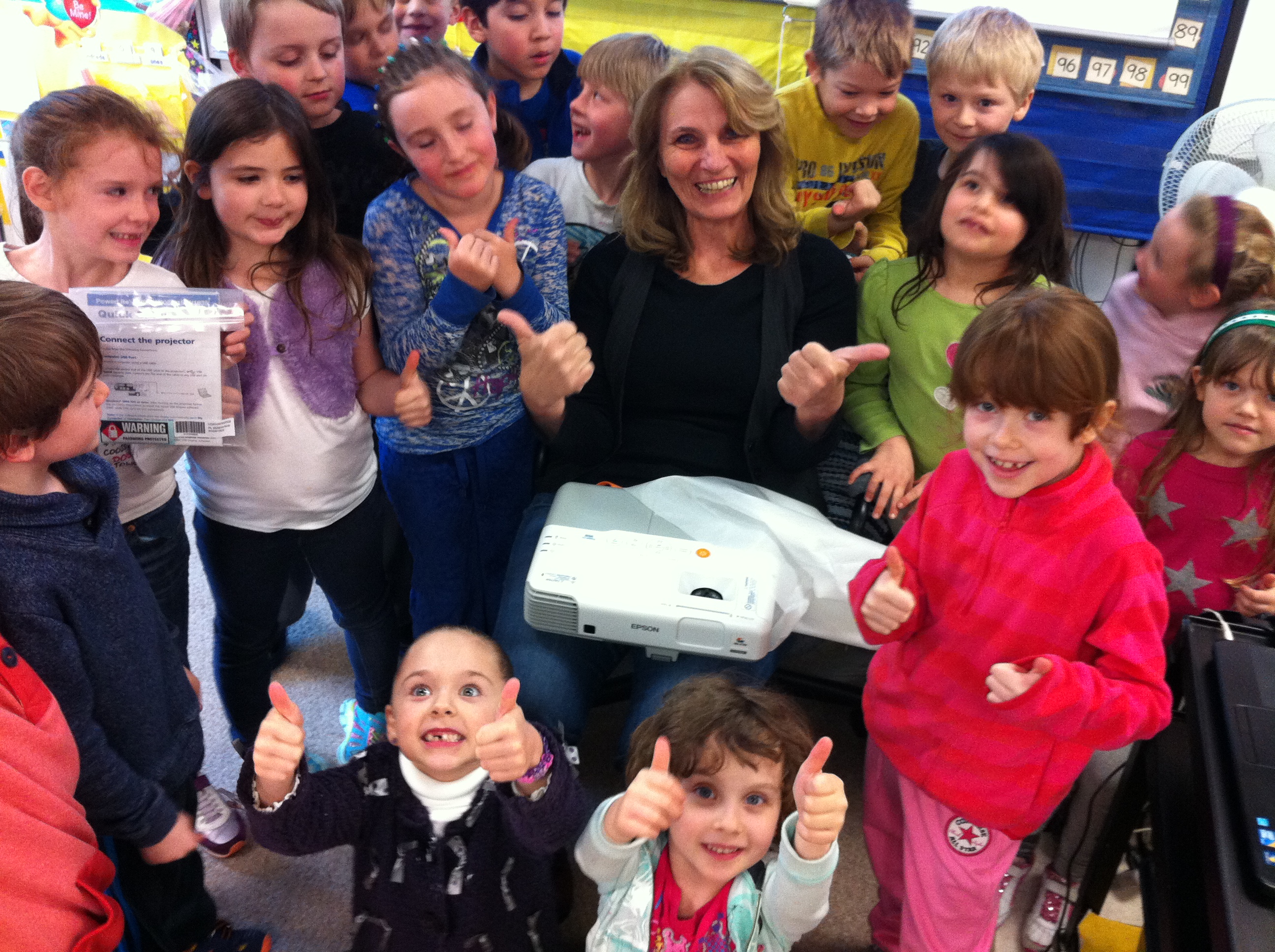
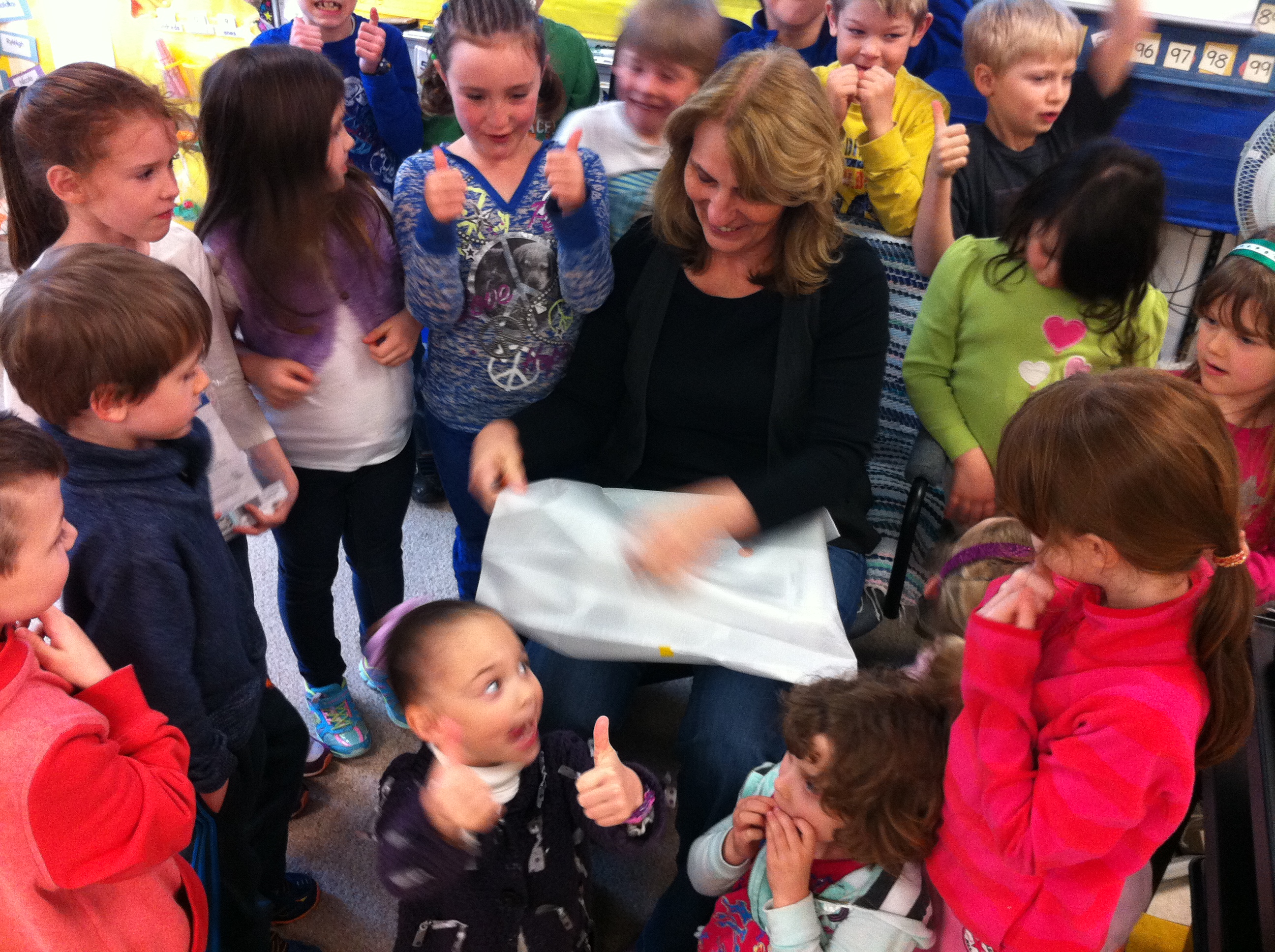
The first box from the Mind Share Learning Video Challenge contest arrived last week! Inside was an amazing new Epson PowerLite 96W WXGA 3LCD Projector! Very cool!
You can see from the pictures that the children were very excited! It definitely got a two thumbs up vote! They actually liked all parts of the prize package as they even wanted to have the box!
I told them that I was sure they could have the box too!
We have been working on a variety of projects!
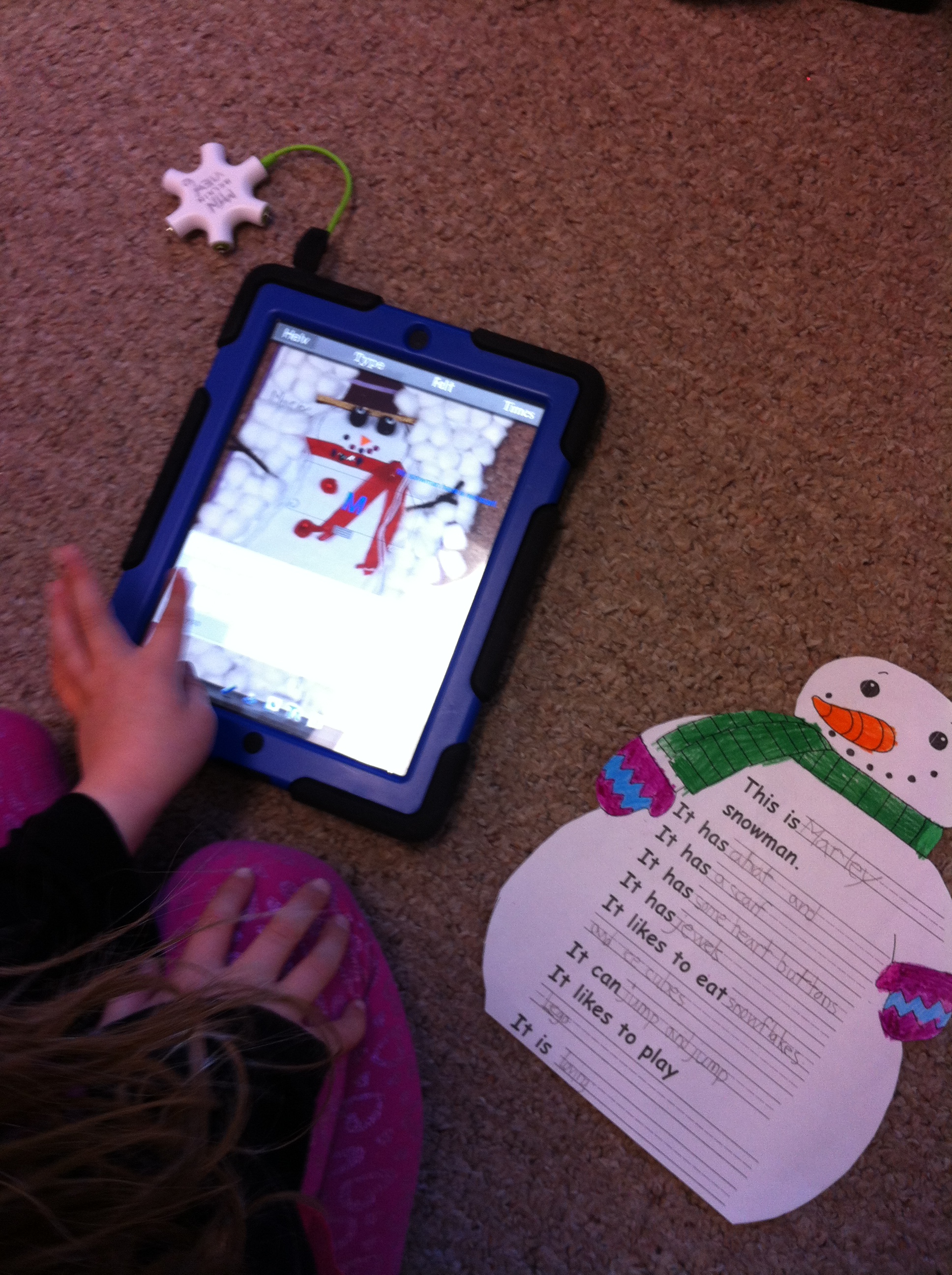
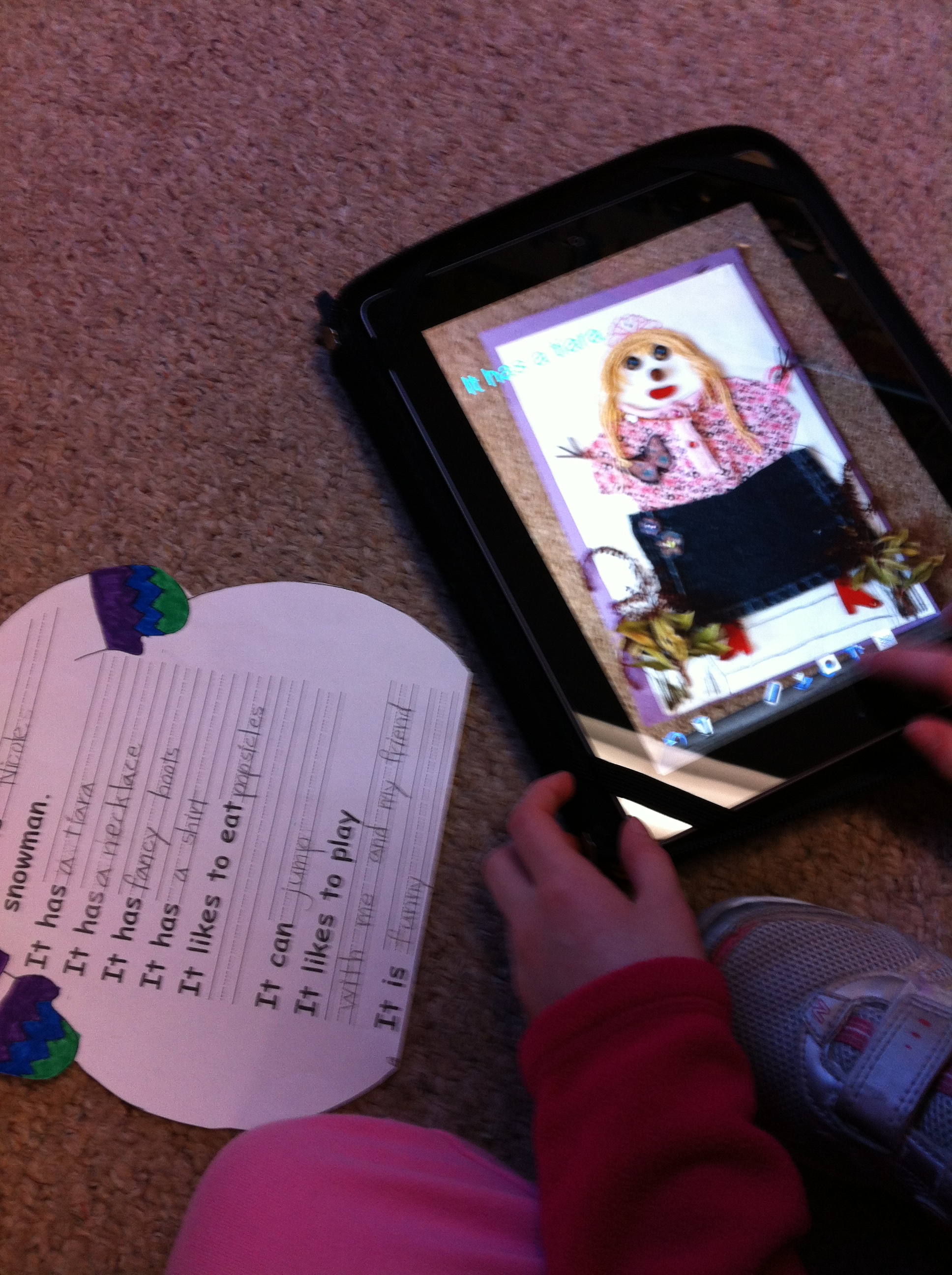
We are continuing to work on the pages for our snowman projects. We will be compiling them into a special format very soon!
We are using a variety of different apps to create the pages to make our books about the snowmen.
We are taking pictures of all the snowmen and labeling them using the Doodle Buddy app!
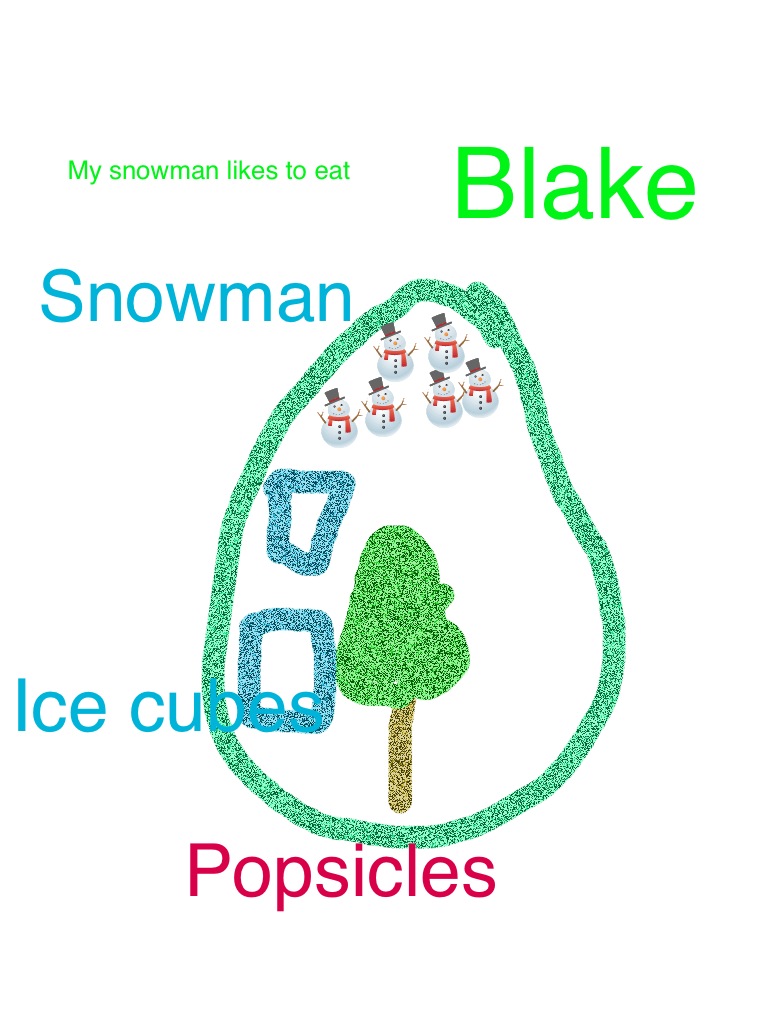
The children have been working on pages describing their snowman’s favourite meals to add to their books.
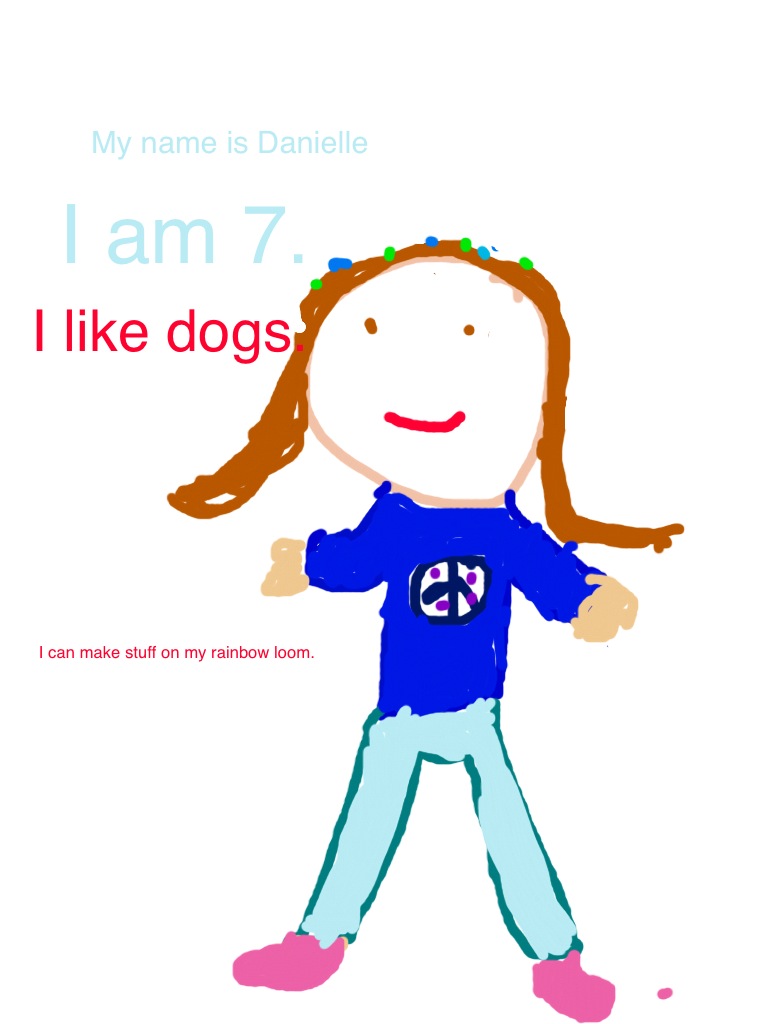
And we have been working on the author/illustrator page!
I am very impressed at how well the children can put together the pages using a variety of apps! Very cool!
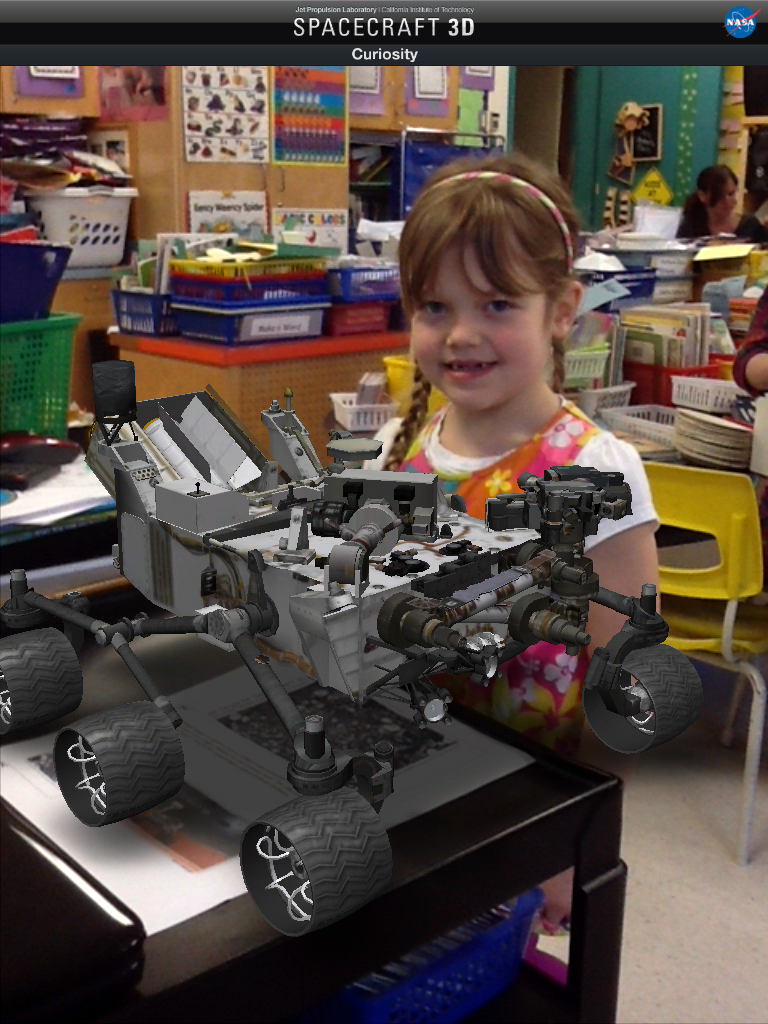
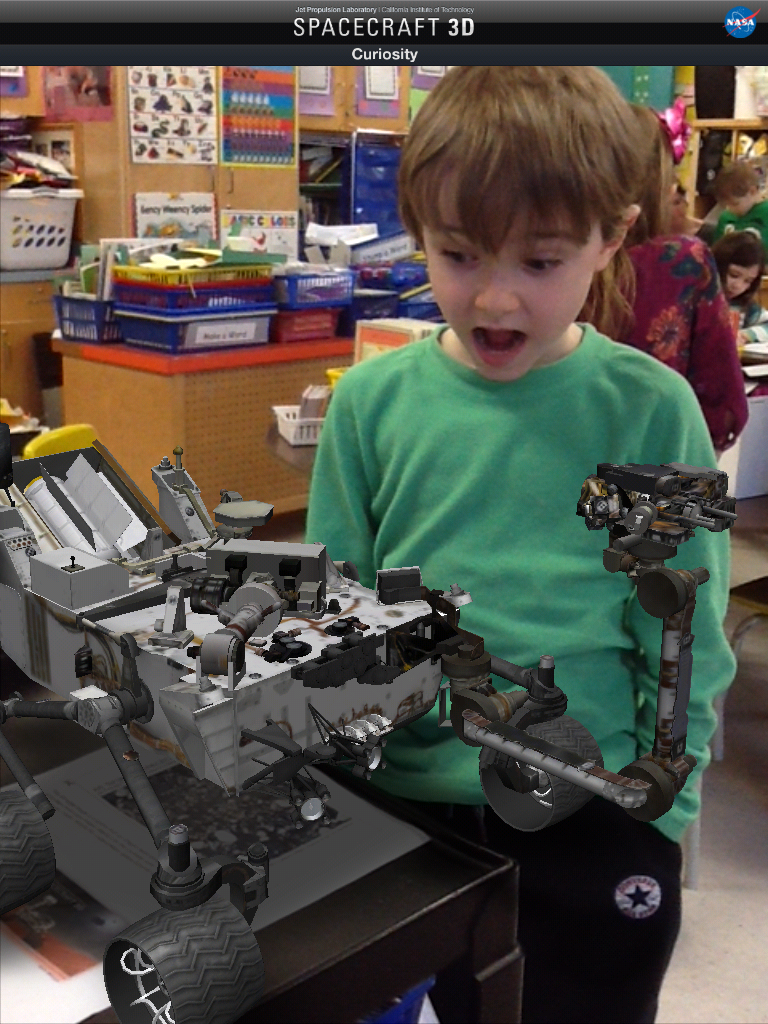
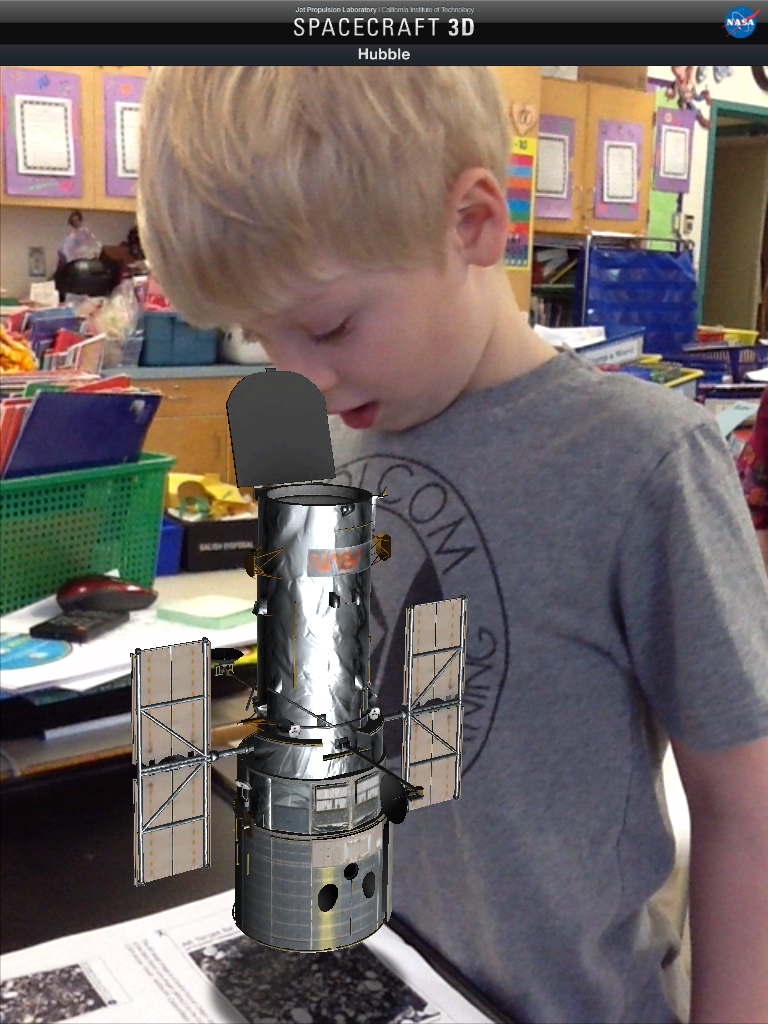
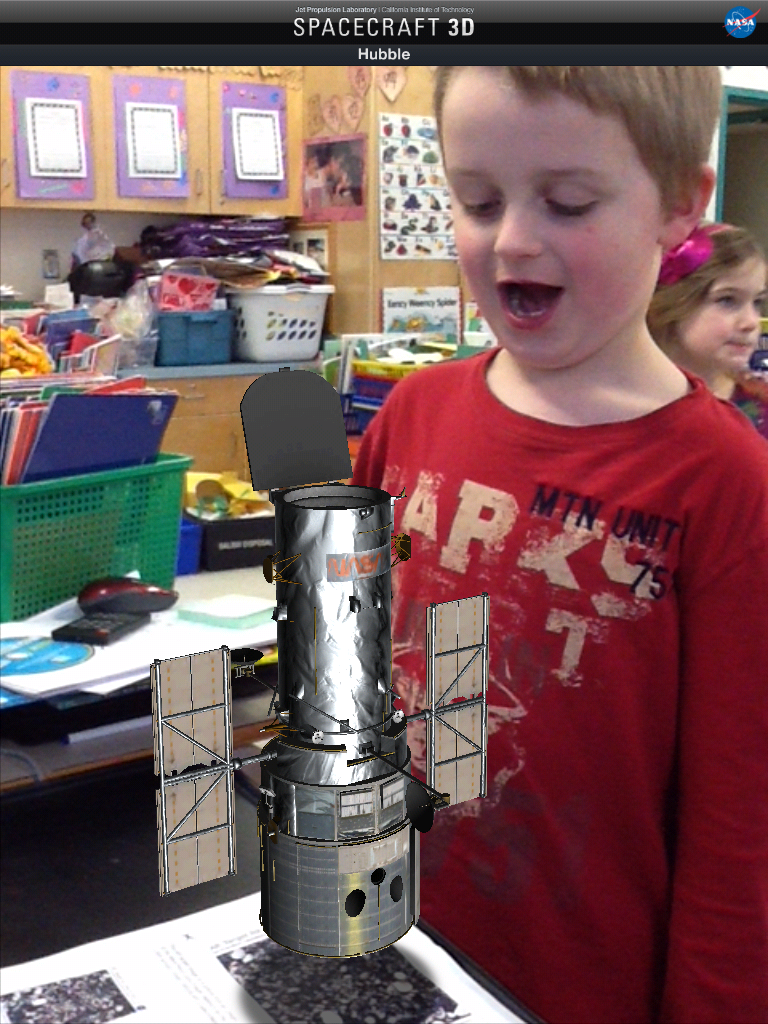
We have been having a lot of fun with a variety of apps I have found about space. This one has become a favourite! It is another Augmented Reality app called Spacecraft 3D. This is an app from NASA Jet Propulsion Laboratory and the California Institute of Technology.
You download a marker and then place the iPad over the marker and this lovely 3D image appears. The best part is that you can take your picture with it! There are 13 different spacecraft that you can view including the Curiosity and Hubble telescope!
There are animations and information about each of the spacecraft!
We had fun looking at the spacecraft and choosing which one we wanted to have a picture with. The children then posed with the image and these are some of the cool results.
We also watched this video about the Curiosity landing on Mars! The graphics are amazing and the children were completely captivated. There were some great explanations of how everything was created just for this spacecraft!
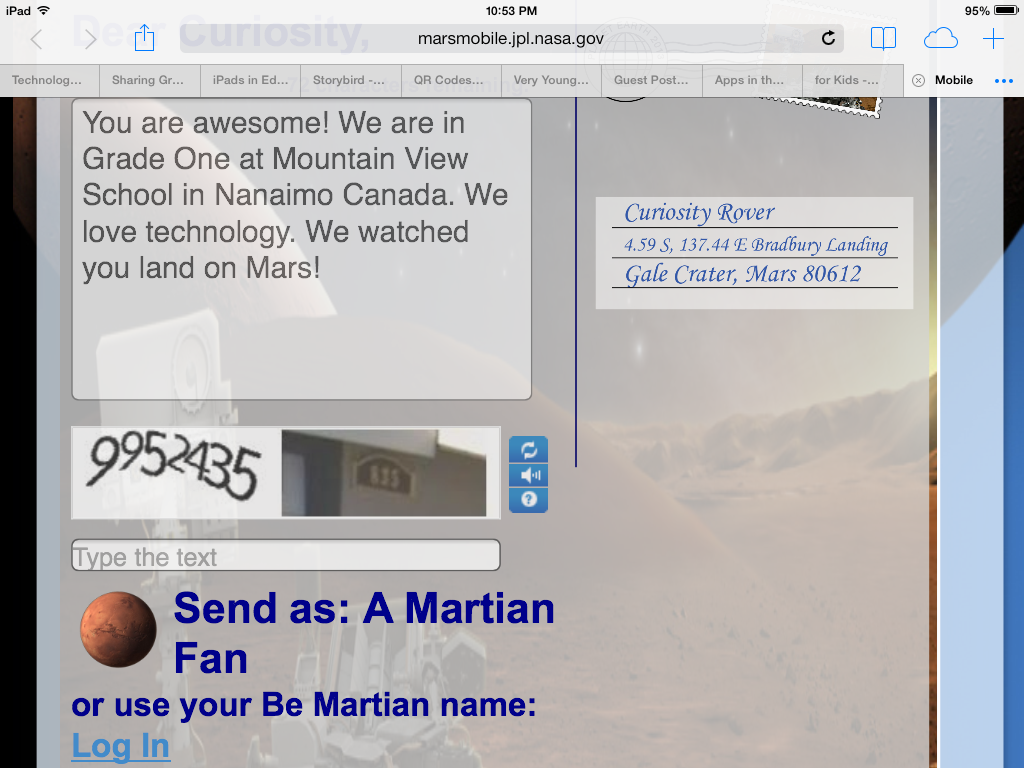
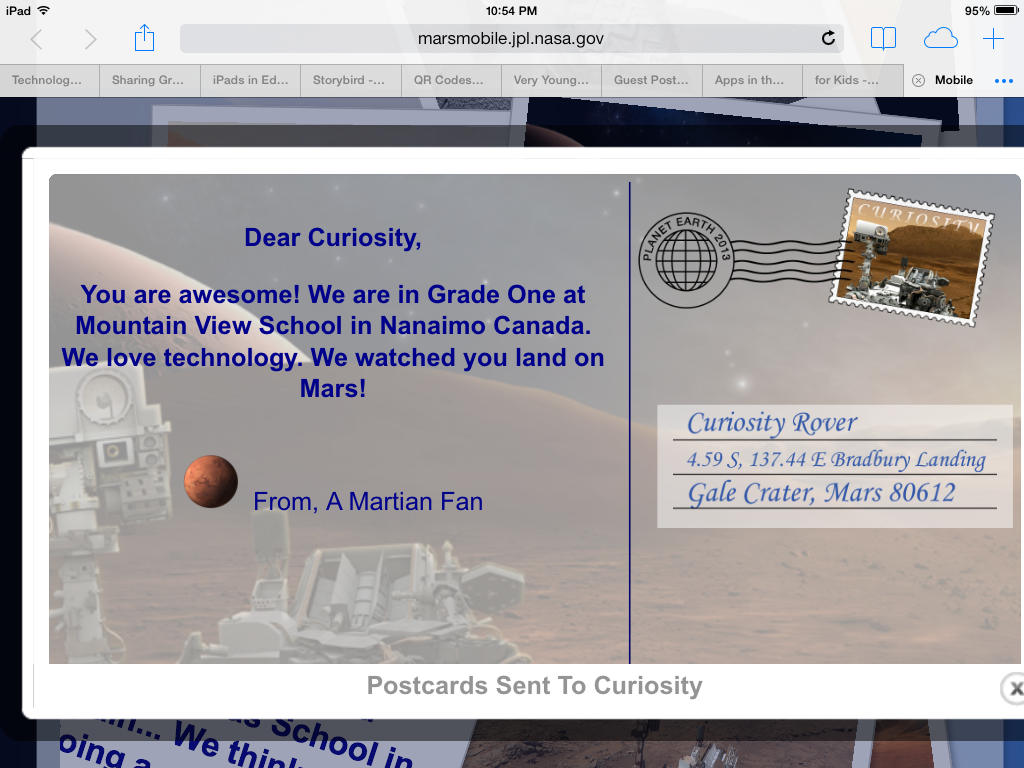
While we were learning about the Curiosity spacecraft I found a cool NASA website that focused on the Mars expeditions. There are a lot of cool links on the site including one that lets you send a postcard to the Curiosity spacecraft on Mars! Too cool! Of course, we had to send a postcard!
If you would like to send your own postcard to Mars I have added a link for the postcard site on our class WIKI page in the Science section!
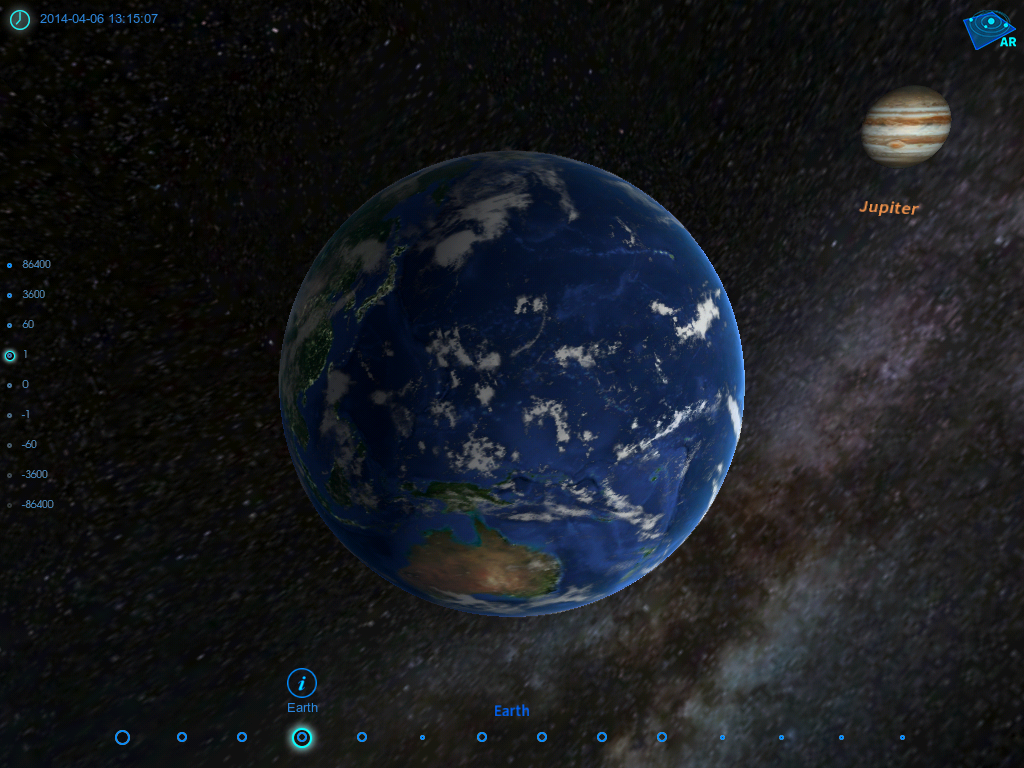
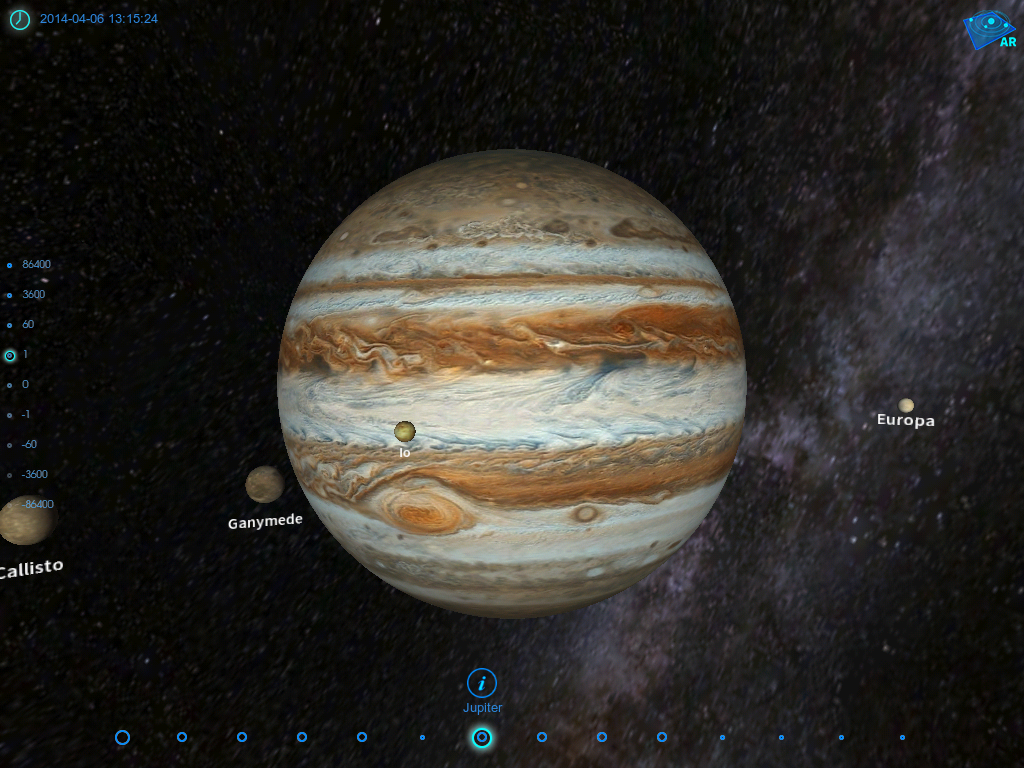
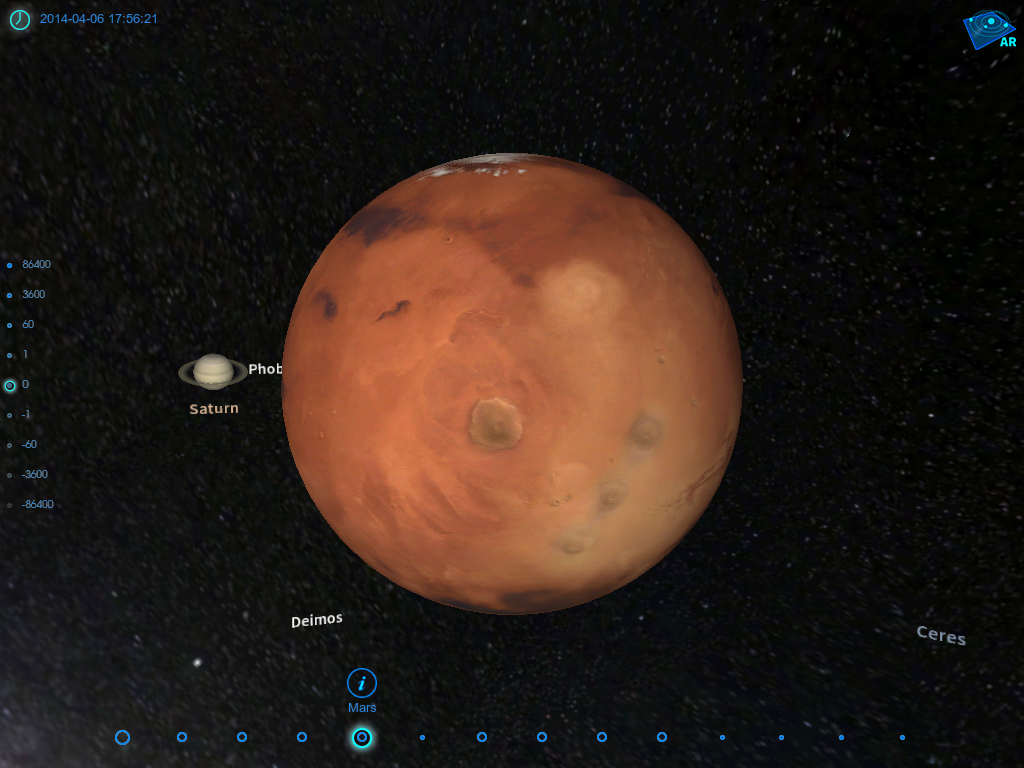
Another app we have had some fun with is called Space Journey. I love this app! It lets you choose a planet and then see it in relation to its place in the solar system!
You can pick from any of the planets in our solar system and then see it in space in relation to the other planets and the sun. Of course we had to try them all!
We got a little dizzy spinning around our solar system! You can move the planet around and see what it sees around it!
We are having too much fun with all the space apps! And there are many more!








 Mrs. Anton's Class!