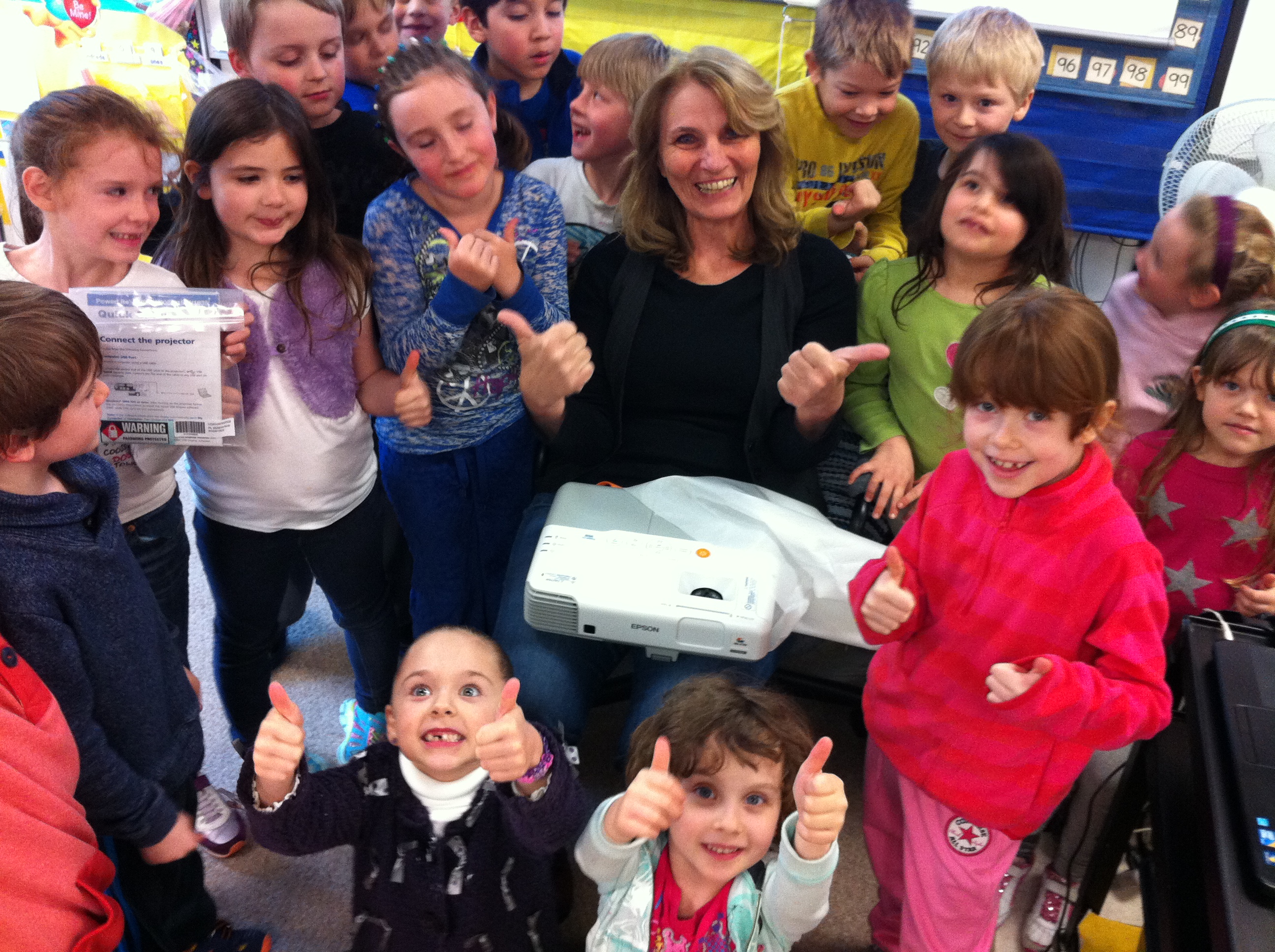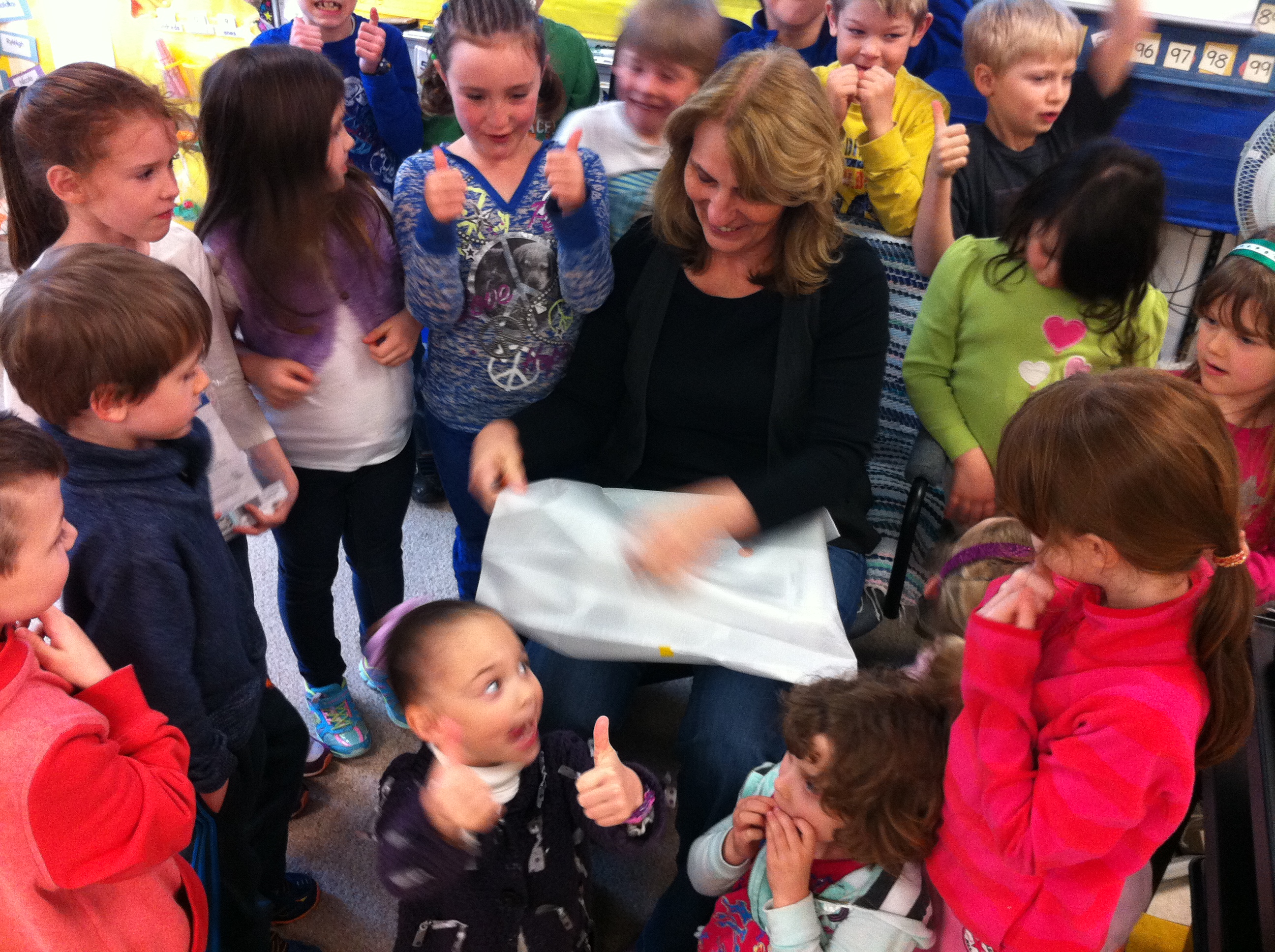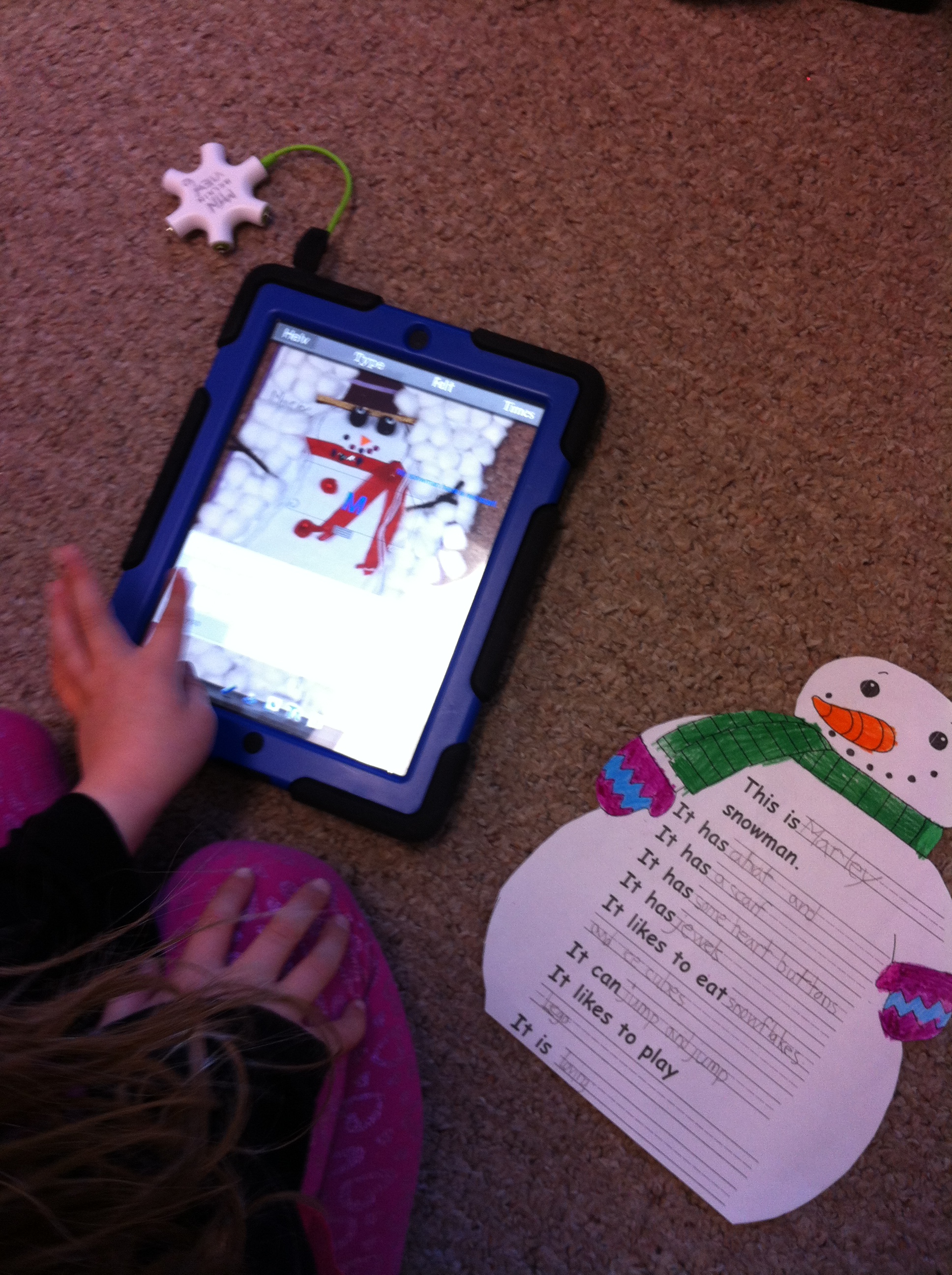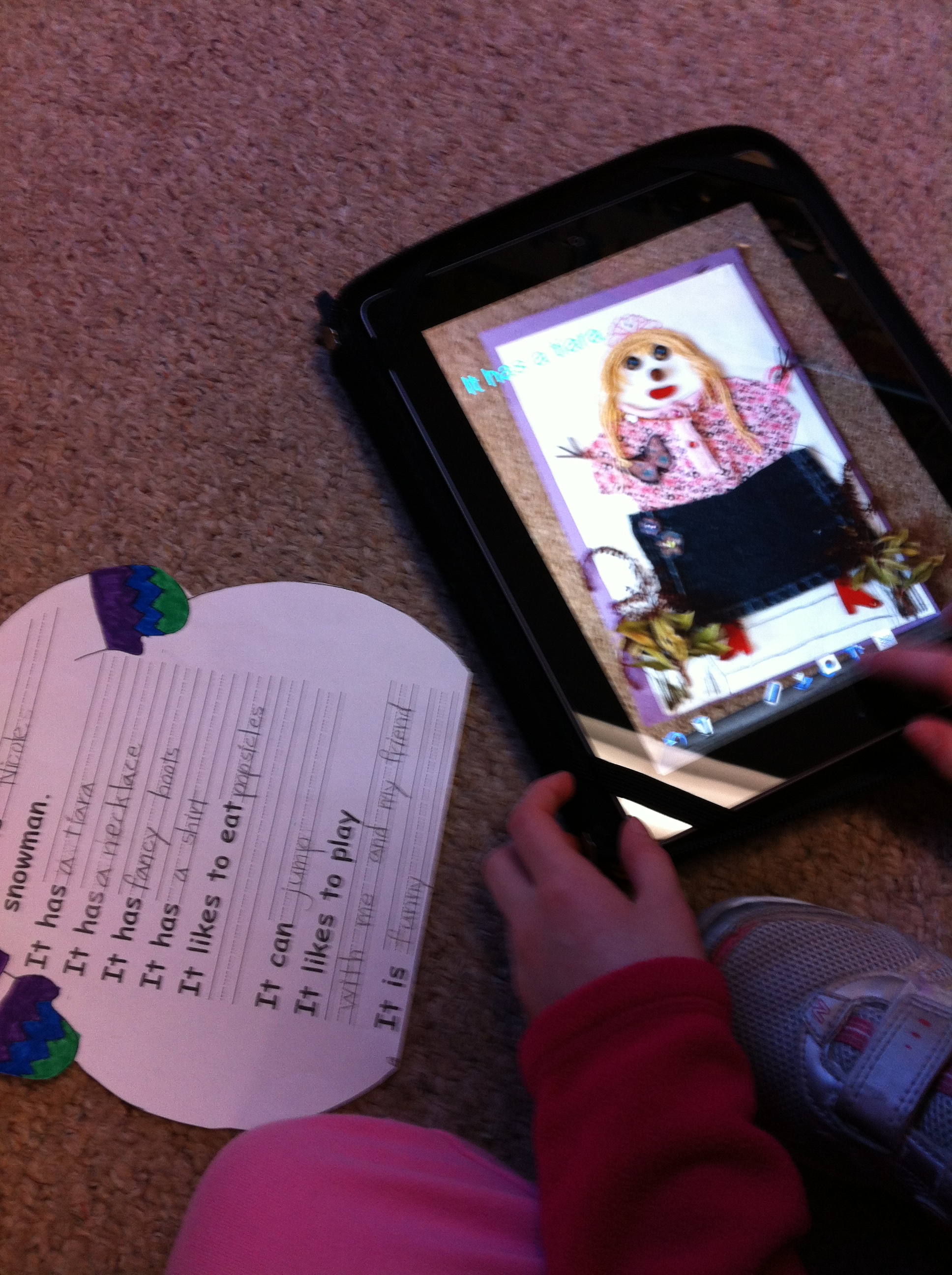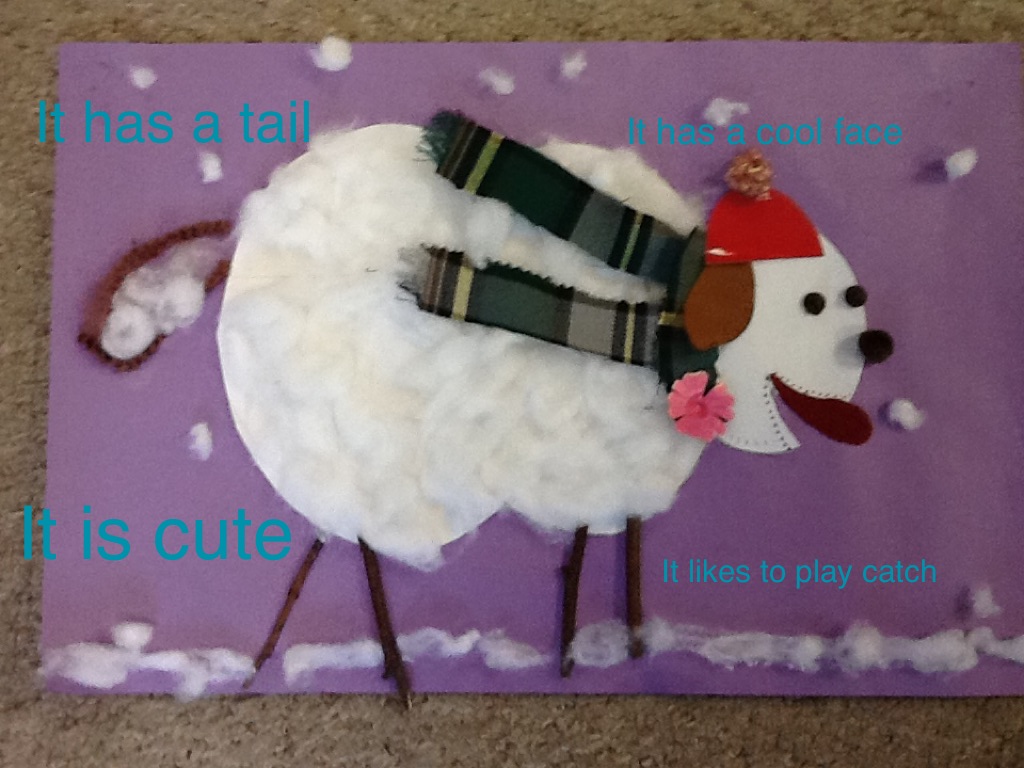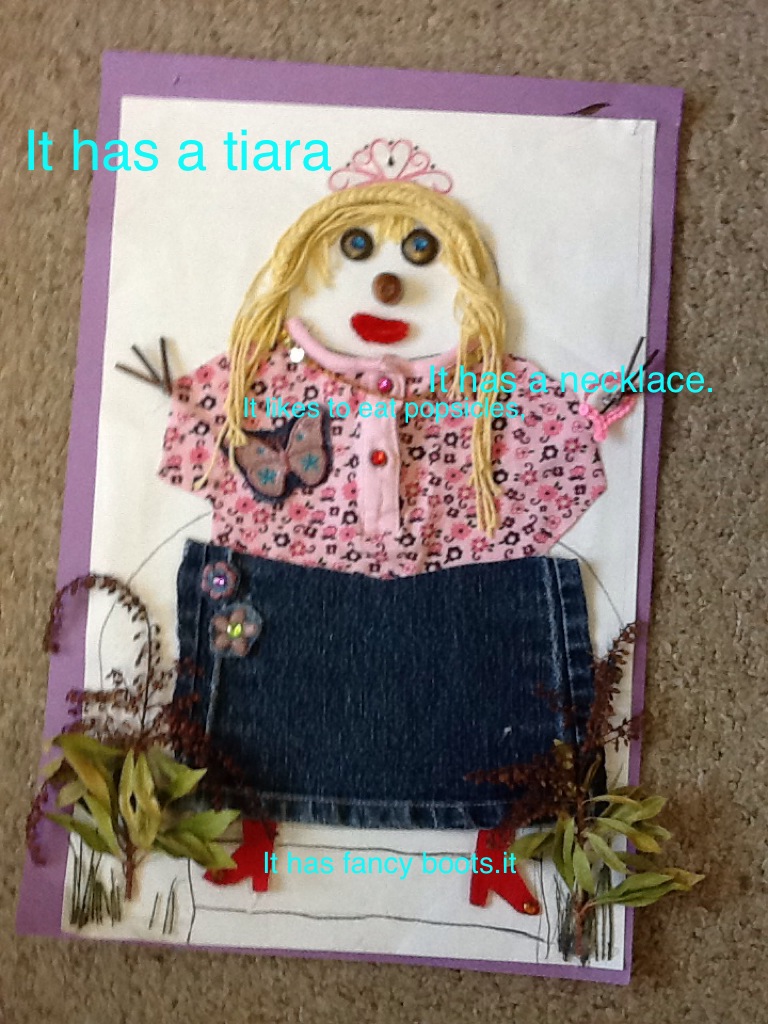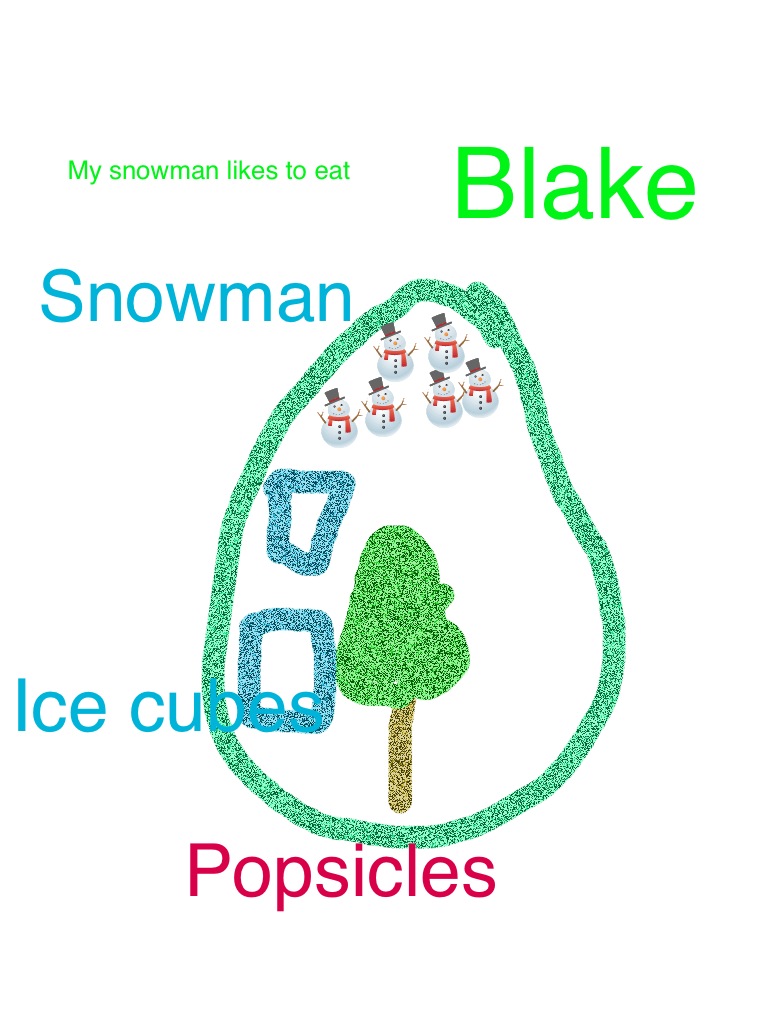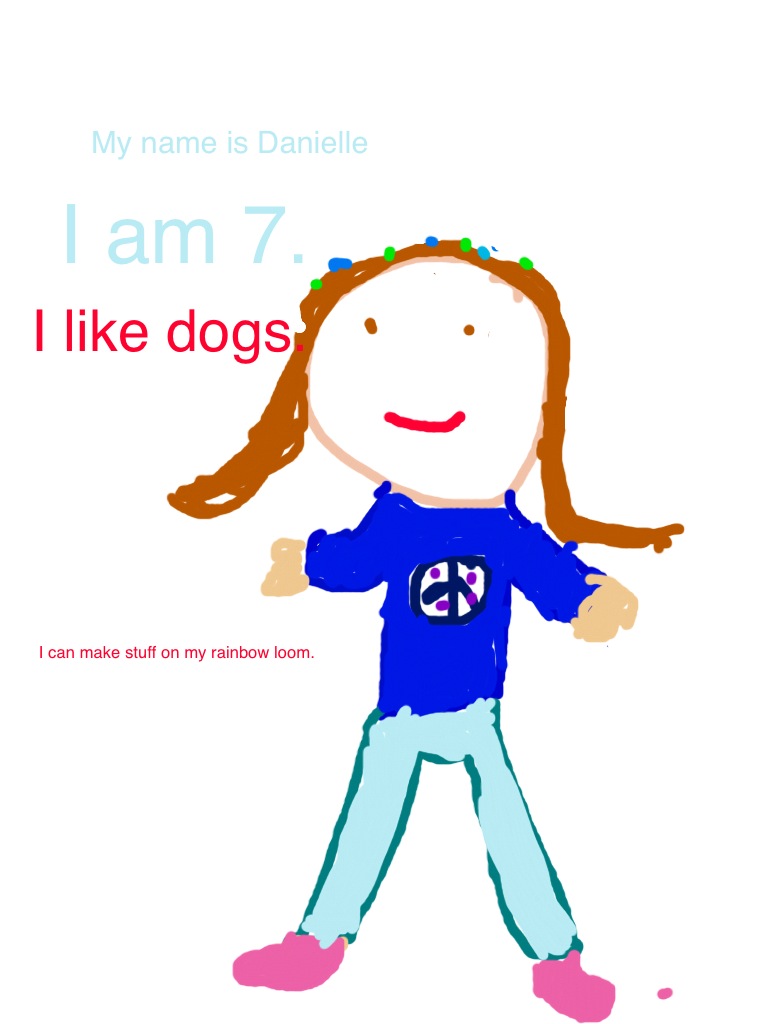
Still More Fun with Snowmen iPad projects!

[youtube https://www.youtube.com/watch?v=dq9_wmfvp9U?rel=0&showinfo=0]


[youtube https://www.youtube.com/watch?v=GM2O4eKVgpA?rel=0&showinfo=0]

Here are a few more snowmen movies!  Hope you enjoy them!  All the snowmen movies can be found on the special page devoted to them!  You can find the page at the top of this blog!  There are still a few more to post and a couple that need a little tweaking!  Watch for them!


[youtube https://www.youtube.com/watch?v=mmOJZ2s_4rc?rel=0&showinfo=0]


[youtube https://www.youtube.com/watch?v=MVpEDkDr5PE?rel=0&showinfo=0]


[youtube https://www.youtube.com/watch?v=Bl_Yw7KM4is?rel=0&showinfo=0]


[youtube https://www.youtube.com/watch?v=FspYXZ-jUDQ?rel=0&showinfo=0]

Leave a comment

Filed under Doodle Buddy, Explain Everything, Snowman iPad Project Movies!, Snowman Project

Snowman iPad Project Fun!

I have created a new page on the blog to showcase our Snowman project! At the top of this blog you should find a new page called Snowman iPad Project Movies!  This is where I hope to post all the movies we have created of our wonderful snowmen.  I will try to get them all posted soon!  Enjoy!

The snowmen project is one of my favorite projects.  Thank you for making such wonderful snowmen as a starting point for our project!

This year we have turned our iPad project into movies of each book which we have uploaded to our Youtube channel.   We hope you enjoy them!

The children used a variety of apps to create their project based on the wonderful snowmen they created with their families at home!  We used a combination of Doodle Buddy, using the camera on the iPad, and Explain Everything to create our projects!

They worked very hard on them!

You can hear how proud they are in their voices!

More coming soon!

Leave a comment

Filed under Doodle Buddy, Explain Everything, Snowman iPad Project Movies!, Youtube

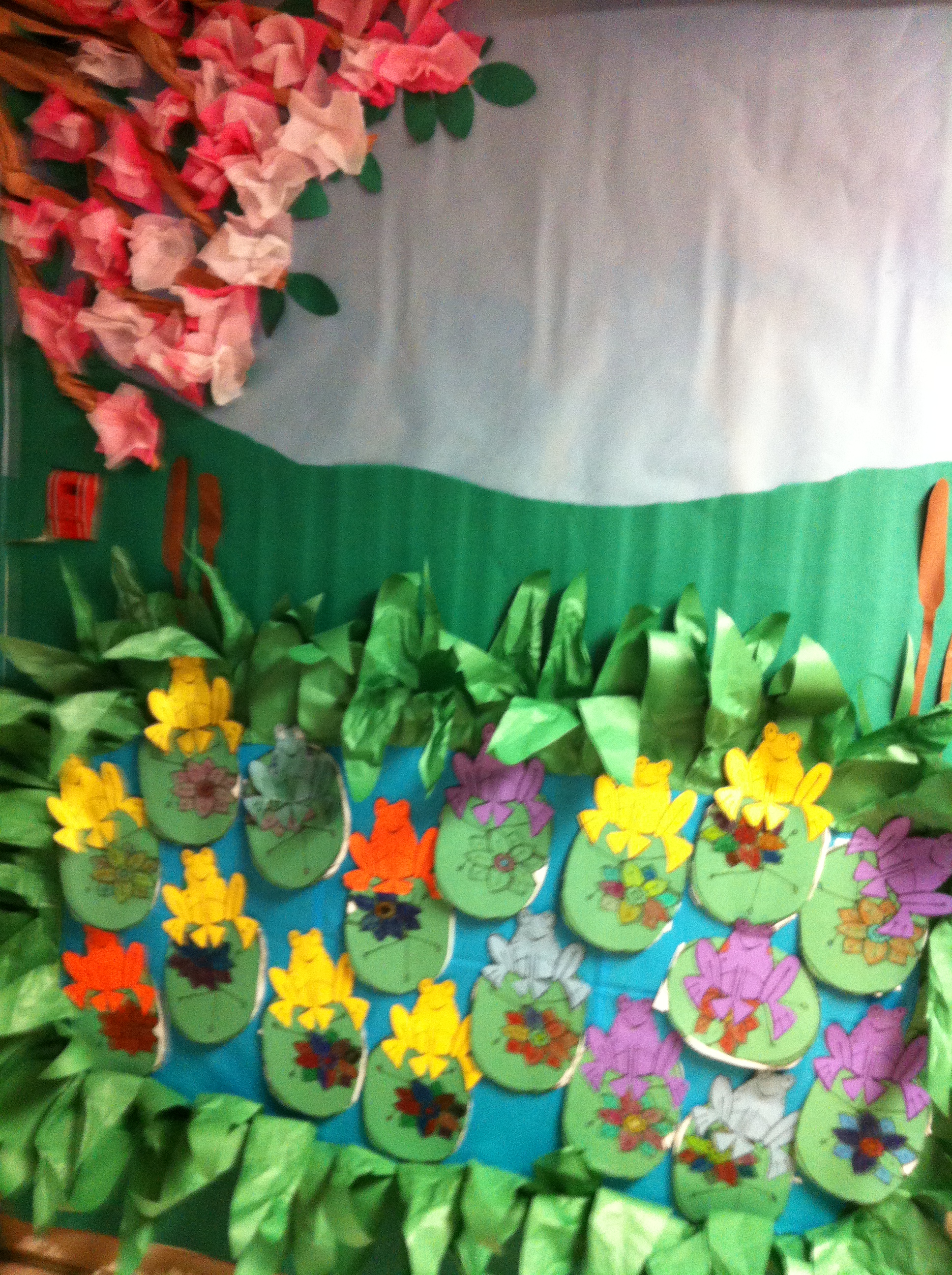
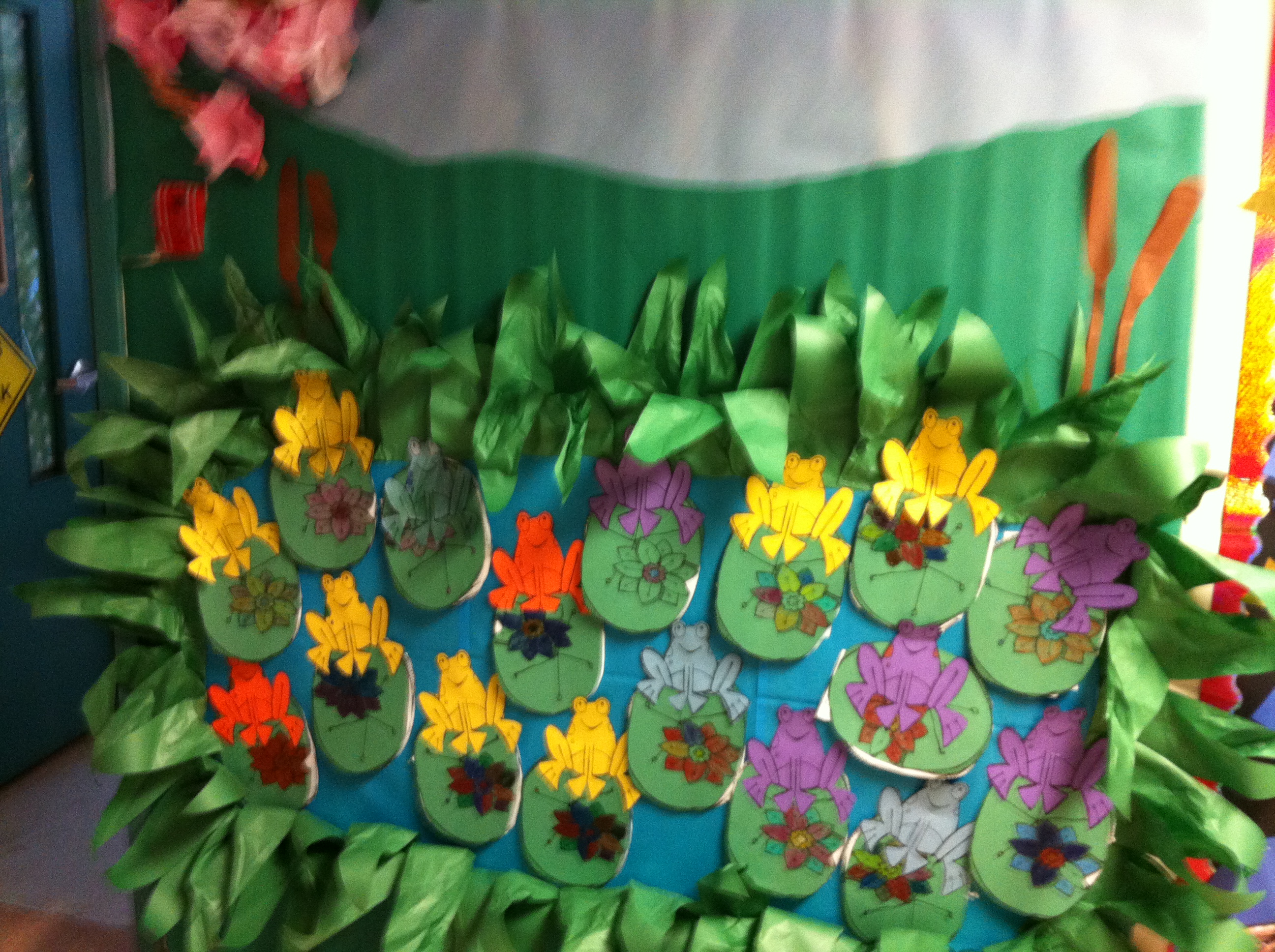
Fun with Frogs!

IMG_3104

We have been working on a Frog theme this past week!  We did a mini research report about frogs and toads.  The children read fact sentences about frogs and toads and then sorted them into different categories!  They liked the Cool Fact category the best!

IMG_3103

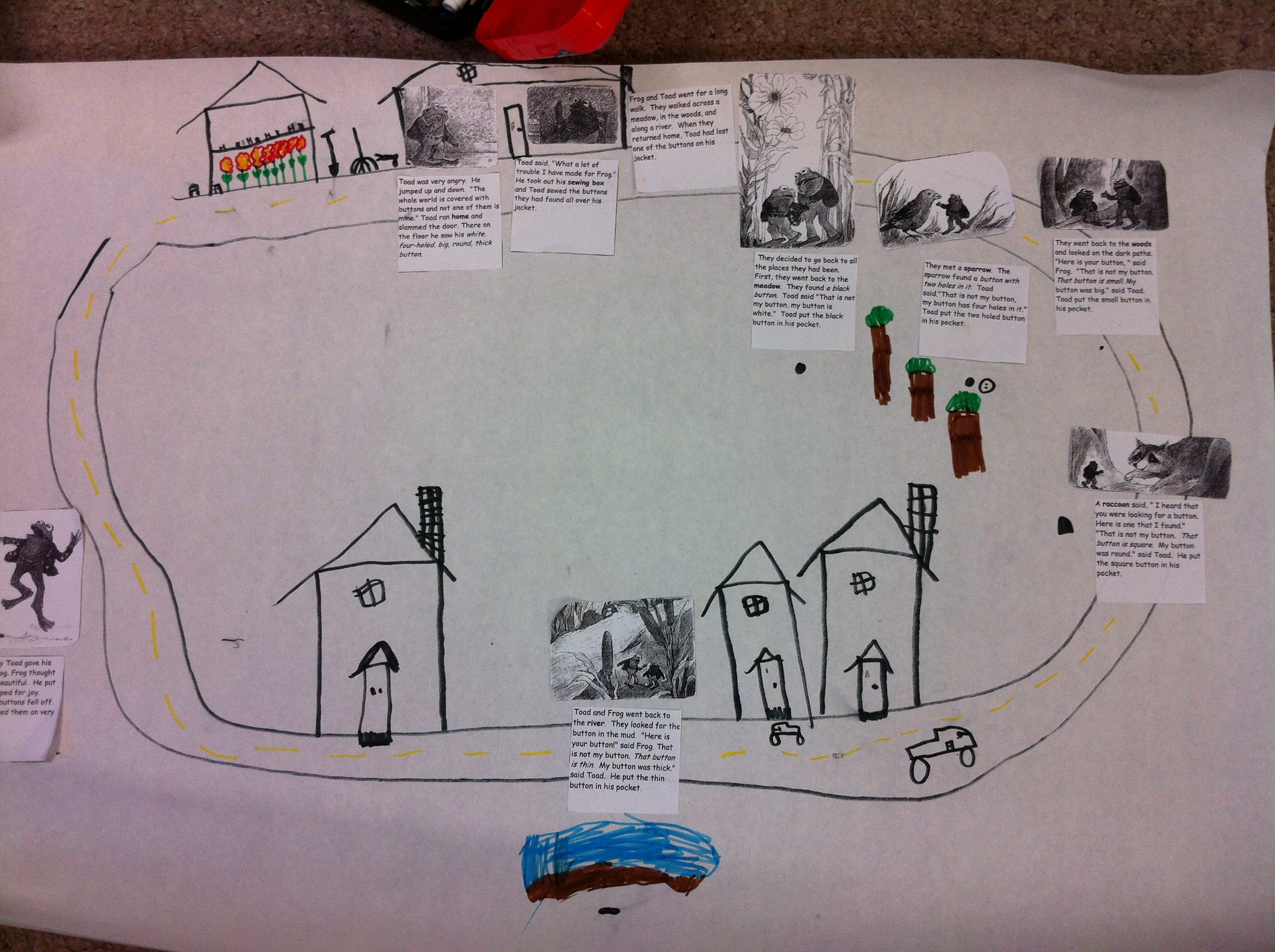
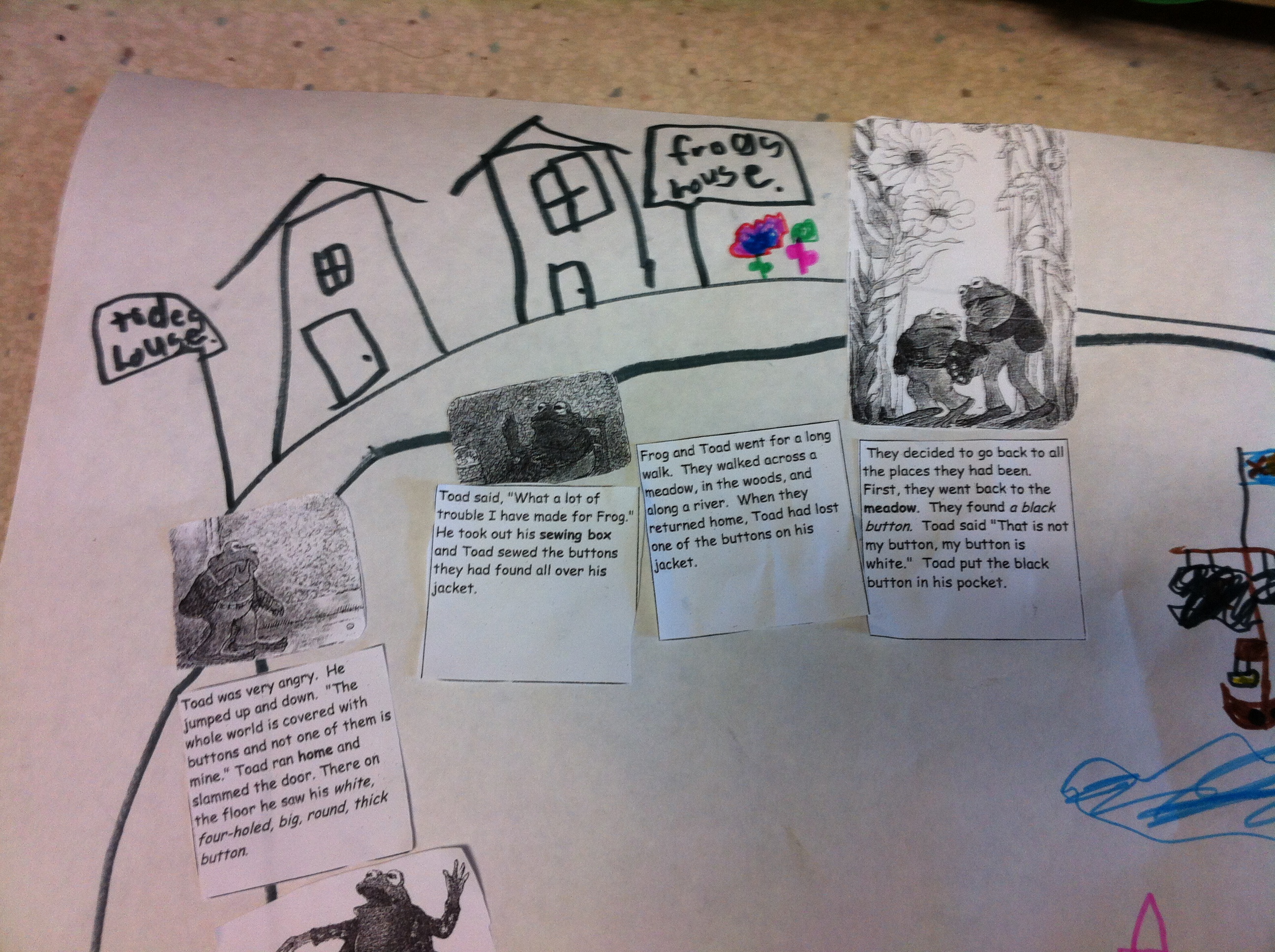
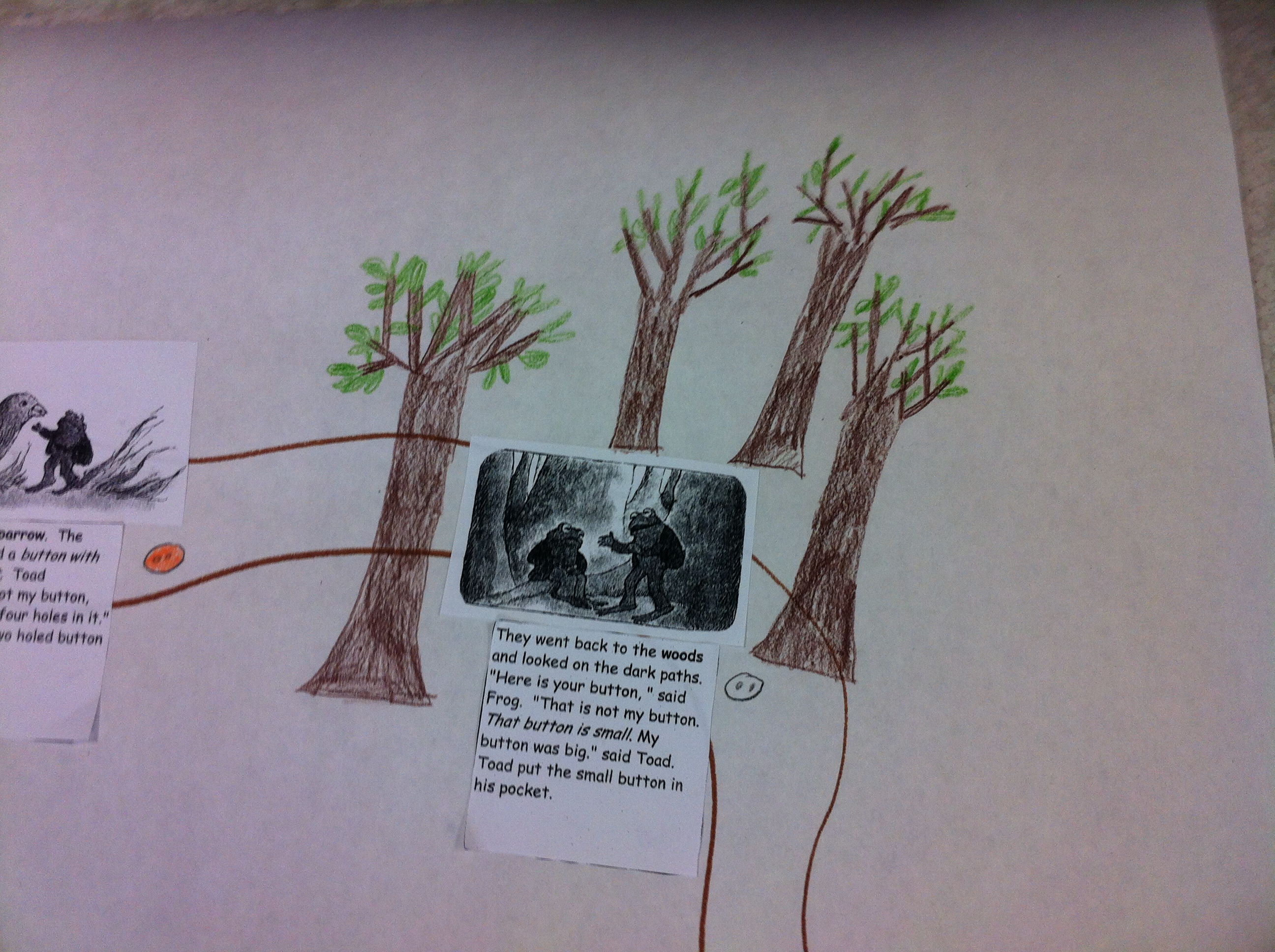
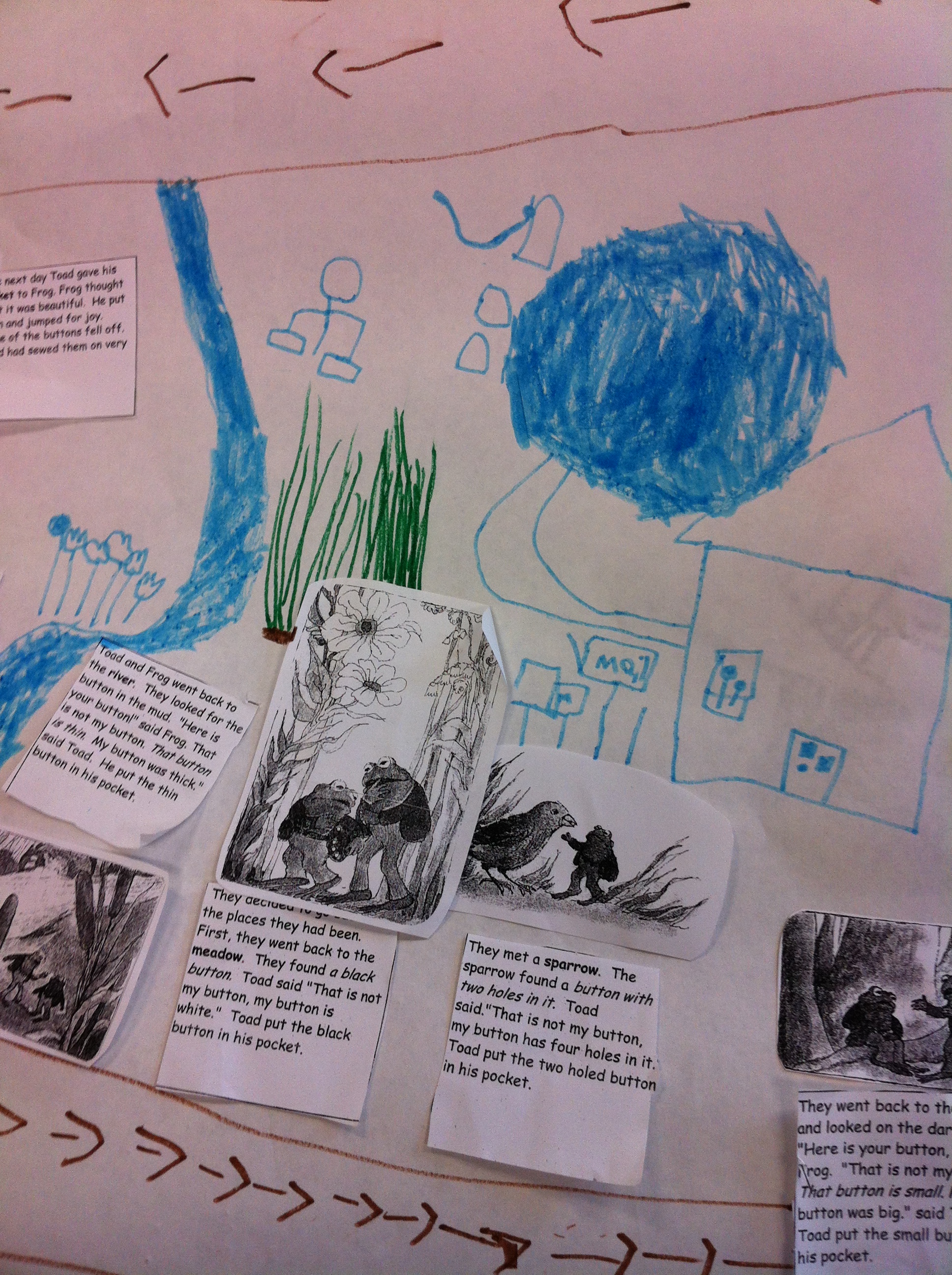
We have also been reading Frog and Toad stories and we made a story map about The Lost Button story!

IMG_3150

IMG_3153

IMG_3159


They added a lot of detail to their story maps!

IMG_3158

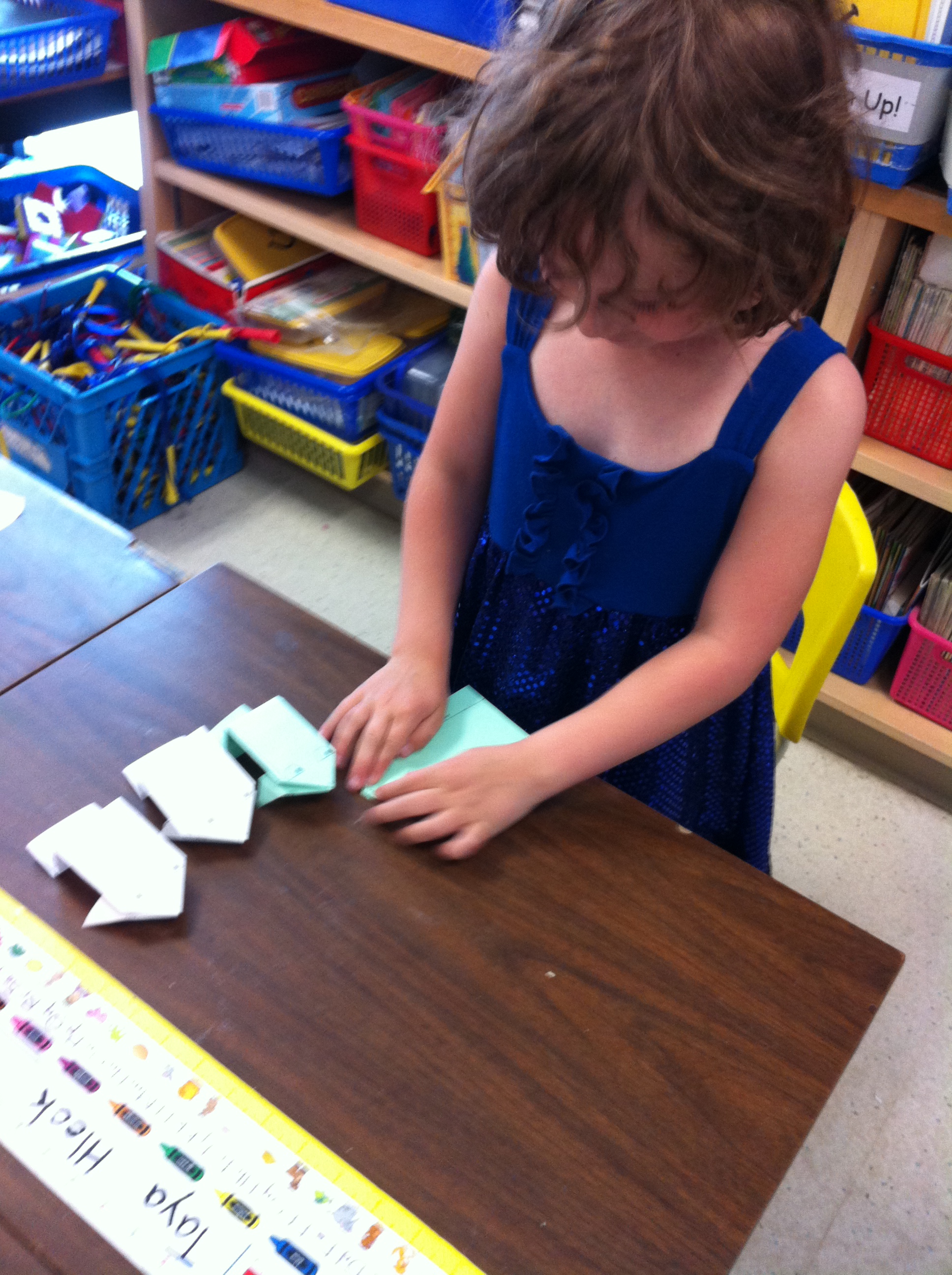
We made origami frogs to act out the story map!   One student really enjoyed making them and made lots of them.  She gave some of them away, too!

IMG_3156

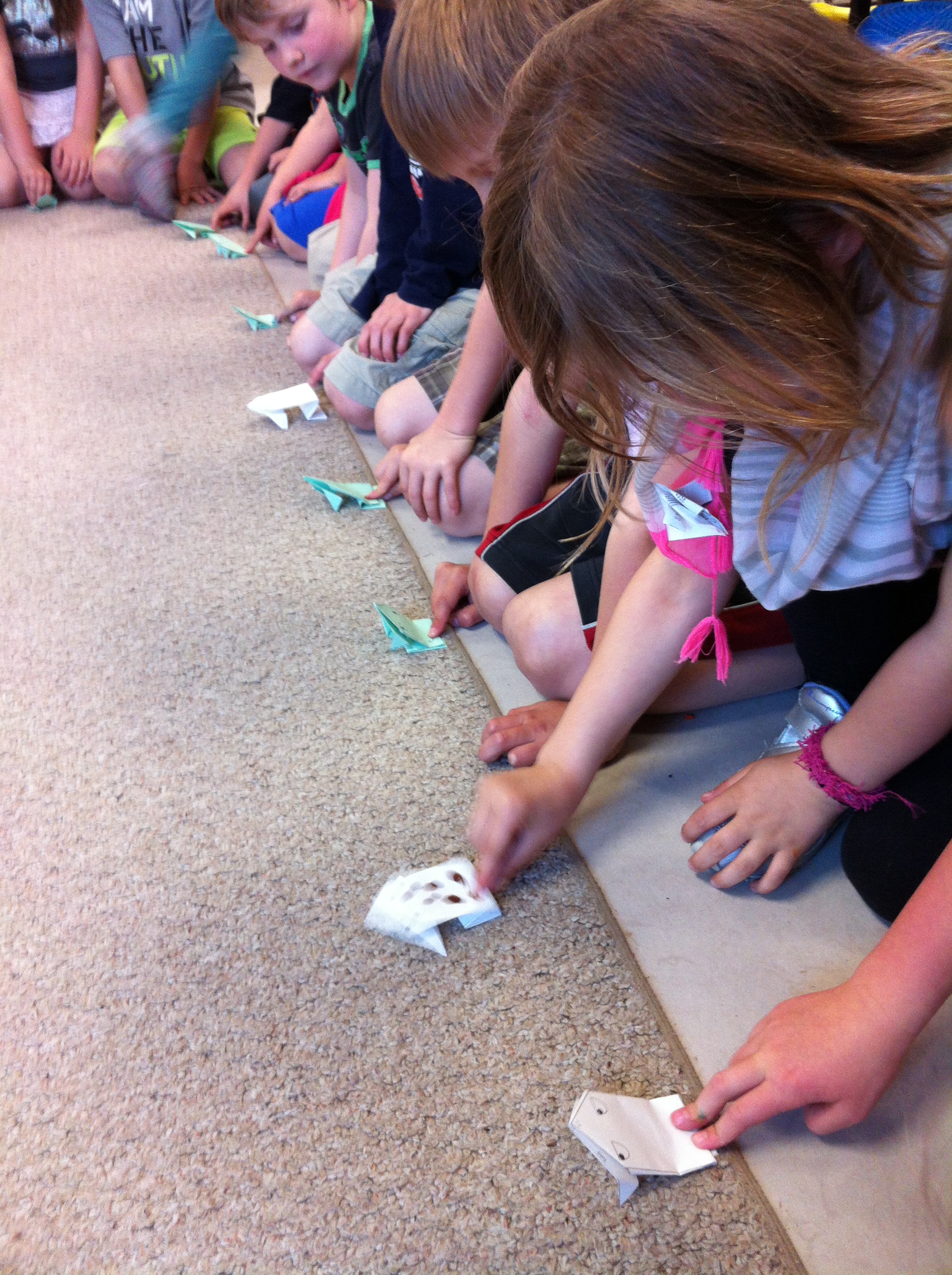
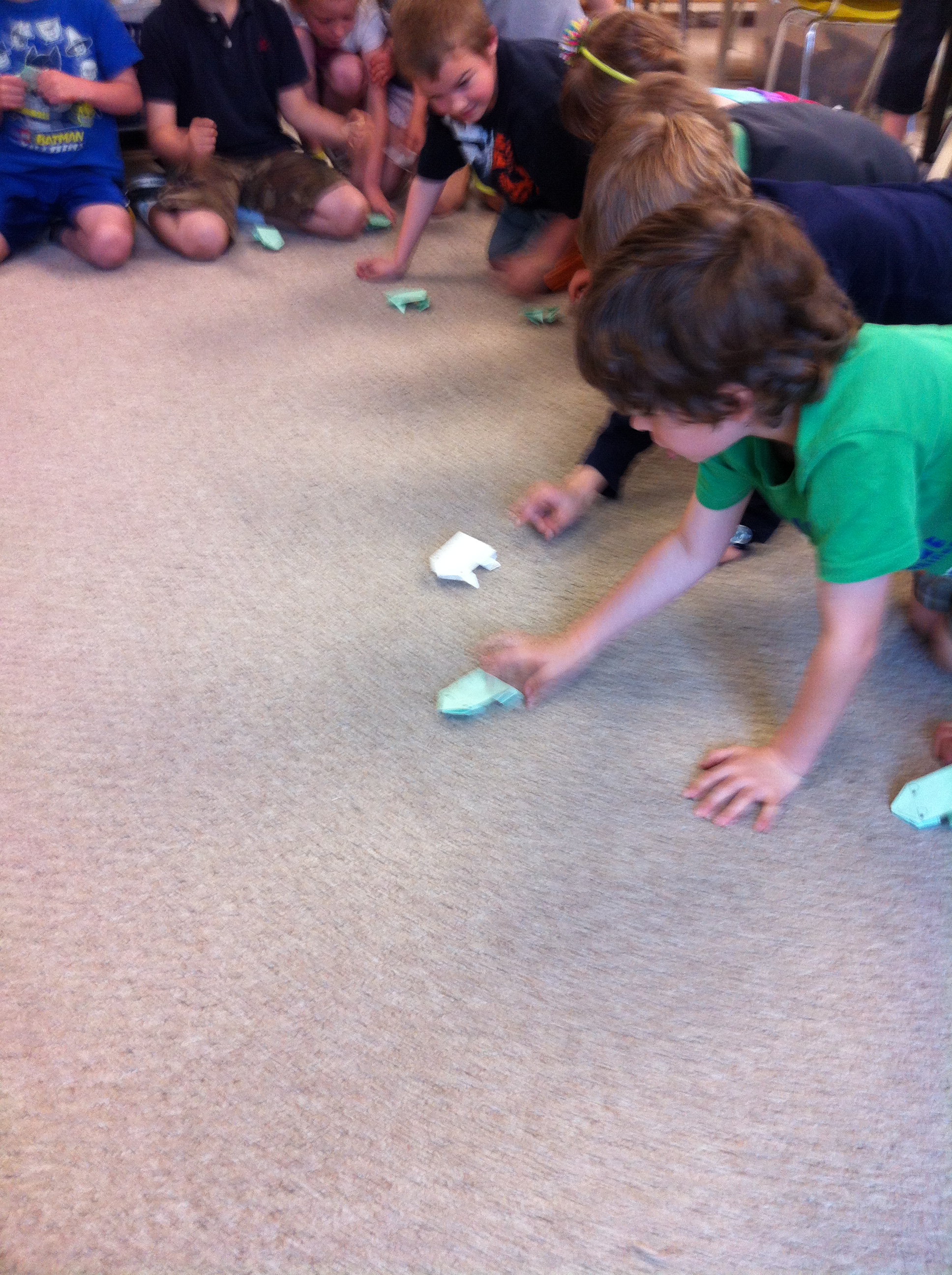
And, of course, we had to have a origami frog hopping contest!

IMG_3166

IMG_3177


We have also been doing some more science experiments!

IMG_3064

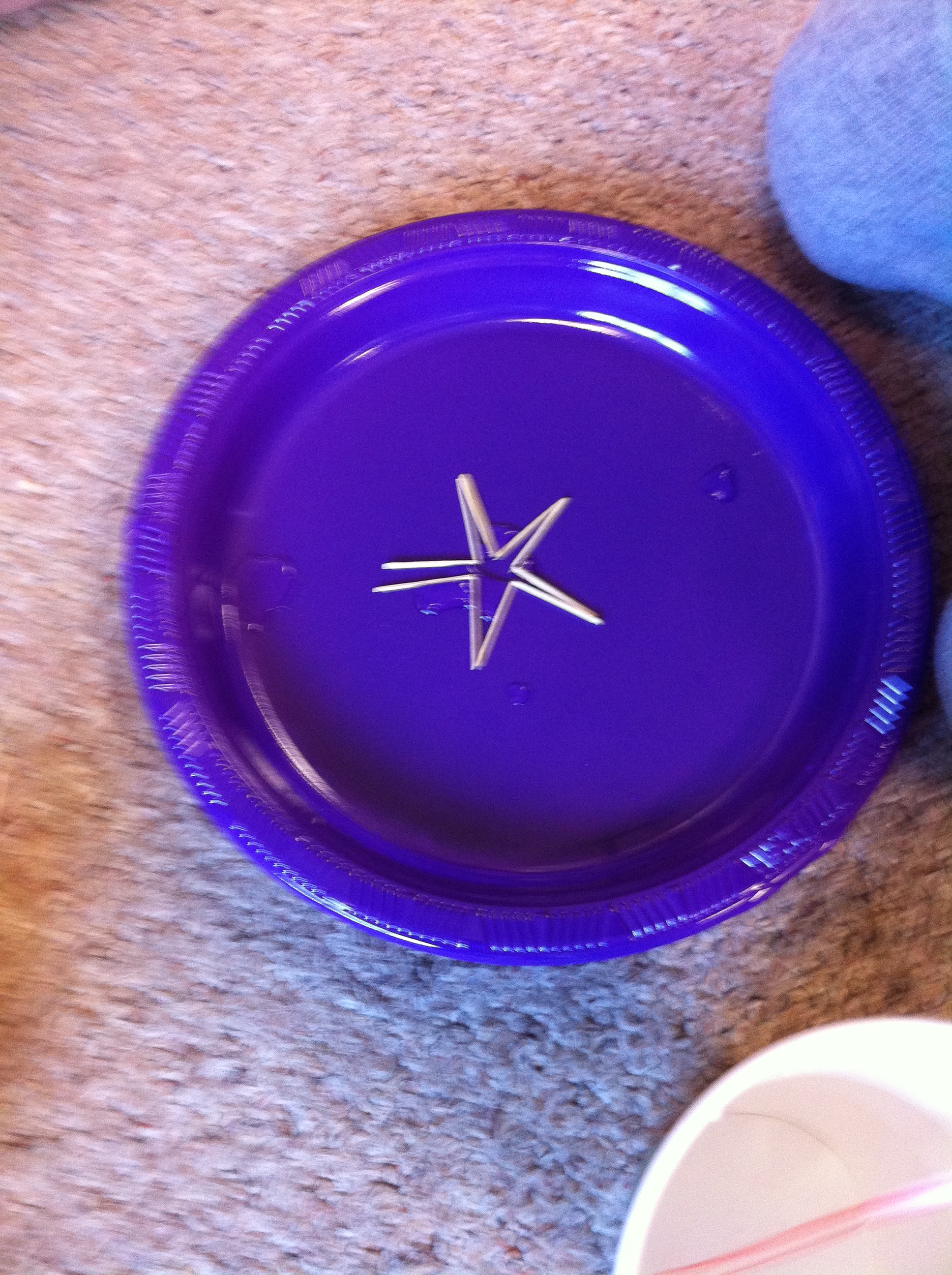
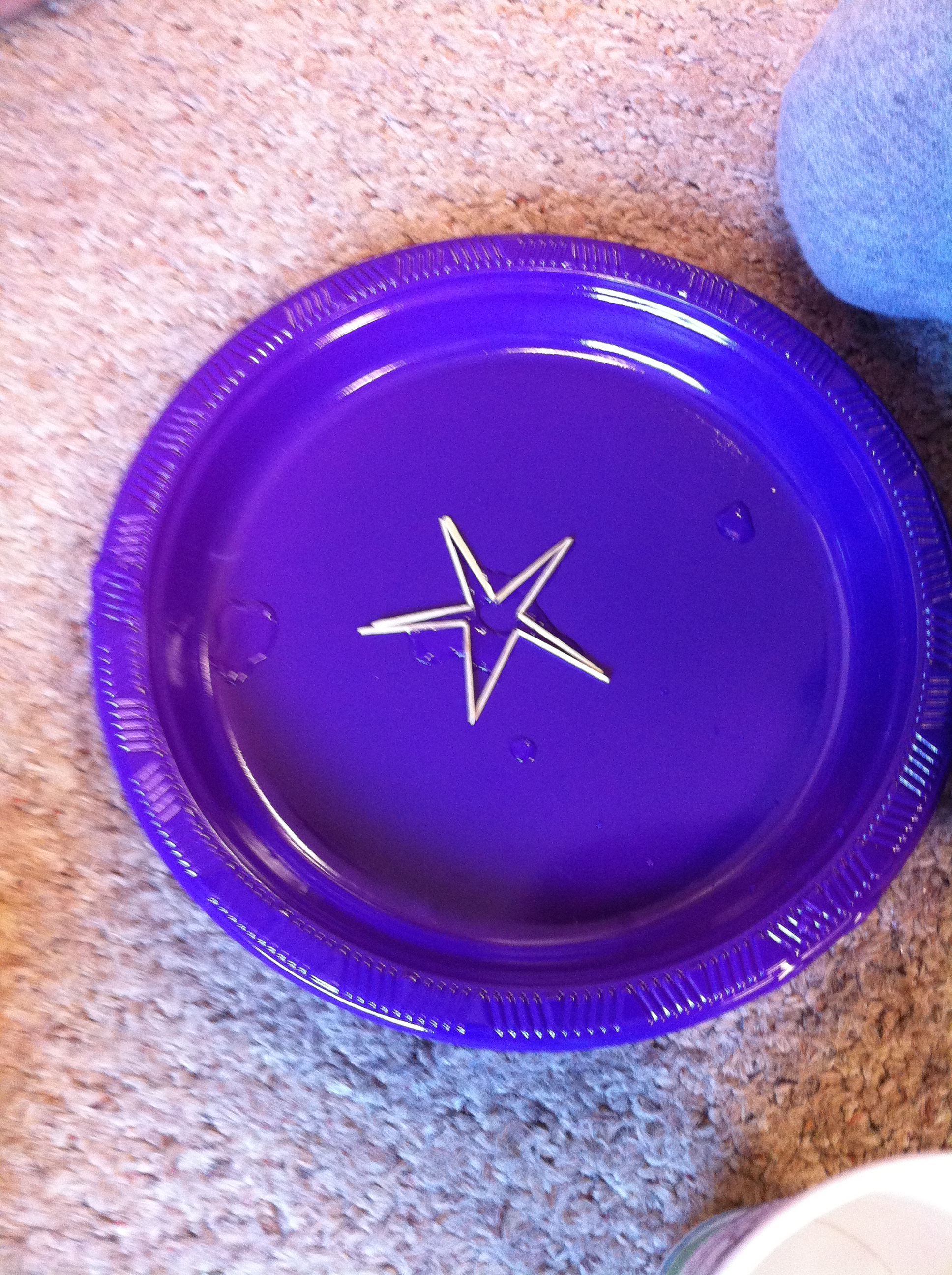
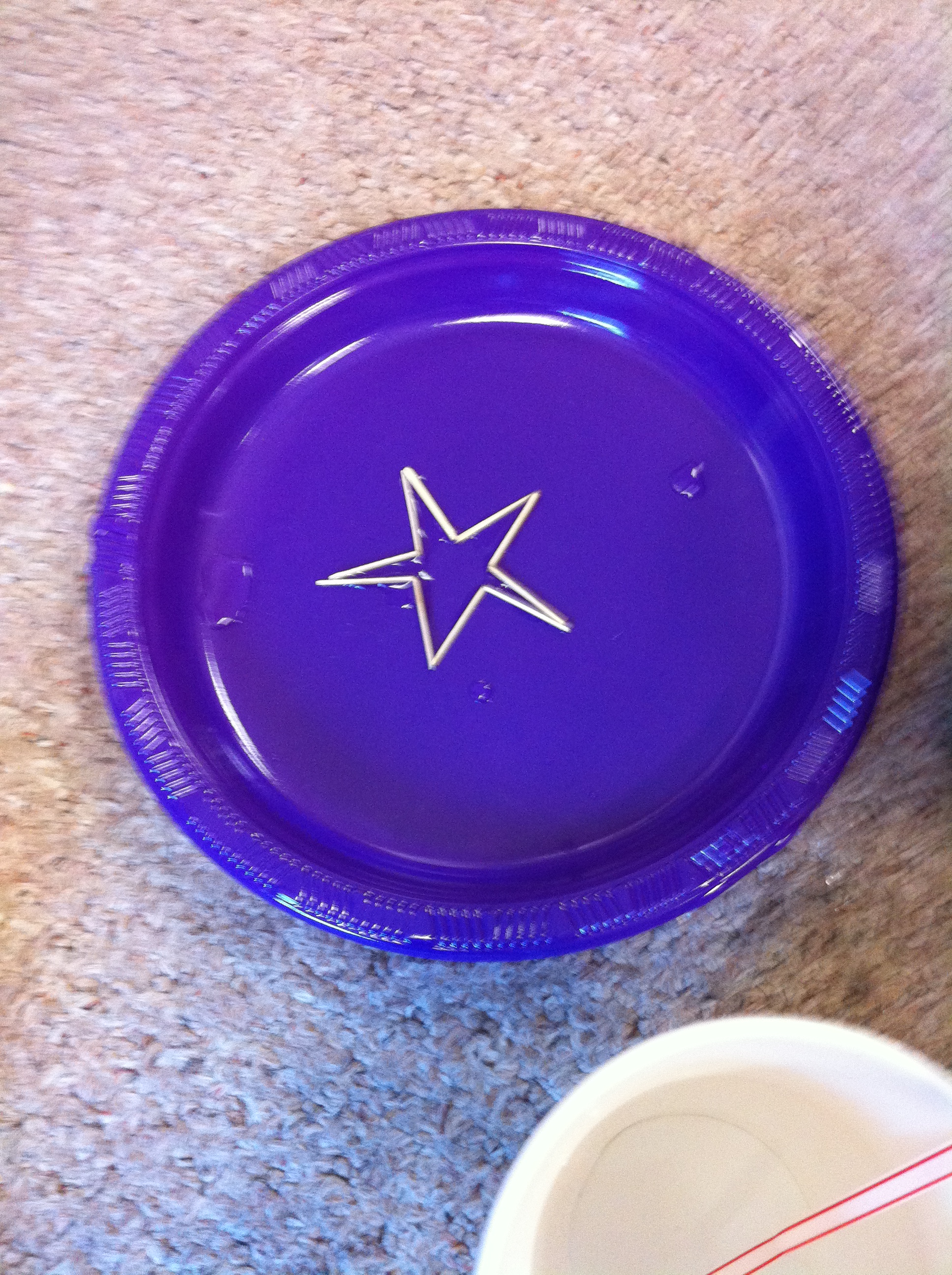
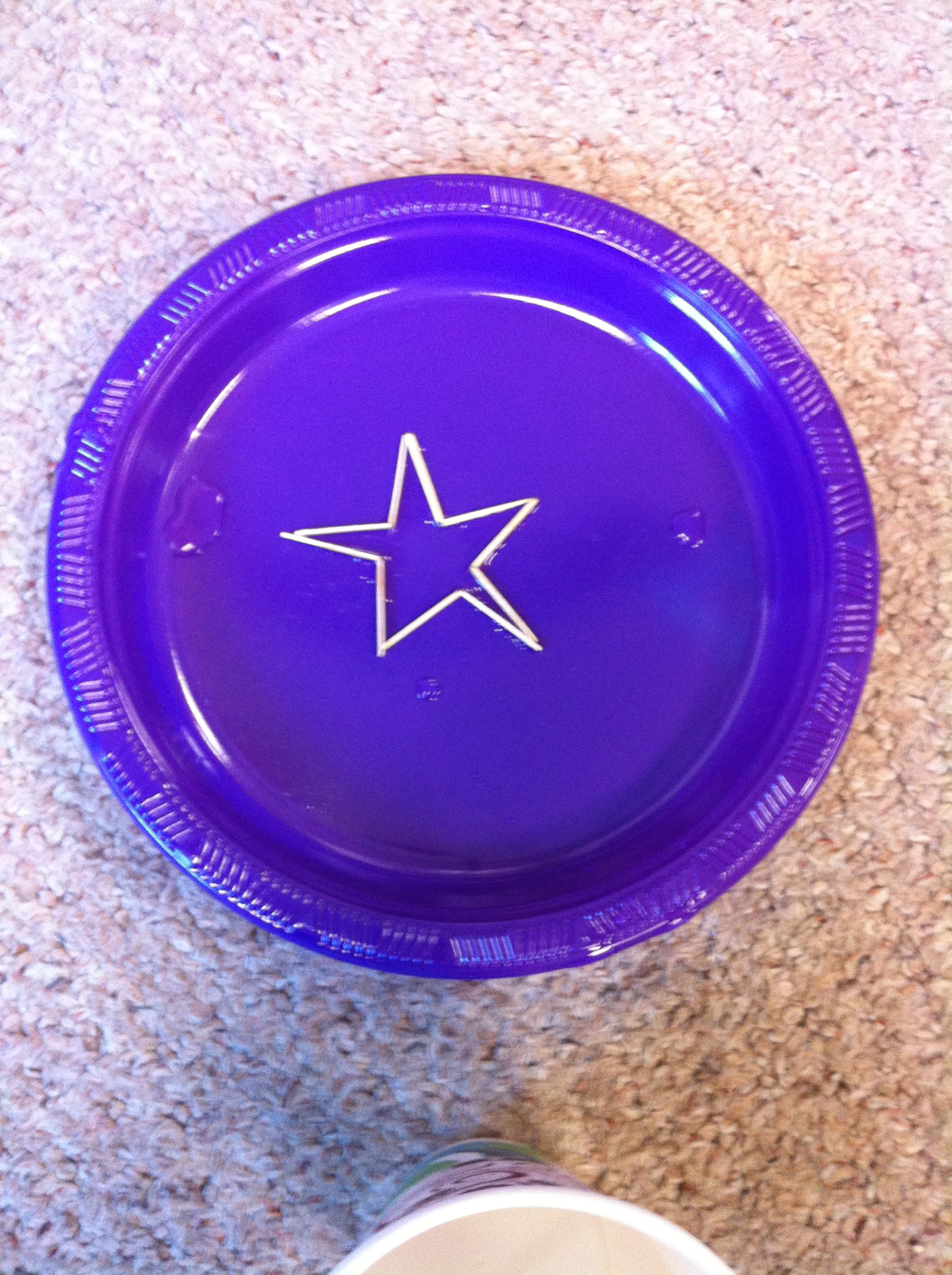
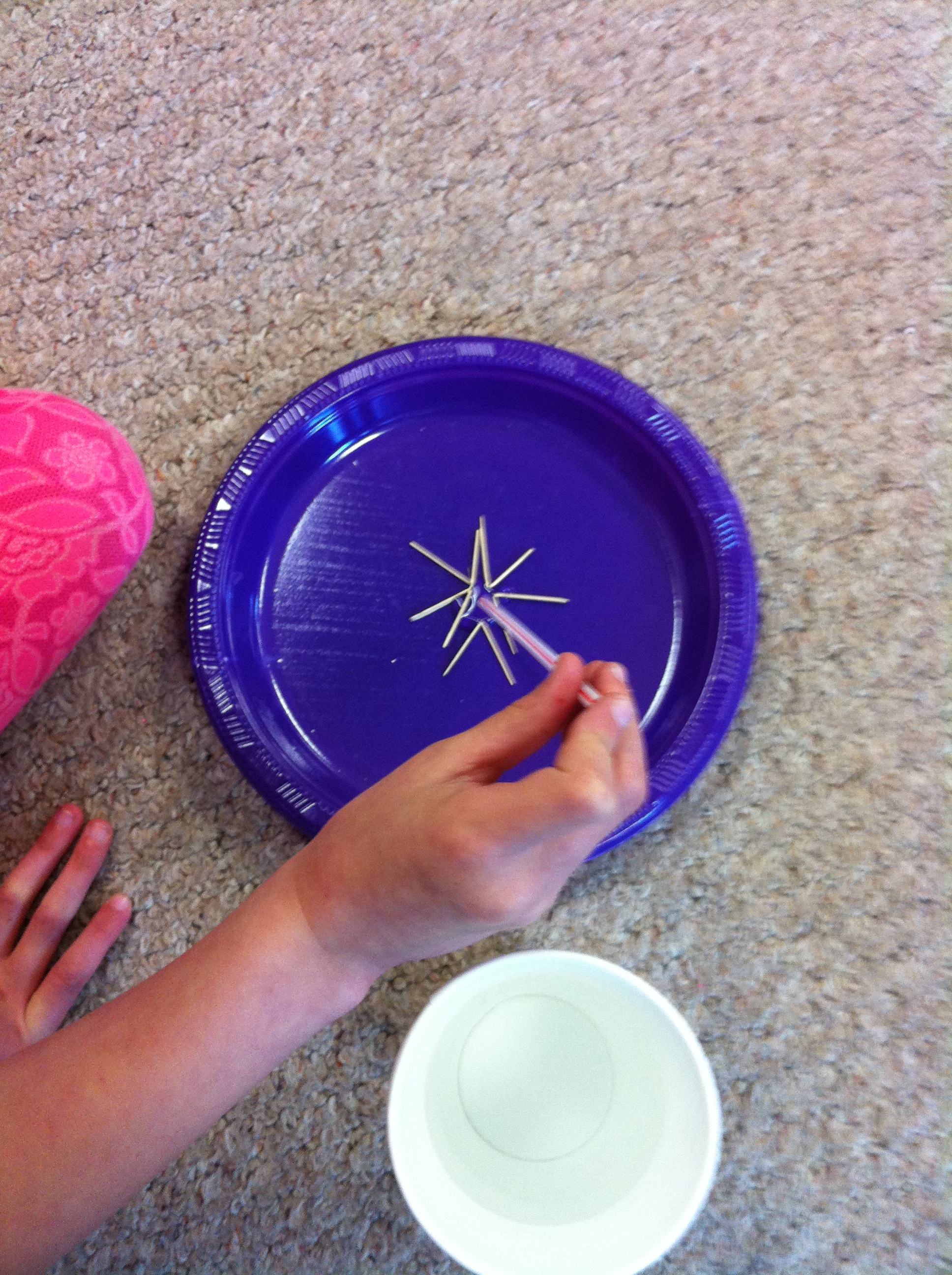
This one seems like magic.  We put 5 bent toothpicks together on a plate.  The toothpicks are arranged so that the bent parts are close together.  We used a straw as an eyedropper and dropped several drops of water on the toothpicks where they are bent.  Watch what happens!

IMG_3069

IMG_3071

IMG_3074

IMG_3076


It was fun to see their faces as the star appears!


Leave a comment

Filed under Frogs, Science Experiments

Snowman Movie Fun!

We have been working very hard to complete our iPad project with our Snowman pictures.  Here is a sneak peak!

The children used a variety of apps to create their project based on the wonderful snowmen they created with their families at home!

I will be posting them on this site on a special page that I am building to showcase them!

They worked very hard on them!

You can hear how proud they are in their voices!

Leave a comment

Filed under Doodle Buddy, Explain Everything, iPads, Snowman Project

AR Alphabet Fun!

alphabet 8

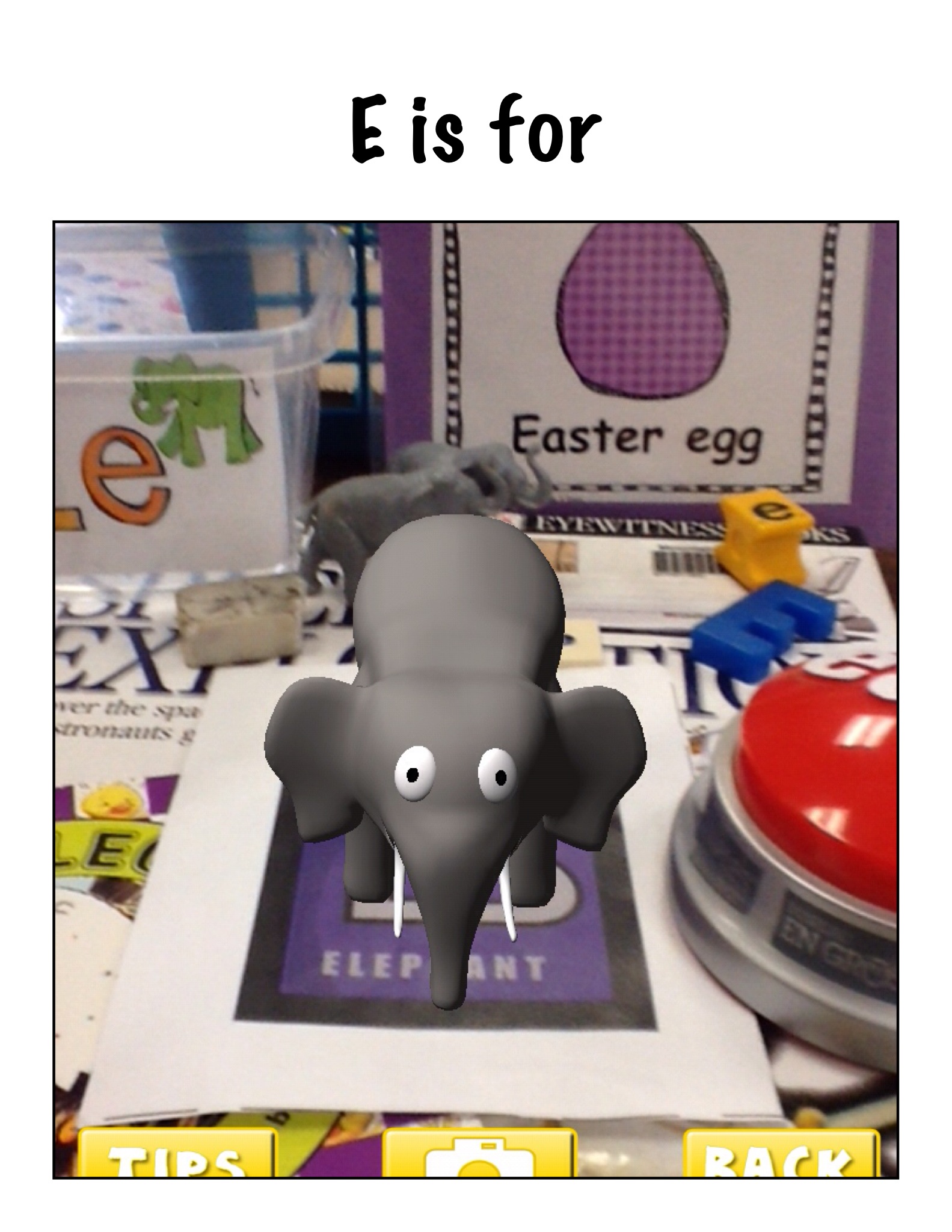
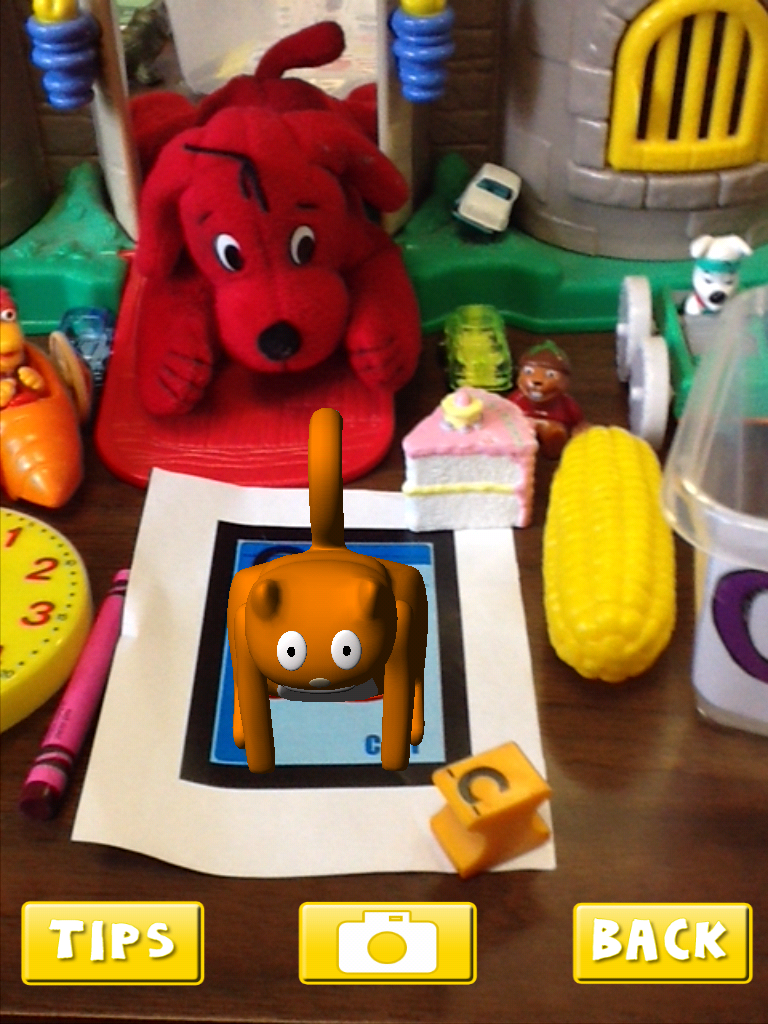
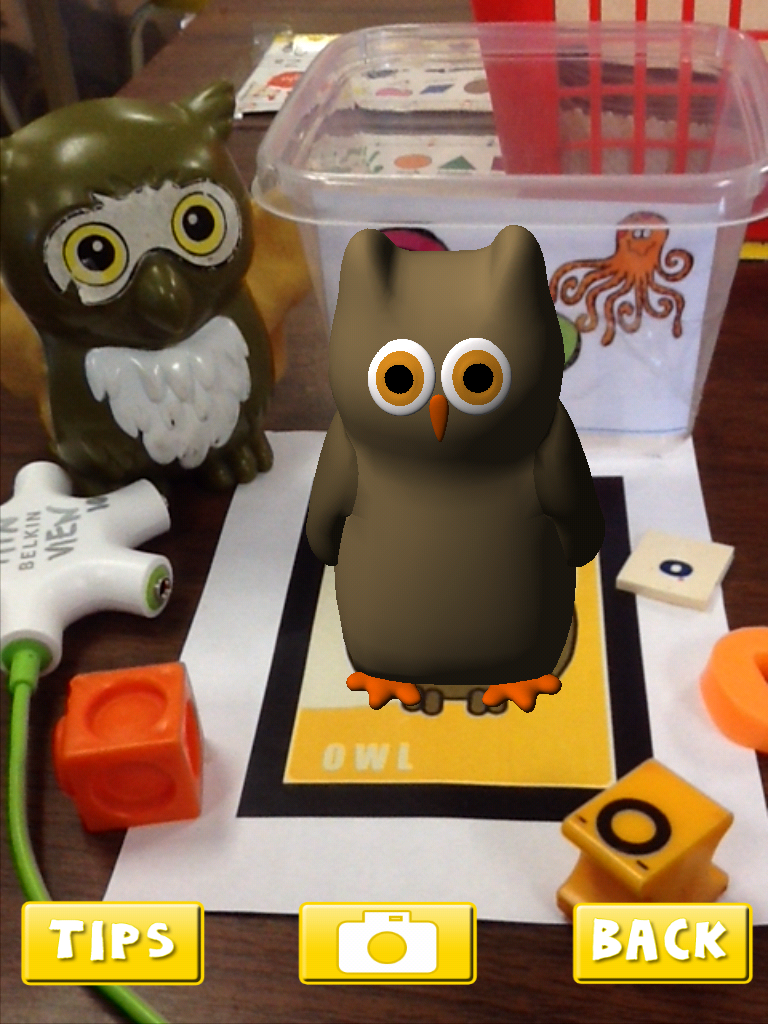
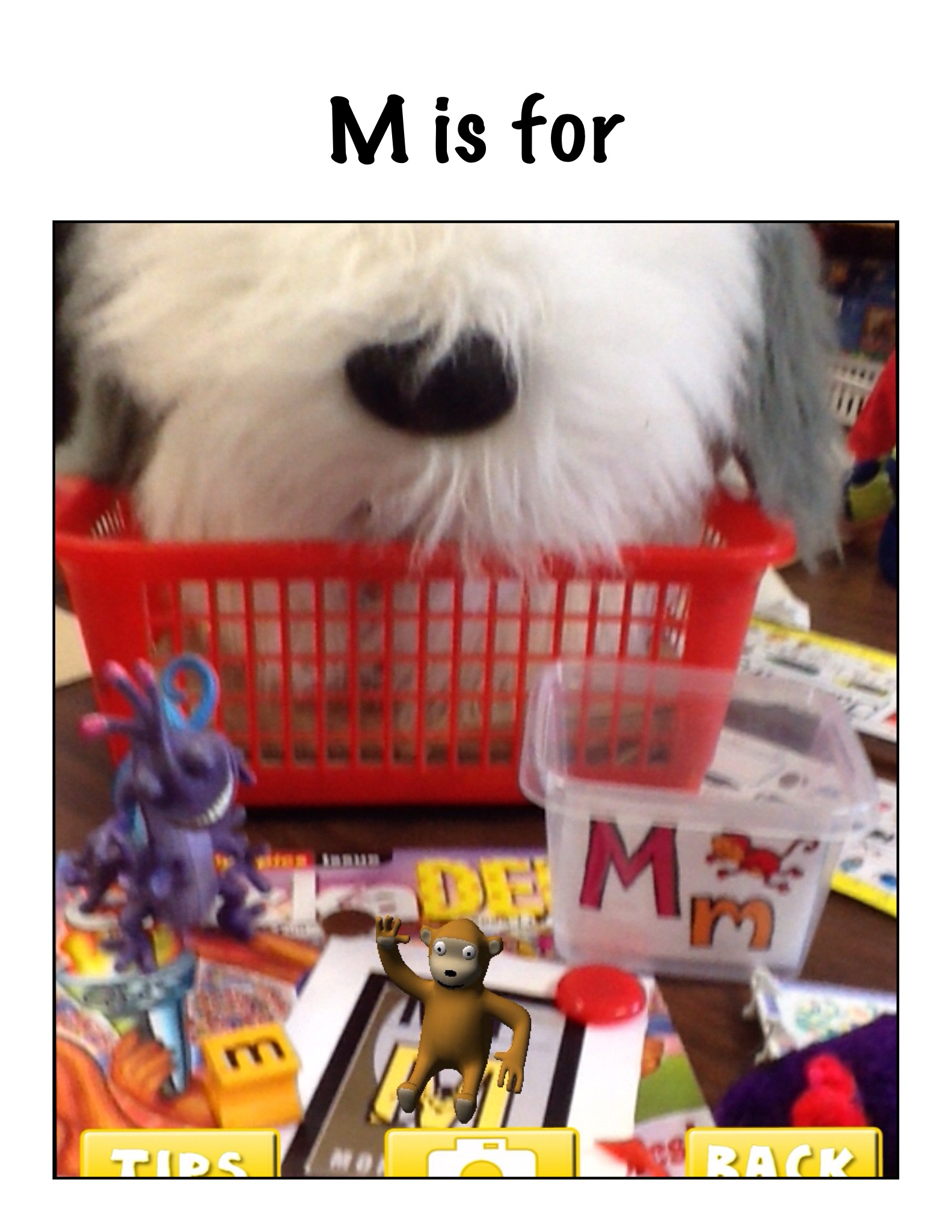
We have been having a lot of fun creating a lot of cool things on the iPads!  We are working on an augmented reality alphabet book! Each of the students has chosen a letter of the alphabet and have collected a variety of things found in our classroom that begin with their letter.  Then we put the collection together with the trigger picture from the AR Alphabet app.  Once the trigger is activated we take the picture of the collection!

c page

alphabet 4

We are then taking the pictures and importing them into Strip Designer to create a page for our alphabet book!

m page

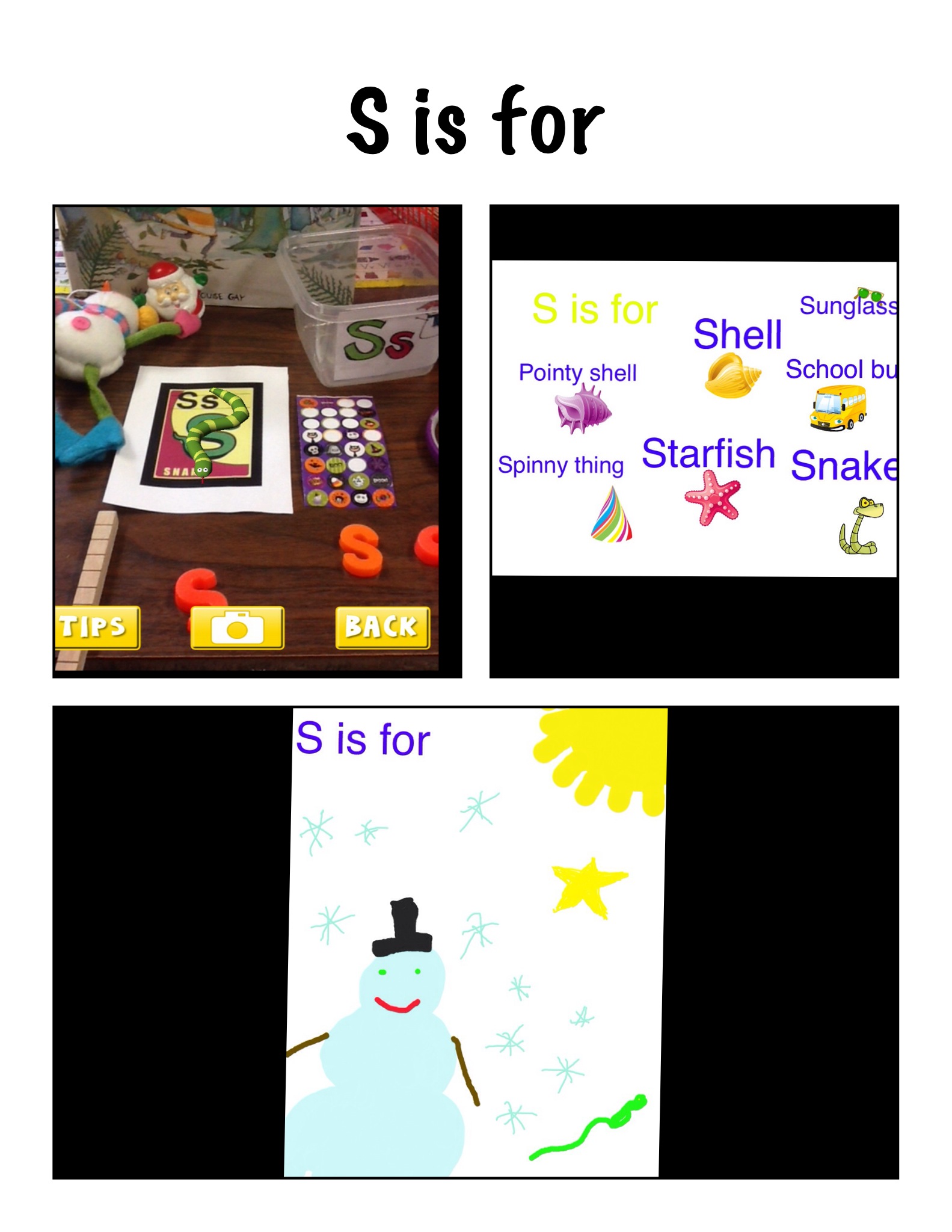
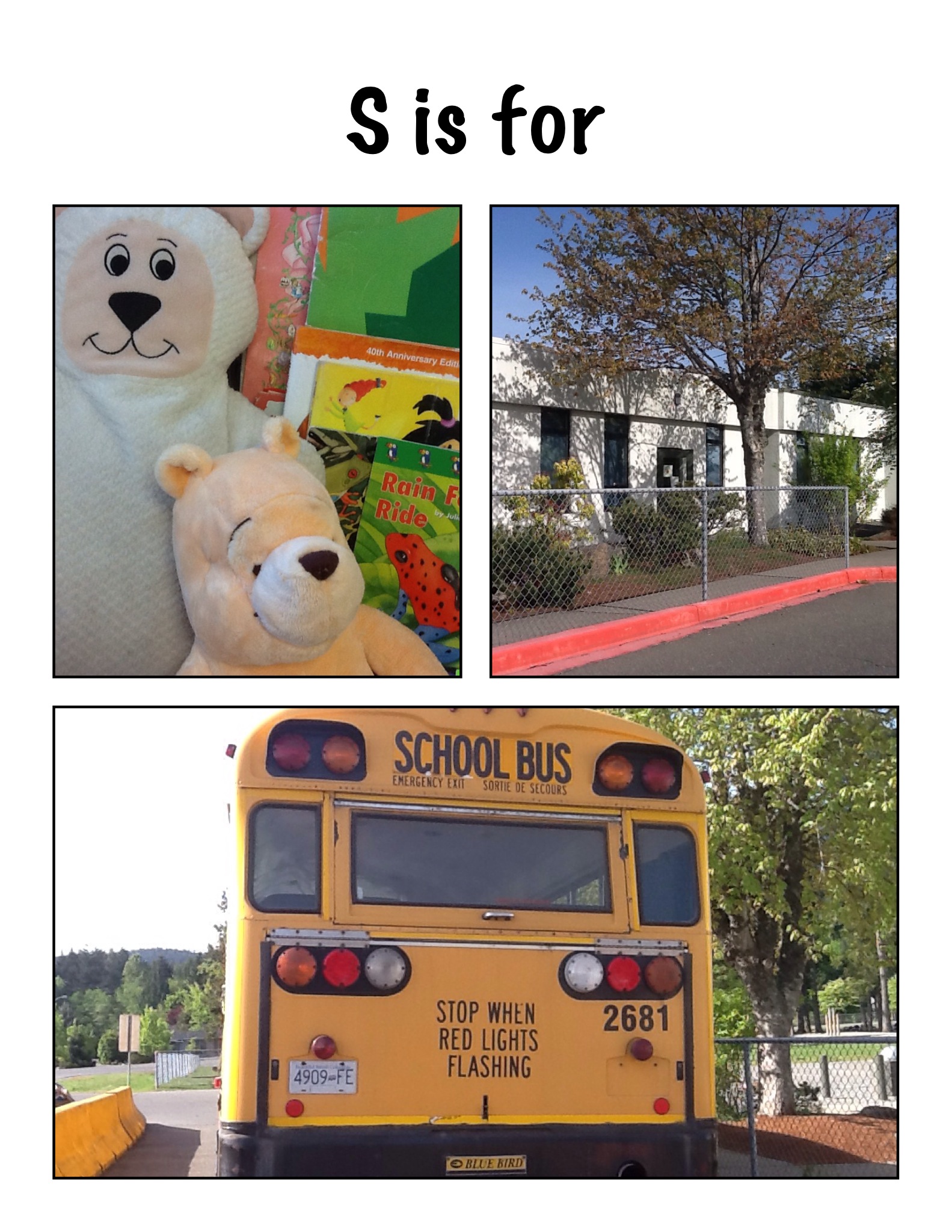
The children are also creating a page with text using Strip Designer.  The children are importing pictures they created using Doodle Buddy. AR Flashcards, and taking actual pictures using the iPads for their letter.

s2Some students created more than one page about their letter!

s3


We can’t wait to share them with you!  We are hoping to compile all the pages into a book with audio using the Explain Everything app!  Stay tuned!


1 Comment

Filed under AR Flashcards Alphabet, Augmented Reality, Comic Strip Designer, Doodle Buddy, iPads

Furry Fun Plus iPad Fun!

IMG_2951

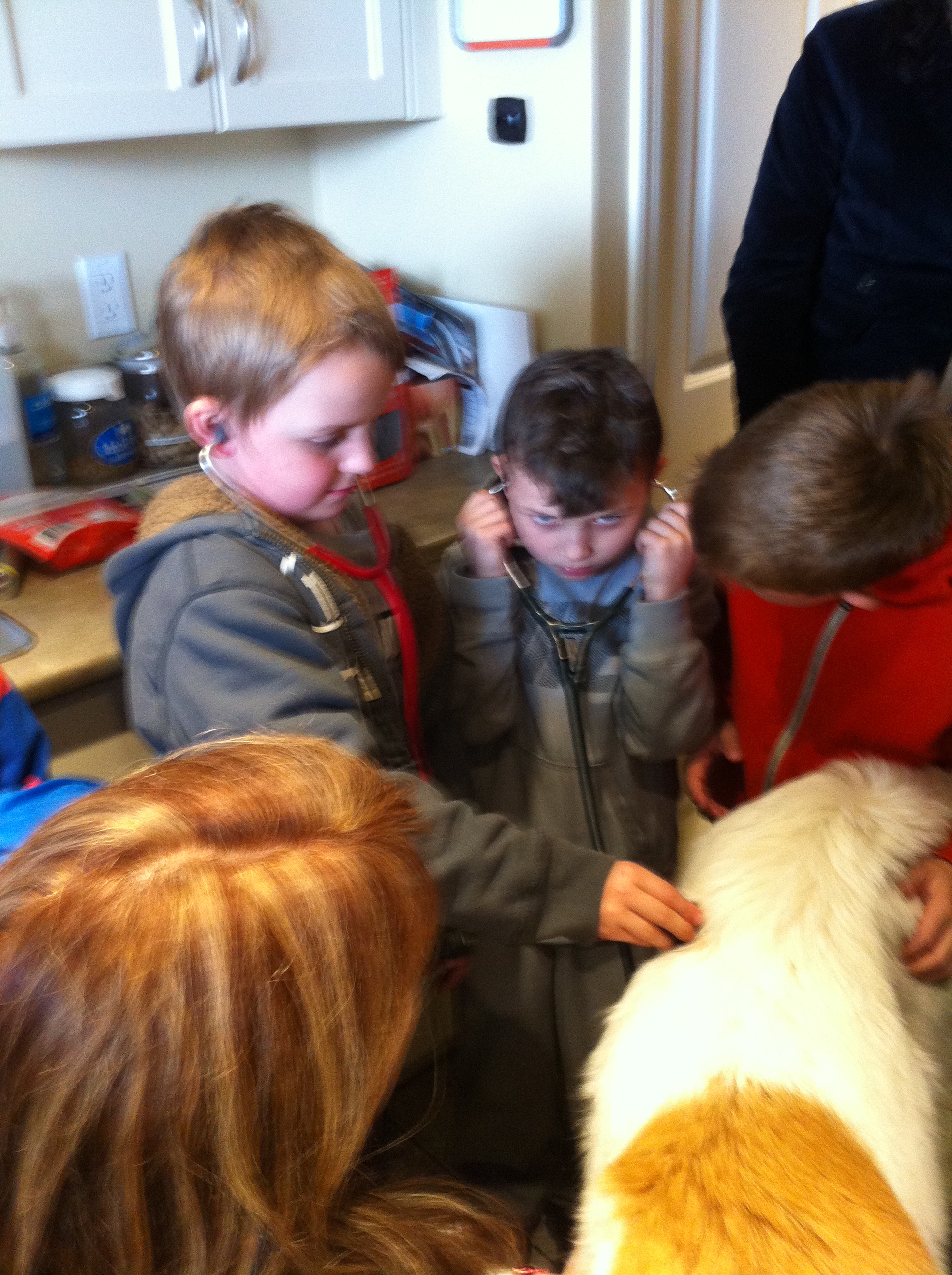
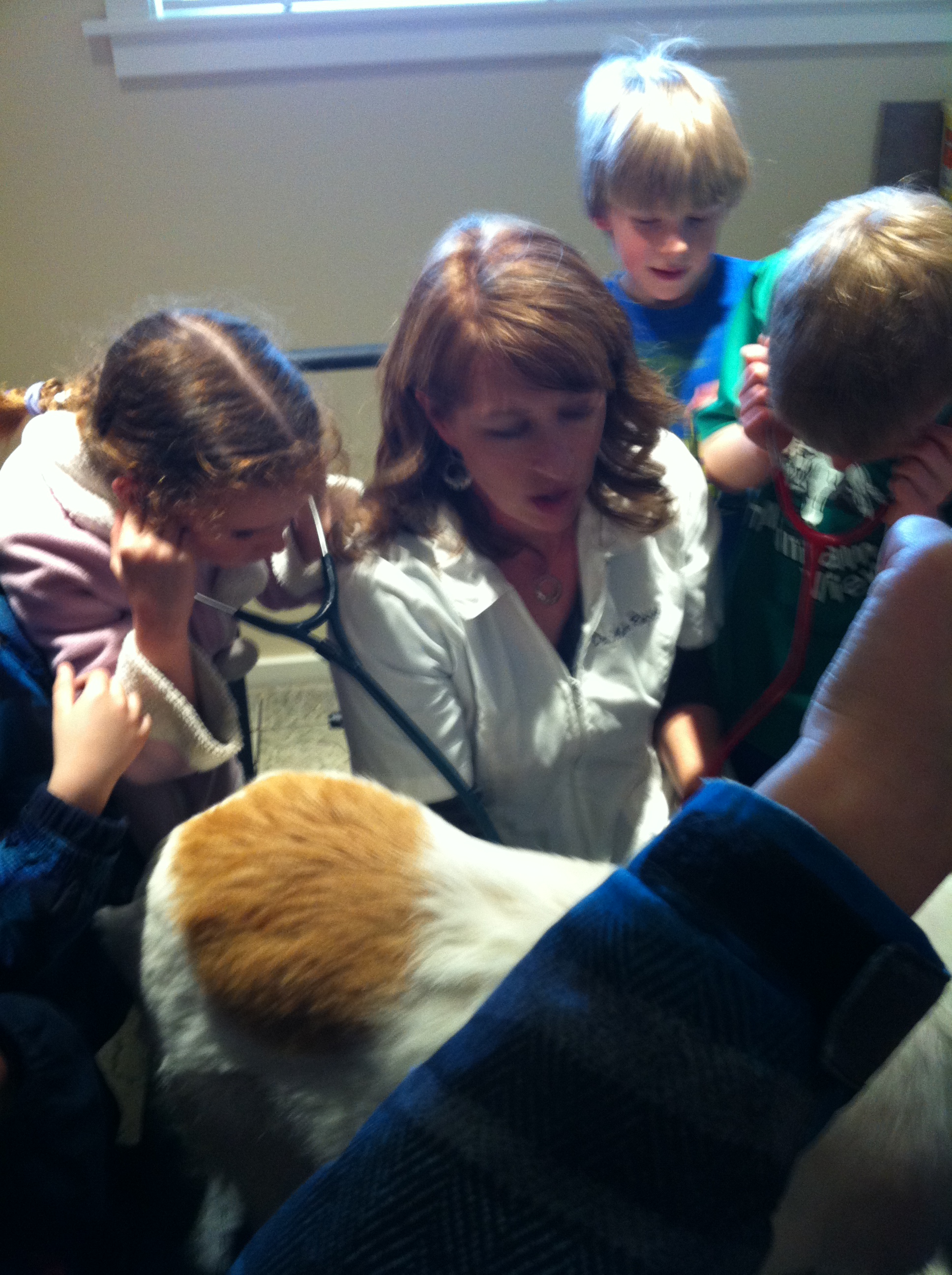
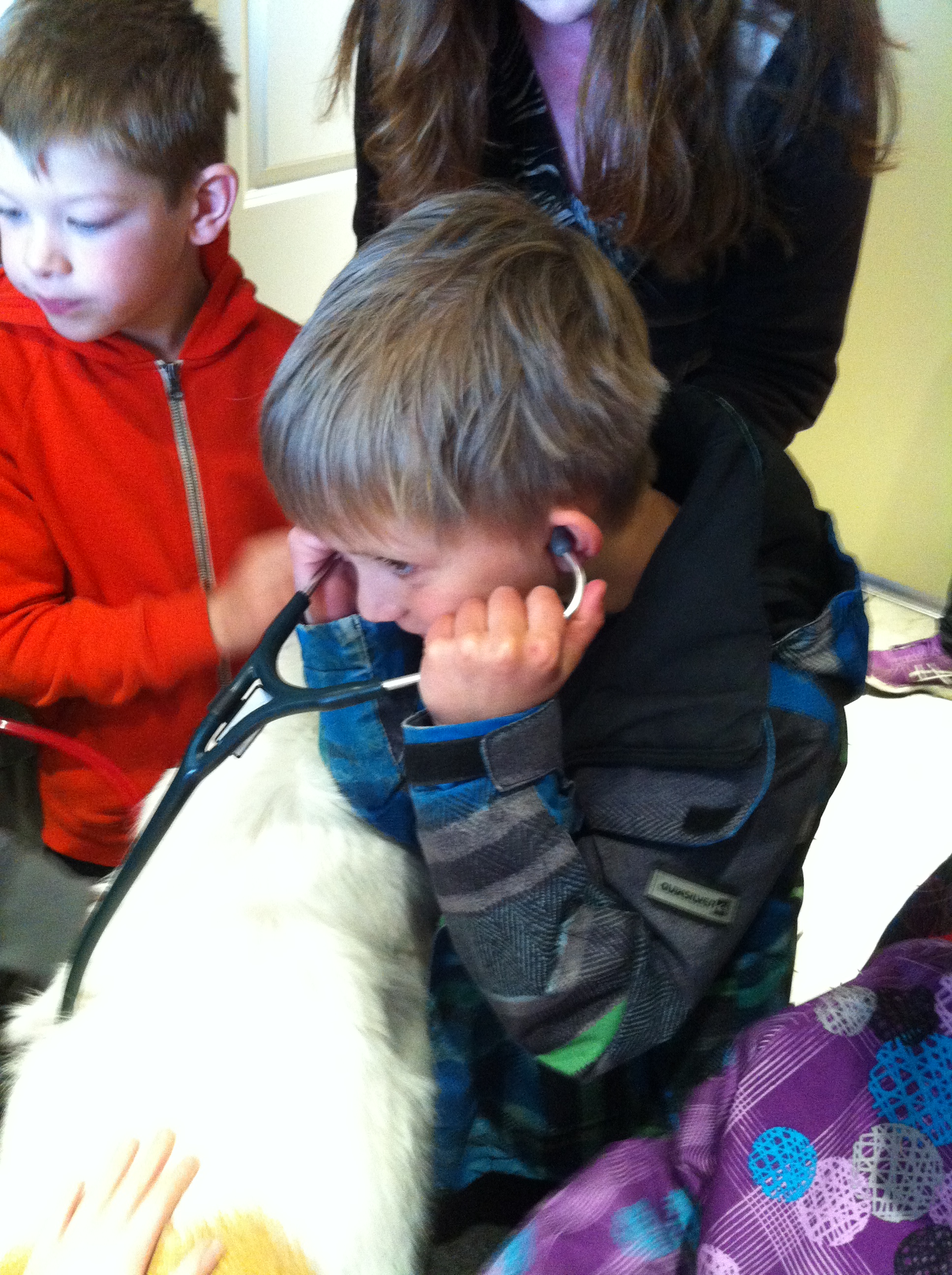
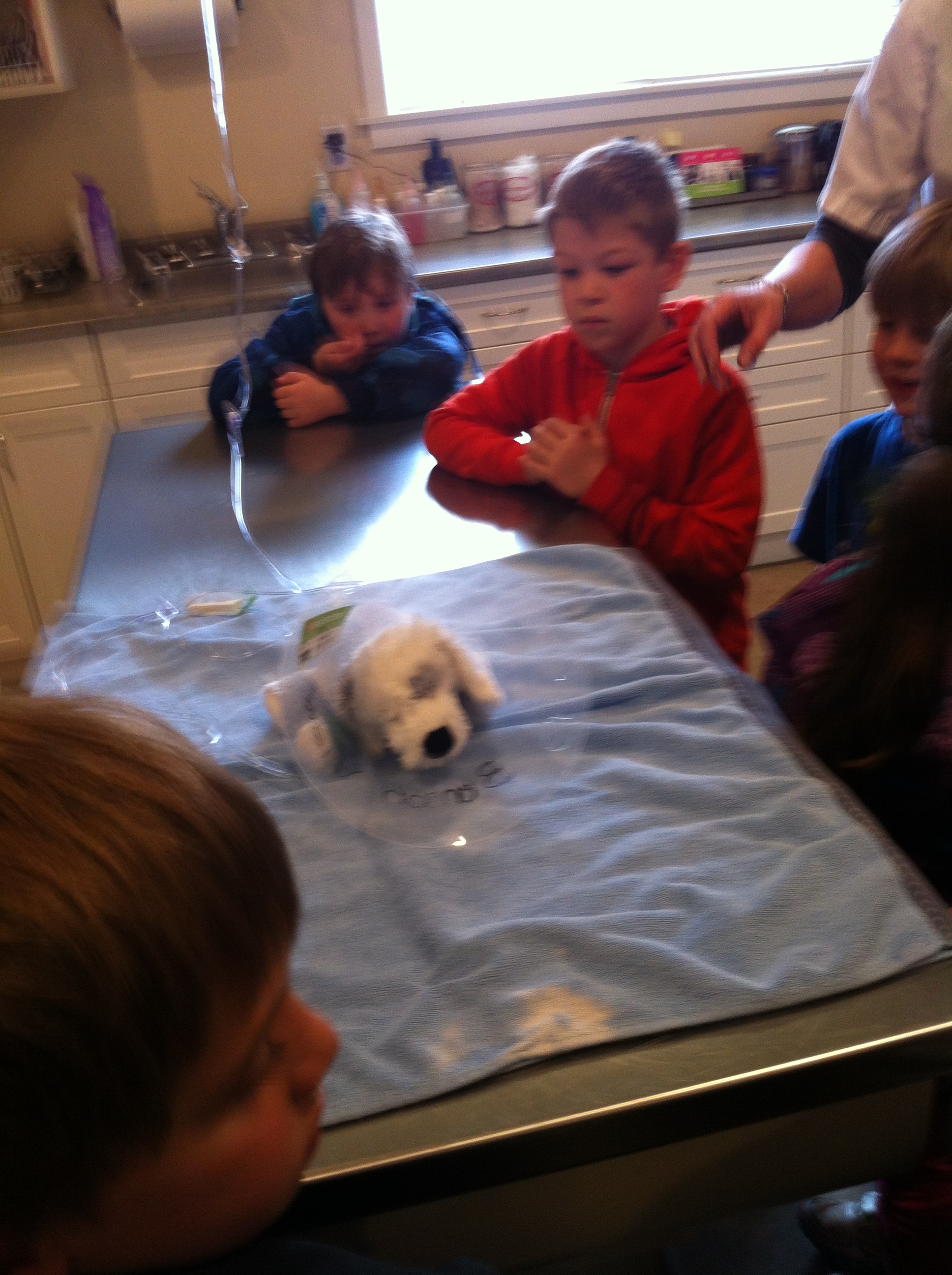
Last week we had a wonderful field trip to the vet clinic!  We got a tour of the vet clinic and even got to listen to this dog’s heart beat!

IMG_2945This lovely dog let everyone listen to her heartbeat.

IMG_2955

Sometimes two students at a time!  So gentle!

IMG_2972

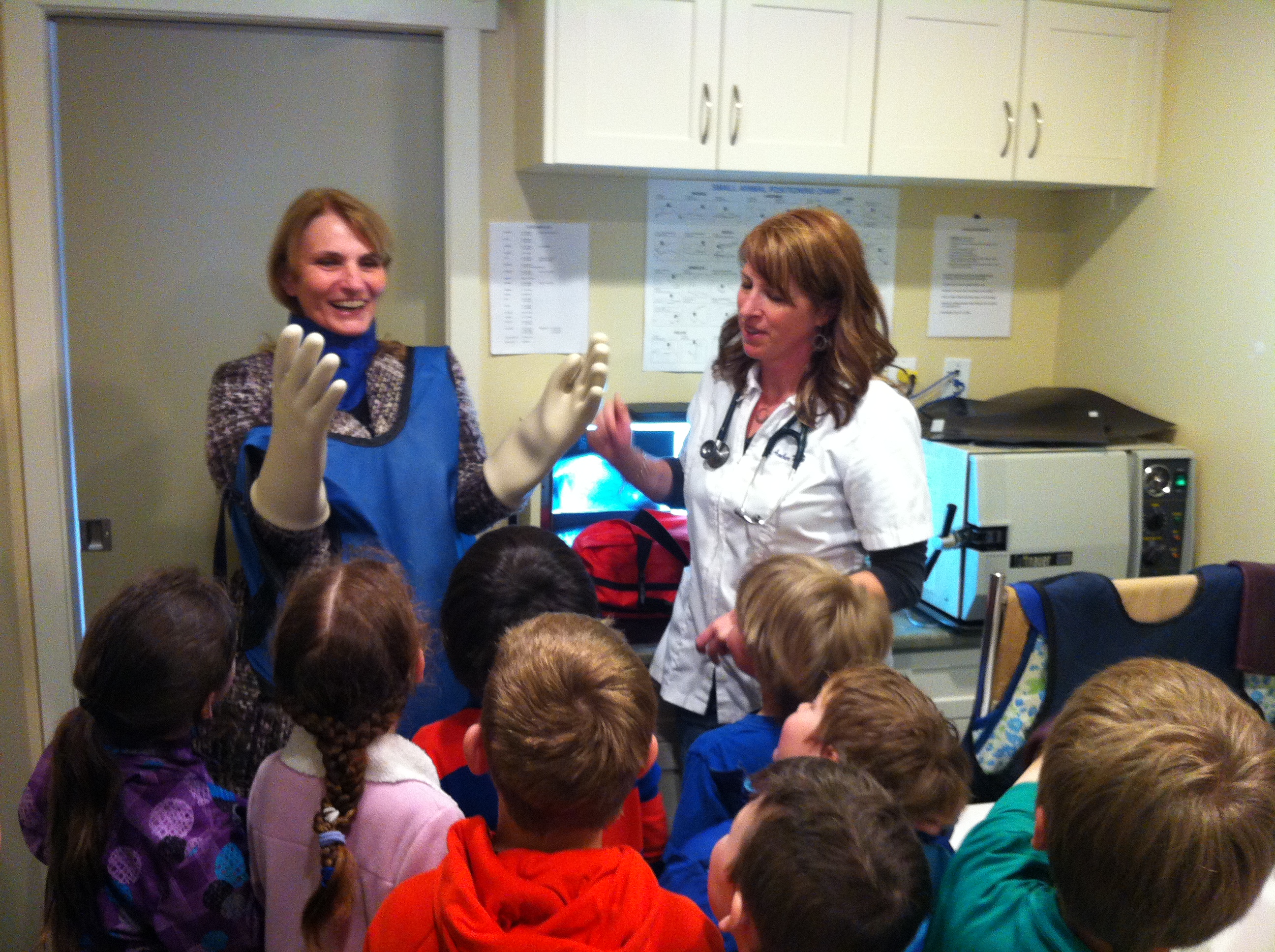
This is the outfit you need to put on before you can take an x-ray of your pet!  It was surprisingly heavy!

IMG_2967

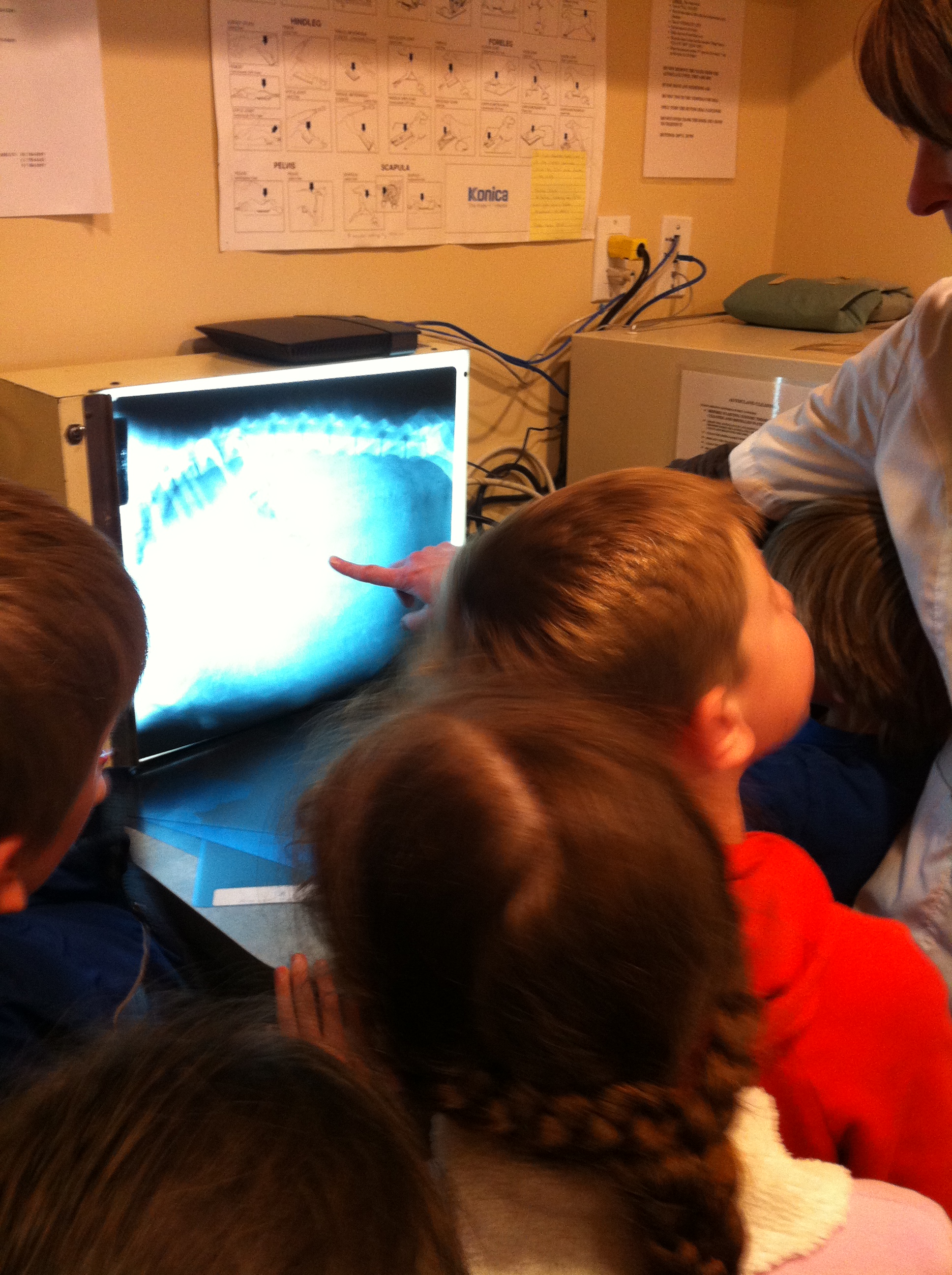
Looking at the x-rays of the animals was really interesting.

IMG_2981

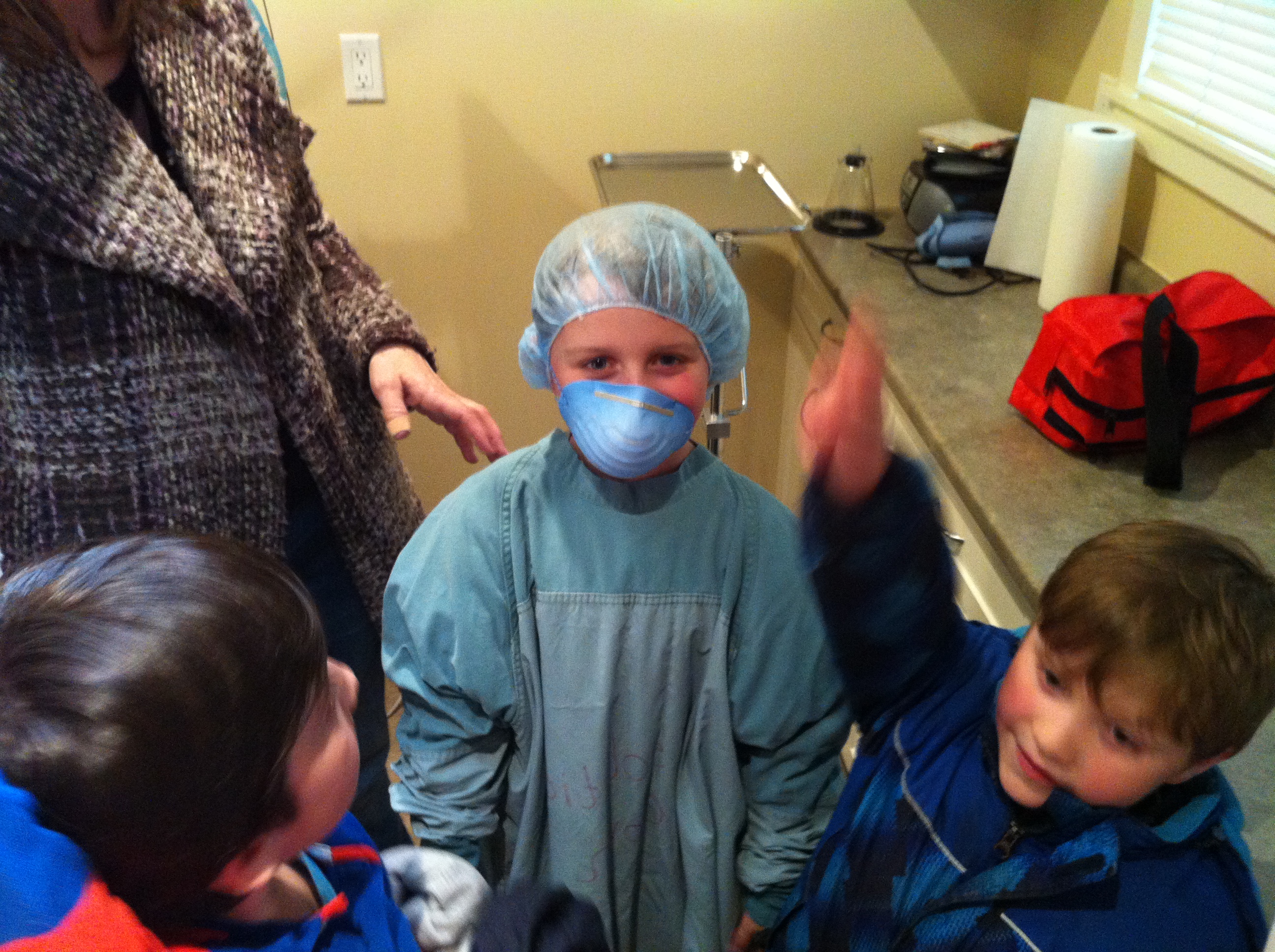
We even had one student get suited up for surgery!  Can you guess who?

IMG_2977

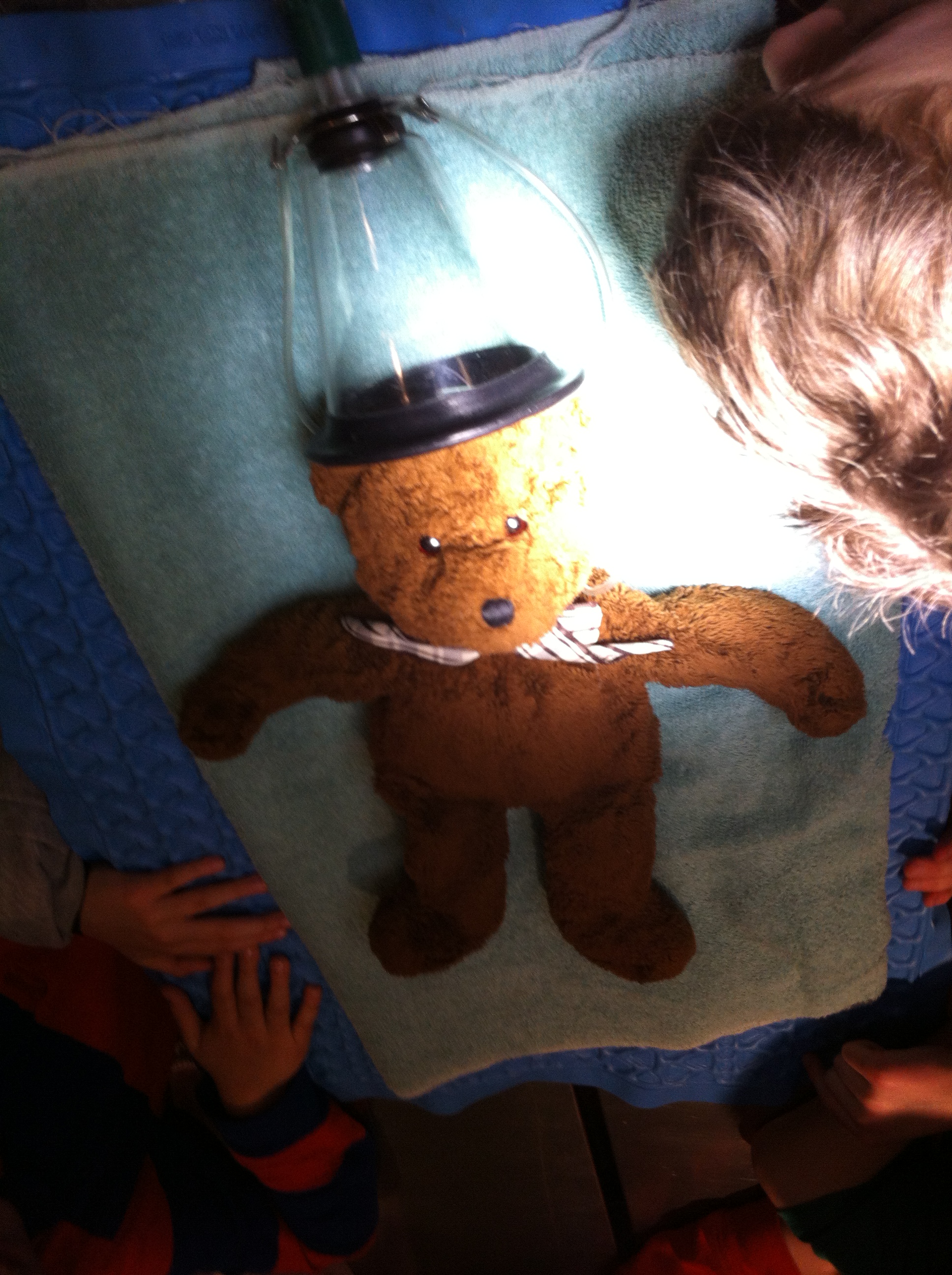
This teddy bear is laying on a special pad that keeps it warm during surgery!

IMG_2959

When I asked the children to tell me their favorite part of the trip most of them said, “All of it!”

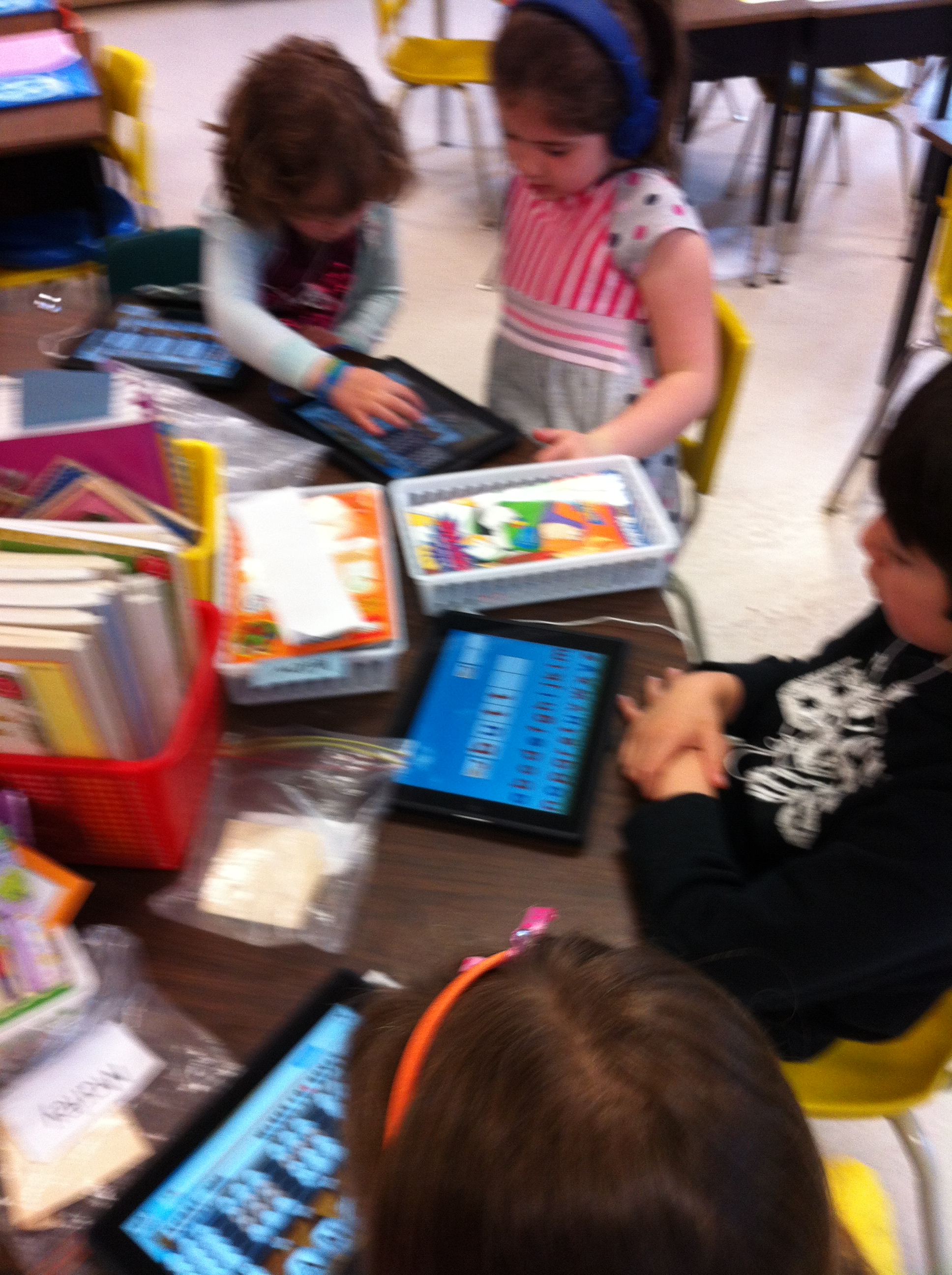
Last week the district set of iPads was delivered to our school and we have been having a great time creating books and pictures with them.  We have also been practicing a variety of math and reading skills with some really neat apps.

IMG_3003

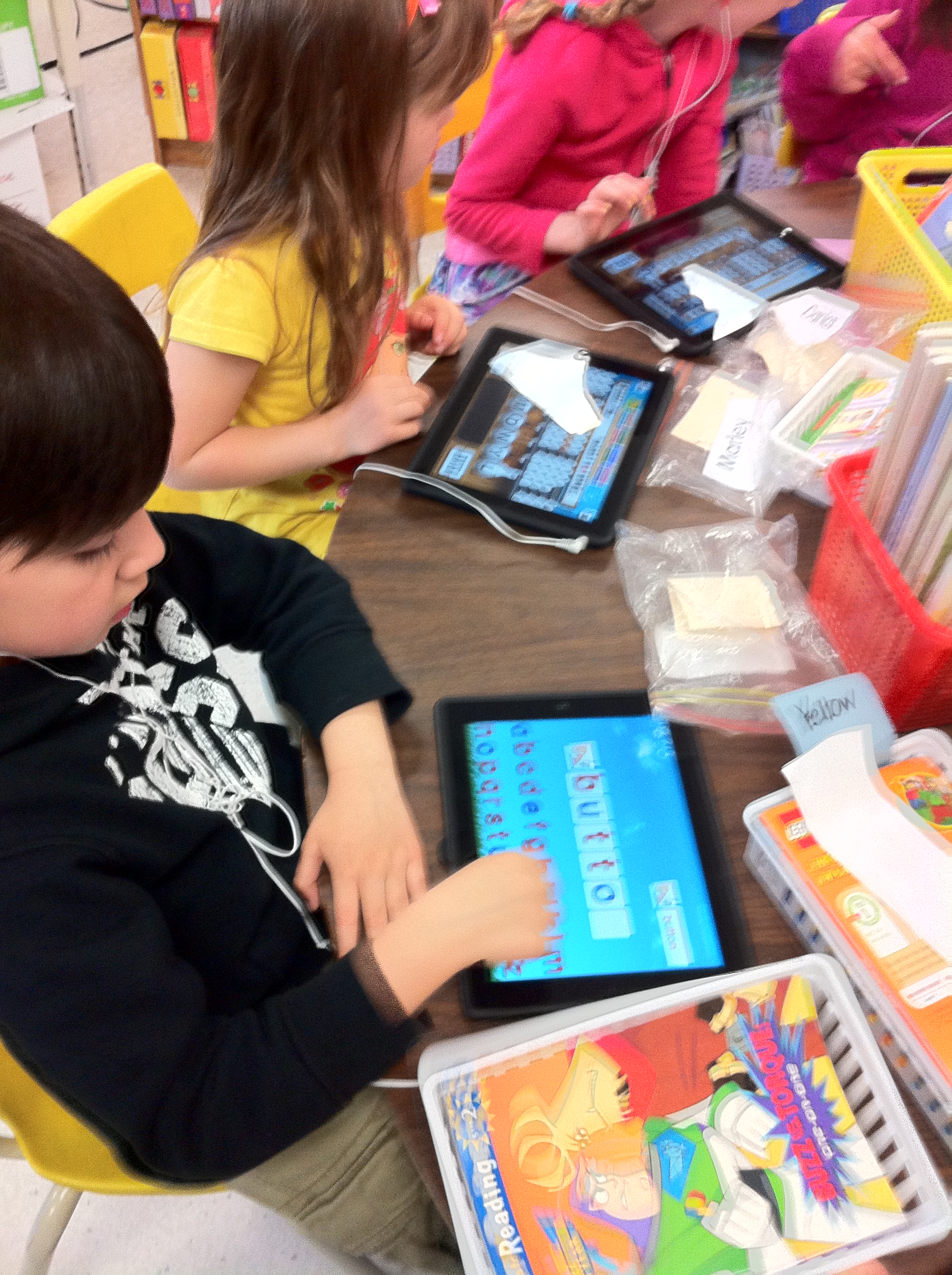
Montesorri Words is a great app that works on spelling words.  It begins with simple three and four letter words and progresses to more difficult words and crossword activities.  After each correct answer the student is rewarded with an interesting animation.  They love it!

IMG_2997

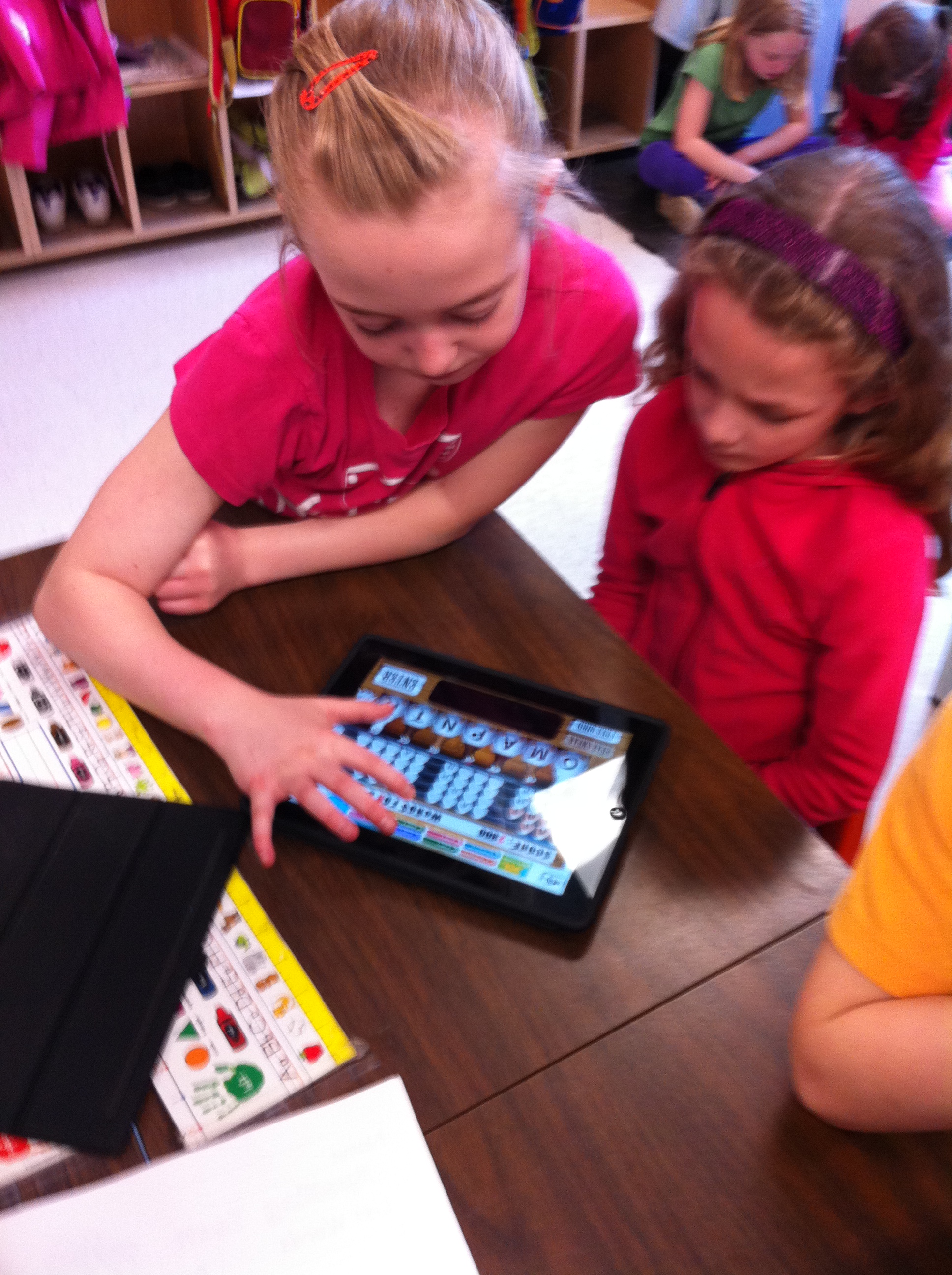
We have also played Chicktionary.  The students are given 8 letters and encouraged to see how many words they can create using the letters.  You gain points for each word you find!    We played this game with our Big Buddies on Friday!  I think one group got 7200 points!

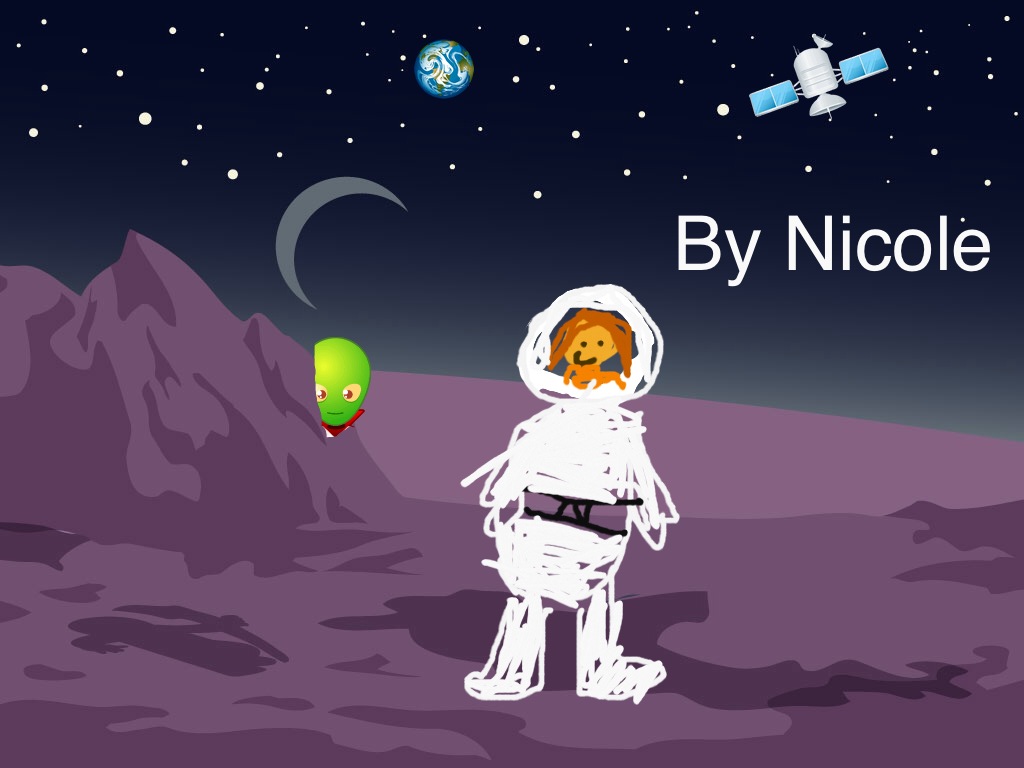
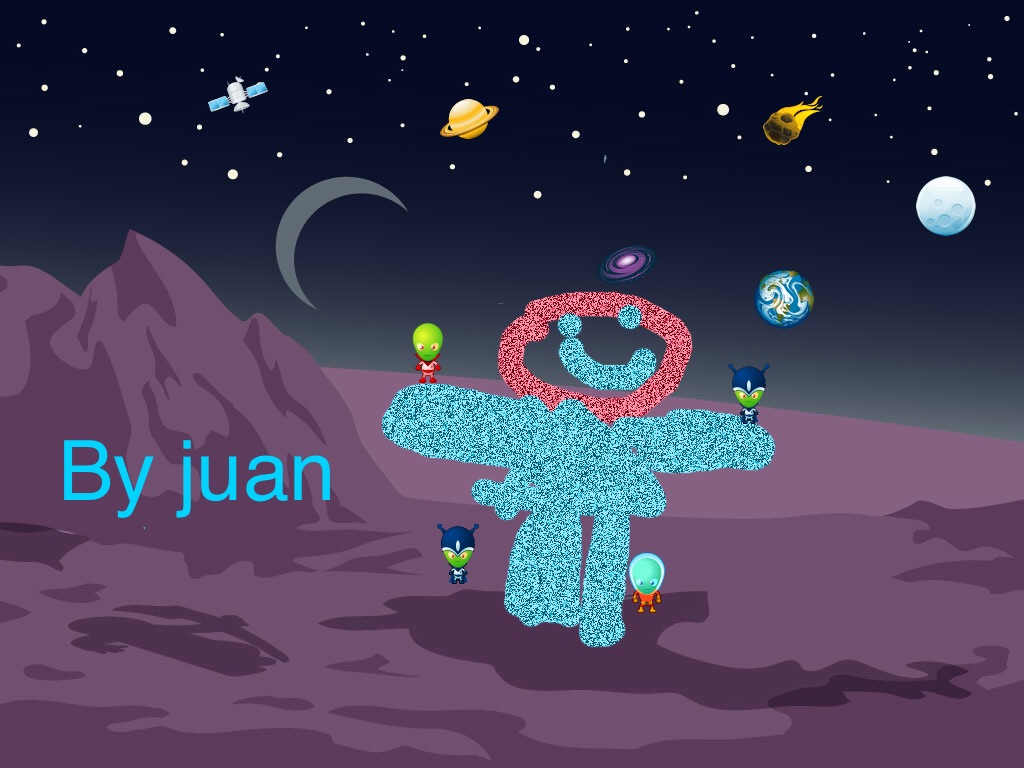
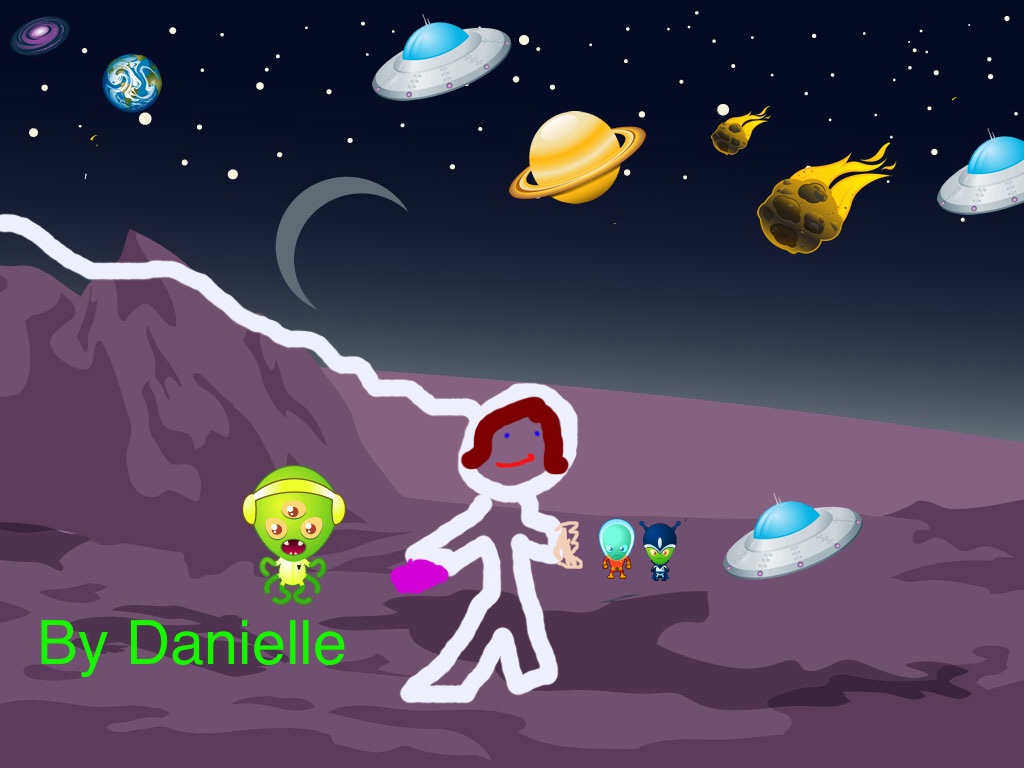
IMG_3011We also had some fun creating space pictures using Doodle Buddy!

nicole space

Juan space

danielle space

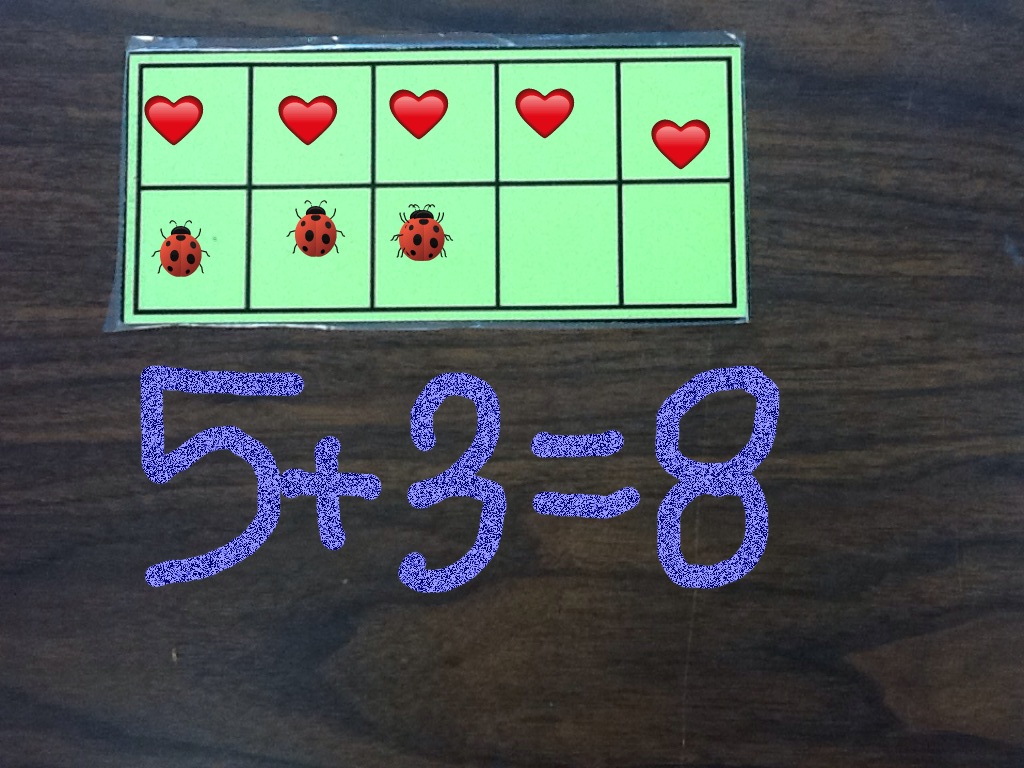
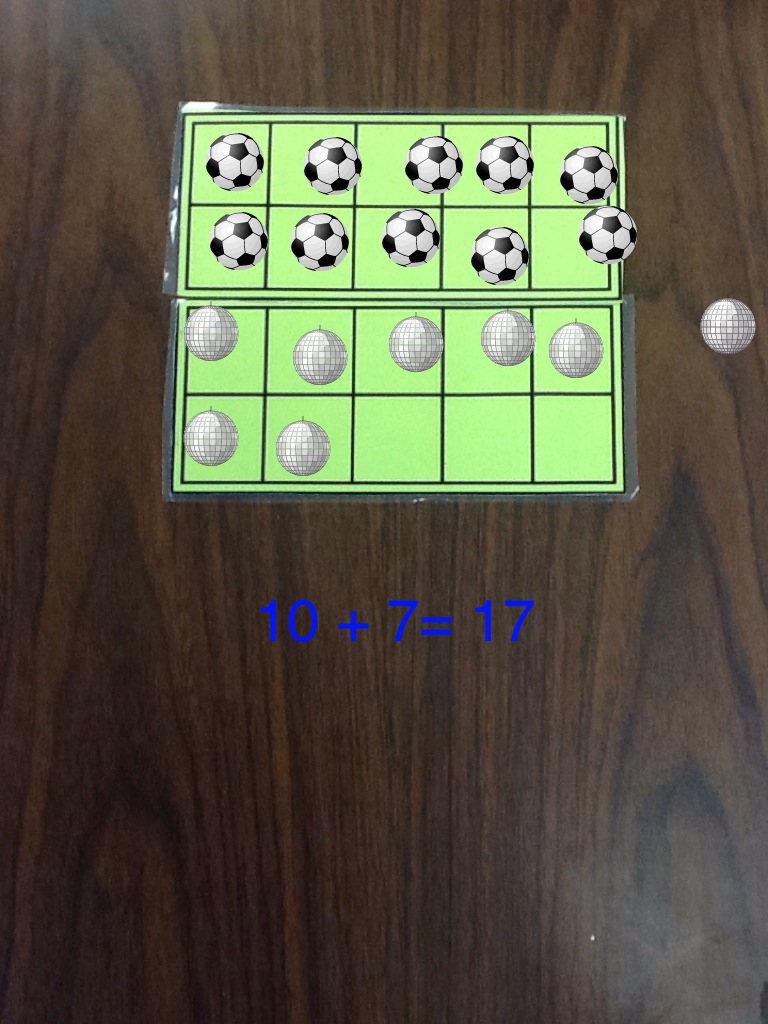
Doodle Buddy is an awesome little app and we have also been using it and Strip Designer to make math stories!  More on that next post!  Here is a sneak peak!

math 1

math book  3

Pretty cool!


Leave a comment

Filed under Doodle Buddy, iPads, Space, Vet Field trip

Fun with Peter Rabbit and Friends!

IMG_0045

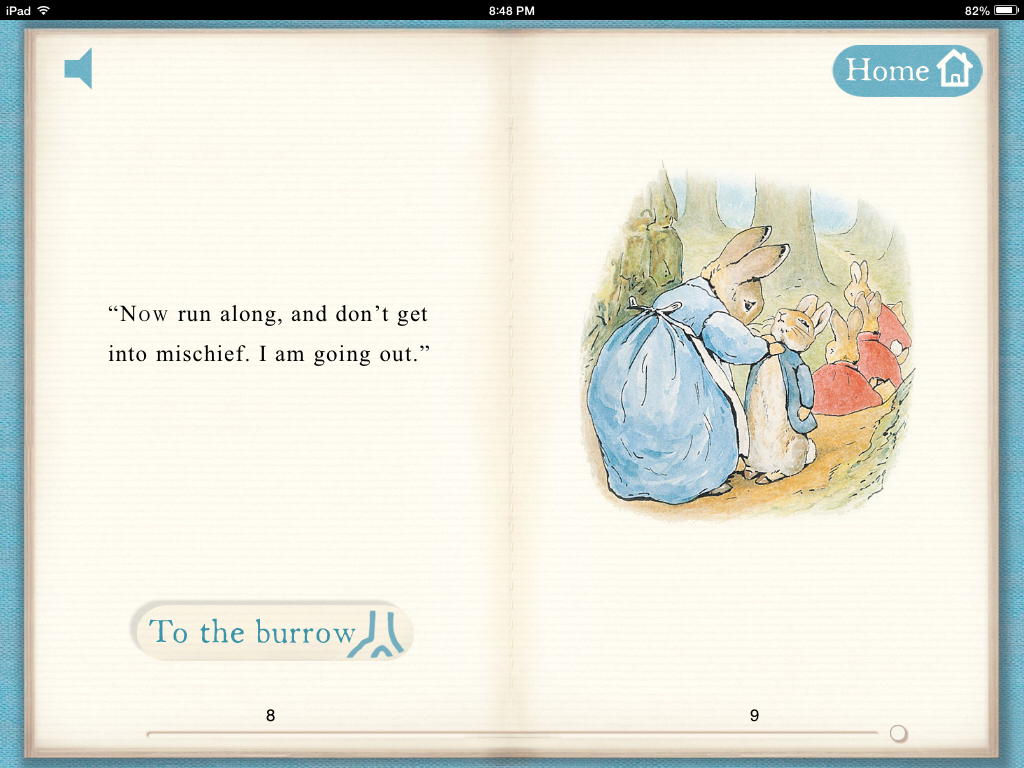
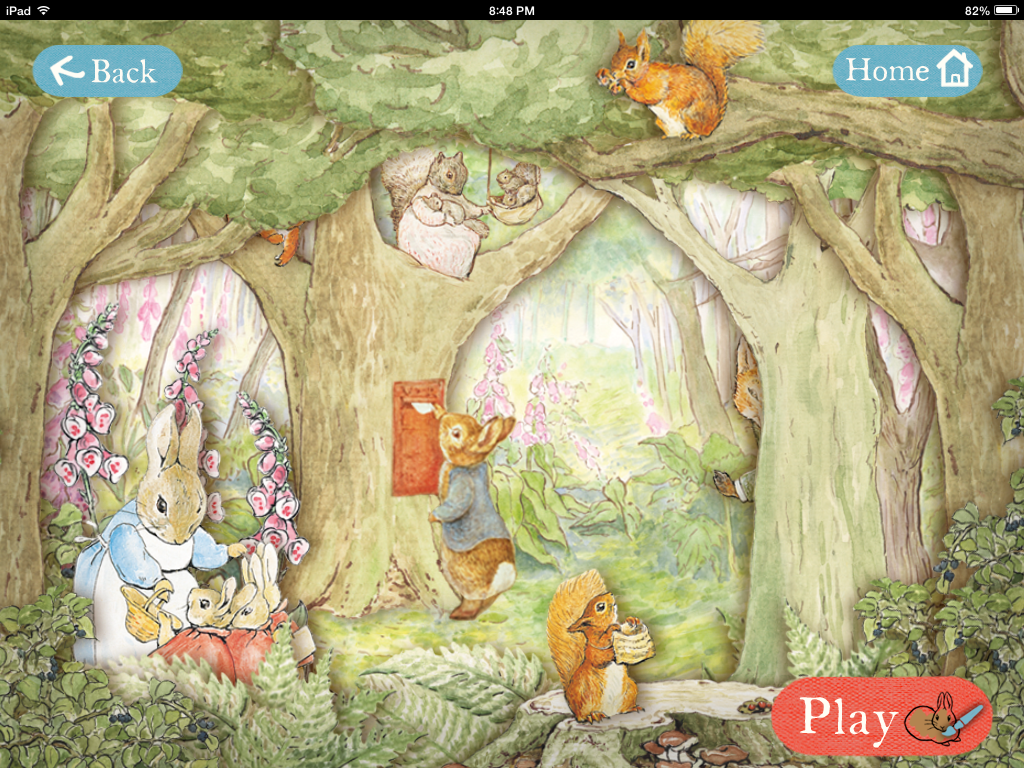
A couple of years ago I discovered that even Peter Rabbit has an app!  I downloaded the app from the official Peter Rabbit site and shared it with my students last year.  This year it was as big a hit as it was in the last two years.

IMG_2895

The coloring pages are fun because you can use a magic paintbrush and it paints it in “Beatrix Potter” colors!

peter 3
You can have the story read to you or you can choose to read it yourself. There are a variety of games and activities that the children can do and all have the lovely Beatrix Potter colors and illustrations!

peter 1

I also showed them the app called PopOut Peter.  It has a jigsaw puzzle feature that I really enjoy.  I think both of the apps might become favourites!

We have been doing a lot of different things with rabbits.

IMG_2867

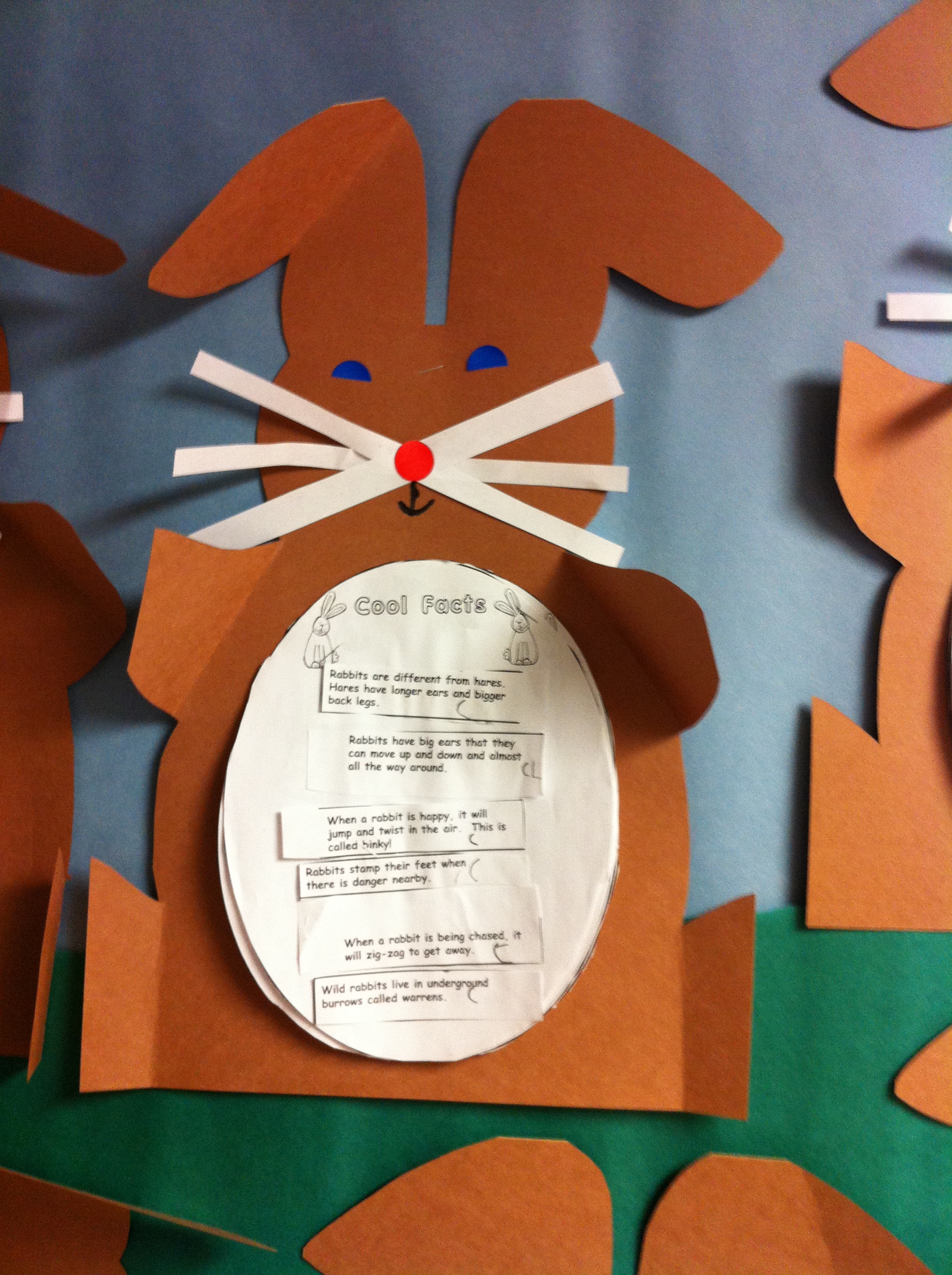
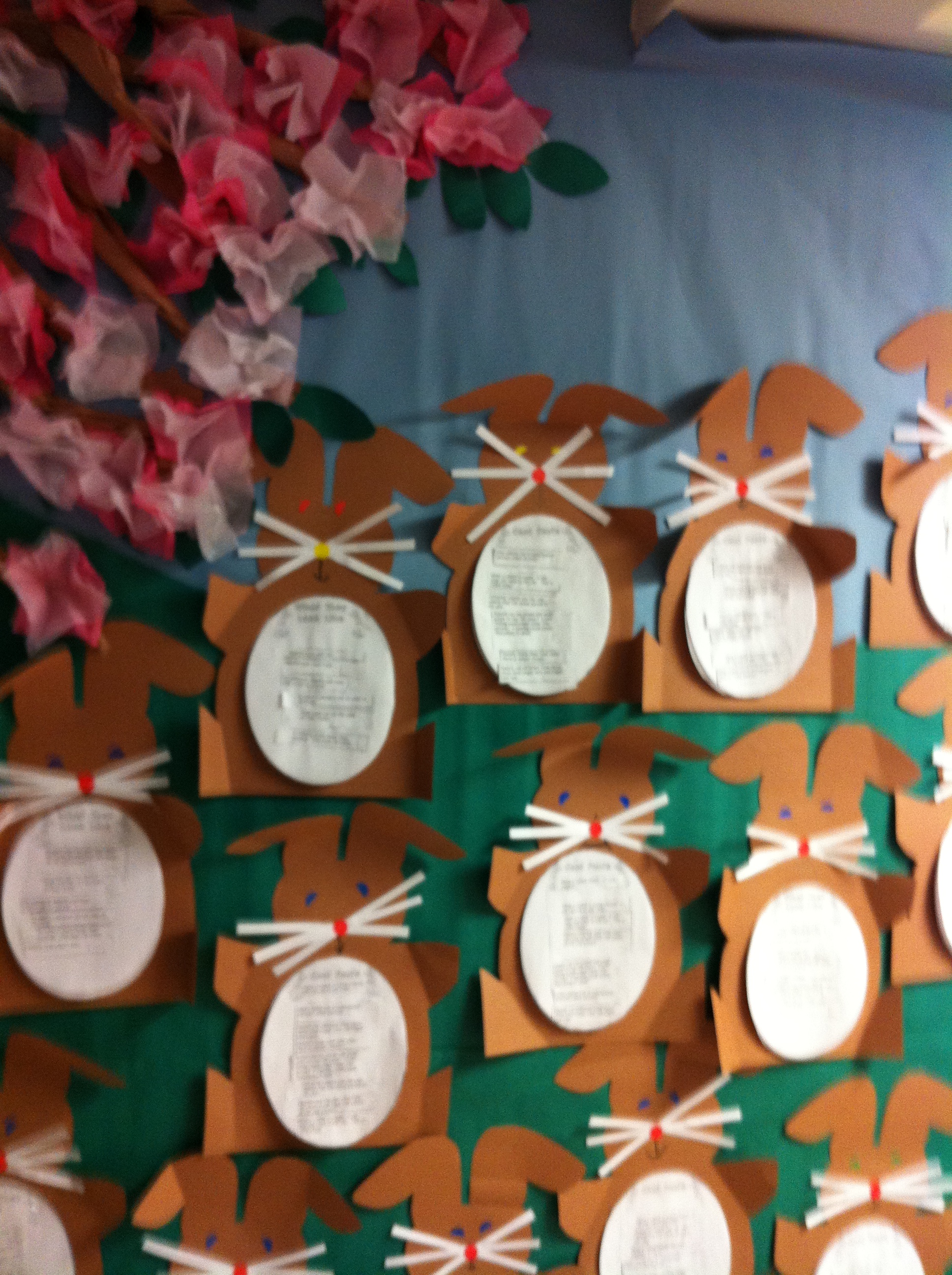
We did a mini research report about rabbits where the children had to read a variety of facts about rabbits and sort and categorize them into different categories!  We turned it all into a rabbit shaped report!

IMG_2868

Today, we read one of my favourite stories by Margaret Wise Brown called Home for a Bunny!  Then the children retold the story using a story map.  They sequenced the story parts and had a great time illustrating their story!

IMG_1675

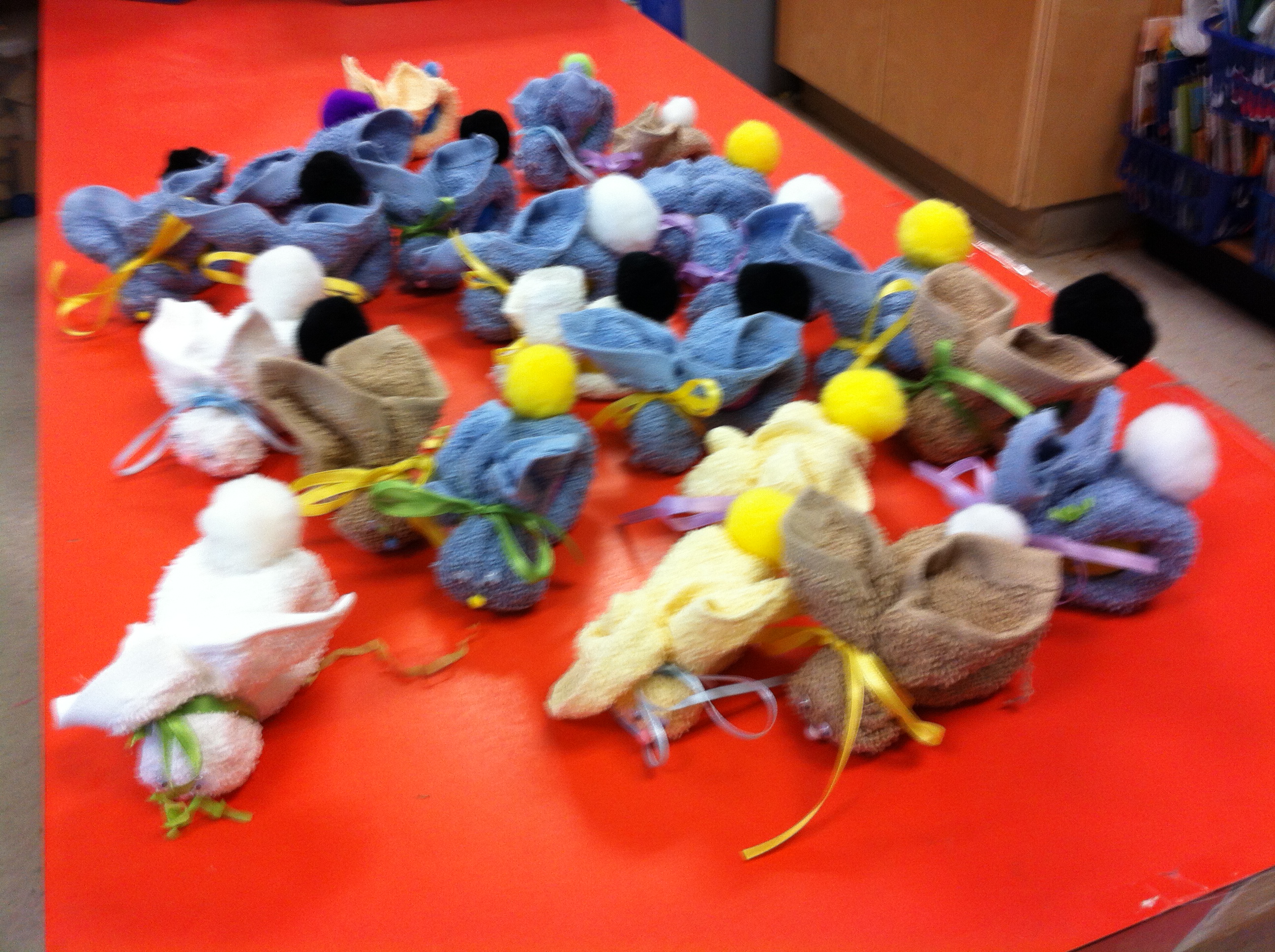
We also made some BooBoo bunnies!  They will be coming home tomorrow as we didn’t quite get everyone’s bunny finished.  So the bunnies are having a sleepover at school!  Hope they don’t get up to too much mischief!

IMG_2910

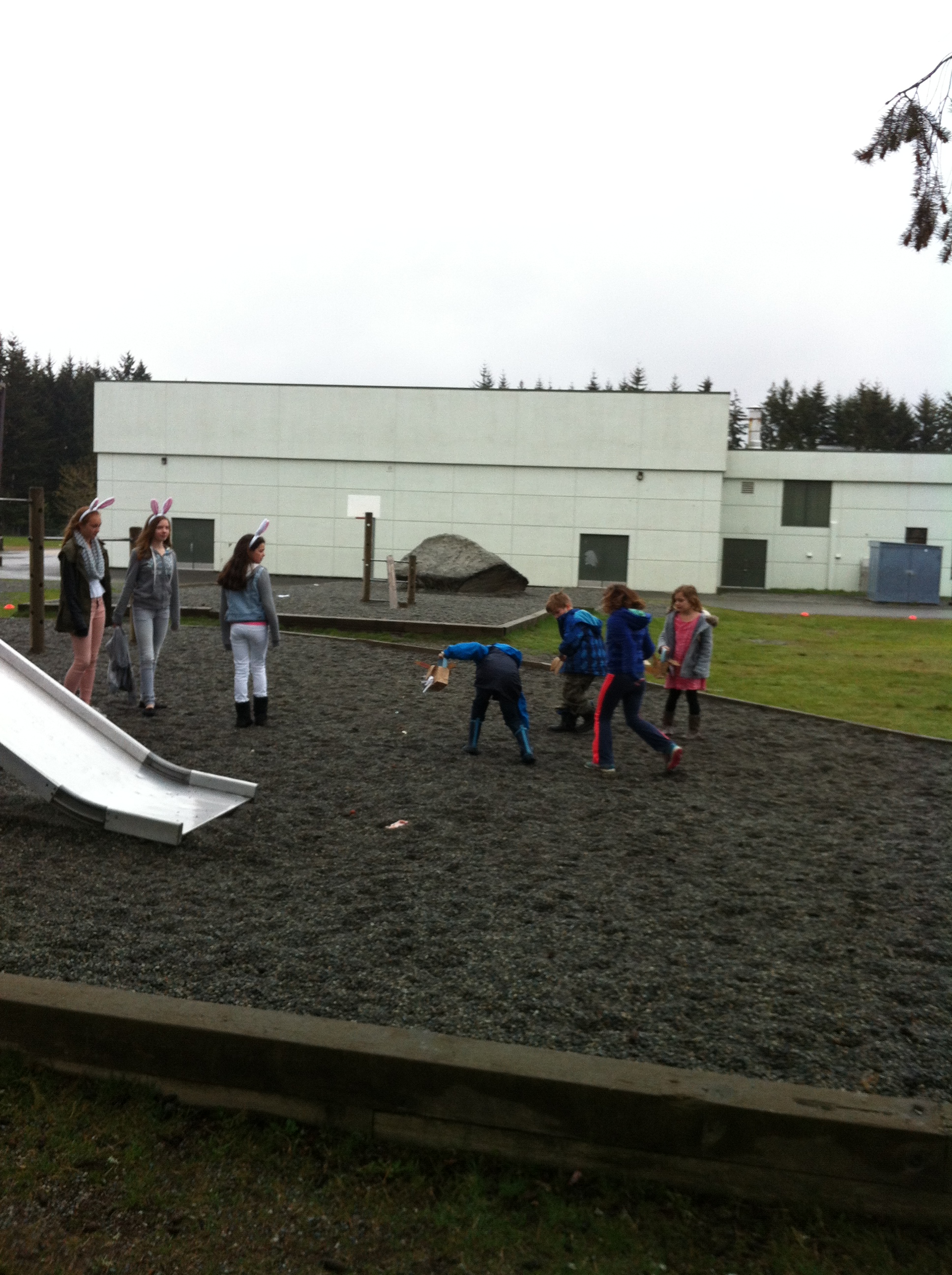
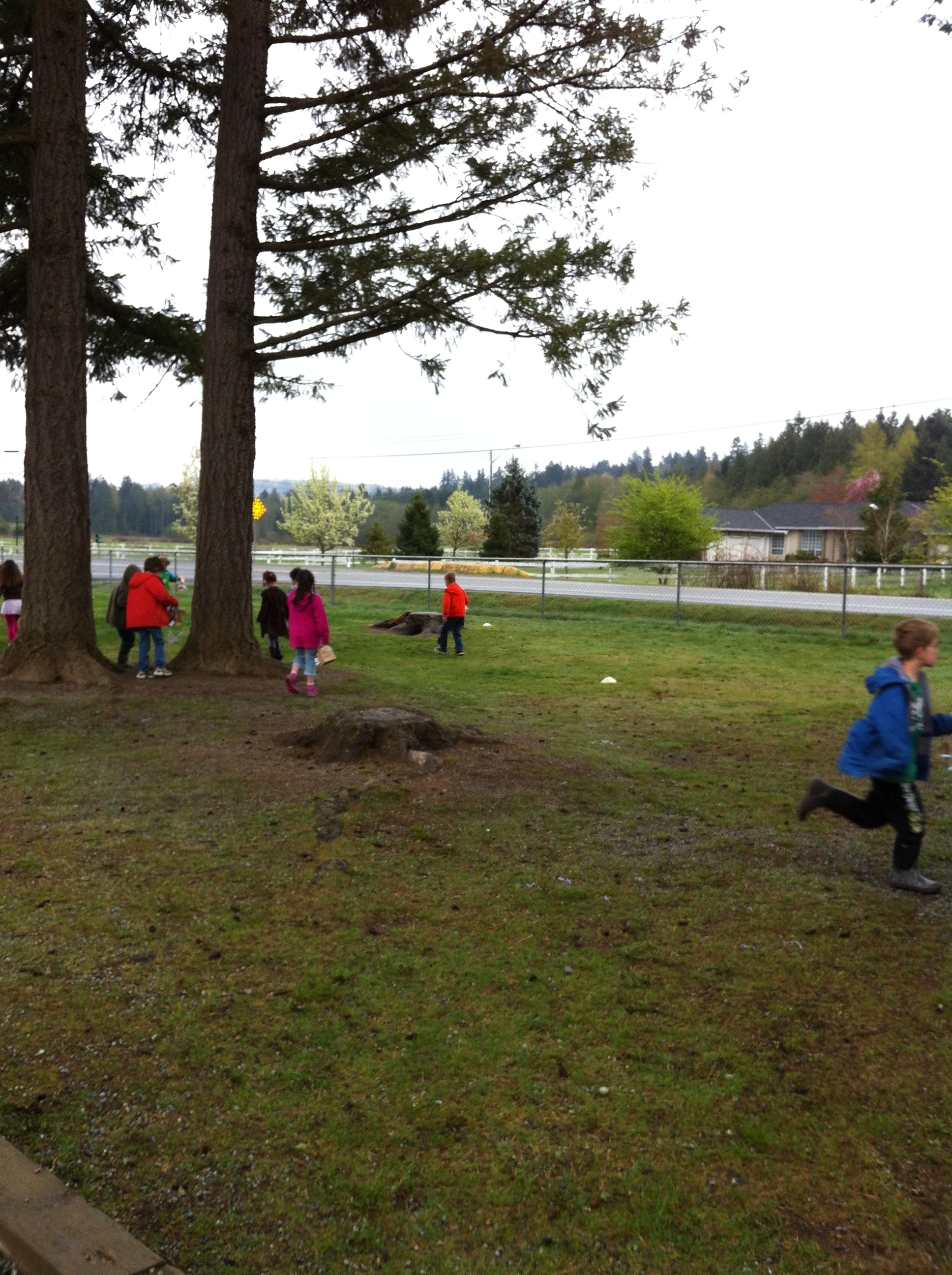
We also participated in the annual Easter Egg hunt and had to race the crows to find all the eggs.

IMG_2908

We watched one crow pick up an egg and fly away with it right in front of us!  What would the Easter bunny think?

IMG_2925

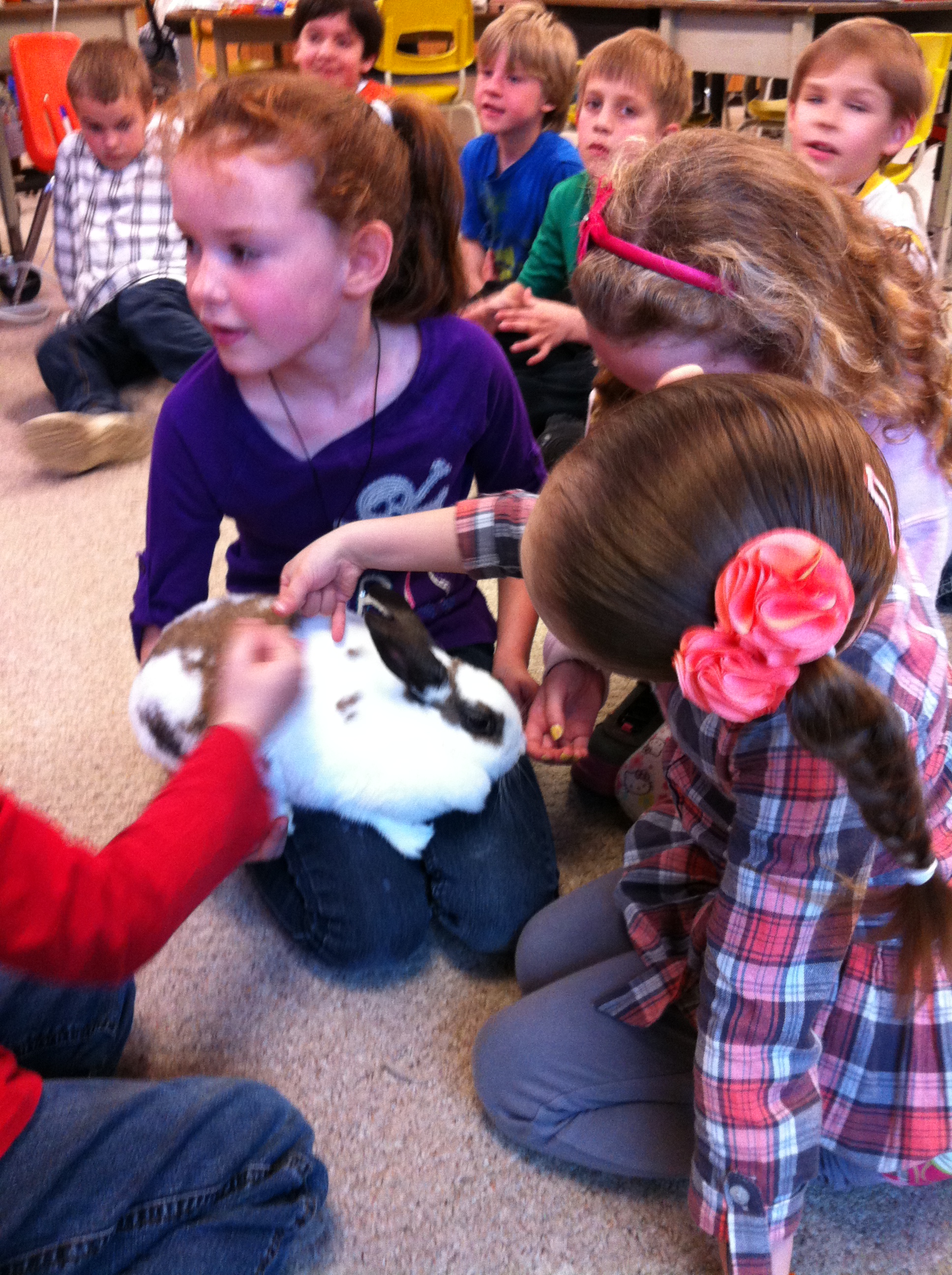
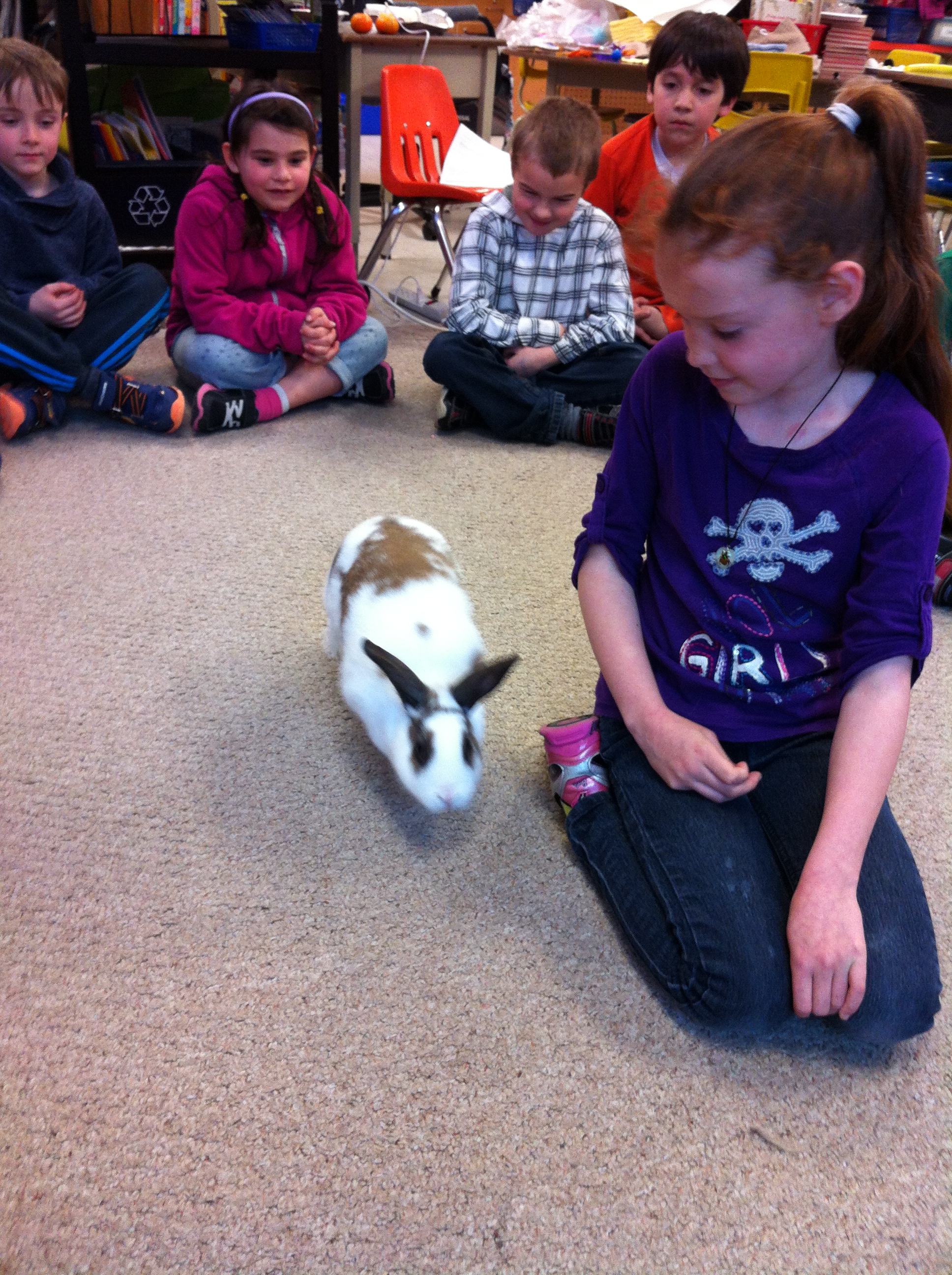
We also had a real bunny called Honey Bunny come visit!  What a great bunny! So gentle!

IMG_2926


Honey Bunny hopped around the carpet visiting the children and was willing to be petted by everyone!  Definitely a Honey Bunny!


Leave a comment

Filed under iPads, Peter Rabbit, Rabbits and Bunnies

Fun with Boxes!

IMG_2853

It beginning to feel a lot like Christmas, especially in our class!

The first box from the Mind Share Learning Video Challenge contest arrived last week!  Inside was an amazing new Epson PowerLite 96W WXGA 3LCD Projector!  Very cool!

IMG_2849

You can see from the pictures that the children were very excited!  It definitely got a two thumbs up vote!  They actually liked all parts of the prize package as they even wanted to have the box!

I told them that I was sure they could have the box too!

We have been working on a variety of projects!

IMG_2884

We are continuing to work on the pages for our snowman projects.  We will be compiling them into a special format very soon!

IMG_2885

We are using a variety of different apps to create the pages to make our books about the snowmen.

danielle snow


We are taking pictures of all the snowmen and labeling them using the Doodle Buddy app!

nicole snow

The children have been working on pages describing their snowman’s favourite meals to add to their books.

snowman plate 2

And we have been working on the author/illustrator page!

danielle auth


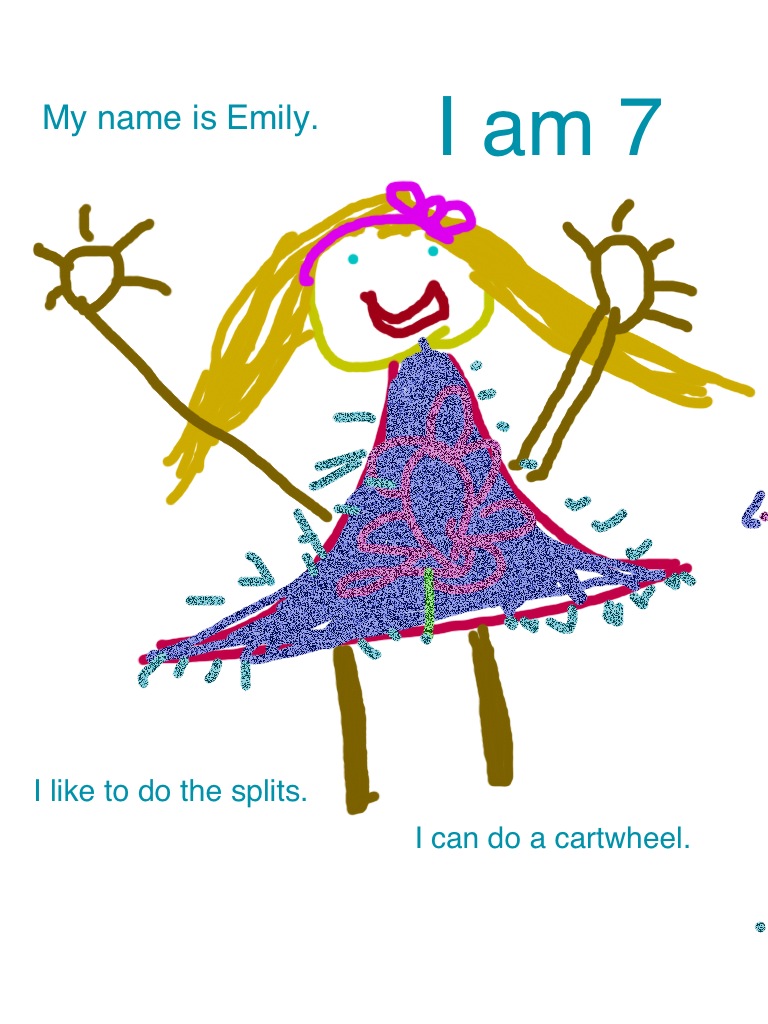
emily author


I am very impressed at how well the children can put together the pages using a variety of apps!  Very cool!


Leave a comment

Filed under Doodle Buddy, iPads, Mind Share Learning Video Challenge, Prizes, Snowman Project

Writing to Mars and Spacecraft AR Style!

IMG_0456

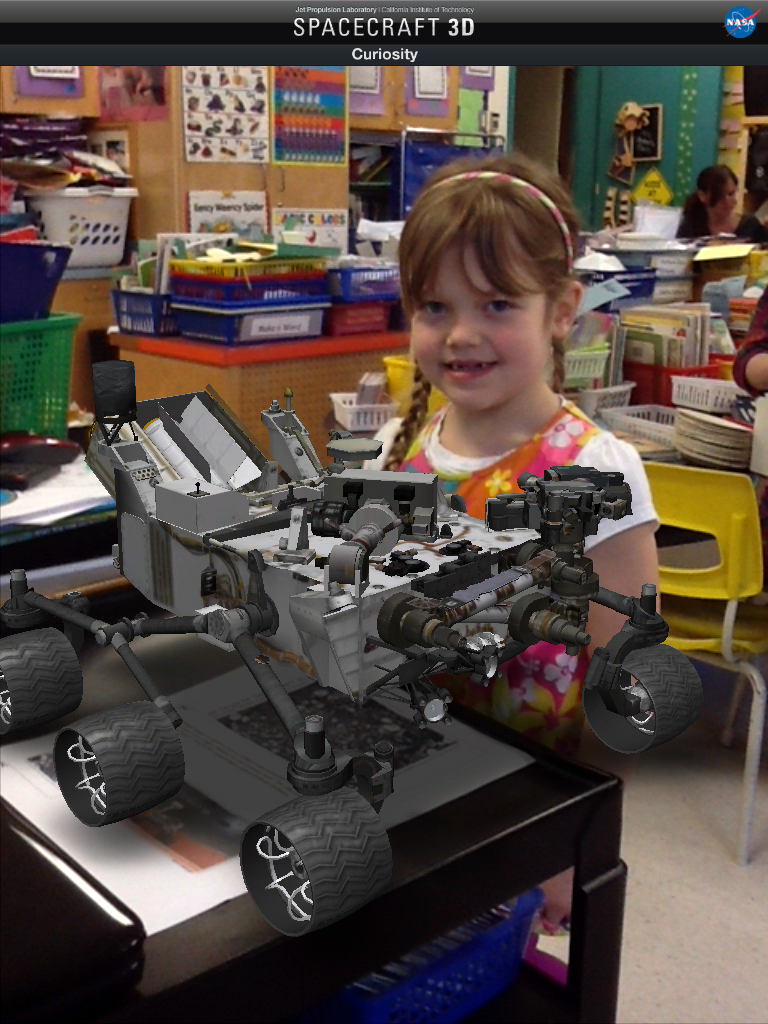
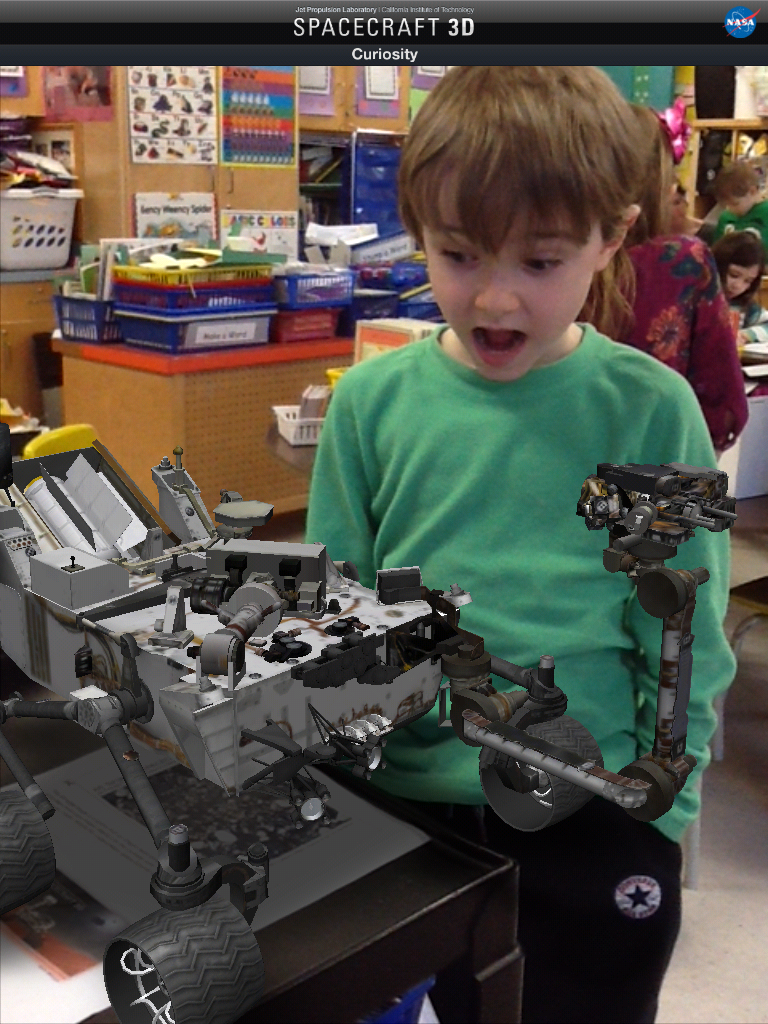
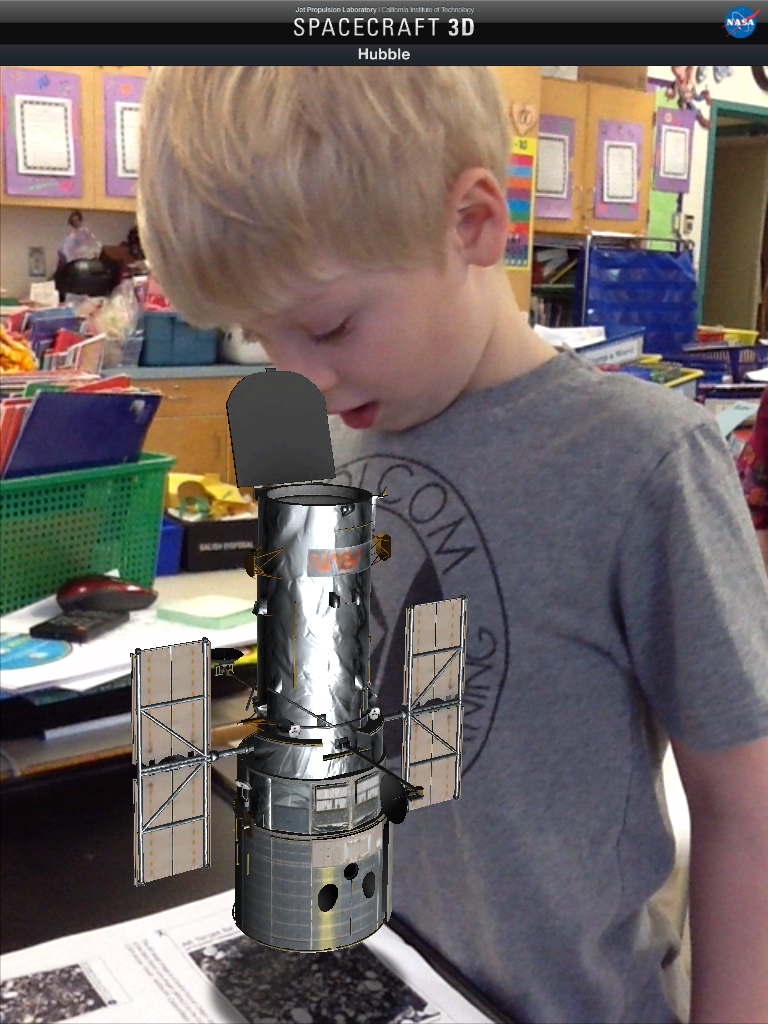
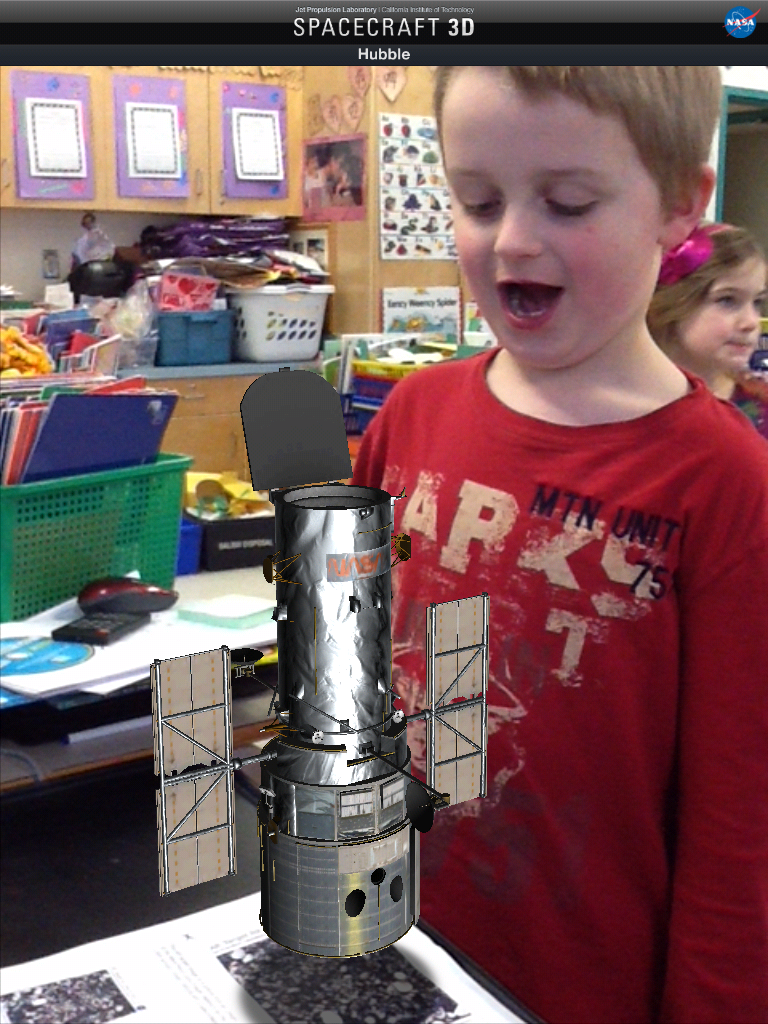
We have been having a lot of fun with a variety of apps I have found about space.  This one has become a favourite!  It is another Augmented Reality app called Spacecraft 3D.  This is an app from NASA Jet Propulsion Laboratory and the California Institute of Technology.

IMG_0459

You download a marker and then place the iPad over the marker and this lovely 3D image appears.  The best part is that you can take your picture with it!  There are 13 different spacecraft that you can view including the Curiosity and Hubble telescope!

IMG_0461

There are animations and information about each of the spacecraft!

We had fun looking at the spacecraft and choosing which one we wanted to have a picture with.  The children then posed with the image and these are some of the cool results.

IMG_0462

We also watched this video about the Curiosity landing on Mars!  The graphics are amazing and the children were completely captivated.  There were some great explanations of how everything was created just for this spacecraft!

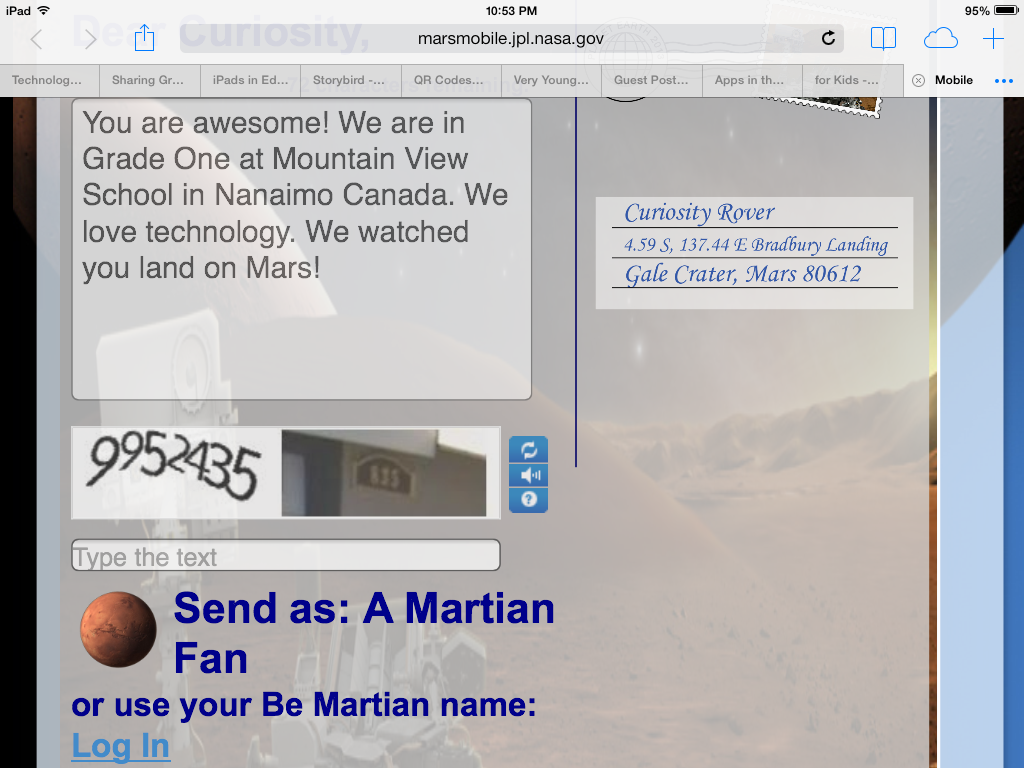
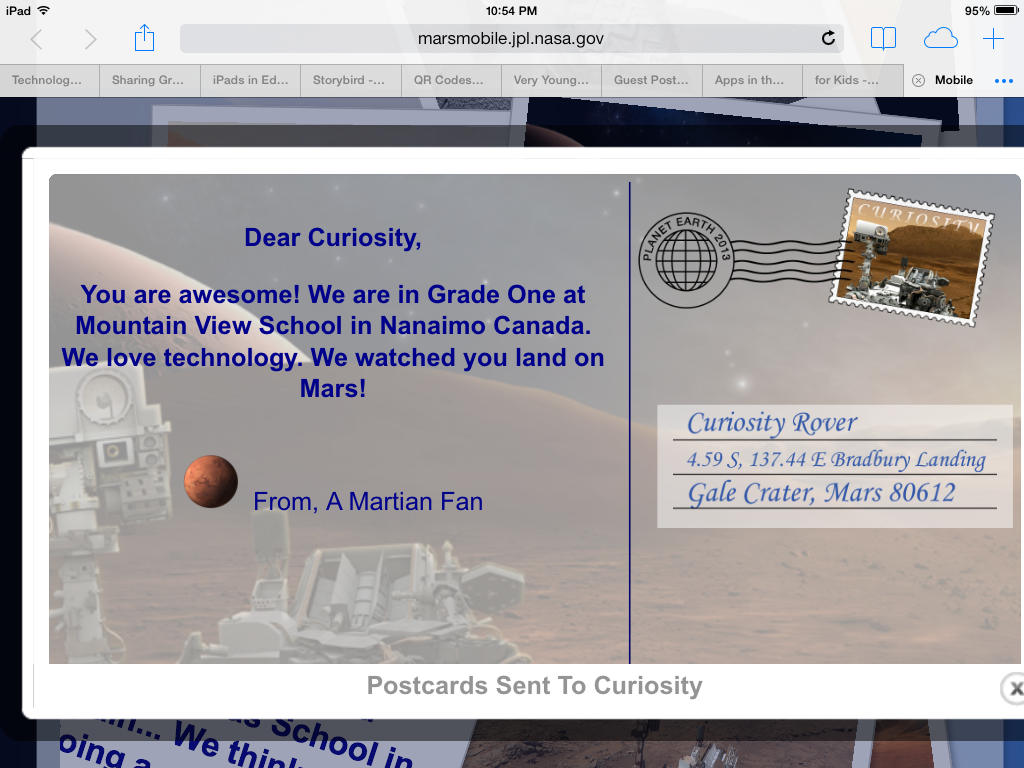
While we were learning about the Curiosity spacecraft I found a cool NASA website that focused on the Mars expeditions.  There are a lot of cool links on the site including one that lets you send a postcard to the Curiosity spacecraft on Mars!  Too cool! Of course, we had to send a postcard!

IMG_0454

mars 1

mars 3

If you would like to send your own postcard to Mars I have added a link for the postcard site on our class WIKI page in the Science section!

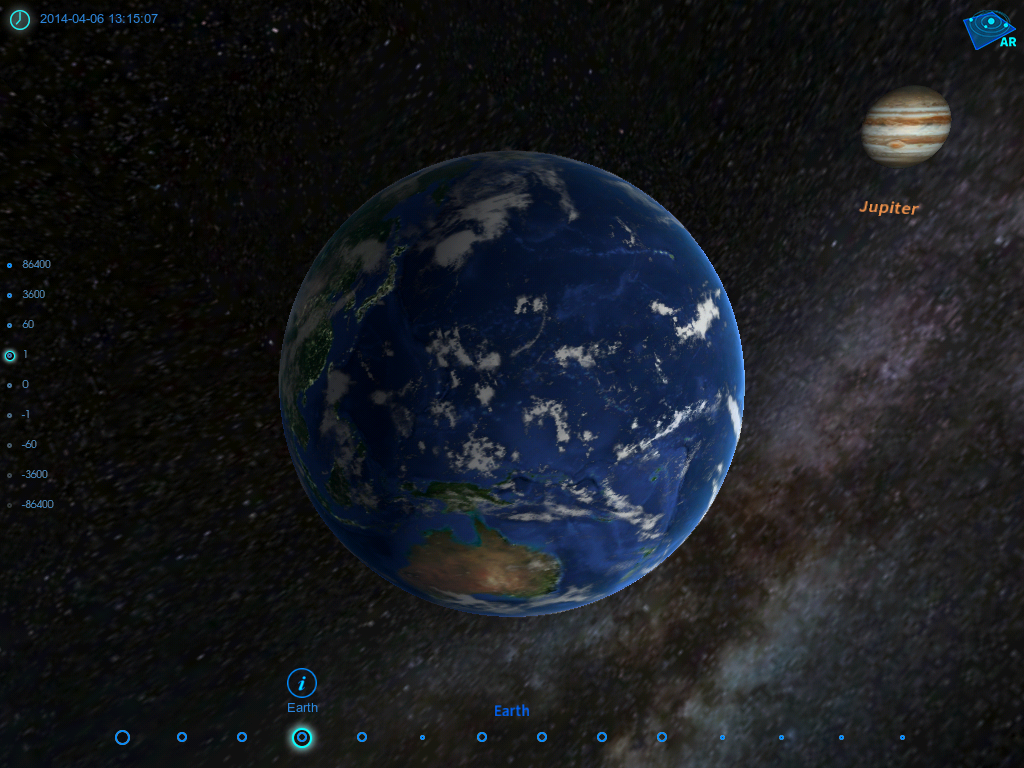
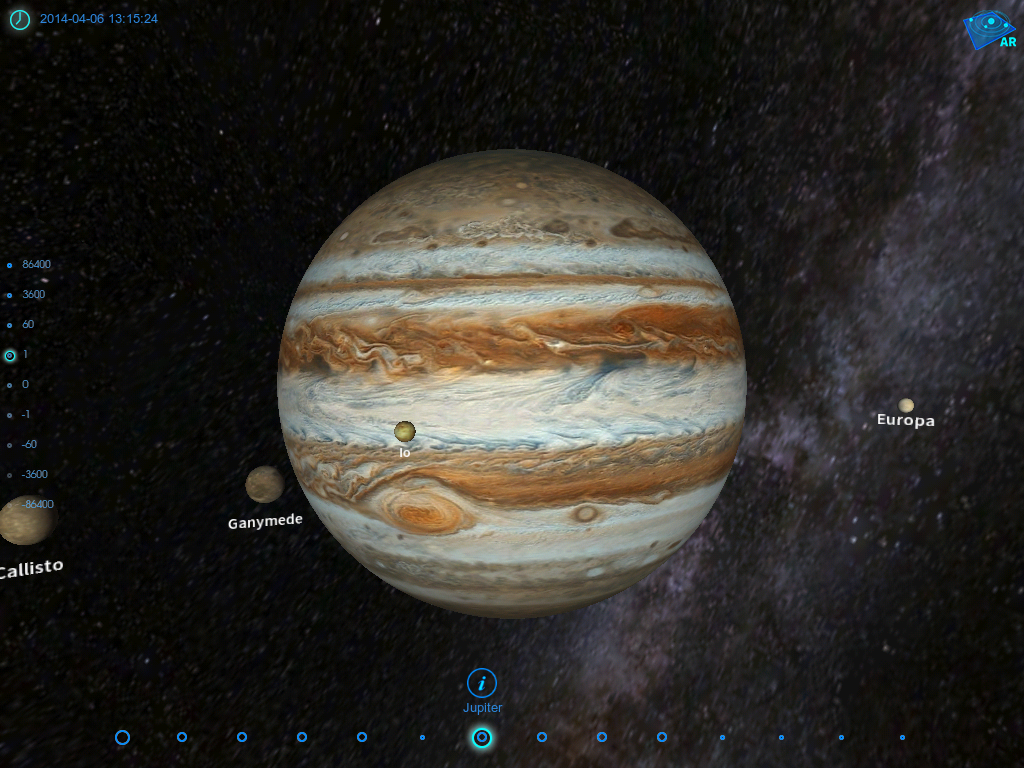
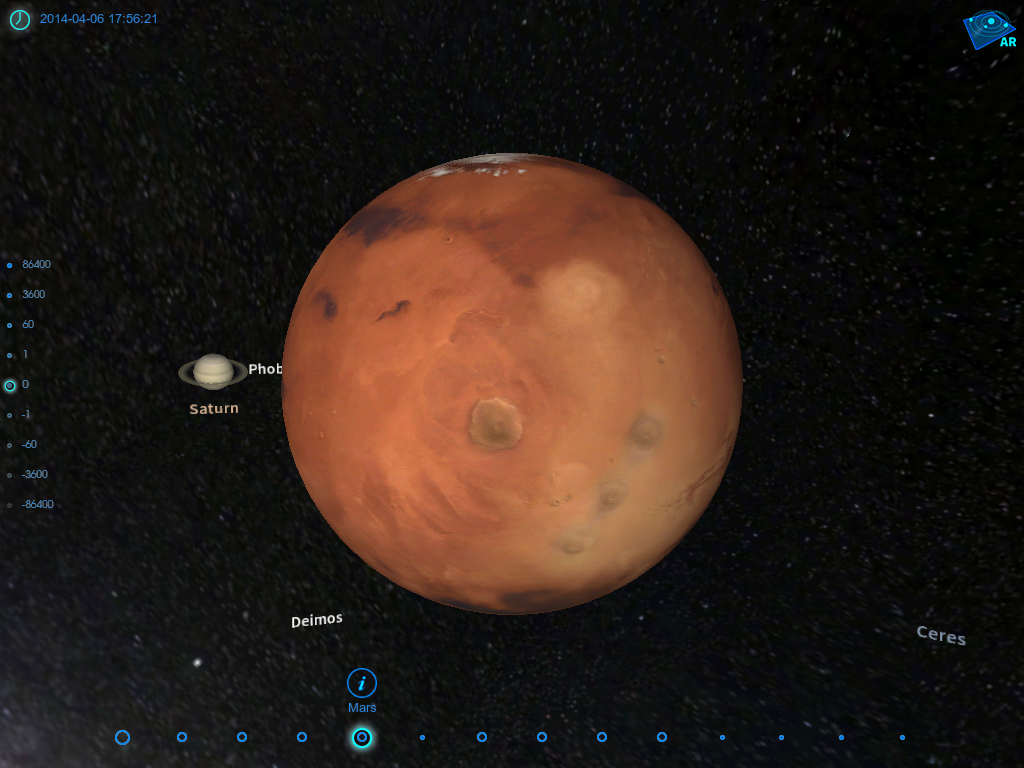
Another app we have had some fun with is called  Space Journey.  I love this app!  It lets you choose a planet and then see it in relation to its place in the solar system!

earth planet

You can pick from any of the planets in our solar system and then see it in space in relation to the other planets and the sun.  Of course we had to try them all!

saturn

planet 3

We got a little dizzy spinning around our solar system!  You can move the planet around and see what it sees around it!

We are having too much fun with all the space apps! And there are many more!


Leave a comment

Filed under Augmented Reality, Space

Space Fun plus AR Math Fun!

ryleigh space

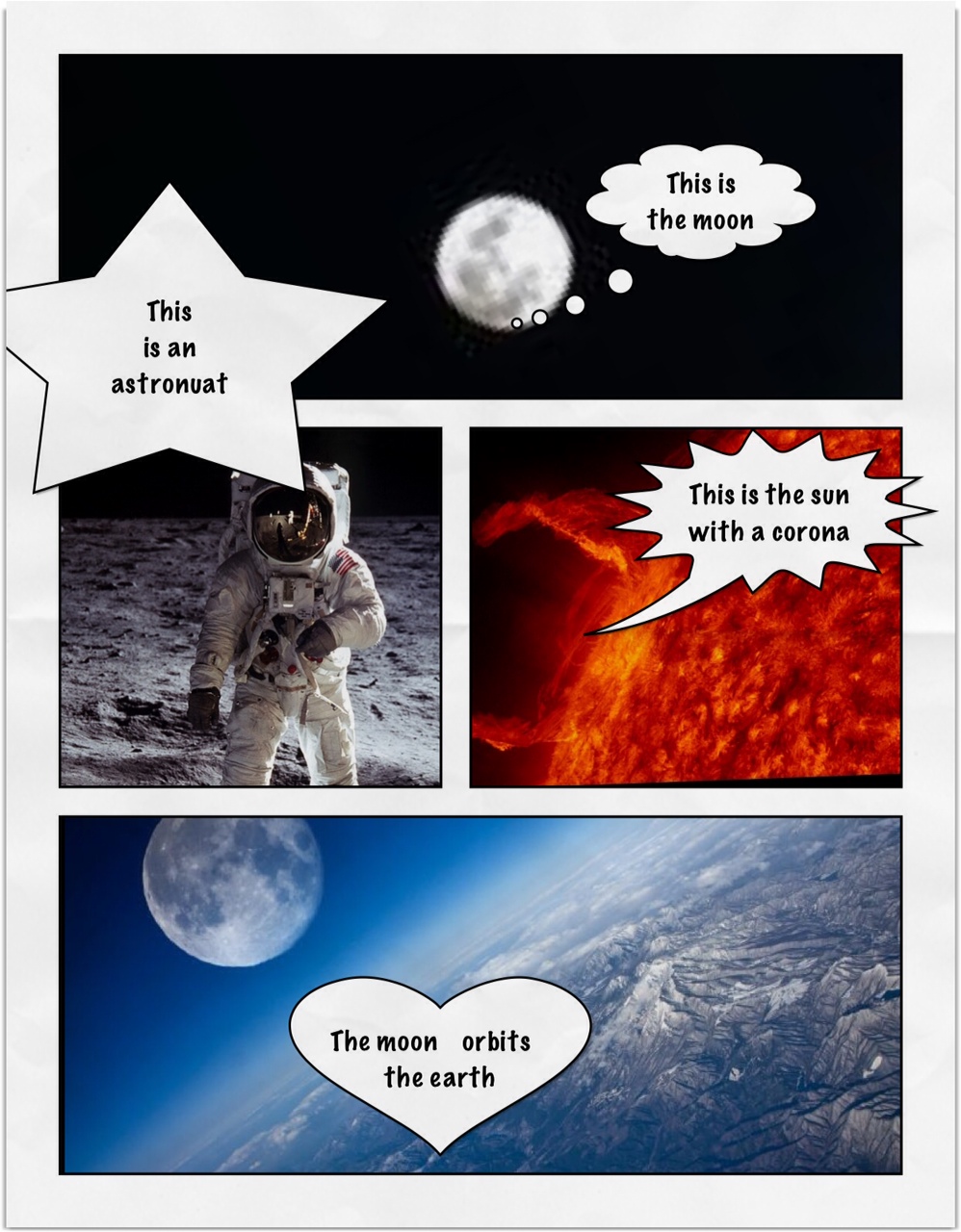
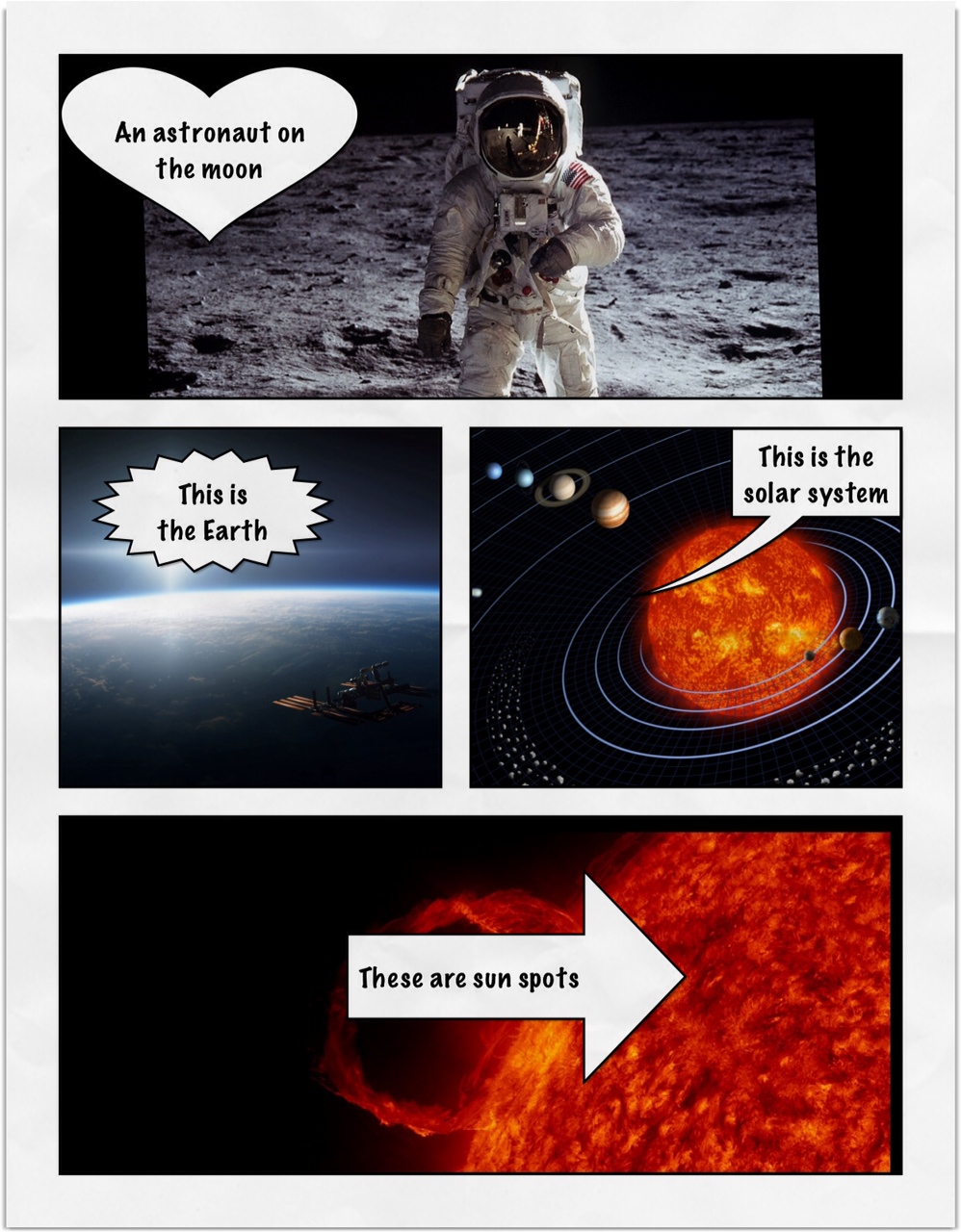
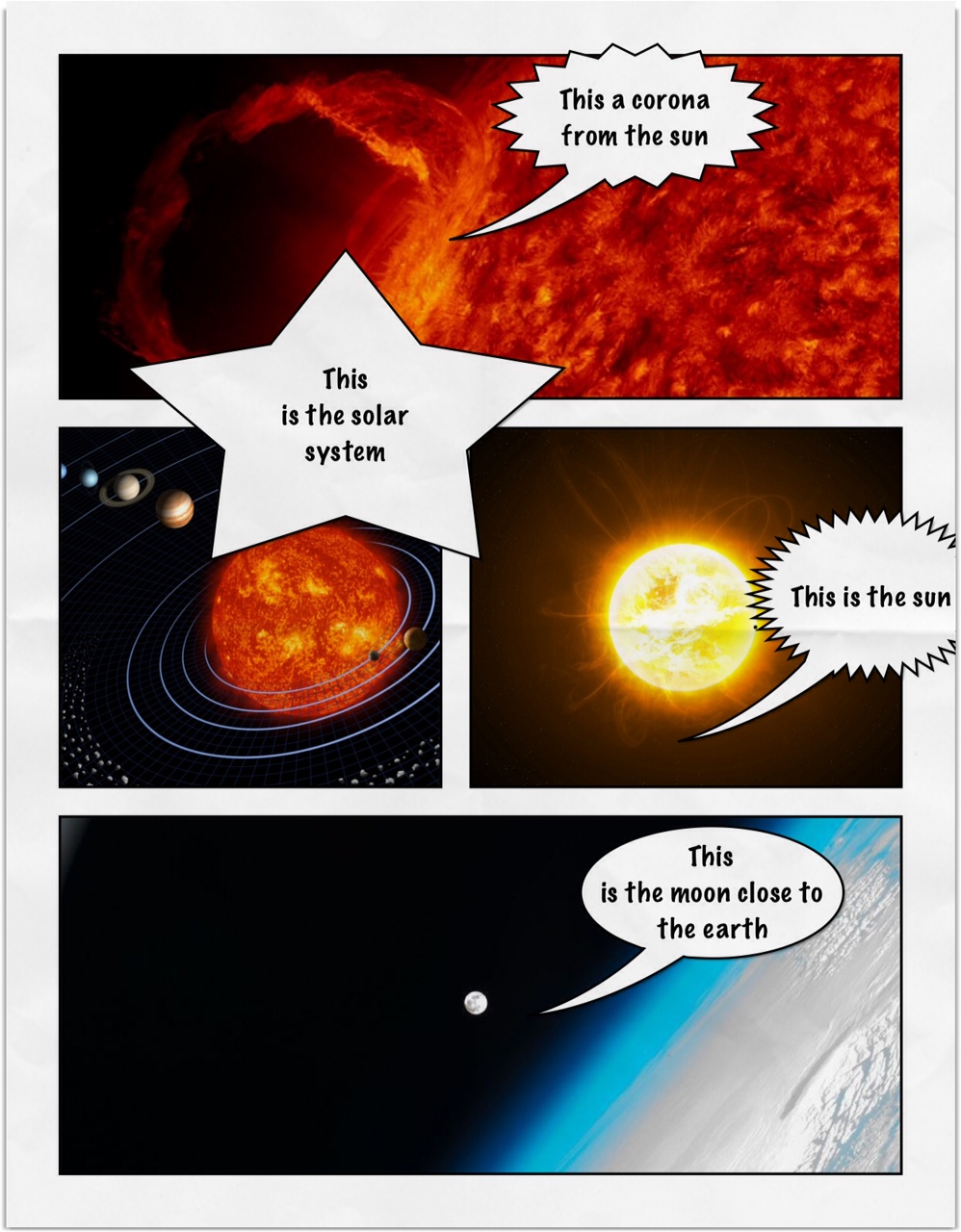
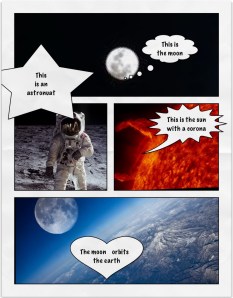
We have been working on a space theme this month.  The children have been using  the iPads to create these awesome pages about space.

We have been learning about the moon and the sun.  We watched a few cool videos on Brain Pop Jr. about the phases of the moon.
hayden marley space

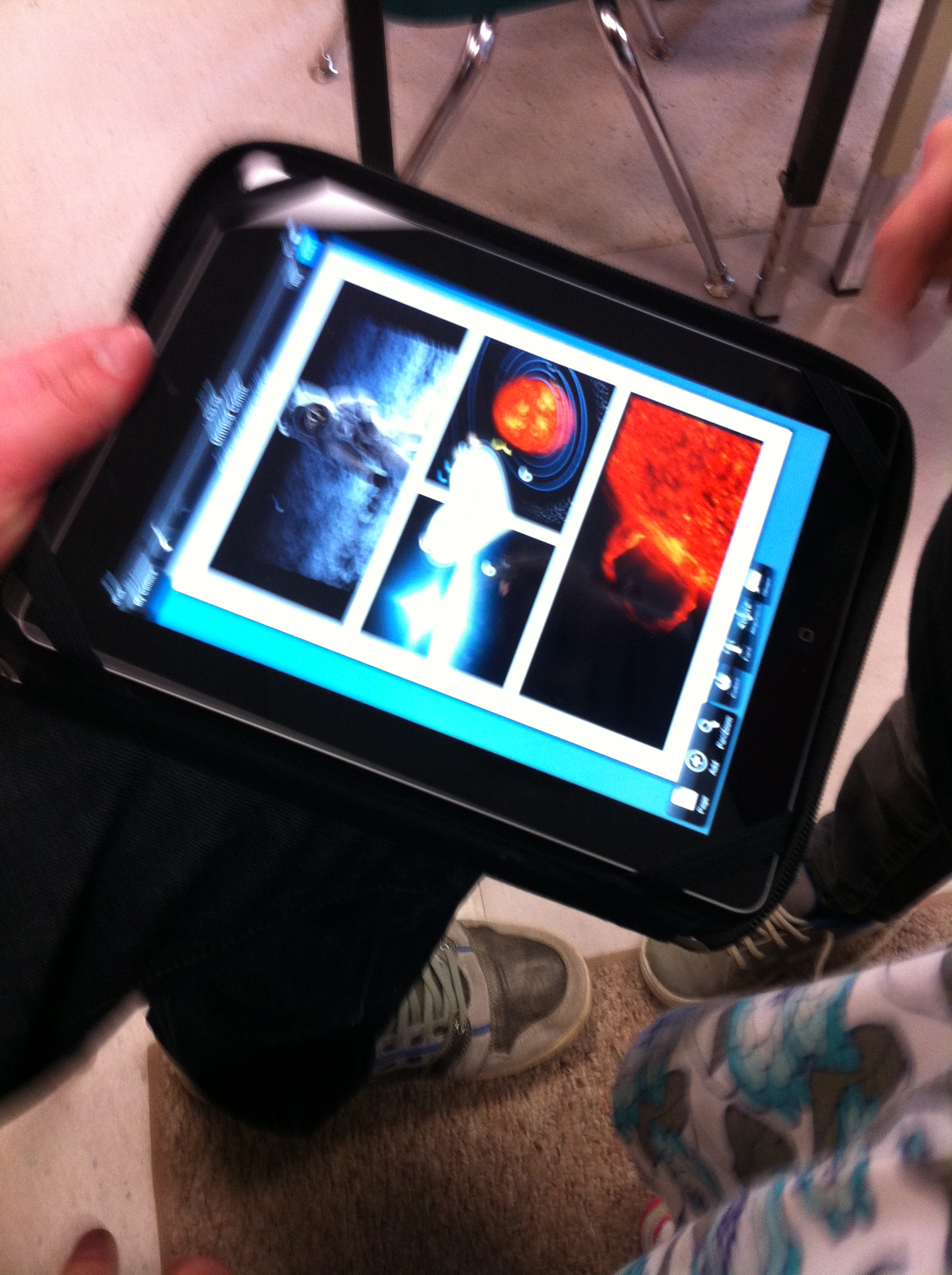
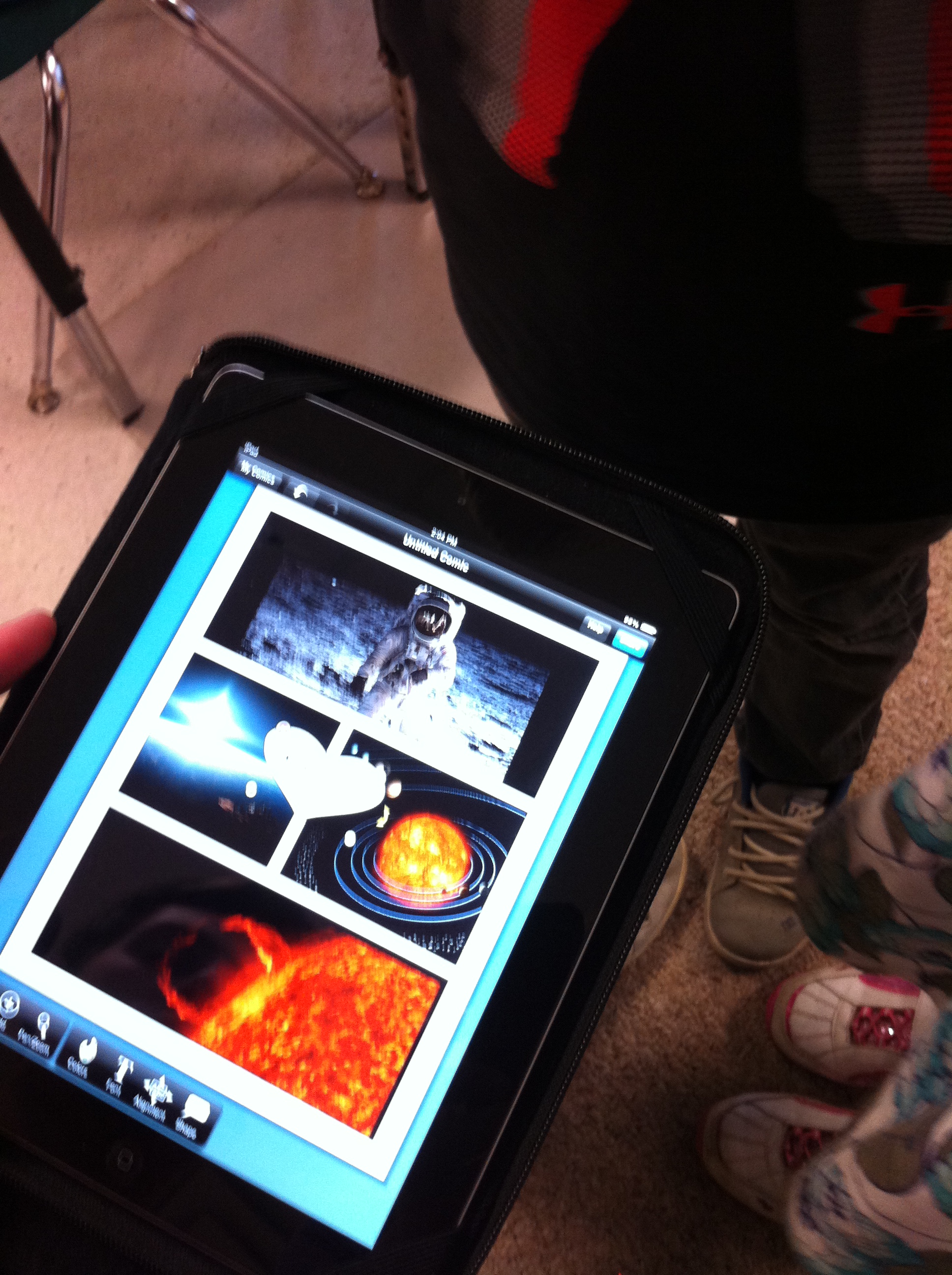
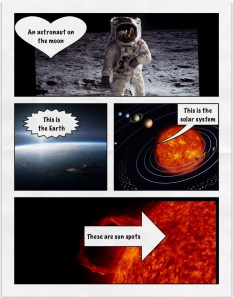
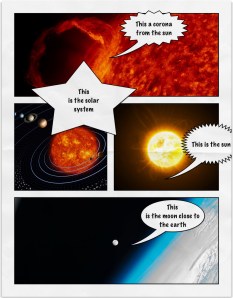
I downloaded some neat space images from the internet onto the camera roll of the iPads.  Then I showed the children how to import the pictures from the camera roll into an app called Strip Designer.  It is one of my favorite apps.
austin garrett space

After that short demonstration I handed the iPads over to the children.
IMG_2835

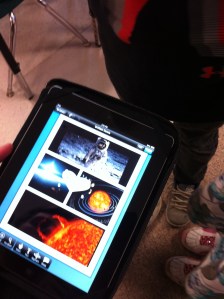
They worked as partners and chose the pictures they wanted and placed them in the cells on the page. Then, with a little help, they added a text box describing the image.
IMG_2836

The children are fearless.  They pop in and out of the camera roll, sizing and re-sizing their pictures to fit the spaces and then deciding on the various options for captions and the accompanying text with ease.

I think the product looks amazing!  Grade One students can do a lot, can’t they?

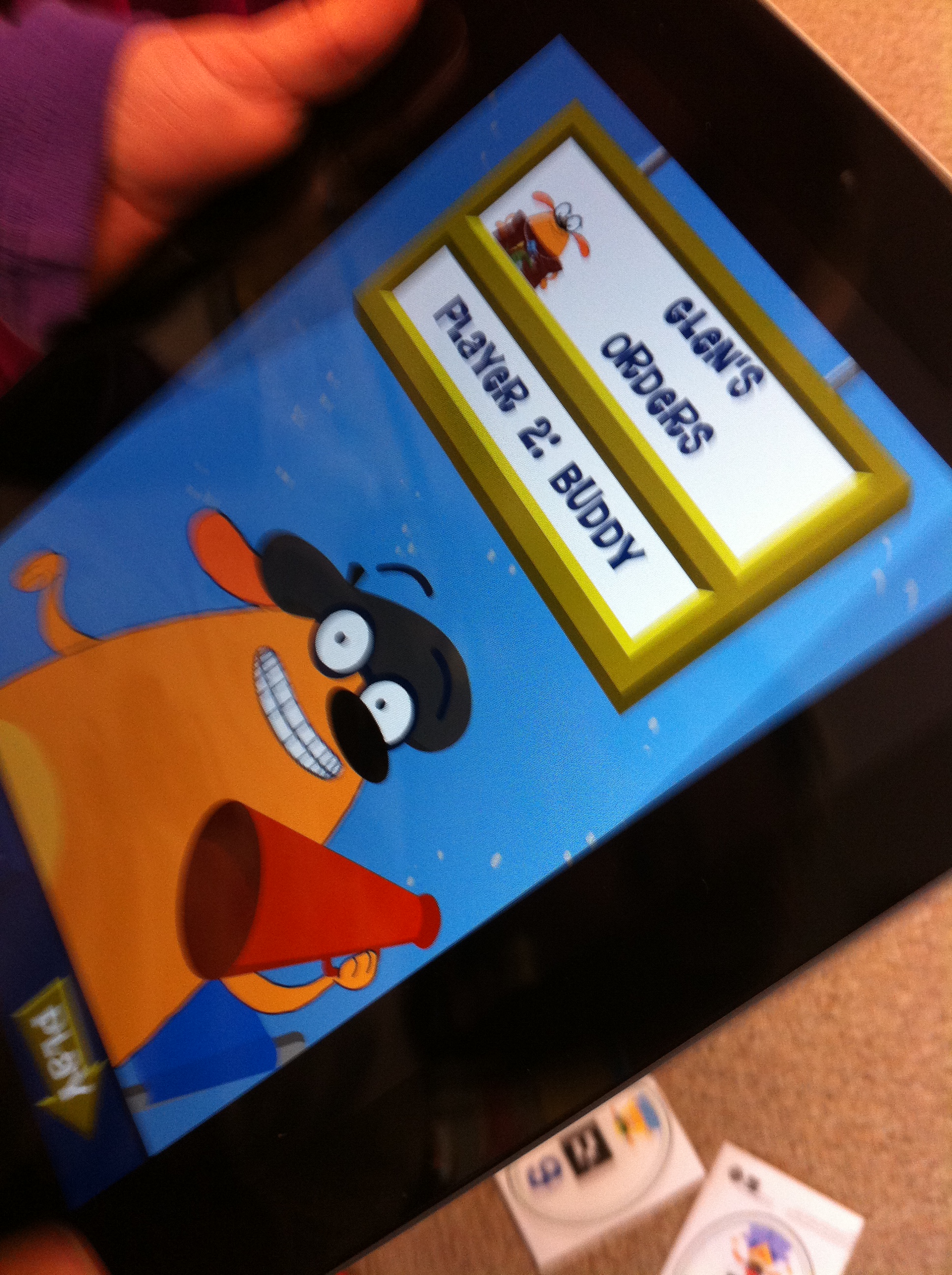
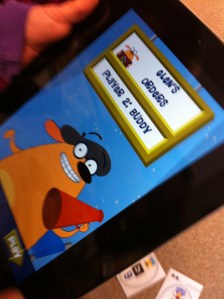
We also found an really neat math app called Fetch! Lunch Rush.
IMG_2828

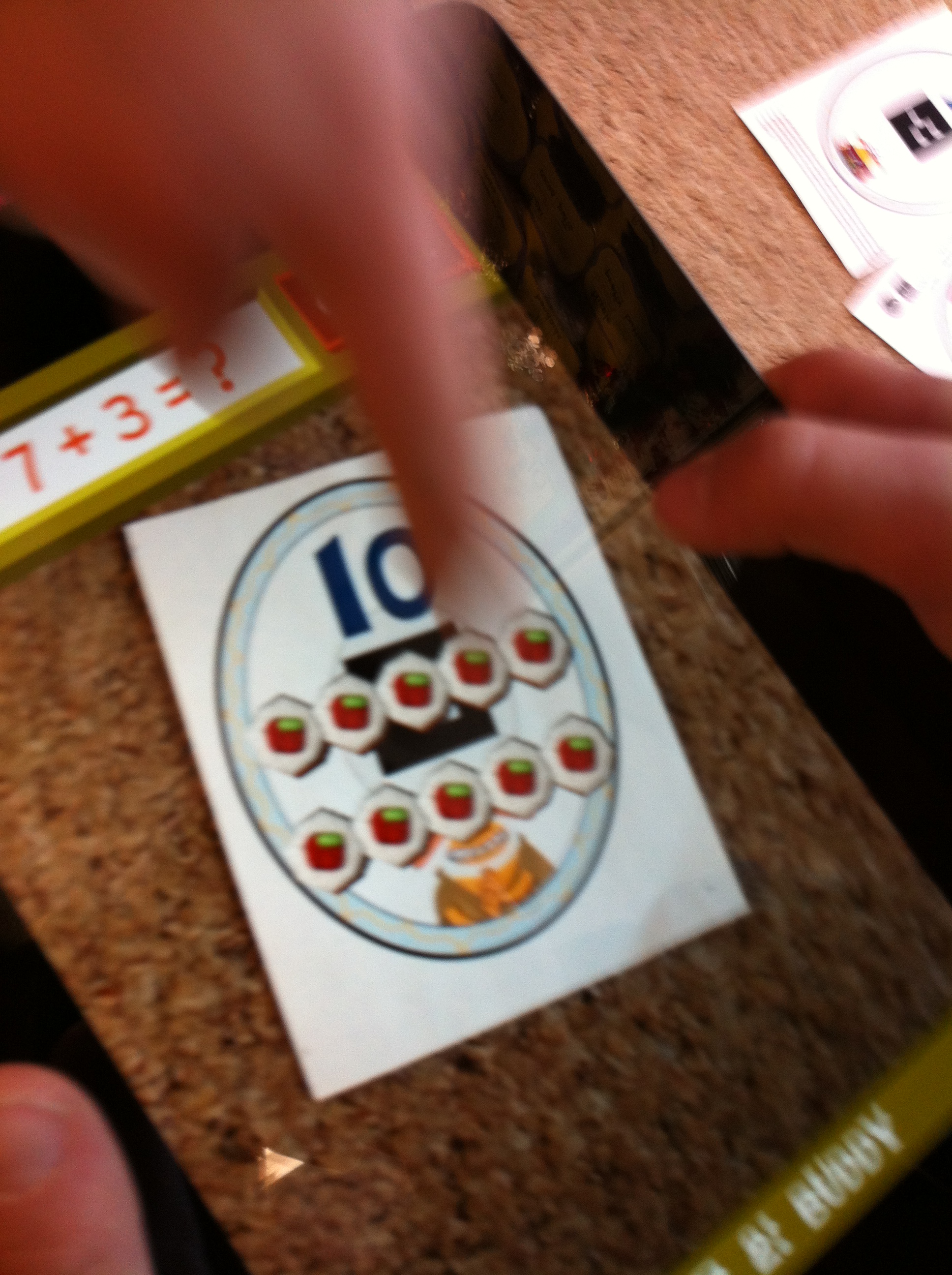
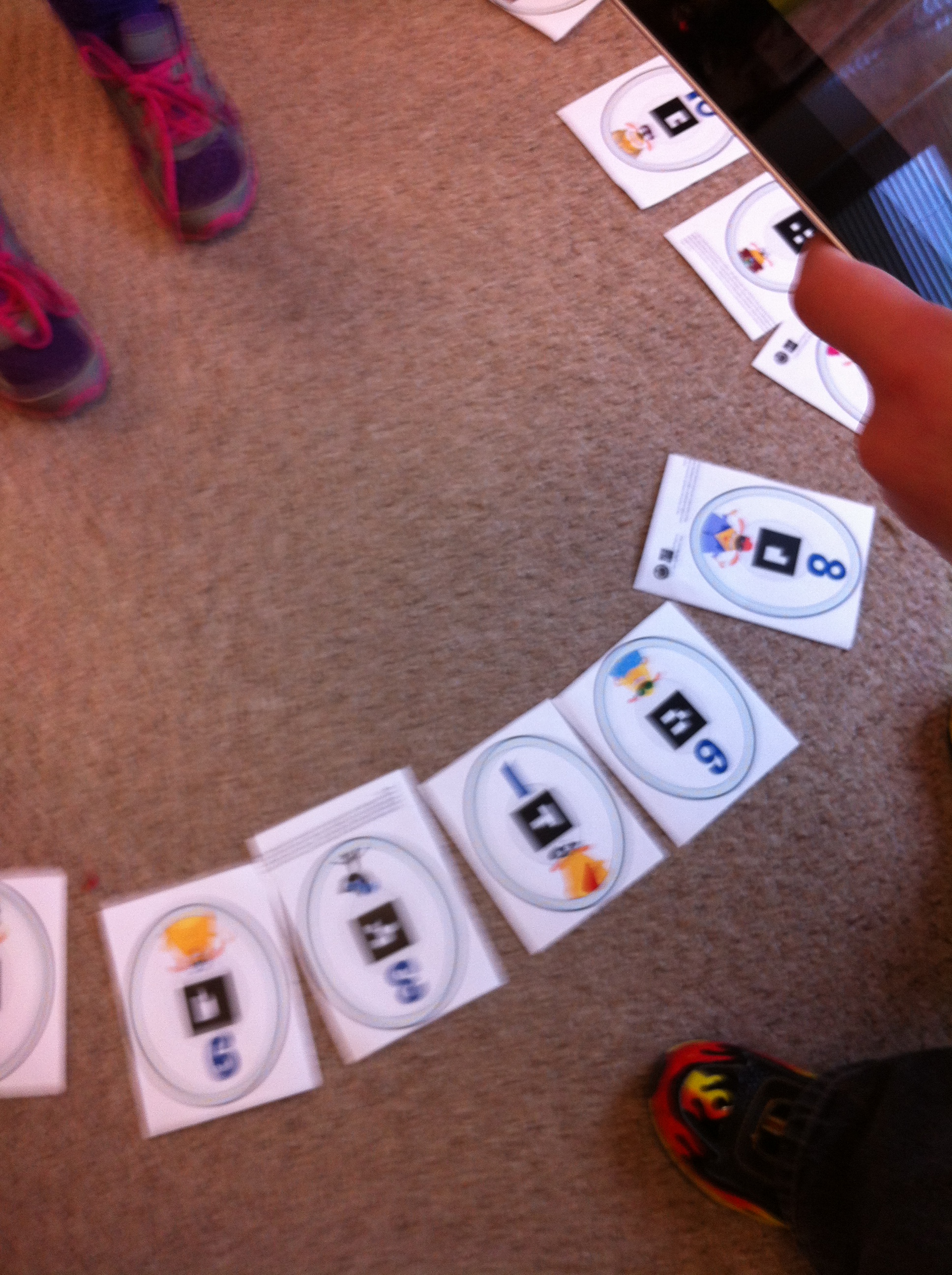
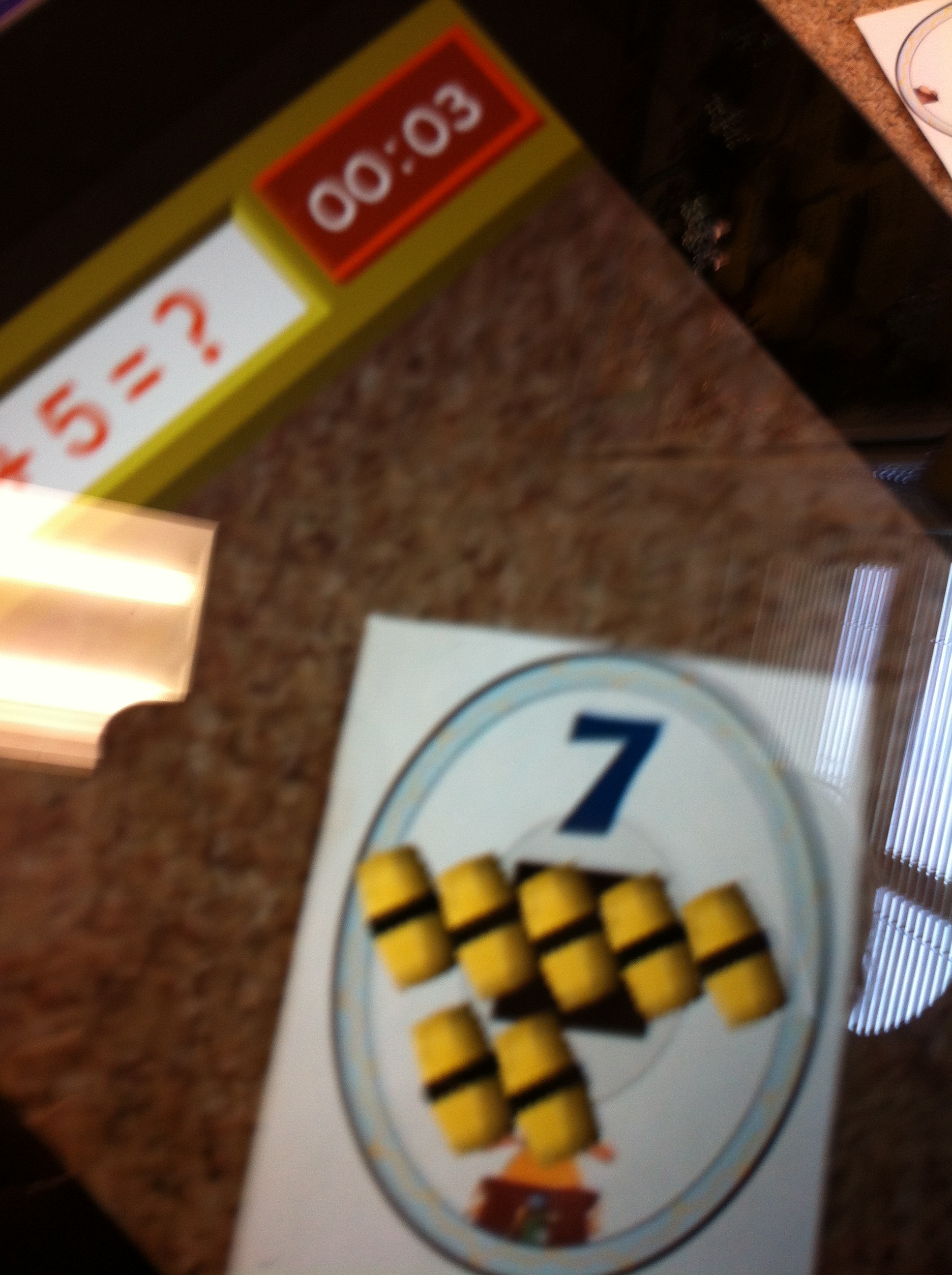
It uses augmented reality in a really neat way to help the students practice their adding skills.
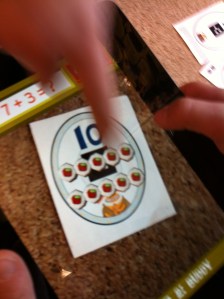
IMG_2834

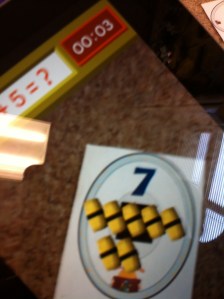
You need to download some pages with the number trigger images and cut them out first.  The students have to help find the correct amount of sushi to complete the addition sentence.
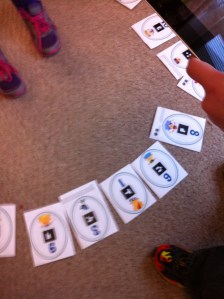
IMG_2833

The funny little dog talks them through the process.  Several children can play at the same time.  They choose the player they would like to be and then take turns solving the problems.  When they aim the iPad at the correct answer the sushi rolls appear in 3 D!  It keeps score and there is a bit of a time element!  Very popular!
IMG_2838

Don’t you want to play too?


Leave a comment

Filed under Augmented Reality, Comic Strip Designer, iPads, Math, Space