Hoppity Hop! Here Come the Bunnies!

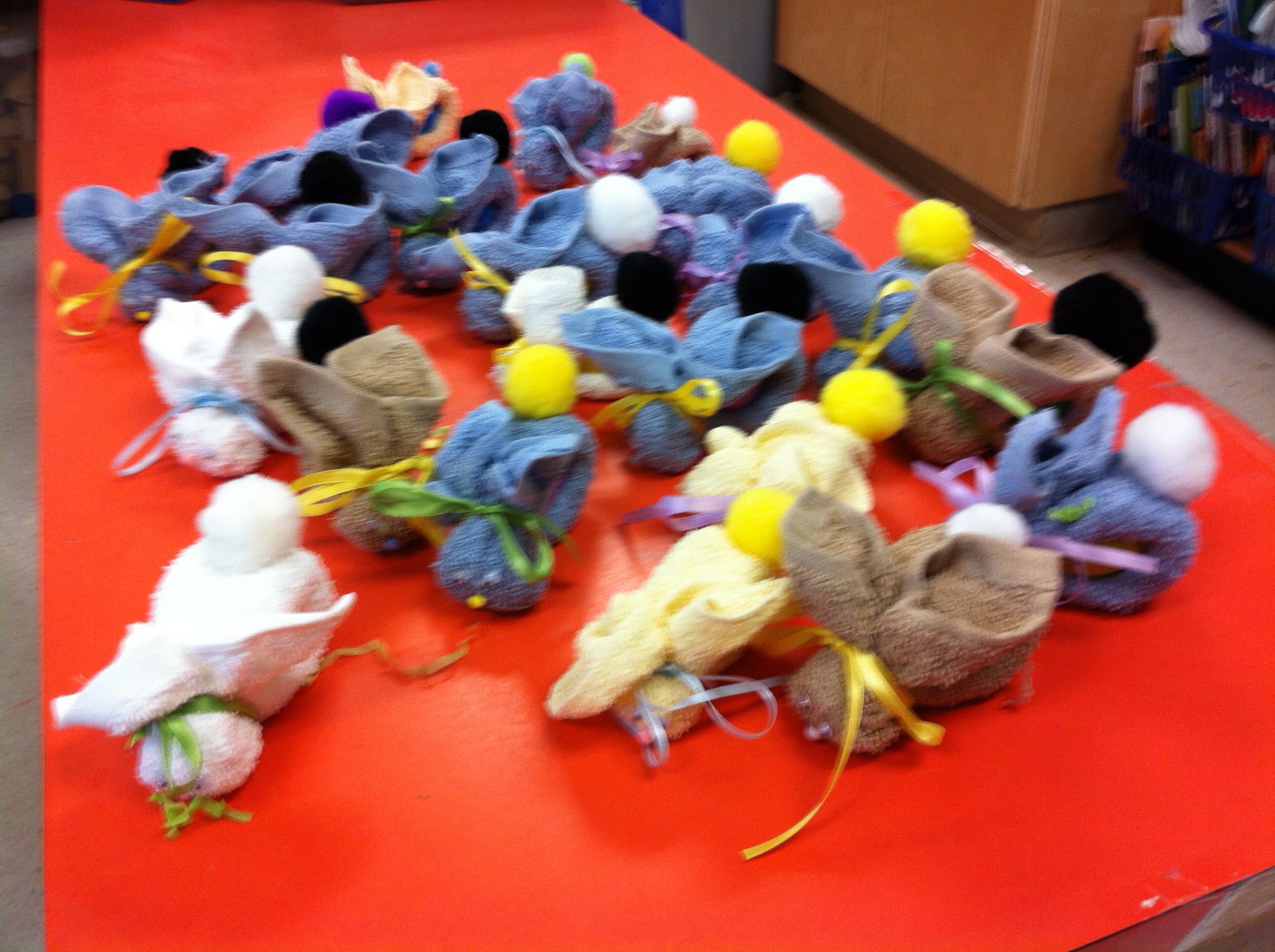
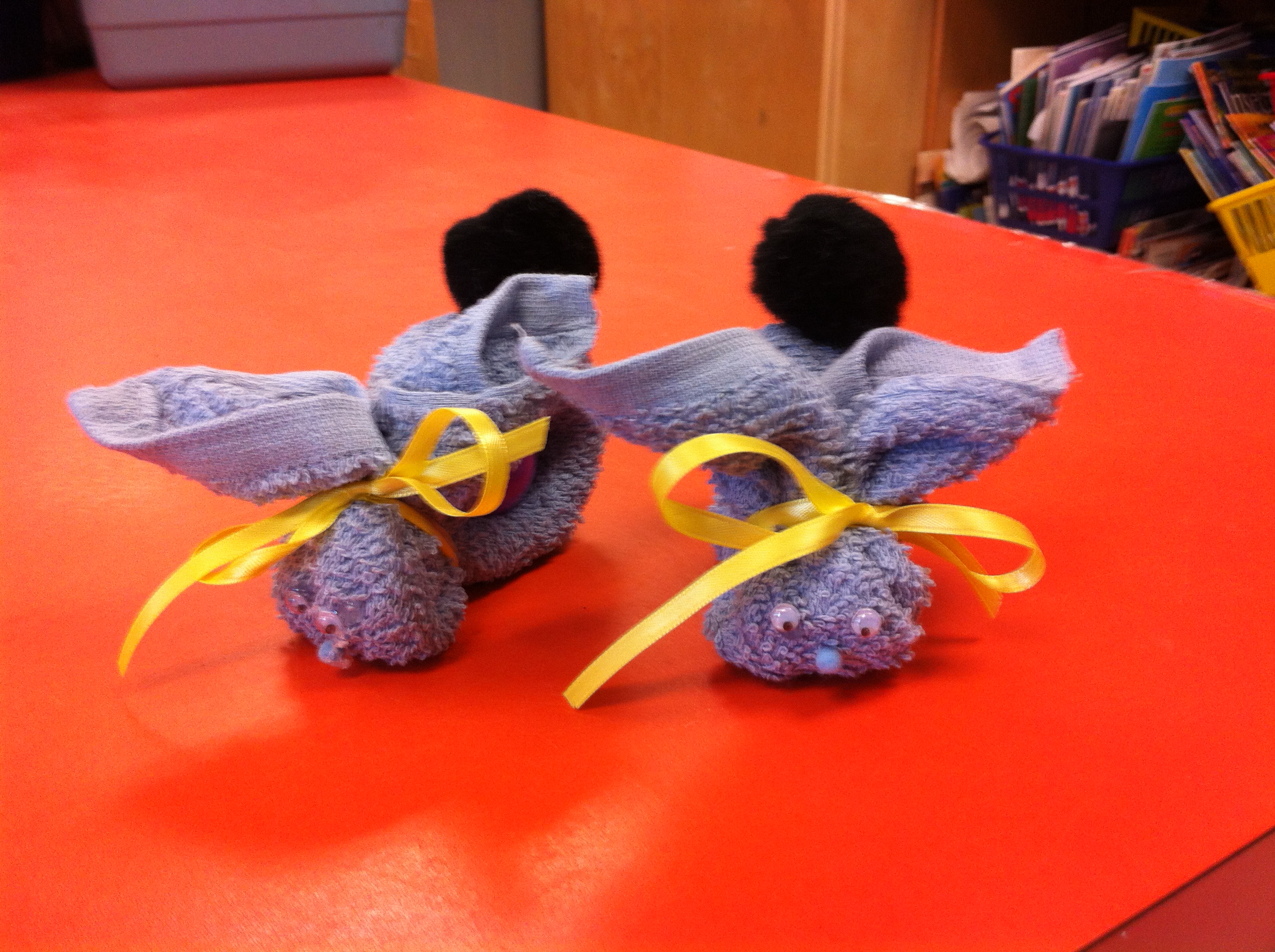
IMG_1675We made these Boo-Boo Bunnies today!  They were a big hit!  The bunnies were intended to be the “puppet” to act our the story map we were creating today.  However the children seemed to like them so much that the bunnies basically seemed to turn up at everything we did today!
IMG_1677

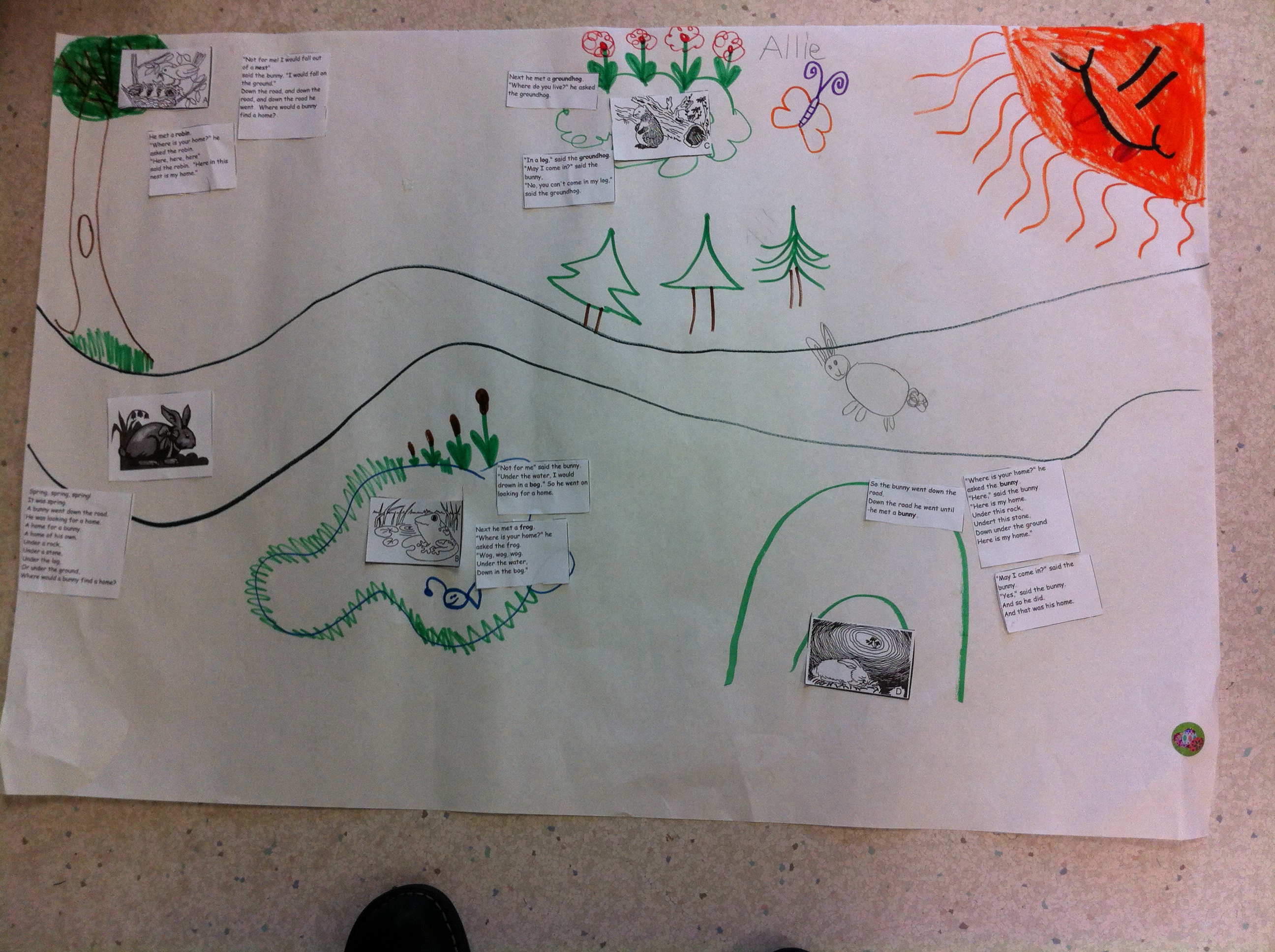
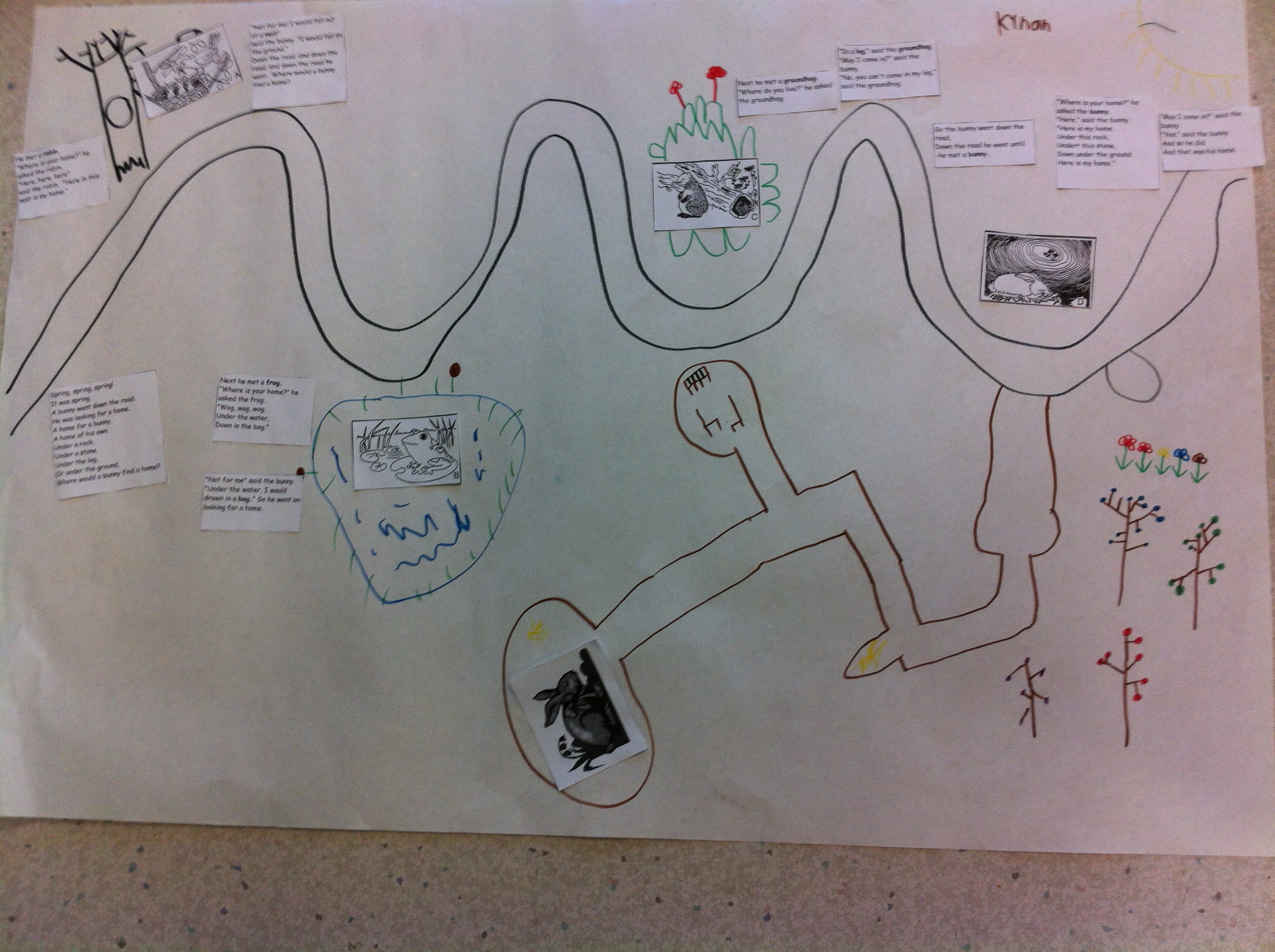
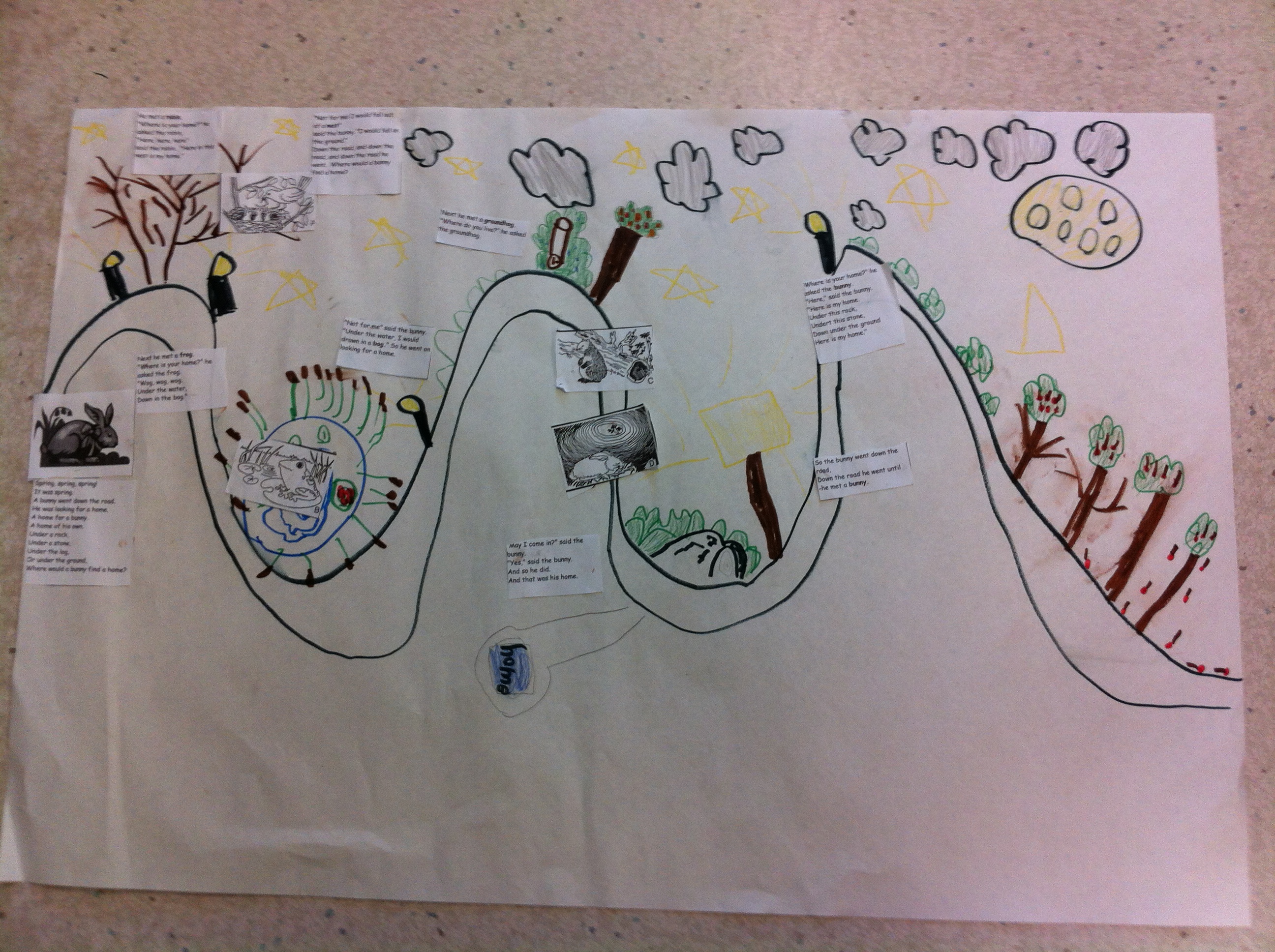
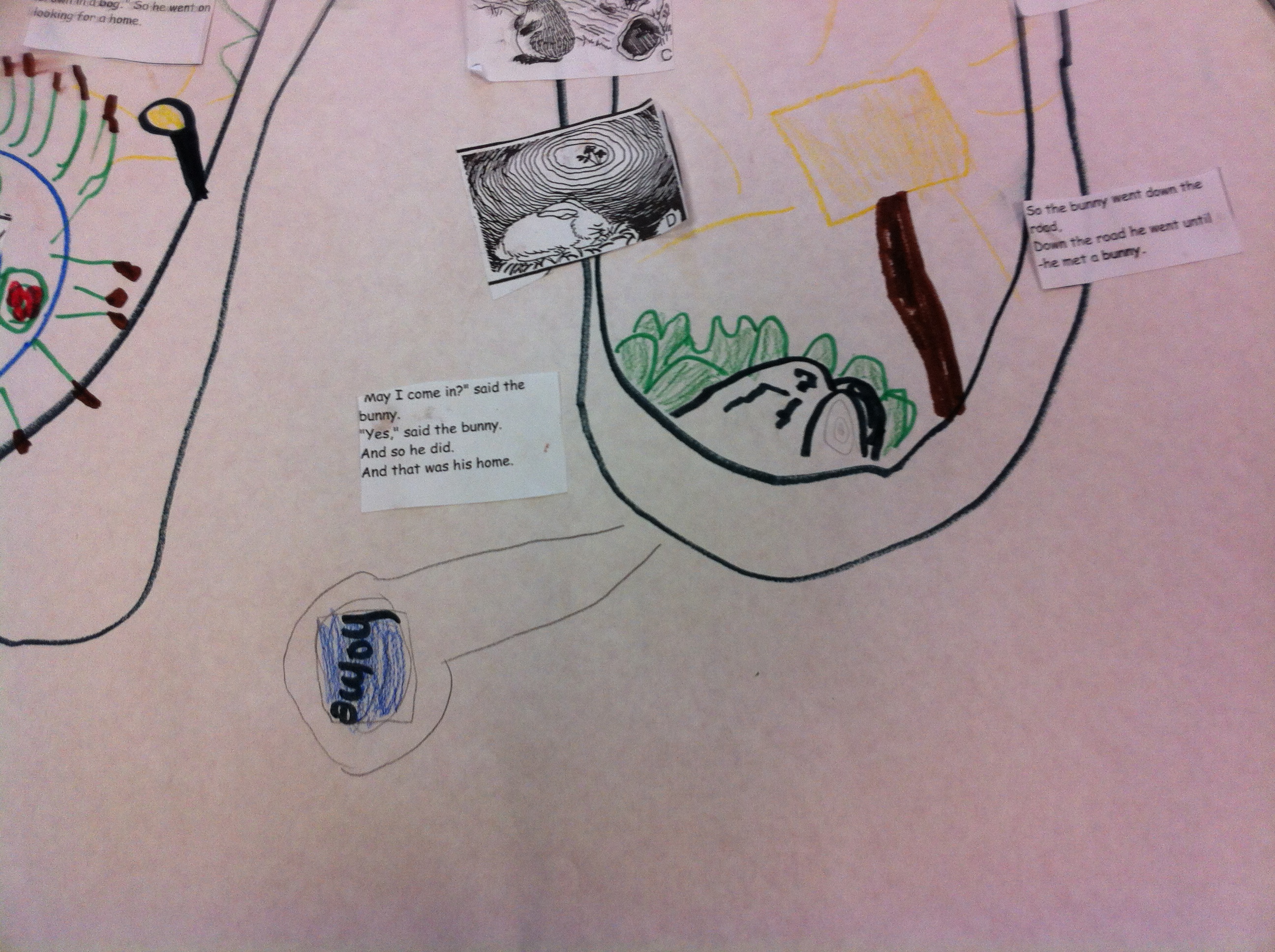
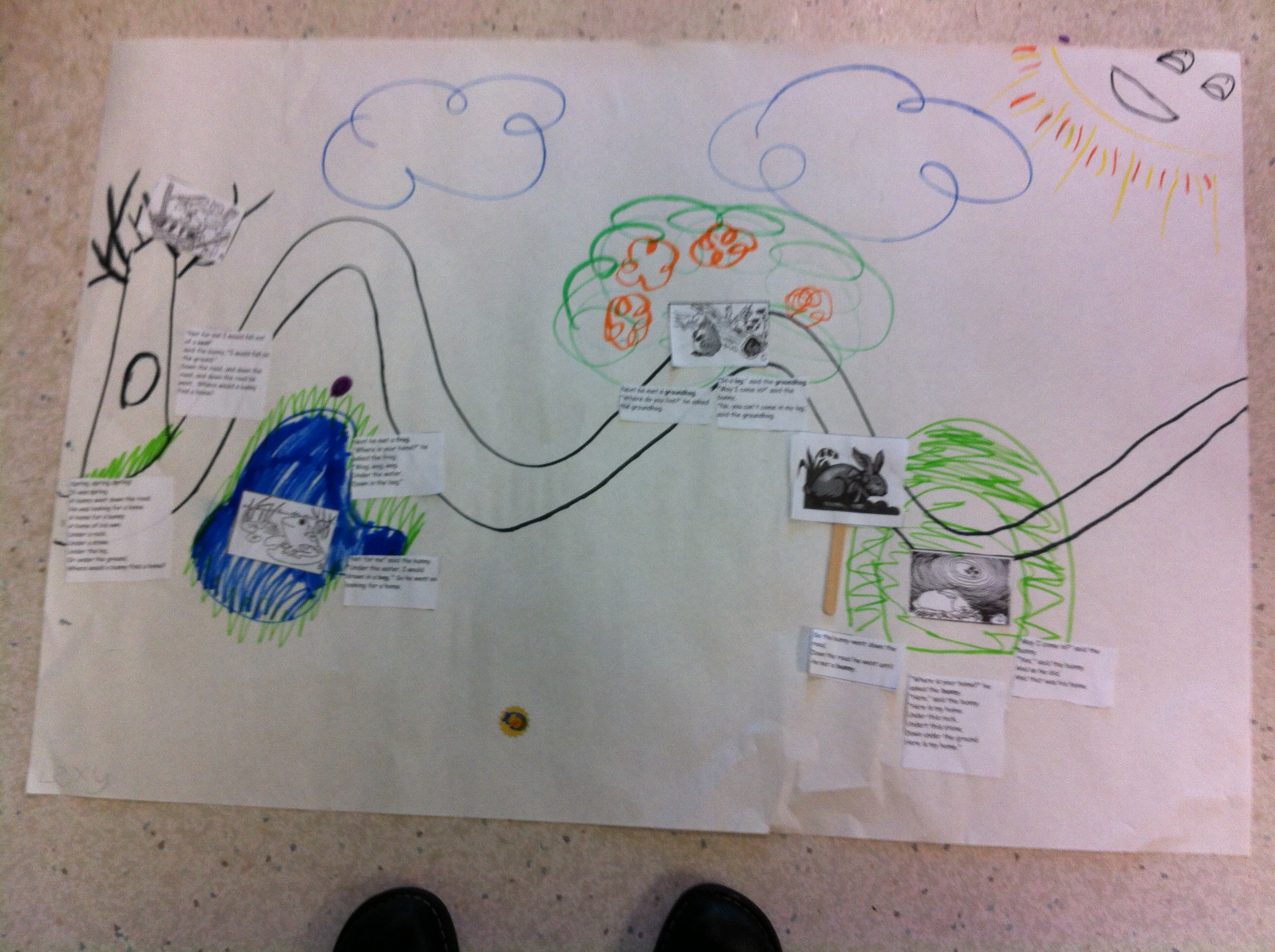
We made a story map about the Margaret Wise Brown story called Home for a Bunny.  This story is in one of the anthologies that we are currently reading so the children looked at both versions and compared them.  Then they put together the story map and sequenced the story.  Take a look at some of the story maps.
IMG_1665

Love all that detail!  The sign says “Home”!
IMG_1667


IMG_1668


This one has the bunny on the road trying to find a home!
 

IMG_1670

IMG_1671


This one even has the underground burrow for the home.  If you look closely there is a room with a table and two chairs!
IMG_1627

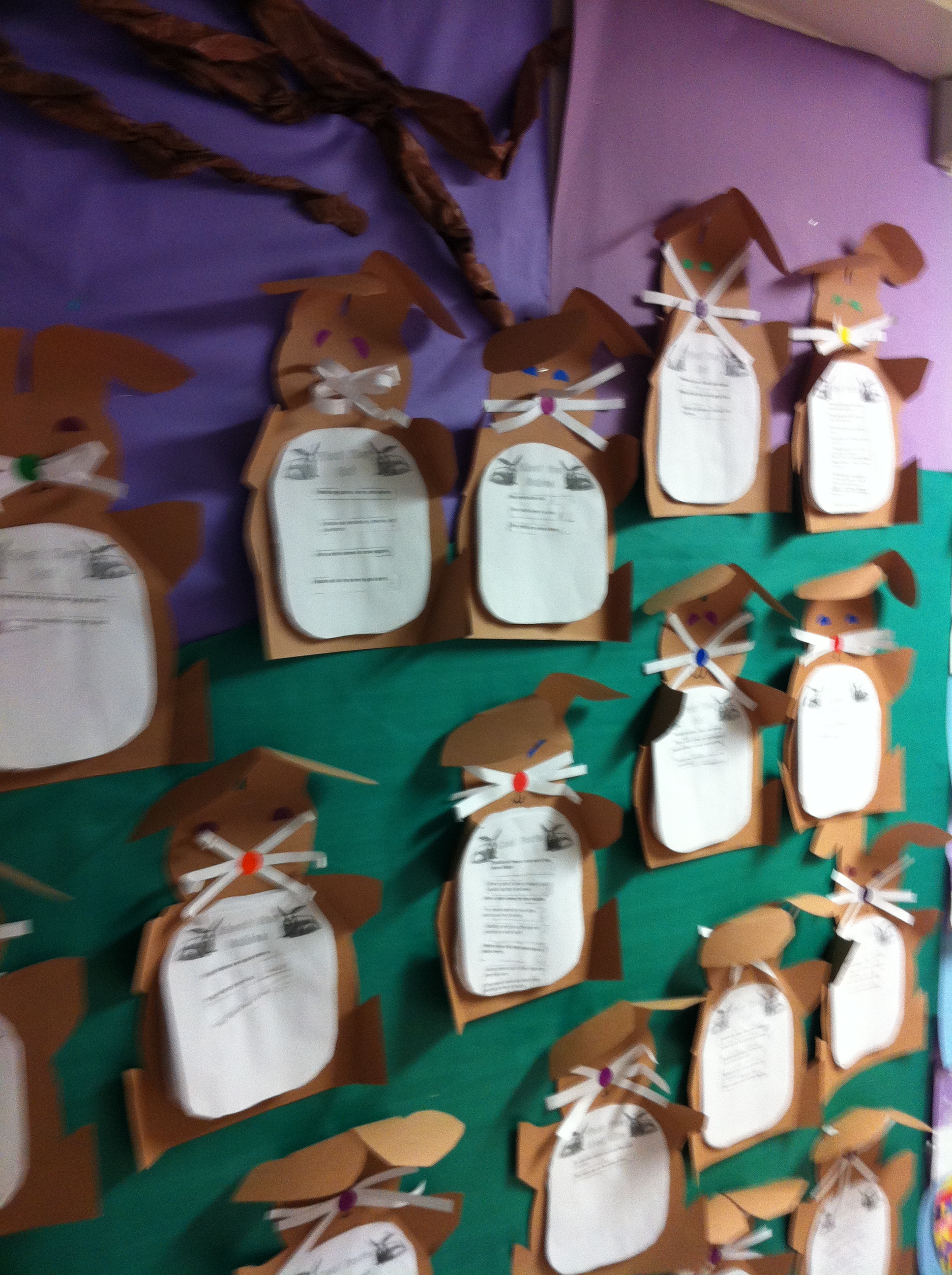
We made rabbit reports last week!  The children had to sort the rabbit facts into four different categories!  We made the project into a rabbit report!
IMG_1625

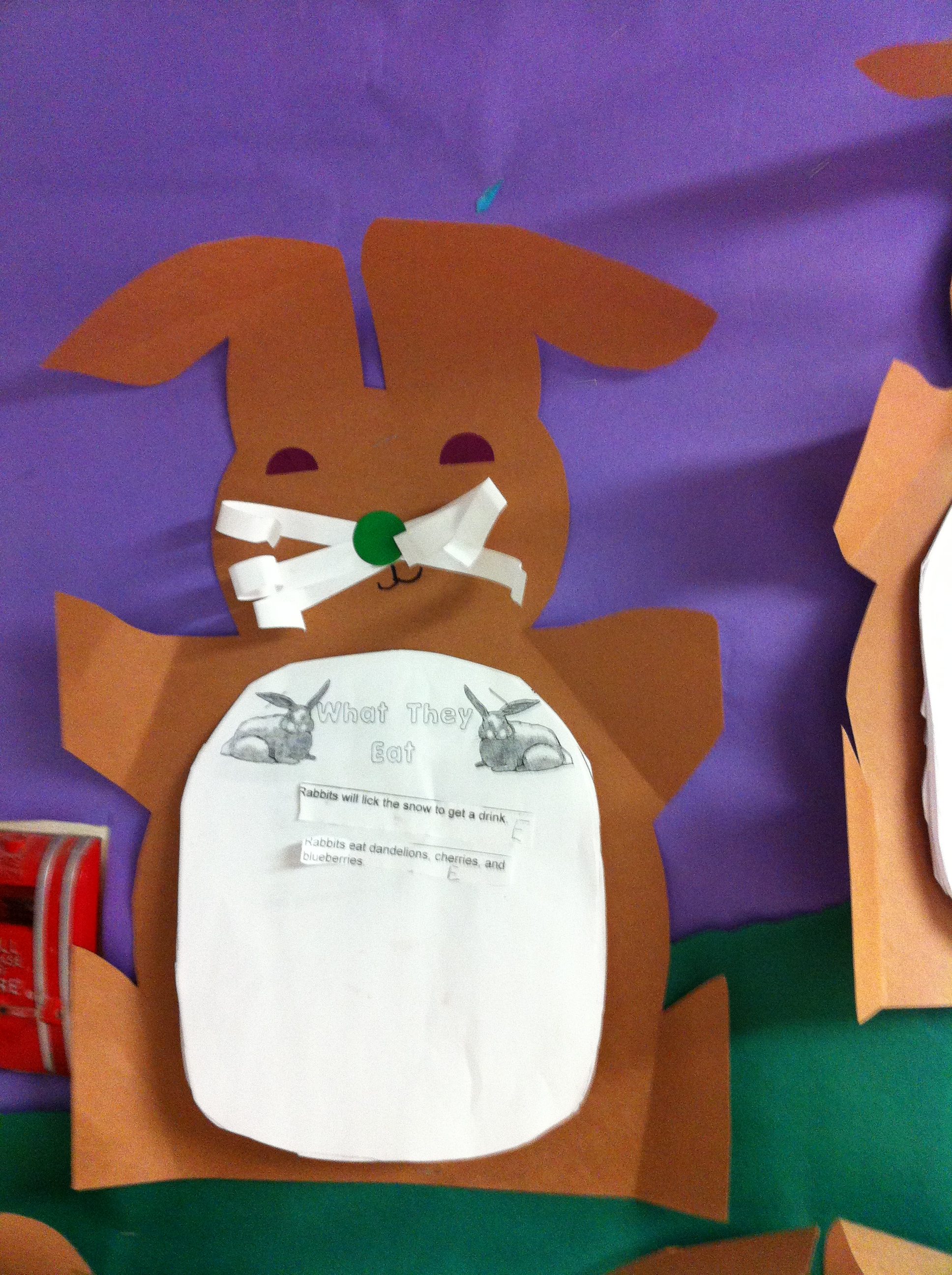
We made rabbit poems yesterday.  We brainstormed what real rabbits could do and what the Easter bunny could do and then the children compiled their favourite ideas into the bunny poem!  Take a look!
IMG_1633

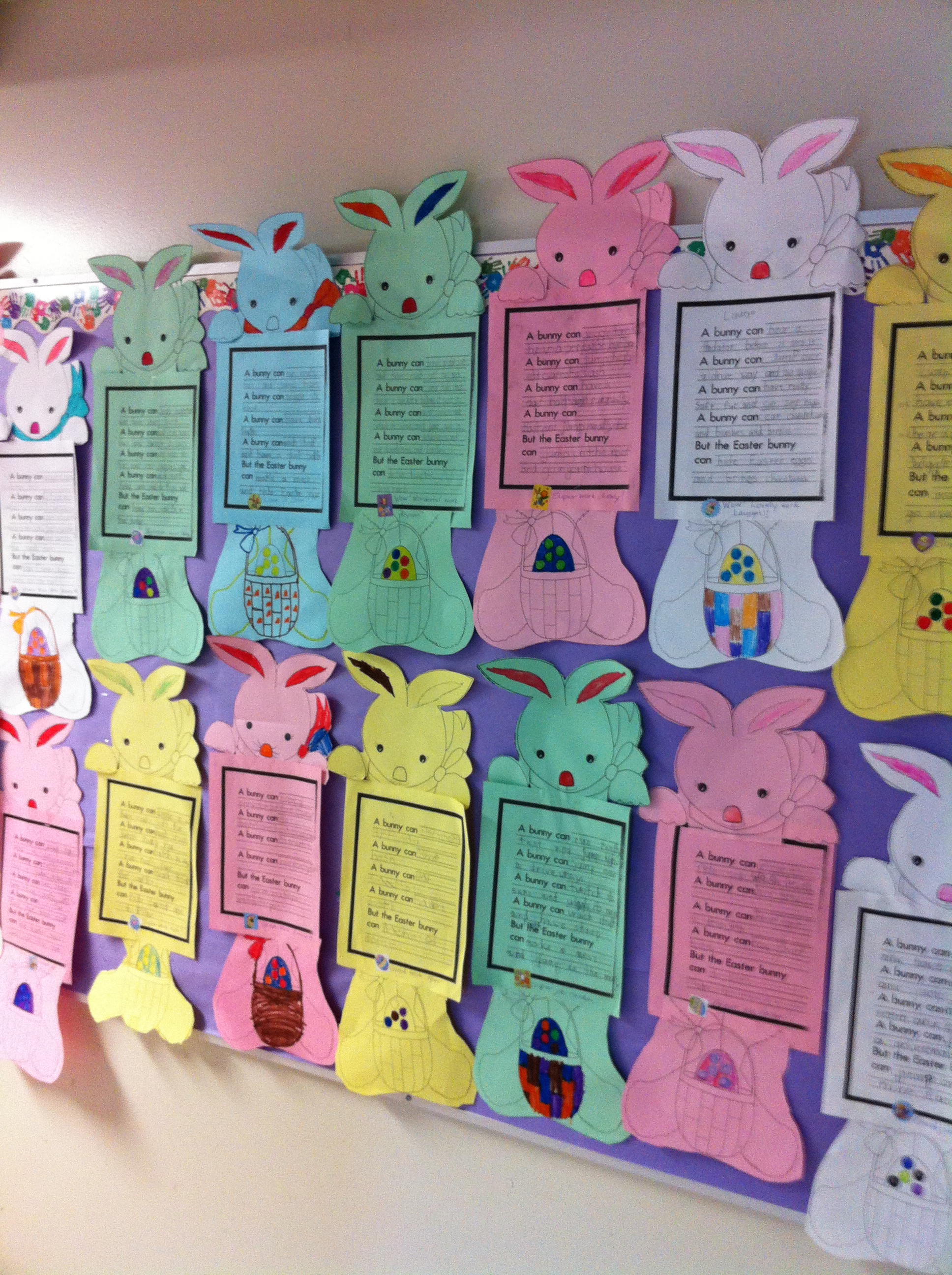
Now we are waiting for the Easter Bunny to come!  We have our baskets ready!
IMG_1638

Hoppity, hop, hop!
Leave a comment

Filed under Rabbits and Bunnies

Making Books! iPad Style!

our_math_book

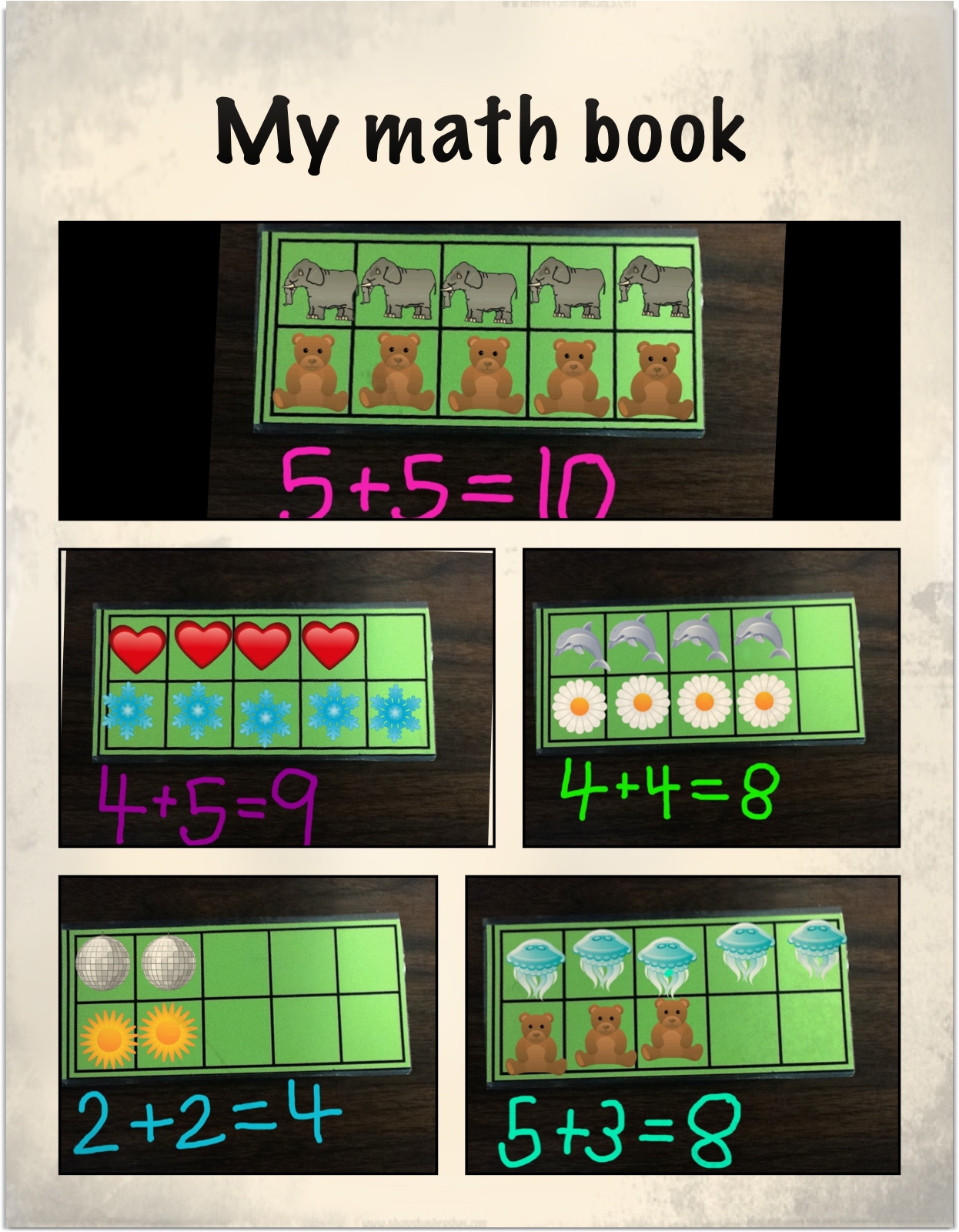
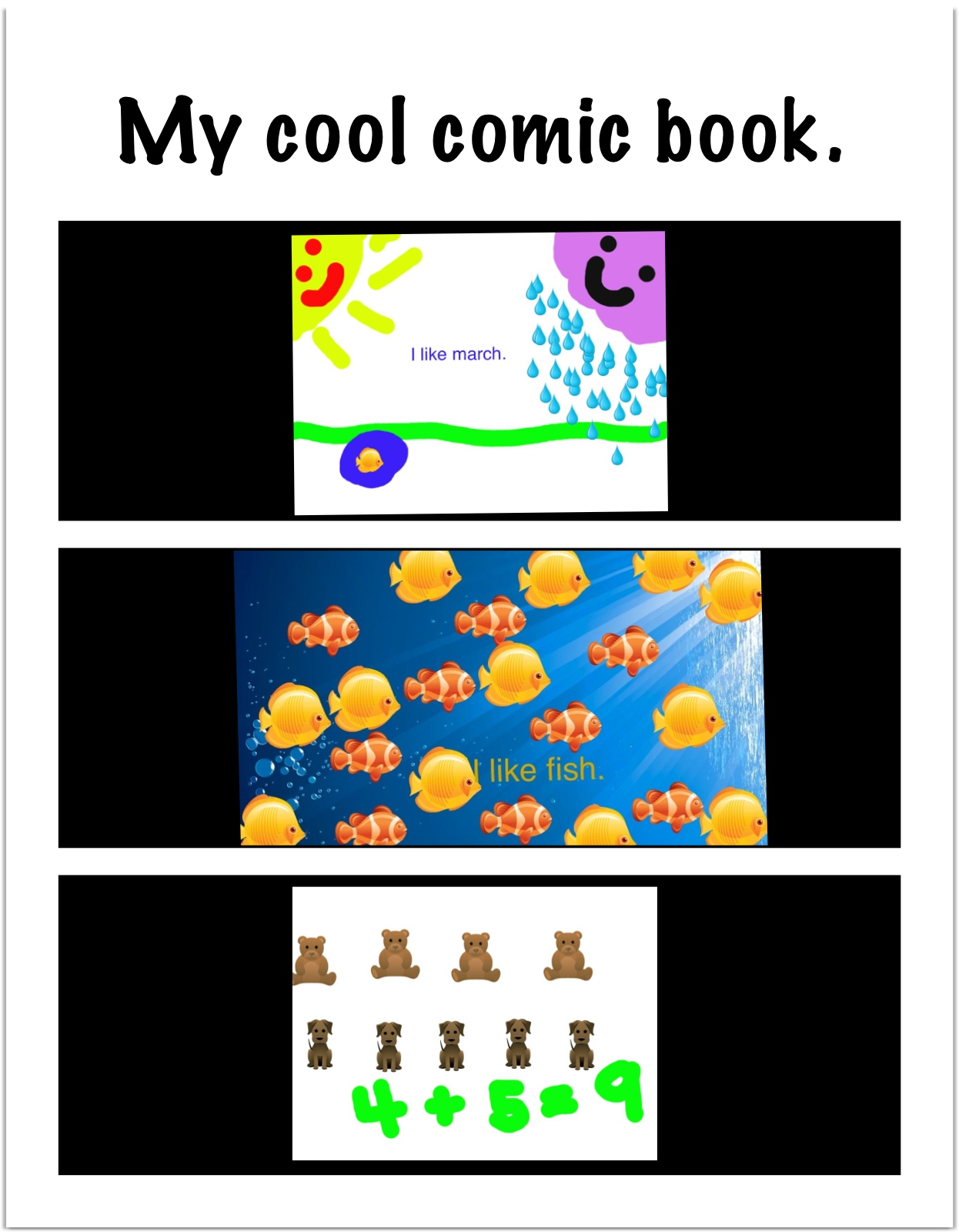
One of the final projects we worked on with the iPads was a math book.  The children used a combination of apps to create their math books.  They really loved this project and worked on it for a long time very happily!  I found the beginning of the idea on a neat website called Journey with an iPad by Kate Lechleiter.  She had a post about using Doodle Buddy and ten frames to represent numbers.  She took a picture of the ten frame and used it as a background on Doodle Buddy.  Then the children used the stamps to represent numbers.

lars nick math

I thought that I would like to see the children take this idea and create addition stories with it.  I took a picture of a ten frame on each iPad so that it was in the camera roll.  The children then used that picture as their background and used the stamp feature in Doodle Buddy to create their own addition stories.  Then they recorded the addition stories underneath them.

Then we took our stories and imported them into Strip Designer to create our math books.  They turned out great!  The children had such a good time creating them that they wanted to make even bigger stories.  So I took pictures of two ten frames together so that the students who wanted a bigger challenge could create even bigger stories.  

The children made up to four or five pages of addition stories in Strip Designer.  I discovered that I could save the work as a PDF file and save it in iBooks.  Then I was able to email it to myself and then forward on a copy of the book to their homes!  I also printed off a hard copy of the book.  It is in black and white.  I like the digital version better!

c alphabet

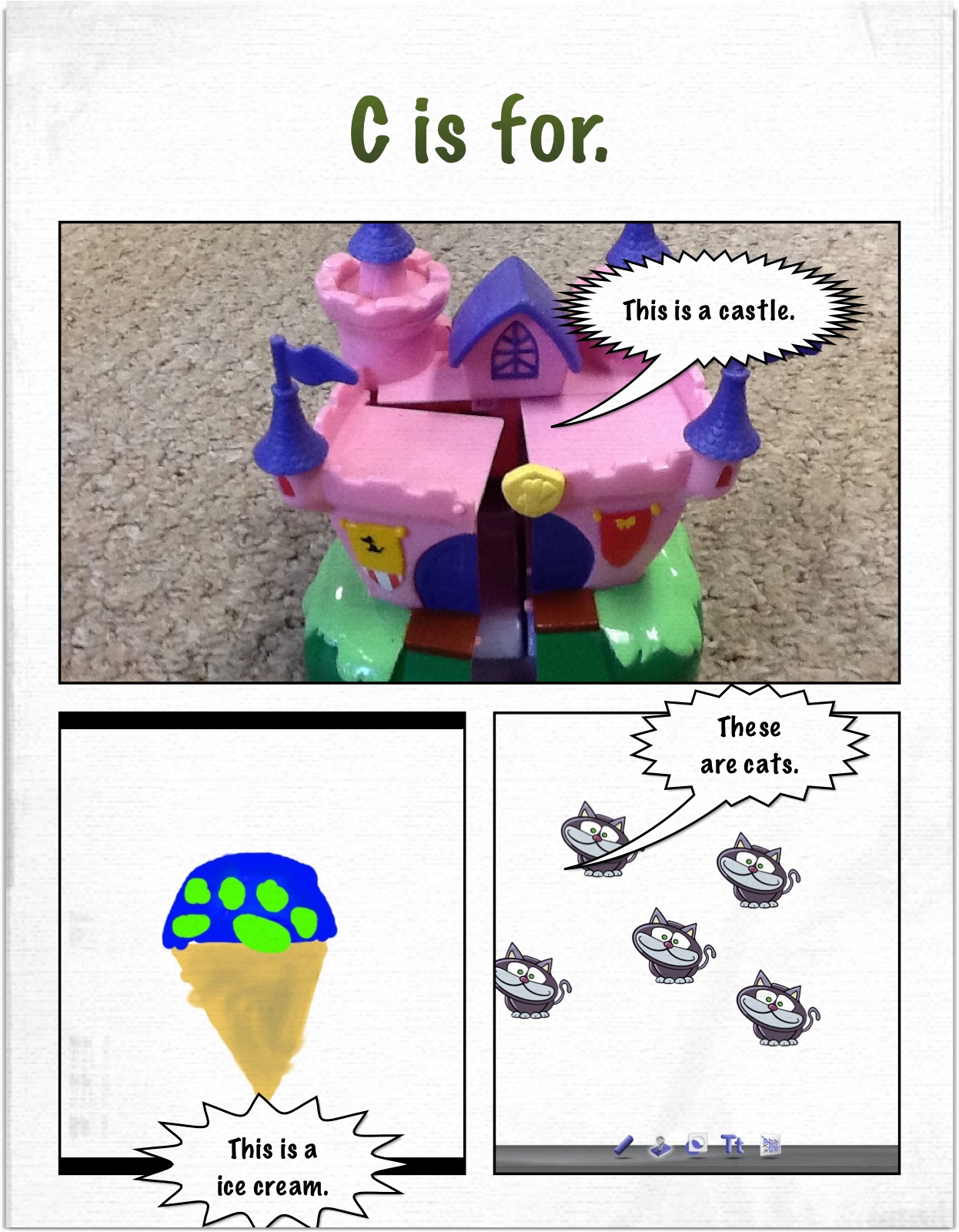
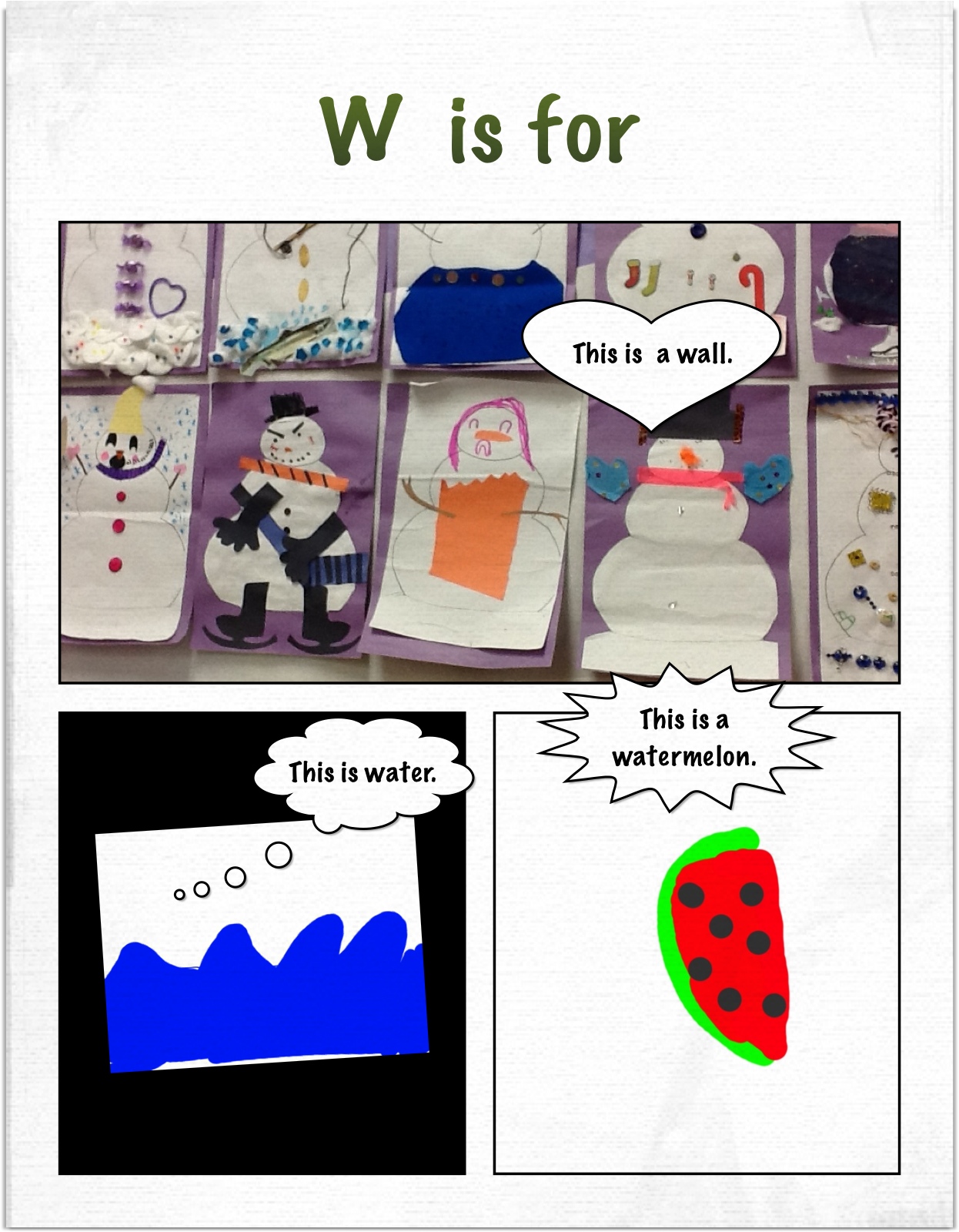
The last day with the iPads we decided to create an alphabet book with the iPads.  We used a combination of photographs of things in the classroom. pictures of the children, and drawings done in Doodle Buddy.  We took these images from the camera roll and imported them into Strip Designer to create our pages.

w alphabet

We have the whole alphabet done!  They turned out great!  I am hoping to collate them into a Photostory which I will upload to a cloud so everyone can download a copy!

Yesterday, the iPads were picked up.  We decided to use them until they came to pick them up! I let the children choose to work with any app that they wanted to for the last time.   We had some student teachers visiting and it was fun to see the children sharing their favourite apps with these teachers.  I know the teachers were impressed with how comfortable they were navigating around the various apps creating their last projects.
beth fish comic

payton last

We really loved our iPad project!
mr mugs ipad 2

Leave a comment

Filed under Doodle Buddy, iPads, Math, Photostory

Too Much Fun with the iPads!

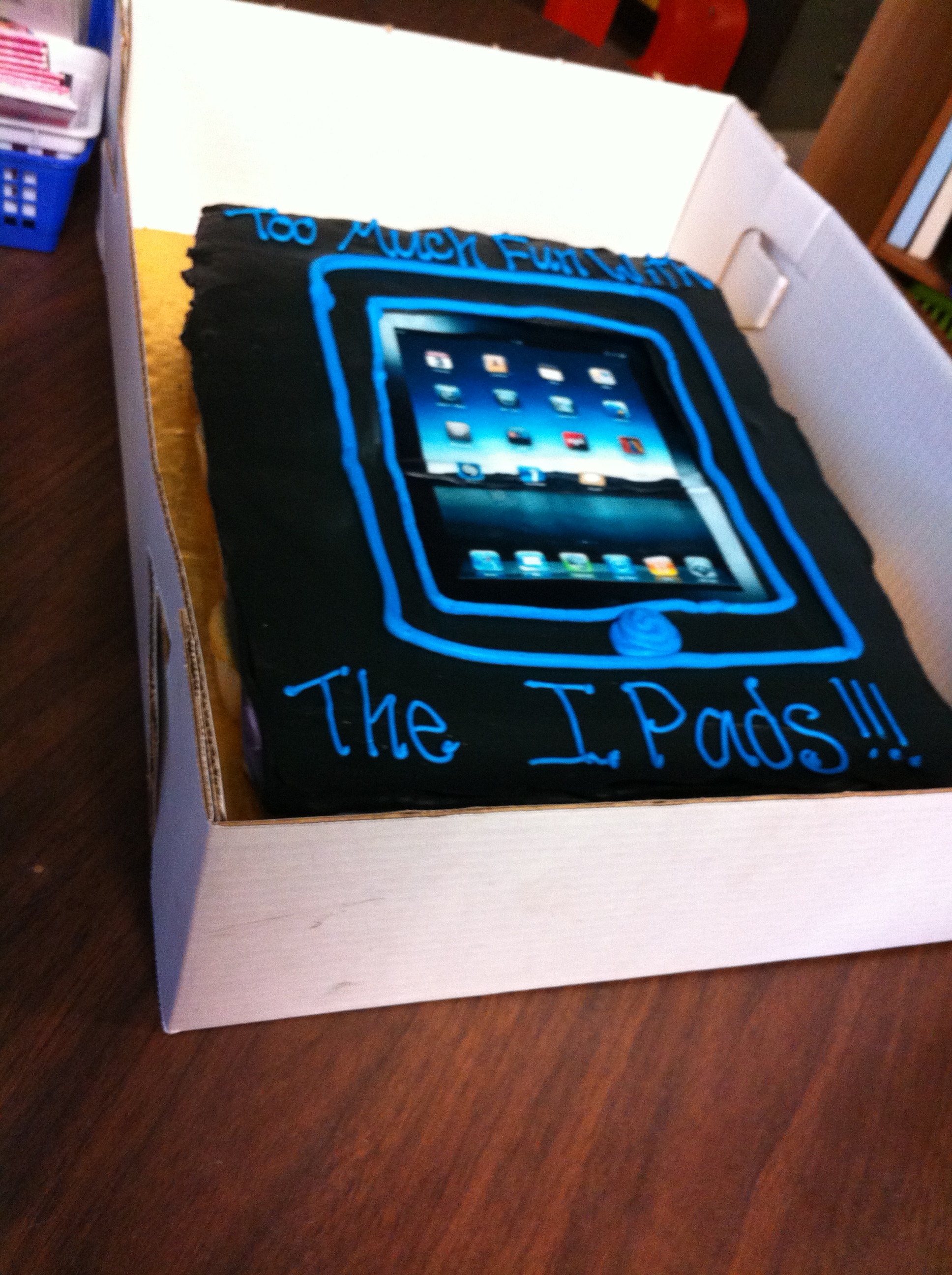
IMG_1601We celebrated our iPad project on Friday.  This is our celebration cake!  The children seemed to really like it!

We had a great time sharing our projects during our Open House.  I know the children were really proud of their projects and loved sharing them with their parents!  I will begin to email some of the projects to you soon!  Watch for them this week!

I will also post the Photostory about our project and send out the link so you can watch it at home.

snowman 2

toboas dad

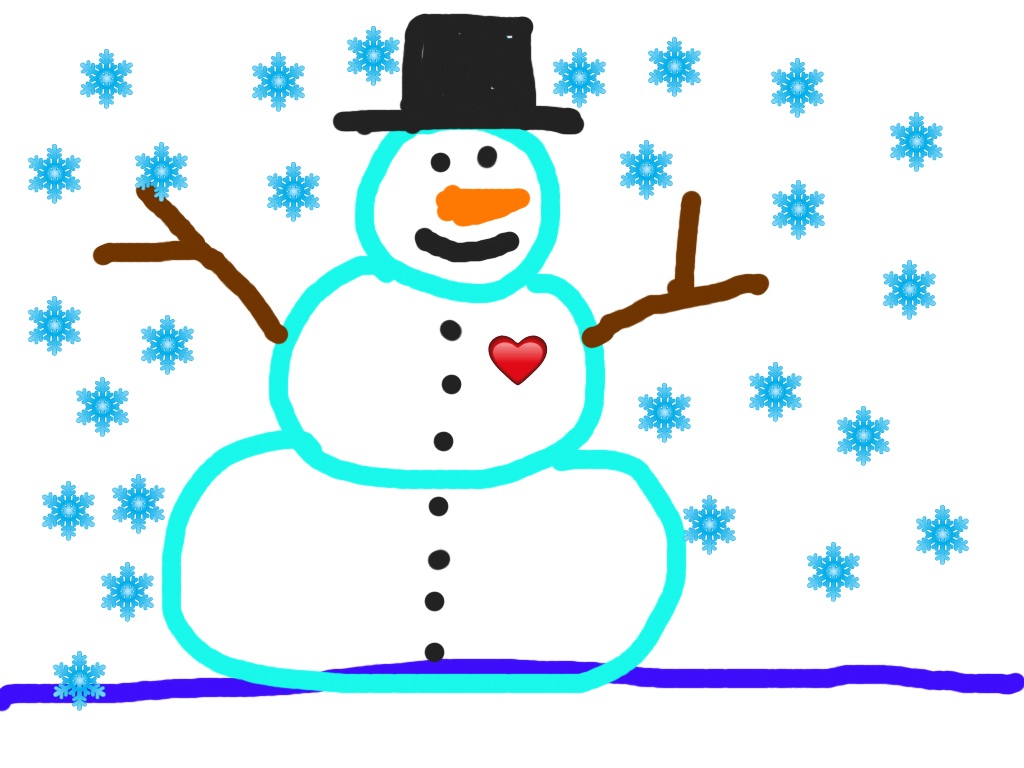
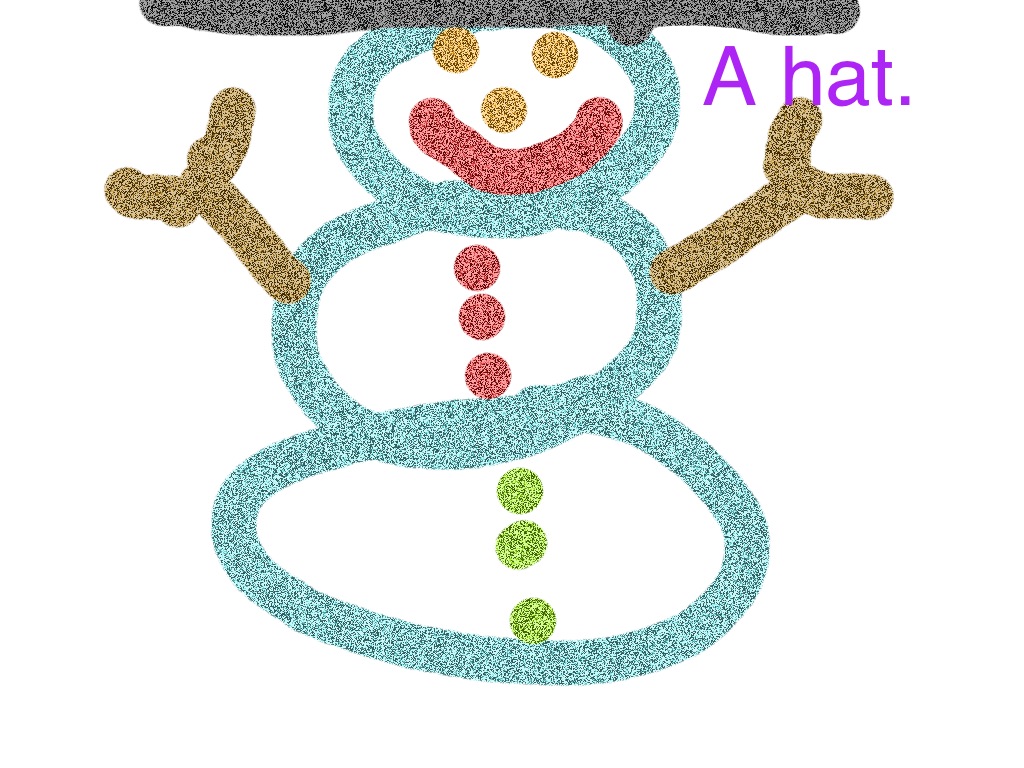
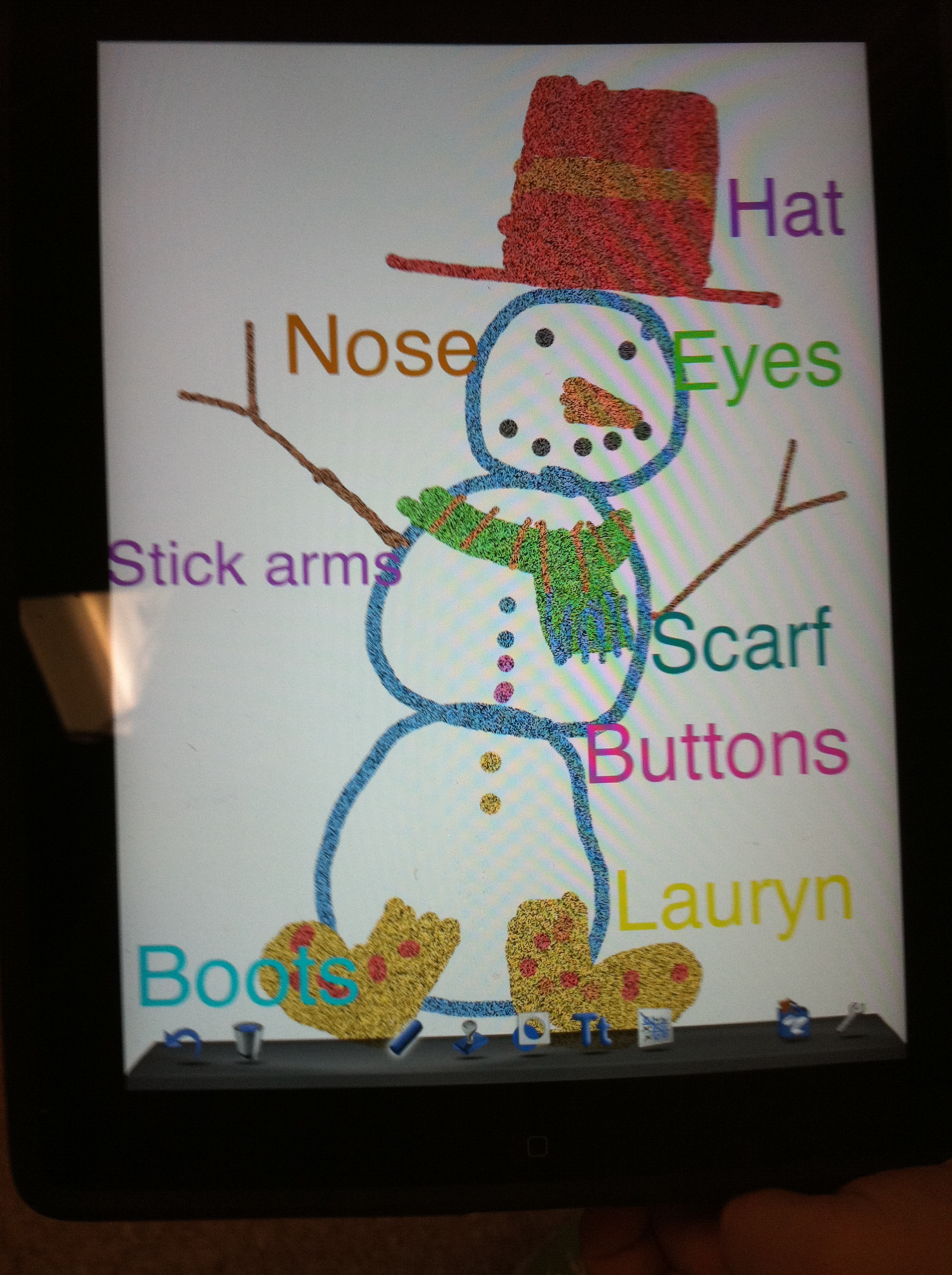
Here are some of the snowmen the parents made!  The children did a great job showing their parents how to use Doodle Buddy to draw a snowman and label it.  The parents and the children did a great job, don’t  you think?

cool snowman

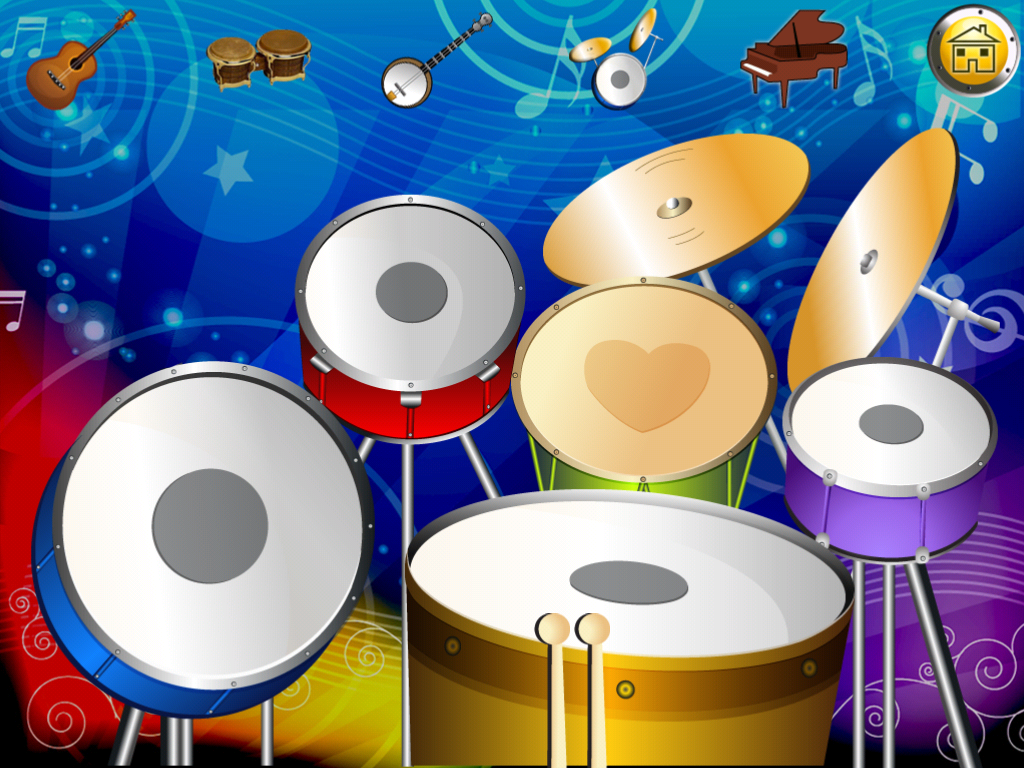
In the afternoon, we found a really neat new app that we have not tried before called Sparkle Music!  The children really enjoyed working with it.

spakle

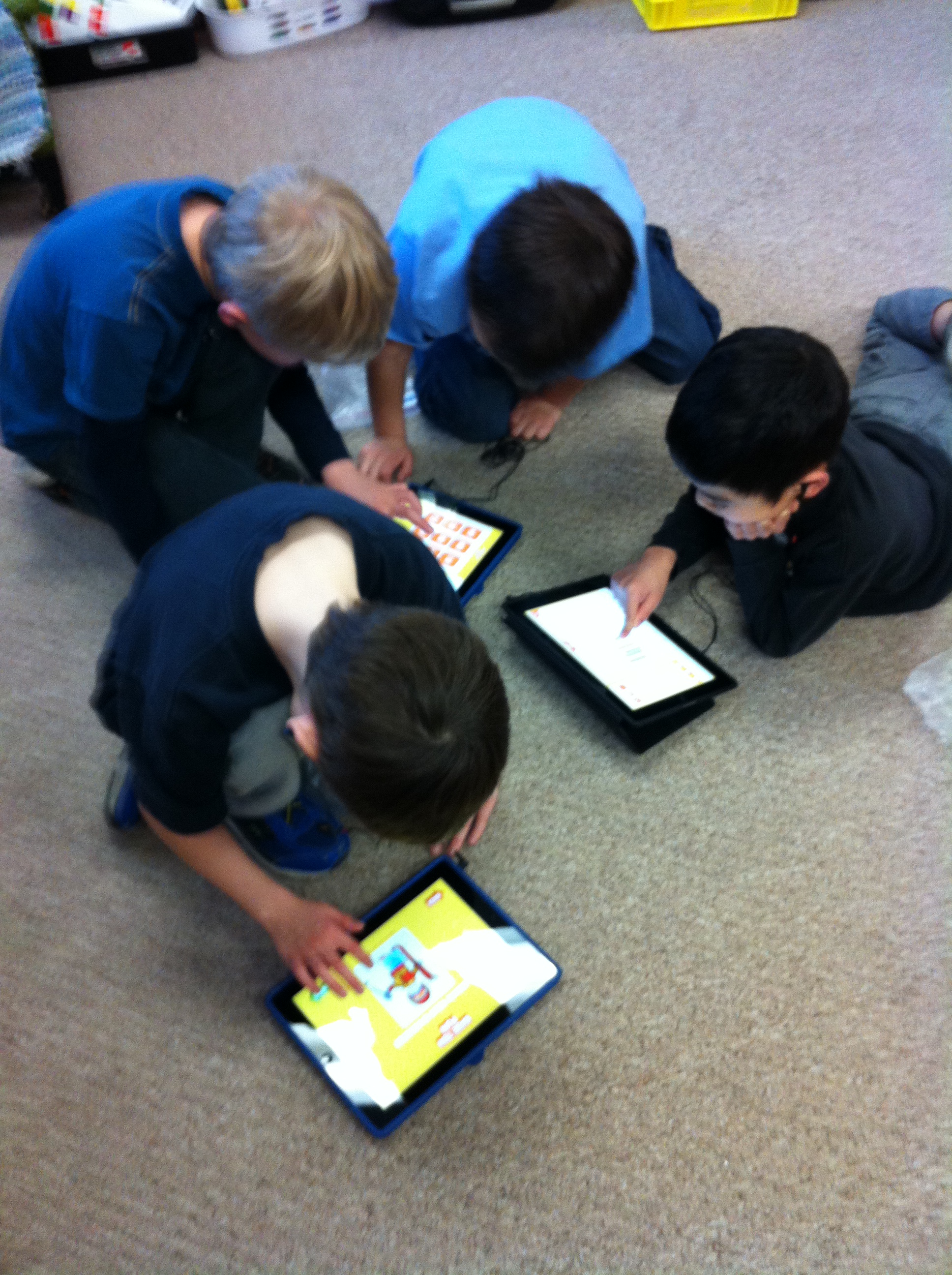
We will miss the iPads!  We were lucky to have them!  They are too much fun!

Leave a comment

Filed under iPads, Photostory

Telling Stories with the iPads! Comic Book Style!

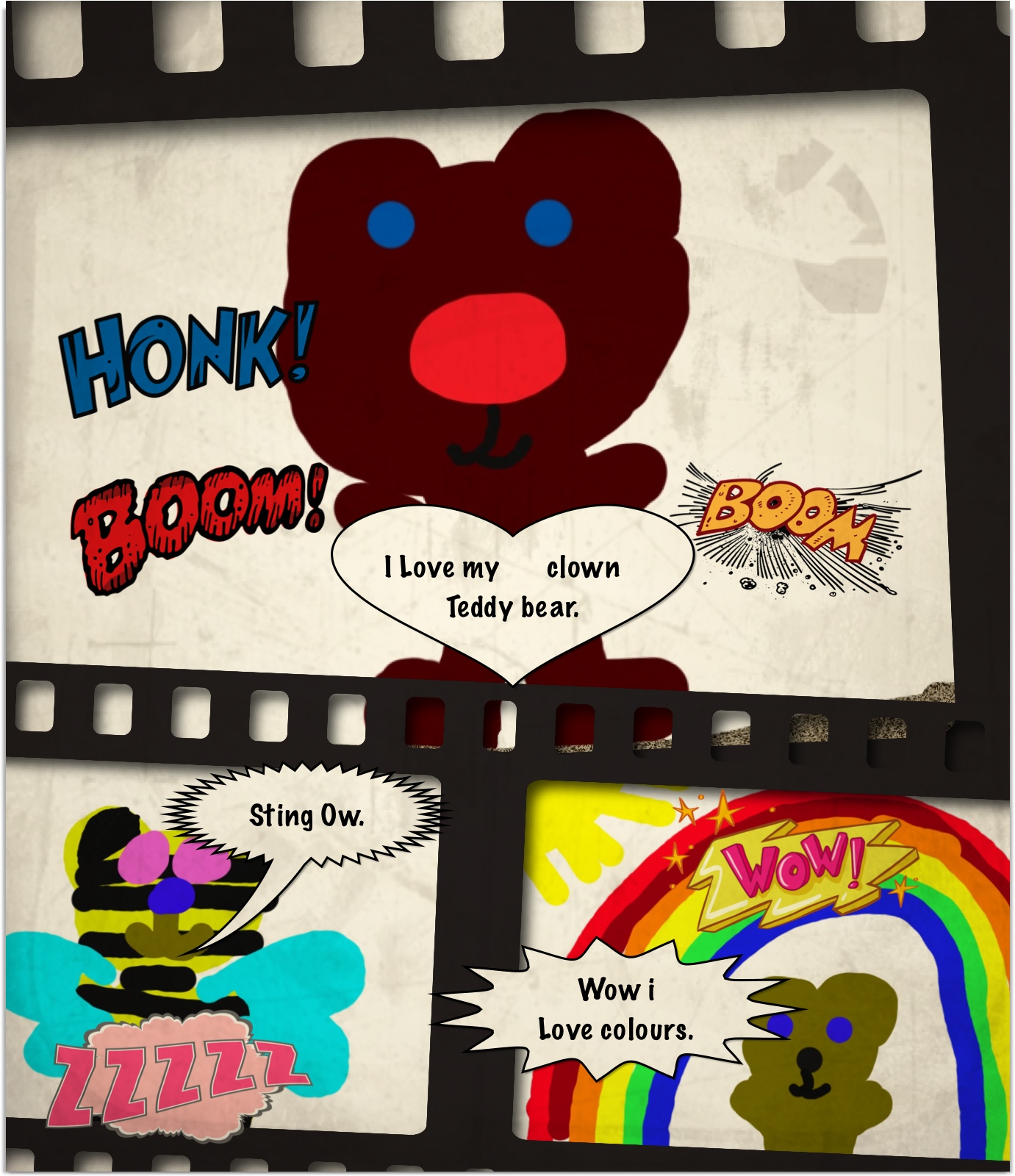
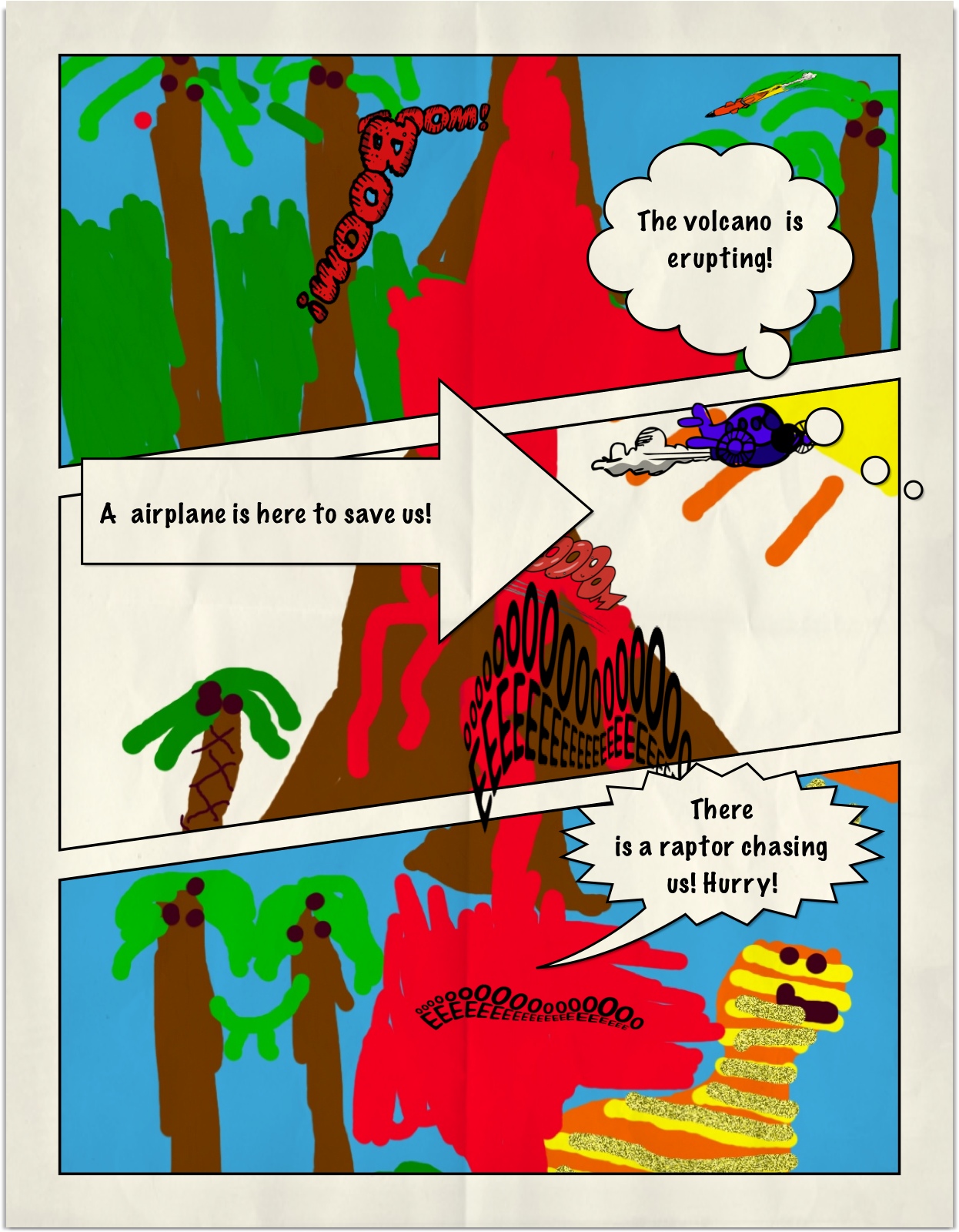
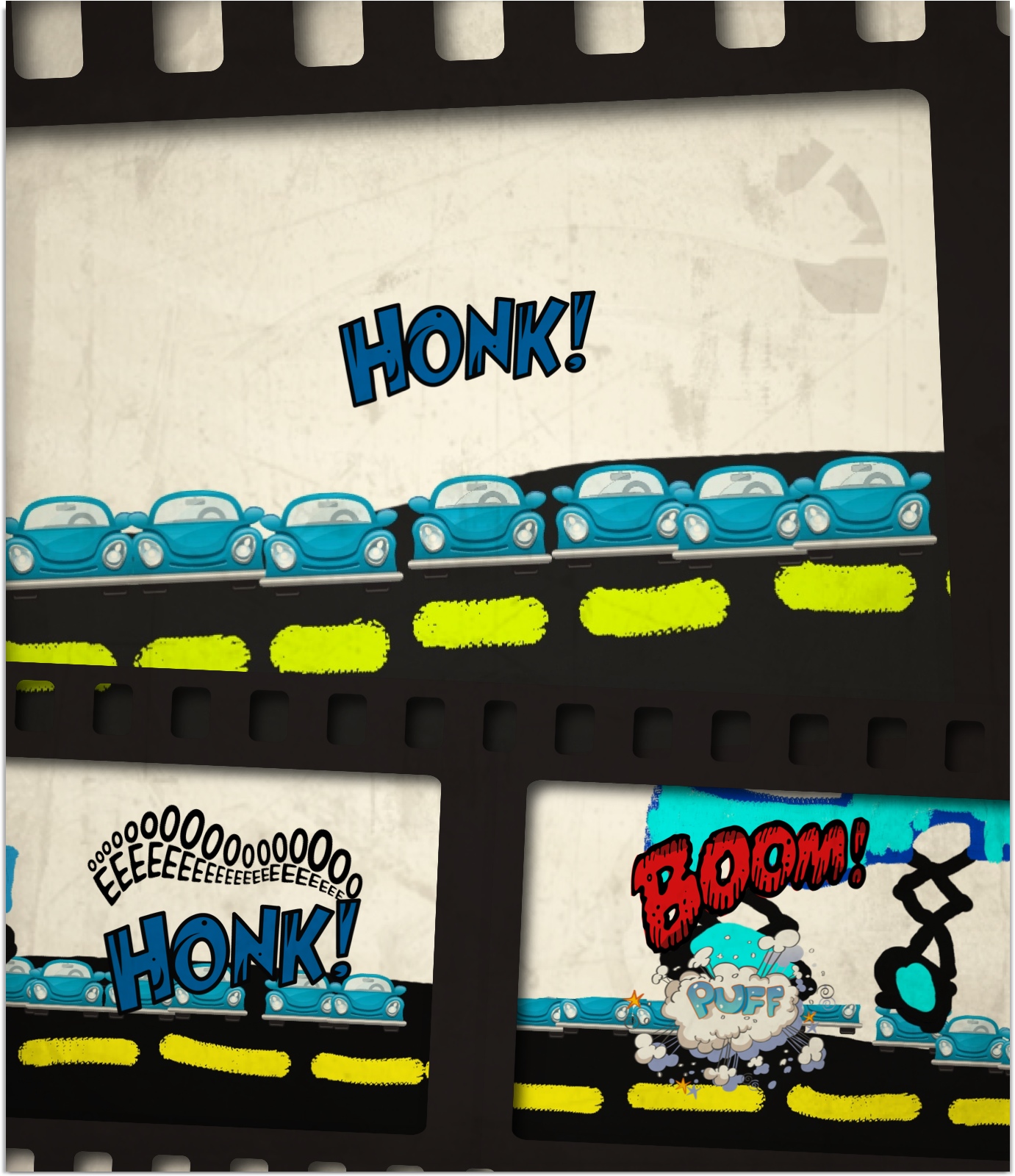
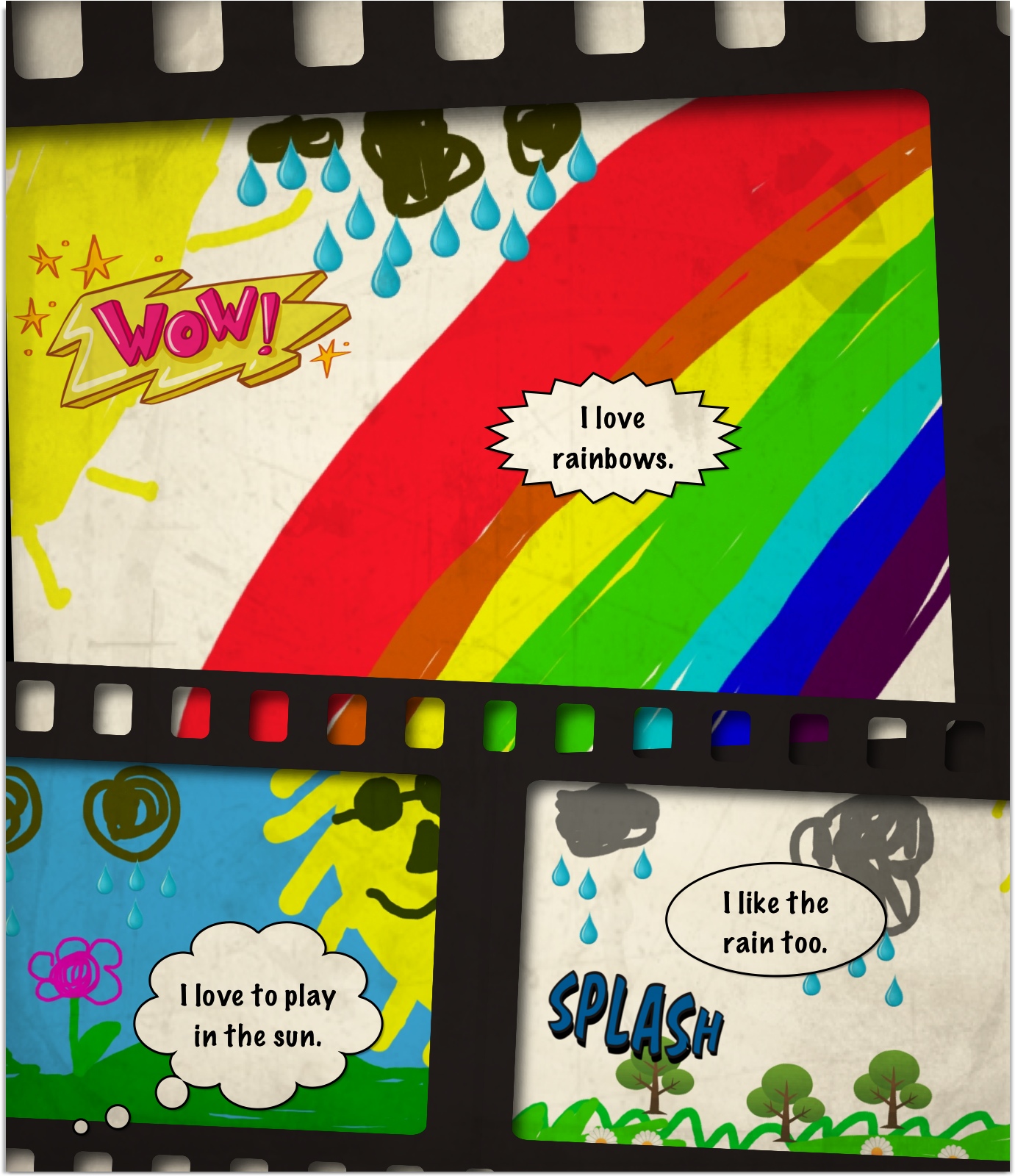
beth teddy comicLast week I discovered a new app that we had not worked with before on the iPads.  It is called Strip Designer and lets the students create their own stories in a comic book style.  I wish I had found it sooner!  We have been having a lot of fun with it.  It has a lot of potential for storytelling.

john volcano comic

If I had more time with the iPads I can think of some really cool projects we could do!  Take a look at what we have managed to do in just a few sessions.

gordon mar comic

The children have become masters at navigating around to create their masterpieces.  They jump from app to app, importing files from the camera roll, recording their voices, etc with ease.  Things that I would have really hesitated about introducing don’t even faze them!  They find things that they can do and teach me and their classmates as we go!  Today we were playing with the Strip Designer app and they were showing me how to do things!  “Oh, you just do this, Mrs. Anton!”

Ella rainbow comic

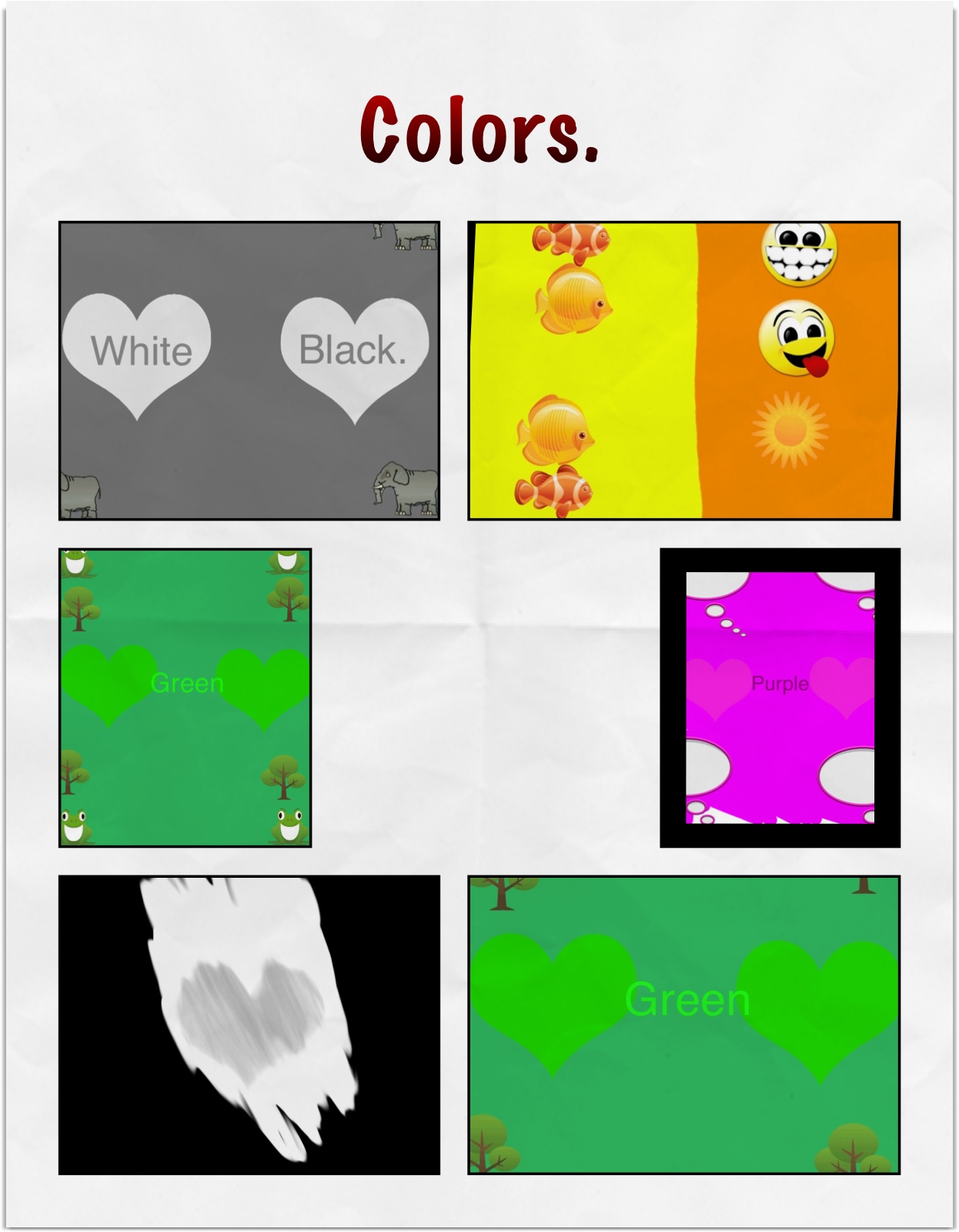
The children created these comics with Doodle Buddy, made screen shots of their work, and then imported them from the camera roll into the comic format.   They choose a balloon style and added the text to the balloon.  Then they can add the Word stamps to accentuate their work.  Needless to say a very popular app!  If we had more time I think I would like to create multiple page comics.

The first day with this app we used just the pictures that were on the camera roll to tell a story!  That worked great too!

IMG_1561

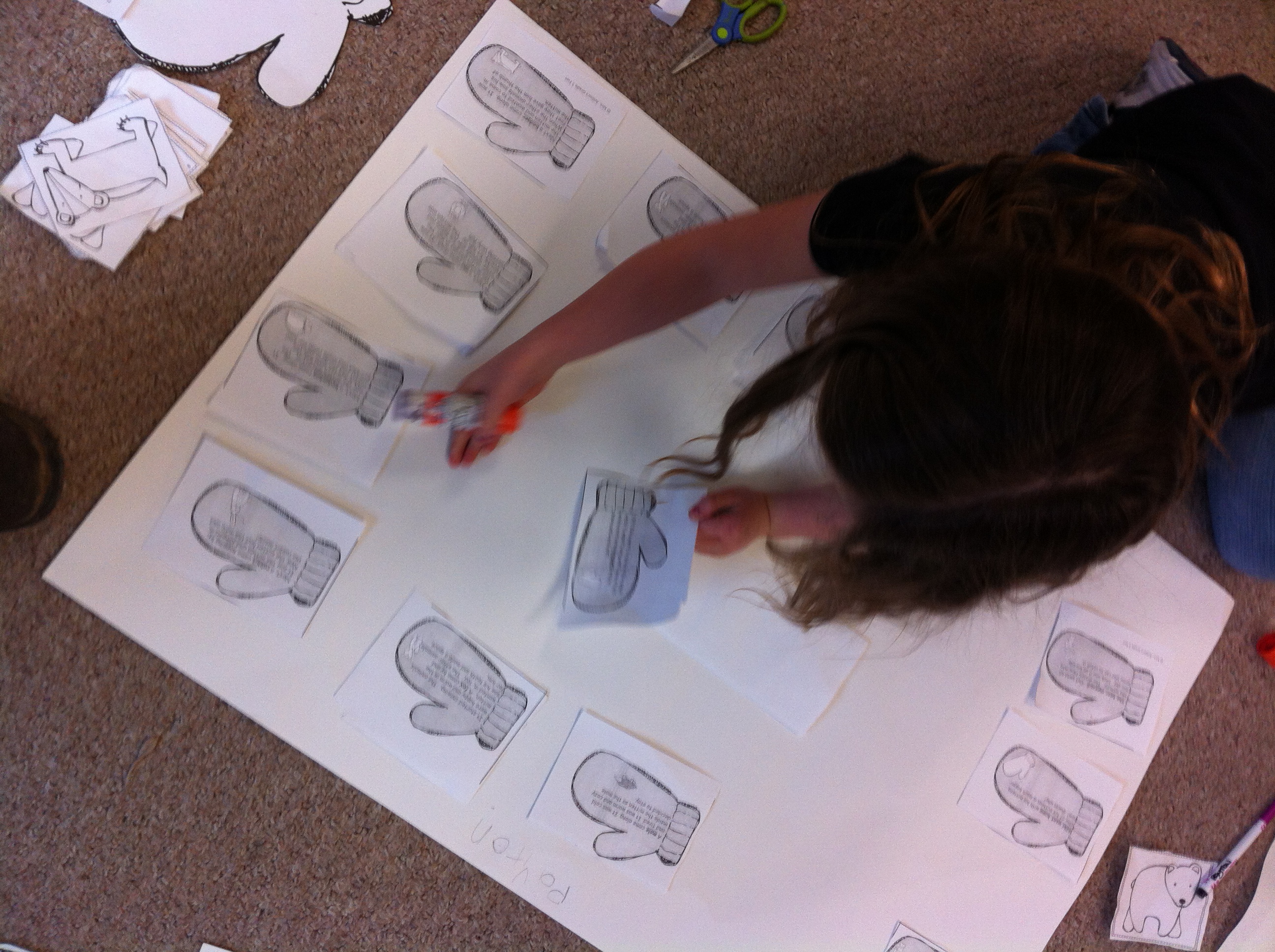
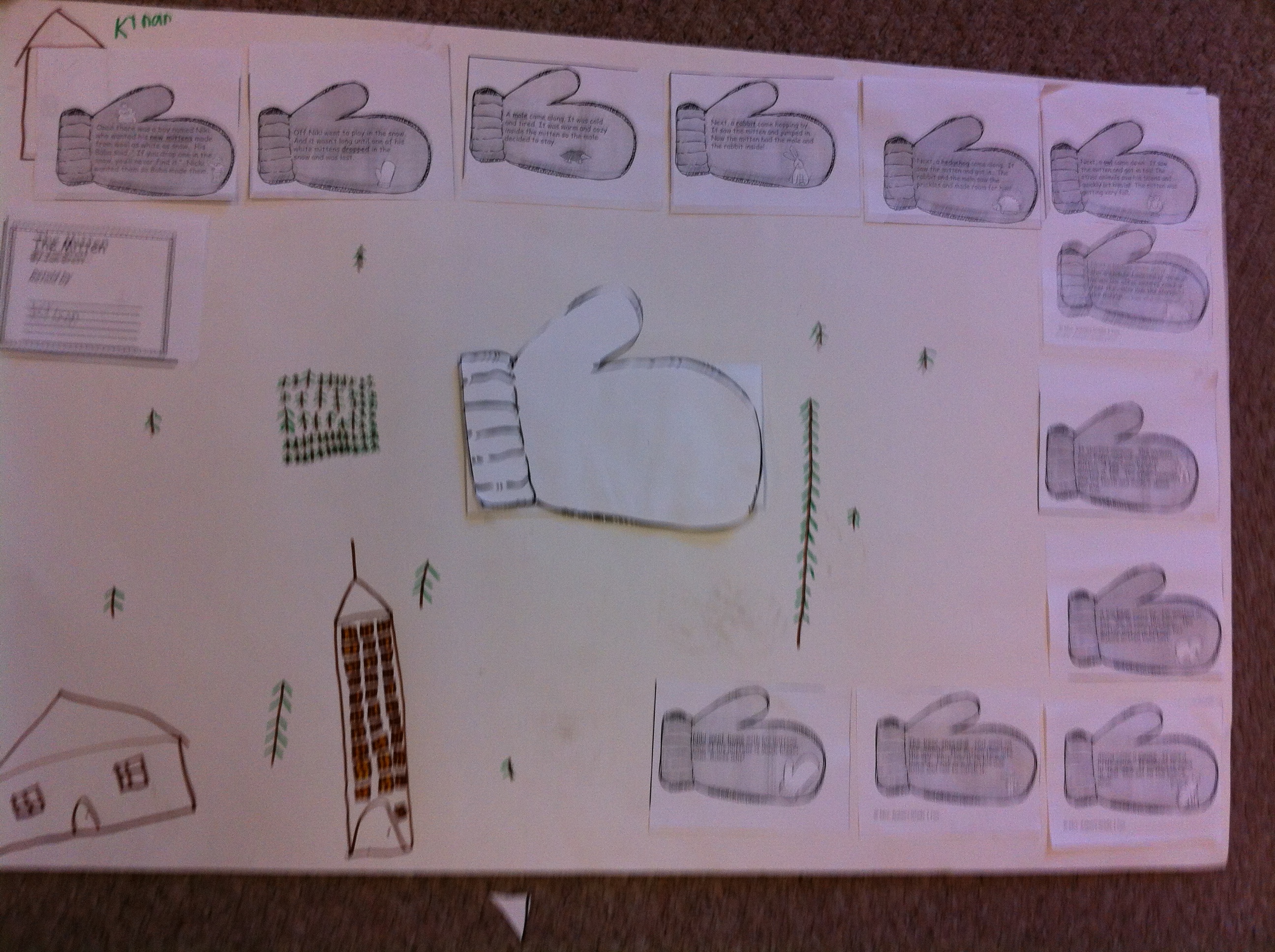
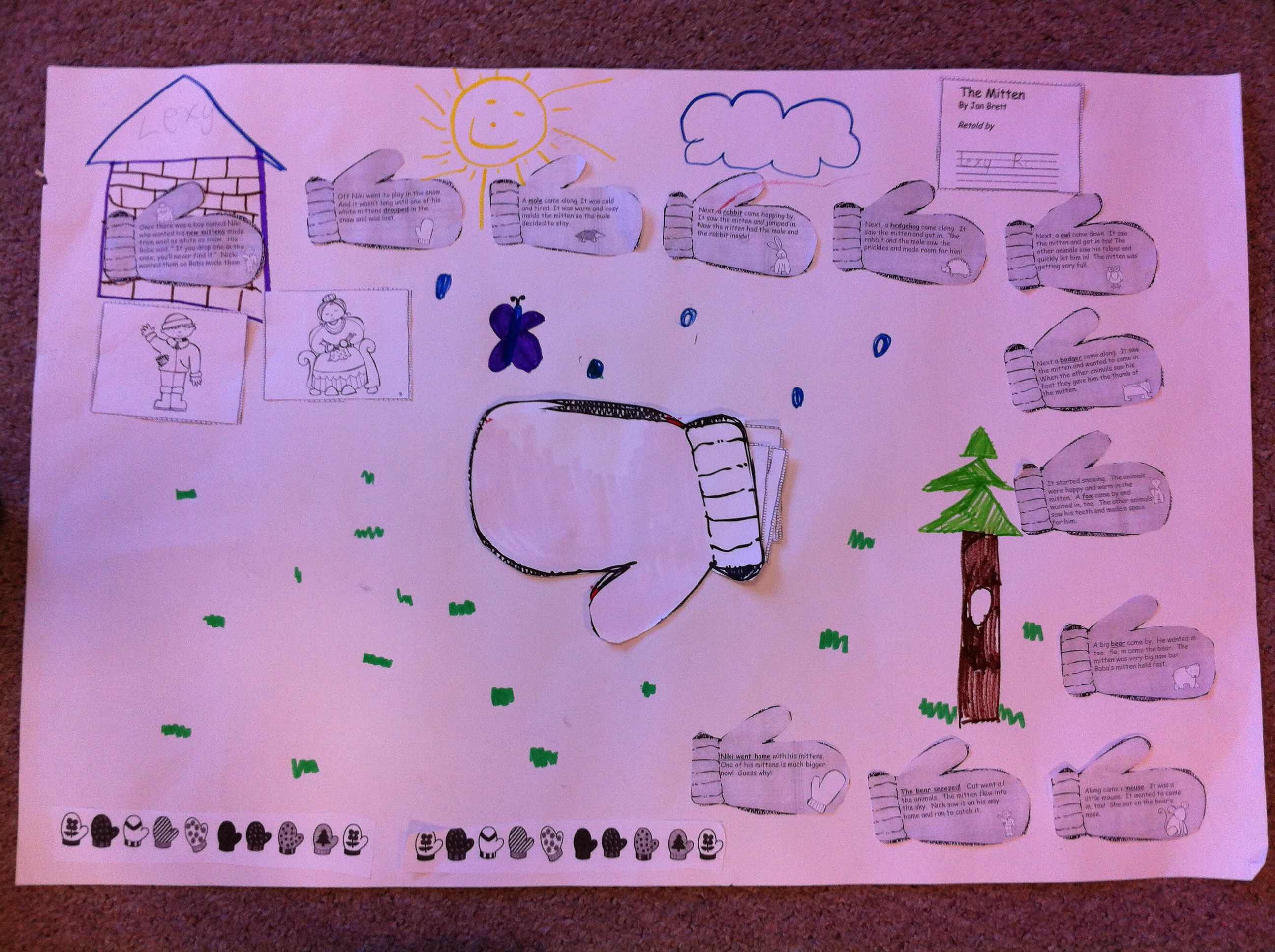
Last Friday we did a story map.  We read the story The Mitten by Jan Brett and then the children retold the story by creating a story map.  They seemed to really enjoy putting it all together.  I think they especially liked licking the envelope , sealing it, and then cutting it open at the end to make the secret compartment for the animals to disappear into behind the mitten picture!  Hopefully, they shared it with you.

IMG_1591

IMG_1592

We also worked on Kid Blog during our computer time.  We have been running into some glitches adding the pictures so it hasn’t worked as smoothly as I had hoped.  Today we managed to get some posts up with pictures!  We had some really great help from three of our Big Buddies.  Thank you, Courtlynd, Emily, and Karli!  We couldn’t have got in done in half an hour without you!  You can find the new posts on the Kid Blog page at the top of this page.  Please remember that the blogs are password protected.  Your child knows their secret password!  If you don’t see a new post for today, we probably had some problem with the picture.  I am working on it!  The children can also post from home if you like!  Or you can add a comment!  Please take a minute to review the procedure on the Kid Blog page.  The posts are previewed by me before they go “live” !  The website sends me an email whenever there is a post or comment that needed to be previewed.  I have to go into each one to approve them so it is a bit time consuming…. Thank you for your patience!

I have also added some new links on the WIKI page.  There are some more links for Dolch word practise.  Take a look!  The ever popular Word Bingo is there!  The Popcorn words are fun, too!

Leave a comment

Filed under Blogging, Doodle Buddy, iPads, The Mitten

Fearless Techies! Too Much Fun!

buddies

The one thing I have noticed is that children are fearless when it come to technology!  They jump right in and try anything!

Today we made movie trailers!  We teamed up with our big buddies and worked on movie trailers using the IMovie app.  This app is awesome!   It has a variety of templates that the students can use  to create a wide variety of quick movie trailers.

lets make a movie

Our buddy class have been making them in their class and when Mrs. Marshall showed them to me I was hooked!

movie trailer

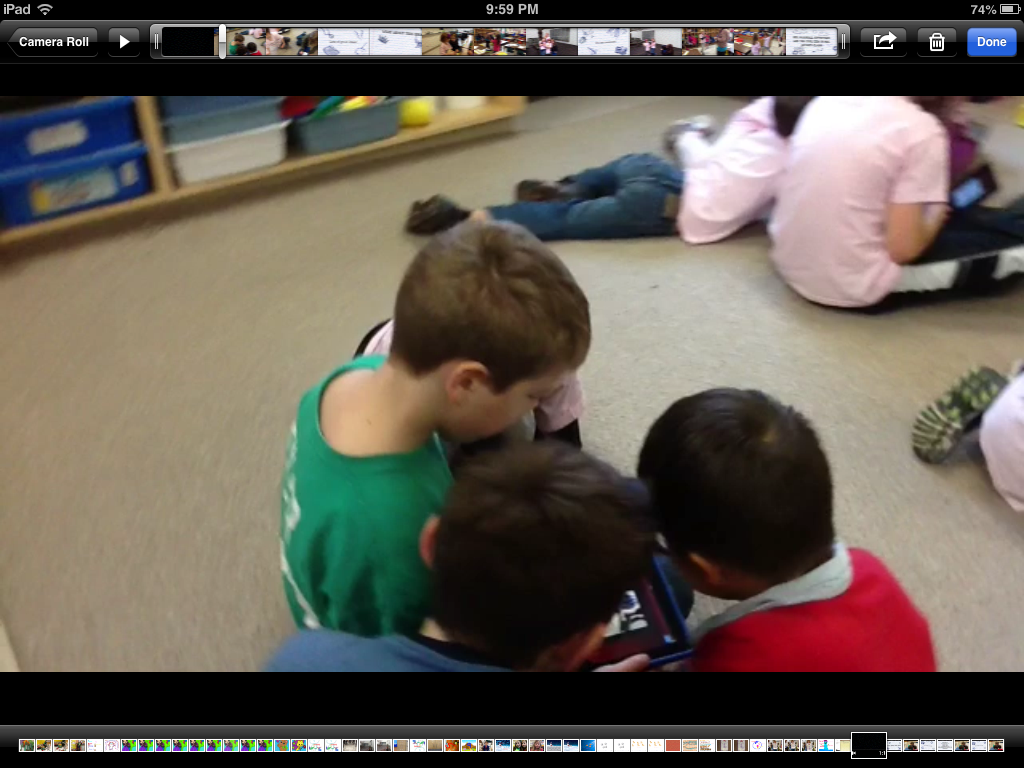
We got together in small groups  today and the students made movie trailers about friendship!

working kids

Then Mrs. Marshall and I made movie trailers about our students making movie trailers!  It was TOO MUCH FUN!   Now I have to figure out a way to share them with you!

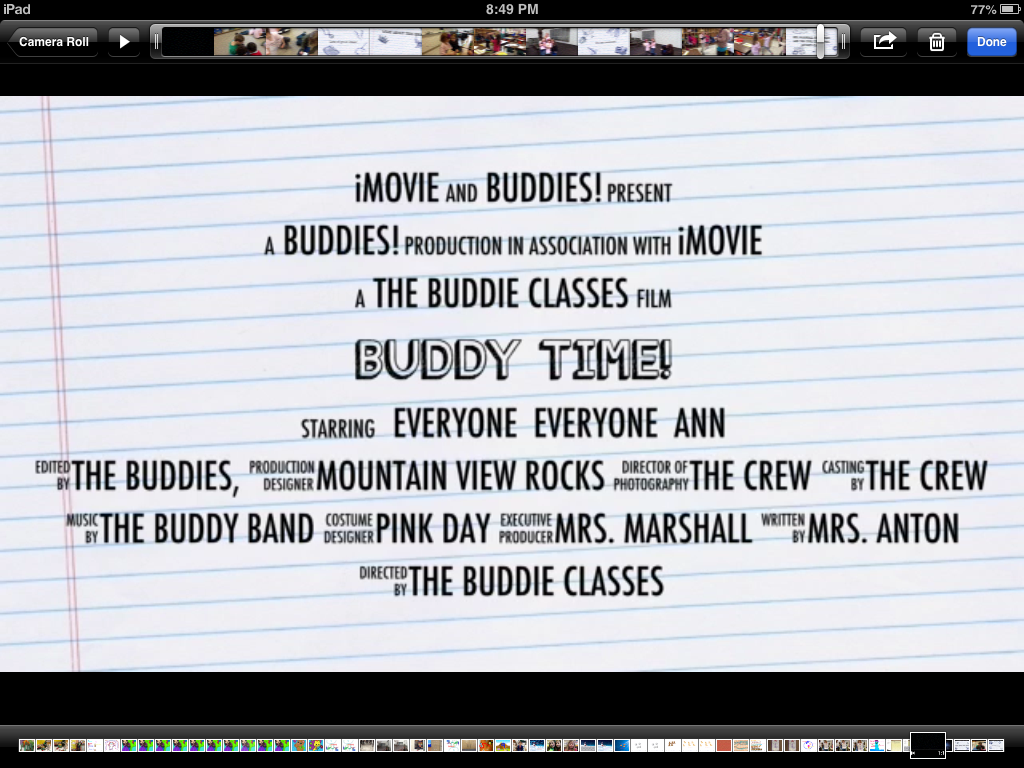
closing

These images are only screen shots from the trailer!  They really don’t show you how cool they are!  They have great music too!

The trailer templates let them put in photos and videos!  The finished product really does look like a real movie trailer! We will try to share some of the trailers at our open house we are having next week to showcase all our projects!  I will definitely have to find a way to share them with you!

The app is just under five dollars.  I have downloaded it to my iPad already!  I think it would be awesome to use this app at home and use it to keep track of special family times!  I wish we had found out about it sooner! They are definitely something we want to do again!

We only have two weeks left with the iPads!  Boy, I wish we could keep them!

Leave a comment

Filed under Buddies, iMovies, iPads

100 Day Fun!

IMG_1546

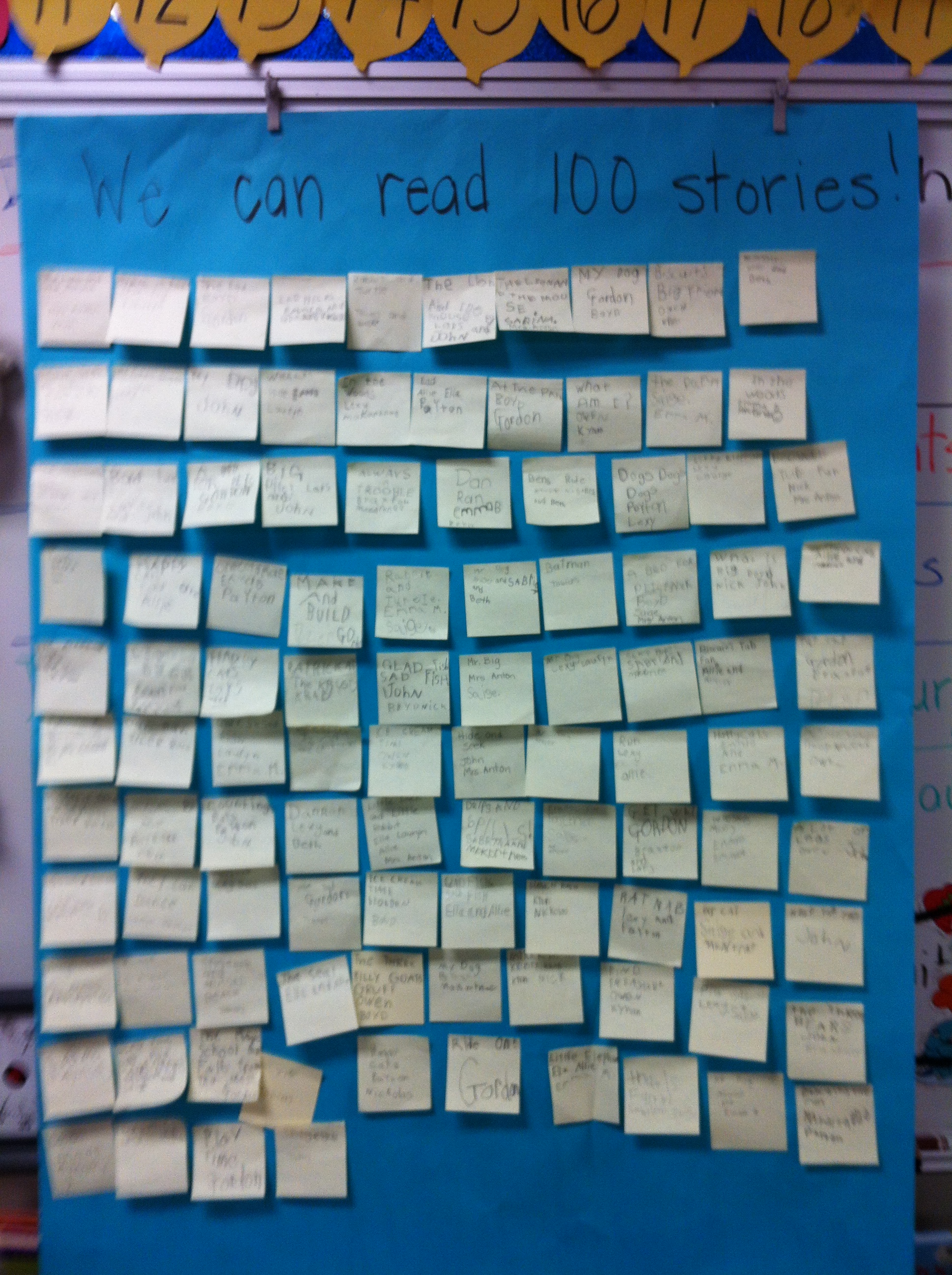
Yesterday we celebrated 100 Days of School!  It is one of my favourite days because it is fun to see how much they have learned in 100 days!  The first thing we did was read 100 stories together!  When I told them we were going to read 100 stories they were a little surprised and didn’t think it was possible.  When I lay out the process they jumped onboard!  The children got together in little groups of two or three students.

IMG_1545

They found a story to read from my collections of books and got together in a cosy spot and read the book together.  Then they recorded the title of the story on a post-it and signed their names under the title.  Then, they put the post-it up on the chart.  Working together we read 100 stories in no time at all and the added bonus is that everyone got lots of reading practise too!   We actually read 104 stories!

The children got lots of practise counting to 100.  We counted 100 fruit loops to make a necklace and we counted out 10 different kinds of little snack items to make a 100 item snack!  Yum!  We wrote about 100 too!

IMG_1547

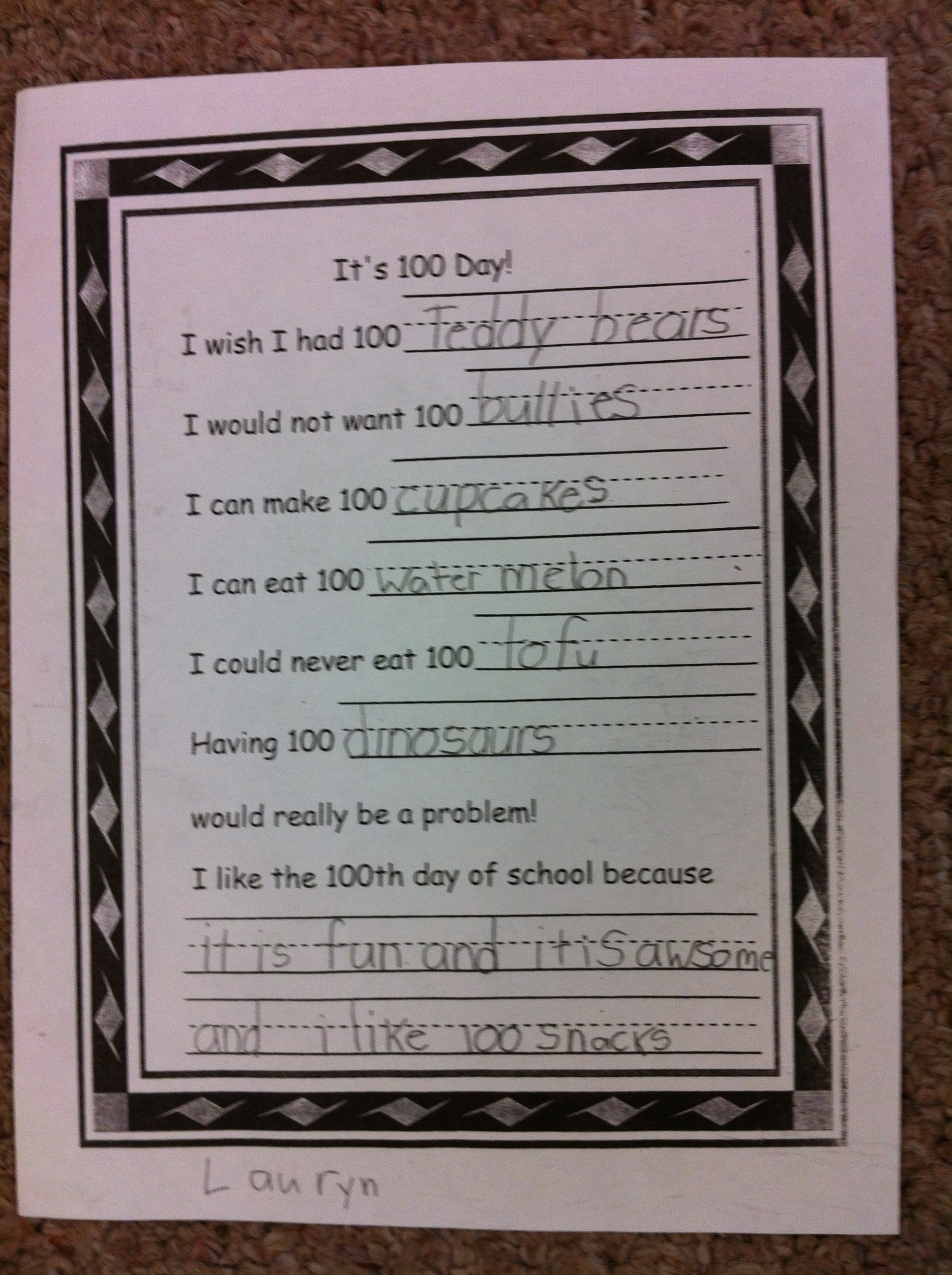
Having 100 dinosaurs would definitely be a problem!

base ten

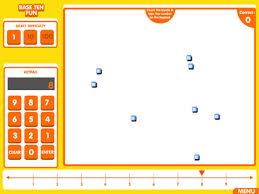
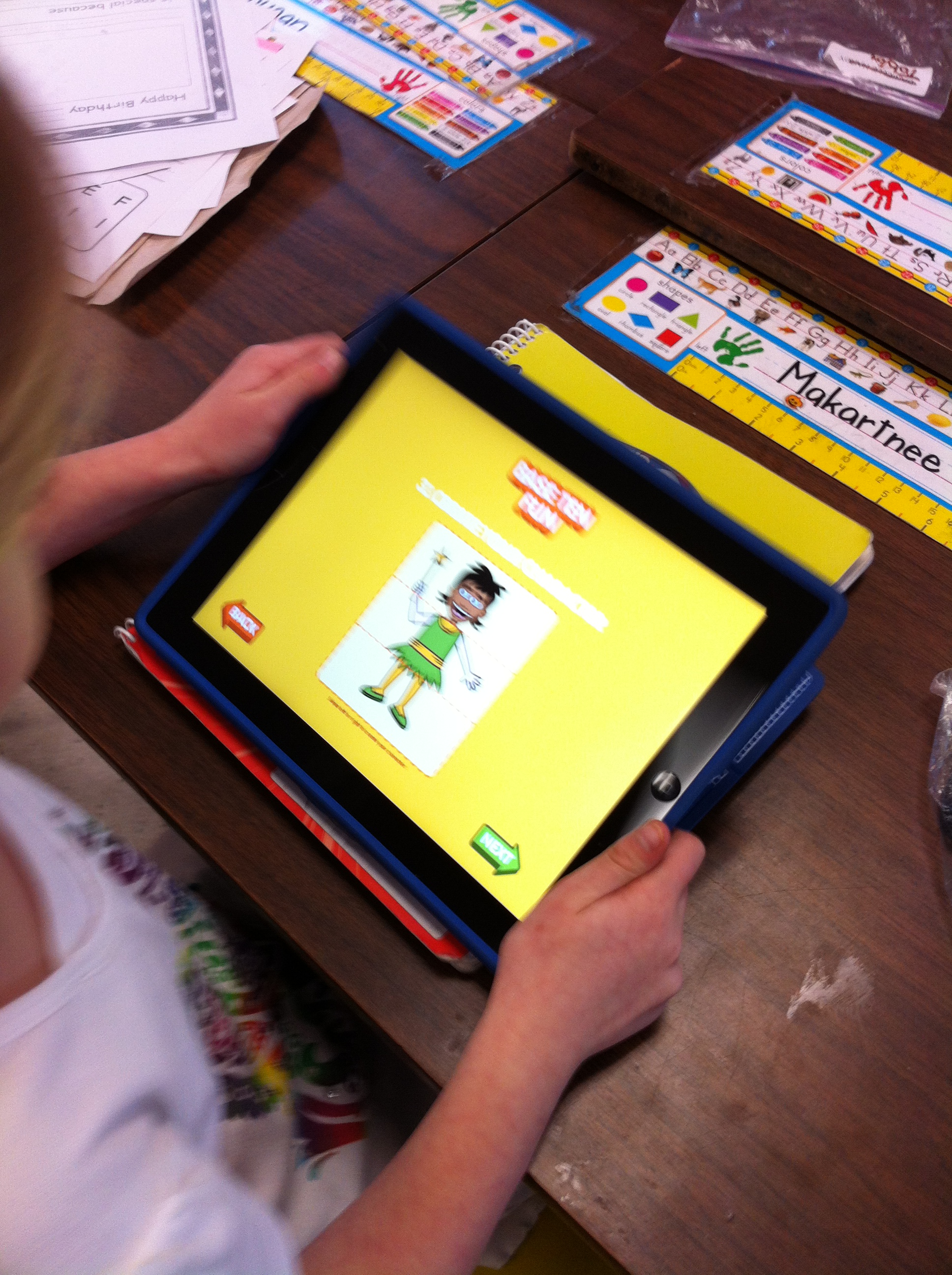
We have been working with place value concepts relating to 100 day and I have managed to put some new links on the WIKI page from the ABC Ya! site.  The children tried them out in the lab and seemed to really enjoy them.  I am sure they would enjoy showing you at home.  The most popular app right now in the class on the iPads is Base Ten Fun!

bingo base ten


100 chart


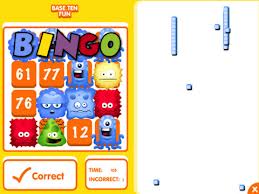
The 100 Number  Chart game and Base Ten Bingo can be found on the ABC Ya Site.  I have created a link to these games on the WIKI.   Check them out!


4 Comments

Filed under Math

Too Much Number Fun!

IMG_1477We have been working with place value concepts in anticipation of our 100th Day of school!

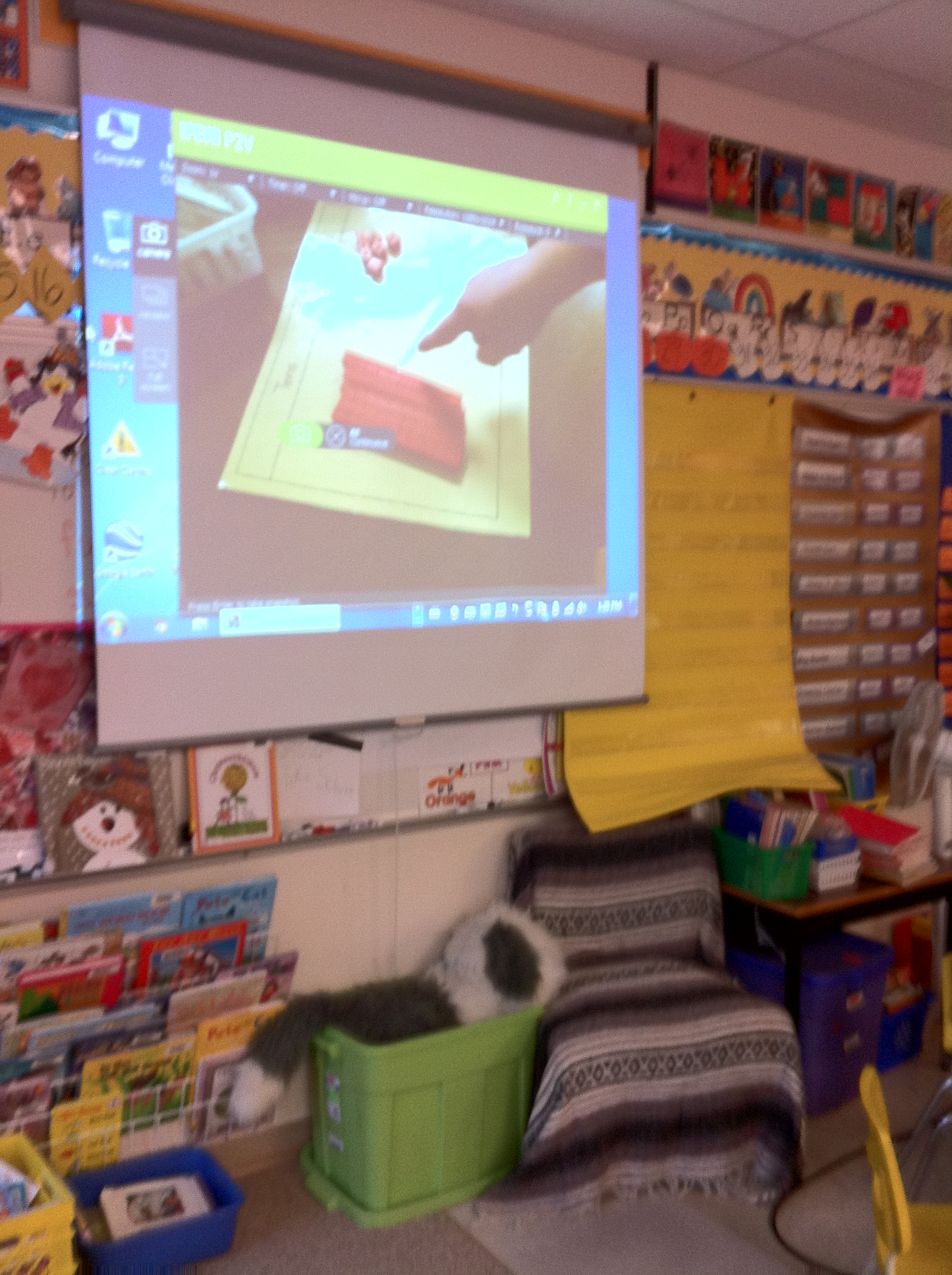
The children had a great time being the giant hand on the projector creating numbers using the base ten materials.

IMG_1429

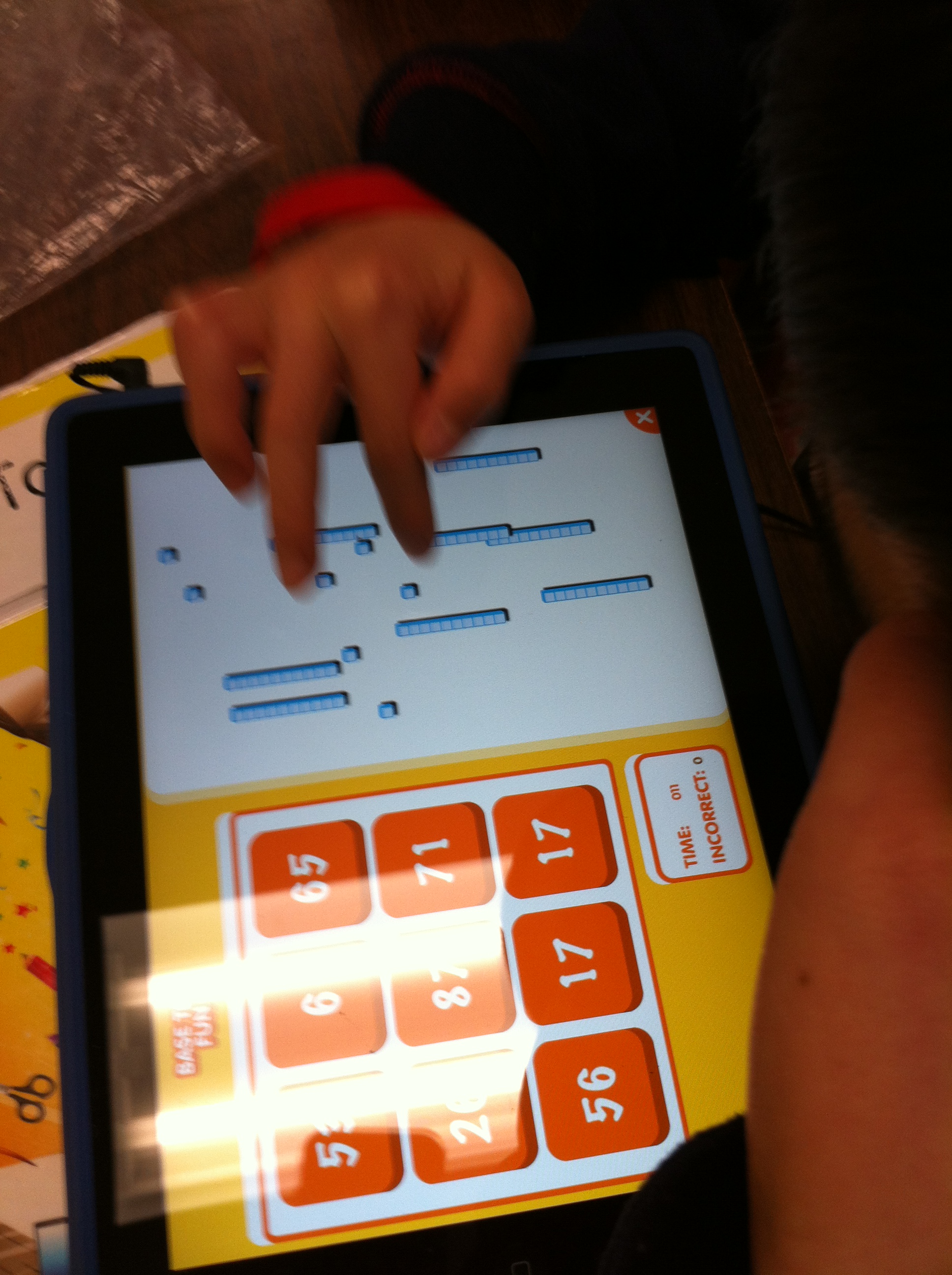
 The children have also been learning how to create sets of ten using a variety of materials as well as creating sets of 100 on the iPads.  Last week I found a really cool app for place value called Base Ten Fun!  You can find the game on the the ABCYa! Site as well!  It is fun to assign math practise and have the children cheer!  

IMG_1479

We have been working hard on our Snowmen projects as well.  The children have been creating books about their snowmen using the My Story app.  I LOVE this  app.  The children have become very proficient at it.  We can import files left, right, and center!  We are looking forward to sharing these projects with you at an Open House day soon!

IMG_1520

We have been creating stories about the snowmen.  Here is a sample of what a snowman likes to eat!

2013-02-06 14.06.26

2013-02-06 13.37.38

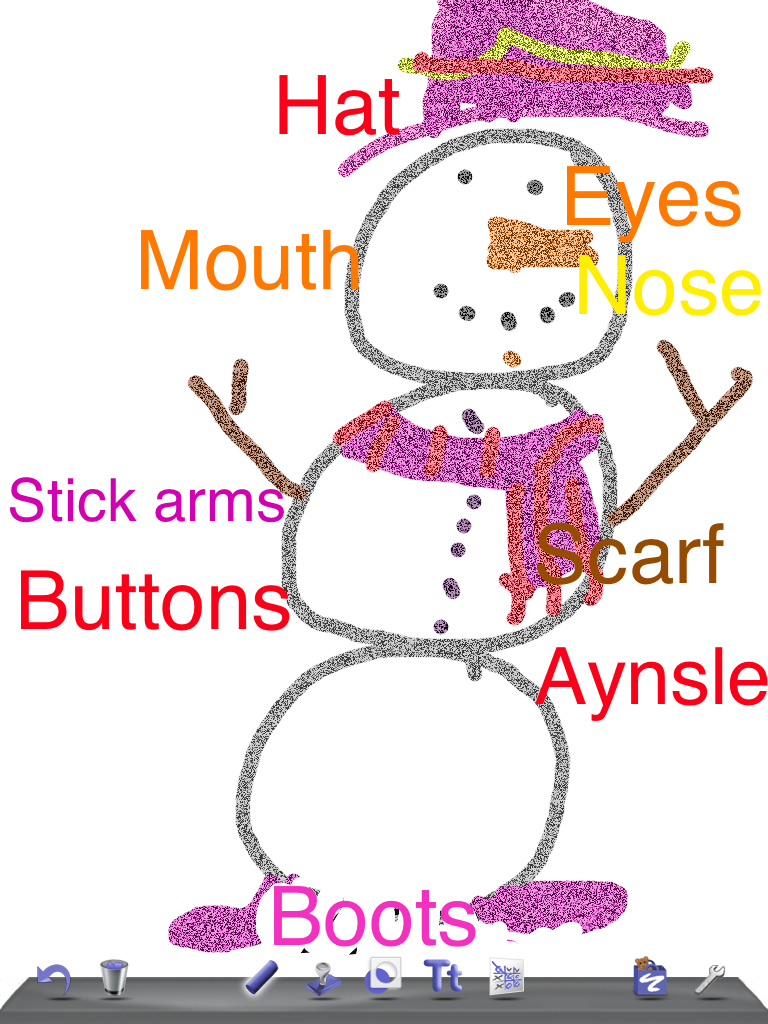
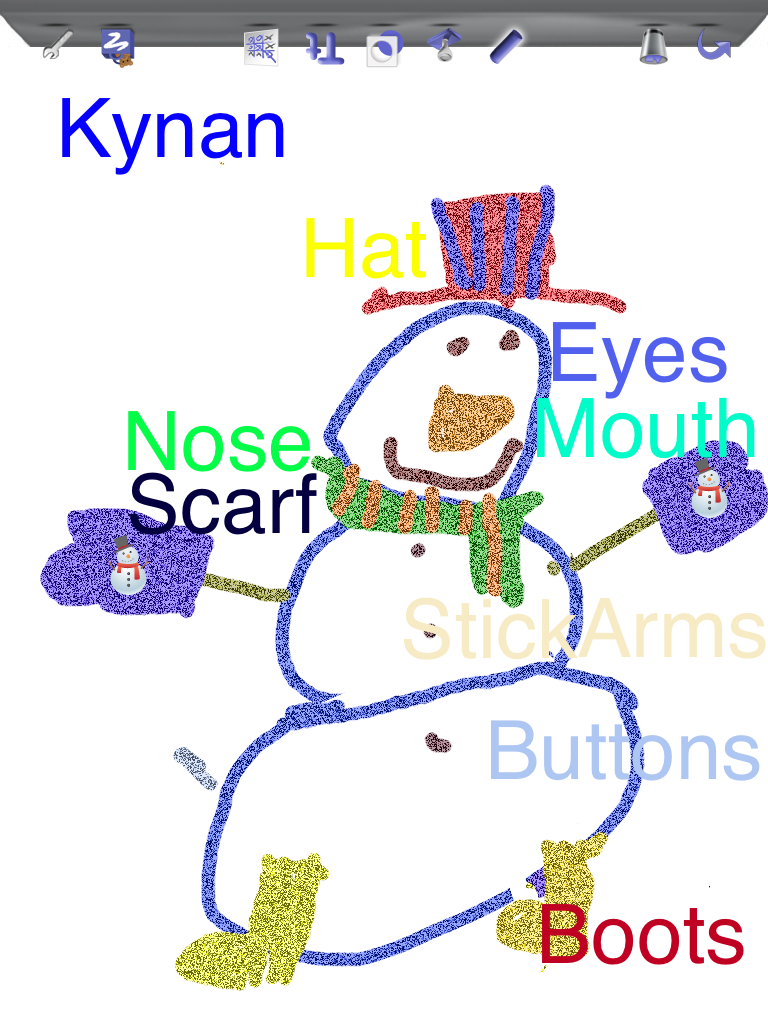
Here are some more snowmen diagrams created with Doodle Buddy!

2013-02-08 09.26.45

I never get tired of seeing the wonderful illustrations that children are willing to create for me on the iPads!

Leave a comment

Filed under Doodle Buddy, iPads, Math, My Story, Winter

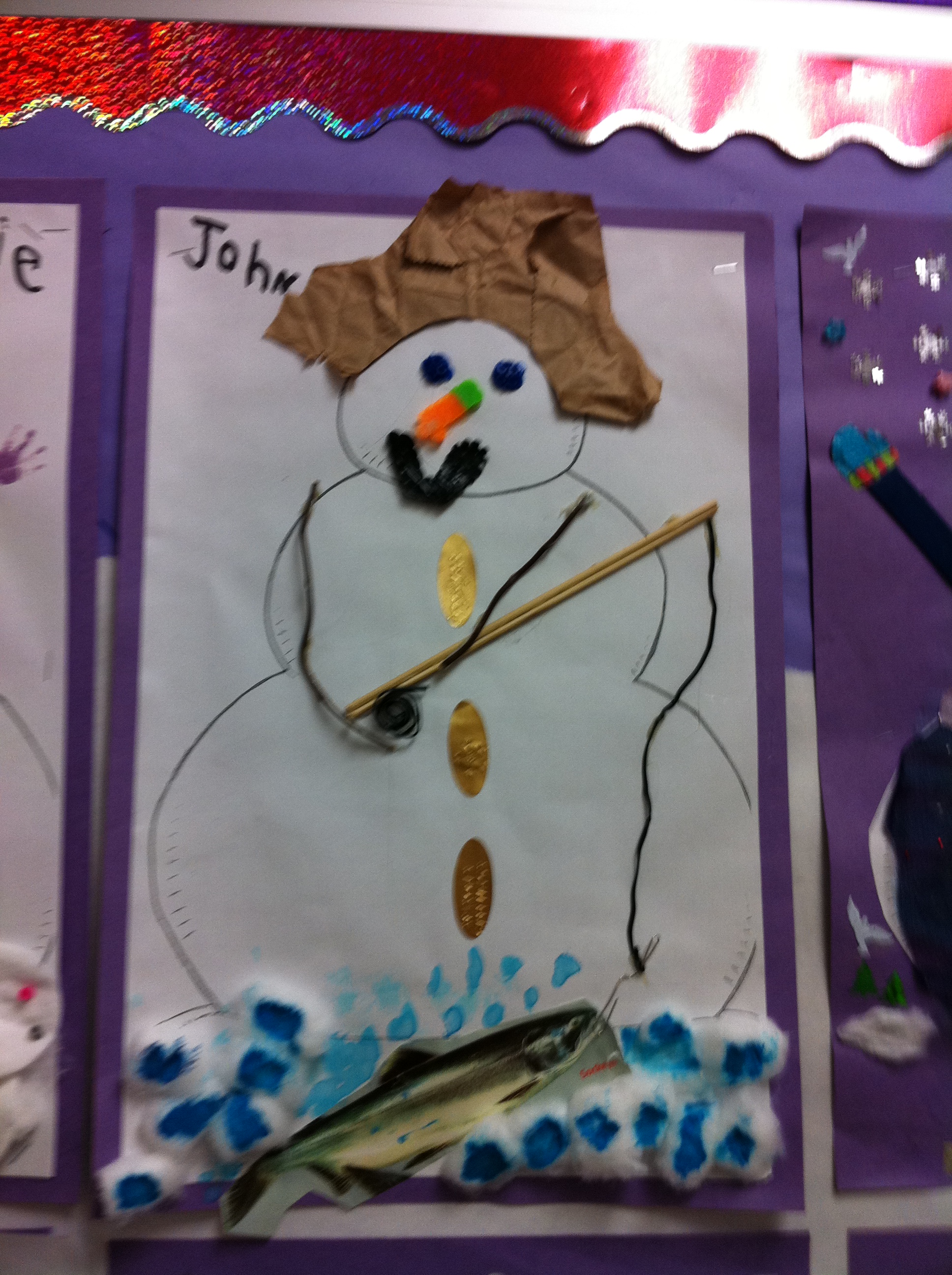
Here come the Snowmen! And the Penguins!

IMG_1332

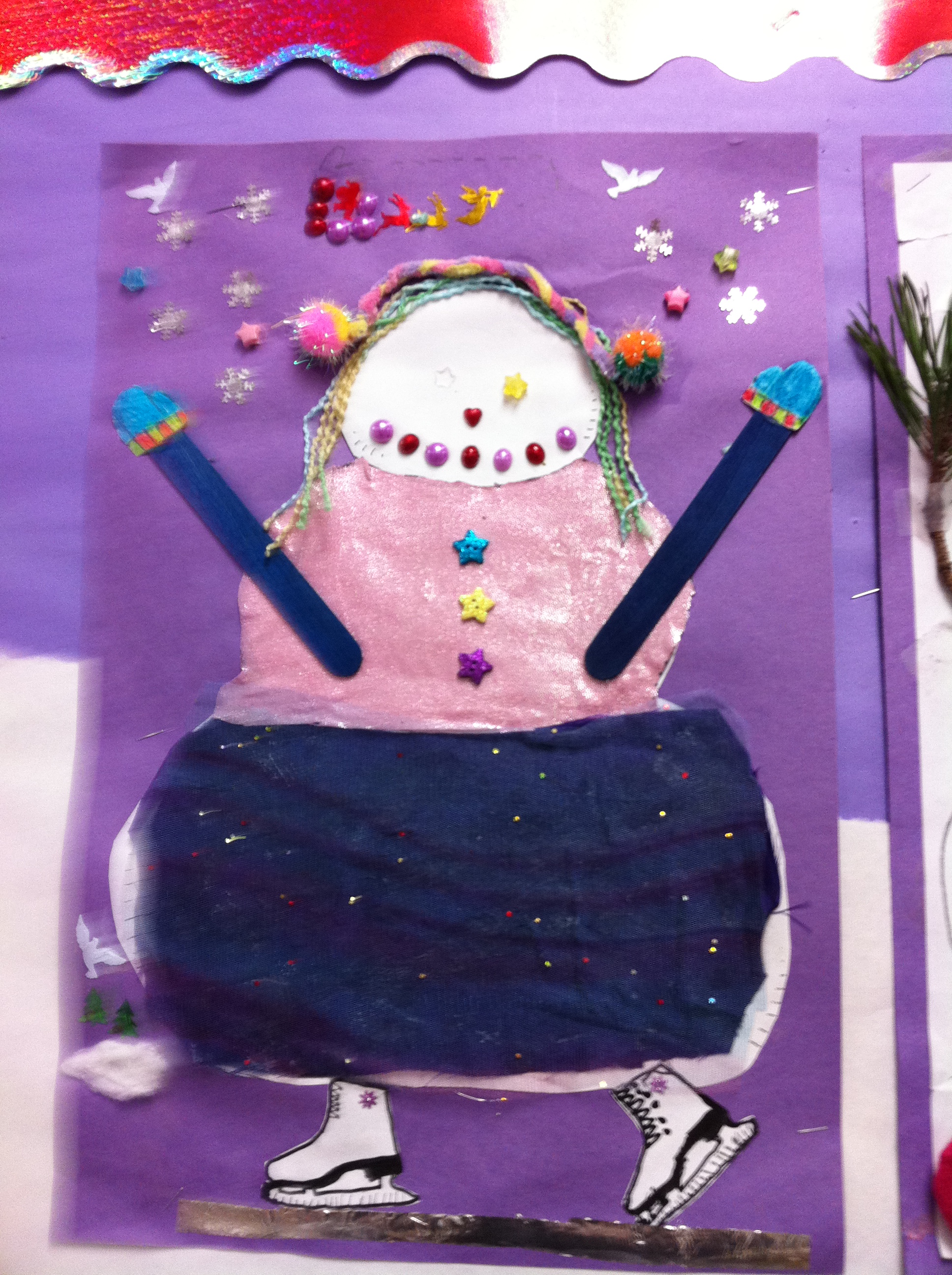
The snowman project is my favourite project of the year!  The snowmen are absolutely fantastic!  Thank you for supporting this project with such enthusiasm!

IMG_1331

They are all so different and it looks like you had some fun making them! These are just a few of them.  I hope to create a gallery online of all of them!

IMG_1335

IMG_1364

We are using the snowmen as a jumping off point for some writing we will be doing.  We are  compiling some pages together to make each snowman’s story!

We will be using My Story and Doodle Buddy to create the pages for the books!

markartnee snowman

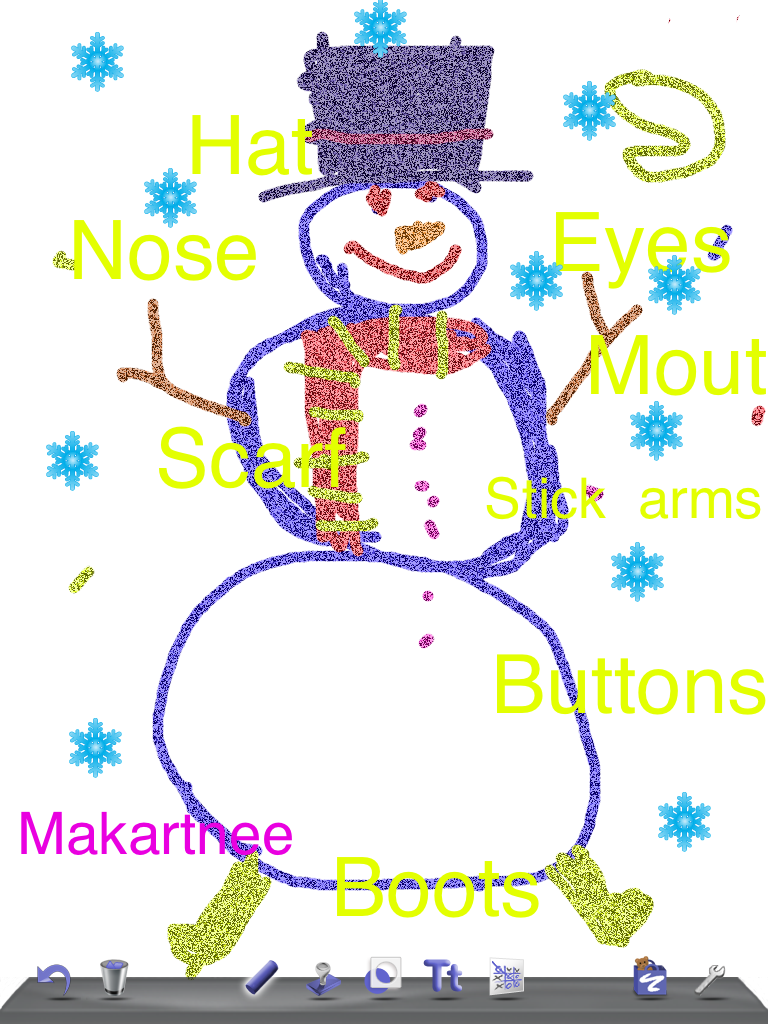
We have already made the diagram page using Doodle Buddy! I love the detail and the colours!  The children just love drawing using the iPads.

IMG_1371

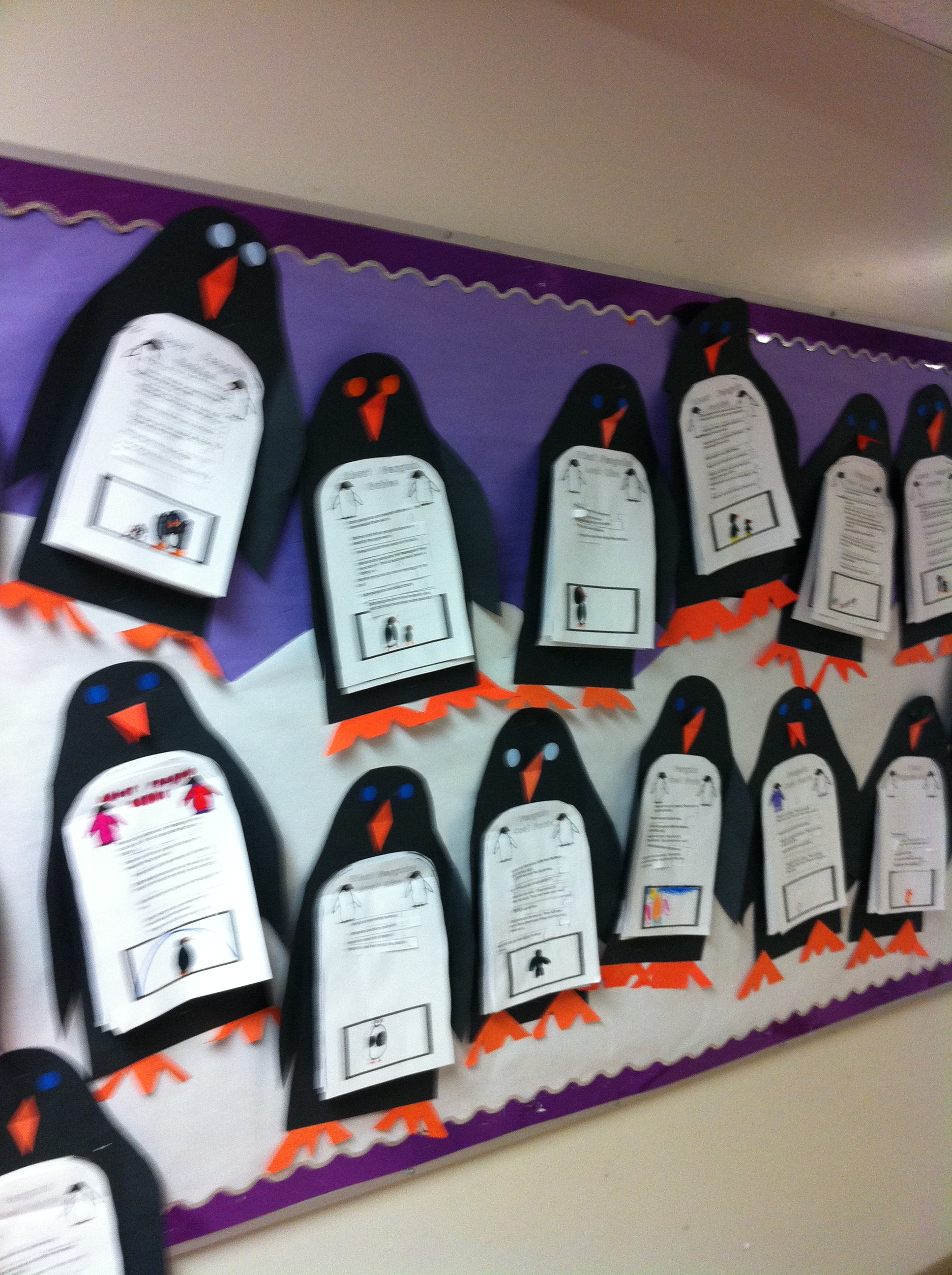
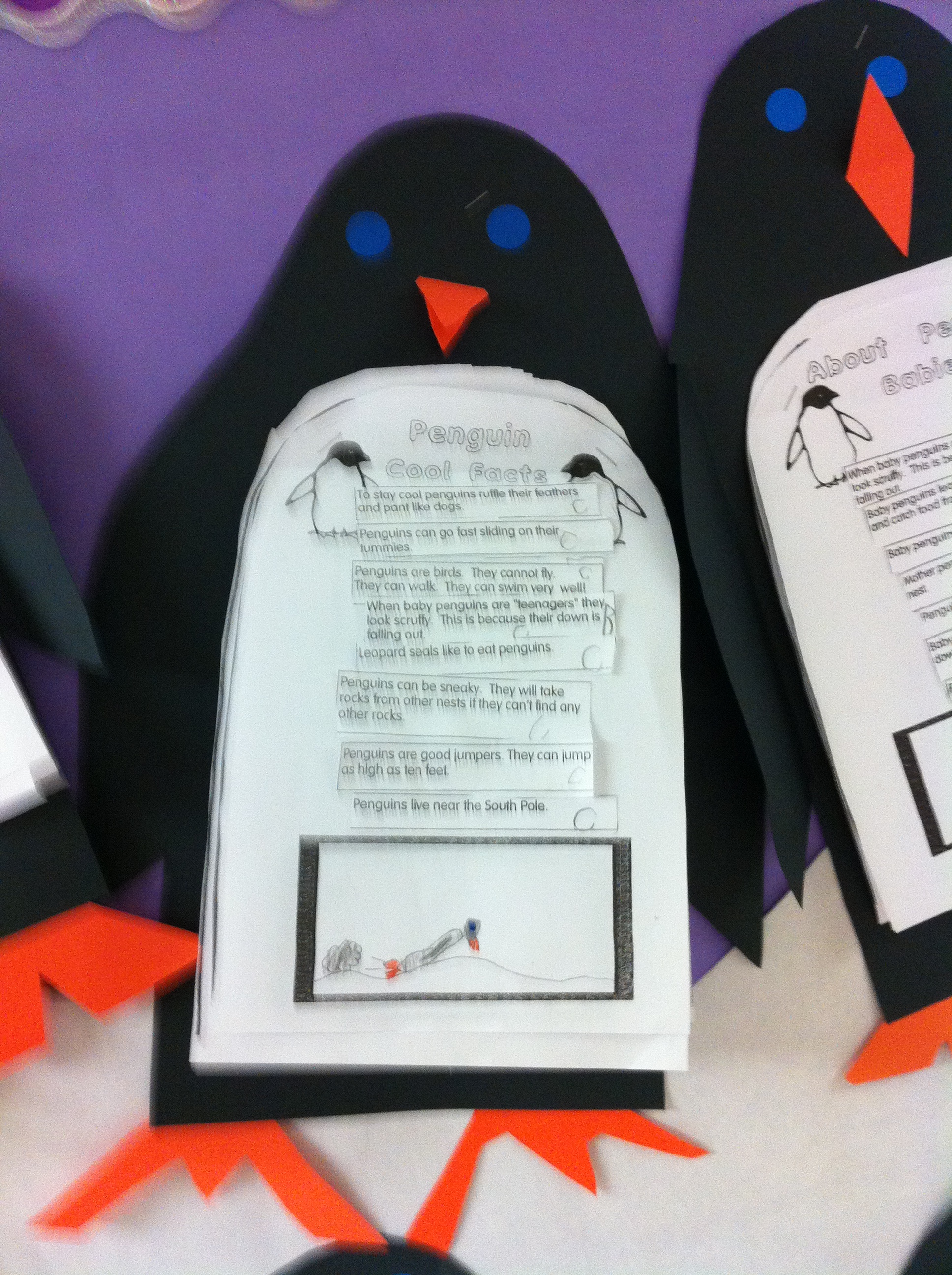
We have also been working on a small mini unit about penguins.  After reading several books about penguins and watching the penguin video on Tumblebooks we working on a penguin research project.

IMG_1340

IMG_1337

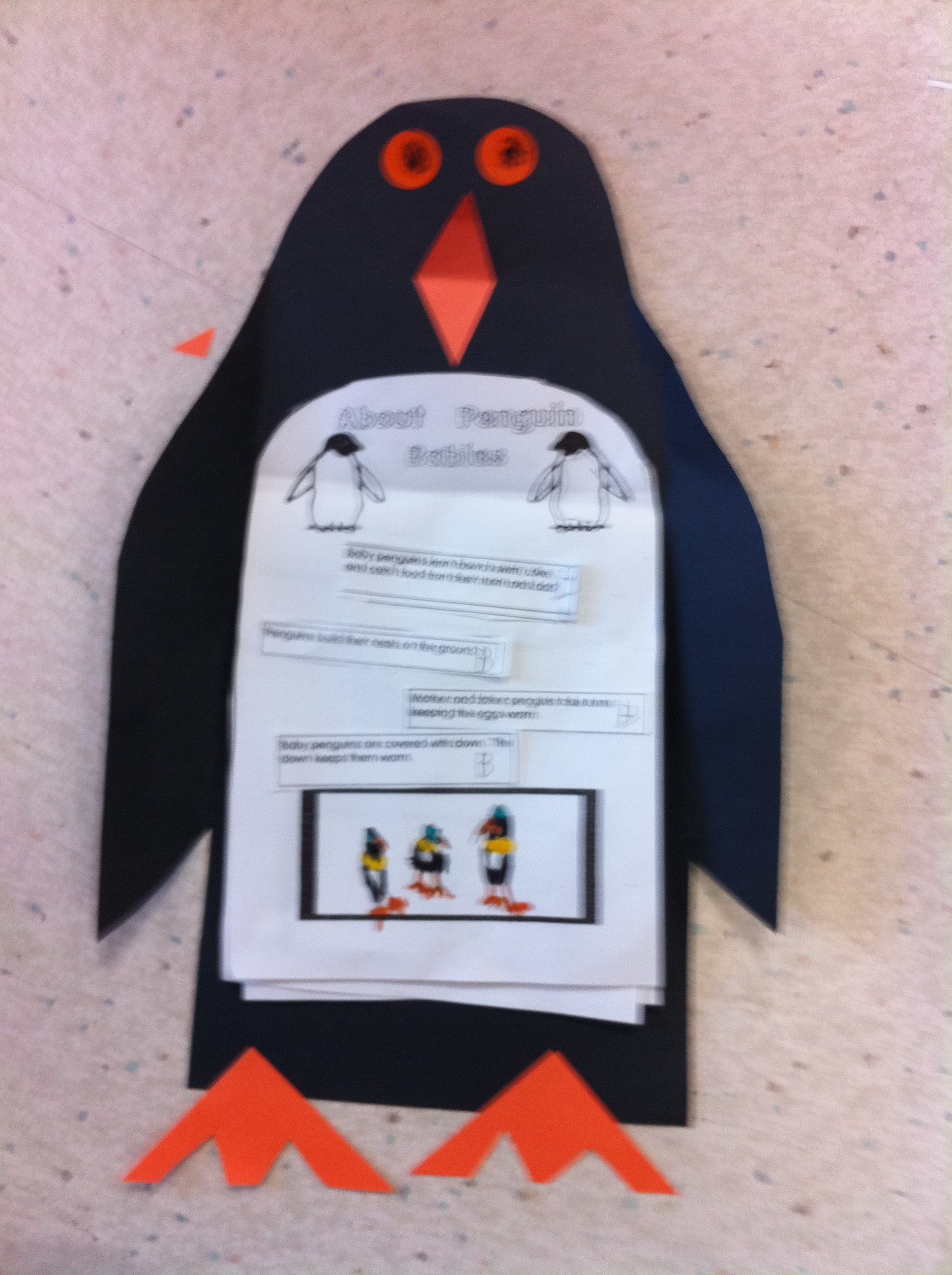
We sorted a set of facts that I have compiled for them into four different groups.  Then the children cut them out and glued them to the appropriate category page.  This is the result!  The children are quite proud of them!

john 100

saige and kynan 100

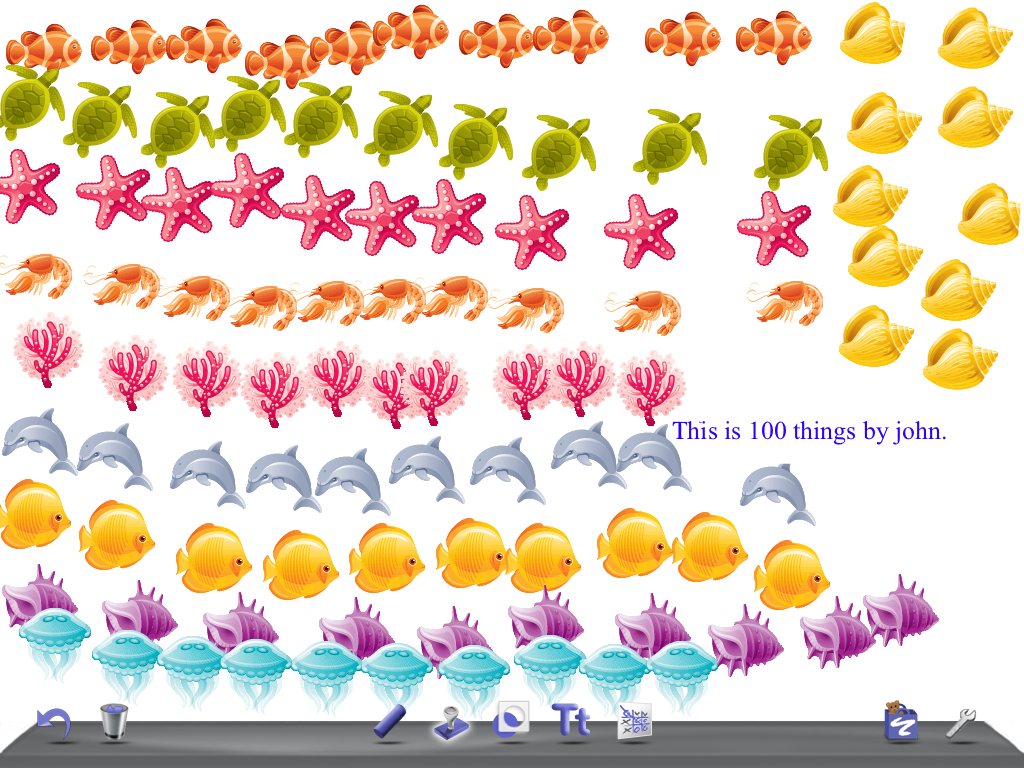
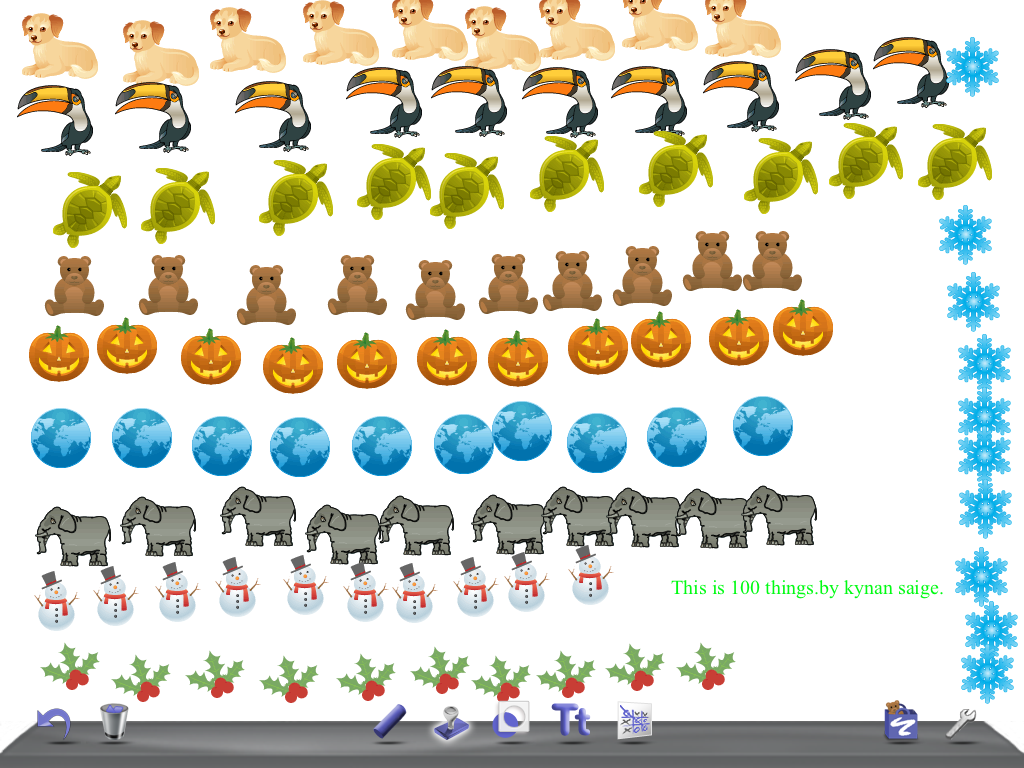
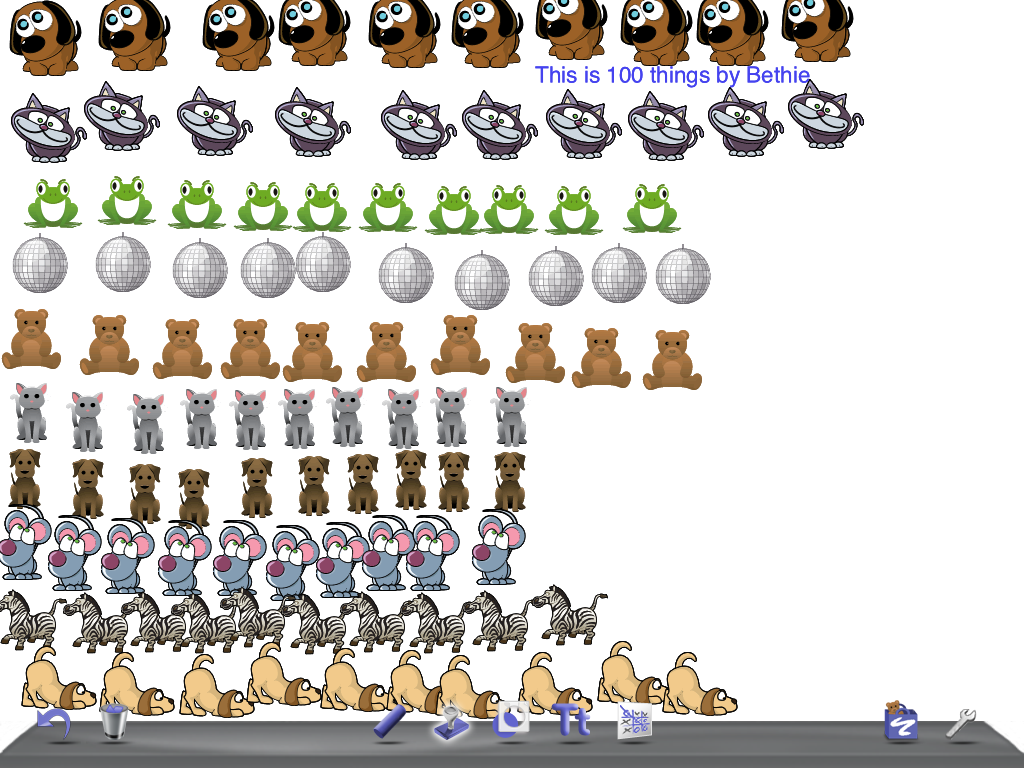
We are starting to work on place value.  We used the iPads and the app Doodle Buddy to learn about making 100 things.  The children had to make ten sets of ten different stamps using the stamp tool.

beth 100

They had a lot of fun and it was a great way of reinforcing the idea of  ten sets of ten!

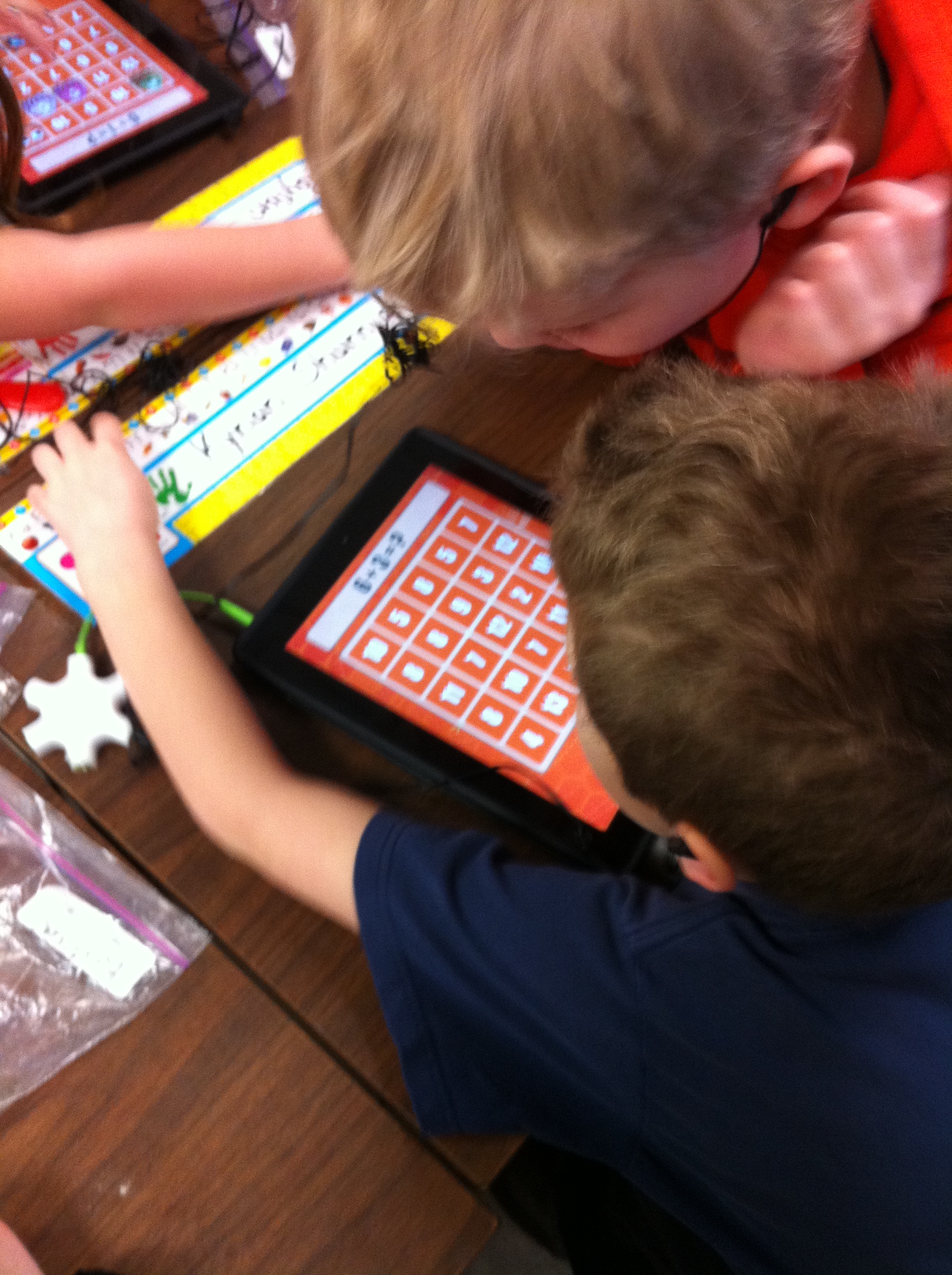
We have been learning a lot of different strategies to use to add.  The most recent strategy has been using the number line.  The children have learned to count on from the biggest number with counters and now they are using the number line to count on.  They like that it is much quicker!  I have introduced the app Math Bingo.

IMG_1378

It is a great app that allows them to practise their number facts in a fun way.  So far, we have only used the addition facts.  However this app lets them practise addition, subtraction, multiplication and division.  So this app could be good for big brother or sister too!  You can also find it on ABCYah!   You can see that they use their number line to help them figure out the answers!  Eventually, they will know them by memory with enough practise!

IMG_1344

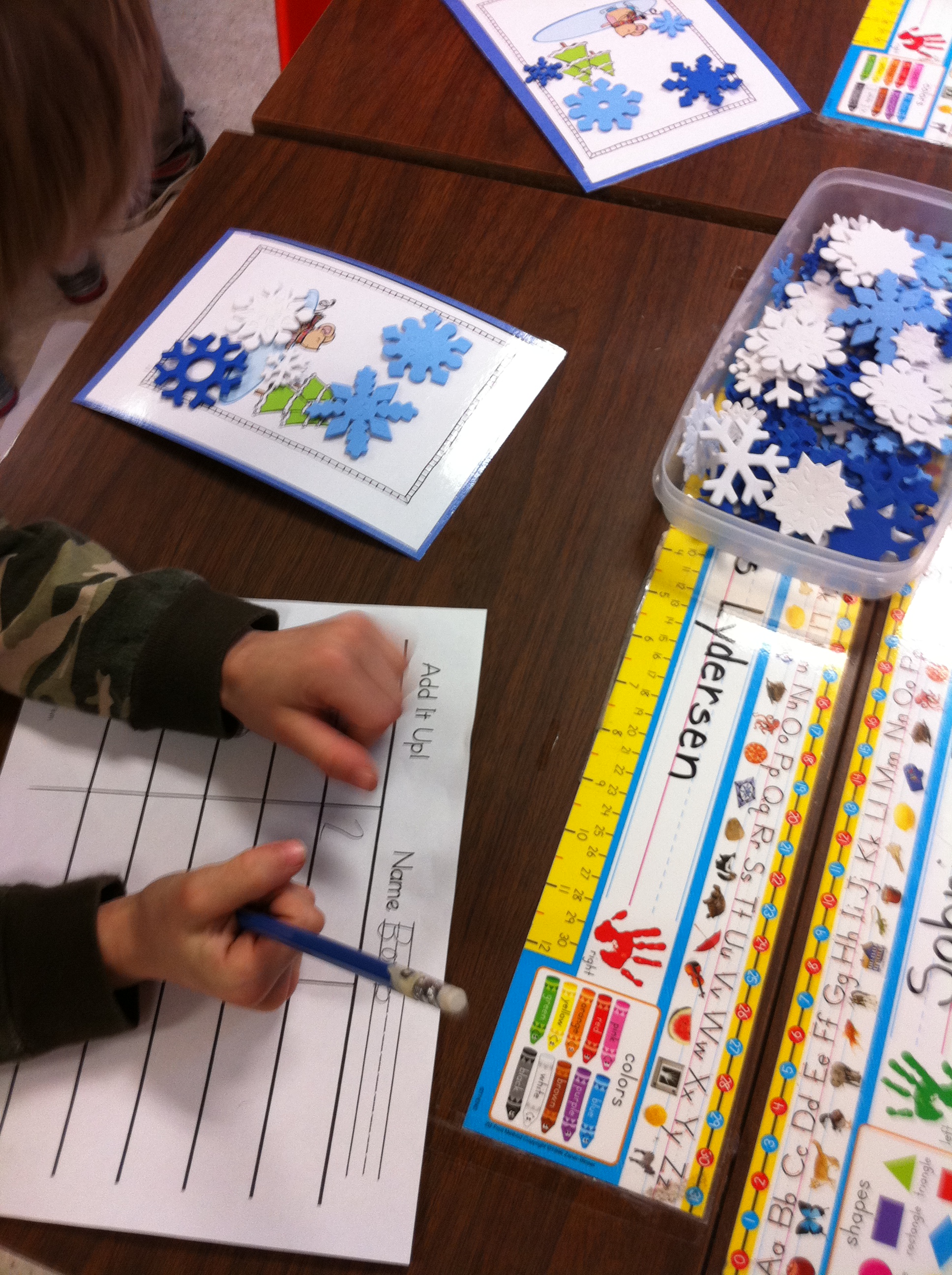
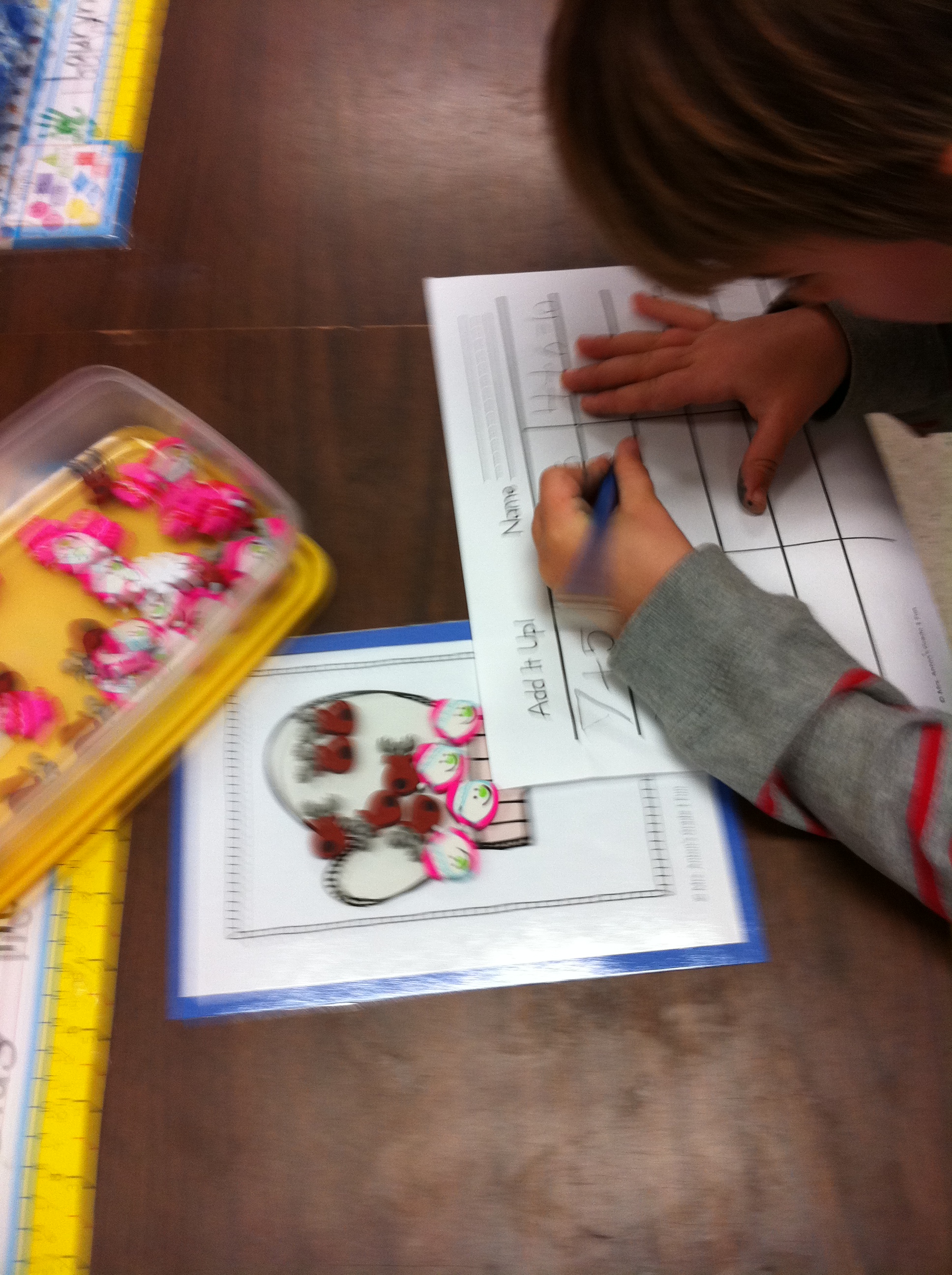
We have also been working with  some fun new counters playing Add It Up!  Everyone makes a story on their workspace and then they go around and solve their friend’s stories.

IMG_1343

Here’s another one of the snowmen!  Aren’t they great!

IMG_1368

Leave a comment

Filed under Doodle Buddy, iPads, My Story, Penguins, Winter

Counting Snowmen and Snowflakes!

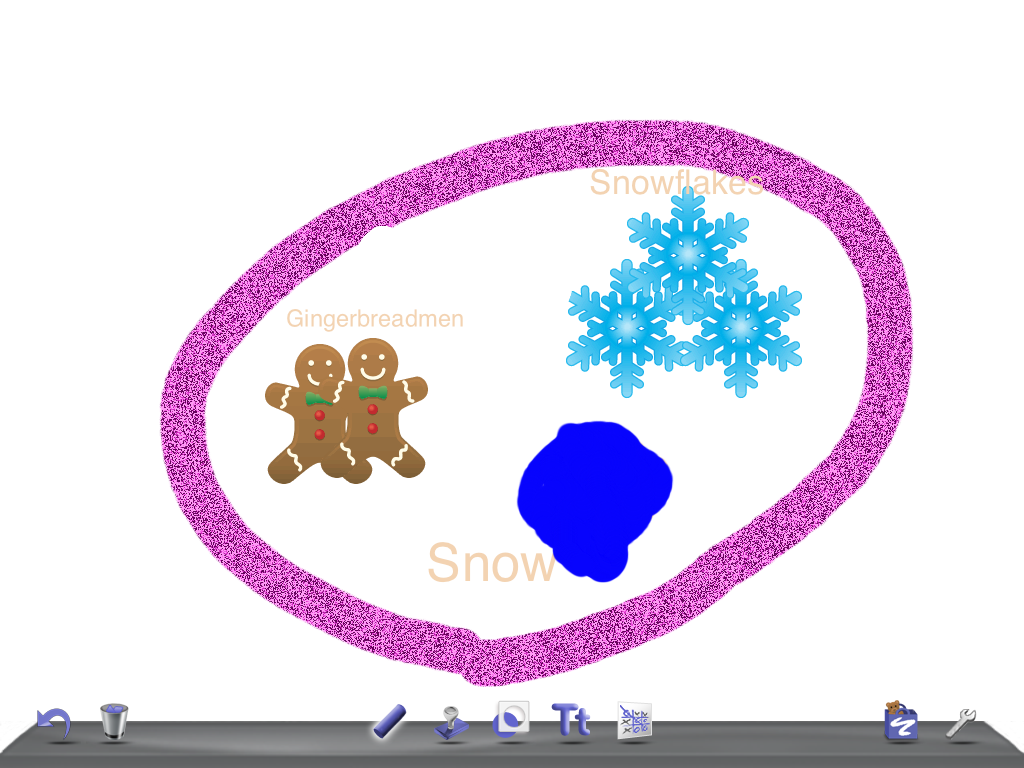
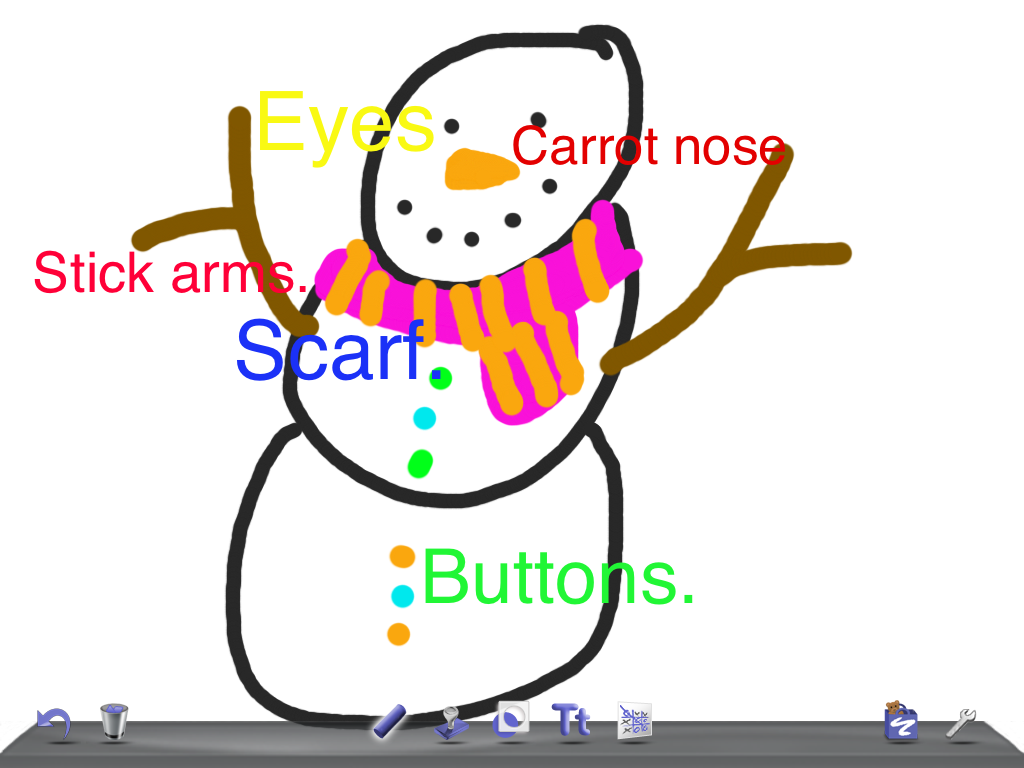
amyOver the past week or so we have been continuing to work on our Winter theme.  We have really been having fun with snowmen!  Some of the snowmen for our snowmen project have been coming in and they are fabulous!  We will be incorporating them into a writing project that we are creating with the iPads.  One of the first things we have done is to draw diagrams of snowmen using Doodle Buddy on the iPads!

snowman

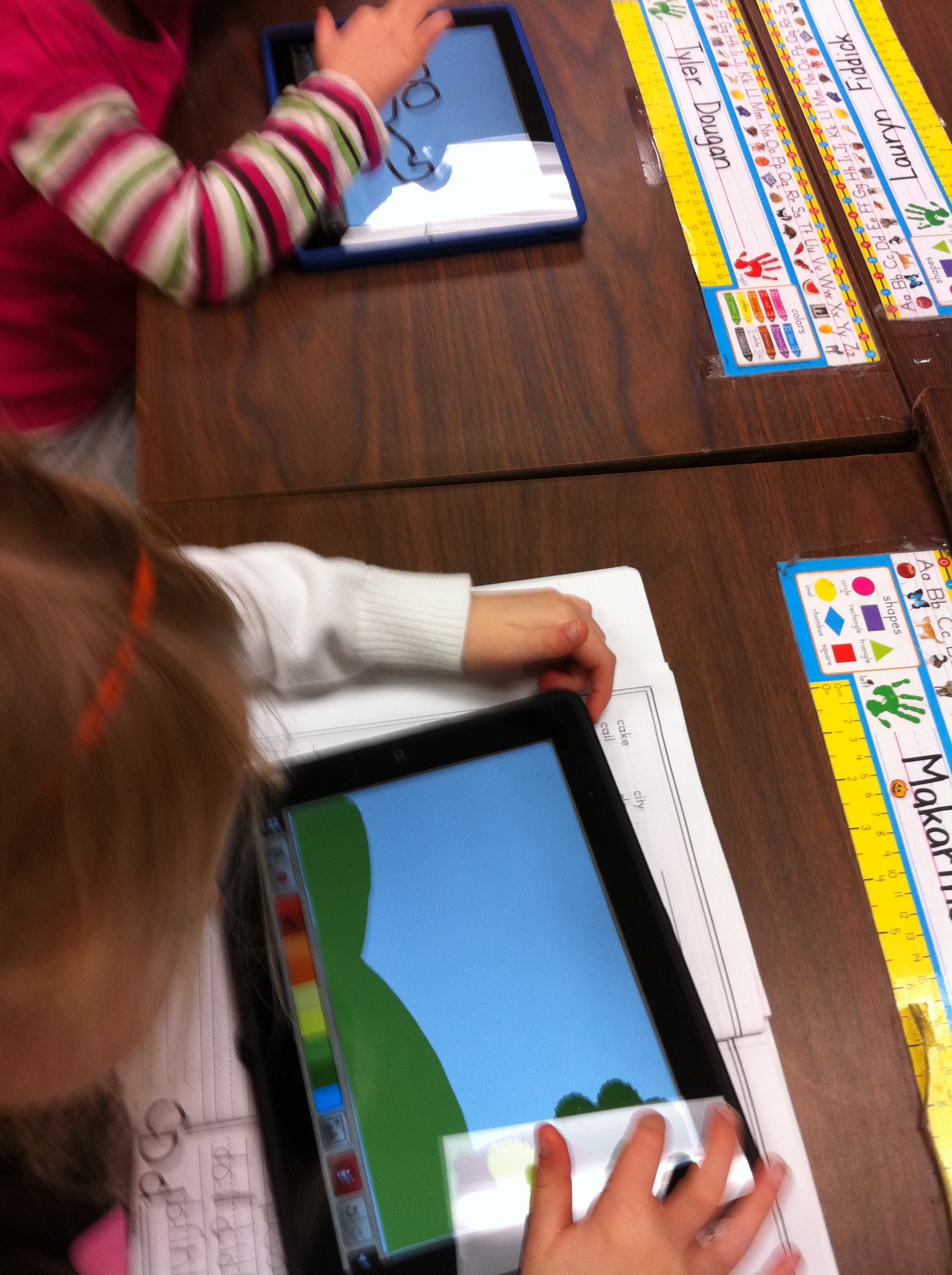
The children first have to draw the snowmen and then learn how to use text boxes to label them.  Quite an operation!  The children   have to learn how to create text boxes, add text, and then move the text box to the correct spot to label the picture.  Then we take a screen shot of their product so that we can use it in our book project!

IMG_1243

The children have also been working on the app My Story to create a “how to” book on How to Make a Snowman.  We learned how to create a story board to show what we wanted to create and what needed to be incorporated into each page.  Almost all of the children have completed the books and I hope to email them to you this week as soon as they are done!  We had some help figuring out why we couldn’t email them which was really appreciated!  Thanks, Ryan!

IMG_1306

IMG_1307 - Copy - Copy

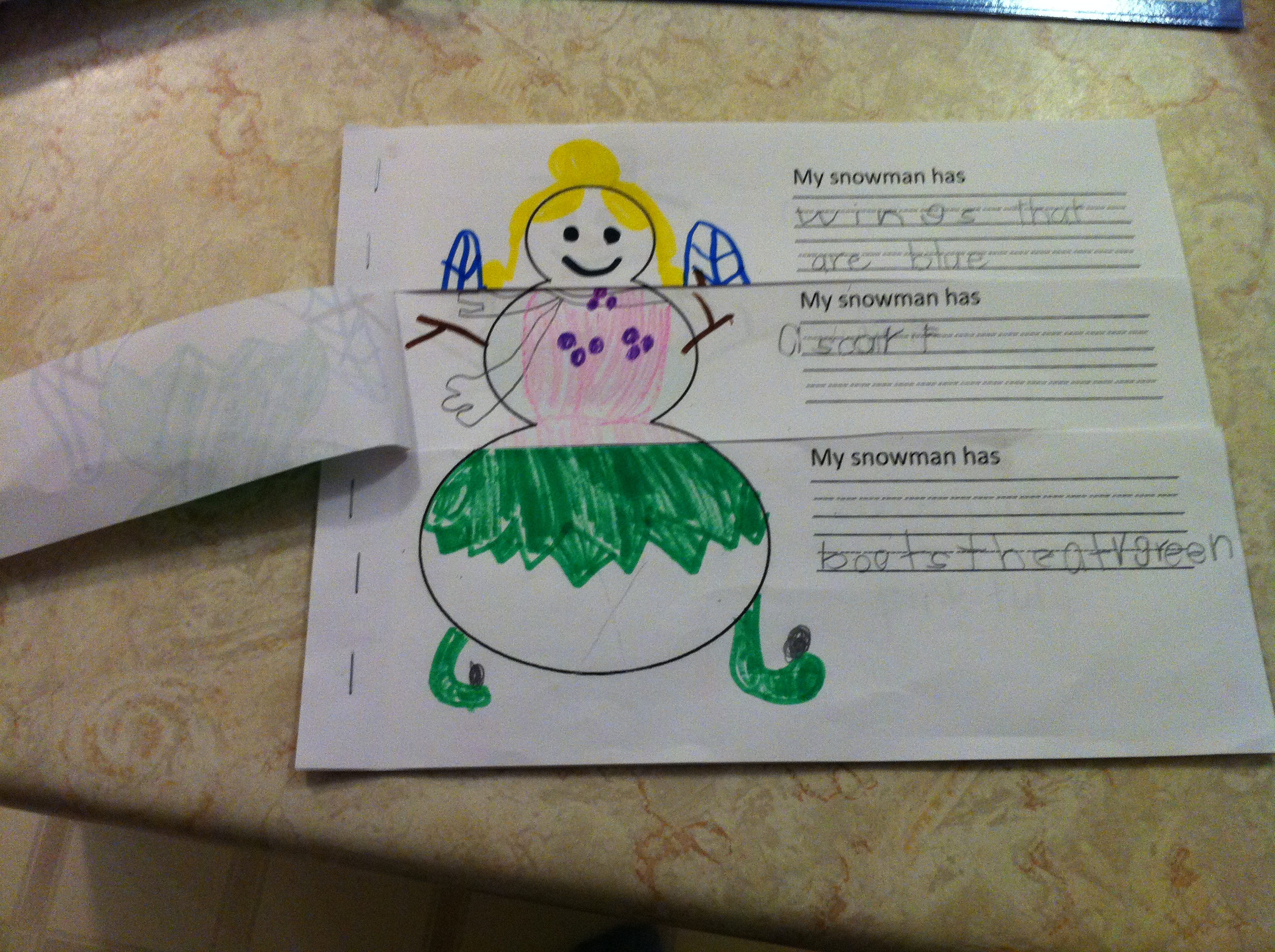
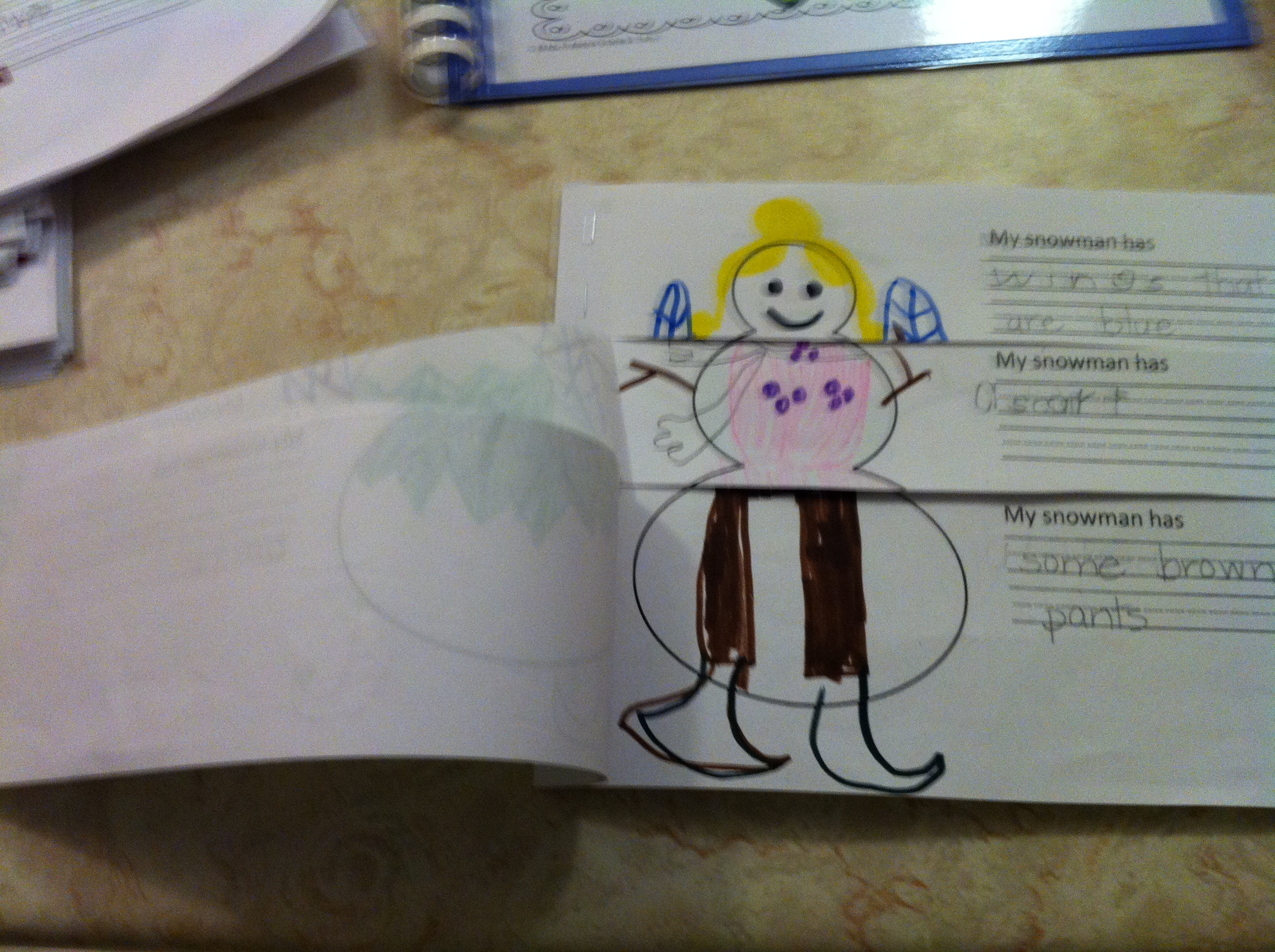
We also created a snowman flip book that is in the final stages of completion and should make it home to you shortly!  They did a fabulous job! Four snowmen turn into many, many snowmen with three cuts!  They had a good giggle at all the different snowmen they could create!

IMG_1258

IMG_1259

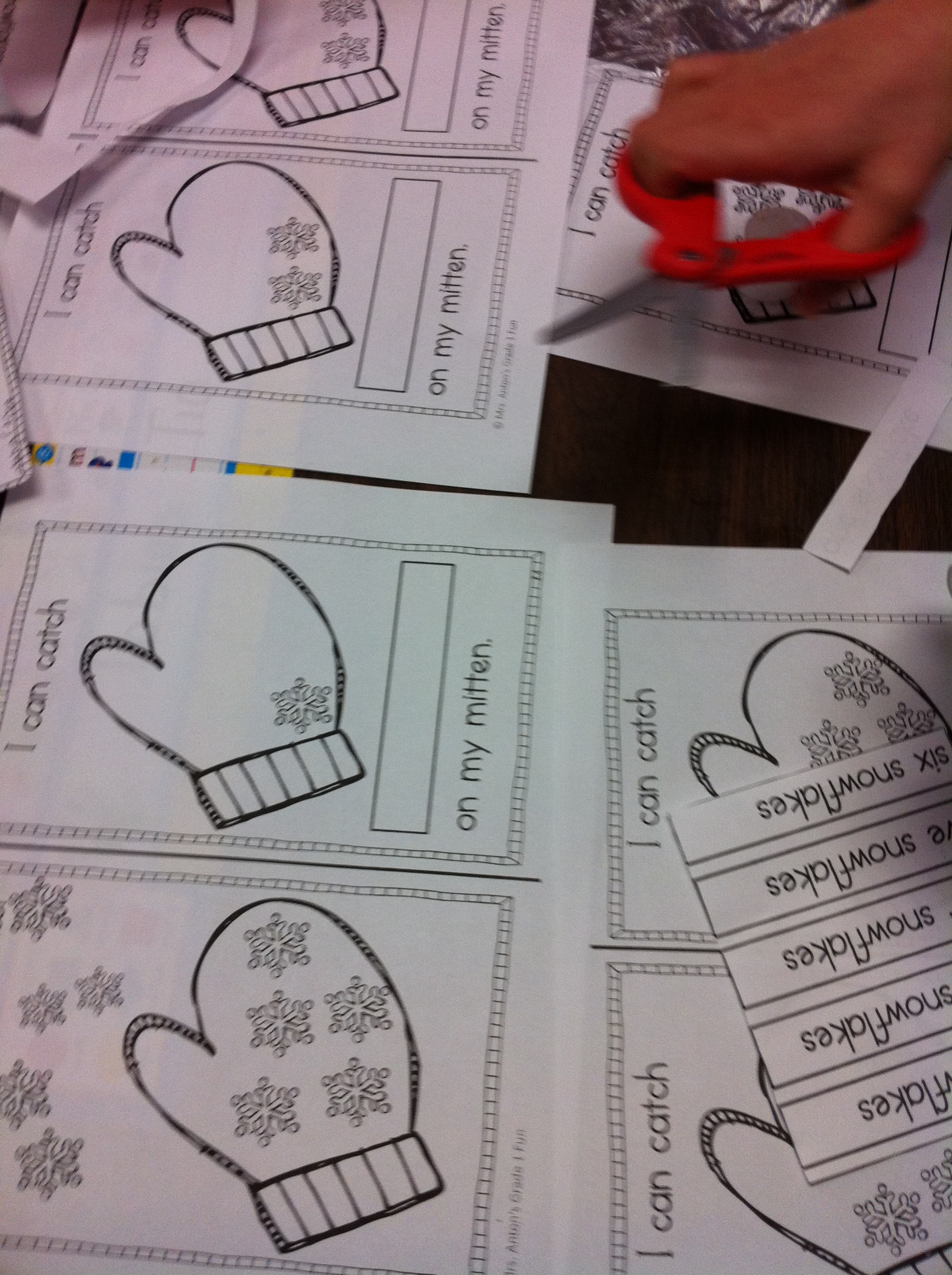
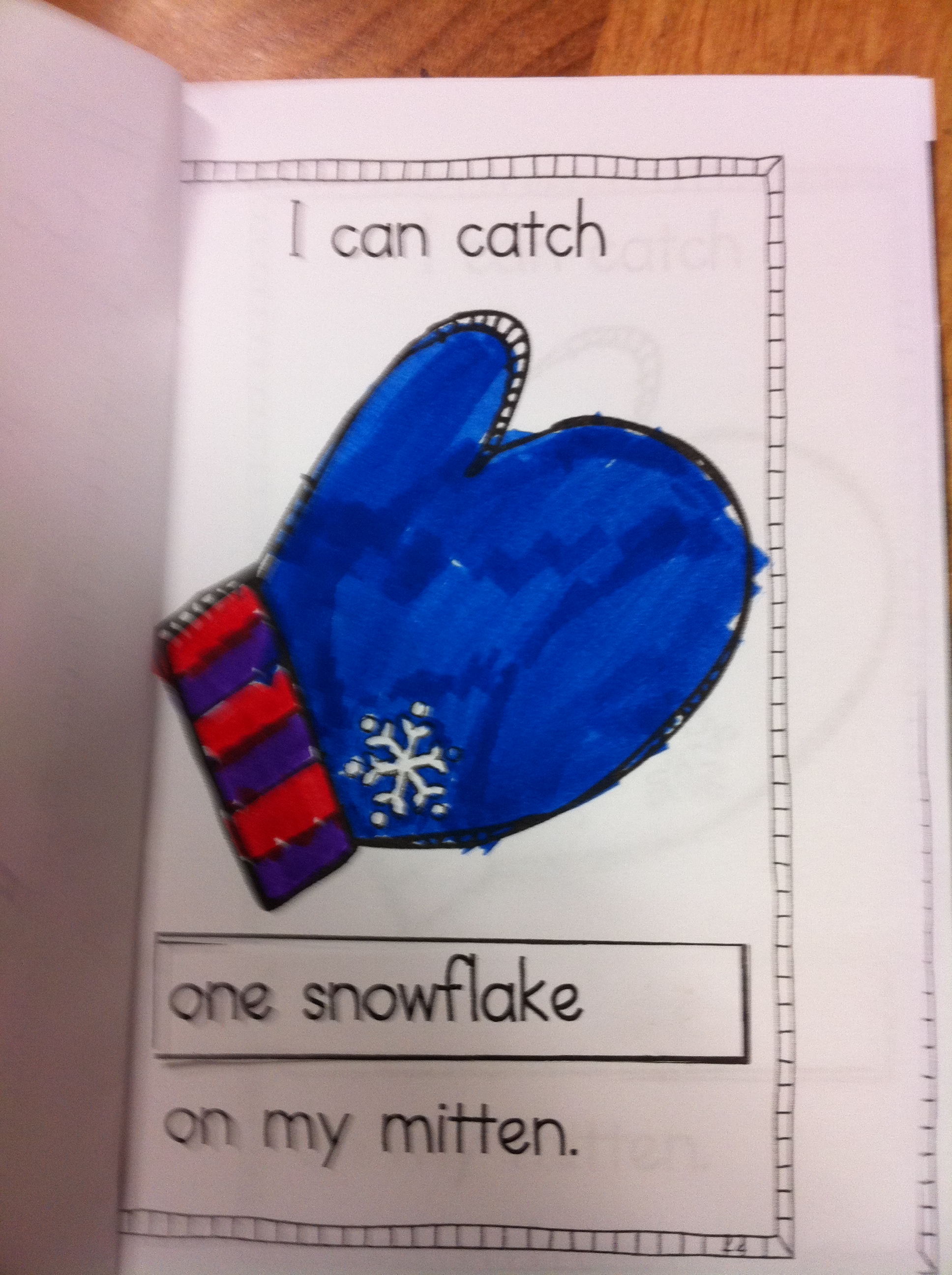
We also made a little mini book about snowflakes to practise learning about plurals!

IMG_1326

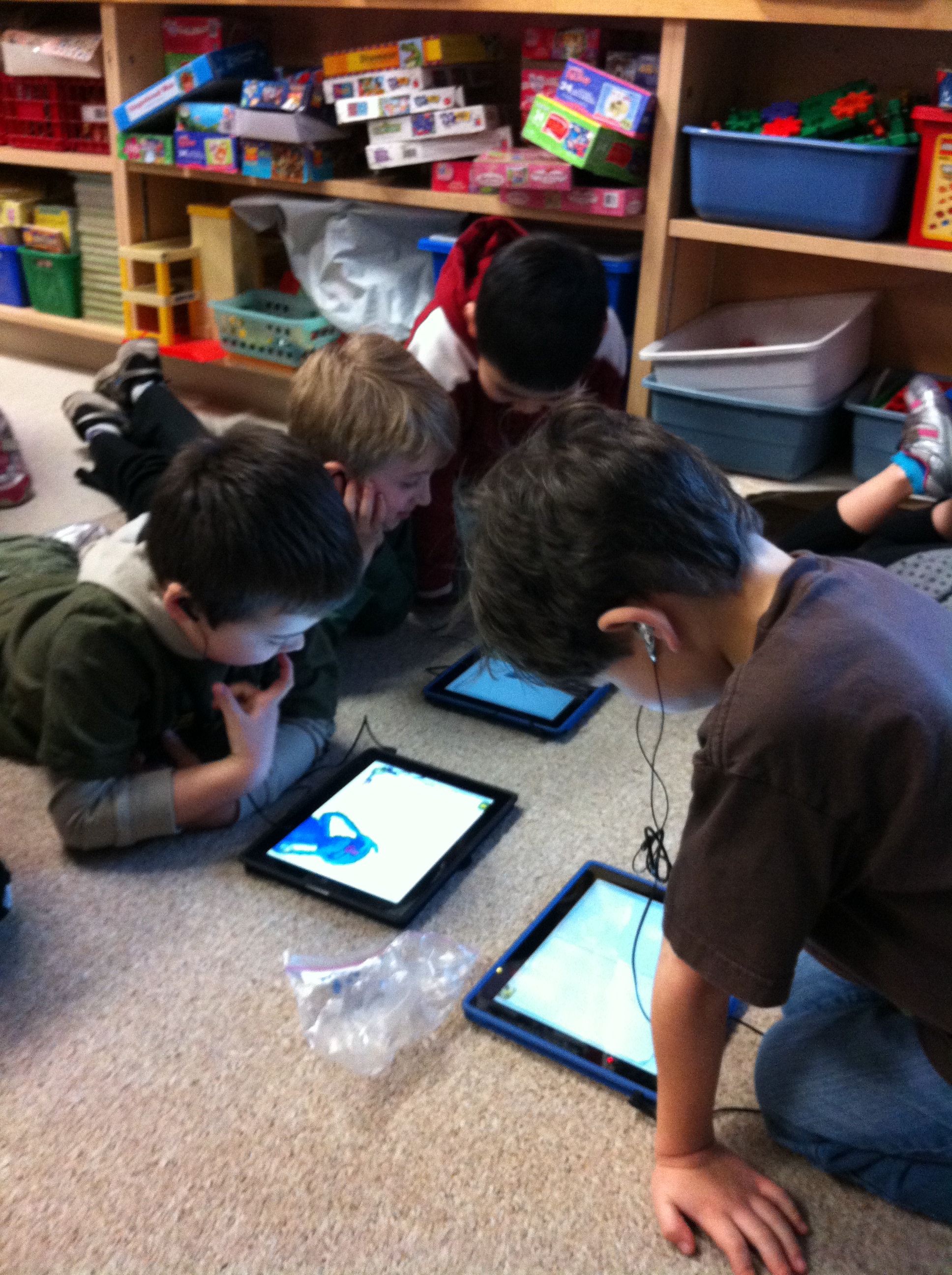
During silent reading time we have been using the iPads!  On Friday, the children used the app The Monster at the End of this Book which is a fantastic little app.  I never get tired of it and it was a treat to listen to  all the giggles when the children were viewing the book.  I like this app because it highlights each word as it is being read to the child.  We use our headphones during silent reading time so all I can hear is the giggles!  You can see that they are spellbound by the story!

IMG_1327

Leave a comment

Filed under Doodle Buddy, iPads, My Story, Winter

Meet our New Authors!

my story

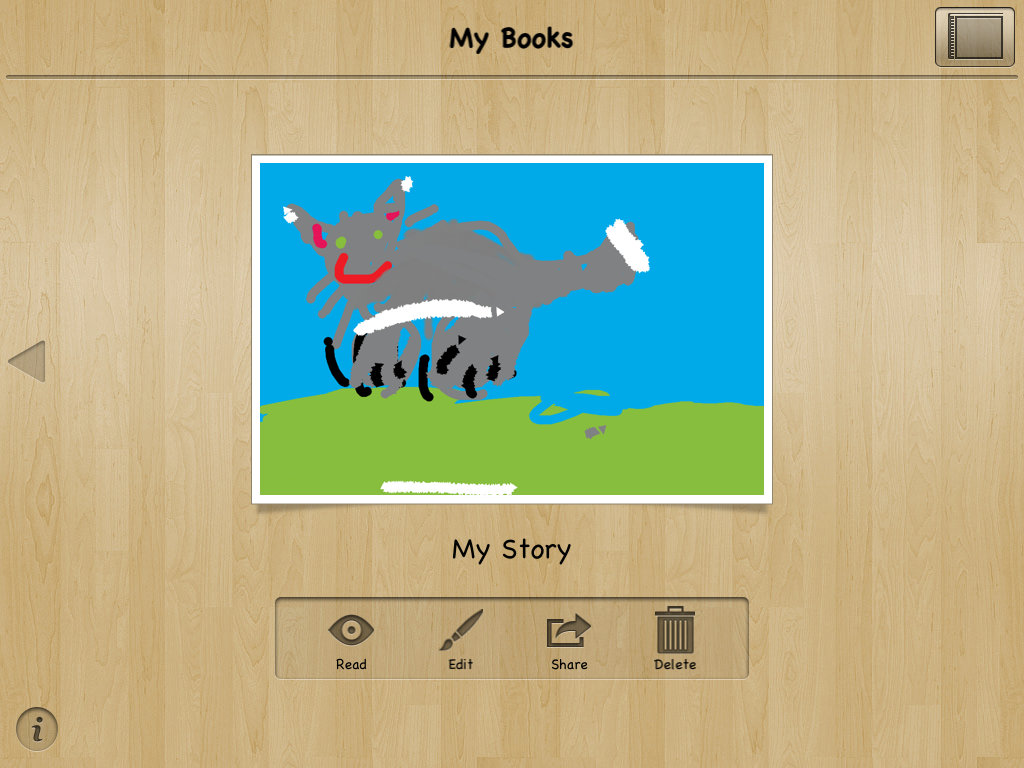
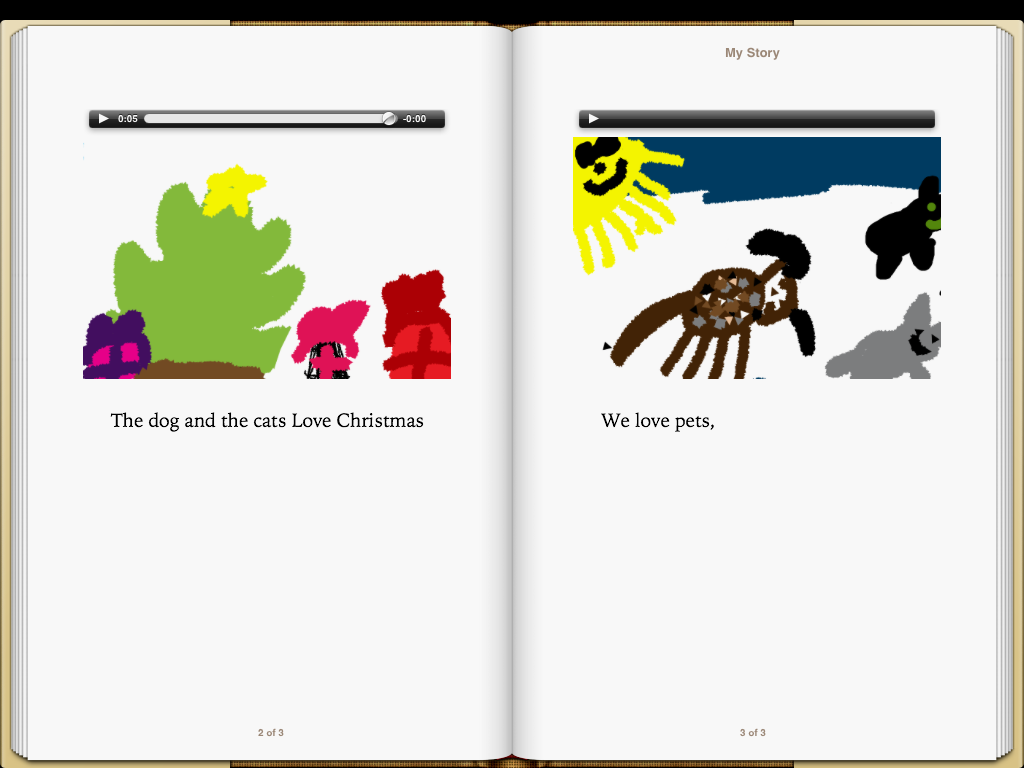
Today I introduced a new story writing app to the class and I have to say it was awesome!  The app is called My Story.  This app allows the children to draw pictures for each page, add text to the picture, and then record themselves reading the text on the page.  Too cool!  There is also the option to take a picture with the ipad or import a picture to use.  When it is complete you can choose an option to read your book.  But that’s not all!  You also have the option to email the book to someone or export it to your iBook library.  It comes up as a real book on your digital bookshelf!  Too much fun!


beth my story

I had played around with it at home and created a little book for a demo.  I showed the students my little book and then showed them how to create their own.  Well!  Off they went!  The pictures are amazing!  I love the drawings on the ipads because they are so vibrant!  For some reason, the children really go the extra mile on their pictures when they draw on the ipad and are often willing to make numerous revisions of their work.

Take a look at this picture!

markartnee story

They wrote their own sentences to go with the pictures with a little help from their dictionaries and some key words on the whiteboard.  Not bad for a first effort.  Their little voices narrating their stories is the icing on the cake.

The completed stories were saved to the iBook library.  For some reason I was not able to email the stories today but I was able to email my story to myself at home so I imagine it is a little glitch that I will have to overcome at school.  Hopefully I will be able to email you a copy of one of your child’s books soon!

IMG_1238

When the children had completed their stories we put them up on the big screen for everyone to see and hear!  Love the projectors we have in the classrooms now.   Just a great way to share work!

I have to say that their books were much, much better than mine!  Can’t wait to see what they create next time!

Leave a comment

Filed under iPads, My Story