Category Archives: Doodle Buddy

The iPads are Here Again!

IMG_1069Today was awesome!  The iPads for the iPad project arrived today!  I definitely did a happy dance!  I unpacked them from the cart and we got started right away!  I wanted to have the children get oriented with the iPads and we had a talk about how we need to take good care of them.  Then we got started!
emma m pic

The first program I showed them was a favourite of mine from last year’s project called Doodle Buddy!  Doodle Buddy is an awesome tool for drawing and writing.  I use it for almost anything.  This morning and this afternoon we used it to draw, do some spelling, and make some patterns in math!

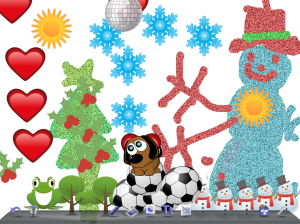
First we learned how to use the tools in this program to draw.  Here are some samples of their work!  Love that glitter pen!
pic2

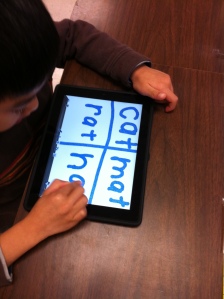
We also did some spelling and simple word families using Doodle Buddy.  Basically we used the ipads as our own personal whiteboards!  Works just great!
IMG_1072

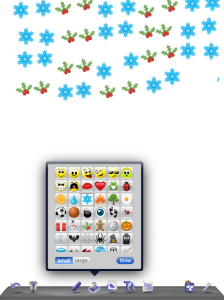
Later in the afternoon, we used Doodle Buddy to make simple patterns using the stamps.  We just used the Christmas ones.  After the children had started their patterns, we got up, went to a friend’s iPad and continued their pattern.  Lots of fun and learning too!

IMG_1081

photo (1)

We also worked with an old favourite from last year called I Like Books.  It has a lot of different stories that the children can either listen to, read with, or read by themselves.  I had the children use their headphones from the computer lab to listen to the stories.  Why didn’t I think of that last year!  It worked great.

IMG_1077

This last weekend, I picked up a really cool headphone accessory!  It allows five headphones to plug into one iPad!  Really worth it!

IMG_1079

See, wasn’t it an awesome day!
Leave a comment

Filed under Christmas, Doodle Buddy, iPads

Don’t Let the Water Out!

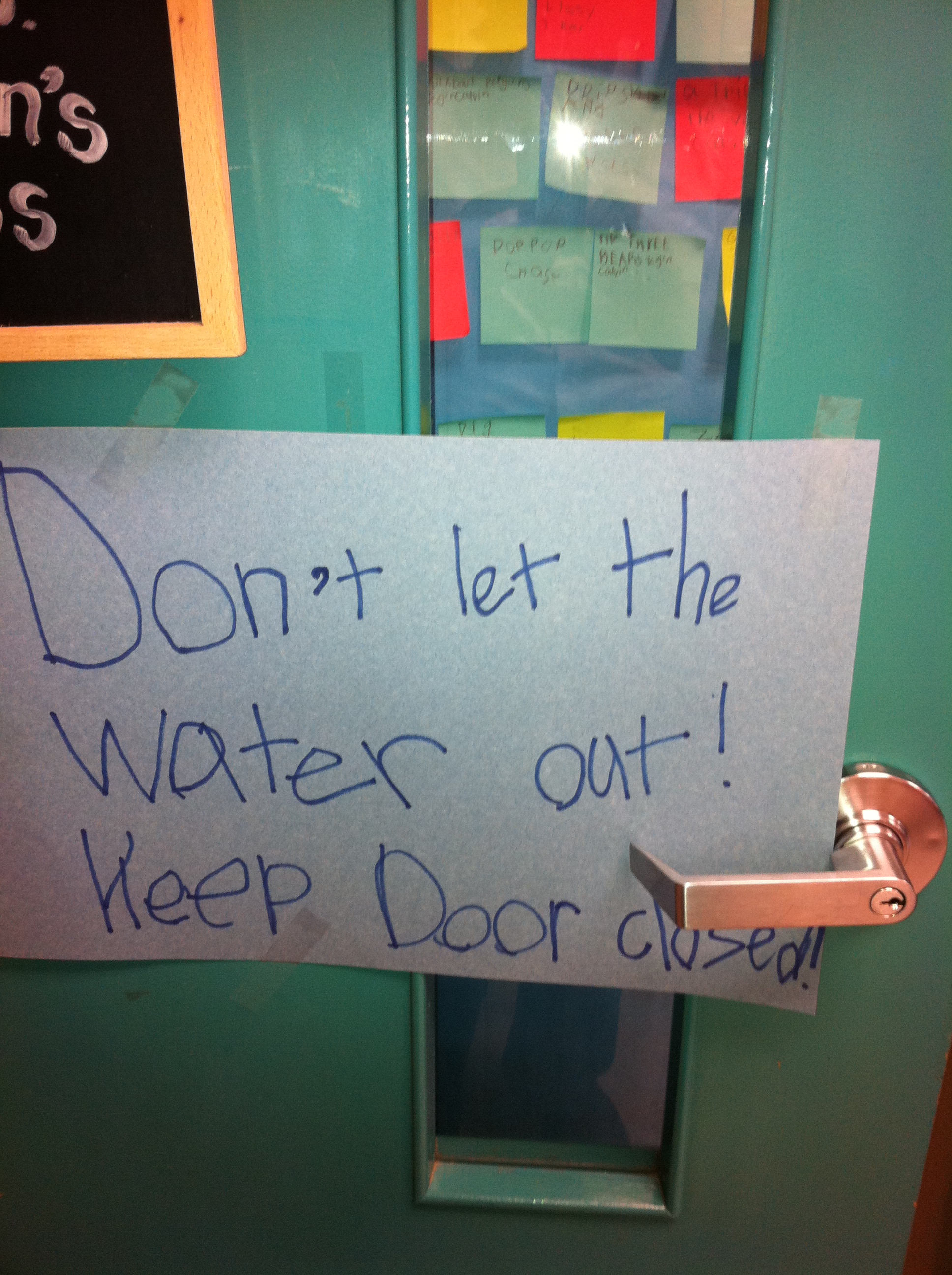
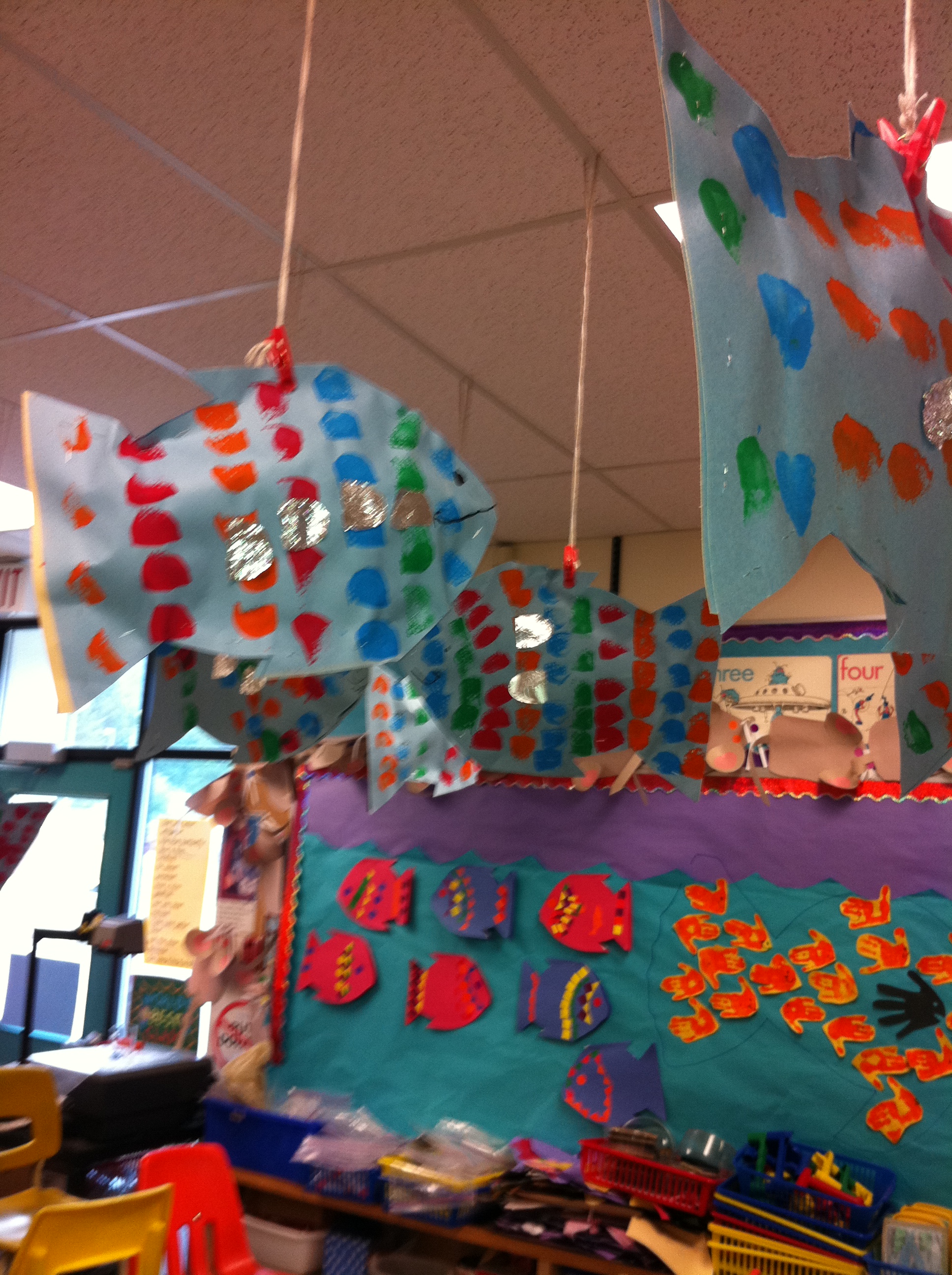
Today we had a lot of fun doing “fishy” things!  We have been working on a seashore/ocean theme and today we put together our Rainbow Fish.  The children worked on symmetrical printmaking on a fish shape and today we stuffed the fish and added the shiny scales to make our Rainbow fish.  We watched the video based on the cool book called The Rainbow Fish.  It is a great book about sharing.  We hung our fish from the ceiling and of course the room is now filled with water for our swimming fish!  Hence the signs on both of our doors!

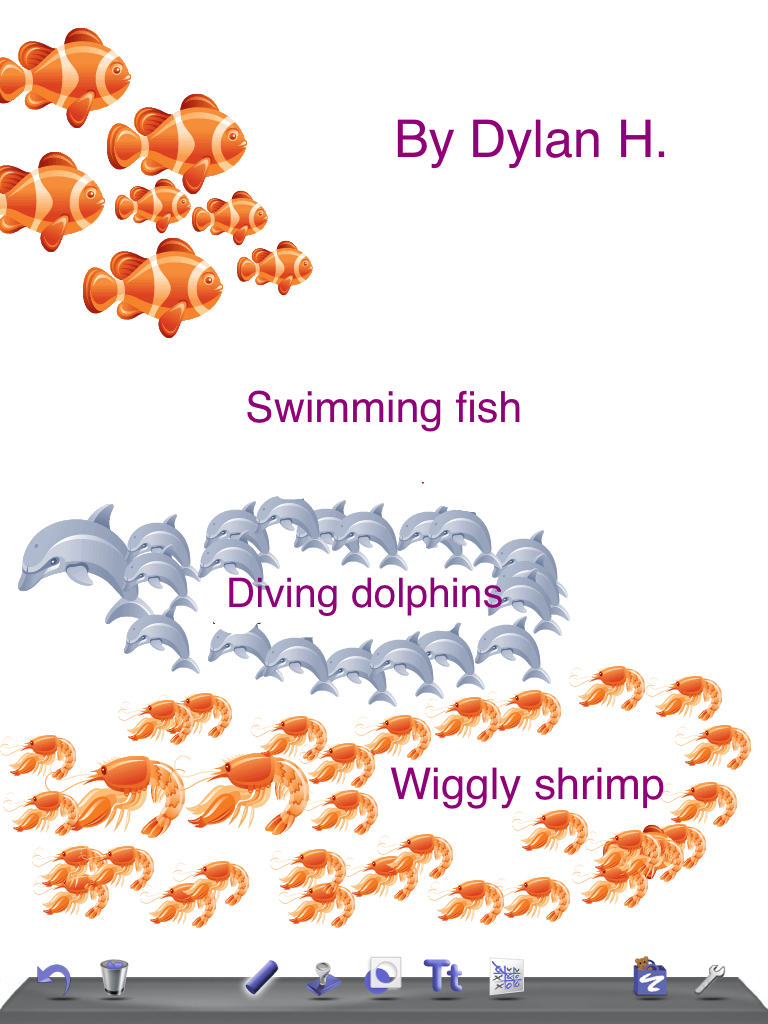
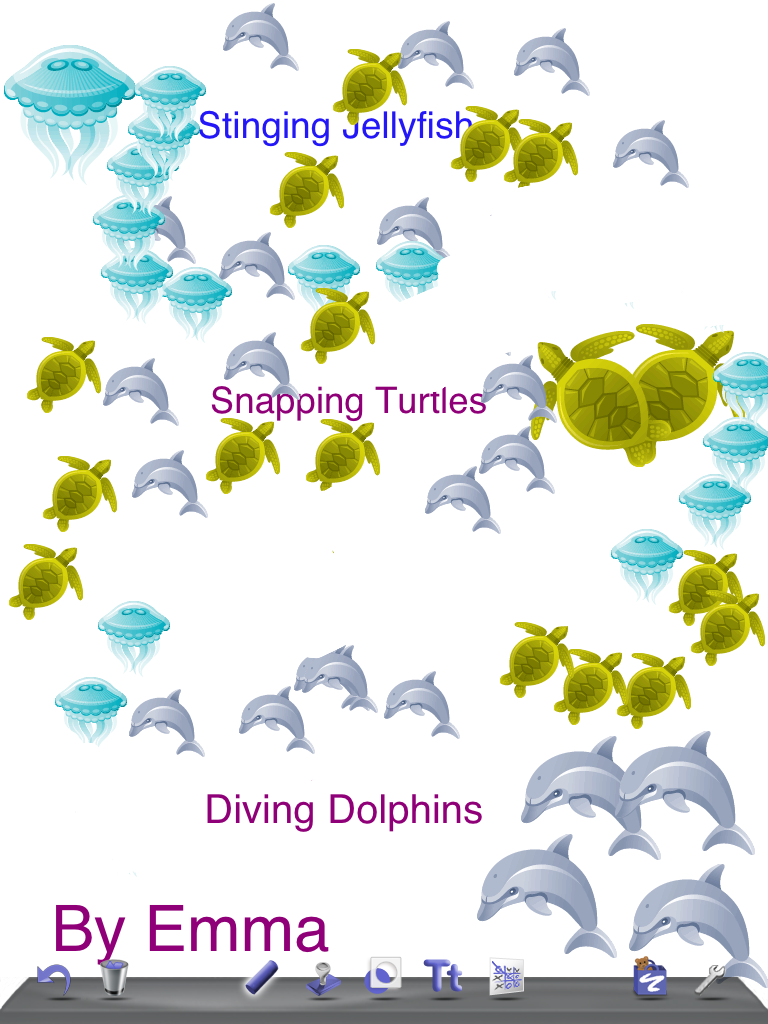
We also had some fun with the iPad writing a little poem about the ocean using Doodle Buddy.  First, we brainstormed words to go with the ocean stamps in Doodle Buddy.  Then the children chose three stamps to make a short poem.  Using the text boxes they put in their choices of ocean animals with a describing word.  Then they illustrated their poem using the stamps.  I found this cool idea on a really neat blog called ilive2learnilove2grow.  I even like the name of the blog!  Sounds like a great way to look at learning.


Yesterday I added a new link to the WIKI.  We now have access to the site TumbleBooks.  It is a really awesome site of excellent reading material.  Make sure to check it out!

Leave a comment

Filed under Doodle Buddy, Ocean, Tumble Books

I Wish I Had 100?

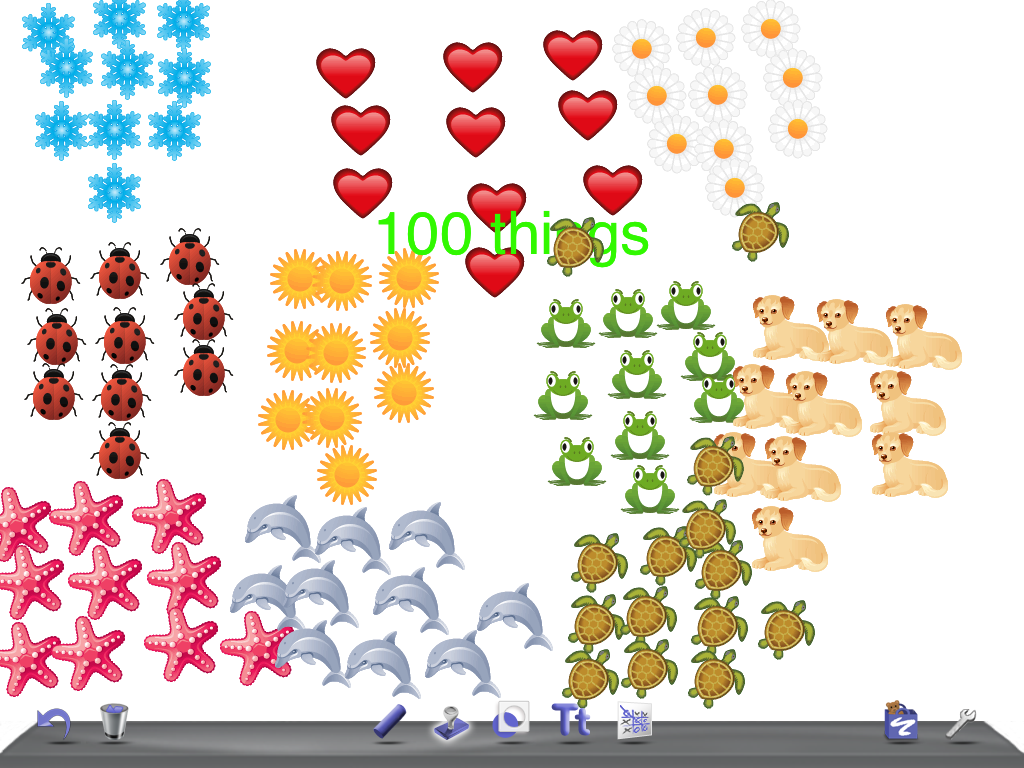
Today we talked about 100.  If we could wish for 100 of something what would we wish for…. If we could eat 100 things what would it be?  What kinds of things would we prefer not to eat 100 of…. What could we make 100 of?  We got some really neat answers.  The children brainstormed items for each category.  Then they chose the ones that matched their personal preferences to complete the story frame.  The final item was to indicate what they liked best about our 100 day celebration.  They liked the 100 day cake, the 100 fruit loop necklace, the 100 trail mix snack, reading 105 stories together, and making 100 stamps on the iPads the best. To culminate the activity we mounted their story frames and then they had to surround their story frame with 100 stickers!  10 sets of 10 equals 100!

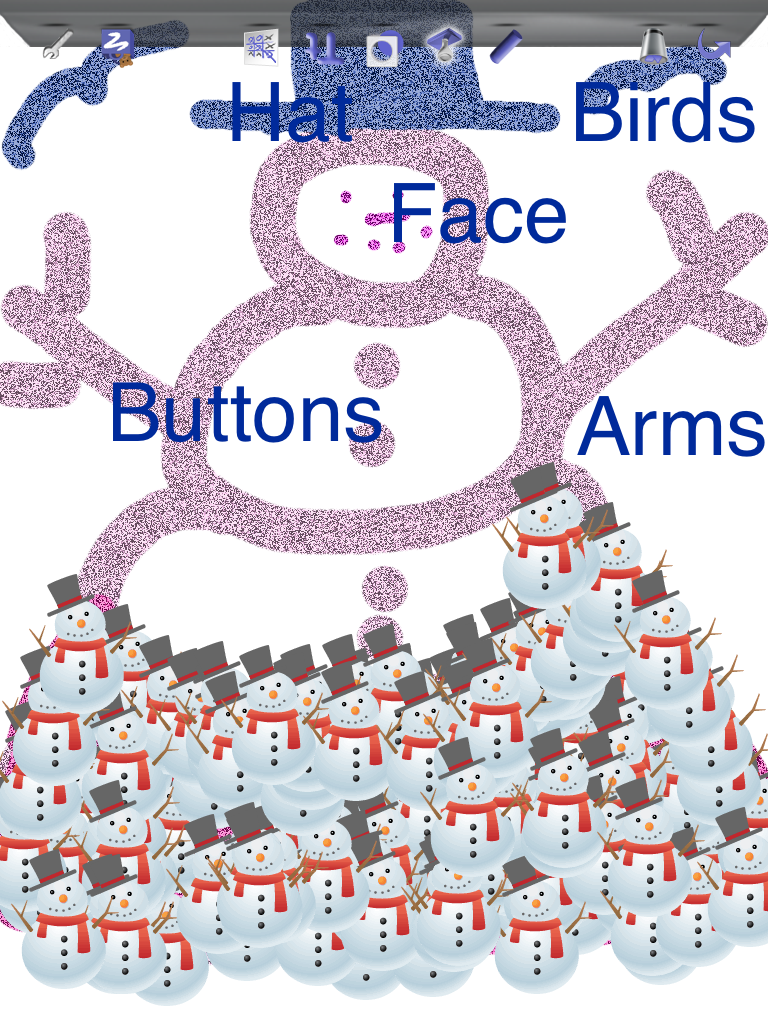
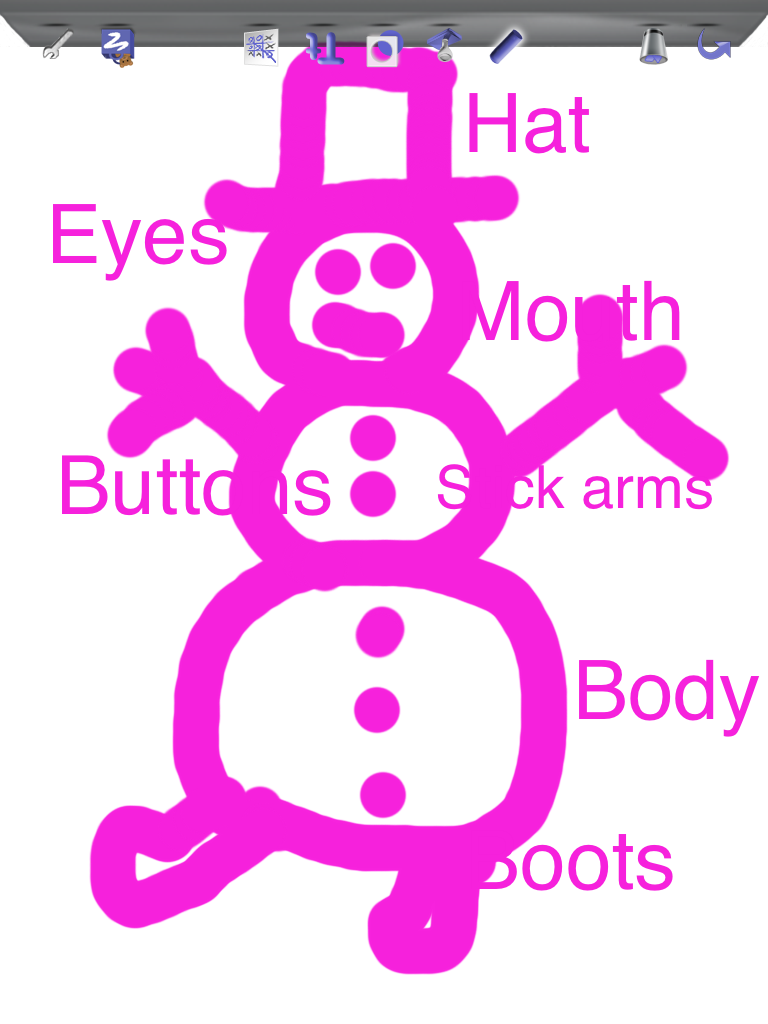
I promised to post more of the snowmen pictures made by the parents at our iPad open house!


Have to admit that I really miss the iPads!  Wish I had 100 of them!

Leave a comment

Filed under 100 Day, Doodle Buddy, iPads

Finishing Up

Today we worked on finishing up our books.  We had some pages that needed to be tweaked!  I have uploaded all the books to the Pictello server and made PDF copies of all the books that were created.  After our Show and Tell Day I will email these to each family that would like a permanent record of their child’s work.

Our books have four pages in them.  Each page represents a project.  Each project explored different concepts and provided a variety of learning opportunities.   The books themselves take only a minute or two to view but they represent hours of  learning.  I think that the children really liked creating their projects on the iPads and are eager to share their efforts.  I am very, very, very proud of the work they did!!  And the best part is that they had a really good time doing it!  I bet they didn’t even realize that they were learning!

We are also sadly finishing up the time we have with this project.   We have had the iPads for five weeks.  I wish we could have them forever…..  They are moving on to the next lucky group of students and teachers next week.  We will have our final day with them next Friday.  They have been an absolutely fabulous addition to our classroom and our learning.   Boy, will we miss them!

Leave a comment

Filed under Doodle Buddy, iPads, Pictello, Snowman Project, Story Buddy, Winter

100 Day Activities!

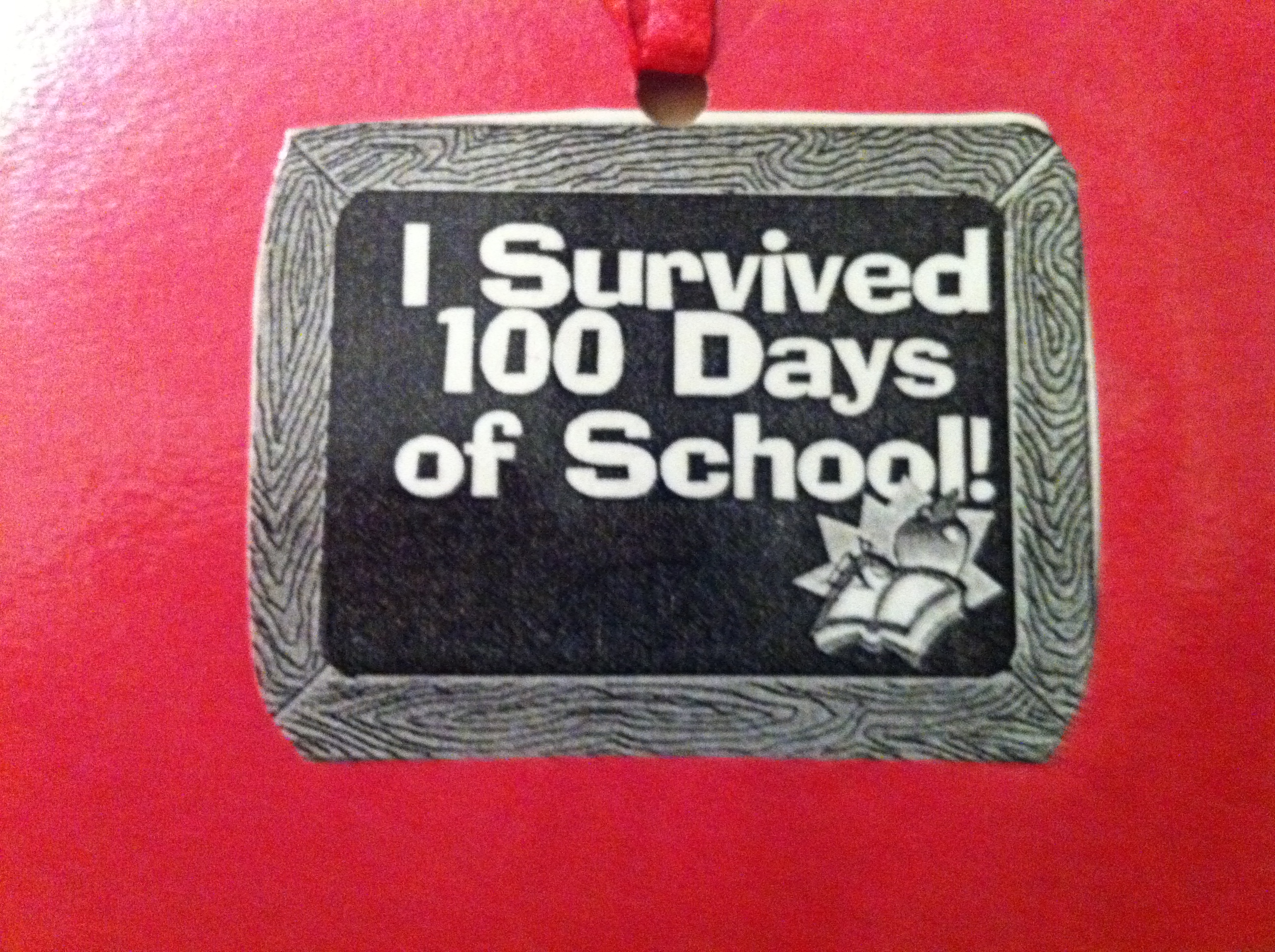
Today was our 100th Day of School!  It was a very busy day!  Each child got a necklace that said “I Survived 100 Days of School” to wear today!  We did a lot of things centered around 100.  As a group we read over 100 stories.  The children partnered up and read stories to each other.  After reading the story they copied the title of the story on a post-it, signed both their names, and then added the post-it to a big chart.  It didn’t take long to get over 100 post-its on the chart!  That’s a lot of reading.  As they were working on the reading, small groups practiced counting to 100 by counting out 100 fruit loops to make a fruit loop necklace.

As today was anti-bullying day, everyone got a pink T-shirt to wear and we went to an awesome anti-bullying assembly!  Very impressive!  We saw some amazing skits, singing, dancing, and presentations.  Lots to think about…

When we got back from the assembly  the children took their 100 collections that they had brought from home and put them on a 100 grid.  We took pictures of all the collections.  Because the desks were full of our collections we had our lunches as a picnic on the carpet!  Then we continued to work on 100 by counting to 100 and doing a 100 dot to dot.

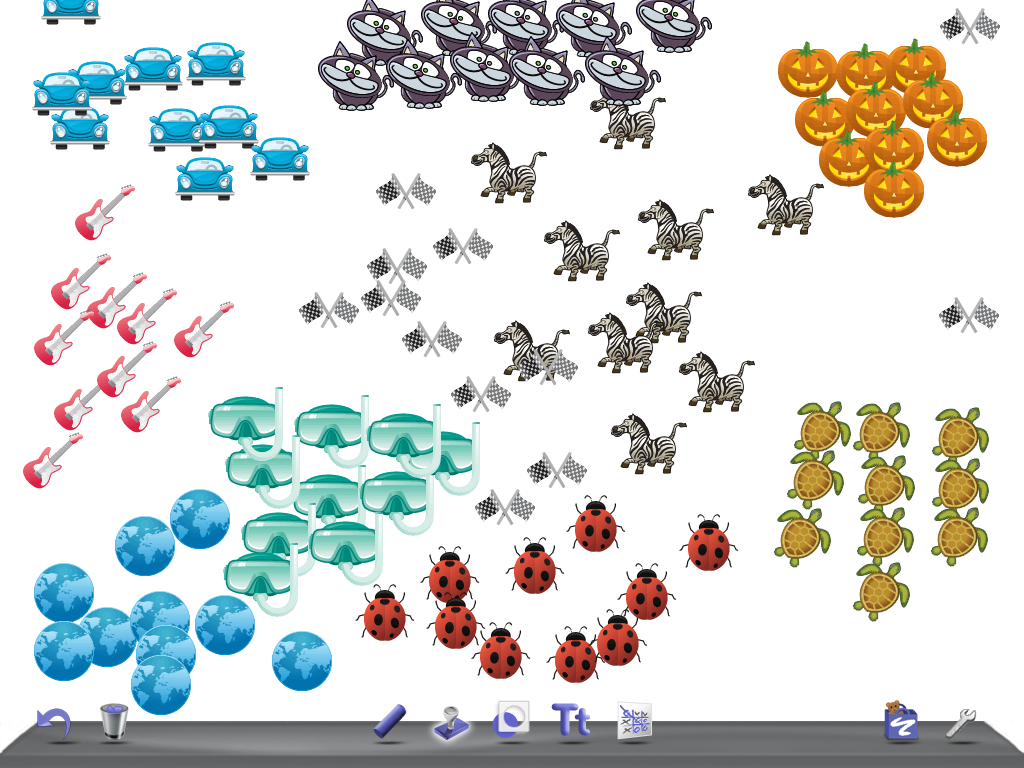
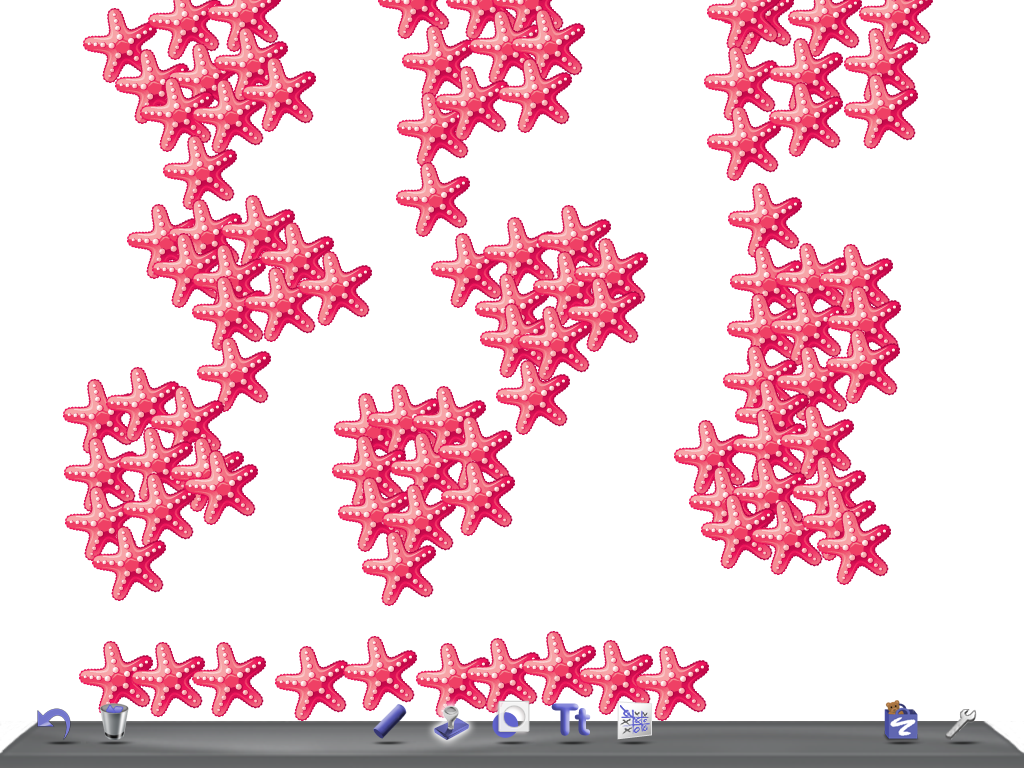
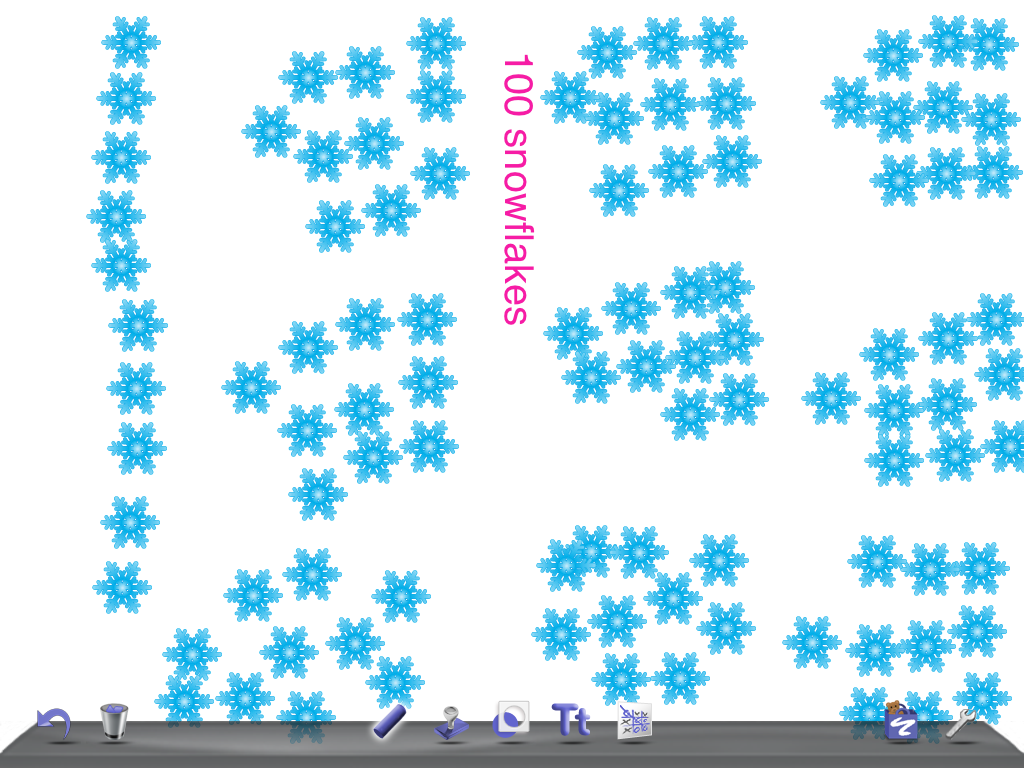
We used the iPads today  to show 100.  We used the Doodle Buddy app.  The children used the stamp tool to make 10 sets of 10 stamps.  We got some really cool collections of stamps!

We also made a 100 “trail mix”.  The children counted out 10 of 10 different food items for 100 things to eat.  We put them on the grid to make sure we had 100 and then we got to eat 100 things!

And then we sang Happy 100 Day to Us and had some cake!  Yum, yum!

Leave a comment

Filed under 100 Day, Doodle Buddy

Working with Doodle Buddy

Today we worked with the iPads using a variety of apps.  We started off working with Sight Word Bingo.  This is a cool app that lets the children practise their Dolch word lists.  They can choose the list they are currently trying to master and play Bingo, practise spelling the words, and quick recognition games.  The children seemed to really enjoy this opportunity and it certainly was more fun and interactive than flash cards!  I was happy to see that the scores seem to be improving with each go round. 

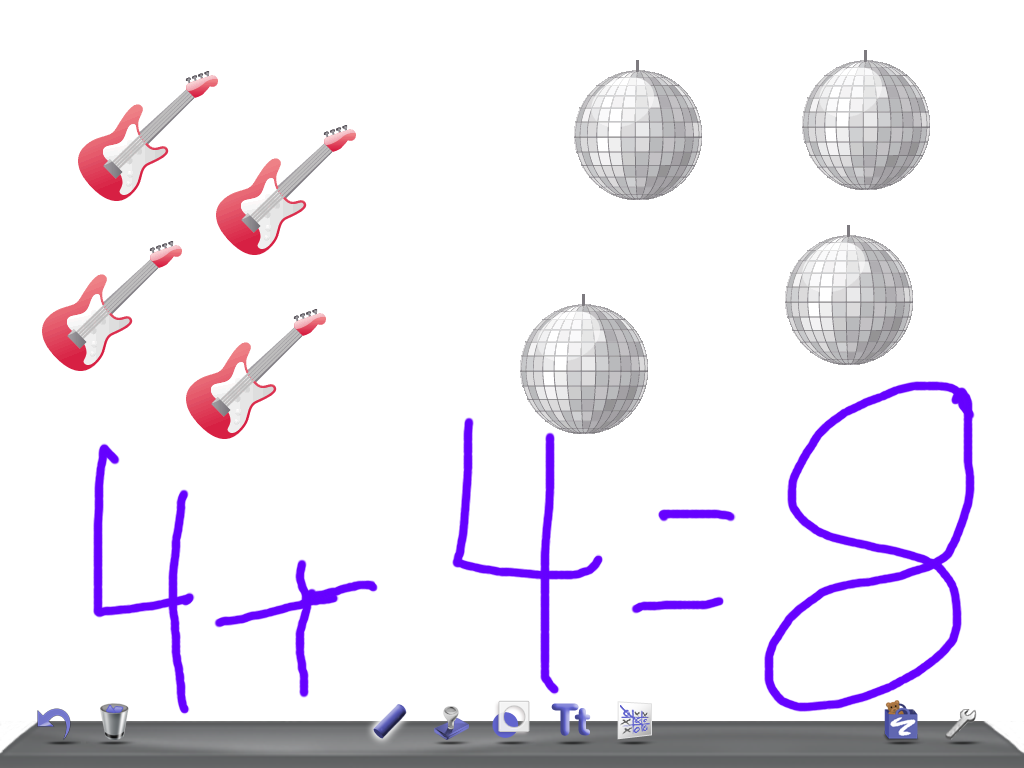
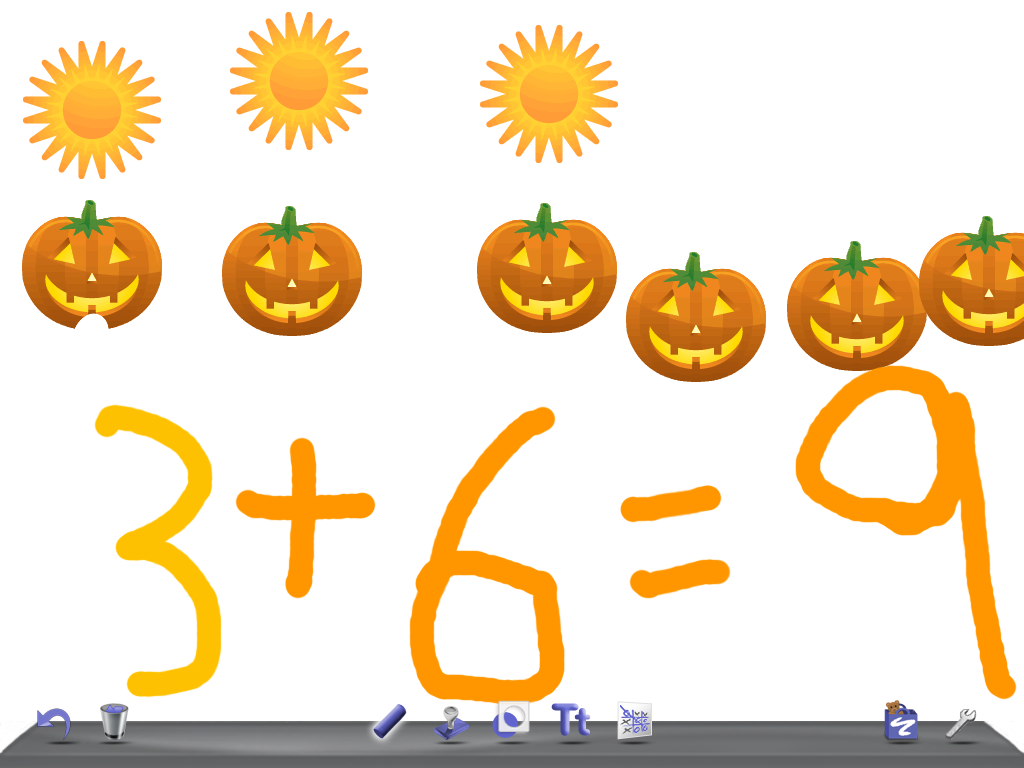
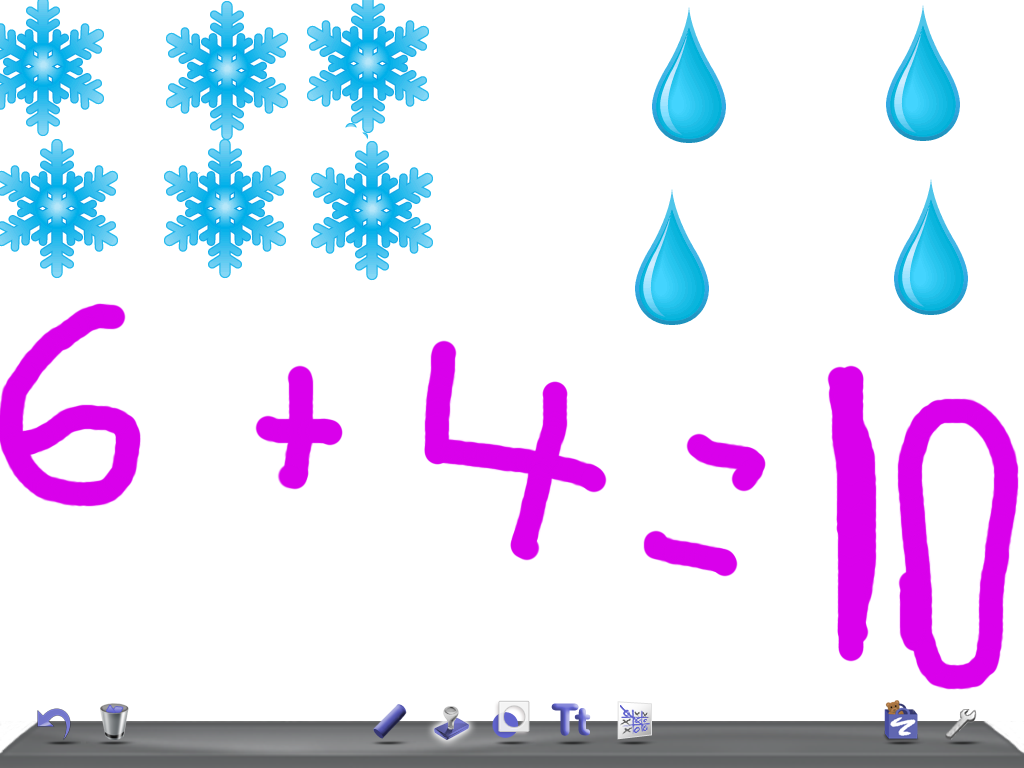
Later in the day we worked with a new app called Doodle Buddy.  I showed them a few basic components of the program and then let them have a little time exploring and experimenting on their own.  It is a really neat little app that allows them to use stamps, drawing tools, stencils and incorporate a variety of backgrounds.  Then we used this program to make simple addition stories using the stamps and the drawing tools.  They loved the opportunity to create simple addition stories quickly and with cool sound effects too!  I was able to take screen shots of some of their stories to show you! 

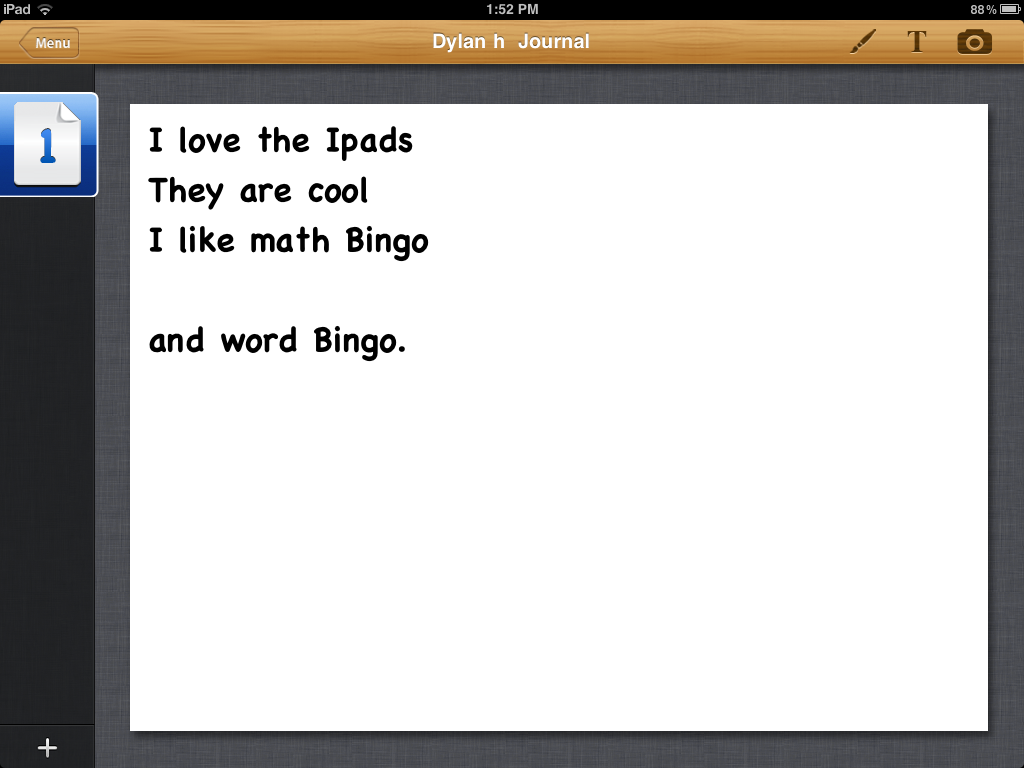
To finish off our time on the iPads we played Math Bingo.  Same idea as the Sight Word Bingo with similar results!  Lots of engagement and opportunities to practise their skills in a fun environment.  Lots of thinking and happy children!  Great result!


1 Comment

Filed under Doodle Buddy