We have been working hard to finish up our snowman projects on the iPads. We have added a new component to our project. We have created a talking snowman! We are using the app Chatterpix to animate our snowmen! This is a really cool app that allows the children to make any picture talk! Lots of fun.
We took a picture of the snowmen and then the children animate the picture by marking the spot on the picture where the mouth is and then they record their voice saying whatever they want their snowman to say! They have thirty seconds to record their thoughts! They are lots of fun! Enjoy! I hope to link them to the pictures using the Aurasma app. Watch for it!
I have uploaded a few more of the snowman projects that have been completed! Enjoy!
I continue to be super impressed with how comfortable the children have become using the Explain Everything app. They have figured out new things that I haven’t even found or tried yet! Did you see the hand that is pointing to the words! Very cool!
I have to say that I really enjoy the drawing the snowman instruction pages! Too cool!
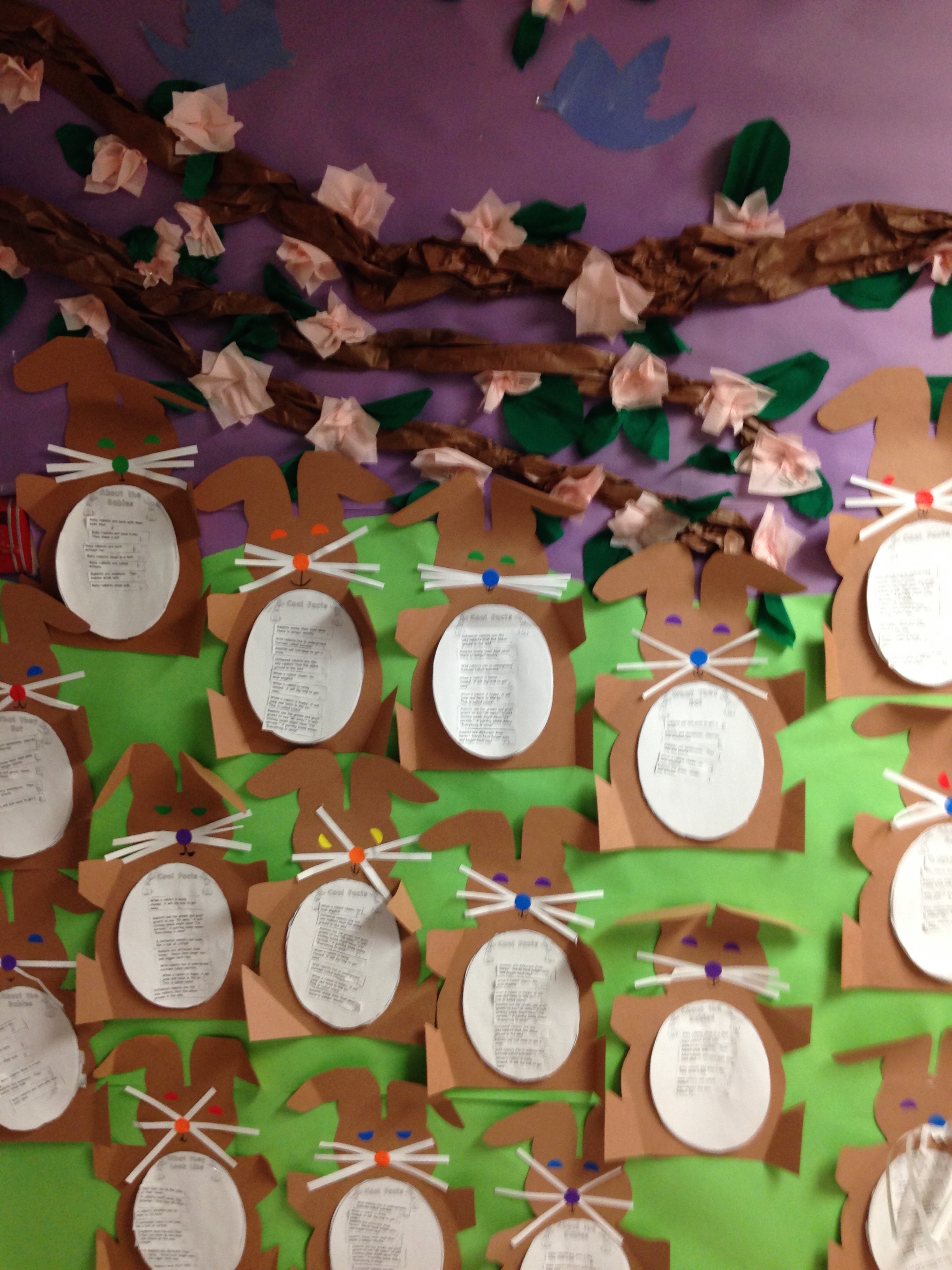
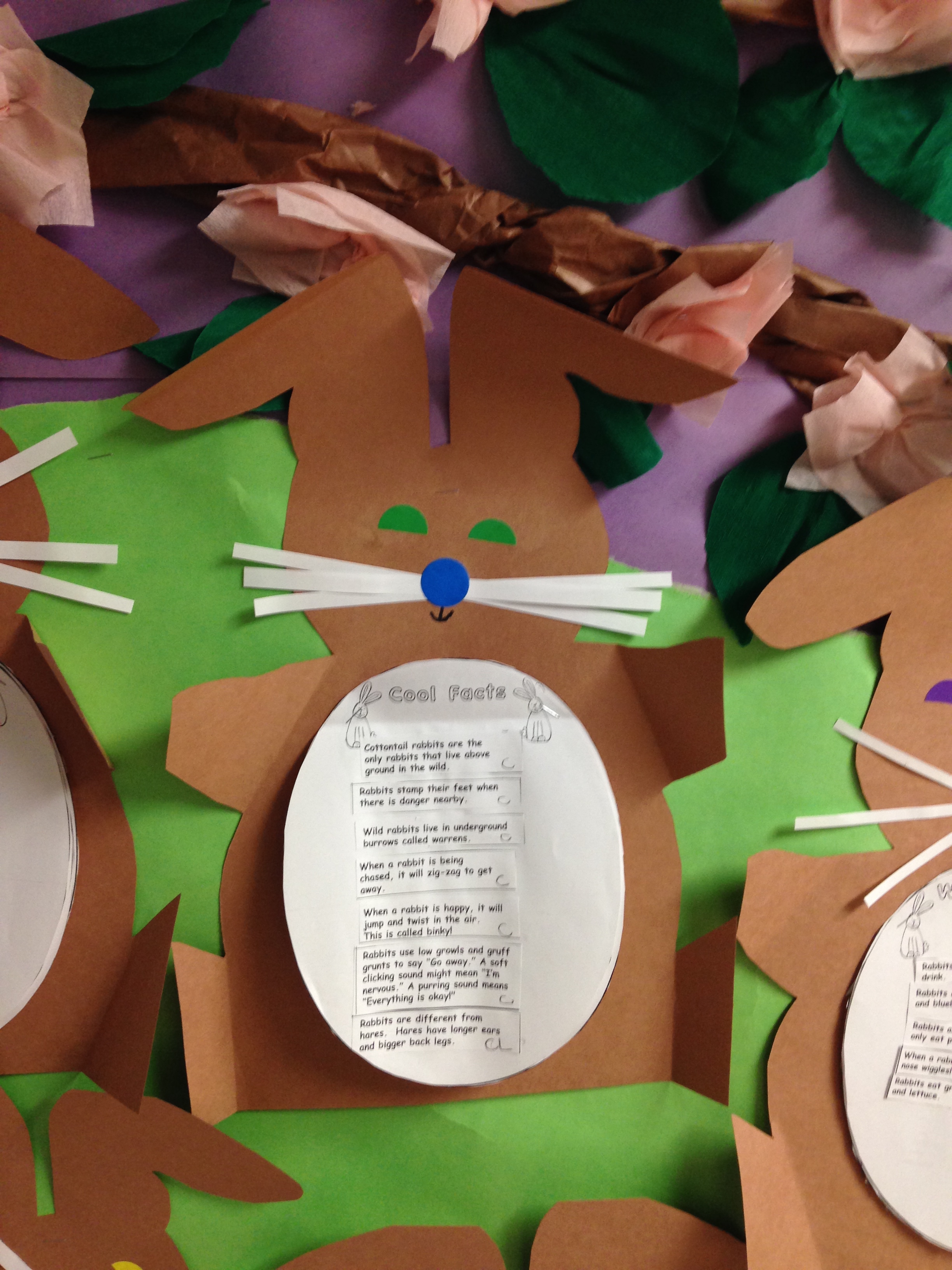
We had a great time learning about rabbits these past few weeks. The children did a great job on their rabbit reports! We read and sorted the facts about rabbits into four different categories. The categories were What They Look Like, About the Babies, What They Eat, and Cool Facts. The children glued the facts onto the appropriate category page and then we turned the report into a rabbit! They did a great job!
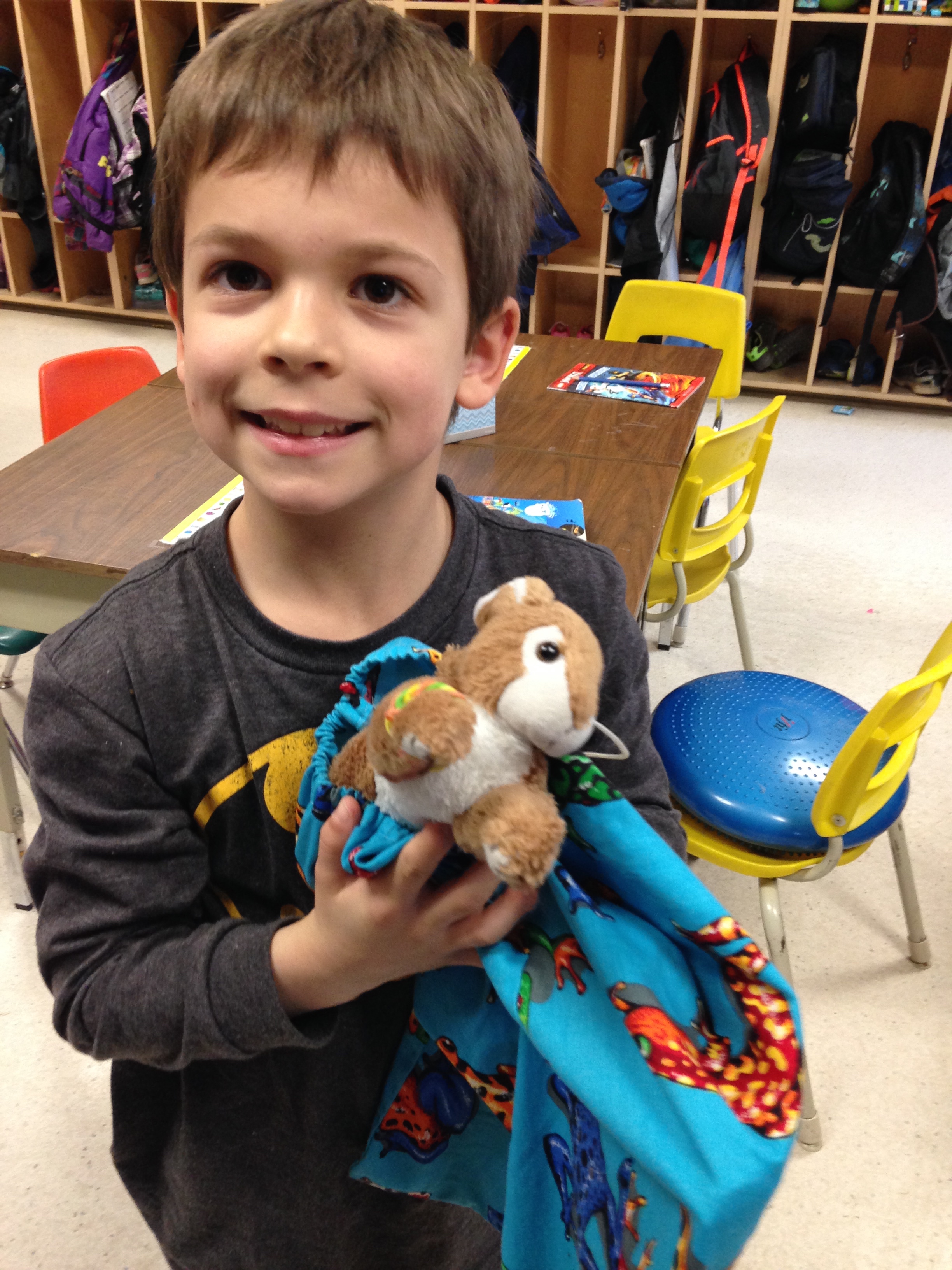
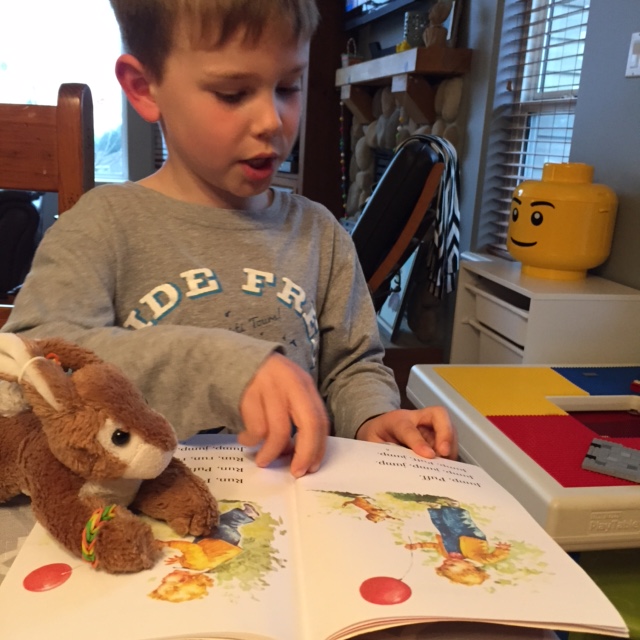
We have been having a lot of fun hearing about the adventures of our three travelling bunnies. Each night, the three bunnies travel to a different child’s house for a sleepover. Each day we share the stories that have been written about their trip. We have really enjoyed the adventures that the bunnies have had at each house! Everyone seems very excited to have the bunnies come for a sleepover. Thank you for your efforts helping to record the stories!
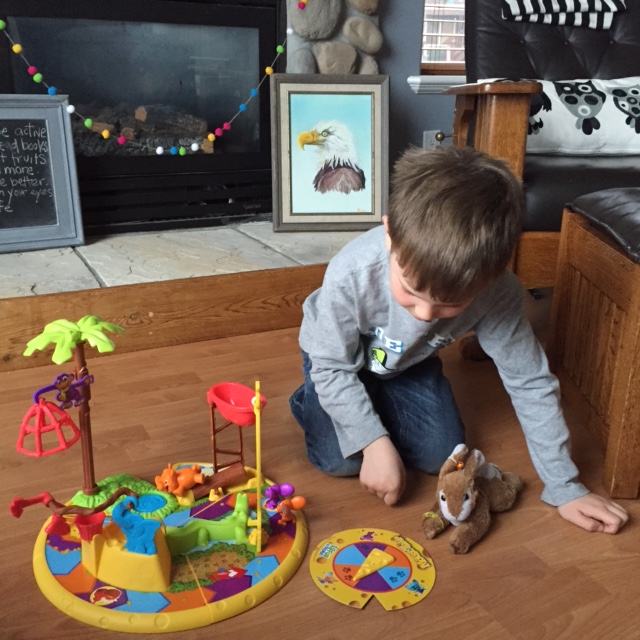
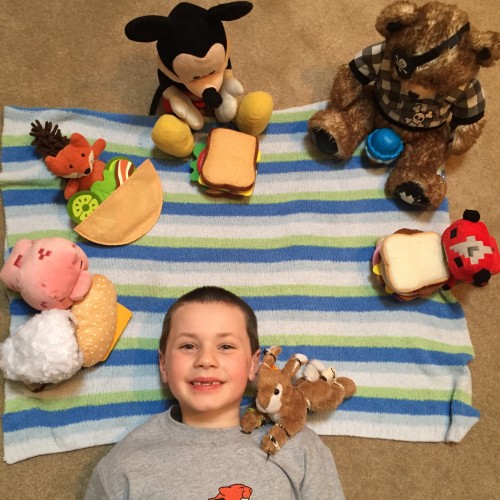
Here are a few pictures of some of the adventures that the bunnies have had! Benjamin looks like he is really enjoying the story!
He likes to play games too!
Everyone seems to be really enjoying this picnic!
Thanks for sending me these amazing pictures and allowing me to share them with everyone!
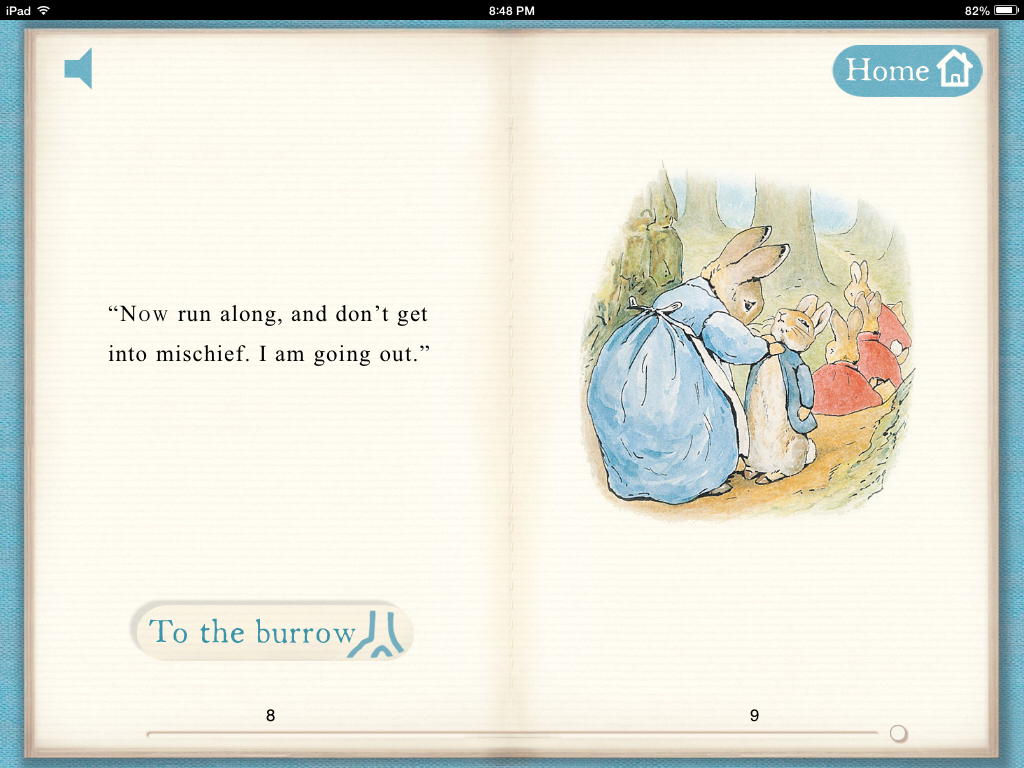
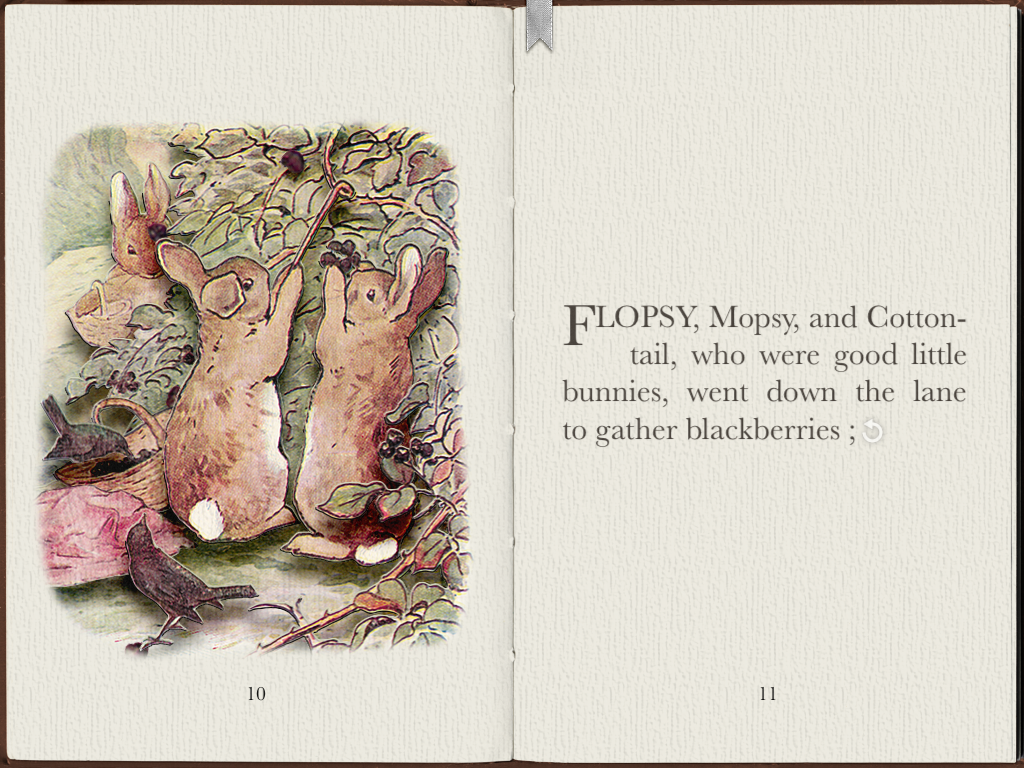
We have also been having some fun with a few Peter Rabbit apps that I have downloaded on a few of the iPads. Even Peter Rabbit has an app! I have two favorite Peter Rabbit apps. I downloaded the app from the official Peter Rabbit site and shared it with my students the first year I used the iPads. This year it was as big a hit as it has been over the past few years.
You can have the story read to you or you can read it by yourself. On some of the pages you can take a shortcut to an activity page. Lots of fun!
I love the coloring pages on this one! It has a special paintbrush that paints with “Beatrix Potter” colors!
I also showed them the app called PopOut Peter. It has a jigsaw puzzle feature that I really enjoy. I think both of the apps might become favourites!
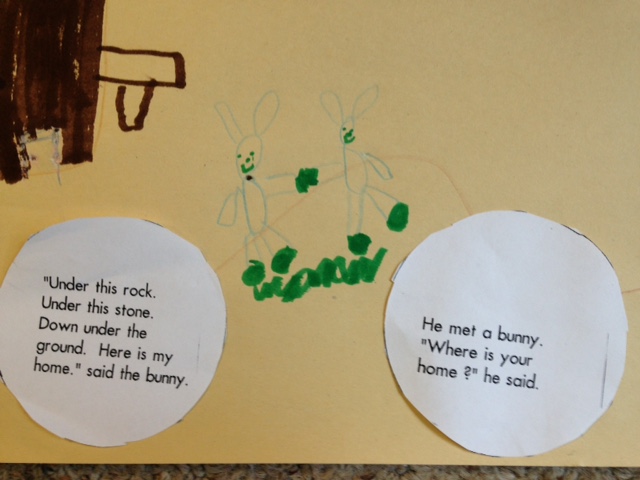
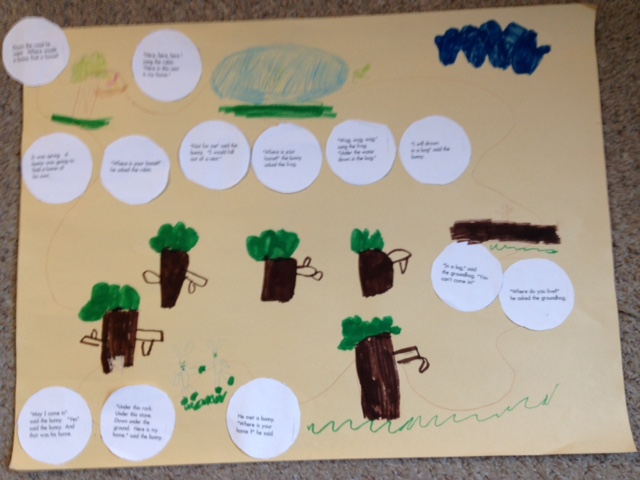
We also read a favorite story by Margaret Wise Brown called Home for a Bunny!
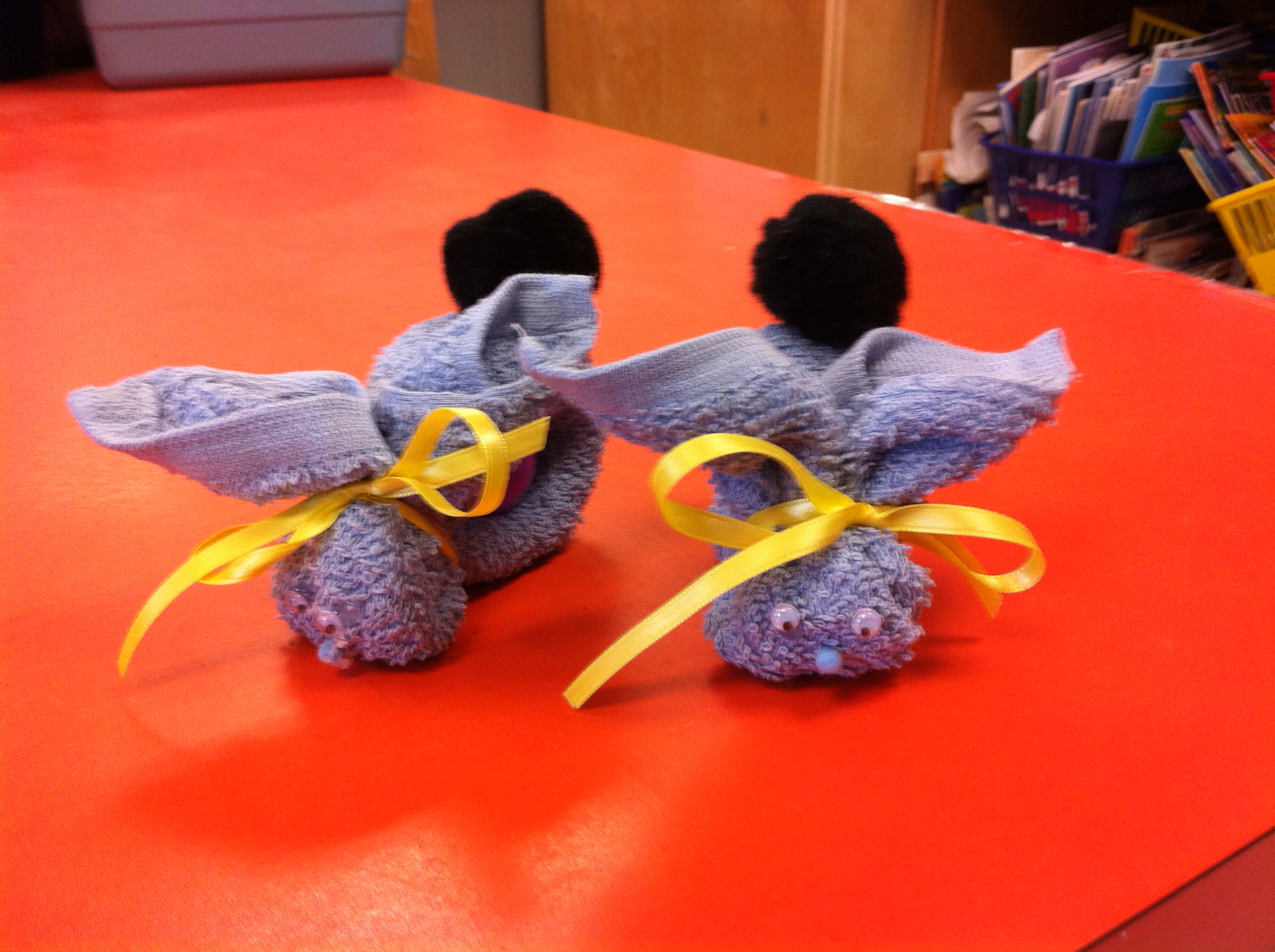
Margaret Wise Brown is one of my favorite authors. Her stories are timeless and the children always love them. We made story maps for this story and used our BooBoo Bunnies and a paper bag puppet we made to act out the story. Hopefully they were able to share their story maps with you!
The children seemed to really enjoy the BooBoo Bunnies! Hoppity Hop!
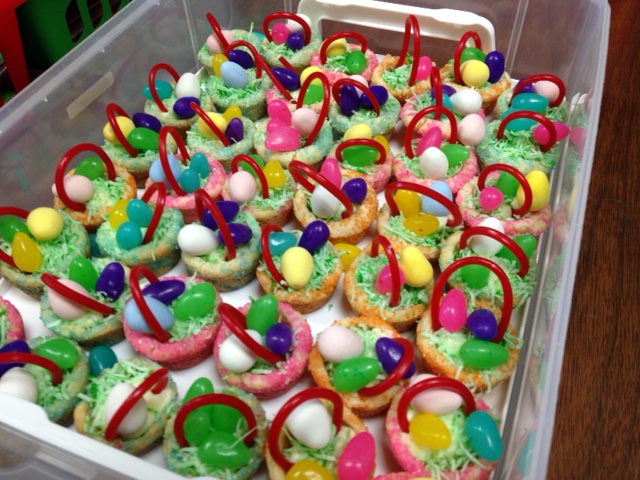
And we got to have these yummy treats! Thank you Kalem’s family! Very cute Easter baskets!
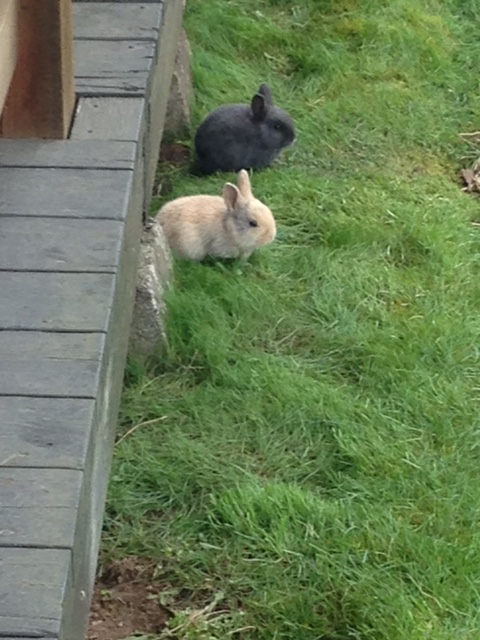
It was fun to see these cute real baby bunnies on the weekend at Coombs with my family!
We have been working hard creating our Snowman books on the iPad! We have the first few finished projects to share with you! We hope you enjoy reading and viewing them as much as we have enjoyed creating them!
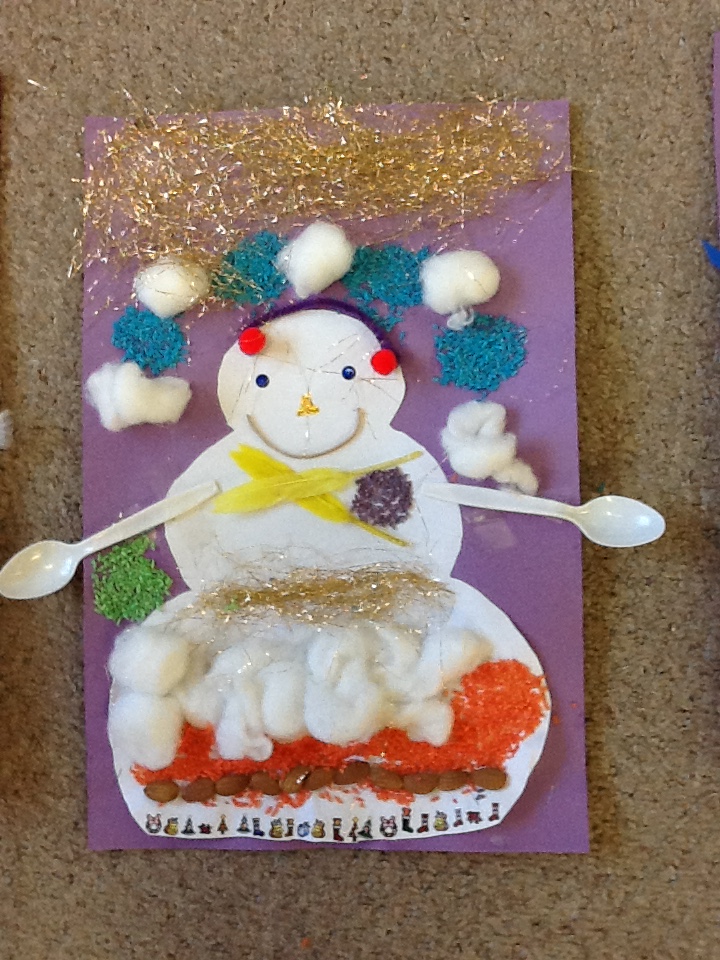
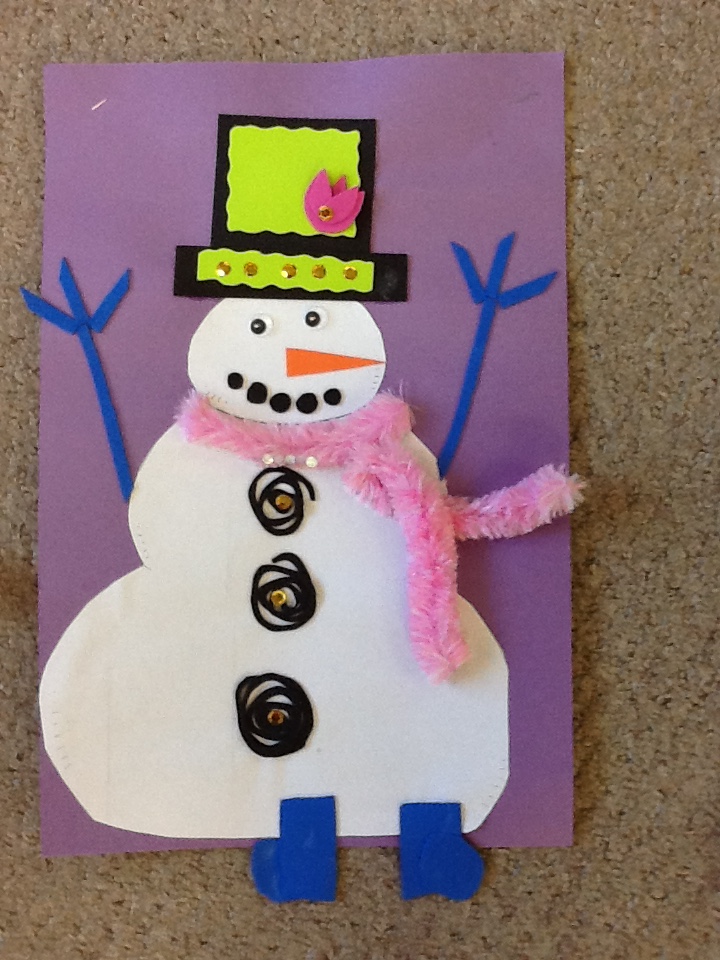
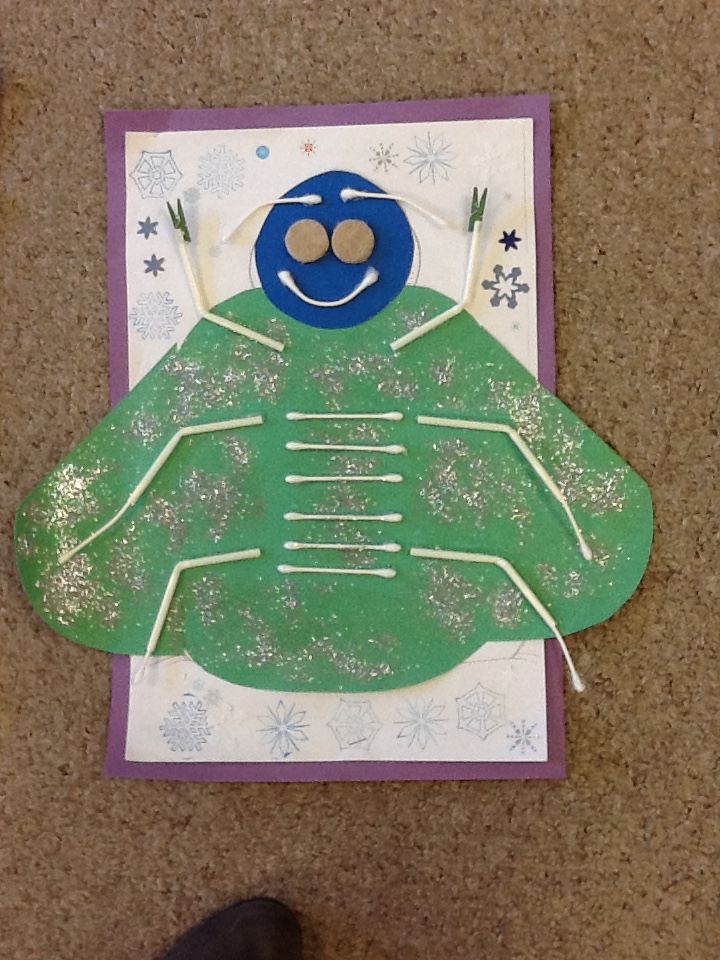
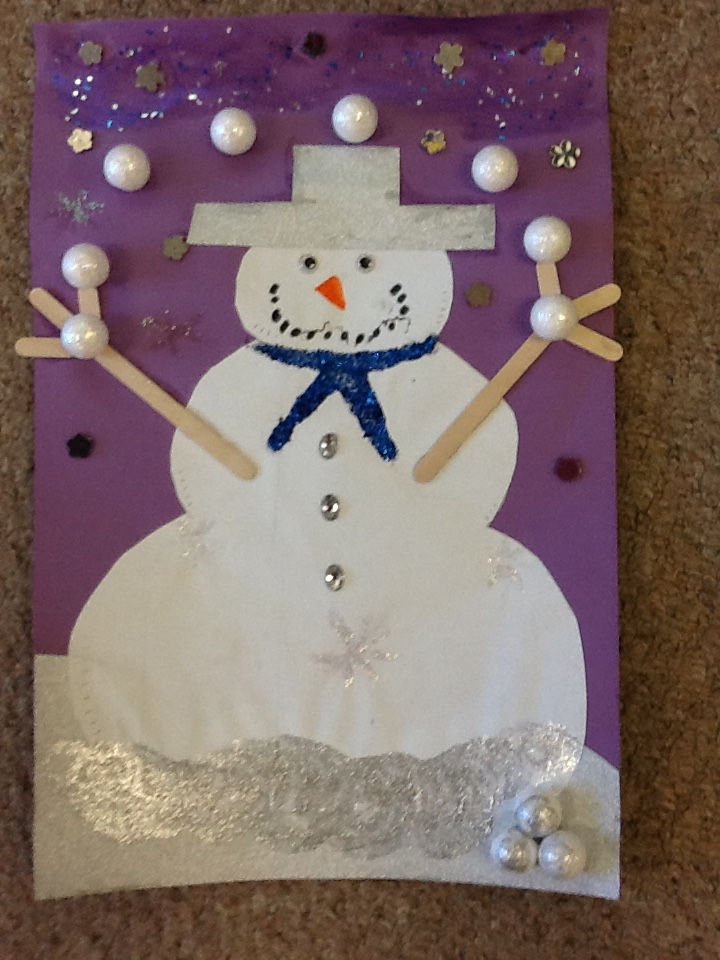
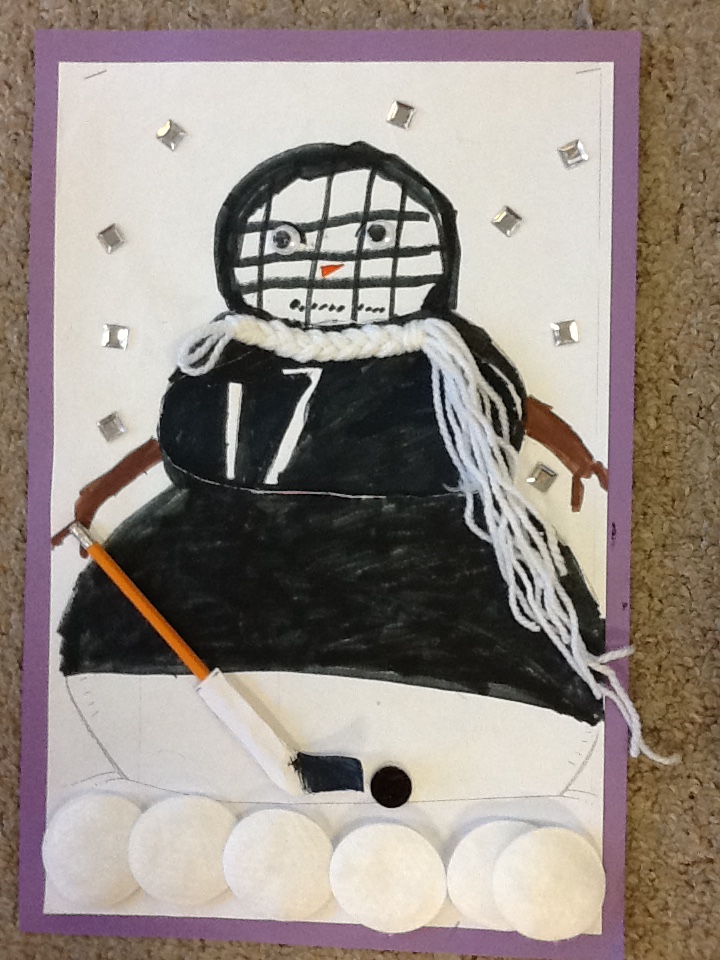
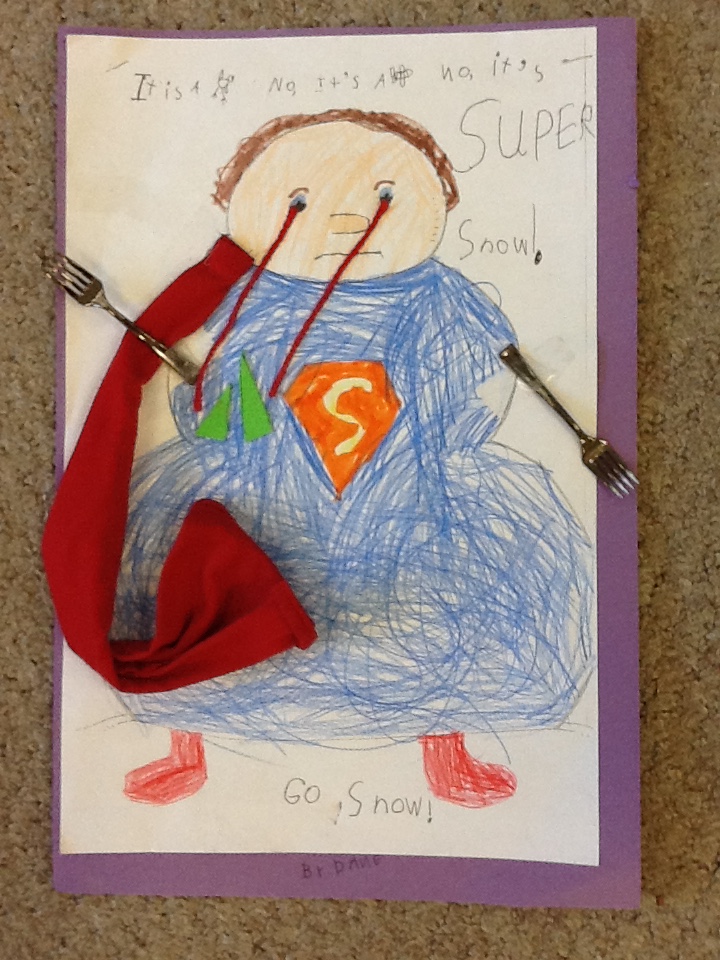
The initial sparks for the projects are the amazing snowmen that were created at home by the students with their families!
They are fabulous! To set the stage, we read the story The Snowman by Lois Elbert. It is a great story about how a family saves up a variety of materials to decorate their snowmen.
I sent home the template with the children and several weeks later these wonderful snowmen returned to our classroom!
Then we started to compile a book on the iPads about the snowmen. The first page of the book contains a photograph taken on the iPad of their snowmen.
The children opened a project on the app Explain Everything and imported the picture of their snowman from the camera roll. Then they added the title and their name using the text feature.
The children created an additional four pages to their books.
On one page. they had to draw a snowman and then label the snowman using the text feature.
We made one page about what they thought their snowman might like to eat. They had to draw the plate with the items on the plate and label it once again.
The new feature to our snowmen books this year is on the fourth page! It is a new favorite of mine! The Explain Everything app allows you to record every stroke you make as you draw it and narrate your drawing as you build your picture. I thought it would be interesting to have the children describe or teach how to build a snowman. I think you will really enjoy them. I know I can’t watch them without smiling!
The last page is, of course, about the author! The children had to draw a picture of themselves and then add a few sentences about themselves.
The final step was to create a script for the first page describing the snowman. The children had to complete a few sentences describing their snowman and their favorite parts of the project!
Then we had to have the children record their script on the first page of their book as well as adding a comment or reading their work on each of the pages of their book. Then we saved the book to the camera roll as a video within the Explain Everything app. Love, love, love this app!
Then I was able to upload the video on the camera roll to Youtube and import it into the blog so that you can see it. I think I will also create a QR code for the video when we have completed them. You know you have a group of students who love technology when they ask you to turn everything into a QR code!
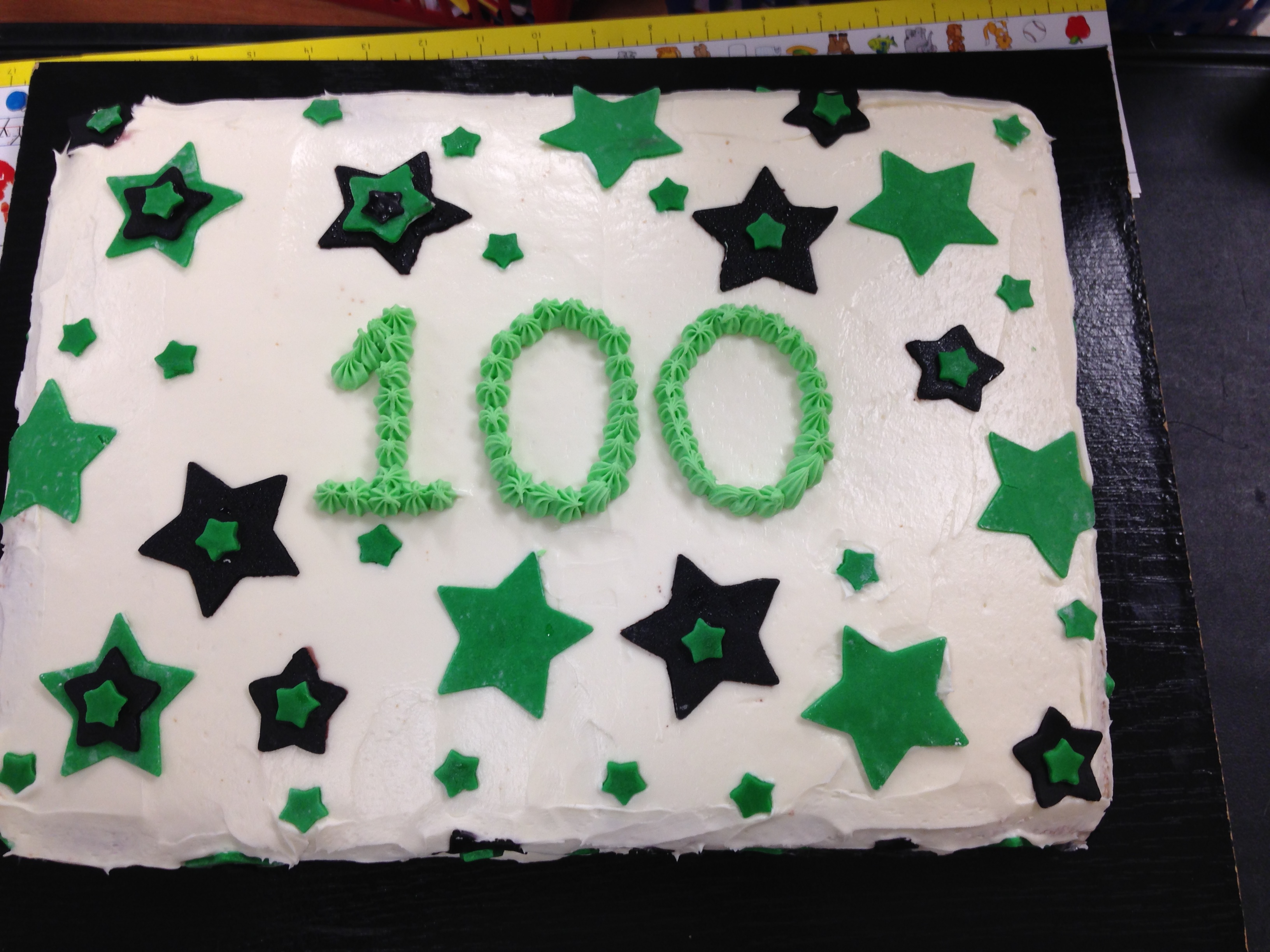
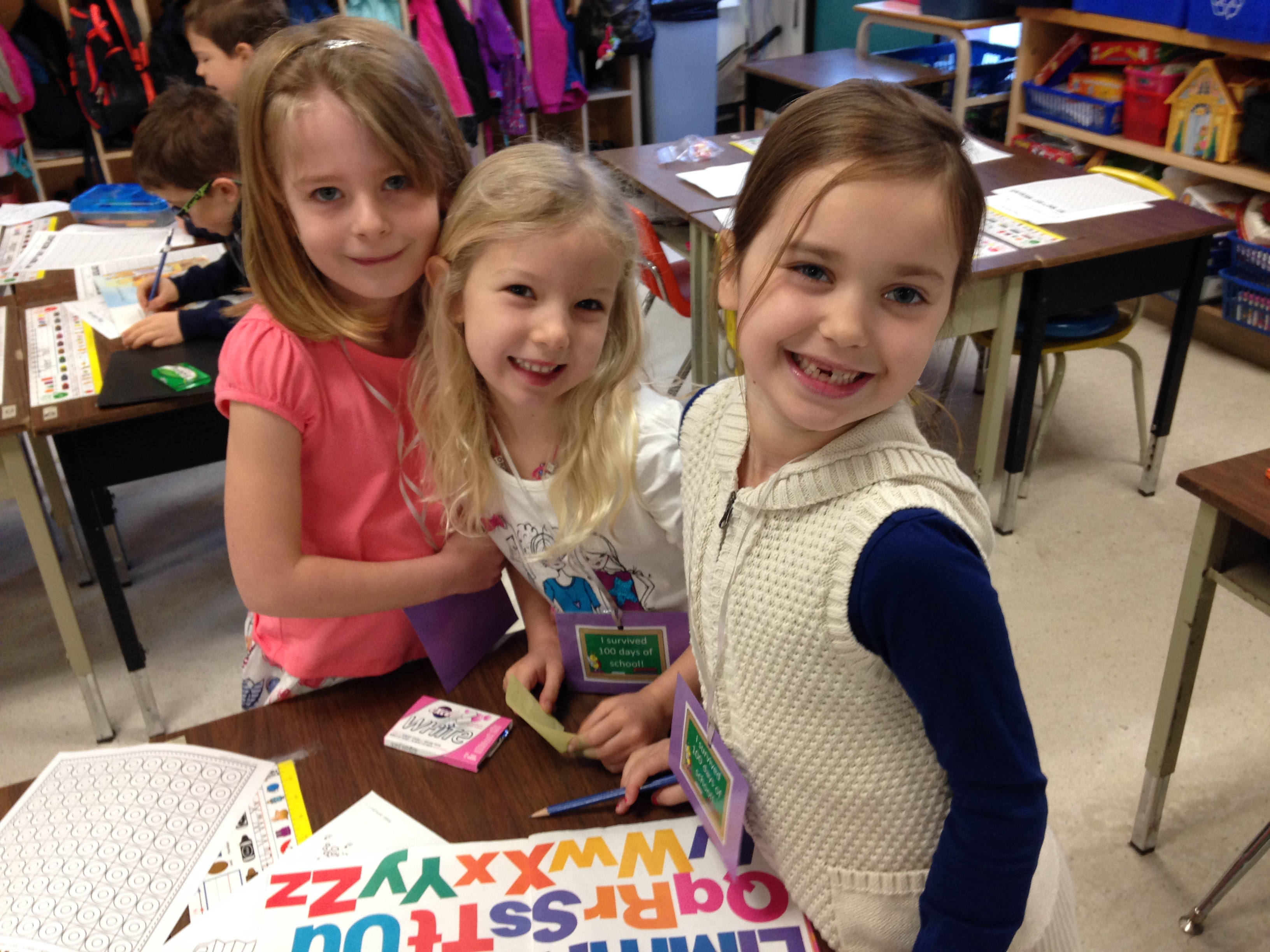
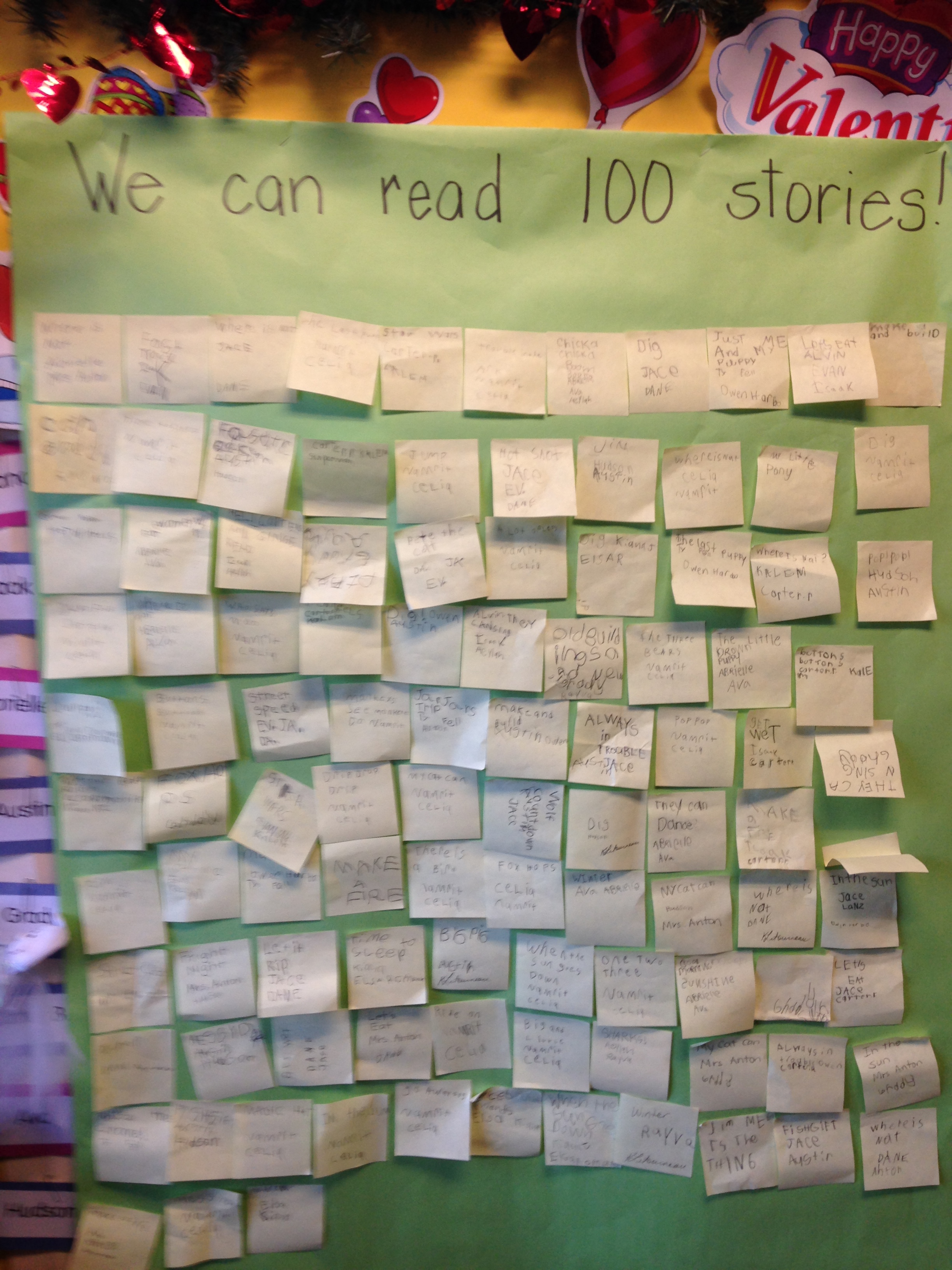
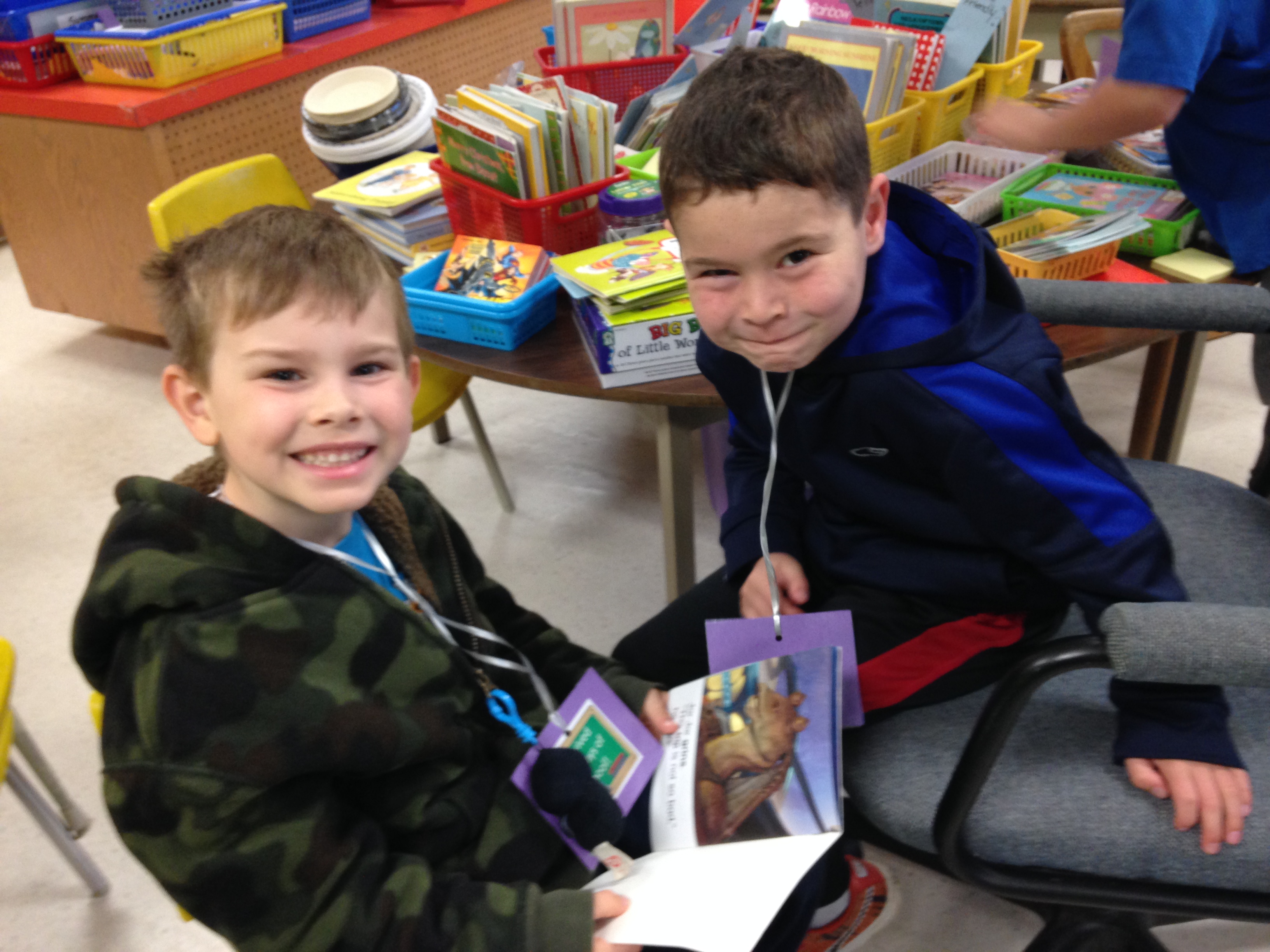
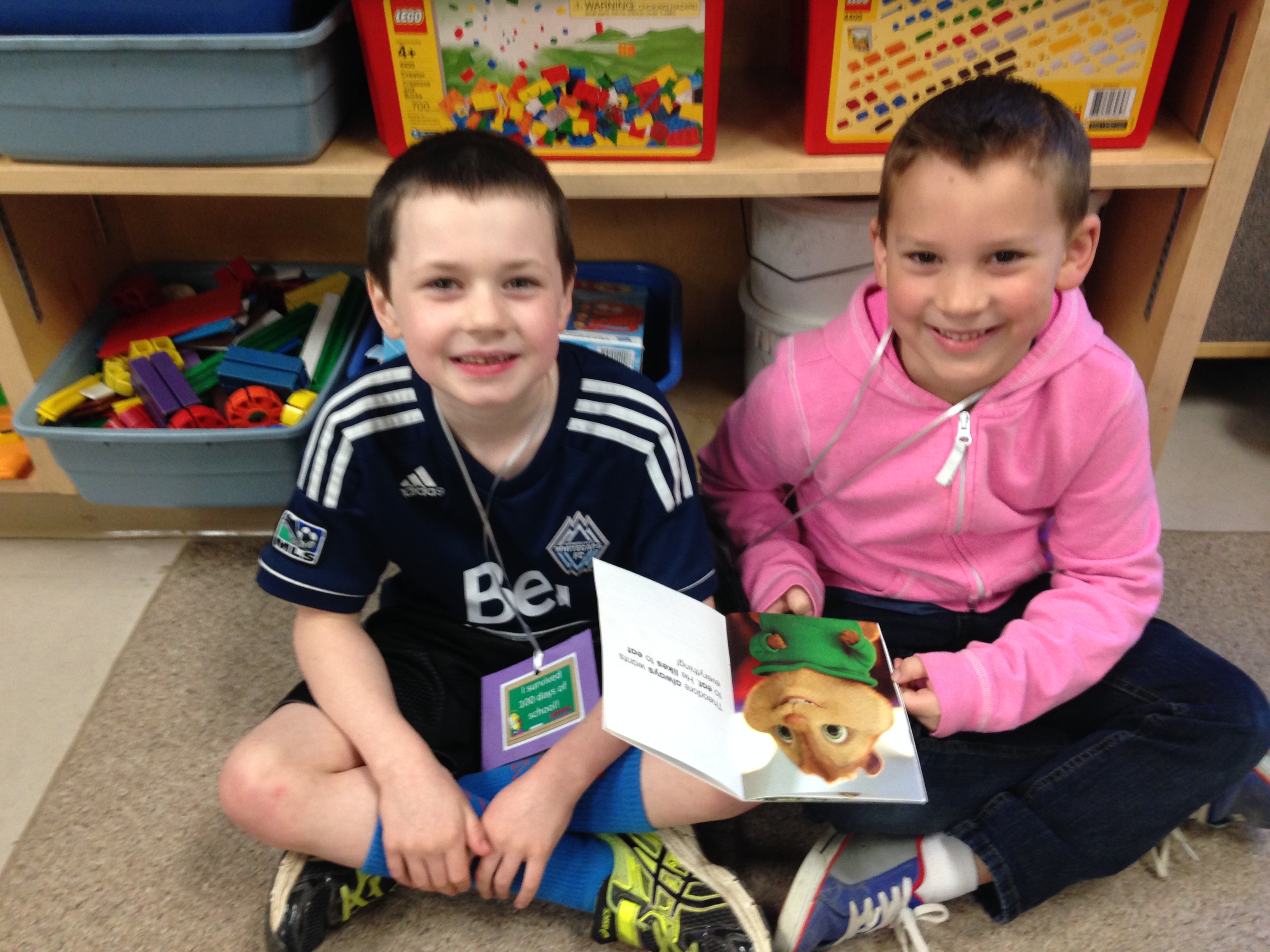
We celebrated our 100th Day of school last week! Take a look at this yummy cake! Thank you to Owen’s family for the cake! To celebrate our 100th day of school we did a variety of activities that focused on 100. We read 100 stories together! The children got together as partners and in some cases groups of three and read stories to each other. Each time they read a little book or story they had to write the title down on a post-it note and sign their names. Then we put them up on a chart. We actually read 104 stories!
It was lots of fun to watch them reading so many stories!
I think they had lots of fun reading together!
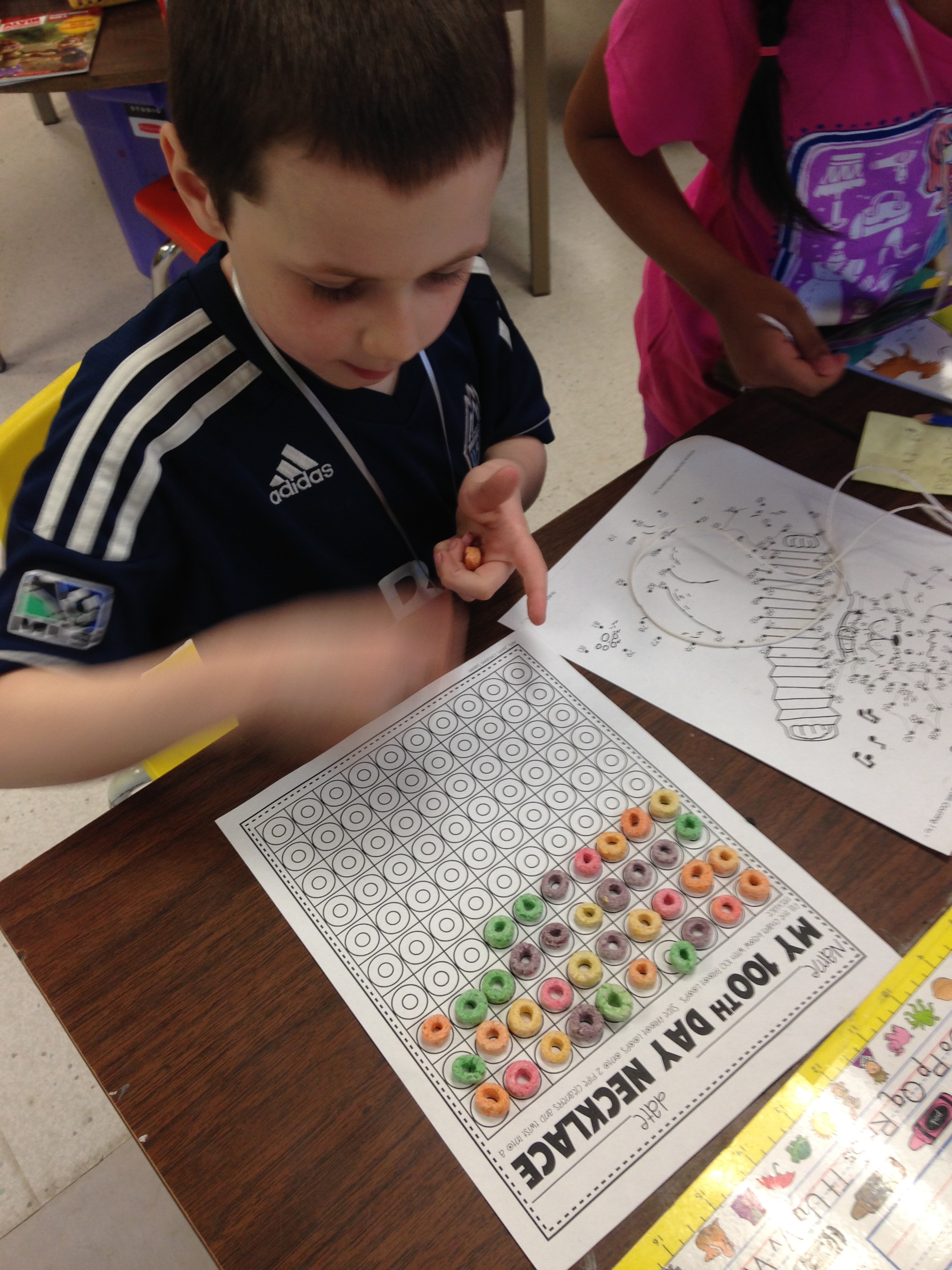
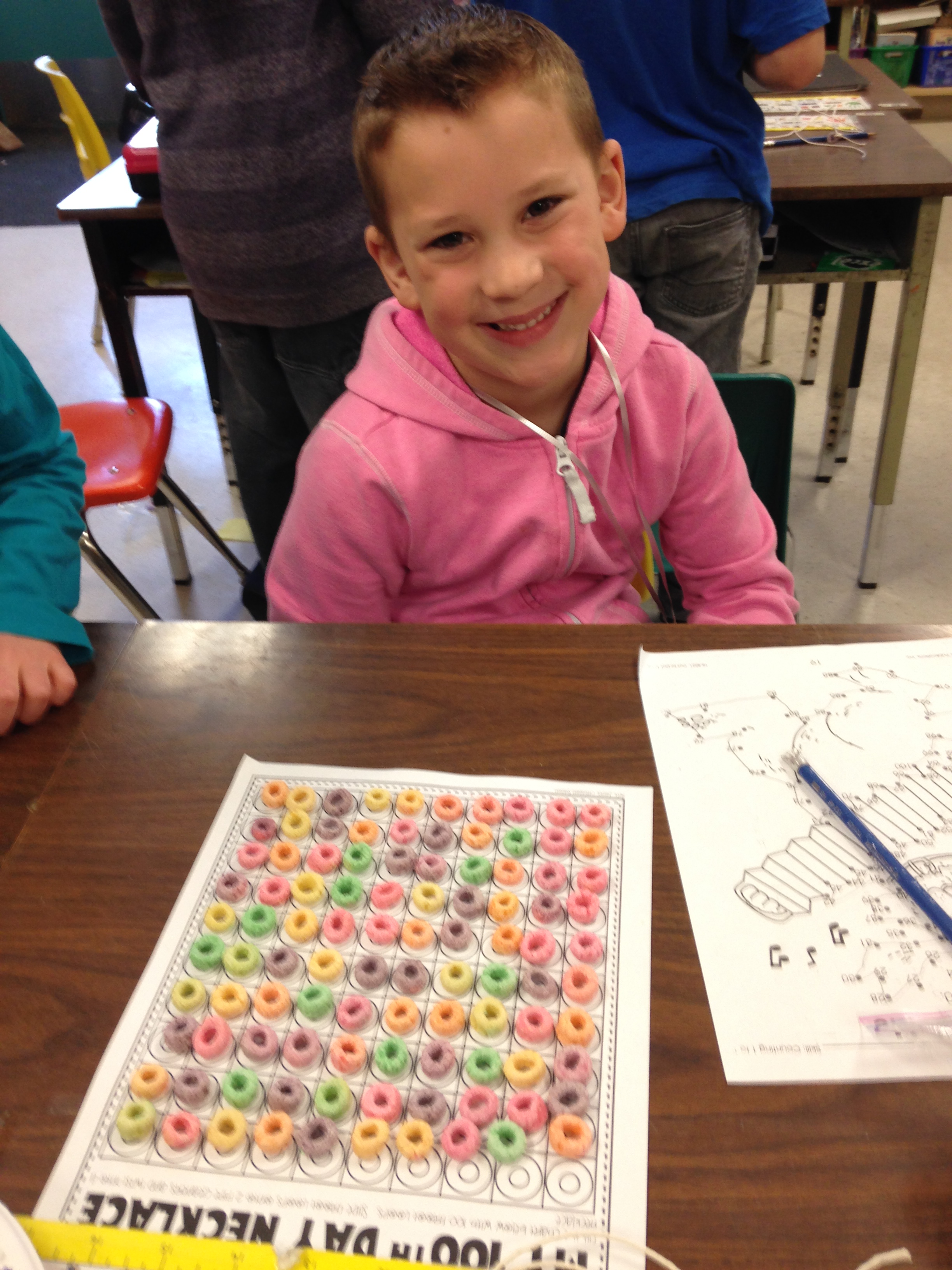
We also made 100 day necklaces out of fruit loops! Yummy!
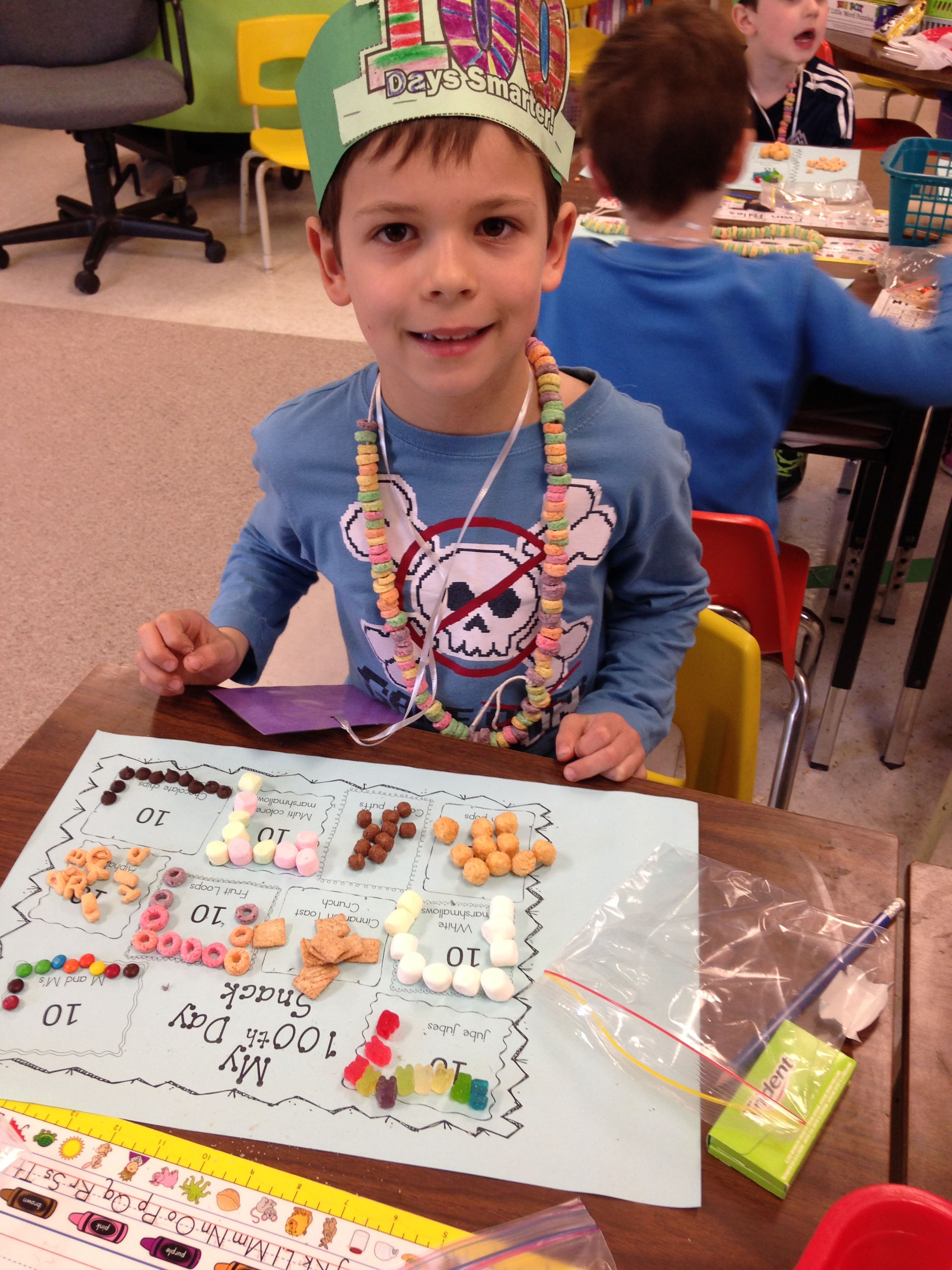
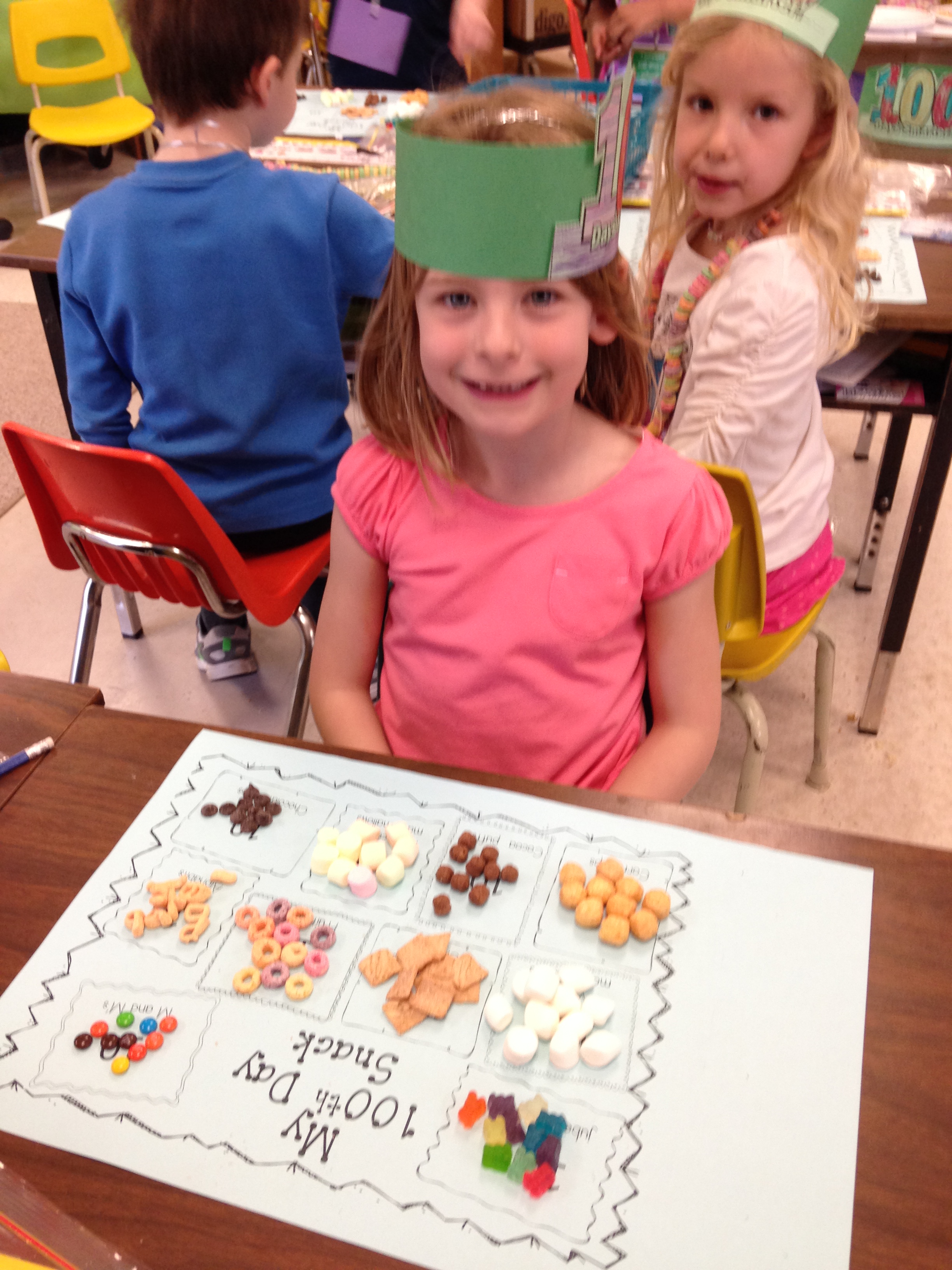
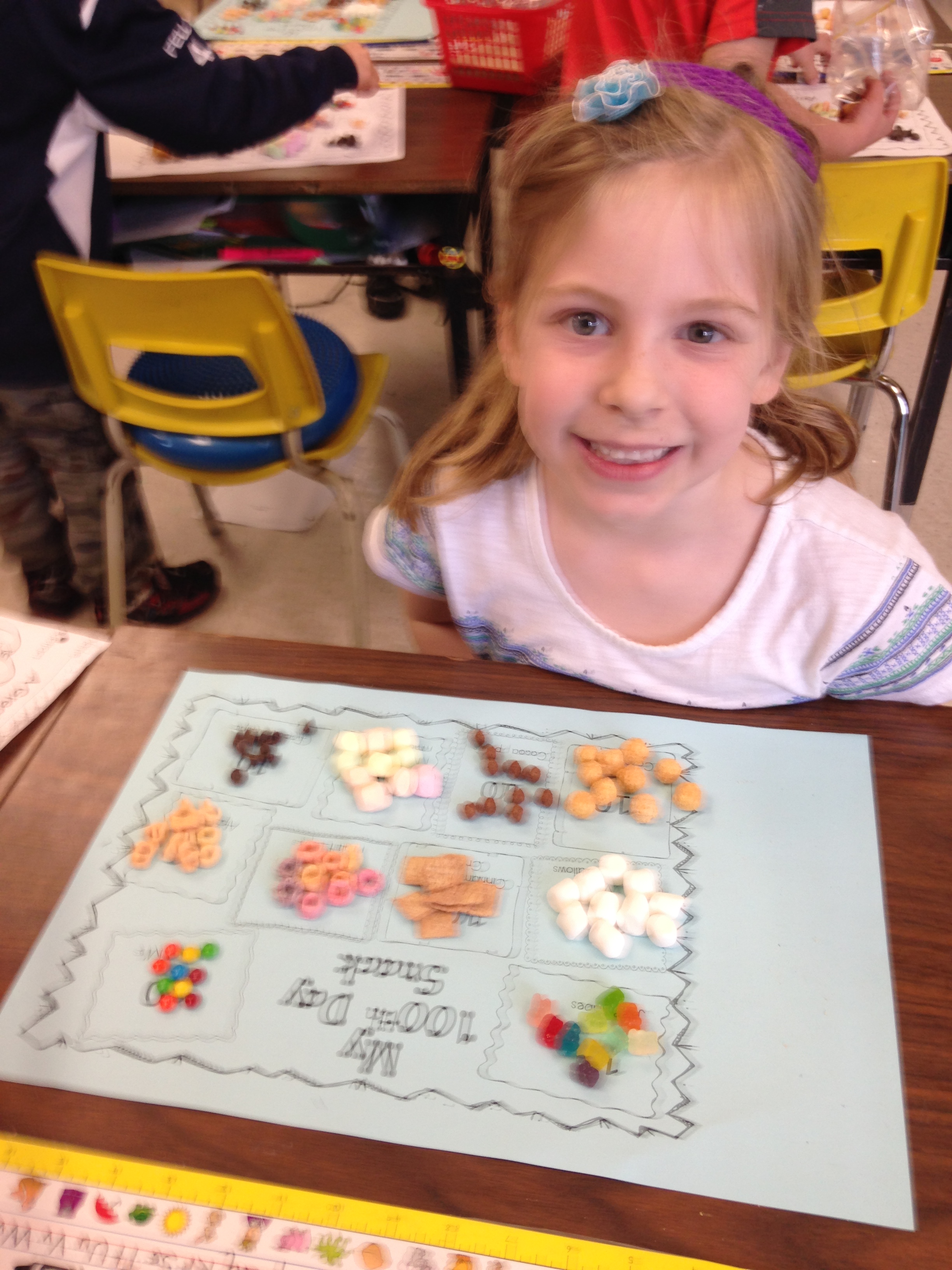
We also made 100 trail mix!
The children counted out 10 of each type of fun food and sorted them on their 100 day place mat.
Then they ate them up!
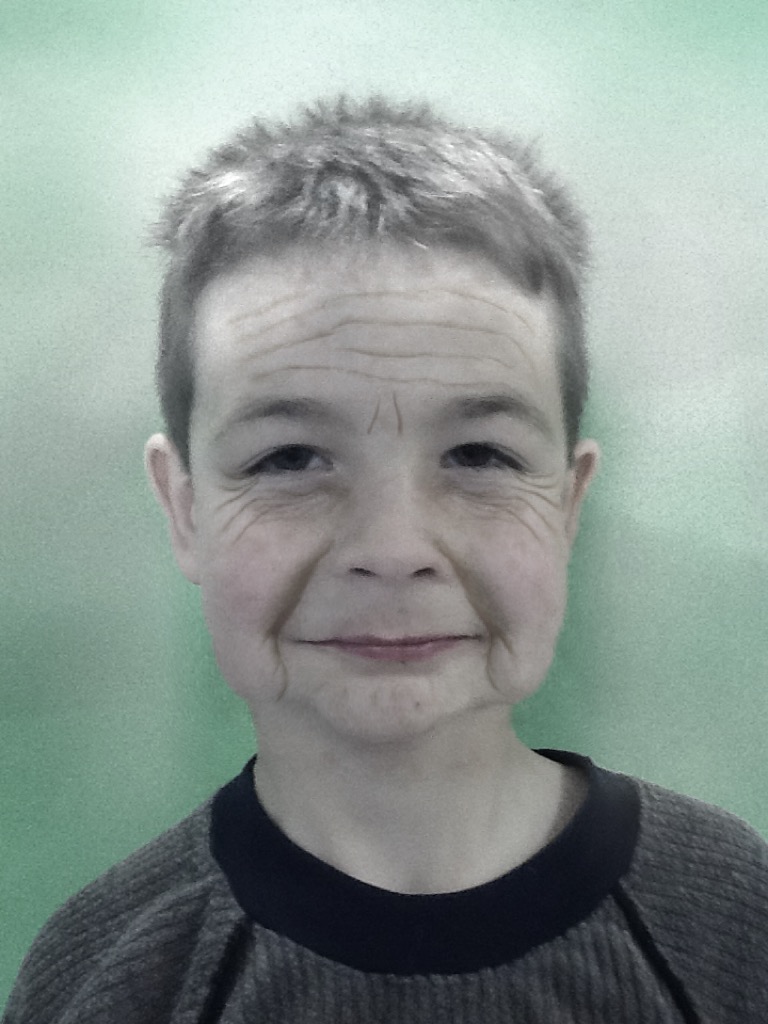
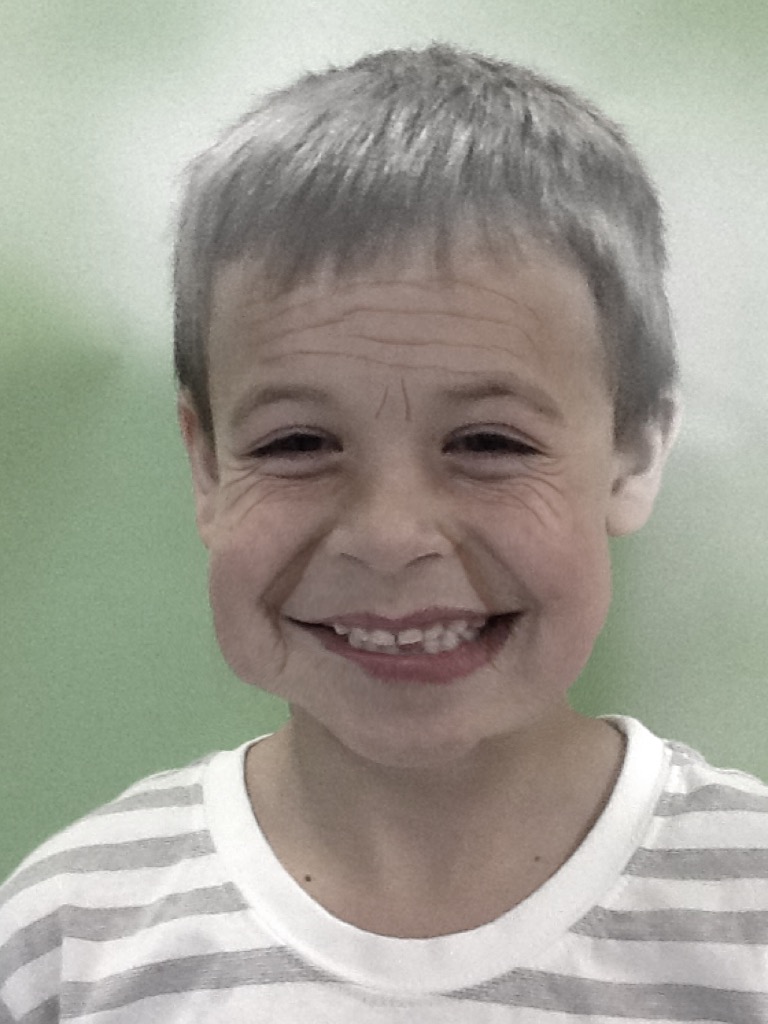
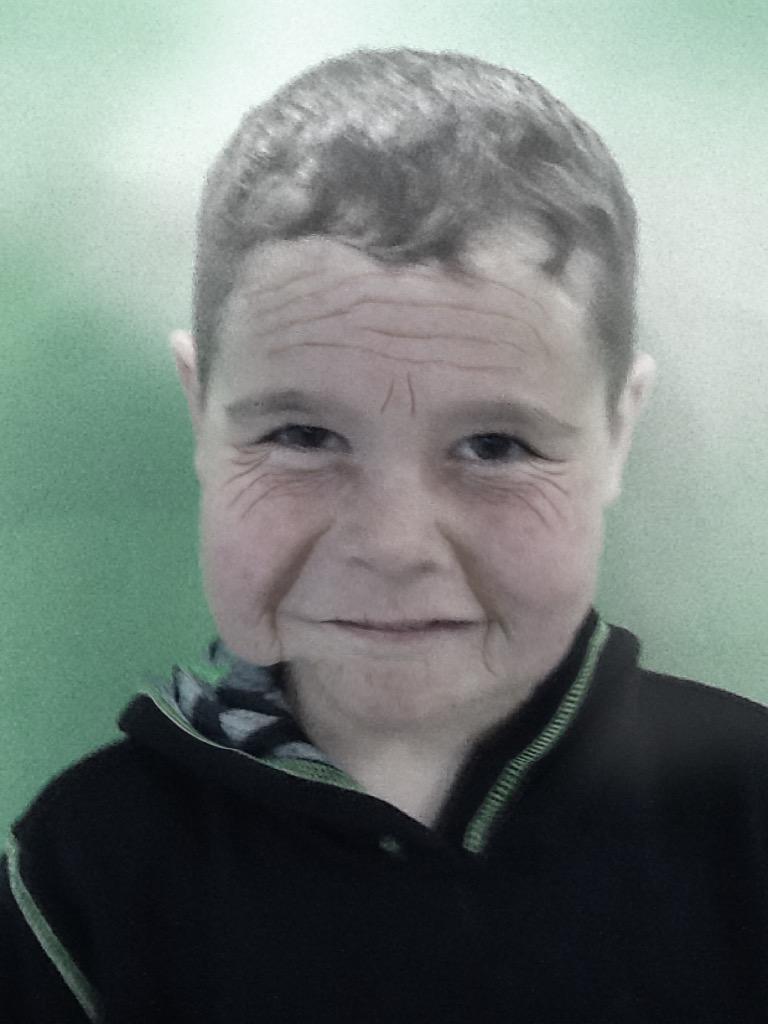
We worked with our buddies to create our 100 year old stories! I found an app called the Aging Booth that takes a picture and ages the person in the picture by 100 years. I wish you could have heard the giggles when we shared the pictures. The Big Buddies came and helped the students complete the activity about when they were 100 years old.
Can you guess who these handsome gentlemen are?
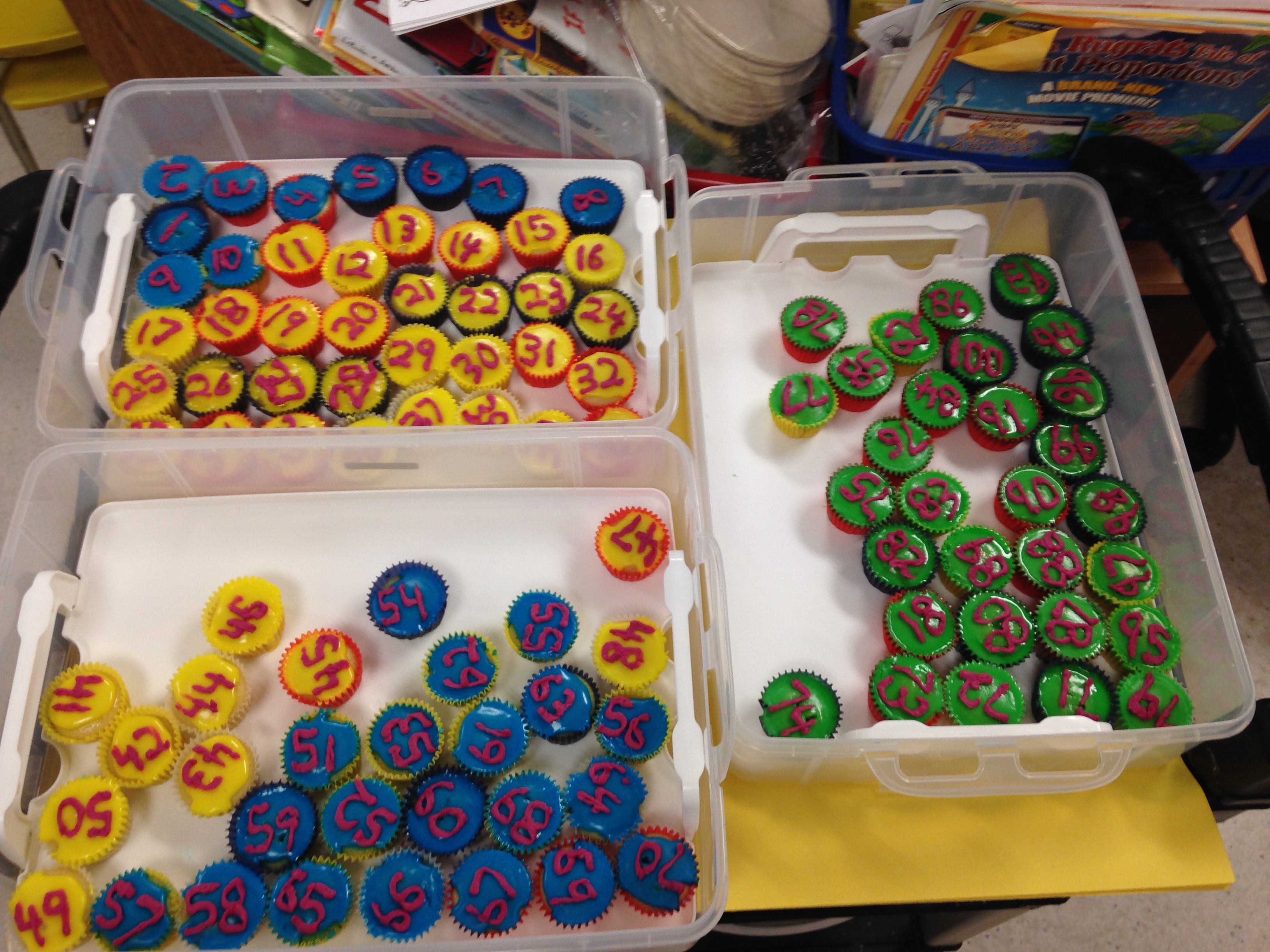
We used the app to age our big buddies as well! Then we shared our 100 cupcakes with our buddies! Thank you to Kalem’s family for the 100 little cupcakes. They even had the numbers 1 to 100 on them!
Here are a few more of our dinosaur books! I am very impressed with these books as the children used a few different apps to create them. They were actually “app-smashing”! When you use a variety of different apps to create your projects and put them together to create something entirely new it is called app smashing!
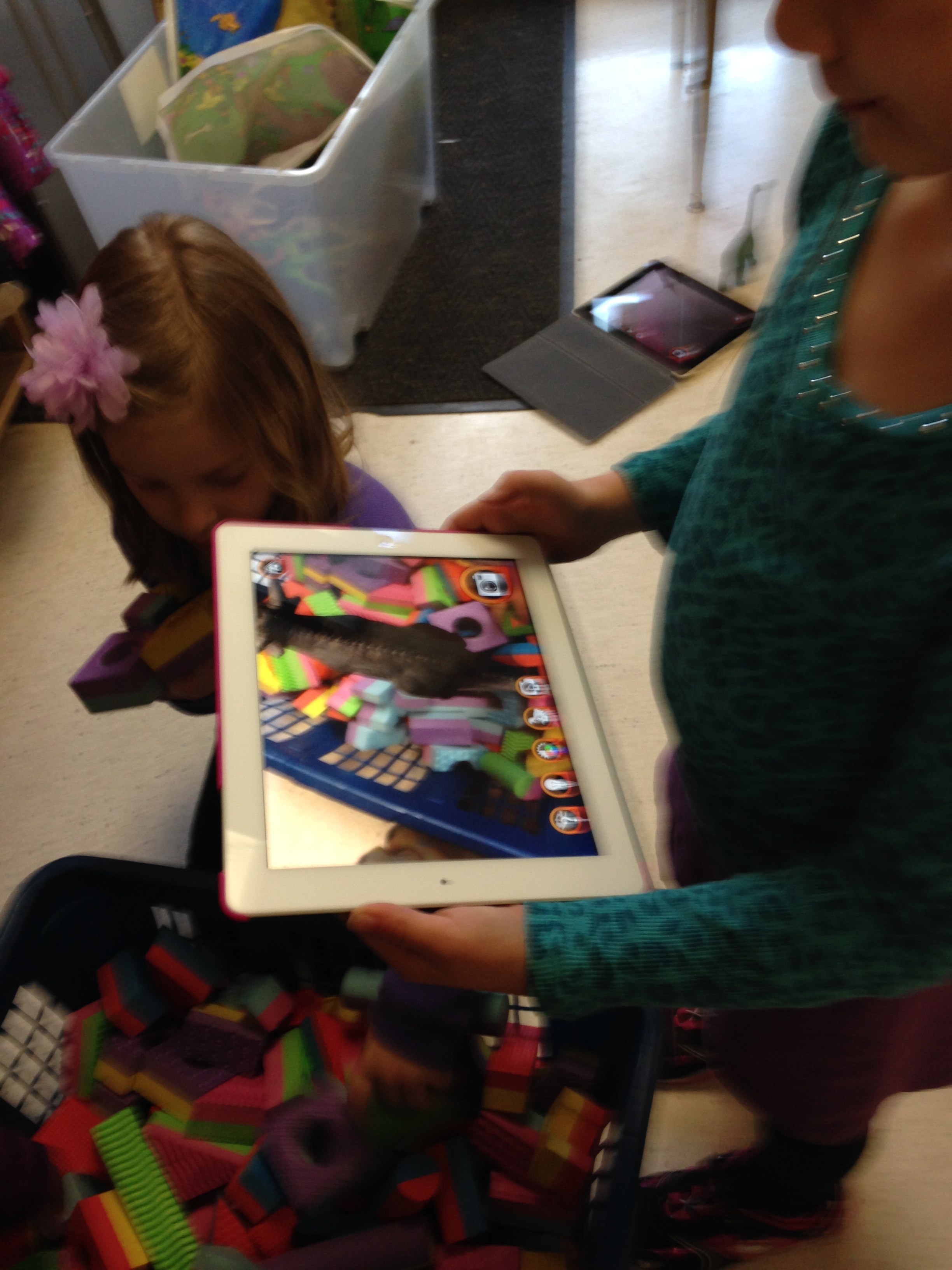
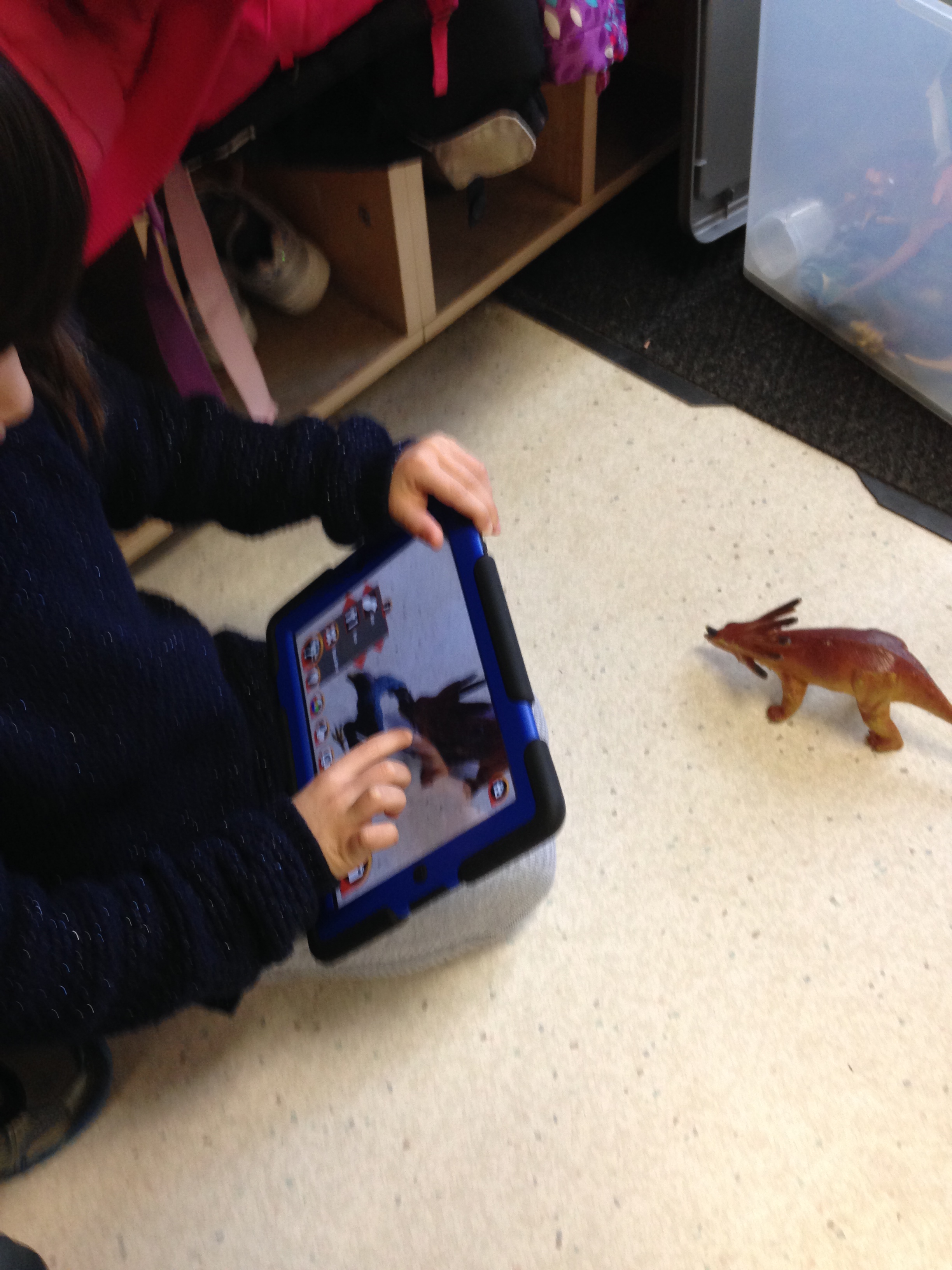
They took the pictures they created using the Walking with Dinosaurs app and imported them into the My Story app. This is a multi-step process! First, they have to take the picture in Walking with Dinosaurs which involved choosing their dinosaur, resizing it to fit the picture, choosing what they wanted their dinosaur to do and then taking the picture!
Then they had to save it to the camera roll, open My Story, choose to import a picture, find their picture in the camera roll, import it into the page, re-size the picture to fit the page, and then add the text to match the picture. Then they repeated the steps for four more pages!
Then they added text and recorded their voices reading their stories!
Very proud of my Grade Ones!
After they were finished I saved their story as a movie and uploaded it to Youtube.
Then I loaded the URRL code into this blog post and voila! Augmented reality dinosaur stories! Enjoy!
We have been having a great time with the Walking with Dinosaurs app and the My Story app this week! Today we put all of our work together to create these awesome books! The children had to take pictures of their favourite dinosaurs within the Walking with Dinosaurs app first. This is the first time that the children had the opportunity to take pictures by themselves using the iPads this year in class. They also had to postion their chosen augmented image of the dinosaur in the picture before they could take the picture.
The children had to make at least four pictures to make their books first.
They had to figure out what they wanted to have their dinosaur doing in their story and then take a picture of the dinosaur doing it!
Then they opened up the My Story app and imported their pictures from the camera roll to each page of their book. As usual, they were absolutely fearless! They didn’t even bat an eye and just jumped right in and created these amazing books!
When they imported their pictures they had to position the picture on the page. Then they added text to their page. After they completed their pages, the students went to our “recording studio” to record their stories. ( We found them a little quiet spot for them to record their stories.) After a few of them had recorded their stories they became the experts that helped their classmates complete their recordings! I had a lot of eager helpers!
The My Story app is a great little app that just got even better. With the last update I made I discovered that it now has several new ways to share the stories you can create. The best option for our class is the option to share the book as a movie. We were able to share each book as a movie, open it in iMovie and save it to the camera roll. Then you can take the movie and upload it to Youtube. We think we have uploaded the first book made using pictures created with Walking with Dinosaurs app! The children had a great time creating these books and were awesome about helping each other figure things out!
I have a lot of eager students who are very keen to have their books uploaded to Youtube for the world to see! I managed to get these ones up today! Please watch for the others coming soon!
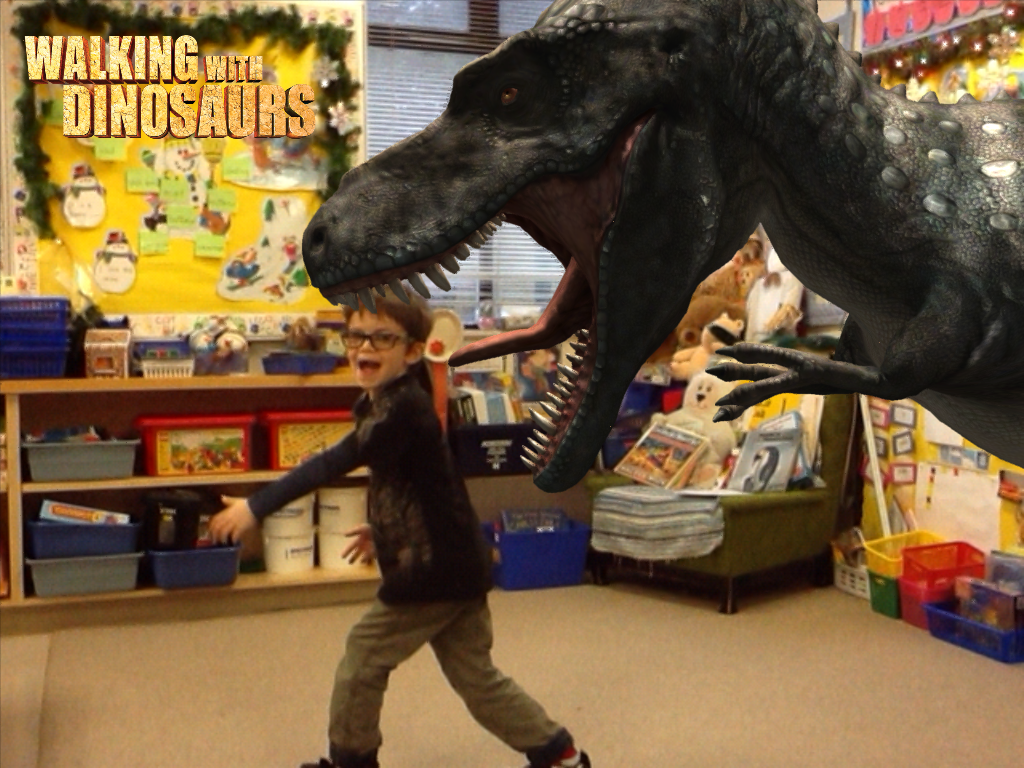
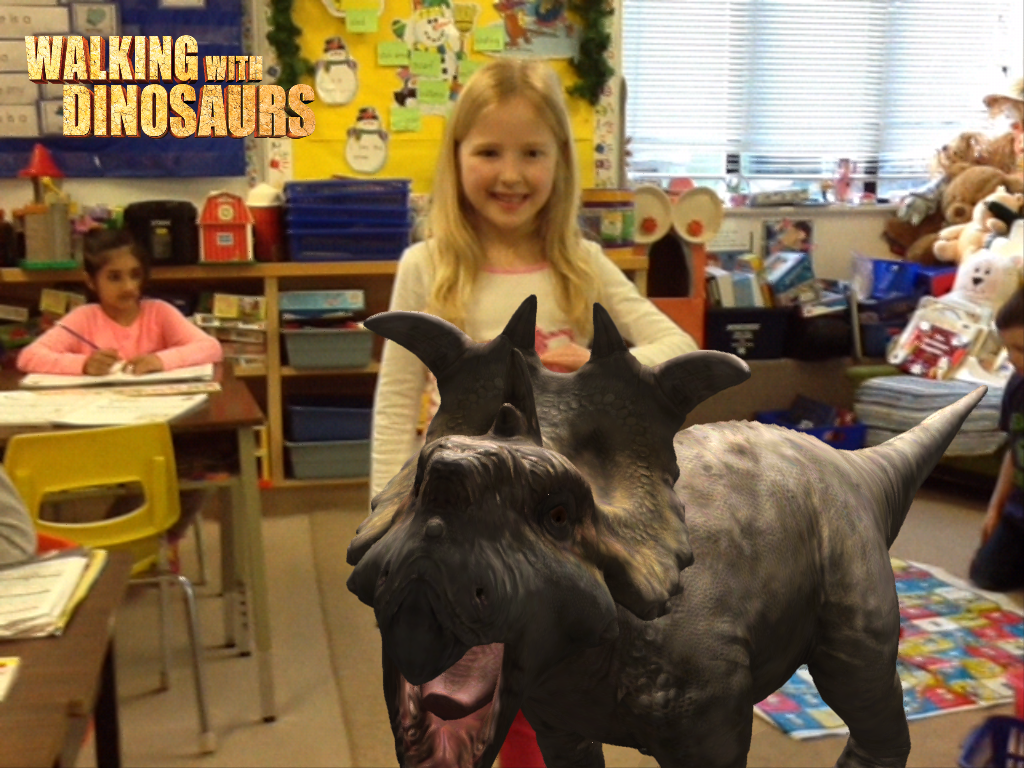
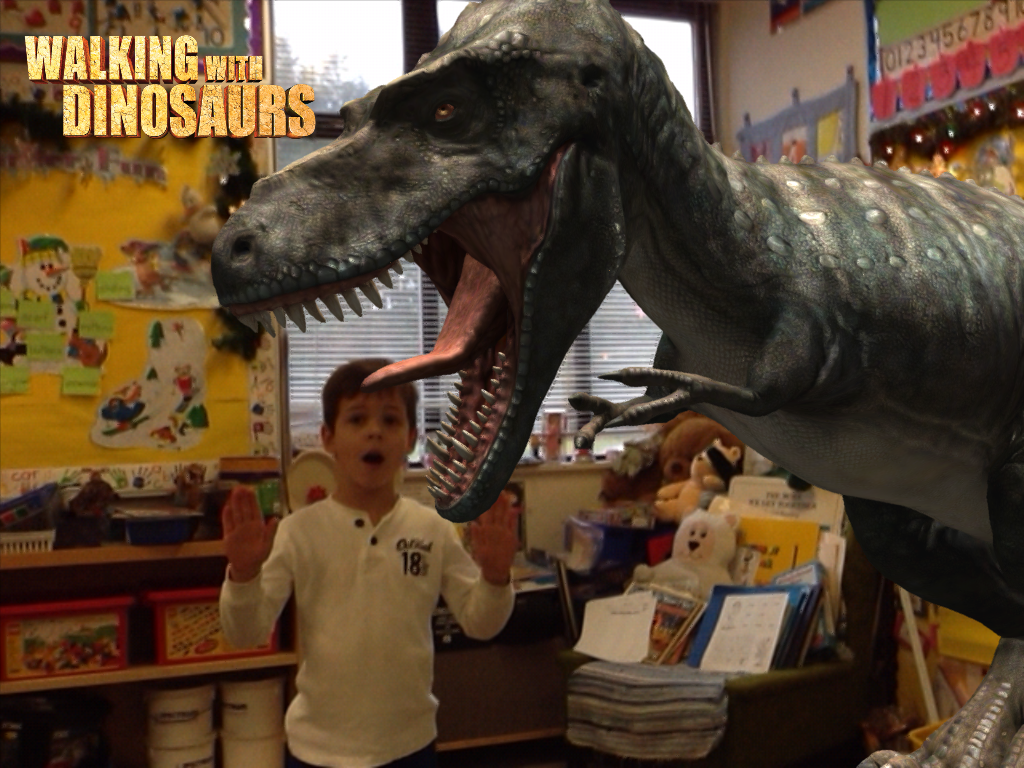
We have been having a lot of fun with the Walking with Dinosaurs app. This is a really cool augmented reality app that lets us pose with an augmented image of a variety of dinosaurs. We use the photo booth section of the app to create these life like images! The children choose the dinosaur they wish to pose with and what they want to act out. Then I take a picture of them with the dinosaur superimposed on the picture. It looks real, doesn’t it!
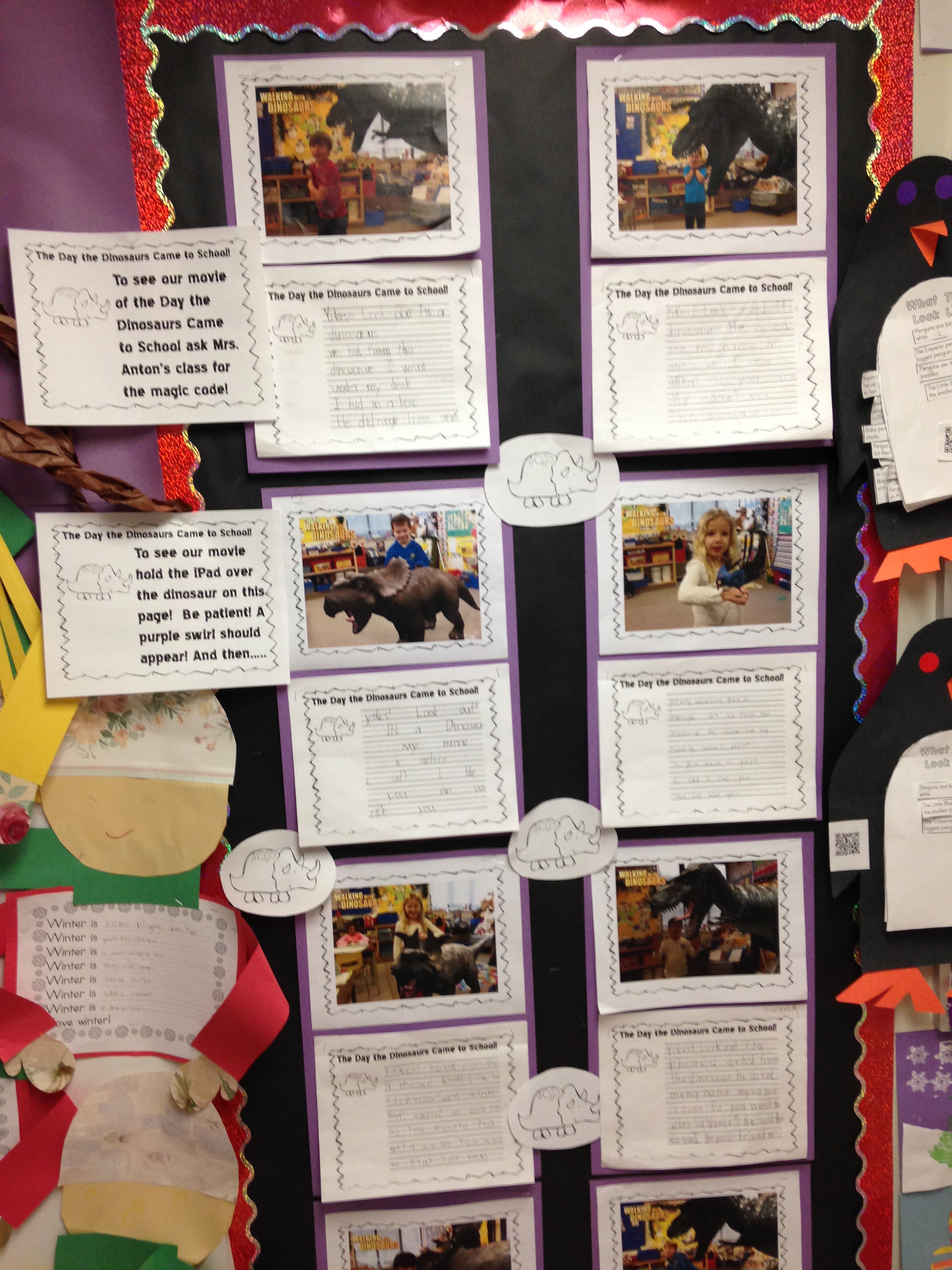
We used these pictures to create a movie trailer about “The Day the Dinosaurs came to School” using the iMovie app. The children had a really good time helping me with the captions for the movie trailer. It was a great taking off point for a creative writing exercise about what happened with “their dinosaur”! They did a great job!
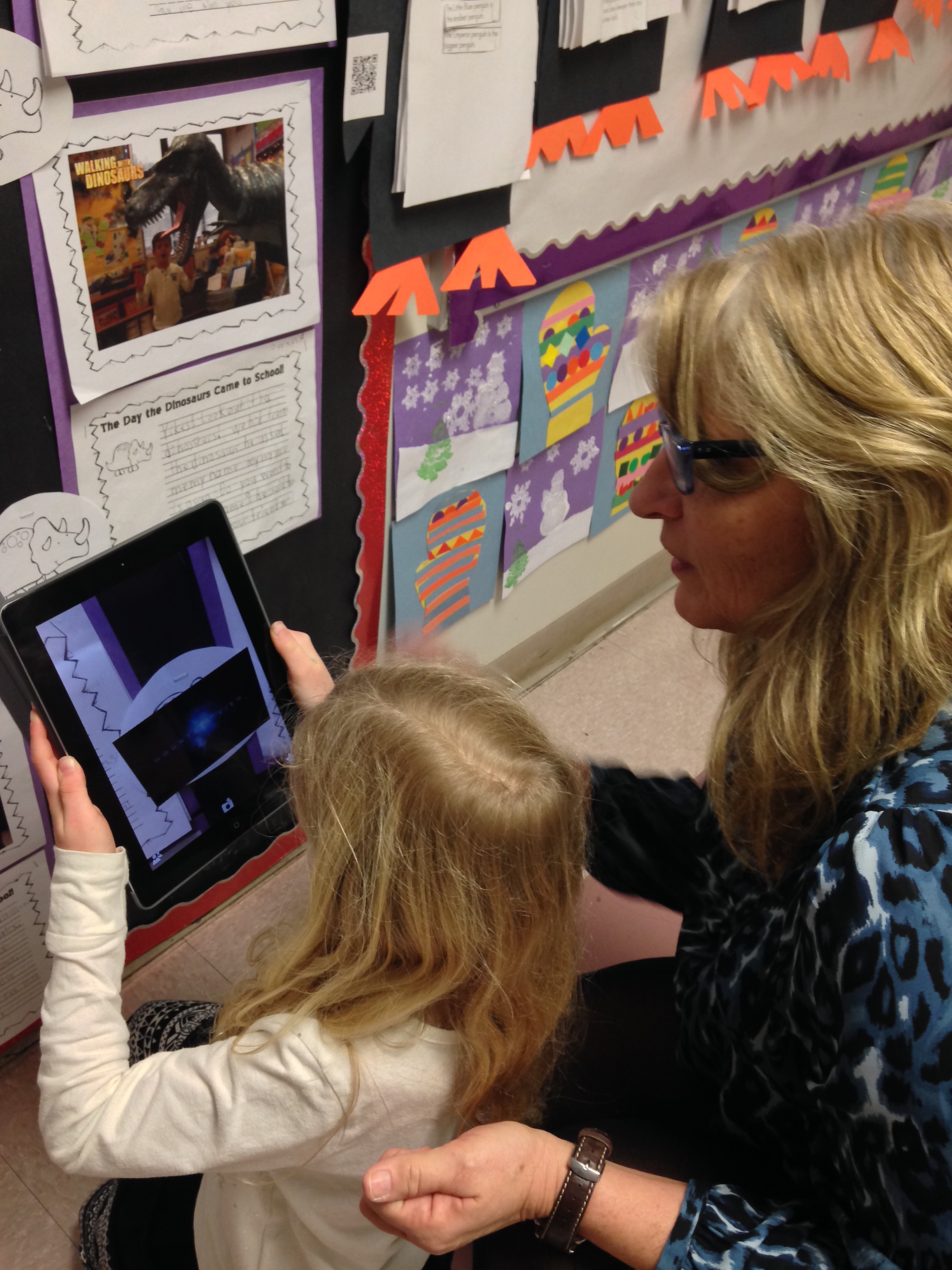
Then I used the Aurasma app to attach the iMovie trailer to their story. I put the trigger image for the movie on their writing paper.
The Aurasma app allows me to attach a video to a trigger image. The trigger image I choose is the little triceratops on the picture. When they hover the iPad over the image it triggers the iMovie trailer to open and play! Please come in and ask to view it with one of our iPads.
I will also be sending the trigger picture home in the next few days as well as the directions to view the image at home. You will need to download the Aurasma app on your device. This app is free at this time. To view the trailer you need the link and the trigger image as I have not placed it on our public channel. We used this app earlier this year for our At My School book we created on the iPad.
We have been having a great time with a new app called Chatterpix. I used this app to create this little video! You can add your voice and animate the picture to appear as if the picture is talking with this app. Lots and lots of giggles with this one.
We have been slowly having the children take turns animating their dinosaur pictures using this app. The children have to decide who will do the talking in their video. Then they mark the mouth on their picture and start recording! It is not easy to think of what your character will say for thirty seconds! I have been attaching the videos to each of their dinosaur pictures using the Aurasma app. The Dinosaur stories will have two trigger images. The dinosaur for the dinosaur movie and the picture of them and their dinosaur for their Chatterpix video. Definitely a fun app with lots of possibilities!
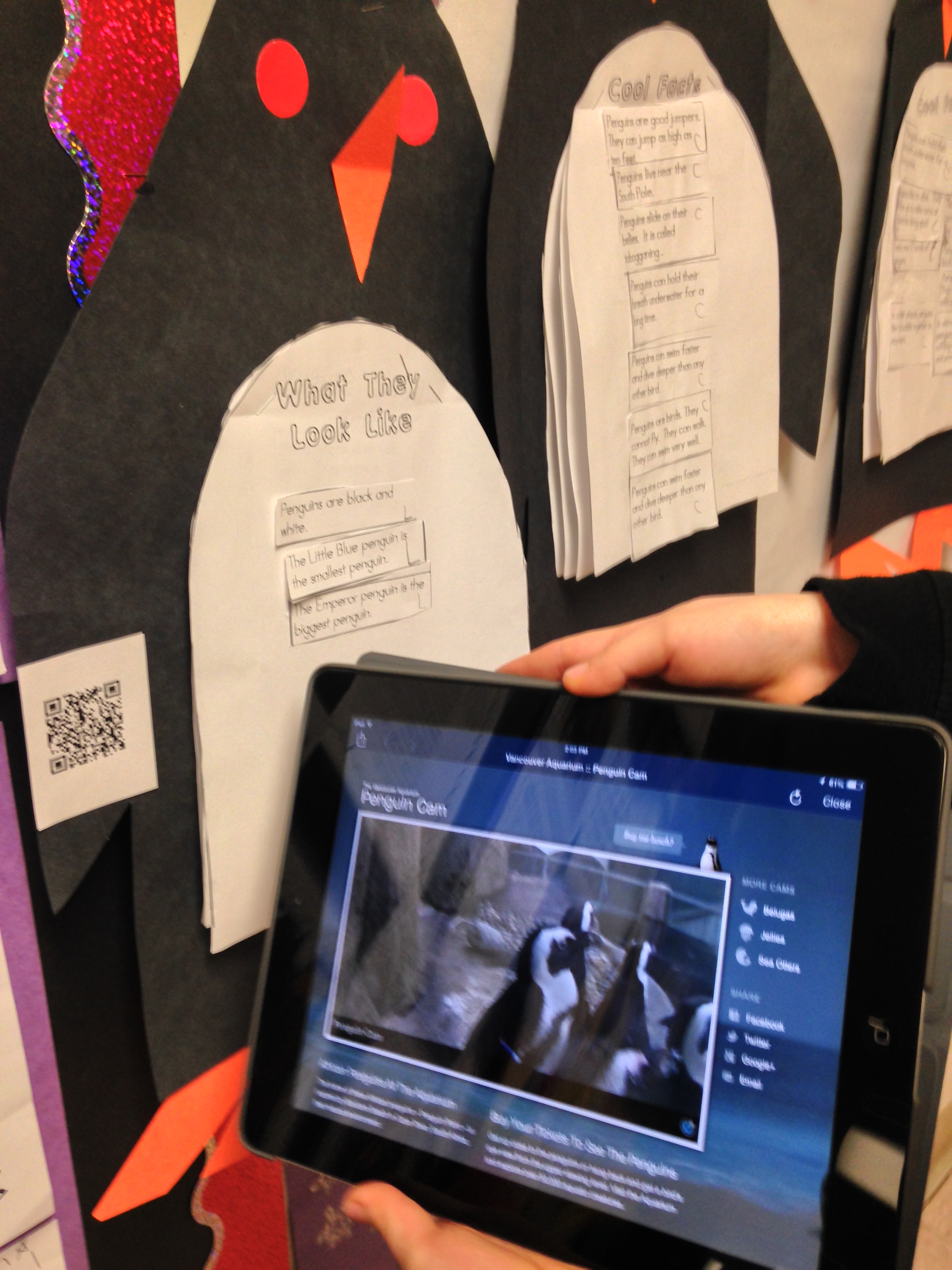
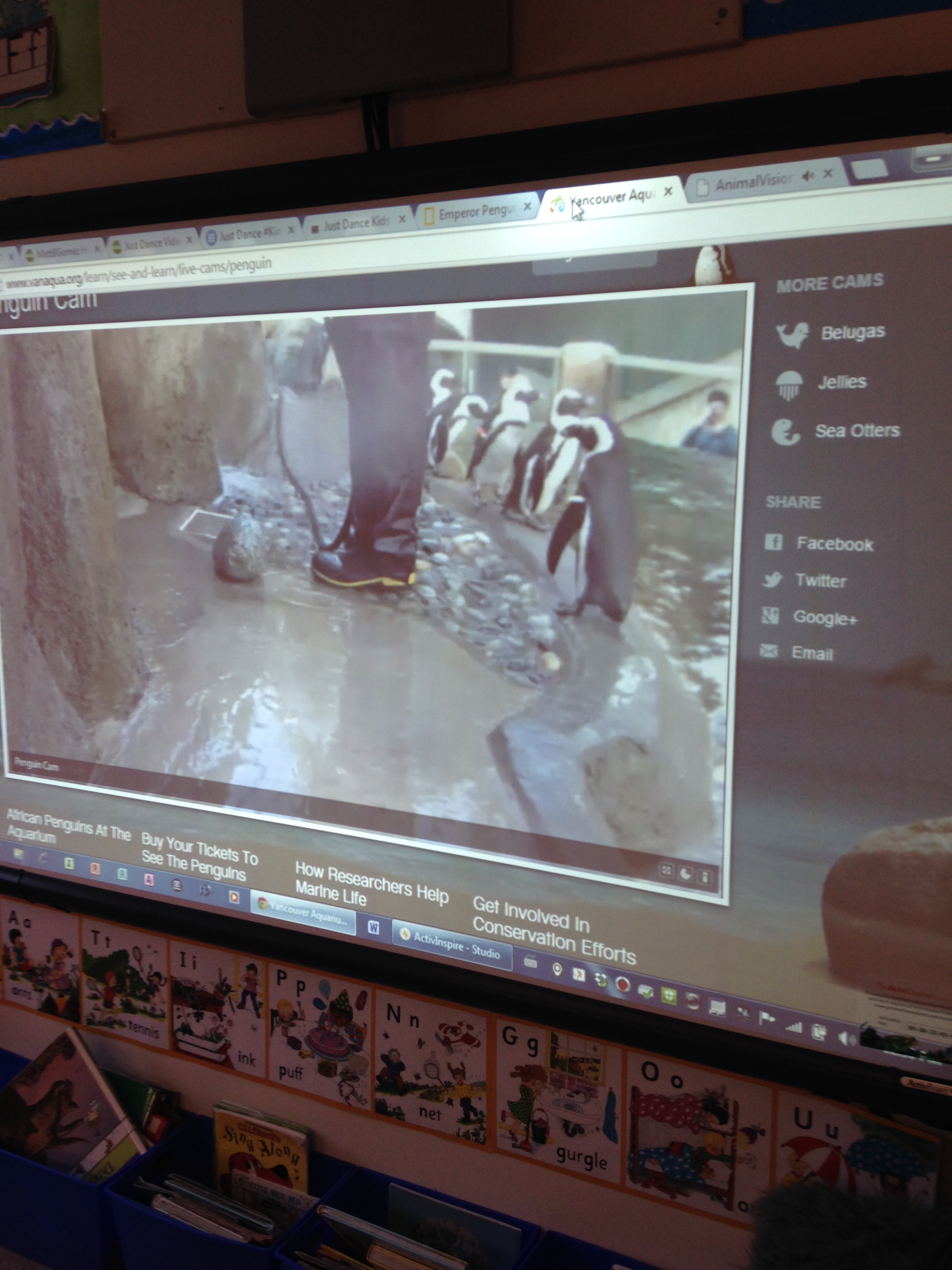
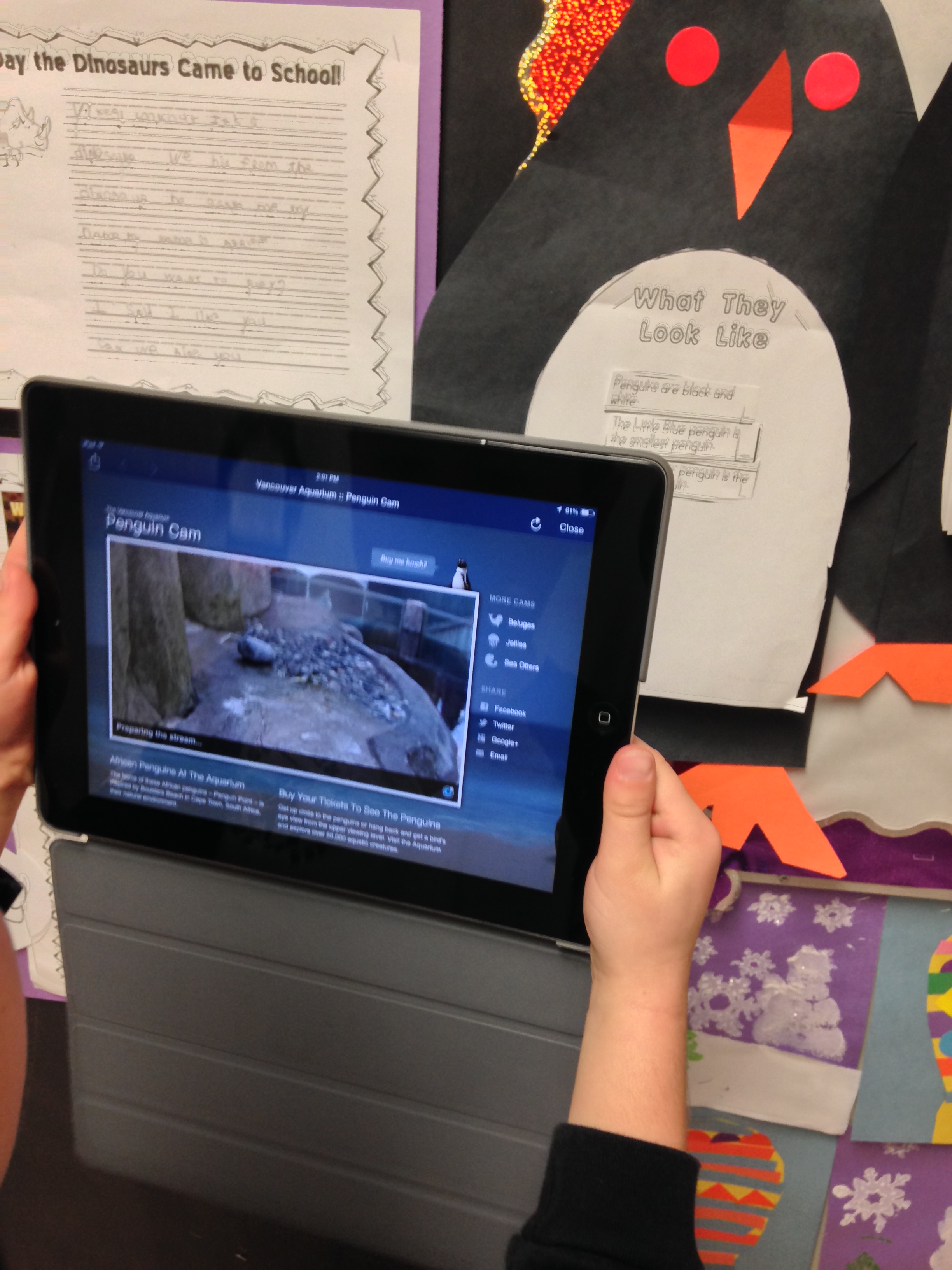
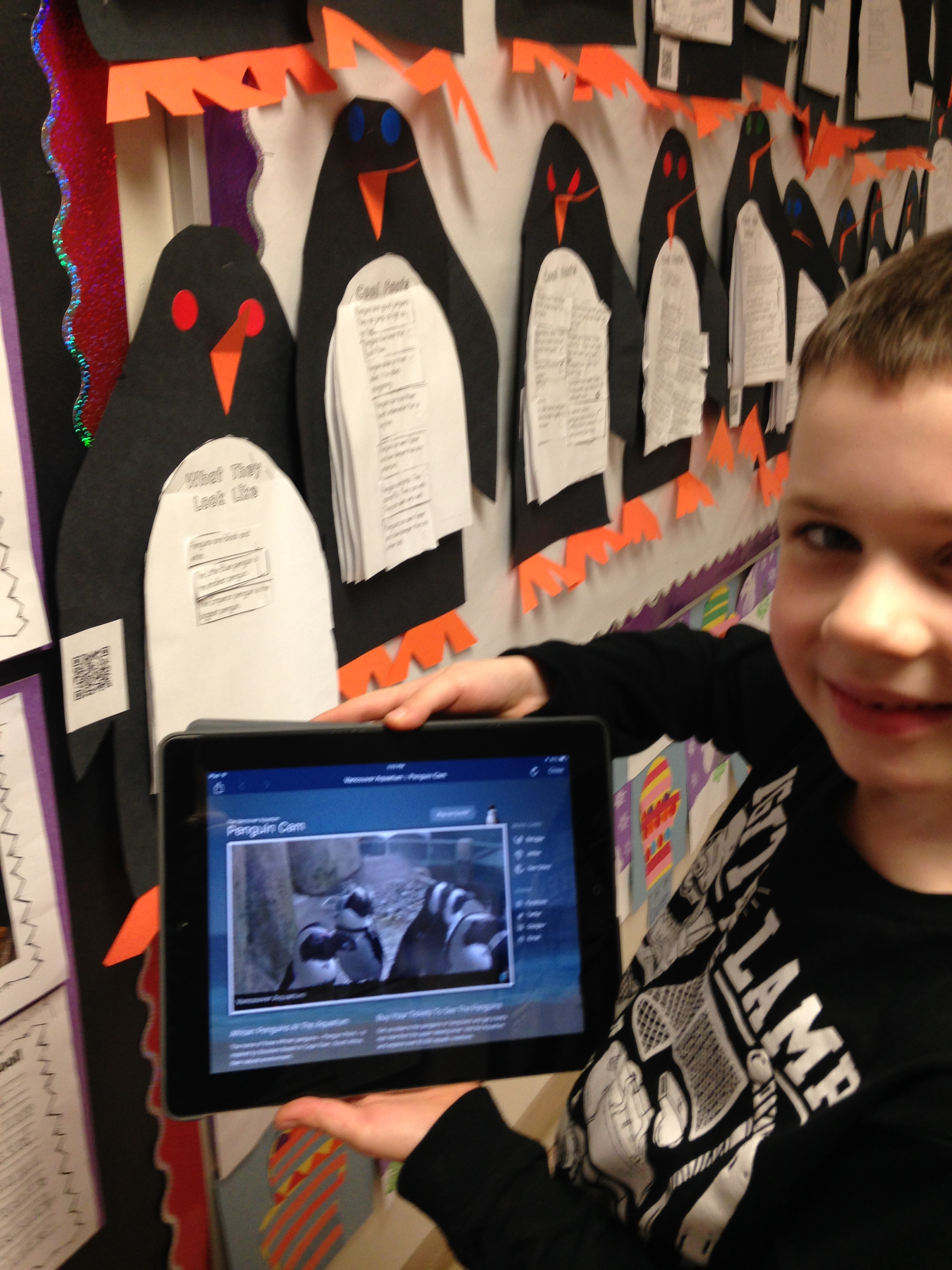
Over the last few weeks we have watched the penguins on the live webcam at the Vancouver Aquarium. Very cool! The penguins here are watching their keeper clean up their enclosure. He even reached down to pet one of the little penguins. Very cute! You can find the link to the webcam here.
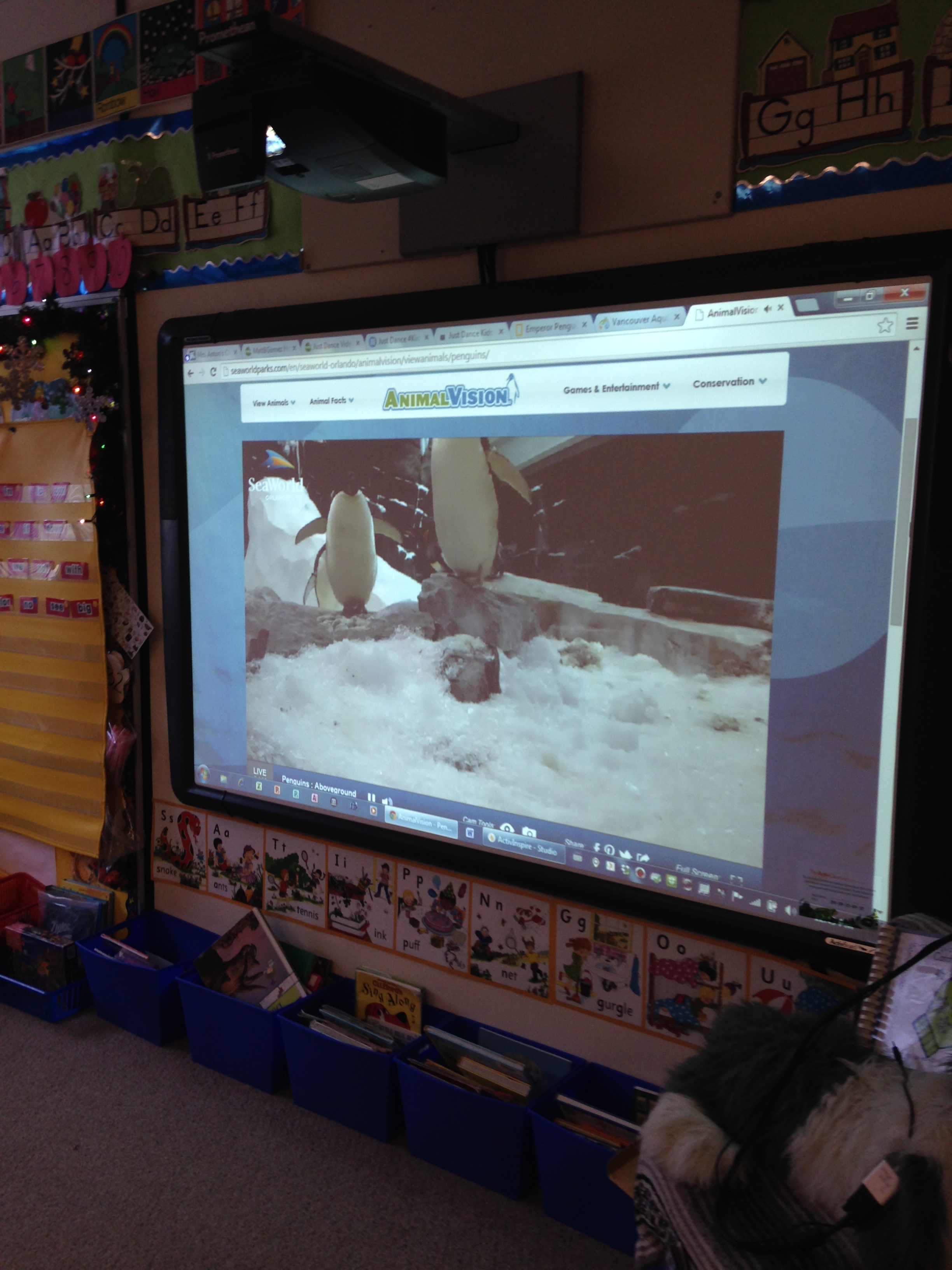
We also watched bit of the webcam from Seaworld in Orlando. You can find the link for this webcam here. These guys are really noisy!
We read some non-fiction books about penguins! We learned a lot of interesting facts. Did you know that penguins like to surf?
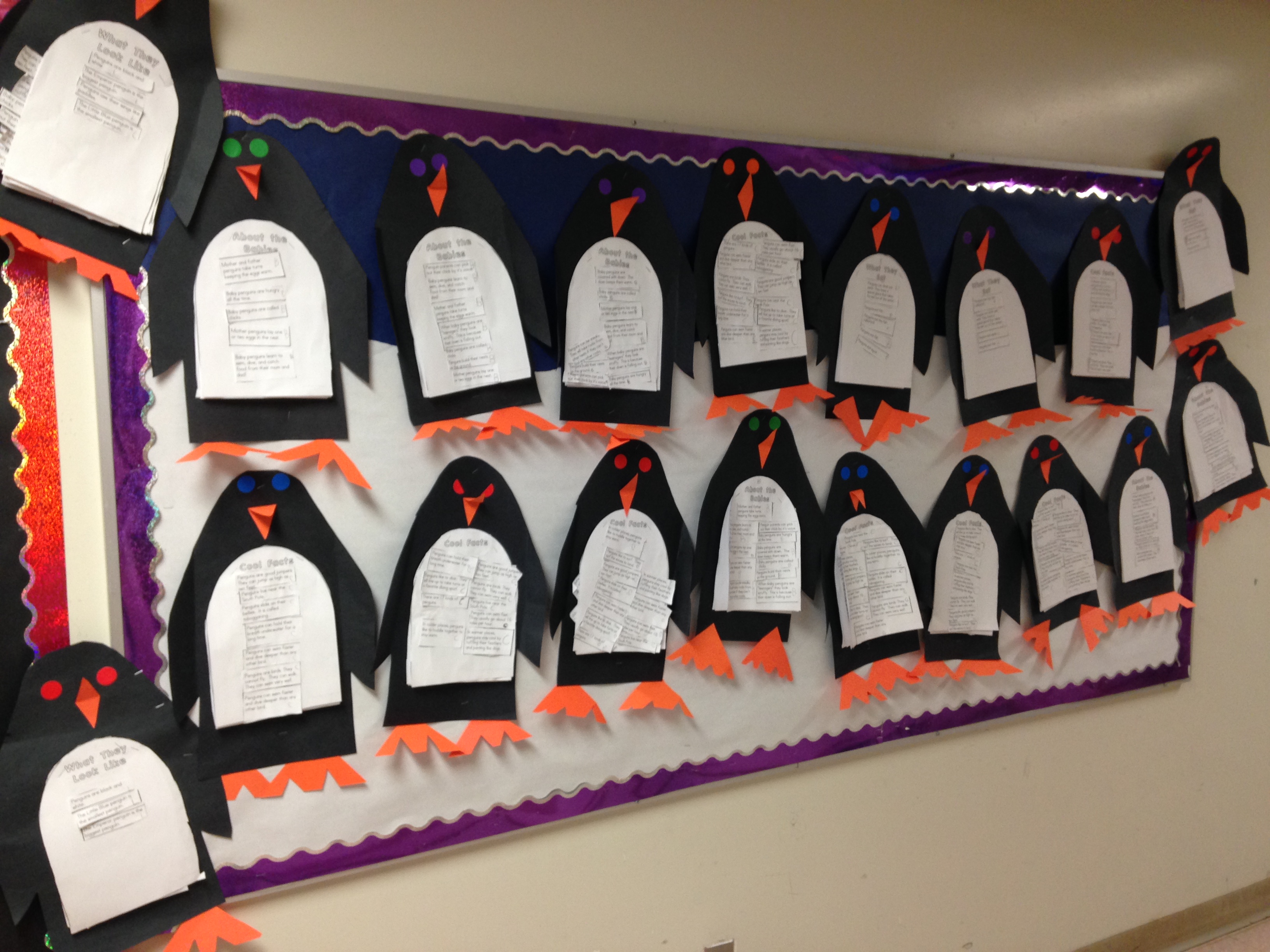
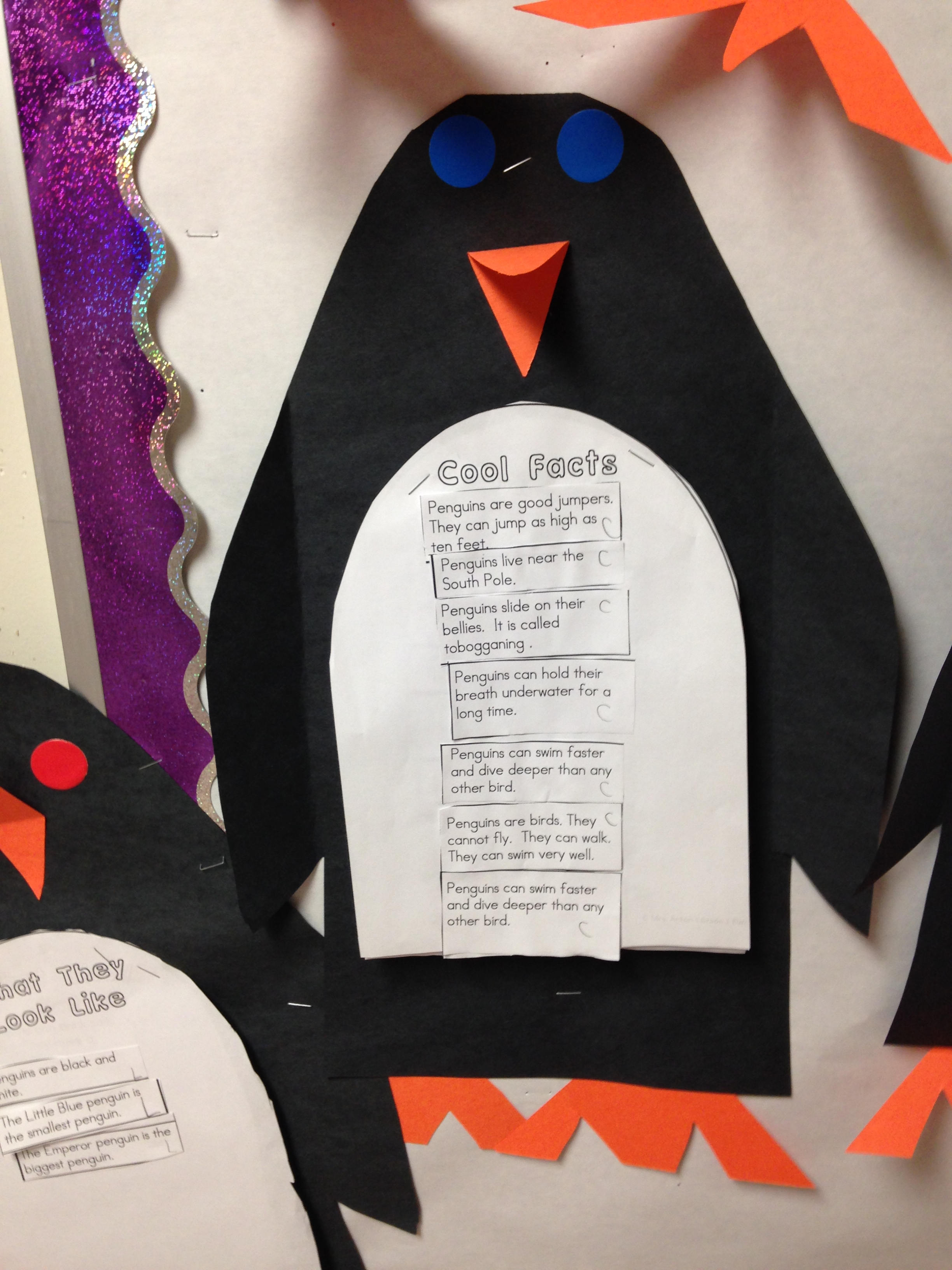
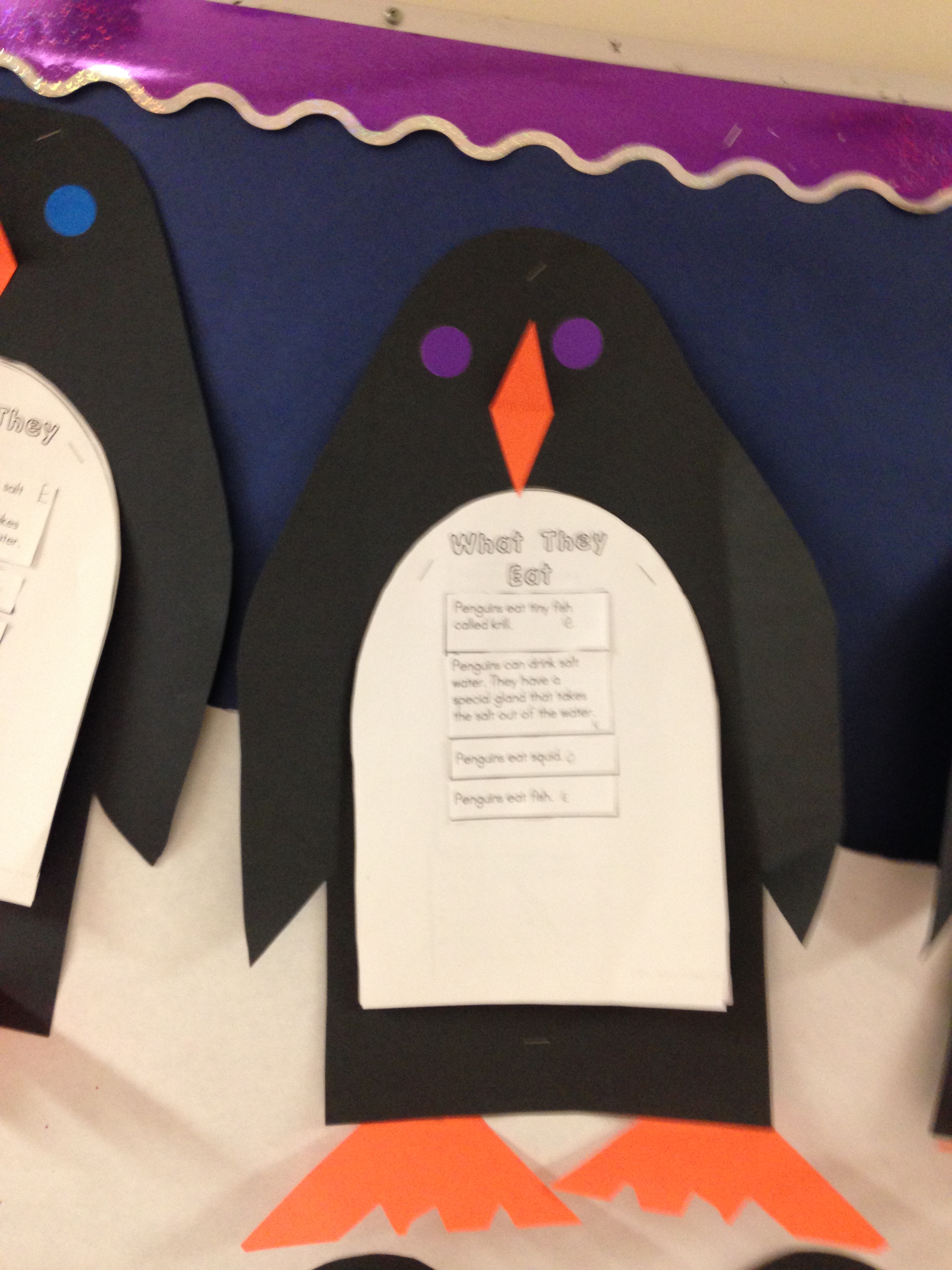
Then we did a penguin research report. First, we read the facts and decided which category would be the best for each fact. Our four categories were: What They Look Like, What They Eat, About the Babies, and Cool Facts! Then we coded the facts with the beginning letter for each category and the children glued the facts to the corresponding page.
We turned our report into a penguin!
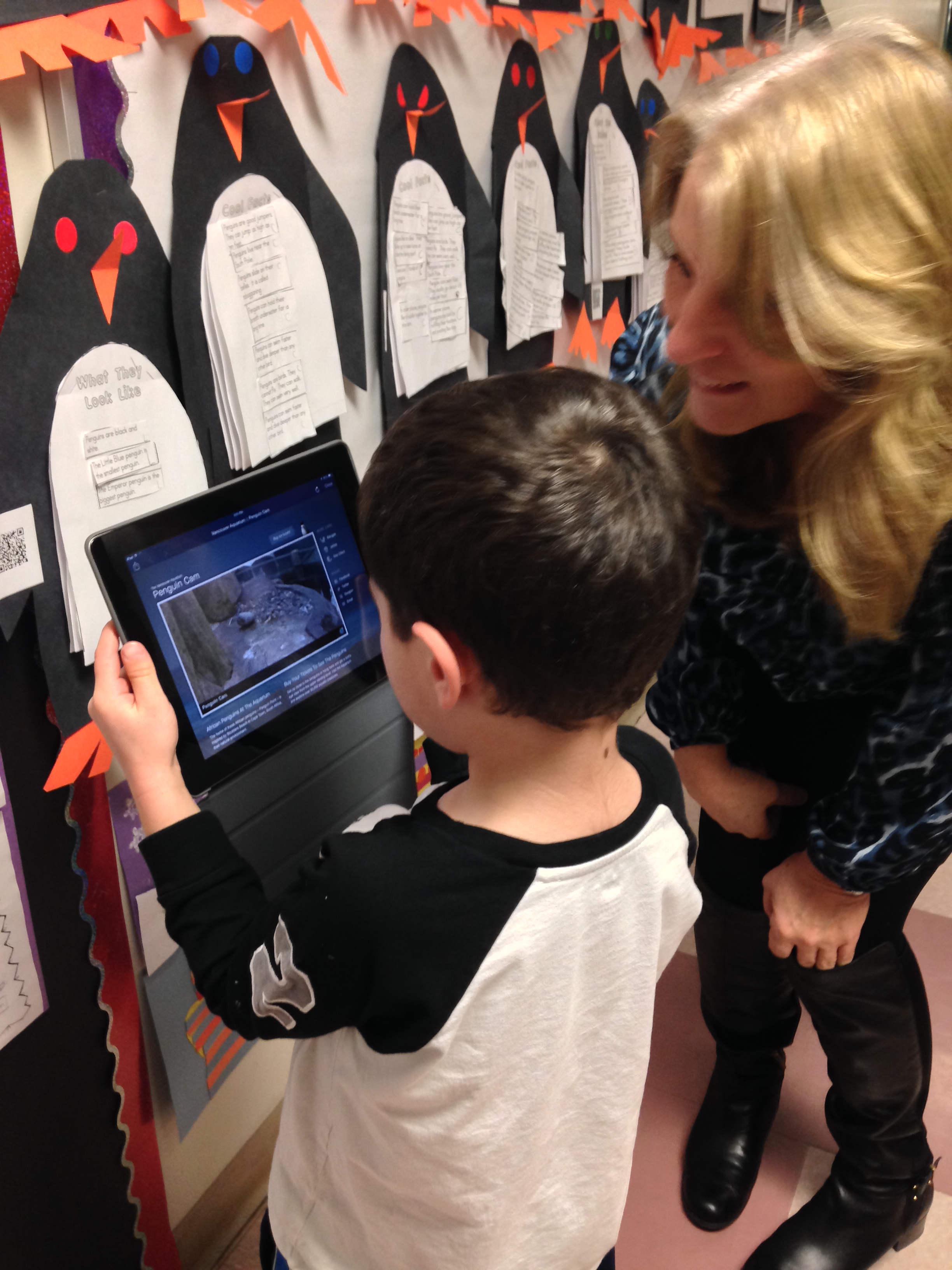
We have also created a QR code for the Vancouver Aquarium webcam that we have attached to our penguin reports.
If you have a QR code reader on your phone come on in and try it out! It’s a lot of fun!
It seems a bit like magic to point the iPad at a little box and have penguins appear! Too much fun!
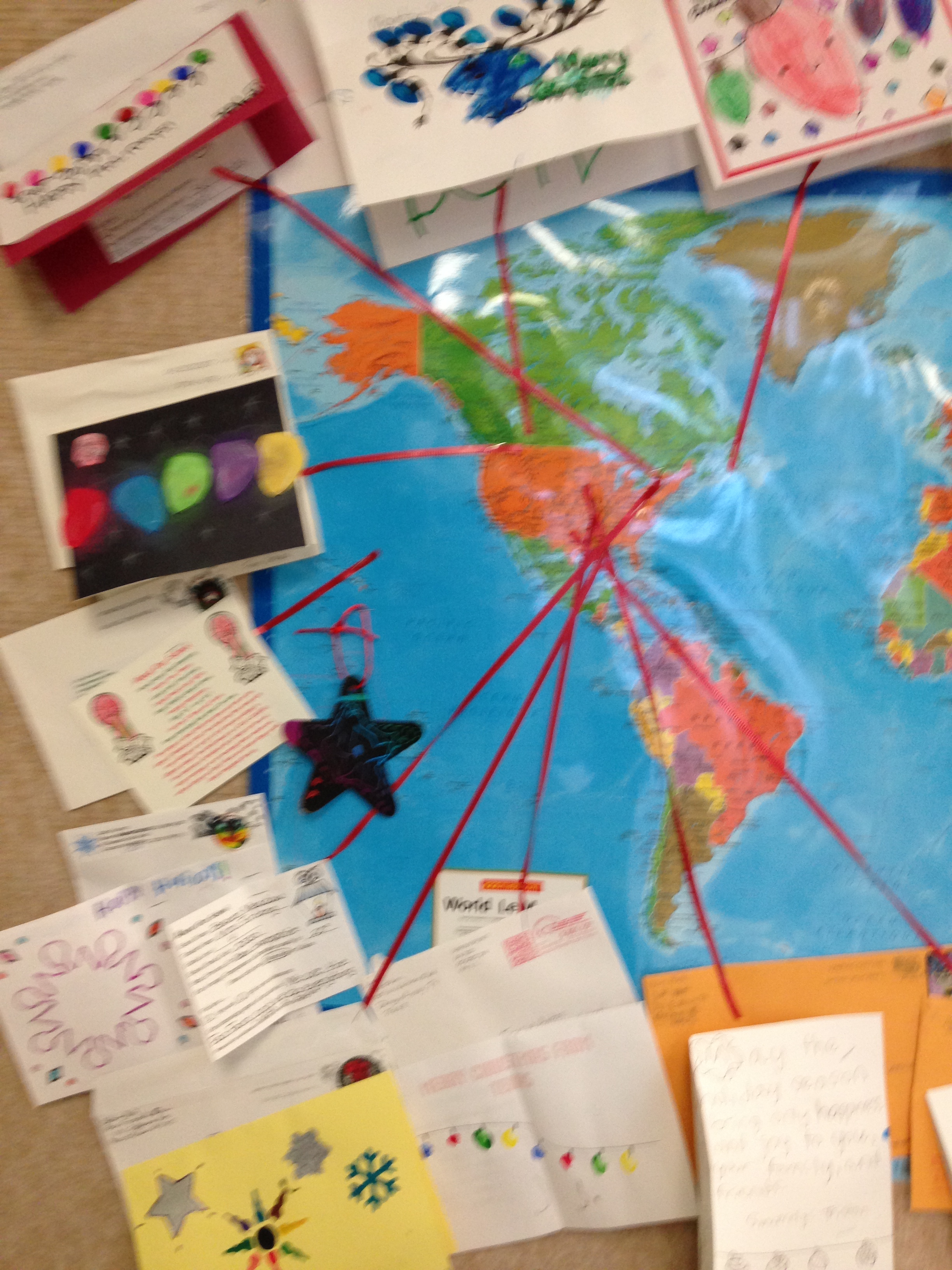
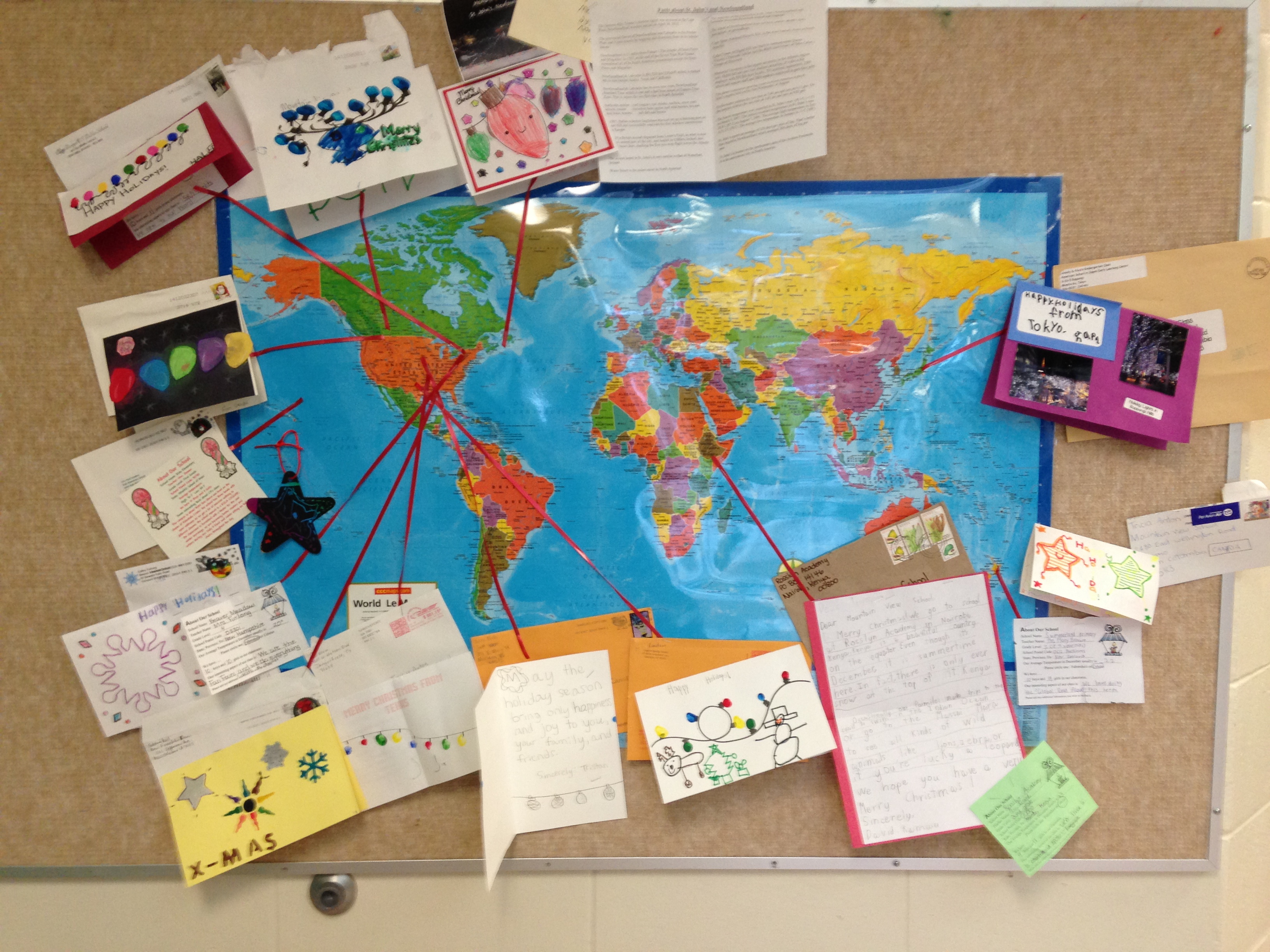
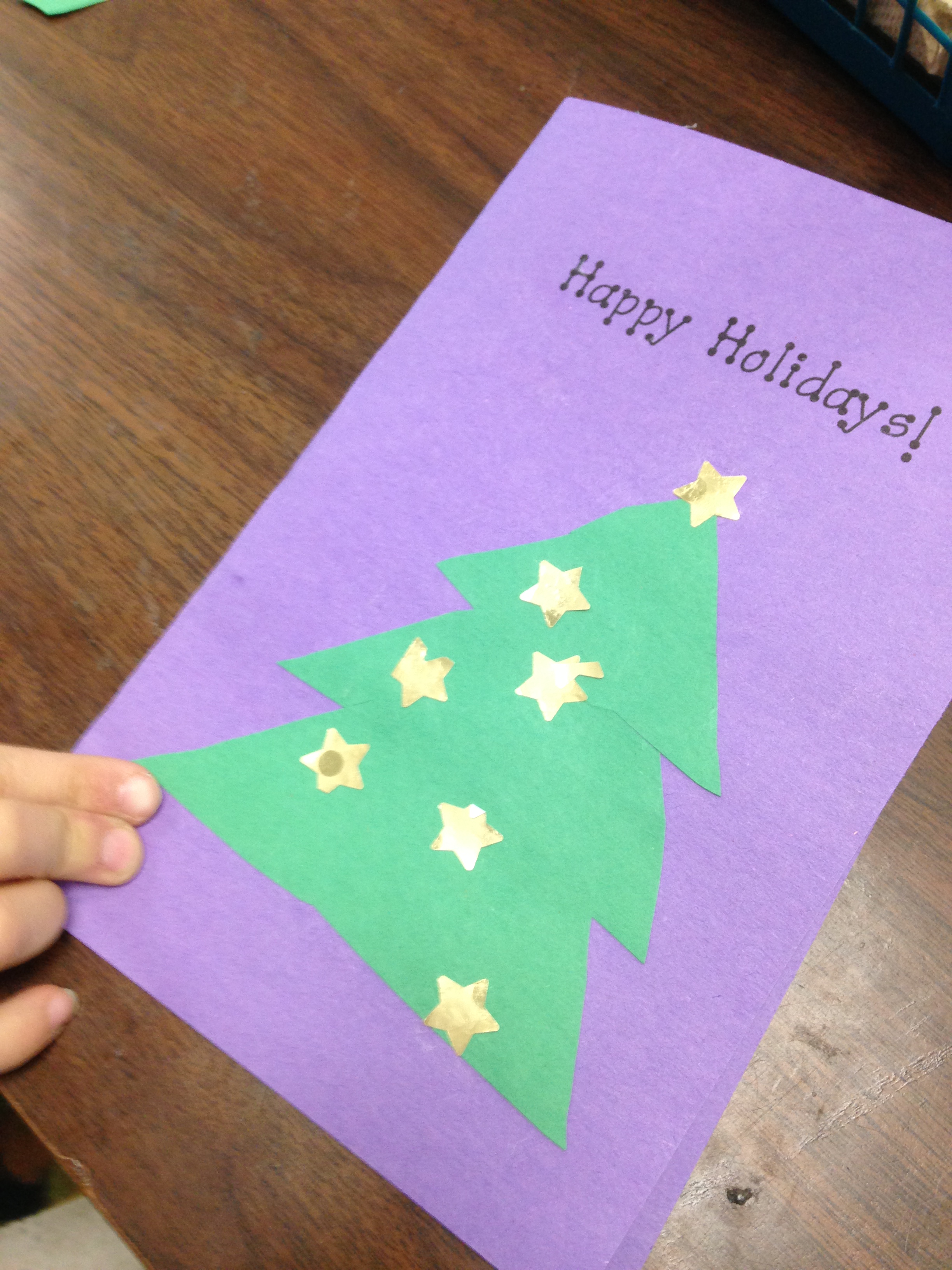
We have had a great time taking part in the Holiday Card Exchange this year! I signed our class up to take part in a Global Christmas Card exchange this year! This card exchange is coordinated by Jennifer Wagner. Over 1000 teachers worldwide took part this year! We were responsible for sending out 32 cards to different schools in the world. Each of the schools in our group was responsible for sending us a card back! The theme for the cards this year was Lights. We sent off our cards in the early part of December and started receiving cards during the last week of school before the holiday break. We received the rest of the cards after Christmas.
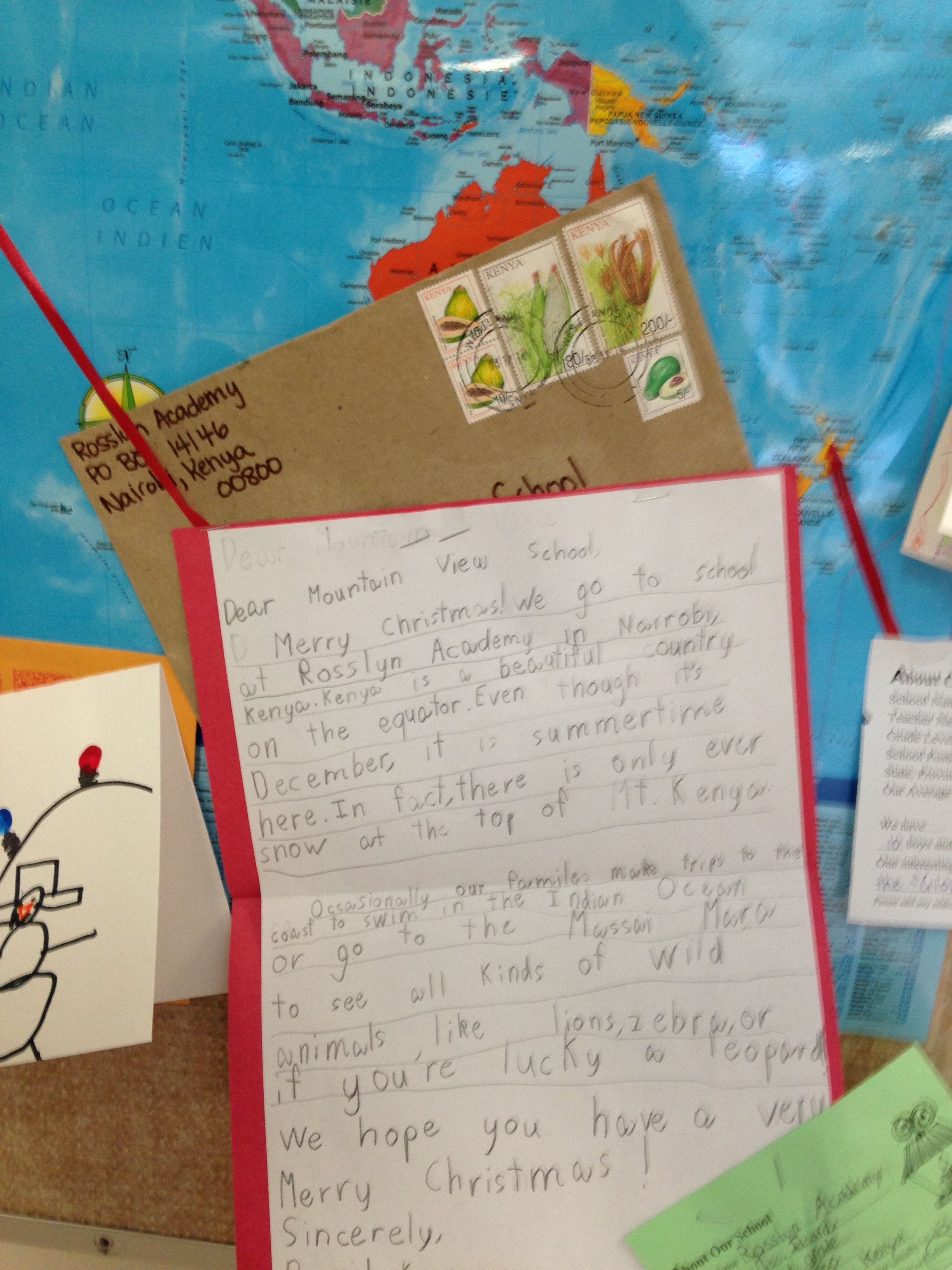
We sent cards to faraway places like New Zealand, Japan, and Kenya! We sent cards to other parts of Canada such as Newfoundland and Ontario. We sent many cards to schools all over the United States. And we got some wonderful cards back. Some of the cards had pictures of the classes, or letters from the student who made the card.
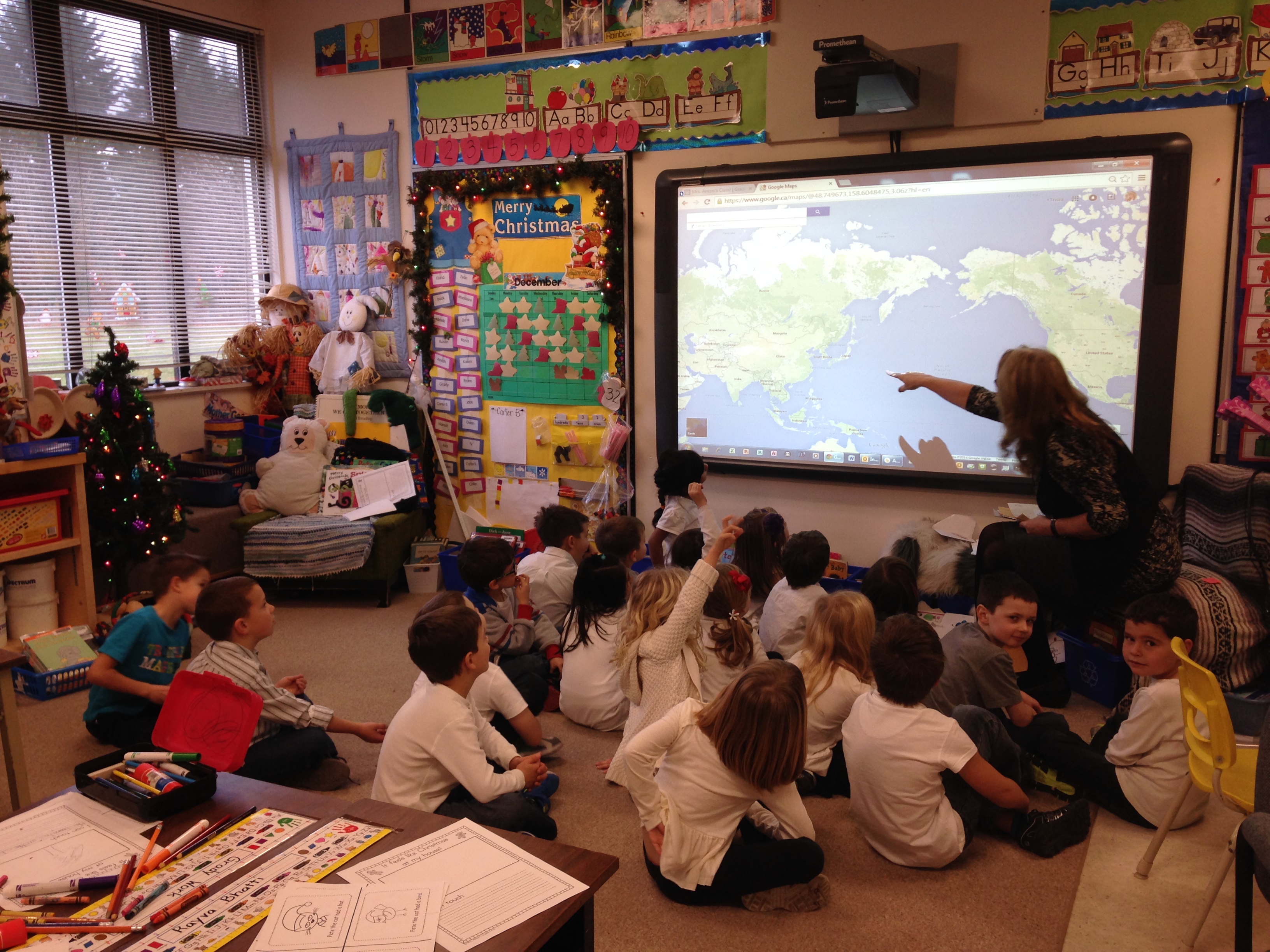
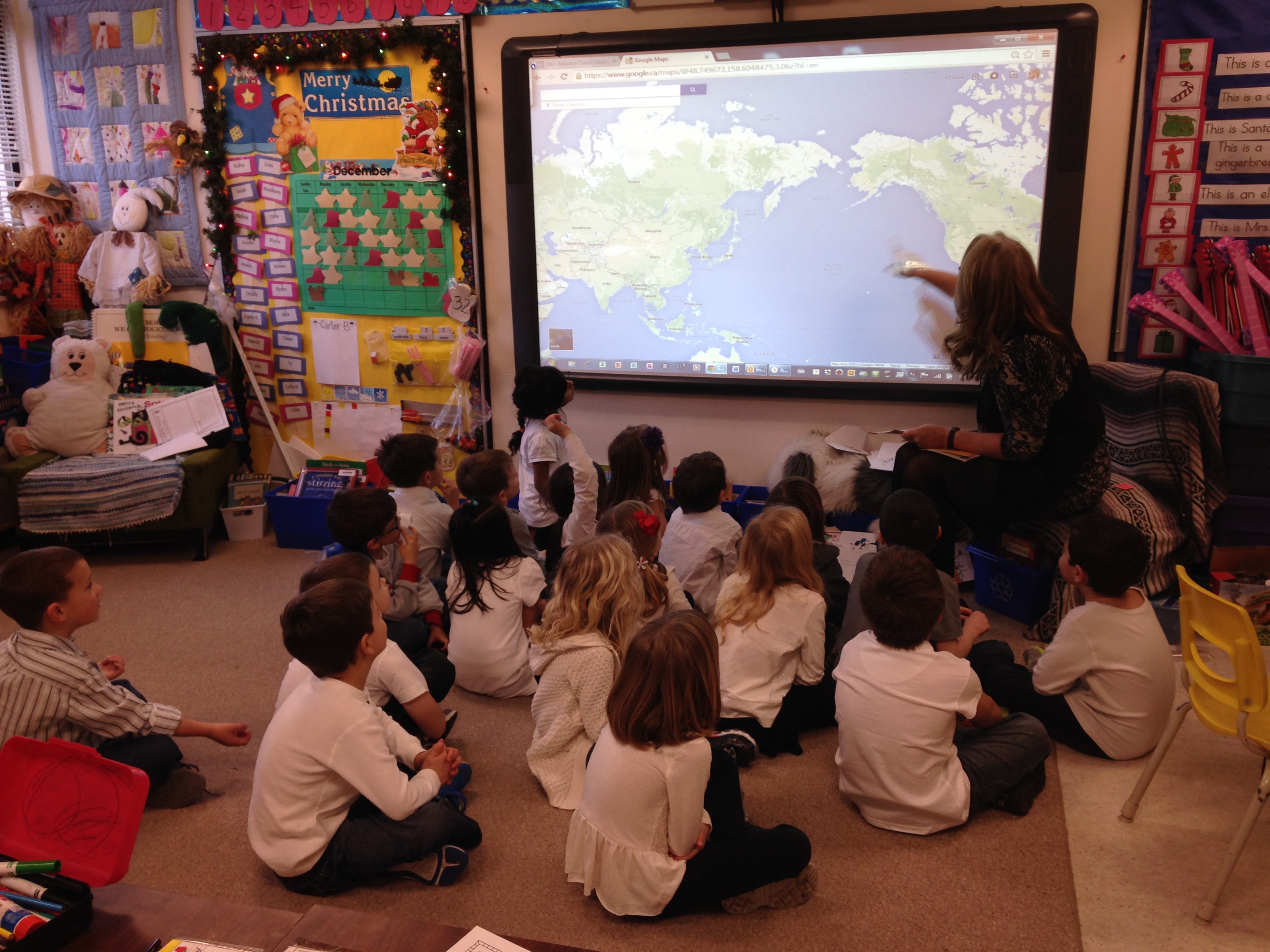
I bought a map of the world and we displayed our mail and where it came from! You can see our mail on the display board outside of the gym. We also used Google Maps on our Promethean Board to figure out where each of our cards came from and how far away the school was from us! Using the Promethean board was awesome because I could zero in on a location of a swipe of my fingers. Very cool.
As part of the project we had to include an information page about our school. We had to include what the average temperature would be in December, how many boys and girls were in our classes, and what we liked about our school. We found out some very interesting things. The fact that the children were most interested in was how many boys or girls were in the classes!
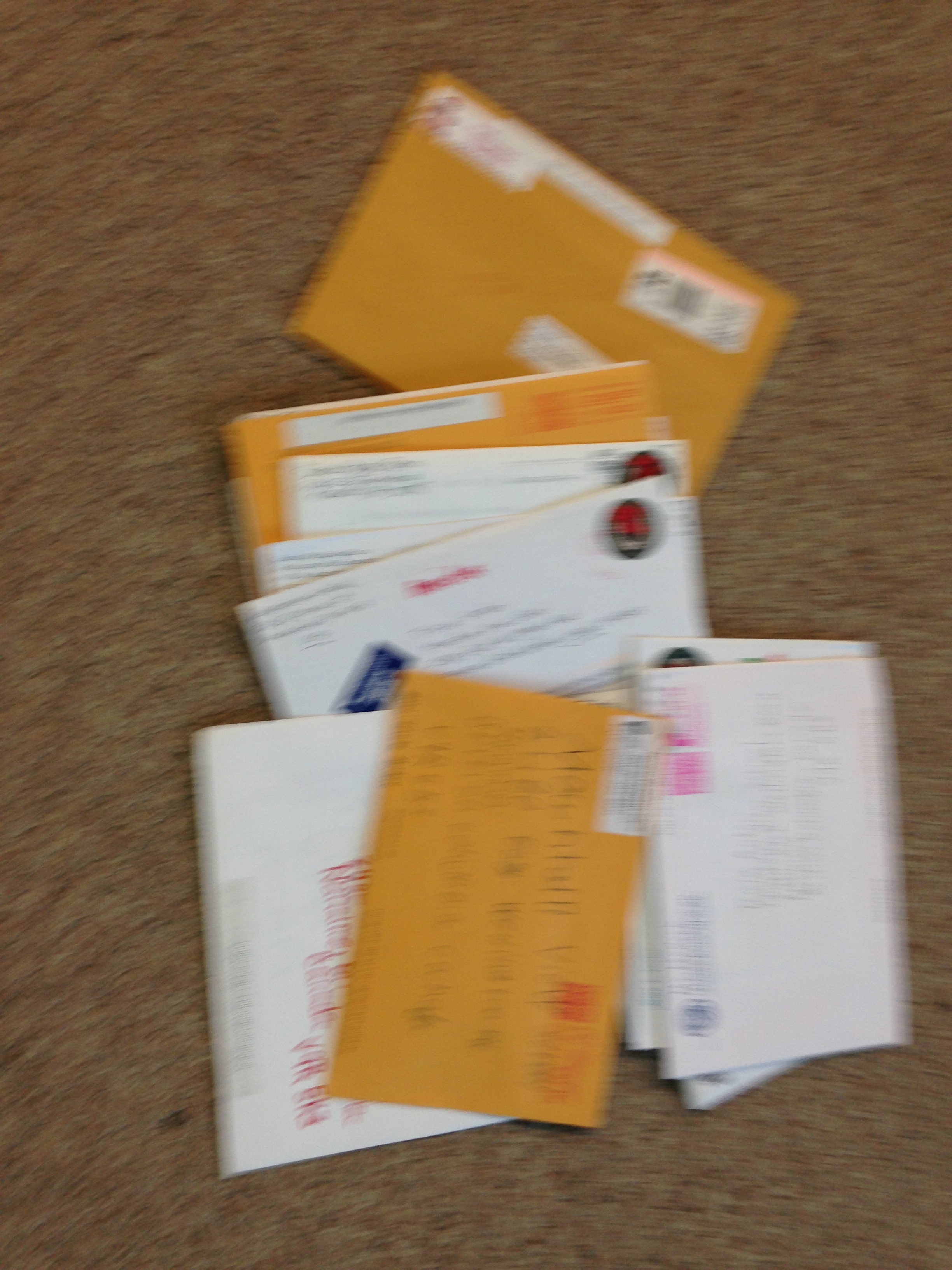
This picture show some of our mail on one day! Very exciting to get mail just for us! The stamps were very pretty too!
This is a closeup of the letter from Nairobi, Kenya. We learned a lot from this letter.
We learned a lot about different schools around the world and how big the world is! We also learned how much fun it is to get mail! I think we are all a little sad that this project is done. We liked getting Christmas cards!
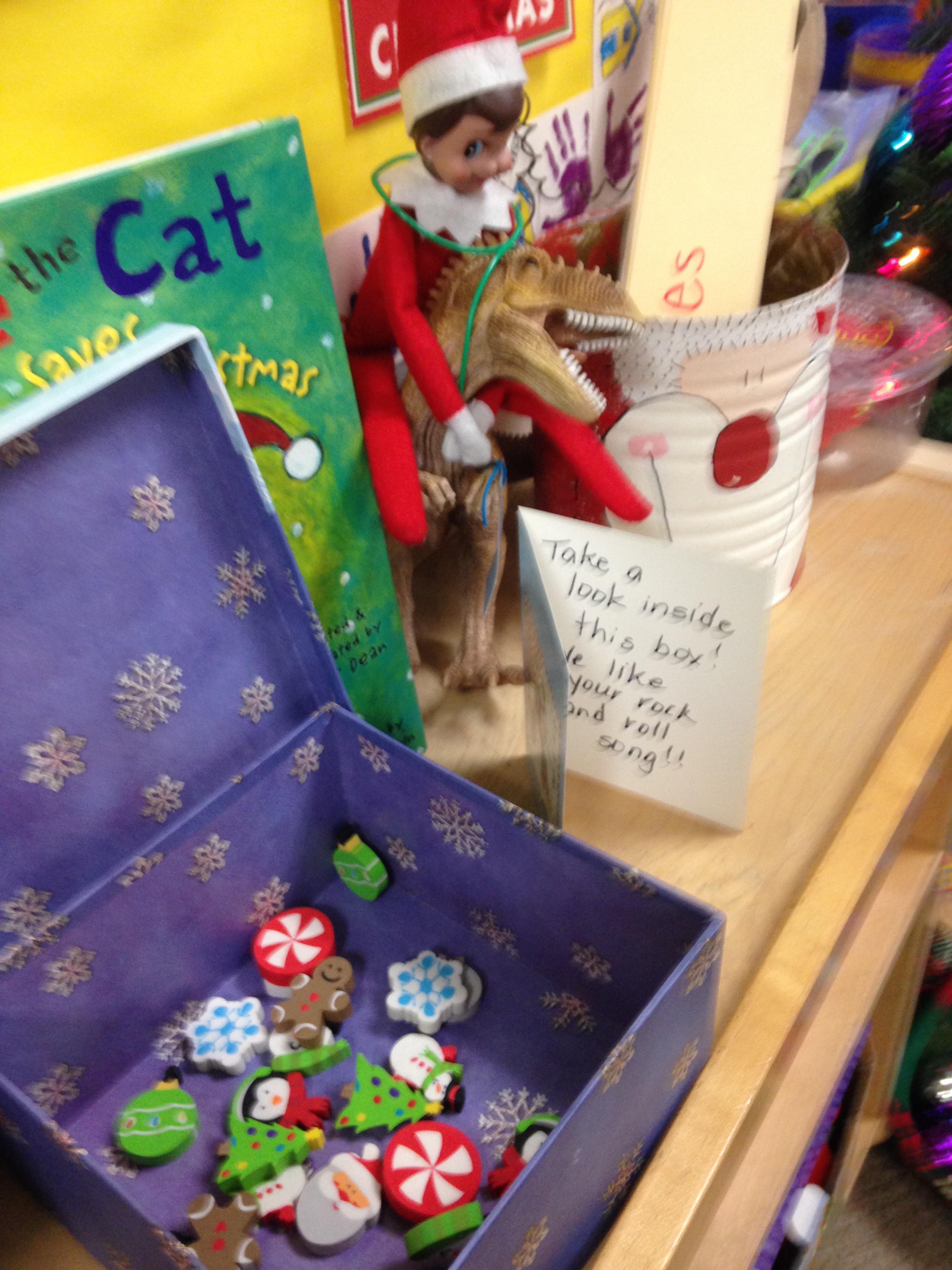
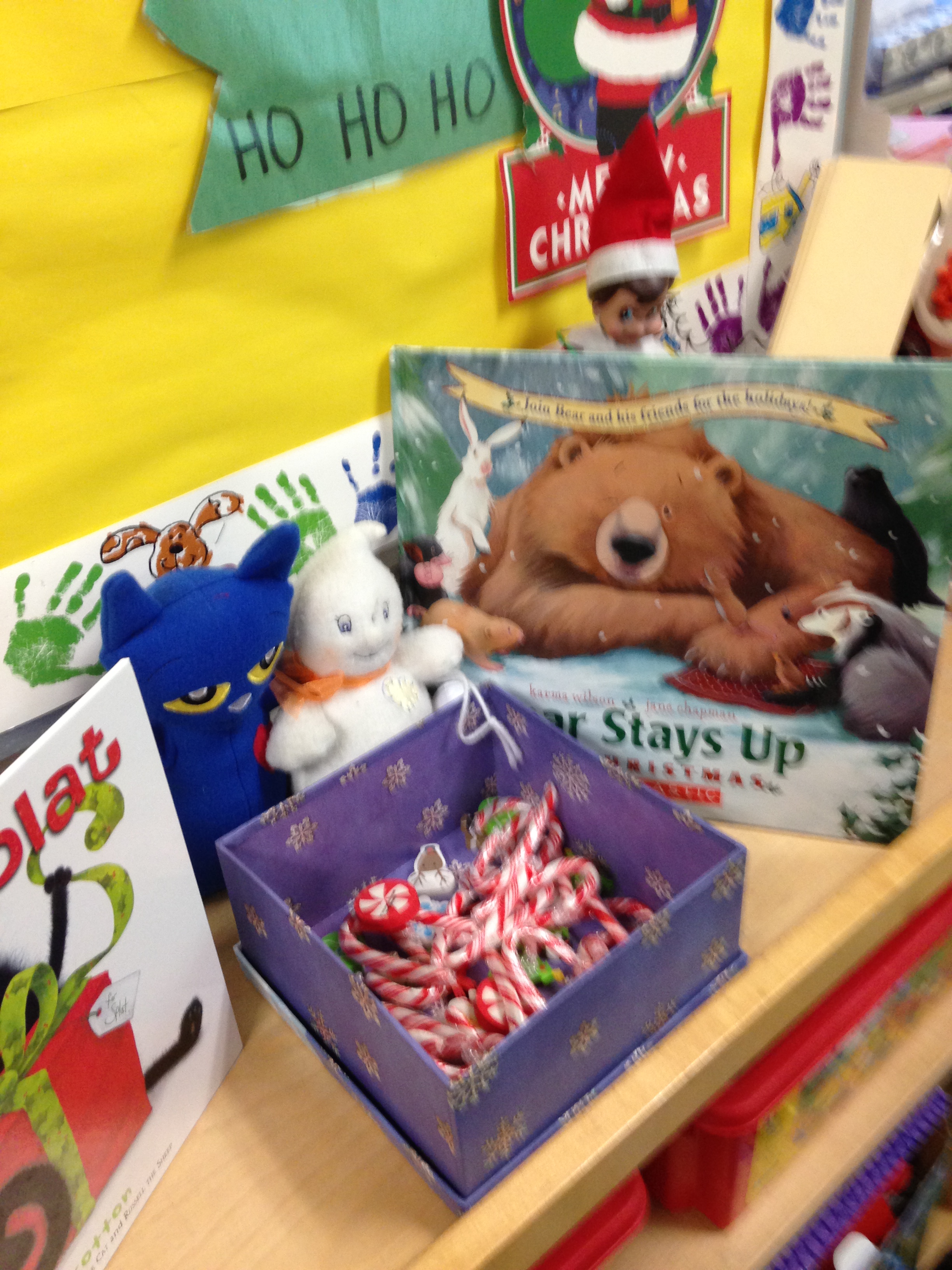
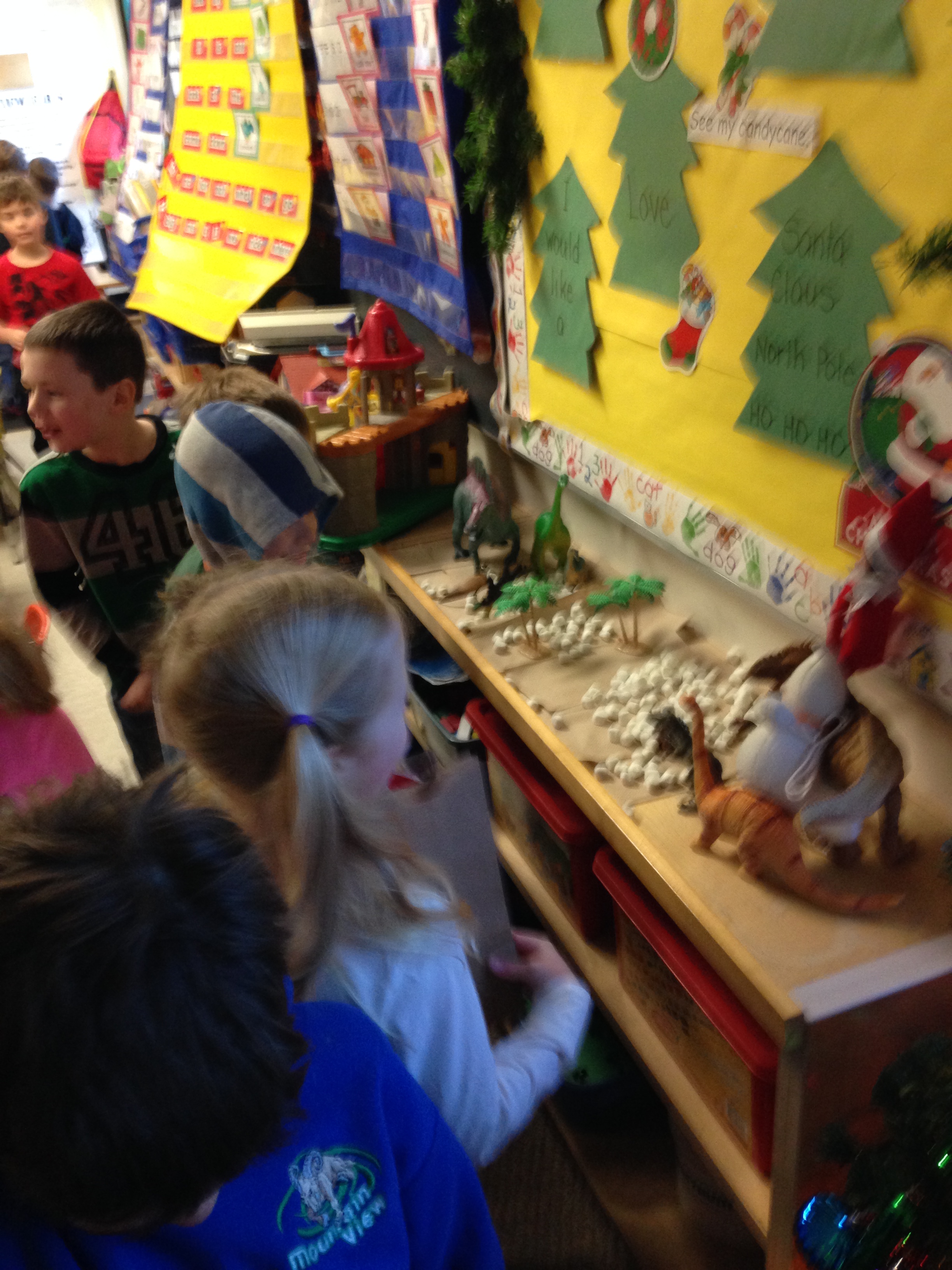
Sparkles, our Elf on the Shelf and Gus, our resident ghost and trickster have been leaving surprises all month. I decided to try to catch them in the act with the Santa Spy Cam app. We caught Sparkles’ friends in the act! You can see our classroom in the video! They left us a note! Too much fun! The Santa Spy Cam app is really cool. Take a look at this app at the app store or online and see the amazing things that are possible with this app!
Here are a few of the treats left for us each day!
The students seemed to really enjoy the visit from Sparkles and rushed to find out what she had left for us each day! We will miss her!






 Mrs. Anton's Class!