Our Alphabet Book! Augmented Reality Style!


[youtube https://www.youtube.com/watch?v=Is-qWOv3_AY?rel=0&showinfo=0]

This is the alphabet book that we created this year using augmented reality!  We think it is pretty cool!

s_is_for

We used a combination of apps to create this project.  The children have been using the app AR Alphabet Flashcards this year a lot!

IMG_0635

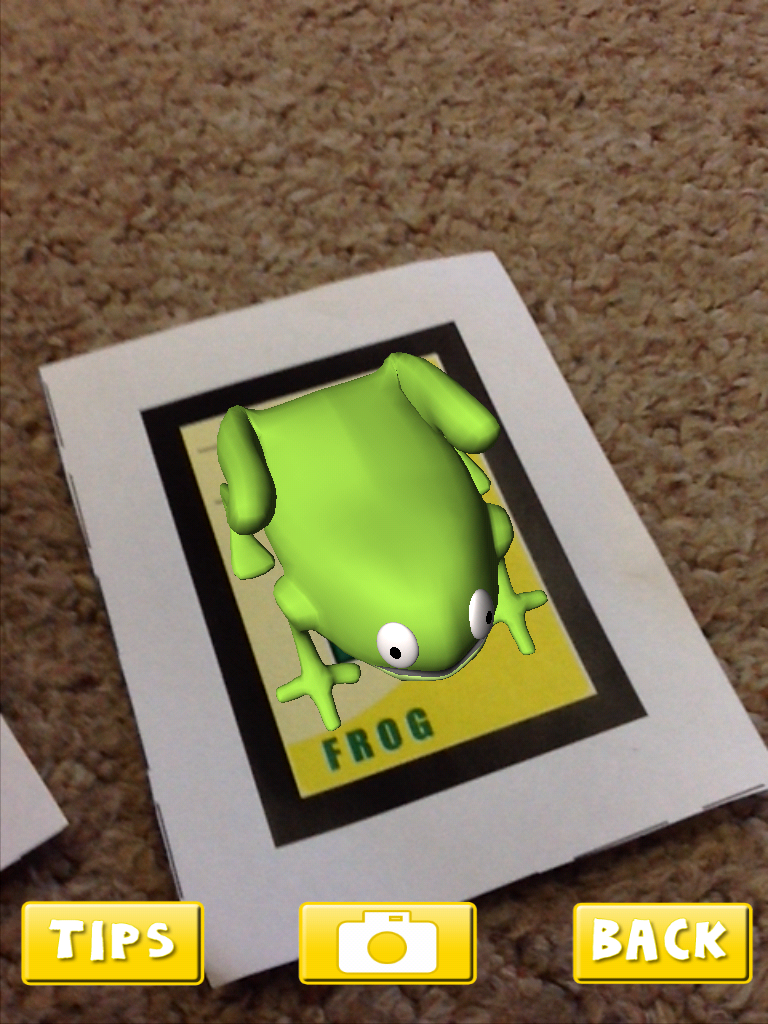
 They love trying to hold the augmented images that appear when you hold the iPad over the trigger images.

words_for_a

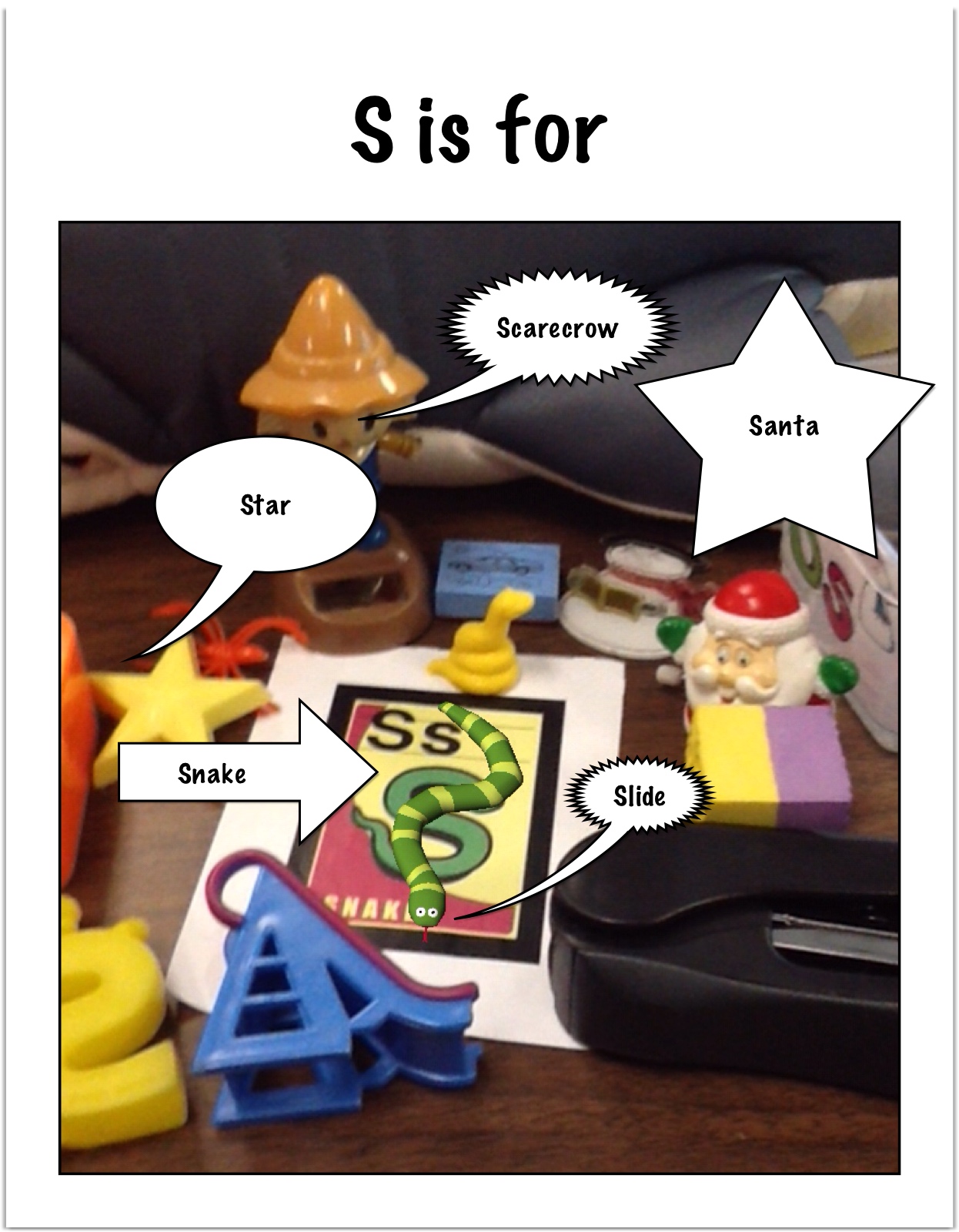
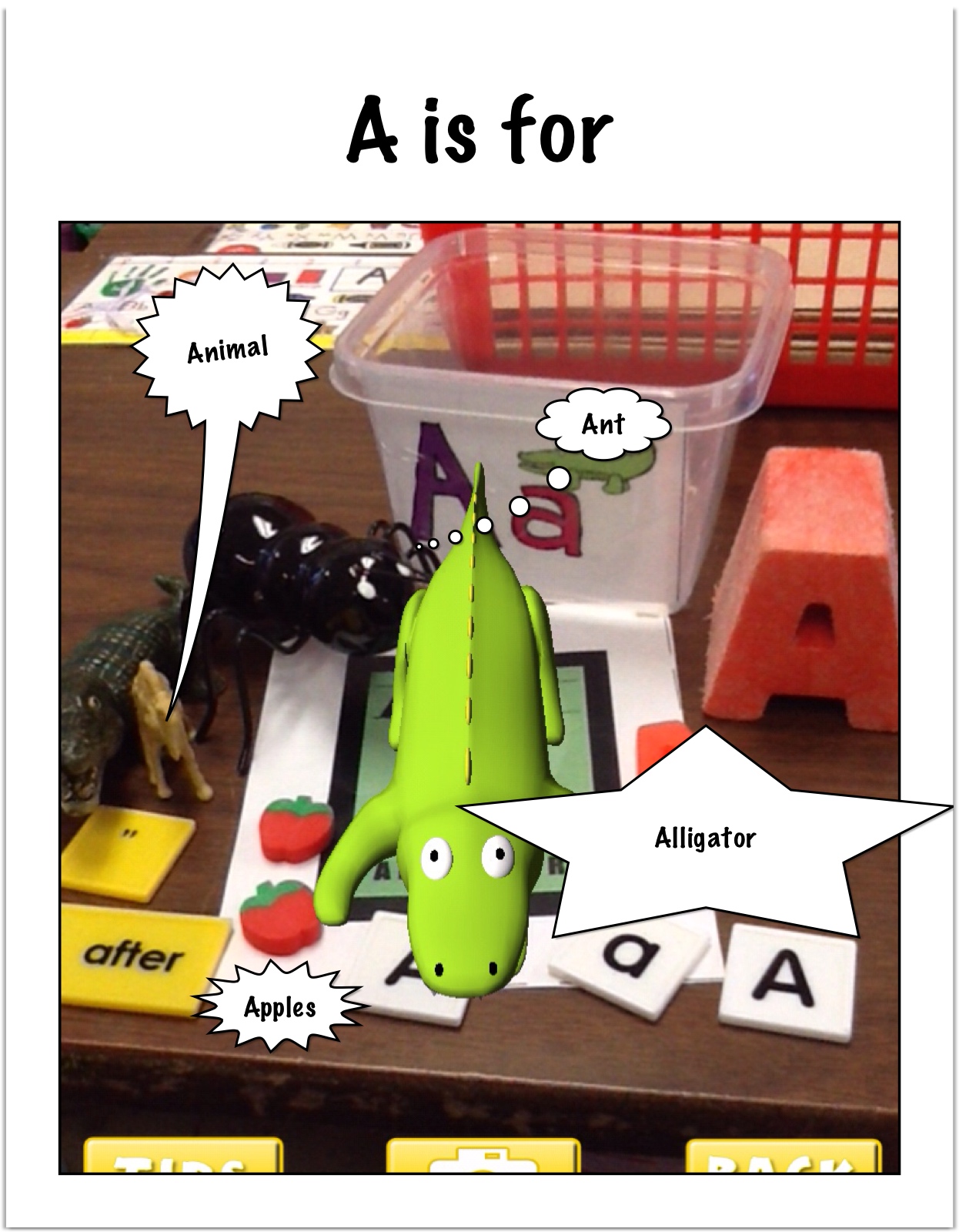
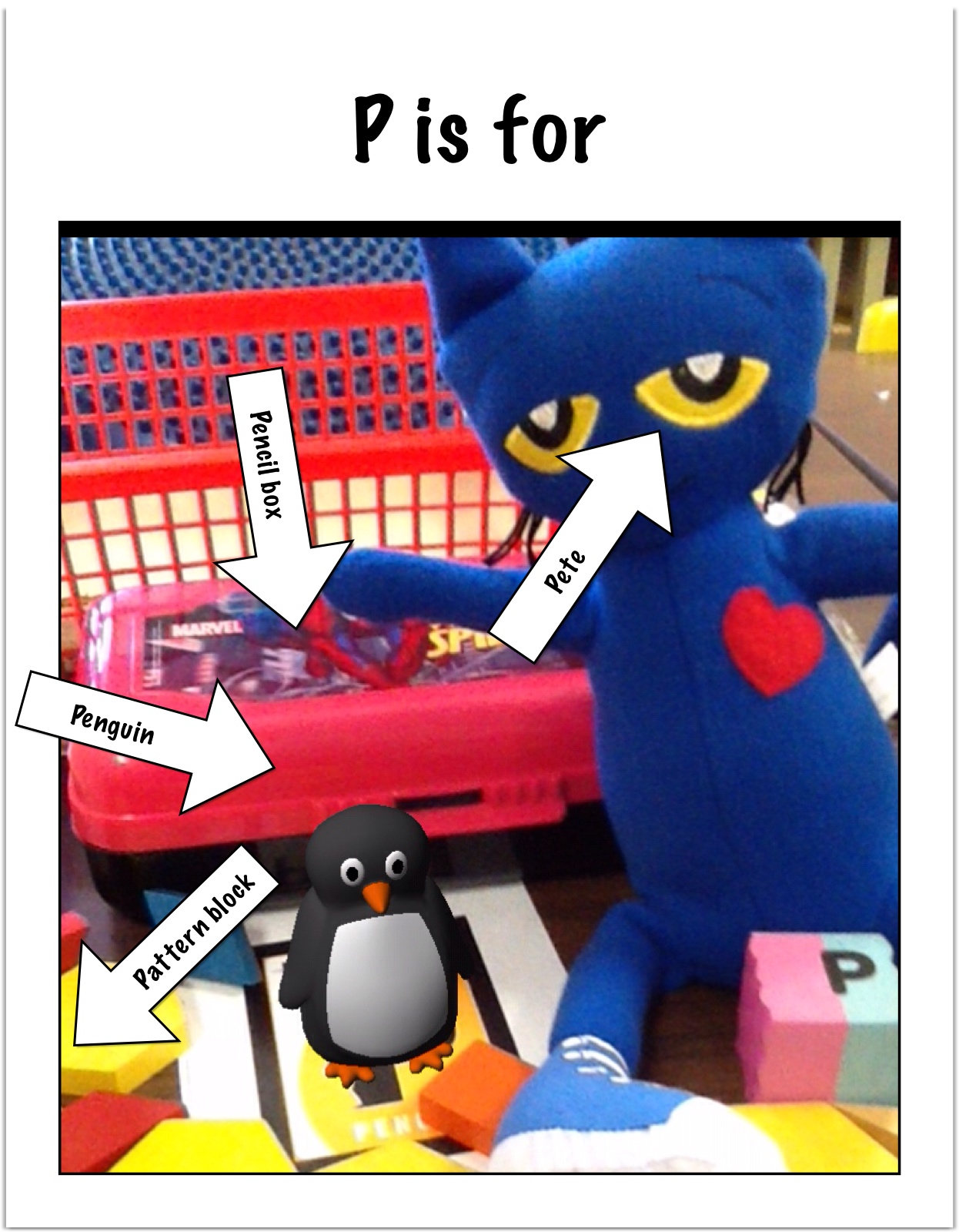
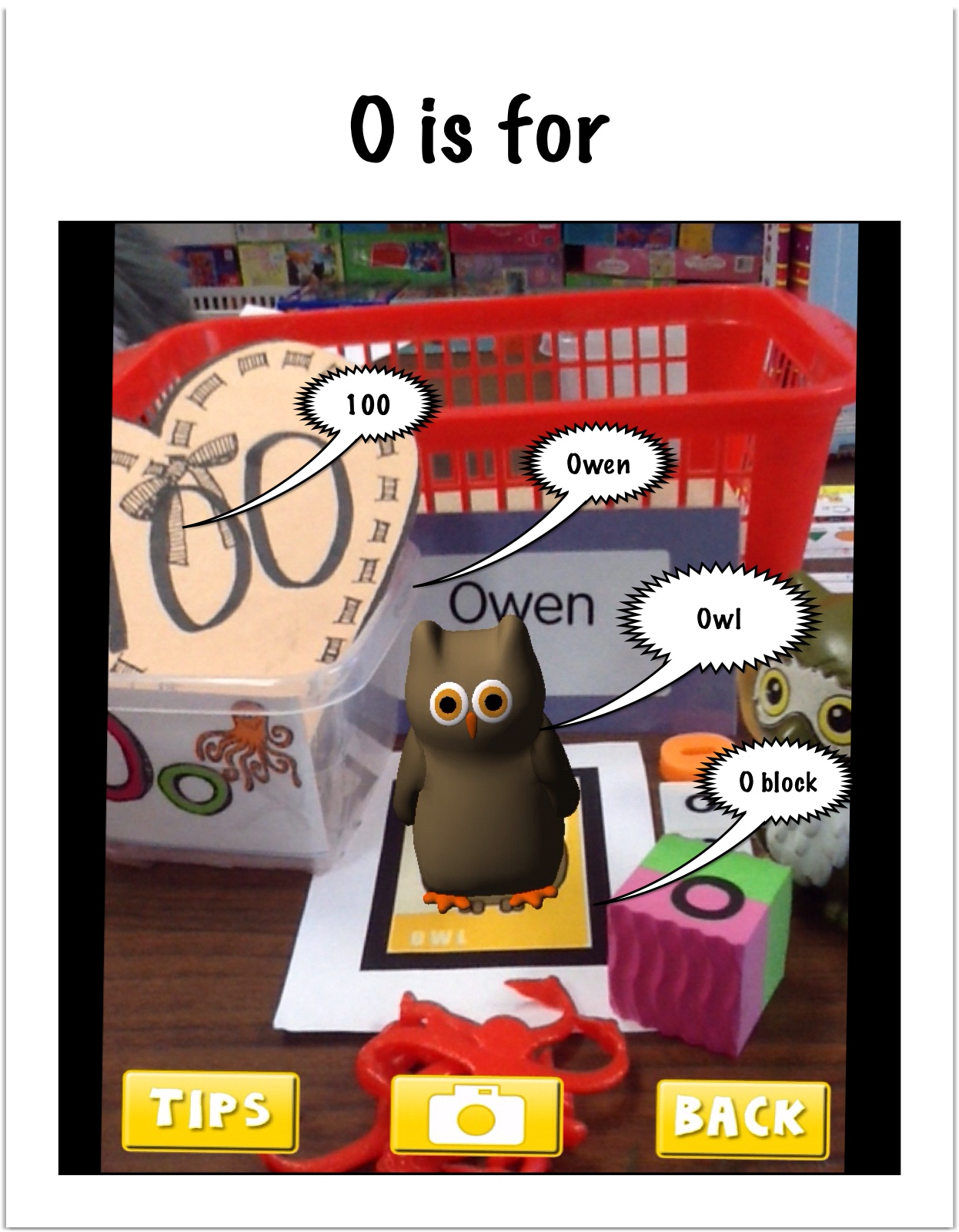
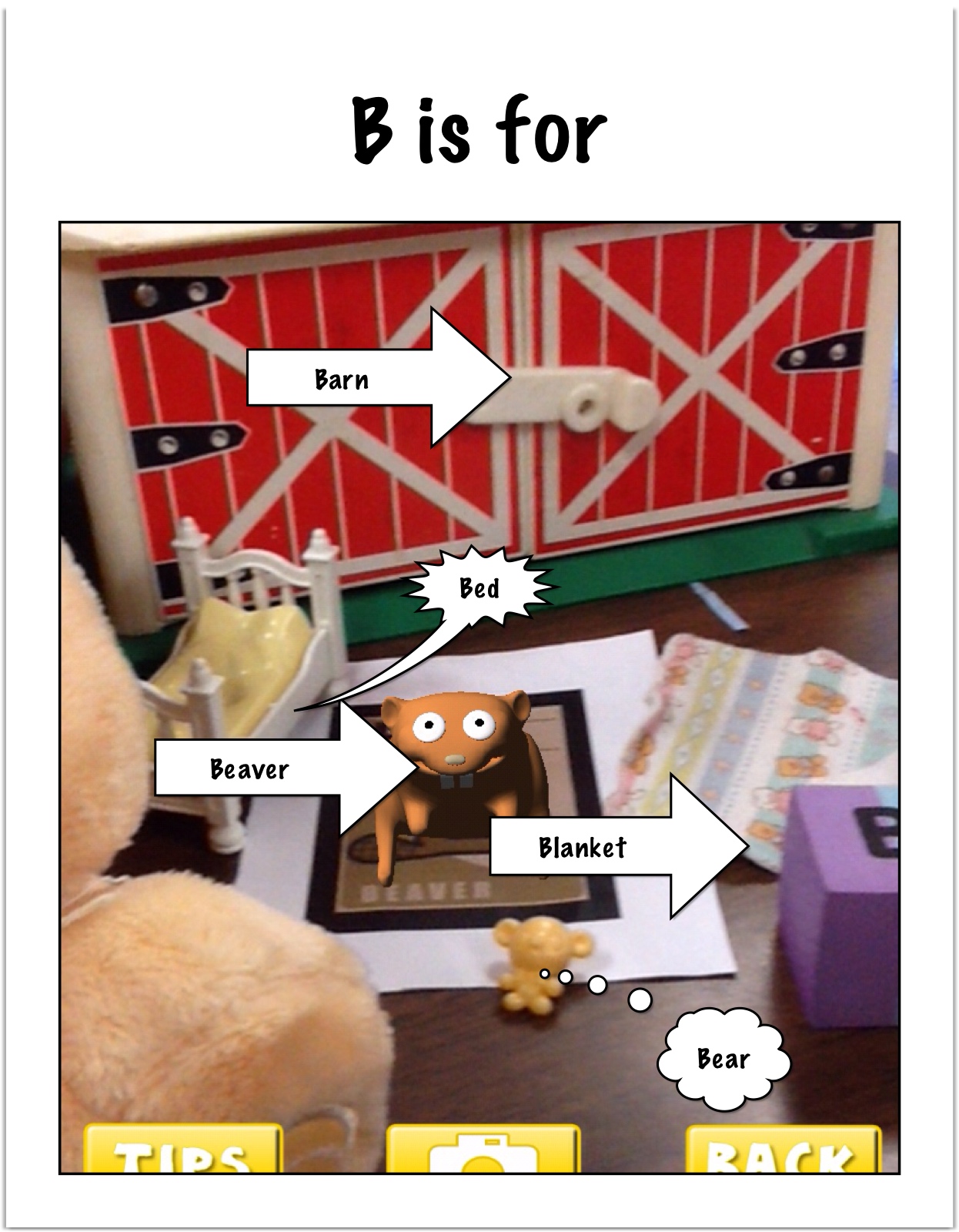
We created the pictures for our pages in our book by having each student pick a letter.  Then they searched the classroom to find other real objects that began with the letter they had chosen.  We grouped the letters together around the trigger image picture.  Then we opened up the app and took a picture of our collections with the trigger imaged engaged.

word_for_p

The children then imported the picture they took into the app Strip Designer from the camera roll.  We used a simple frame to title each page.  They then used the balloon option in this app to label the objects in the picture.

words_for_O

I imported all the pictures into Explain Everything in alphabetical order.  Then we had Owen, Celia, and Elsa narrate the story!

words_for_b_Austin

We then saved it to the camera roll and I uploaded it to our Youtube channel to share with the world!

 We hope you like it!

Leave a comment

Filed under AR Flashcards Alphabet, Augmented Reality, Comic Strip Designer, Explain Everything, Youtube

3 D Space Fun! Augmented Reality Style!

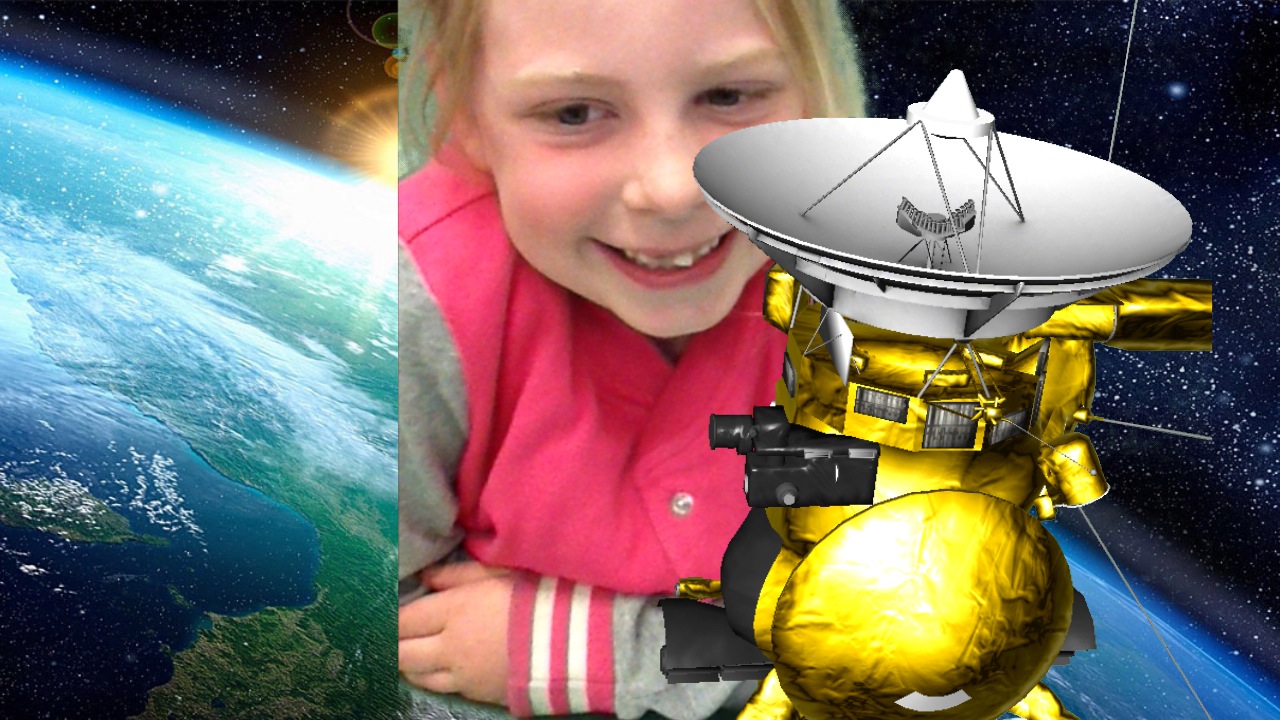
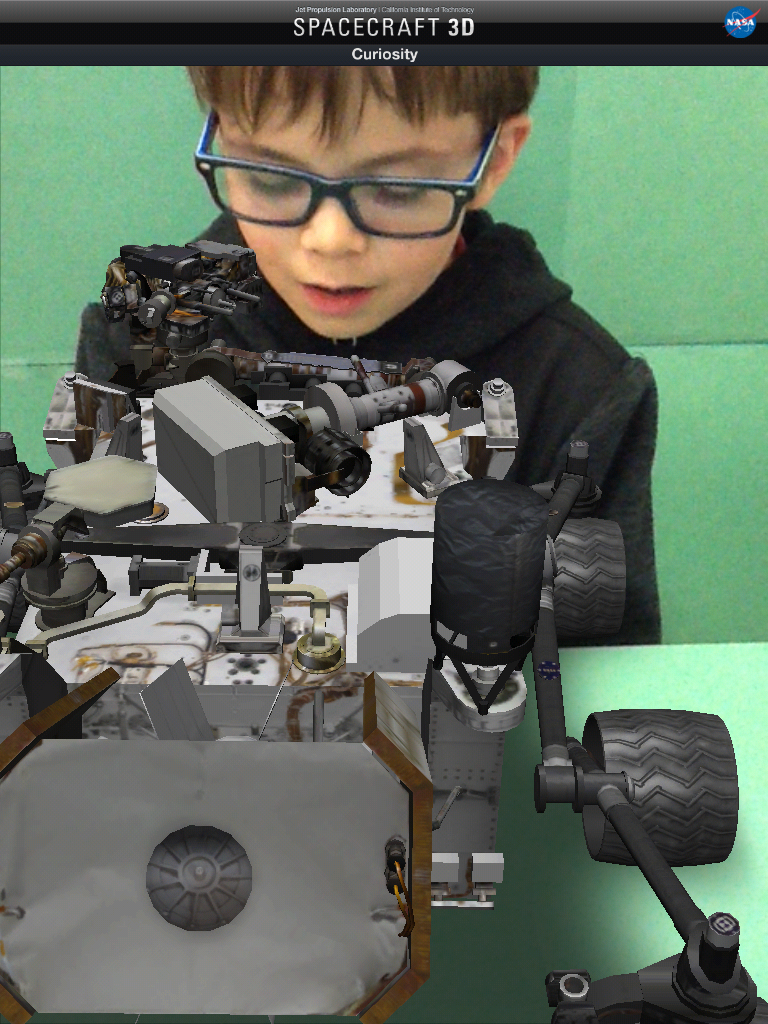
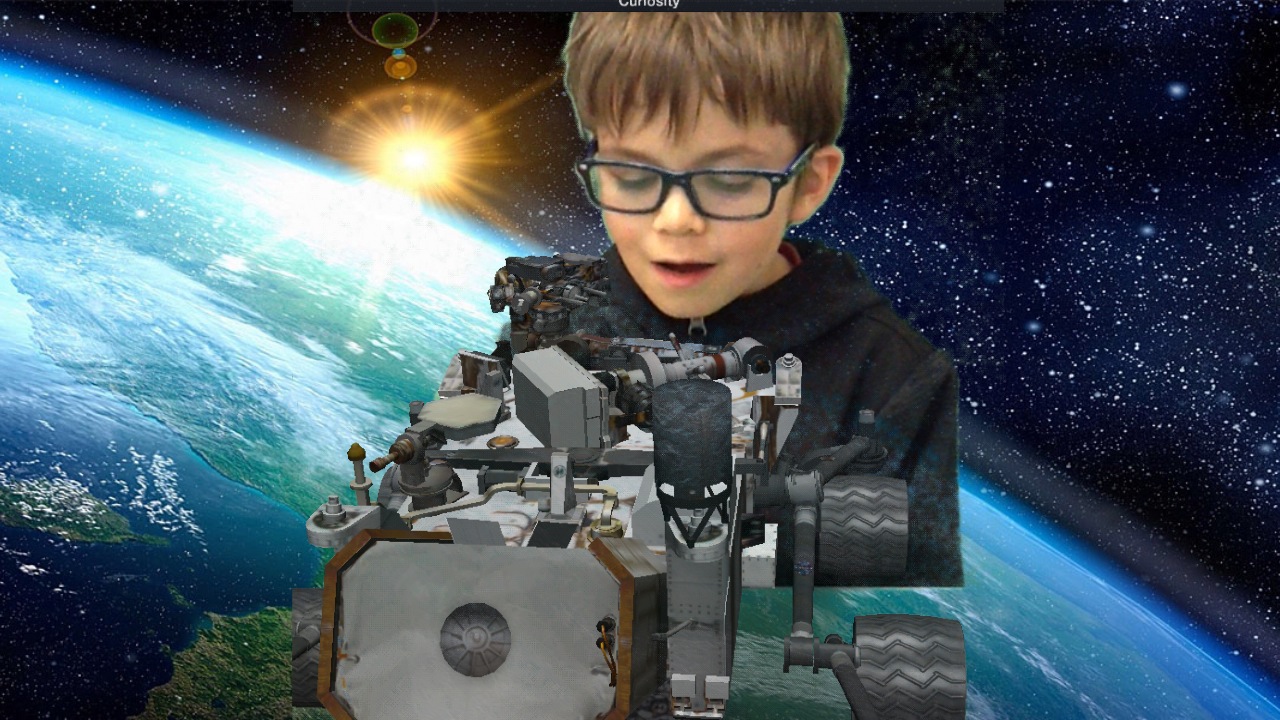
We have been having a lot of fun with our Space theme!  We created this movie trailer in iMovie using the pictures we created using a green screen app called Green Screen by Do Ink and the NASA 3D Spacecraft app.  We took all the pictures we created and popped them into the storyboard in the iMovie app and then worked together to add the captions!  We LOVE our movie trailer.  We have watched it numerous times!   We hope you will watch it too!

IMG_5265

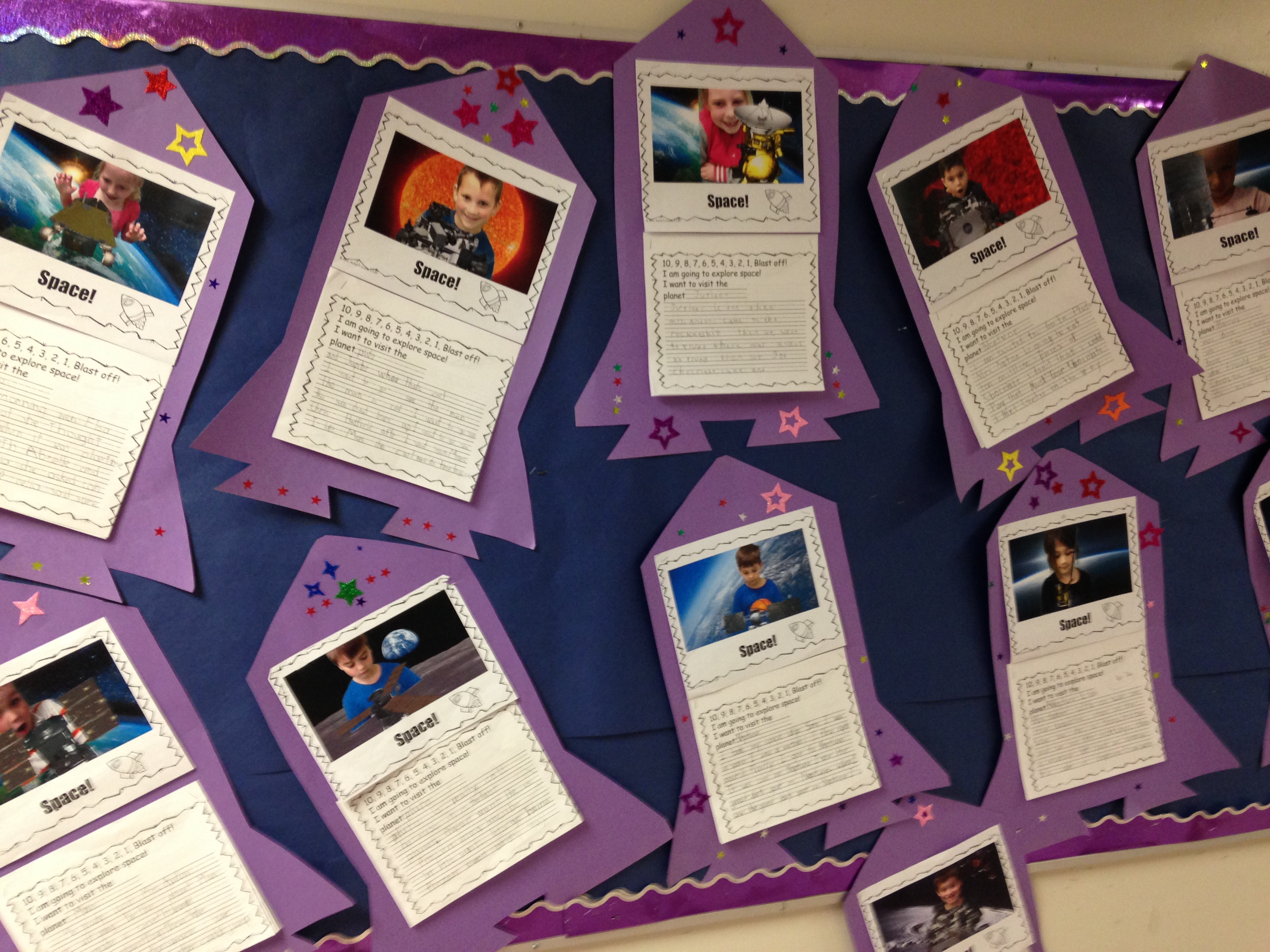
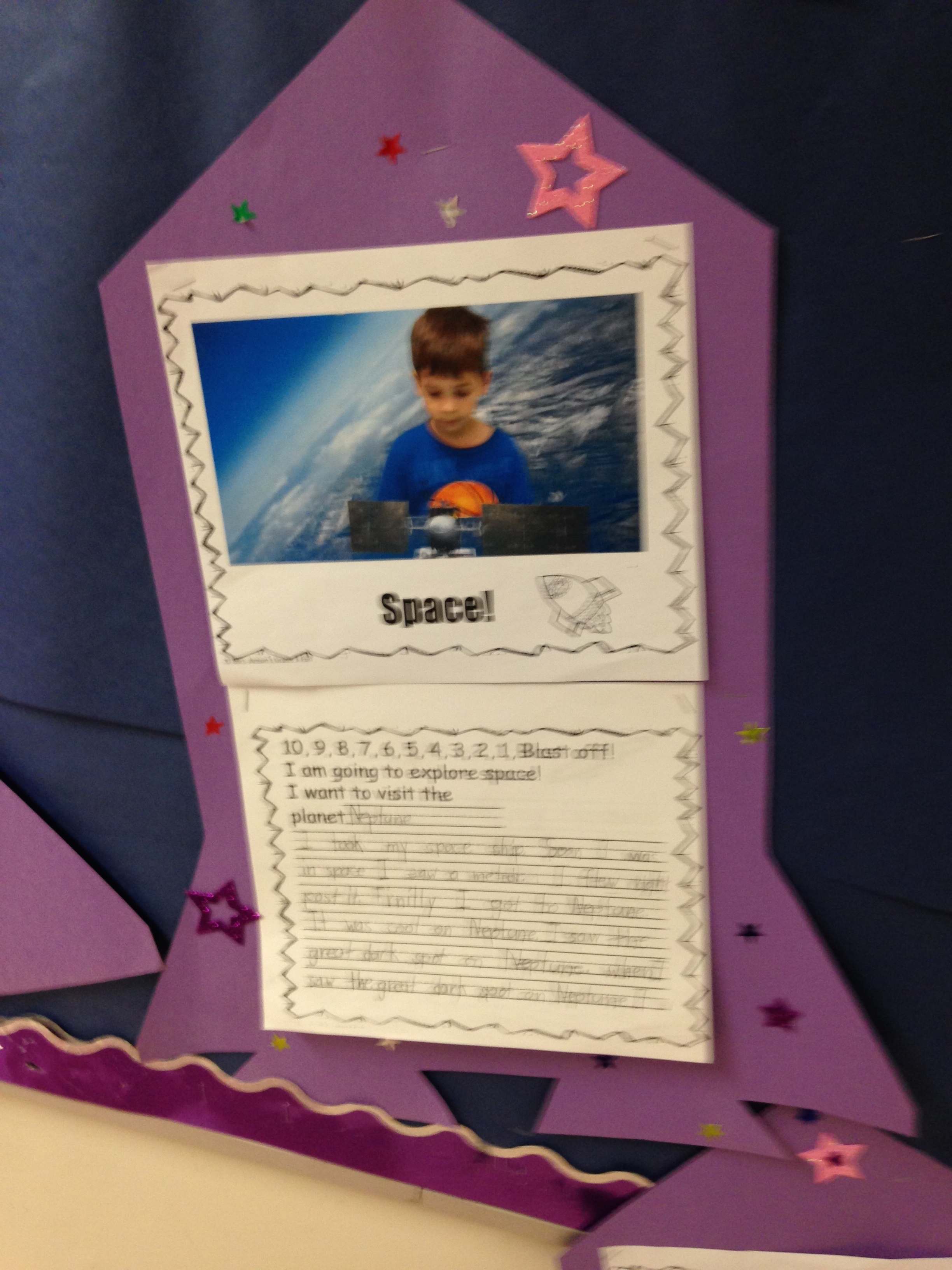
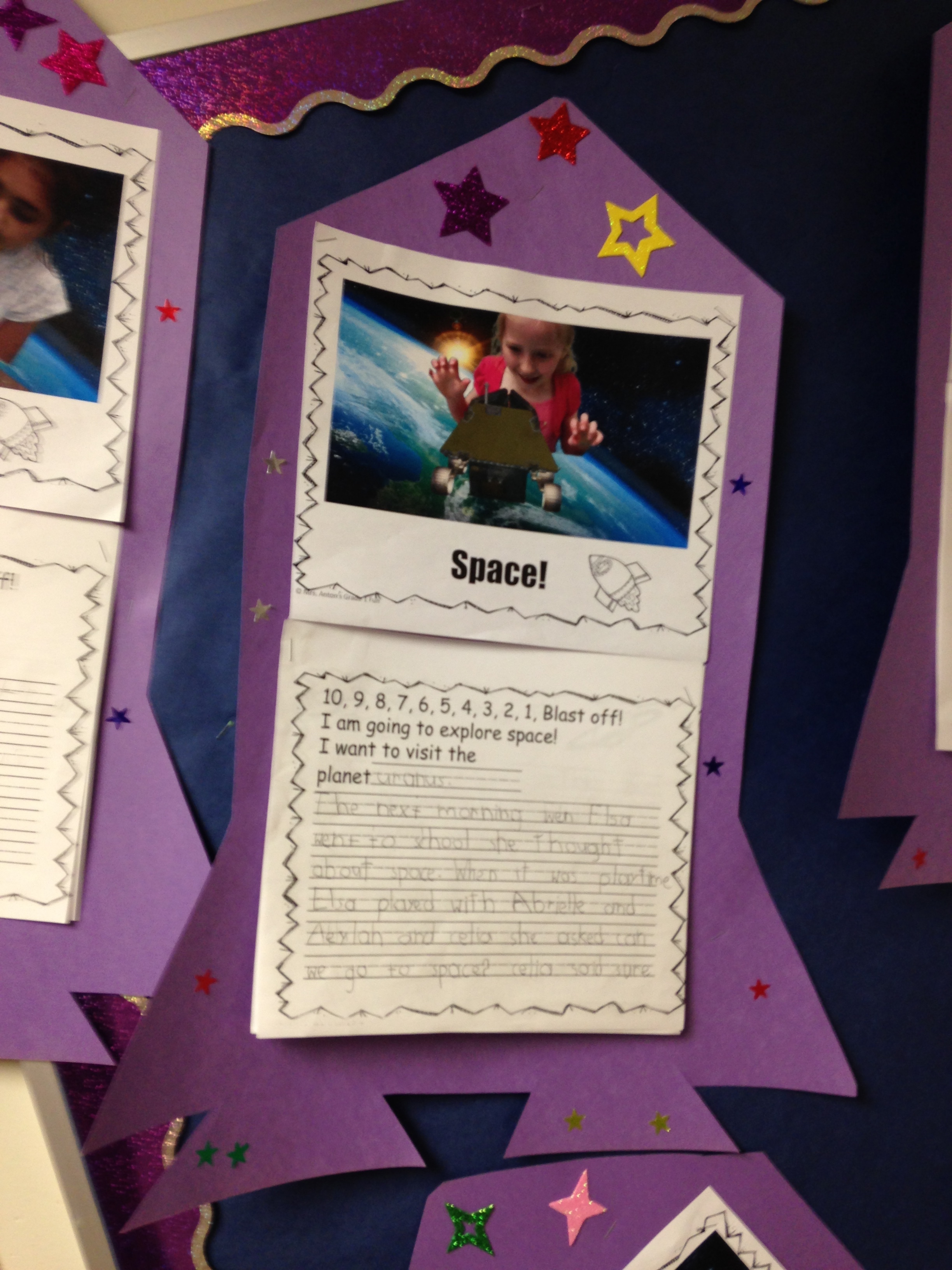
We used the movie trailer to get our imaginations going.  We brainstormed together and talked about the things we had learned about space.  Then I encouraged the children to write a story about their adventure in outer space.   I printed off a colour print of the picture we created for each child and added it to a writing frame.  The children seemed to find it very easy to imagine themselves in the story when they saw themselves in outer space.  They wrote and wrote and wrote!

IMG_5267

IMG_5257

The stories are amazing.  I have put them up in the hallway.  Please come and have a look!

IMG_5253

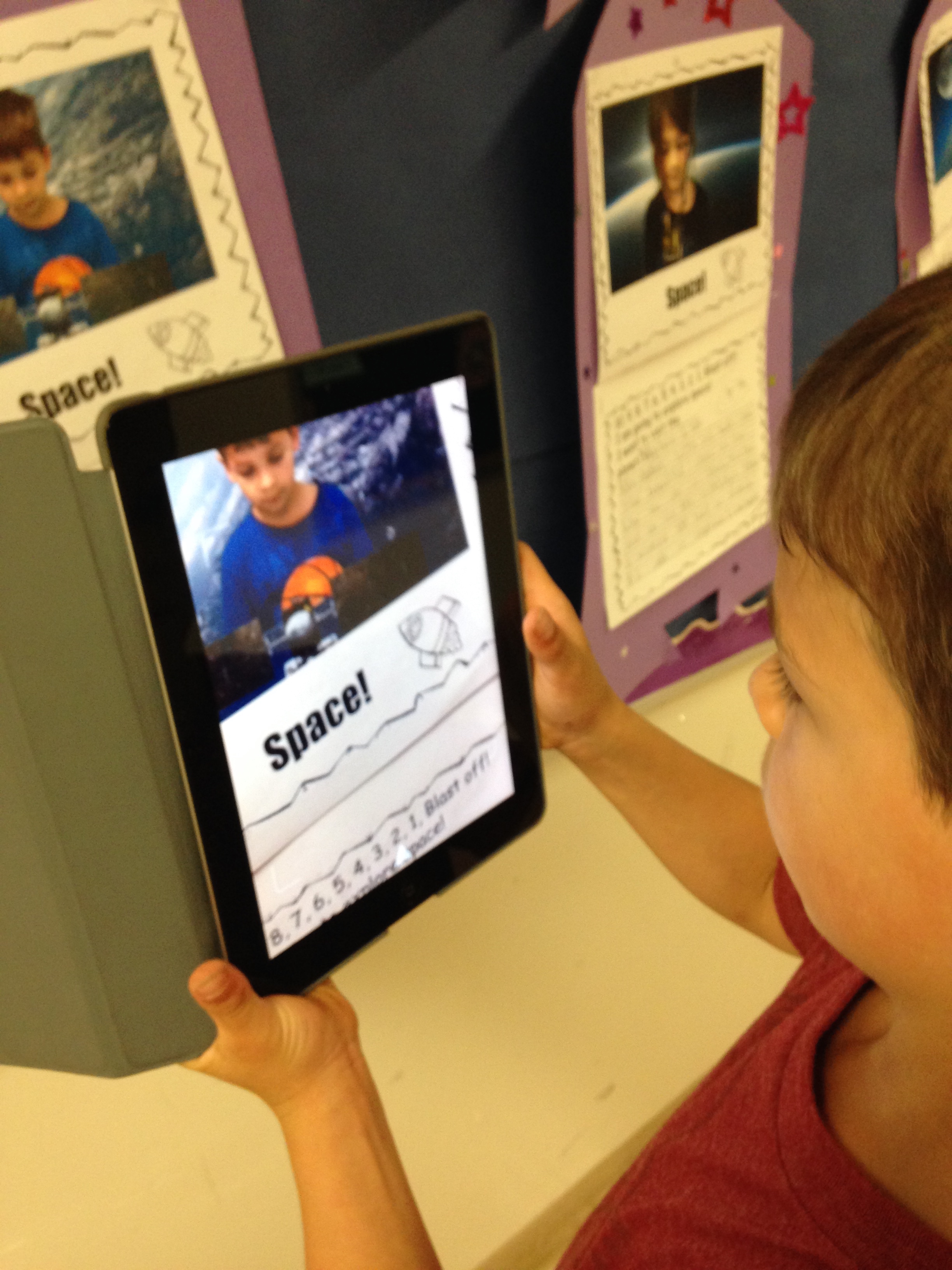
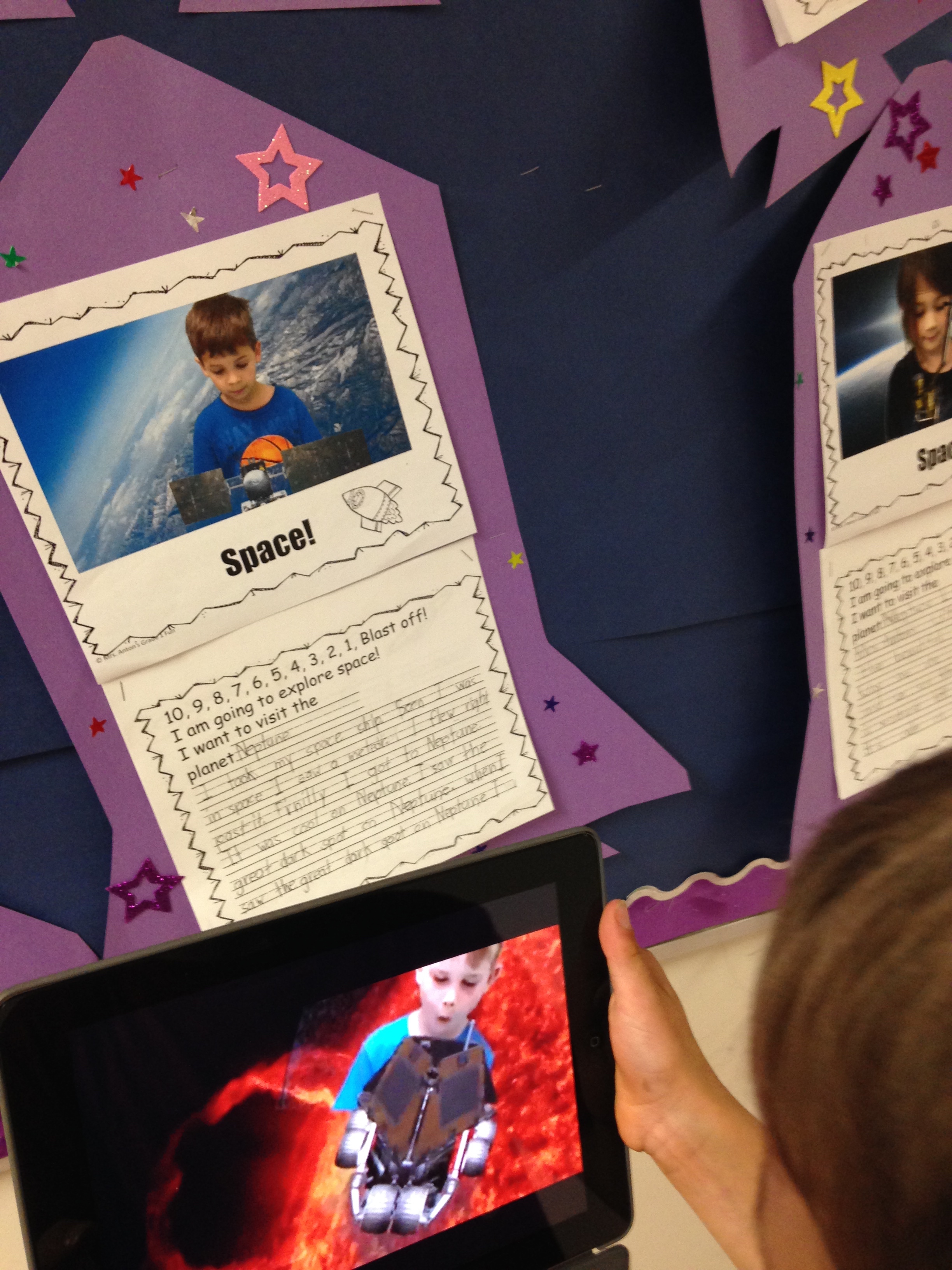
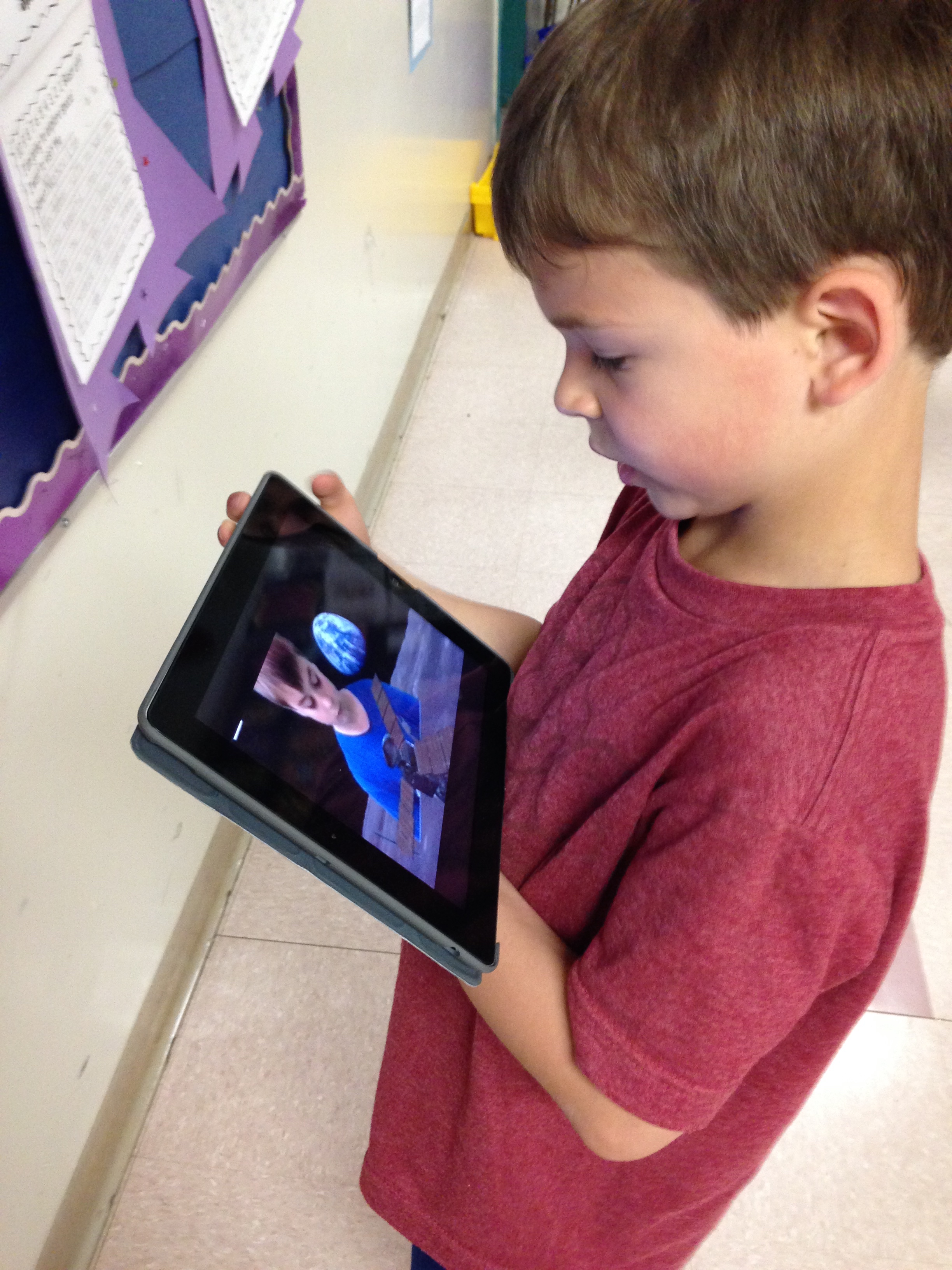
 I attached the movie trailer to the creative writing using the Aurasma app.  The rocket ship picture is the trigger picture for our movie trailer.

IMG_5263

If you have the Aurasma app loaded on your idevice and you follow our channel you will be able to activate the movie trailer!  Our channel is called mrsantonsclass.

IMG_5266The stories are amazing and a lot of fun to read!

Come and take a trip with our Mountain View Astronauts!


Leave a comment

Filed under Augmented Reality, Aurasma, Green Screen, iPads, Space, Spacecraft 3D, Youtube

Frog Fun!

Hudson_frog

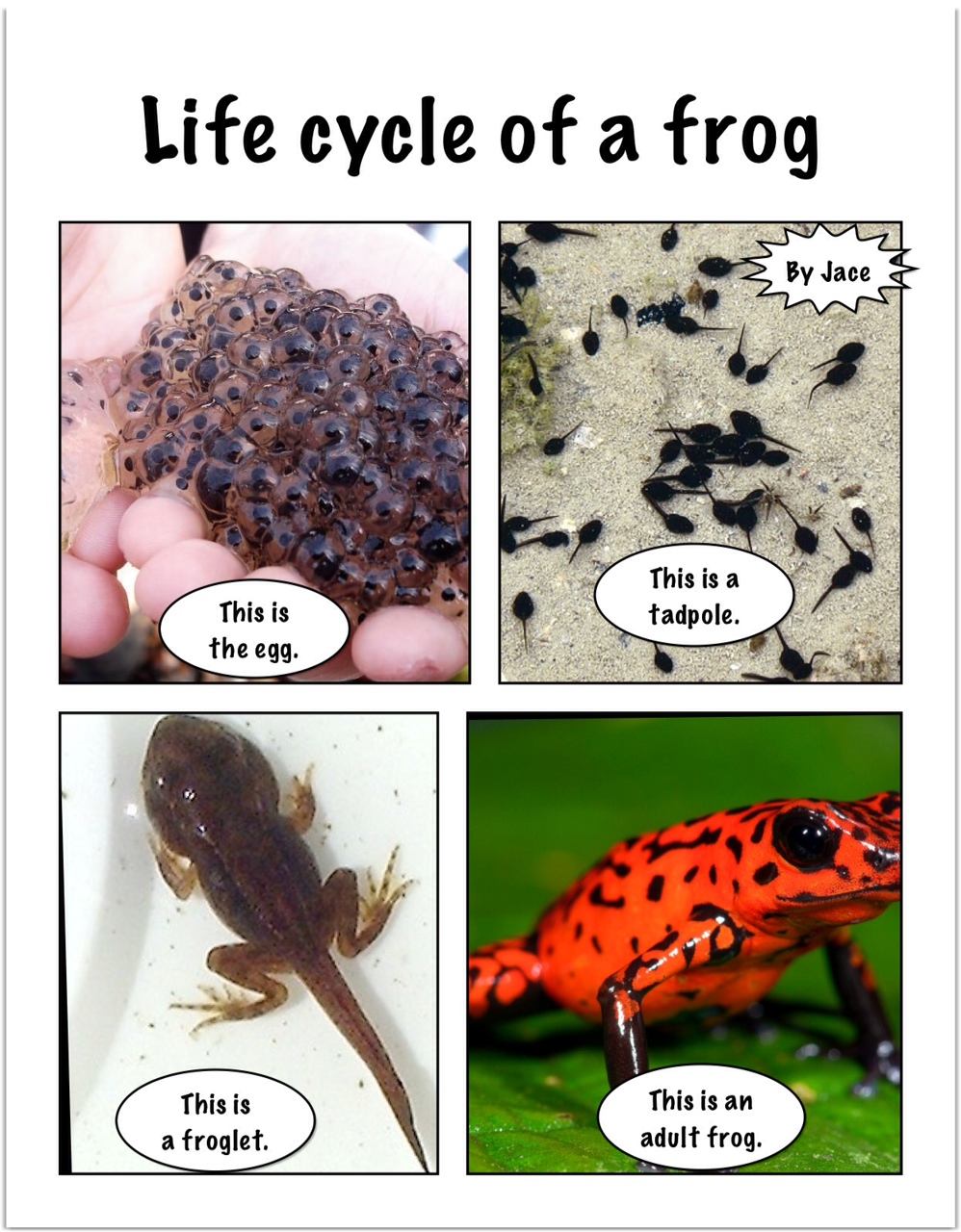
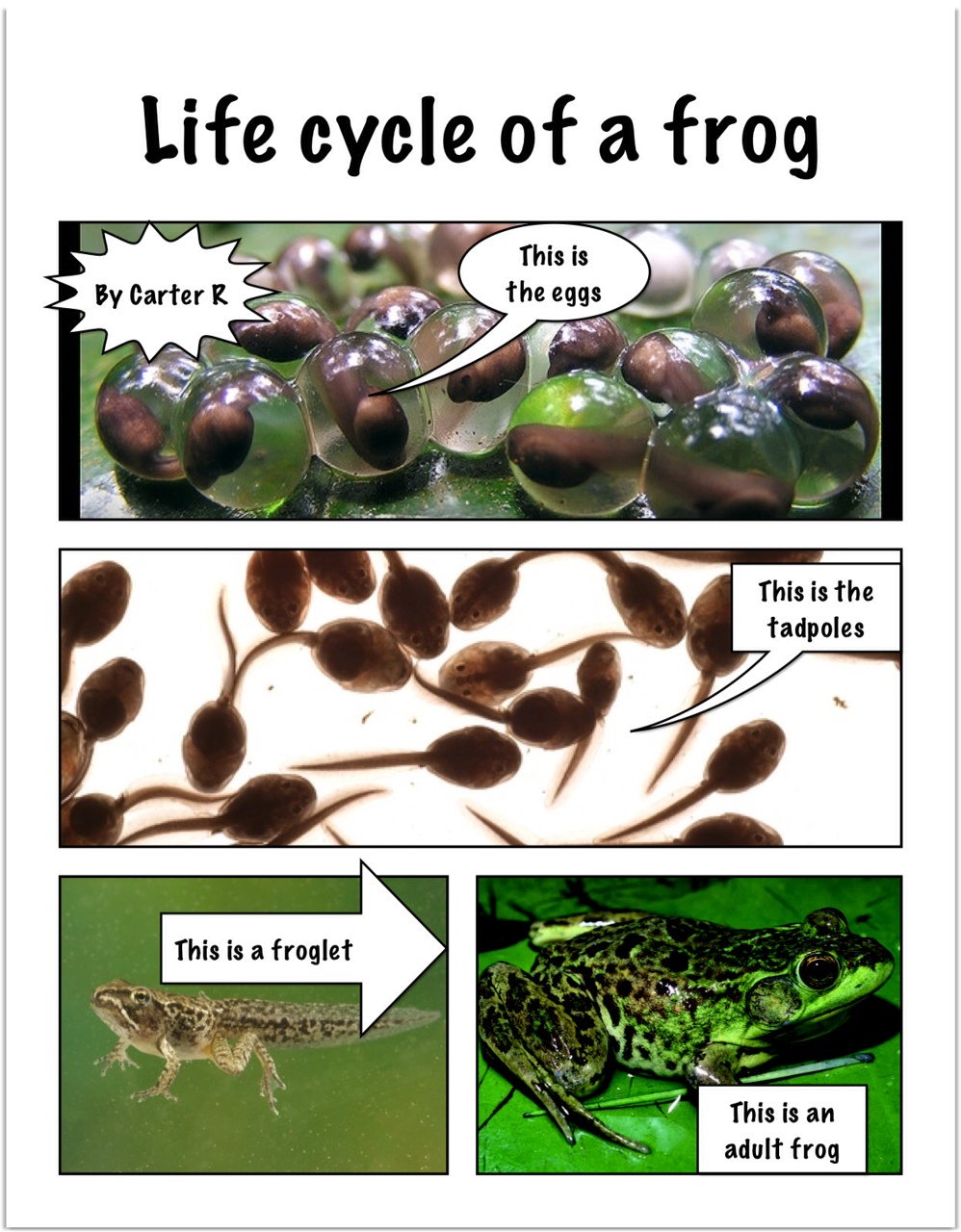
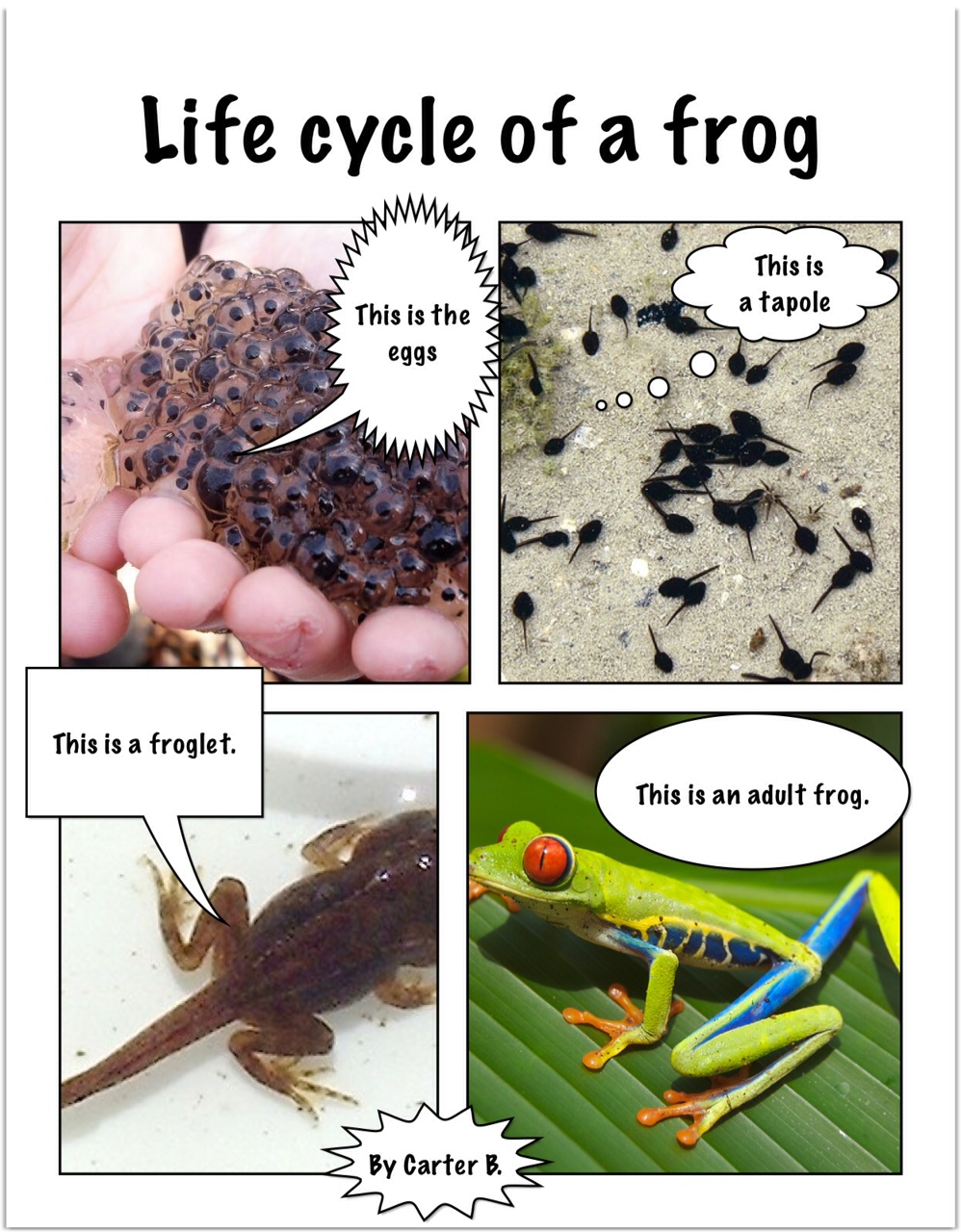
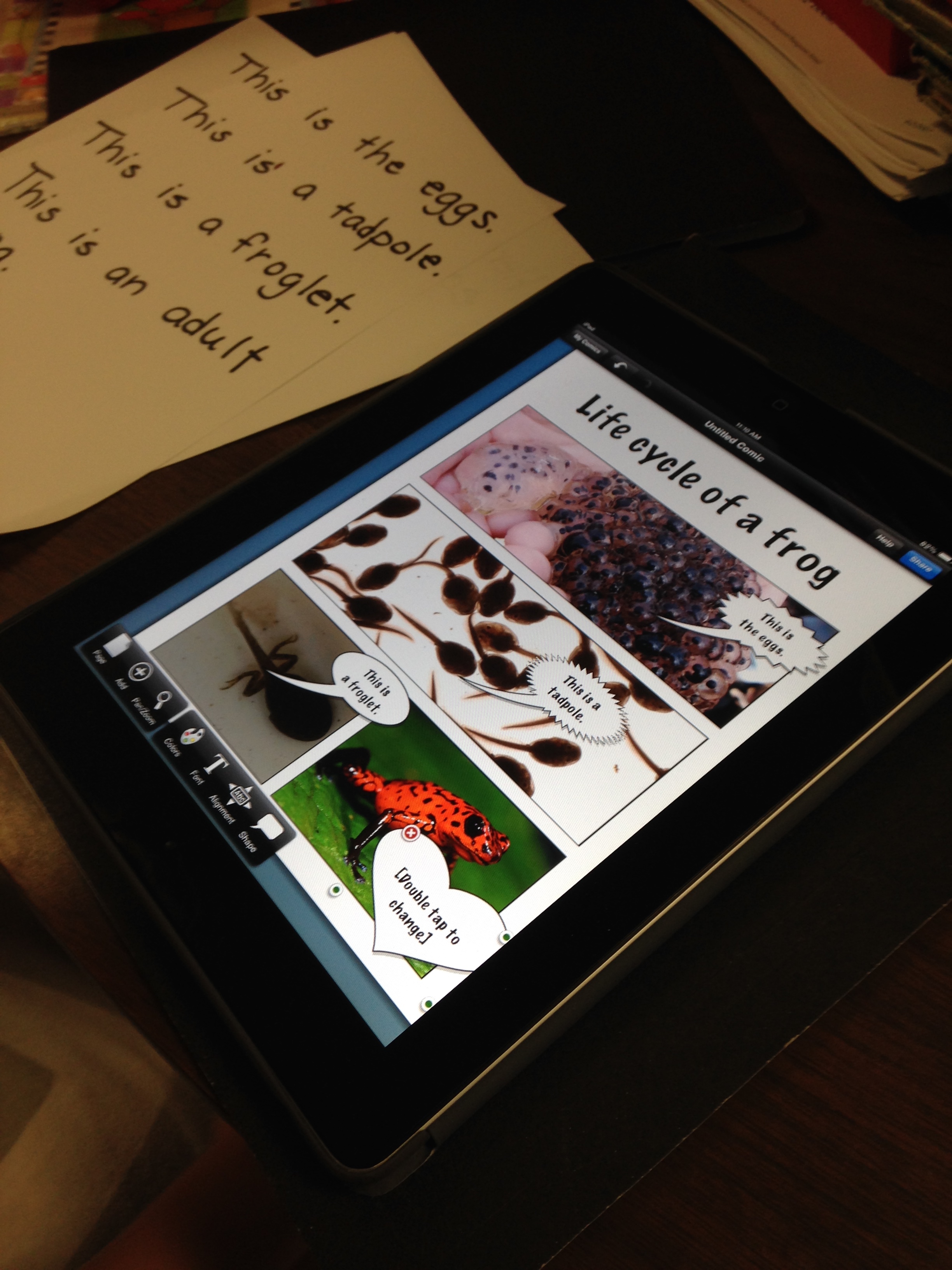
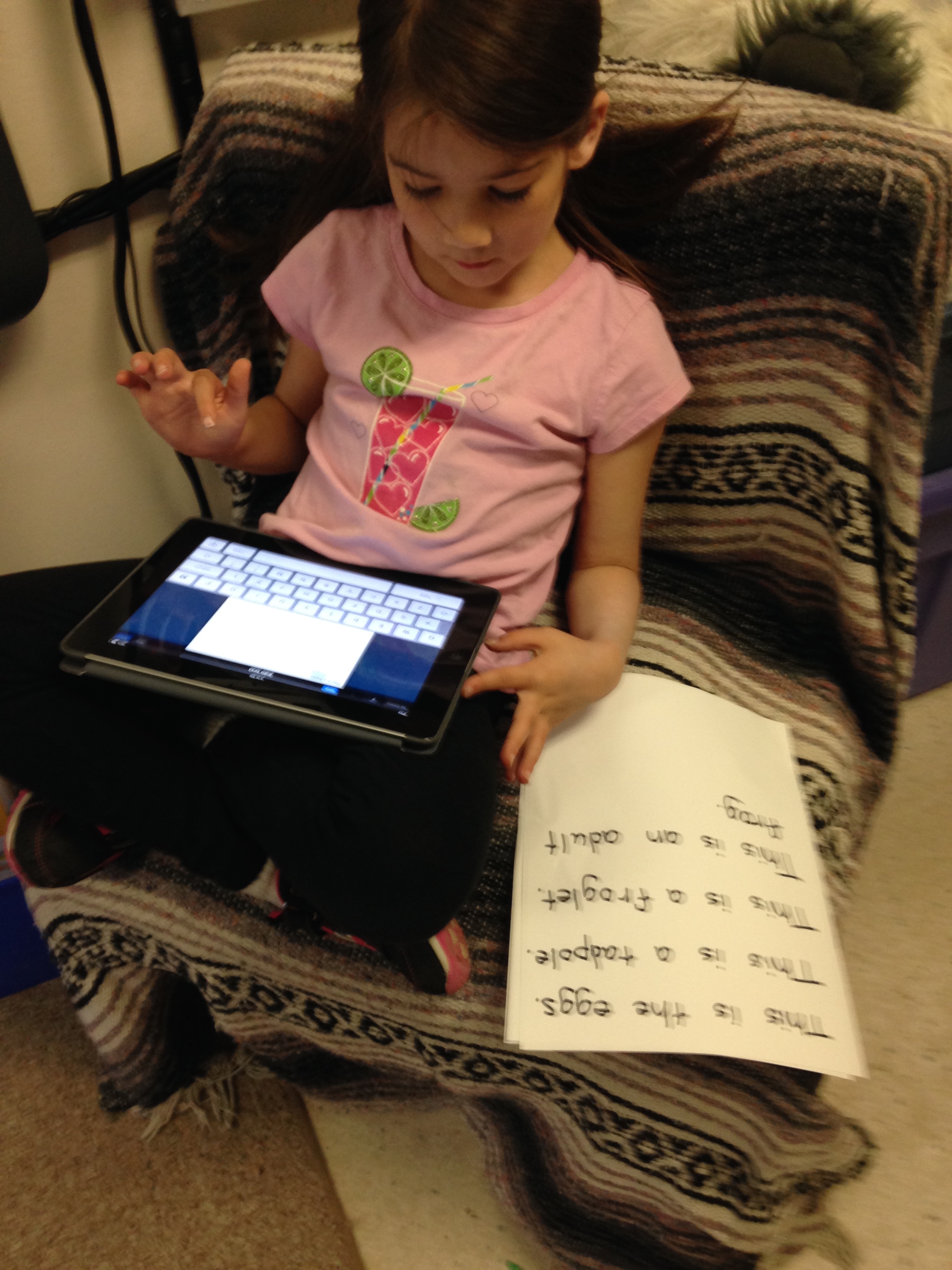
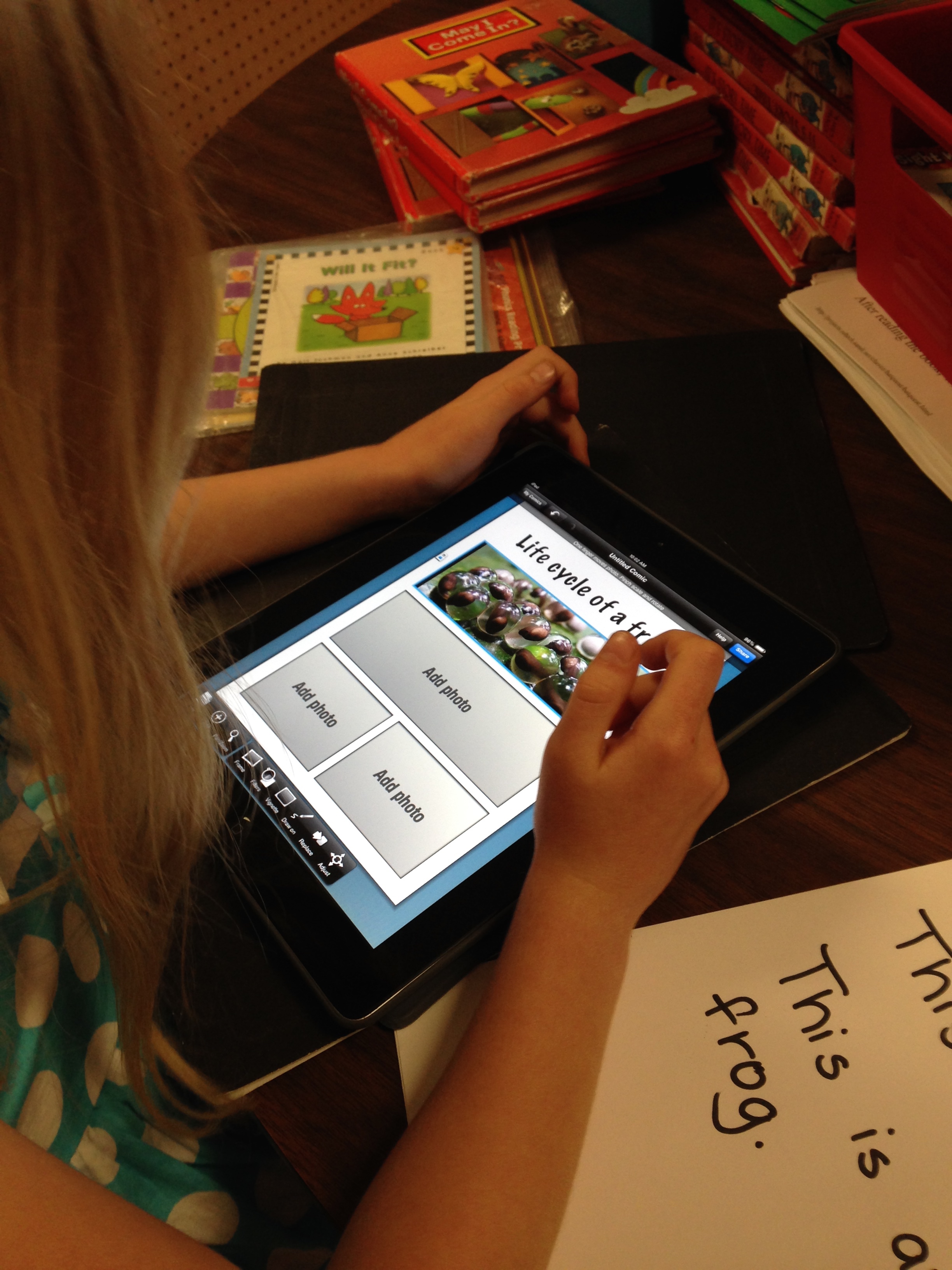
We have been having a lot of fun with our frog unit!  The children have been working on creating a page using the iPads and an app called Strip Designer to create a page about the life cycle of a frog.

carter_r_frog

 I pre-loaded some pictures of the various stages of the life cycle on the iPads and saved them to an album for the children.

carter_b_frog

They had to open up the camera roll and place the pictures in the frame we had chosen.  After they had chosen their pictures and placed them in the corresponding spots they had to add the text.

IMG_5206

As usual, they were fearless.

IMG_5214

 I had the children take turns one at a time on one iPad.

IMG_5205

 When one person finished they passed the iPad on the next person!

IMG_5203

 We also completed a research project about frogs!

IMG_5209

  We read the facts together and sorted them into the appropriate categories!

IMG_5210

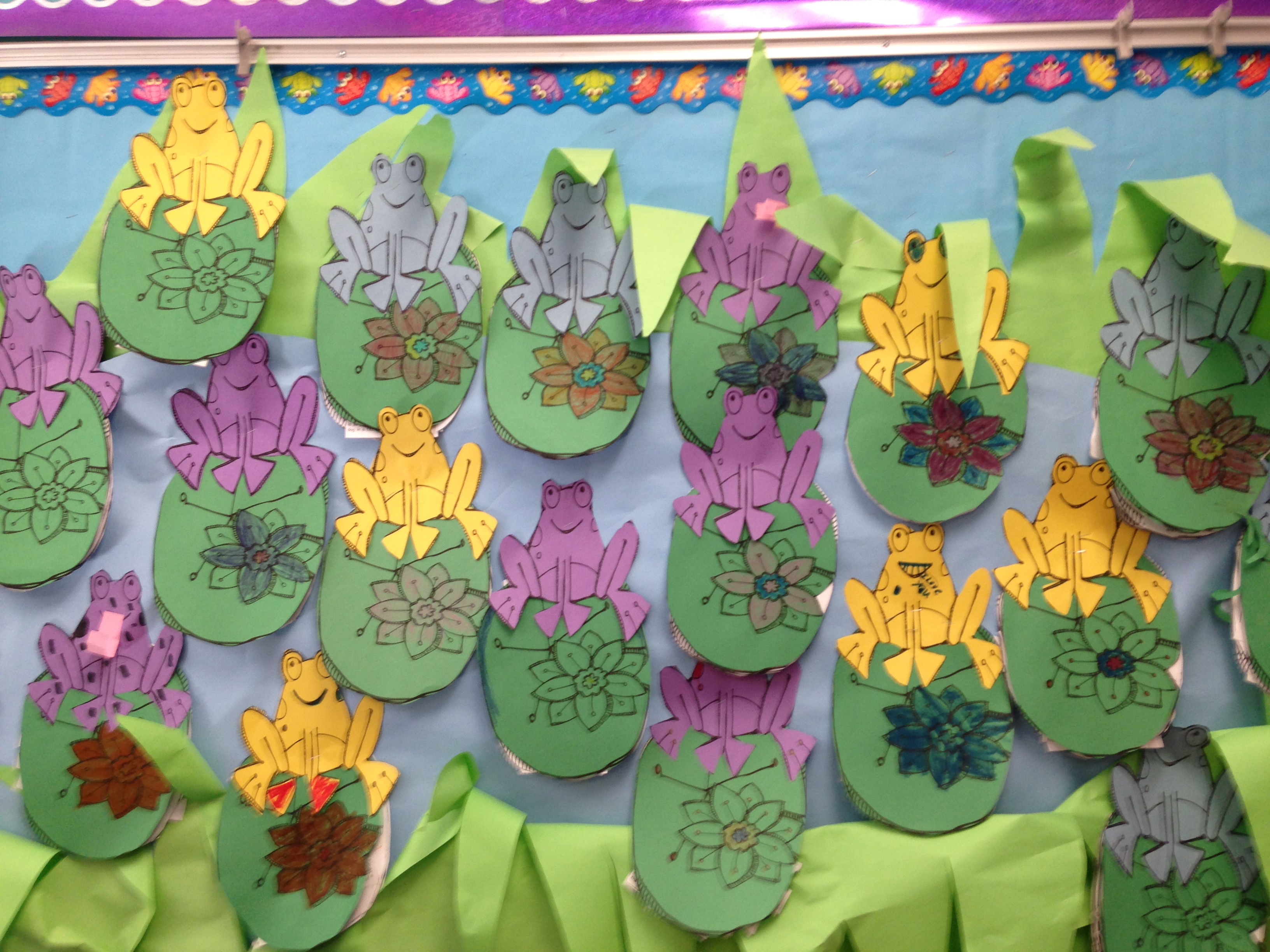
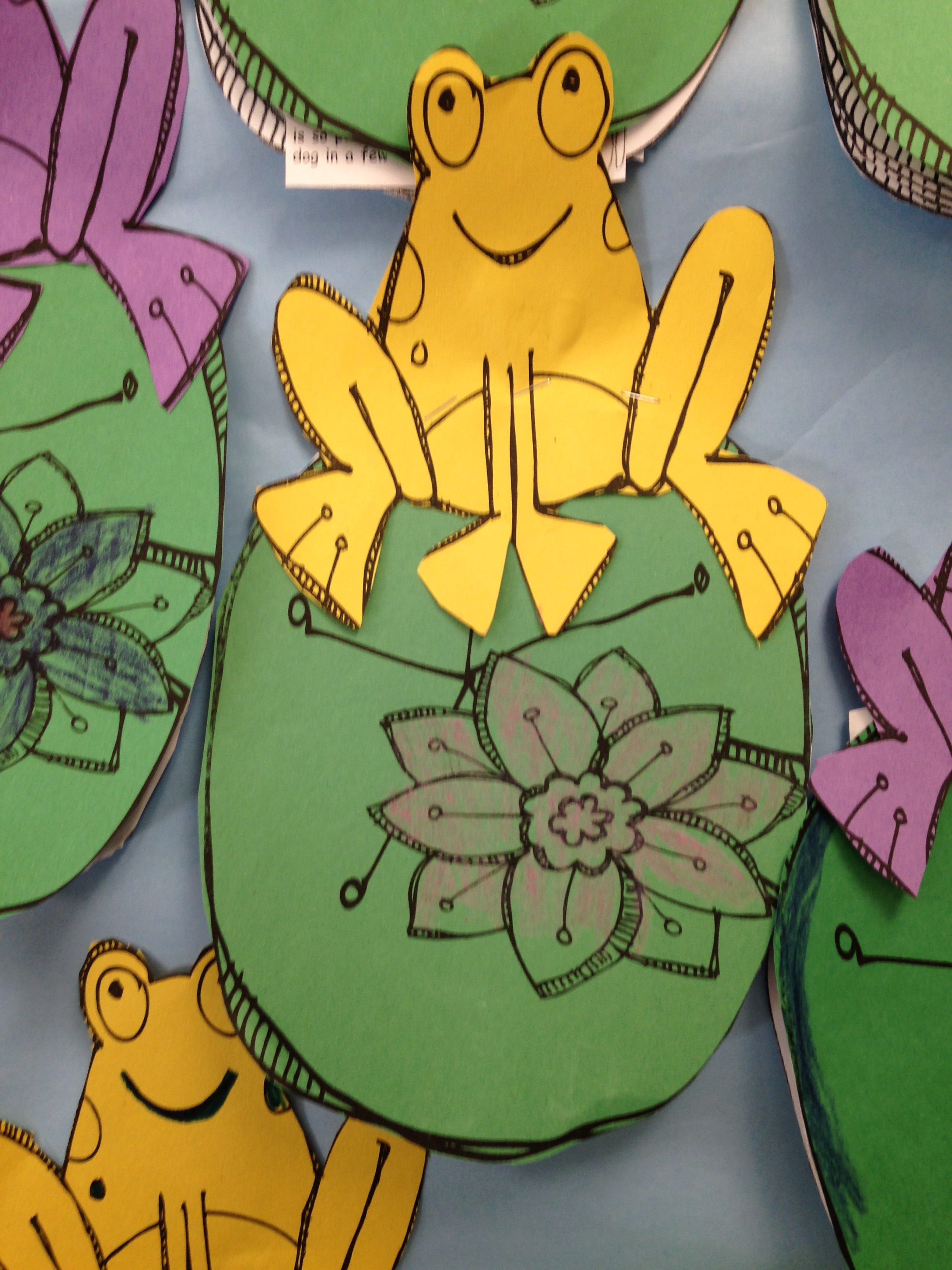
Then we put these covers on them!  And we put them in a little pond!  Ribbit!


Leave a comment

Filed under Frogs, iPads, Pow Strip designer

Fun in Space! Using Green Screen and Augmented Reality!


photo 4

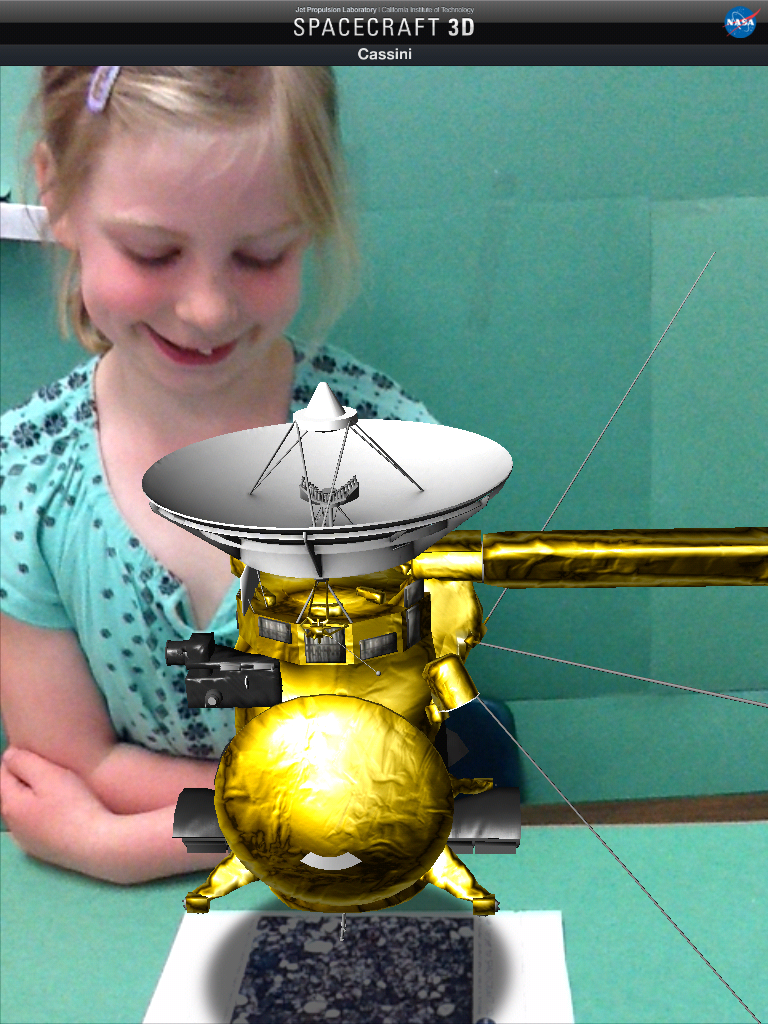
We have been having a lot of fun with our new green screen app called Green Screen by Do Ink and an app I found last year called NASA Spacecraft 3D.

download (2)

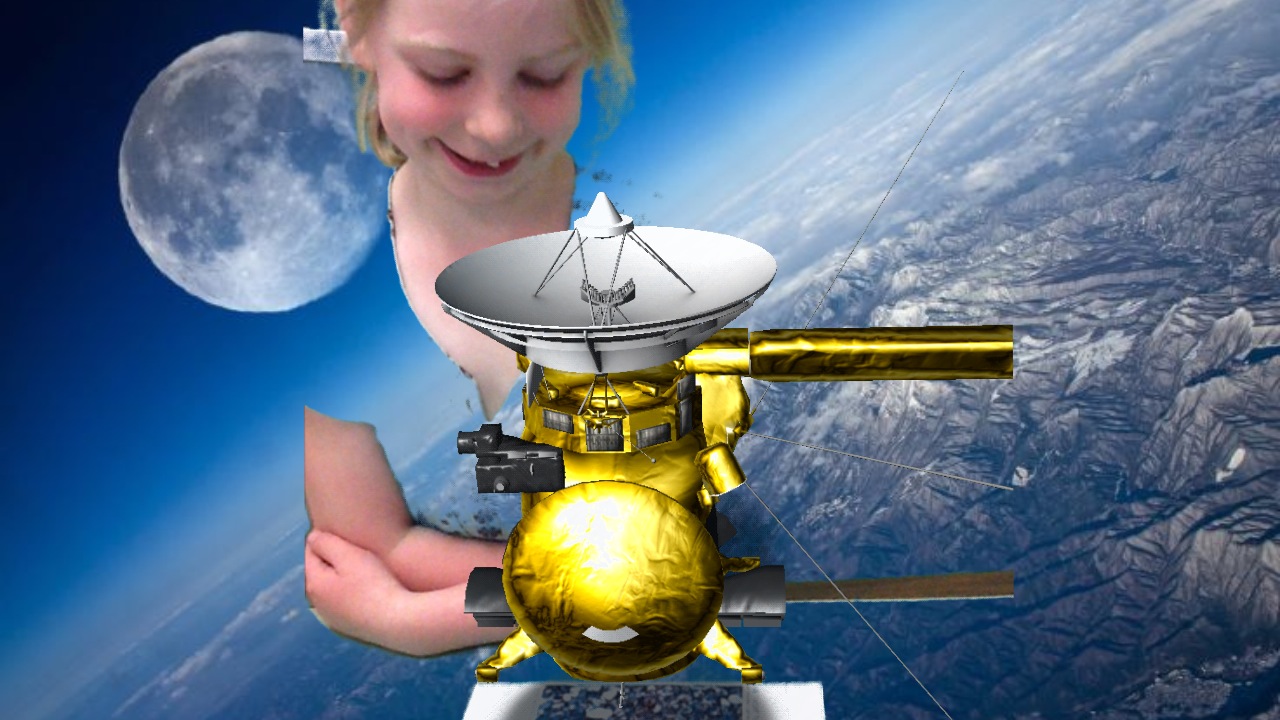
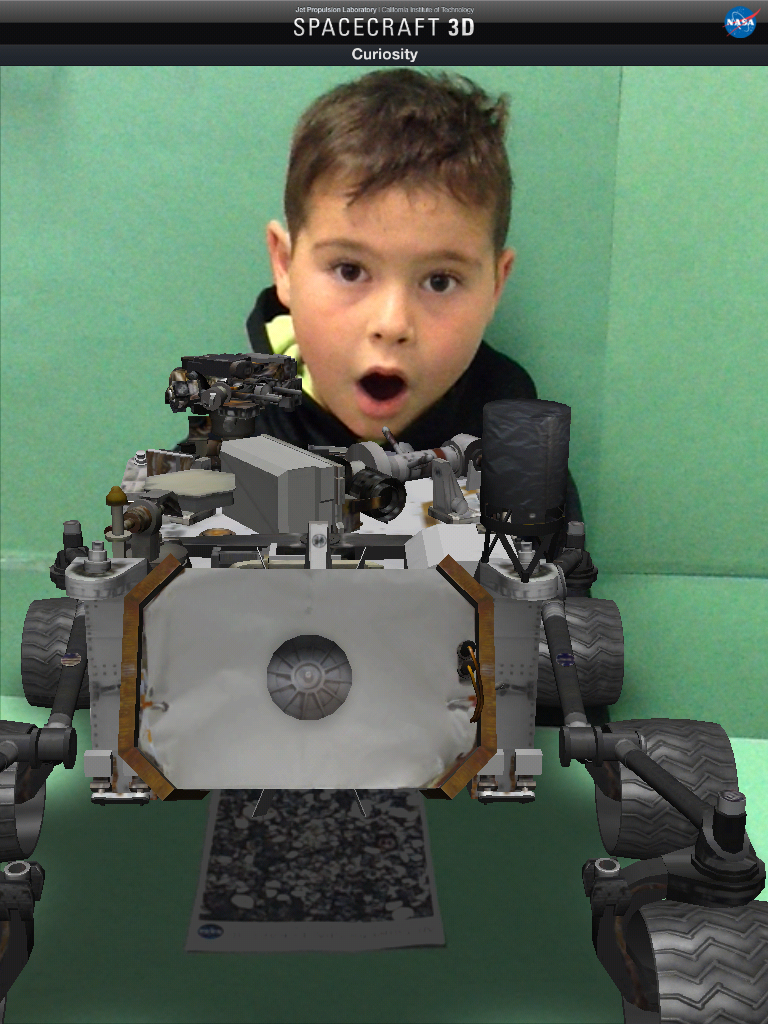
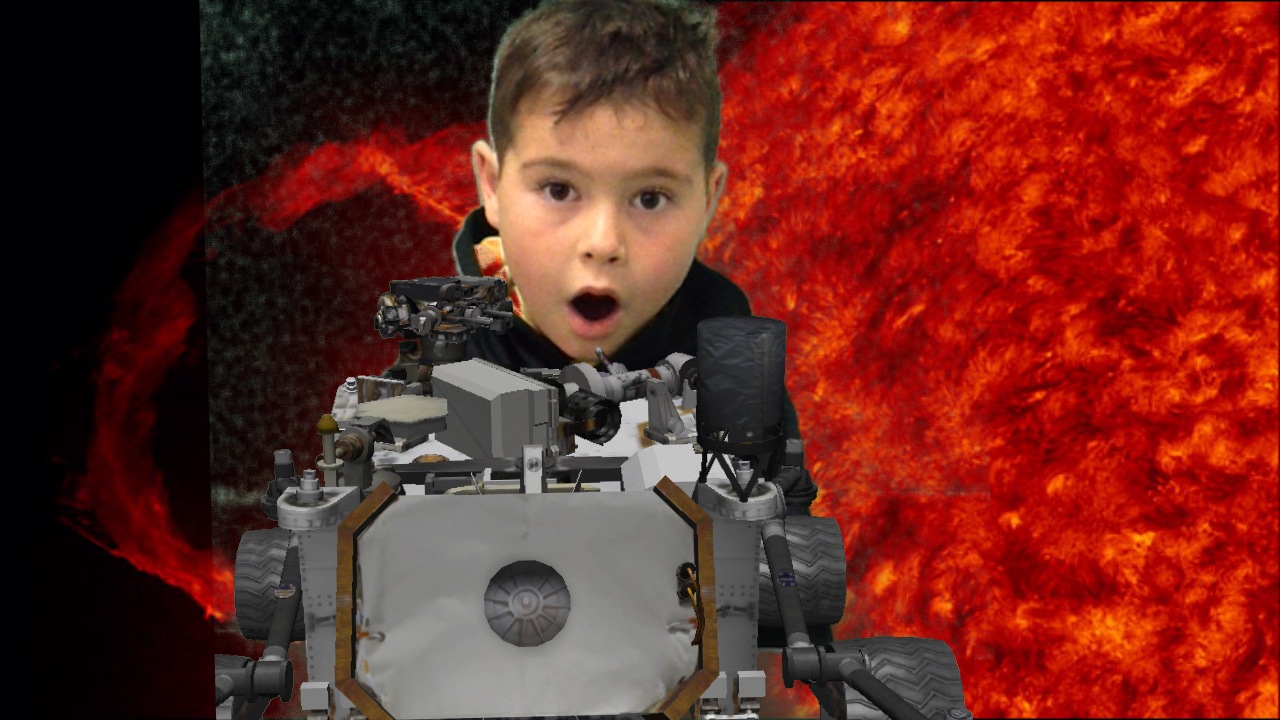
The NASA Spacecraft 3D app is an amazing augmented reality app!  You can download a trigger image from their website, and use it to view an amazing variety of spacecraft that NASA has deployed in space over the last few decades.  My favorite is the Curiosity spacecraft that went to Mars.  I showed the children a few examples of the various spacecraft and then they chose one to pose with.  Last year we took the pictures with the classroom for a background but this year we have green screen technology!  We used our improvised green screen made of construction paper on the back of our classroom door to take the pictures this time.  Now we can add an background from outer space!

photo 1 (7)

 We quickly were reminded that you cannot be wearing green!

photo 3


When we put the picture taken with the green shirt as one of the images in the green screen app we found out that part of Celia had disappeared!   She quickly put on her sweatshirt and we retook her picture! photo 4

I have downloaded a variety of images from the internet to use as our background images.  The children picked the image they wanted to have in the background too!  Now I have to figure out how to add videos to our green screen images!

photo 1 (5)

The NASA Spacecraft 3D app is fun because not only does the trigger image allow access to a variety of spacecraft it also show them moving!  It also gives a lot of information about the various spacecraft!

photo 2

 We will be using these images as a starting point to generate some creative writing!

photo 1 (6)

 It is a bit easier to imagine yourself in space when you have a picture that shows you there!

photo 2 (1)

 Watch for the voyages of the Starship Mountain View!

To boldly go where no child has gone before!

(Courtesy of Green Screen and augmented reality technology!)

(I love Star Trek!, Can you tell?)

Leave a comment

Filed under Augmented Reality, Green Screen, iPads, Space, Spacecraft 3D

Sound Sort Fun!

IMG_5080

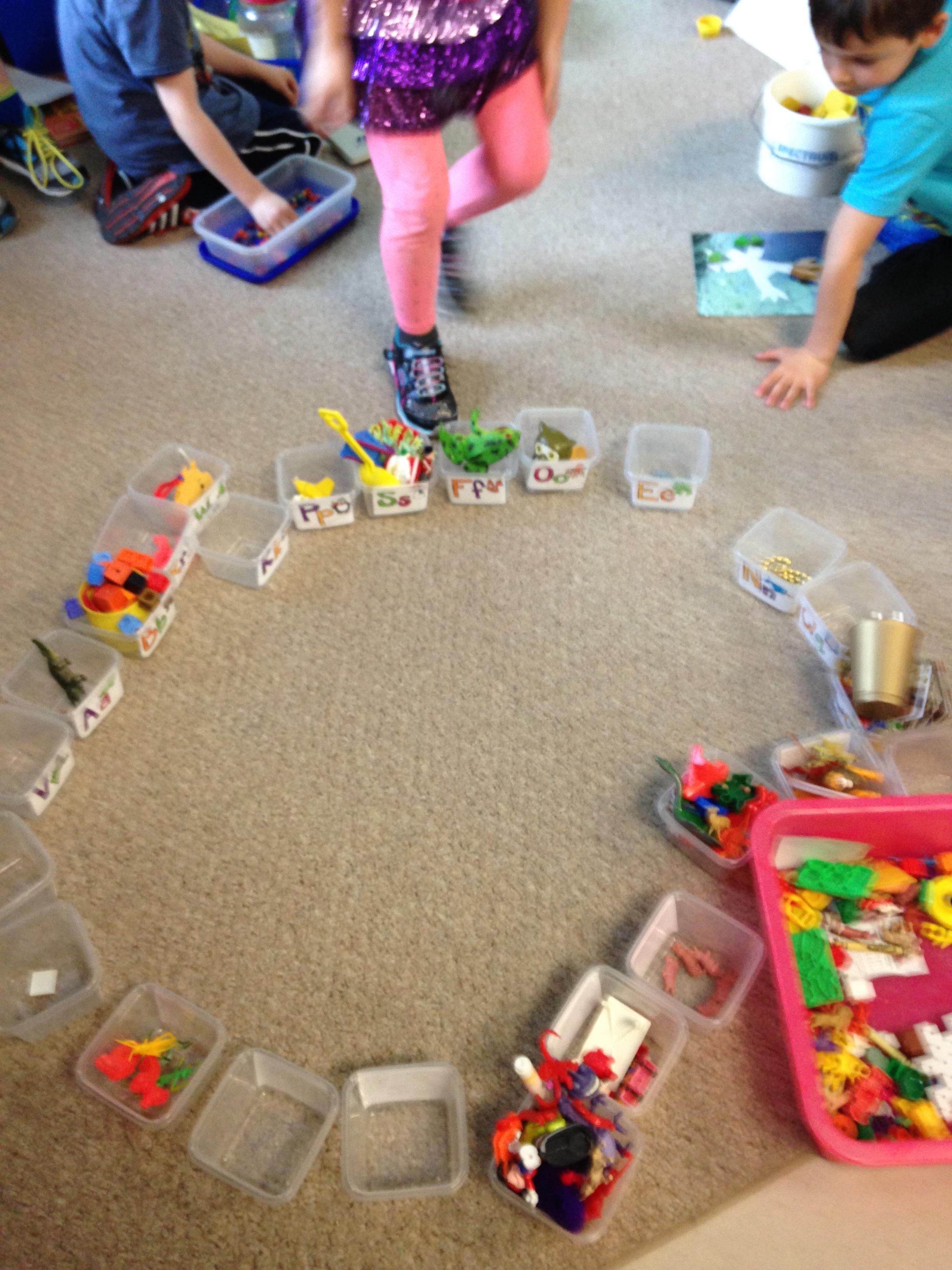
We have an activity bin in our classroom that we call Sound Sort!  It is a bin full of lots of little things that children seem to like.

IMG_4989

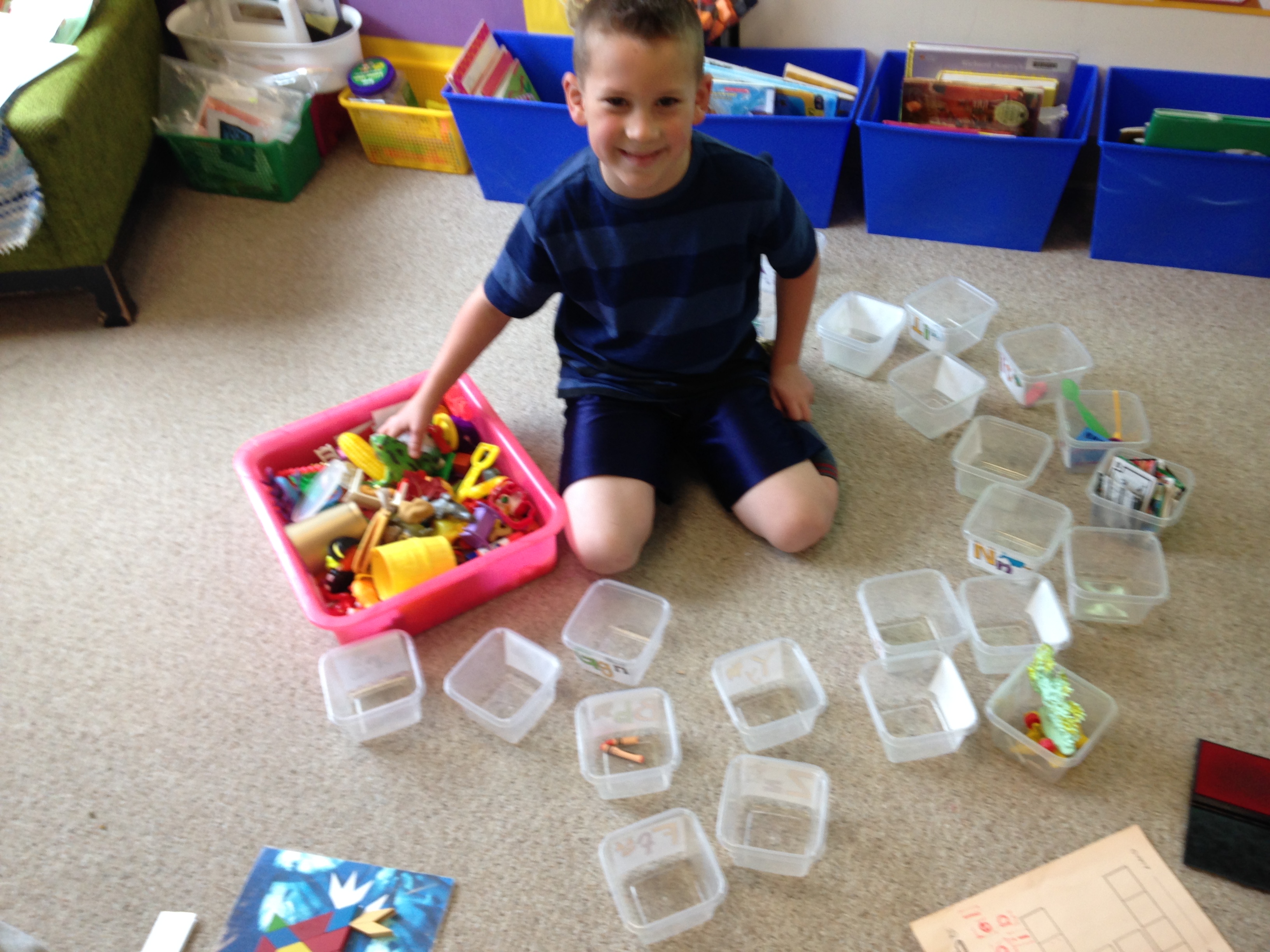
The object of the bin is to sort all of the objects into the correct letter tub that matches the beginning sound of the object.

IMG_5066

I happened to mention that last year someone had sorted all of the items into the bins and we had finally seen the bottom of the bin!

IMG_5068

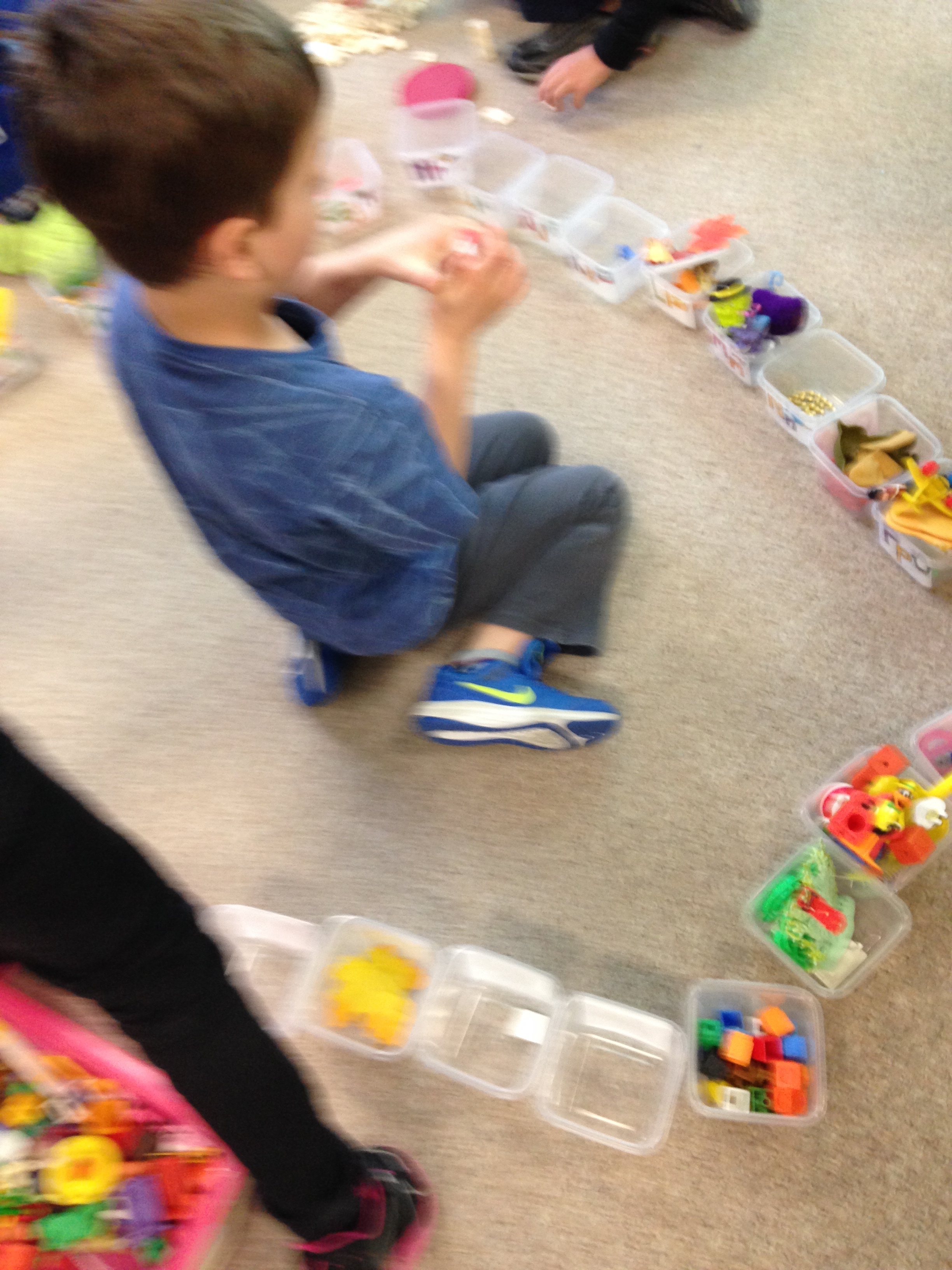
I guess that was a bit of a dare!  A group of students started trying to sort all the objects and see if they could see the bottom of the bin!

IMG_5035

 We decided to leave the bin out and lots of students started helping!

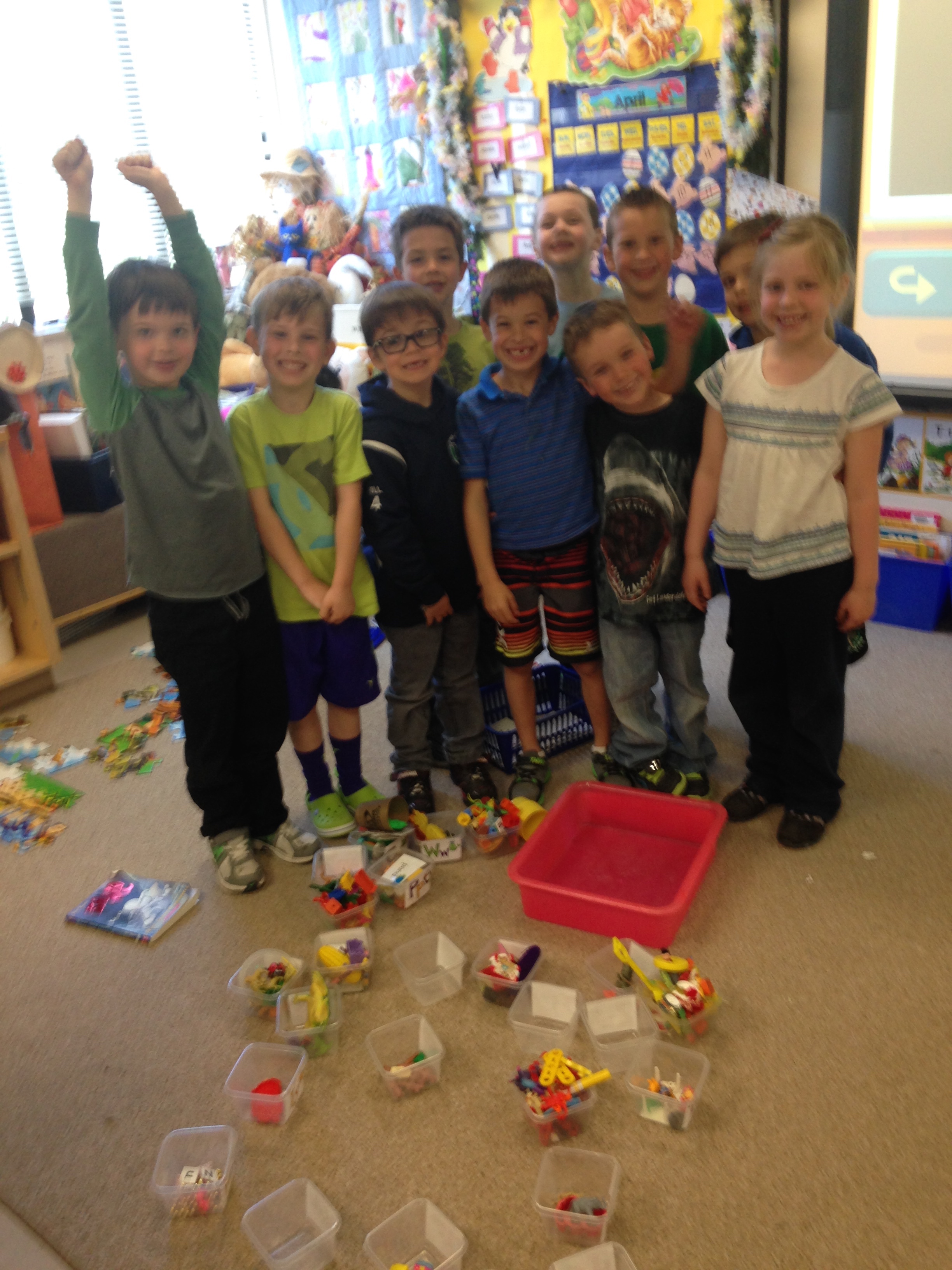
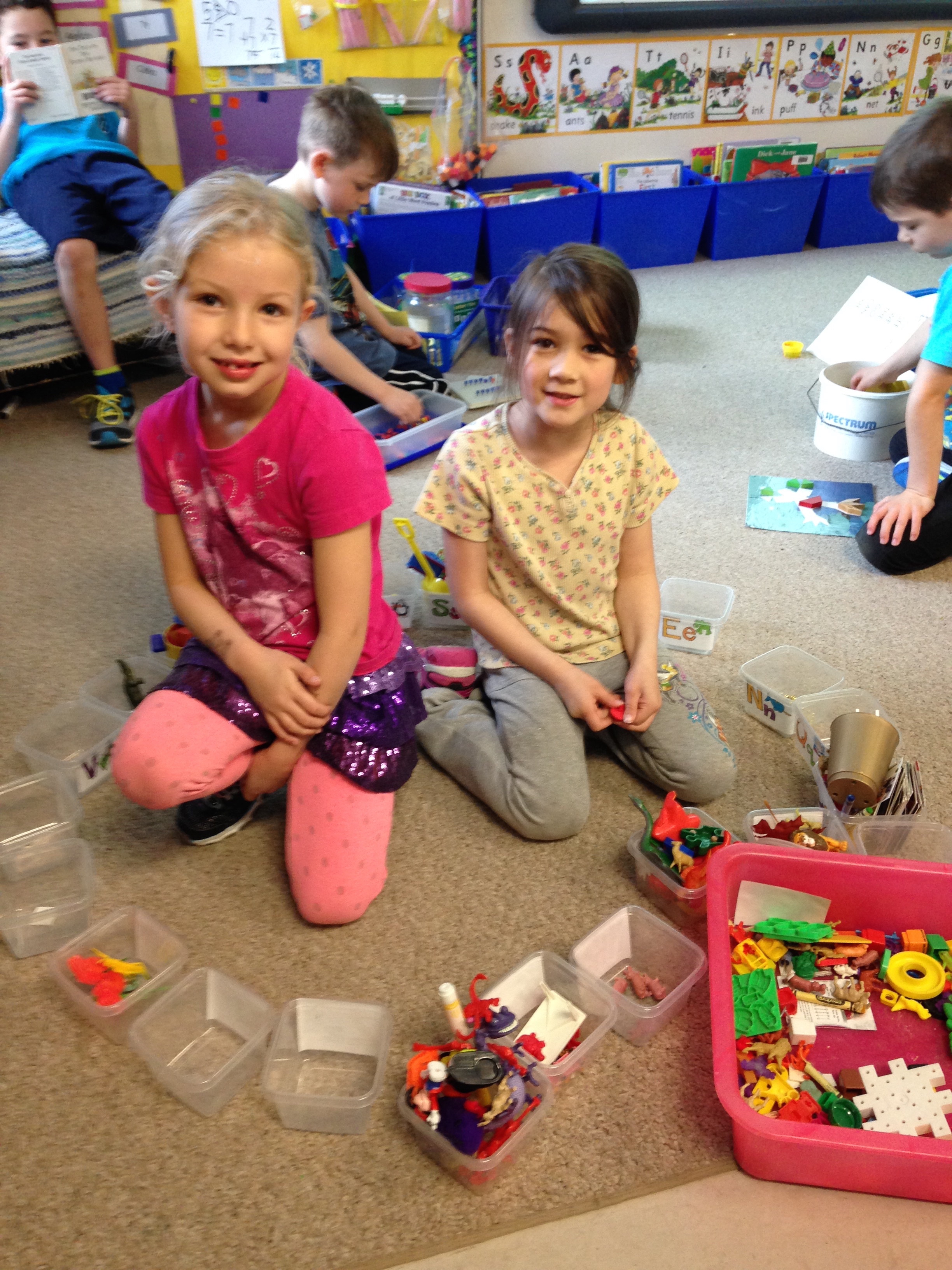
When we finally got everything sorted we had to take a victory picture!

IMG_5080

 Don’t they look proud!

Leave a comment

Filed under Reading game

Mother’s Day Fun!


IMG_1652

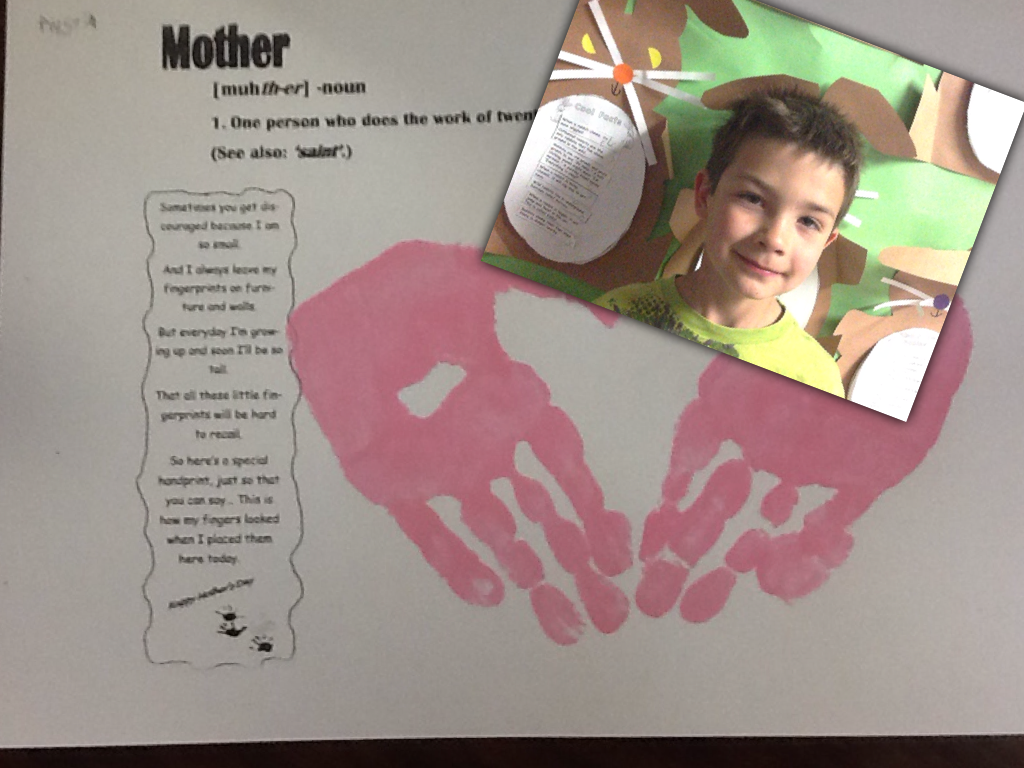
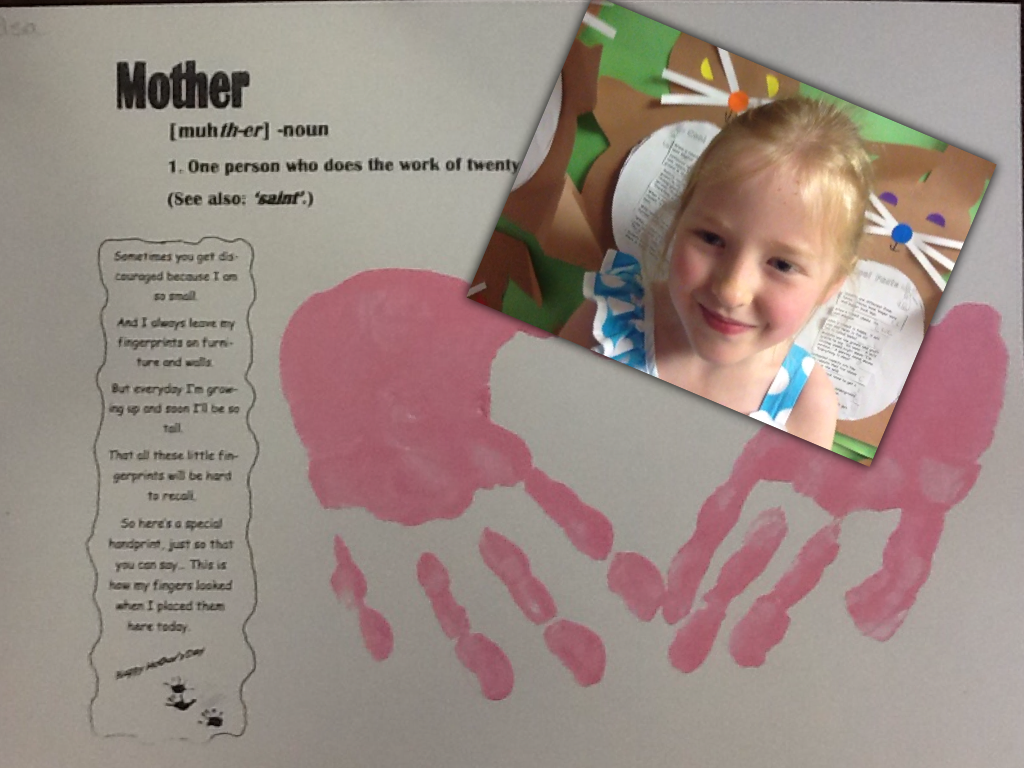
Hopefully, everyone had a great Mother’s Day!  The children had a great time making their special project for you!  Some of them were very comfortable making a video and some were a bit shy but I think they all turned out perfect!

IMG_1679

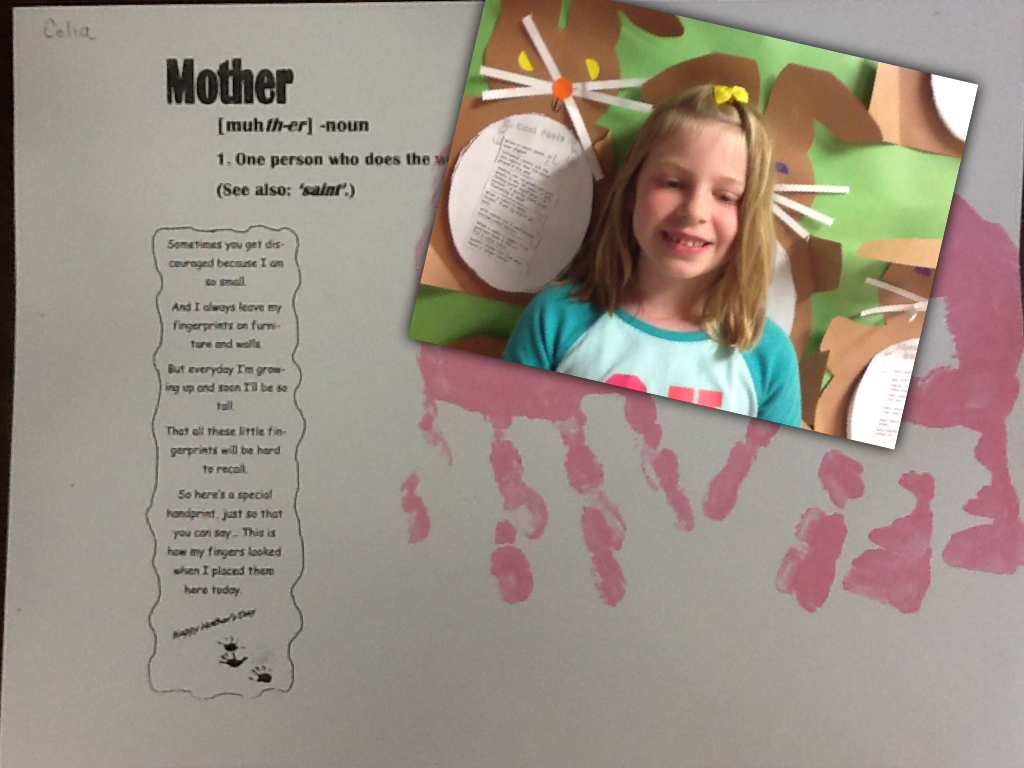
Thank you for your help sending me an email so I could forward their special Mother’s Day cards to you!  It made the whole process a bit simpler.  We use the app Explain Everything to make the cards.  I took a picture of each of their cards that we made using their hand prints.  Then I superimposed a video onto the page and recorded their comments.  Some of them need a little prompting but I think they were pretty happy with their efforts!  Then we saved them to the camera roll as a movie.

IMG_1680

I copied them off the iPads and saved them onto my computer at home.  And sent them to you!

IMG_5089

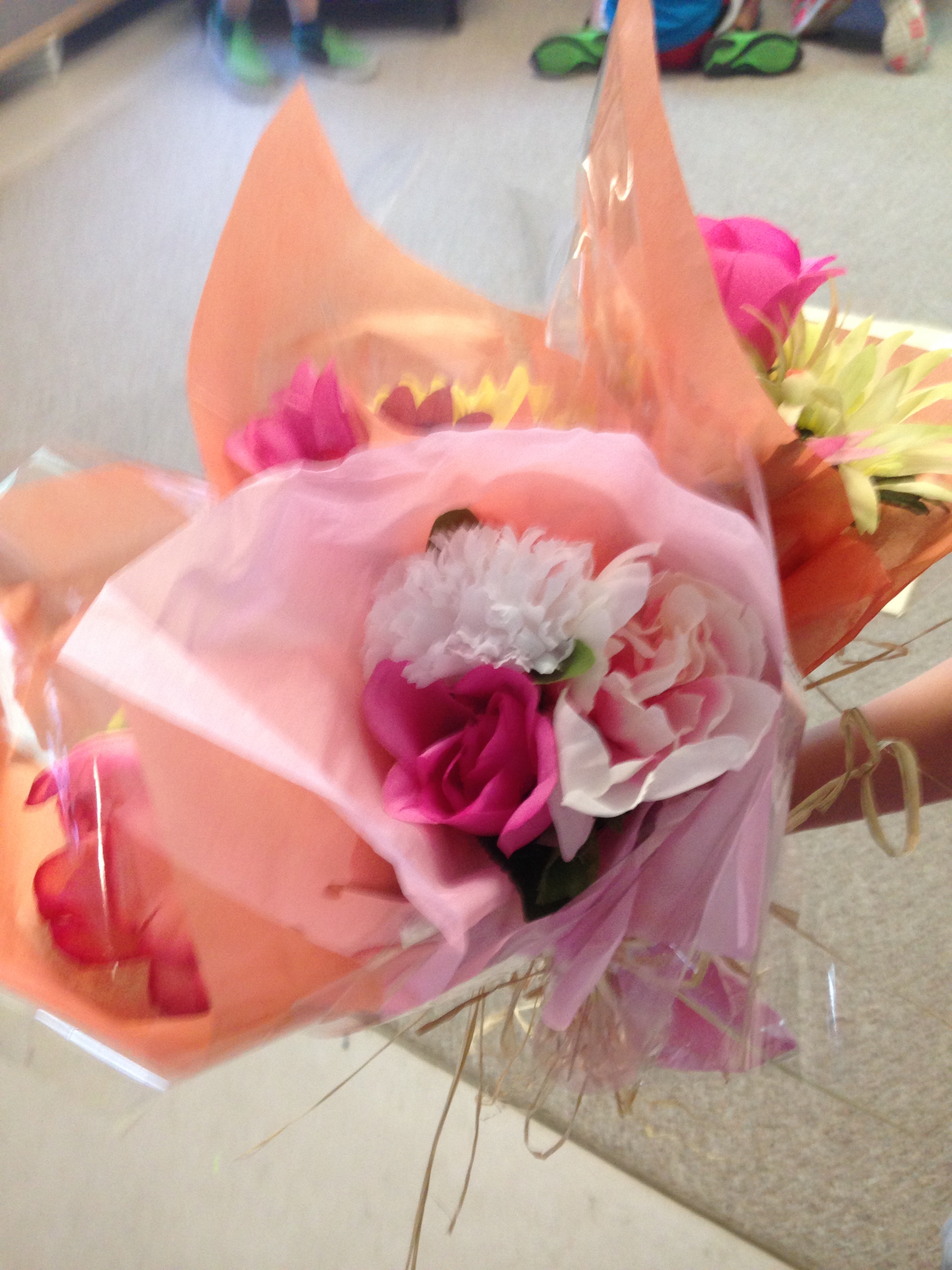
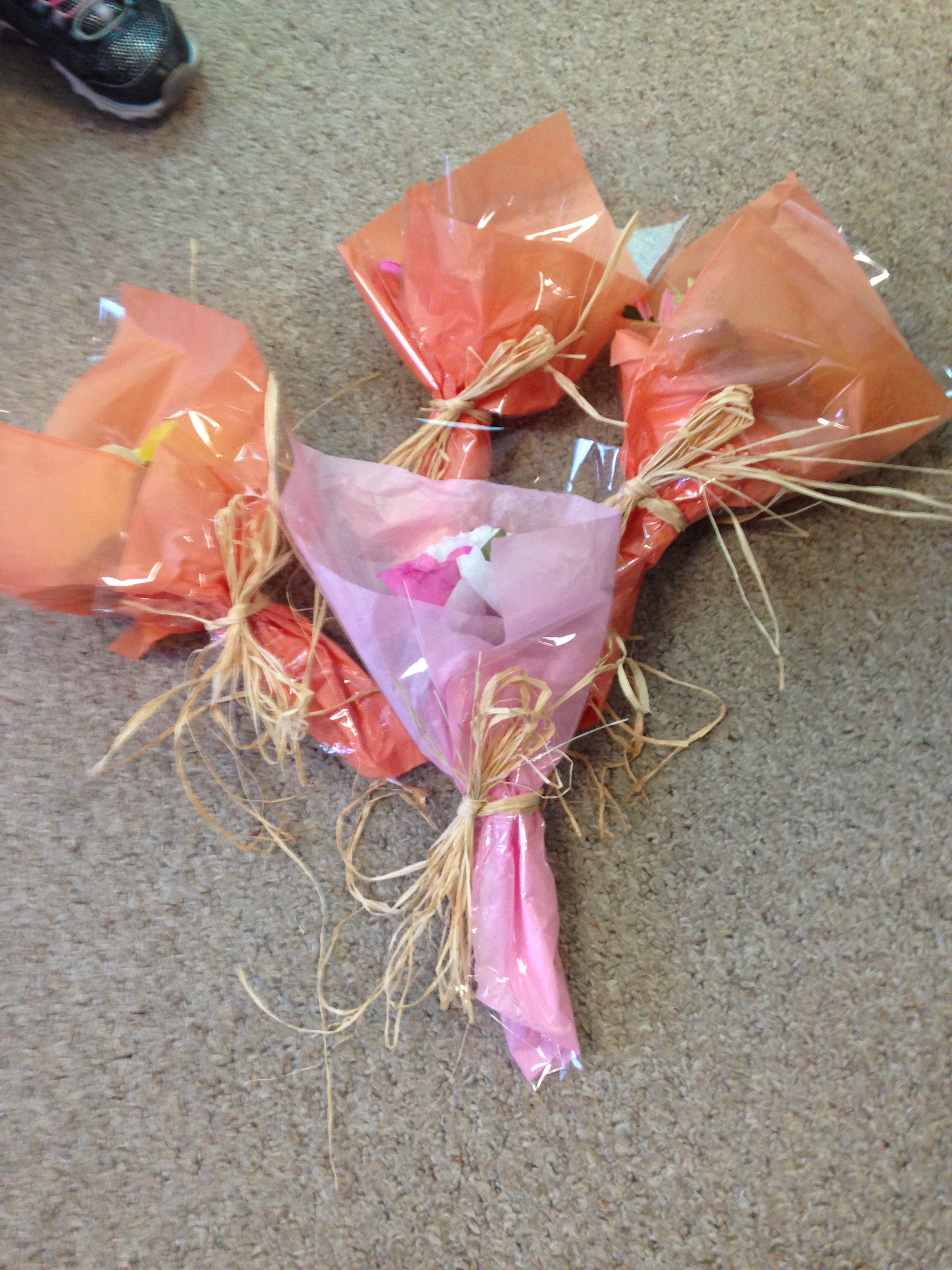
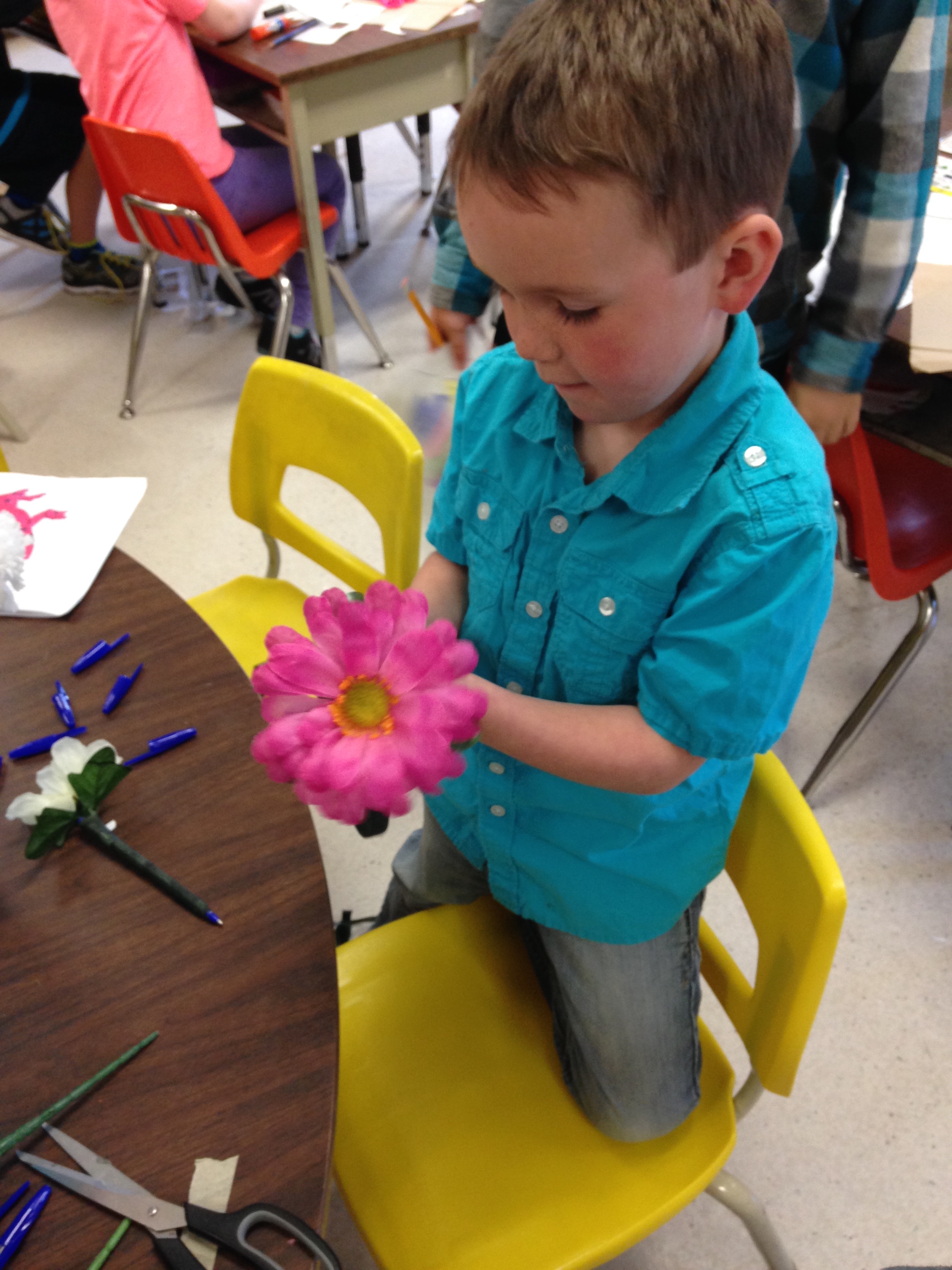
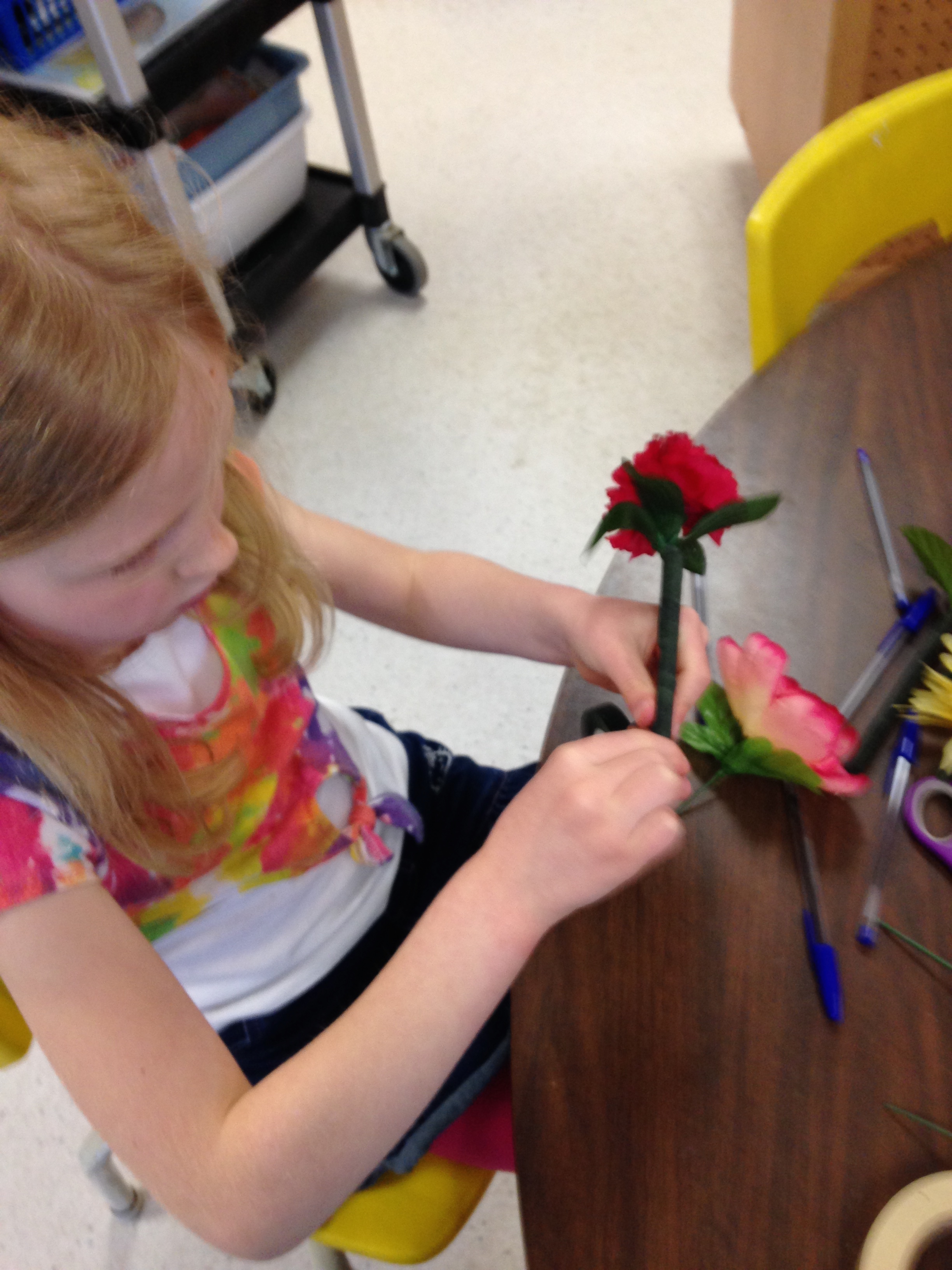
 We hope you enjoyed your Mother’s Day flower pen bouquets as much as we enjoyed making them!

IMG_5091

When I explained that putting the florist’s tape on the pen was like wrapping a hockey stick with hockey tape the boys really got it!

IMG_5051

I wish you could have listened to their comments as they were making the flower pens!  Lots of nice comments about their Moms.  It was fun to hear about why their Mom might like a particular color or flower!

IMG_5052

 Hope you all had a Happy Mom’s Day!

Leave a comment

Filed under Explain Everything, Mother's Day

Fun with Hungry Fish and QR Codes!

IMG_5073

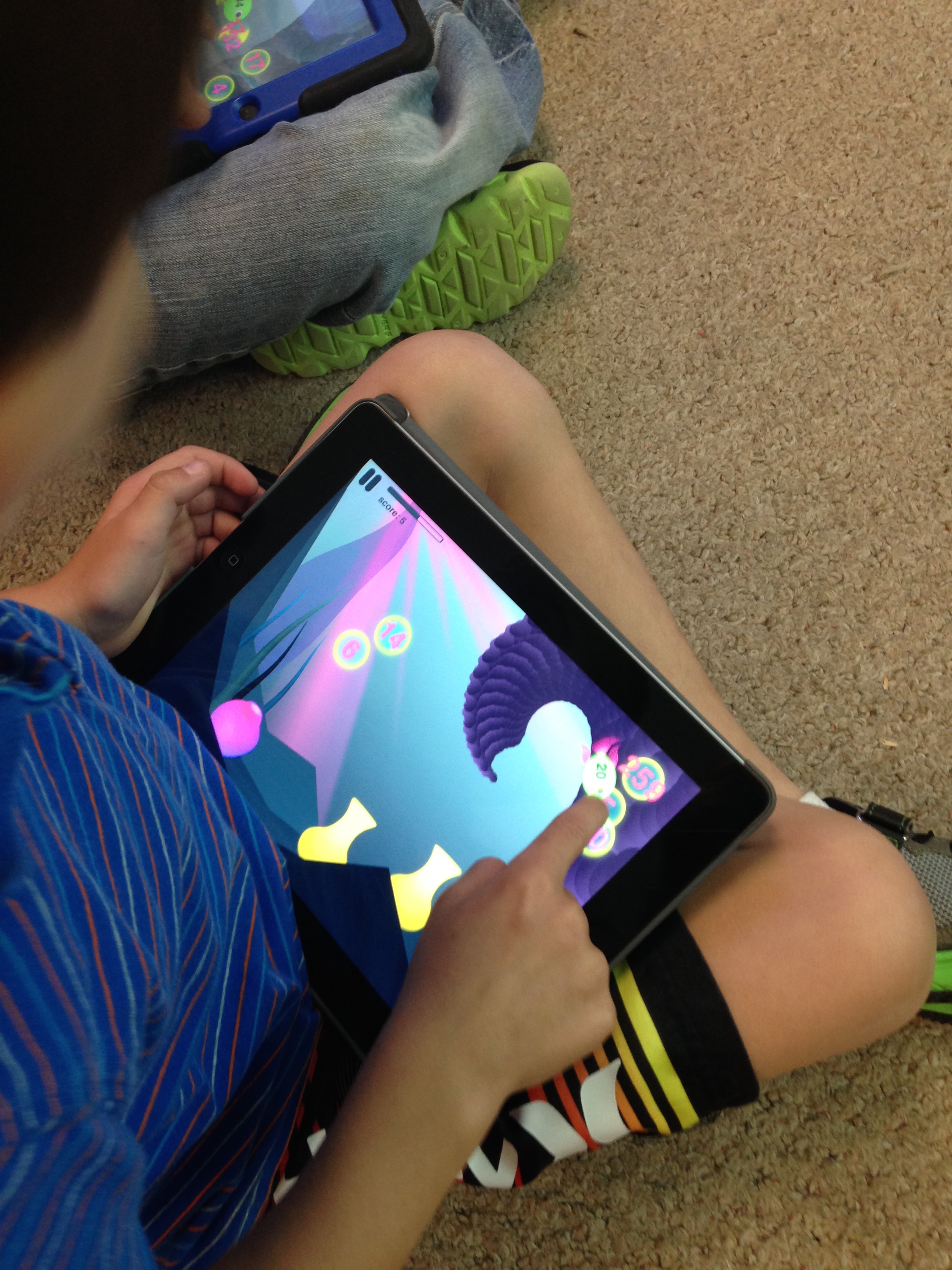
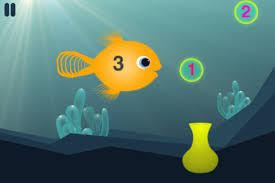
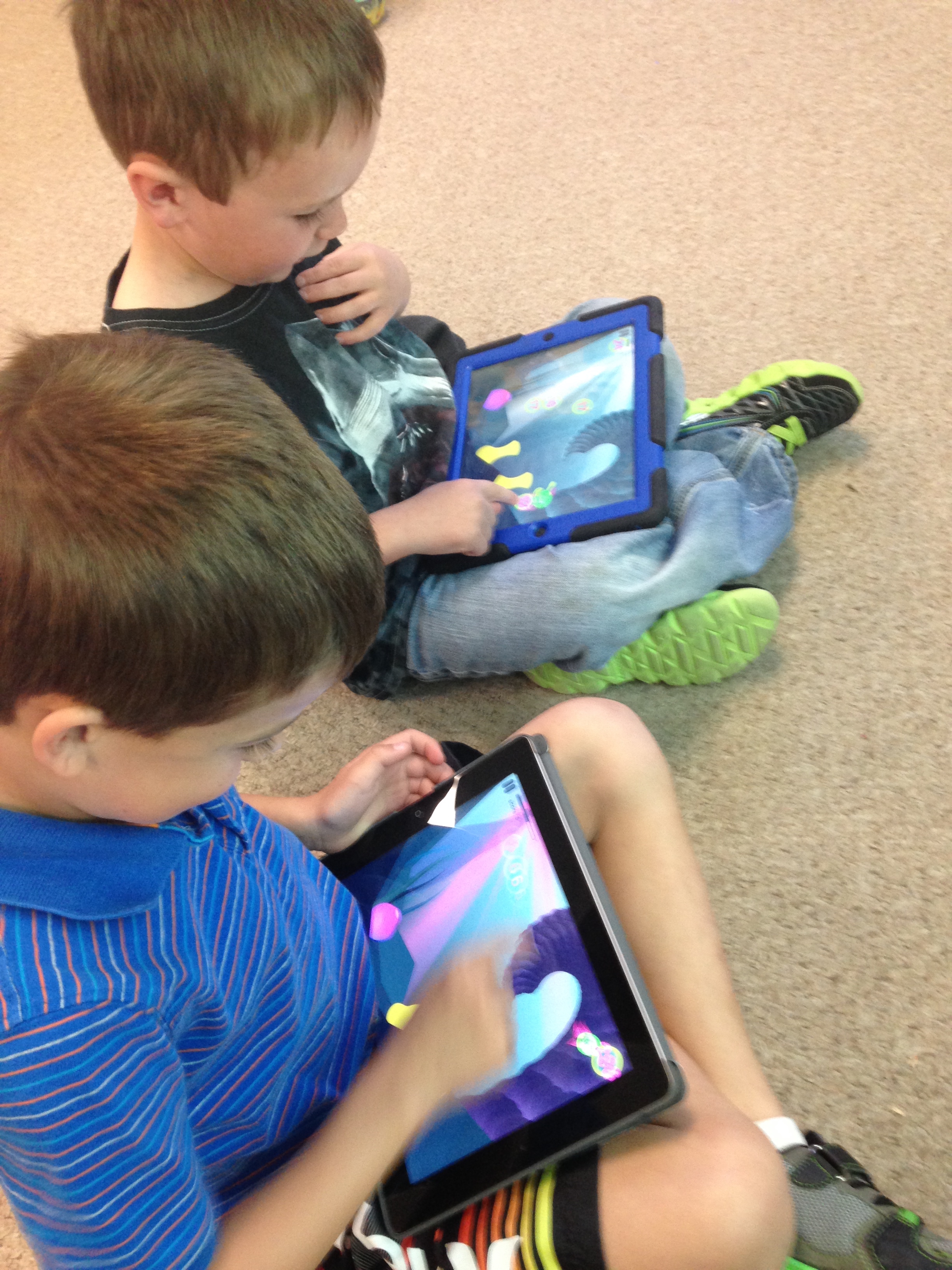
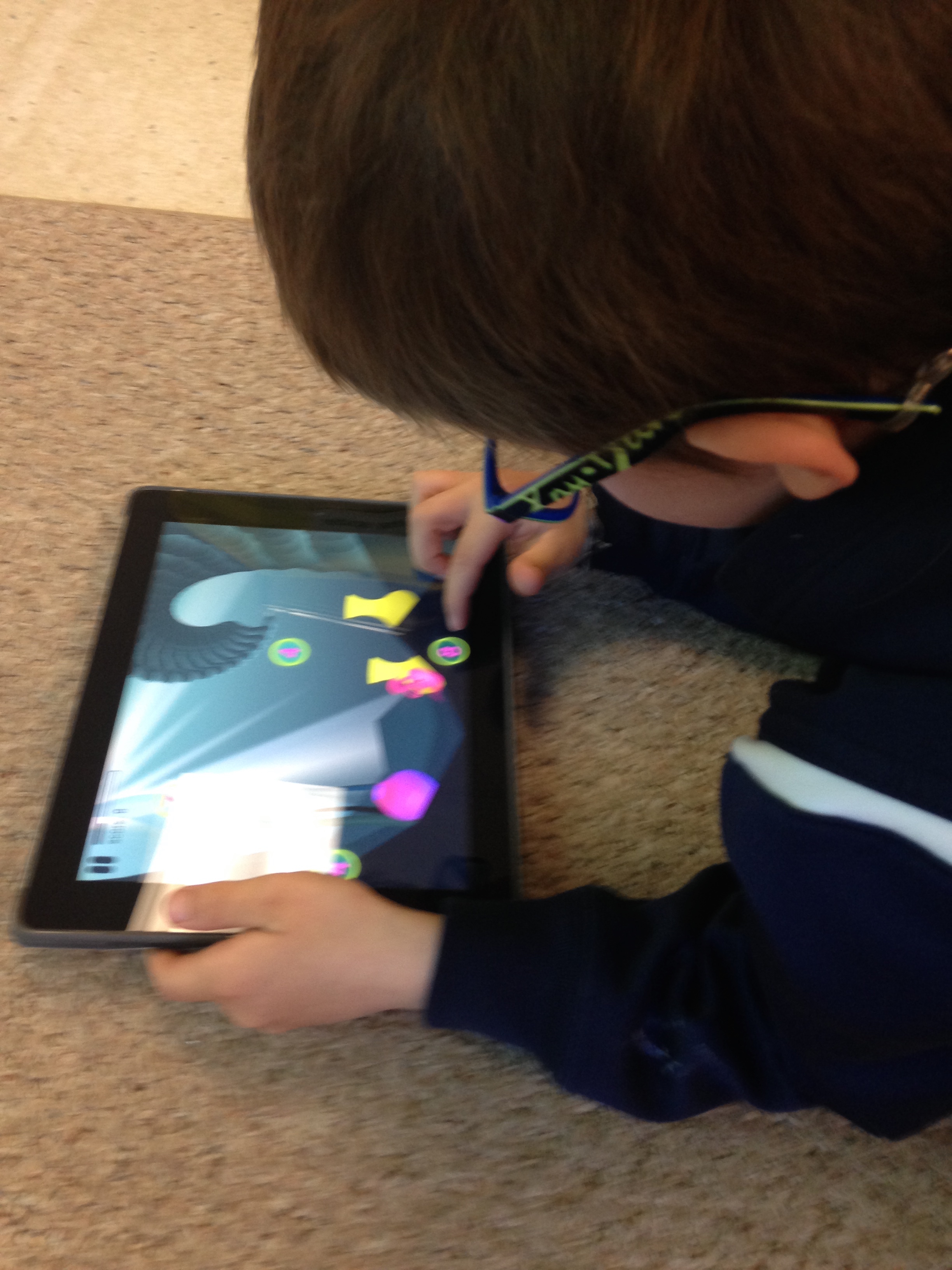
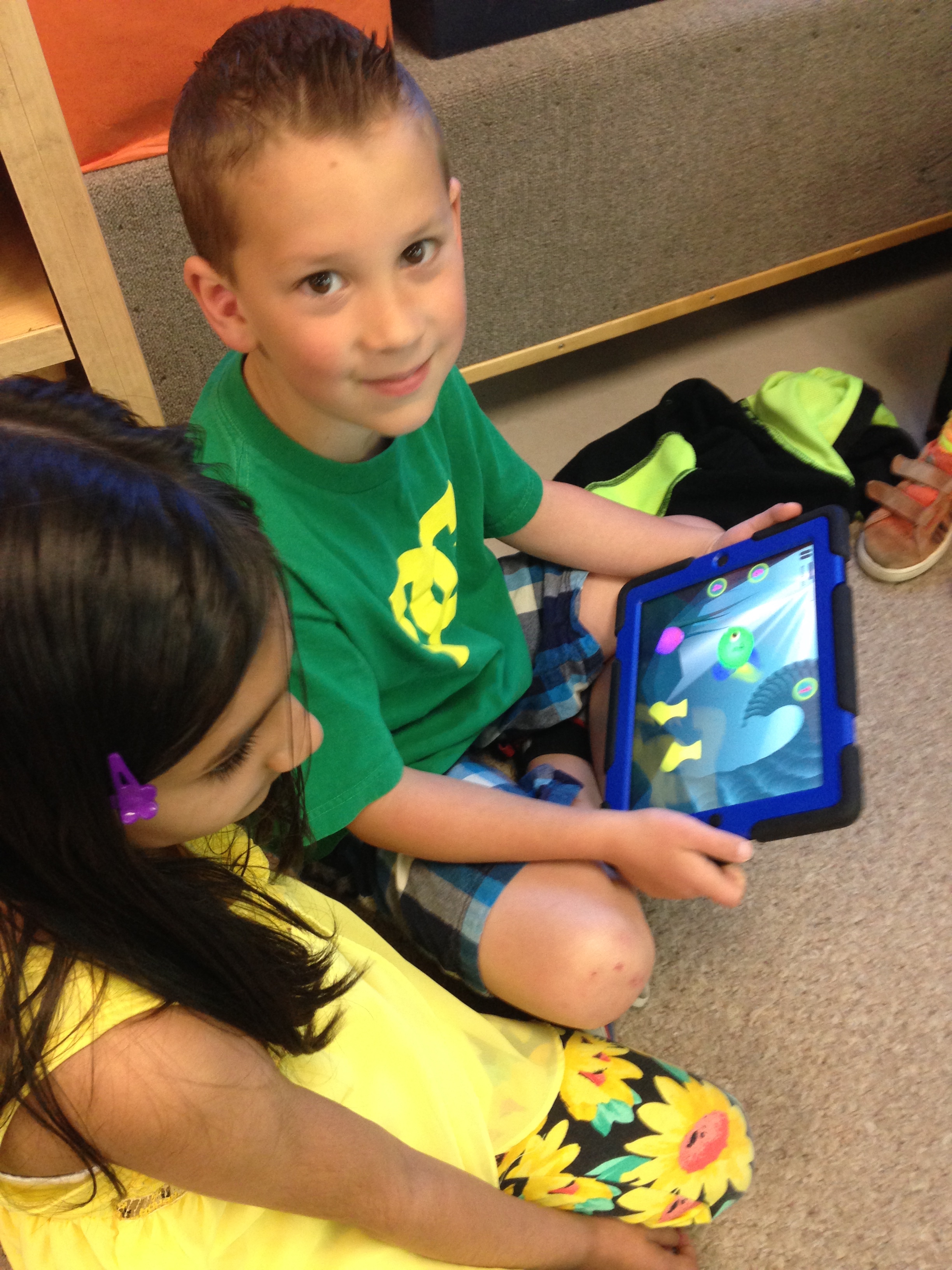
We have been having fun with a new to us app called Hungry Fish by Motion Math!  It is a great little app that lets the students practice their addition facts.

download

We have the free version loaded on our iPads at school which only has the addition operations displayed.

download (1)

If you want you can  download the paid version to practice addition, subtraction, multiplication and division operations.

IMG_5074

The object of the app is to join bubbles with addends that make the total!.

IMG_5077

You can add more than two or more bubbles together to make the sum!

IMG_5075

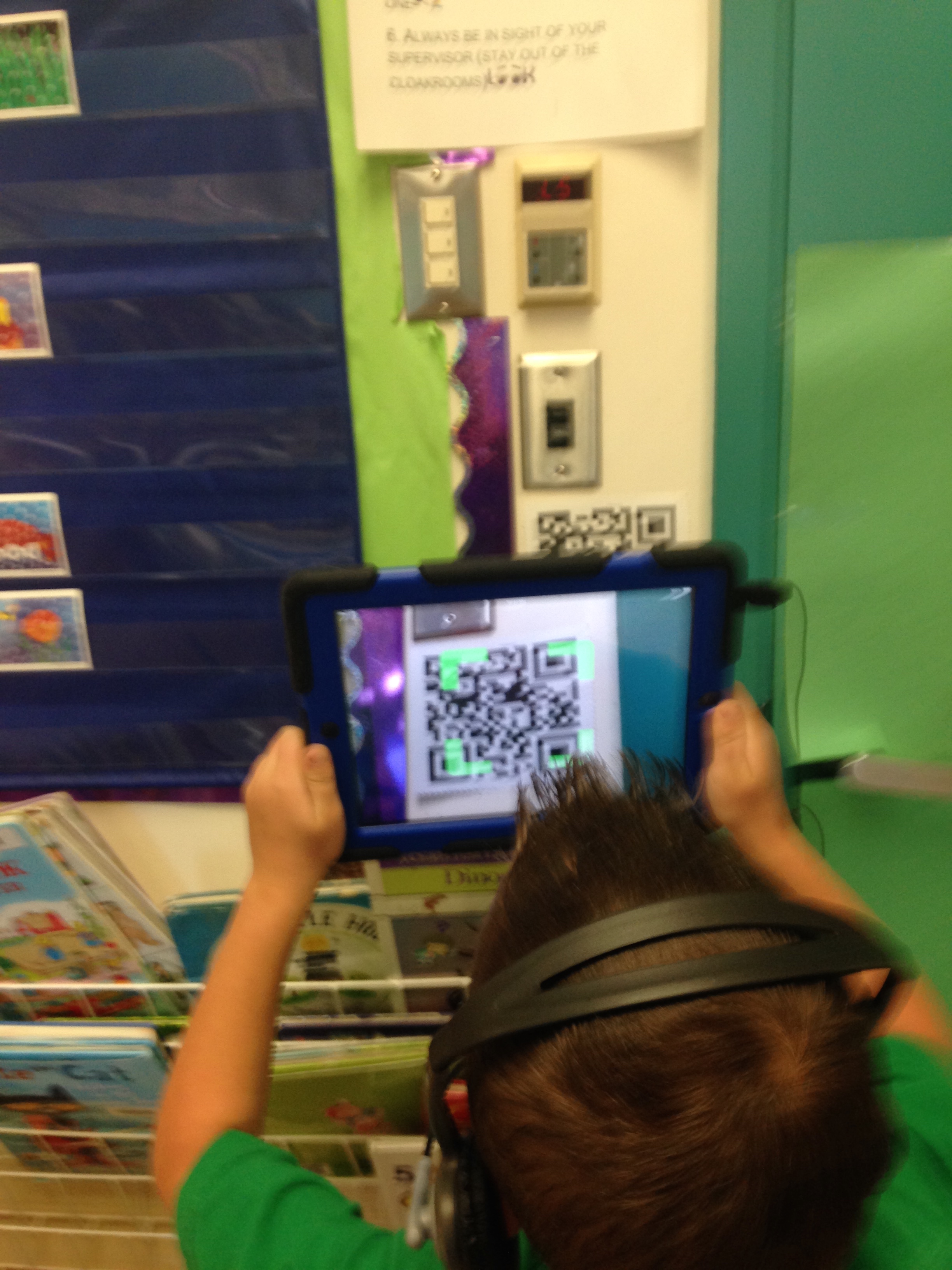
We have also been having fun using the shortcut QR code that I created for our class website.  The children can use the Scan app and hold the iPad over the code and it takes them right to our class website.  I have them scattered all around the classroom so the children can access them easily!

IMG_5078

That is a lot easier than trying to type in the urrl! QR codes are fun!

Leave a comment

Filed under Augmented Reality, Hungry Fish, iPads, Math Apps, QR codes

Fun with Shapes!

We have been using the Explain Everything app to create our Shape books.  The children used the camera option within the app to take pictures of objects in the classroom.

We made a list of the different shapes and they scoured the room taking pictures of the shapes they wanted to put into their books.  Then they added a sentence describing their shape using the text option.  After they had completed a cover page and their pages they went back to each page and recorded their voices reading each page.  Some students even added arrows pointing to the words or objects on the page. Once that was complete I saved their project to the camera roll and uploaded it to Youtube.

The children were amazing.  They found the objects that they needed and even learned how to crop their pictures so that only the part of the picture that had the shape they needed would be in the picture!  They also recorded all of the pages all by themselves!

It was really fun to watch them create this book!  They are becoming so independent and proficient on the iPads.  Nothing scares them!

Leave a comment

Filed under Explain Everything, iPads, Youtube

Green Screen Fun!

photo 2 (1)

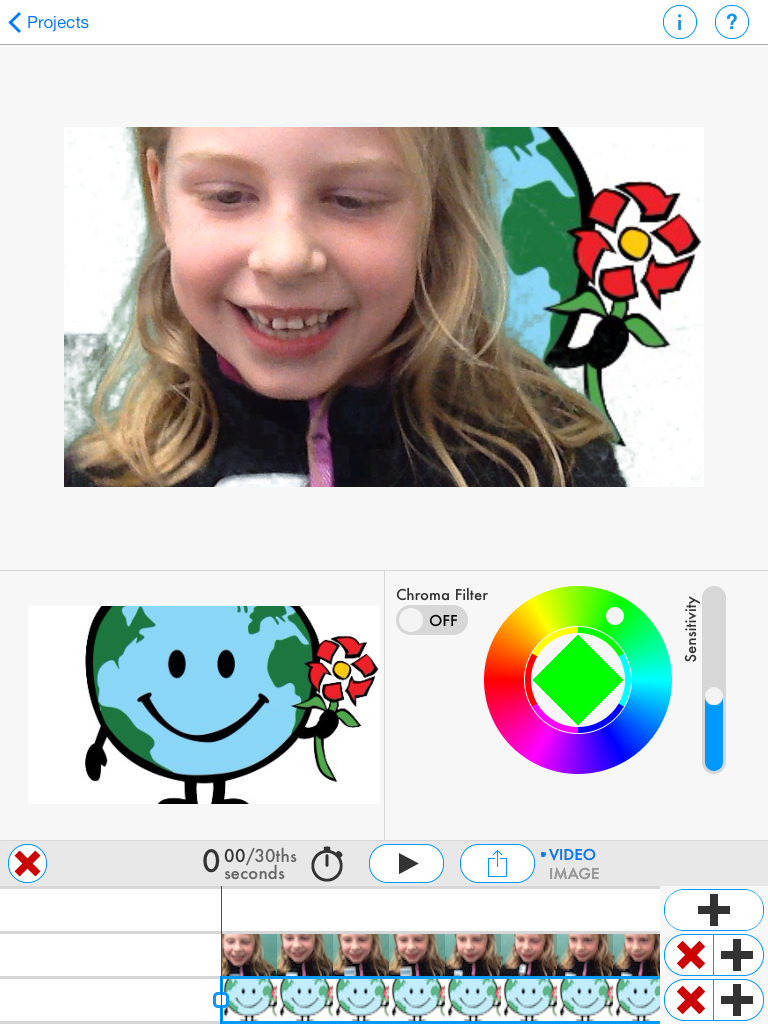
We have been having a lot of fun experimenting with a new app called Green Screen by Do Ink.  I decided to give it a go on Earth Day.  The children who wanted to be Earth Day reporters volunteered to be videoed sharing their thoughts about Earth Day.  We downloaded some images from the internet about Earth Day and saved these images to the camera roll.  Green Screen by Do Ink is a neat little app that lets the students be reporters just like on TV!  You can add any image to the background using green screen technology!  I placed several green construction papers on the back of our classroom door and presto! We had a green screen!  Just like the weatherman! I am looking to improve our screen but it worked for our initial attempts!

First we created our video using the video option on the iPad.  Then we opened the Green Screen app and begin layering our images!  The first image to import is the background we used for our project.  We had a few images that we had chosen to download to the iPad.  The announcers chose the background they wanted for their project from that selection.  Then we imported the video that we created and added that to the project.

We view our project and made some minor changes to the sensitivity of the filter.

When I downloaded the app I unfortunately did not download the animation component!  I should have!   Can you imagine if we had the opportunity to add an animation to our project!  Will definitely have to download the upgrade!

You can save the project to the camera roll and there are a variety of options for sharing from there.

I think we have some aspiring news reporters in our classroom!  Coming soon to a television station near you?

Leave a comment

Filed under Green Screen, iPads, Youtube

Augmented Reality Snowmen!


IMG_1533

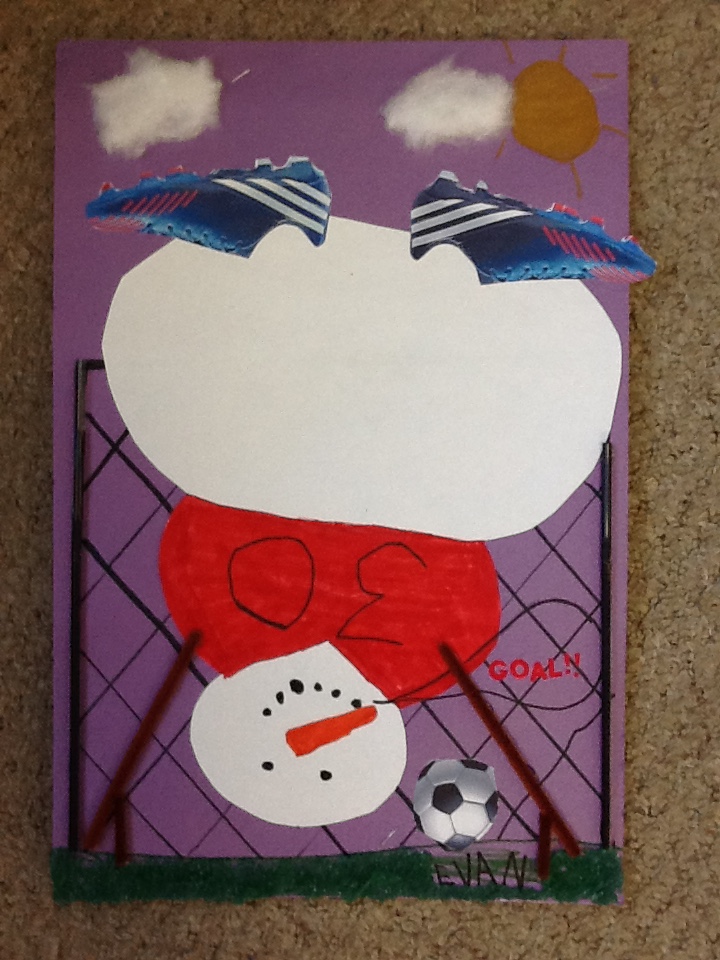
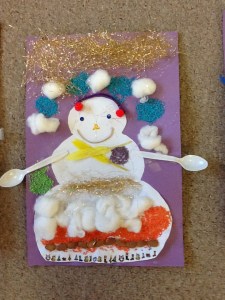
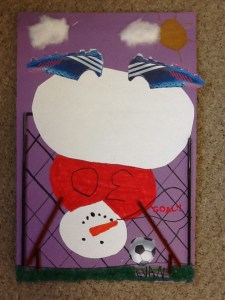
We have been having a lot of fun with the app Chatterpix!  I took a picture of each of the snowmen and had the children bring their snowmen to life using the Chatterpix app.  They had to add a mouth to their snowman and then talk for thirty seconds as if their snowman was talking. Some children chose to speak as their snowmen and others choose to speak in a conversation with their snowman.  Some students preferred to talk about making their snowman with their family.  Then I took the Aurasma app to link the Chatterpix video to their picture.  Aurasma is an augmented reality app that lets you augment the viewing experience by adding another layer of participation to the object.  In this case it is the picture of the snowman.  To see the Chatterpix video you simply hold the iPad over the picture.  The picture is now the trigger image within the Aurasma app that triggers the link to the Chatterpix video.   This is called an aura.  I have created auras for each of the snowman pictures linking the pictures and the Chatterpix video.
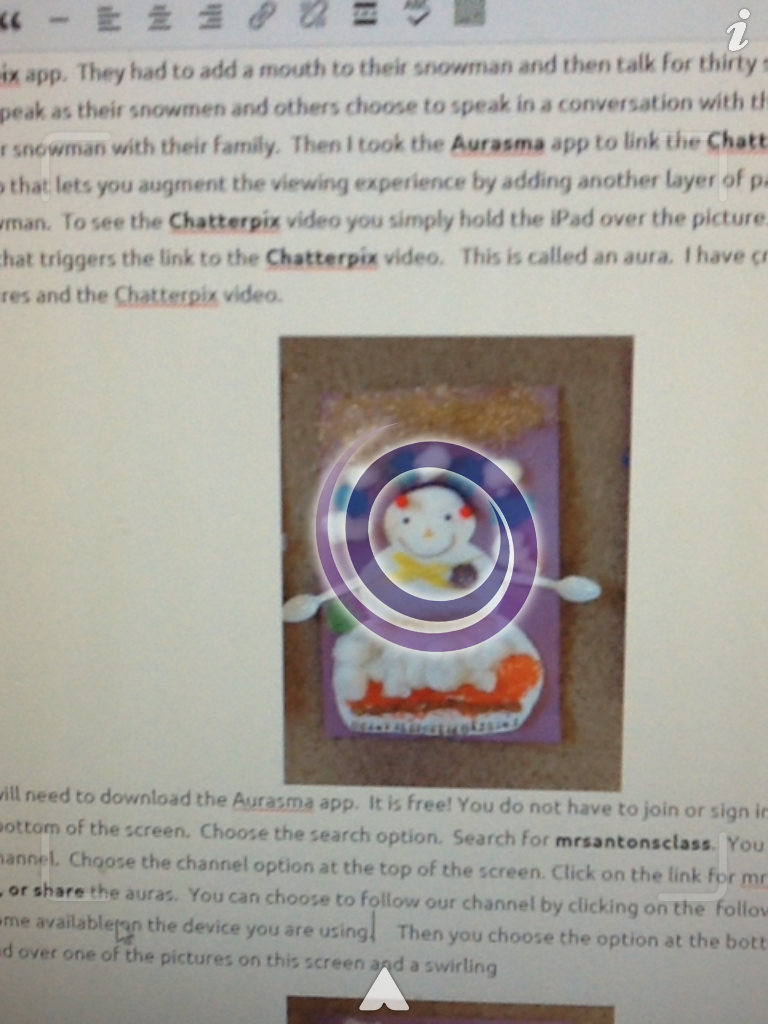
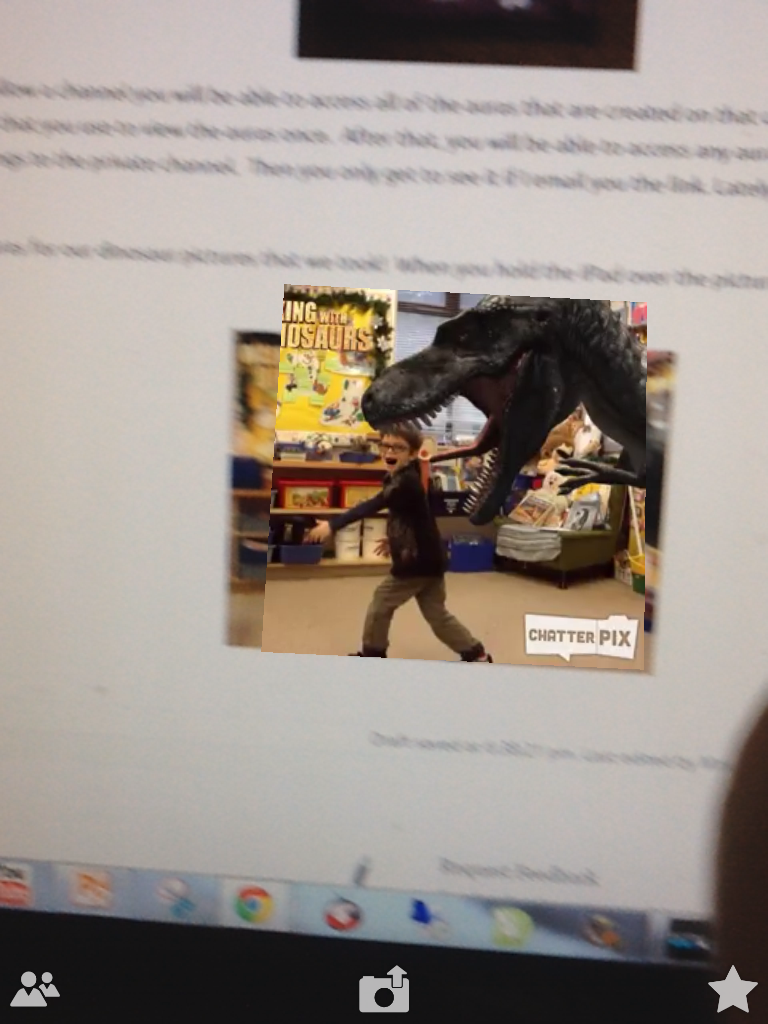
IMG_1523To see the auras you will need to download the Aurasma app.  It is free! You do not have to join or sign in to see the auras.   Click on the little triangle shape at the bottom of the screen.  Choose the search option.  Search for mrsantonsclass.  You will be directed to all the auras that I have posted to that channel.  Choose the channel option at the top of the screen. Click on the link for mrsantonsclass and you will be given an option to follow, like, or share the auras.  You can choose to follow our channel by clicking on the  follow option. Now all the auras posted to that channel will become available on the device you are using.     Then you choose the option at the bottom of the screen that looks like a window.  Hold the ipad over one of the pictures on this screen and a swirling image that lets you know the aura is activating.
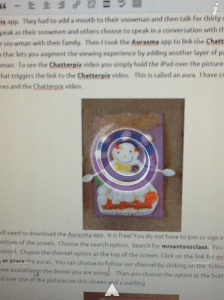
photo 1

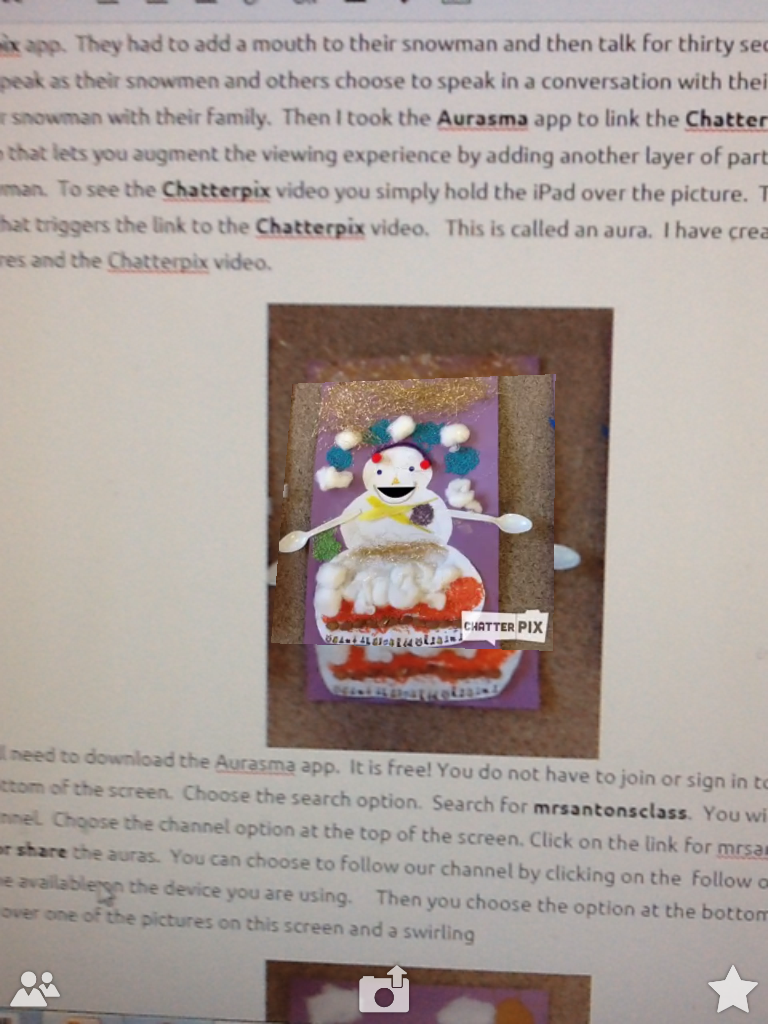
You will then see the video staring up!
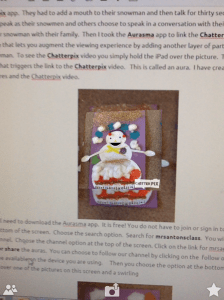
photo 2

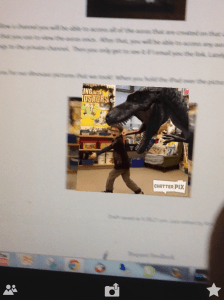
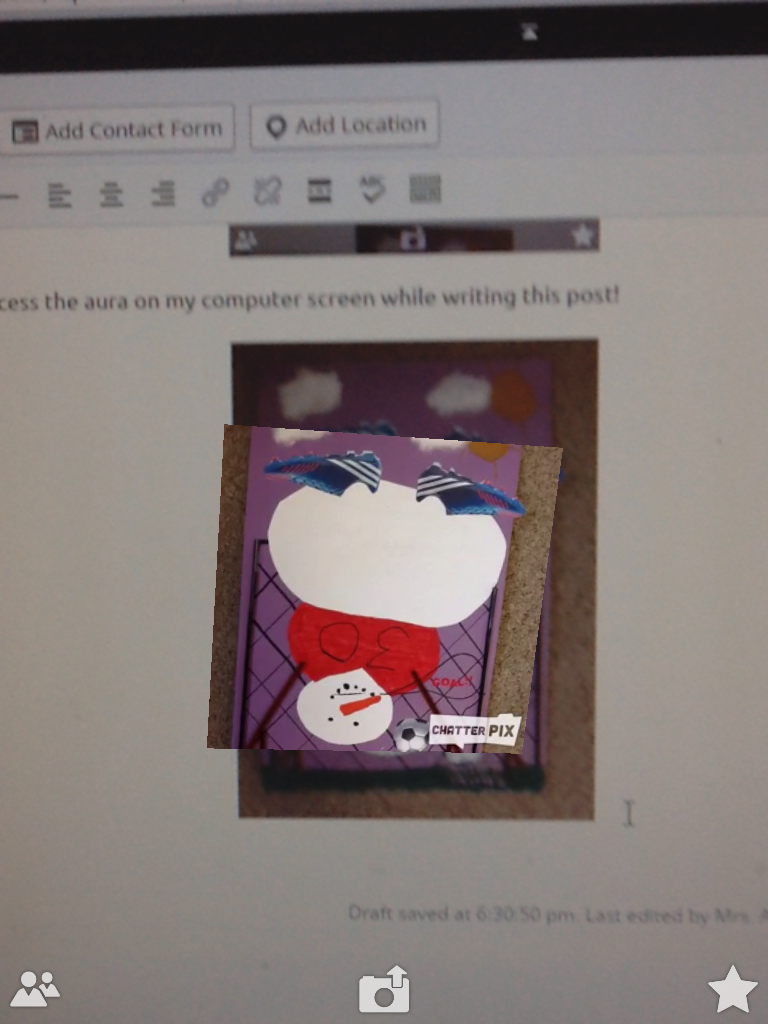
As you can see I was able to access the aura on my computer screen while writing this post!
IMG_1521


Once you set up to follow a channel you will be able to access all of the auras that are created on that channel on that device.  You will need to set up each device that you use to view the auras the first time.  After that, you will be able to access any auras posted to the public channel when you use that device.  Sometimes I post things to the private channel.  Then you only get to see it if I email you the link. Lately, I have been posting everything to the public channel.  Their projects are just so much fun to share!
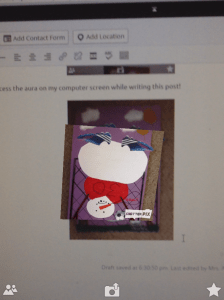
photo (1)


I have also created a special page for all of our snowmen iPad project movies!  They are all together in one space!  Just click on the link at the top of the page to see the wonderful work the children did using the snowman pictures and the Explain Everything app!  Enjoy!

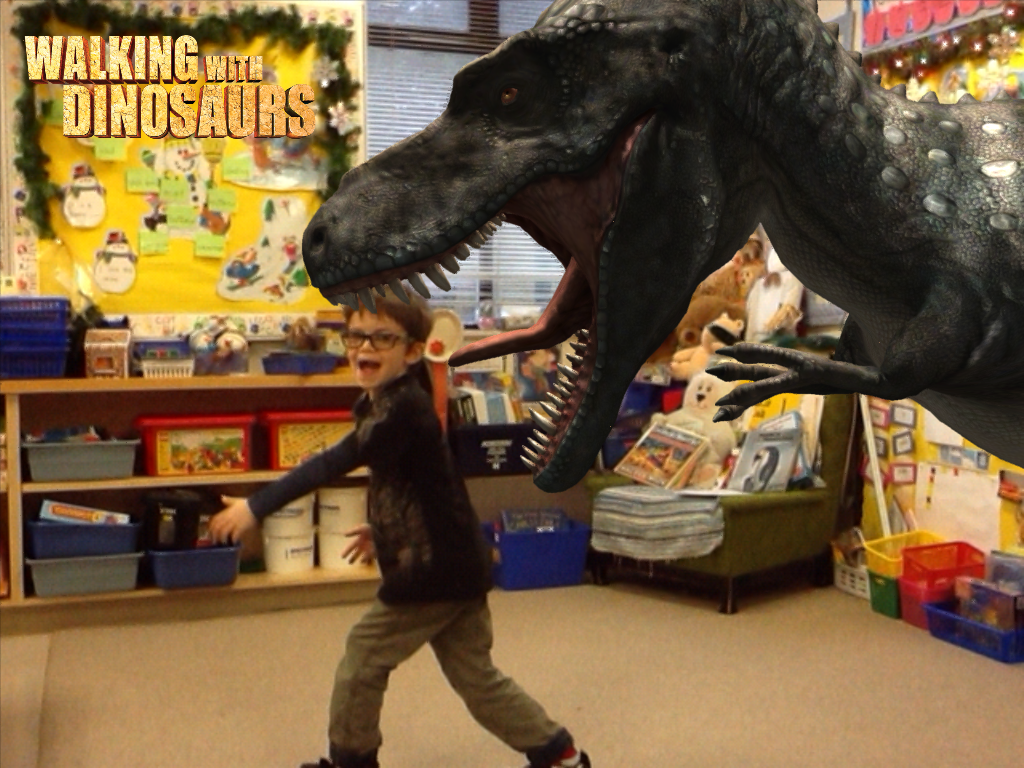
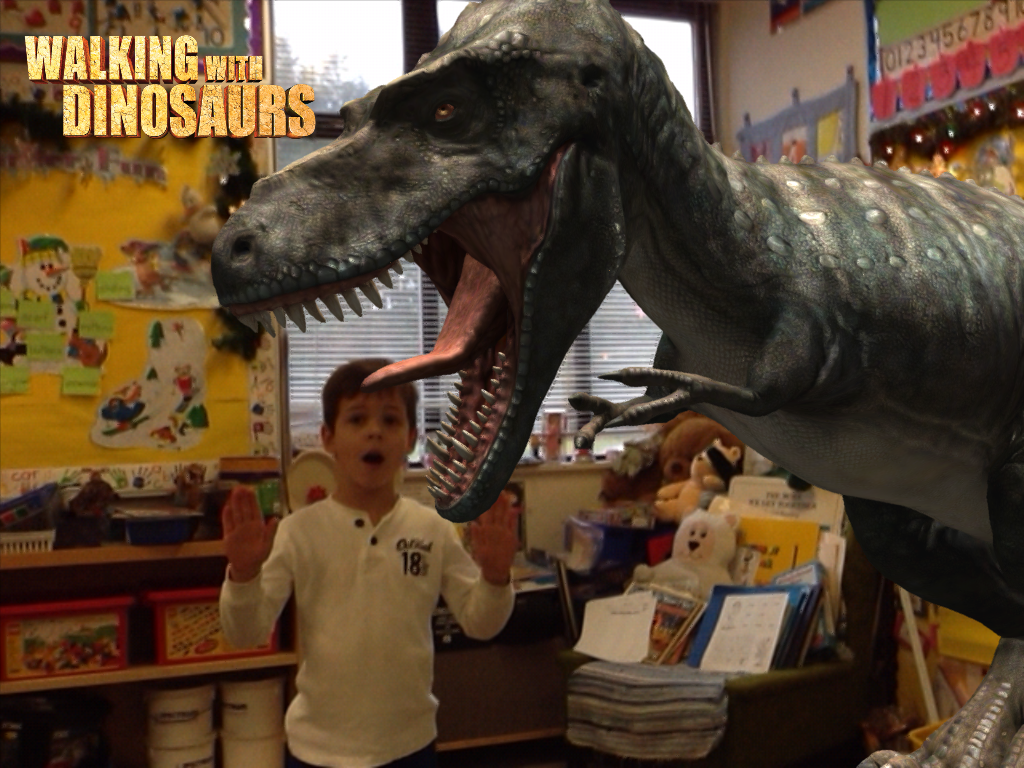
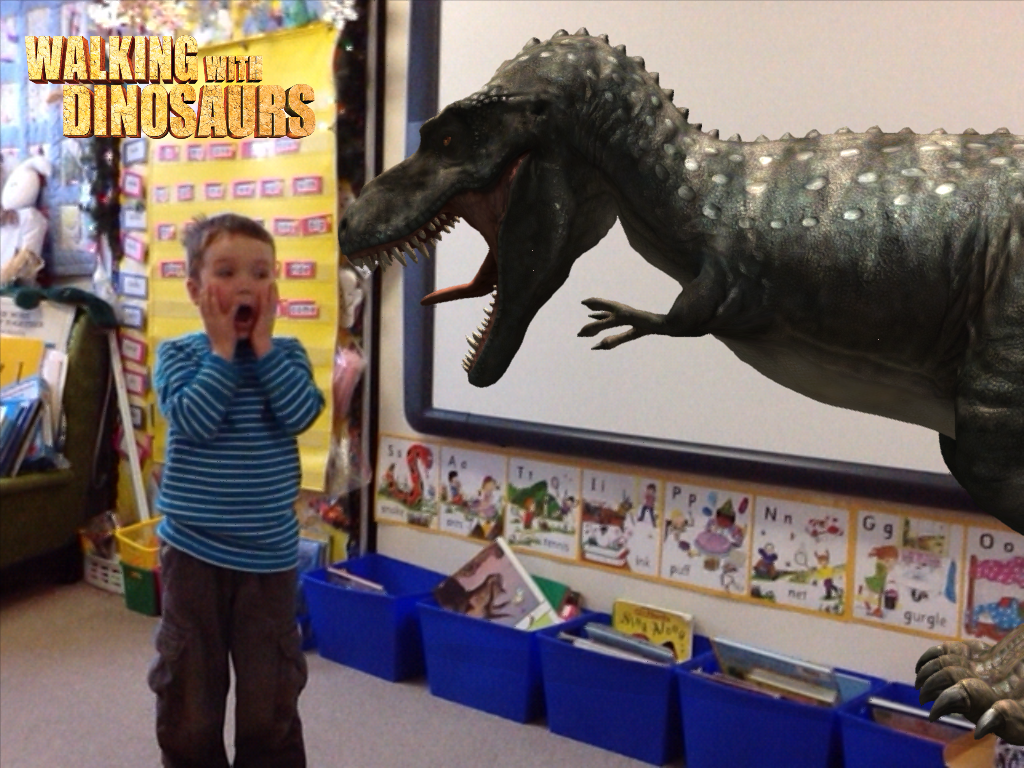
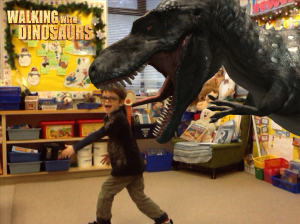
I have also created auras for our dinosaur pictures that we took!  When you hold the iPad over the picture you can see the dinosaur Chatterpix  videos we created.
IMG_1306


photo

I will need to upload all the pictures to a page for you to view them.
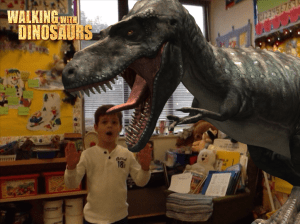
IMG_1294

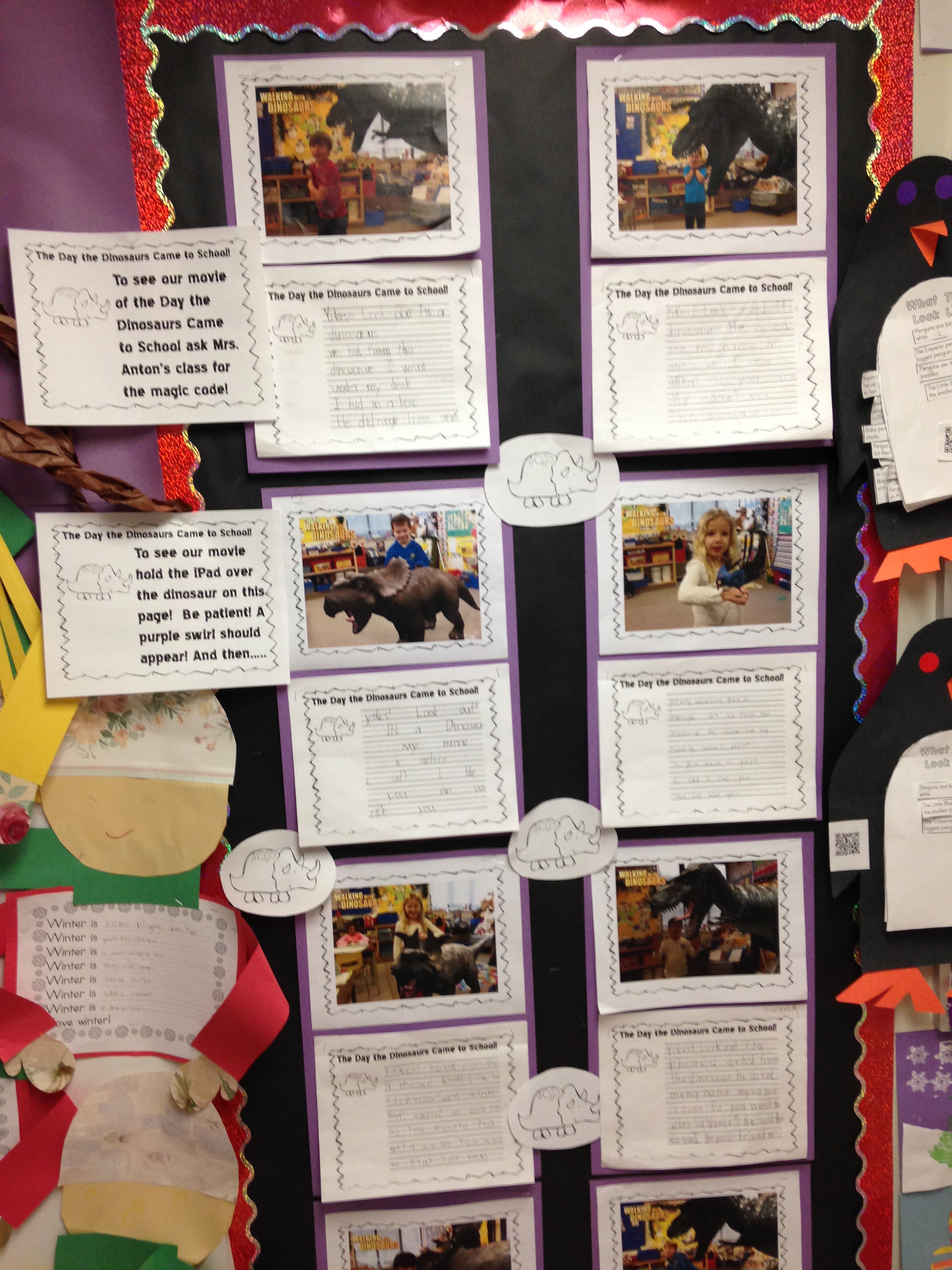
You can also access this aura from the creative writing exercise that we completed about the dinosaurs invading our classroom!
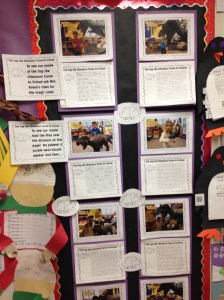
IMG_4650

I have created a page for the dinosaur pictures and the snowman pictures.  You should be able to see the pages at the top of this blog!  Just click on the page link at the top of this blog.
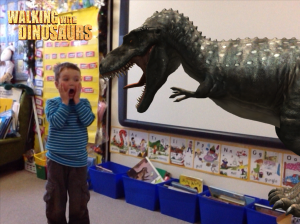
IMG_1289When you visit the page you will be able to activate the aura right away using your device and the picture on the computer screen.
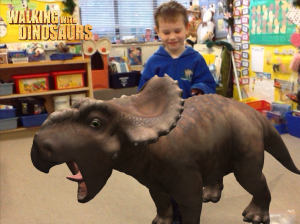
IMG_1304

Or you can wait for the pictures to come home in the scrapbook!  I’m too impatient for that!


Leave a comment

Filed under Augmented Reality, Aurasma, Chatterpix, Dinosaurs, Snowman iPad Project Movies!, Snowman Project, Walking with Dinosaurs, Youtube