Working with Doodle Buddy

Today we worked with the iPads using a variety of apps.  We started off working with Sight Word Bingo.  This is a cool app that lets the children practise their Dolch word lists.  They can choose the list they are currently trying to master and play Bingo, practise spelling the words, and quick recognition games.  The children seemed to really enjoy this opportunity and it certainly was more fun and interactive than flash cards!  I was happy to see that the scores seem to be improving with each go round. 

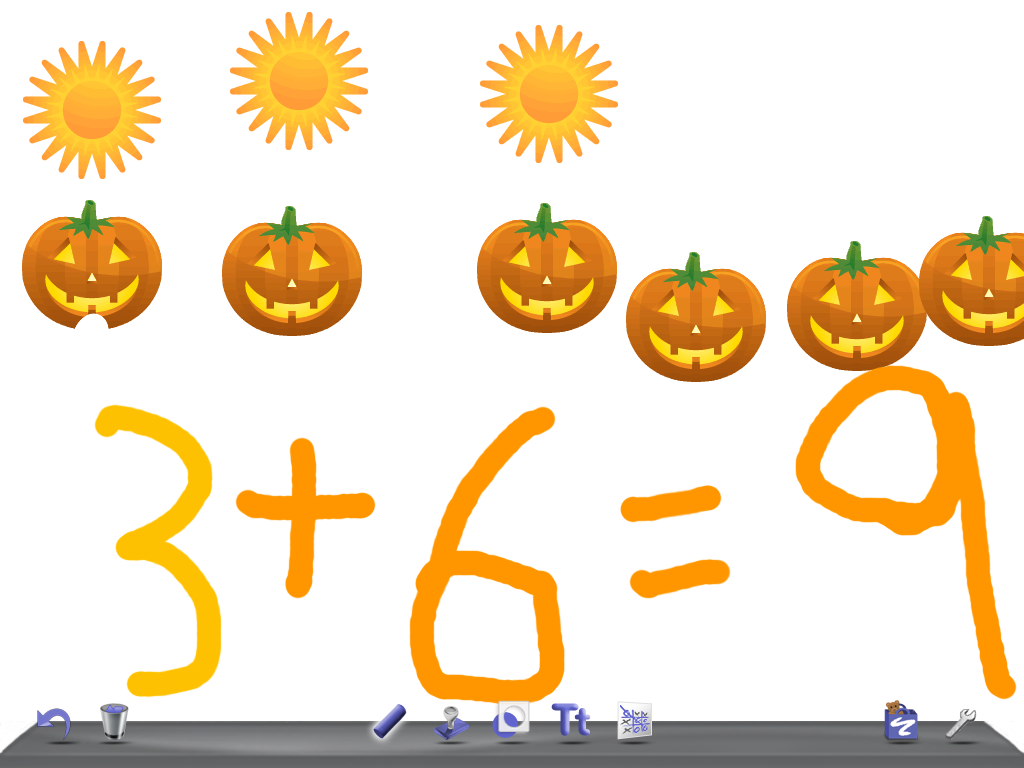
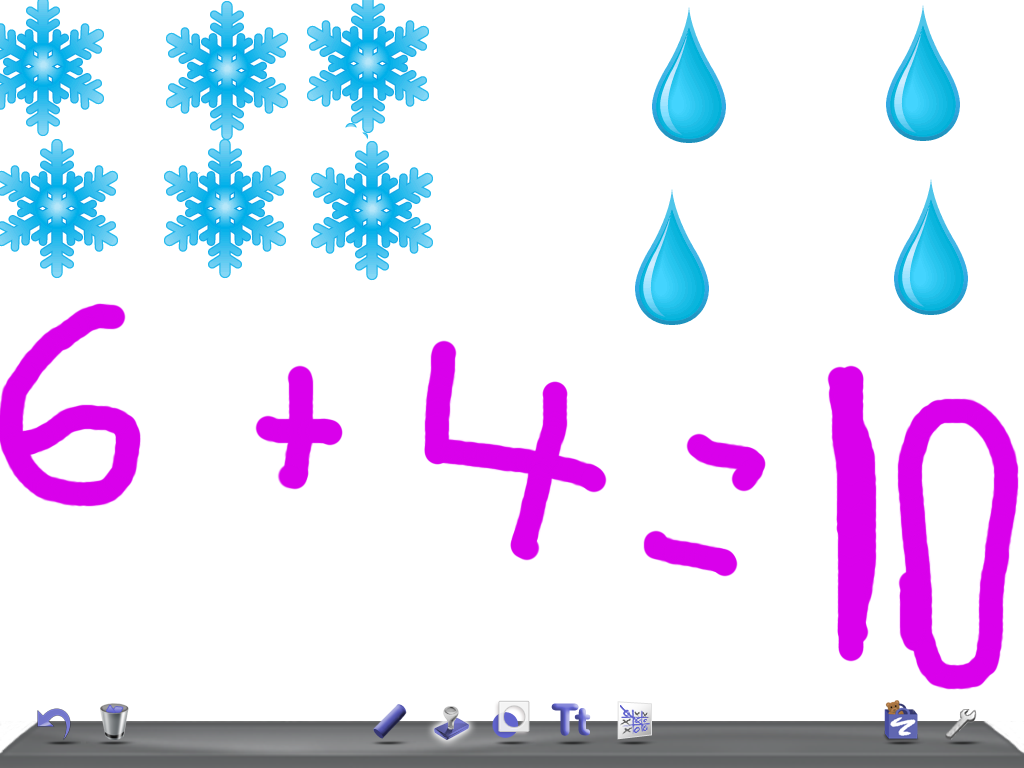
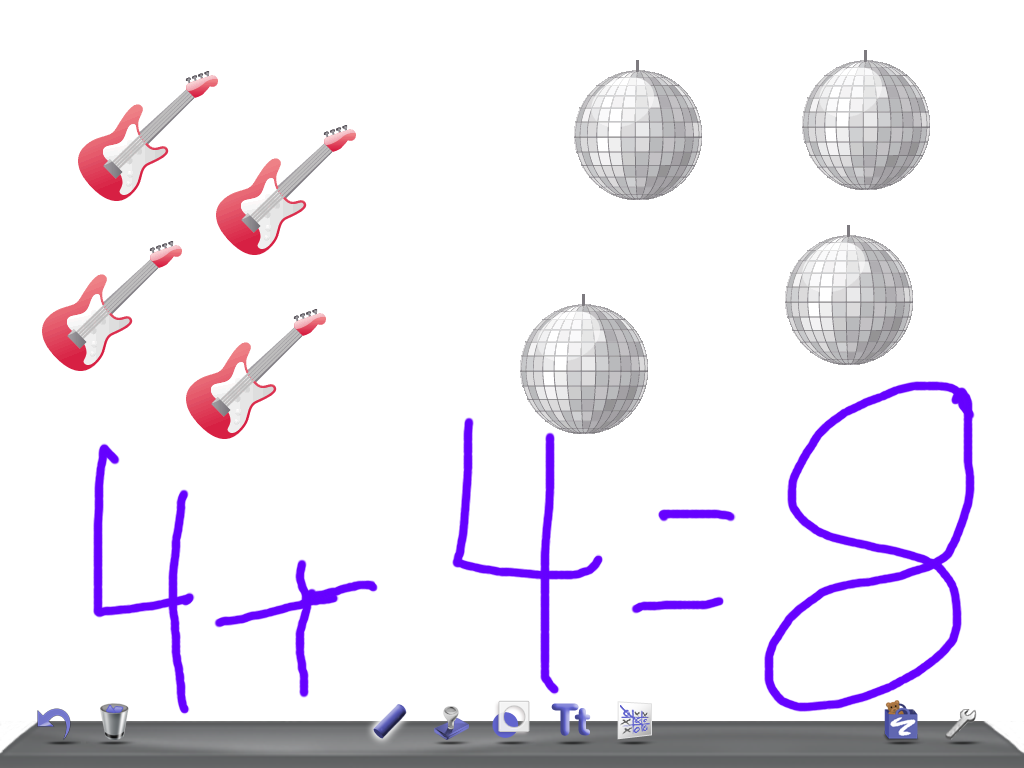
Later in the day we worked with a new app called Doodle Buddy.  I showed them a few basic components of the program and then let them have a little time exploring and experimenting on their own.  It is a really neat little app that allows them to use stamps, drawing tools, stencils and incorporate a variety of backgrounds.  Then we used this program to make simple addition stories using the stamps and the drawing tools.  They loved the opportunity to create simple addition stories quickly and with cool sound effects too!  I was able to take screen shots of some of their stories to show you! 

To finish off our time on the iPads we played Math Bingo.  Same idea as the Sight Word Bingo with similar results!  Lots of engagement and opportunities to practise their skills in a fun environment.  Lots of thinking and happy children!  Great result!
                                                                                              

1 Comment

Filed under Doodle Buddy

The iPads Have Arrived!

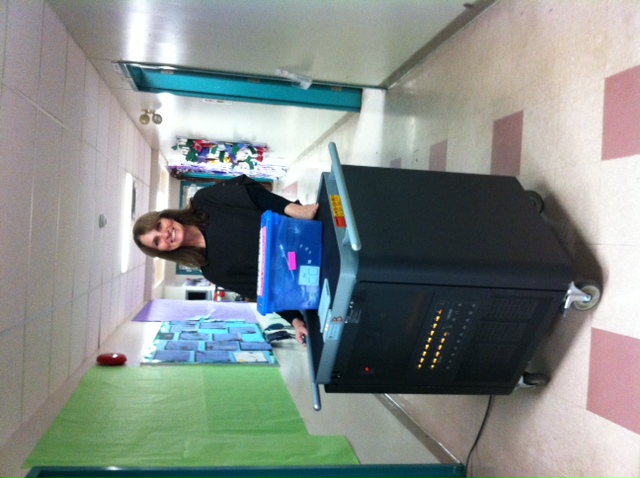
The iPads arrived today!  They arrived by a special courier at noon today in this special cart.  The iPads can be recharged each night in this cart so that they are ready to go in the morning.  We couldn’t wait to get started!  So this afternoon, the Grade One students learned how to take care of them and then got right into working with Story Buddy.  In partners, the children learned how to create a book.  Then they drew pictures using the paintbrush and learned how to add pages to their book.  They also discovered the keyboard and wrote their names in a variety of fonts and sizes!  Then it was Mr. Ball’s turn to explore.  He planned to check to see that the WiFi was operational.  The afternoon just flew by!! 

1 Comment

Filed under Uncategorized

Sample of the first attempts using Story Buddy for the iPad!

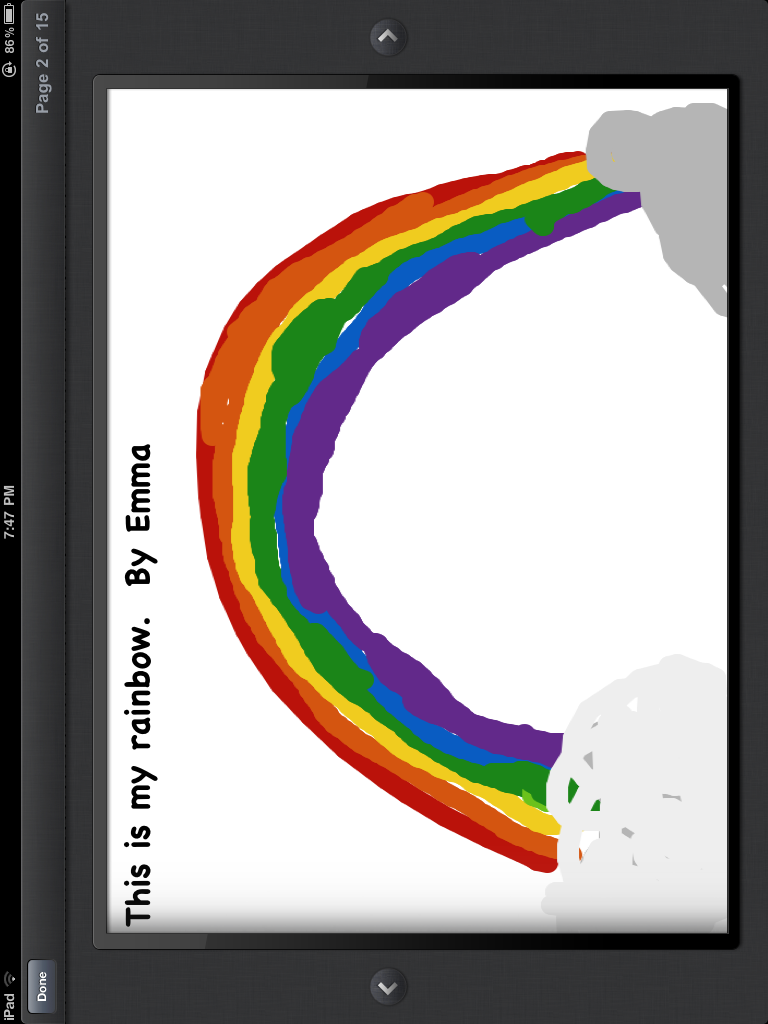
We have been experimenting over the last few weeks with my iPad.  Each morning the special helper has been given the additional job of creating a picture using the app Story Buddy.  This is a sample of the very first attempt!  The children have done a wonderful job and eagerly wait their turn.  As a result, we have had additional children draw as time permits.  I know the children will enjoy having their own iPads to experiment on! 

Leave a comment

Filed under Story Buddy

Hello world!

Welcome!

Welcome to our class!  We hope that you find the pages and information useful! We are playing around with technology and learning as we go along.

We are getting really excited about the iPads that are coming to our classroom this week.  I have been bringing my own personal one to school and having the children use it for a variety of  projects.  The children really love it and have NO FEAR!  They just jump in!  I have had them experiment with StoryBuddy and Sight Word Bingo.  Both are big hits.

StoryBuddy lets them draw a picture and write a simple sentence to go with their illustration.  I then take a picture with the iPad and add it to the next page.  I love the vivid colours and the details that the children have added.  They seem very willing to take the time to do a Big Bright and Beautiful picture (the Three B’s of picture making) using the iPad.

Sight Word Bingo is an app I loaded that allows the student to practise the list that they are working on with a variety of games.  Two children play together.  They are doing a really good job taking turns!!

Even one iPad really helps so I am really pumped to see what 15 iPads will produce!

.

1 Comment

Filed under iPads, Sight Words, Story Buddy